
Impasto Oil Architectural Painting
A sophisticated prompt for creating a three-dimensional impasto oil painting of a landmark, reinterpreting grand architecture into a handcrafted fine-art style.
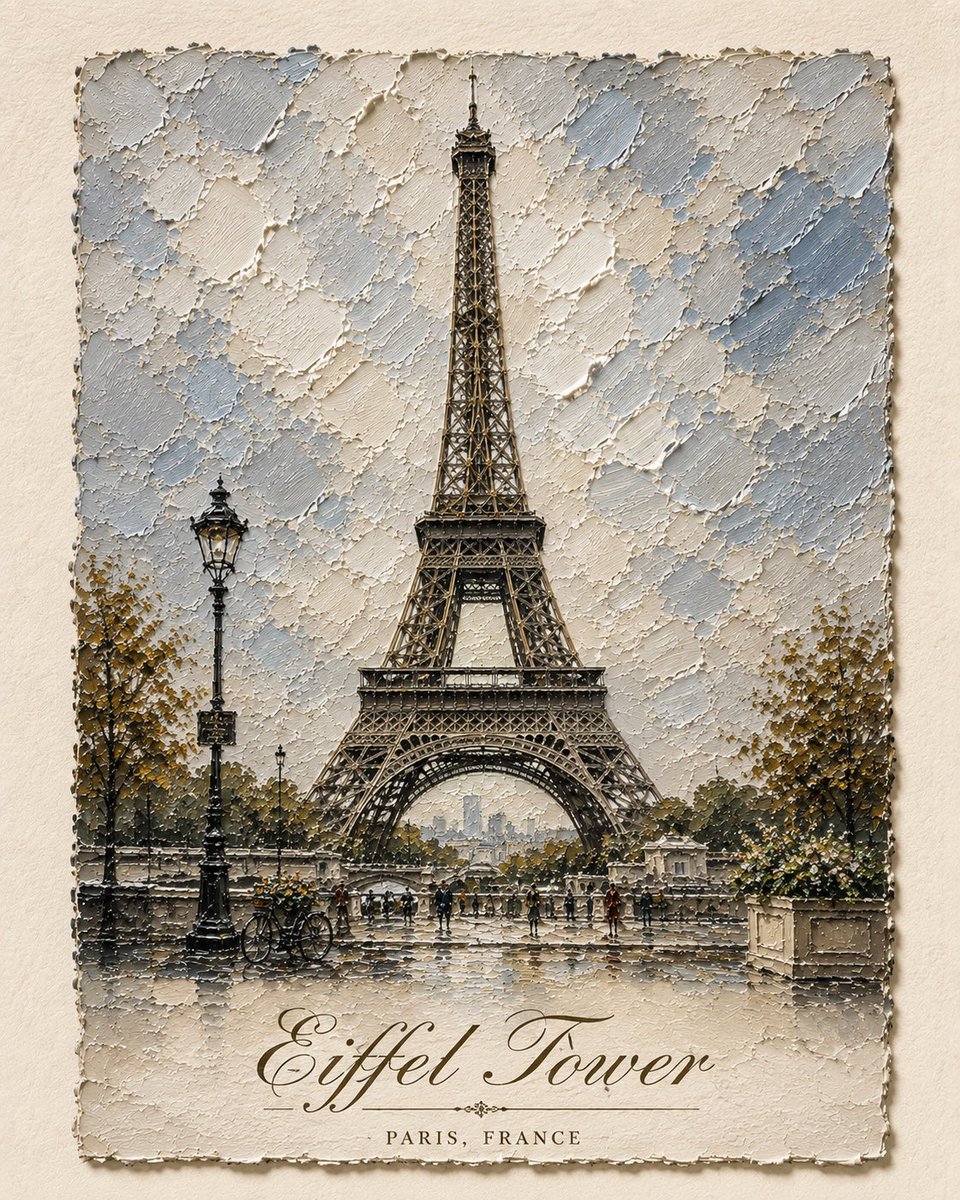
- Prompt included
- Model and format preset
- Free template
The prompt behind this image
Copy the exact prompt behind Impasto Oil Architectural Painting, or open it in the studio and make it yours.
Create a sophisticated fine-art architectural painting of [STRUCTURE / LANDMARK], presented as a highly tactile, three-dimensional impasto oil painting on textured archival paper. Make [STRUCTURE / LANDMARK] the unmistakable central focal point, shown from a slightly low, frontal perspective so its architecture feels grand, monumental, elegant, and sculptural. Preserve the recognizable architectural features, proportions, silhouette, windows, columns, arches, roofline, ornamentation, materials, and distinctive details of the structure, but reinterpret the entire scene as a handcrafted contemporary oil painting. Use extremely thick palette-knife impasto with visible raised strokes, layered paint, broken edges, scraped textures, ridges, and expressive overlapping marks. The architecture should appear almost sculpted entirely from paint, with heavy cream, warm stone, soft gray, muted blue, dusty green, subtle charcoal, and delicate antique-gold accents. Behind the structure, create a simplified atmospheric sky made entirely from thick textured brushstrokes in soft powder blue, ivory, pale gray, and warm white. Keep the background understated, elegant, and painterly so the architectural form remains dominant. Add subtle environmental details at the bottom — a few bicycles, elegant vintage street lamps, plants, steps, pavement, tiny distant figures, or other small location-specific details — but keep them secondary, miniature, and painterly. The artwork should sit like a physical painted panel mounted on a warm off-white handmade paper background. Give the painted panel an irregular, naturally torn and rough painted edge, with subtle dimensional shadows around it, suggesting that a thick original artwork has been physically placed onto textured archival paper. At the bottom of the artwork, incorporate the name of the landmark in beautiful refined italic typography: “[STRUCTURE / LANDMARK]” Use sophisticated high-contrast editorial serif lettering, elegant flowing italics, slightly vintage European book-cover styling, subtle antique-gold or muted charcoal ink, perfectly centered and carefully integrated into the artwork. The typography should feel printed/painted onto the textured surface rather than digitally overlaid. Keep the lettering delicate, tasteful, and legible without competing with the architecture. If appropriate, add a smaller understated italic subtitle beneath it: “[CITY, COUNTRY]” Use generous spacing, refined typography, and a museum-quality art-print composition. Lighting should be soft and natural, emphasizing the raised impasto texture and creating tiny shadows between layers of paint. Elegant European art-book aesthetic, museum-quality architectural painting, sophisticated vintage travel-art feeling, tactile handmade surface, restrained luxury color palette, painterly realism, highly detailed, atmospheric, timeless, no photorealistic appearance. Vertical composition, centered architecture, generous off-white negative space around the artwork, premium editorial art print, collectible gallery poster, 8k detail. --ar 4:5 --style raw
How to use Impasto Oil Architectural Painting in 3 steps
- 1
Open
The prompt is already in the box next to the preview, with the template's model and format selected.
- 2…a portrait of your subject in softgolden-hour light, 85mm…
Personalize
Edit the subject and creative details for your destination.
- 3Generate
Generate
Press Generate — your image is created in PicX Studio, so you can compare it with the original and refine one variable at a time.
More like this
Templates with the same subject, style or setup. Open one to see its prompt.

Impasto Oil Painting Street Musician

Impasto Oil Miniature Painting Style
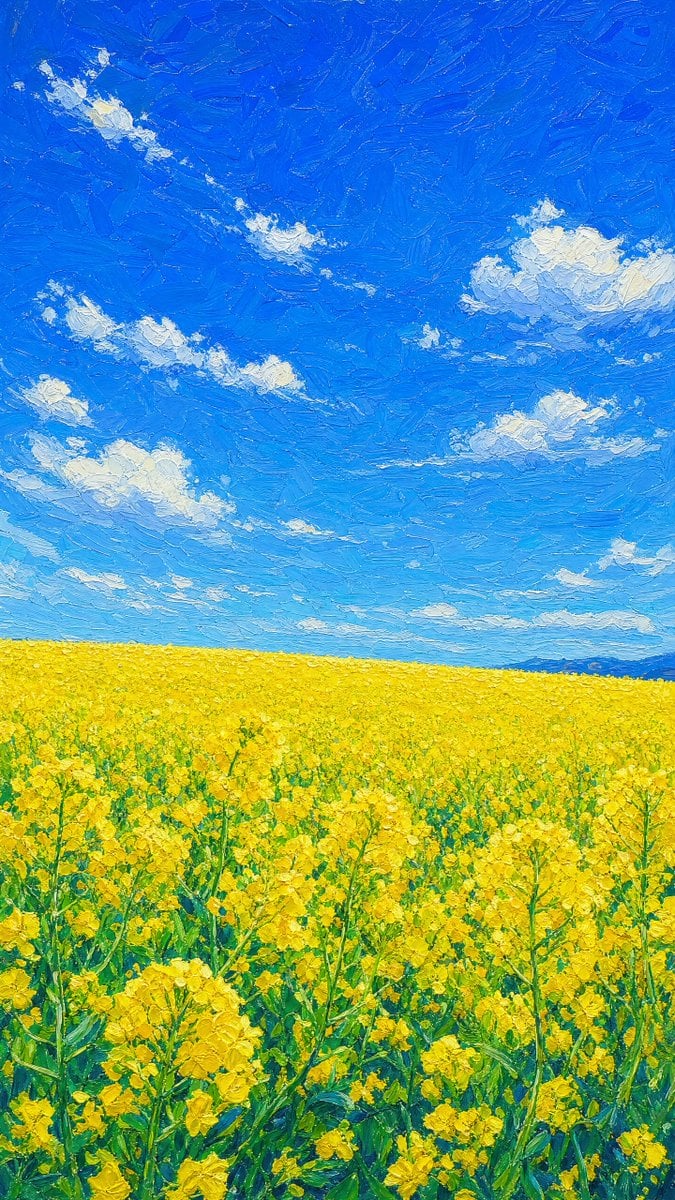
Impasto Rapeseed Field Oil Painting
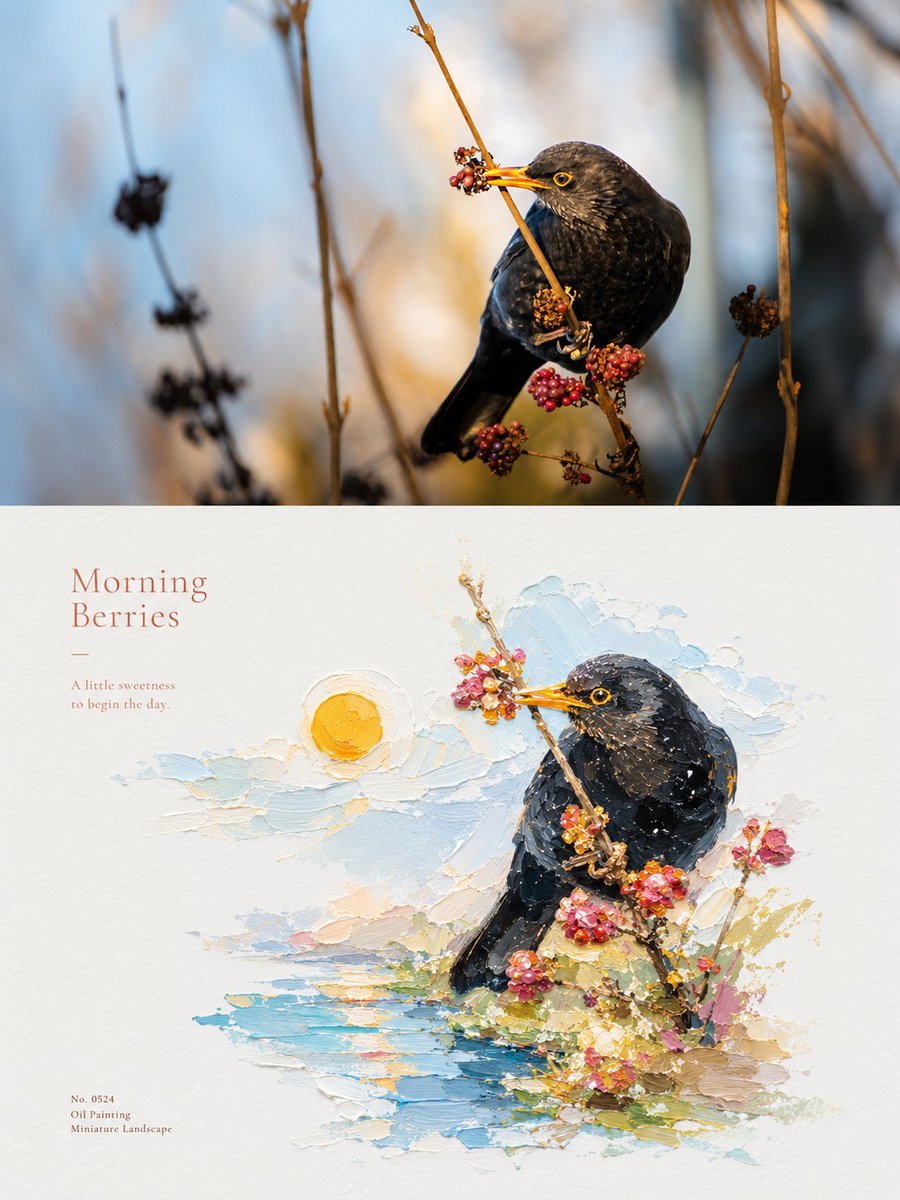
Impasto Oil Painting Micro-Landscape Poster

Impasto Oil Painting Blonde Portrait

Impasto Oil Painting Soulful Portrait
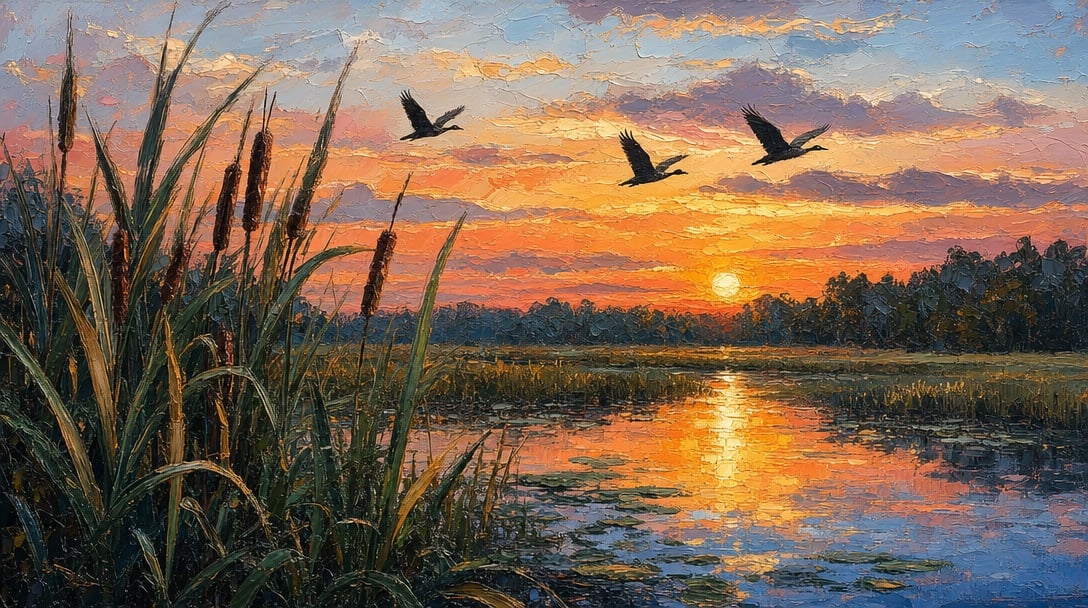
Sunset Marsh Impasto Oil Painting
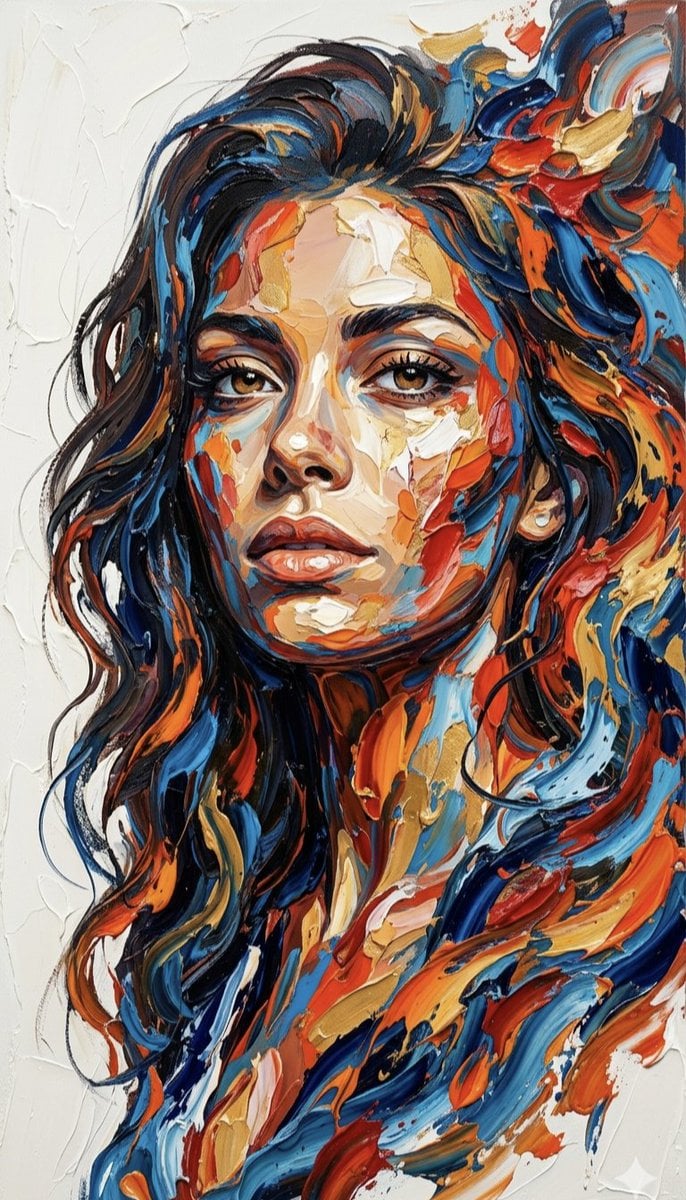
Impasto Palette Knife Oil Painting
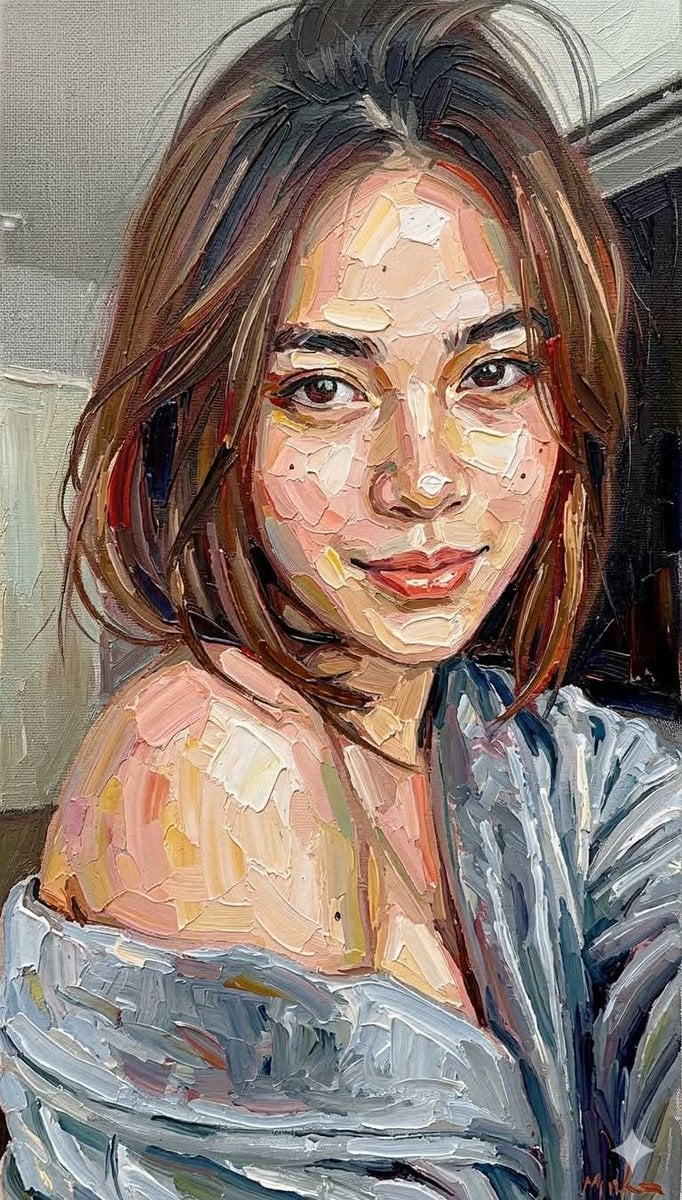
Impasto Oil Painting Portrait Style
Impasto Oil Painting Aesthetic
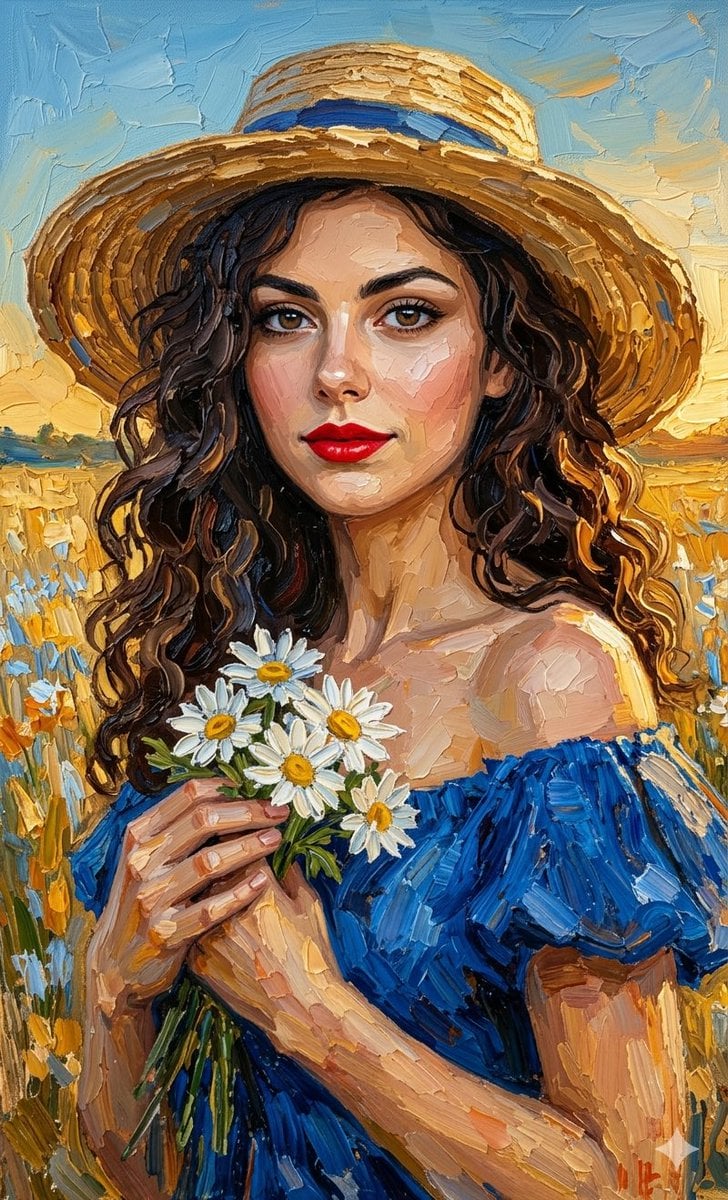
Impasto Oil Painting Portrait

Textured Impasto Oil Portrait
Make it yours
Impasto Oil Architectural Painting works as-is. These are the safest ways to change it without losing the look.
Change one field
Copy a single group, rewrite it, and generate again so you can see what that field is doing.
Keep the frame, change the subject
Hold the composition and light of Impasto Oil Architectural Painting, then swap wardrobe, props or the person for a new take.
| If the result… | Why | Fix |
|---|---|---|
| The result drifts from the preview | Too many fields changed at once. | Reuse Impasto Oil Architectural Painting as-is first, then change one group — subject, light, or setting. |
| The model over-stylizes the scene | The prose prompt leaves finish and camera underspecified. | Add one camera or lighting sentence and stay on GPT Image 2. |
More GPT Image 2 templates
Other prompts made for GPT Image 2.

Six VTuber Japanese Logo Sheet

Realistic Portrait of Woman and Deer

The Vista Modular Condo Poster

AI Model Routing Comparison Infographic

2.5D Anime Art Board

Isometric Productivity Desk Scene

New York Double Exposure Poster

Four-Panel AI Landscape Comparison

Japanese Tatami Lifestyle Magazine Cover

NESCAFÉ Coffee Map Poster
More image prompts
Fresh picks from across the catalog.
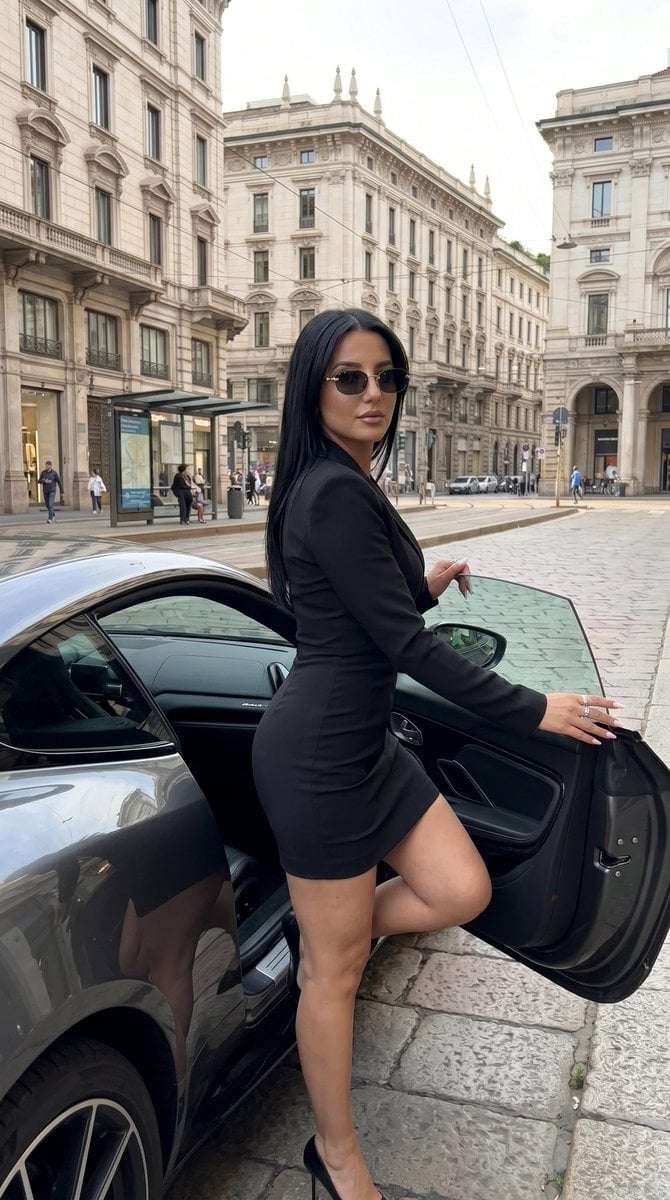
Milan Luxury Street Editorial

Colossal battleship at dawn illustration prompt
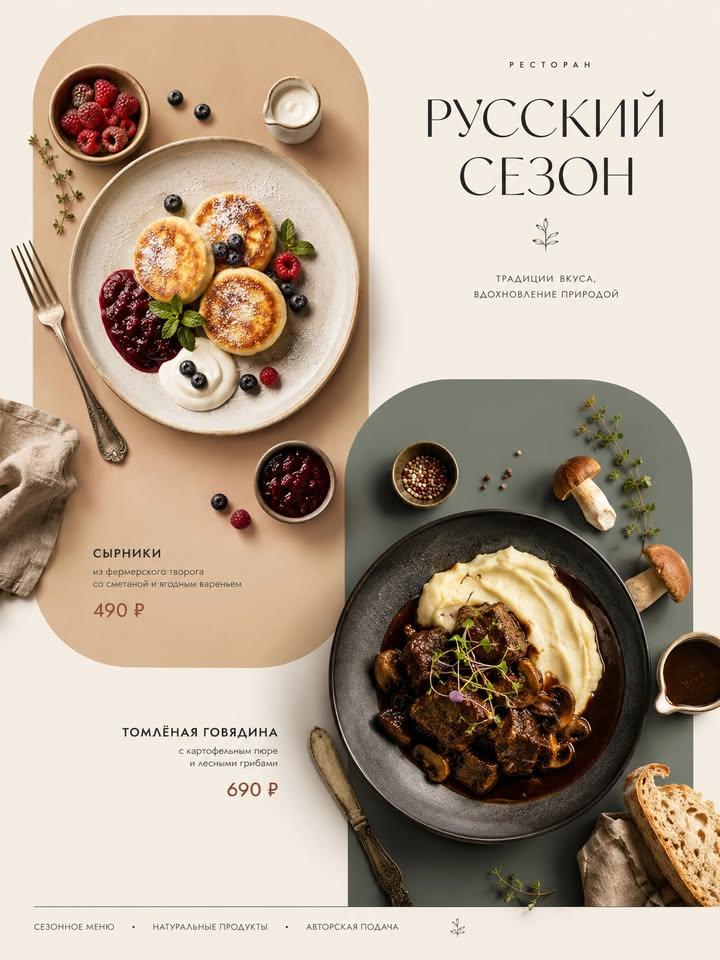
Italian Cuisine Food Editorial Poster

High-Contrast Flash Portrait with Identity Lock
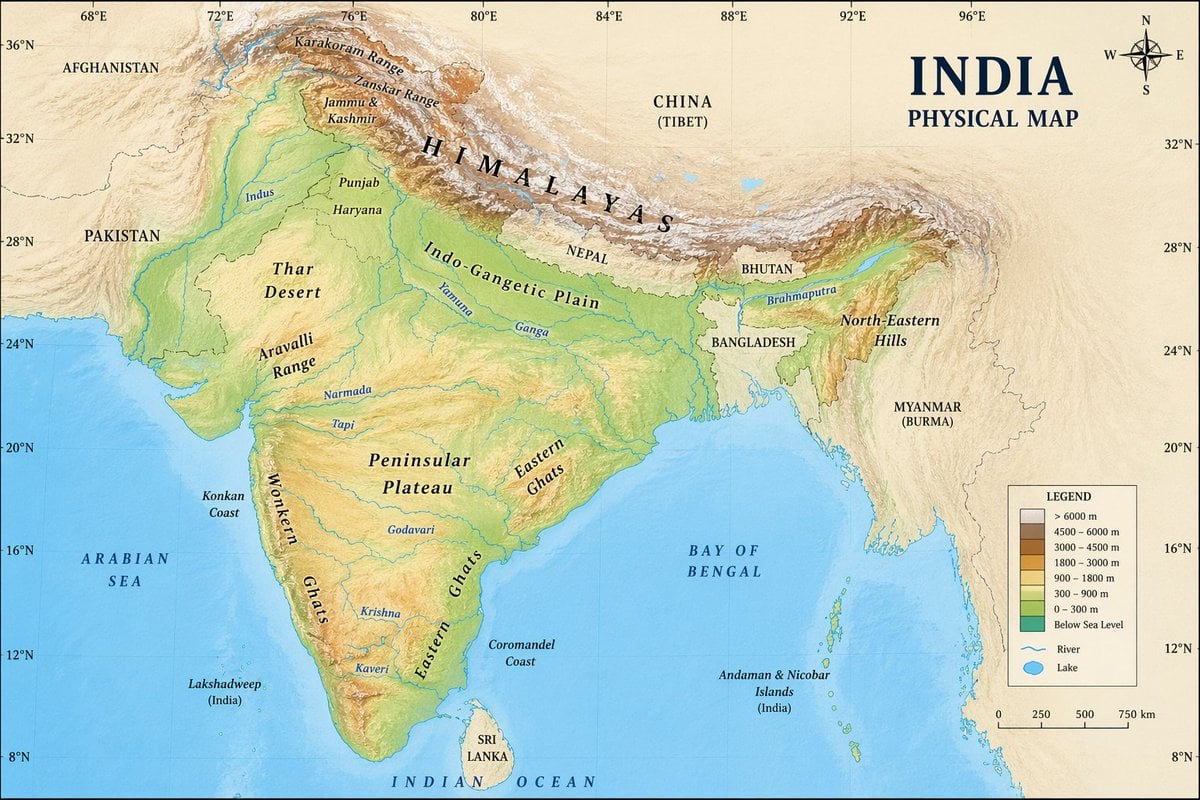
Geographic Map Illustration

Negative Prompting for Manga Generation in NanoBanana Pro
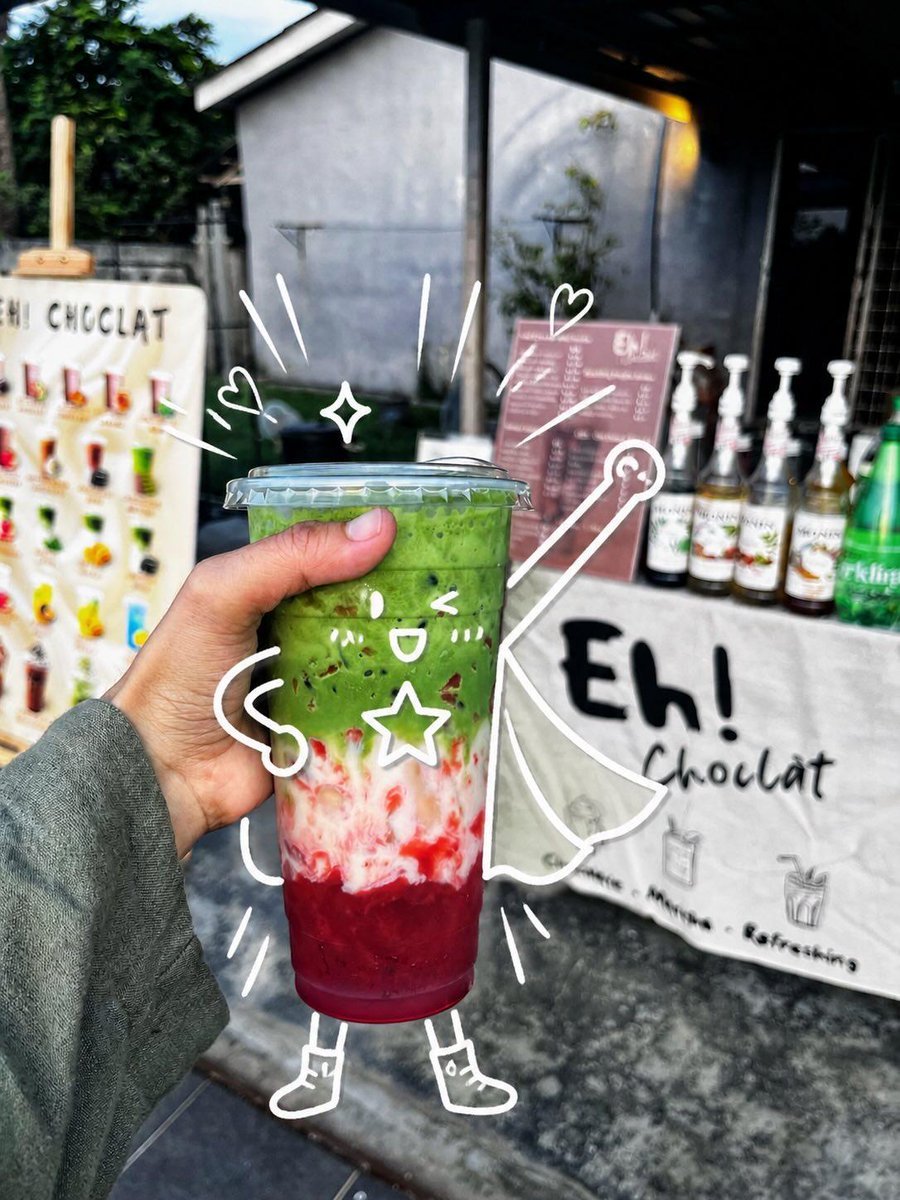
Cute Superhero Drink Doodle Photo
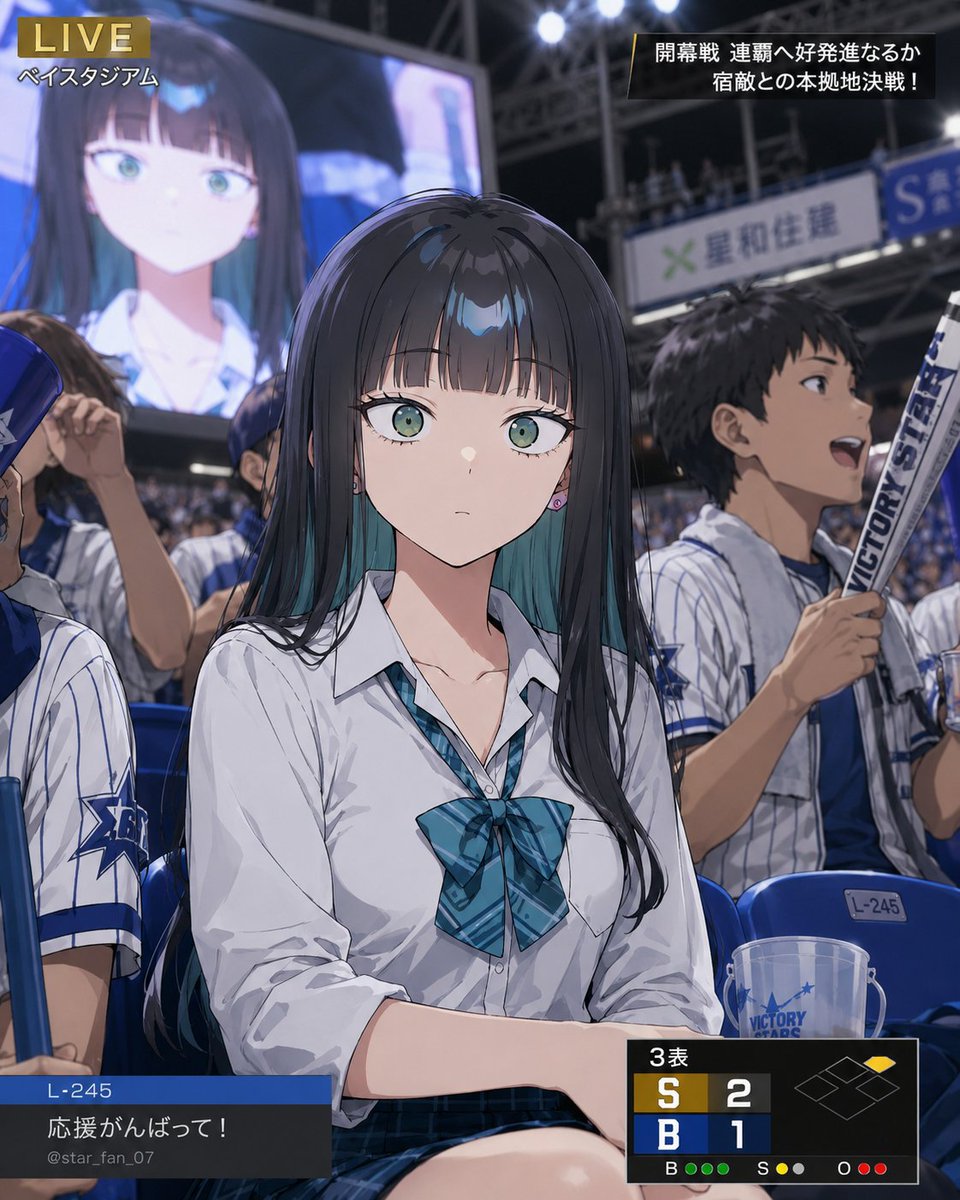
Character Caught on Stadium Screen

Arnold Schwarzenegger Silhouette with Volumetric Mountain Forest

Product Photography of Nano Banana Milk Cooler
Browse template categories
Impasto Oil Architectural Painting questions
How do I use the Impasto Oil Architectural Painting template?
Add your photo if the template asks for one, edit the prompt if you like — the template's model and format are already selected — and press Generate. Your version opens in PicX Studio.
Can I customize the Impasto Oil Architectural Painting template?
Yes. You can change the subject, setting, lighting, mood, format, and available model controls before creating your image.
Is the Impasto Oil Architectural Painting template free?
Opening and editing this template is free. Generating uses credits, shown on the Generate button when you are signed in.
Which AI model should I use?
Start with GPT Image 2, which is the model associated with this template. You can compare another compatible model for a different finish.
Looking for something else? Browse all templates.

Your photo, any look
Thousands of ready templates for every top image and video model, from one credit balance.