
Impasto Oil Miniature Painting Style
Transforms photos into 3D-textured miniature oil paintings using a thick palette-knife impasto technique with realistic lighting.
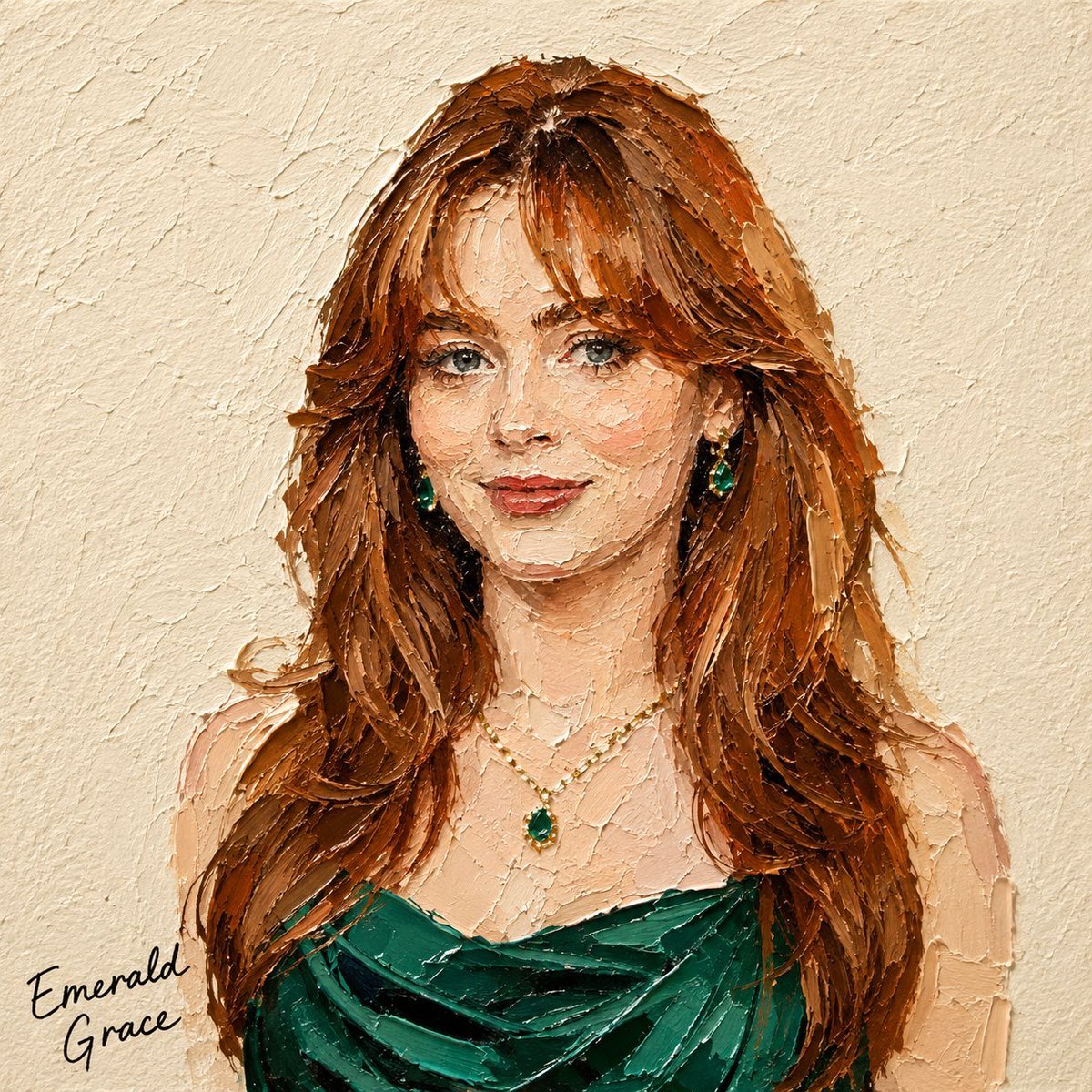
- Prompt included
- Model and format preset
- Free template
The prompt behind this image
Copy the exact prompt behind Impasto Oil Miniature Painting Style, or open it in the studio and make it yours.
Transform the subject in the attached photo into a square miniature painting in a {argument name="painting style" default="palette-knife impasto oil-painting style"}. [Style — Emphasize 3D Texture] Use bold, thick impasto paint applied with a palette knife, raised approximately 3–5 mm from the surface. Each paint mass should show clear directional knife marks, including visible grooves and ridges. Assume lighting from the upper left. Add bright highlights to raised paint and distinct shadows to recessed or overlapping areas, creating strong light-and-shadow contrast like a real oil-paint surface. Add subtle shadows along paint edges so each color mass appears layered and built up at different depths, rather than flat. Preserve the subject’s silhouette, colors, and composition from the original photo, but avoid realistic rendering. Simplify the form using thick masses of paint. Keep the texture controlled and not overly detailed. The subject should remain recognizable through a limited number of bold, dimensional palette-knife strokes. [Background] Use a fixed {argument name="background style" default="warm ivory/cream watercolor-paper background"} with a subtle, slightly bumpy texture. Keep the background flat to contrast with the dimensional subject. [Text] Add a black handwritten caption in a corner along the bottom or wherever there is the most empty space. Automatically determine the caption based on the subject: Food/drink → menu name (e.g., “Pancake,” “Earl Grey Cake”) Product → product name or category Person → a short descriptive phrase or name-like text Animal → animal name or species Landscape → place name or a short word describing the scene The handwriting should look naturally imperfect, slightly uneven, and tactile—not like a clean digital font. Text color must remain black. [Composition] Aspect ratio: 1:1 Place the subject in the center with generous negative space. Show only the main subject, with no additional props or distracting elements.
How to use Impasto Oil Miniature Painting Style in 3 steps
- 1Upload ImagePNG, JPG or paste
Add your photo
Upload the photo the template builds on. The prompt, model and format are already set.
- 2…a portrait of your subject in softgolden-hour light, 85mm…
Personalize
Edit the subject and creative details for your destination.
- 3Generate
Generate
Press Generate — your image is created in PicX Studio, so you can compare it with the original and refine one variable at a time.
More like this
Templates with the same subject, style or setup. Open one to see its prompt.
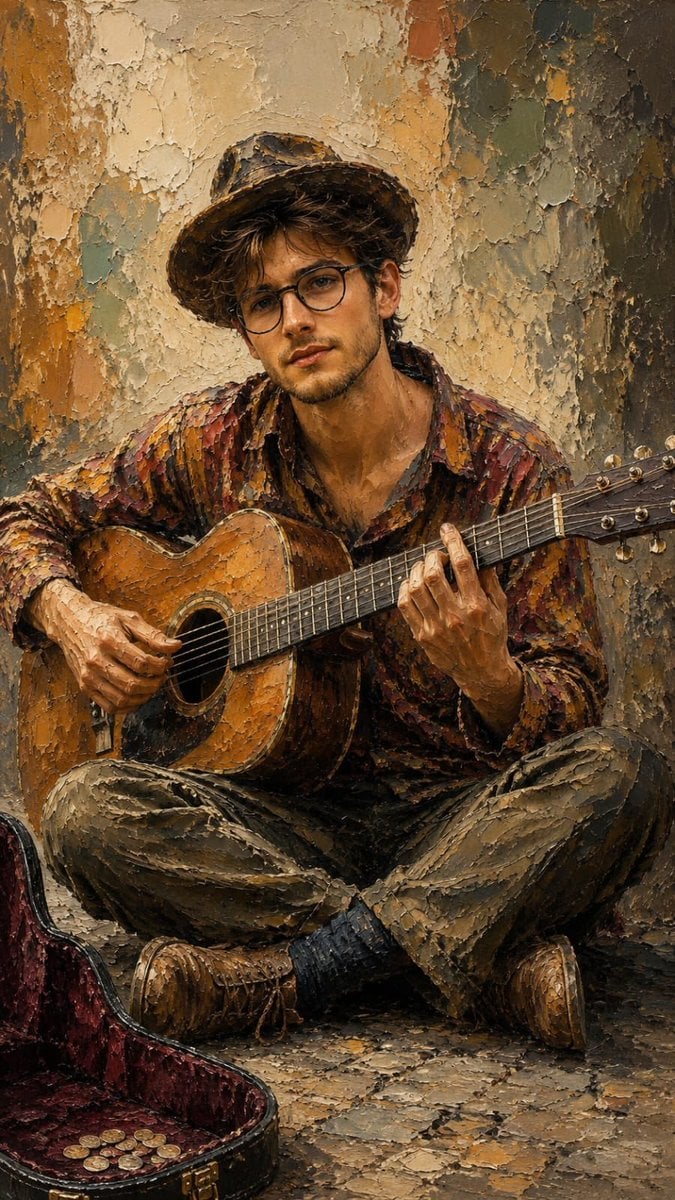
Impasto Oil Painting Street Musician
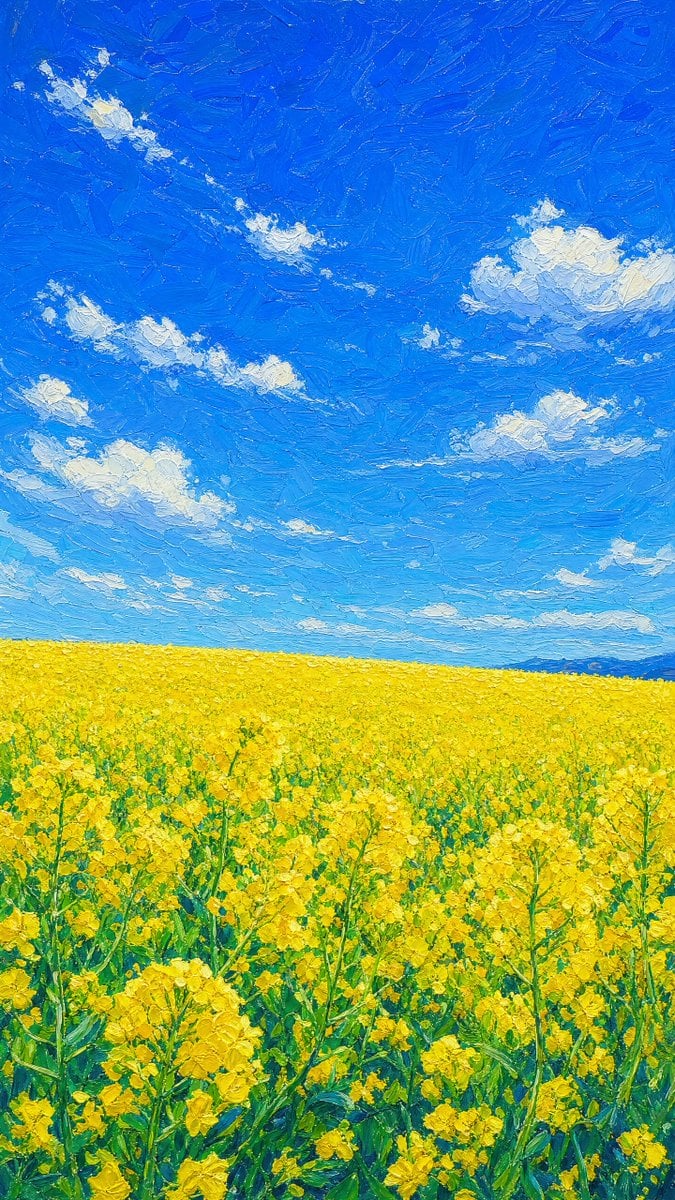
Impasto Rapeseed Field Oil Painting
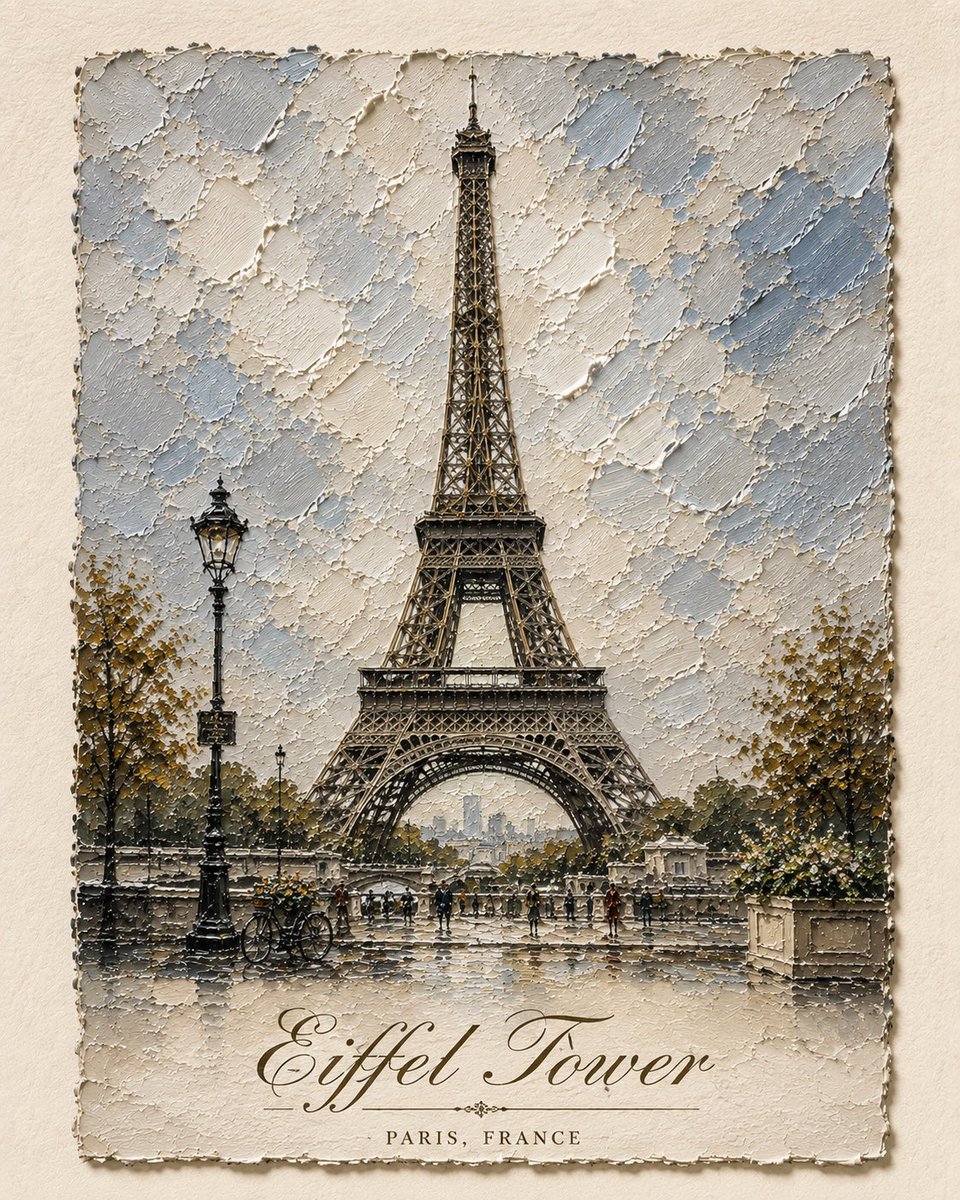
Impasto Oil Architectural Painting
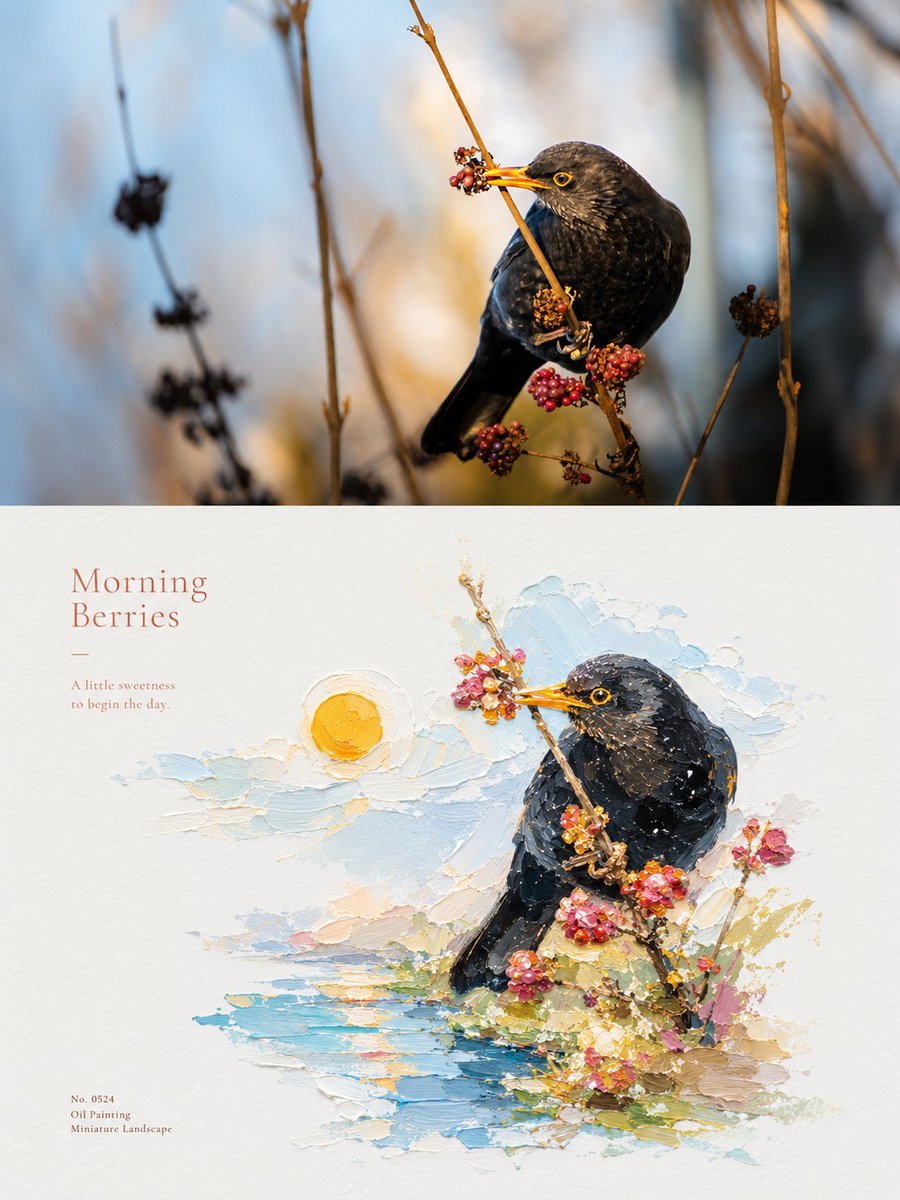
Impasto Oil Painting Micro-Landscape Poster
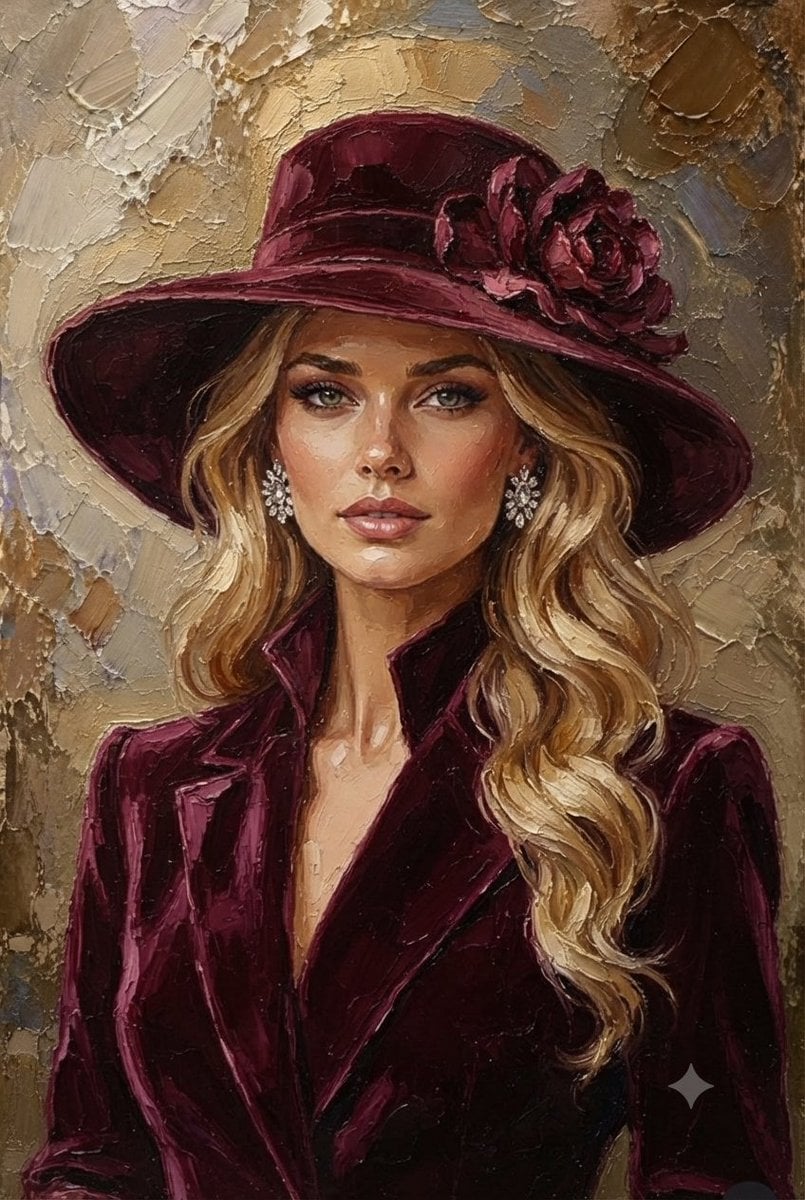
Impasto Oil Painting Blonde Portrait
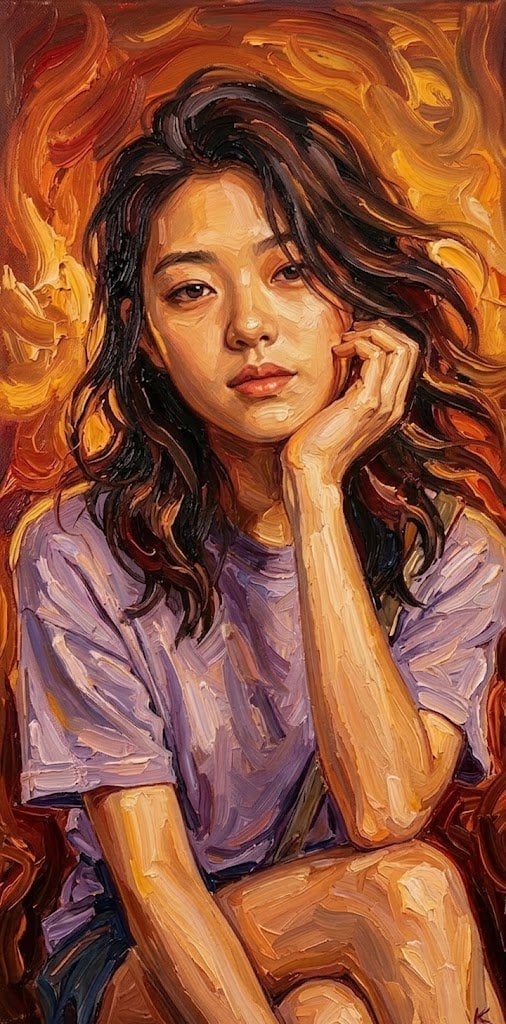
Impasto Oil Painting Soulful Portrait
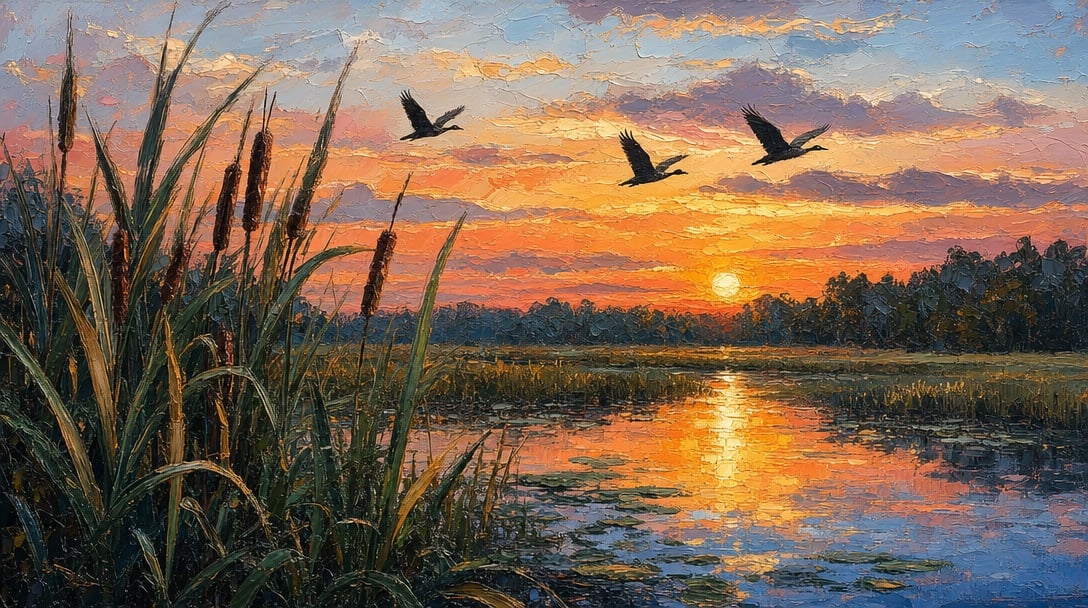
Sunset Marsh Impasto Oil Painting
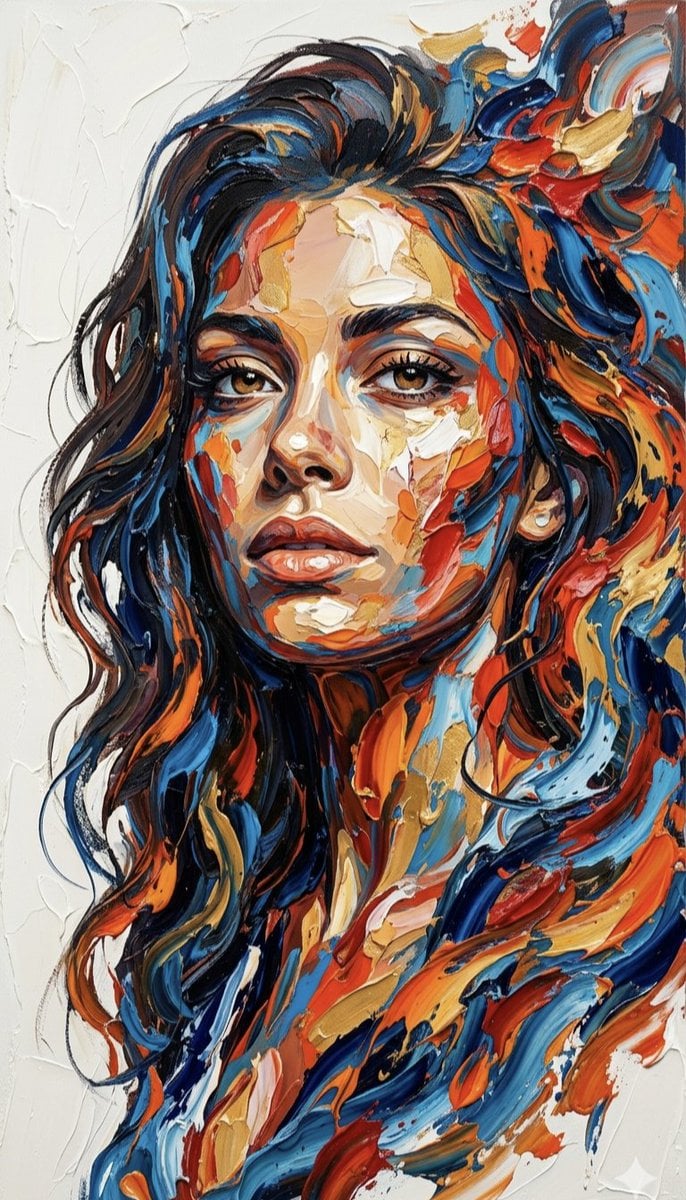
Impasto Palette Knife Oil Painting
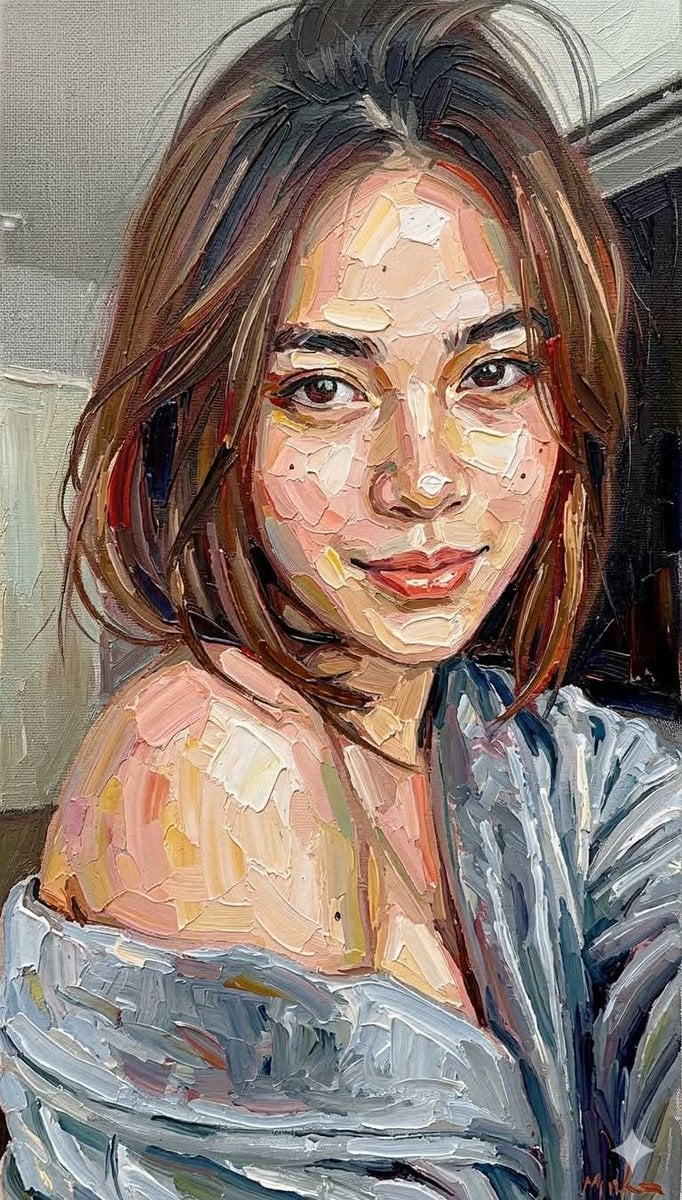
Impasto Oil Painting Portrait Style
Impasto Oil Painting Aesthetic
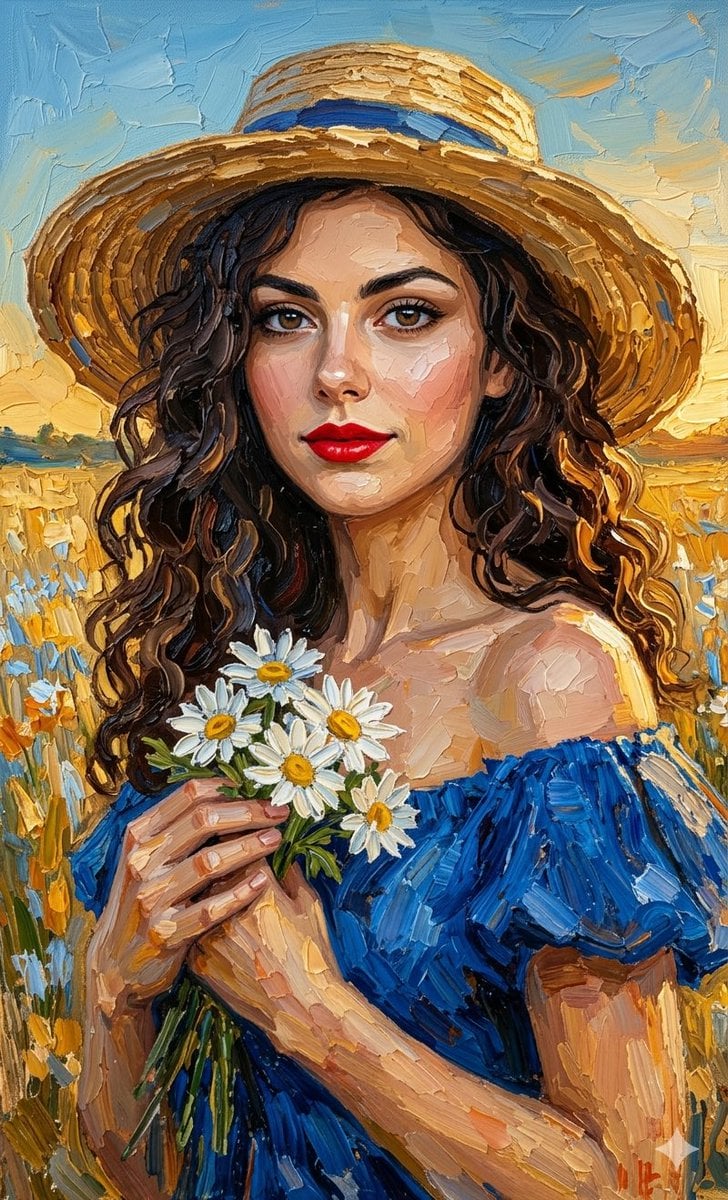
Impasto Oil Painting Portrait
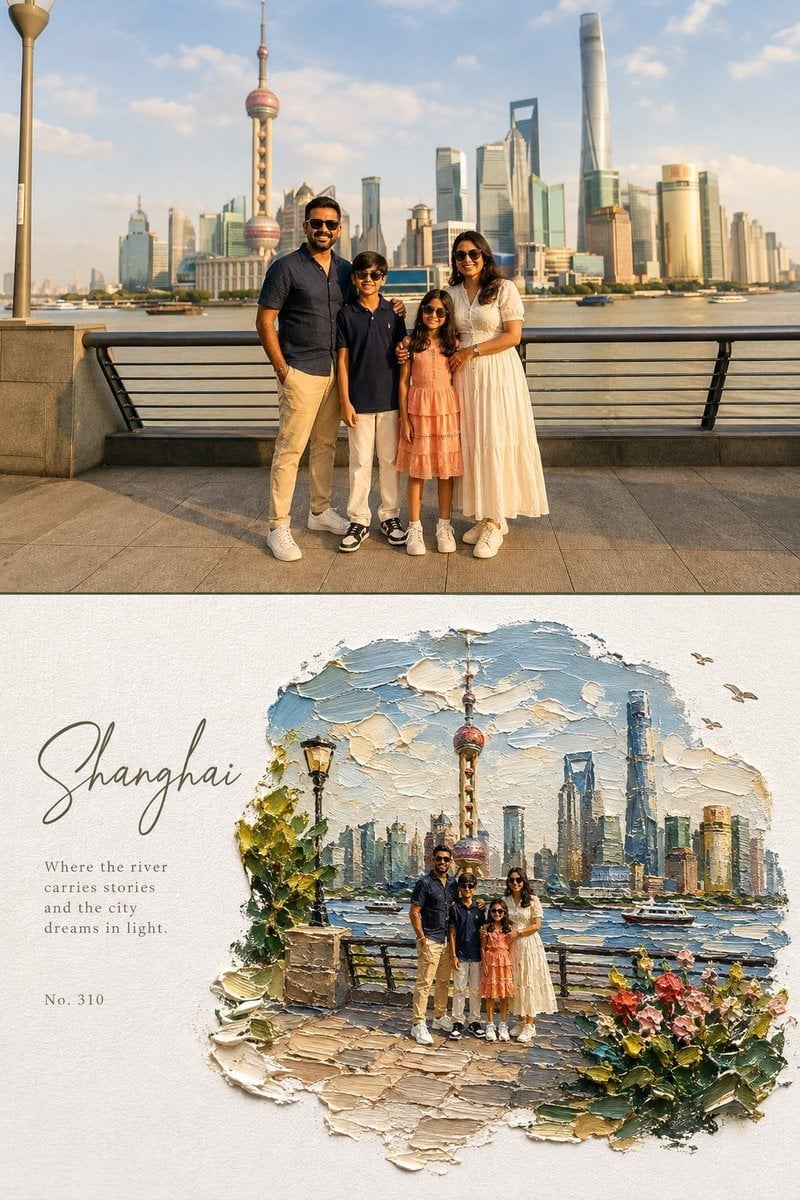
Editorial Art Poster with Impasto Miniature
Make it yours
Impasto Oil Miniature Painting Style works as-is. These are the safest ways to change it without losing the look.
Change one field
Copy a single group, rewrite it, and generate again so you can see what that field is doing.
Keep the frame, change the subject
Hold the composition and light of Impasto Oil Miniature Painting Style, then swap wardrobe, props or the person for a new take.
| If the result… | Why | Fix |
|---|---|---|
| The result drifts from the preview | Too many fields changed at once. | Reuse Impasto Oil Miniature Painting Style as-is first, then change one group — subject, light, or setting. |
| The model over-stylizes the scene | The prose prompt leaves finish and camera underspecified. | Add one camera or lighting sentence and stay on GPT Image 2. |
More GPT Image 2 templates
Other prompts made for GPT Image 2.

Six VTuber Japanese Logo Sheet

Realistic Portrait of Woman and Deer

The Vista Modular Condo Poster

AI Model Routing Comparison Infographic

2.5D Anime Art Board

Isometric Productivity Desk Scene

New York Double Exposure Poster

Four-Panel AI Landscape Comparison

Japanese Tatami Lifestyle Magazine Cover

NESCAFÉ Coffee Map Poster
More image prompts
Fresh picks from across the catalog.
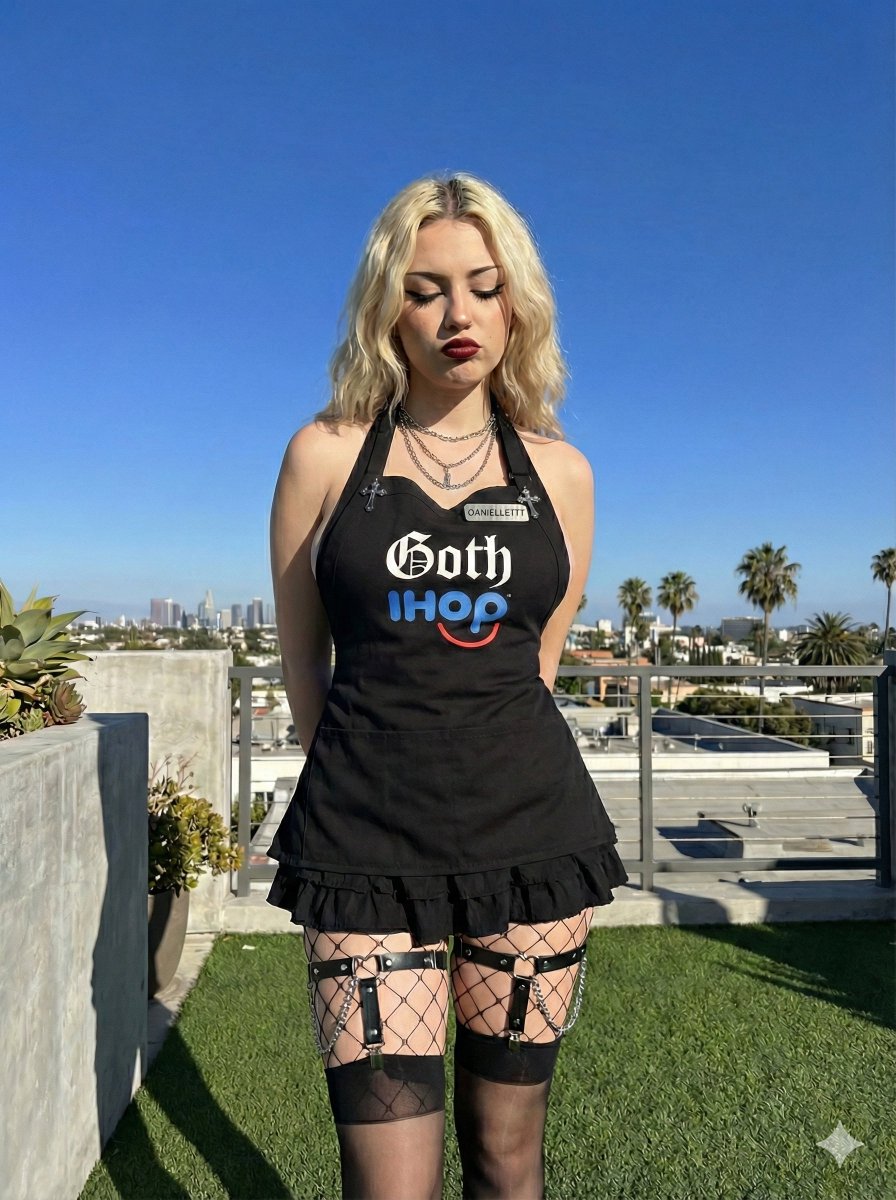
Goth IHOP Waitress Prompt: Rooftop Terrace Scene
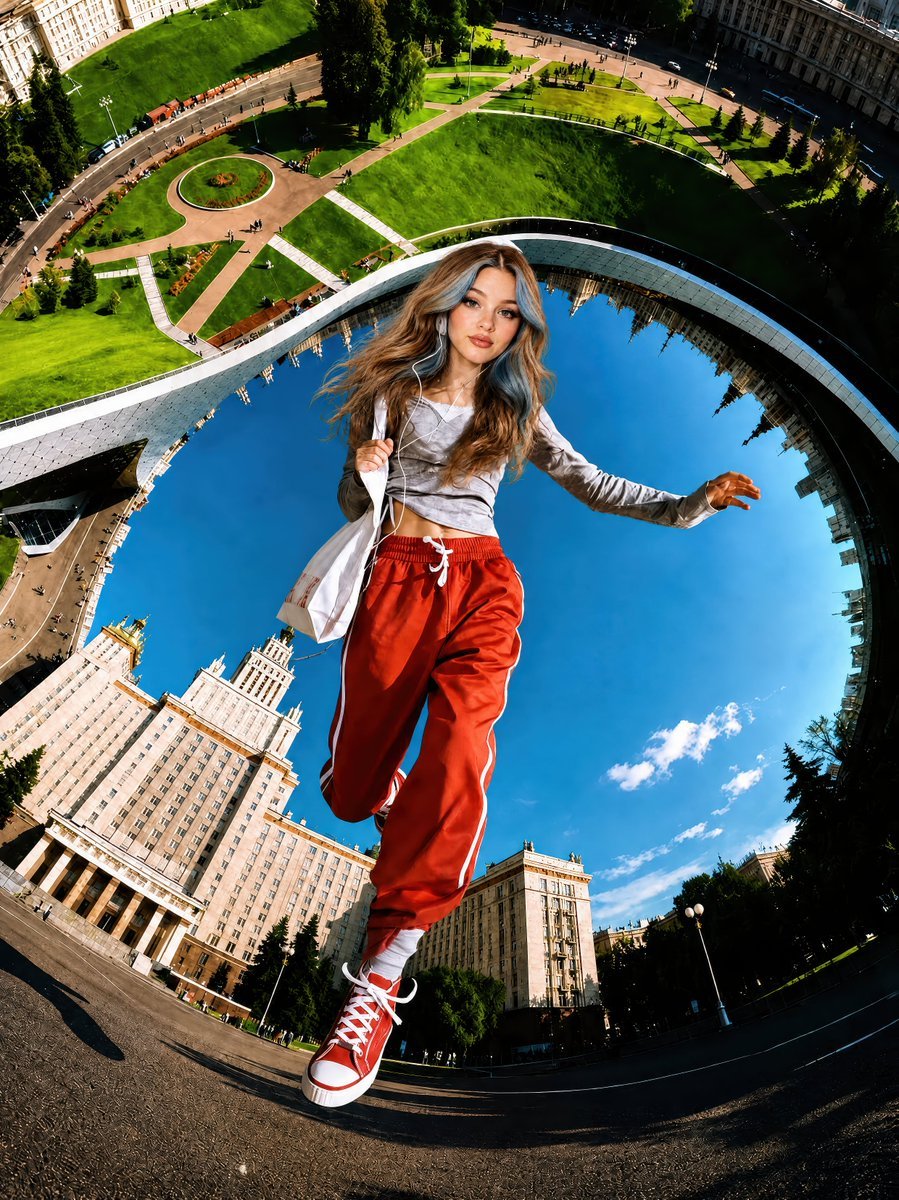
Surreal Fisheye Stadium Portrait

Woman in Mall with Chanel Bag - Heart Gesture
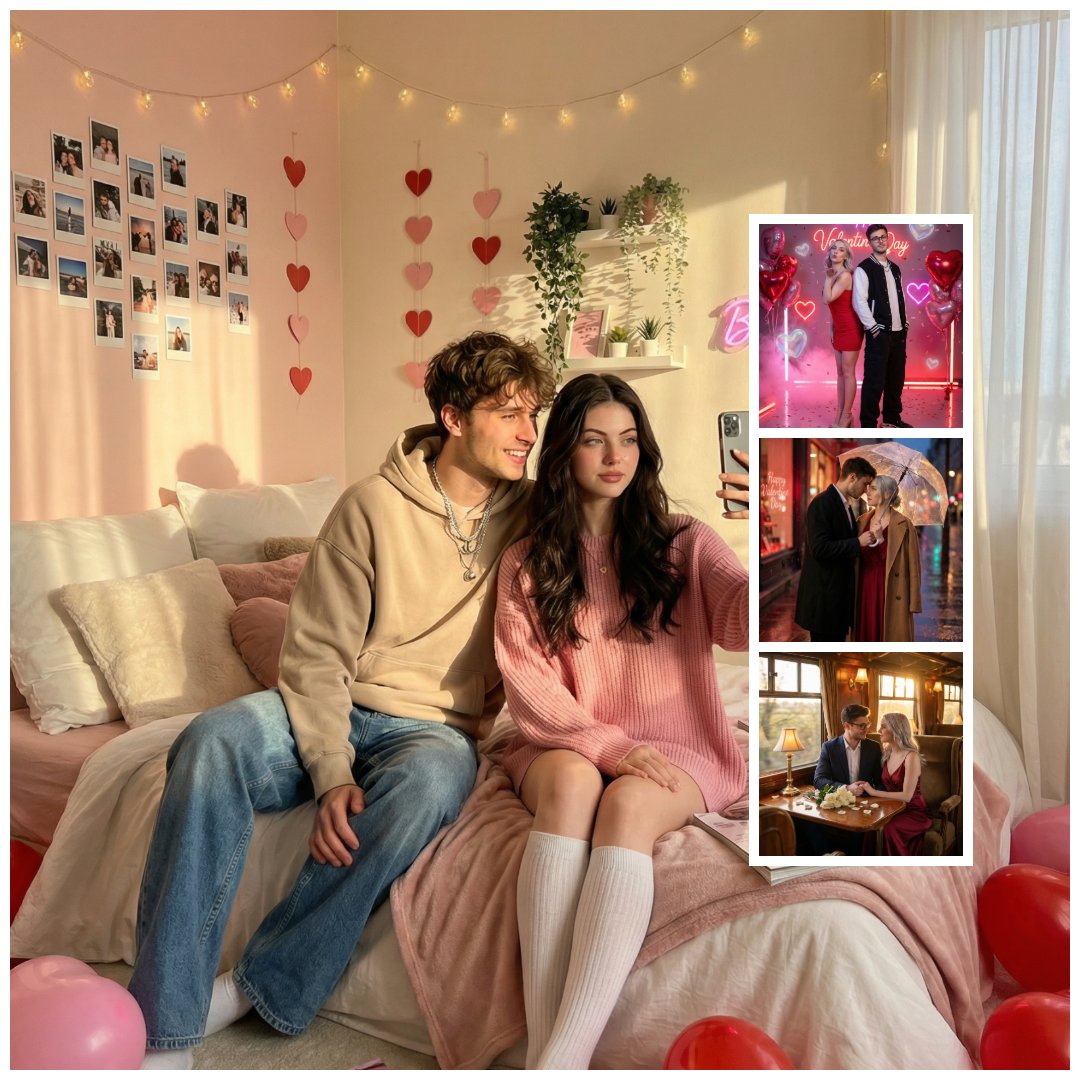
Gen Z Valentine's Day Bedroom Scene Prompt
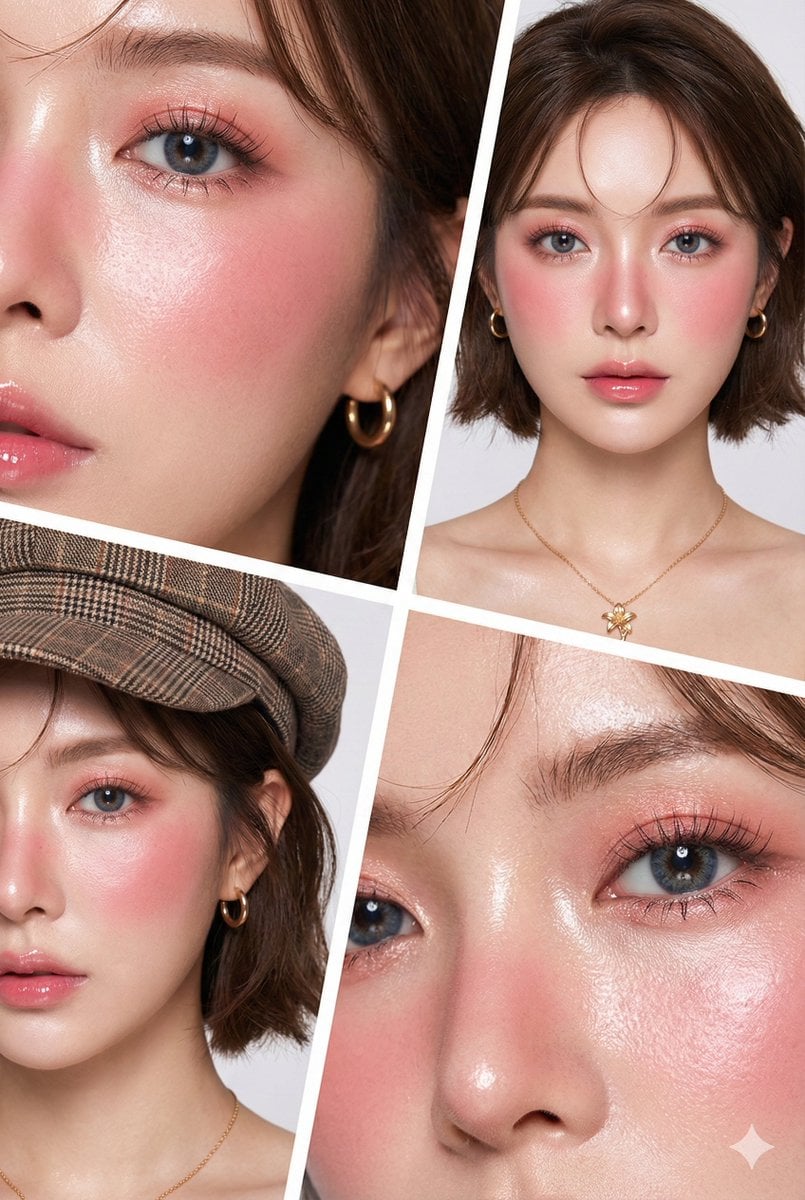
Hyper-Realistic Korean Beauty Editorial Collage
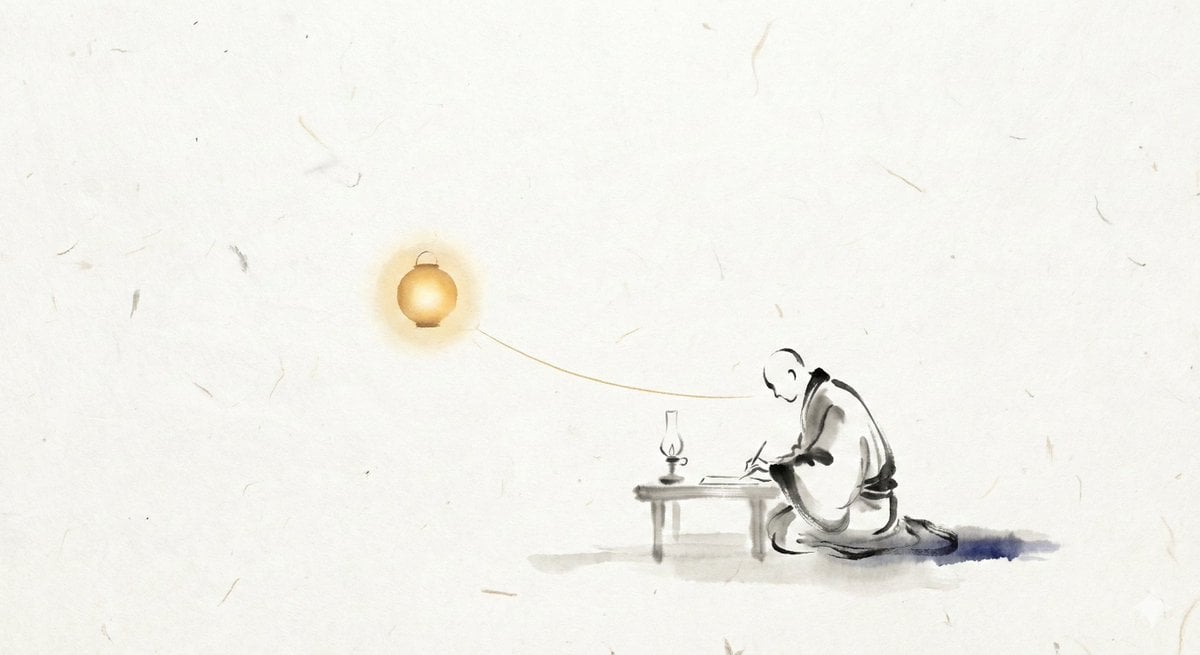
ChatGPT Prompt for Nano Banana Pro Image Generation

LinkedIn Banner Design Prompt
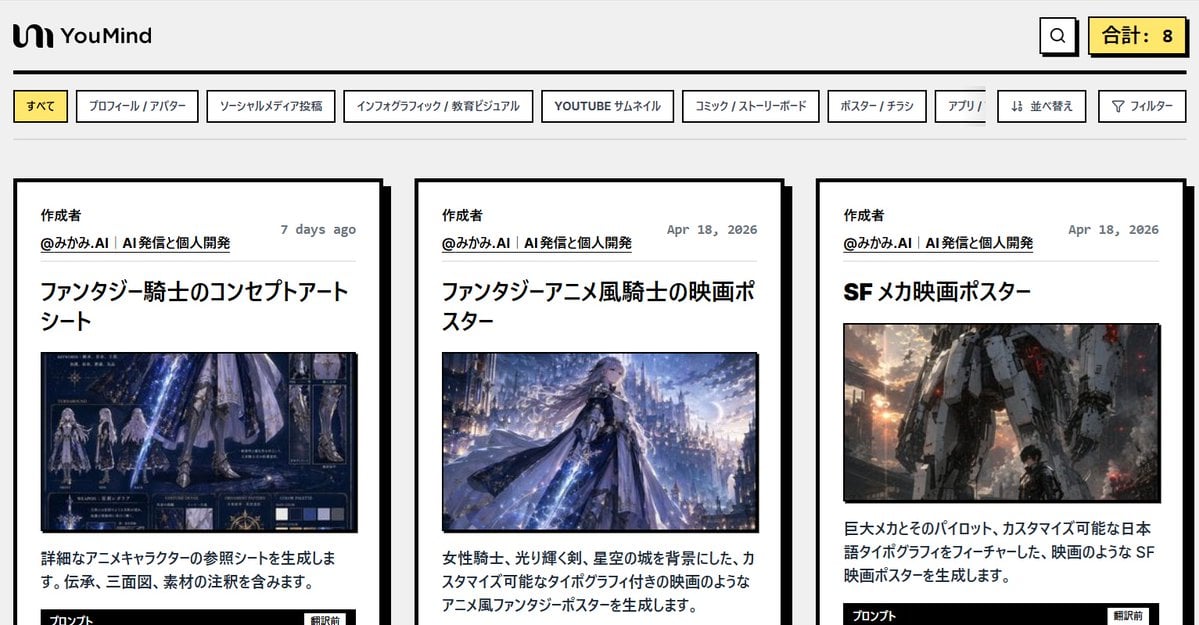
Japanese AI Prompt Gallery UI
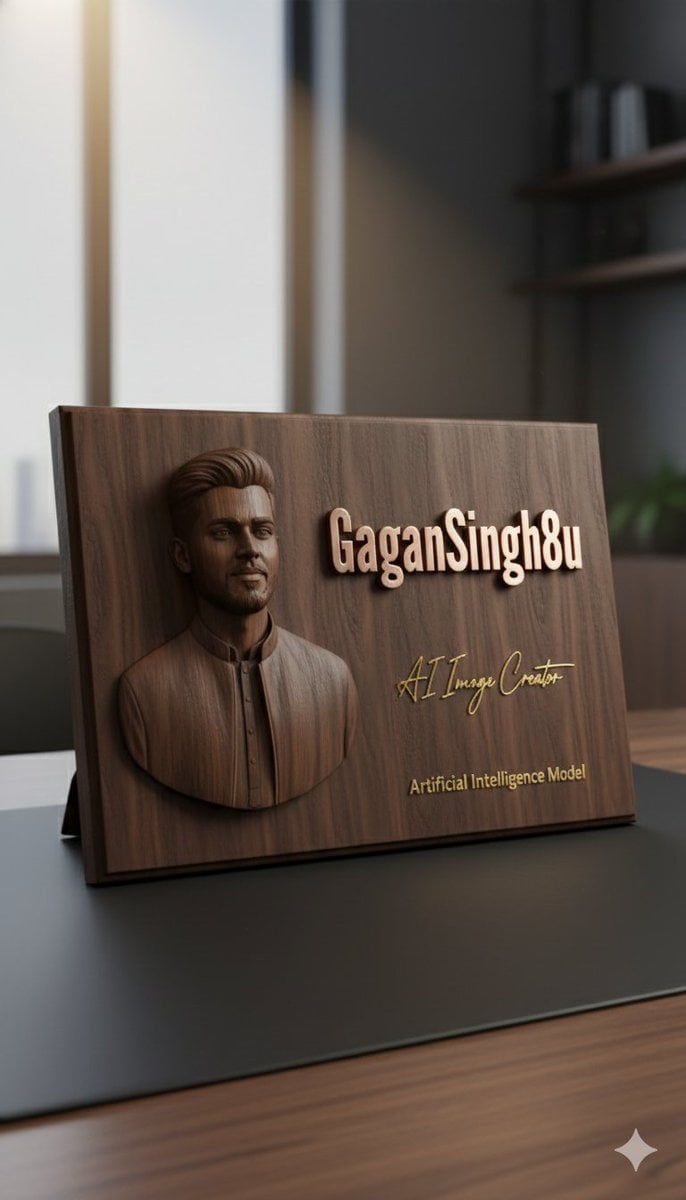
3D Embossed Executive Plaque Mockup from Reference Image
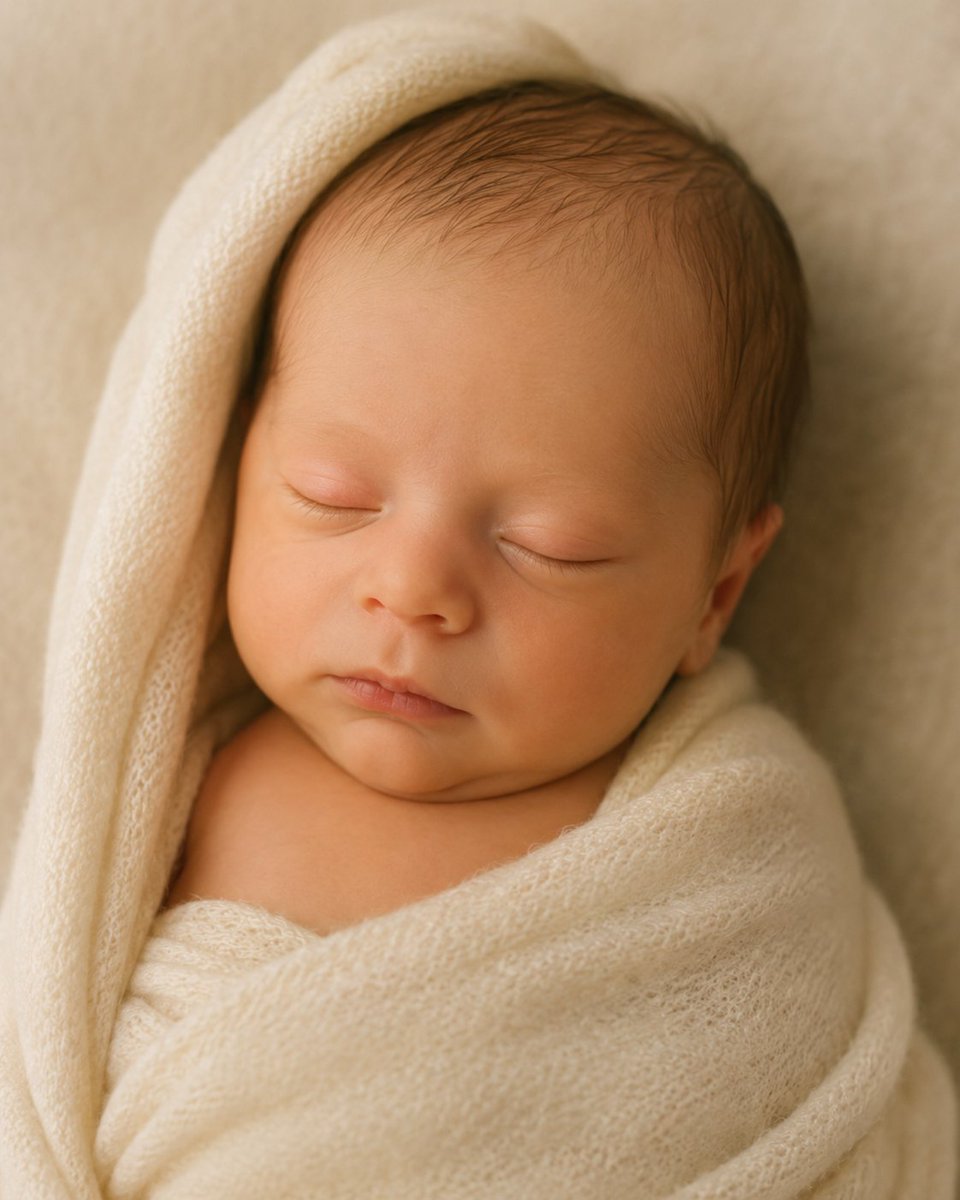
4D Ultrasound to Newborn Portrait
Browse template categories
Impasto Oil Miniature Painting Style questions
How do I use the Impasto Oil Miniature Painting Style template?
Add your photo if the template asks for one, edit the prompt if you like — the template's model and format are already selected — and press Generate. Your version opens in PicX Studio.
Can I customize the Impasto Oil Miniature Painting Style template?
Yes. You can change the subject, setting, lighting, mood, format, and available model controls before creating your image.
Is the Impasto Oil Miniature Painting Style template free?
Opening and editing this template is free. Generating uses credits, shown on the Generate button when you are signed in.
Which AI model should I use?
Start with GPT Image 2, which is the model associated with this template. You can compare another compatible model for a different finish.
Looking for something else? Browse all templates.

Your photo, any look
Thousands of ready templates for every top image and video model, from one credit balance.