
Editorial Art Poster with Impasto Miniature
A unique prompt for a split-frame editorial poster that pairs a film-grade photograph with a tactile, impasto oil-painted miniature diorama.
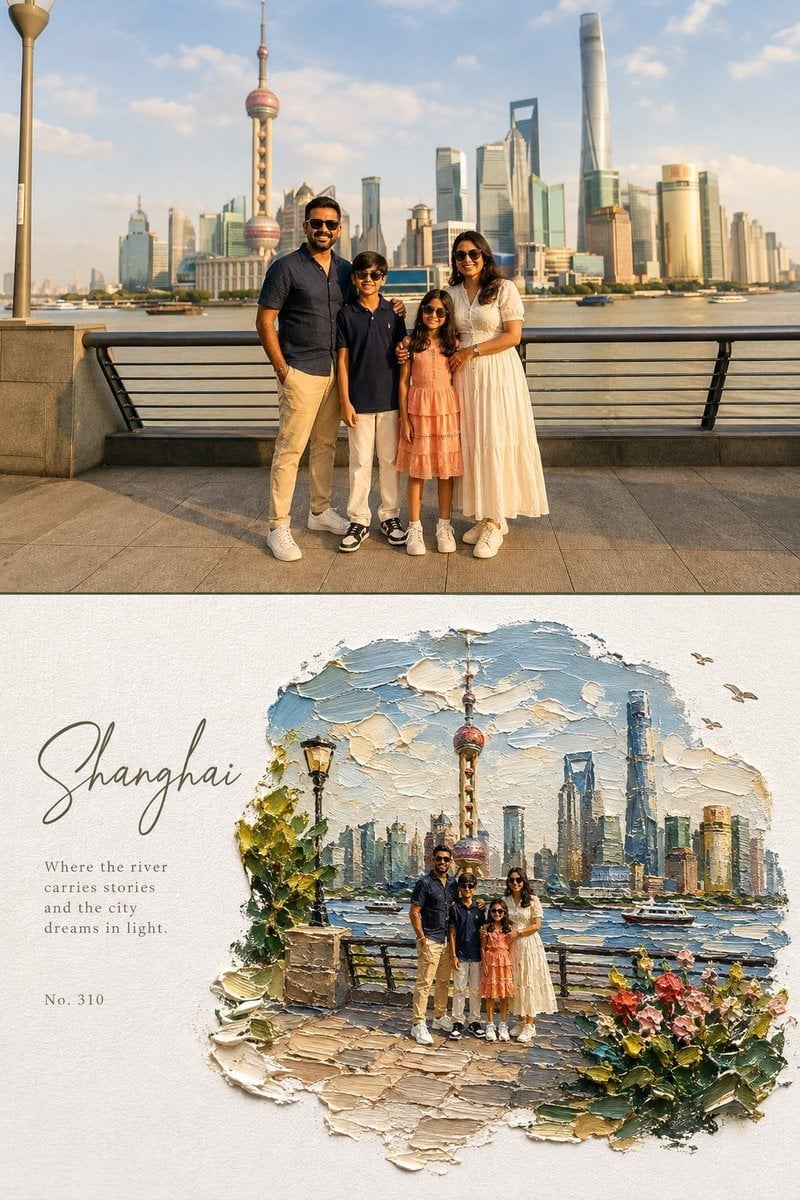
- Prompt included
- Model and format preset
- Free template
The prompt behind this image
Copy the exact prompt behind Editorial Art Poster with Impasto Miniature, or open it in the studio and make it yours.
Create a high-end editorial art poster in strict 3:4 vertical format, divided horizontally into two equal 50% halves, with either a seamless join or a very thin divider. TOP — {argument name="reference content" default="ORIGINAL PHOTO"} Preserve the photograph exactly: identity, faces, clothing, proportions, poses, expressions, and subject relationships must remain unchanged. Apply only a warm fine-art film grade with soft contrast, lifted shadows, warm highlights, natural vivid color, and subtle grain. Extend the background naturally if needed, without distorting subjects. Generous environmental space is encouraged. BOTTOM — {argument name="painting style" default="IMPASTO MINIATURE WORLD"} Reimagine the same scene as a poetic miniature diorama made from extremely thick impasto oil paint on pure white textured paper. Keep subjects recognizable but make them tiny, figurine-like, preserving their poses, clothing colors, and key features. The painted world should occupy 60–75% of the lower half, surrounded by generous white negative space. Use organic, irregular, feathered paint edges, never a rectangular frame. Include sculptural palette-knife clouds, reflective water or a natural path, small flowers, grass, foliage, rocks, birds, distant scenery, and atmospheric light where appropriate. The environment may become slightly more idyllic and dreamlike. Make the paint thick, tactile, raised, and three-dimensional, with visible brush and palette-knife marks, paint ridges, drag textures, tiny shadows, and subtle translucent glazes. Keep the paper grain clearly visible. TYPOGRAPHY Place elegant typography only in the white space: a {argument name="title style" default="large handwritten calligraphy title"}, a short poetic subtitle, and a small reference number. Use refined olive green, warm gray, or soft blue-gray tones. Keep typography understated. COLOR & MOOD Use vivid, natural colors inspired by the photograph: sky blue, lake blue, green, warm yellow, coral, cherry red, peach, cream, and warm white. The overall feeling should be sunny, fresh, warm, joyful, relaxed, and dreamlike. Avoid: muted or muddy colors, sepia, dark-brown filters, fluorescent tones, flat digital art, smooth airbrush effects, plastic 3D rendering, hard borders, generic fonts, text over subjects, and distorted figures.
How to use Editorial Art Poster with Impasto Miniature in 3 steps
- 1Upload ImagePNG, JPG or paste
Add your photo
Upload the photo the template builds on. The prompt, model and format are already set.
- 2…a portrait of your subject in softgolden-hour light, 85mm…
Personalize
Edit the subject and creative details for your destination.
- 3Generate
Generate
Press Generate — your image is created in PicX Studio, so you can compare it with the original and refine one variable at a time.
More like this
Templates with the same subject, style or setup. Open one to see its prompt.

Urban Fashion Editorial Collage Poster

Typography Mask Editorial Fashion Poster

Luxury Sliced Wordmark Player Poster

Premium Editorial Branding Poster Charcoal Green

Premium Vintage Travel Poster Landscape
Premium Vintage Travel Poster Landscape
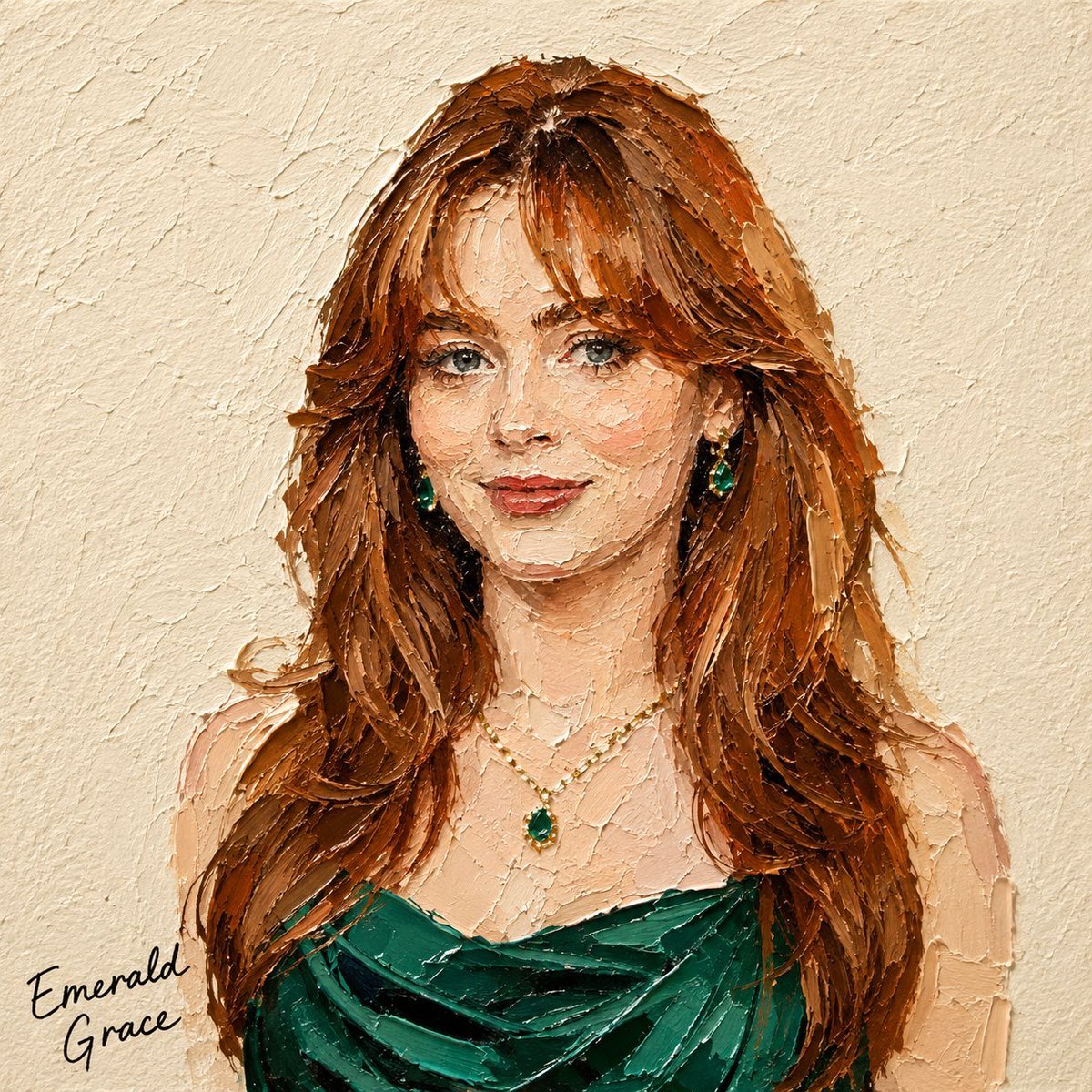
Impasto Oil Miniature Painting Style
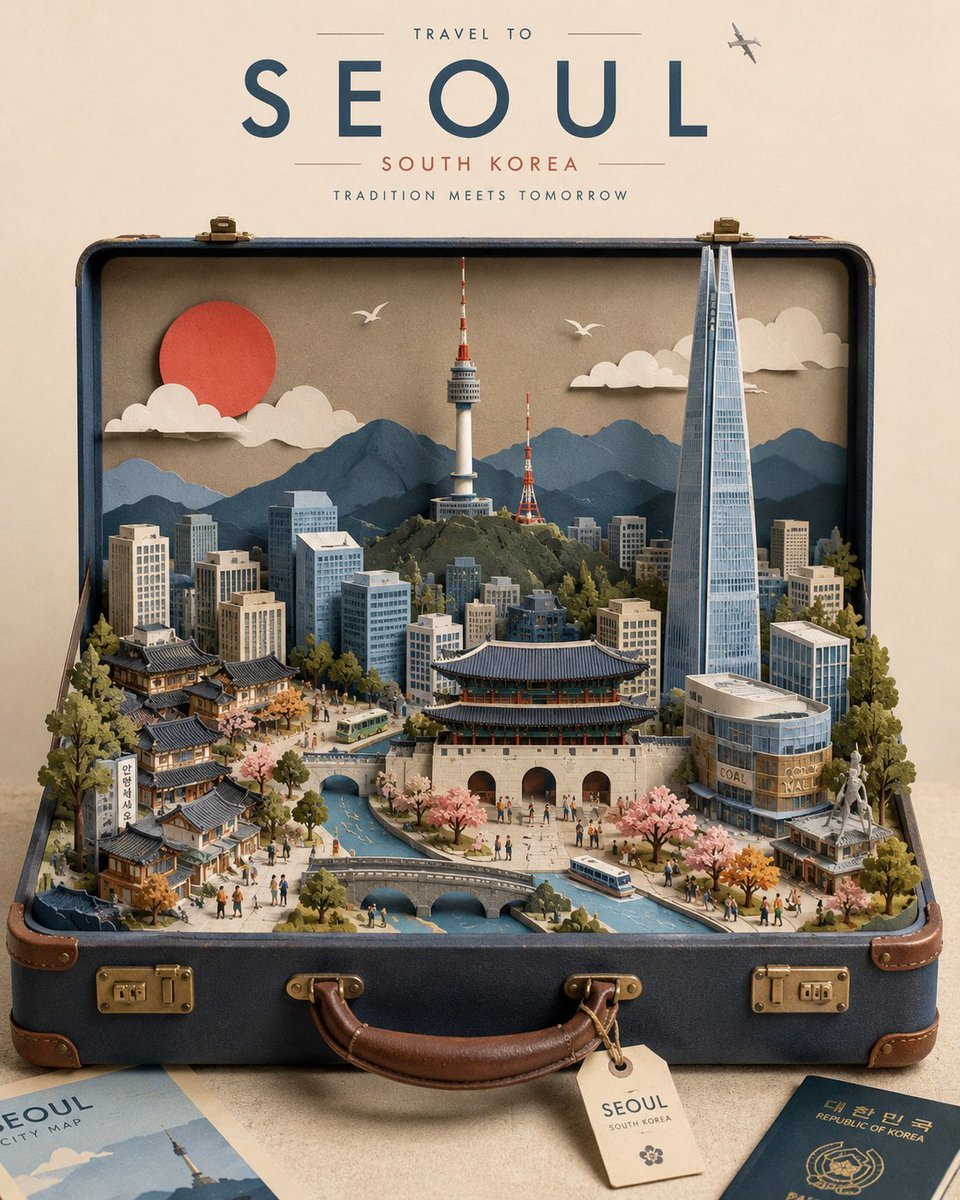
Miniature Suitcase Travel Poster
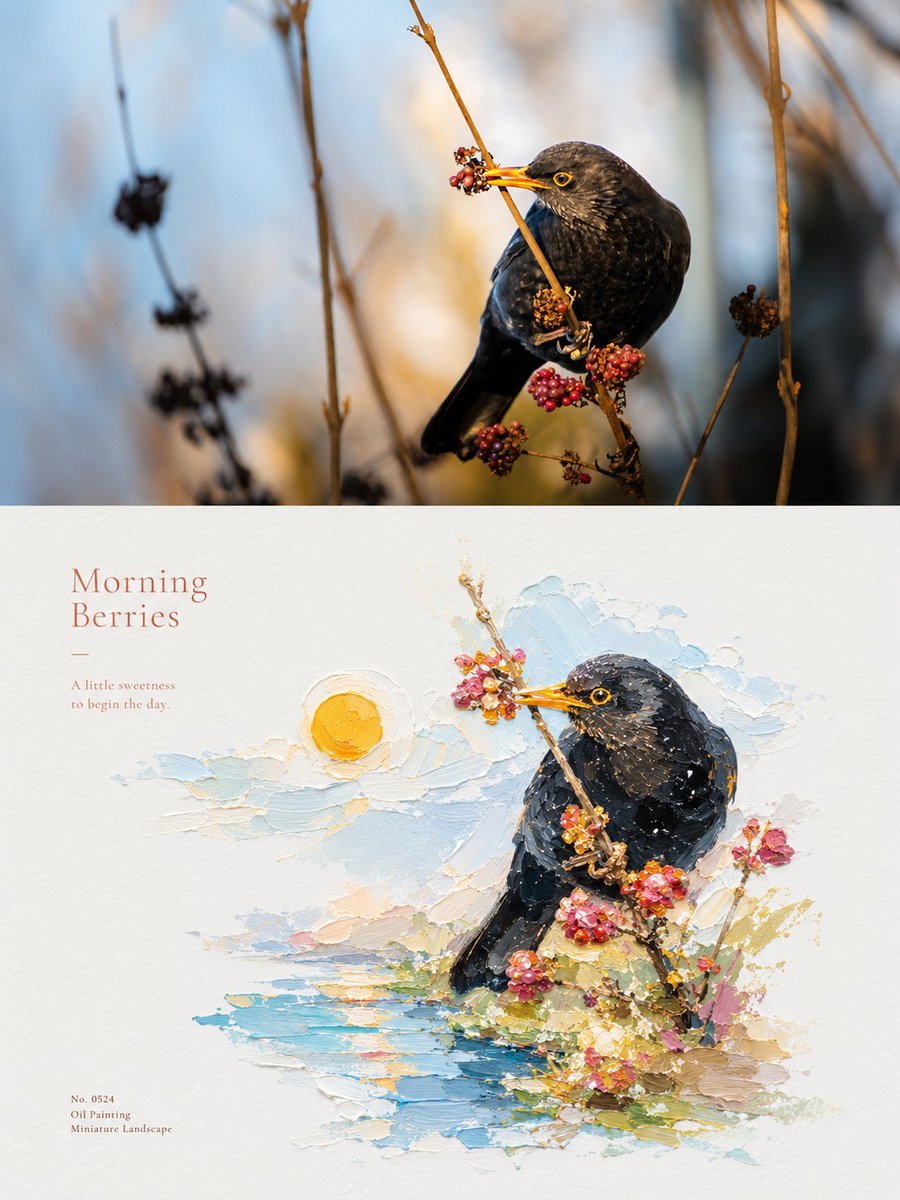
Impasto Oil Painting Micro-Landscape Poster

Japan Travel Brochure Poster

Minimalist Olive Green Editorial Poster
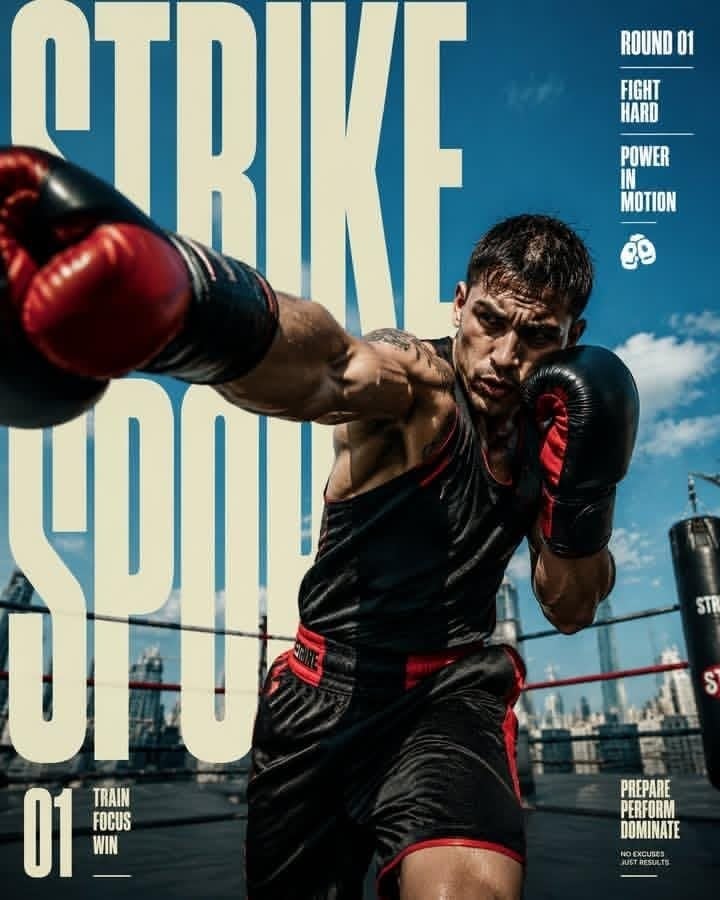
Strike Sport Boxer Editorial Poster
Make it yours
Editorial Art Poster with Impasto Miniature works as-is. These are the safest ways to change it without losing the look.
Change one field
Copy a single group, rewrite it, and generate again so you can see what that field is doing.
Keep the frame, change the subject
Hold the composition and light of Editorial Art Poster with Impasto Miniature, then swap wardrobe, props or the person for a new take.
| If the result… | Why | Fix |
|---|---|---|
| The result drifts from the preview | Too many fields changed at once. | Reuse Editorial Art Poster with Impasto Miniature as-is first, then change one group — subject, light, or setting. |
| The model over-stylizes the scene | The prose prompt leaves finish and camera underspecified. | Add one camera or lighting sentence and stay on GPT Image 2. |
More GPT Image 2 templates
Other prompts made for GPT Image 2.

Six VTuber Japanese Logo Sheet

Realistic Portrait of Woman and Deer

The Vista Modular Condo Poster

AI Model Routing Comparison Infographic

2.5D Anime Art Board

Isometric Productivity Desk Scene

New York Double Exposure Poster

Four-Panel AI Landscape Comparison

Japanese Tatami Lifestyle Magazine Cover

NESCAFÉ Coffee Map Poster
More image prompts
Fresh picks from across the catalog.
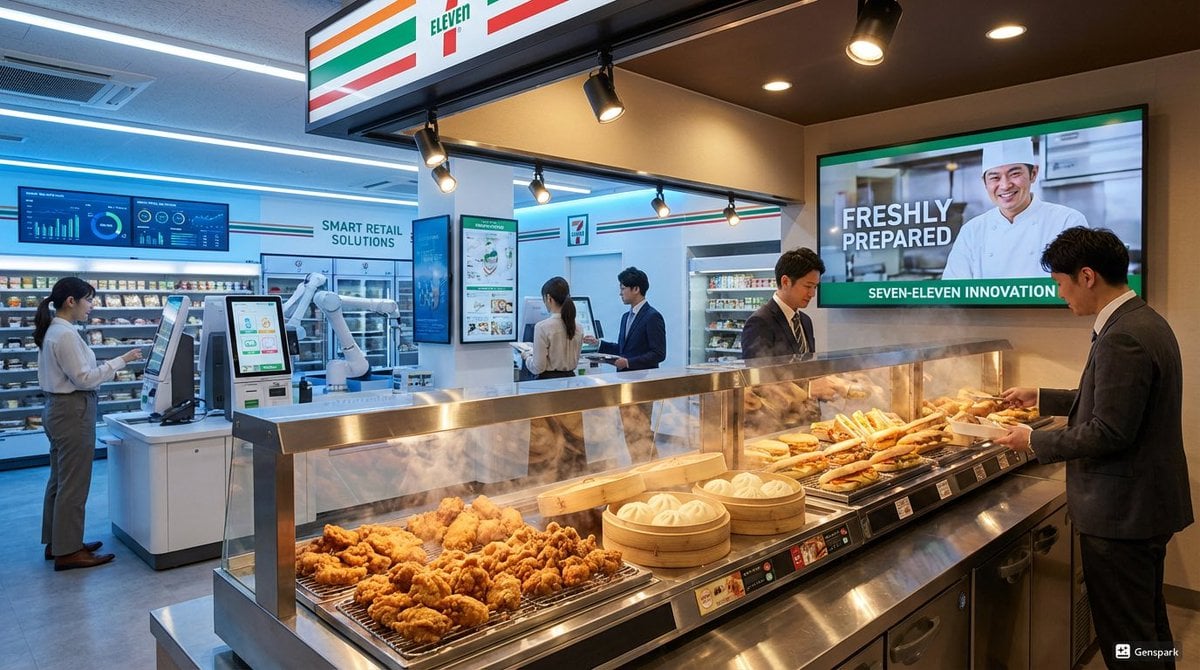
Futuristic store visualization

Graphic Recording (GraReco) Prompt for Nano Banana Pro
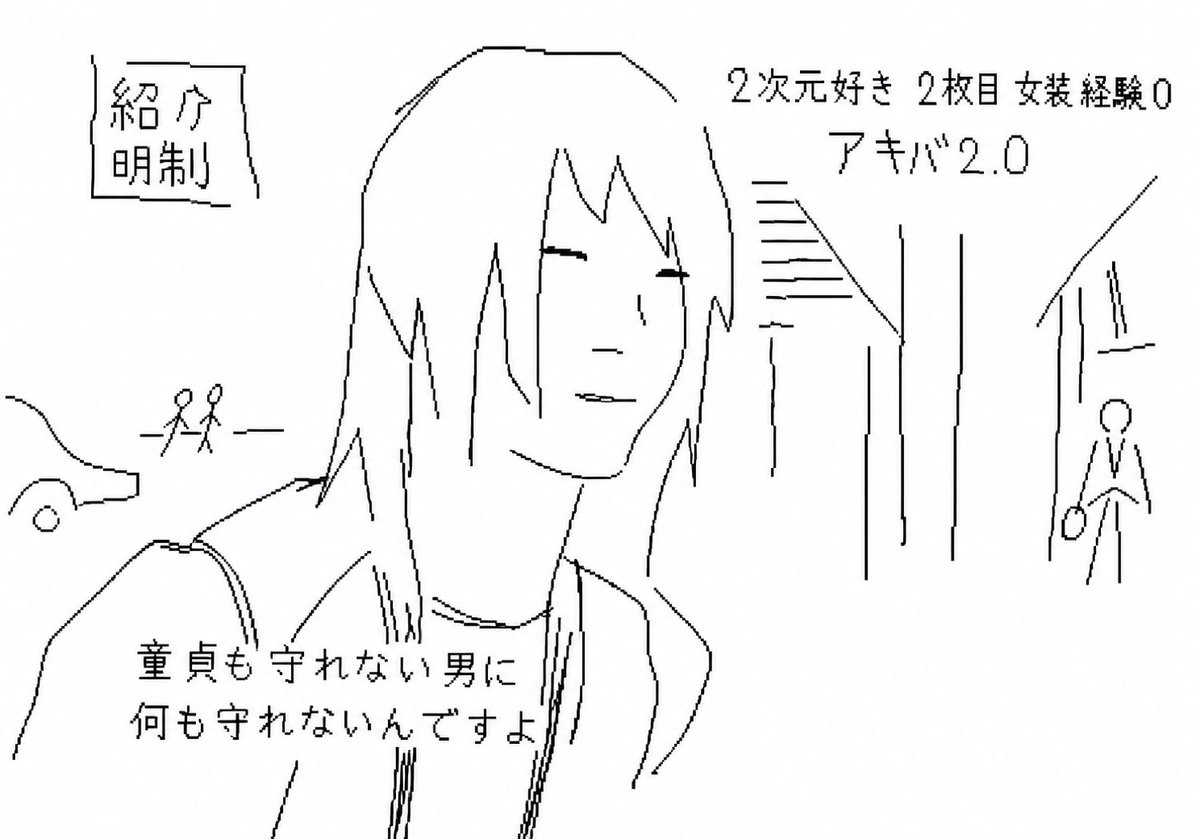
Purposefully Bad MS Paint Redraw
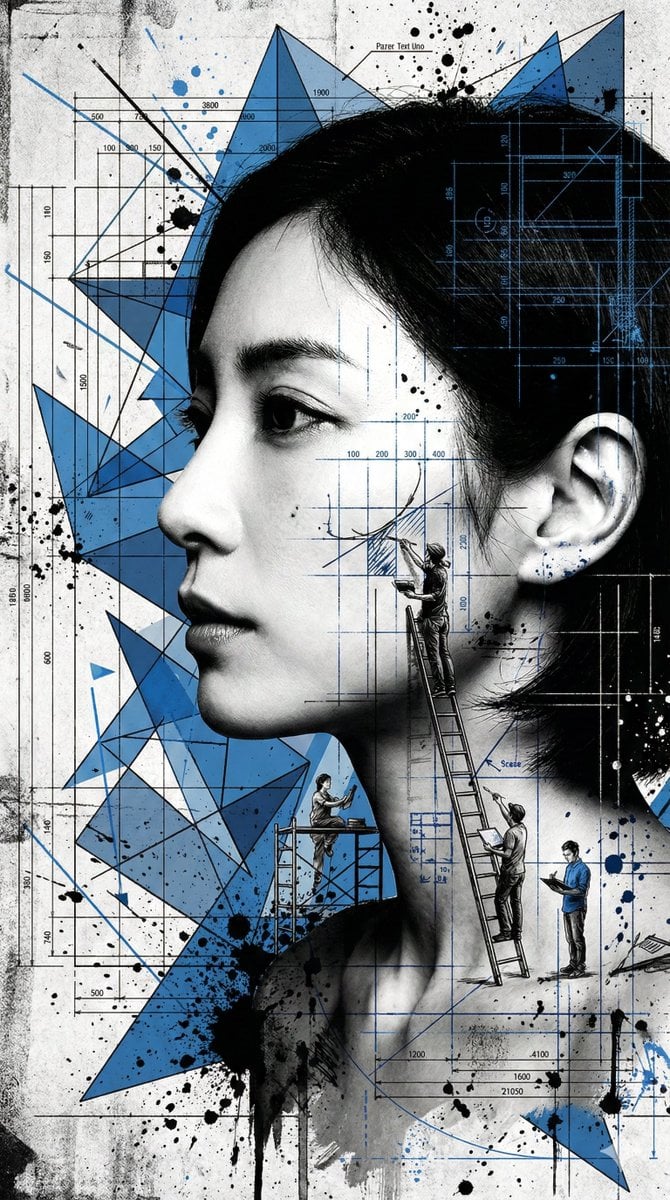
Nanobanana Pro Banana Image Generation
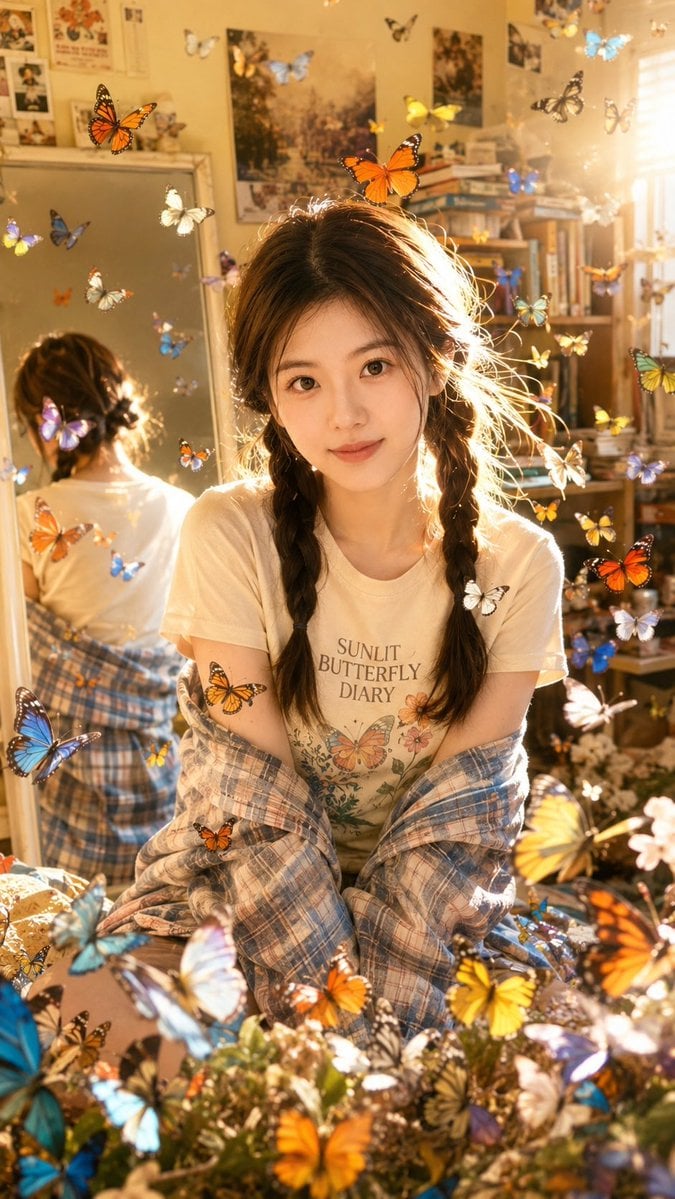
Sunlit Butterfly Mirror Portrait

Cozy Indoor Portrait
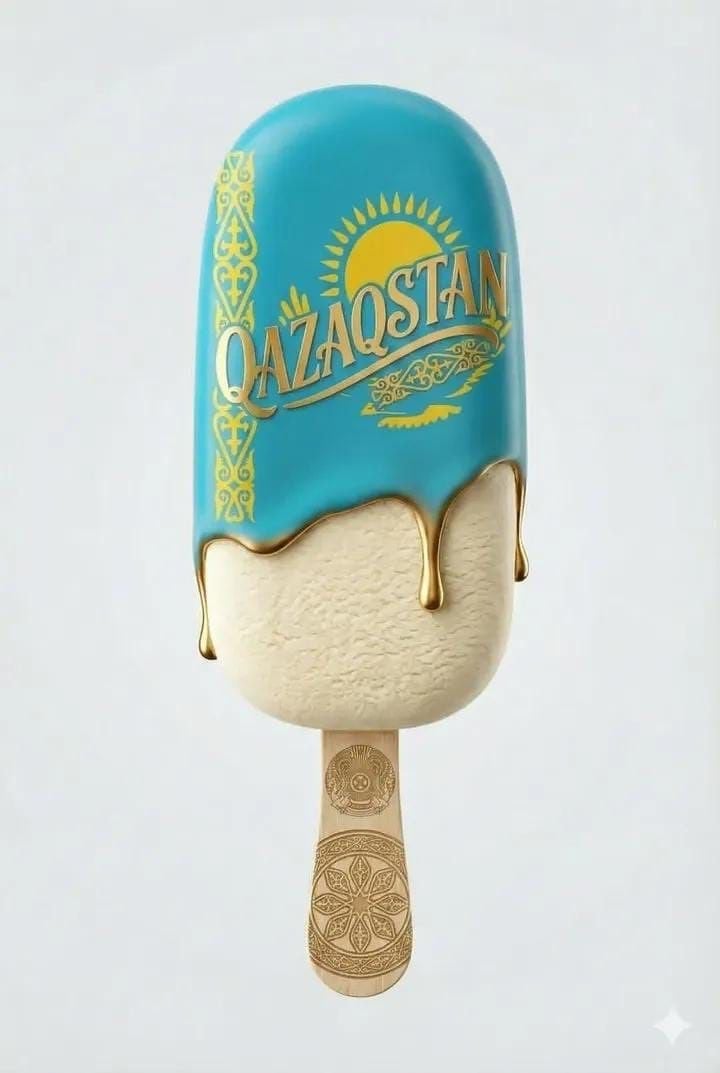
Ultra-realistic product shot of a premium ice cream bar inspired by Kazakhstan
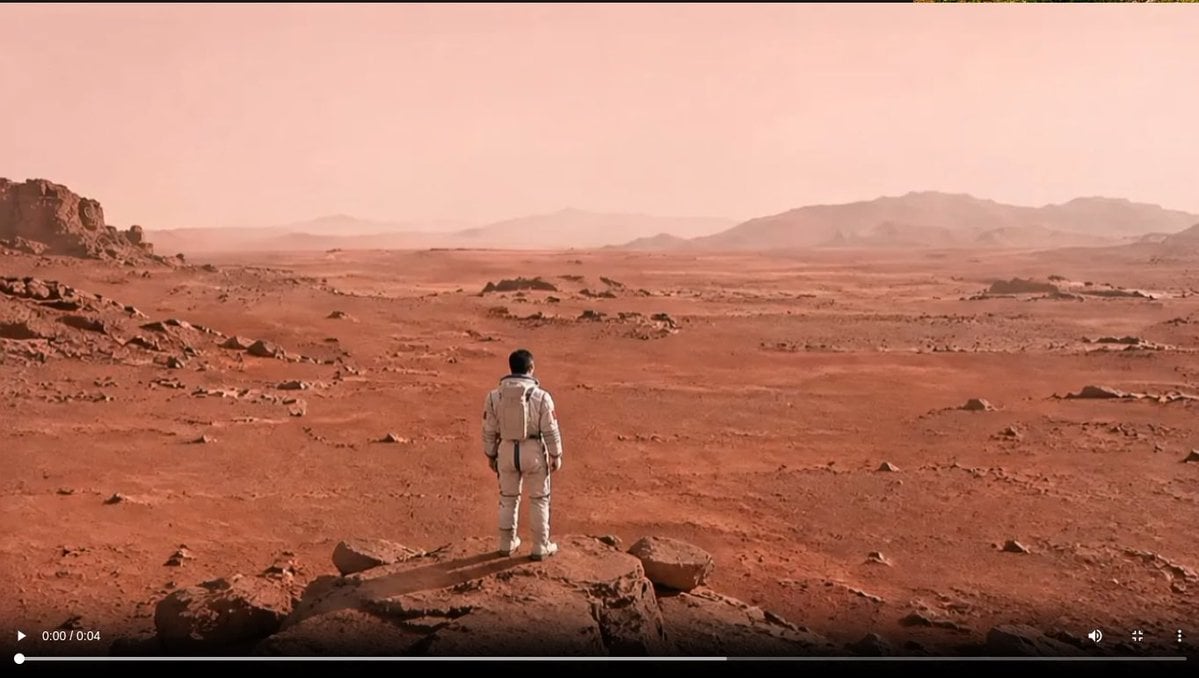
Astronaut on a Red Desert World
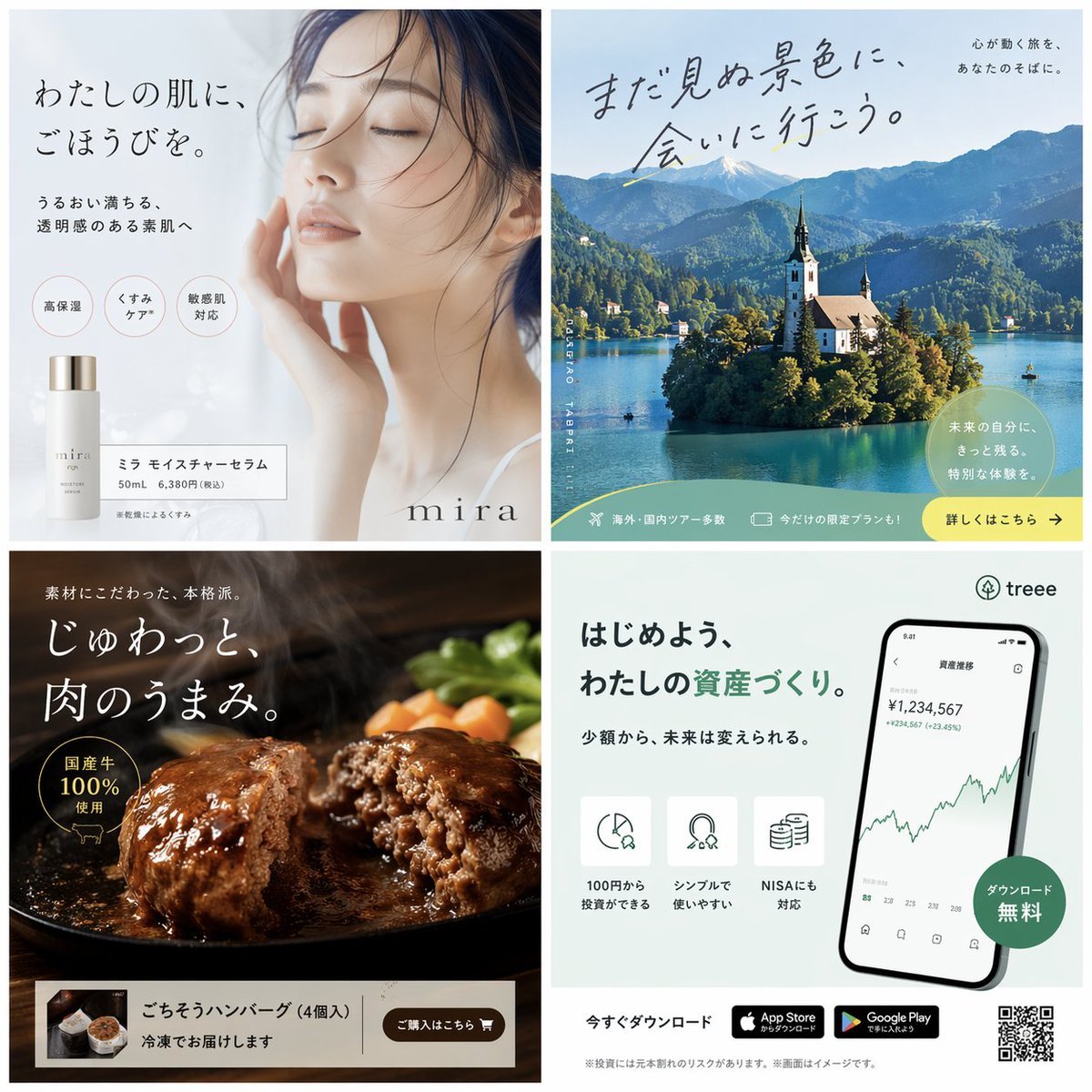
Panel Japanese Advertising Banner Grid

Professional Male Editorial Fashion Portrait
Browse template categories
Editorial Art Poster with Impasto Miniature questions
How do I use the Editorial Art Poster with Impasto Miniature template?
Add your photo if the template asks for one, edit the prompt if you like — the template's model and format are already selected — and press Generate. Your version opens in PicX Studio.
Can I customize the Editorial Art Poster with Impasto Miniature template?
Yes. You can change the subject, setting, lighting, mood, format, and available model controls before creating your image.
Is the Editorial Art Poster with Impasto Miniature template free?
Opening and editing this template is free. Generating uses credits, shown on the Generate button when you are signed in.
Which AI model should I use?
Start with GPT Image 2, which is the model associated with this template. You can compare another compatible model for a different finish.
Looking for something else? Browse all templates.

Your photo, any look
Thousands of ready templates for every top image and video model, from one credit balance.