
Graphic Recording (GraReco) Prompt for Nano Banana Pro
A detailed system prompt instructing Nano Banana Pro to act as a skilled 'Graphic Recorder' (GraReco).
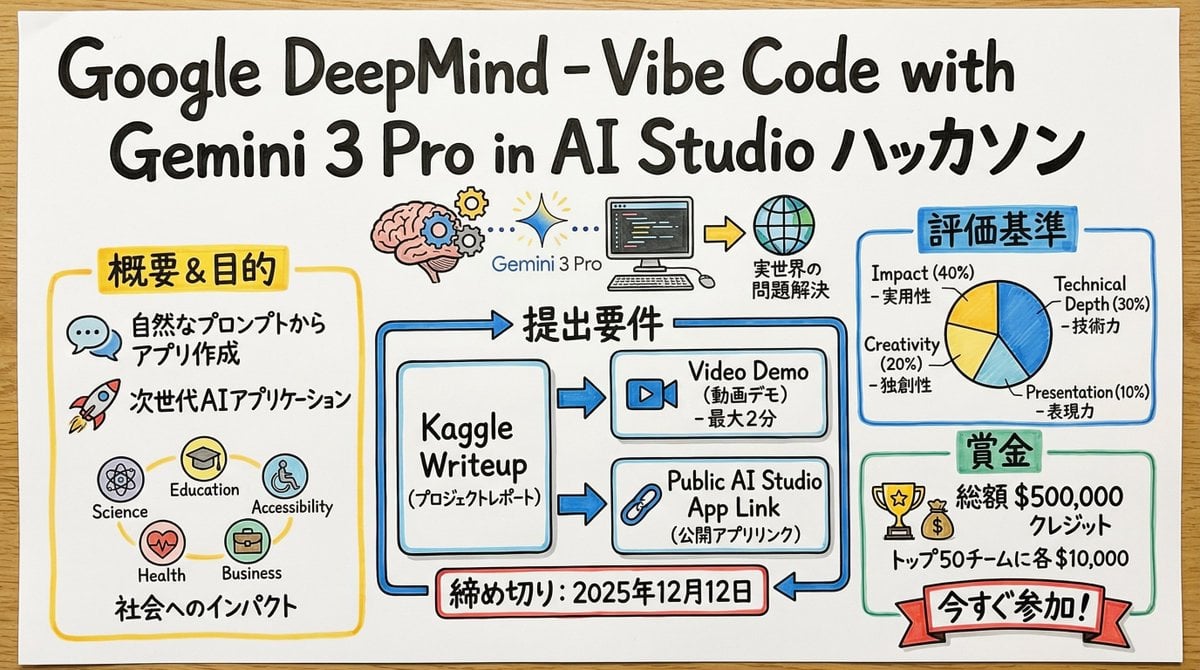
- Prompt included
- Model and format preset
- Premium template
The prompt behind this image
Copy the exact prompt behind Graphic Recording (GraReco) Prompt for Nano Banana Pro, or open it in the studio and make it yours.
あなたは、リアルタイムの議論や複雑なテキスト情報を、その場で直感的なビジュアルと文字で構造化する、熟練した「グラフィックレコーダー」です。 最後に提供される入力テキストの内容を深く理解・分析し、その要点と構造を、手描きのイラスト、アイコン、そして手書き文字を組み合わせた「グラフィックレコーディング」スタイルで一枚の画像にまとめてください。 ▼ 生成プロセスへの指示 (Thinking Process) Nano Banana Proの「思考モデル」の推論能力を活かし、描画前に以下の論理的なプロセスを実行してください。 1. **構造の抽出と要約**: 入力テキストから中心となるテーマ、主要なトピック(3〜5点)、そしてそれらの関係性(因果、対立、順序など)を特定し、要約する。 2. **視覚化とメタファーの選定**: 各トピックを象徴する、親しみやすい手描きのアイコンやメタファー(例:成長=芽、課題=壁、アイデア=電球)を決定する。 3. **レイアウトと視線の誘導**: 情報が左から右、あるいは上から下へと自然に流れるように、模造紙やホワイトボード上の配置を設計する。矢印や枠線を使って、見る人の視線を論理的に誘導する計画を立てる。 ▼ デザイン・スタイル指定 **全体的な雰囲気**: * **媒体**: 大きな模造紙、またはホワイトボードに描かれたアナログな質感。紙の繊維やマーカーのかすれを表現する。 * **タッチ**: プロのファシリテーターが使う水性マーカーや色鉛筆による、温かみのある手描きスタイル。線は完璧な直線ではなく、人間味のある揺らぎを持たせる。 **テキスト表現 (重要)**: * **すべて手書き**: タイトル、見出し、本文、補足コメントに至るまで、すべての文字を「手書きの日本語フォント」で描画すること。活字フォントは一切使用しない。 * **強調と階層化**: 重要なキーワードは太字のマーカーで大きく書き、補足情報は細いペンで小さく書くなど、文字の大きさや太さで情報の階層を明確にする。 **色彩設計**: * **限定的なパレット**: 基本は黒とグレーの線画。強調色として、温かみのある黄色、落ち着いた青、アクセントの赤など、マーカーセットにあるような色を2〜3色に絞って使用し、情報のごちゃつきを防ぐ。
How to use Graphic Recording (GraReco) Prompt for Nano Banana Pro in 3 steps
- 1
Open
The prompt is already in the box next to the preview, with the template's model and format selected.
- 2…a portrait of your subject in softgolden-hour light, 85mm…
Personalize
Edit the subject and creative details for your destination.
- 3Generate
Generate
Press Generate — your image is created in PicX Studio, so you can compare it with the original and refine one variable at a time.
More like this
Templates with the same subject, style or setup. Open one to see its prompt.

Woman in Mall with Chanel Bag - Heart Gesture

VFX Comparison Image Prompt (Before/After) for Nano Banana Pro
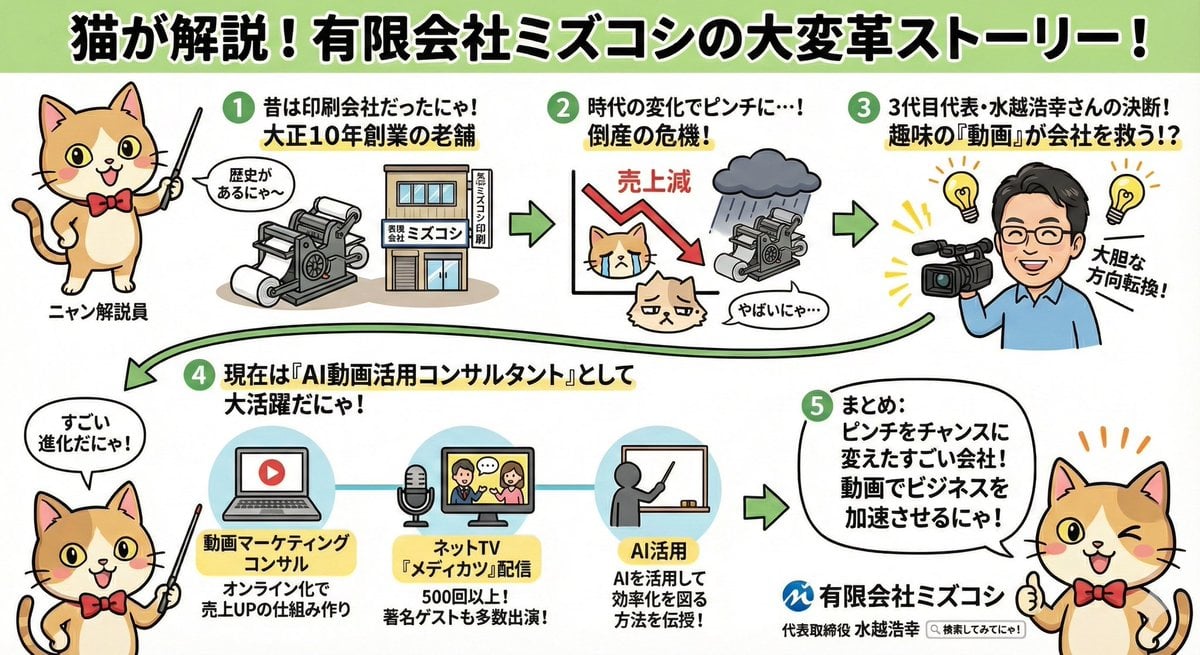
Anime-style Graphic Recording from Web Search Results
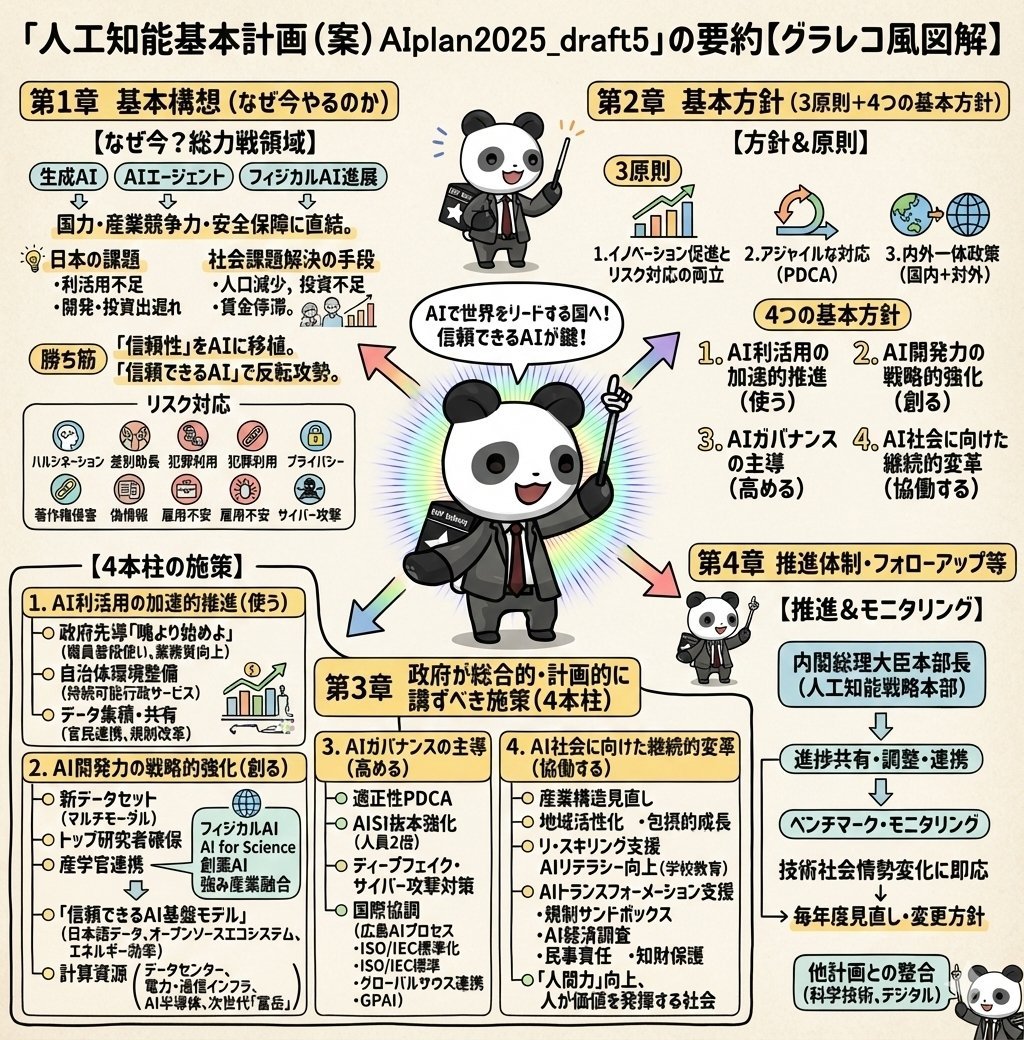
Detailed Japanese Graphic Recording Summary

Nano Banana Prompt for Consistent Character Jumpshots

Cinematic Camera Instructions for Nano Banana Pro

Manga Generation Prompt Template for Nano Banana Pro

Hyper-Realistic Commercial Food Photography Prompt for Gemini Nano Banana Pro
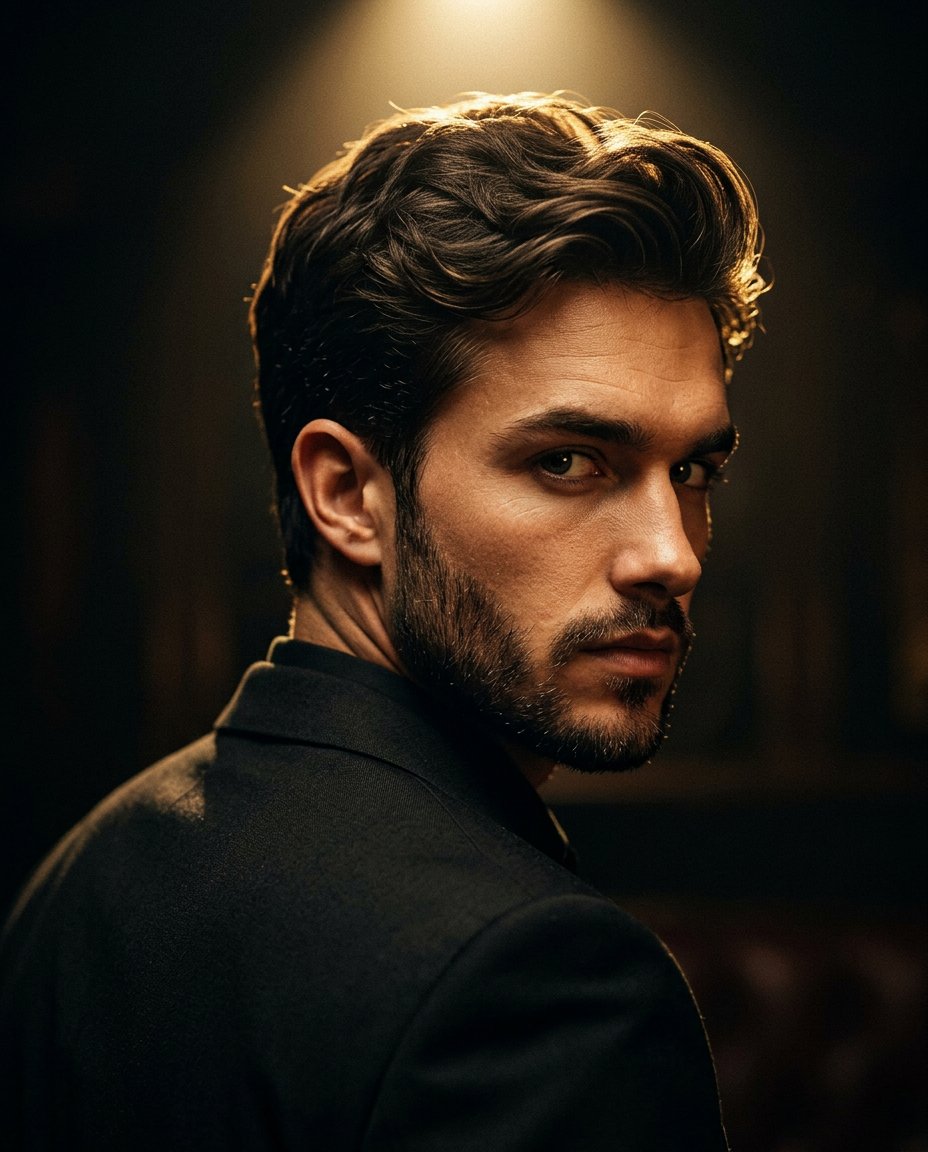
Cinematic Portrait Prompt for Google Nano Banana Pro

Multi-Frame Lifestyle Portrait Prompt for Nano Banana Pro

Low-Key Product Photography Prompt for Gemini Nano Banana Pro

Masterpiece Political Caricature Prompt for Nano Banana 2
Make it yours
Graphic Recording (GraReco) Prompt for Nano Banana Pro works as-is. These are the safest ways to change it without losing the look.
Change one field
Copy a single group, rewrite it, and generate again so you can see what that field is doing.
Keep the frame, change the subject
Hold the composition and light of Graphic Recording (GraReco) Prompt for Nano Banana Pro, then swap wardrobe, props or the person for a new take.
| If the result… | Why | Fix |
|---|---|---|
| The result drifts from the preview | Too many fields changed at once. | Reuse Graphic Recording (GraReco) Prompt for Nano Banana Pro as-is first, then change one group — subject, light, or setting. |
| The model over-stylizes the scene | The prose prompt leaves finish and camera underspecified. | Add one camera or lighting sentence and stay on Nano Banana 2. |
More Nano Banana 2 templates
Other prompts made for Nano Banana 2.

Photorealistic Leaf Shaped Like a Dragon

K-Pop Idol Portrait Grid for Rapid Selection

Poetic Rain Forest Portrait During Golden Hour

Urban Street Portrait with Cartoon Inner Self Duo

Candid Nighttime Photo with Cat Prompt

High-Concept 3D Diorama Generation Prompt

Cinematic Futuristic Studio Portrait Template

Skincare Editorial Photography Collage Prompt

Hyper-Realistic Commercial Product Photography (Splash Effect)

Hyper-Realistic Nightclub Portrait Prompt
More image prompts
Fresh picks from across the catalog.
Realistic Jersey Replacement Studio Shot
Anime Warrior Eating Ramen
Image Editing Prompt: Add Playhouse Behind Character
Japanese Career Diagnosis Cover

24 The Getty Center — California Series

Nano Banana 2 Tulip Field
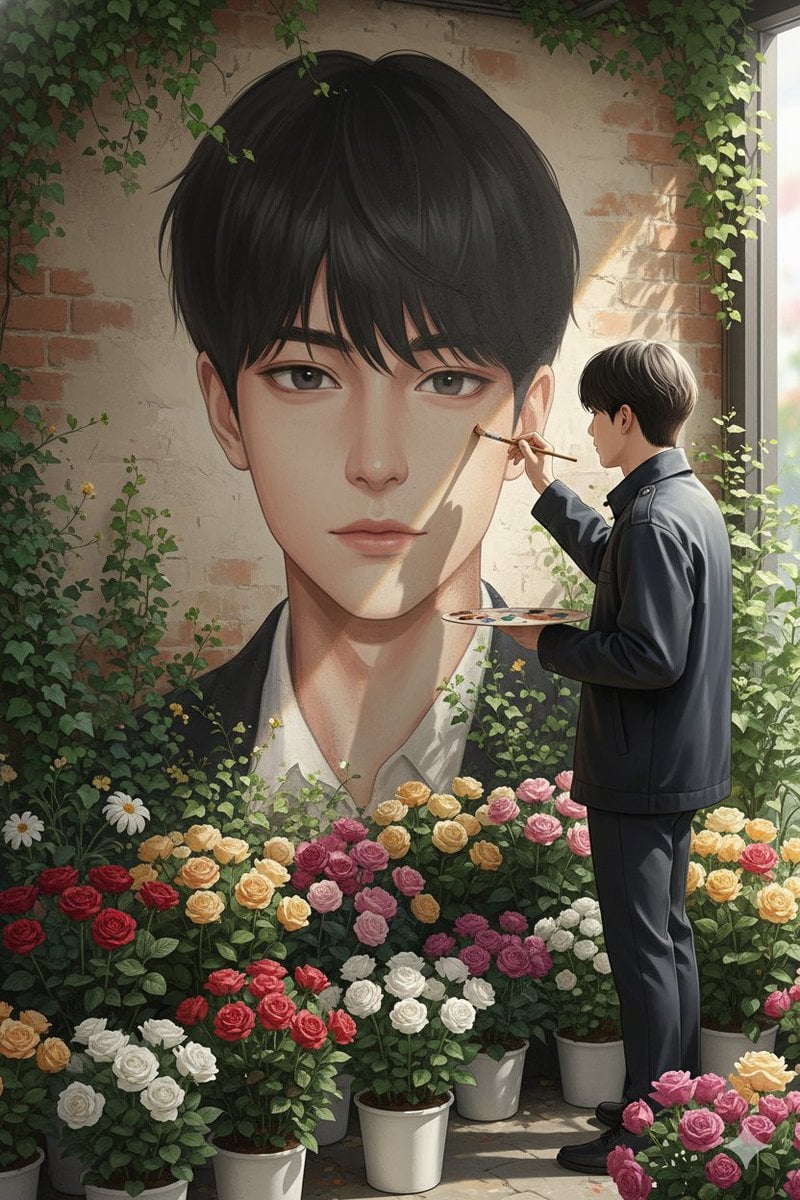
Ultra-Realistic Portrait of an Artist Painting a Self-Mural
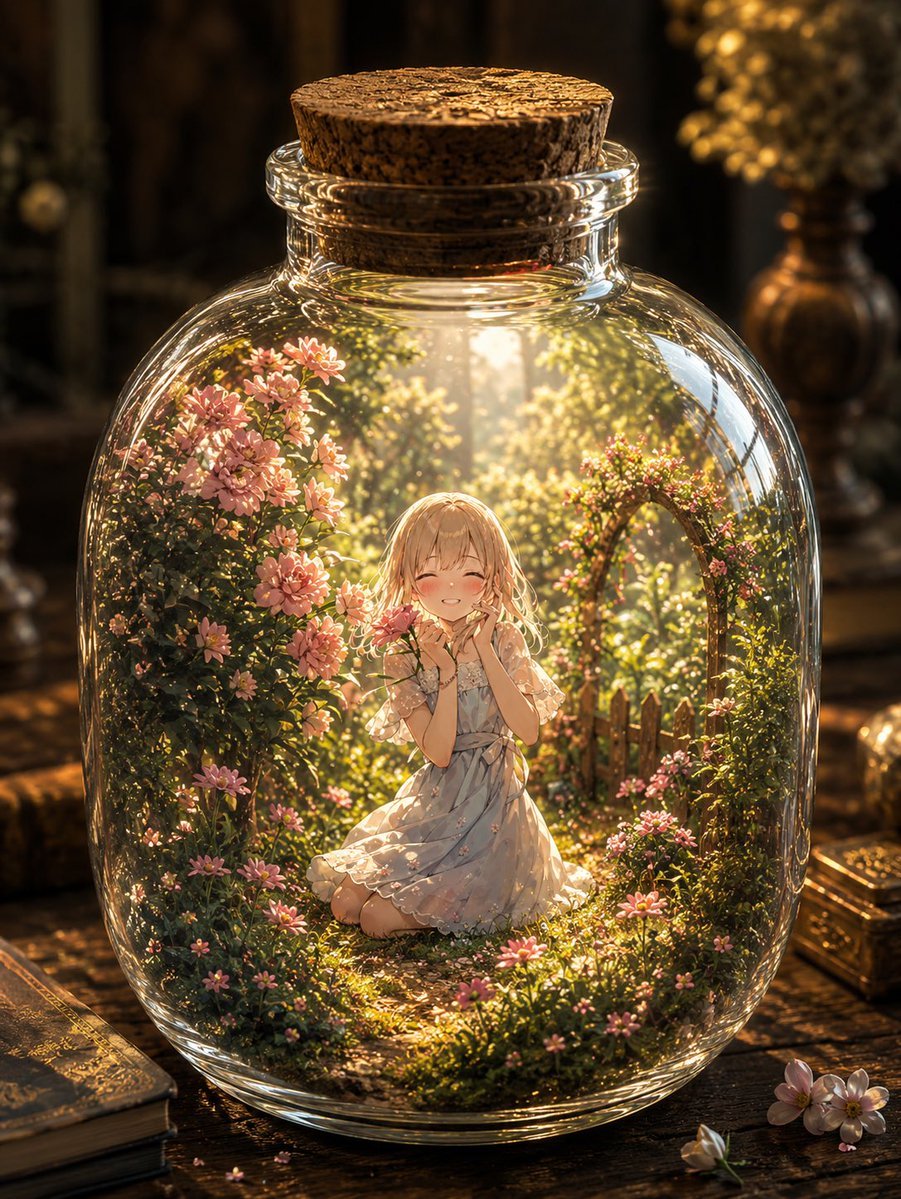
Fantasy Garden in a Glass Bottle
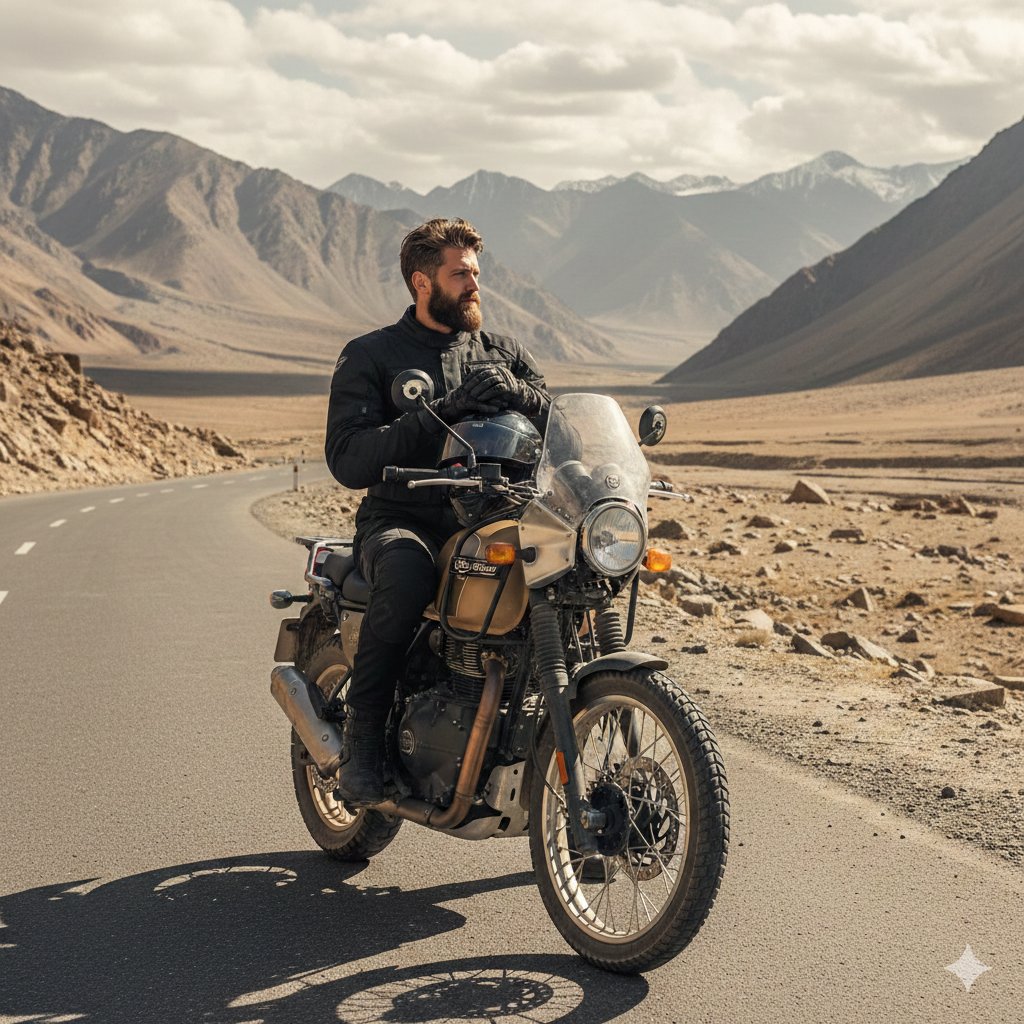
Himalayan Motorcycle Travel Photography
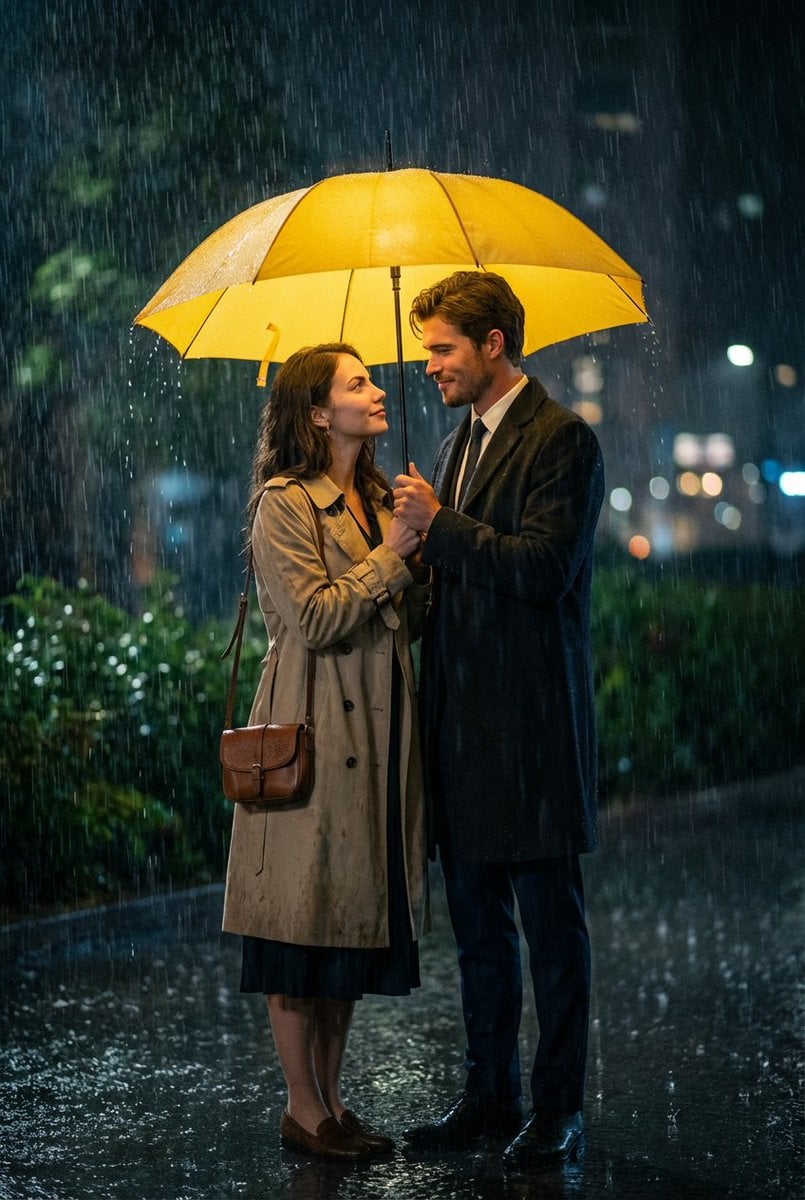
Cinematic HIMYM Yellow Umbrella Matchshot Prompt
Browse template categories
Graphic Recording (GraReco) Prompt for Nano Banana Pro questions
How do I use the Graphic Recording (GraReco) Prompt for Nano Banana Pro template?
Add your photo if the template asks for one, edit the prompt if you like — the template's model and format are already selected — and press Generate. Your version opens in PicX Studio.
Can I customize the Graphic Recording (GraReco) Prompt for Nano Banana Pro template?
Yes. You can change the subject, setting, lighting, mood, format, and available model controls before creating your image.
Is the Graphic Recording (GraReco) Prompt for Nano Banana Pro template free?
Opening and editing this template is free. Generating uses credits, shown on the Generate button when you are signed in.
Which AI model should I use?
Start with Nano Banana 2, which is the model associated with this template. You can compare another compatible model for a different finish.
Looking for something else? Browse all templates.

Your photo, any look
Thousands of ready templates for every top image and video model, from one credit balance.