
Anime Warrior Eating Ramen
Generates a cinematic anime fantasy warrior enjoying ramen in a moody late-night Japanese street food shop.
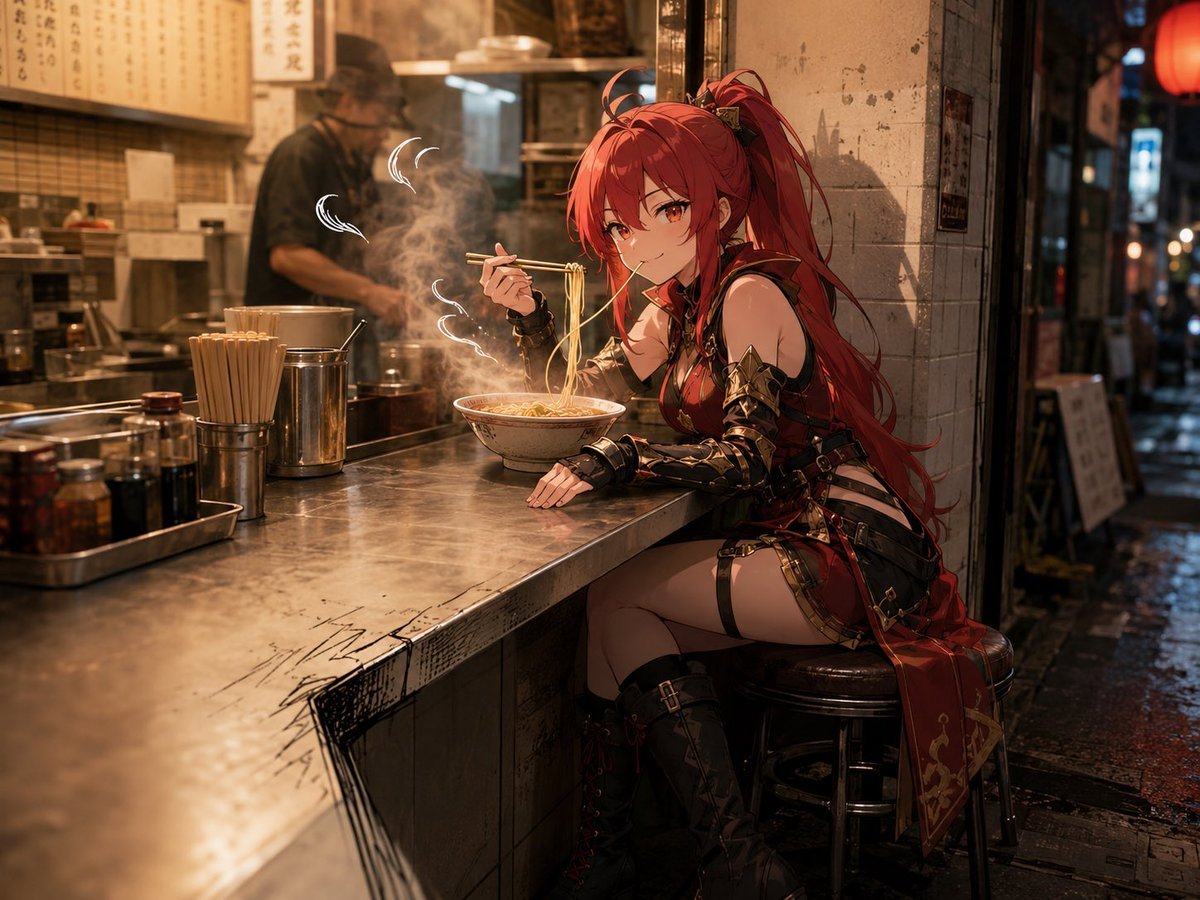
- Prompt included
- Model and format preset
- Free template
The prompt behind this image
Copy the exact prompt behind Anime Warrior Eating Ramen, or open it in the studio and make it yours.
Create a cinematic anime-style scene of {argument name="character description" default="a young red-haired fantasy warrior woman with a long high ponytail"} sitting on a round stool at the counter of a narrow Japanese ramen shop at night. She wears {argument name="outfit" default="dark red and black leather armor with gold trim, belts, straps, arm guards, thigh straps, and tall boots"}, leaning forward casually while holding chopsticks and lifting noodles from a steaming bowl of ramen. Her other hand rests on the brushed metal counter. The ramen bowl glows warmly with steam curling upward in visible white wisps. The setting is an intimate alley-side ramen bar with a stainless-steel counter, chopstick holders, condiment bottles, jars of chili oil, cooking pots, tiled walls, hanging menu boards with Japanese writing, and a cook blurred in the background behind the counter. Outside the open entrance is a wet nighttime city alley with reflections on the pavement, soft bokeh lights, signage, and a red lantern. Use warm amber interior lighting contrasted with cool dark blue street tones, shallow depth of field, realistic environmental detail, glossy reflections, cinematic composition, 3/4 side view, medium-wide framing, highly detailed anime illustration blended with photorealistic background textures. Add a square soft blur censor block over the character's face, centered on the face, obscuring facial features. Mood: cozy, atmospheric, urban, slightly gritty, late-night meal after battle.
How to use Anime Warrior Eating Ramen in 3 steps
- 1Upload ImagePNG, JPG or paste
Add your photo
Upload the photo the template builds on. The prompt, model and format are already set.
- 2…a portrait of your subject in softgolden-hour light, 85mm…
Personalize
Edit the subject and creative details for your destination.
- 3Generate
Generate
Press Generate — your image is created in PicX Studio, so you can compare it with the original and refine one variable at a time.
More like this
Templates with the same subject, style or setup. Open one to see its prompt.









Make it yours
Anime Warrior Eating Ramen works as-is. These are the safest ways to change it without losing the look.
Change one field
Copy a single group, rewrite it, and generate again so you can see what that field is doing.
Keep the frame, change the subject
Hold the composition and light of Anime Warrior Eating Ramen, then swap wardrobe, props or the person for a new take.
| If the result… | Why | Fix |
|---|---|---|
| The result drifts from the preview | Too many fields changed at once. | Reuse Anime Warrior Eating Ramen as-is first, then change one group — subject, light, or setting. |
| The model over-stylizes the scene | The prose prompt leaves finish and camera underspecified. | Add one camera or lighting sentence and stay on GPT Image 2. |
More GPT Image 2 templates
Other prompts made for GPT Image 2.

Six VTuber Japanese Logo Sheet

Realistic Portrait of Woman and Deer

The Vista Modular Condo Poster

AI Model Routing Comparison Infographic

2.5D Anime Art Board

Isometric Productivity Desk Scene

New York Double Exposure Poster

Four-Panel AI Landscape Comparison

Japanese Tatami Lifestyle Magazine Cover

NESCAFÉ Coffee Map Poster
More image prompts
Fresh picks from across the catalog.
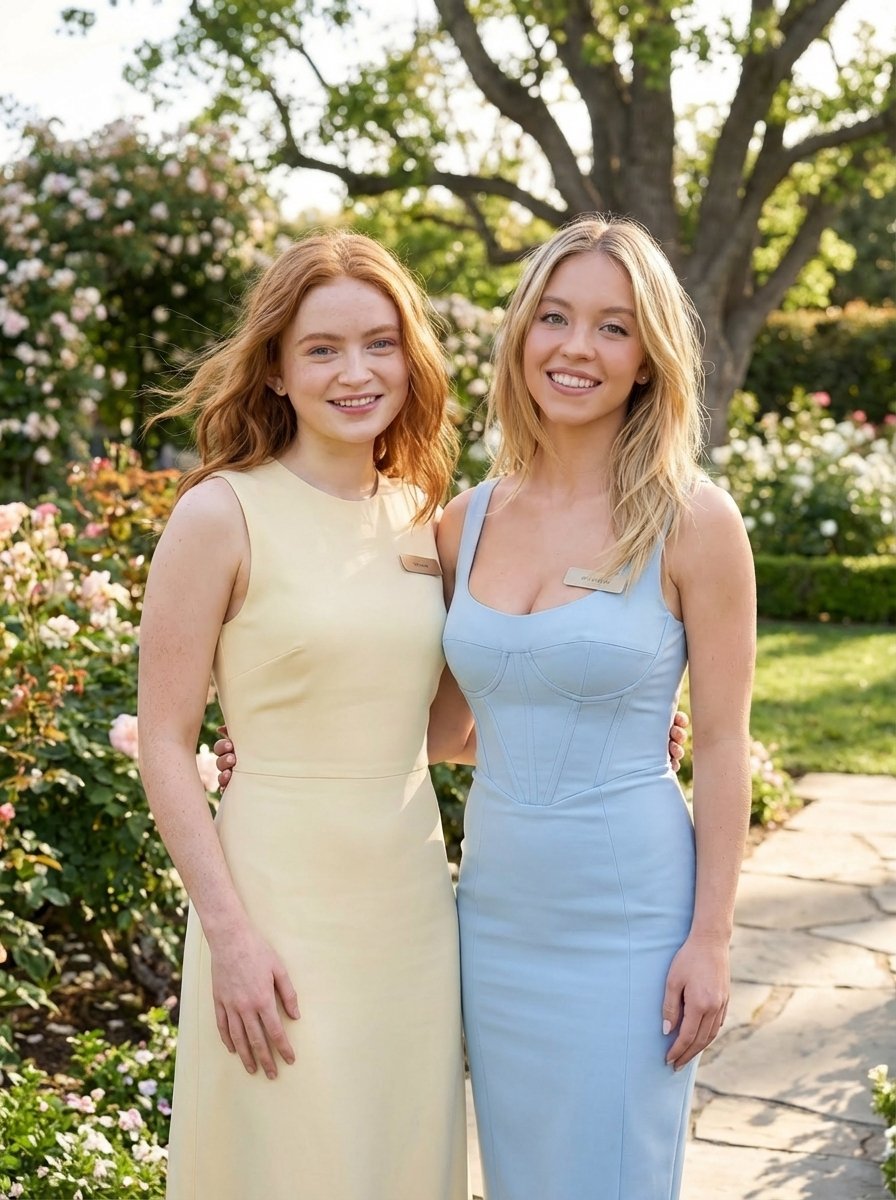
Duo Portrait Prompt for Nano Banana Pro
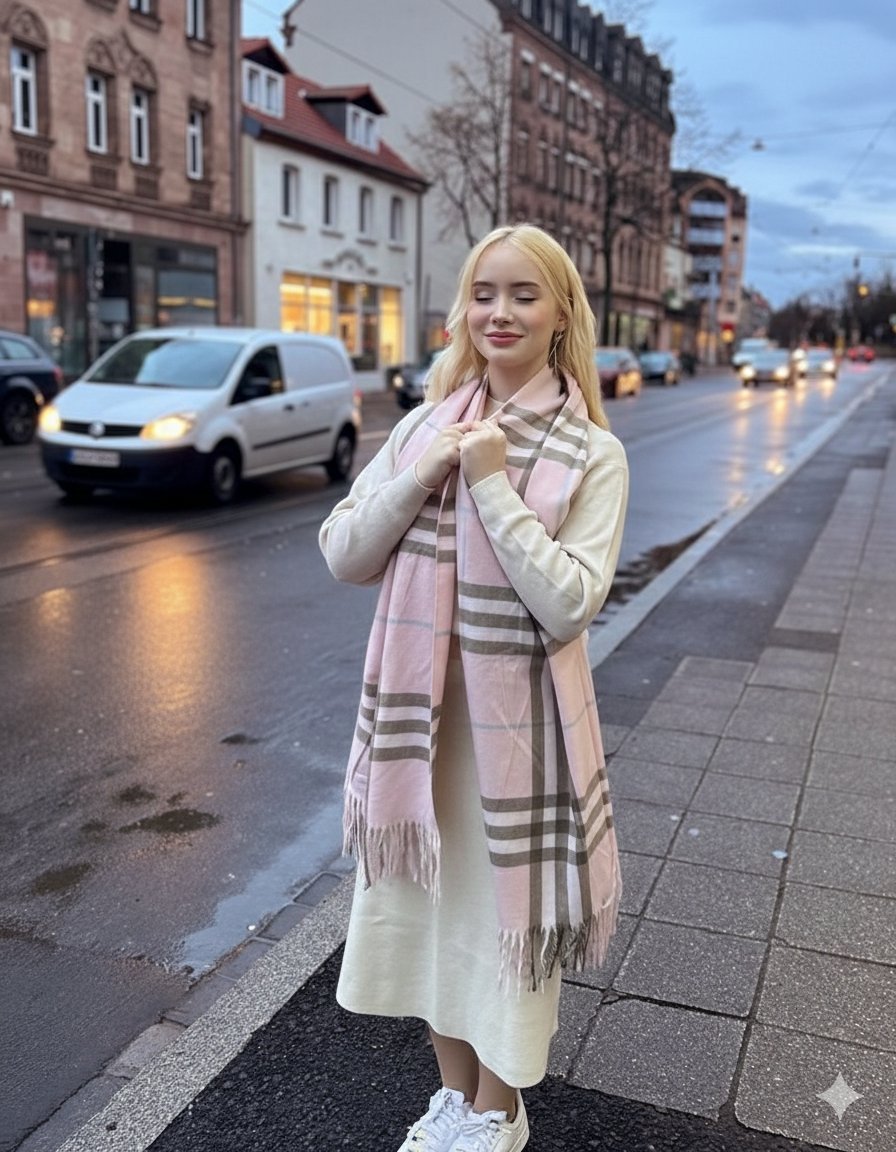
Cinematic Fashion Editorial in European Old Town at Twilight
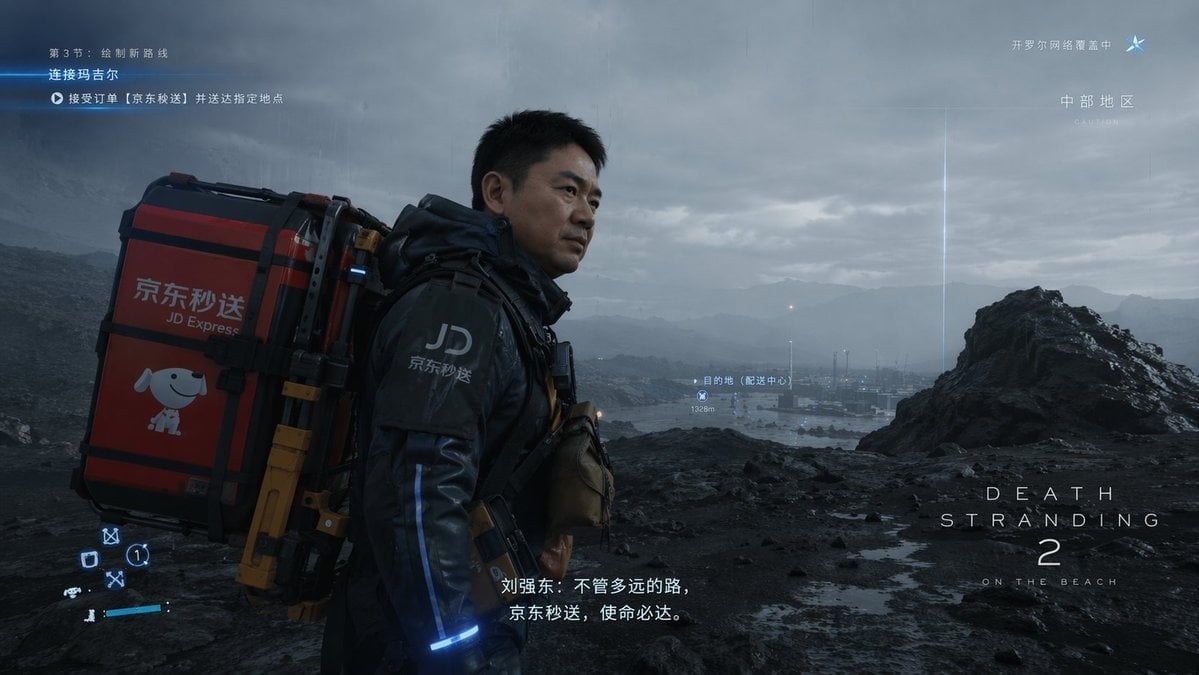
Cinematic Sci-Fi Delivery Game Screenshot
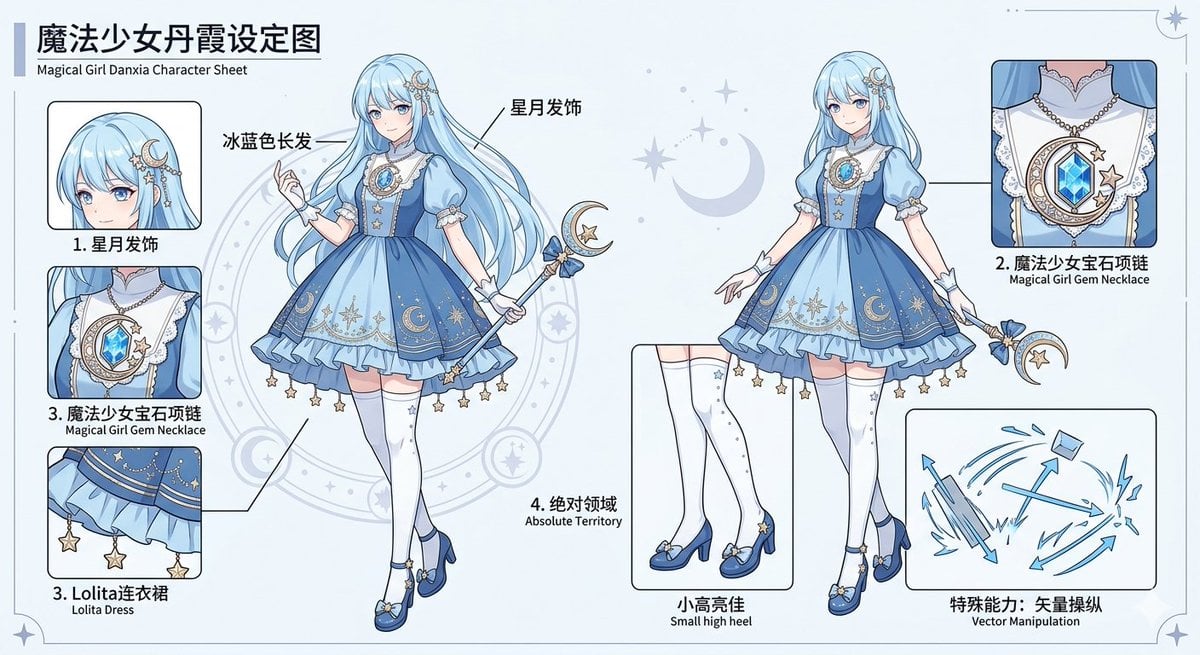
Magical Girl Character Sheet
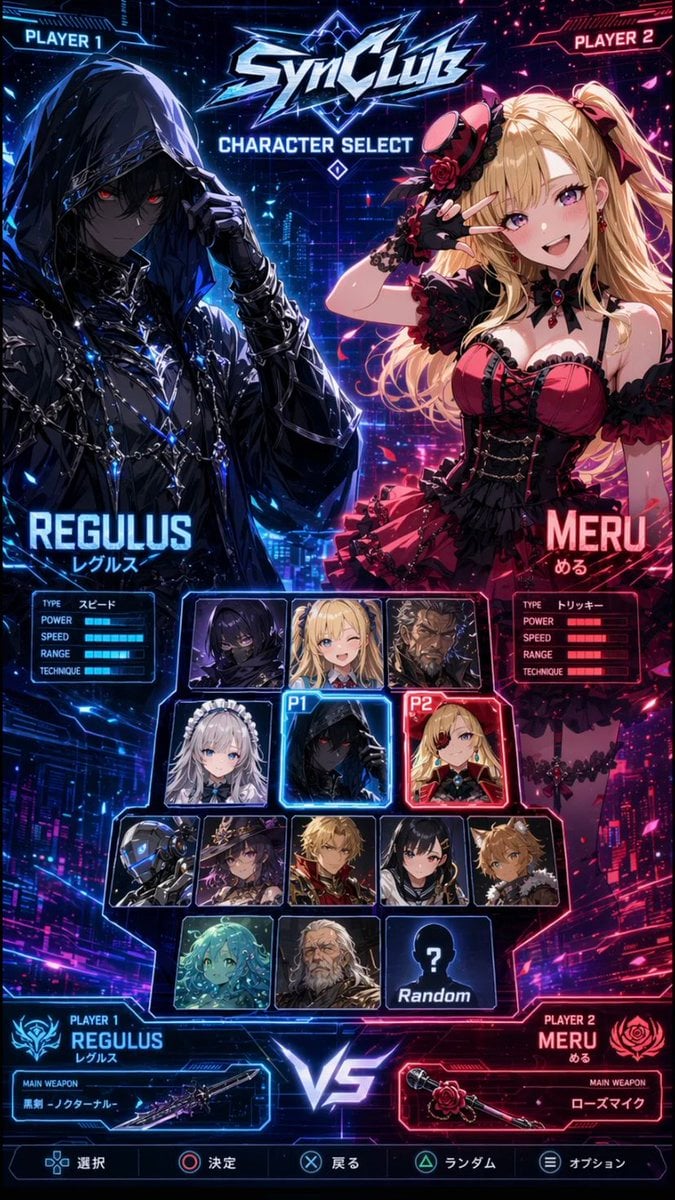
Cyberpunk Anime Character Select Screen
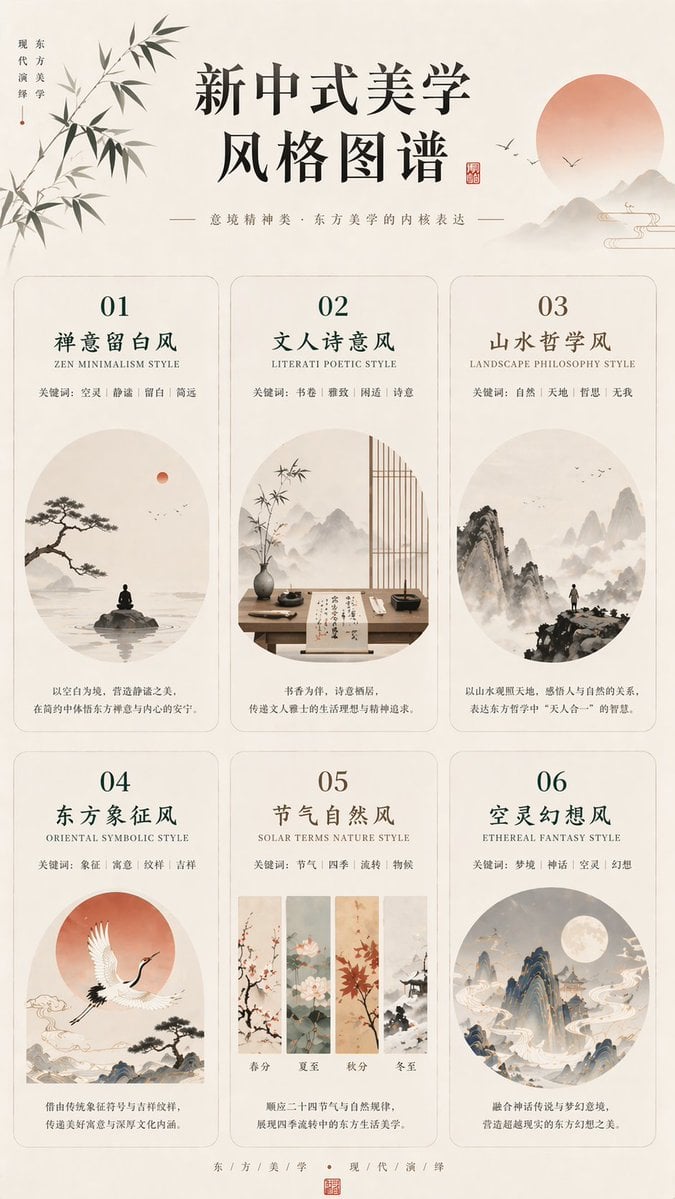
New Chinese Aesthetics Style Atlas
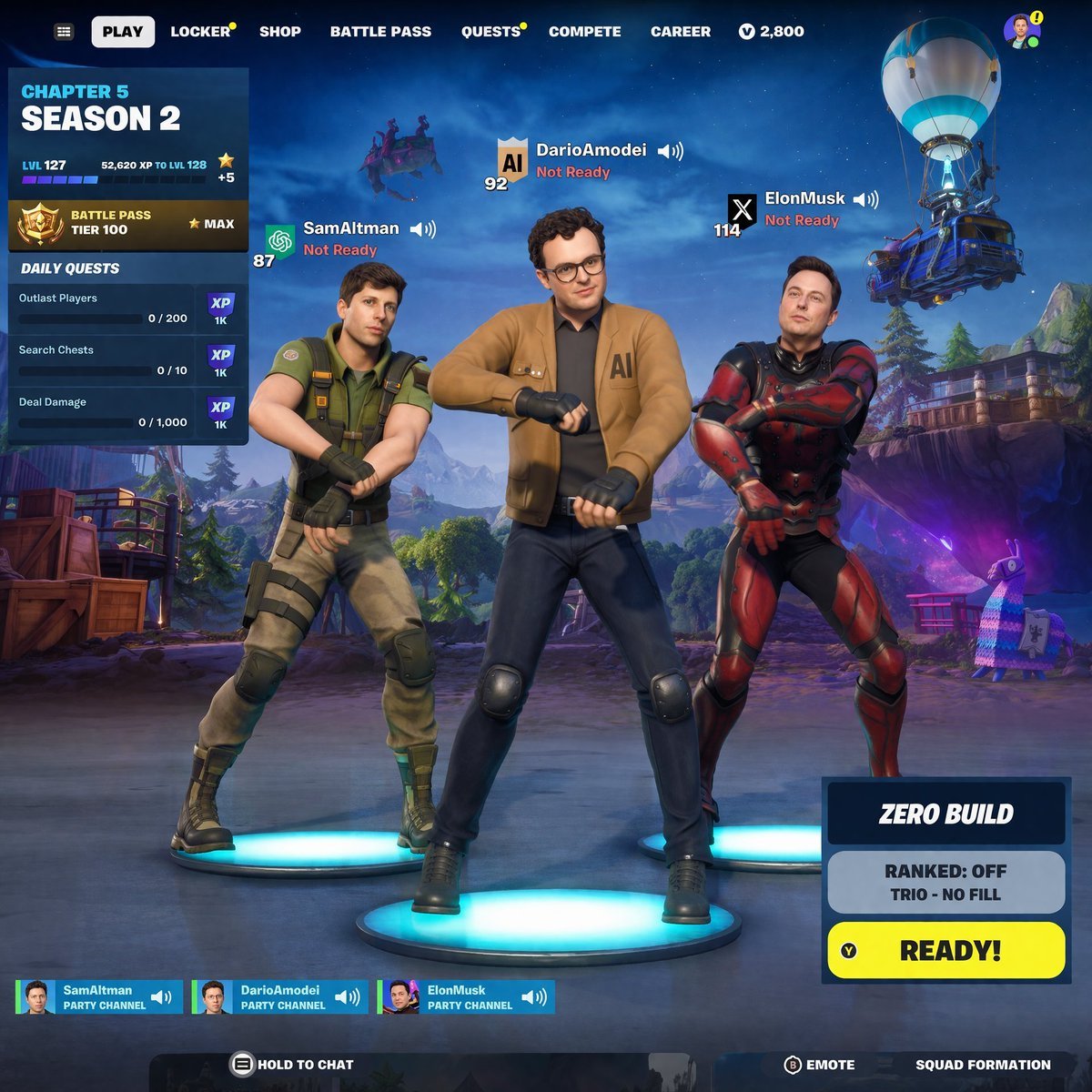
Tech CEO Battle Royale Lobby
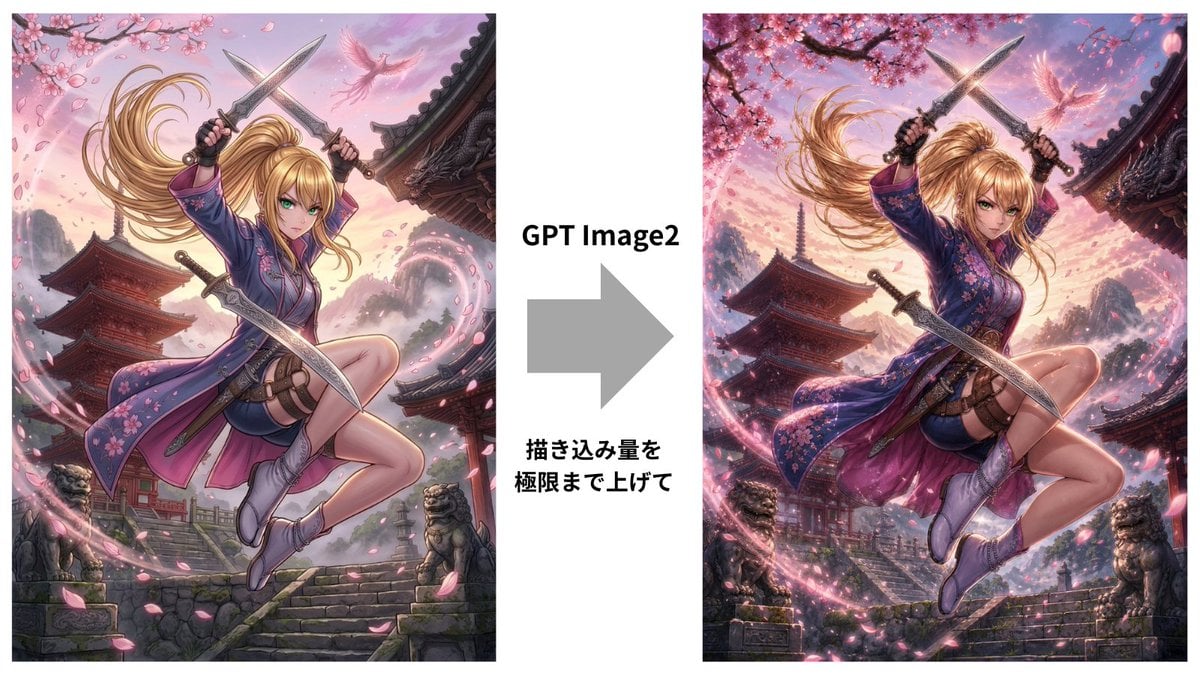
GPT Image 2 Kunoichi Comparison
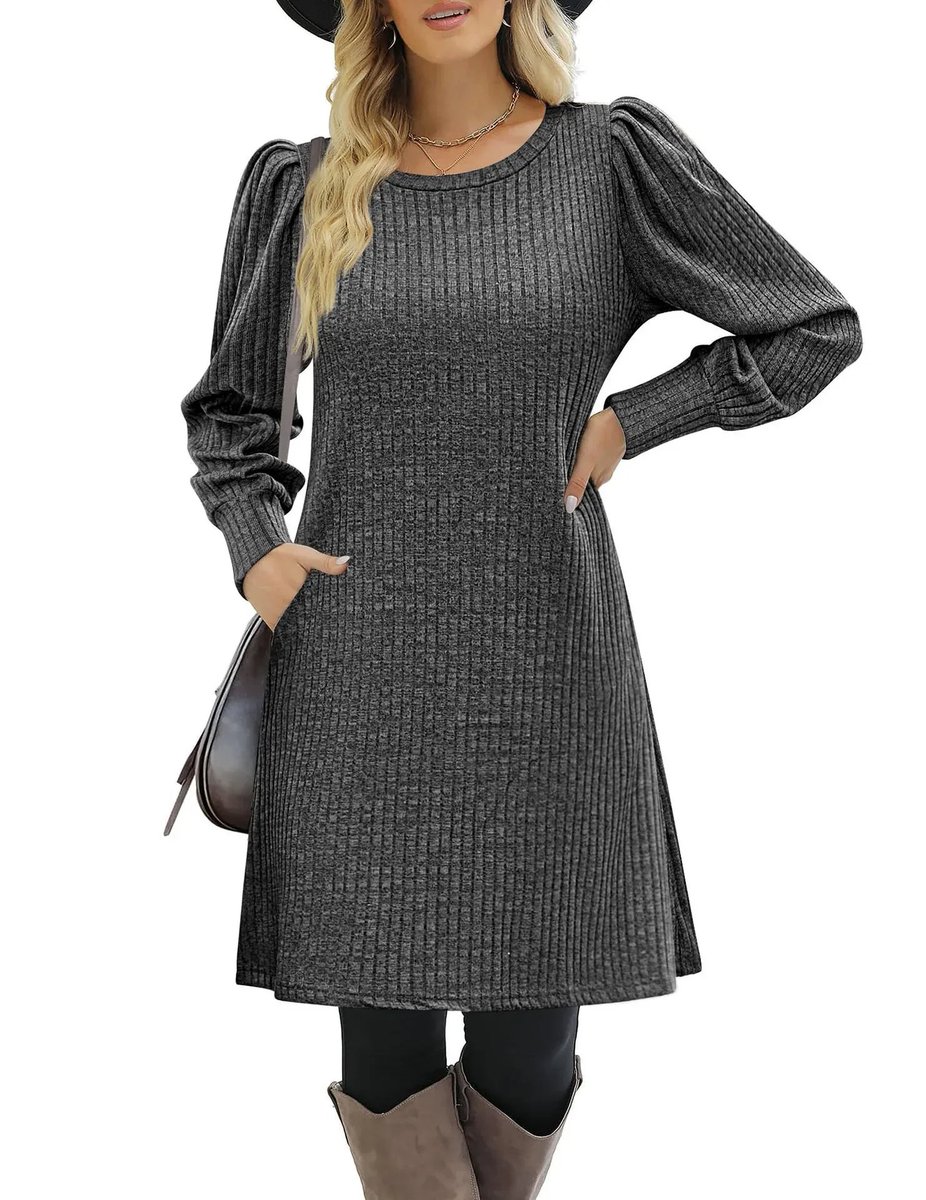
E-commerce product listing photo prompt for lifestyle setting
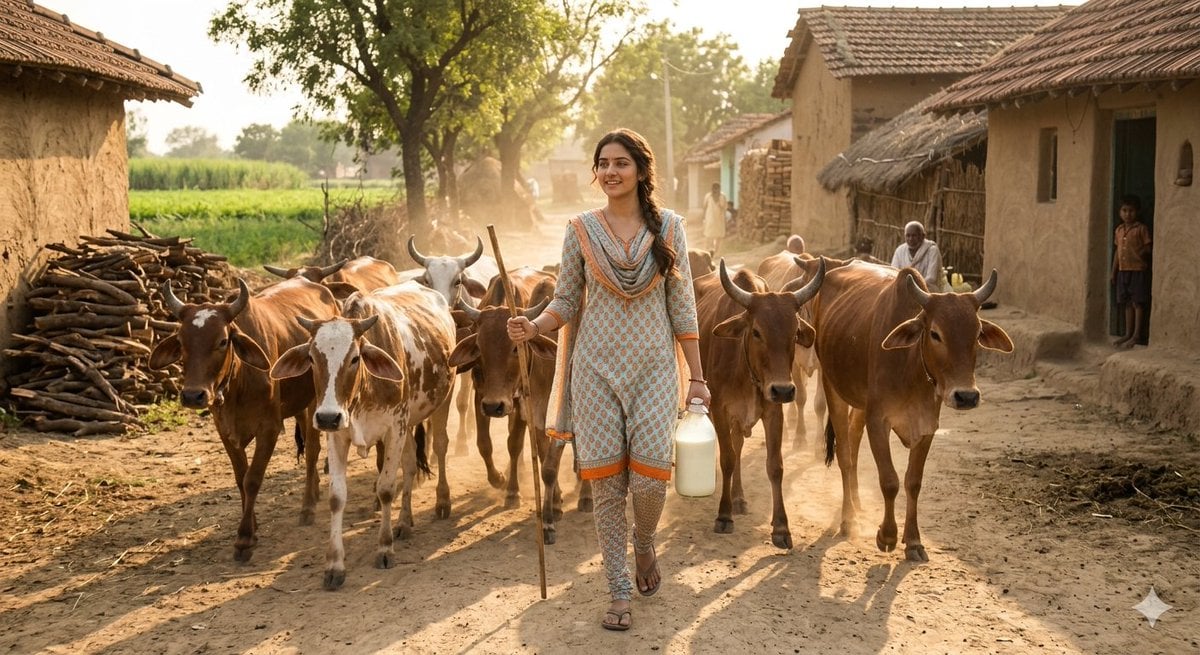
Rustic Rural India Portrait
Browse template categories
Anime Warrior Eating Ramen questions
How do I use the Anime Warrior Eating Ramen template?
Add your photo if the template asks for one, edit the prompt if you like — the template's model and format are already selected — and press Generate. Your version opens in PicX Studio.
Can I customize the Anime Warrior Eating Ramen template?
Yes. You can change the subject, setting, lighting, mood, format, and available model controls before creating your image.
Is the Anime Warrior Eating Ramen template free?
Opening and editing this template is free. Generating uses credits, shown on the Generate button when you are signed in.
Which AI model should I use?
Start with GPT Image 2, which is the model associated with this template. You can compare another compatible model for a different finish.
Looking for something else? Browse all templates.

Your photo, any look
Thousands of ready templates for every top image and video model, from one credit balance.