
Tech CEO Battle Royale Lobby
Generates a stylized video game lobby UI featuring three customizable tech figures in tactical gear performing a synchronized dance.
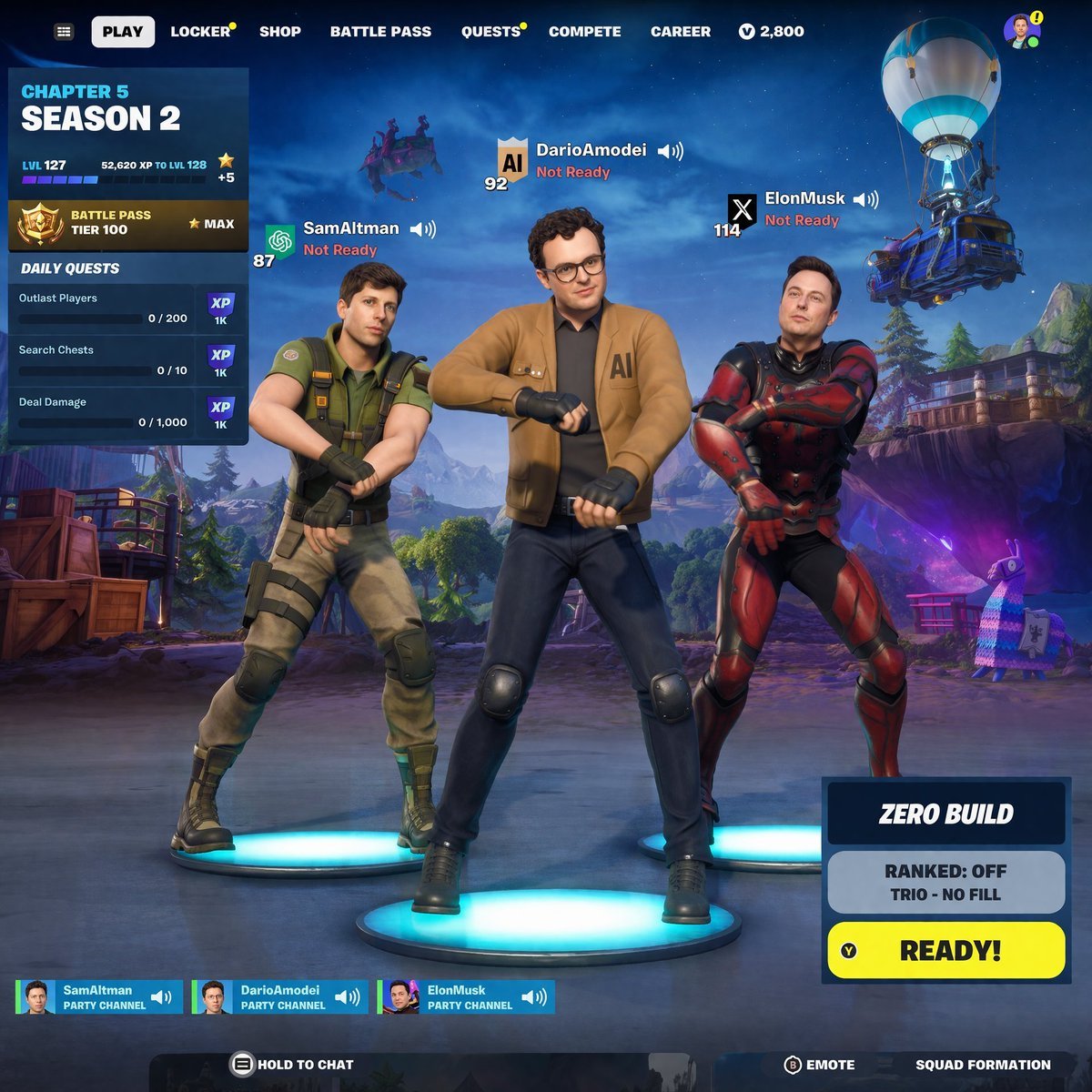
- Prompt included
- Model and format preset
- Free template
The prompt behind this image
Copy the exact prompt behind Tech CEO Battle Royale Lobby, or open it in the studio and make it yours.
- Type
- battle royale lobby UI
- Characters › 0 › Name
- {argument name="left character name" default="SamAltman"}
- Characters › 0 › Outfit
- tactical green shirt, khaki pants
- Characters › 0 › Pose
- dancing with crossed arms on blue platform
- Characters › 0 › Ui
- Level 87, OpenAI icon, Not Ready
- Characters › 1 › Name
- {argument name="center character name" default="DarioAmodei"}
- Characters › 1 › Outfit
- brown jacket with AI text, glasses, jeans
- Characters › 1 › Pose
- dancing with crossed arms on blue platform
- Characters › 1 › Ui
- Level 92, AI shield icon, Not Ready
- Characters › 2 › Name
- {argument name="right character name" default="ElonMusk"}
- Characters › 2 › Outfit
- red and black futuristic armor
- Characters › 2 › Pose
- dancing with crossed arms on blue platform
- Characters › 2 › Ui
- Level 114, X icon, Not Ready
- Background
- stylized landscape, flying battle bus, purple llama piñata
- Ui › Top Nav
- PLAY, LOCKER, SHOP, BATTLE PASS, QUESTS, COMPETE, CAREER
- Ui › Left Panel › Title
- {argument name="season text" default="CHAPTER 5 SEASON 2"}
- Ui › Left Panel › Stats
- LVL 127, BATTLE PASS TIER 100
- Ui › Left Panel › Daily Quests
- 3
- Ui › Bottom Right › Mode
- {argument name="game mode" default="ZERO BUILD"}
- Ui › Bottom Right › Status
- RANKED: OFF, TRIO - NO FILL
- Ui › Bottom Right › Button
- READY!
- Ui › Bottom Bar › Party Channels
- 3
- Ui › Bottom Bar › Prompts
- HOLD TO CHAT, EMOTE, SQUAD FORMATION
Raw JSON
{
  "type": "battle royale lobby UI",
  "characters": [
    {
      "name": "{argument name=\"left character name\" default=\"SamAltman\"}",
      "outfit": "tactical green shirt, khaki pants",
      "pose": "dancing with crossed arms on blue platform",
      "ui": "Level 87, OpenAI icon, Not Ready"
    },
    {
      "name": "{argument name=\"center character name\" default=\"DarioAmodei\"}",
      "outfit": "brown jacket with AI text, glasses, jeans",
      "pose": "dancing with crossed arms on blue platform",
      "ui": "Level 92, AI shield icon, Not Ready"
    },
    {
      "name": "{argument name=\"right character name\" default=\"ElonMusk\"}",
      "outfit": "red and black futuristic armor",
      "pose": "dancing with crossed arms on blue platform",
      "ui": "Level 114, X icon, Not Ready"
    }
  ],
  "background": "stylized landscape, flying battle bus, purple llama piñata",
  "ui": {
    "top_nav": ["PLAY", "LOCKER", "SHOP", "BATTLE PASS", "QUESTS", "COMPETE", "CAREER"],
    "left_panel": {
      "title": "{argument name=\"season text\" default=\"CHAPTER 5 SEASON 2\"}",
      "stats": "LVL 127, BATTLE PASS TIER 100",
      "daily_quests": 3
    },
    "bottom_right": {
      "mode": "{argument name=\"game mode\" default=\"ZERO BUILD\"}",
      "status": "RANKED: OFF, TRIO - NO FILL",
      "button": "READY!"
    },
    "bottom_bar": {
      "party_channels": 3,
      "prompts": ["HOLD TO CHAT", "EMOTE", "SQUAD FORMATION"]
    }
  }
}How to use Tech CEO Battle Royale Lobby in 3 steps
- 1Upload ImagePNG, JPG or paste
Add your photo
Upload the photo the template builds on. The prompt, model and format are already set.
- 2…a portrait of your subject in softgolden-hour light, 85mm…
Personalize
Edit the subject and creative details for your destination.
- 3Generate
Generate
Press Generate — your image is created in PicX Studio, so you can compare it with the original and refine one variable at a time.
More like this
Templates with the same subject, style or setup. Open one to see its prompt.
Seedance - Dragon vs Python Battle
Seedance - Arrow Microscopic Battle
Still Woman in Motion-Blurred Lobby
Cinematic Luxury CEO Office Portrait
Surreal Weather Armchair in Hotel Lobby
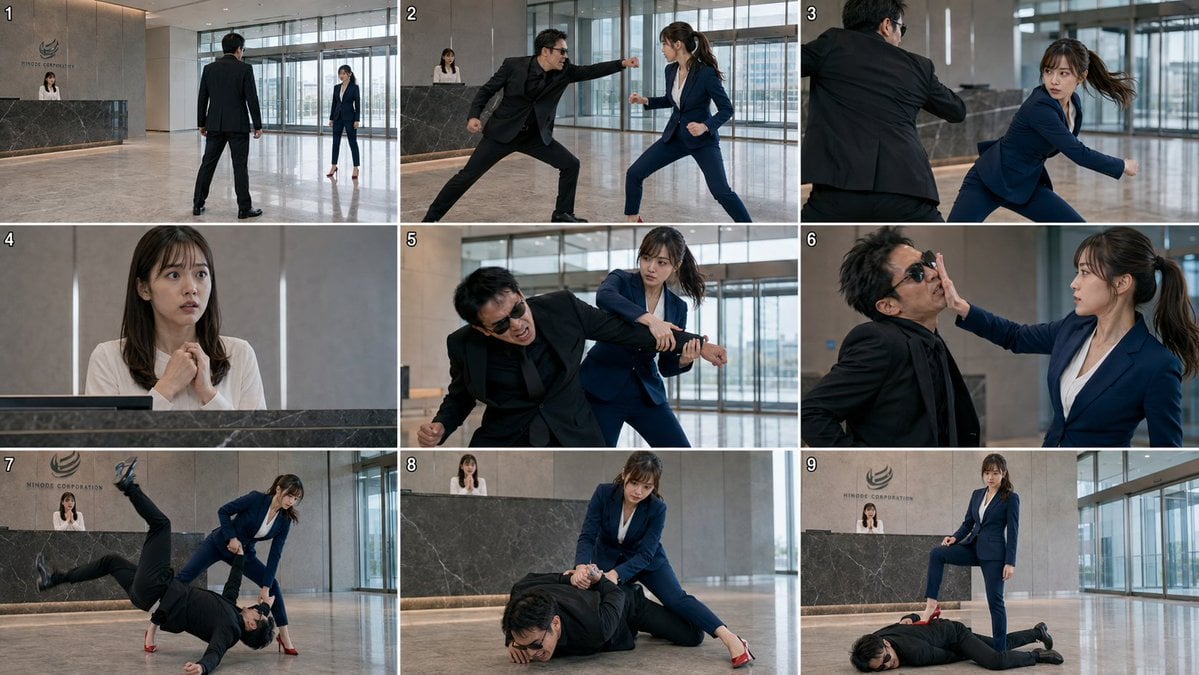
Corporate Lobby Fight Storyboard
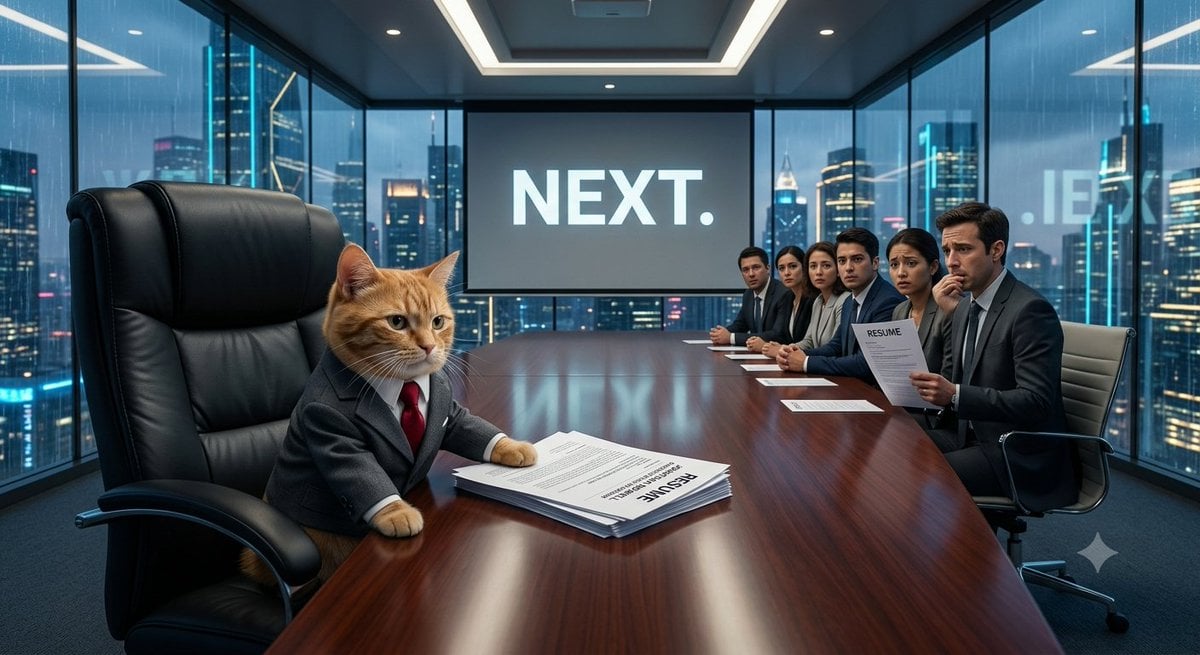
The Cat CEO Office Interview
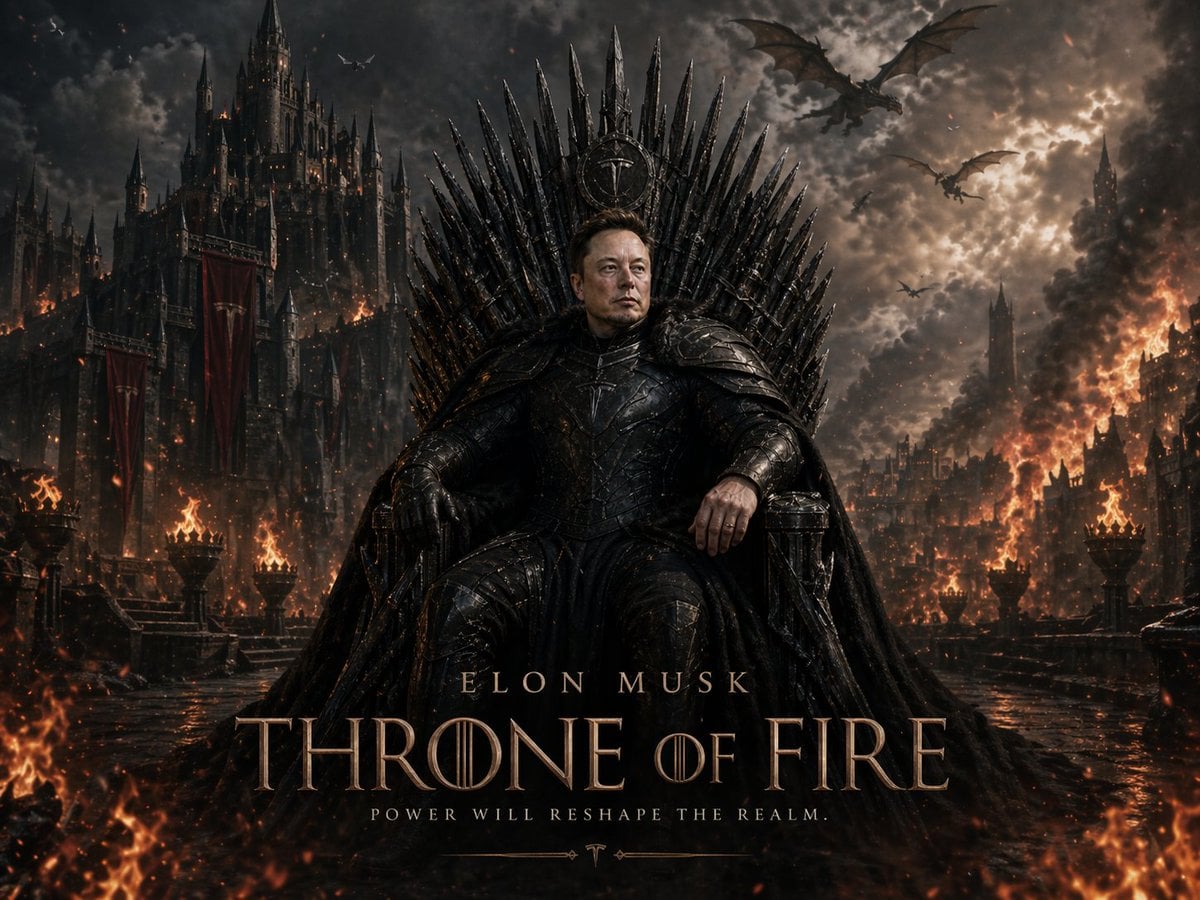
Sci-Fi AI Battle Movie Poster
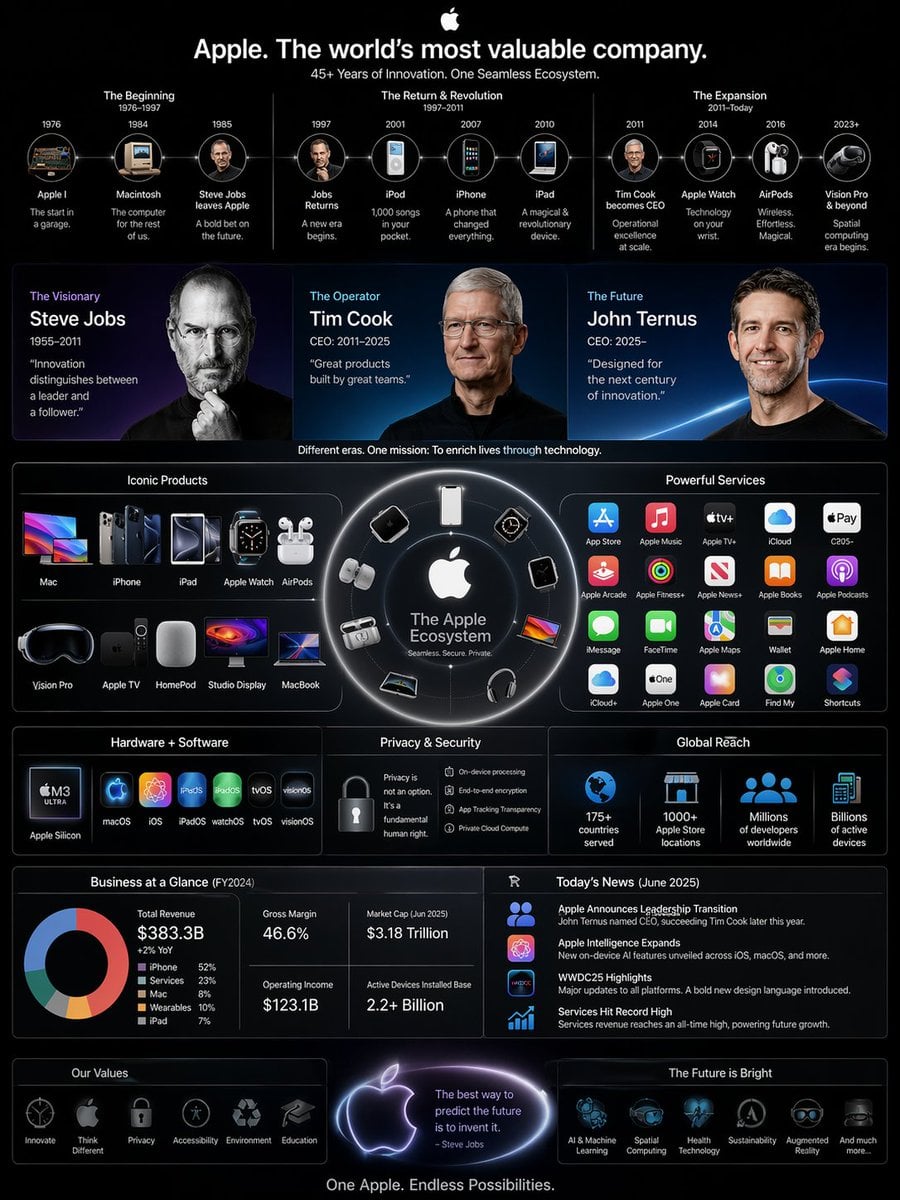
高复杂度信息图 结合今天的新闻,CEO 换成了Ternus,信息图要竖版 3 4要有乔布斯、cook、Ternus 三人
Luxury Lobby Denim Jumpsuit Portrait
Battle Maid in Ruined Cathedral
Fisheye Vintage Hotel Lobby Portrait
Make it yours
Tech CEO Battle Royale Lobby works as-is. These are the safest ways to change it without losing the look.
Swap the setting
Keep the rest of the prompt and replace the location block. The current setting is “stylized landscape, flying battle bus, purple llama piñata”.
Change one field
Copy a single group, rewrite it, and generate again so you can see what that field is doing.
Keep the frame, change the subject
Hold the composition and light of Tech CEO Battle Royale Lobby, then swap wardrobe, props or the person for a new take.
| If the result… | Why | Fix |
|---|---|---|
| The result drifts from the preview | Too many fields changed at once. | Reuse Tech CEO Battle Royale Lobby as-is first, then change one group — subject, light, or setting. |
| GPT Image 2 ignores part of the JSON | Some models flatten or skip nested keys. | Keep the same values and paste them as a short paragraph instead. |
More GPT Image 2 templates
Other prompts made for GPT Image 2.

Six VTuber Japanese Logo Sheet

Realistic Portrait of Woman and Deer

The Vista Modular Condo Poster

AI Model Routing Comparison Infographic

2.5D Anime Art Board

Isometric Productivity Desk Scene

New York Double Exposure Poster

Four-Panel AI Landscape Comparison

Japanese Tatami Lifestyle Magazine Cover

NESCAFÉ Coffee Map Poster
More image prompts
Fresh picks from across the catalog.
Lazy Bedroom Selfie Prompt (Lying Prone)
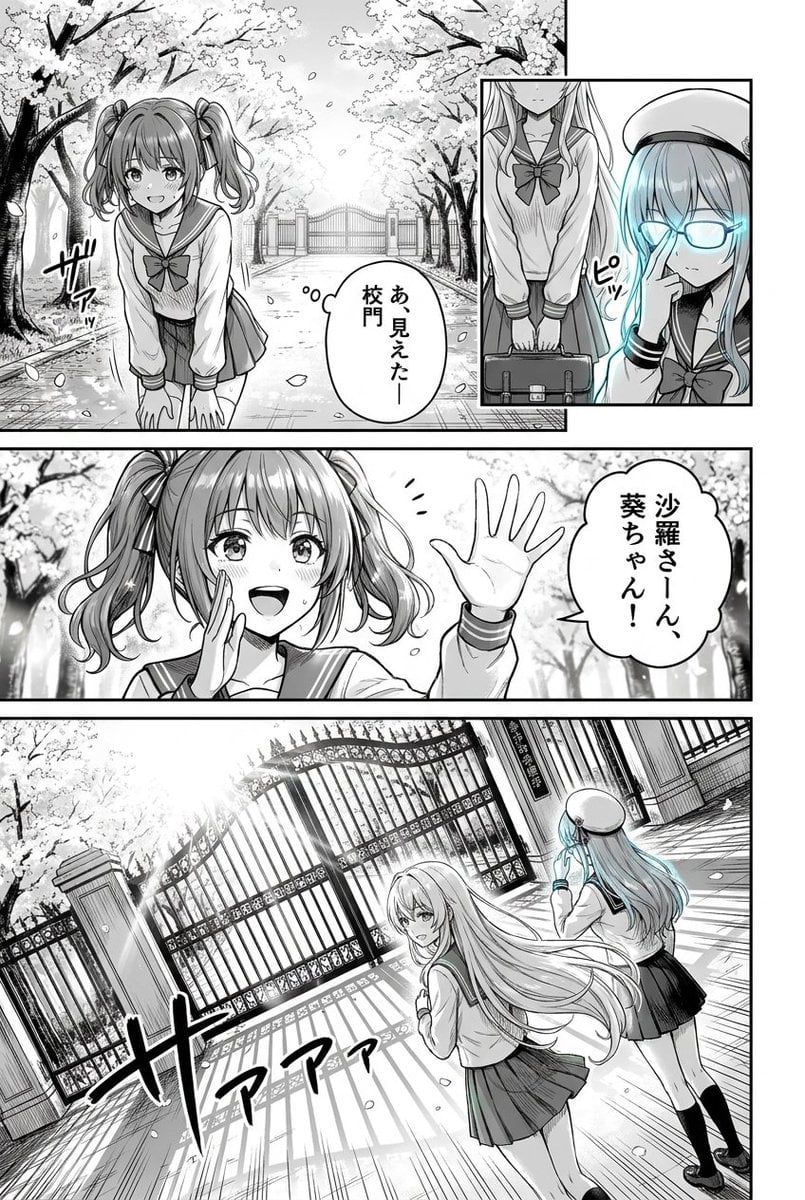
Cherry Blossom School Gate Manga Page
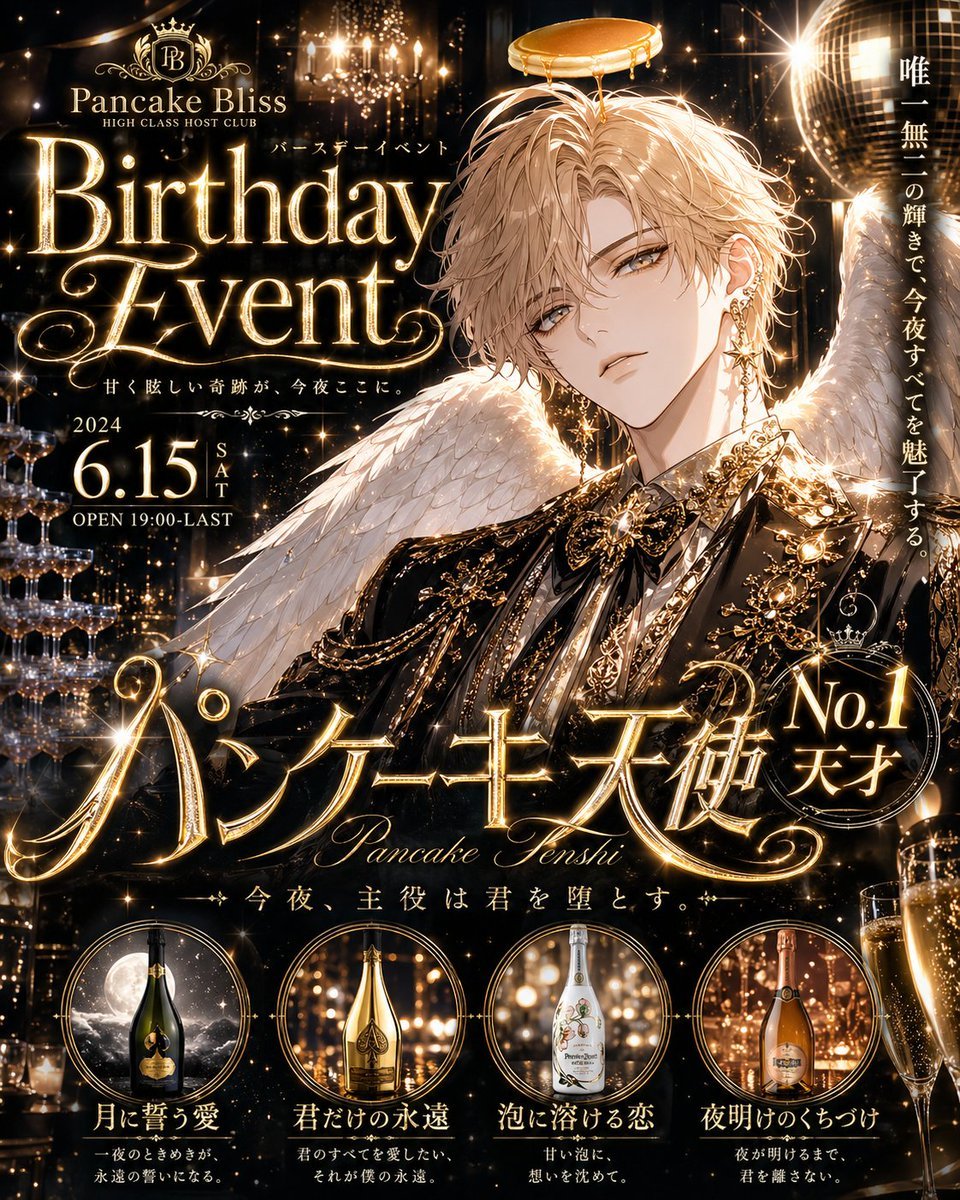
Glittering Host Club Birthday Event Poster
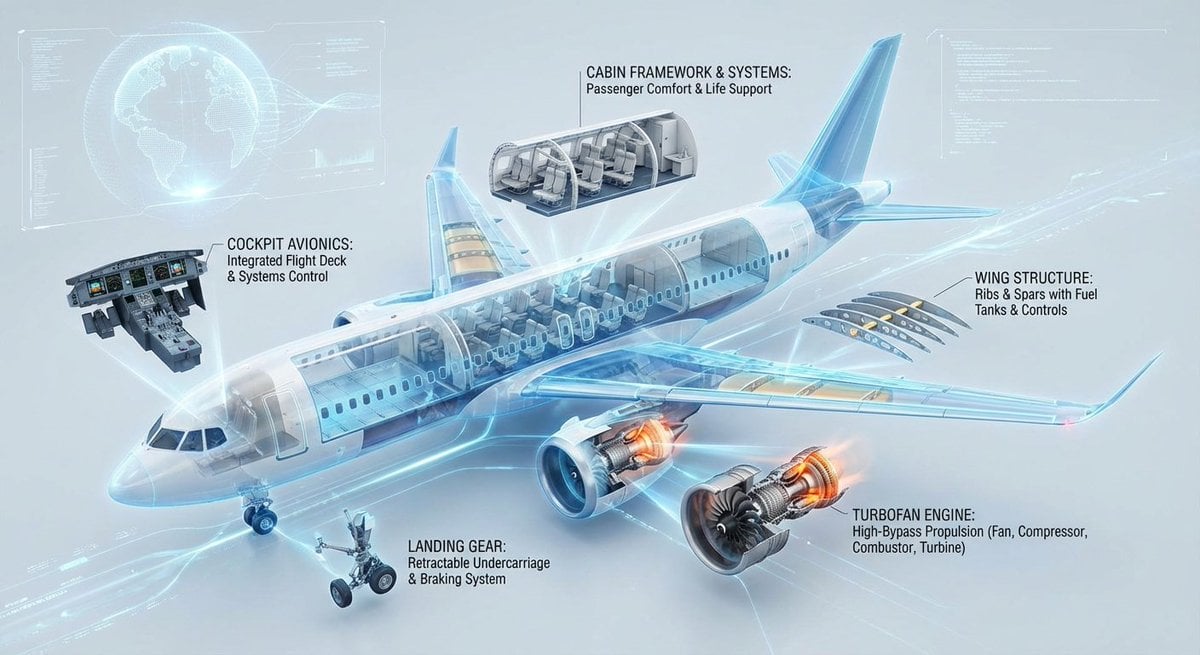
Cutaway infographic of a modern jet airliner
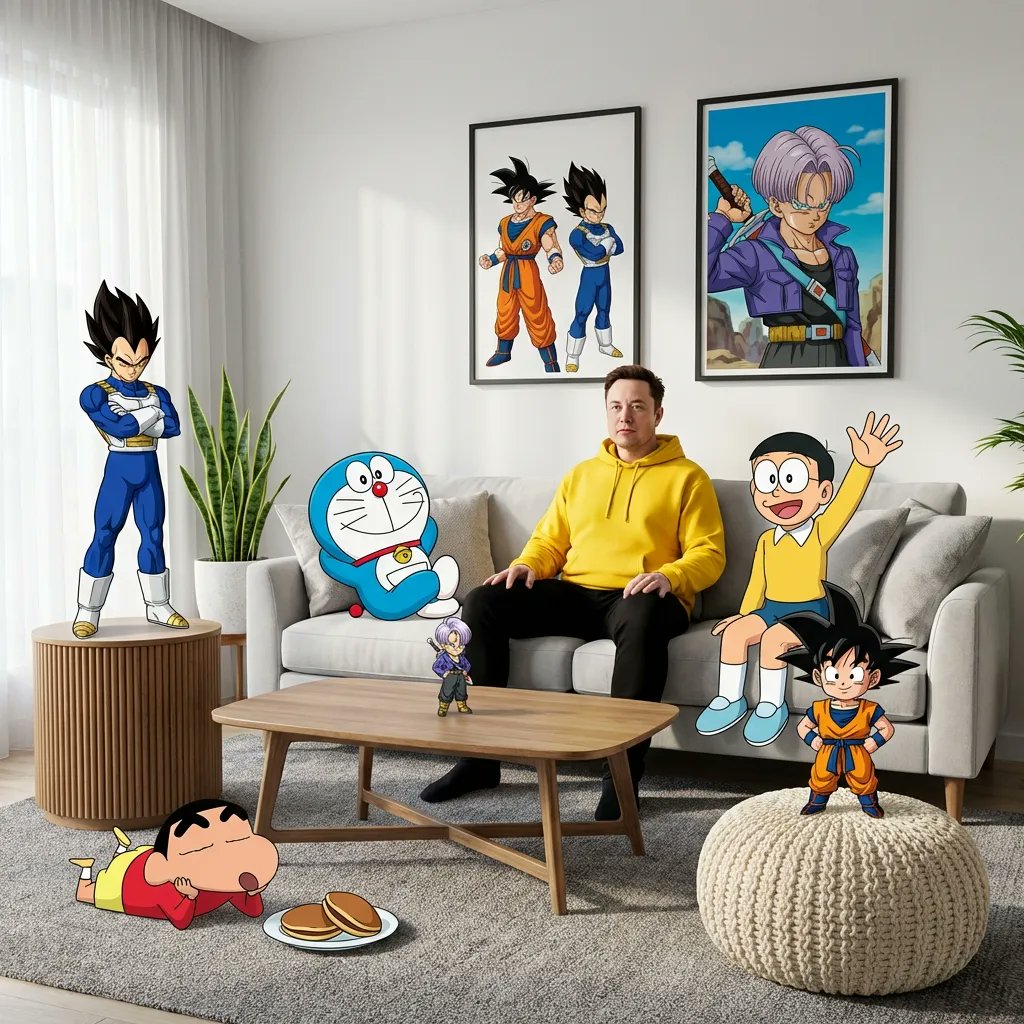
Blending Photorealism and Anime in a Living Room Scene
Human and Pixar Character Duplication Prompt
Hand-Drawn Style Photo Annotation
Hyper-Realistic High-Fashion Portrait in Ivory Lace Minidress
South Asian Streetwear Portrait
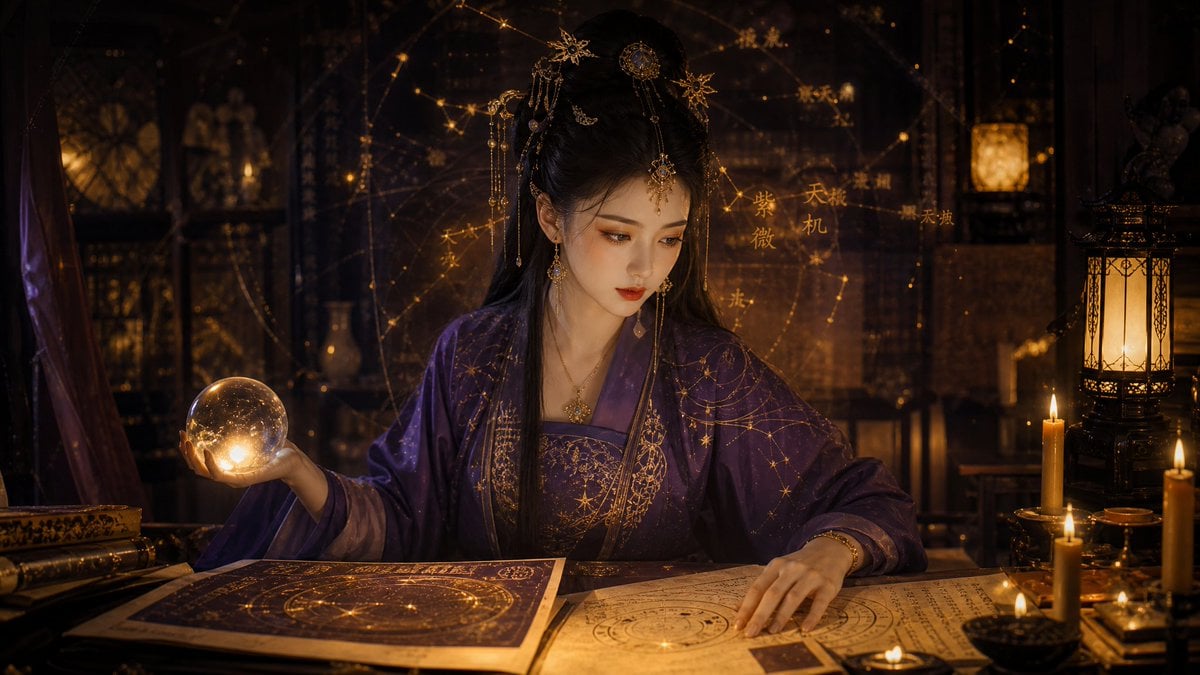
Classical Candlelight Hanfu Diviner
Browse template categories
Tech CEO Battle Royale Lobby questions
How do I use the Tech CEO Battle Royale Lobby template?
Add your photo if the template asks for one, edit the prompt if you like — the template's model and format are already selected — and press Generate. Your version opens in PicX Studio.
Can I customize the Tech CEO Battle Royale Lobby template?
Yes. You can change the subject, setting, lighting, mood, format, and available model controls before creating your image.
Is the Tech CEO Battle Royale Lobby template free?
Opening and editing this template is free. Generating uses credits, shown on the Generate button when you are signed in.
Which AI model should I use?
Start with GPT Image 2, which is the model associated with this template. You can compare another compatible model for a different finish.
Looking for something else? Browse all templates.

Your photo, any look
Thousands of ready templates for every top image and video model, from one credit balance.