How do I use the Battle Maid in Ruined Cathedral template?
Edit the prompt in the box under the preview — the template's model and format are already selected — and press Generate. Your version appears right on this page.
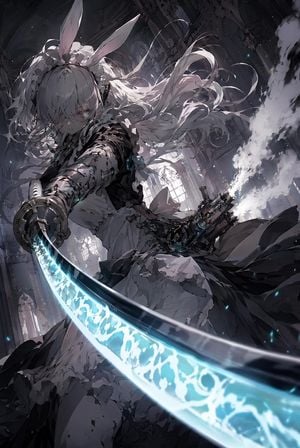
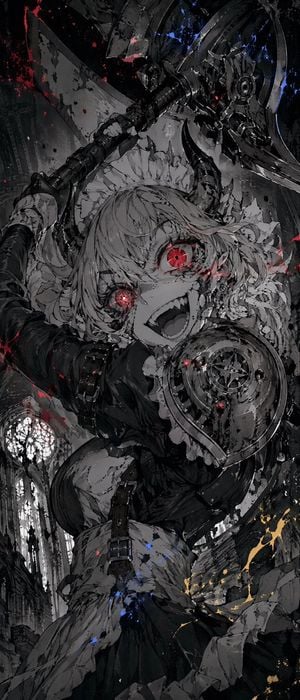
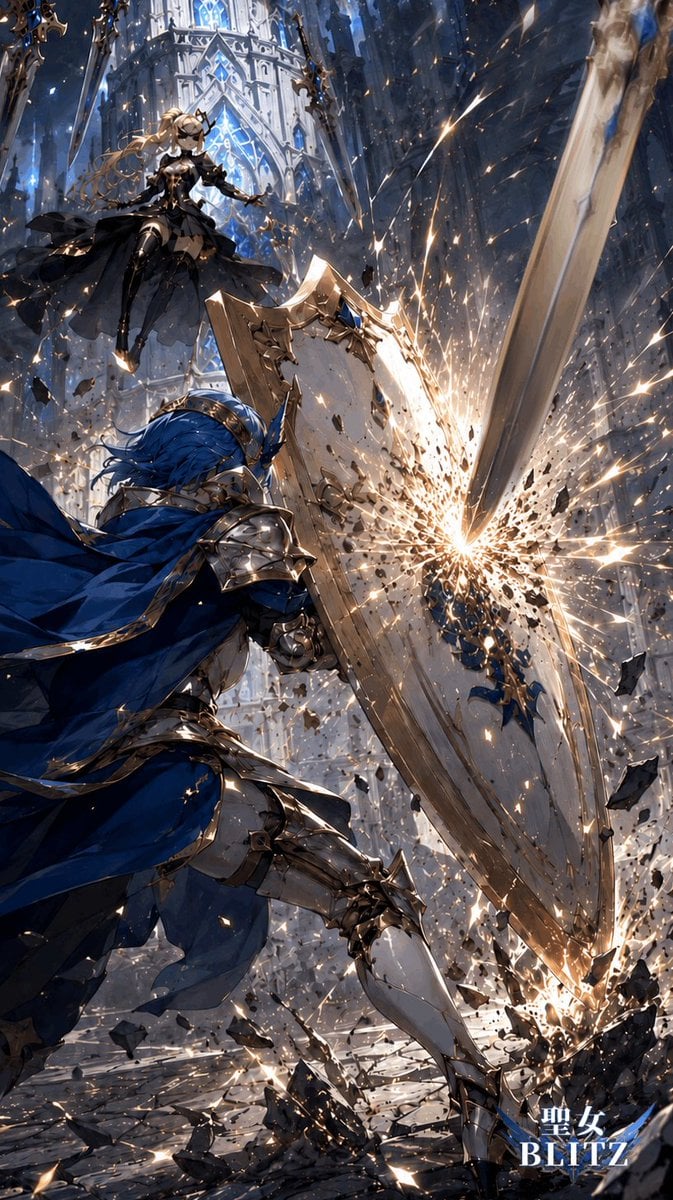
A vertical cinematic anime prompt for creating a white-haired armored battle maid wielding a massive mechanical axe in a shattered gothic cathedral.

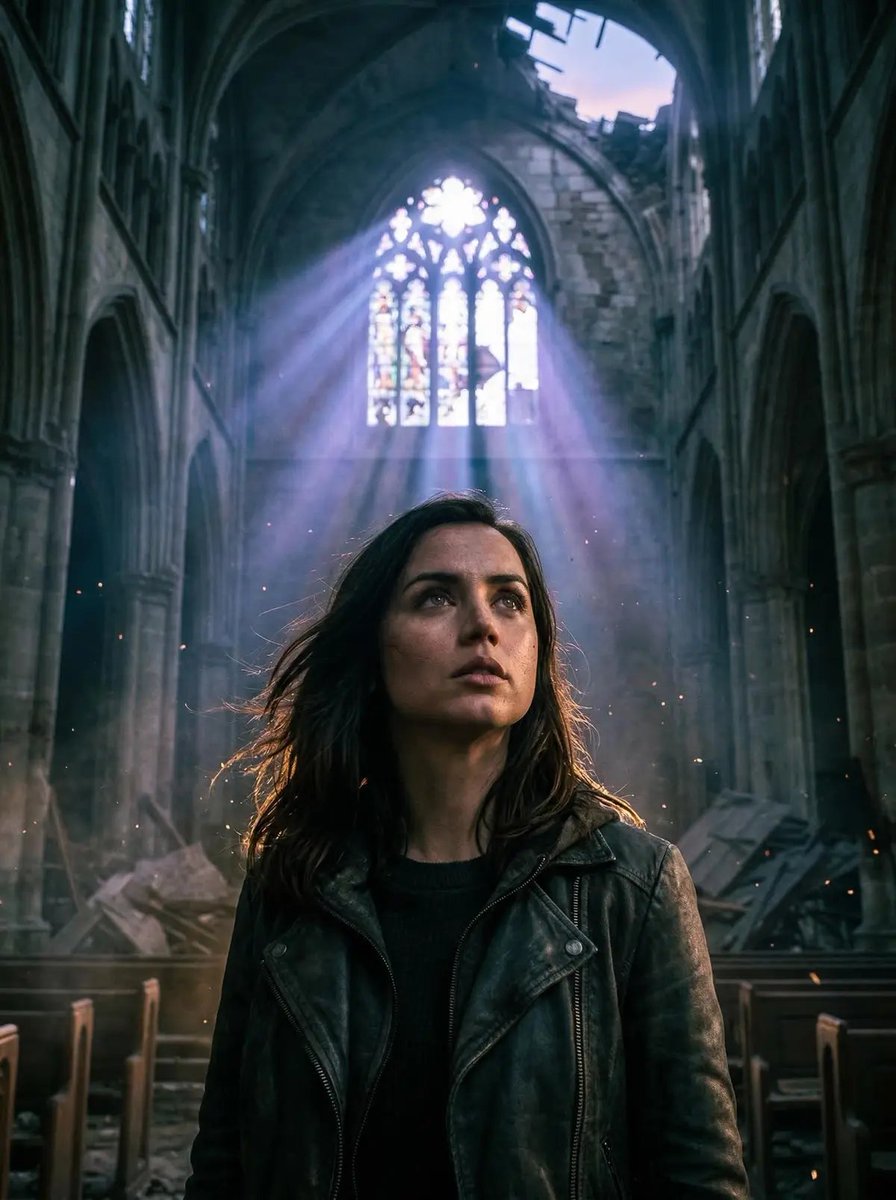
This template uses your photo — add one with the + button.
Create a dramatic vertical anime fantasy action illustration of one female character, {argument name="character name" default="a white-haired battle maid"}, charging through a ruined gothic cathedral. She has wild flowing {argument name="hair color" default="silver-white"} hair, one glowing crimson eye visible through sweeping bangs, a manic confident grin, pale skin, and a black-and-white maid dress fused with dark plate armor on the shoulders, arms, and torso. Her skirt and apron are torn and whipping in the wind. She grips one enormous futuristic polearm weapon: a long black metal shaft ending in a gigantic circular axe-like mechanical blade with layered chrome panels, exposed gears, a central golden lens core, blue electric highlights, and thin red energy accents. The weapon dominates the foreground from bottom center upward in extreme perspective, smashing into the stone floor and sending chunks of masonry outward. Place the character above and behind the weapon, leaning forward aggressively as if mid-swing. The background is a towering cathedral interior with tall pointed arches, broken columns, pale stone walls, high windows, dust, smoke, and shafts of cold daylight. Use a dynamic low-angle composition, ultra-detailed painterly anime rendering, sharp metallic reflections, flying rubble, shattered floor tiles, blue-white sparks, small red glows near the impact, high contrast lighting, motion blur in the debris, and a cool monochrome palette of whites, grays, blacks, steel blue, with crimson accents. Canvas should be tall and narrow, {argument name="aspect ratio" default="9:16"}, cinematic, highly polished, no text, no watermark, no extra characters.
Create a dramatic vertical anime fantasy action illustration of one female character, {argument name="character name" default="a white-haired battle maid"}, charging through a ruined gothic cathedral. She has wild flowing {argument name="hair color" default="silver-white"} hair, one glowing crimson eye visible through sweeping bangs, a manic confident grin, pale skin, and a black-and-white maid dress fused with dark plate armor on the shoulders, arms, and torso. Her skirt and apron are torn and whipping in the wind. She grips one enormous futuristic polearm weapon: a long black metal shaft ending in a gigantic circular axe-like mechanical blade with layered chrome panels, exposed gears, a central golden lens core, blue electric highlights, and thin red energy accents. The weapon dominates the foreground from bottom center upward in extreme perspective, smashing into the stone floor and sending chunks of masonry outward. Place the character above and behind the weapon, leaning forward aggressively as if mid-swing. The background is a towering cathedral interior with tall pointed arches, broken columns, pale stone walls, high windows, dust, smoke, and shafts of cold daylight. Use a dynamic low-angle composition, ultra-detailed painterly anime rendering, sharp metallic reflections, flying rubble, shattered floor tiles, blue-white sparks, small red glows near the impact, high contrast lighting, motion blur in the debris, and a cool monochrome palette of whites, grays, blacks, steel blue, with crimson accents. Canvas should be tall and narrow, {argument name="aspect ratio" default="9:16"}, cinematic, highly polished, no text, no watermark, no extra characters.
Edit the prompt in the box under the preview — the template's model and format are already selected — and press Generate. Your version appears right on this page.
Yes. You can change the subject, setting, lighting, mood, format, and available model controls before creating your image.
Opening and editing this template is free. Generating uses credits, shown on the Generate button when you are signed in.
Start with GPT Image 2, which is the model associated with this template. You can compare another compatible model for a different finish.
Follow a topic to a crawlable collection of related PicX Studio templates.