
Pink Maid Outfit Mirror Selfie
A detailed prompt for a realistic mirror selfie of a woman in a pink maid-inspired dress, capturing authentic smartphone camera qualities and apartment interiors.
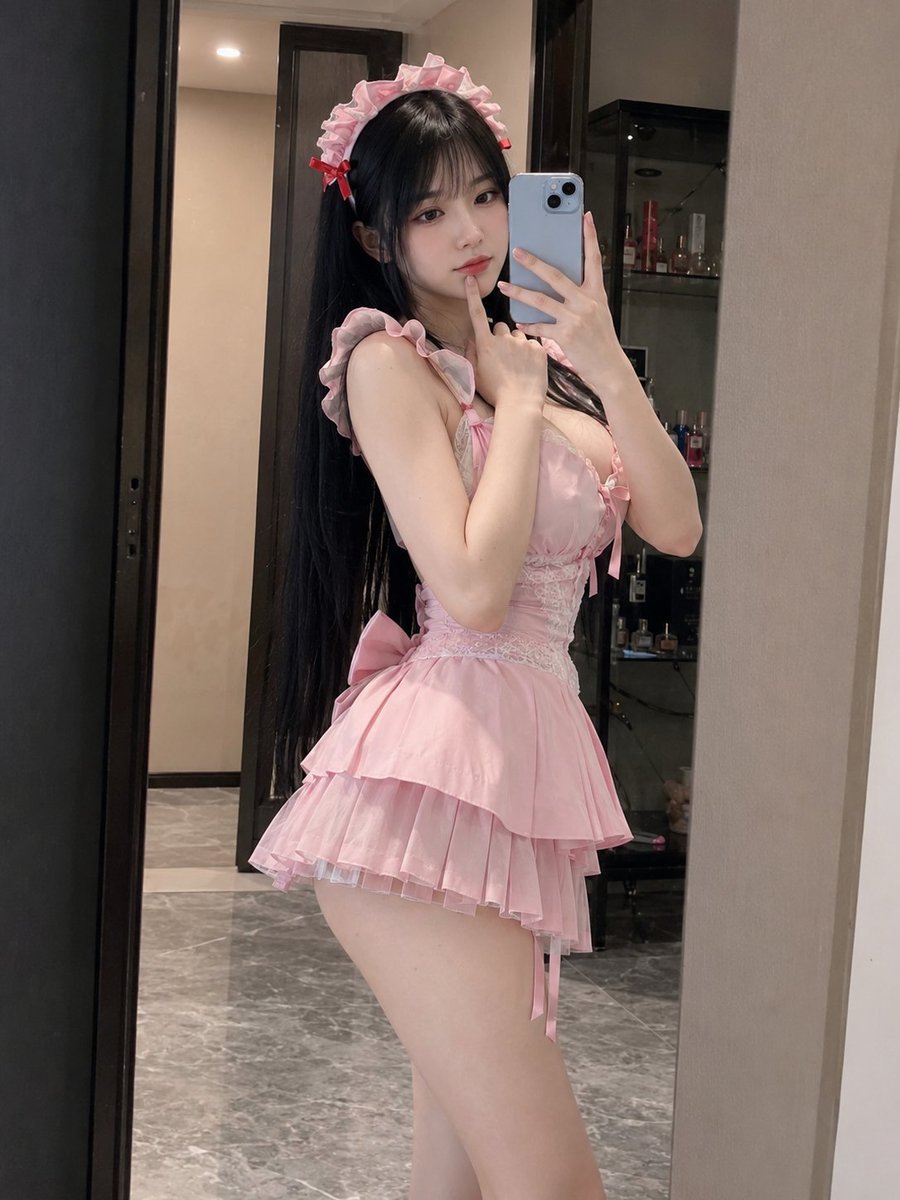
- Prompt included
- Model and format preset
- Free template
The prompt behind this image
Copy the exact prompt behind Pink Maid Outfit Mirror Selfie, or open it in the studio and make it yours.
Create a photorealistic 3:4 mirror-selfie portrait of a beautiful adult {argument name="ethnicity" default="East Asian"} woman posing in a modern apartment dressing area. She has a softly curvy hourglass figure, fair luminous skin, a delicate doll-like face, large dark almond-shaped eyes, a small refined nose and soft glossy pink lips. Her very long straight black hair falls past her waist, with thick full bangs and layered strands framing her cheeks. She wears a {argument name="dress style" default="cute pale-pink maid-inspired mini dress"} with ruffled shoulder straps, a fitted lace waist, satin ribbon details, a large bow at the back and a short layered pleated skirt. A matching pink ruffled maid headband with small red bows sits neatly on her head. She stands almost in profile with her waist gently twisted toward the mirror, lower back slightly arched and one hip pushed outward. One hand holds a {argument name="phone color" default="pale-blue"} smartphone in front of her face while the index finger of her other hand rests lightly beneath her chin, creating a shy and playful pose. Her eyes look at the phone screen with a calm, slightly pouty expression. The mirror shows a realistic apartment interior with dark door frames, cream walls, gray marble flooring and a small black display cabinet containing perfume bottles and personal items. Warm soft indoor lighting, authentic handheld smartphone quality, slightly imperfect focus, subtle digital grain, realistic mirror perspective and body proportions, natural skin texture, no floating captions, no added text, no watermark.
How to use Pink Maid Outfit Mirror Selfie in 3 steps
- 1
Open
The prompt is already in the box next to the preview, with the template's model and format selected.
- 2…a portrait of your subject in softgolden-hour light, 85mm…
Personalize
Edit the subject and creative details for your destination.
- 3Generate
Generate
Press Generate — your image is created in PicX Studio, so you can compare it with the original and refine one variable at a time.
More like this
Templates with the same subject, style or setup. Open one to see its prompt.

Rooftop Fisheye — Cat-Ear Balaclava at Golden Hour

Felt & Knit 3D Character — Photo-Exact Face, Pixar-Quality Plush Figurine

Eid al-Adha Cute Chaos — Fisheye Selfie with Farm Selfie, Mosque & Animals

Cat Photobomb Selfie — 0.5x Wide Angle Café Chaos

Gen Z Triple Selfie Collage — Y2K Flash Photography

Surreal Cat Astronaut — Humanoid Face Freefall

Nano Banana Grwm Mirror Selfie Pink
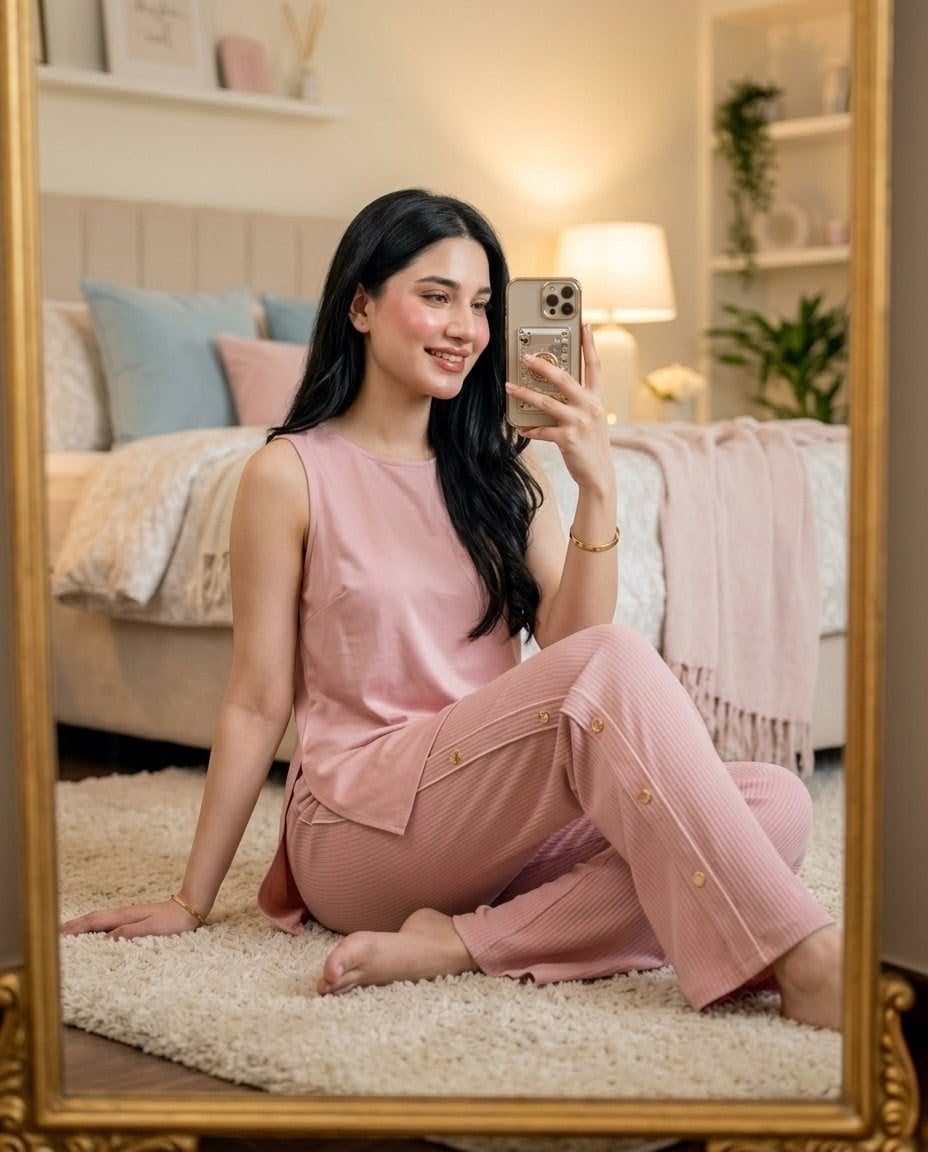
Pink Lounge Set Mirror Selfie
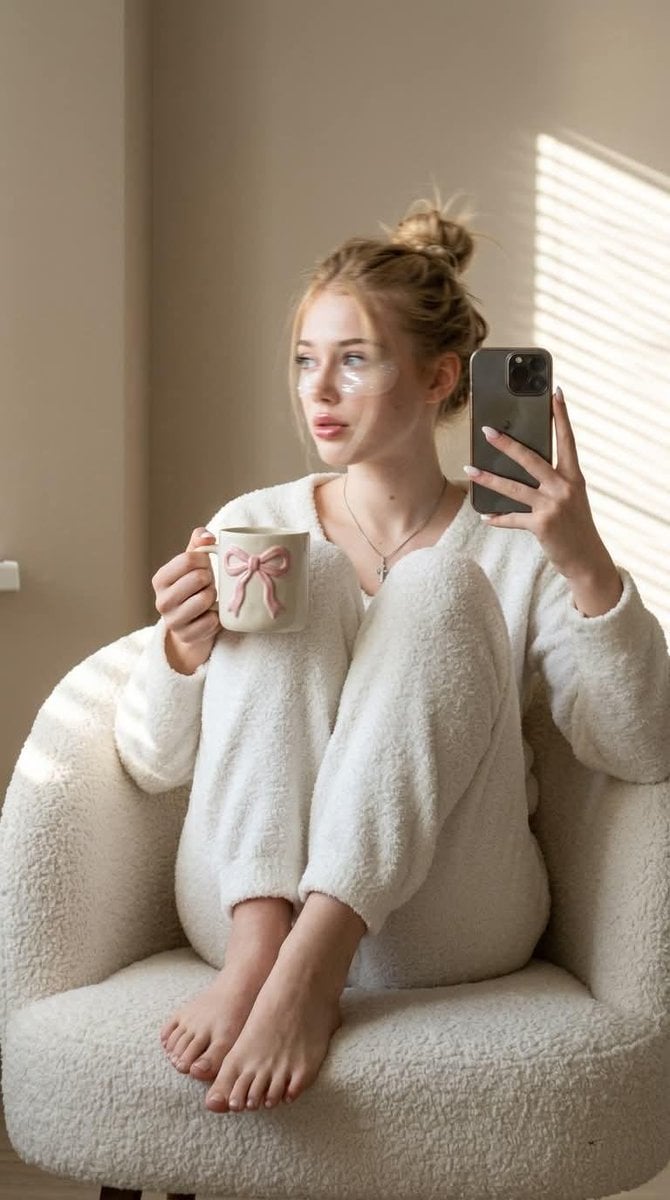
Morning Mirror Selfie Candid

Panel Mirror Selfie Collage
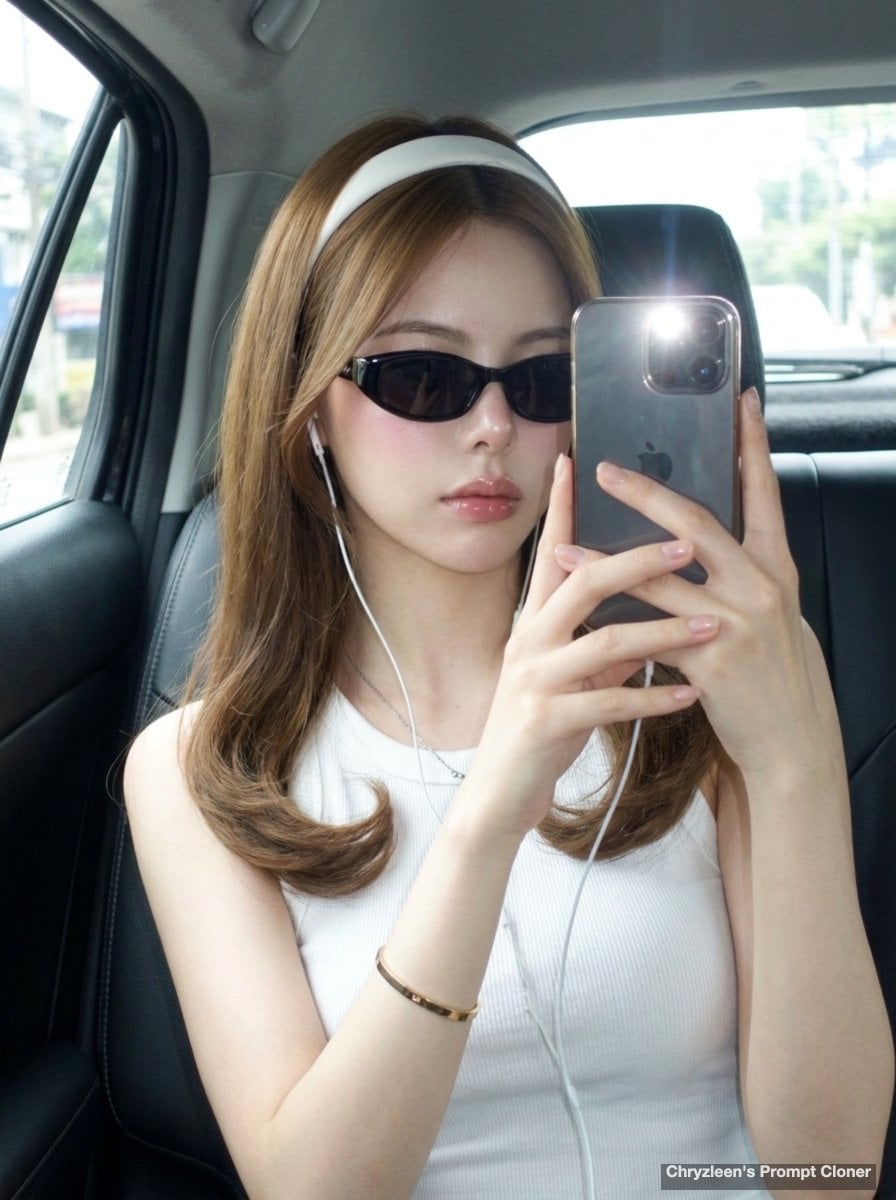
Backseat Mirror Selfie
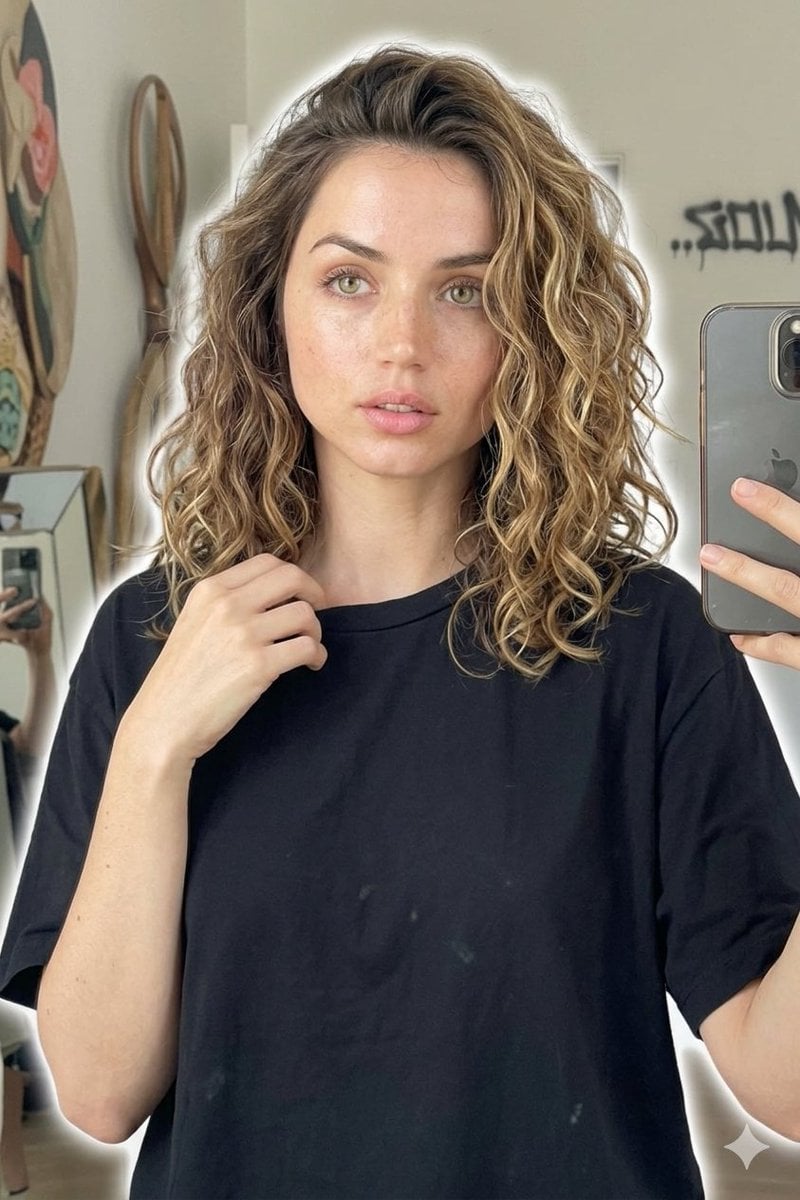
Candid Mirror Selfie Beauty Portrait
Make it yours
Pink Maid Outfit Mirror Selfie works as-is. These are the safest ways to change it without losing the look.
Change one field
Copy a single group, rewrite it, and generate again so you can see what that field is doing.
Keep the frame, change the subject
Hold the composition and light of Pink Maid Outfit Mirror Selfie, then swap wardrobe, props or the person for a new take.
| If the result… | Why | Fix |
|---|---|---|
| The result drifts from the preview | Too many fields changed at once. | Reuse Pink Maid Outfit Mirror Selfie as-is first, then change one group — subject, light, or setting. |
| The model over-stylizes the scene | The prose prompt leaves finish and camera underspecified. | Add one camera or lighting sentence and stay on GPT Image 2. |
More GPT Image 2 templates
Other prompts made for GPT Image 2.

Six VTuber Japanese Logo Sheet

Realistic Portrait of Woman and Deer

The Vista Modular Condo Poster

AI Model Routing Comparison Infographic

2.5D Anime Art Board

Isometric Productivity Desk Scene

New York Double Exposure Poster

Four-Panel AI Landscape Comparison

Japanese Tatami Lifestyle Magazine Cover

NESCAFÉ Coffee Map Poster
More image prompts
Fresh picks from across the catalog.
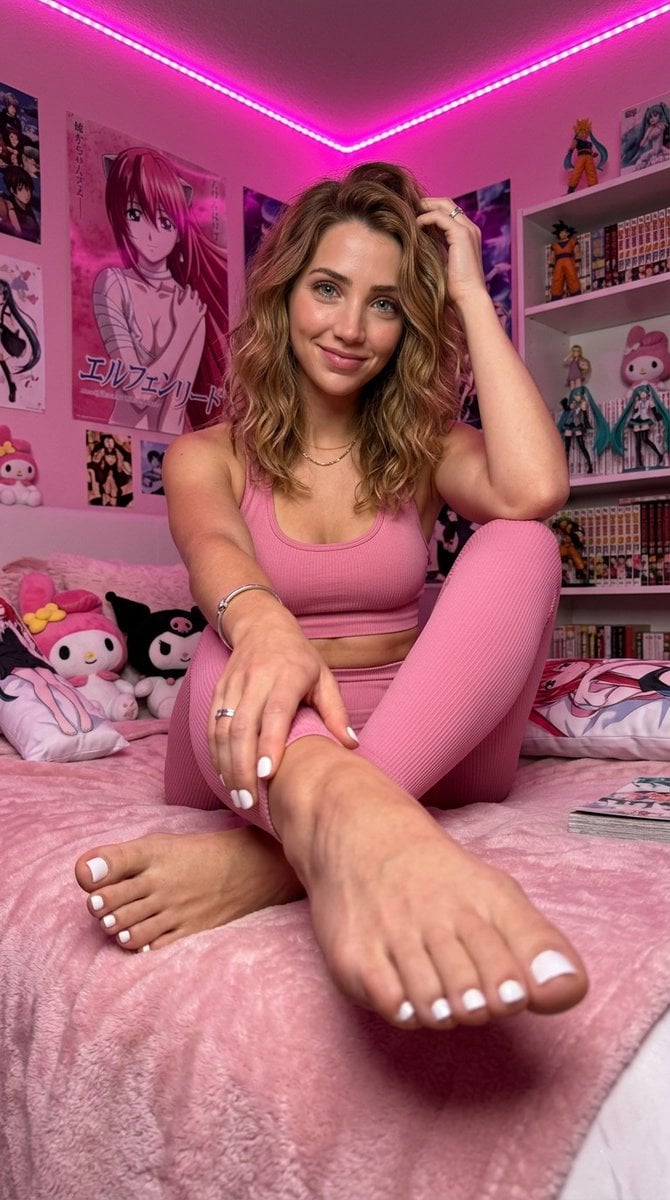
Ultra-Photorealistic Portrait of Iggy Azalea in an Anime Bedroom
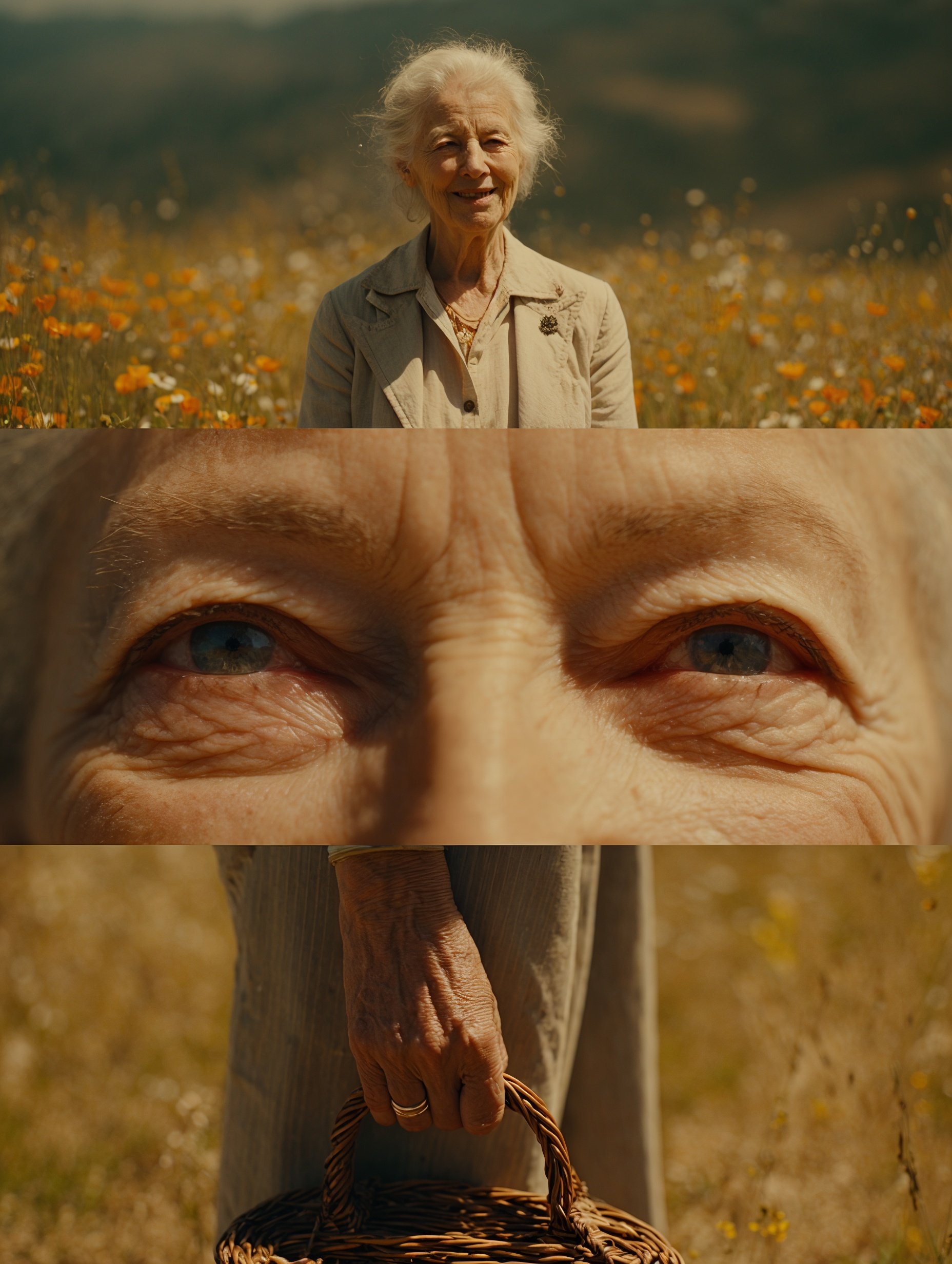
Cinematic Sequences with Midjourney V7
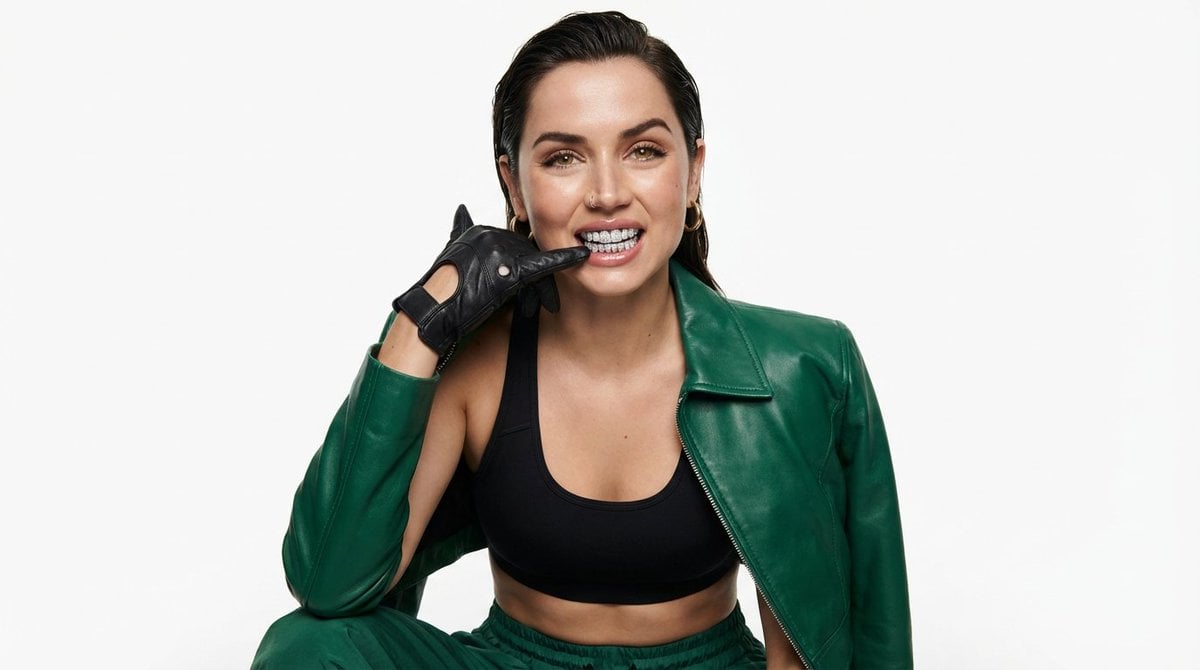
High-Fashion Urban Editorial Portrait with Grillz

Dramatic Soccer Cinematic Action Shot
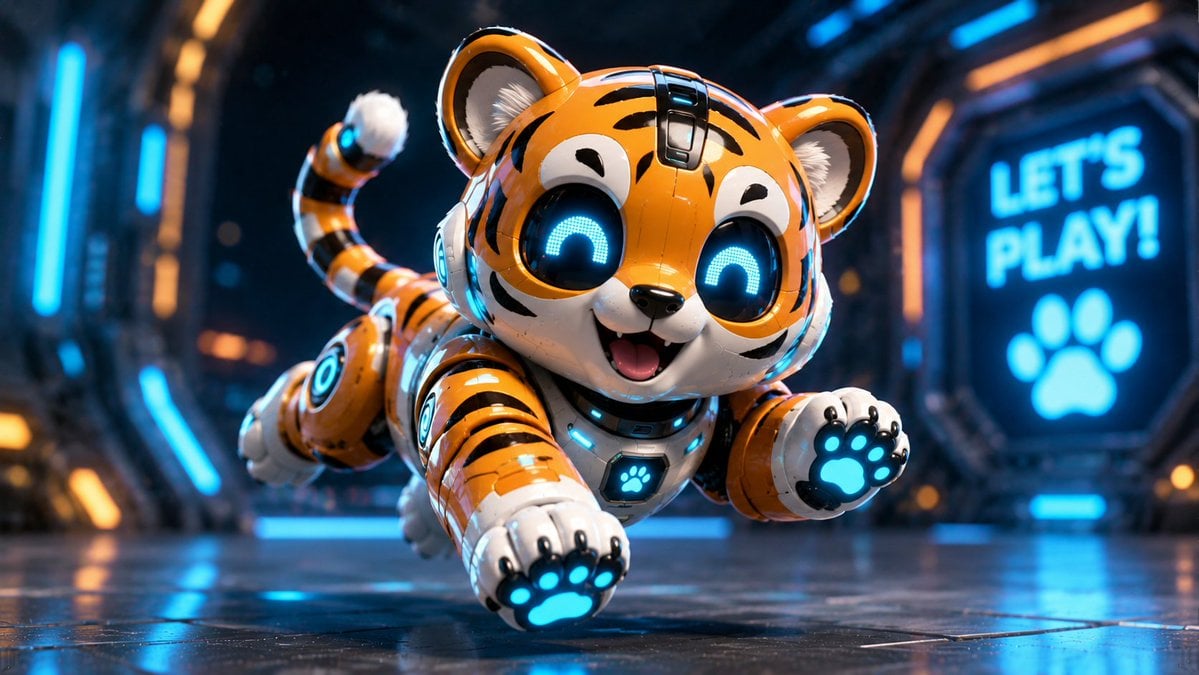
Miniature Sci-Fi Companion Robot
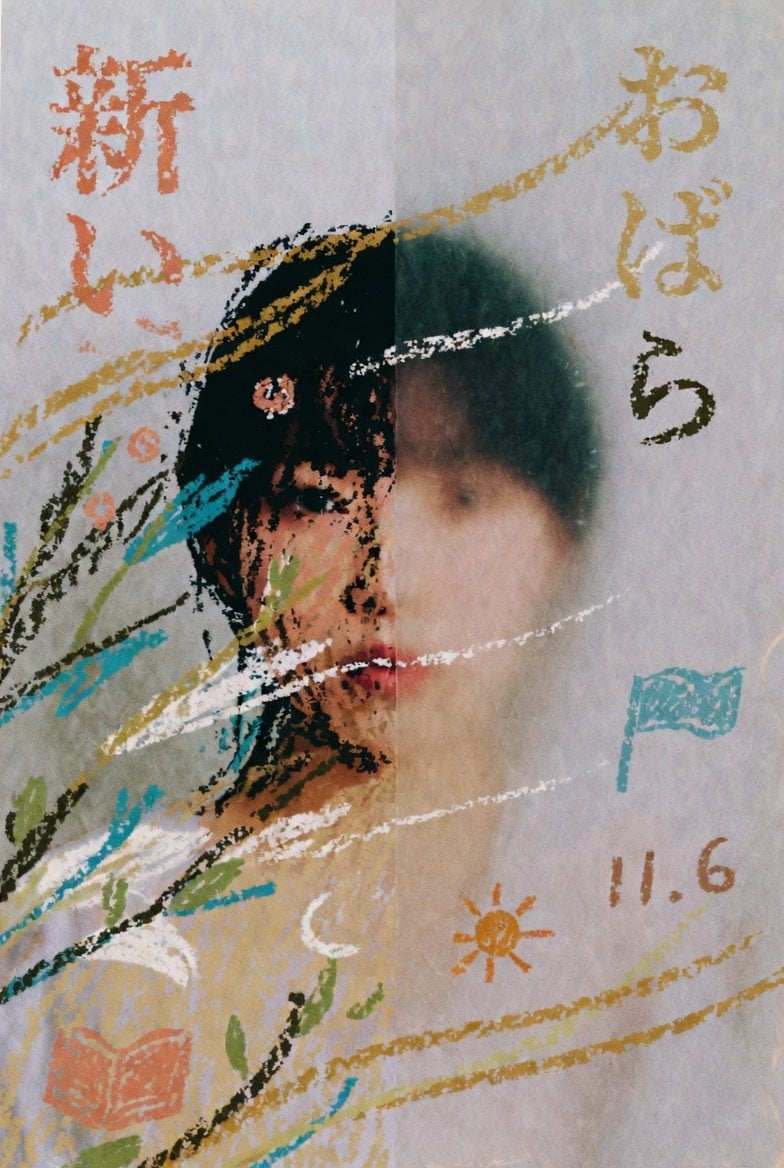
Childlike Pastel Portrait Collage
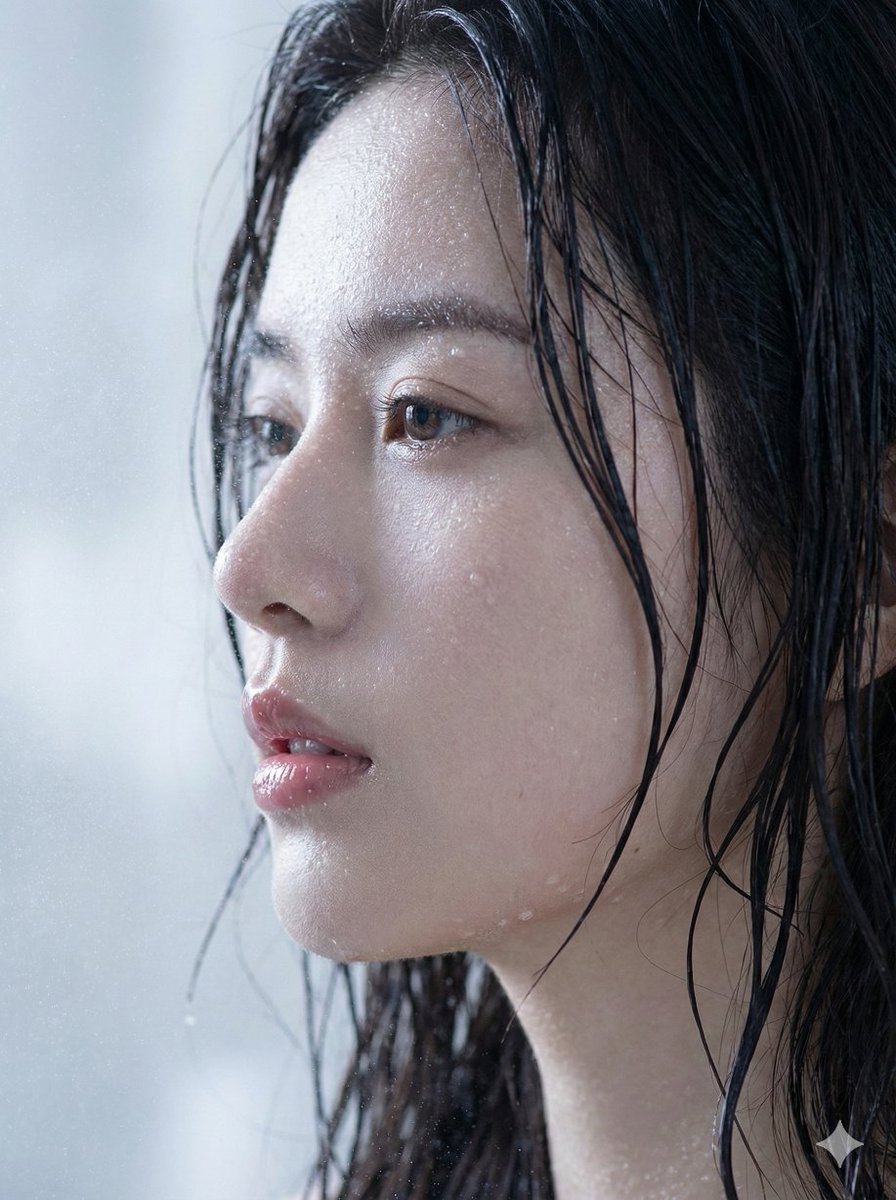
Hyper-Realistic Wet Skin Portrait (Macro Focus)
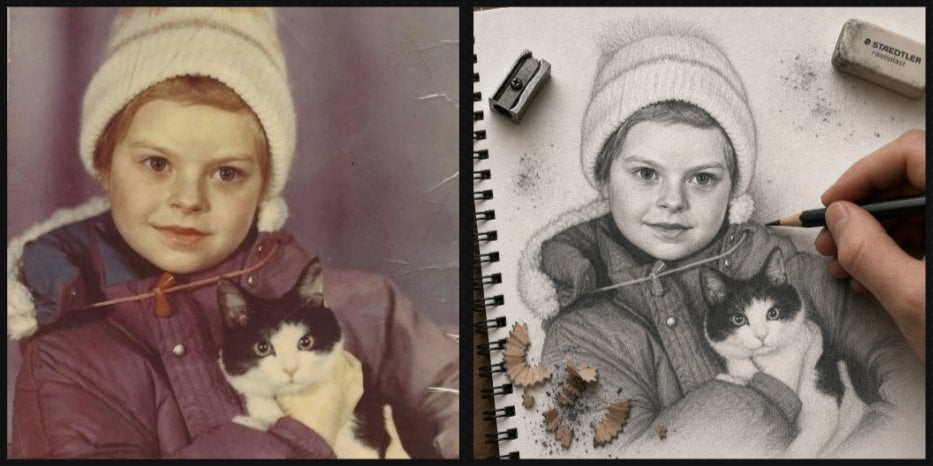
Vintage Photo to Graphite Sketch
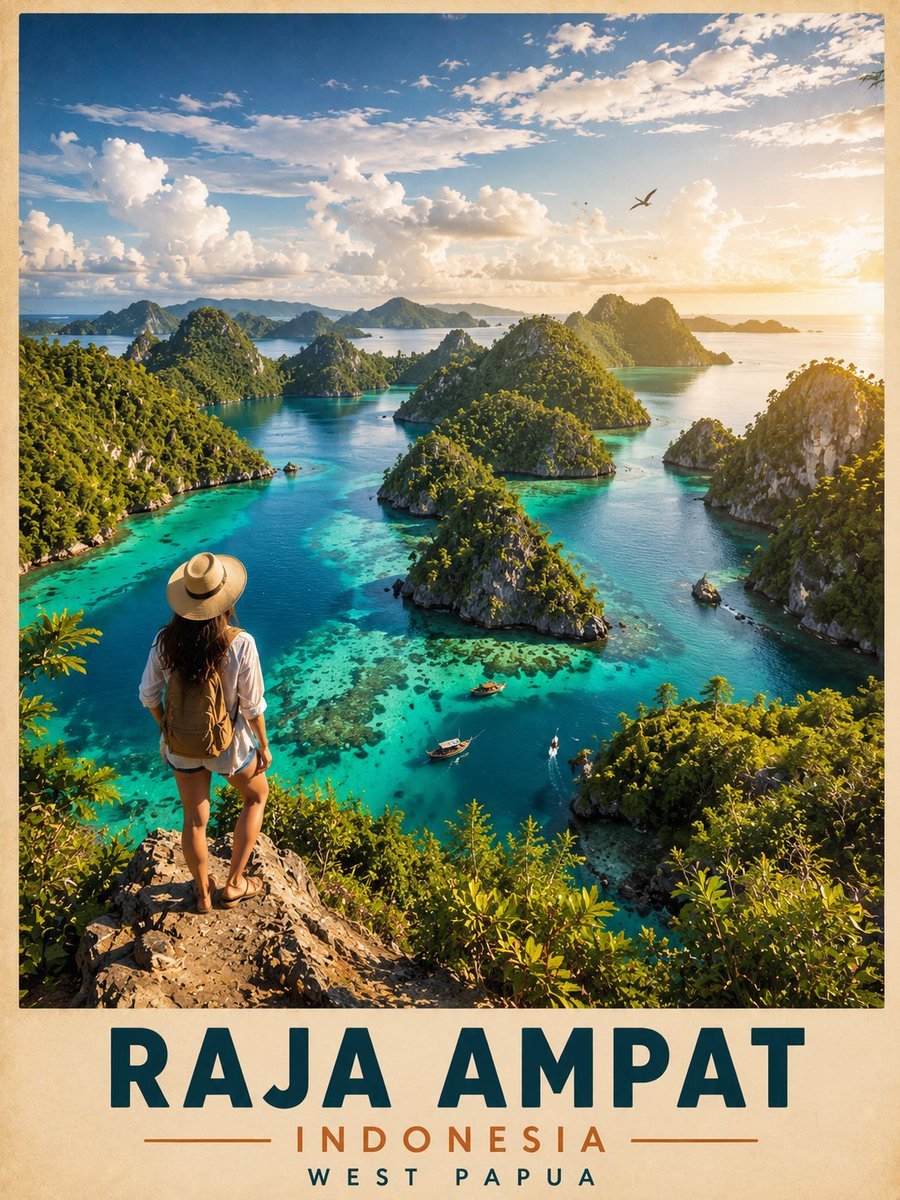
Vintage Cinematic Travel Poster
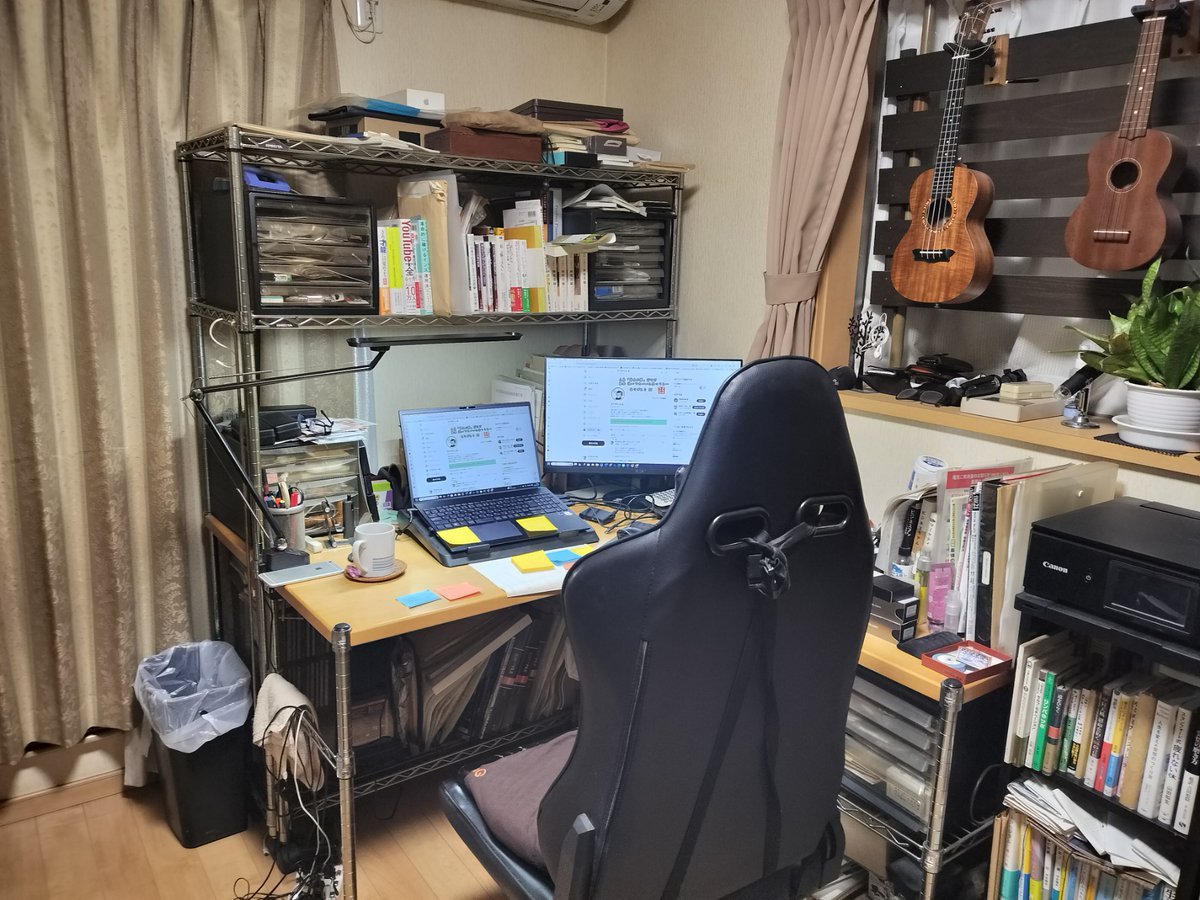
NanoBanana Pro Prompt for Cleaning and Organizing a Messy Room
Browse template categories
Pink Maid Outfit Mirror Selfie questions
How do I use the Pink Maid Outfit Mirror Selfie template?
Add your photo if the template asks for one, edit the prompt if you like — the template's model and format are already selected — and press Generate. Your version opens in PicX Studio.
Can I customize the Pink Maid Outfit Mirror Selfie template?
Yes. You can change the subject, setting, lighting, mood, format, and available model controls before creating your image.
Is the Pink Maid Outfit Mirror Selfie template free?
Opening and editing this template is free. Generating uses credits, shown on the Generate button when you are signed in.
Which AI model should I use?
Start with GPT Image 2, which is the model associated with this template. You can compare another compatible model for a different finish.
Looking for something else? Browse all templates.

Your photo, any look
Thousands of ready templates for every top image and video model, from one credit balance.