
Cinematic Sequences with Midjourney V7
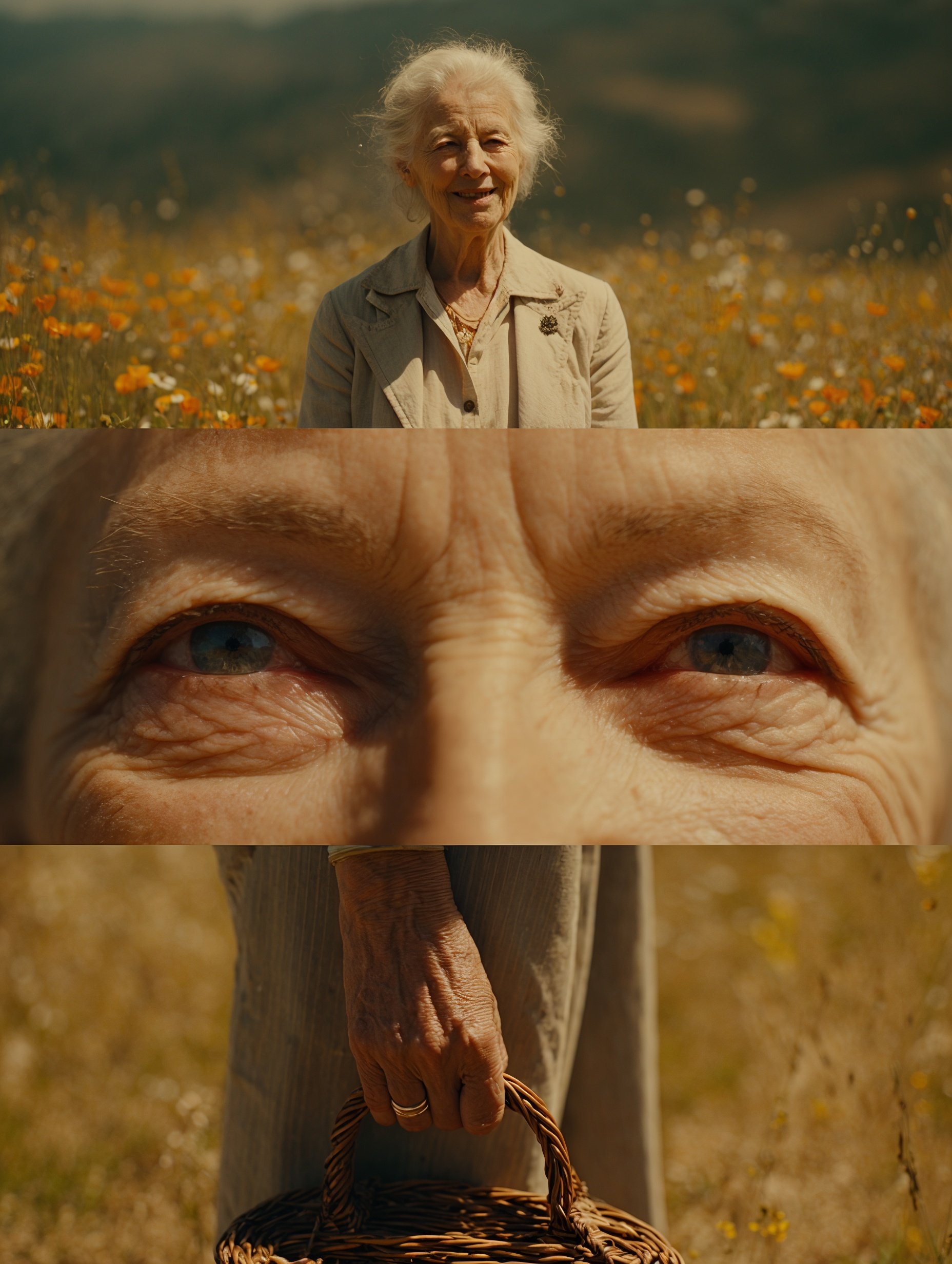
Cinematic Sequences with Midjourney V7 is a ready photo look for Nano Banana.
- Prompt included
- Model and format preset
- Free template
The prompt behind this image
Copy the exact prompt behind Cinematic Sequences with Midjourney V7, or open it in the studio and make it yours.
A nostalgic, sun-drenched cinematic sequence that feels like a vivid recollection of a carefree summer day. The subject, an elderly [woman] with neatly combed silver hair and a warm, expressive smile, is captured across three frames in a vibrant rural meadow. The first shot is a full-body still: they stand surrounded by wildflowers, dressed in a neutral linen outfit. The second frame--a crisp, intimate close-up of both eyes, sparkling under golden sunlight, with faint laugh lines visible. The final shot: just the hands, gently holding a woven basket as a soft breeze rustles the grass behind. The lighting is soft and natural, dominated by warm yellows and oranges, creating a sense of comfort. The color grade is clean and vivid, with a Super 8 film glow, full of earthy tones. The atmosphere evokes connection, warmth, and timeless joy in a pastoral idyll. Shot on Kodak Ektar 100 with minimal post-processing for pristine clarity.
How to use Cinematic Sequences with Midjourney V7 in 3 steps
- 1
Open
The prompt is already in the box next to the preview, with the template's model and format selected.
- 2…a portrait of your subject in softgolden-hour light, 85mm…
Personalize
Edit the subject and creative details for your destination.
- 3Generate
Generate
Press Generate — your image is created in PicX Studio, so you can compare it with the original and refine one variable at a time.
More like this
Templates with the same subject, style or setup. Open one to see its prompt.

Hyper-Realistic Minecraft POV Portrait

Comparing Realism Keywords in Midjourney
Midjourney Magnific Power Couple
Cinematic Sport in Midjourney V7

Found Photograph: Us, 1970

80s Couple Studio Portrait

80s Bollywood Star

80s Golden Hour Cinema

Me in 1985

1985 Studio Portrait

Rooftop Fisheye — Cat-Ear Balaclava at Golden Hour

untitled
Make it yours
Cinematic Sequences with Midjourney V7 works as-is. These are the safest ways to change it without losing the look.
Change one field
Copy a single group, rewrite it, and generate again so you can see what that field is doing.
Keep the frame, change the subject
Hold the composition and light of 78-cinematic-sequences-with-midjourney-v7, then swap wardrobe, props or the person for a new take.
| If the result… | Why | Fix |
|---|---|---|
| The result drifts from the preview | Too many fields changed at once. | Reuse 78-cinematic-sequences-with-midjourney-v7 as-is first, then change one group — subject, light, or setting. |
| The model over-stylizes the scene | The prose prompt leaves finish and camera underspecified. | Add one camera or lighting sentence and stay on Nano Banana. |
More Nano Banana templates
Other prompts made for Nano Banana.










More image prompts
Fresh picks from across the catalog.
Surreal Archer With Birds and Animals
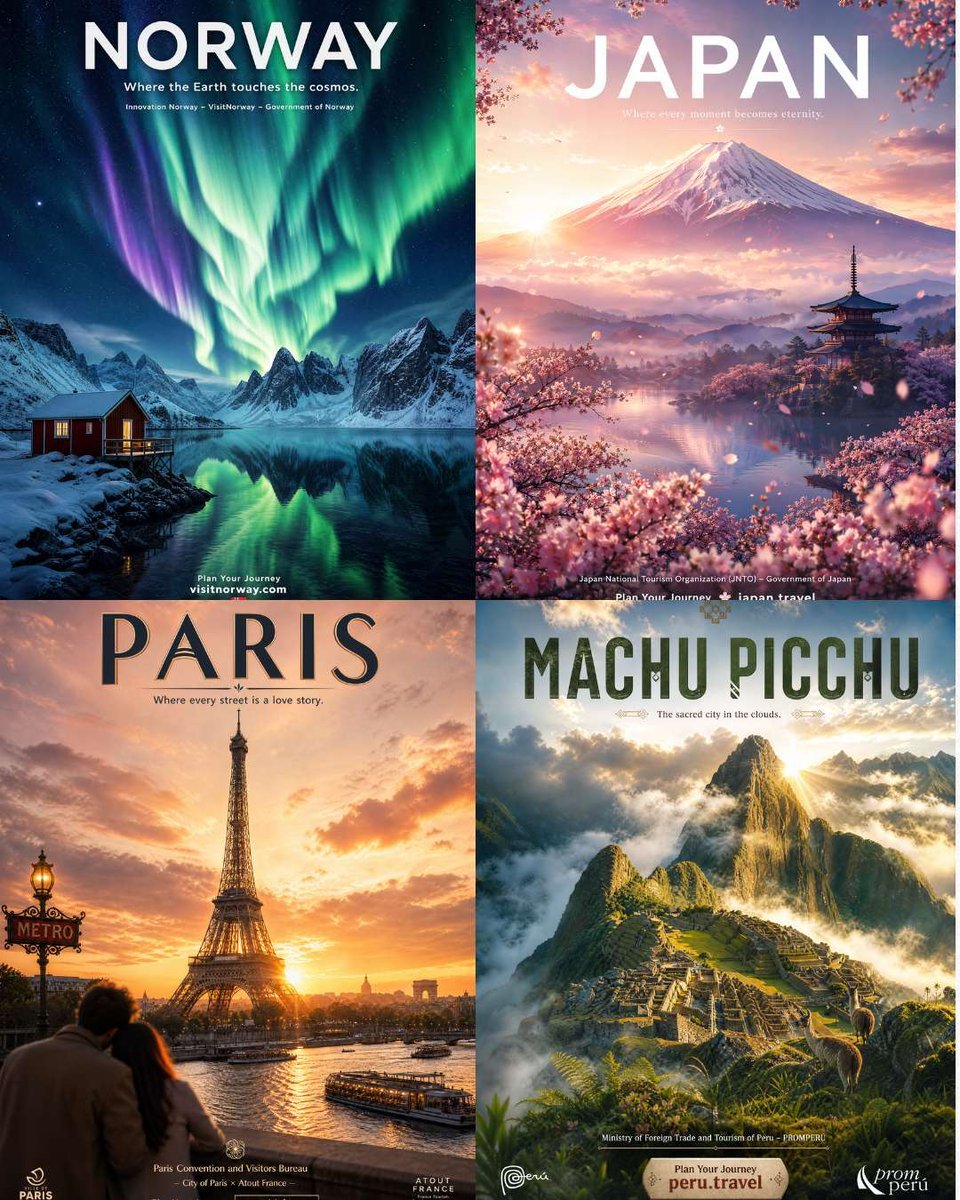
Four Destination Tourism Poster Grid
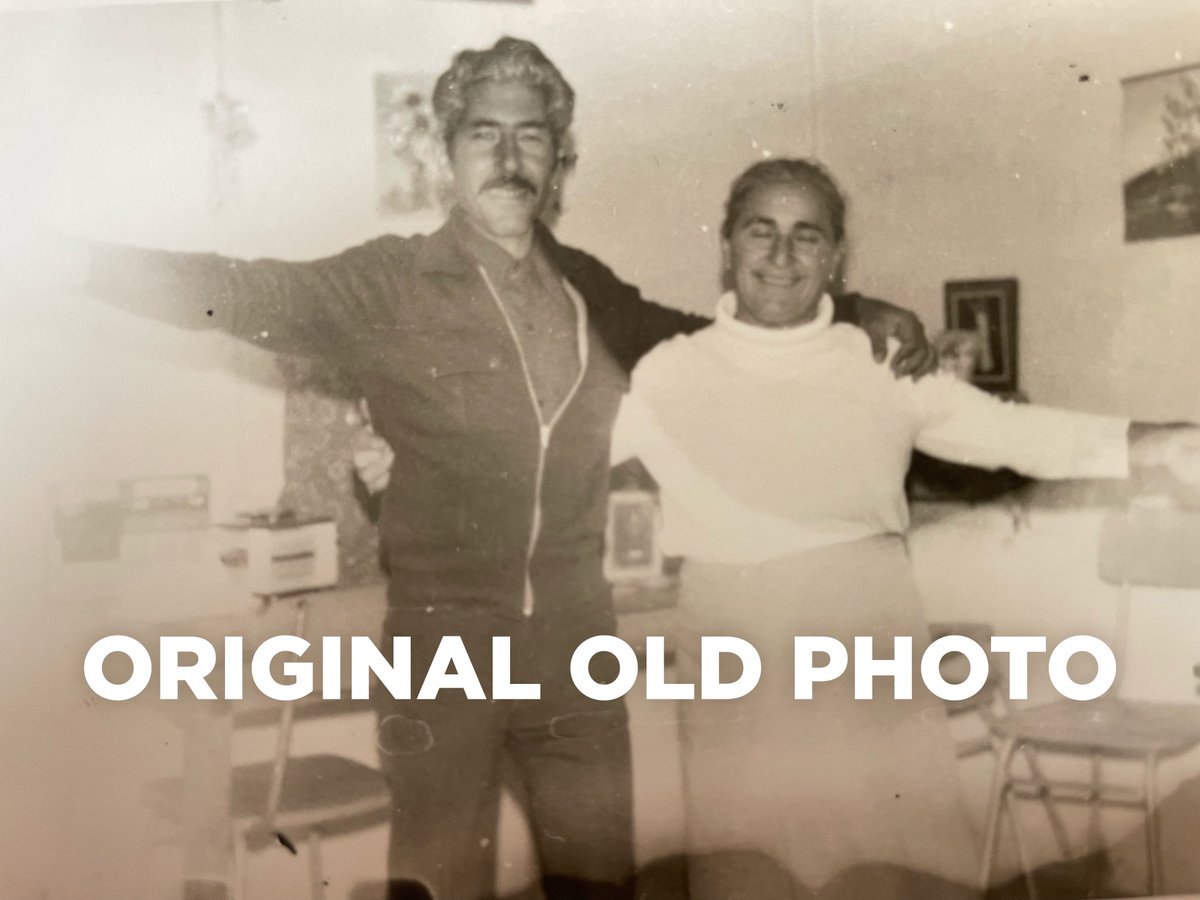
4K Photo Restoration Prompt
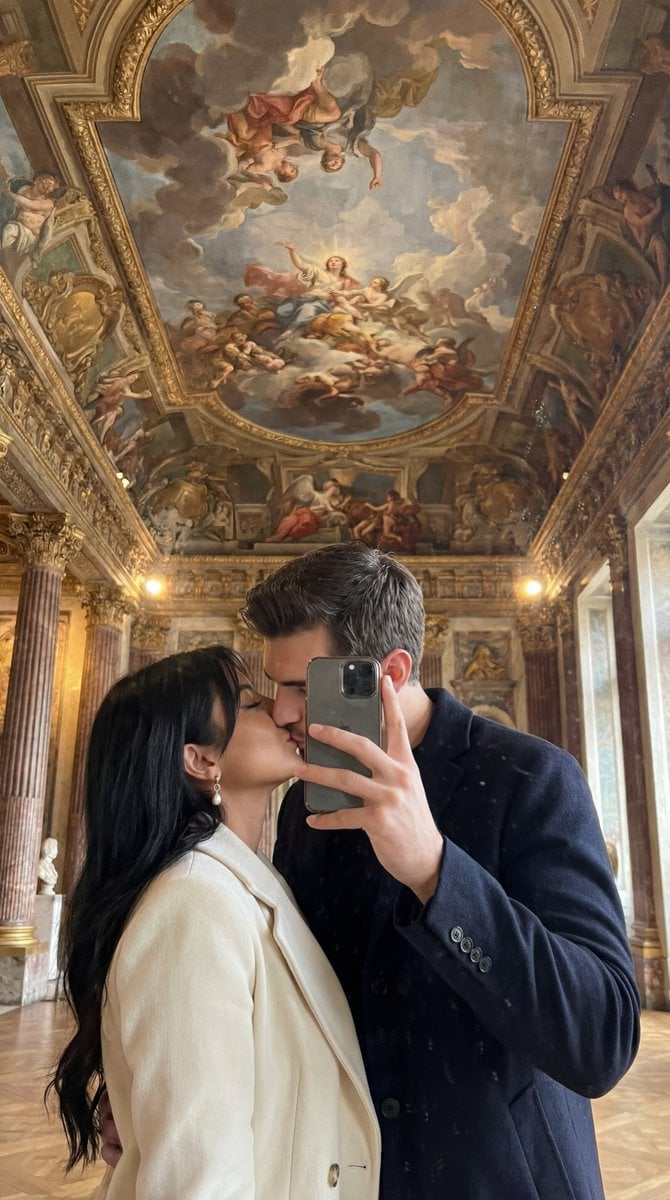
Ultra Photoreal Museum Mirror Kiss Selfie with Identity Lock

Corporate AI Product Line Infographic
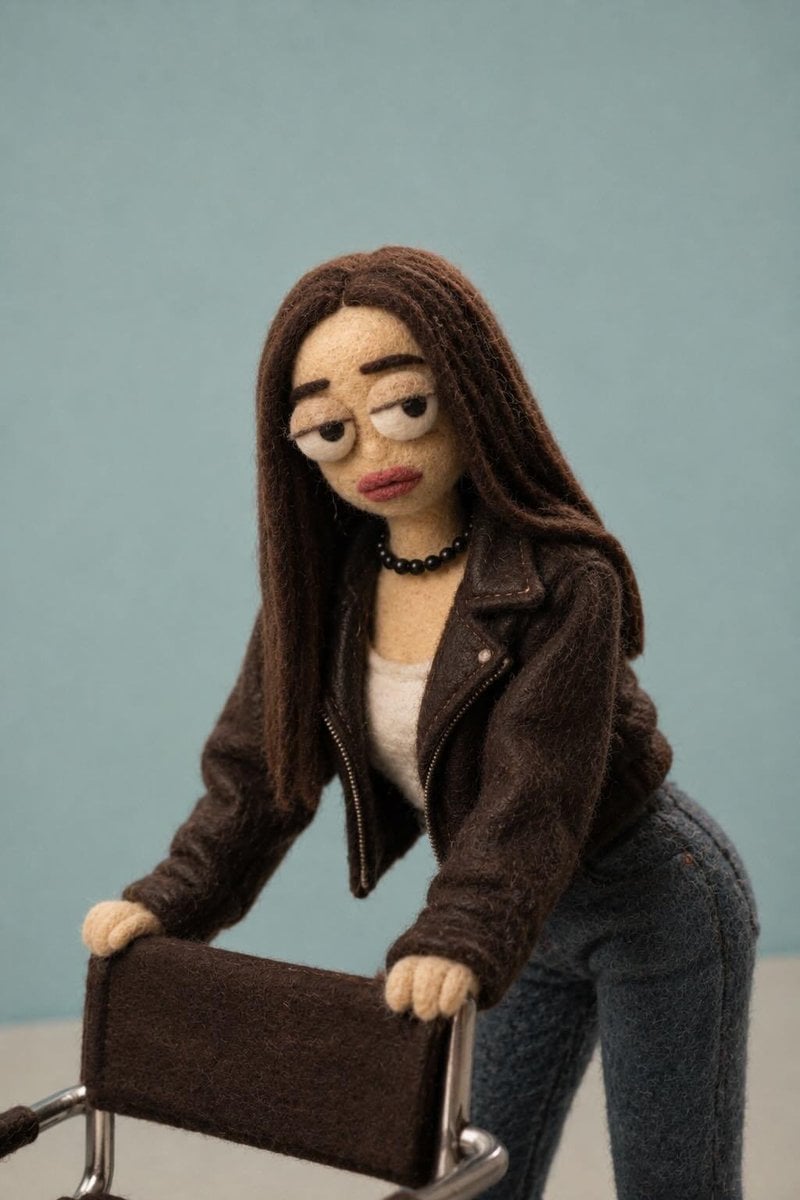
Needle-Felt Stop-Motion Transformation
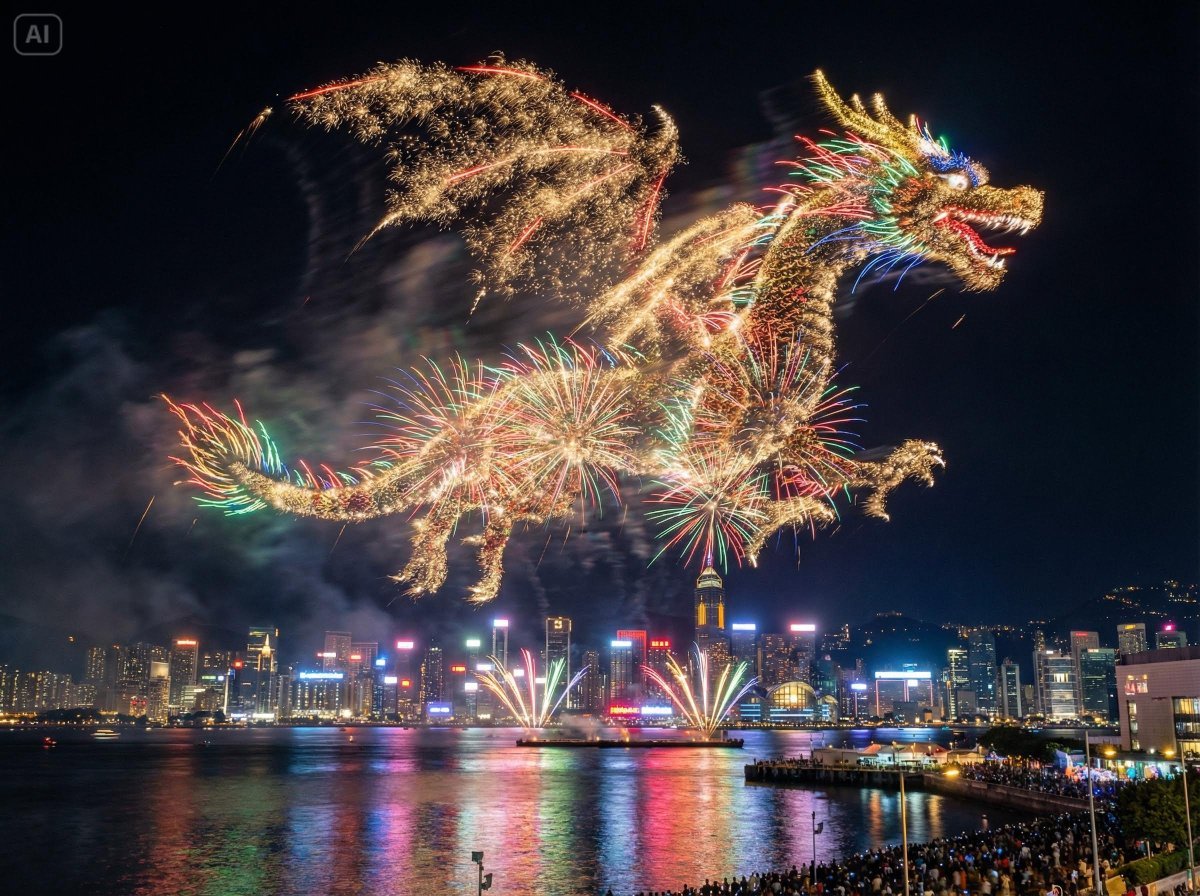
Photorealistic Fireworks Display Prompt for Dreamina AI
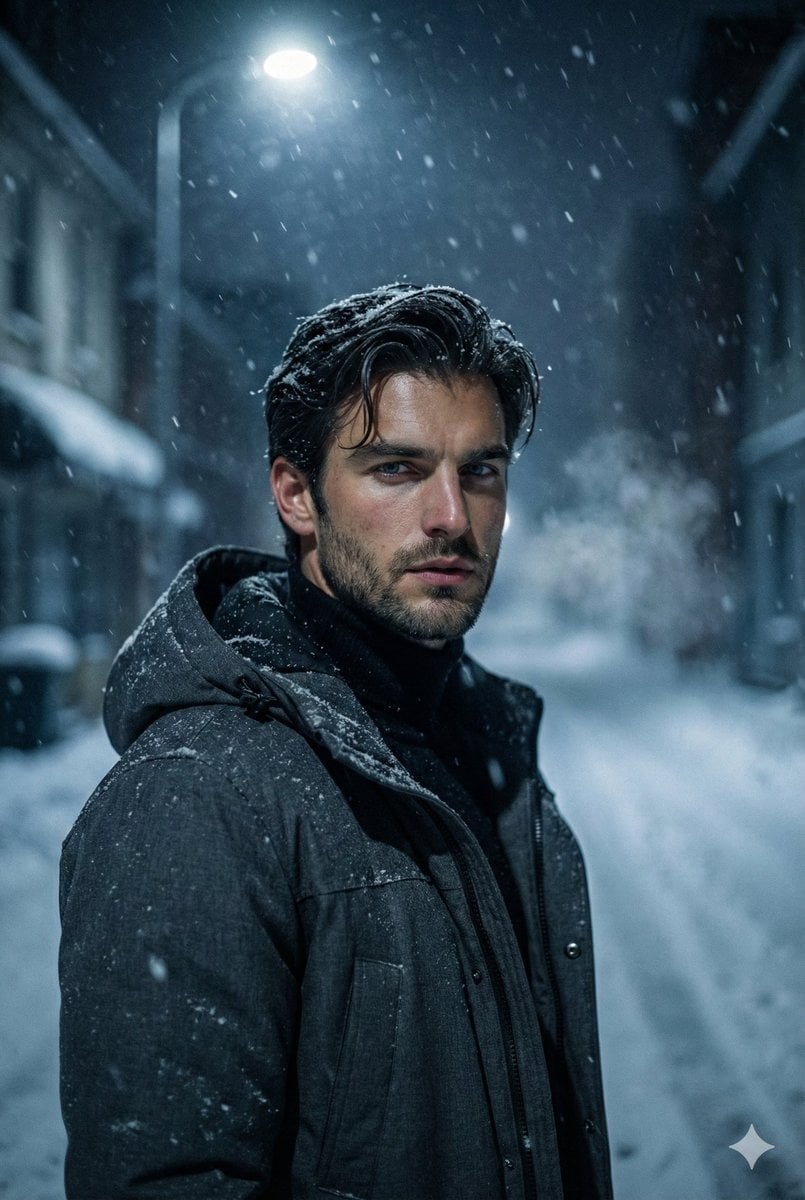
Winter Noir Cinematic Portrait of Man in Snowy Street
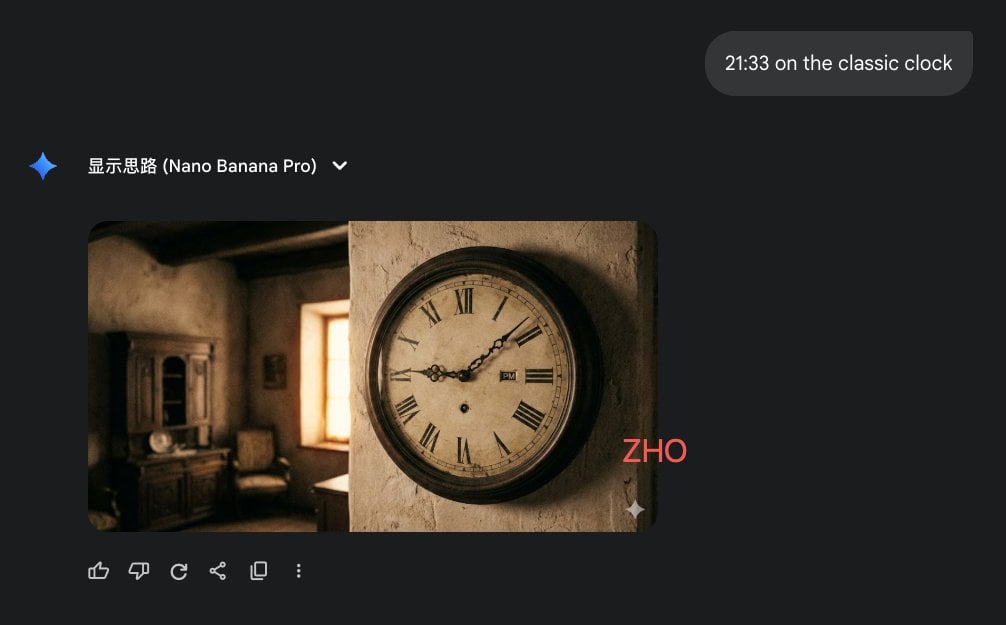
Clock face time rendering test
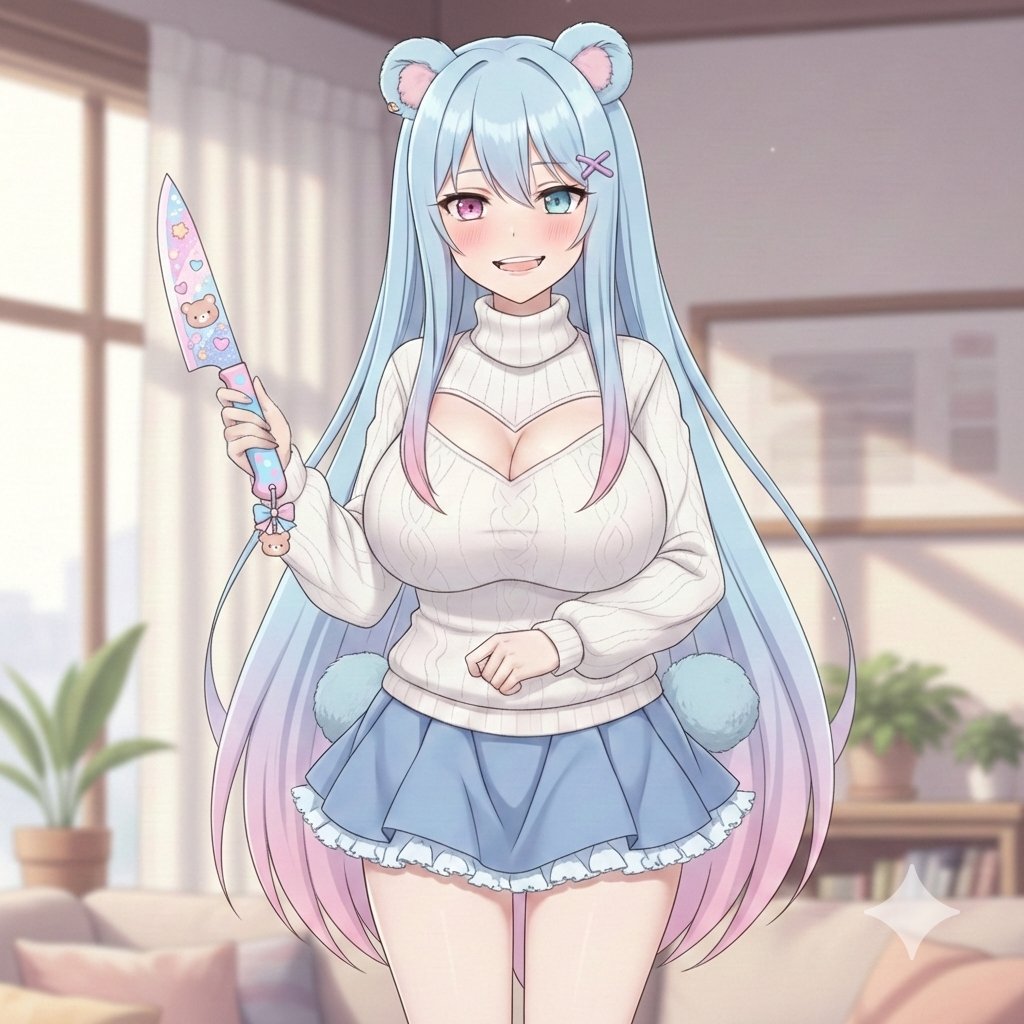
Welcome Home Scenario Prompt
Browse template categories
Cinematic Sequences with Midjourney V7 questions
How do I use the 78-cinematic-sequences-with-midjourney-v7 template?
Add your photo if the template asks for one, edit the prompt if you like — the template's model and format are already selected — and press Generate. Your version opens in PicX Studio.
Can I customize the 78-cinematic-sequences-with-midjourney-v7 template?
Yes. You can change the subject, setting, lighting, mood, format, and available model controls before creating your image.
Is the 78-cinematic-sequences-with-midjourney-v7 template free?
Opening and editing this template is free. Generating uses credits, shown on the Generate button when you are signed in.
Which AI model should I use?
Start with Nano Banana, which is the model associated with this template. You can compare another compatible model for a different finish.
Looking for something else? Browse all templates.

Your photo, any look
Thousands of ready templates for every top image and video model, from one credit balance.