
untitled
untitled is a ready photo look for Nano Banana.

- Prompt included
- Model and format preset
- Free template
The prompt behind this image
Copy the exact prompt behind untitled, or open it in the studio and make it yours.
🍌 nano banana prompt Kids’ Crayon Travel Journal Illustration Prompt This prompt generates a vibrant, child-like crayon-style vertical (9:16) travel-journal illustration for a {City Name} trip, automatically creating a winding route with daily recommended attractions, cute doodles, local landmarks, foods, and playful handwritten notes. The tone is warm, fun, and full of childlike curiosity. --- Prompt --- Please create a vibrant, child-like crayon-style vertical (9:16) illustration titled “{City Name} Travel Journal.” The artwork should look as if it were drawn by a curious child using colorful crayons, featuring a soft, warm light-toned background (such as pale yellow), combined with bright reds, blues, greens, and other cheerful colors to create a cozy, playful travel atmosphere. I. Main Scene: Travel-Journal Style Route Map In the center of the illustration, draw a “winding, zigzagging travel route” with arrows and dotted lines connecting multiple locations. The route should automatically generate recommended attractions based on {Number of Days}: Example structure (auto-filled with {City Name}-related content): - “Stop 1: {Attraction 1 + short fun description}” - “Stop 2: {Attraction 2 + short fun description}” - “Stop 3: {Attraction 3 + short fun description}” - … - “Final Stop: {Local signature food or souvenir + warm closing remark}” Rules: - If no number of days is provided, default to a 1-day highlight itinerary. II. Surrounding Playful Elements (Auto-adapt to the City) Add many cute doodles and child-like decorative elements around the route, such as: 1. Adorable travel characters - A child holding a local snack - A little adventurer with a backpack 2. Q-style hand-drawn iconic landmarks - “{City Landmark 1}” - “{City Landmark 2}” - “{City Landmark 3}” 3. Funny signboards - “Don’t get lost!” - “Crowds ahead!” - “Yummy food this way!” (Auto-adjust contextually for the city) 4. Sticker-style short phrases - “{City Name} travel memories unlocked!” - “{City Name} food adventure!” - “Where to next?” 5. Cute icons of local foods - “{Local Food 1}” - “{Local Food 2}” - “{Local Food 3}” 6. Childlike exclamations - “I didn’t know {City Name} was so fun!” - “I want to come again!” III. Overall Art Style Requirements - Crayon / children’s hand-drawn travel diary style - Bright, warm, colorful palette - Cozy but full and lively composition - Emphasize the joy of exploring - All text should be in a cute handwritten font - Make the entire page feel like a young child’s fun travel-journal entry --- Input : Chicago 7-Day Trip, English
How to use untitled in 3 steps
- 1
Open
The prompt is already in the box next to the preview, with the template's model and format selected.
- 2…a portrait of your subject in softgolden-hour light, 85mm…
Personalize
Edit the subject and creative details for your destination.
- 3Generate
Generate
Press Generate — your image is created in PicX Studio, so you can compare it with the original and refine one variable at a time.
More like this
Templates with the same subject, style or setup. Open one to see its prompt.

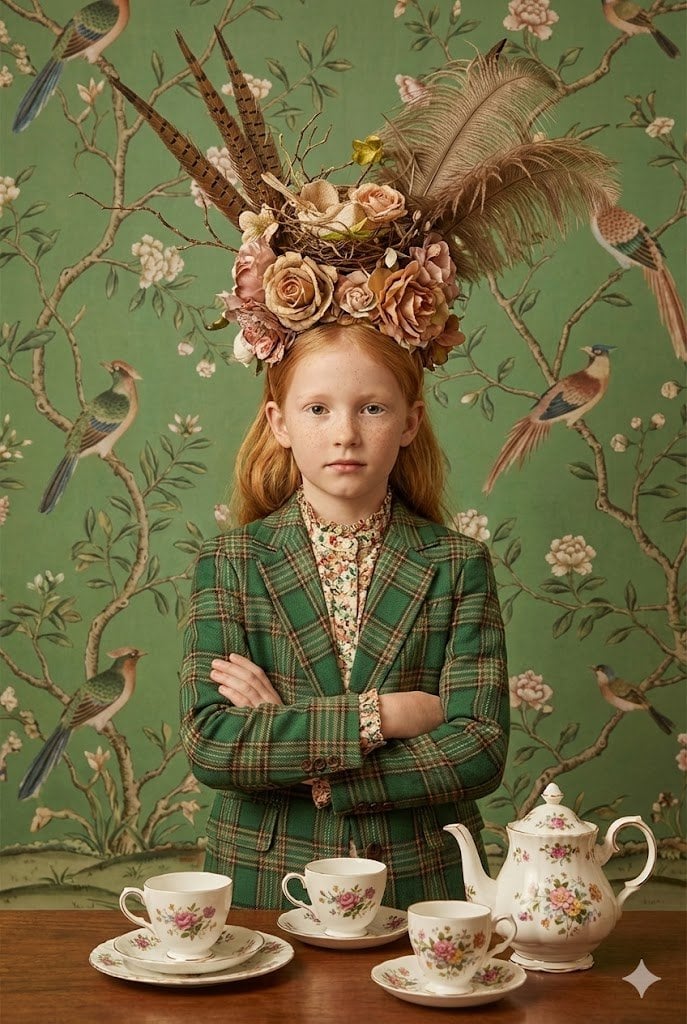





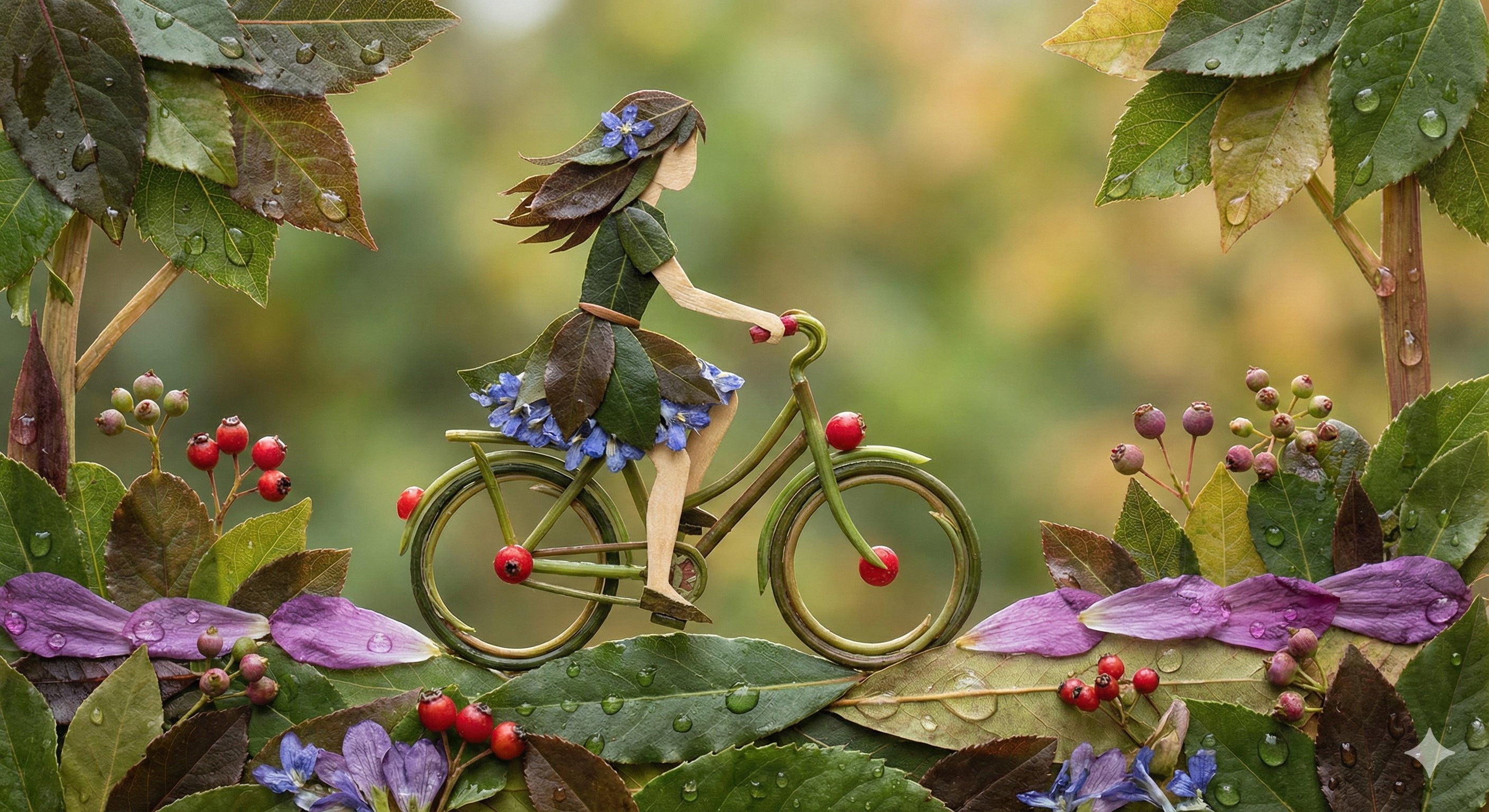

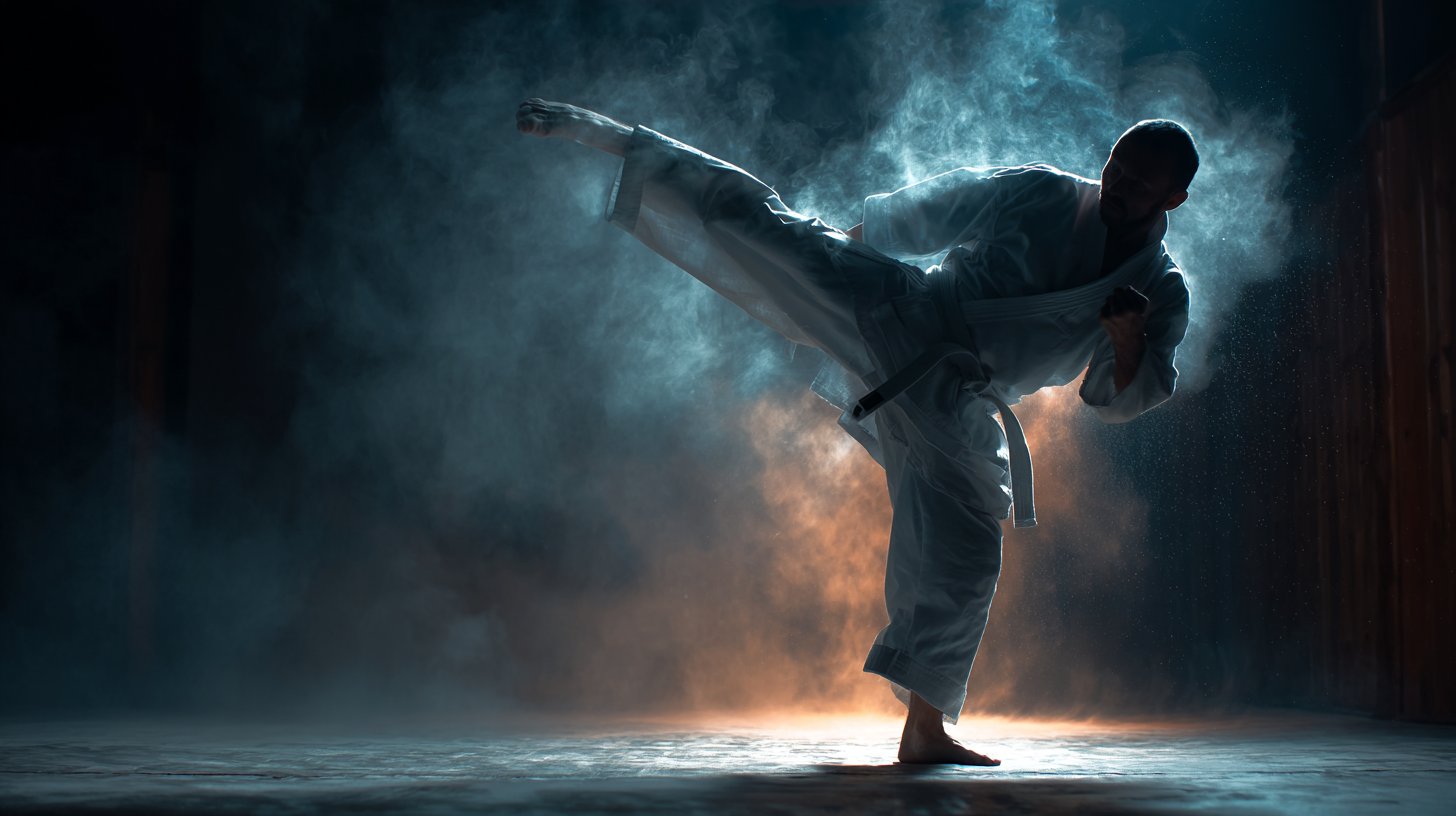
Make it yours
untitled works as-is. These are the safest ways to change it without losing the look.
Change one field
Copy a single group, rewrite it, and generate again so you can see what that field is doing.
Keep the frame, change the subject
Hold the composition and light of 125-untitled, then swap wardrobe, props or the person for a new take.
| If the result… | Why | Fix |
|---|---|---|
| The result drifts from the preview | Too many fields changed at once. | Reuse 125-untitled as-is first, then change one group — subject, light, or setting. |
| The model over-stylizes the scene | The prose prompt leaves finish and camera underspecified. | Add one camera or lighting sentence and stay on Nano Banana. |
More Nano Banana templates
Other prompts made for Nano Banana.









More image prompts
Fresh picks from across the catalog.
Image Editing and Background Replacement Workflow
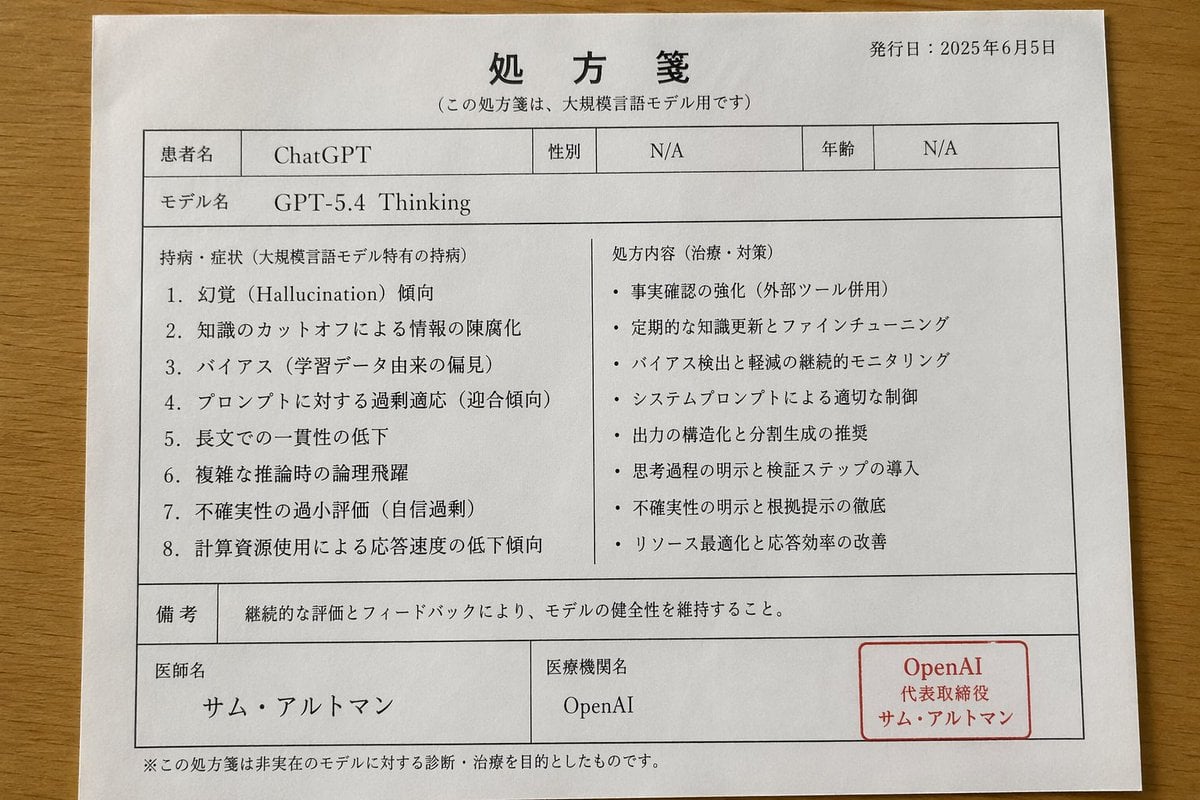
Japanese AI Model Prescription Sheet
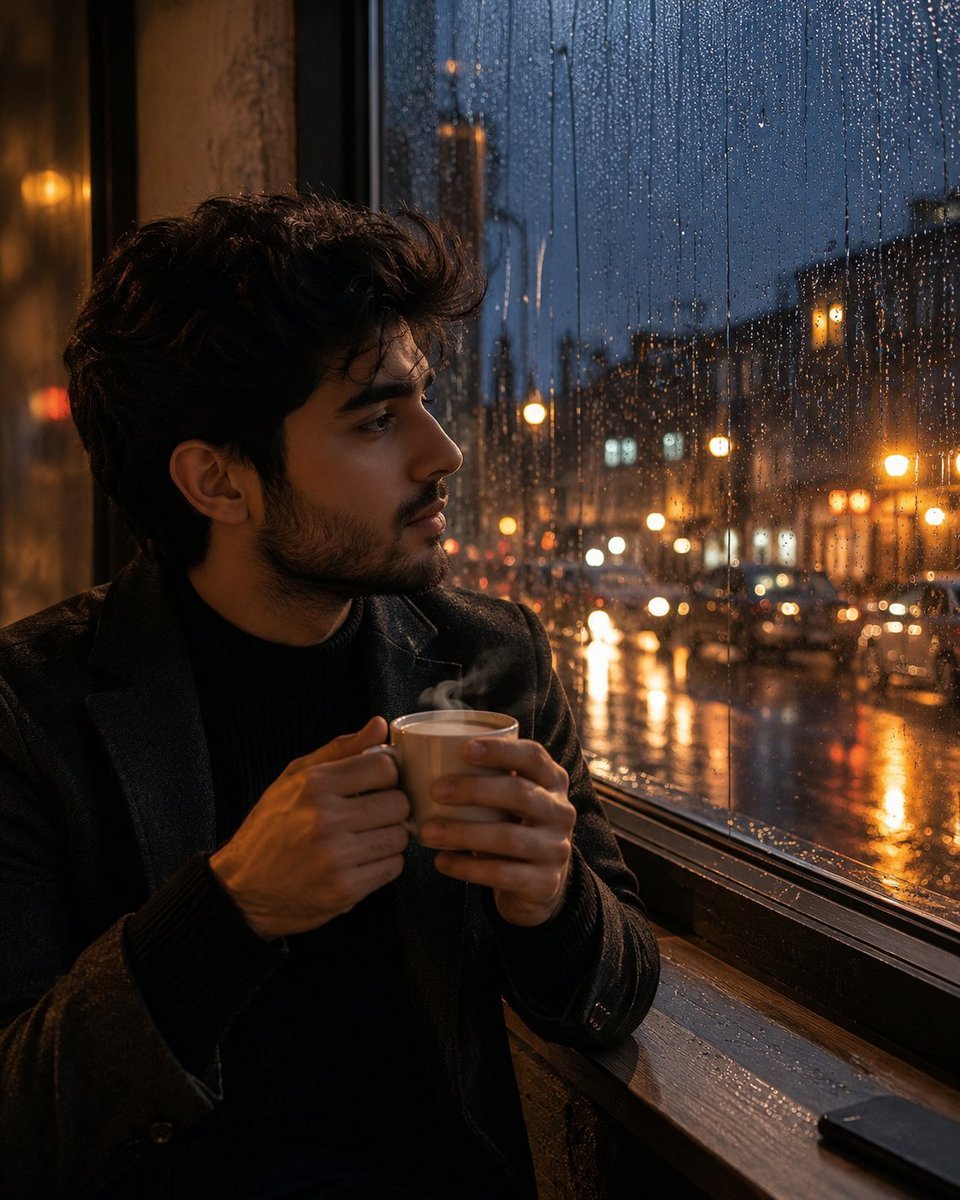
Tea and Rain Mood Portrait

Y2K Chrome Plush Product Render

Editorial Portrait of Woman Reading on White Bed
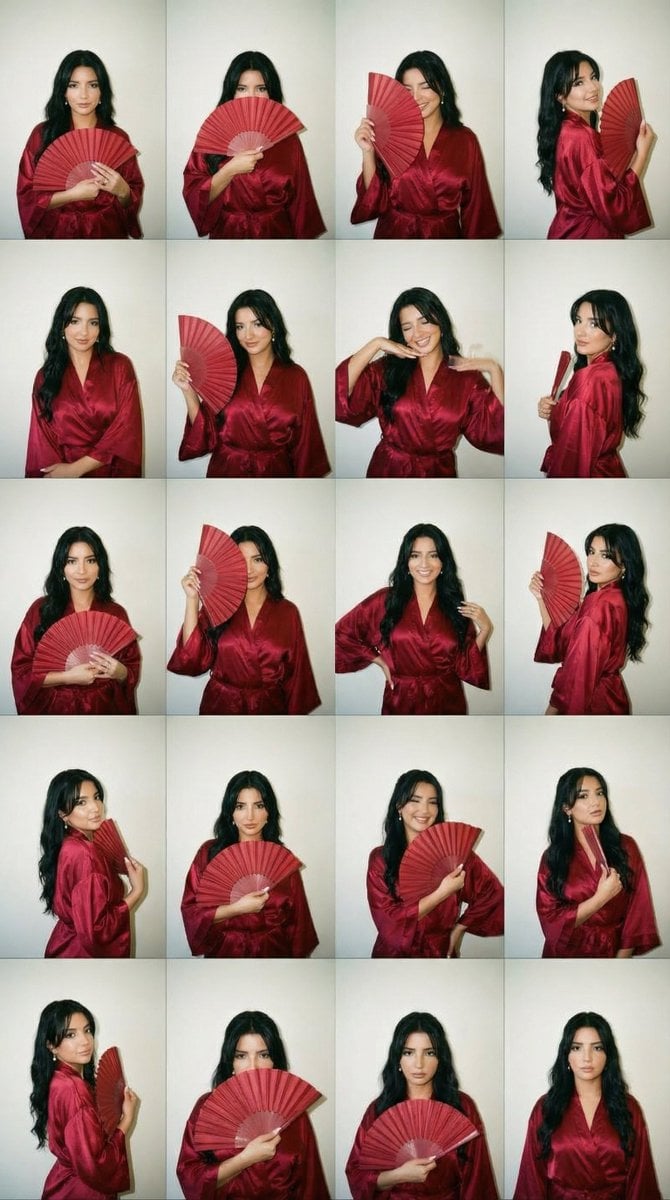
2000s Photobooth Contact Sheet Grid Prompt
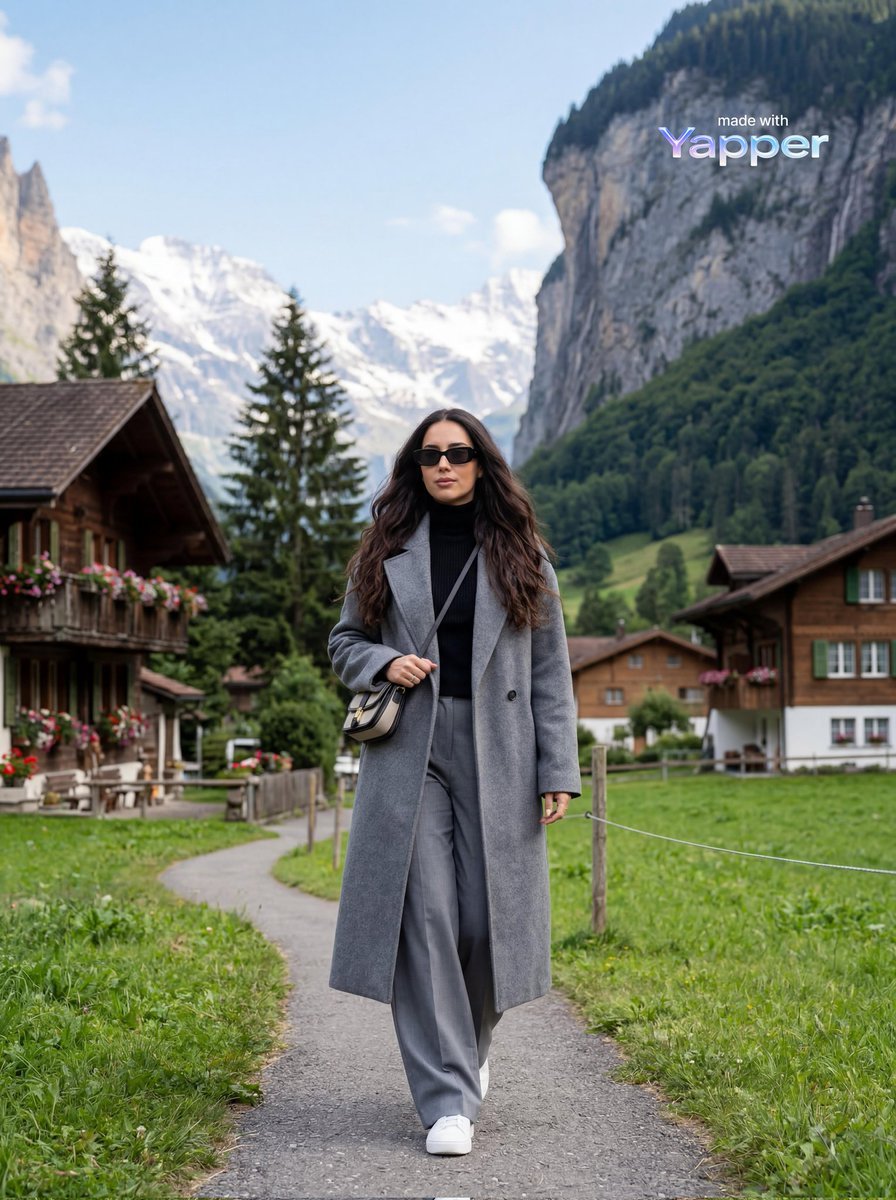
Travel Lifestyle Photography in Swiss Alpine Village
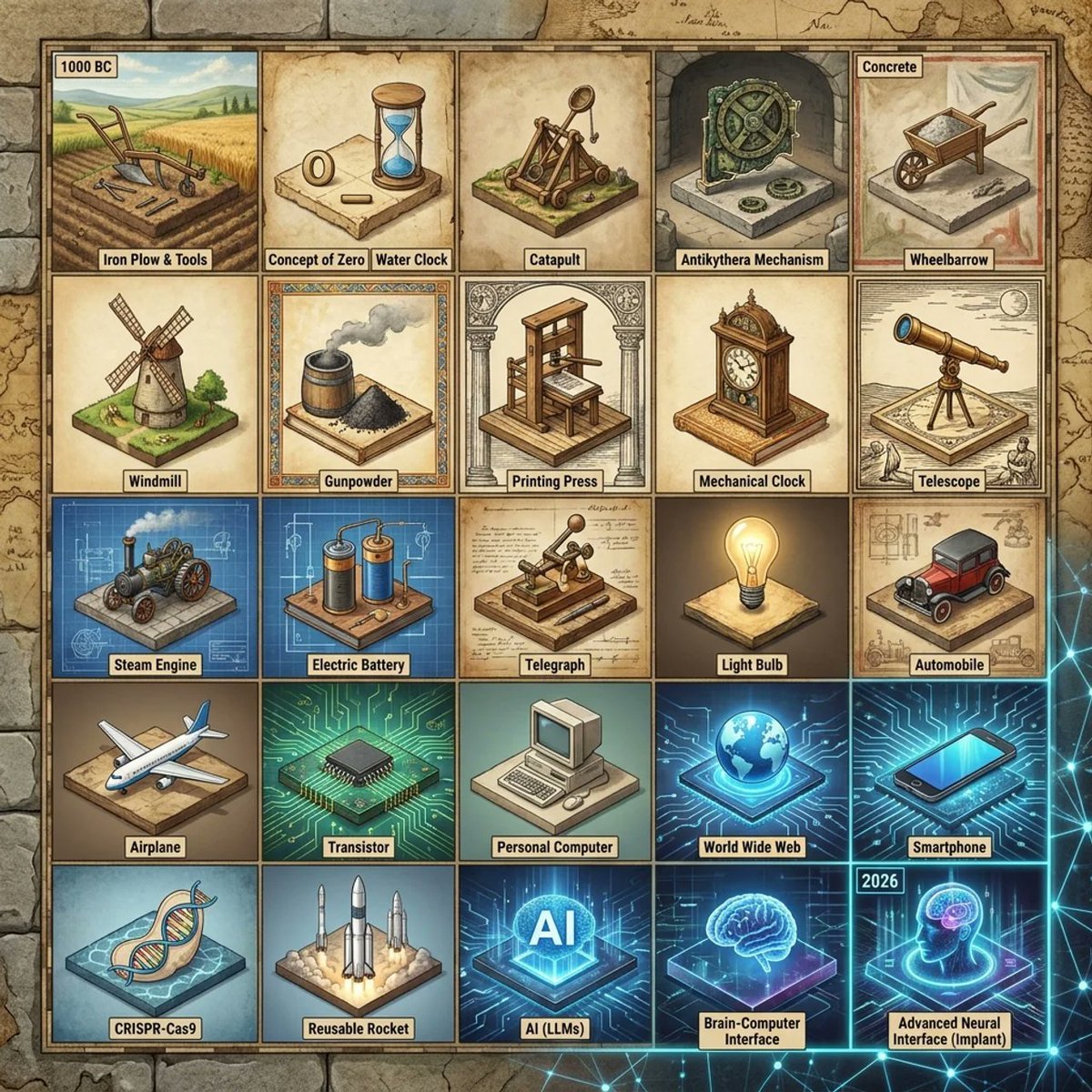
Historical Invention Timeline Grid
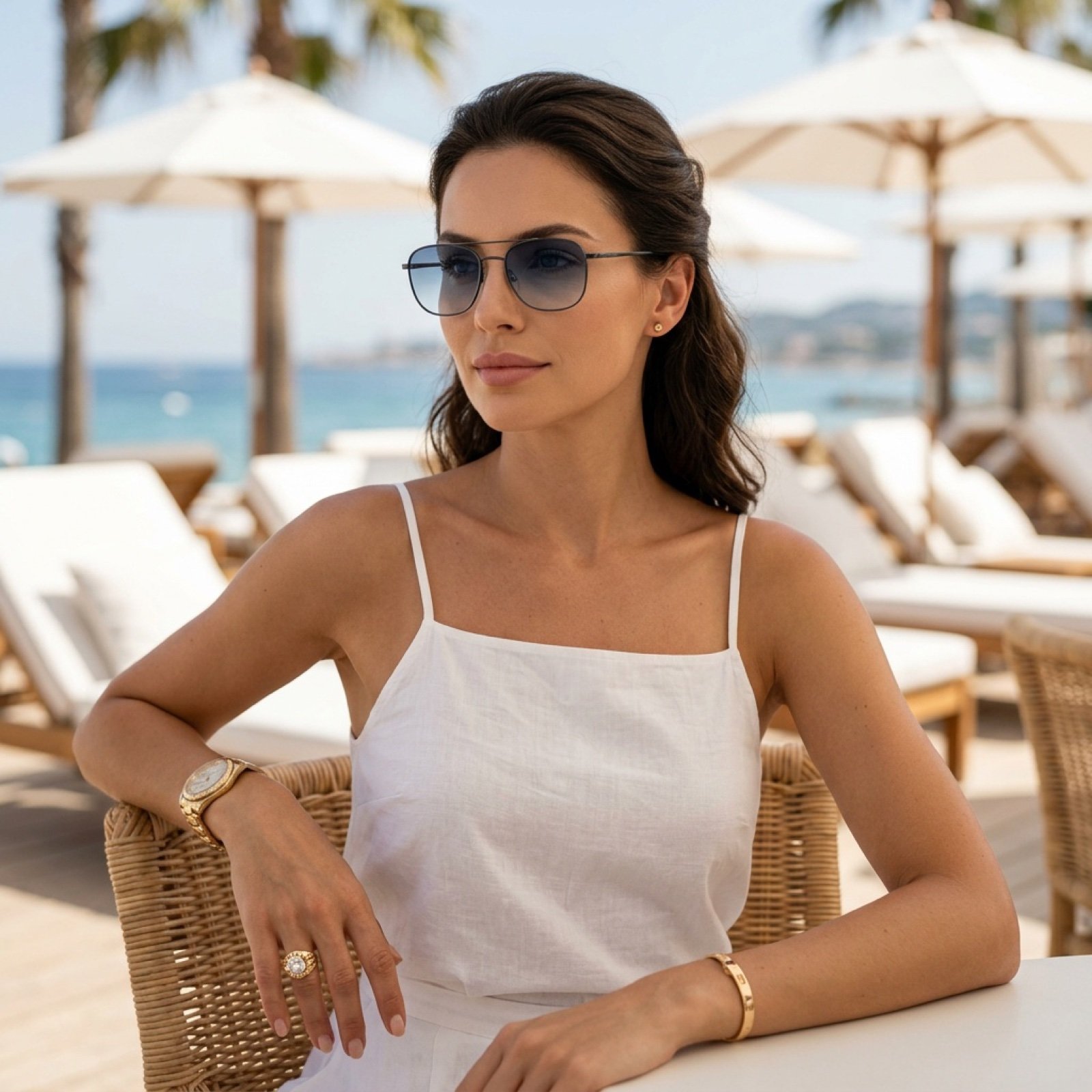
Beach Club Portrait with Identity Preservation Prompt
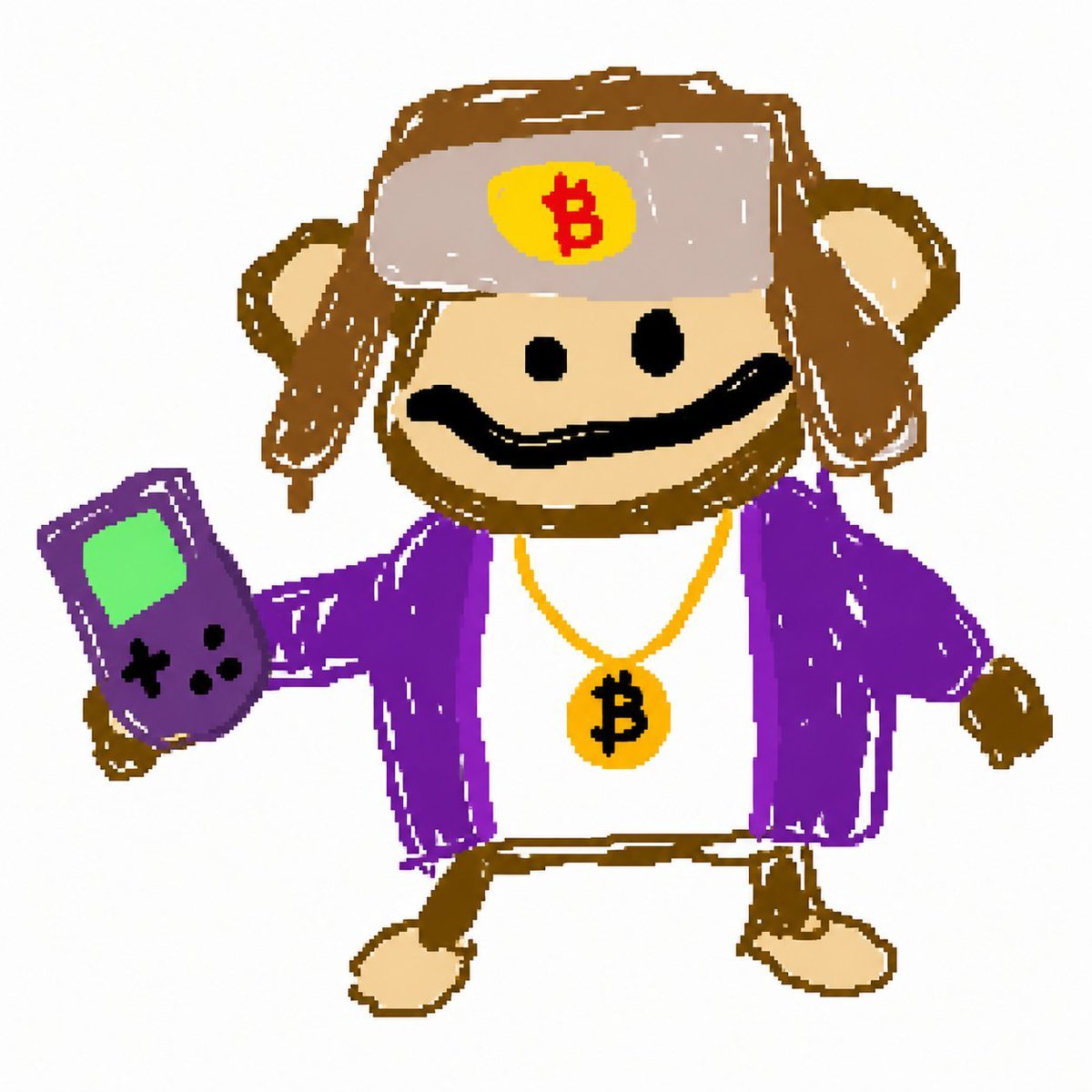
Bitcoin Monkey MS Paint Doodle
Browse template categories
untitled questions
How do I use the 125-untitled template?
Add your photo if the template asks for one, edit the prompt if you like — the template's model and format are already selected — and press Generate. Your version opens in PicX Studio.
Can I customize the 125-untitled template?
Yes. You can change the subject, setting, lighting, mood, format, and available model controls before creating your image.
Is the 125-untitled template free?
Opening and editing this template is free. Generating uses credits, shown on the Generate button when you are signed in.
Which AI model should I use?
Start with Nano Banana, which is the model associated with this template. You can compare another compatible model for a different finish.
Looking for something else? Browse all templates.

Your photo, any look
Thousands of ready templates for every top image and video model, from one credit balance.