
untitled
untitled is a ready photo look for Seedance 2.0 Standard.

- Prompt included
- Model and format preset
- Free template
The prompt behind this image
Copy the exact prompt behind untitled, or open it in the studio and make it yours.
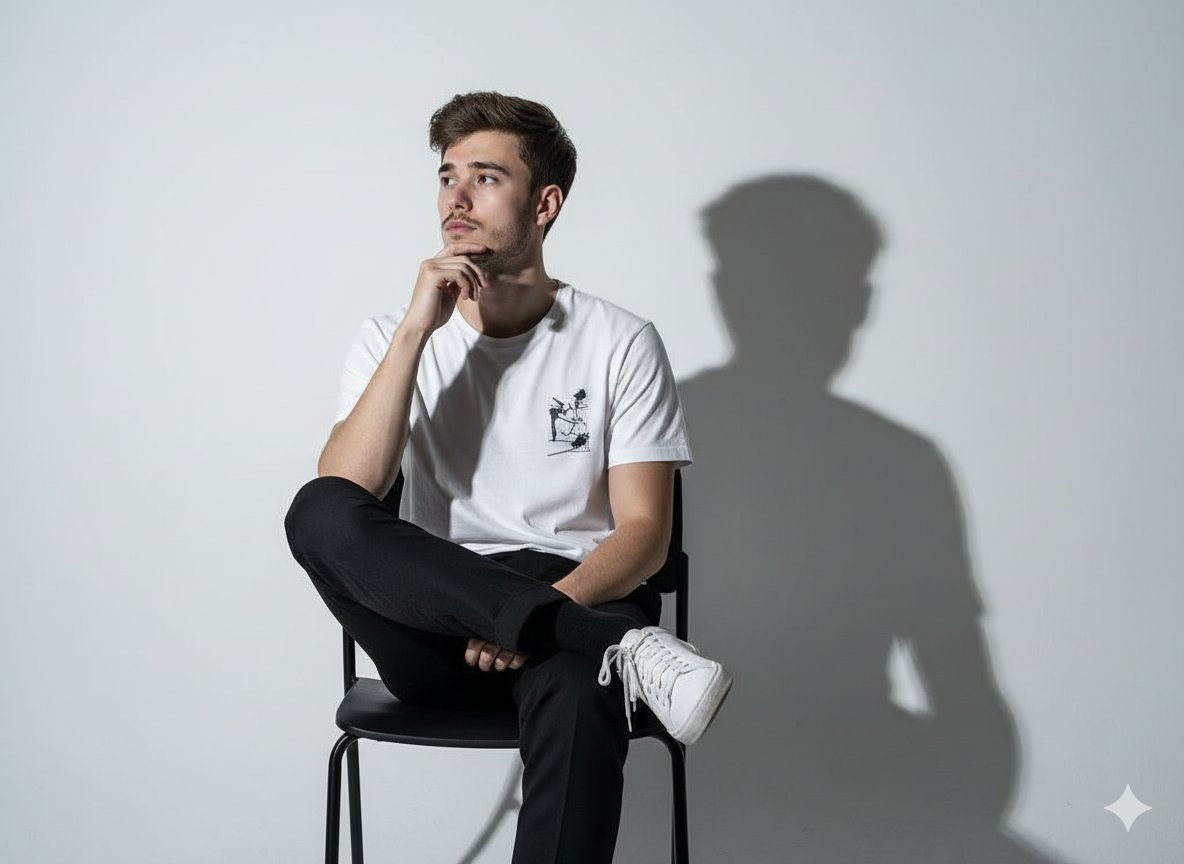
100% real-life filmed texture, iPhone documentary look, handheld single take feeling, natural daylight, soft Scandinavian lighting, slight breathing shake, subtle focus shifts, minimal clean aesthetic. Character Reference Use Image1 as the exact person reference. Face, body, outfit must remain identical. No exaggeration. Environment A bright minimalist Scandinavian living room. White walls, wooden floor, large windows, soft daylight. Several unopened flatpack boxes scattered around. Hook (0–3s) One IKEA box starts shaking. Then another. Then all of them. 13-Second One-Take Sequence 0–2s Boxes burst open. Flatpack pieces (wood panels, screws, frames) float into the air. SFX: wood sliding, light mechanical clicks 2–3s A folded instruction manual rises slowly in front of the character. Pages flip rapidly on their own. 3–5s The IKEA logo on the manual glows soft blue-yellow. A subtle energy spreads into the floating pieces. Music: light playful orchestral build 5–7s All furniture parts begin self-assembling mid-air: • chair forms piece by piece • table legs snap perfectly into place • shelves lock together with precision Everything is fast, clean, satisfying. 7–9s The assembled furniture doesn't stop, It keeps combining into a giant humanoid wooden figure made of IKEA parts. SFX: layered wooden clicks, deep assembling 9–10s The wooden figure gently steps forward… Then carefully adjusts a slightly crooked picture frame on the wall. 10–11s It pauses. Looks at the room. 11–12s Instantly collapses back into individual furniture pieces Perfectly placed around the room in a clean layout. 12–13s The character looks around. Everything is now a perfectly styled IKEA showroom. On screen: "Some assembly required." Audio Direction SFX: wood clicks, sliding panels, soft mechanical assembly sounds Music: light playful build → slightly epic → soft comedic finish
How to use untitled in 3 steps
- 1Upload ImagePNG, JPG or paste
Add your photo
Upload the photo the template builds on. The prompt, model and format are already set.
- 2…a portrait of your subject in softgolden-hour light, 85mm…
Personalize
Edit the subject and creative details for your destination.
- 3Generate
Generate
Press Generate — your image is created in PicX Studio, so you can compare it with the original and refine one variable at a time.
More like this
Templates with the same subject, style or setup. Open one to see its prompt.








Make it yours
untitled works as-is. These are the safest ways to change it without losing the look.
Change one field
Copy a single group, rewrite it, and generate again so you can see what that field is doing.
Keep the frame, change the subject
Hold the composition and light of 76-untitled, then swap wardrobe, props or the person for a new take.
| If the result… | Why | Fix |
|---|---|---|
| The result drifts from the preview | Too many fields changed at once. | Reuse 76-untitled as-is first, then change one group — subject, light, or setting. |
| The model over-stylizes the scene | The prose prompt leaves finish and camera underspecified. | Add one camera or lighting sentence and stay on Seedance 2.0 Standard. |
More Seedance 2.0 Standard templates
Other prompts made for Seedance 2.0 Standard.





More image prompts
Fresh picks from across the catalog.
Black and White Hand-Drawn Eye Pattern
Multi-Tool Workflow for Animation Production

Blueprint to 3D Chrome Manifestation Prompt
Vertical Slice Double Exposure Woman
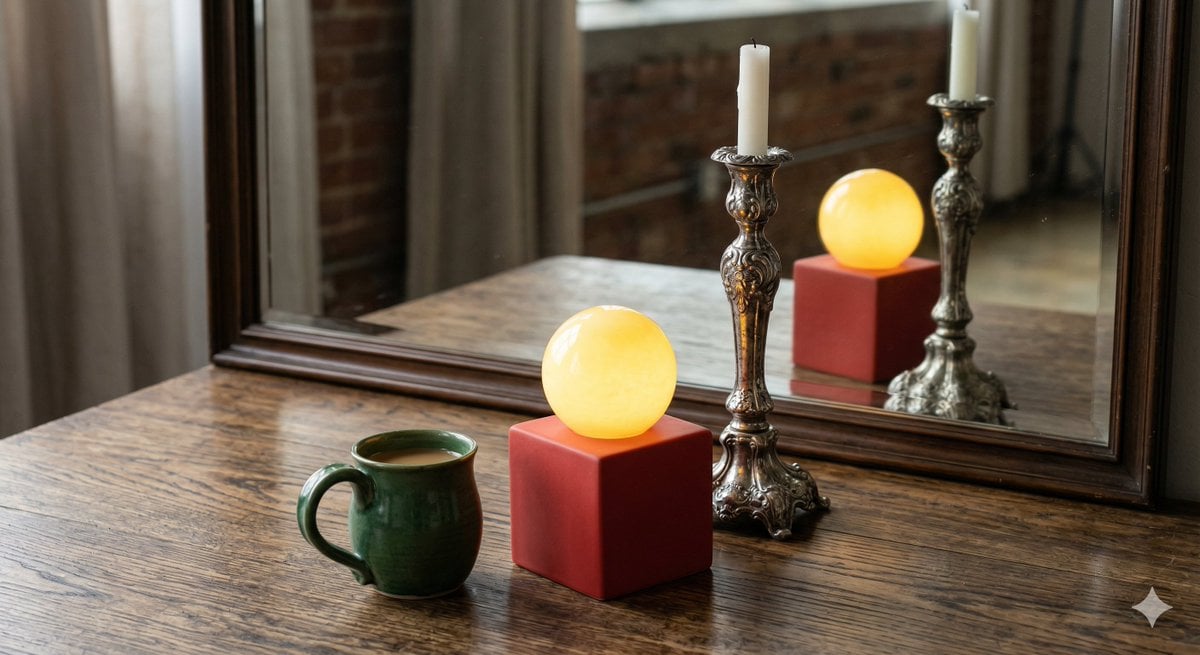
Object Reasoning Test Prompt for Nano Banana 2
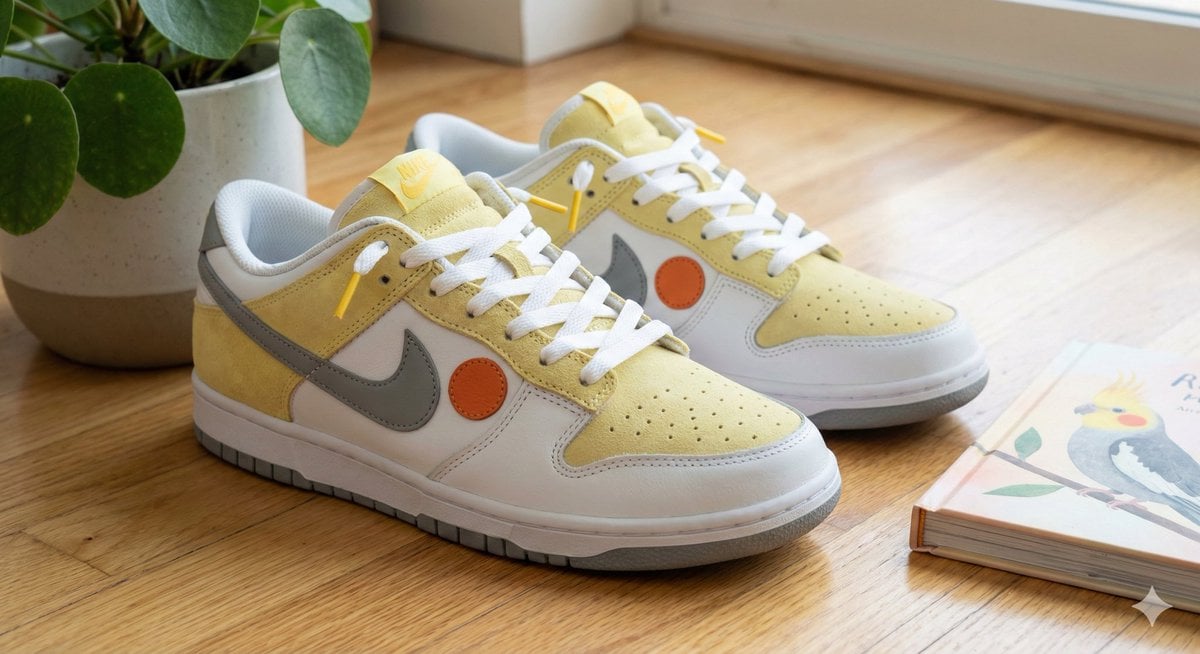
Cockatiel Model Sneakers Generated by Nano Banana Pro
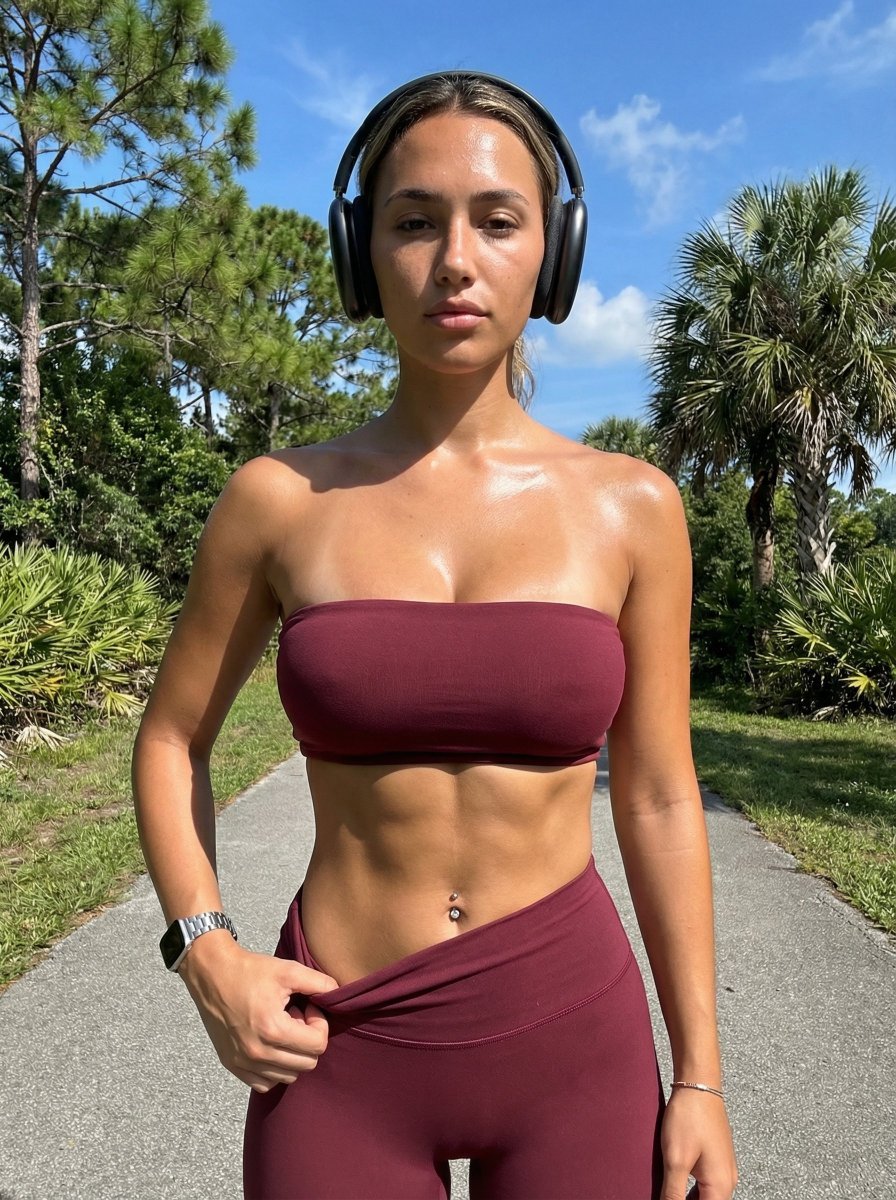
Ultra-Realistic Glistening Athletic Portrait
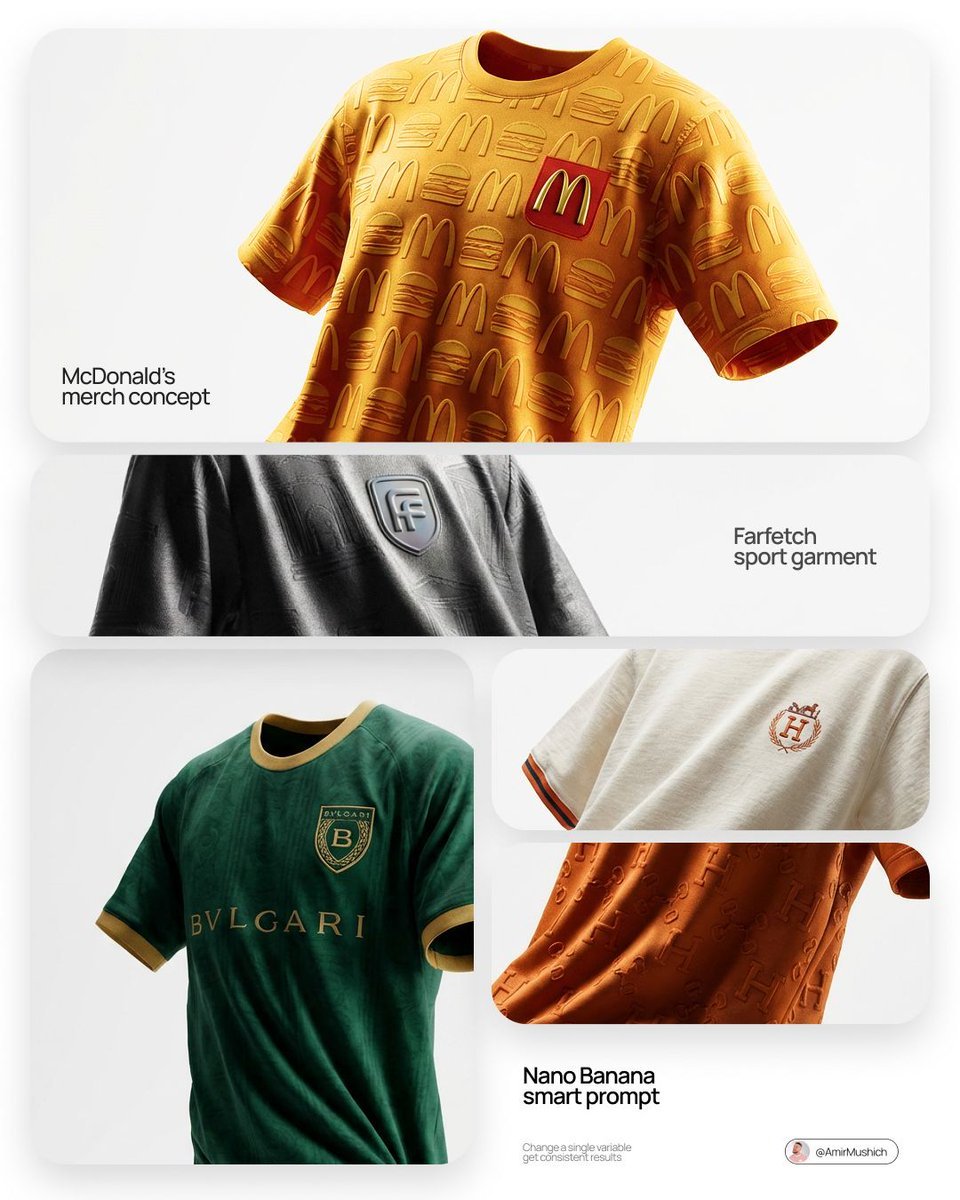
Floating Football Jersey Luxury Editorial
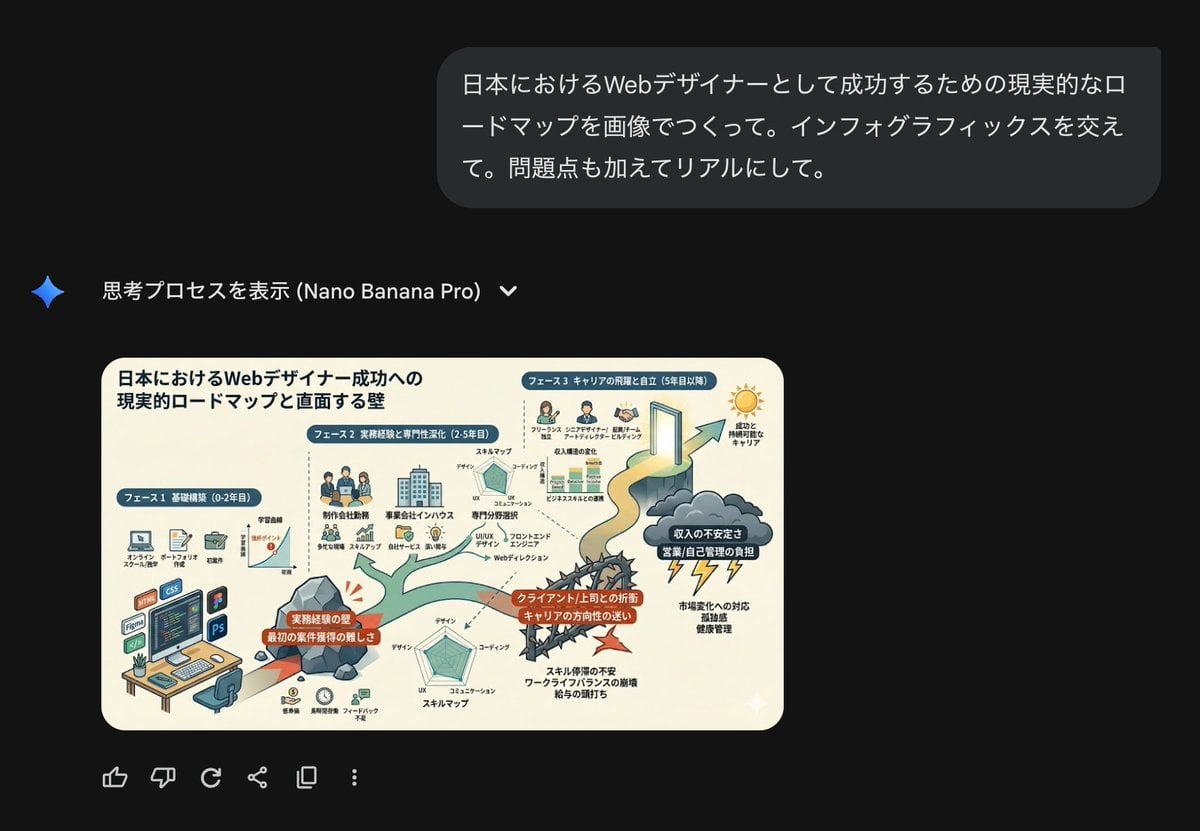
Roadmap diagram for becoming a successful web designer in Japan

Hyper-realistic Action Video Generation from Image Reference
Browse template categories
untitled questions
How do I use the 76-untitled template?
Add your photo if the template asks for one, edit the prompt if you like — the template's model and format are already selected — and press Generate. Your version opens in PicX Studio.
Can I customize the 76-untitled template?
Yes. You can change the subject, setting, lighting, mood, format, and available model controls before creating your image.
Is the 76-untitled template free?
Opening and editing this template is free. Generating uses credits, shown on the Generate button when you are signed in.
Which AI model should I use?
Start with Seedance 2.0 Standard, which is the model associated with this template. You can compare another compatible model for a different finish.
Looking for something else? Browse all templates.

Your photo, any look
Thousands of ready templates for every top image and video model, from one credit balance.