
untitled
untitled is a ready photo look for Seedance 2.0 Standard.
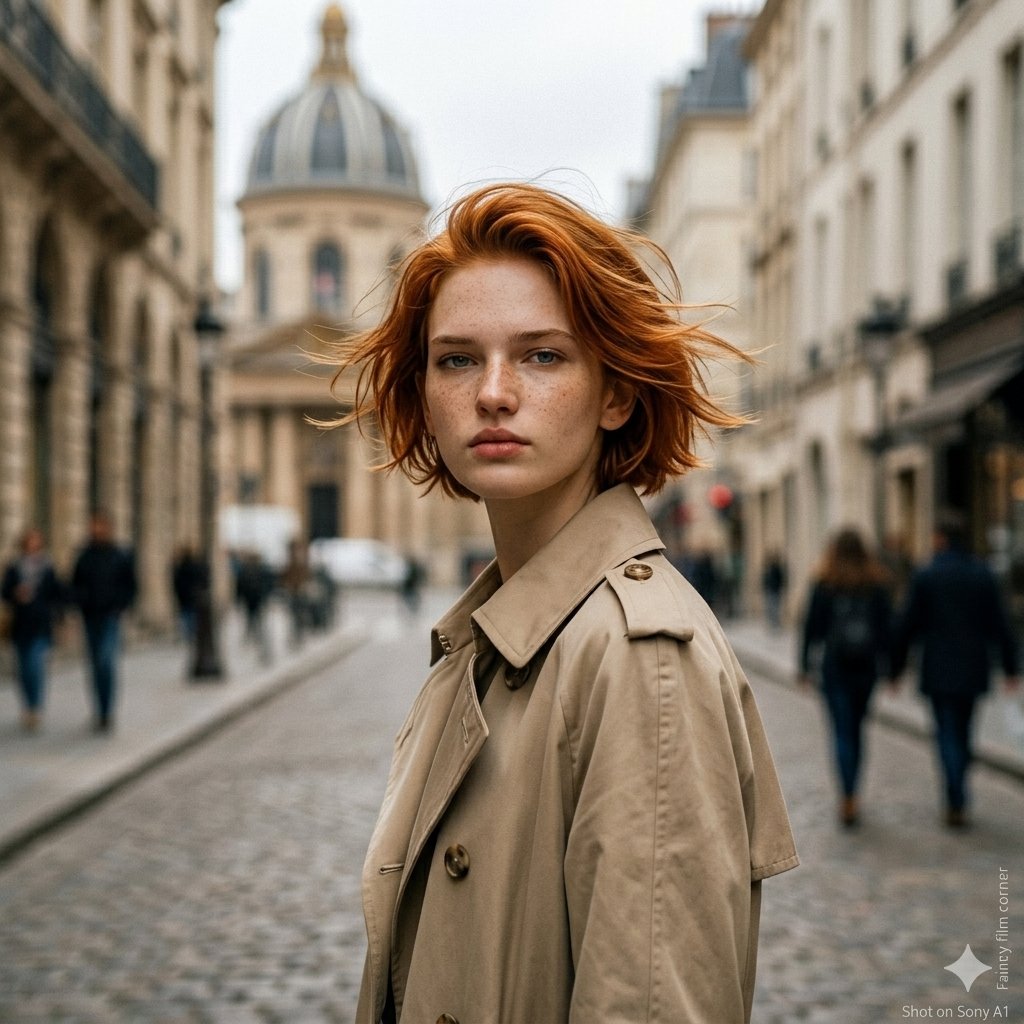
- Prompt included
- Model and format preset
- Free template
The prompt behind this image
Copy the exact prompt behind untitled, or open it in the studio and make it yours.
A mist-covered bamboo forest at dusk with deep jade-green ambient light and silver moonlight filtering through dense leaves. Rain falling steadily onto moss-covered rocks and shallow pools, creating reflective surfaces for diegetic lighting. Wind pushes the bamboo stalks in rhythmic waves. Action: 15.0s sequence. A massive white tiger with luminous blue markings along its fur stalks through the bamboo forest while a colossal black panther with glowing amber eyes circles in the shadows. They engage in rapid, low-to-the-ground combat across wet forest terrain. Every leap sends arcs of water spraying from the ground while claws carve glowing trails through the rain. Velocity Ramp choreography: the tiger's mid-air pounce slows to ultra-slow motion as both animals collide, fur and water droplets suspended in the air before snapping back to full speed as they crash through bamboo stalks. Camera: Handheld ground-level tracking through the bamboo forest, occasionally catching the fight reflected in rain puddles before snapping focus back to the animals as they burst through the foliage. Style & Constraints: Photorealistic fur simulation, volumetric rain particles, ray-traced reflections on wet ground, cinematic moonlight, 35mm film grain, stable geometry, 8K.
How to use untitled in 3 steps
- 1
Open
The prompt is already in the box next to the preview, with the template's model and format selected.
- 2…a portrait of your subject in softgolden-hour light, 85mm…
Personalize
Edit the subject and creative details for your destination.
- 3Generate
Generate
Press Generate — your image is created in PicX Studio, so you can compare it with the original and refine one variable at a time.
More like this
Templates with the same subject, style or setup. Open one to see its prompt.












Make it yours
untitled works as-is. These are the safest ways to change it without losing the look.
Change one field
Copy a single group, rewrite it, and generate again so you can see what that field is doing.
Keep the frame, change the subject
Hold the composition and light of 53-untitled, then swap wardrobe, props or the person for a new take.
| If the result… | Why | Fix |
|---|---|---|
| The result drifts from the preview | Too many fields changed at once. | Reuse 53-untitled as-is first, then change one group — subject, light, or setting. |
| The model over-stylizes the scene | The prose prompt leaves finish and camera underspecified. | Add one camera or lighting sentence and stay on Seedance 2.0 Standard. |
More Seedance 2.0 Standard templates
Other prompts made for Seedance 2.0 Standard.







More image prompts
Fresh picks from across the catalog.
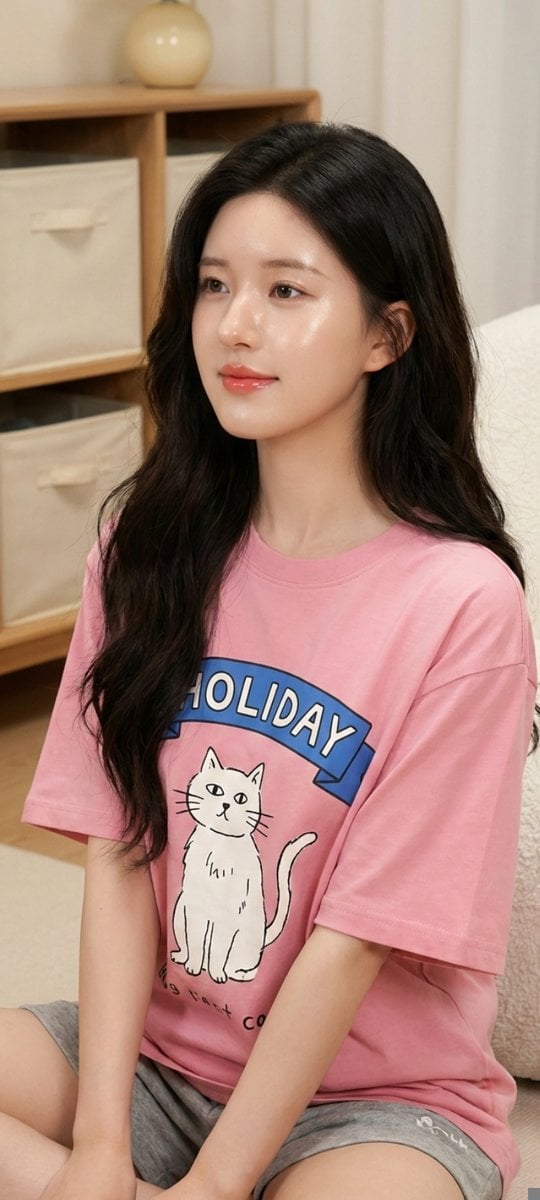
Zhao Lusi Casual Editorial Look

Ive Yujin Fashion Portrait in Blue

Earbuds E-commerce Infographic
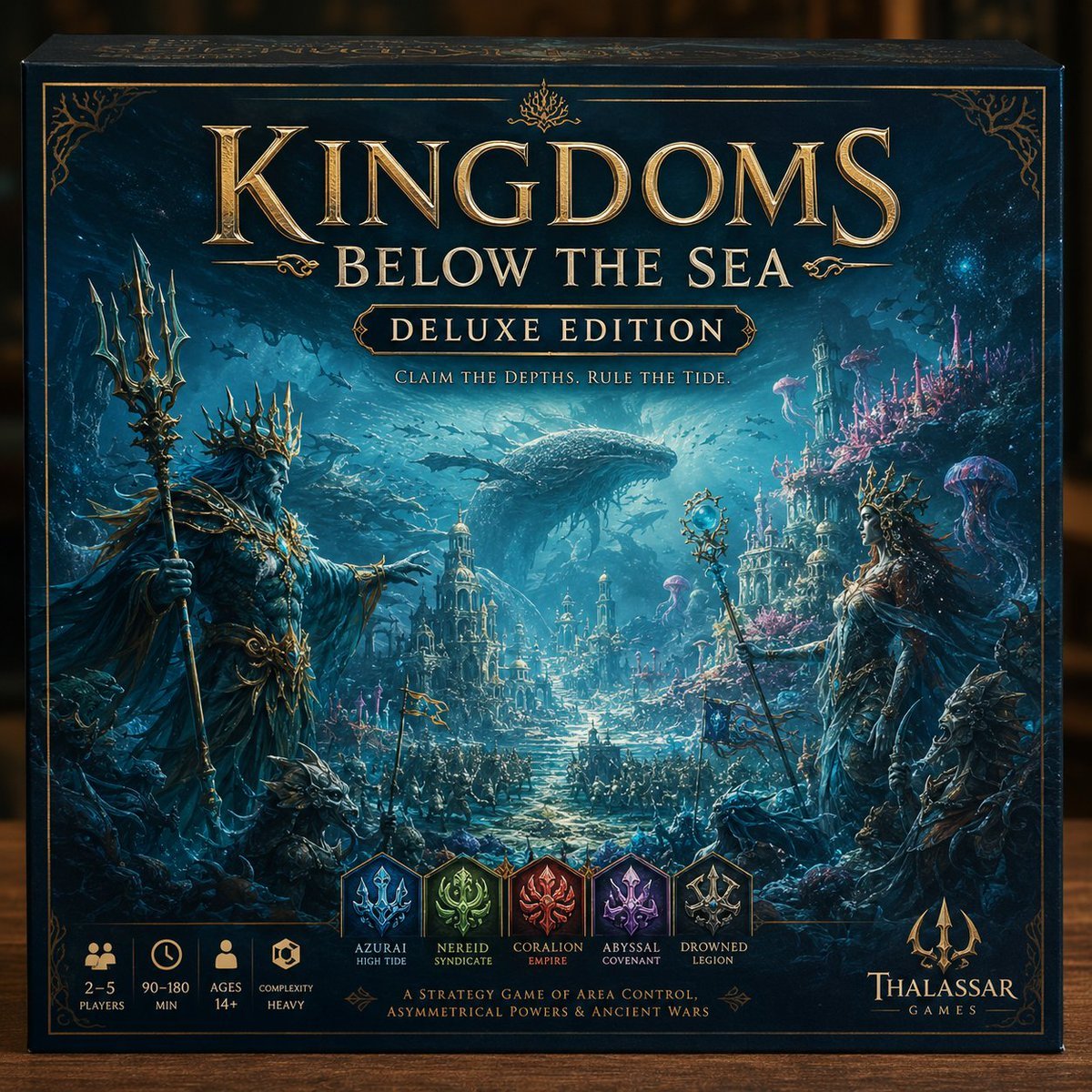
Deluxe Underwater Kingdom Board Game Box
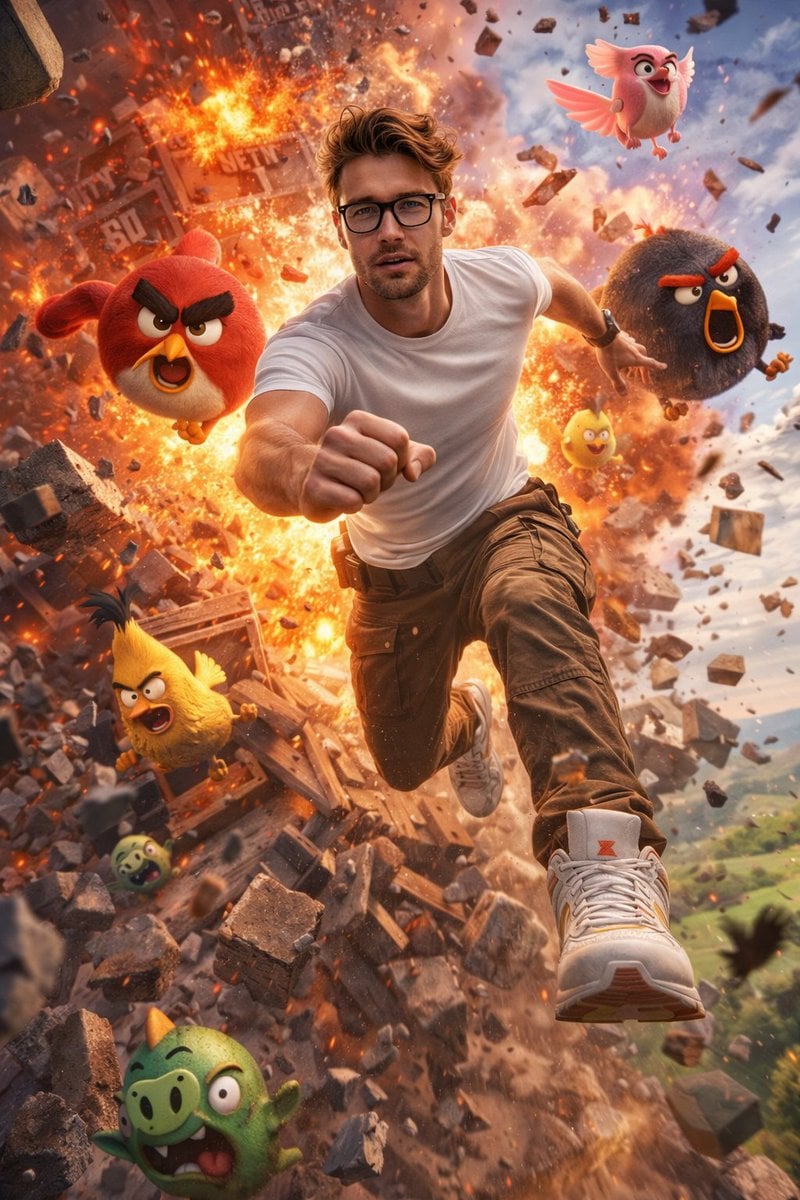
Ultra-Realistic Man in Angry Birds World
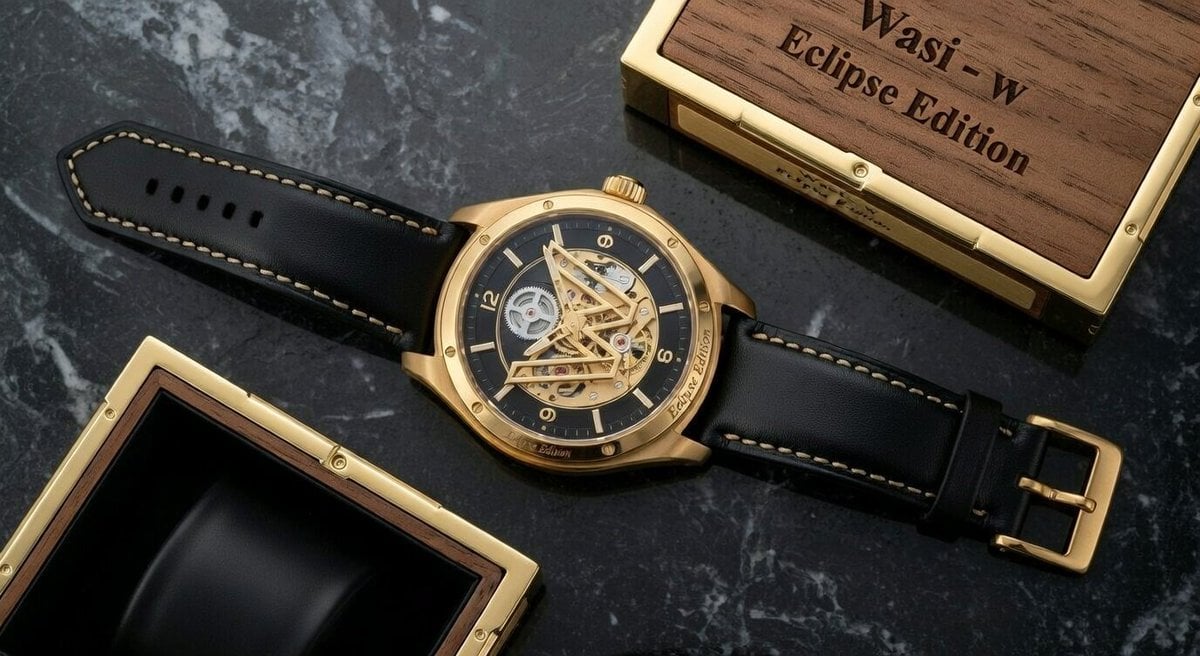
Macro Photograph of Luxury Watch
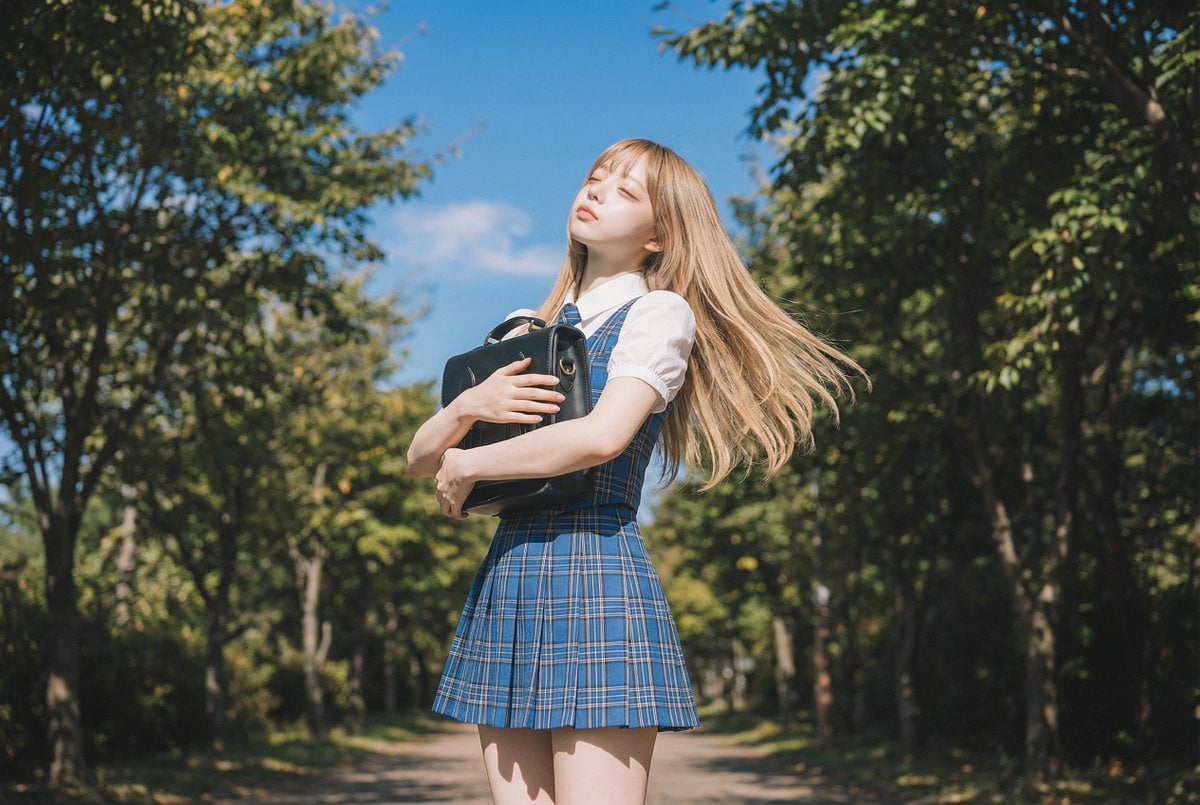
Blonde Girl Walking Down a Tree-Lined Street Video Prompt
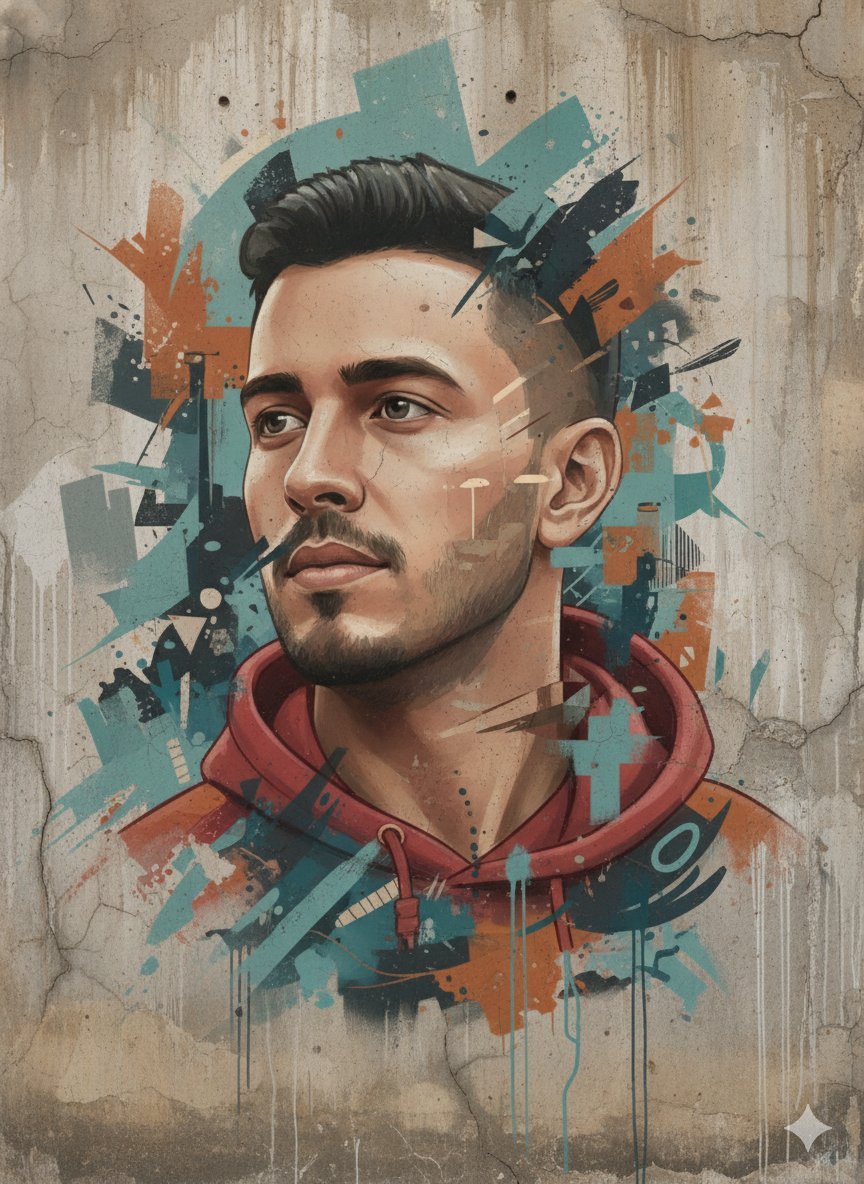
Abstract Realism Street Mural with Identity Preservation
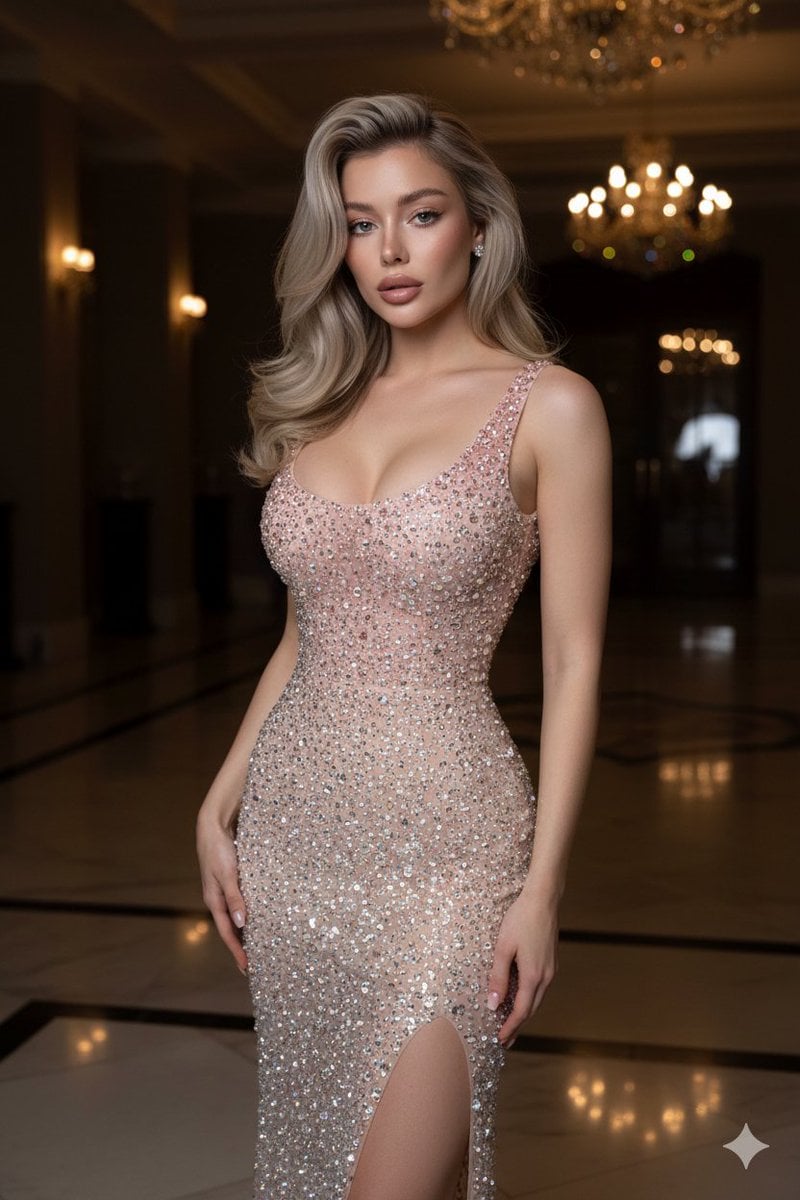
Editorial High-Fashion Crystal Gown Portrait
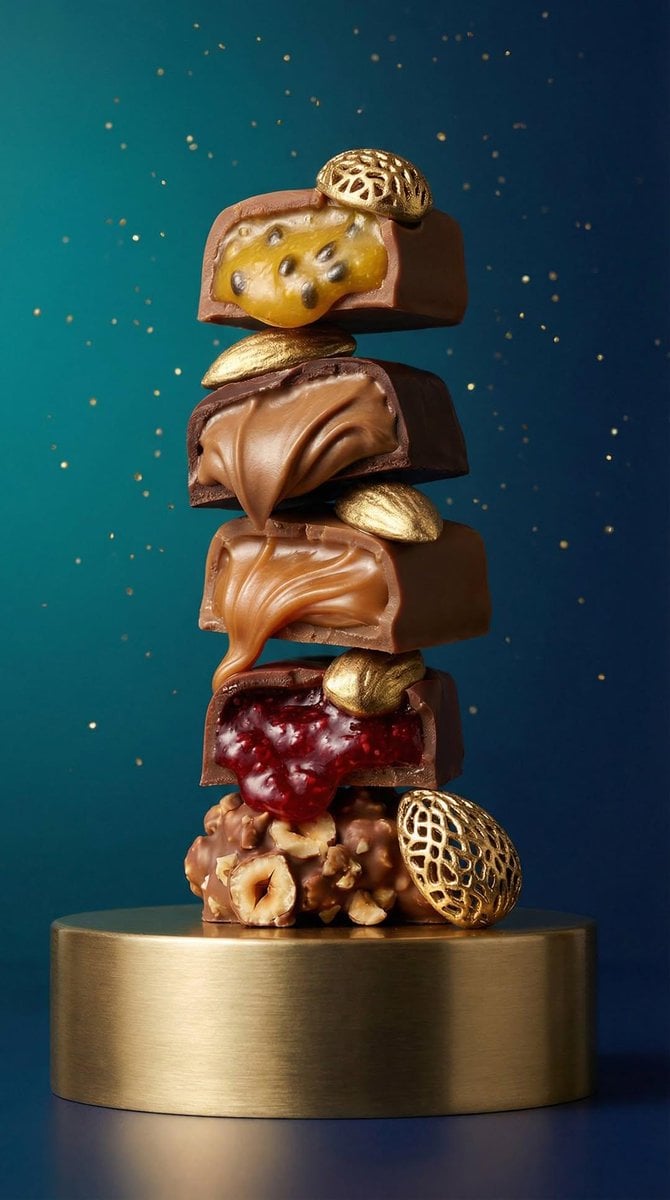
Artisan Chocolate Product Visuals (Multi-Image Prompt)
Browse template categories
untitled questions
How do I use the 53-untitled template?
Add your photo if the template asks for one, edit the prompt if you like — the template's model and format are already selected — and press Generate. Your version opens in PicX Studio.
Can I customize the 53-untitled template?
Yes. You can change the subject, setting, lighting, mood, format, and available model controls before creating your image.
Is the 53-untitled template free?
Opening and editing this template is free. Generating uses credits, shown on the Generate button when you are signed in.
Which AI model should I use?
Start with Seedance 2.0 Standard, which is the model associated with this template. You can compare another compatible model for a different finish.
Looking for something else? Browse all templates.

Your photo, any look
Thousands of ready templates for every top image and video model, from one credit balance.