
untitled
untitled is a ready photo look for Seedance 2.0 Standard.

- Prompt included
- Model and format preset
- Free template
The prompt behind this image
Copy the exact prompt behind untitled, or open it in the studio and make it yours.
Style: Ultra-realistic industrial timelapse Pacing: Extremely fast (hyperlapse feel) Camera: Mostly fixed with slight cinematic motion (slider/drone feel) Lighting: Bright factory lights, metallic reflections Audio: Captivating cinematic electronic/industrial music (no dialogue) [00:00–00:03] — Bare Frame Shot 1 (wide, static) Empty car chassis suspended on assembly line Conveyor begins moving Workers enter frame rapidly (timelapse speed) Tools flashing, sparks briefly [00:03–00:06] — Structure Builds Shot 2 (slight side angle) Doors, internal components appear quickly Technicians blur in motion Robotic arms assisting (fast, precise movements) Parts snapping into place rapidly [00:06–00:09] — Complexity Grows Shot 3 (closer view) Wiring, dashboard, engine components installed Hands moving at hyper speed Panels closing, interior forming [00:09–00:12] — Exterior Completion Shot 4 (dynamic angle) Body panels attach Wheels snap into place Car begins to look complete Motion blur emphasizes speed [00:12–00:15] — Final Form Shot 5 (hero shot) Fully assembled car rolls forward Lights flick on Clean, finished vehicle End moment: Camera holds briefly as car exits frame
How to use untitled in 3 steps
- 1
Open
The prompt is already in the box next to the preview, with the template's model and format selected.
- 2…a portrait of your subject in softgolden-hour light, 85mm…
Personalize
Edit the subject and creative details for your destination.
- 3Generate
Generate
Press Generate — your image is created in PicX Studio, so you can compare it with the original and refine one variable at a time.
More like this
Templates with the same subject, style or setup. Open one to see its prompt.












Make it yours
untitled works as-is. These are the safest ways to change it without losing the look.
Change one field
Copy a single group, rewrite it, and generate again so you can see what that field is doing.
Keep the frame, change the subject
Hold the composition and light of 64-untitled, then swap wardrobe, props or the person for a new take.
| If the result… | Why | Fix |
|---|---|---|
| The result drifts from the preview | Too many fields changed at once. | Reuse 64-untitled as-is first, then change one group — subject, light, or setting. |
| The model over-stylizes the scene | The prose prompt leaves finish and camera underspecified. | Add one camera or lighting sentence and stay on Seedance 2.0 Standard. |
More Seedance 2.0 Standard templates
Other prompts made for Seedance 2.0 Standard.






More image prompts
Fresh picks from across the catalog.
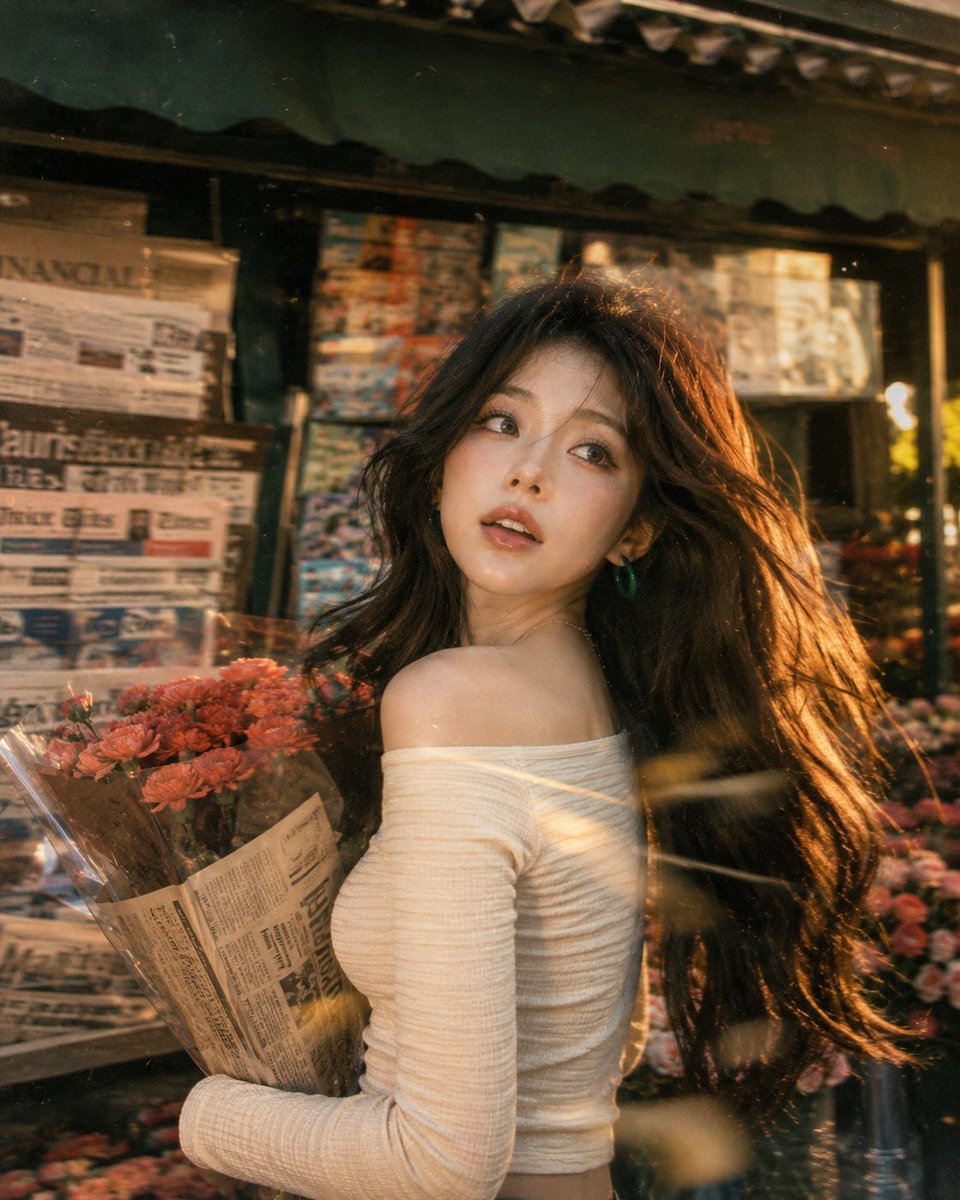
Vintage Fujifilm Film Portrait
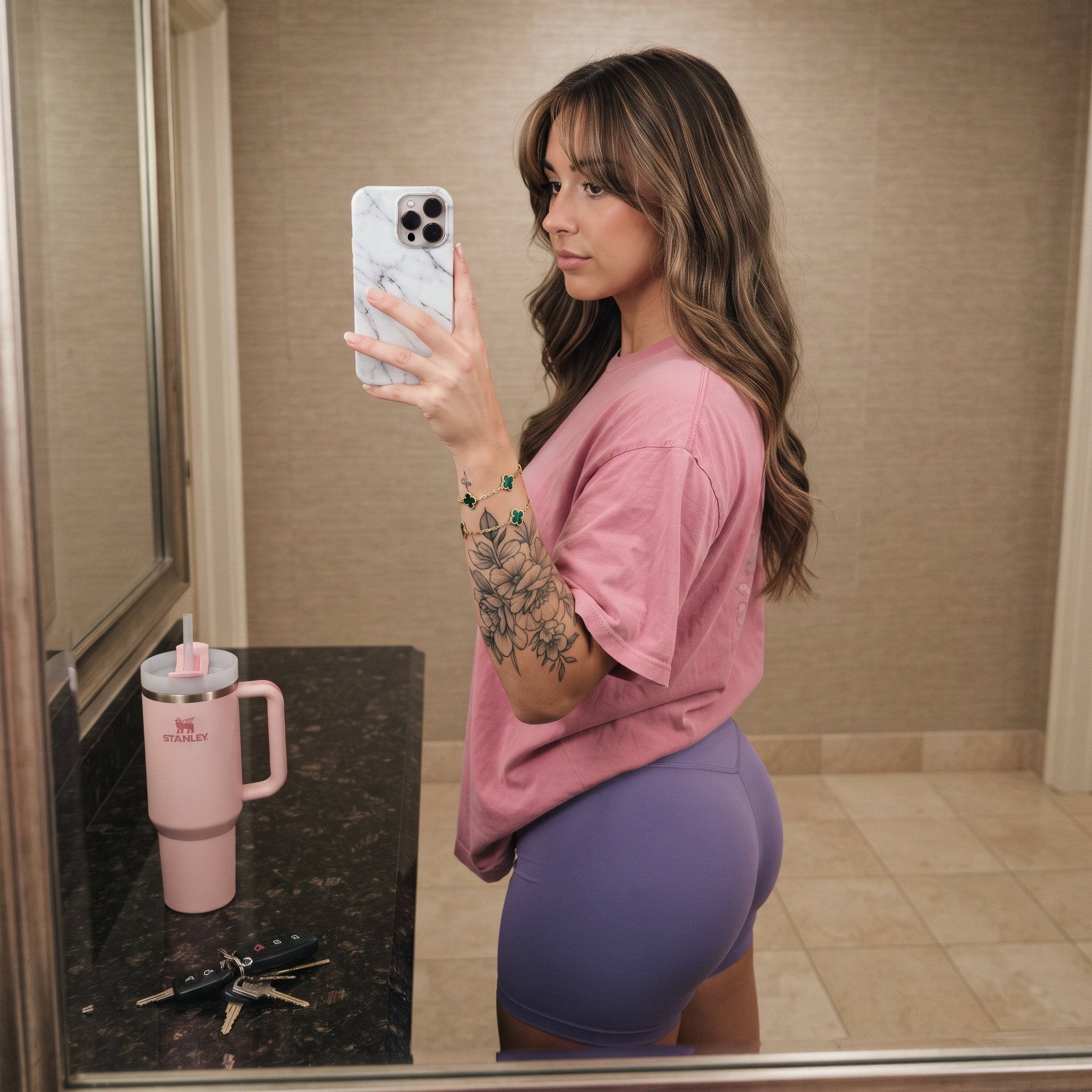
Mirror Selfie Prompt with Detailed Subject and Object Specifications
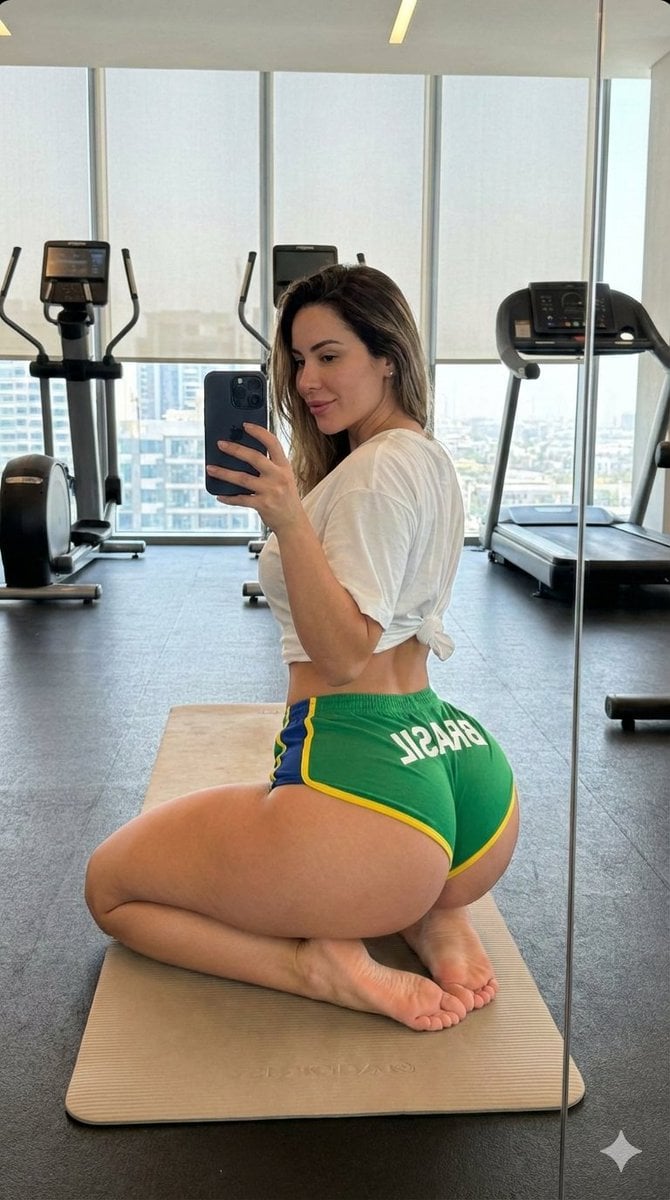
Gym Mirror Selfie with Exaggerated Proportions
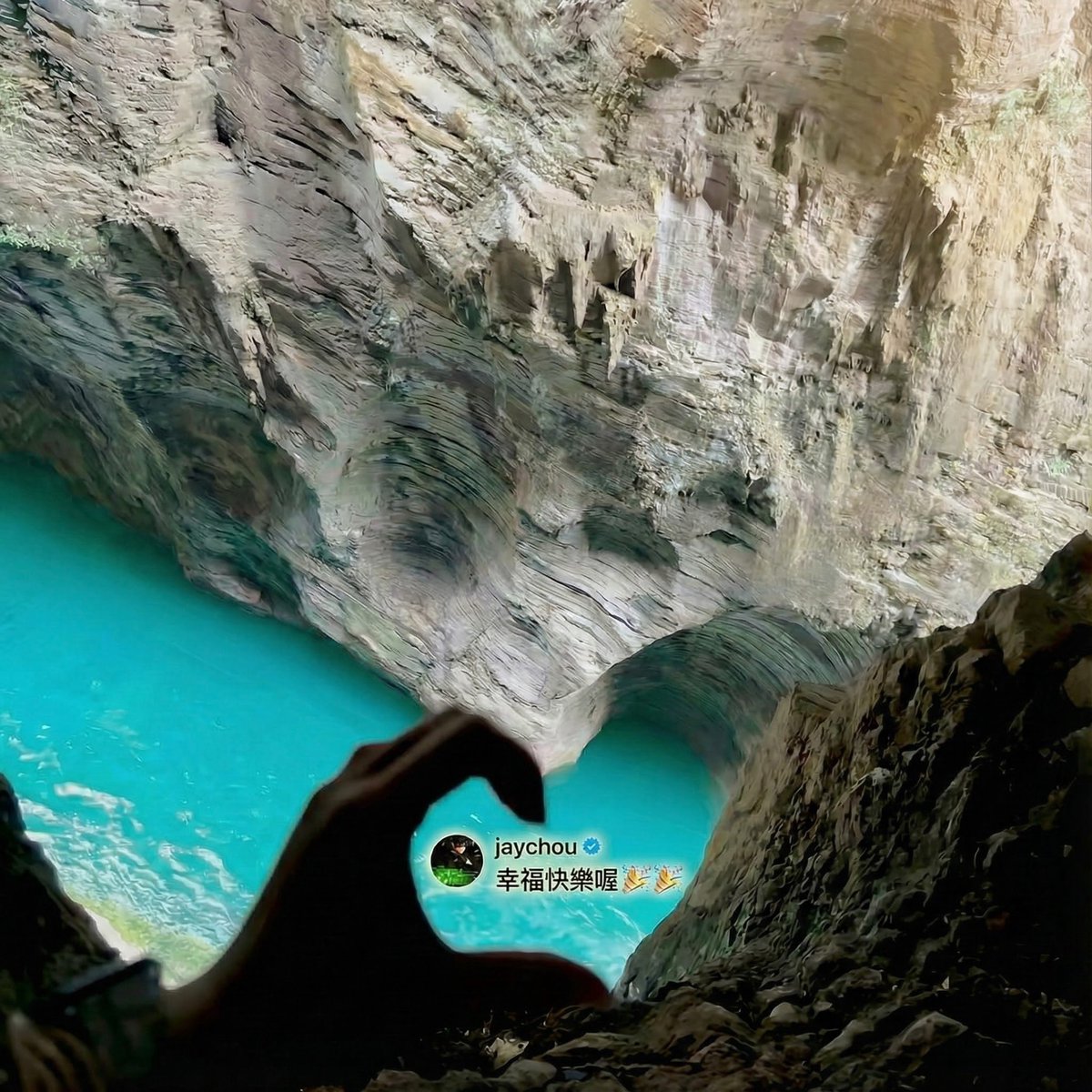
Jay Chou Blessing Image Integration Prompt
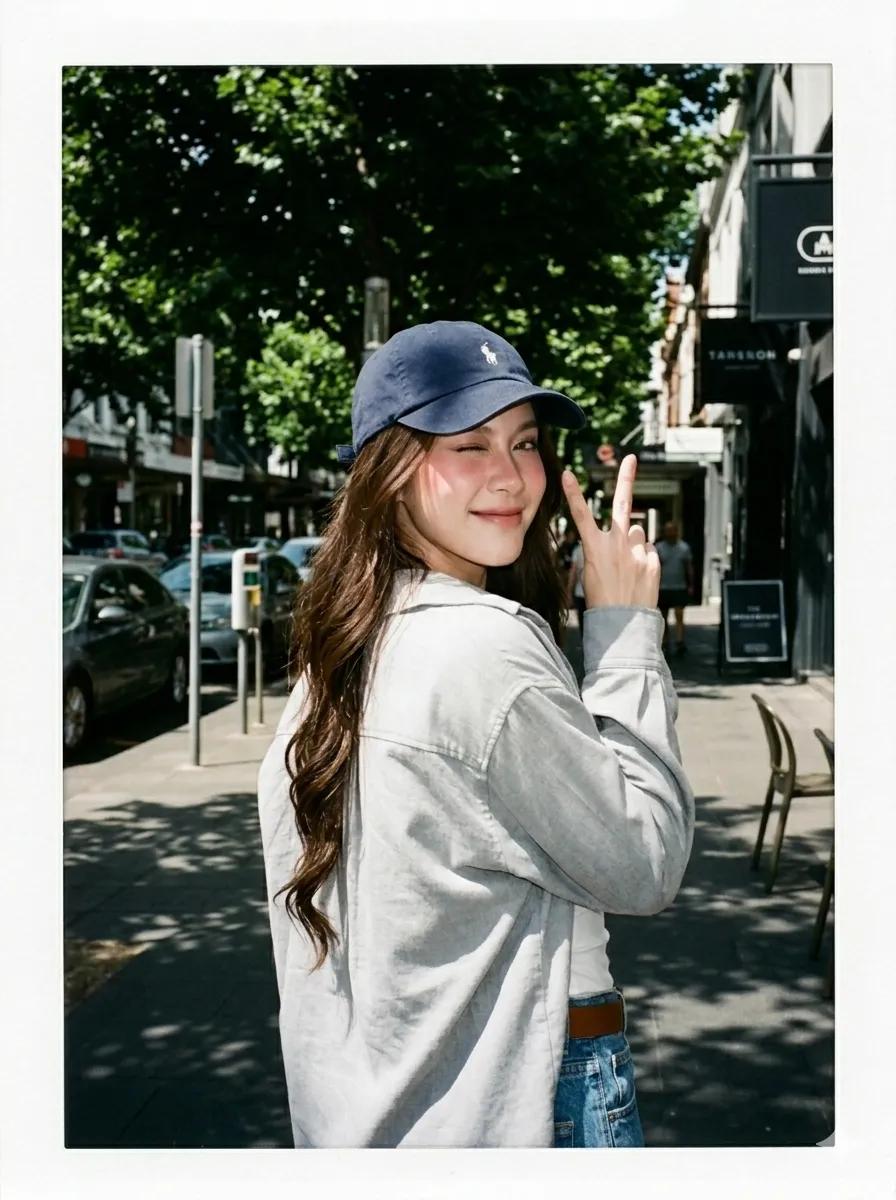
Summer Street Lifestyle Photography
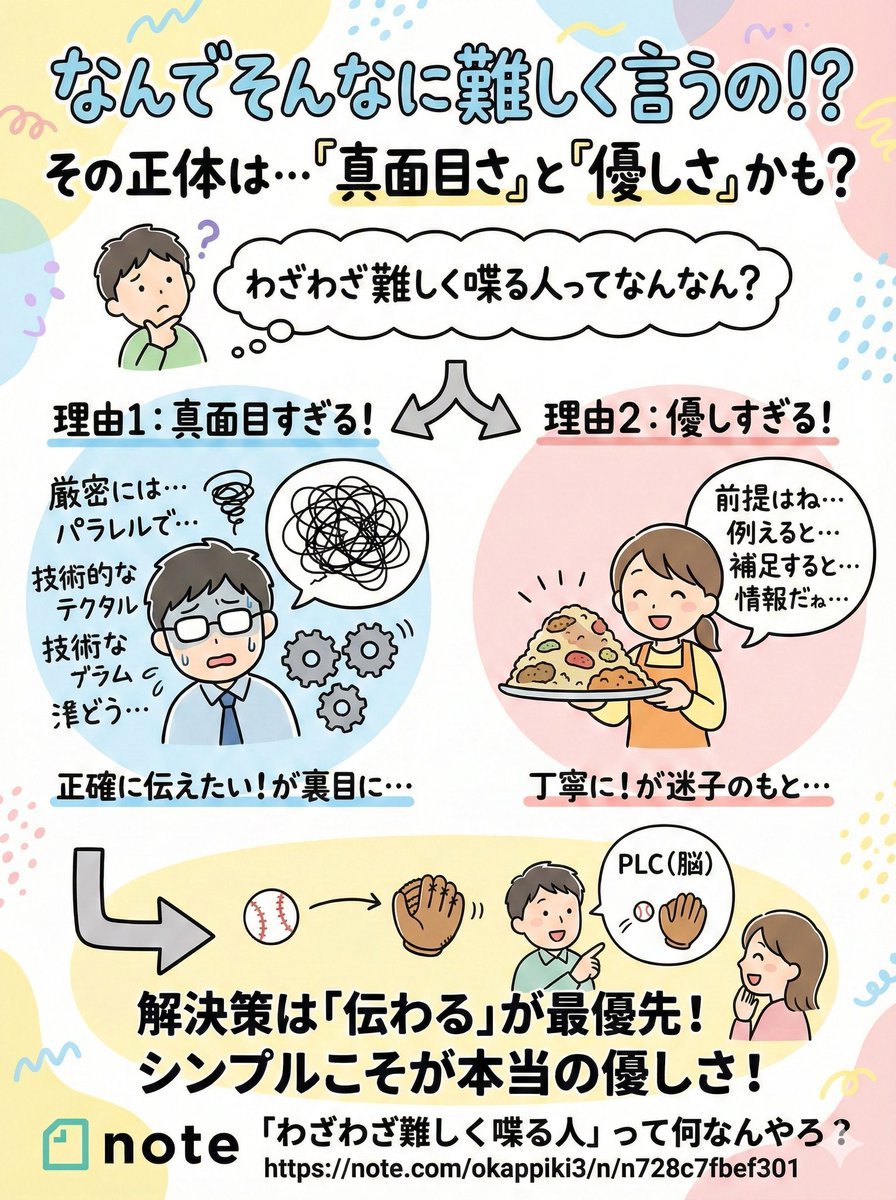
Pop-style flyer image for a note article
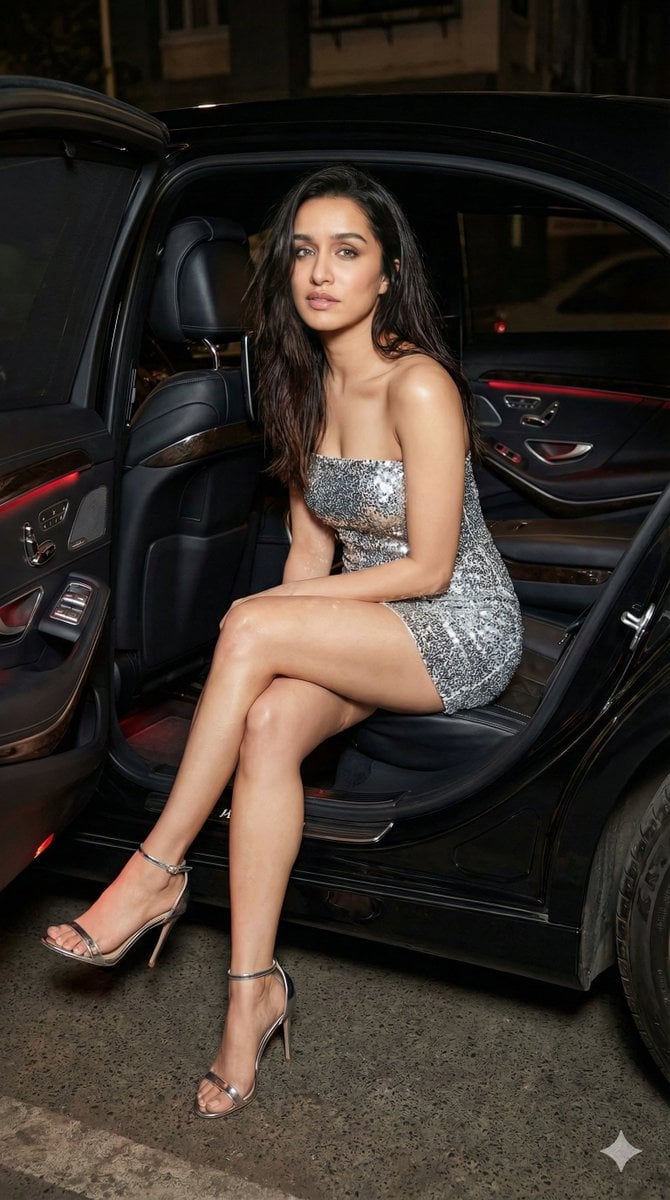
Nightlife Fashion Portrait Prompts (3 Variations)

Nostalgic 80s 90s China Memory Poster
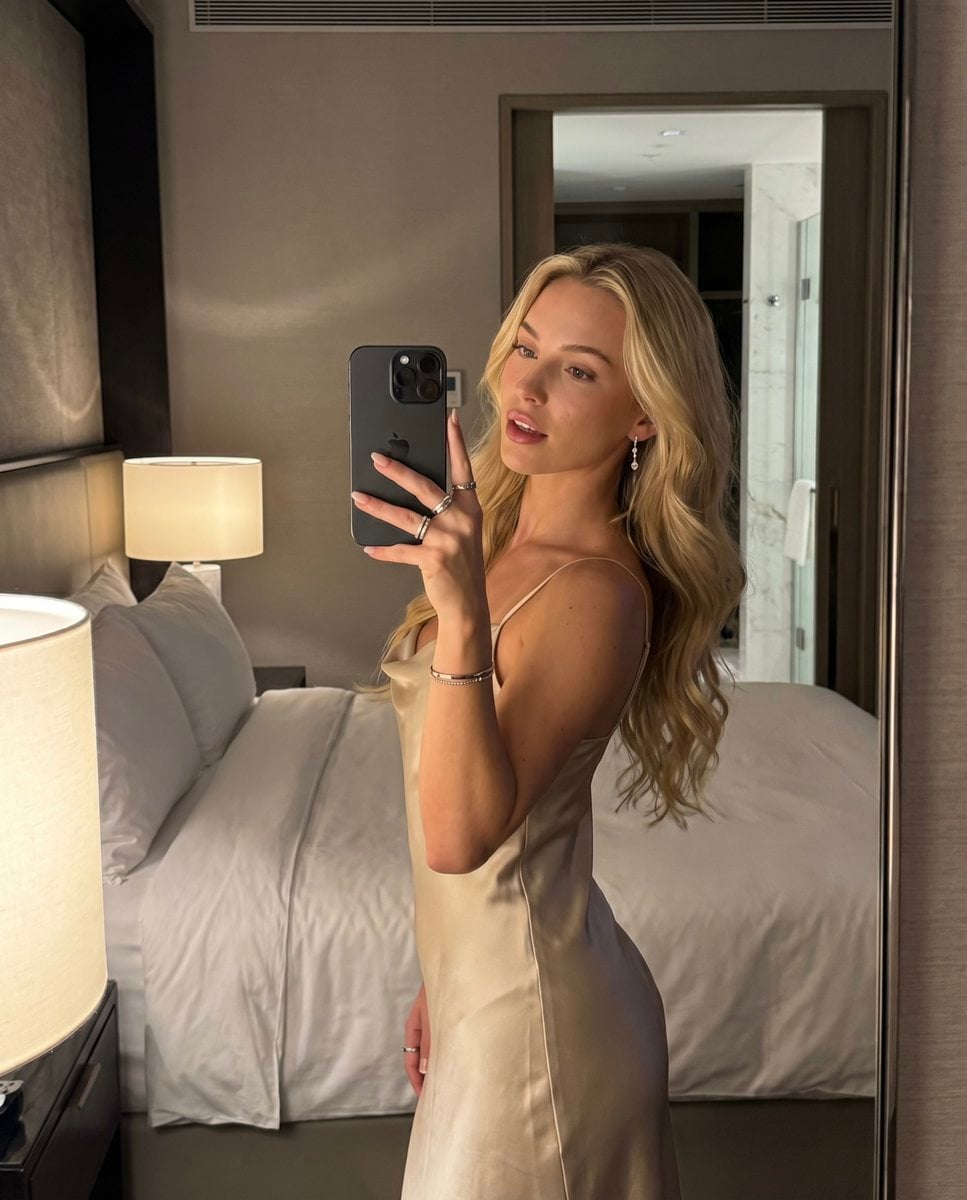
Luxury Hotel Mirror Selfie

Cinematic Food & Beverage Collab Poster
Browse template categories
untitled questions
How do I use the 64-untitled template?
Add your photo if the template asks for one, edit the prompt if you like — the template's model and format are already selected — and press Generate. Your version opens in PicX Studio.
Can I customize the 64-untitled template?
Yes. You can change the subject, setting, lighting, mood, format, and available model controls before creating your image.
Is the 64-untitled template free?
Opening and editing this template is free. Generating uses credits, shown on the Generate button when you are signed in.
Which AI model should I use?
Start with Seedance 2.0 Standard, which is the model associated with this template. You can compare another compatible model for a different finish.
Looking for something else? Browse all templates.

Your photo, any look
Thousands of ready templates for every top image and video model, from one credit balance.