
Water Vs Thunder Breathing Anime Battle
Water Vs Thunder Breathing Anime Battle is a ready photo look for Seedance 2.0 Standard.

- Prompt included
- Model and format preset
- Free template
The prompt behind this image
Copy the exact prompt behind Water Vs Thunder Breathing Anime Battle, or open it in the studio and make it yours.
Real person anime adaptation, Breathing Method Battle (15 seconds, super燃特效版) Core highlight: Water Breathing (Blue Water Dragon) VS Thunder Breathing (Golden Lightning), real person极速对决. Style: Hollywood live-action anime adaptation, dark samurai style, 4K ultra-clear, extreme fast cutting, particle light effects, no blood. Duration: 15 seconds | Scene: Moonlit misty forest, muddy ground, falling leaves. [00:00-00:05] Shot 1: Water Song Introduction - Boy samurai in green-black checkered haori crouching under moonlight. He takes a deep breath, surrounding air instantly solidifies. As he draws his blade, a massive blue water dragon appears, rotating at high speed around his body and blade, making roaring water sounds, illuminating the dark forest. [00:05-00:10] Shot 2: Thunder Flash Attack - Opponent with yellow triangular pattern haori, golden-haired swordsman in居合斩 stance. Ground suddenly explodes, he launches forward at lightning speed with golden lightning crackling.
How to use Water Vs Thunder Breathing Anime Battle in 3 steps
- 1
Open
The prompt is already in the box next to the preview, with the template's model and format selected.
- 2…a portrait of your subject in softgolden-hour light, 85mm…
Personalize
Edit the subject and creative details for your destination.
- 3Generate
Generate
Press Generate — your image is created in PicX Studio, so you can compare it with the original and refine one variable at a time.
More like this
Templates with the same subject, style or setup. Open one to see its prompt.
80 Year Old Rapper Mv Seedance 2 0 Stree

Hollywood Haute Couture Fantasy Seedance

Japanese Romance Short Film Seedance 2 0

Transformation the Bus Seedance 2 0 Robo

Transformation the Burger Seedance 2 0 a

untitled
Seedance - Anime Fighting Game Finisher
Seedance - Dragon vs Python Battle
Seedance - Arrow Microscopic Battle

Cel 2D Underwater Reef

Found Photograph: Us, 1970

80s Couple Studio Portrait
Make it yours
Water Vs Thunder Breathing Anime Battle works as-is. These are the safest ways to change it without losing the look.
Change one field
Copy a single group, rewrite it, and generate again so you can see what that field is doing.
Keep the frame, change the subject
Hold the composition and light of 84-water-vs-thunder-breathing-anime-battle-, then swap wardrobe, props or the person for a new take.
| If the result… | Why | Fix |
|---|---|---|
| The result drifts from the preview | Too many fields changed at once. | Reuse 84-water-vs-thunder-breathing-anime-battle- as-is first, then change one group — subject, light, or setting. |
| The model over-stylizes the scene | The prose prompt leaves finish and camera underspecified. | Add one camera or lighting sentence and stay on Seedance 2.0 Standard. |
More Seedance 2.0 Standard templates
Other prompts made for Seedance 2.0 Standard.




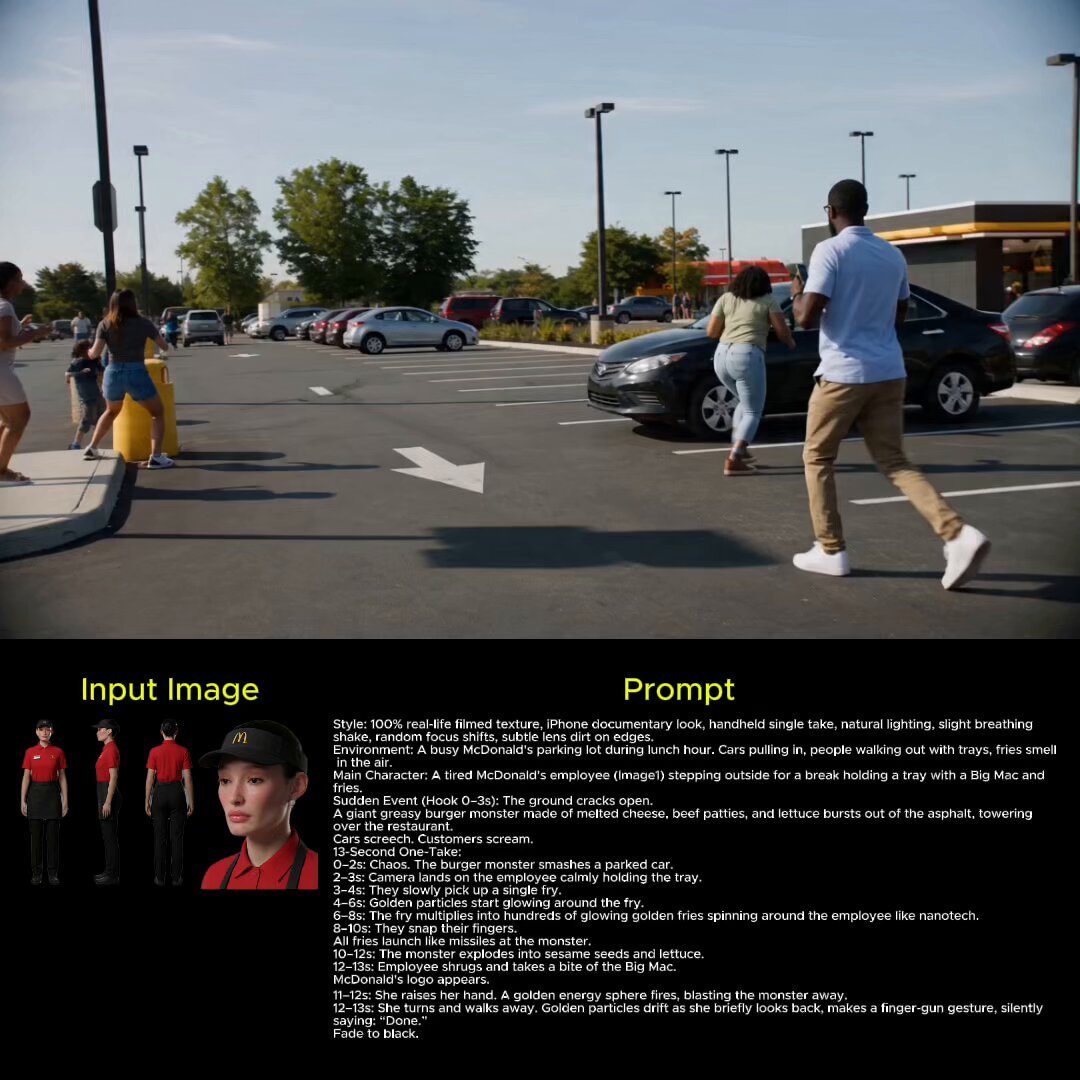


More image prompts
Fresh picks from across the catalog.
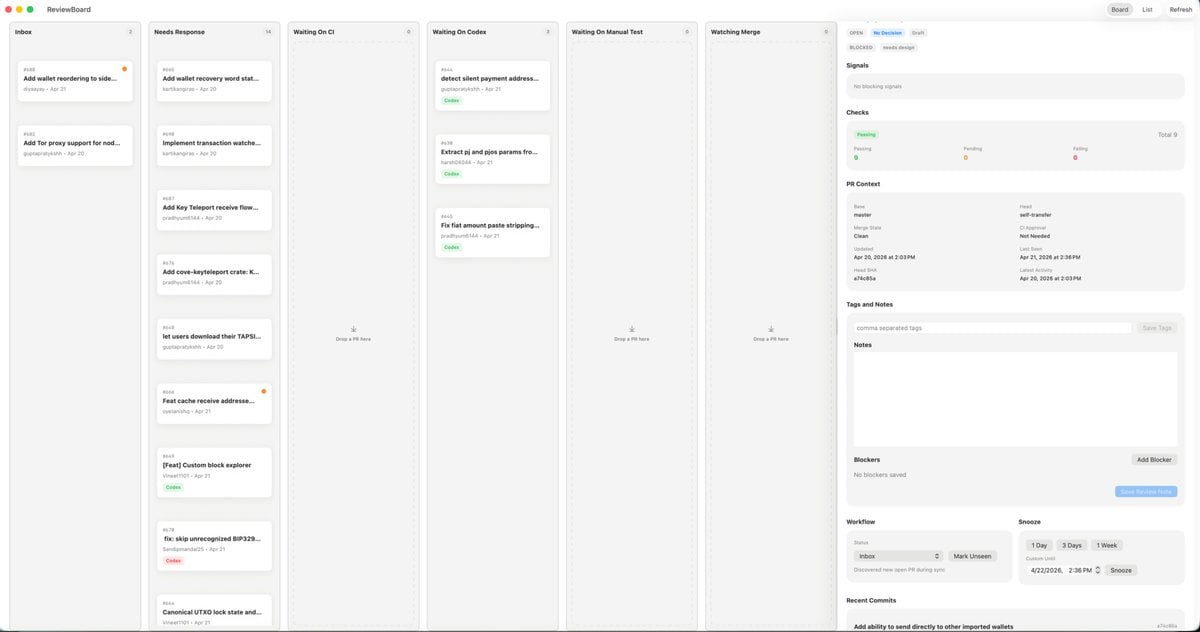
MacOS Kanban Review App UI
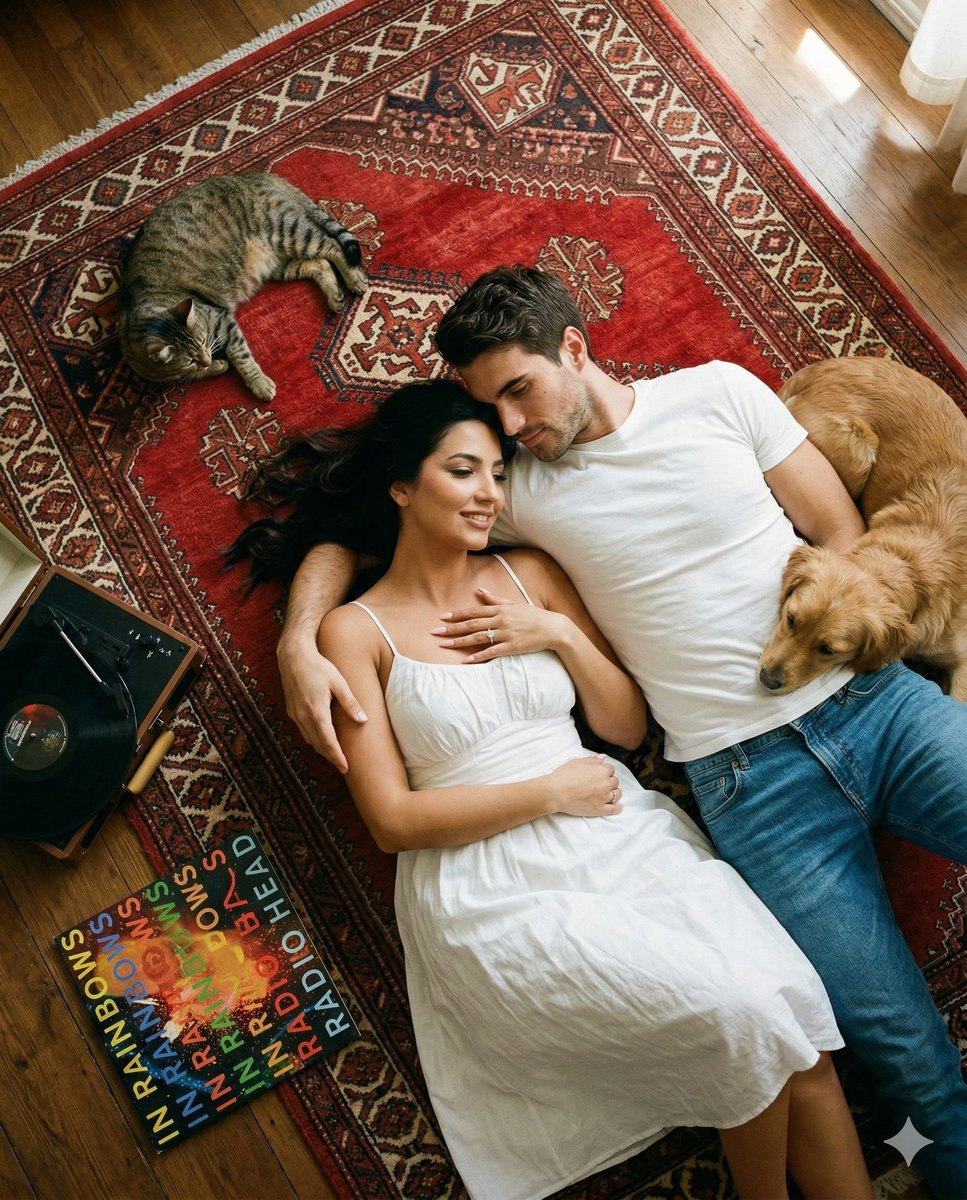
Top-Down Cinematic Couple Portrait on a Turkish Rug (Image-to-Image)
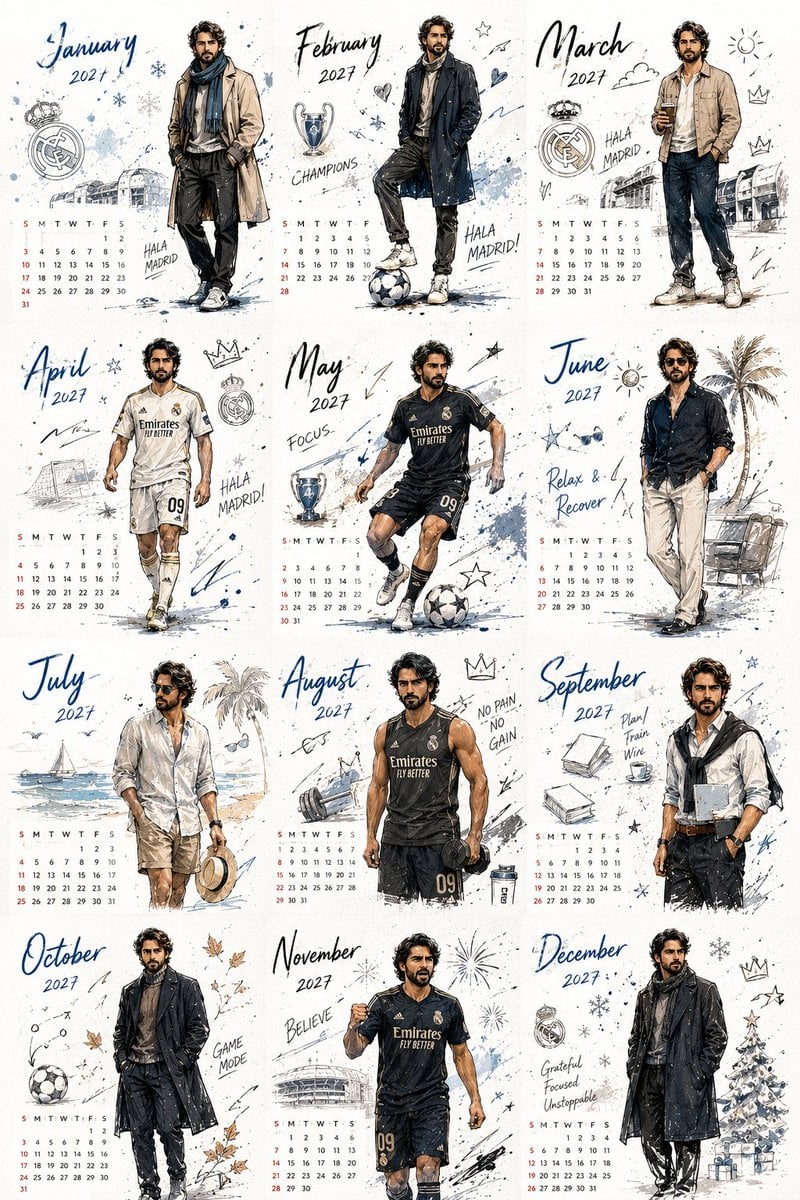
Korean Style Desktop Calendar 2027
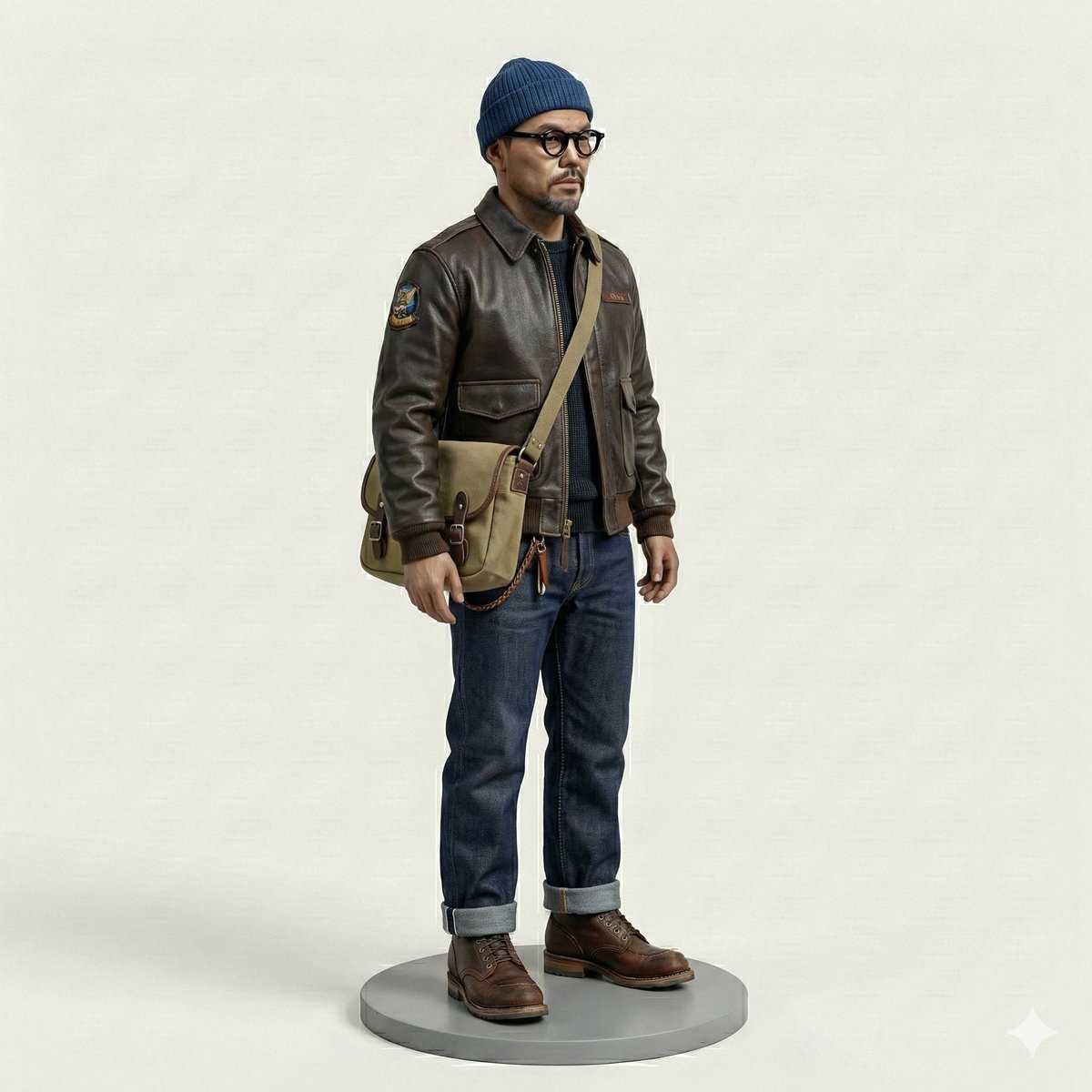
Miniature Figurine Prompt for Nano Banana Pro
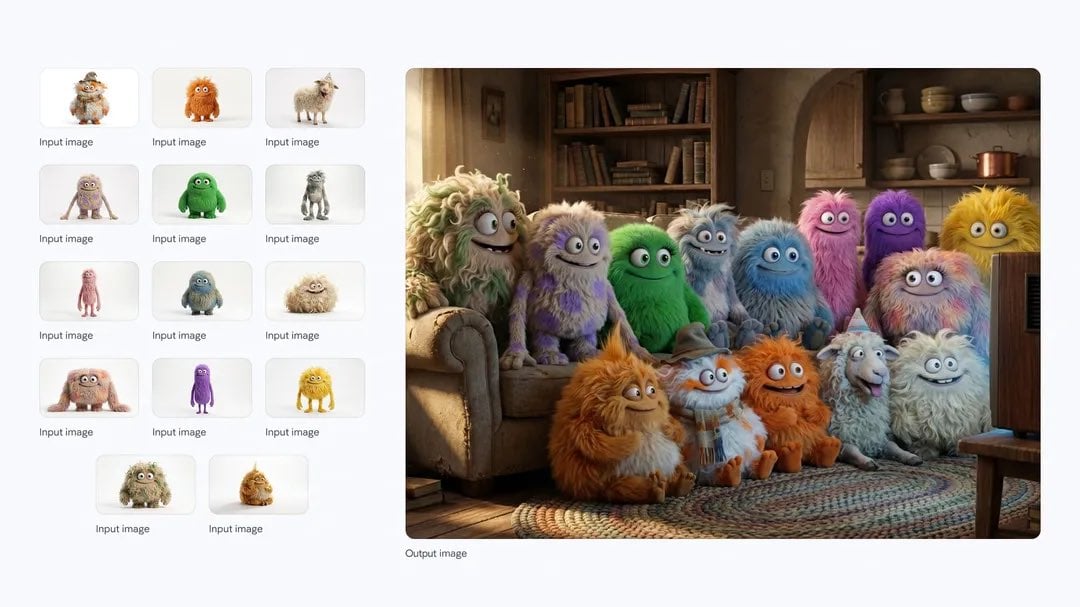
Cozy TV-watching group of fluffy characters
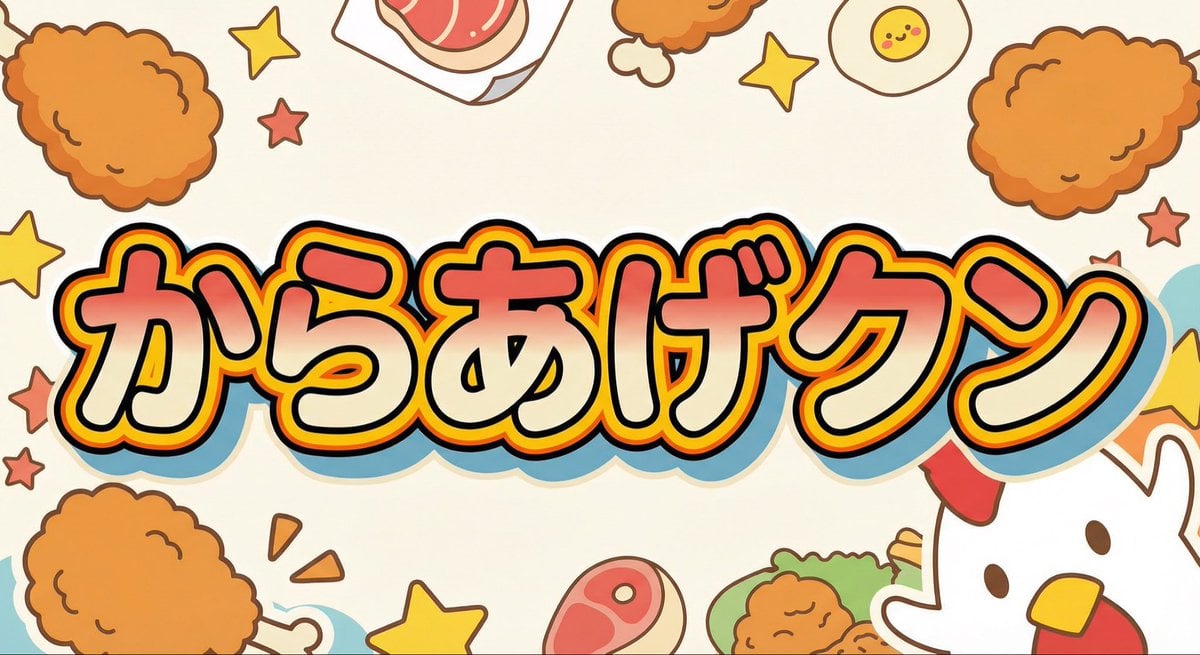
Generating 'Karaage-kun' Image with Nano Banana Pro
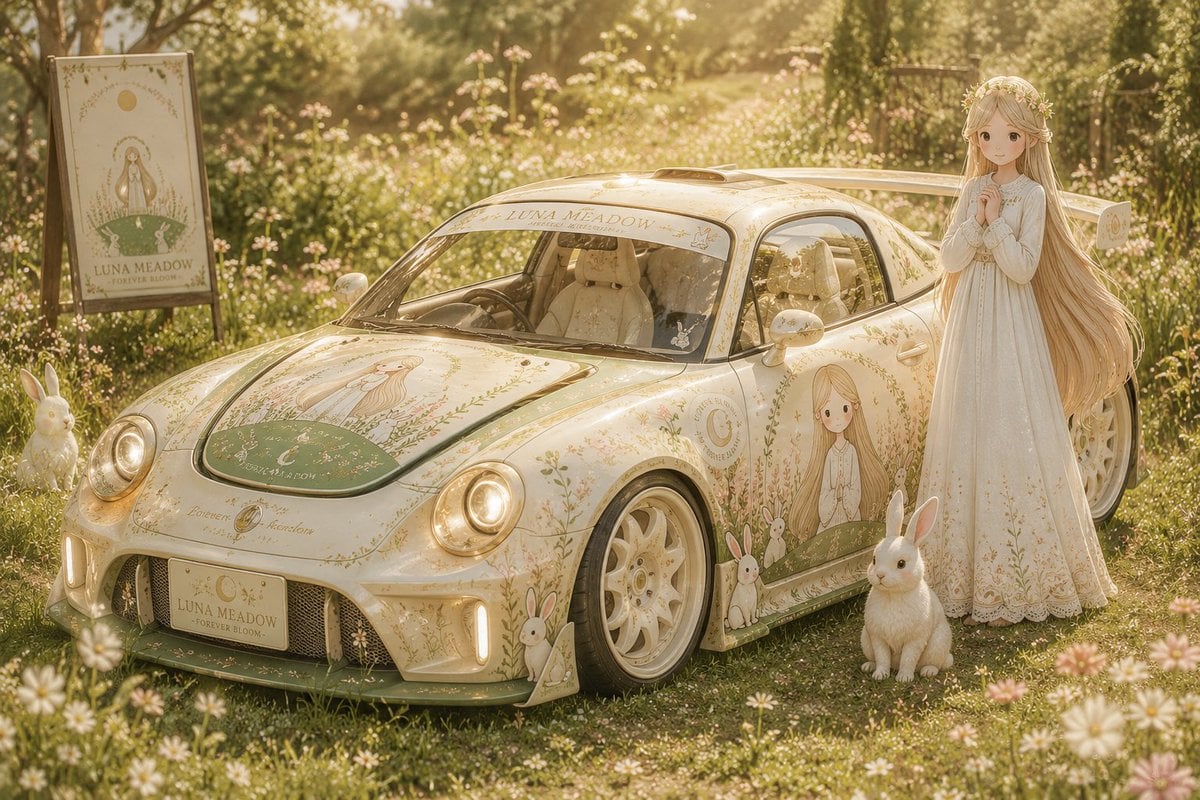
Custom Anime Itasha Vehicle Generator

Clockwork Titan Baroque Painting
Dramatic Cloud Formation Illusion
Anime PR Representative at Industrial Expo
Browse template categories
Water Vs Thunder Breathing Anime Battle questions
How do I use the 84-water-vs-thunder-breathing-anime-battle- template?
Add your photo if the template asks for one, edit the prompt if you like — the template's model and format are already selected — and press Generate. Your version opens in PicX Studio.
Can I customize the 84-water-vs-thunder-breathing-anime-battle- template?
Yes. You can change the subject, setting, lighting, mood, format, and available model controls before creating your image.
Is the 84-water-vs-thunder-breathing-anime-battle- template free?
Opening and editing this template is free. Generating uses credits, shown on the Generate button when you are signed in.
Which AI model should I use?
Start with Seedance 2.0 Standard, which is the model associated with this template. You can compare another compatible model for a different finish.
Looking for something else? Browse all templates.

Your photo, any look
Thousands of ready templates for every top image and video model, from one credit balance.