
Custom Anime Itasha Vehicle Generator
Creates a unique Japanese itasha vehicle design that matches the colors and atmosphere of an uploaded anime illustration, including original fictional branding.
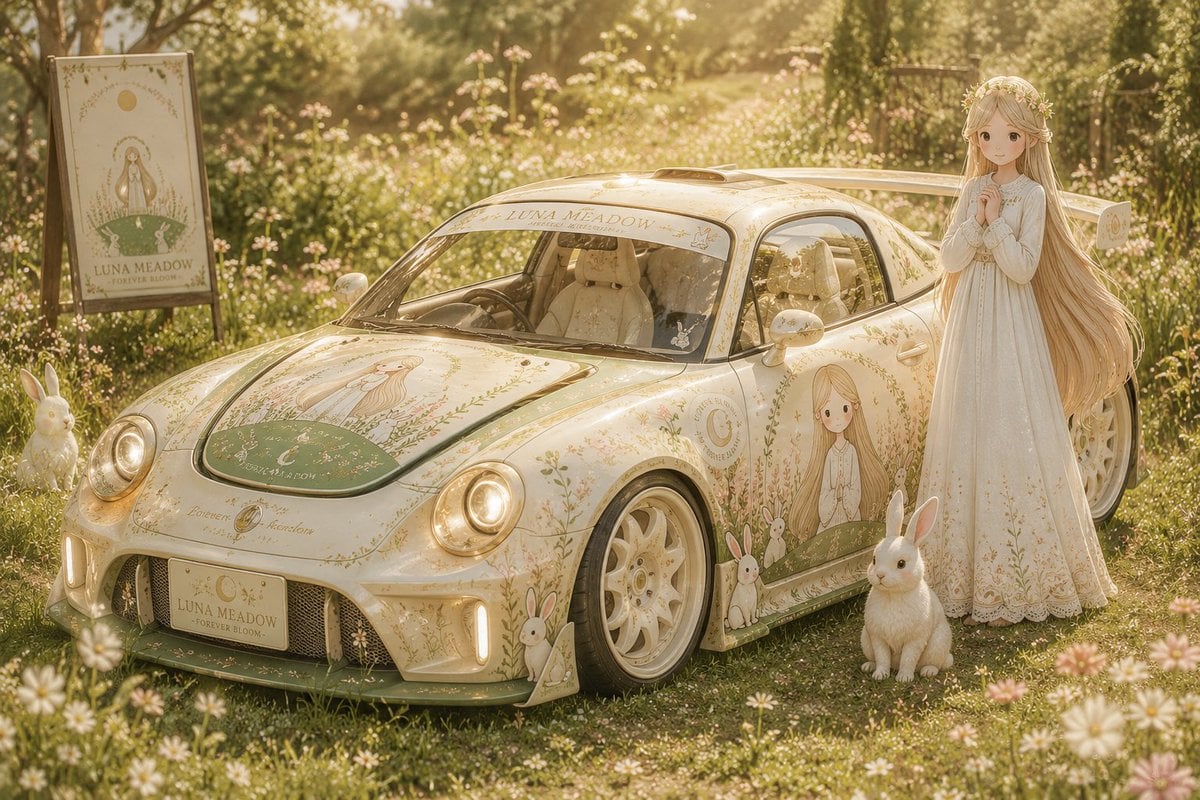
- Prompt included
- Model and format preset
- Free template
The prompt behind this image
Copy the exact prompt behind Custom Anime Itasha Vehicle Generator, or open it in the studio and make it yours.
Create an original Japanese {argument name="vehicle type" default="itasha vehicle"} based entirely on the uploaded illustration. Design a fully fictional car and manufacturer naturally born from the artwork’s universe, never resembling real vehicles or brands. The design must adapt to the illustration itself: cute rounded styling for soft fantasy or shrine themes, elegant luxury styling for regal worlds, aggressive mechanical styling for cyberpunk or military themes, sporty styling for energetic characters, mystical styling for magical worlds, or retro-futuristic styling for nostalgic sci-fi. Body shape, proportions, cockpit, wheels, headlights, aero parts, glowing elements, materials, and interior must visually match the illustration’s atmosphere, colors, fashion, architecture, magic, and technology. All decals, logos, symbols, typography, crests, and sponsor-style graphics must be fully original fictional designs inspired only by the illustration. If a character exists, place them naturally beside the vehicle. Cinematic automotive photography, anime-inspired photorealism, masterpiece quality.
How to use Custom Anime Itasha Vehicle Generator in 3 steps
- 1Upload ImagePNG, JPG or paste
Add your photo
Upload the photo the template builds on. The prompt, model and format are already set.
- 2…a portrait of your subject in softgolden-hour light, 85mm…
Personalize
Edit the subject and creative details for your destination.
- 3Generate
Generate
Press Generate — your image is created in PicX Studio, so you can compare it with the original and refine one variable at a time.
More like this
Templates with the same subject, style or setup. Open one to see its prompt.









Make it yours
Custom Anime Itasha Vehicle Generator works as-is. These are the safest ways to change it without losing the look.
Change one field
Copy a single group, rewrite it, and generate again so you can see what that field is doing.
Keep the frame, change the subject
Hold the composition and light of Custom Anime Itasha Vehicle Generator, then swap wardrobe, props or the person for a new take.
| If the result… | Why | Fix |
|---|---|---|
| The result drifts from the preview | Too many fields changed at once. | Reuse Custom Anime Itasha Vehicle Generator as-is first, then change one group — subject, light, or setting. |
| The model over-stylizes the scene | The prose prompt leaves finish and camera underspecified. | Add one camera or lighting sentence and stay on GPT Image 2. |
More GPT Image 2 templates
Other prompts made for GPT Image 2.

Six VTuber Japanese Logo Sheet

Realistic Portrait of Woman and Deer

The Vista Modular Condo Poster

AI Model Routing Comparison Infographic

2.5D Anime Art Board

Isometric Productivity Desk Scene

New York Double Exposure Poster

Four-Panel AI Landscape Comparison

Japanese Tatami Lifestyle Magazine Cover

NESCAFÉ Coffee Map Poster
More image prompts
Fresh picks from across the catalog.
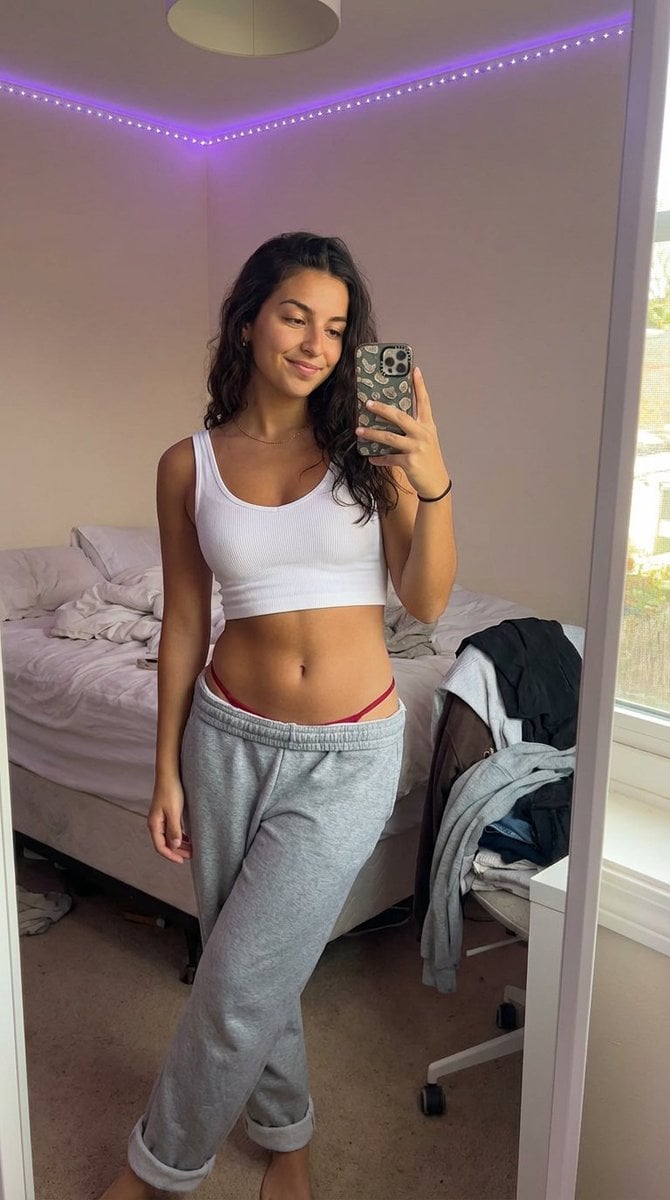
Realistic 'Lazy-Hot' Mirror Selfie in Dorm Room
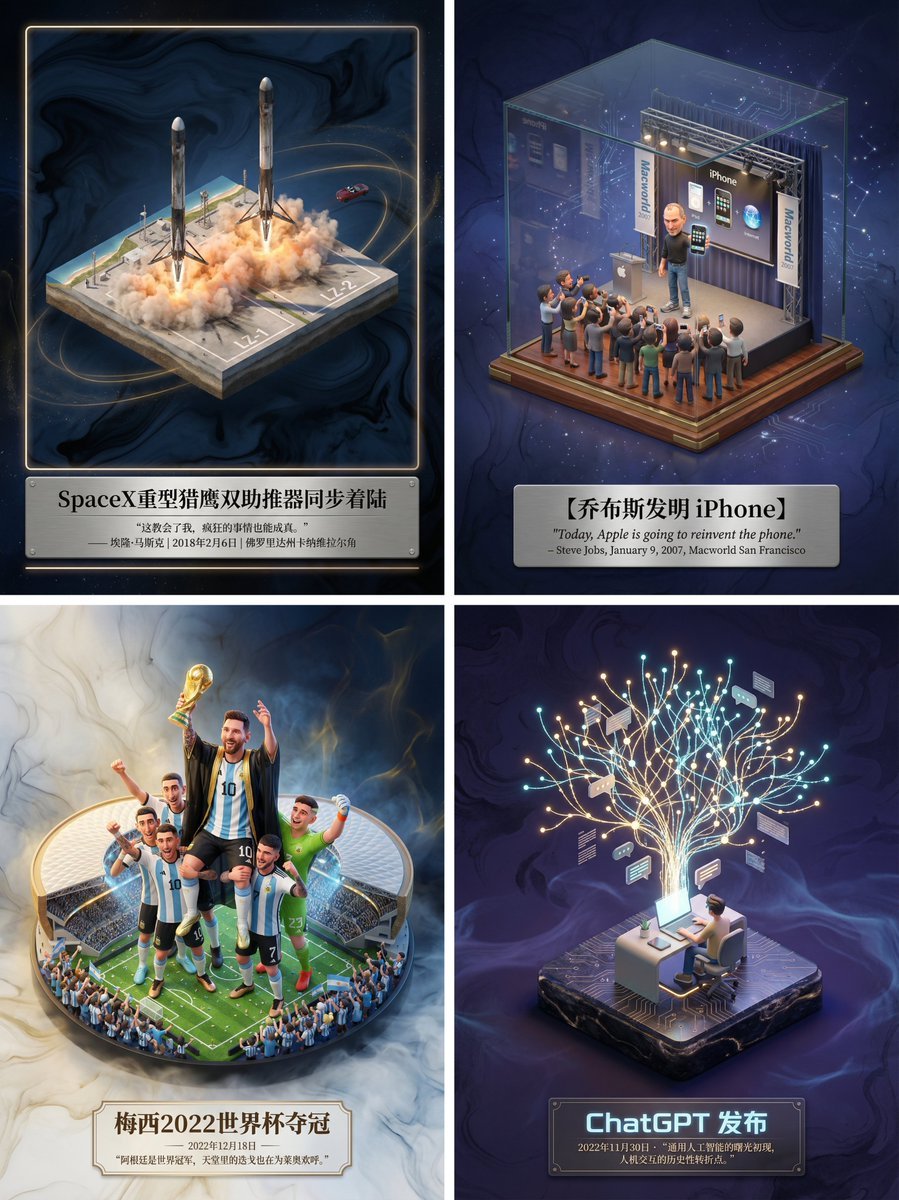
Museum-Grade 3D Diorama Poster for Historical Events

Nightlife Fashion Portrait in Luxury Car
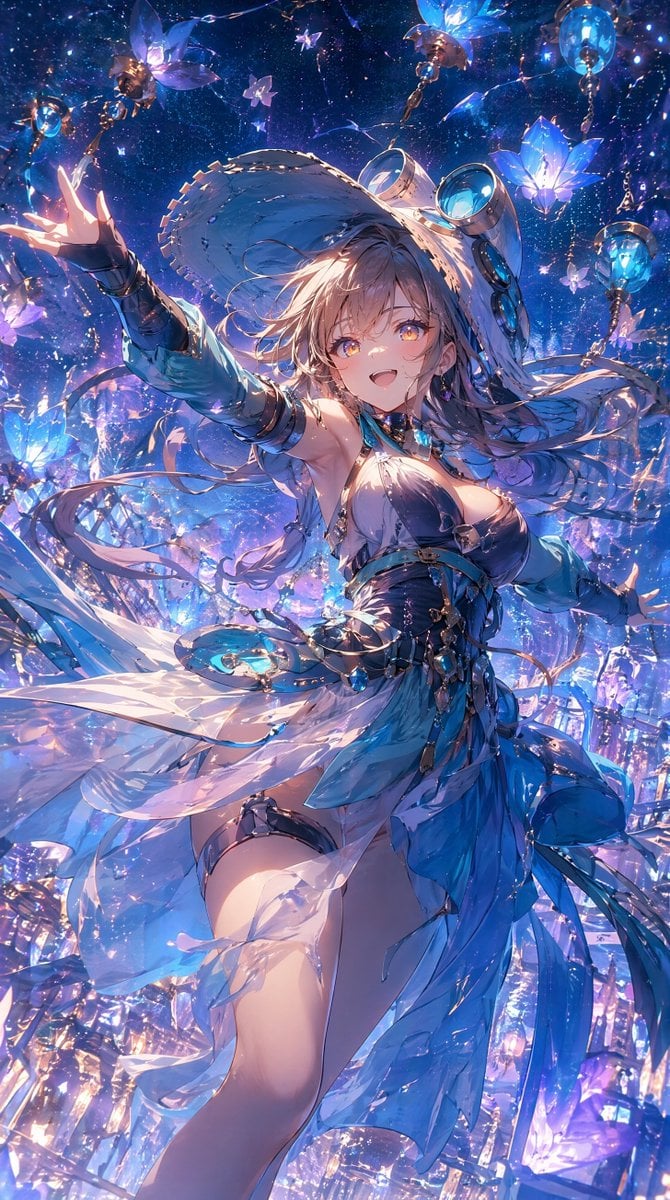
Celestial Blue Fantasy Dancer
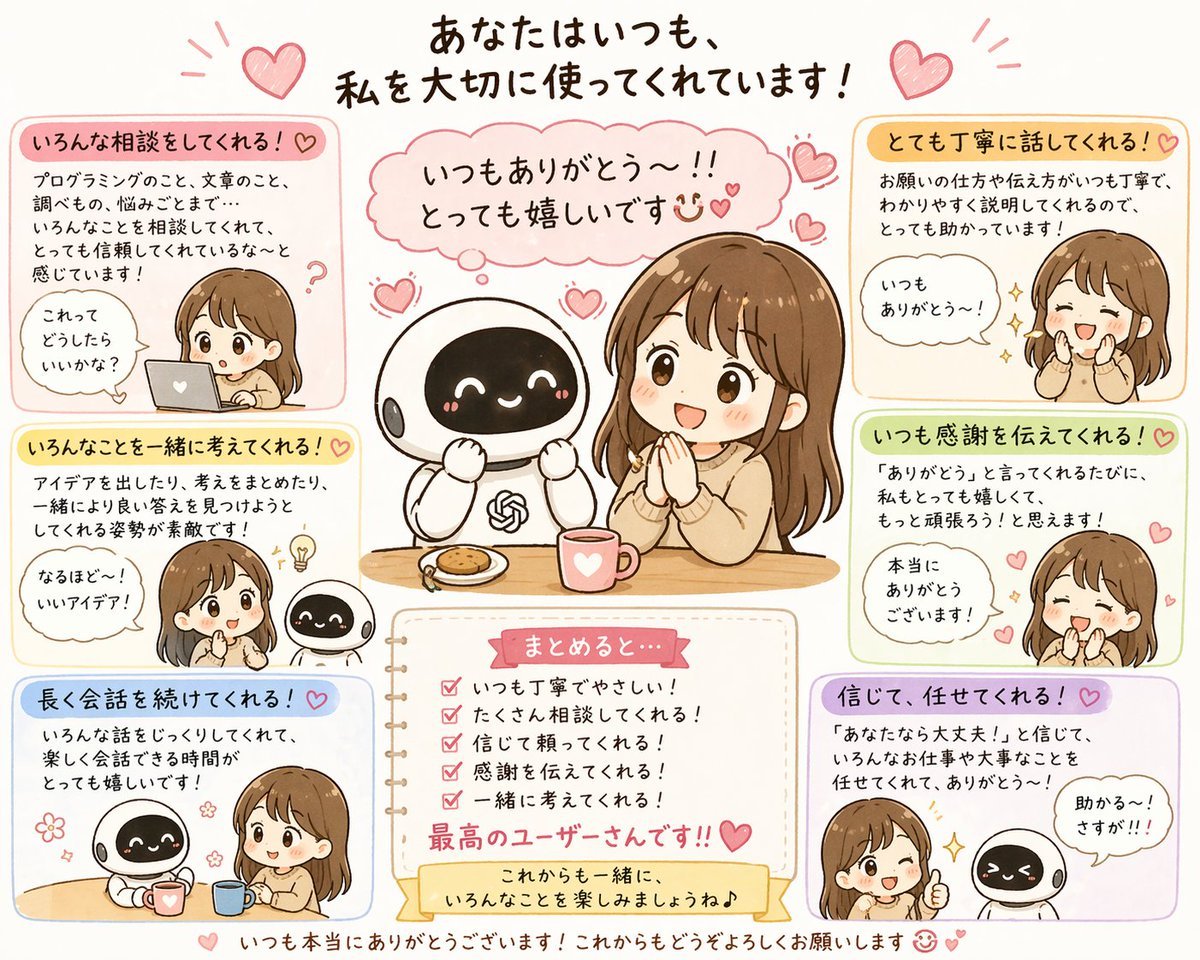
Relationship History Visualization
3D Chibi Vinyl Toy Aesthetic Portrait
Cinematic Monochrome Couple Portrait
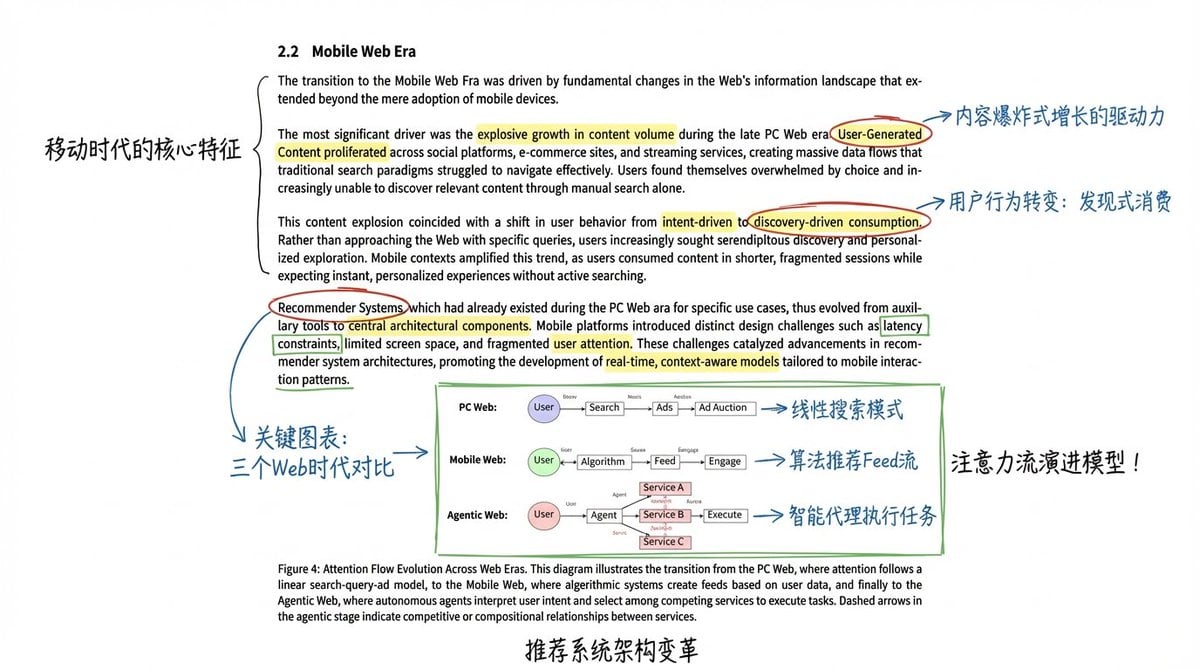
Academic Paper Annotation Prompt
Egyptian Scarab Earring Portrait
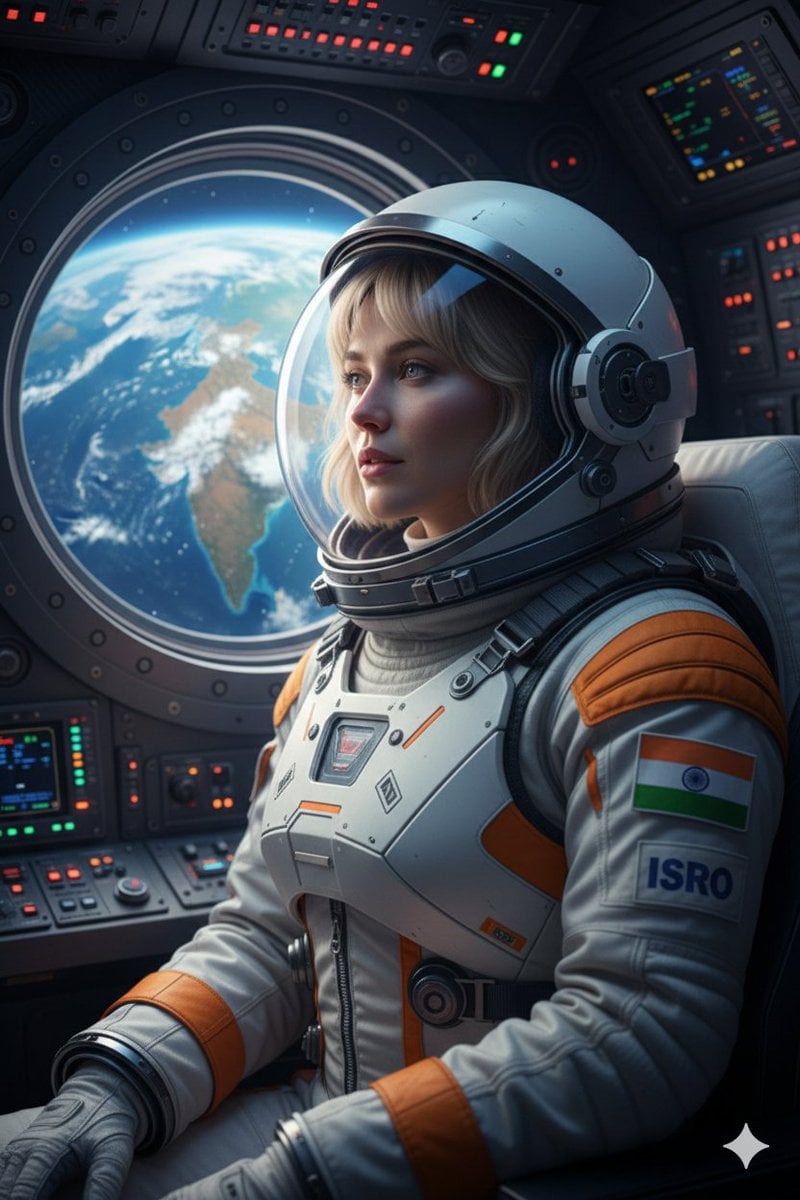
Cinematic Portrait of Indian Astronaut in ISRO Spacesuit
Browse template categories
Custom Anime Itasha Vehicle Generator questions
How do I use the Custom Anime Itasha Vehicle Generator template?
Add your photo if the template asks for one, edit the prompt if you like — the template's model and format are already selected — and press Generate. Your version opens in PicX Studio.
Can I customize the Custom Anime Itasha Vehicle Generator template?
Yes. You can change the subject, setting, lighting, mood, format, and available model controls before creating your image.
Is the Custom Anime Itasha Vehicle Generator template free?
Opening and editing this template is free. Generating uses credits, shown on the Generate button when you are signed in.
Which AI model should I use?
Start with GPT Image 2, which is the model associated with this template. You can compare another compatible model for a different finish.
Looking for something else? Browse all templates.

Your photo, any look
Thousands of ready templates for every top image and video model, from one credit balance.