
Museum-Grade 3D Diorama Poster for Historical Events
An adaptation of the 3D diorama poster prompt, specifically tailored for generating museum-grade posters of real historical events or significant moments (e.g., SpaceX landing, Messi winning the World Cup).
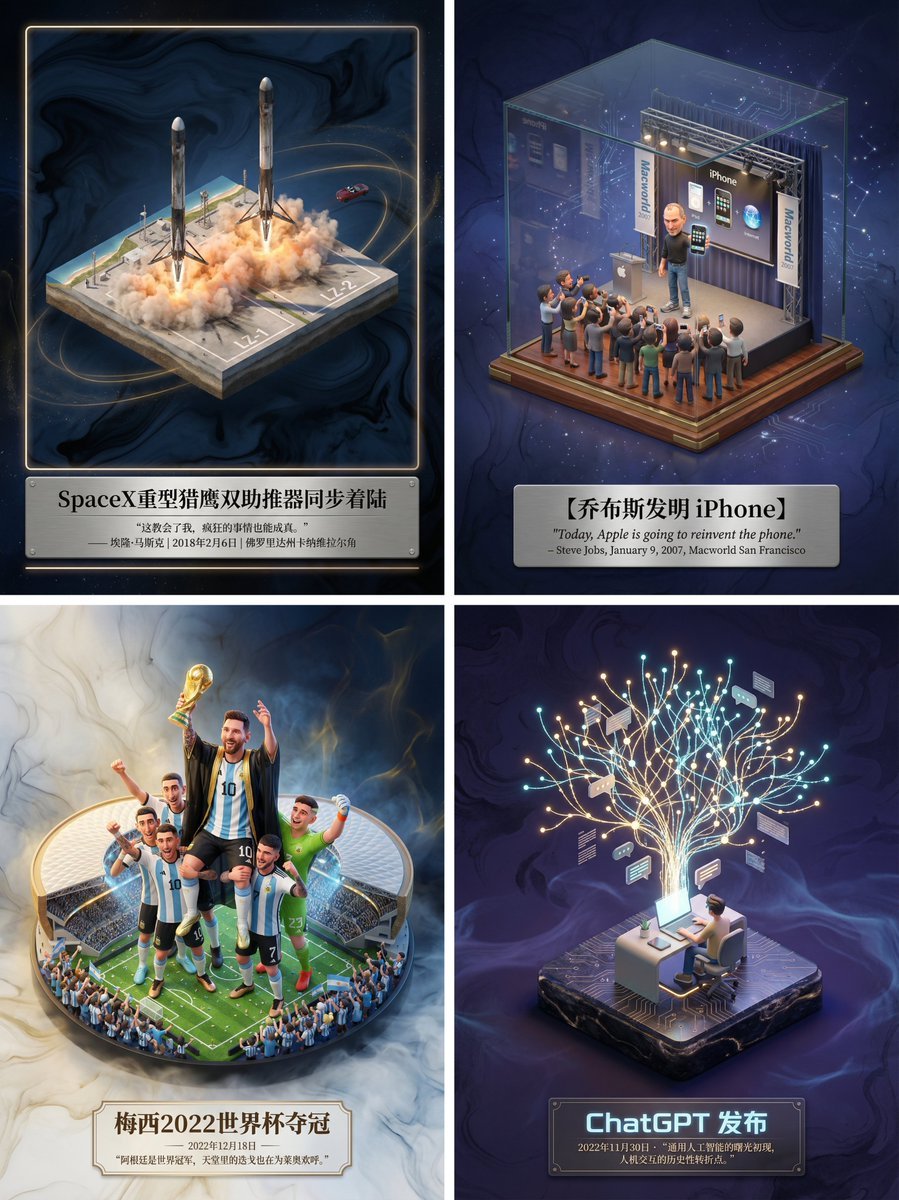
- Prompt included
- Model and format preset
- Free template
The prompt behind this image
Copy the exact prompt behind Museum-Grade 3D Diorama Poster for Historical Events, or open it in the studio and make it yours.
请为【{argument name="事件名称" default="SpaceX重型猎鹰双助推器同步着陆"}】制作一张博物馆级别的3D轴侧微缩海报,先检索相关信息获取知识。 第一步,智能识别与场景构建: 请先调用你的知识库,判断我输入的主题属于哪种类别(是虚构文学、真实历史事件、体育竞技还是科学发现)。 然后,精准检索该主题发生时的具体环境、核心人物动作、服饰细节以及当时的气候氛围。 在画面中央,建立一个精致的3D微缩场景模型。风格上,保持梦工厂动画那种高精度的材质感和柔和的光影渲染。 如果是体育,要强调动作的爆发力和凝固的瞬间感;如果是历史,要还原年代感和严肃性;如果是文学,则强调意境。 第二步,氛围与背景: 背景请摒弃纯白,使用带有极淡水墨纹理和流动光雾的虚空环境,色调根据主题自动调整,营造出一种“历史切片”或“珍贵藏品”的高级感。 第三步,排版与文字: 在底部居中位置生成中文排版。 主标题写上事件或作品的名称,字体设计要契合主题风格。 在标题下方,请自动检索该事件最著名的金句、解说词、日期或历史评价,字体使用优雅的衬线体。整体布局要像一个高级的博物馆藏品铭牌那样精致平衡。
How to use Museum-Grade 3D Diorama Poster for Historical Events in 3 steps
- 1
Open
The prompt is already in the box next to the preview, with the template's model and format selected.
- 2…a portrait of your subject in softgolden-hour light, 85mm…
Personalize
Edit the subject and creative details for your destination.
- 3Generate
Generate
Press Generate — your image is created in PicX Studio, so you can compare it with the original and refine one variable at a time.
More like this
Templates with the same subject, style or setup. Open one to see its prompt.

Clay Miniature Landmark Travel Diorama
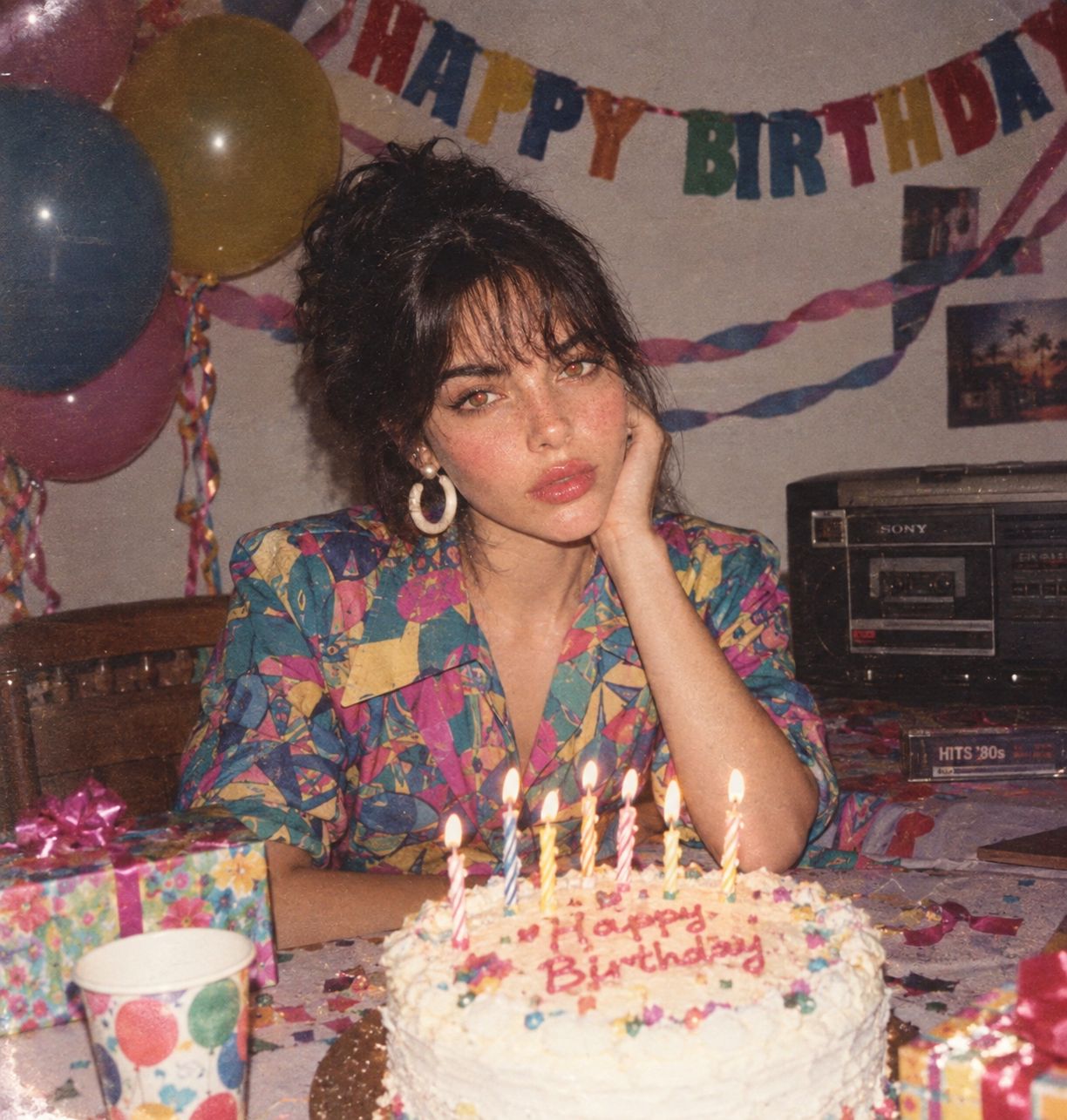
80s Birthday Party
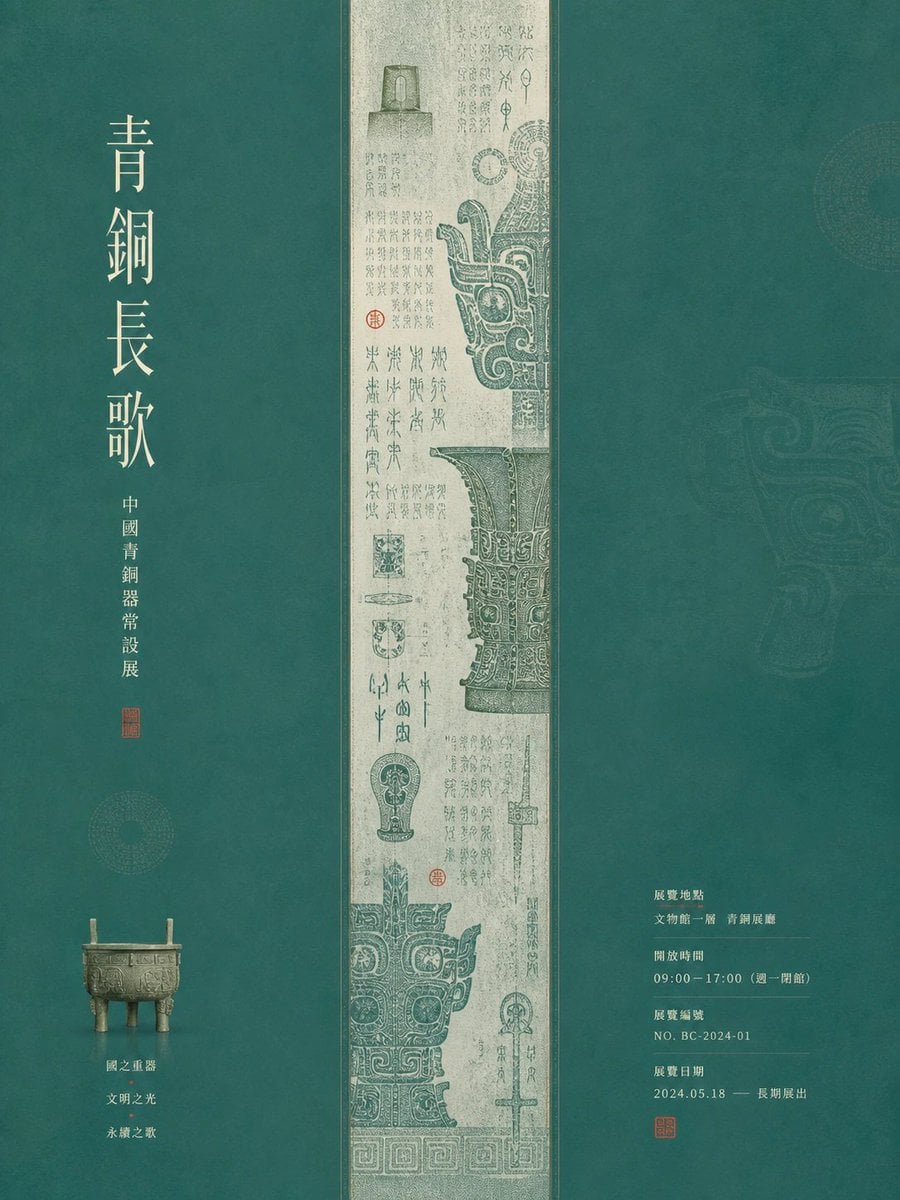
Museum Poster Design Template

Japan Travel Brochure Poster

Layered Paper Cut Forest Diorama

Soft Handcrafted Paper-Cut Layered Illustration

Cartoon TV Show Poster Pack

Trendy Cafe Drink Promo Poster

Urban Fashion Editorial Collage Streetwear Poster

Premium Fashion Editorial Cover Layout System

Polo Ralph Lauren Luxury American Heritage Fashion Campaign

Monochrome Halftone Editorial Fashion Poster
Make it yours
Museum-Grade 3D Diorama Poster for Historical Events works as-is. These are the safest ways to change it without losing the look.
Change one field
Copy a single group, rewrite it, and generate again so you can see what that field is doing.
Keep the frame, change the subject
Hold the composition and light of Museum-Grade 3D Diorama Poster for Historical Events, then swap wardrobe, props or the person for a new take.
| If the result… | Why | Fix |
|---|---|---|
| The result drifts from the preview | Too many fields changed at once. | Reuse Museum-Grade 3D Diorama Poster for Historical Events as-is first, then change one group — subject, light, or setting. |
| The model over-stylizes the scene | The prose prompt leaves finish and camera underspecified. | Add one camera or lighting sentence and stay on Nano Banana 2. |
More Nano Banana 2 templates
Other prompts made for Nano Banana 2.

Photorealistic Leaf Shaped Like a Dragon

K-Pop Idol Portrait Grid for Rapid Selection

Poetic Rain Forest Portrait During Golden Hour

Urban Street Portrait with Cartoon Inner Self Duo

Candid Nighttime Photo with Cat Prompt

High-Concept 3D Diorama Generation Prompt

Cinematic Futuristic Studio Portrait Template

Skincare Editorial Photography Collage Prompt

Hyper-Realistic Commercial Product Photography (Splash Effect)

Hyper-Realistic Nightclub Portrait Prompt
More image prompts
Fresh picks from across the catalog.
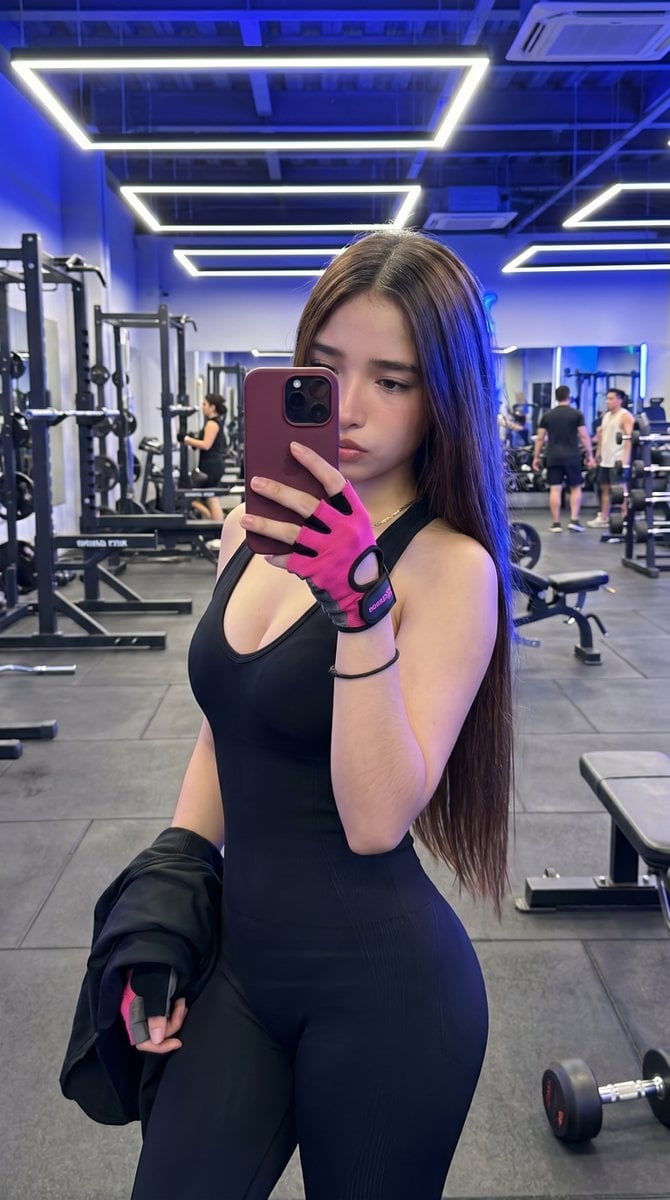
Hyper-Realistic Gym Mirror Selfie
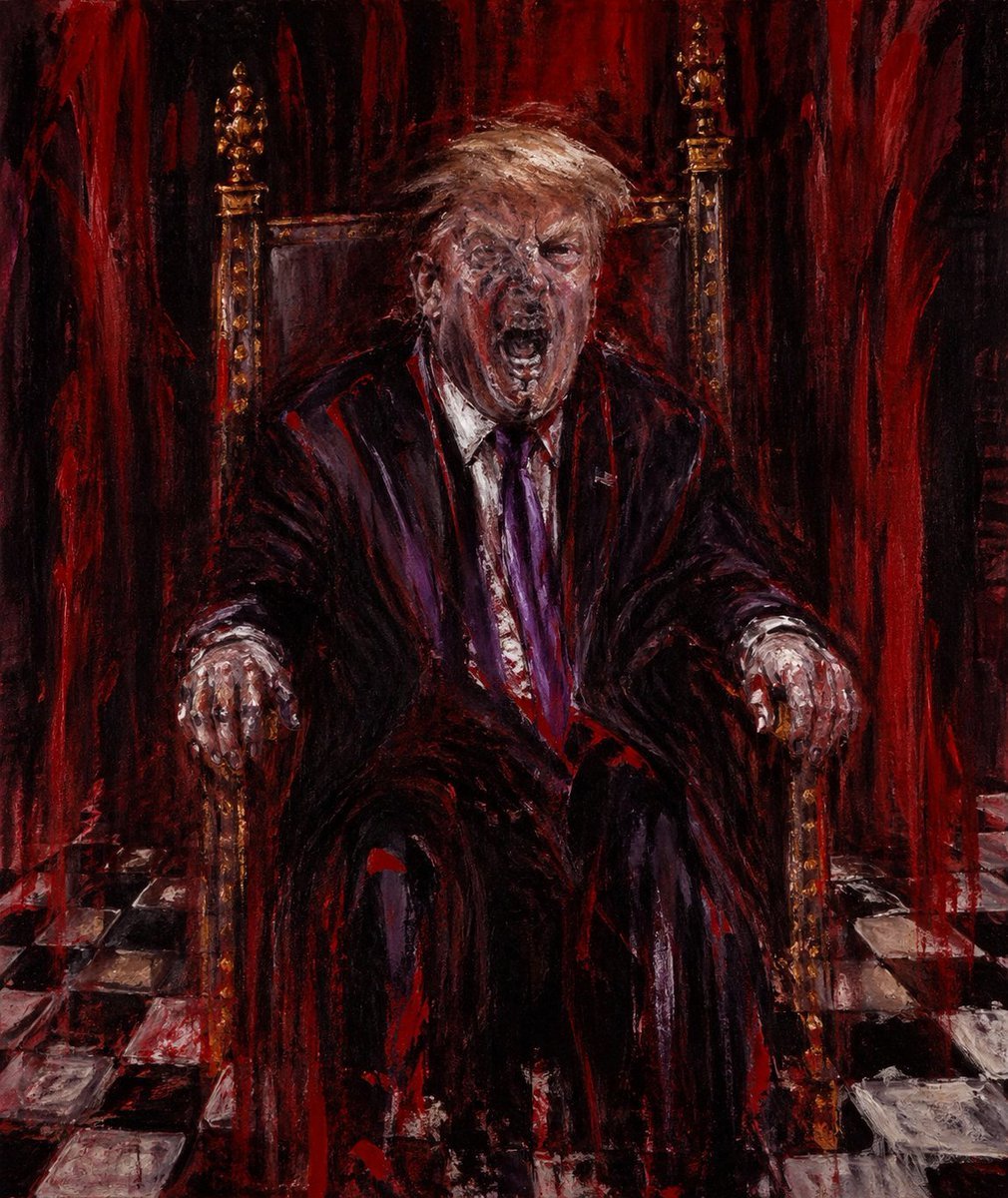
Censored Man on Crimson Throne

Rugged Cyberpunk Man HUD Portrait

3D Social Media Profile Card
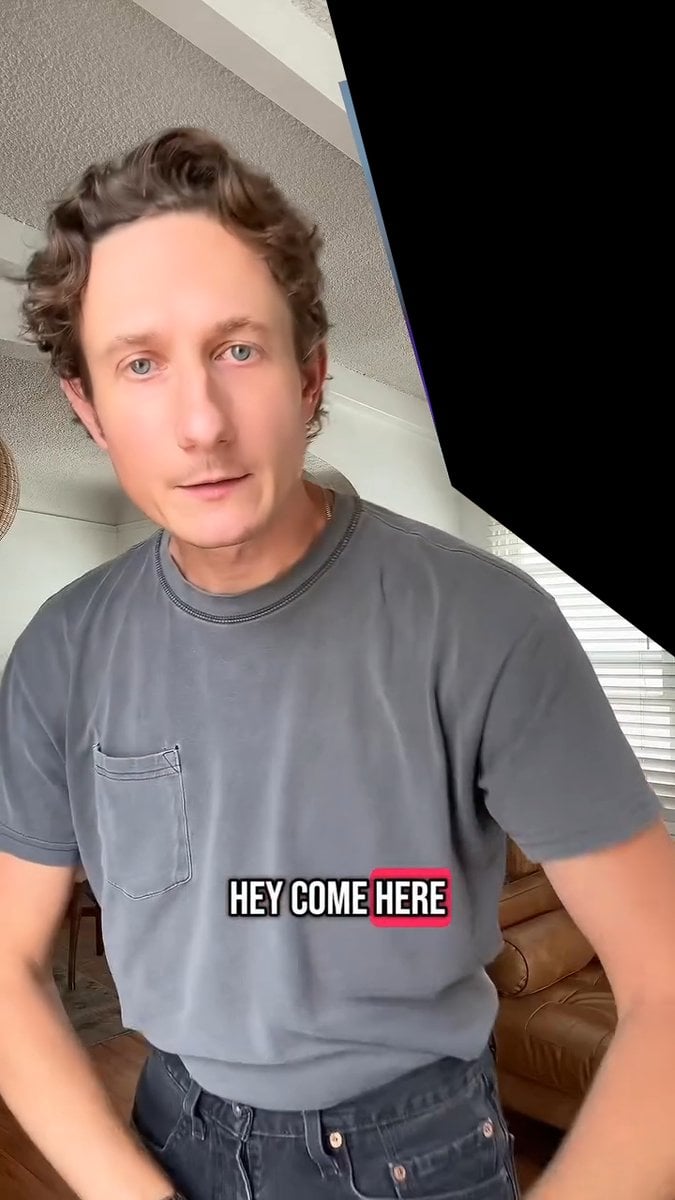
Image Editing and Background Replacement Workflow
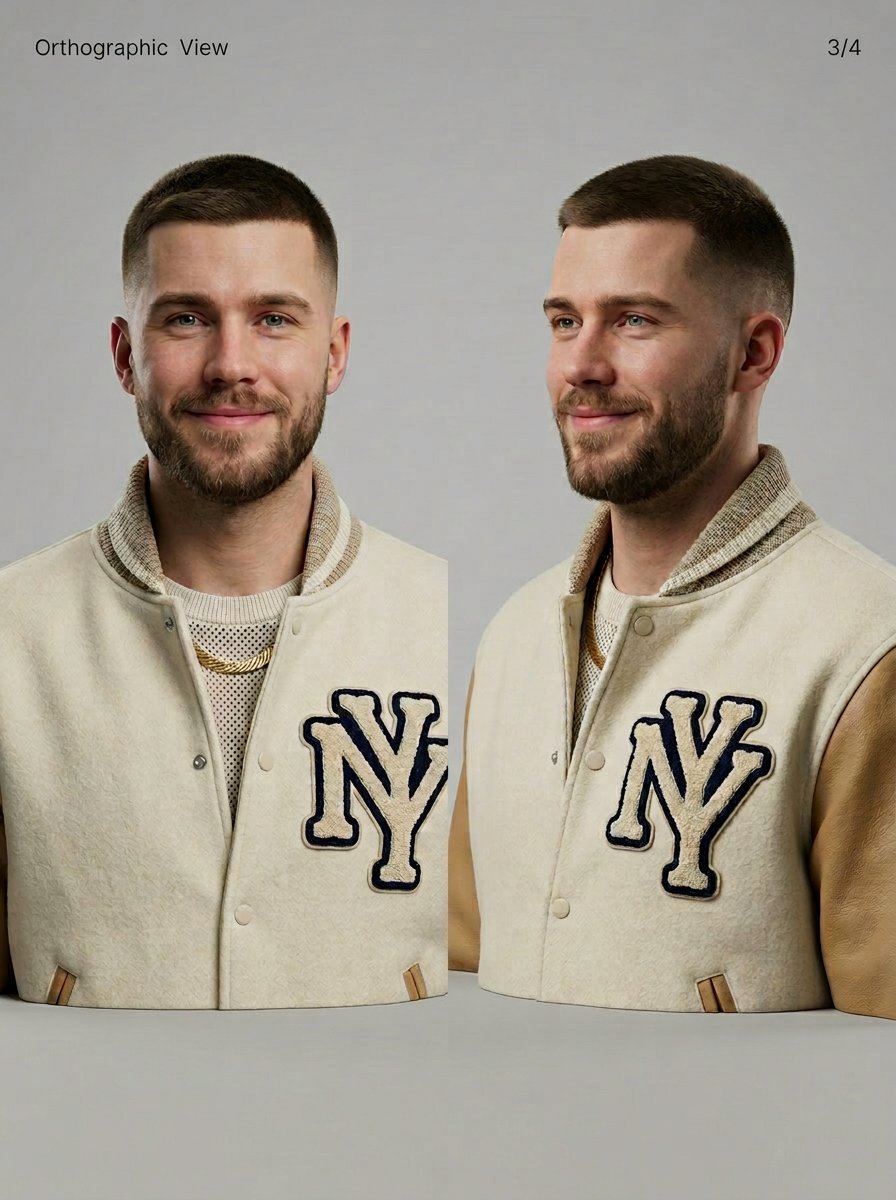
3D Character Sheet for Varsity Jacket Prompt
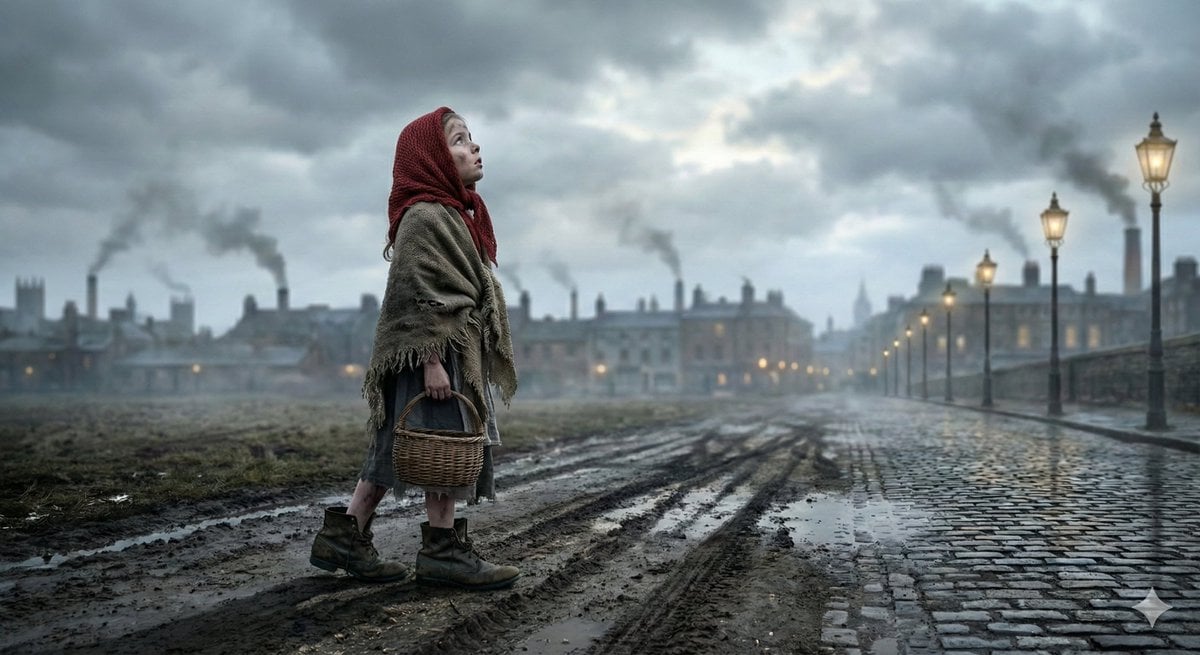
Nano Banana Pro JSON Prompt for 'The Little Match Girl' Concept

Desert Eclipse Sports Car Portrait
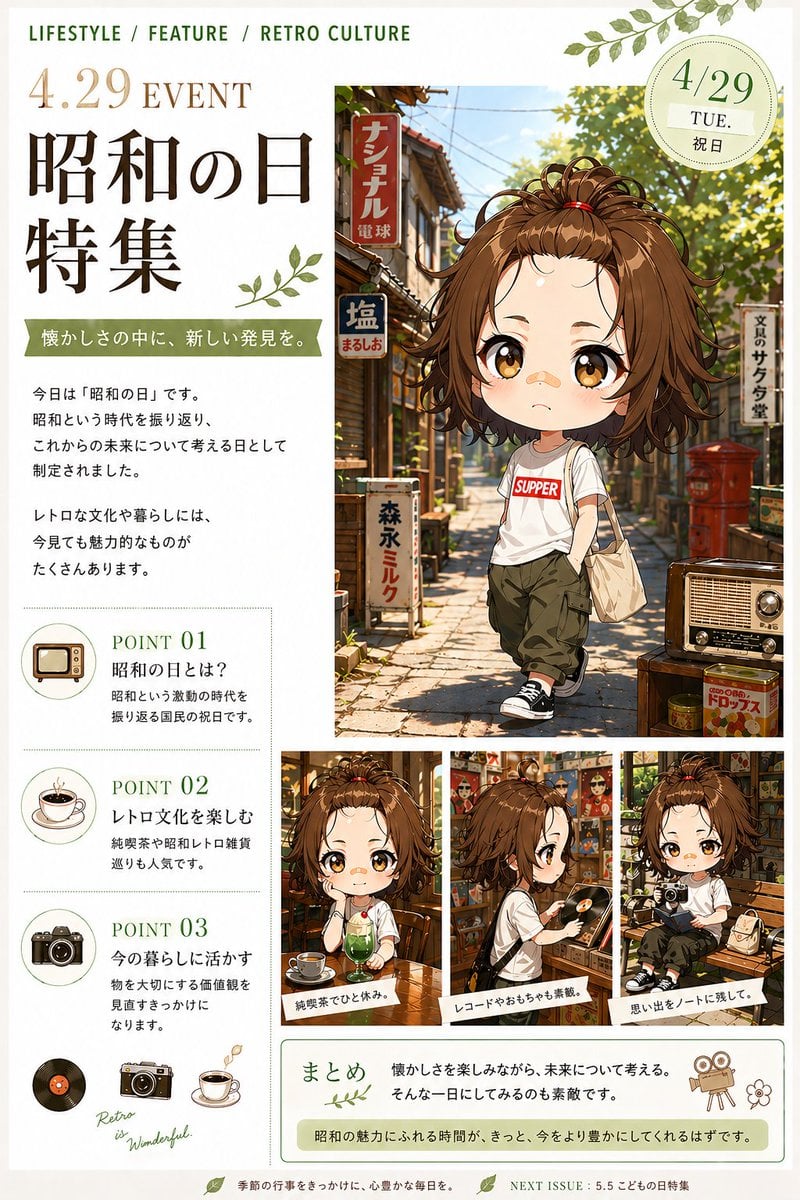
Showa Day Retro Editorial Poster
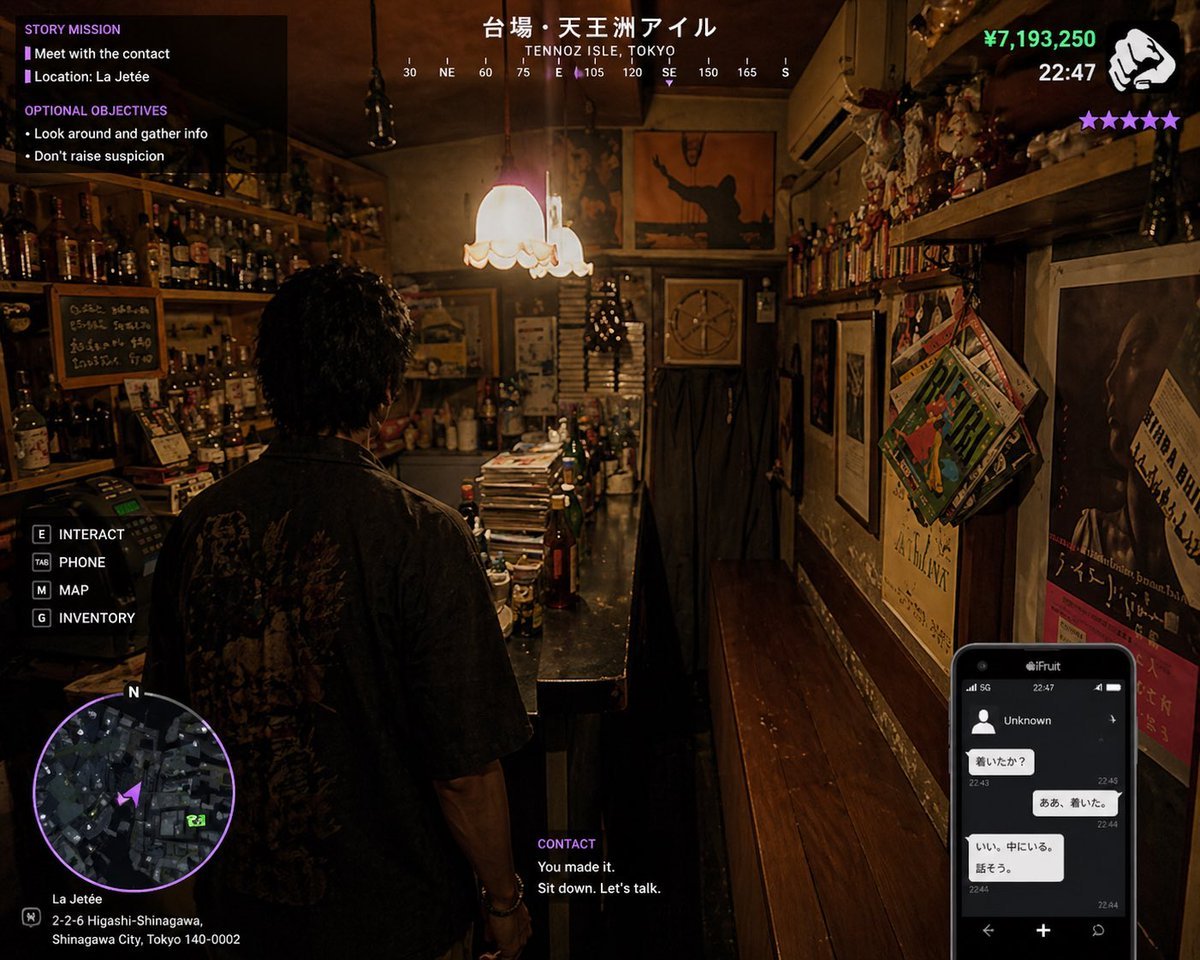
Gpt2 Game Asset Gta 6 Shinjuku Bar Scene
Browse template categories
Museum-Grade 3D Diorama Poster for Historical Events questions
How do I use the Museum-Grade 3D Diorama Poster for Historical Events template?
Add your photo if the template asks for one, edit the prompt if you like — the template's model and format are already selected — and press Generate. Your version opens in PicX Studio.
Can I customize the Museum-Grade 3D Diorama Poster for Historical Events template?
Yes. You can change the subject, setting, lighting, mood, format, and available model controls before creating your image.
Is the Museum-Grade 3D Diorama Poster for Historical Events template free?
Opening and editing this template is free. Generating uses credits, shown on the Generate button when you are signed in.
Which AI model should I use?
Start with Nano Banana 2, which is the model associated with this template. You can compare another compatible model for a different finish.
Looking for something else? Browse all templates.

Your photo, any look
Thousands of ready templates for every top image and video model, from one credit balance.