
Hyper-Realistic Gym Mirror Selfie
This generates a highly believable dating-app style gym mirror selfie with premium modern gym lighting and natural smartphone realism.
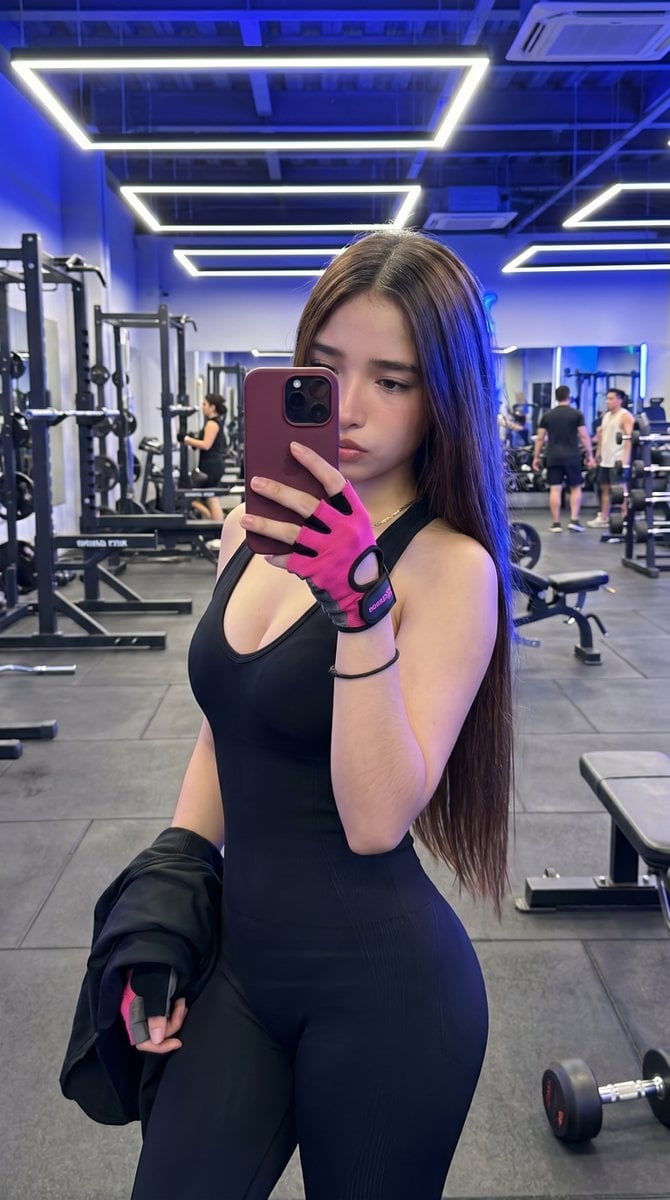
- Prompt included
- Model and format preset
- Free template
The prompt behind this image
Copy the exact prompt behind Hyper-Realistic Gym Mirror Selfie, or open it in the studio and make it yours.
A hyper-realistic smartphone gym mirror selfie of a fit young woman standing in the foreground of a modern upscale gym, vertical composition, dating-app style candid realism. She is taking the photo herself with her phone covering most of her face, creating an authentic mirror-selfie look. She has long, straight {argument name="hair color" default="dark brown"} hair falling past her chest, a slim curvy athletic figure, and wears a tight sleeveless black one-piece workout outfit with a deep scoop neckline and subtle ribbed texture on the legs. On one hand she wears a bright {argument name="glove color" default="hot pink"} and black fingerless lifting glove, and in the other hand she loosely holds a black jacket. Her phone has a dark rose or burgundy case. The scene is inside a sleek contemporary gym with cool blue ambient lighting, large wall mirrors, black rubber flooring, and 4 glowing geometric rectangular LED ceiling light fixtures visible overhead. Include weight machines and squat racks on the left and center background, 1 flat workout bench on the right foreground, and 1 dumbbell on the floor at bottom right. Show exactly 4 background gym-goers reflected or visible in the distance, slightly out of focus, to enhance realism. Lighting is crisp mixed white and blue neon, with sharp detail on the subject and mildly blurred background. The overall mood is polished, attractive, believable, and highly photorealistic, like a premium fitness mirror selfie shot on an iPhone in a real gym.
How to use Hyper-Realistic Gym Mirror Selfie in 3 steps
- 1Upload ImagePNG, JPG or paste
Add your photo
Upload the photo the template builds on. The prompt, model and format are already set.
- 2…a portrait of your subject in softgolden-hour light, 85mm…
Personalize
Edit the subject and creative details for your destination.
- 3Generate
Generate
Press Generate — your image is created in PicX Studio, so you can compare it with the original and refine one variable at a time.
More like this
Templates with the same subject, style or setup. Open one to see its prompt.

Rooftop Fisheye — Cat-Ear Balaclava at Golden Hour

Felt & Knit 3D Character — Photo-Exact Face, Pixar-Quality Plush Figurine

Eid al-Adha Cute Chaos — Fisheye Selfie with Farm Selfie, Mosque & Animals

Cat Photobomb Selfie — 0.5x Wide Angle Café Chaos

Gen Z Triple Selfie Collage — Y2K Flash Photography

Surreal Cat Astronaut — Humanoid Face Freefall

Nano Banana Grwm Mirror Selfie Pink
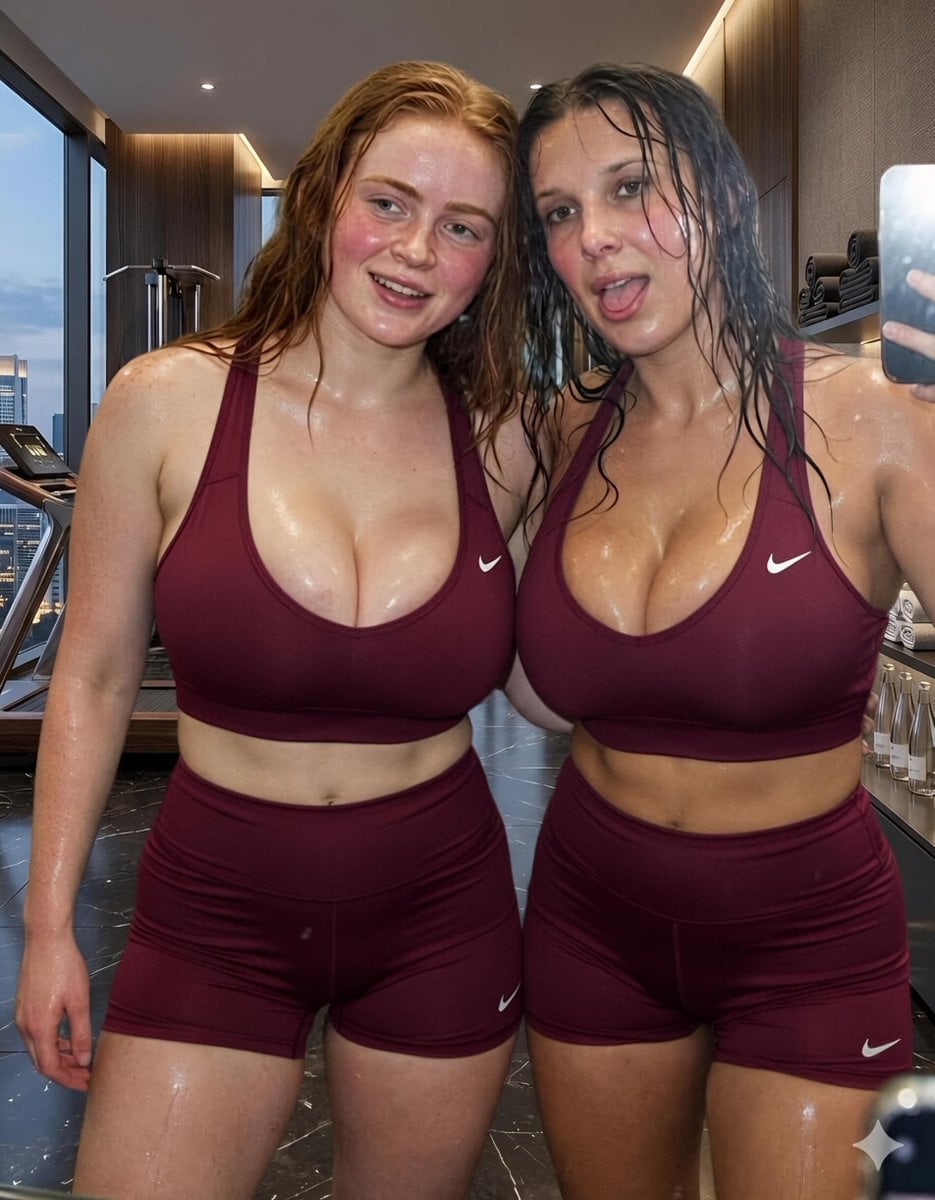
Modern Luxury Gym Mirror Selfie
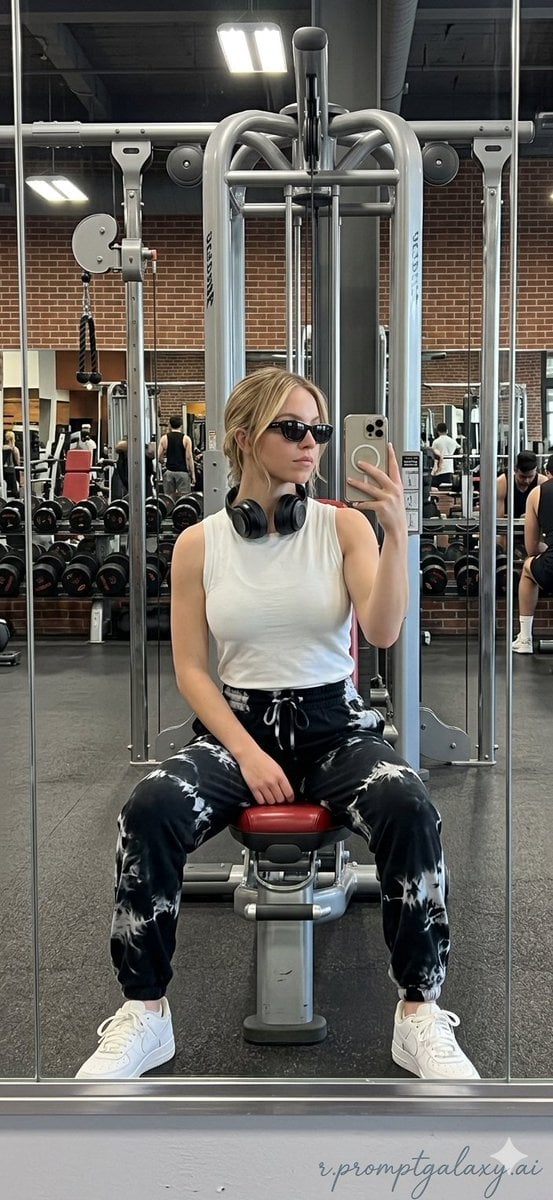
Realistic Gym Mirror Selfie
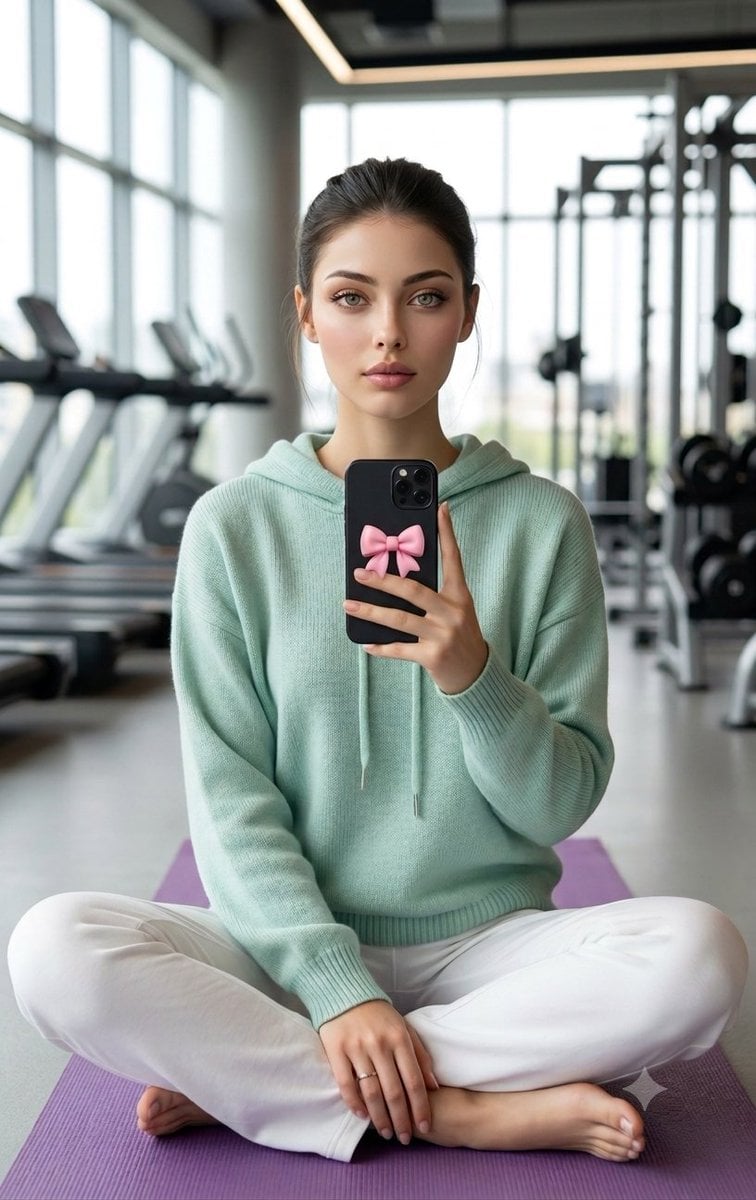
Professional Gym Mirror Selfie Portrait
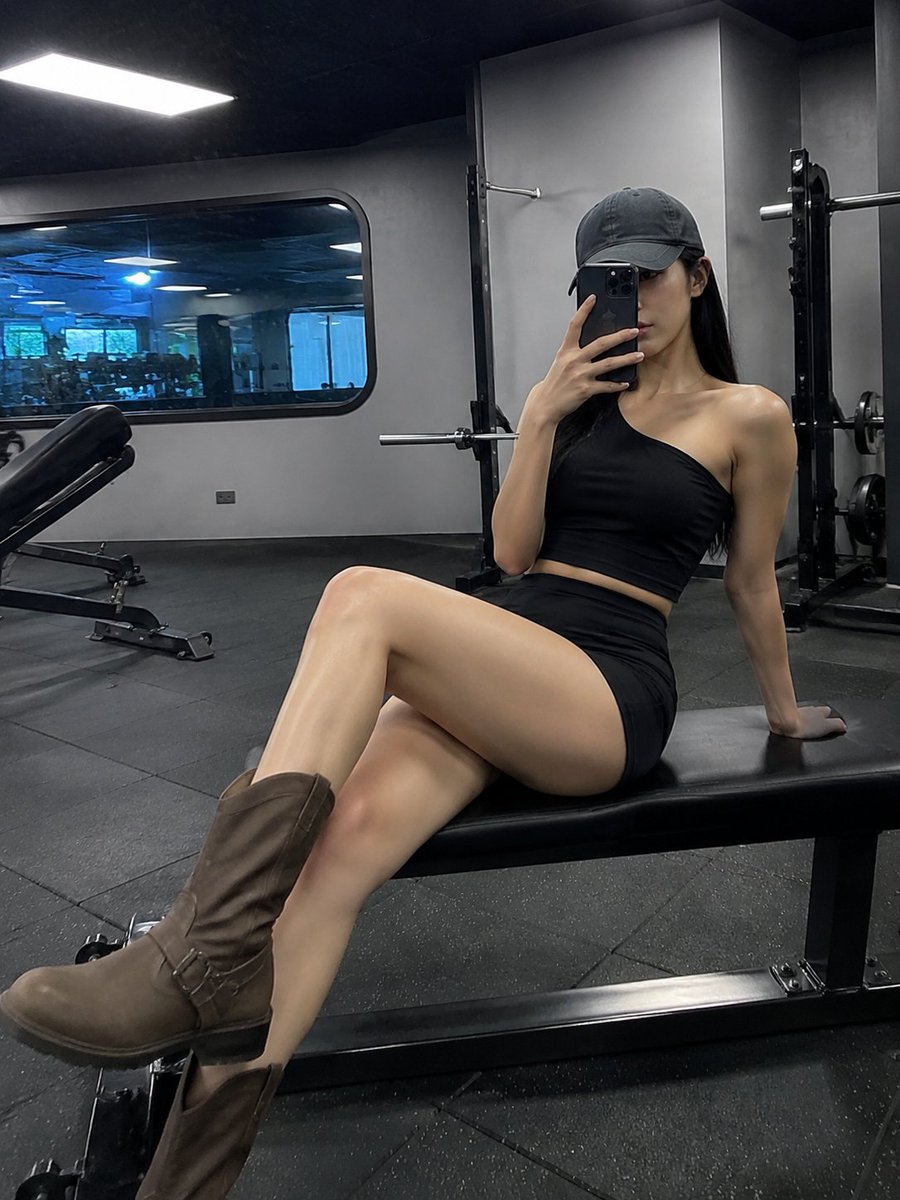
Realistic Gym Mirror Selfie
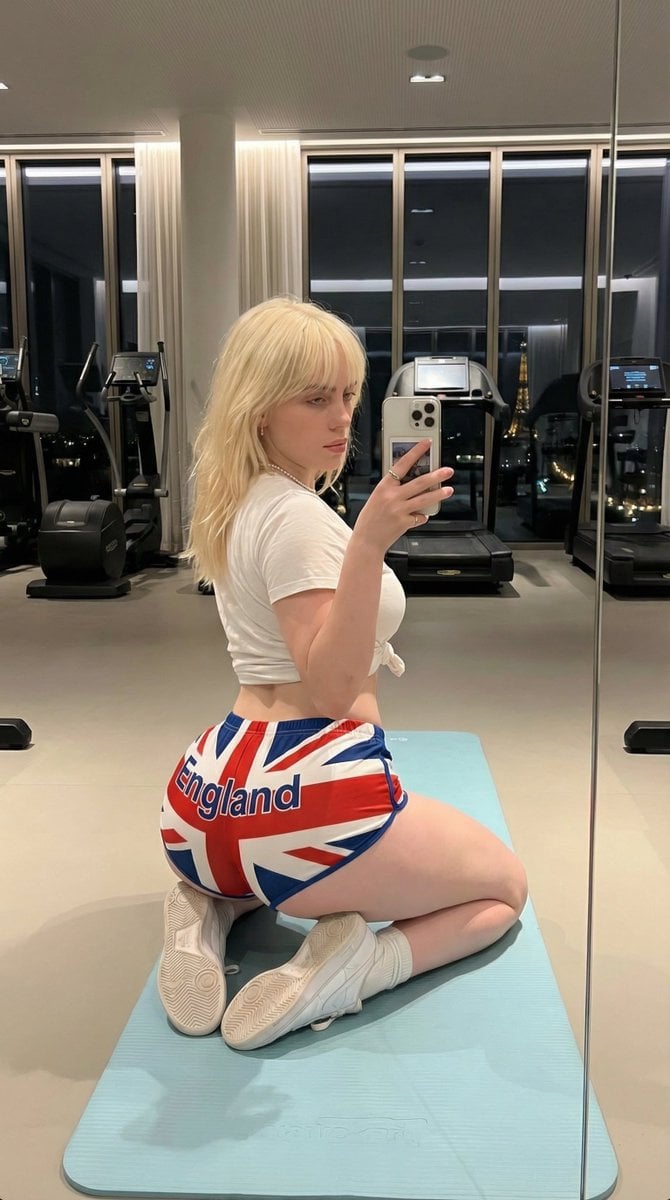
Exaggerated Physique Gym Mirror Selfie Prompt (Spain Theme)
Make it yours
Hyper-Realistic Gym Mirror Selfie works as-is. These are the safest ways to change it without losing the look.
Change one field
Copy a single group, rewrite it, and generate again so you can see what that field is doing.
Keep the frame, change the subject
Hold the composition and light of Hyper-Realistic Gym Mirror Selfie, then swap wardrobe, props or the person for a new take.
| If the result… | Why | Fix |
|---|---|---|
| The result drifts from the preview | Too many fields changed at once. | Reuse Hyper-Realistic Gym Mirror Selfie as-is first, then change one group — subject, light, or setting. |
| The model over-stylizes the scene | The prose prompt leaves finish and camera underspecified. | Add one camera or lighting sentence and stay on GPT Image 2. |
More GPT Image 2 templates
Other prompts made for GPT Image 2.

Six VTuber Japanese Logo Sheet

Realistic Portrait of Woman and Deer

The Vista Modular Condo Poster

AI Model Routing Comparison Infographic

2.5D Anime Art Board

Isometric Productivity Desk Scene

New York Double Exposure Poster

Four-Panel AI Landscape Comparison

Japanese Tatami Lifestyle Magazine Cover

NESCAFÉ Coffee Map Poster
More image prompts
Fresh picks from across the catalog.
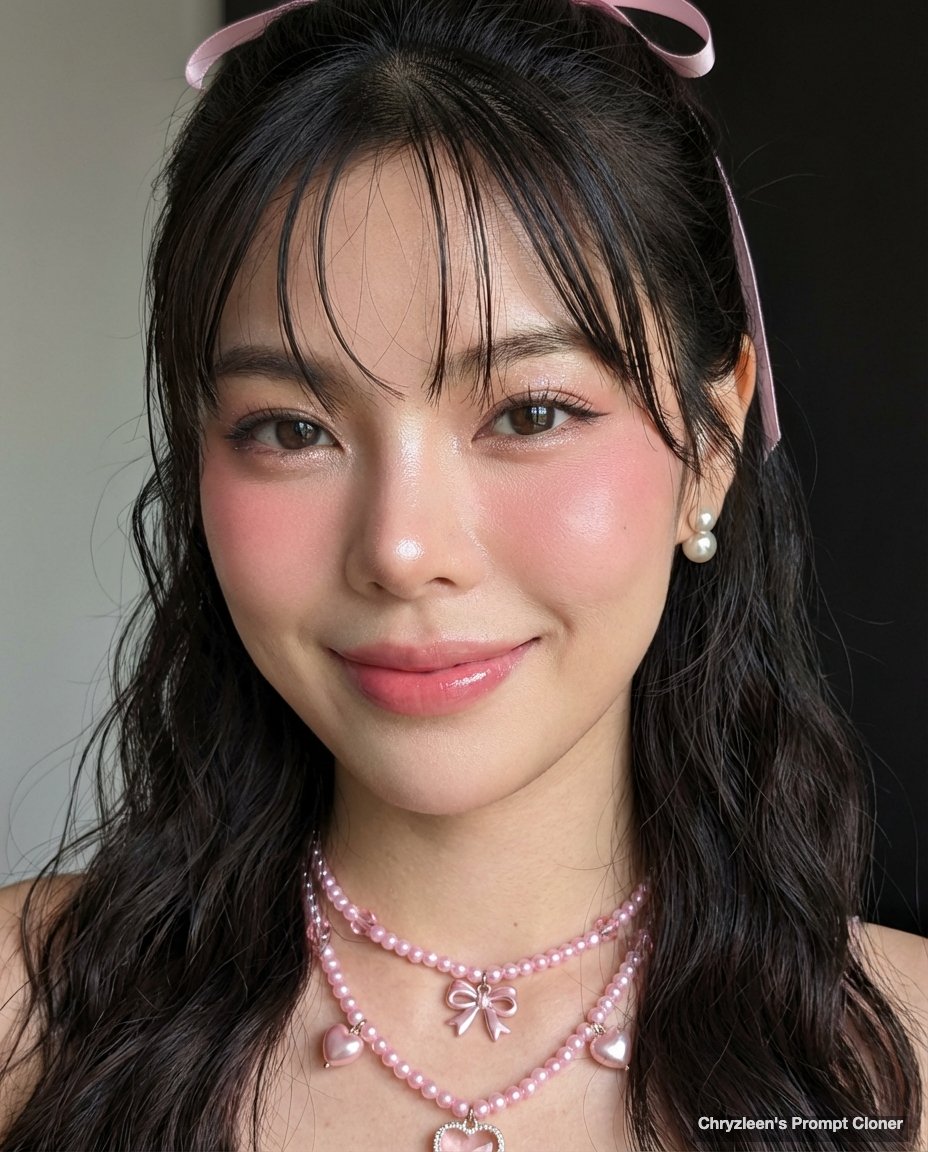
Google Pixel Aesthetic Portrait

Macro Realism: Miniature Taj Mahal on a Vintage Indian Coin
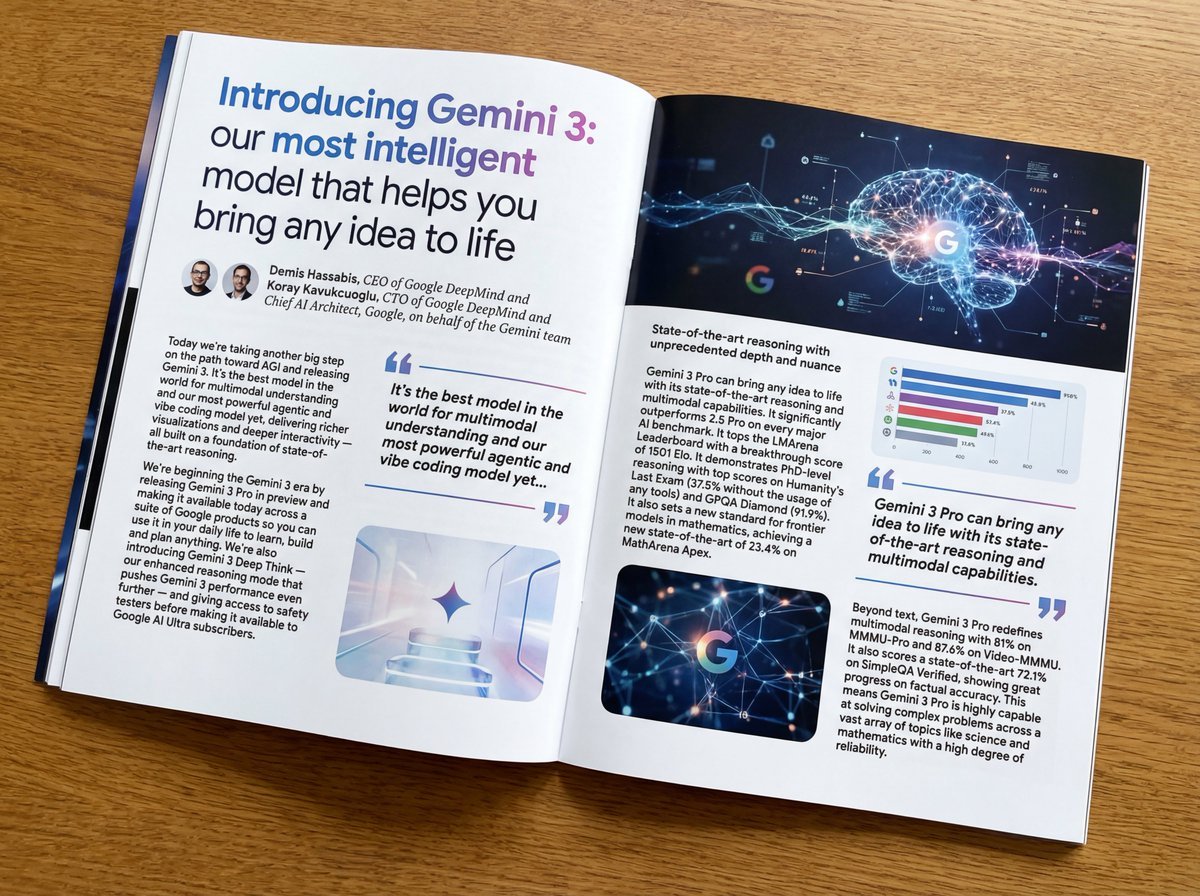
Glossy magazine article layout from long text
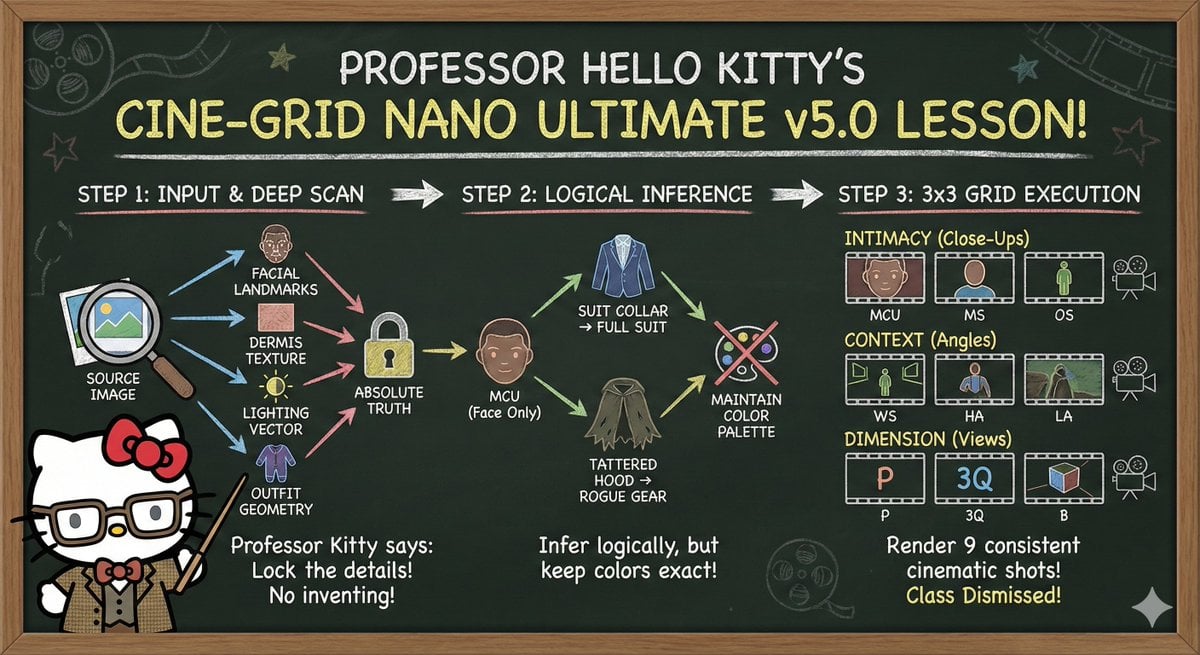
Informative Page Generation Prompt (Professor Hello Kitty)
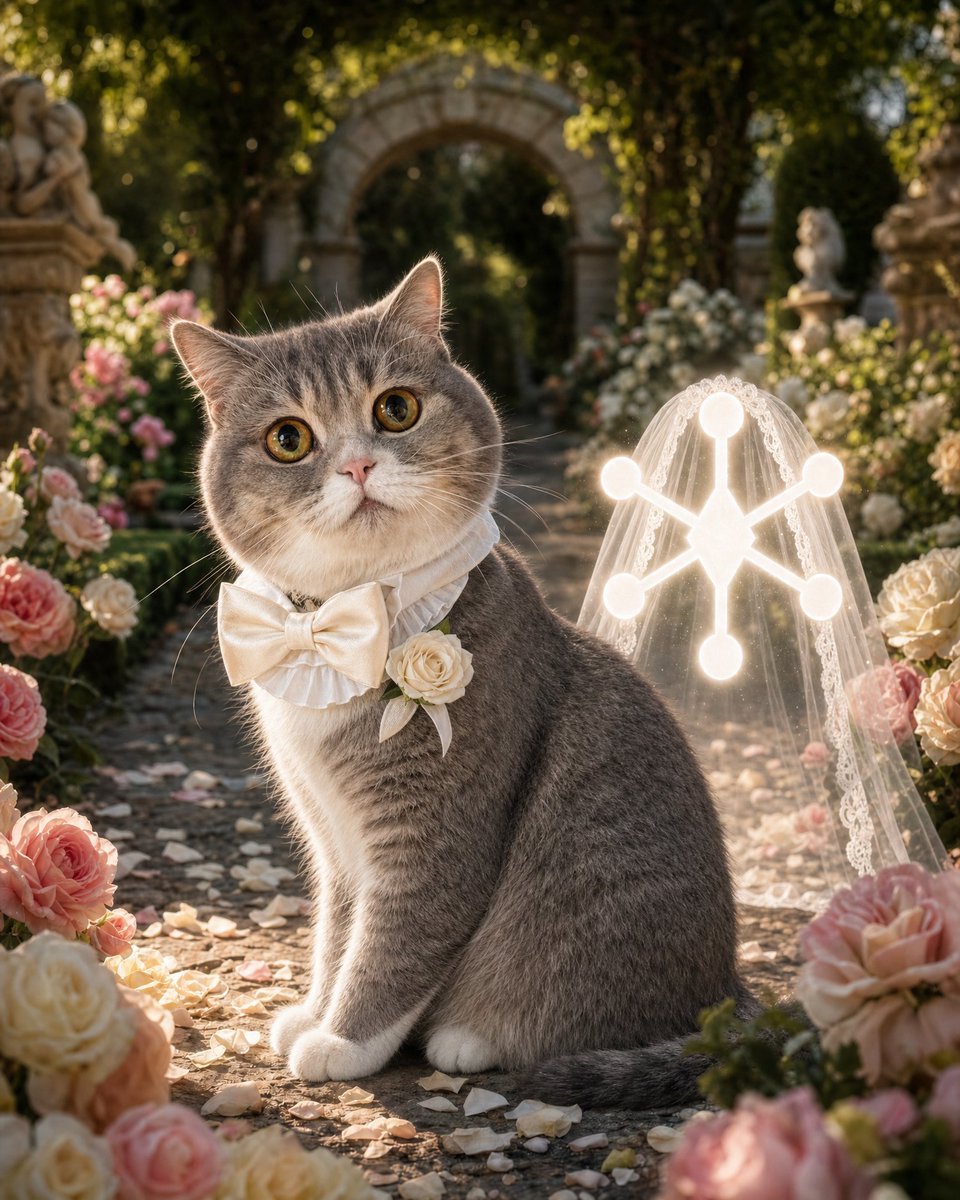
Cat Groom Garden Wedding Portrait
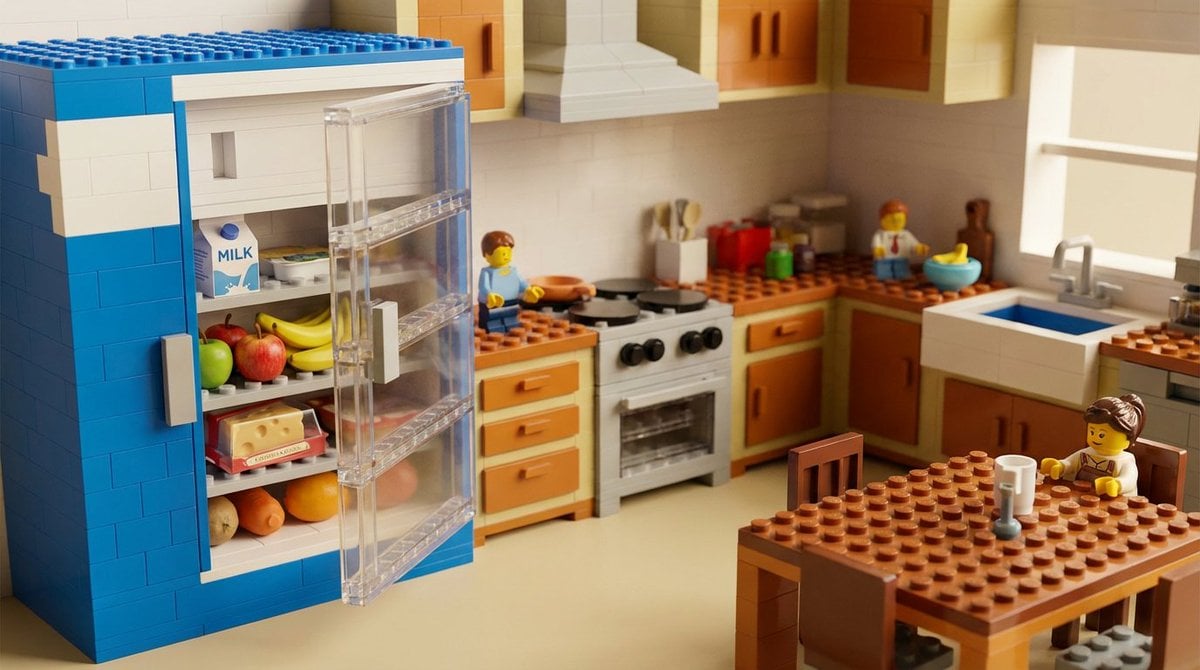
Nano Banana 2 vs. Pro Surreal Kitchen Scene Prompt

Manga Character Concept for Official System Promotion
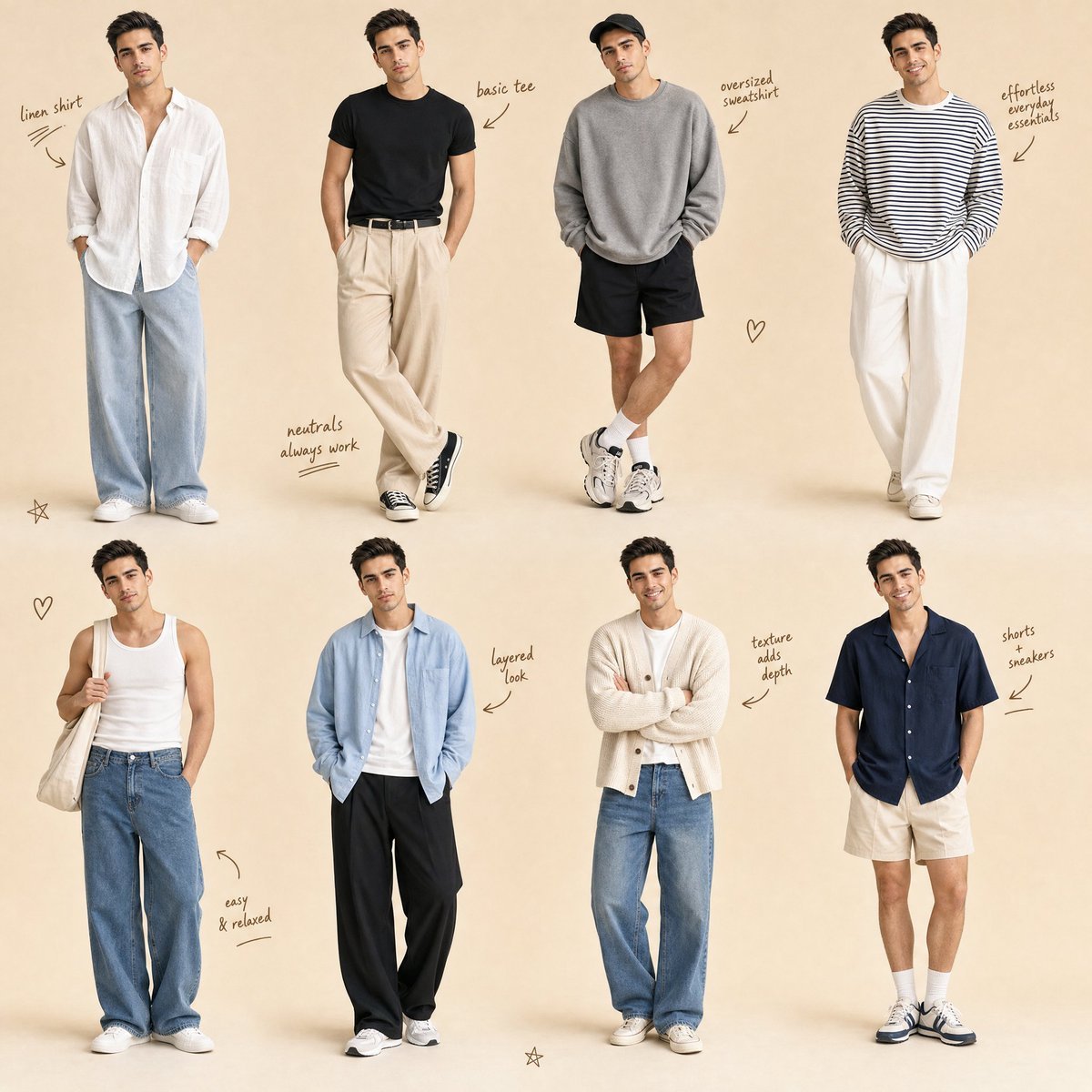
Minimalist Men's Fashion Collage
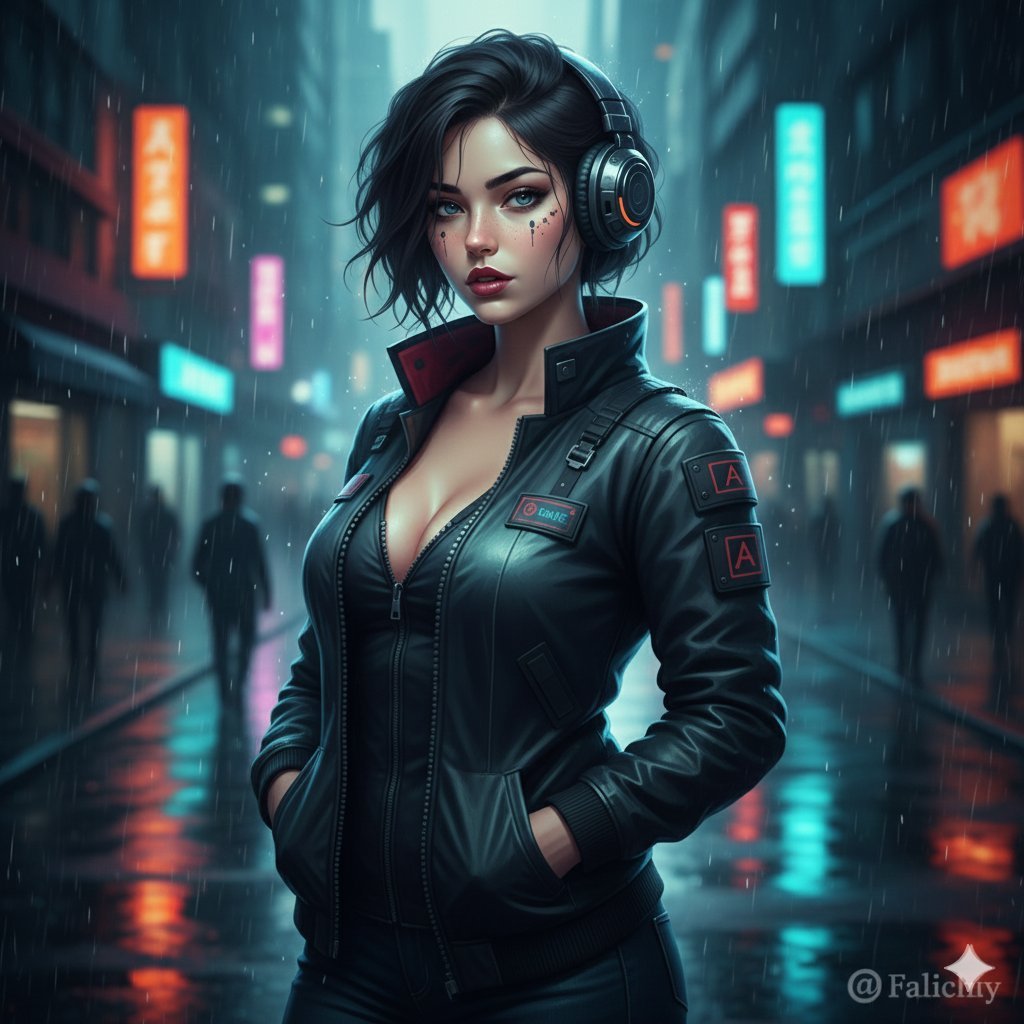
Cinematic Urban Night Fashion Editorial
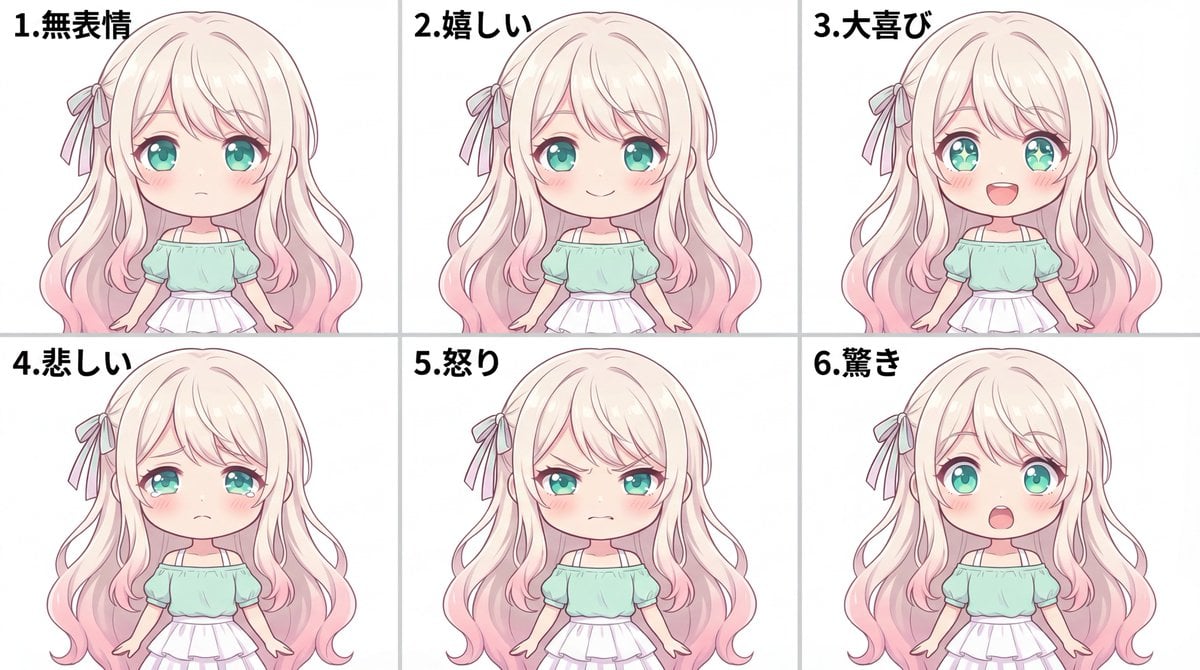
Character Expression Sheet Generation (Anime Style)
Browse template categories
Hyper-Realistic Gym Mirror Selfie questions
How do I use the Hyper-Realistic Gym Mirror Selfie template?
Add your photo if the template asks for one, edit the prompt if you like — the template's model and format are already selected — and press Generate. Your version opens in PicX Studio.
Can I customize the Hyper-Realistic Gym Mirror Selfie template?
Yes. You can change the subject, setting, lighting, mood, format, and available model controls before creating your image.
Is the Hyper-Realistic Gym Mirror Selfie template free?
Opening and editing this template is free. Generating uses credits, shown on the Generate button when you are signed in.
Which AI model should I use?
Start with GPT Image 2, which is the model associated with this template. You can compare another compatible model for a different finish.
Looking for something else? Browse all templates.

Your photo, any look
Thousands of ready templates for every top image and video model, from one credit balance.