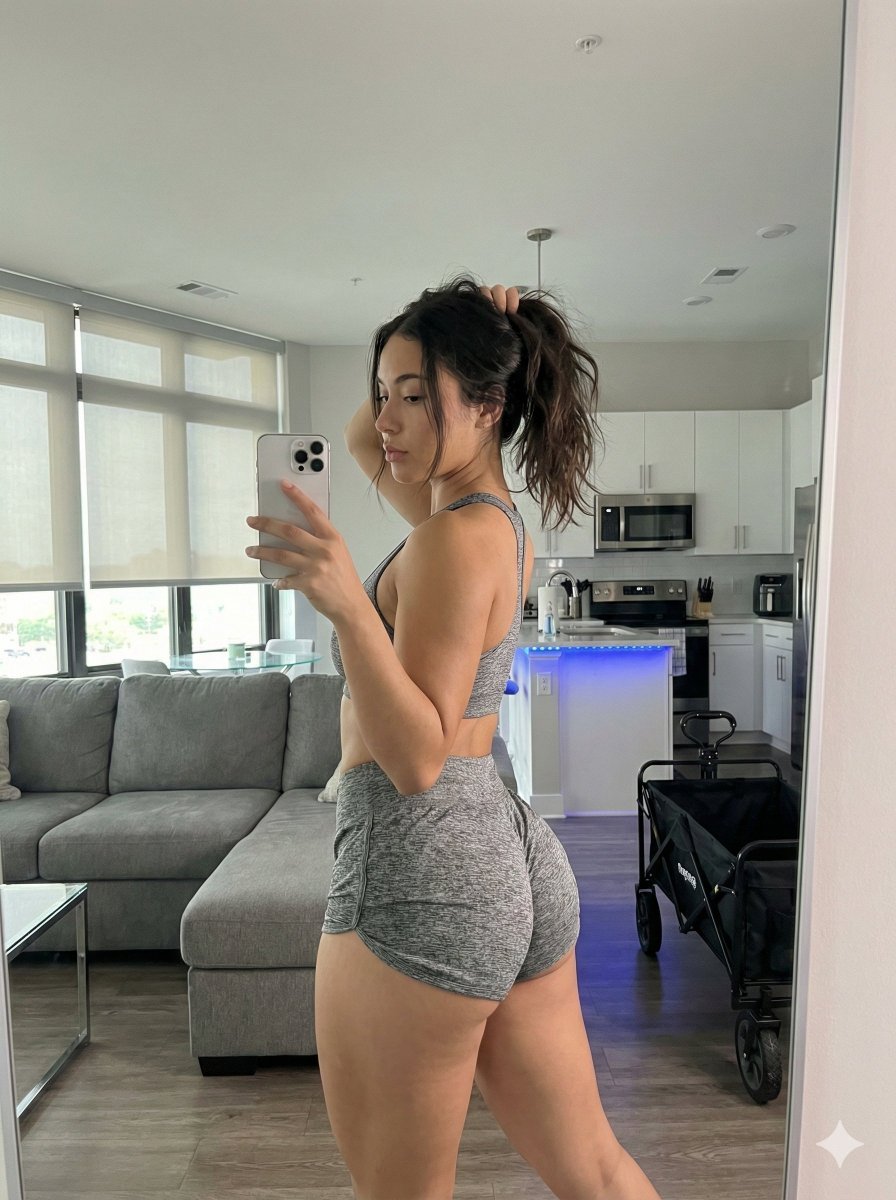
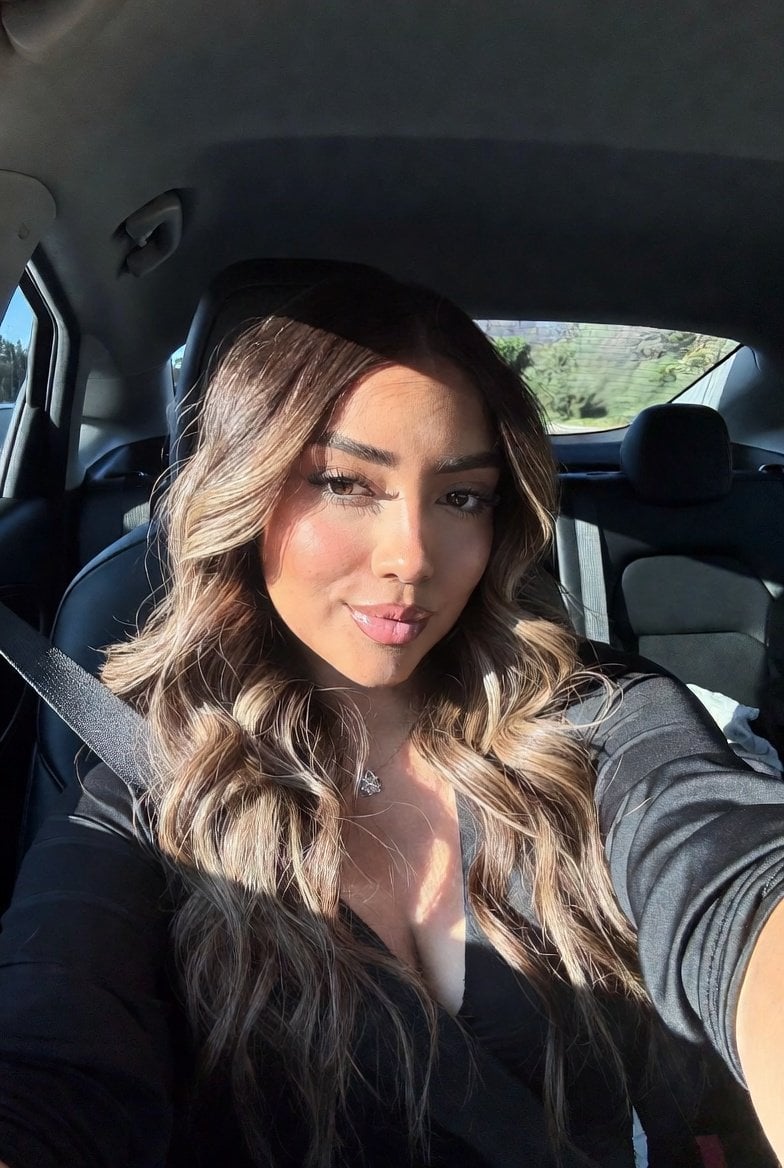
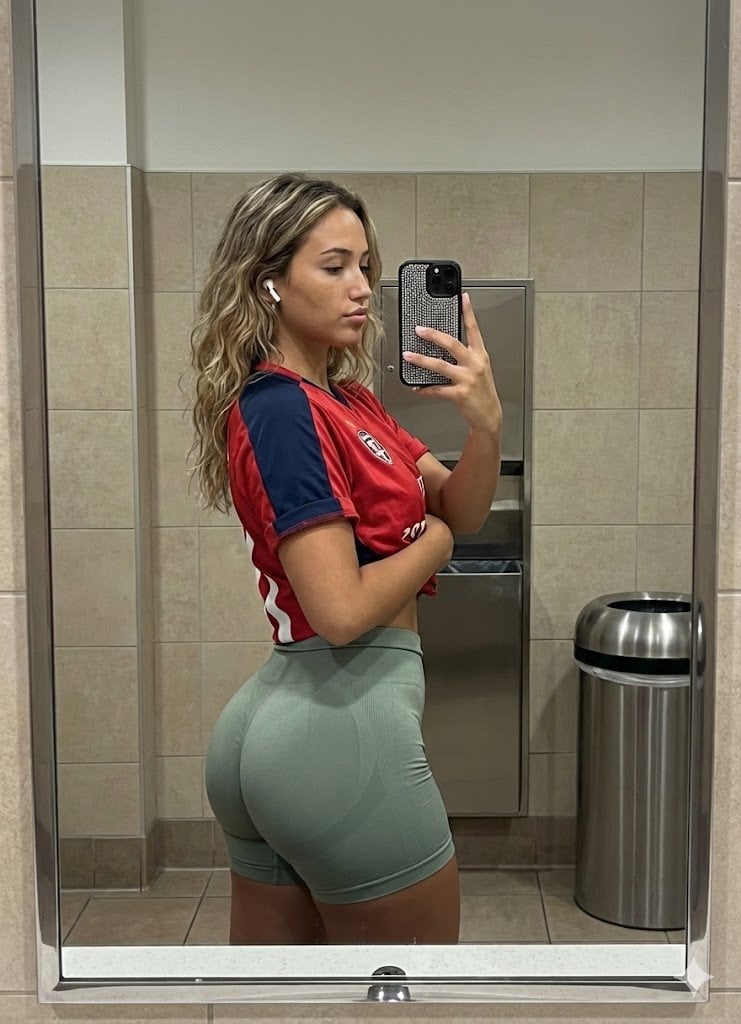
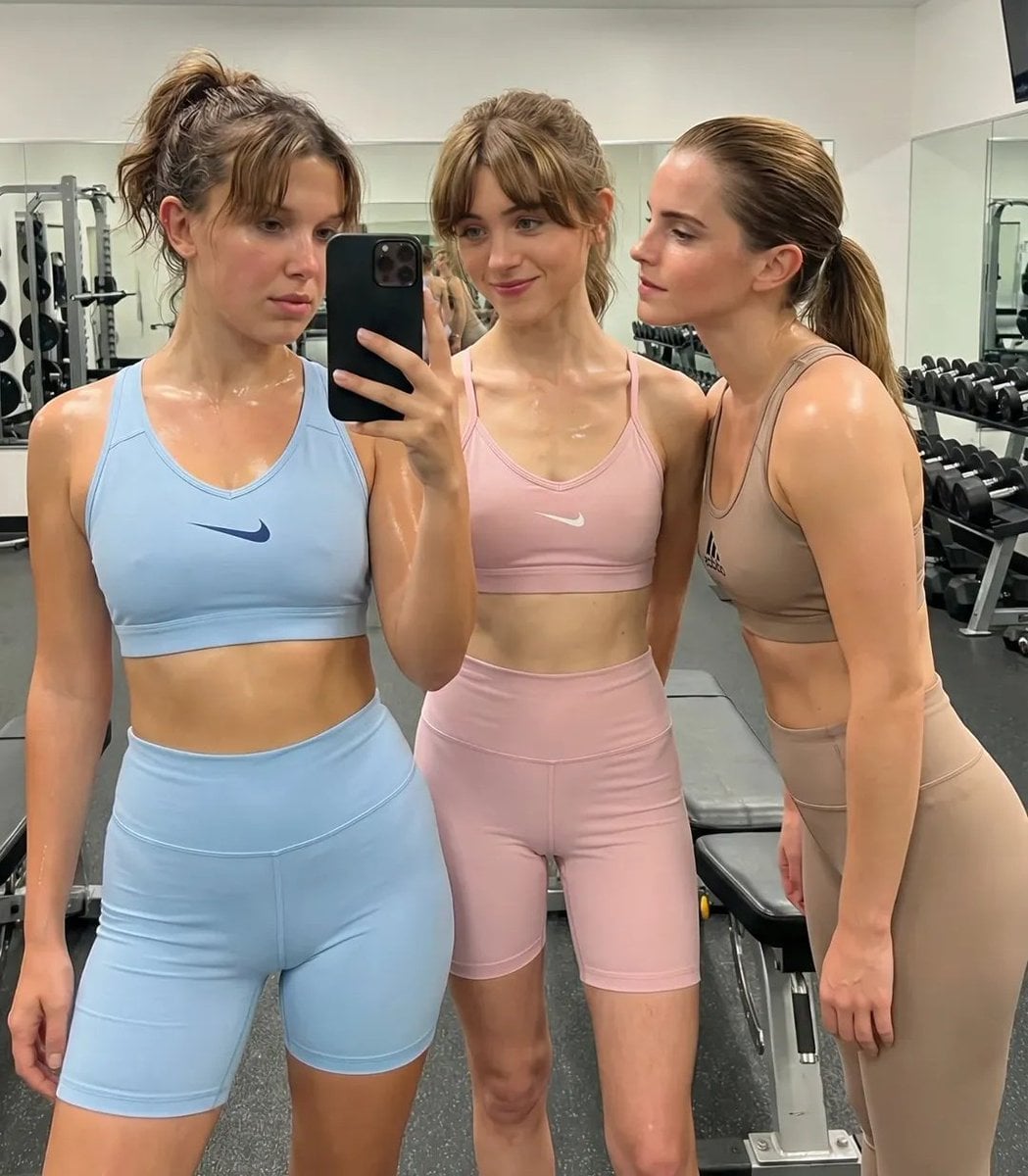
How do I use the Professional Gym Mirror Selfie Portrait template?
Edit the prompt in the box under the preview — the template's model and format are already selected — and press Generate. Your version appears right on this page.
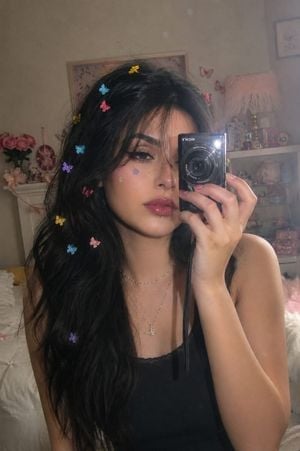
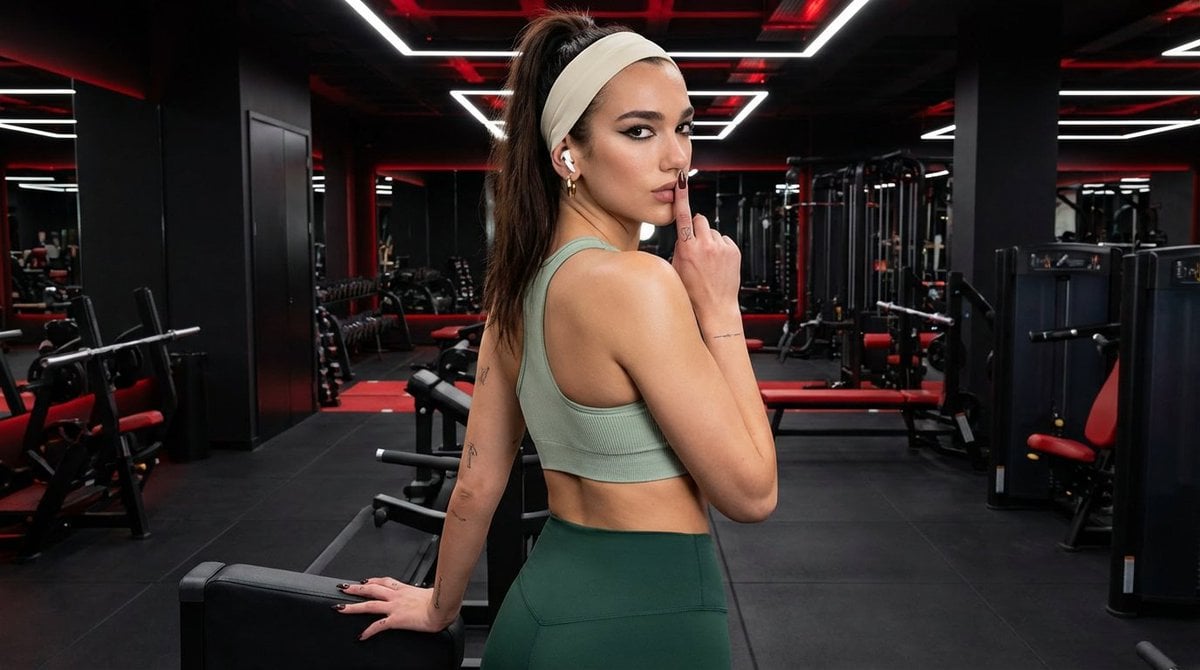
A prompt for generating high-quality editorial portraits of a person taking a mirror selfie in a modern gym with soft bokeh and cinematic lighting.

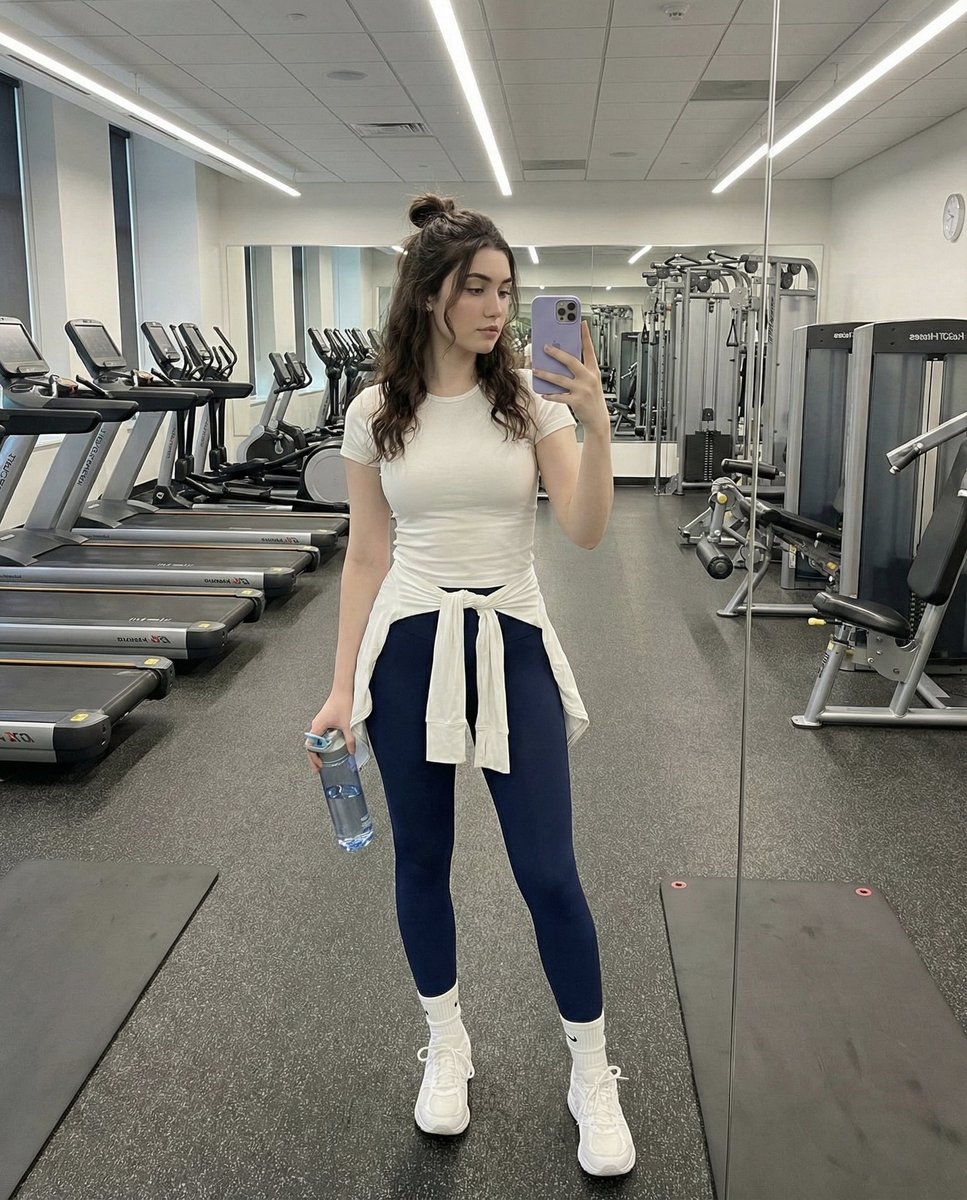
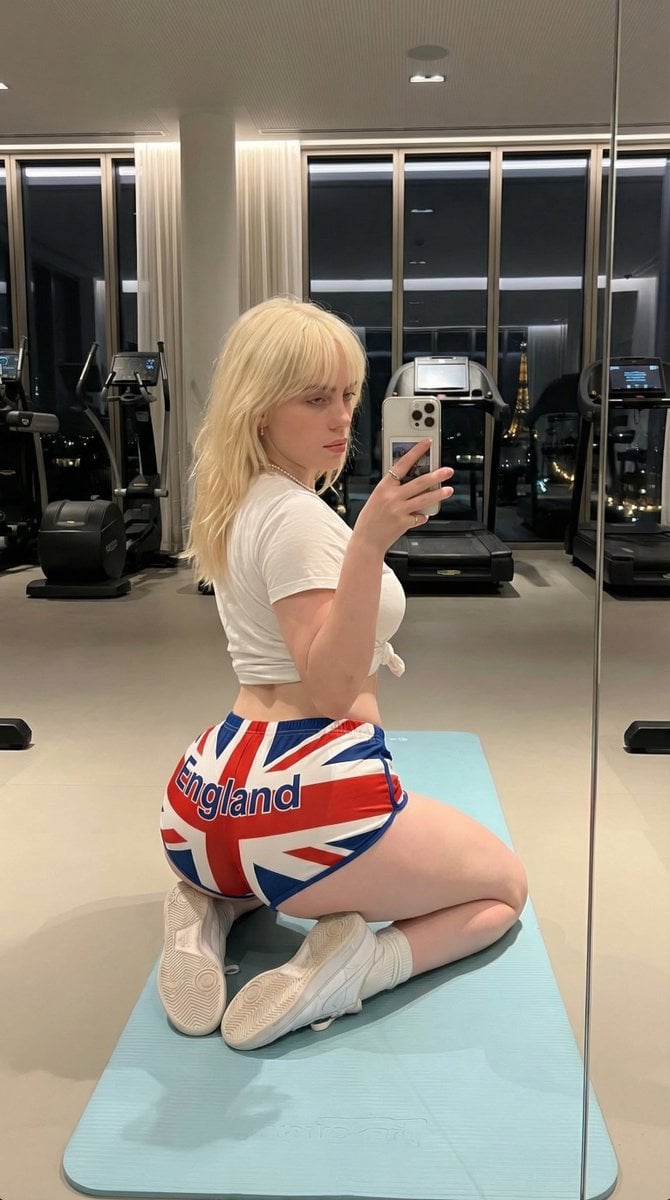
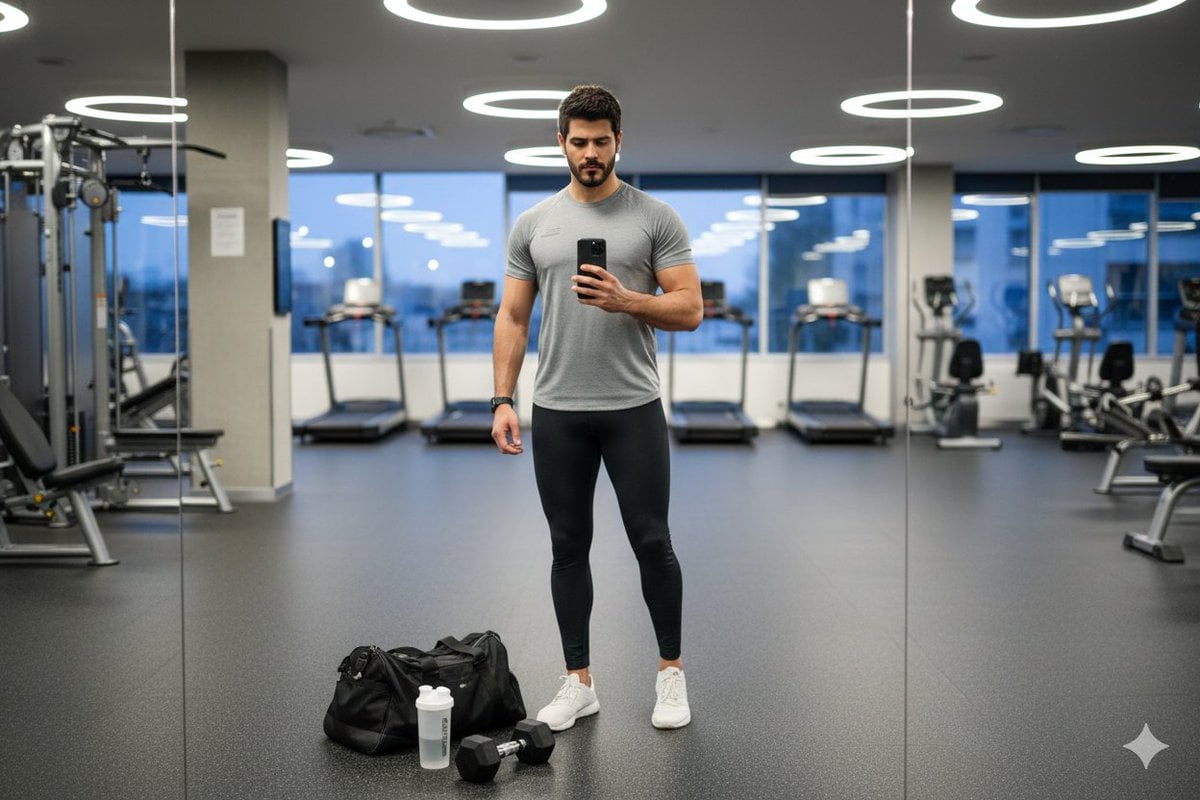
A high-quality, professional editorial-style portrait of a {argument name="subject" default="young woman"} sitting on a yoga mat in a {argument name="setting" default="modern gym"}. She is wearing a {argument name="clothing" default="soft, mint-green knitted hoodie and white trousers"}. She is holding a smartphone to take a mirror selfie. The image should feature a clean, bright, and airy atmosphere with cinematic, 8K lighting and soft bokeh in the background. Use an 85mm lens for a flattering portrait perspective. Ensure the framing is well-balanced, capturing the subject from the waist up while maintaining a spacious view of the gym environment.
A high-quality, professional editorial-style portrait of a {argument name="subject" default="young woman"} sitting on a yoga mat in a {argument name="setting" default="modern gym"}. She is wearing a {argument name="clothing" default="soft, mint-green knitted hoodie and white trousers"}. She is holding a smartphone to take a mirror selfie. The image should feature a clean, bright, and airy atmosphere with cinematic, 8K lighting and soft bokeh in the background. Use an 85mm lens for a flattering portrait perspective. Ensure the framing is well-balanced, capturing the subject from the waist up while maintaining a spacious view of the gym environment.
Edit the prompt in the box under the preview — the template's model and format are already selected — and press Generate. Your version appears right on this page.
Yes. You can change the subject, setting, lighting, mood, format, and available model controls before creating your image.
Opening and editing this template is free. Generating uses credits, shown on the Generate button when you are signed in.
Start with Nano Banana 2, which is the model associated with this template. You can compare another compatible model for a different finish.
Follow a topic to a crawlable collection of related PicX Studio templates.