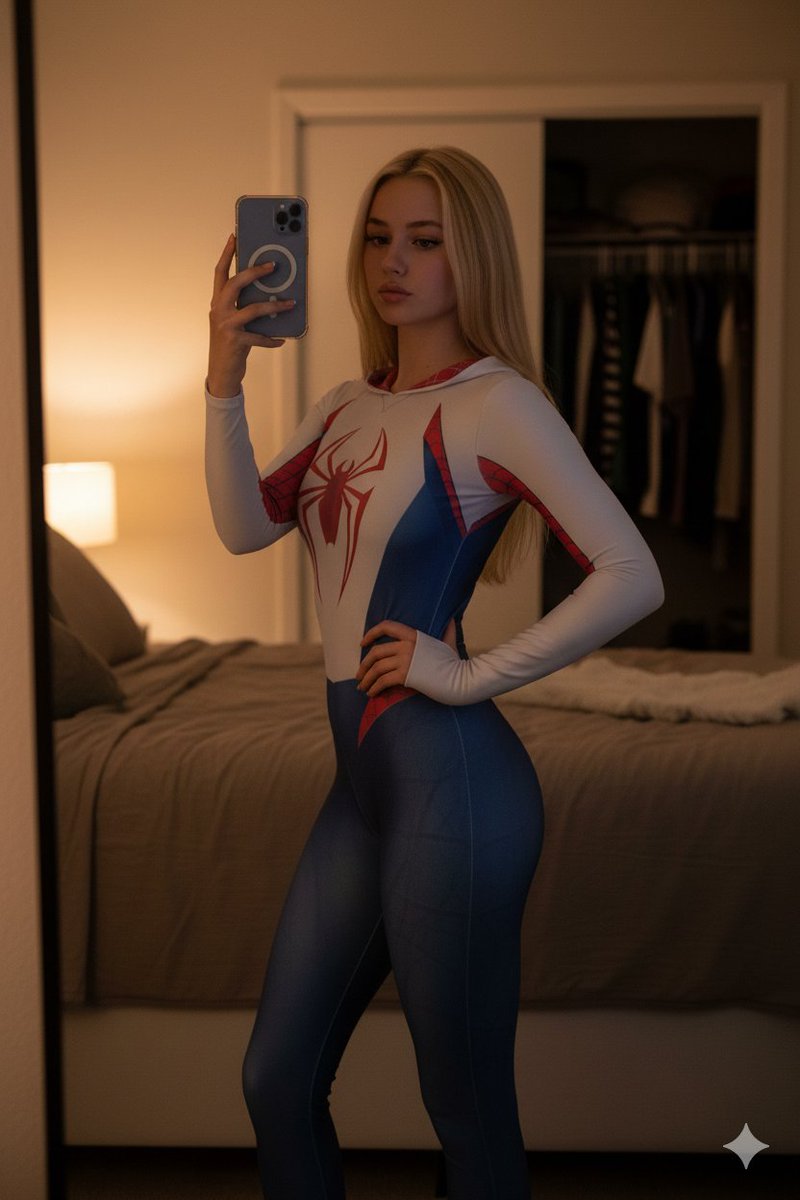
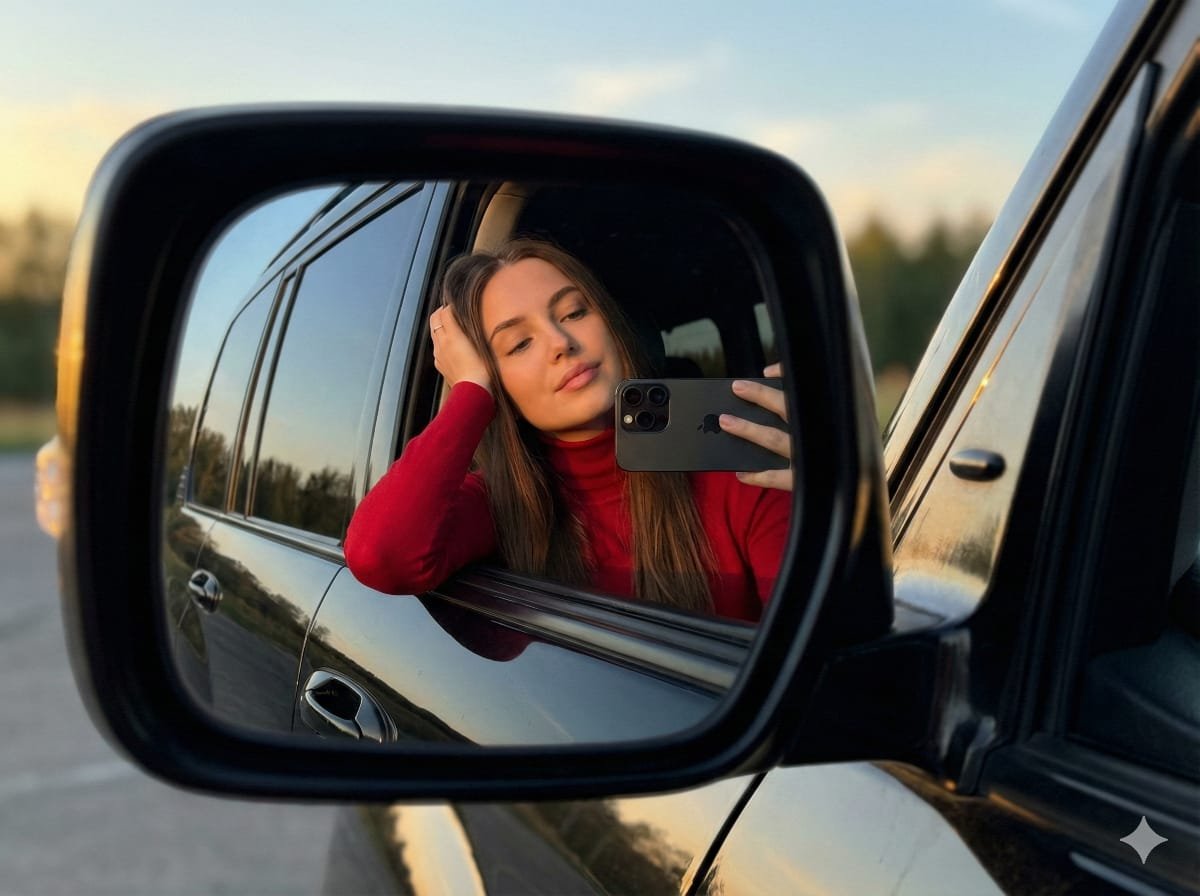
How do I use the Floral Mirror Selfie Portrait template?
Choose the primary action to open PicX Studio with the available template settings. Review the model and format, personalize the creative direction, and generate when ready.
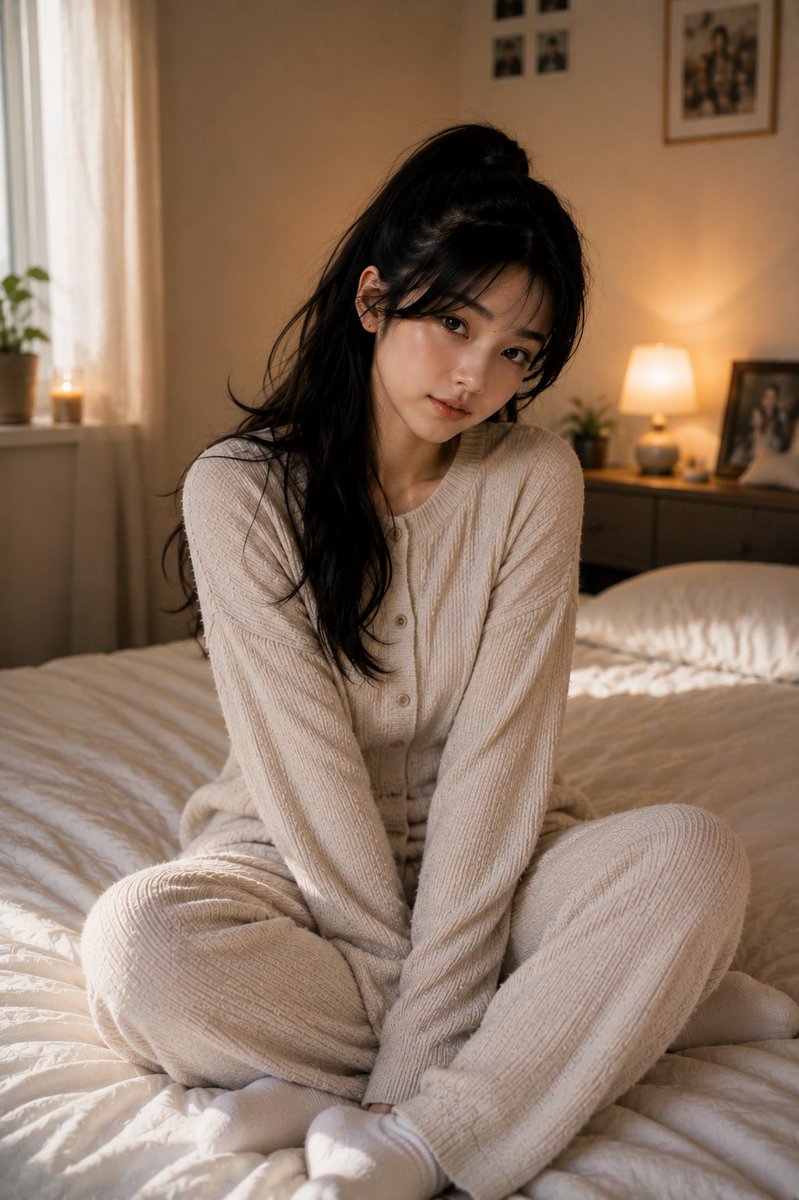
A dreamy, romantic prompt for a woman taking a mirror selfie outdoors, surrounded by lush pastel floral arrangements.
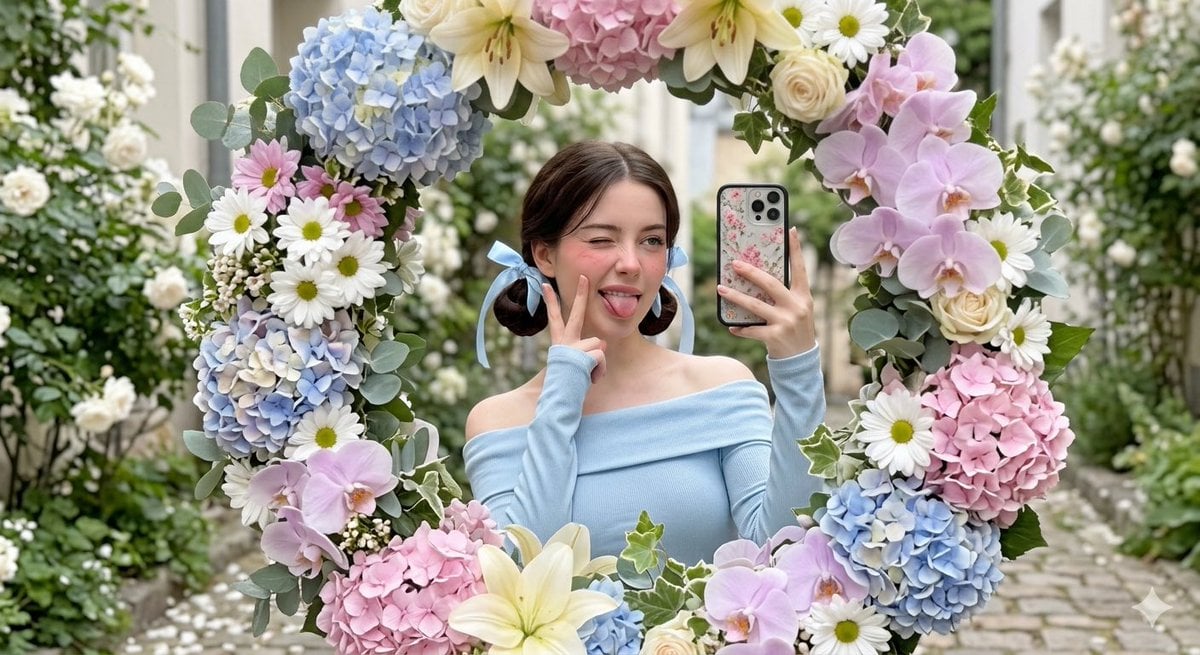
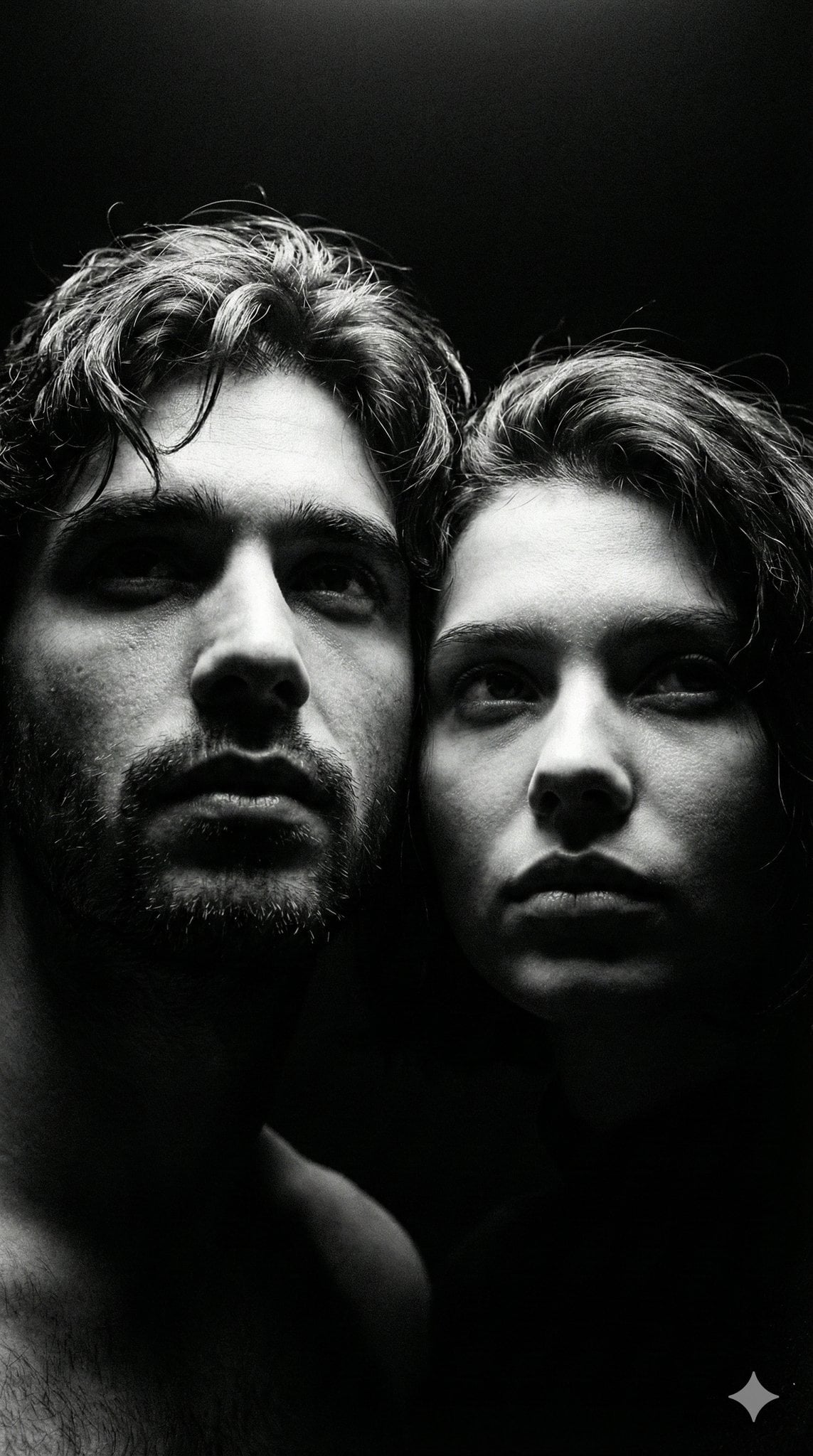
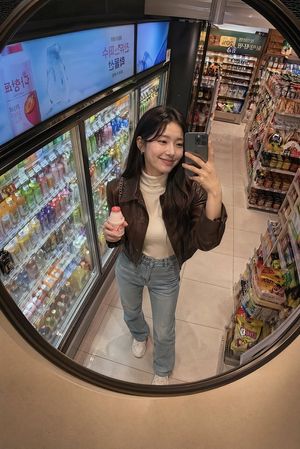
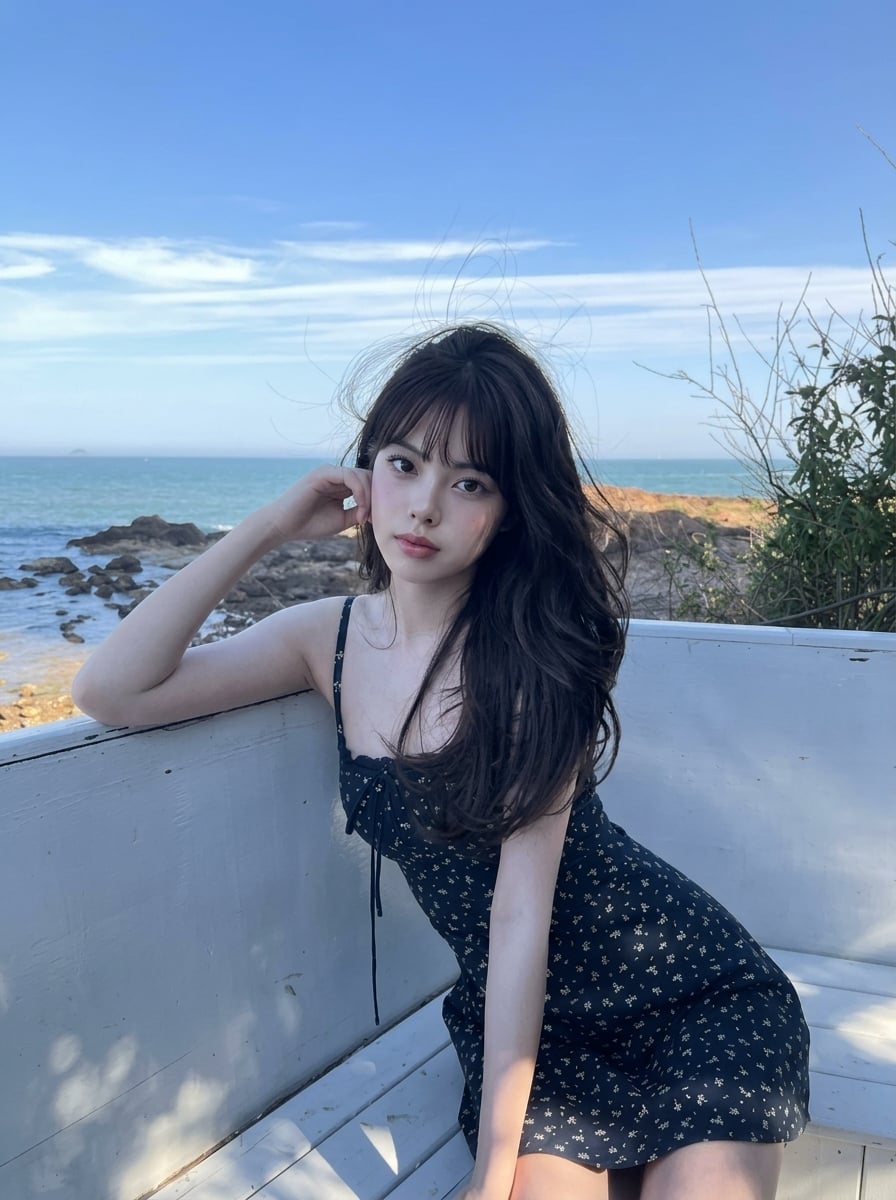
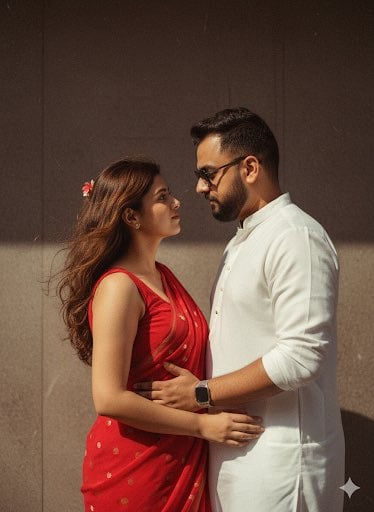
A cute young woman taking a mirror selfie outdoors, framed by a decorative circular mirror covered in {argument name="flowers" default="lush pastel flowers (hydrangeas, daisies, lilies, and orchids)"}. She has soft, natural makeup, fair skin, and dark brown hair styled in {argument name="hair style" default="low twin buns tied with light blue ribbons"}. She is winking and playfully sticking out her tongue while making a V-sign pose near her cheek. She wears an {argument name="outfit" default="off-shoulder, long-sleeve pastel blue top"}. The mirror is surrounded by abundant floral arrangements in soft tones of white, cream, baby blue, and blush pink, creating a dreamy, romantic aesthetic. In the background, there is a narrow garden alley filled with blooming white flowers and greenery, softly blurred for depth of field. Lighting is soft, natural daylight with a gentle, airy feel. The composition is centered, with the subject reflected in the mirror. Shot in high resolution, shallow depth of field, photorealistic, soft color grading, Instagram aesthetic, ultra-detailed.
Choose the primary action to open PicX Studio with the available template settings. Review the model and format, personalize the creative direction, and generate when ready.
Yes. You can change the subject, setting, lighting, mood, format, and available model controls before creating your image.
This template is free to open and customize. Generation usage is shown in PicX Studio before you create.
Start with Nano Banana 2, which is the model associated with this template. You can compare another compatible model for a different finish.
Follow a topic to a crawlable collection of related PicX Studio templates.