
Gothic Floral Mirror Portrait
A square vintage anime portrait prompt for creating a melancholic Victorian youth surrounded by orchids, flowers, an ornate mirror, and Japanese title calligraphy.
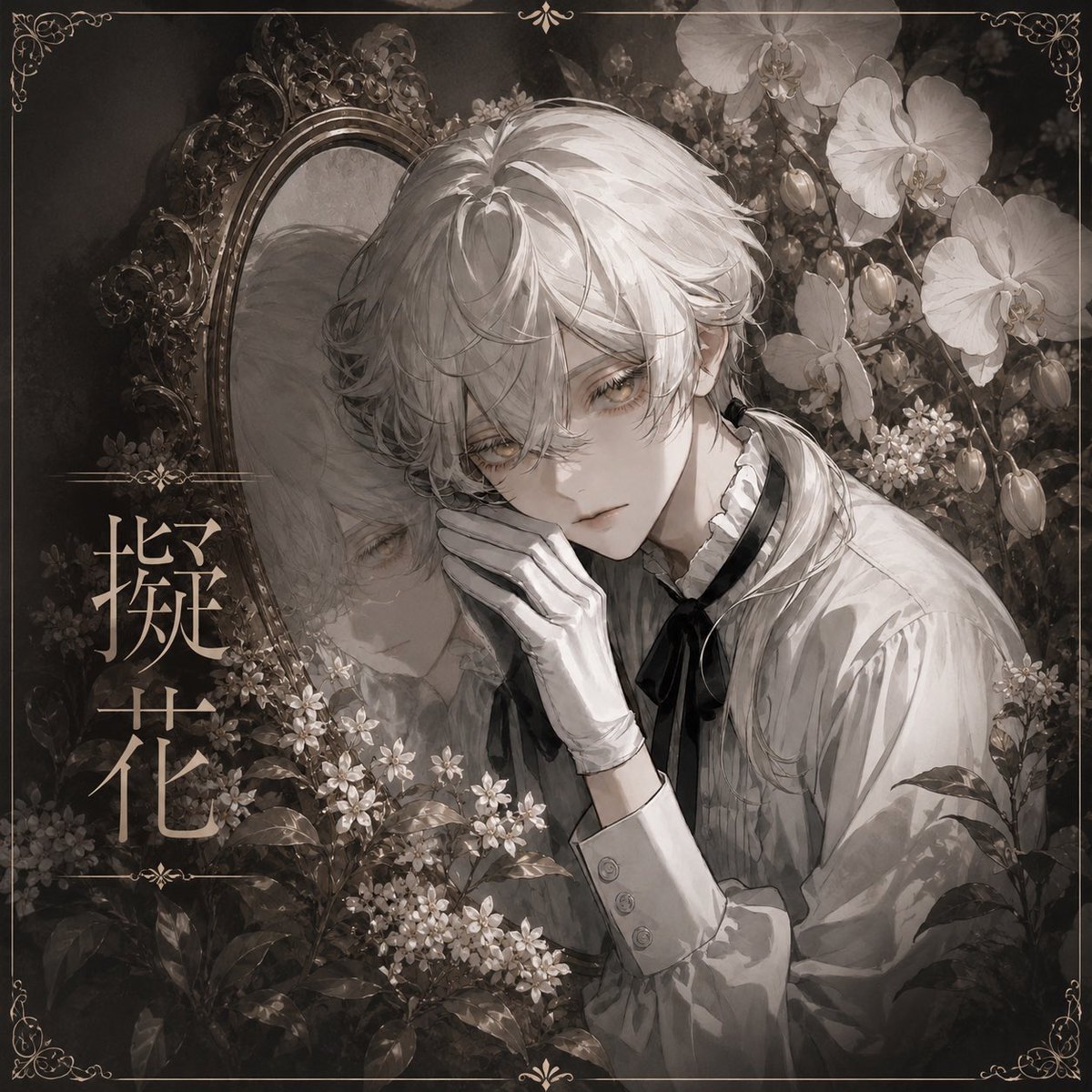
- Prompt included
- Model and format preset
- Free template
The prompt behind this image
Copy the exact prompt behind Gothic Floral Mirror Portrait, or open it in the studio and make it yours.
Create a square gothic-romantic monochrome anime illustration with a delicate antique frame. The scene shows an androgynous young man named {argument name="character name" default="Gika"} leaning his cheek on one gloved hand, gazing forward with a tired, melancholic expression. He has tousled short {argument name="hair color" default="silver-white"} hair, pale skin, soft golden-gray eyes, and a refined fragile beauty. He wears a white Victorian blouse with puffed sleeves, a high ruffled collar, buttoned cuffs, a black ribbon tie, and elegant white gloves. Behind him on the left is an ornate oval mirror with a carved baroque frame, reflecting a faint ghostlike side view of his face and hair. Surround him with dense botanical details: exactly 2 large white orchid blossoms in the upper right, 5 closed orchid buds on arcing stems, clusters of many tiny white flowers in the lower left and center, dark leaves in the foreground, and shadowy foliage filling the background. Add vertical Japanese title text on the left reading {argument name="title text" default="擬花"}, set in elegant pale beige calligraphy with thin decorative horizontal dividers above and below it. Use a muted sepia grayscale palette, soft watercolor and ink textures, high-detail shoujo manga rendering, misty shadows, subtle grain, and gentle rim lighting on the hair and blouse. Compose the figure slightly right of center, cropped close at the torso, with the mirror occupying the upper left and flowers framing the face. Add a thin antique gold border around the entire image with small symmetrical filigree ornaments in all four corners and tiny floral flourishes centered on the top and bottom edges. Keep the mood quiet, sorrowful, ethereal, and vintage; no modern objects, no bright colors, no extra characters, no watermark.
How to use Gothic Floral Mirror Portrait in 3 steps
- 1Upload ImagePNG, JPG or paste
Add your photo
Upload the photo the template builds on. The prompt, model and format are already set.
- 2…a portrait of your subject in softgolden-hour light, 85mm…
Personalize
Edit the subject and creative details for your destination.
- 3Generate
Generate
Press Generate — your image is created in PicX Studio, so you can compare it with the original and refine one variable at a time.
More like this
Templates with the same subject, style or setup. Open one to see its prompt.

Rooftop Fisheye — Cat-Ear Balaclava at Golden Hour
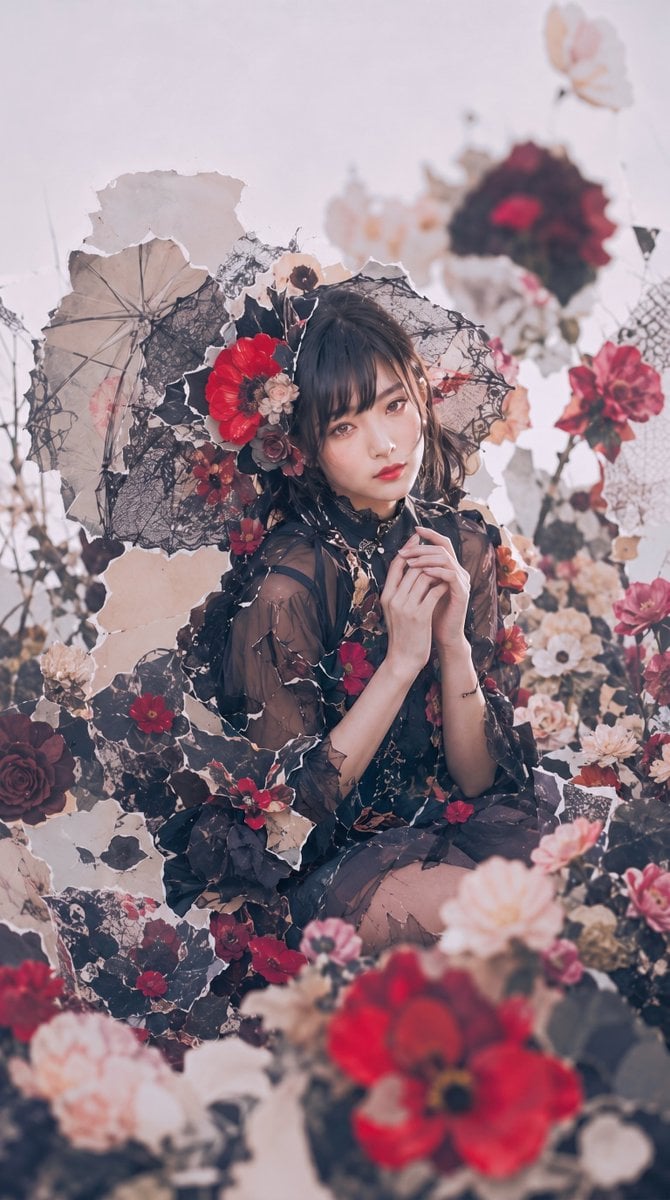
Gothic Floral Garden Portrait
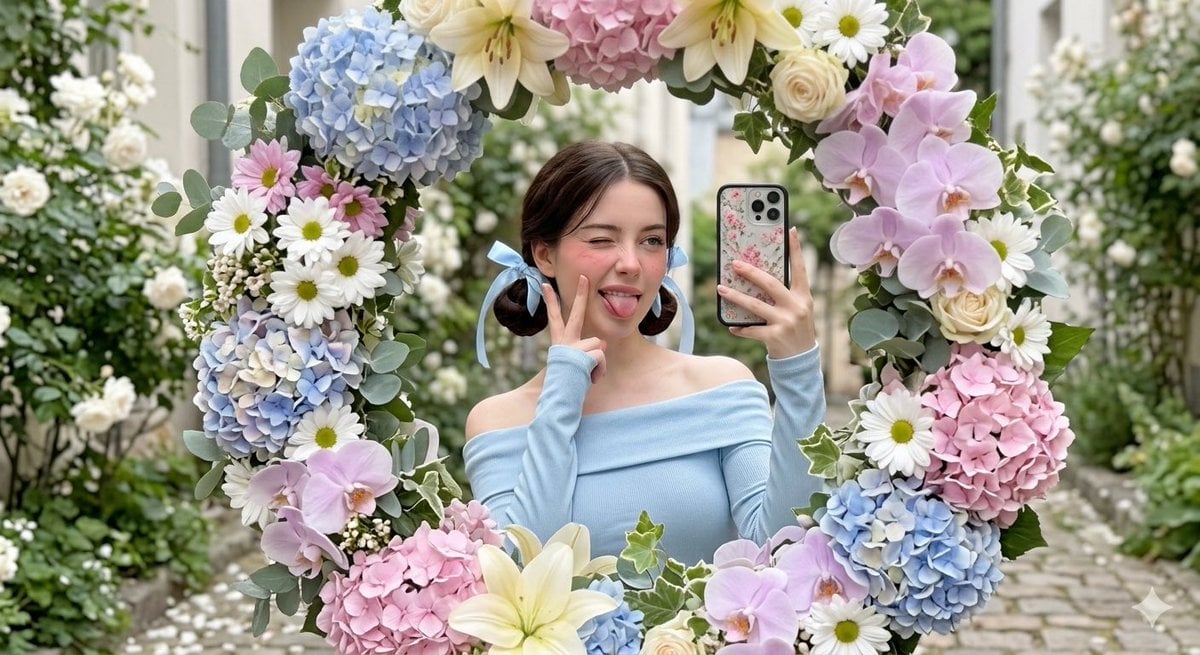
Floral Mirror Selfie Portrait
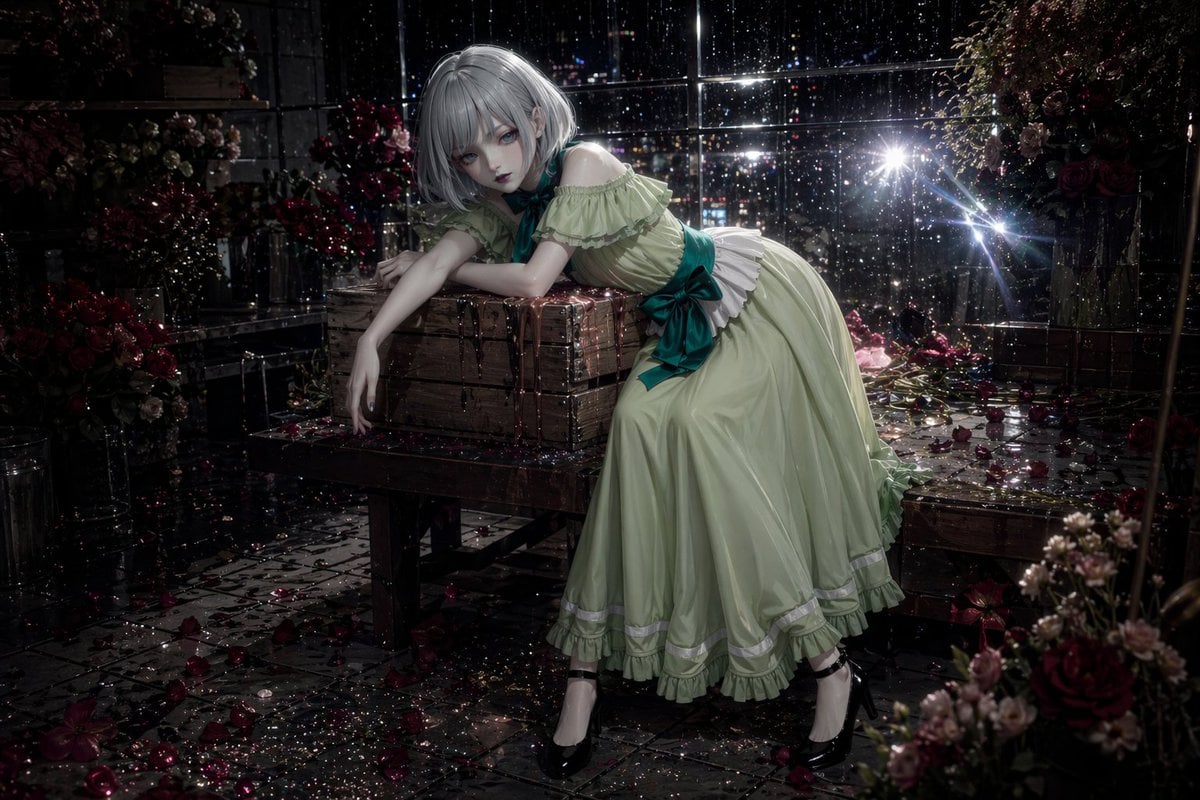
Rainy Night Floral Gothic Portrait

Found Photograph: Us, 1970

80s Couple Studio Portrait

80s Bollywood Star

80s Golden Hour Cinema

Me in 1985

1985 Studio Portrait

Hyper-Realistic Minecraft POV Portrait

Felt & Knit 3D Character — Photo-Exact Face, Pixar-Quality Plush Figurine
Make it yours
Gothic Floral Mirror Portrait works as-is. These are the safest ways to change it without losing the look.
Change one field
Copy a single group, rewrite it, and generate again so you can see what that field is doing.
Keep the frame, change the subject
Hold the composition and light of Gothic Floral Mirror Portrait, then swap wardrobe, props or the person for a new take.
| If the result… | Why | Fix |
|---|---|---|
| The result drifts from the preview | Too many fields changed at once. | Reuse Gothic Floral Mirror Portrait as-is first, then change one group — subject, light, or setting. |
| The model over-stylizes the scene | The prose prompt leaves finish and camera underspecified. | Add one camera or lighting sentence and stay on GPT Image 2. |
More GPT Image 2 templates
Other prompts made for GPT Image 2.

Six VTuber Japanese Logo Sheet

Realistic Portrait of Woman and Deer

The Vista Modular Condo Poster

AI Model Routing Comparison Infographic

2.5D Anime Art Board

Isometric Productivity Desk Scene

New York Double Exposure Poster

Four-Panel AI Landscape Comparison

Japanese Tatami Lifestyle Magazine Cover

NESCAFÉ Coffee Map Poster
More image prompts
Fresh picks from across the catalog.
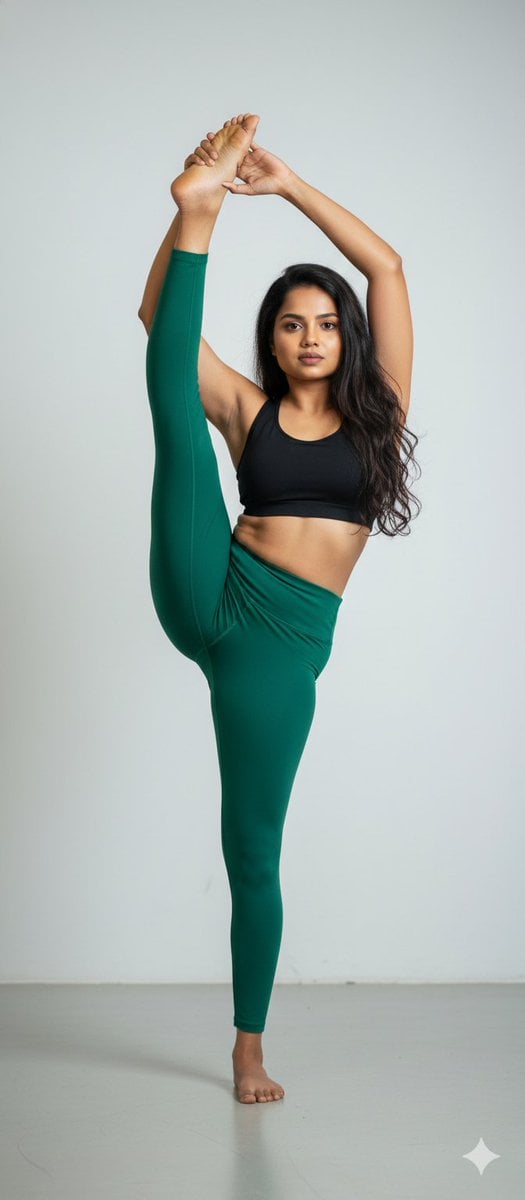
Stunning Photo Prompt for Gemini Nano Banana
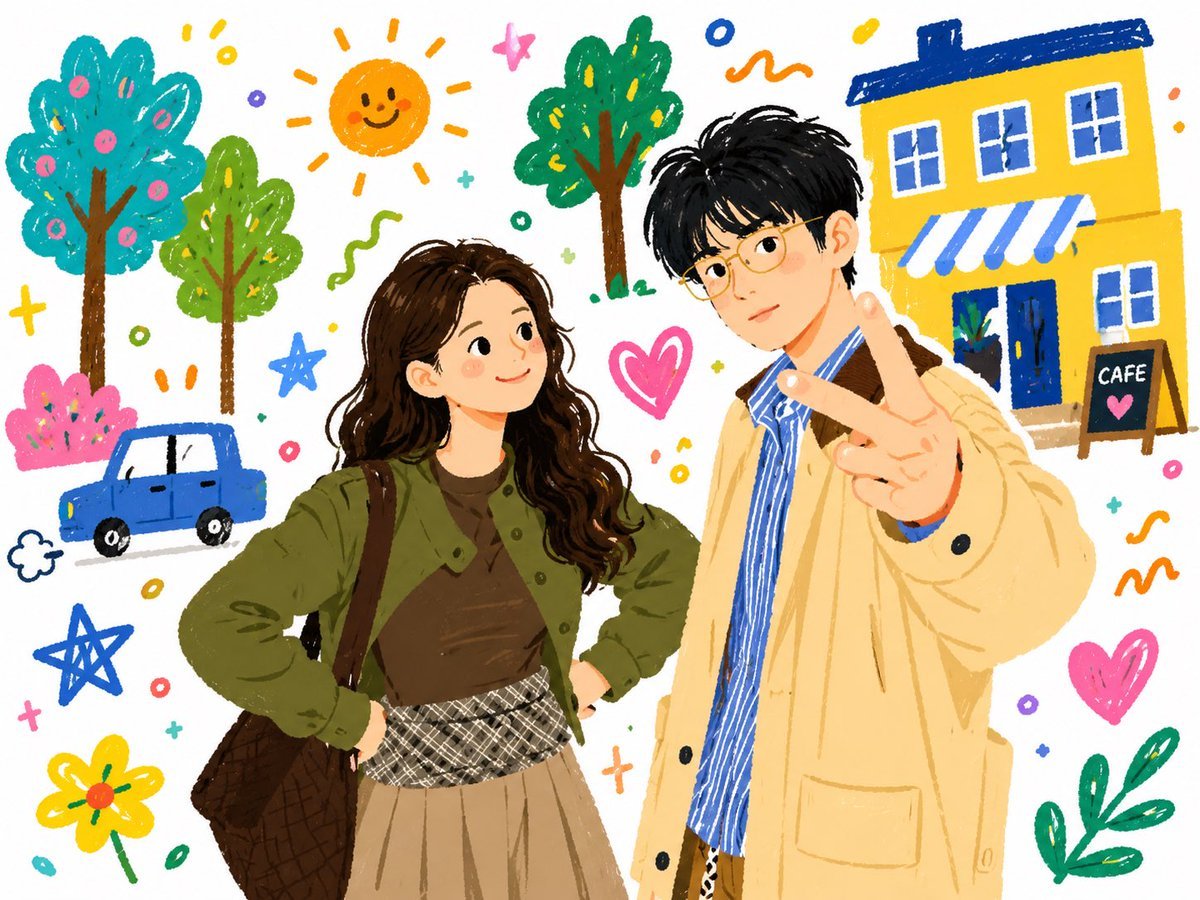
Doodle Couple Diary Illustration
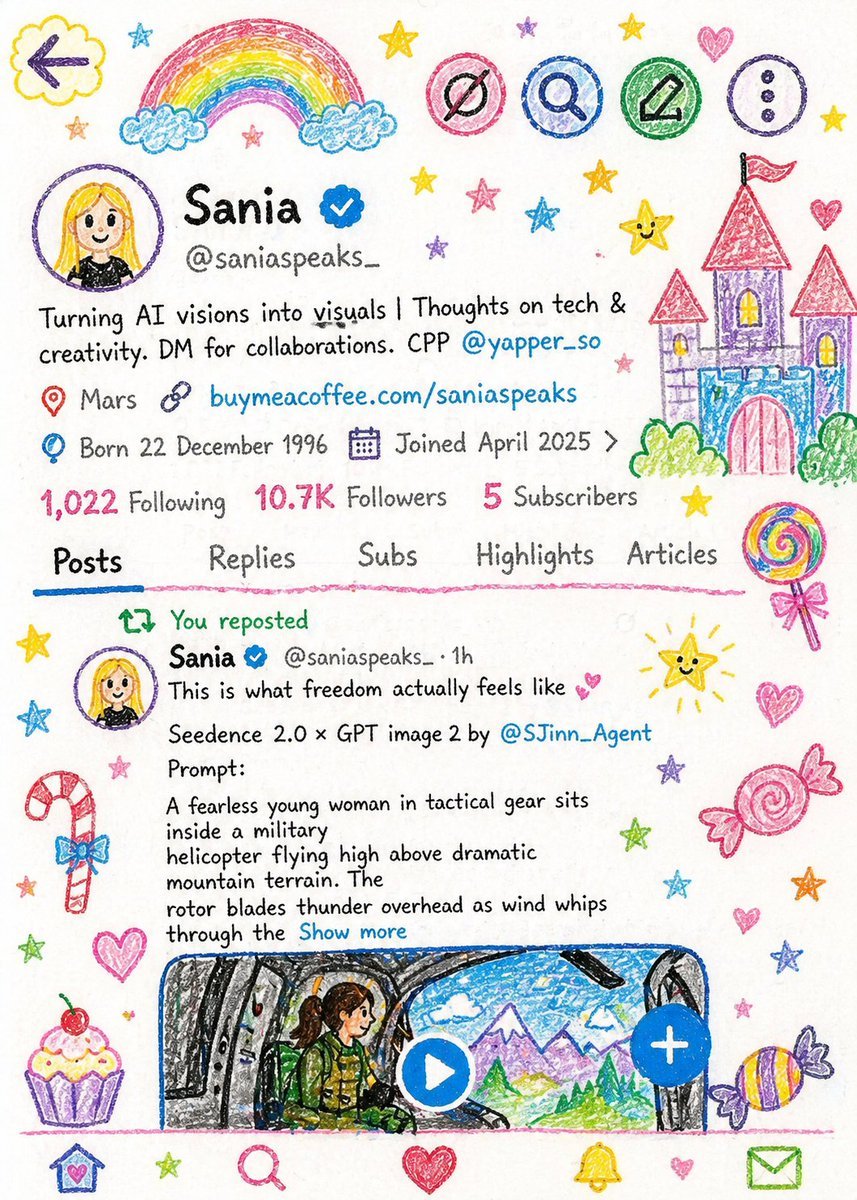
Crayon Style Child Illustration
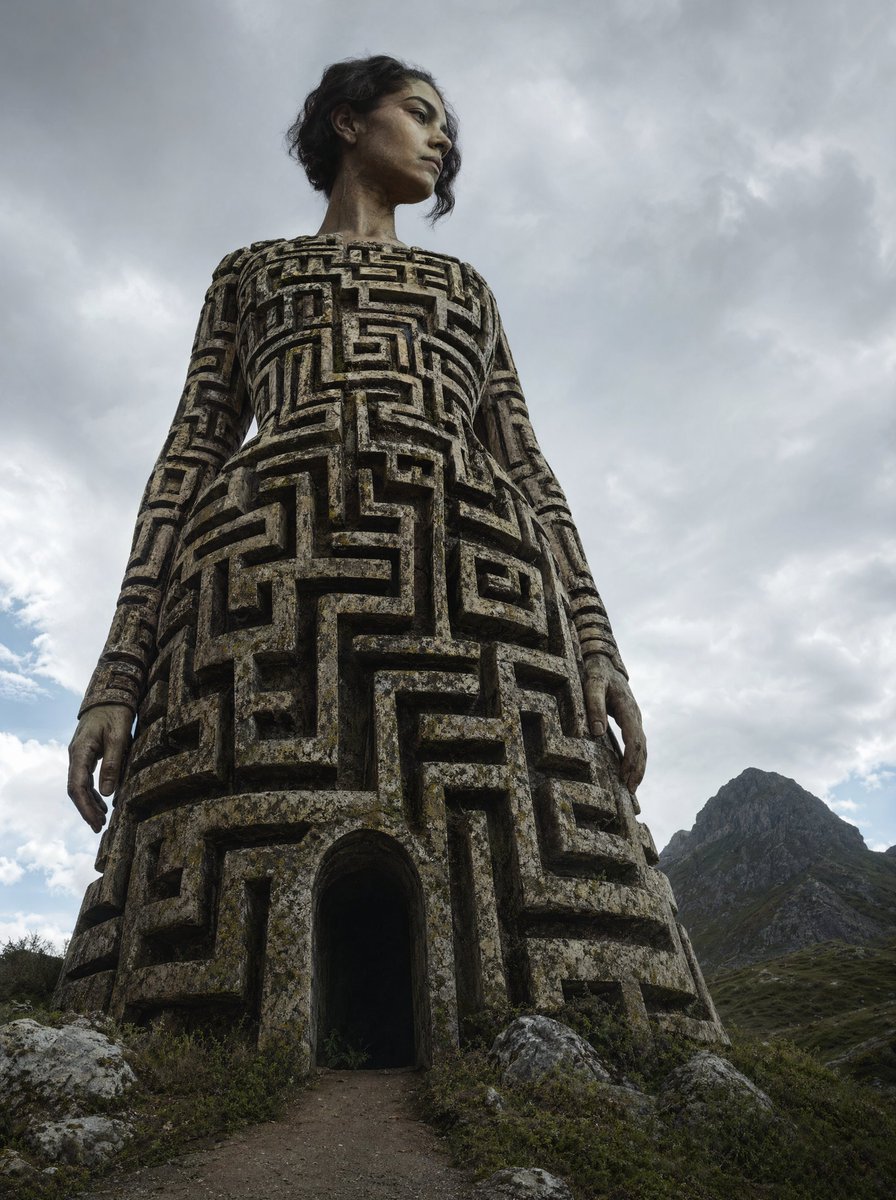
Colossal Labyrinth Woman Monument
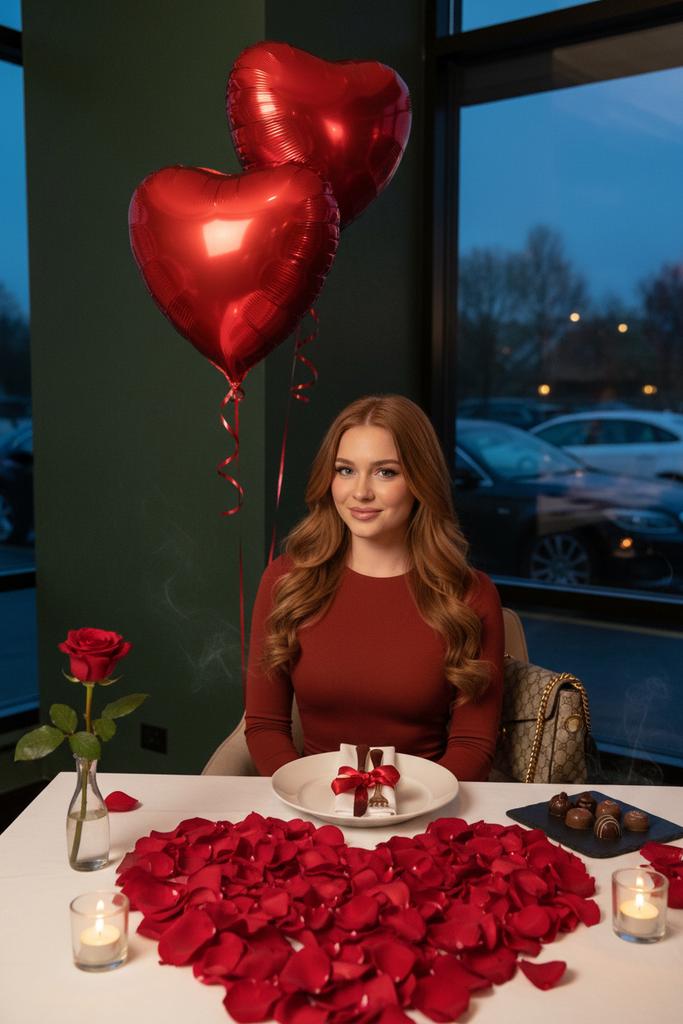
Luxury Valentine’s Dinner Photoshoot (Reddish-Brown Hair)
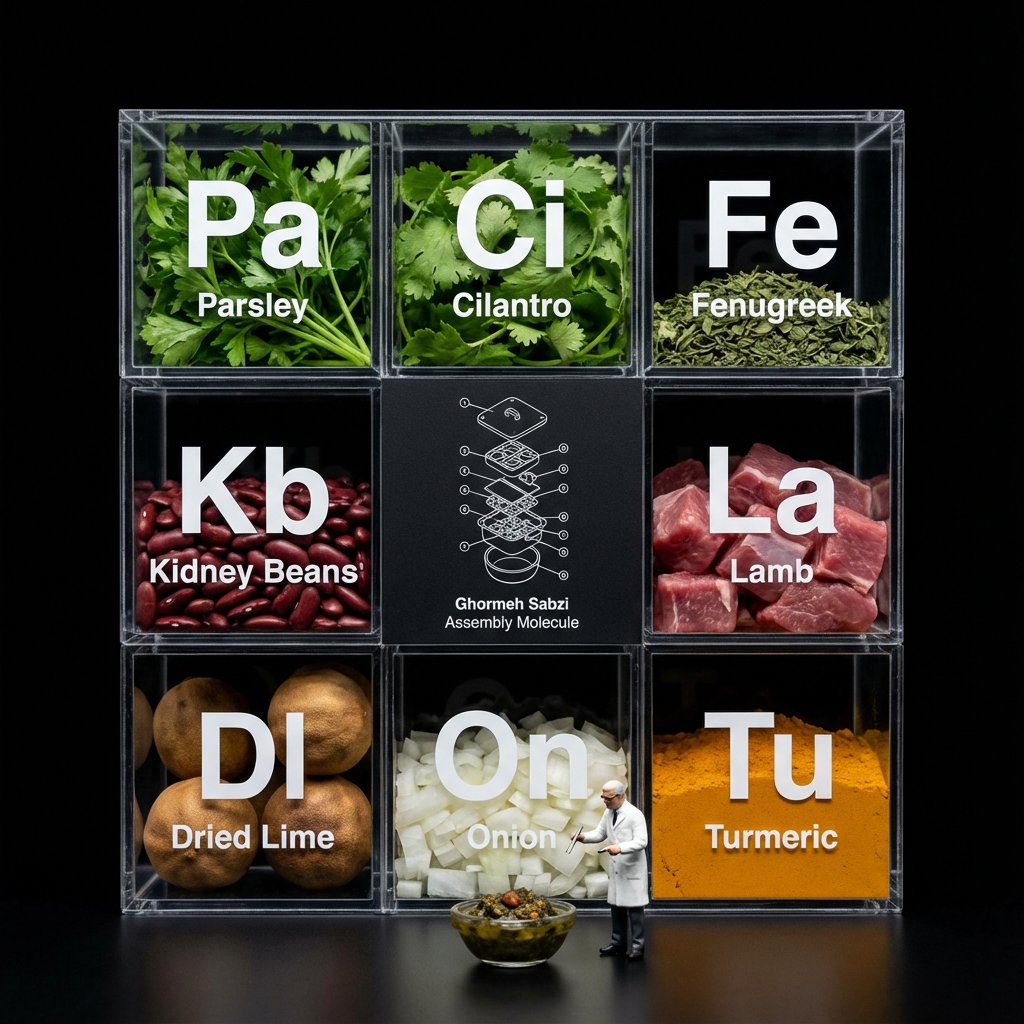
Molecular Gastronomy Display Box for Food Visualization

Vintage Bollywood Editorial Portrait
Mediterranean Villa Film Panorama

Kids Crayon Travel Journal Illustration
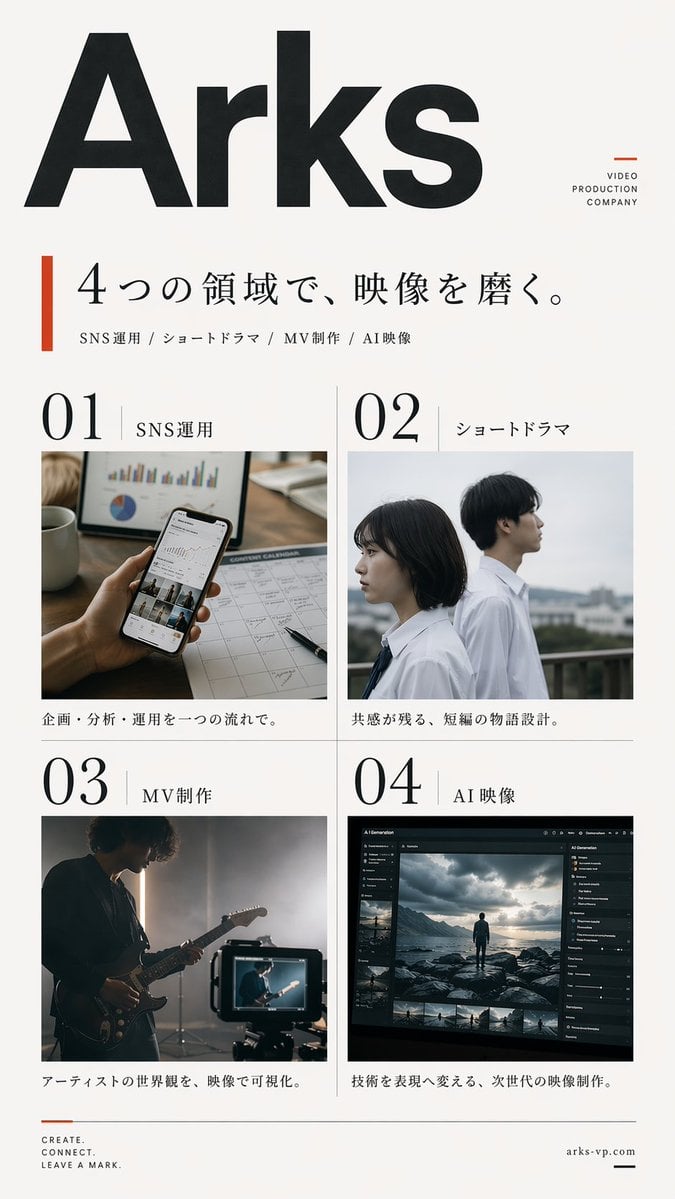
Japanese Video Production Poster
Browse template categories
Gothic Floral Mirror Portrait questions
How do I use the Gothic Floral Mirror Portrait template?
Add your photo if the template asks for one, edit the prompt if you like — the template's model and format are already selected — and press Generate. Your version opens in PicX Studio.
Can I customize the Gothic Floral Mirror Portrait template?
Yes. You can change the subject, setting, lighting, mood, format, and available model controls before creating your image.
Is the Gothic Floral Mirror Portrait template free?
Opening and editing this template is free. Generating uses credits, shown on the Generate button when you are signed in.
Which AI model should I use?
Start with GPT Image 2, which is the model associated with this template. You can compare another compatible model for a different finish.
Looking for something else? Browse all templates.

Your photo, any look
Thousands of ready templates for every top image and video model, from one credit balance.