
Colossal Labyrinth Woman Monument
A cinematic surreal prompt for generating a towering maze-covered female statue with a doorway in its base, ideal for dark fantasy concept art and atmospheric architectural imagery.
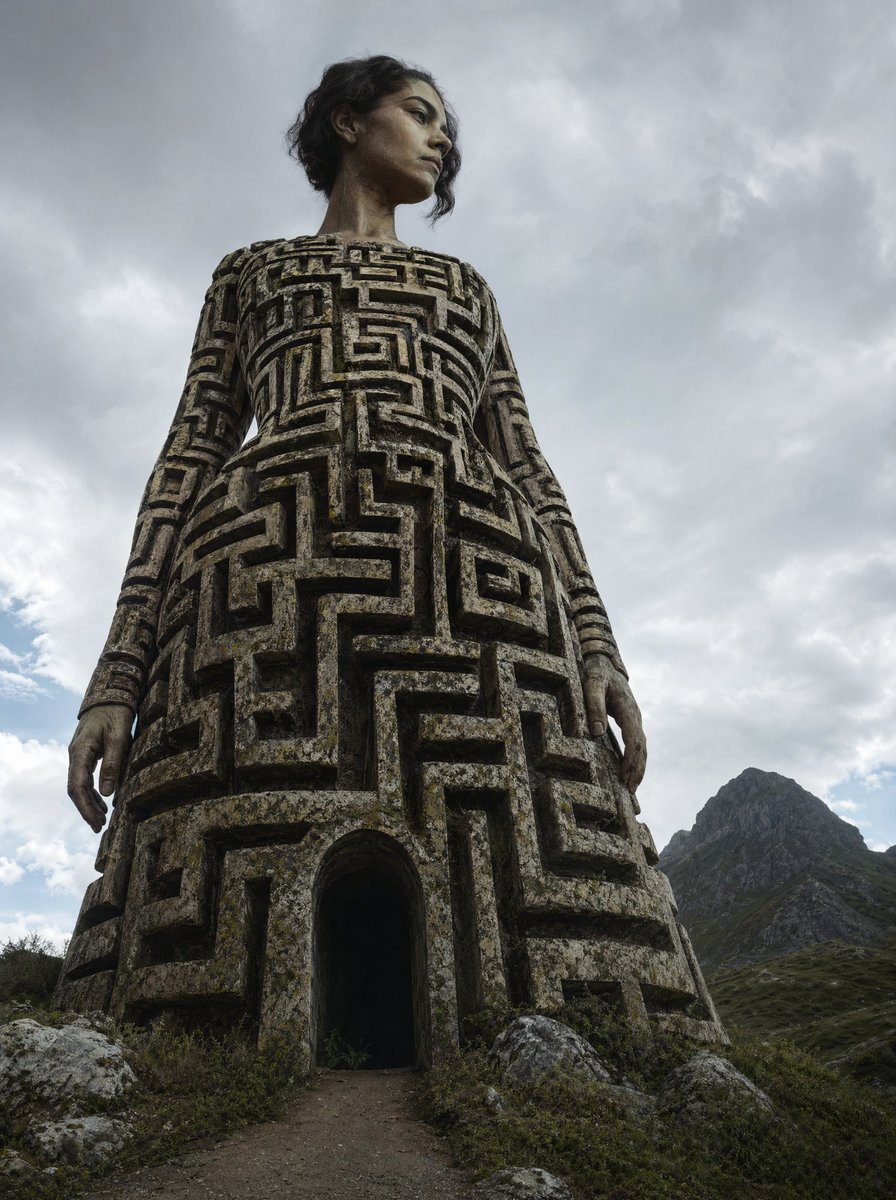
- Prompt included
- Model and format preset
- Free template
The prompt behind this image
Copy the exact prompt behind Colossal Labyrinth Woman Monument, or open it in the studio and make it yours.
A surreal dark-fantasy photorealistic scene of a colossal humanoid statue shaped like a woman standing in a rugged mountain landscape, viewed from a dramatic low angle so the figure towers into the sky. The statue’s body forms a massive bell-shaped dress covered entirely in deep carved labyrinth patterns, like an ancient maze sculpted into weathered stone and concrete, with moss, grime, erosion, and age stains across the surface. At the bottom center of the dress, place 1 arched doorway opening into darkness, with a narrow dirt path leading directly into it, making the statue feel like an inhabitable monument. The figure has 2 visible arms hanging straight down at the sides and a slender neck rising above the structure, with a human head turned slightly to the side; use short dark wavy hair and partially obscured facial detail. Surround the monument with scattered rocks, sparse alpine shrubs, and uneven ground. Add 1 steep rocky mountain peak on the right side in the background. Fill the sky with heavy overcast storm clouds in muted gray tones, creating a moody, ominous atmosphere. Color palette: cold gray, charcoal, stone beige, moss green, subdued earth tones. Lighting should be natural, diffuse, cloudy daylight with soft shadows. Style: ultra-realistic cinematic photography, monumental scale, eerie surreal architecture, ancient labyrinth temple fused with a female statue, highly detailed textures, vertical composition.
How to use Colossal Labyrinth Woman Monument in 3 steps
- 1Upload ImagePNG, JPG or paste
Add your photo
Upload the photo the template builds on. The prompt, model and format are already set.
- 2…a portrait of your subject in softgolden-hour light, 85mm…
Personalize
Edit the subject and creative details for your destination.
- 3Generate
Generate
Press Generate — your image is created in PicX Studio, so you can compare it with the original and refine one variable at a time.
More like this
Templates with the same subject, style or setup. Open one to see its prompt.

Woman in Mall with Chanel Bag - Heart Gesture

Floating Woman Above Cityscape with Notifications
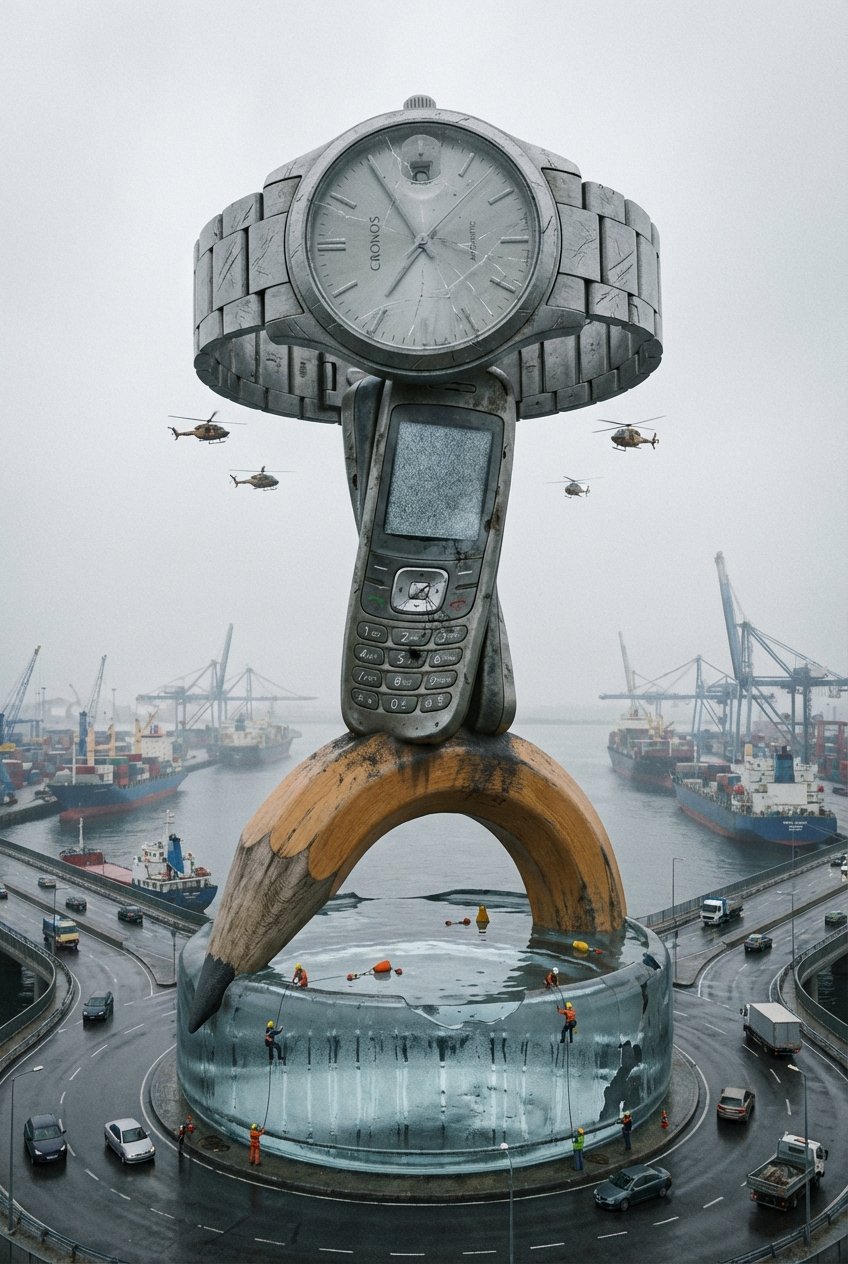
Colossal Everyday Object Monument
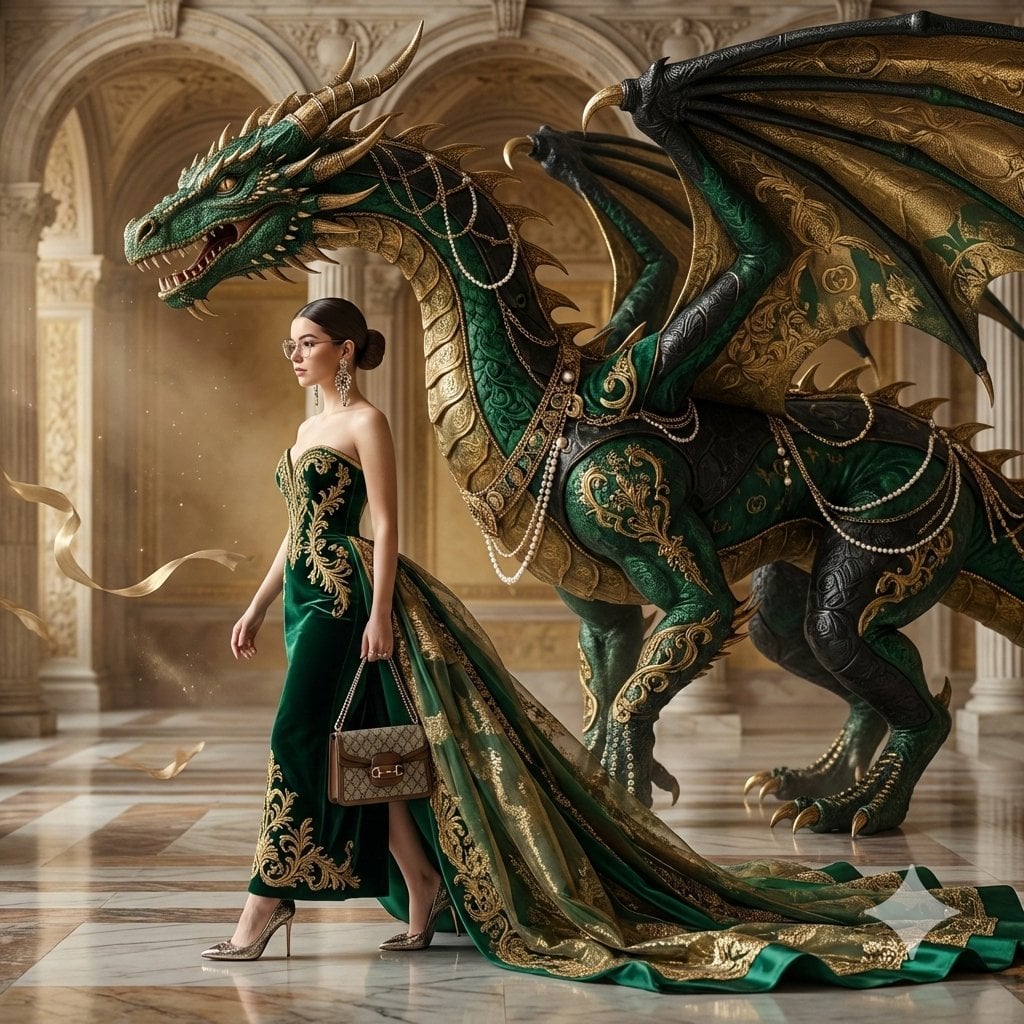
Couture Woman and Colossal Dragon in Renaissance Palace
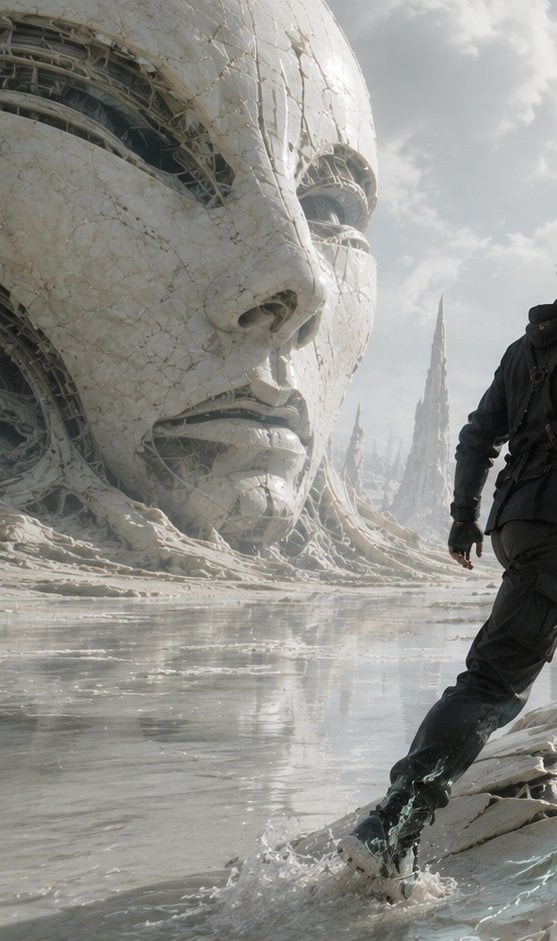
Colossal Android Face Contact
Colossal Ring on Earth
Monumental Golden Omega Mist
Colossal Hands Metropolis Art
Colossal Cosmic Humanoid Fantasy
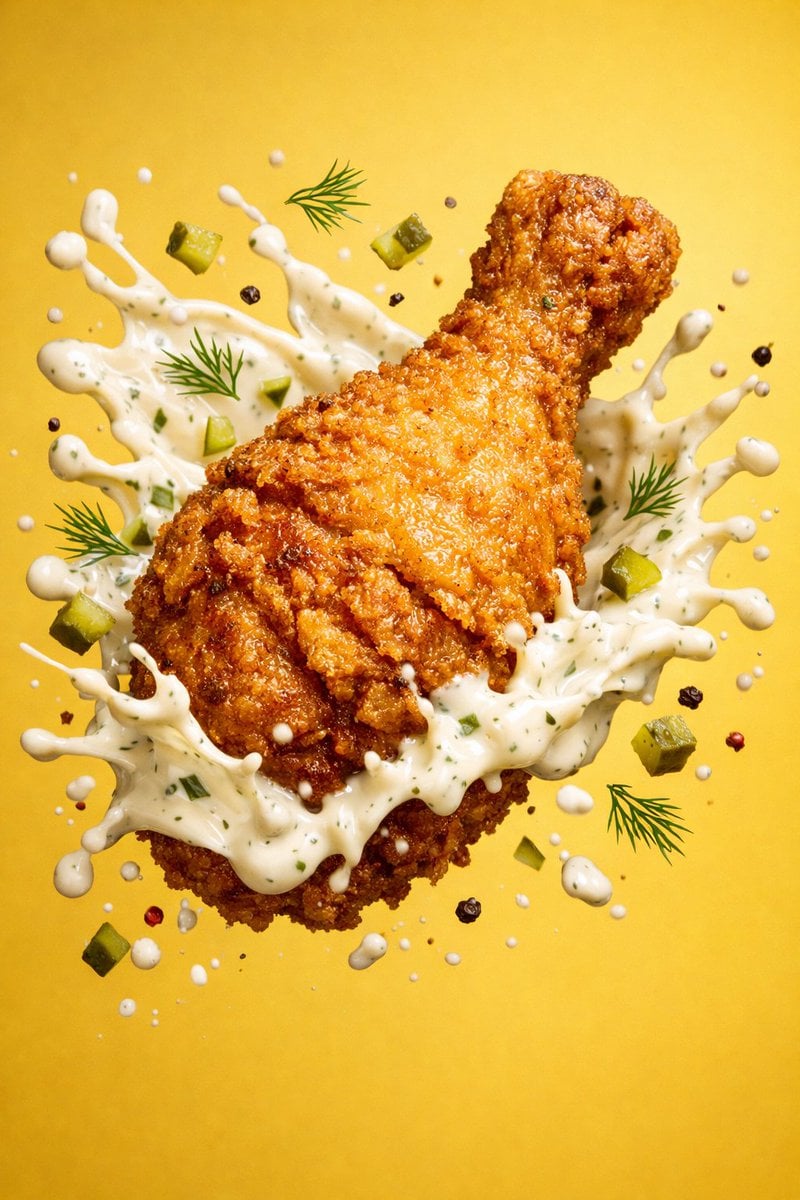
Epic 8K cinematic fantasy food scene a colossal crispy fried chicken leg
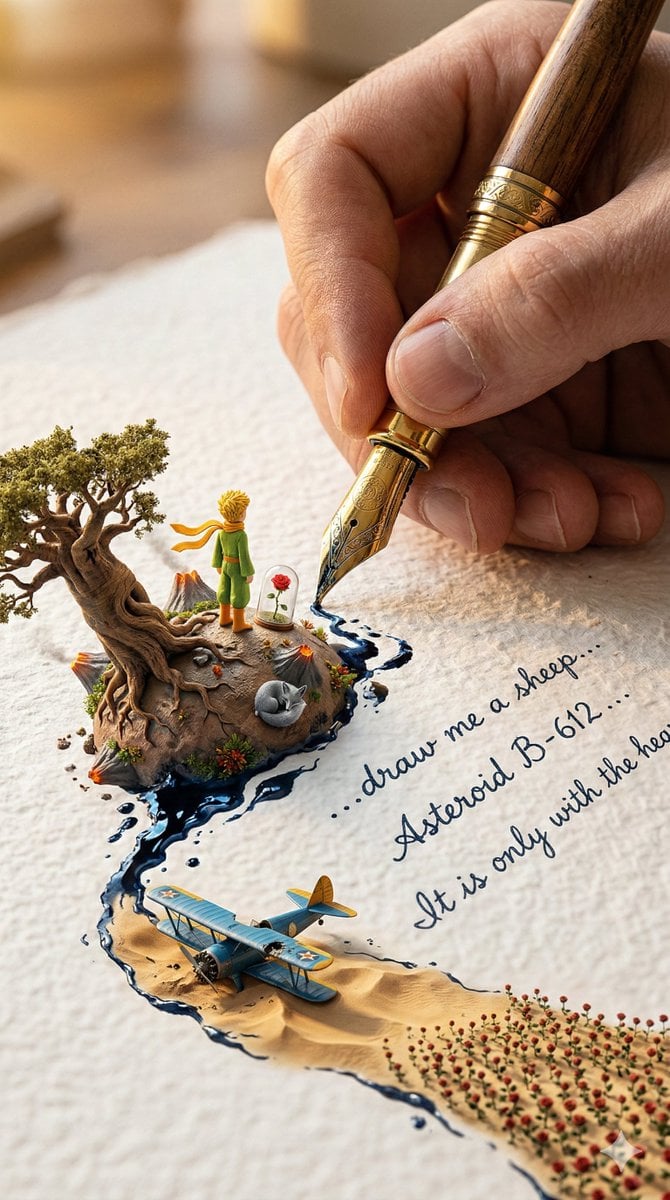
A colossal hand gripping an enormous vintage fountain pen, captured
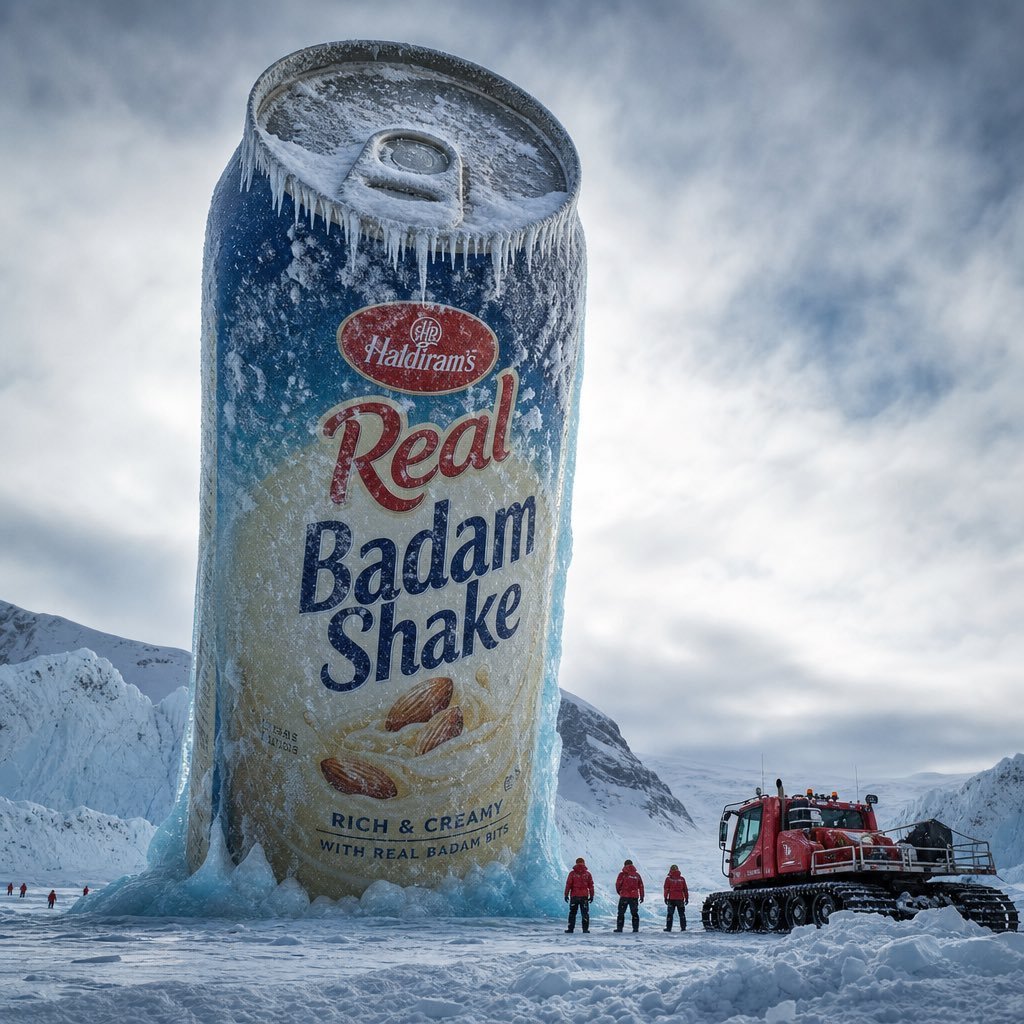
Arctic Frozen Product Monument
Make it yours
Colossal Labyrinth Woman Monument works as-is. These are the safest ways to change it without losing the look.
Change one field
Copy a single group, rewrite it, and generate again so you can see what that field is doing.
Keep the frame, change the subject
Hold the composition and light of Colossal Labyrinth Woman Monument, then swap wardrobe, props or the person for a new take.
| If the result… | Why | Fix |
|---|---|---|
| The result drifts from the preview | Too many fields changed at once. | Reuse Colossal Labyrinth Woman Monument as-is first, then change one group — subject, light, or setting. |
| The model over-stylizes the scene | The prose prompt leaves finish and camera underspecified. | Add one camera or lighting sentence and stay on GPT Image 2. |
More GPT Image 2 templates
Other prompts made for GPT Image 2.

Six VTuber Japanese Logo Sheet

Realistic Portrait of Woman and Deer

The Vista Modular Condo Poster

AI Model Routing Comparison Infographic

2.5D Anime Art Board

Isometric Productivity Desk Scene

New York Double Exposure Poster

Four-Panel AI Landscape Comparison

Japanese Tatami Lifestyle Magazine Cover

NESCAFÉ Coffee Map Poster
More image prompts
Fresh picks from across the catalog.
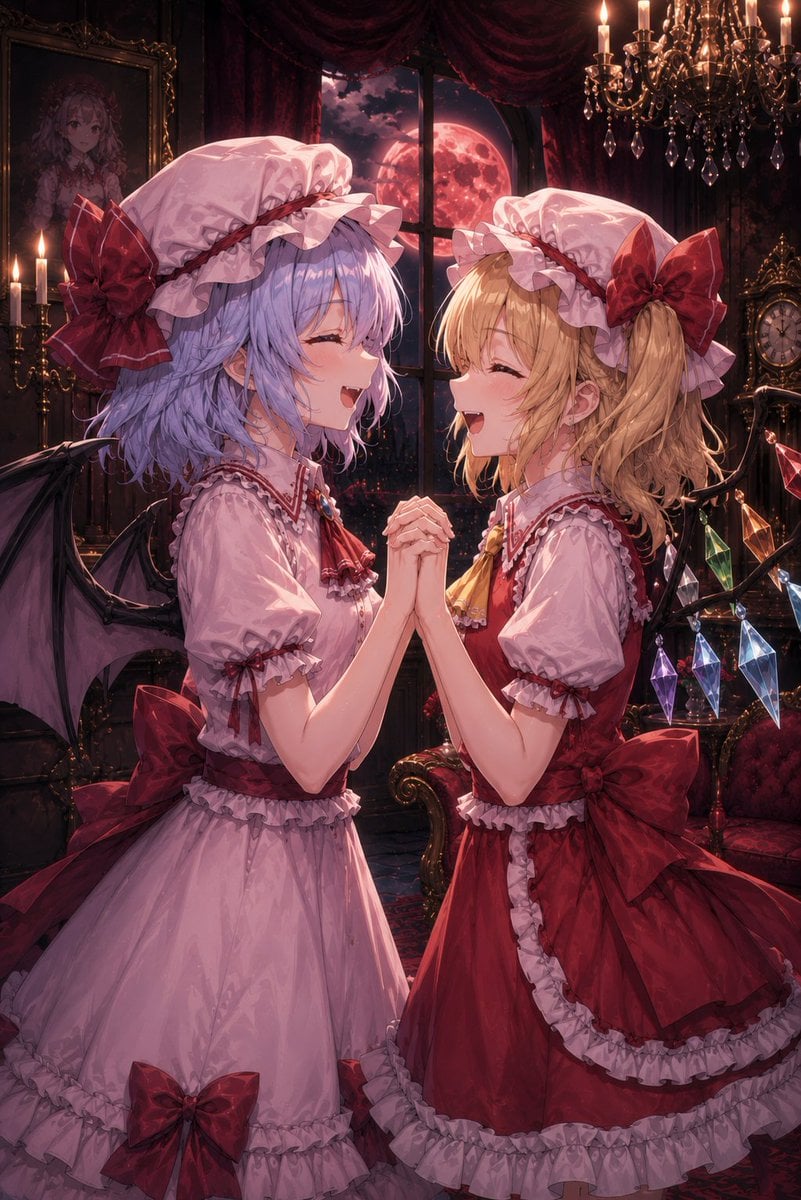
Gothic Vampire Sisters
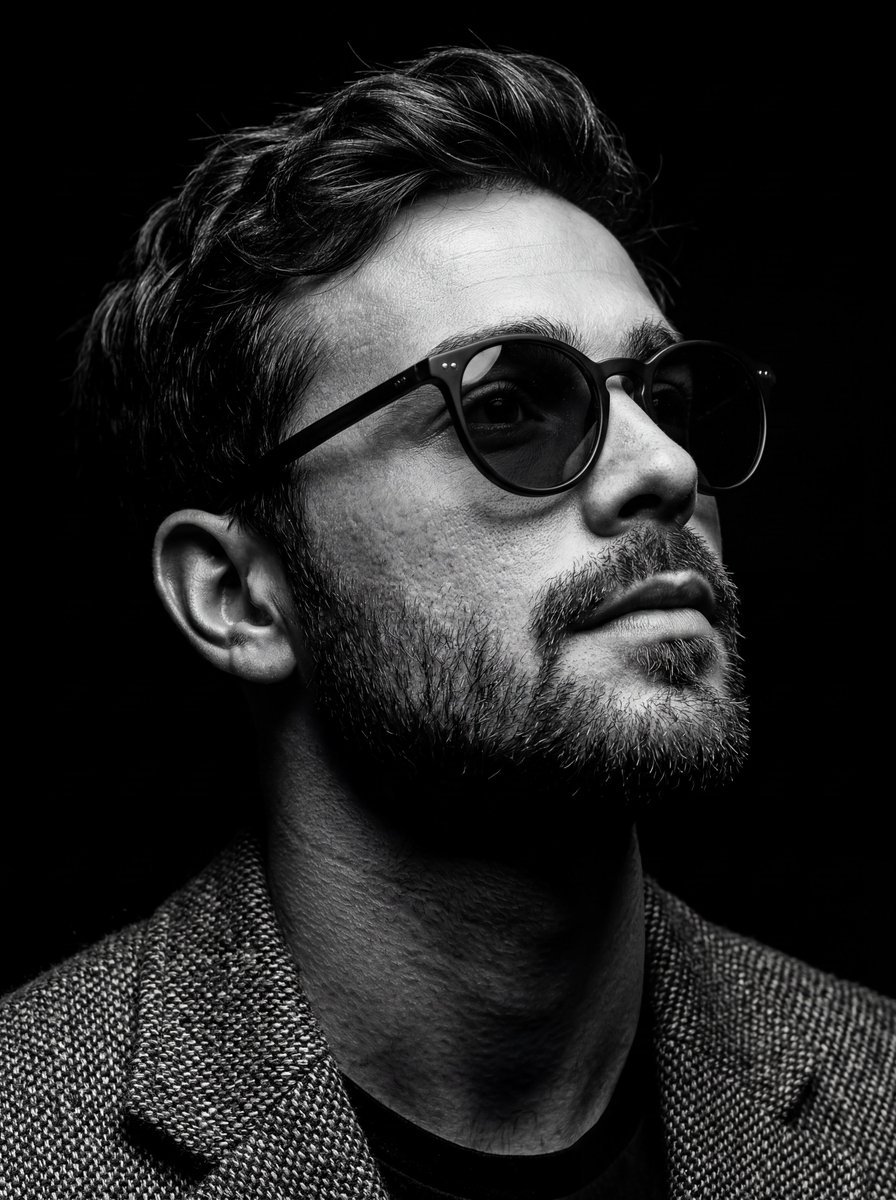
B&W Chiaroscuro Portrait
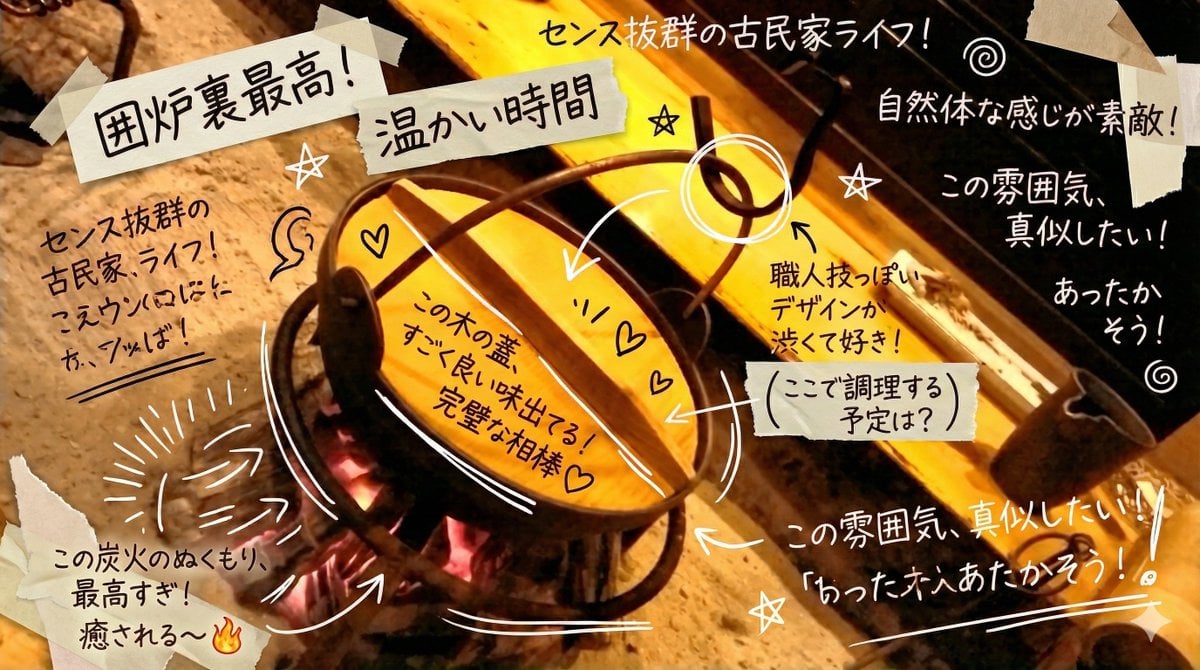
Prompt to Praise an Image's Emotional Quality
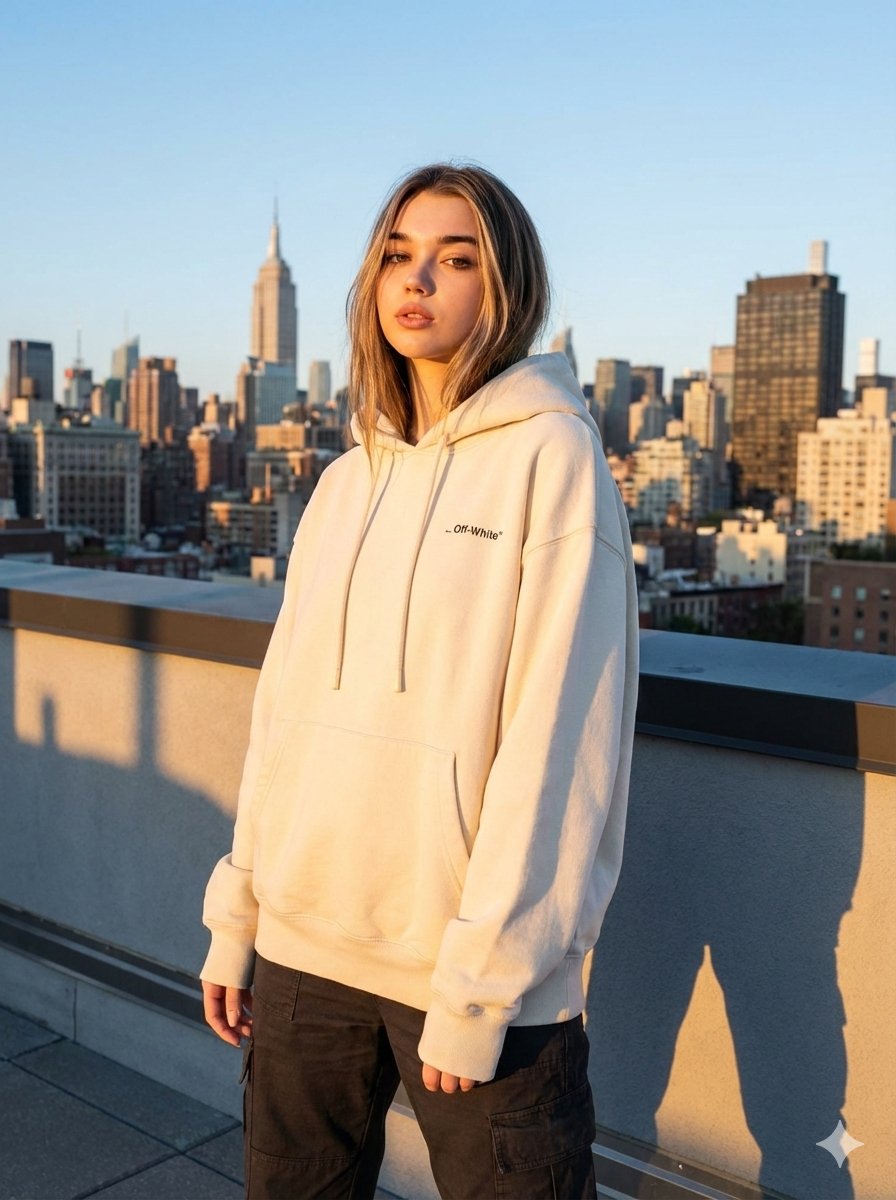
JSON Prompt for Editorial Fashion Photography on a Rooftop
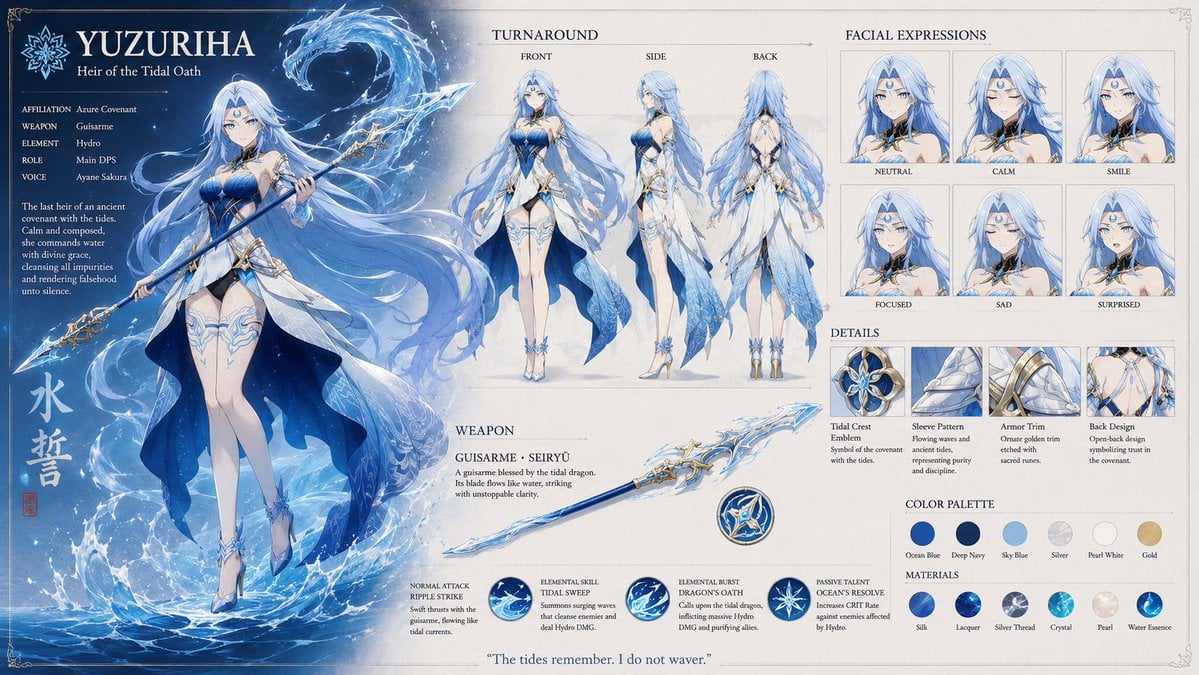
Anime RPG Character Reference Sheet
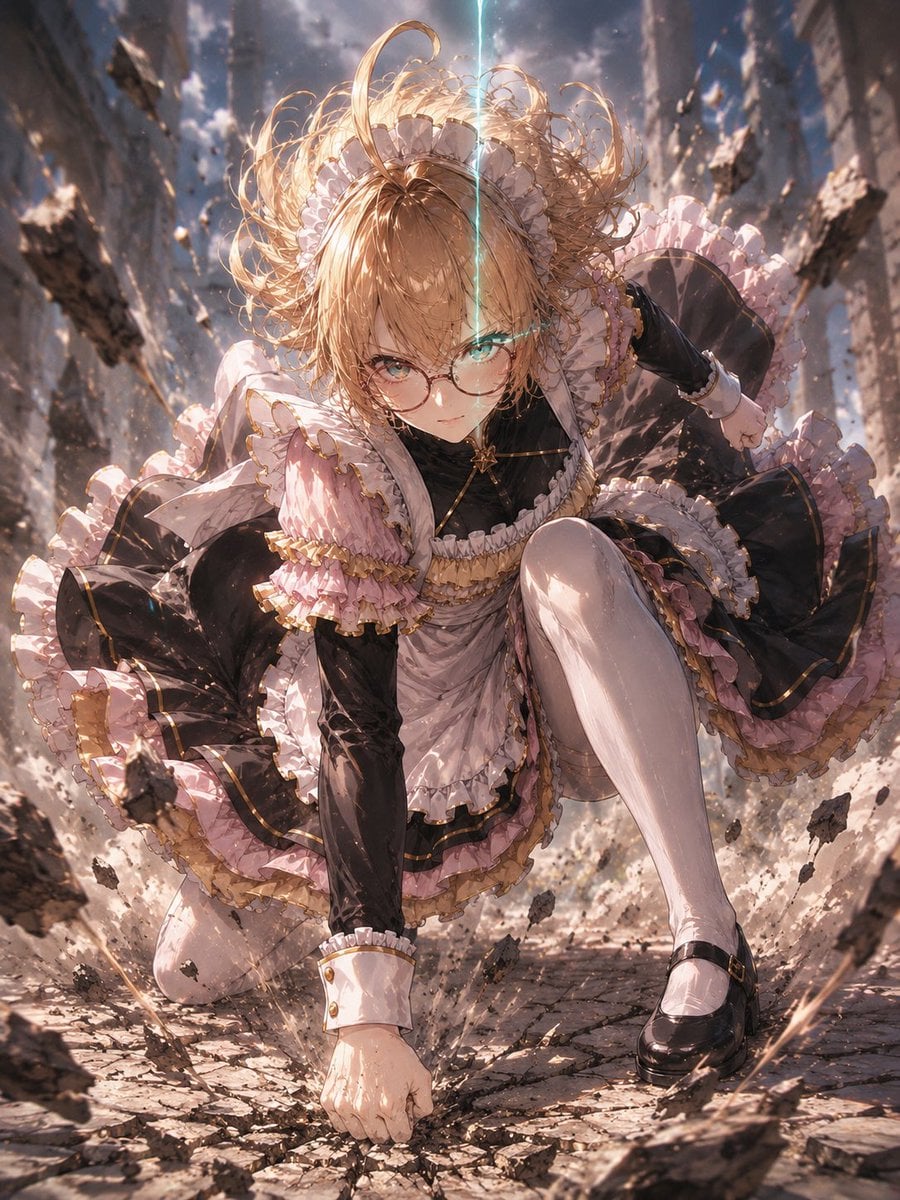
Gothic Maid Superhero Landing
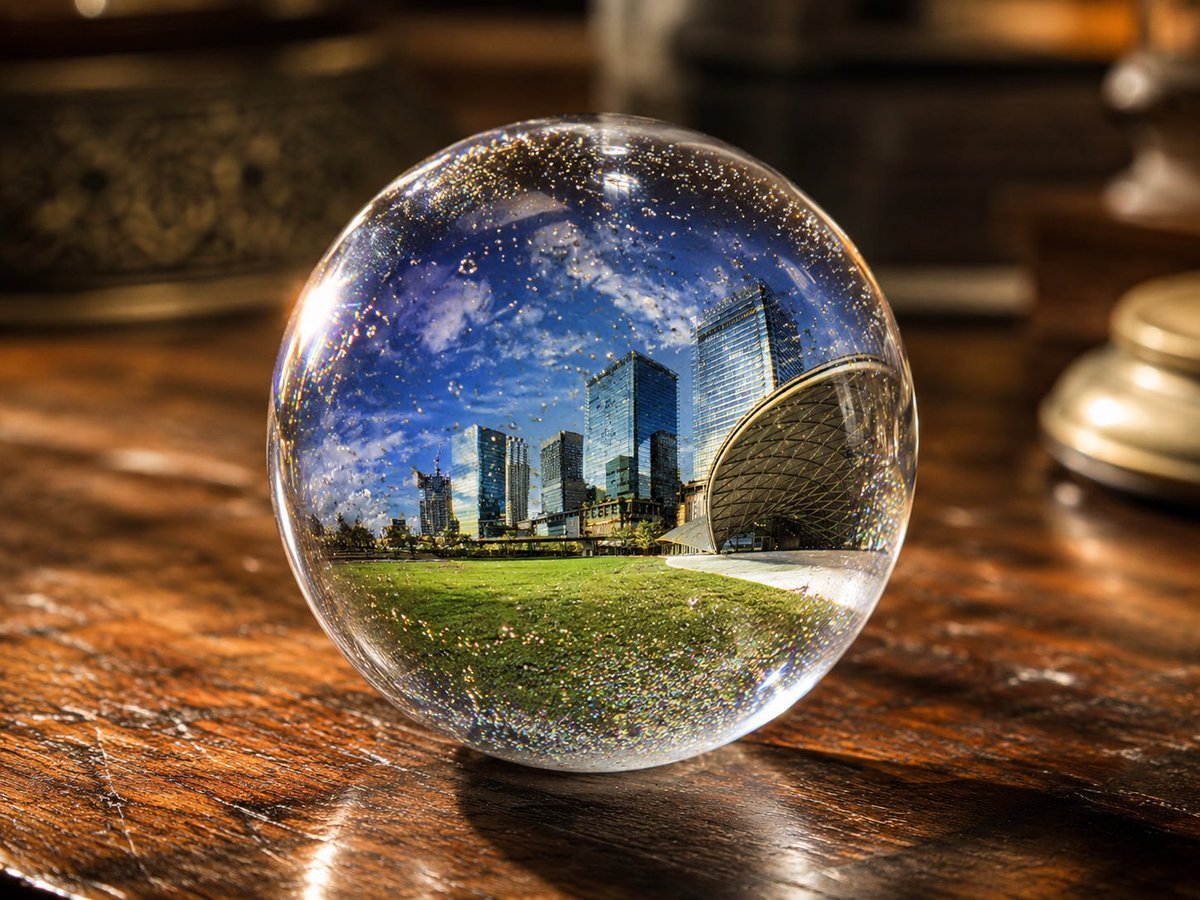
UV Resin Cityscape Orb
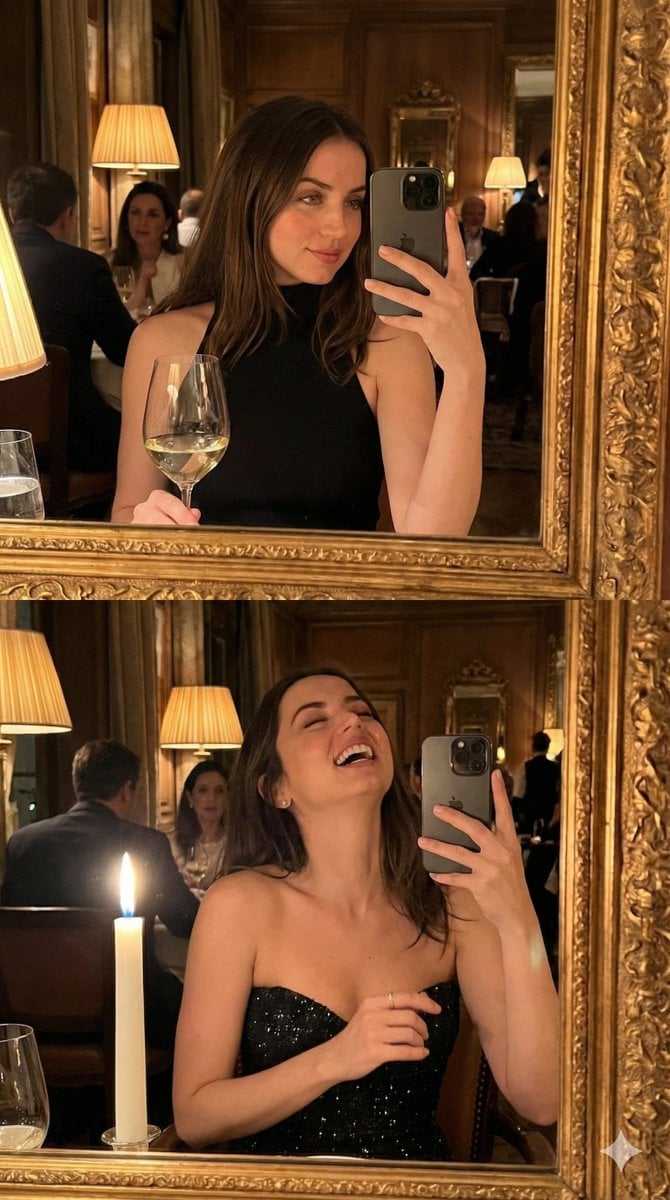
Ultra-Photorealistic Mirror Selfie POV in a Vintage Bistro (Duplicate)
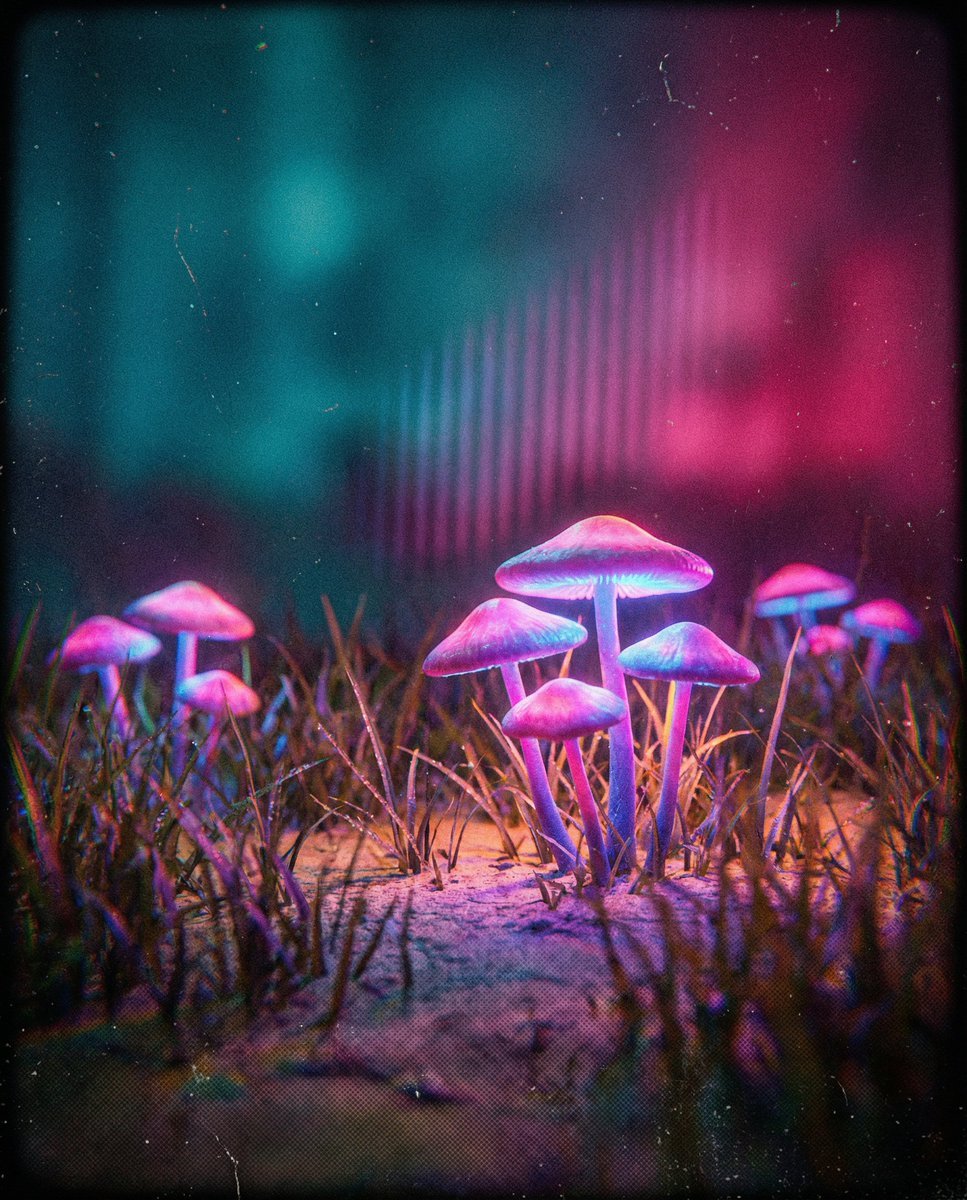
Bioluminescent Mushroom Cluster in Retro Sci-Fi Style

Warm Vintage Aesthetic Portrait with Identity Lock
Browse template categories
Colossal Labyrinth Woman Monument questions
How do I use the Colossal Labyrinth Woman Monument template?
Add your photo if the template asks for one, edit the prompt if you like — the template's model and format are already selected — and press Generate. Your version opens in PicX Studio.
Can I customize the Colossal Labyrinth Woman Monument template?
Yes. You can change the subject, setting, lighting, mood, format, and available model controls before creating your image.
Is the Colossal Labyrinth Woman Monument template free?
Opening and editing this template is free. Generating uses credits, shown on the Generate button when you are signed in.
Which AI model should I use?
Start with GPT Image 2, which is the model associated with this template. You can compare another compatible model for a different finish.
Looking for something else? Browse all templates.

Your photo, any look
Thousands of ready templates for every top image and video model, from one credit balance.