
UV Resin Cityscape Orb
Generates a photorealistic macro image of a clear resin sphere containing a miniature city landscape, useful for UV resin art and magical product mockups.
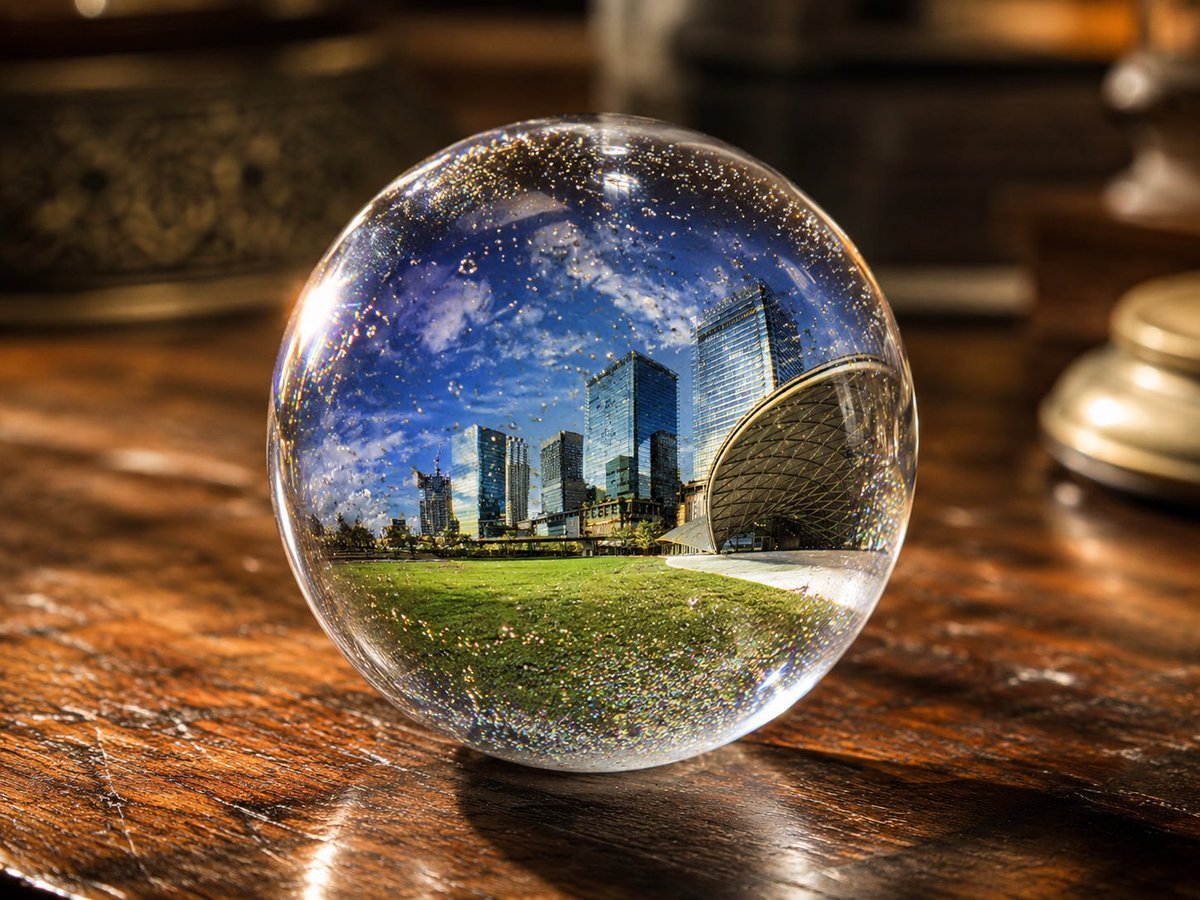
- Prompt included
- Model and format preset
- Free template
The prompt behind this image
Copy the exact prompt behind UV Resin Cityscape Orb, or open it in the studio and make it yours.
Create a photorealistic close-up product-style image of a perfectly clear spherical UV resin art orb sitting on a glossy dark wooden tabletop. Inside the transparent sphere, encapsulate a miniature panoramic {argument name="embedded scene" default="modern city skyline beside a green park under a vivid blue sky"}, with tall glass skyscrapers, a low urban horizon, bright grass in the foreground, and a distinctive curved dome-like architectural structure on the right. The sphere should look like polished resin or glass, with strong refraction, lens distortion, magnified internal scenery, tiny suspended gold glitter and micro-bubbles throughout, and sparkling highlights around the rim. Use {argument name="lighting mode" default="lighting on"}: warm indoor illumination with bright specular reflections, a glowing highlight on the left edge of the orb, and shimmering gold flecks. Place the orb centered slightly low in the frame on a richly grained varnished wooden table with visible scratches, reflections, and warm amber tones. The background should be softly blurred with cozy dark-brown interior objects, including an out-of-focus decorative container on the left and a small round metallic object on the right, creating shallow depth of field and bokeh. Compose as a realistic macro photograph, 4:3 aspect ratio, high detail, crisp sphere, blurred background, luxurious handmade resin craft aesthetic, magical miniature world trapped inside a crystal ball.
How to use UV Resin Cityscape Orb in 3 steps
- 1Upload ImagePNG, JPG or paste
Add your photo
Upload the photo the template builds on. The prompt, model and format are already set.
- 2…a portrait of your subject in softgolden-hour light, 85mm…
Personalize
Edit the subject and creative details for your destination.
- 3Generate
Generate
Press Generate — your image is created in PicX Studio, so you can compare it with the original and refine one variable at a time.
More like this
Templates with the same subject, style or setup. Open one to see its prompt.
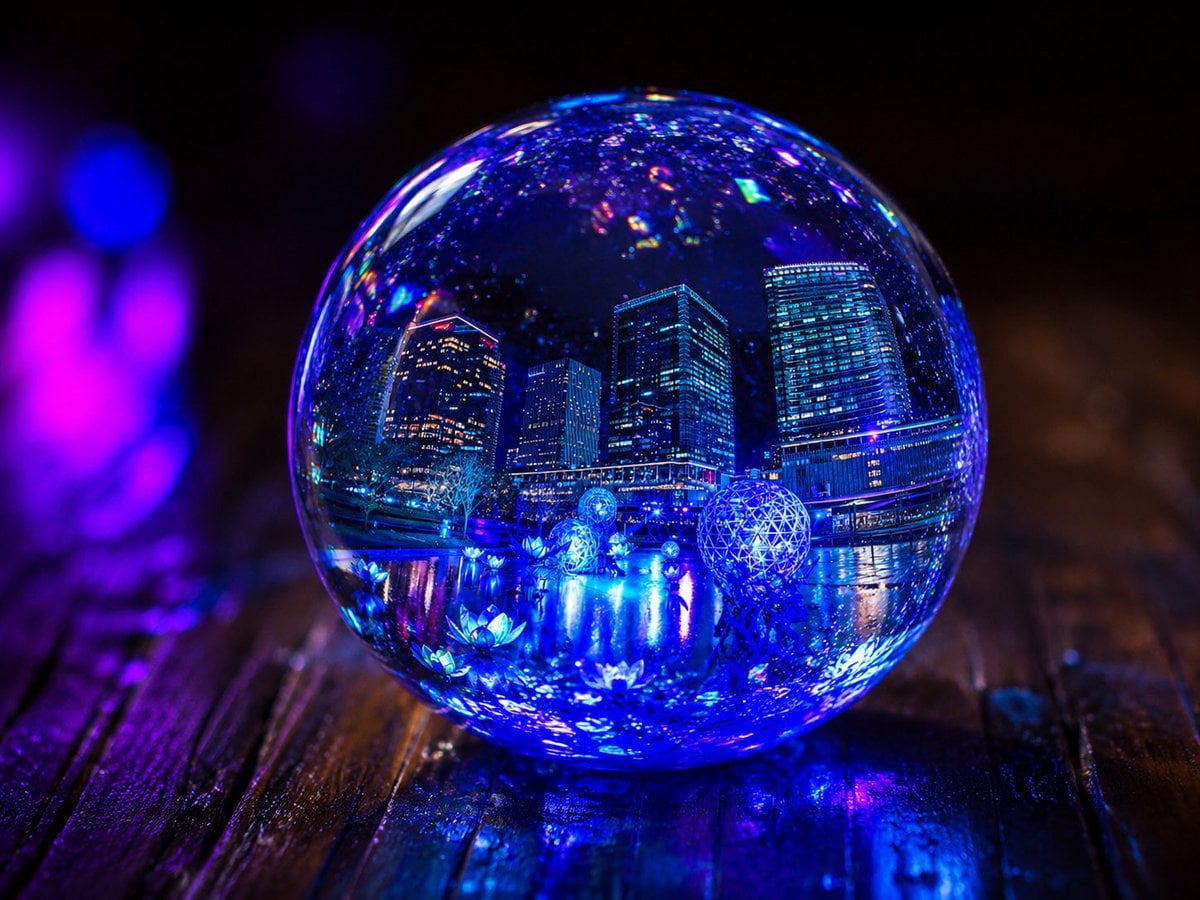
Glowing UV Resin City Orb

Floating Woman Above Cityscape with Notifications

Christmas Ornament Portrait Glossy Glass Resin Finish with Hand Painted Details Holiday Lighting
Neon Glass Energy Orb
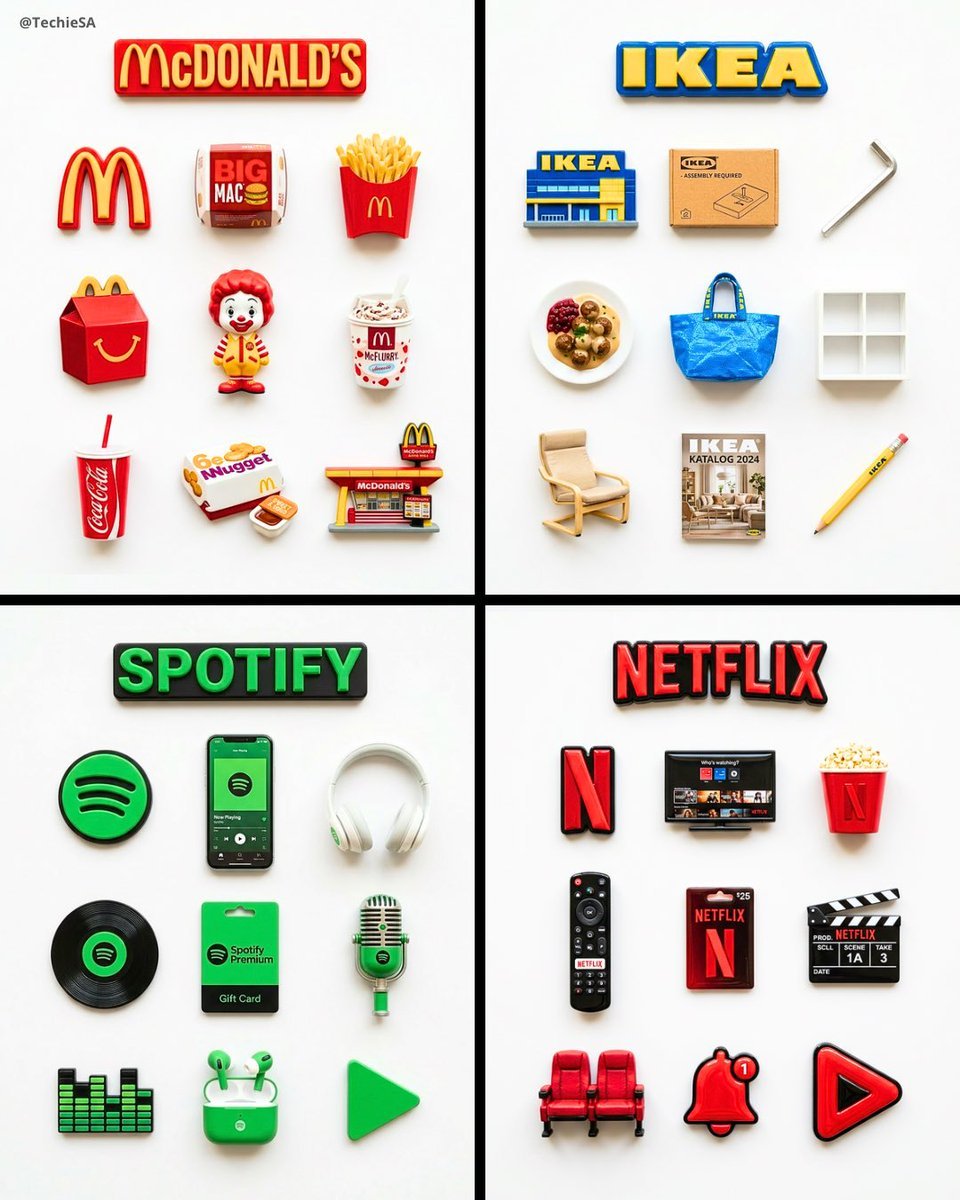
A flat-lay collection of exactly 9 hyper-realistic 3D resin fridge
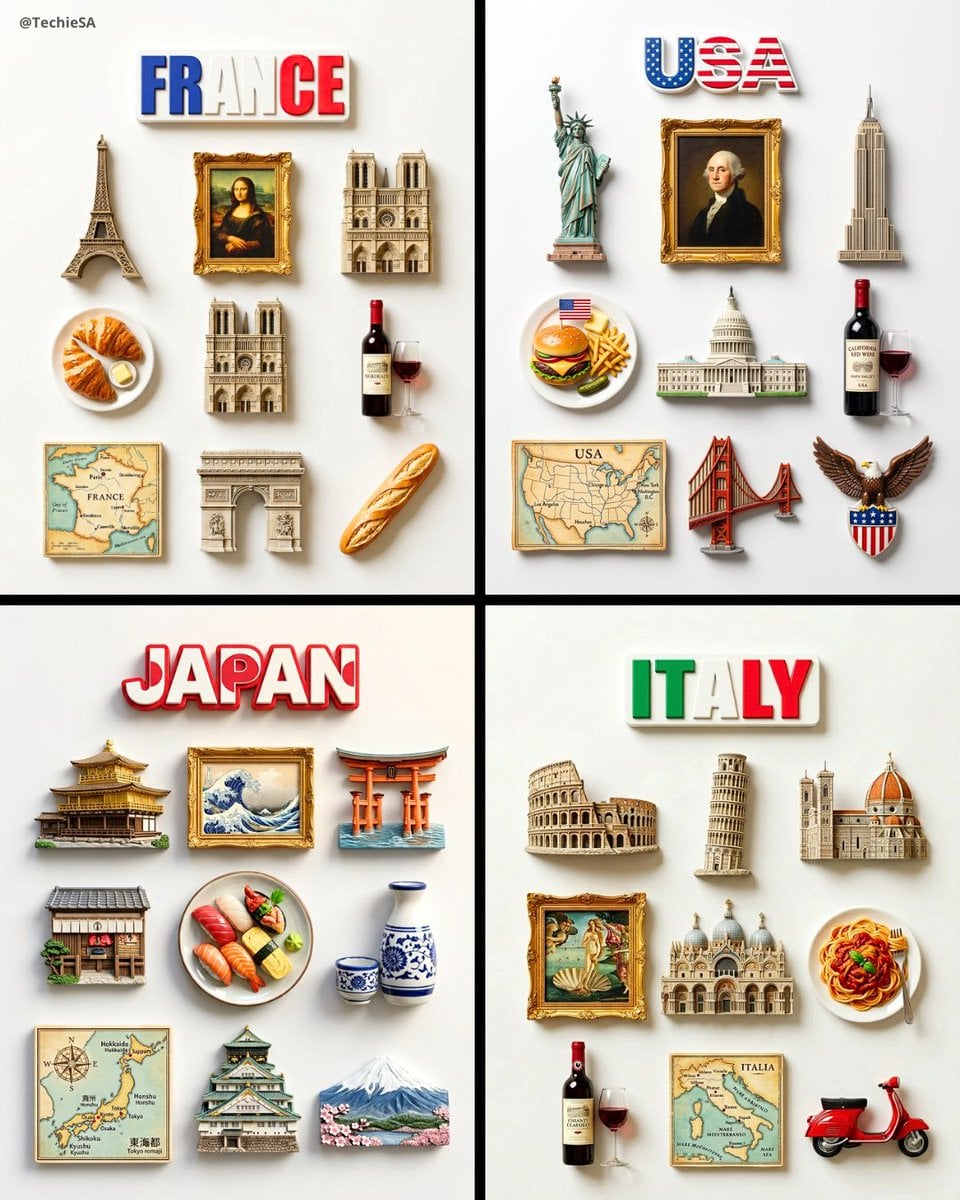
A flat-lay collection of exactly 9 hyper-realistic 3D resin fridge
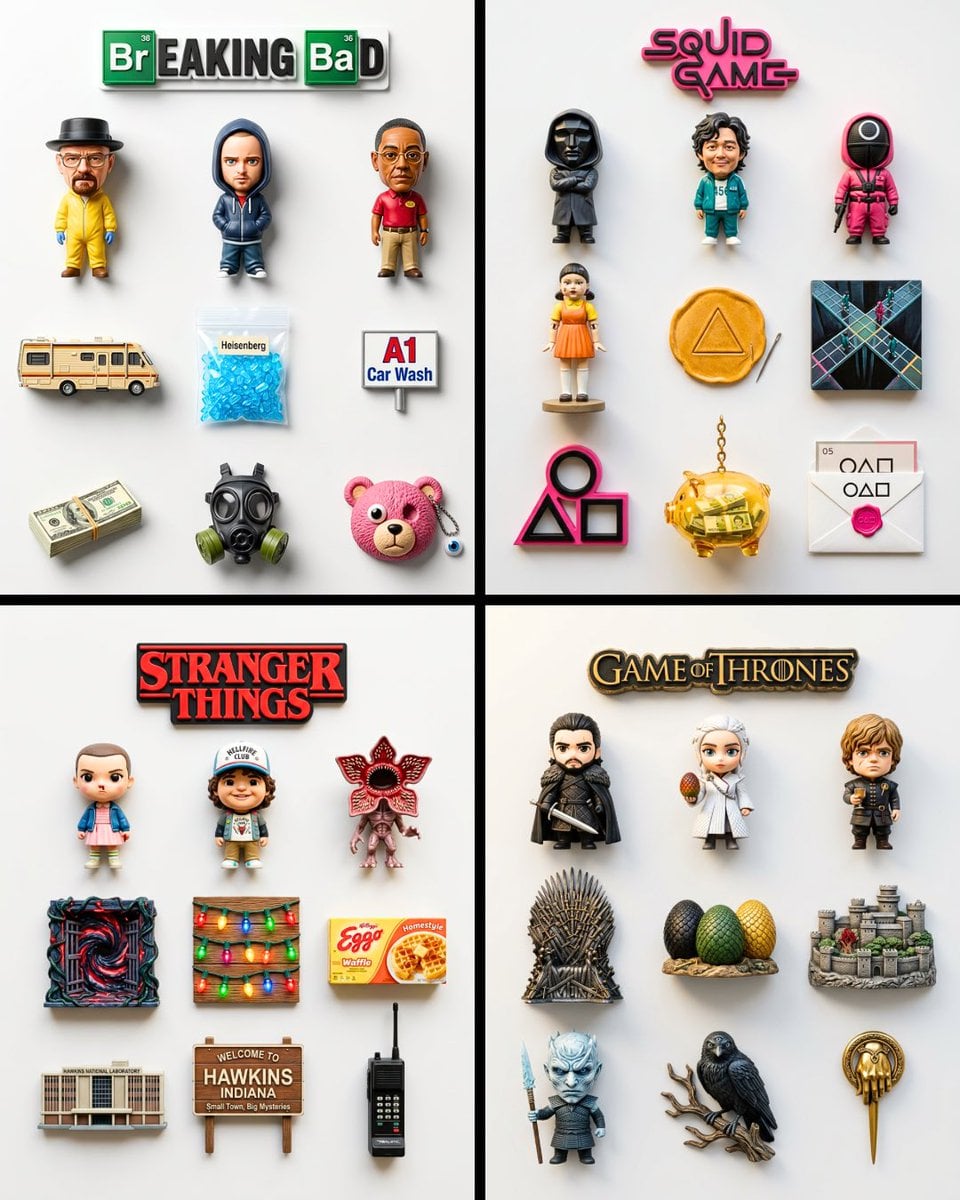
A flat-lay collection of exactly 9 hyper-realistic 3D resin fridge
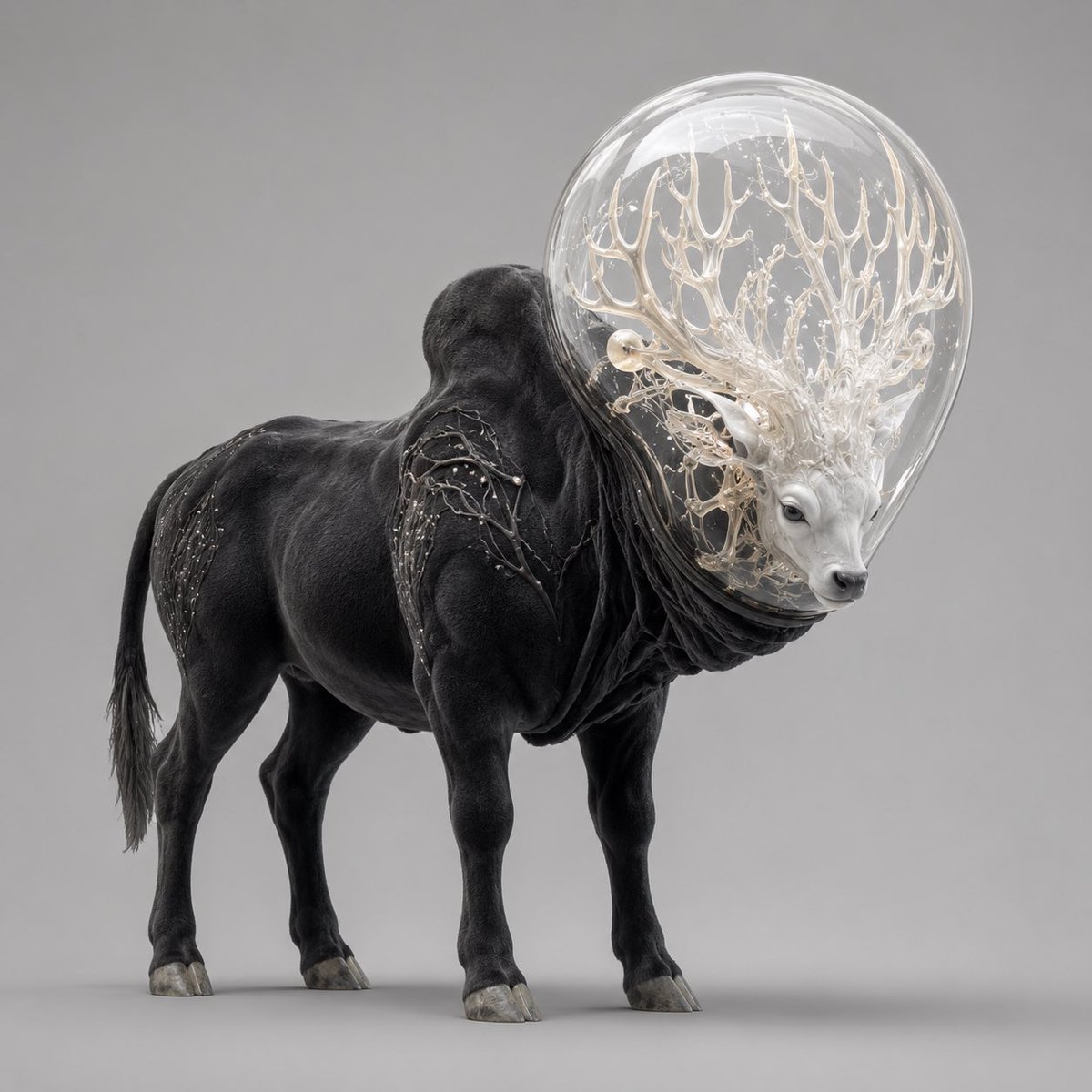
Glass-Orb Antler Bull Creature
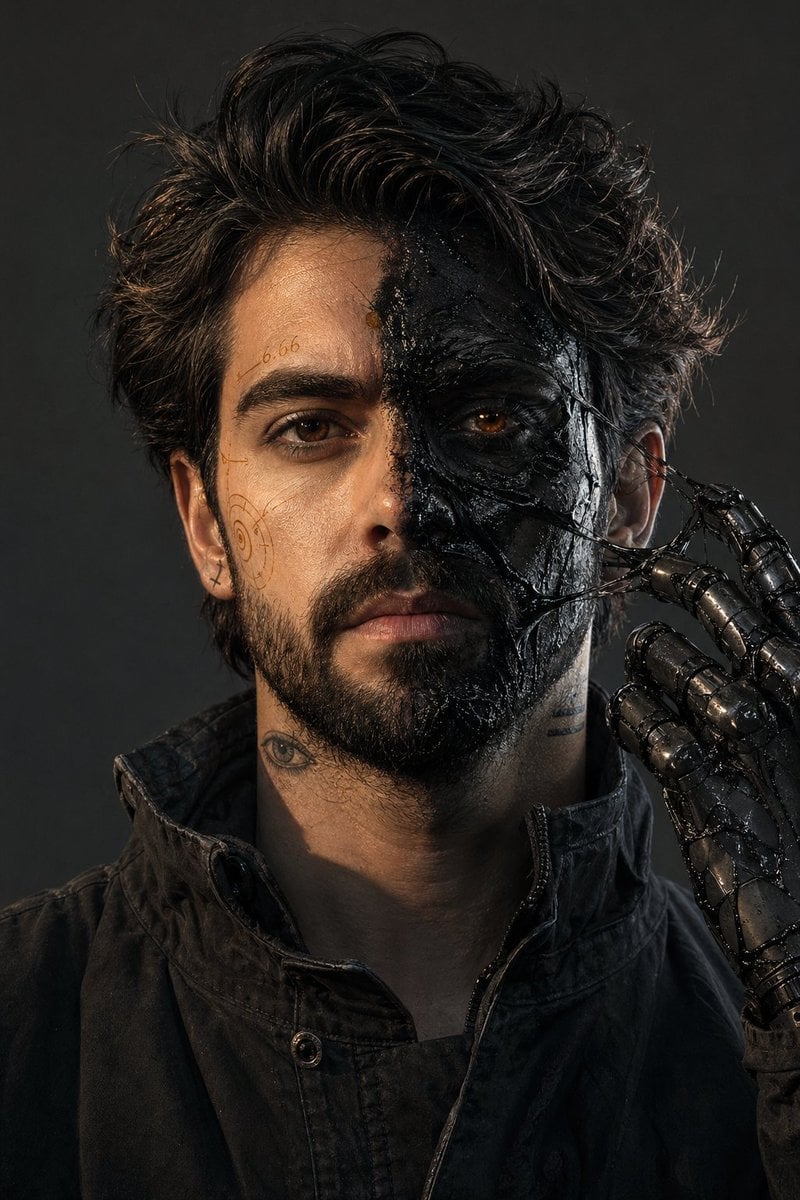
Surreal Resin-Split Portrait

Cinematic Fantasy Portrait with Sunset Orb
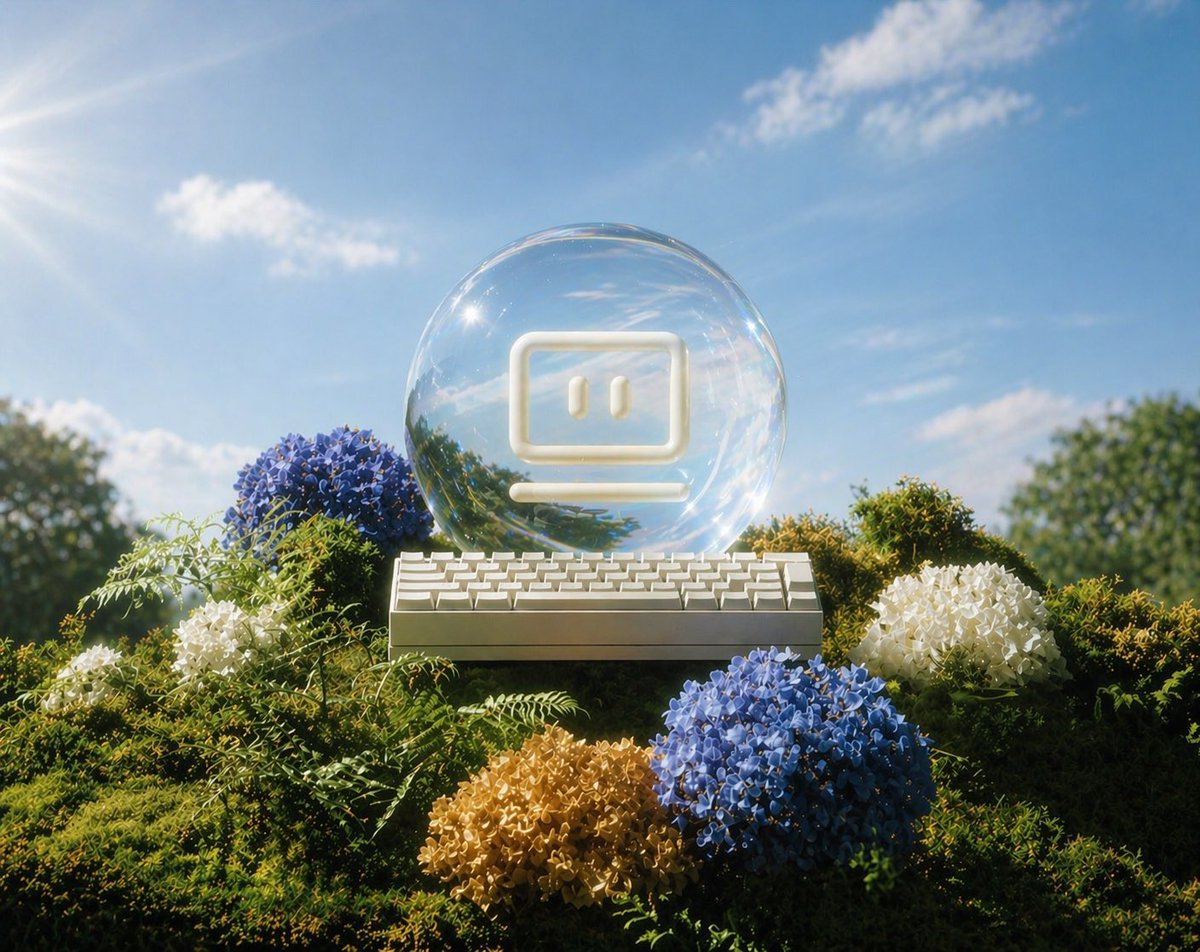
Glass AI Orb in a Garden
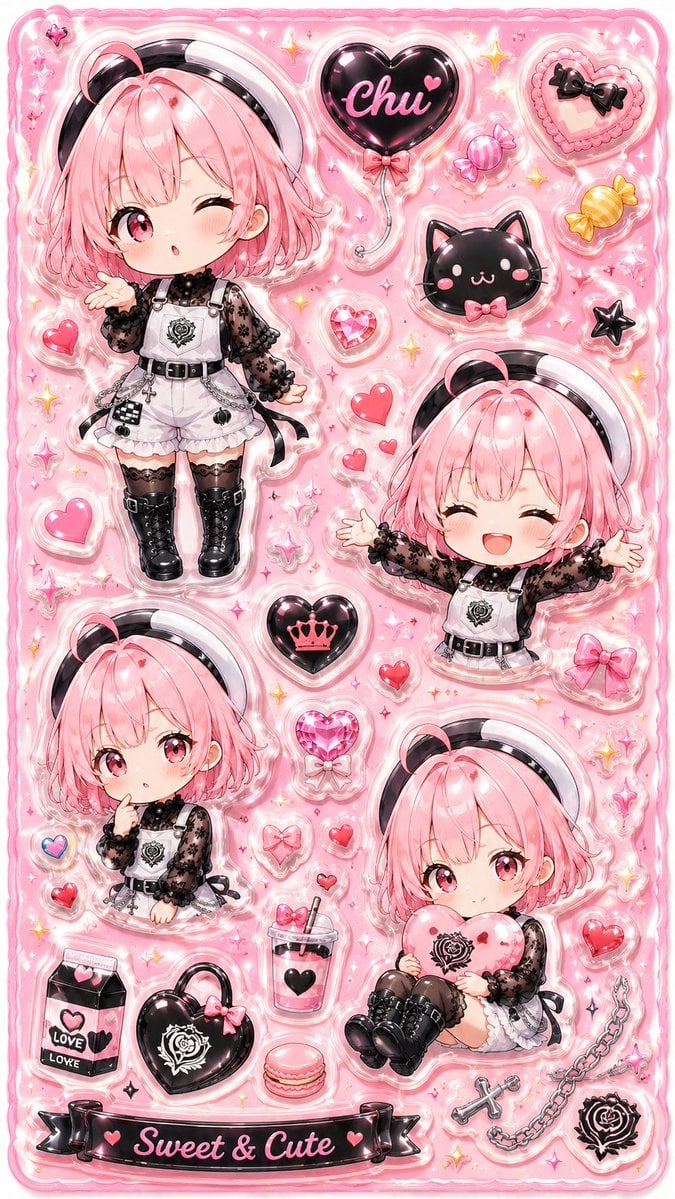
3D Puffy Resin Character Sticker Sheet
Make it yours
UV Resin Cityscape Orb works as-is. These are the safest ways to change it without losing the look.
Change one field
Copy a single group, rewrite it, and generate again so you can see what that field is doing.
Keep the frame, change the subject
Hold the composition and light of UV Resin Cityscape Orb, then swap wardrobe, props or the person for a new take.
| If the result… | Why | Fix |
|---|---|---|
| The result drifts from the preview | Too many fields changed at once. | Reuse UV Resin Cityscape Orb as-is first, then change one group — subject, light, or setting. |
| The model over-stylizes the scene | The prose prompt leaves finish and camera underspecified. | Add one camera or lighting sentence and stay on GPT Image 2. |
More GPT Image 2 templates
Other prompts made for GPT Image 2.

Six VTuber Japanese Logo Sheet

Realistic Portrait of Woman and Deer

The Vista Modular Condo Poster

AI Model Routing Comparison Infographic

2.5D Anime Art Board

Isometric Productivity Desk Scene

New York Double Exposure Poster

Four-Panel AI Landscape Comparison

Japanese Tatami Lifestyle Magazine Cover

NESCAFÉ Coffee Map Poster
More image prompts
Fresh picks from across the catalog.
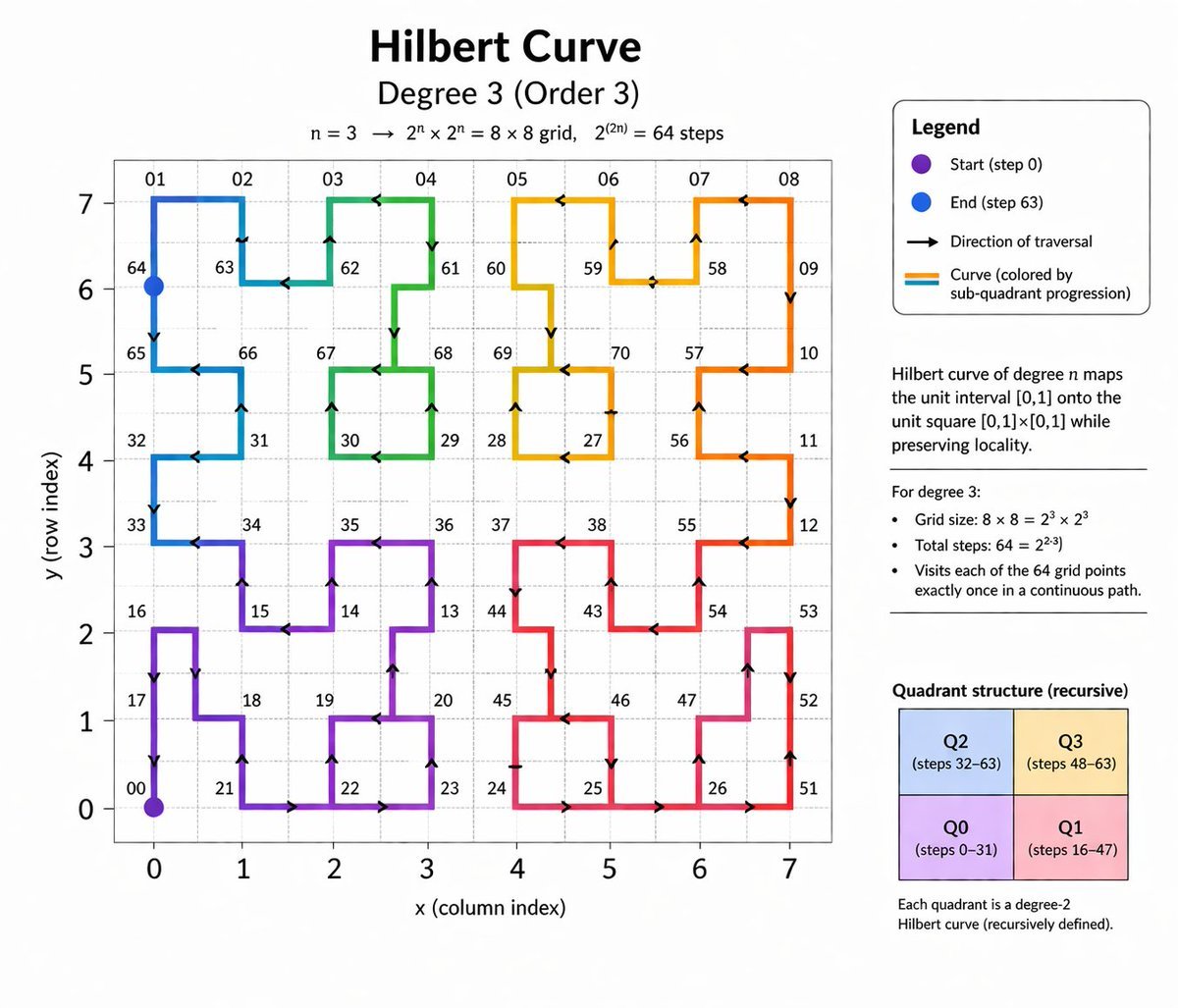
Hilbert Curve Infographic
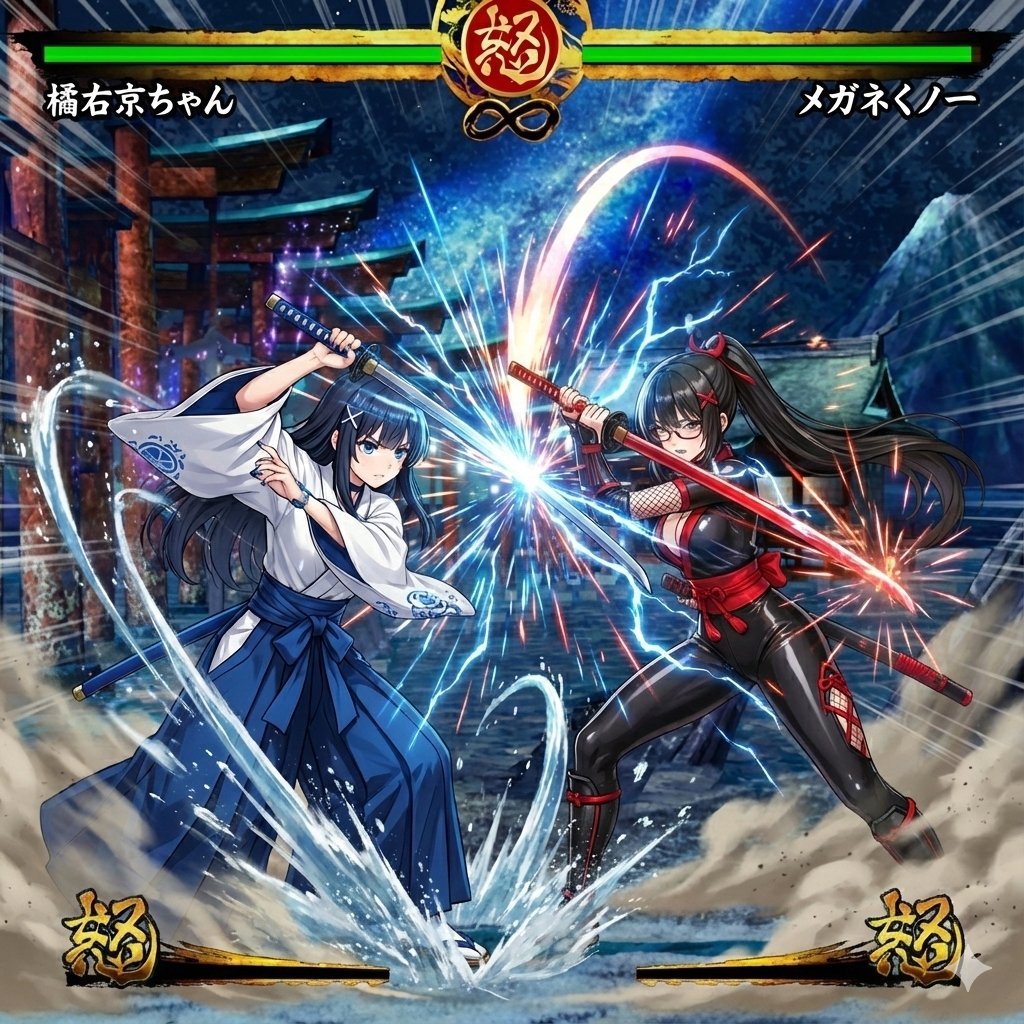
Image Synthesis/Composition Prompt
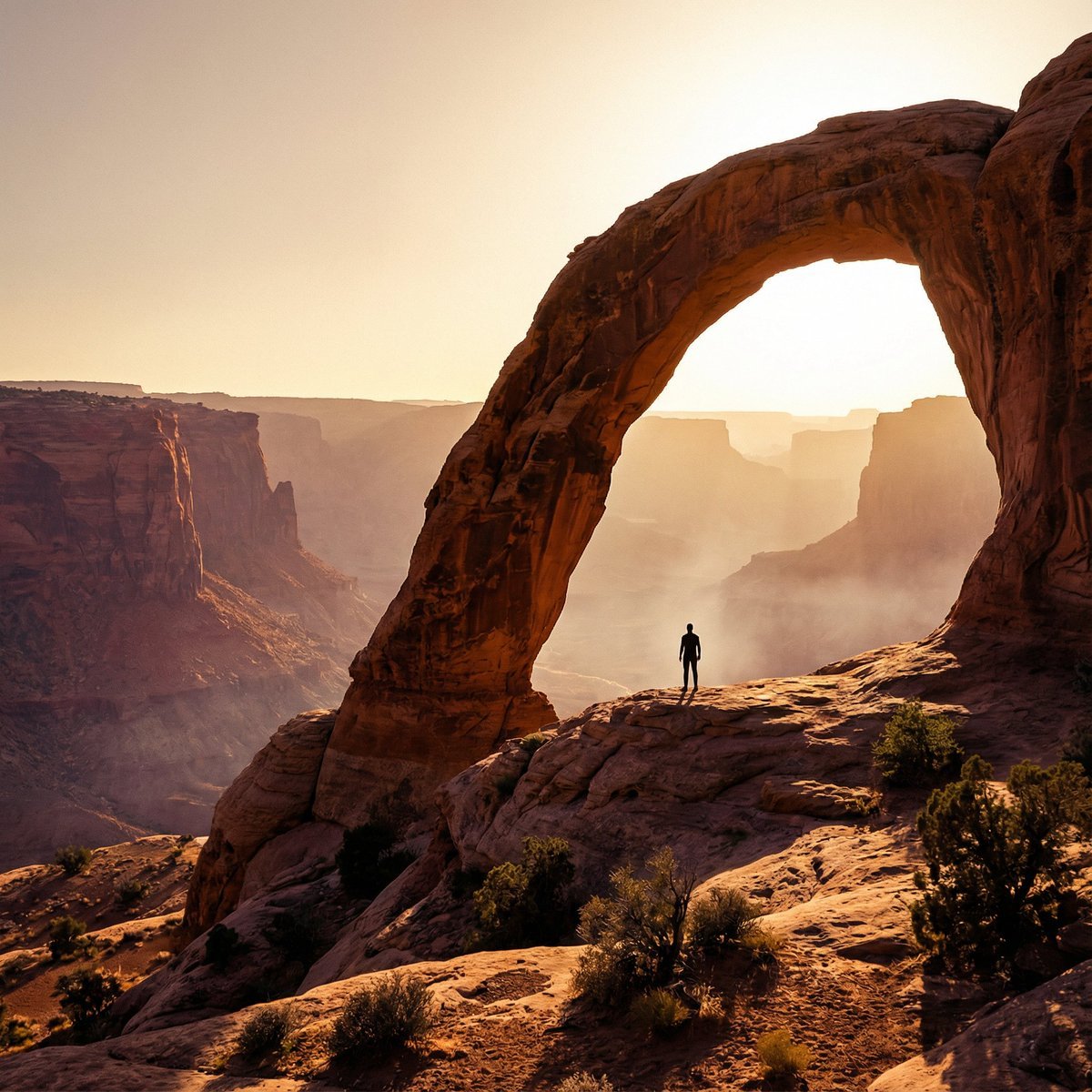
Monumental Desert Canyon Silhouette
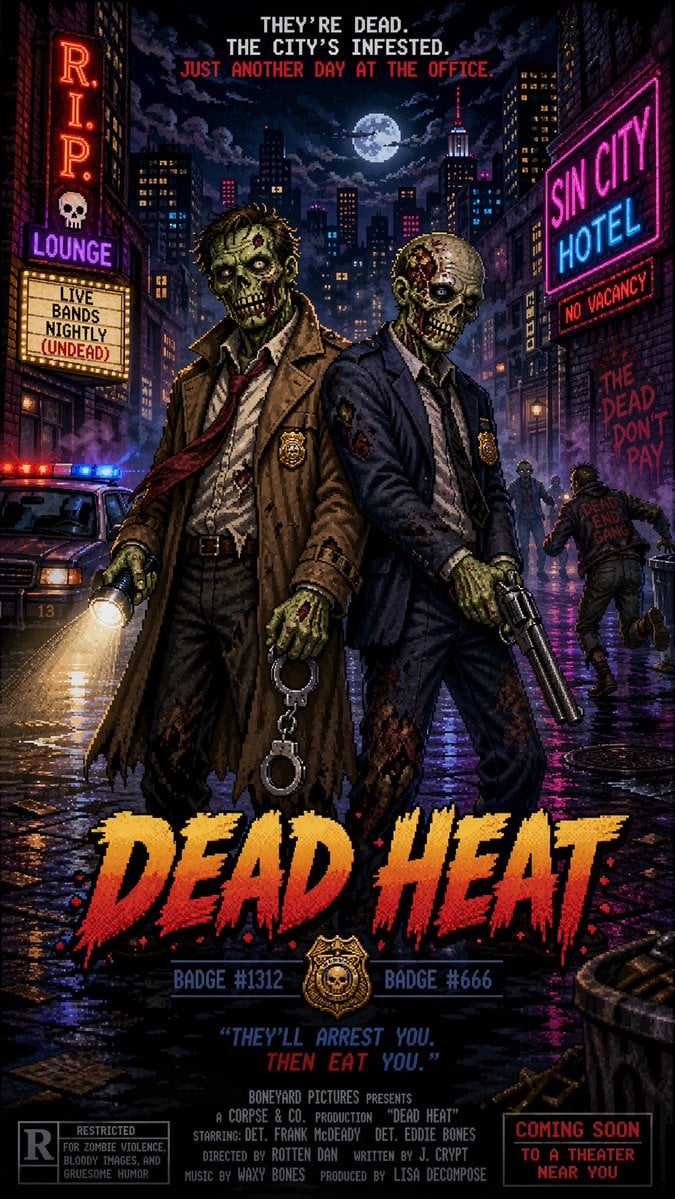
Pixel Art Movie Poster Prompt
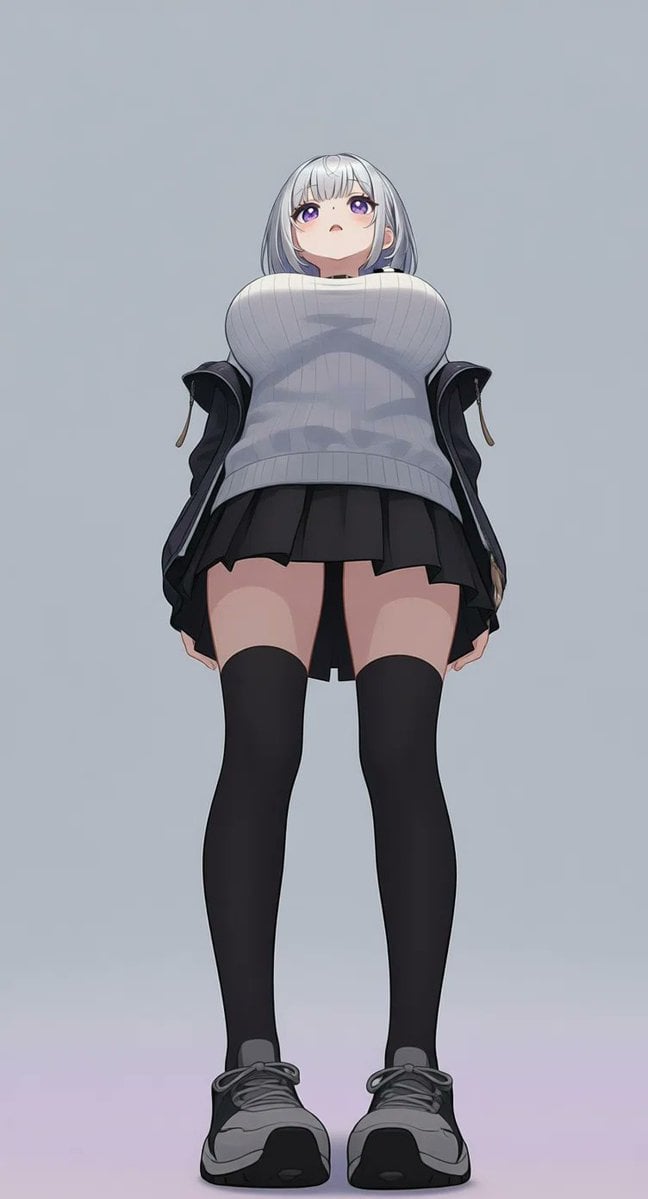
AI Image Generation Prompts for Multiple Angles
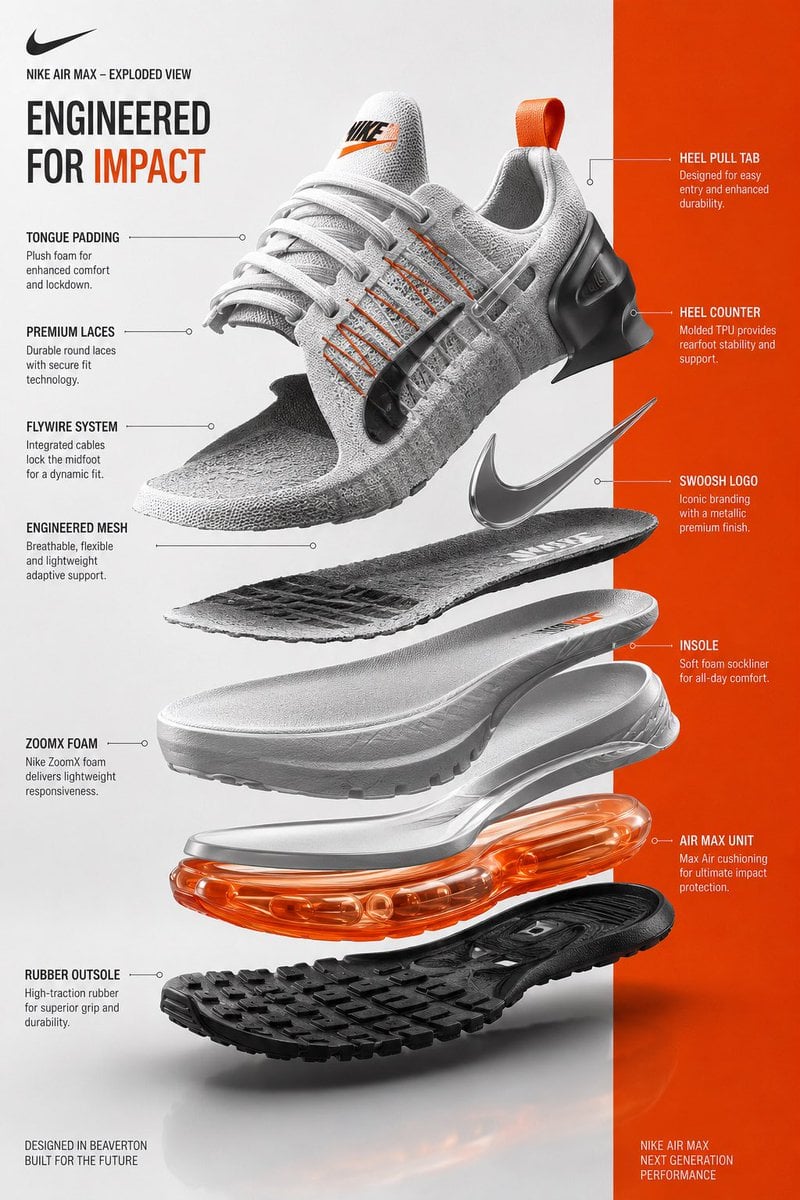
Exploded View Sneaker Infographic
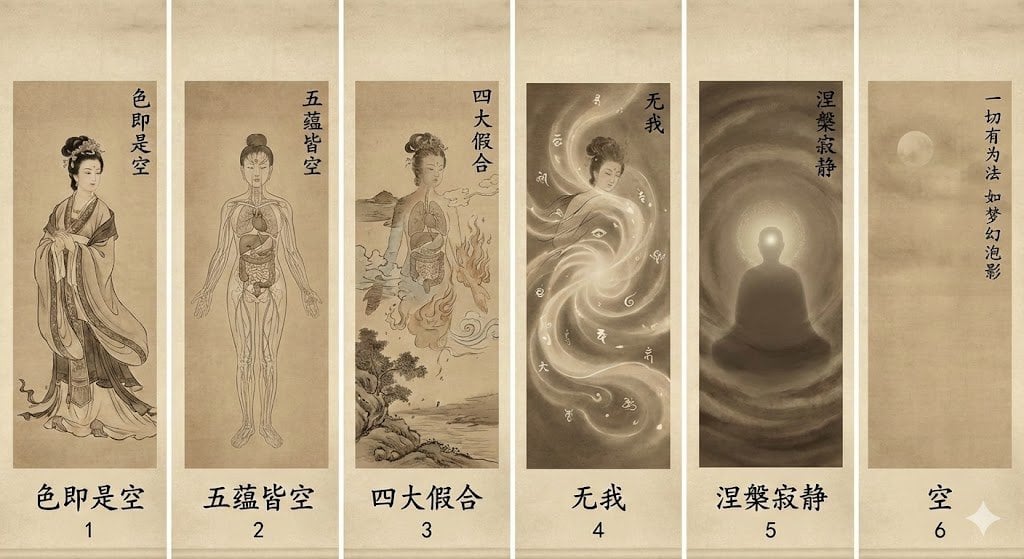
From beauty to emptiness: Buddhist deconstruction of form
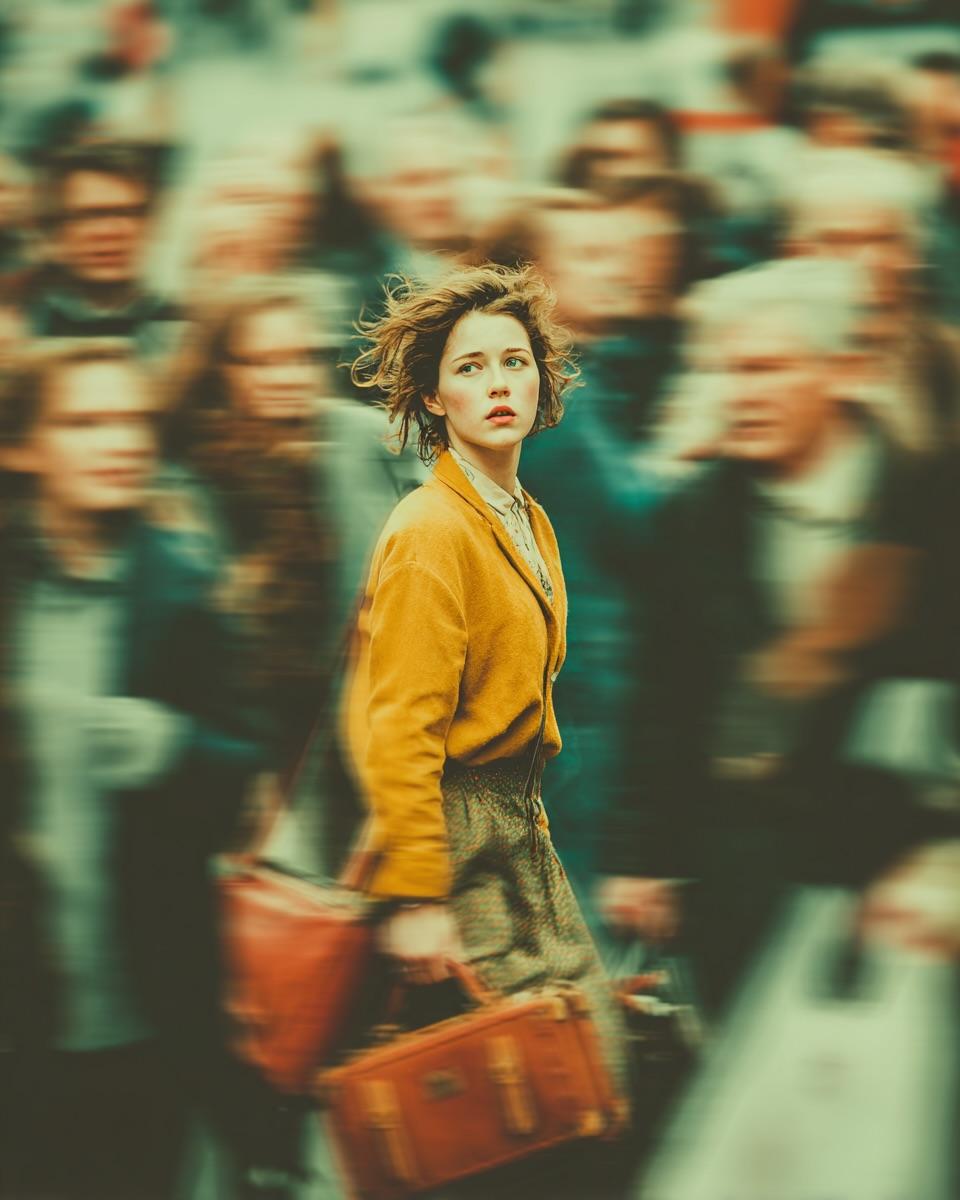
Cinematic Emotional Portrait with Motion Blur
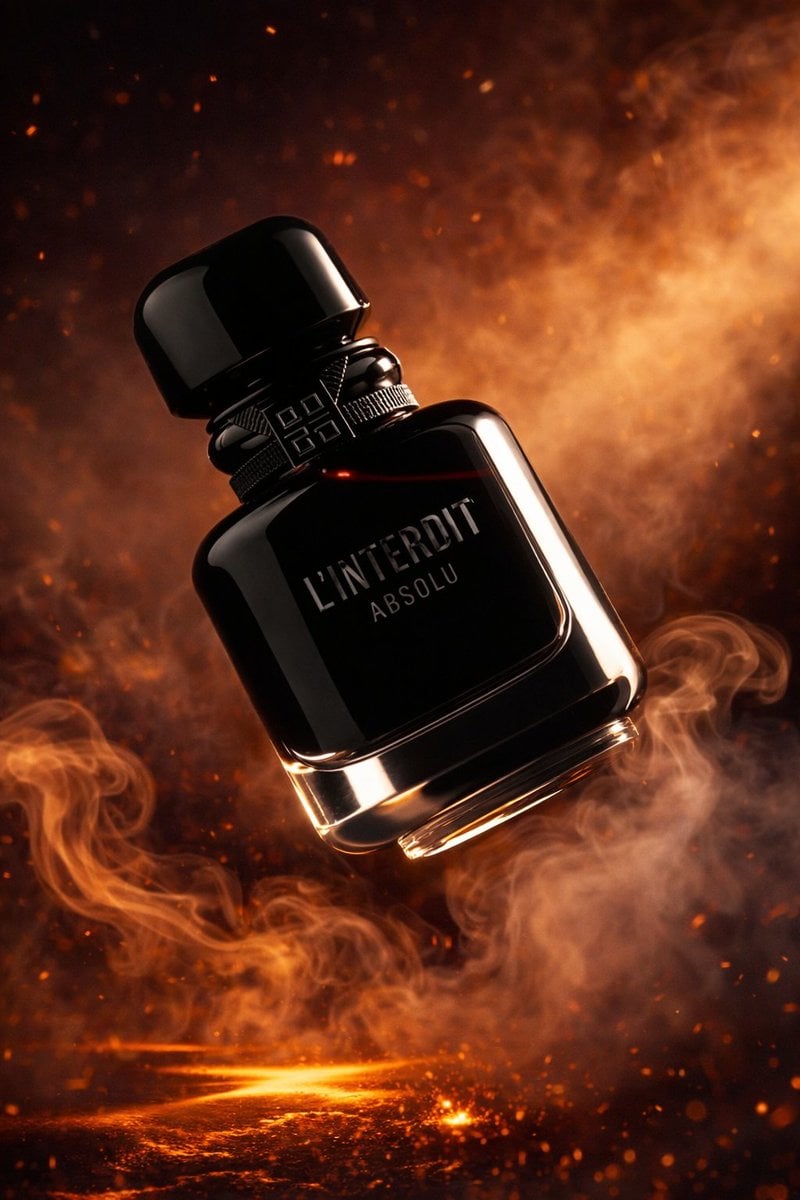
Luxury Perfume Bottle Product Shot
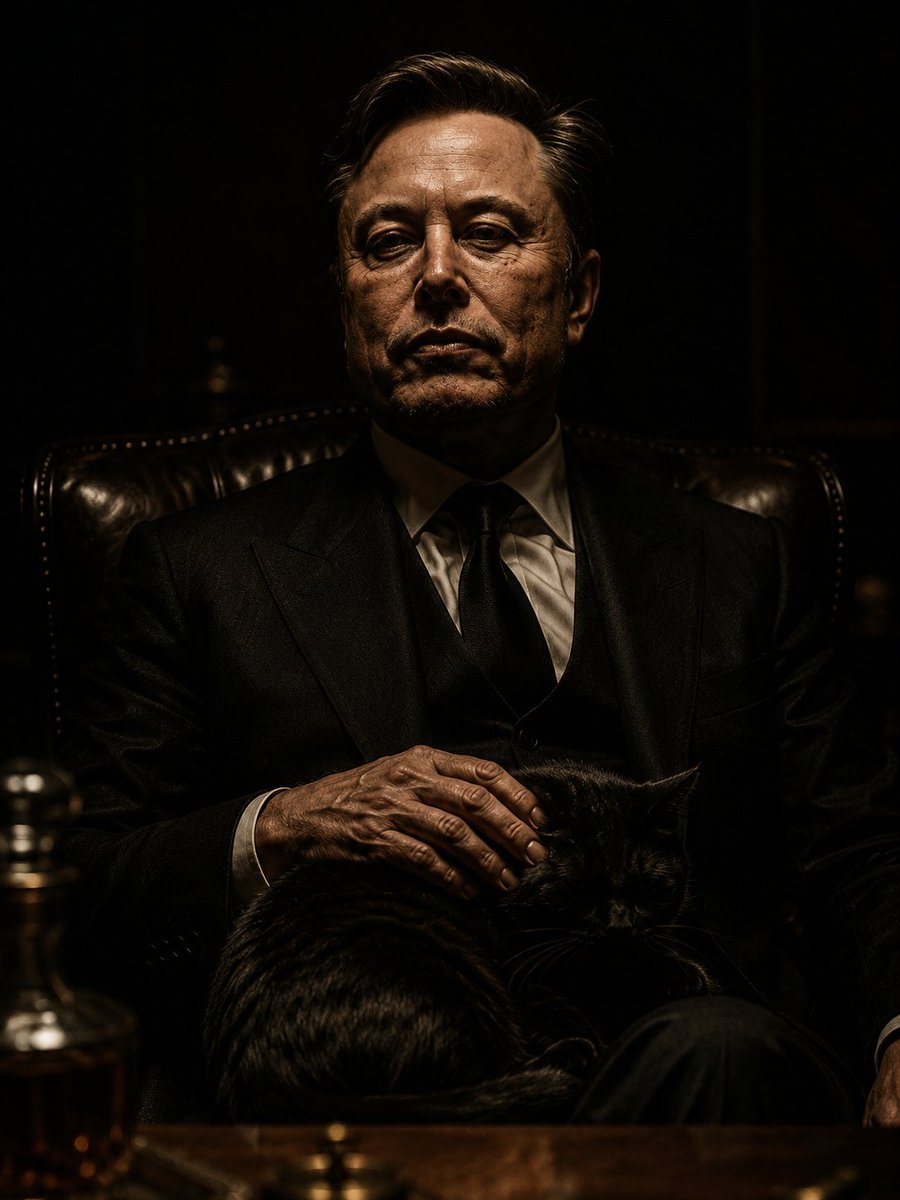
The Dark Godfather Structural Portrait
Browse template categories
UV Resin Cityscape Orb questions
How do I use the UV Resin Cityscape Orb template?
Add your photo if the template asks for one, edit the prompt if you like — the template's model and format are already selected — and press Generate. Your version opens in PicX Studio.
Can I customize the UV Resin Cityscape Orb template?
Yes. You can change the subject, setting, lighting, mood, format, and available model controls before creating your image.
Is the UV Resin Cityscape Orb template free?
Opening and editing this template is free. Generating uses credits, shown on the Generate button when you are signed in.
Which AI model should I use?
Start with GPT Image 2, which is the model associated with this template. You can compare another compatible model for a different finish.
Looking for something else? Browse all templates.

Your photo, any look
Thousands of ready templates for every top image and video model, from one credit balance.