
Glowing UV Resin City Orb
Generates a photorealistic UV resin sphere enclosing a glowing miniature night city, useful for atmospheric product art or resin craft concepts.
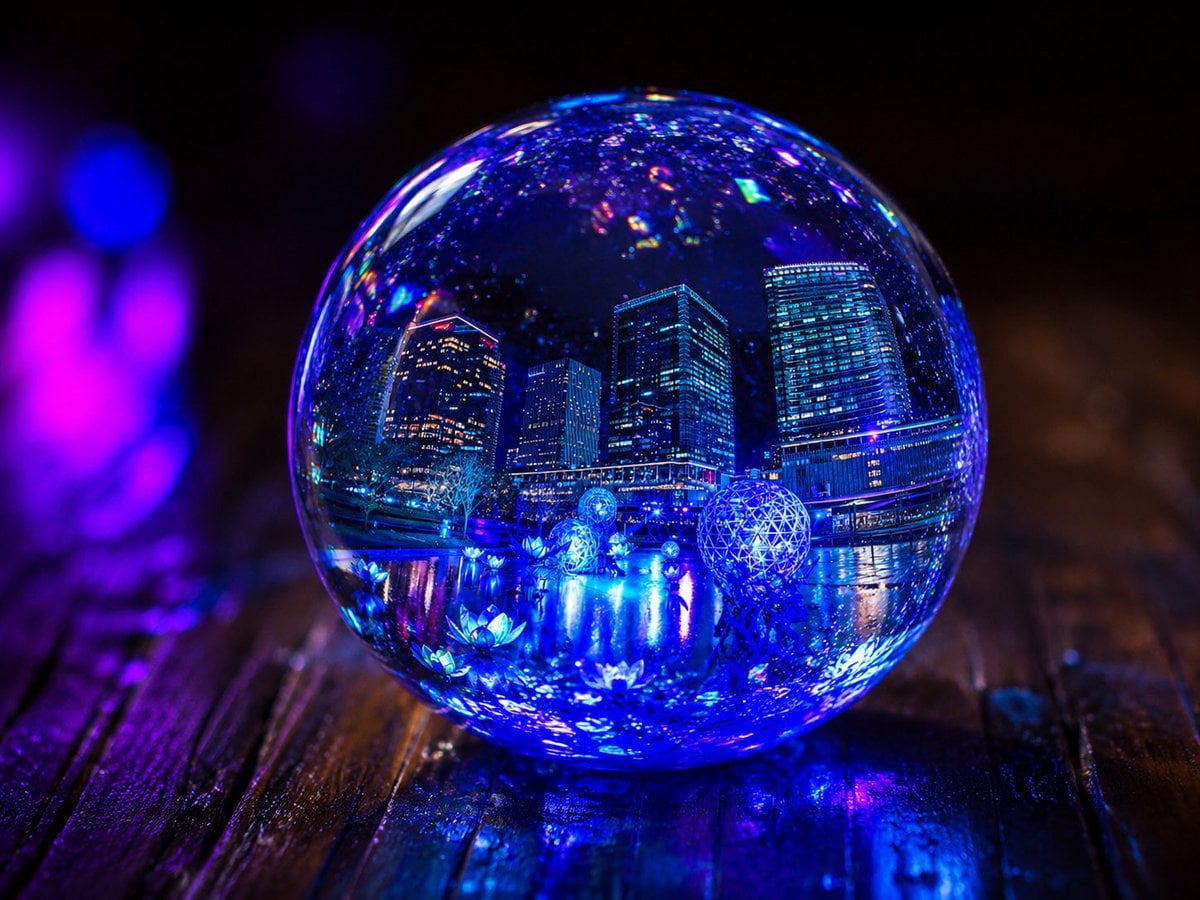
- Prompt included
- Model and format preset
- Premium template
The prompt behind this image
Copy the exact prompt behind Glowing UV Resin City Orb, or open it in the studio and make it yours.
Create a photorealistic macro product-style image of a perfectly clear spherical UV resin art orb sitting on a dark wet wooden tabletop, containing a miniature {argument name="enclosed scene" default="nighttime futuristic city waterfront"} sealed inside like a tiny diorama. The orb magnifies and refracts the internal scene: tall illuminated skyscrapers, a waterfront promenade, glowing geometric light sculptures, small lotus-like blue lights on the water, mirrorlike reflections, and sparkling suspended glitter particles throughout the resin. Use {argument name="lighting mode" default="lights on"} with intense electric blue and violet illumination glowing from inside the sphere, plus magenta and blue bokeh lights in the blurred background. Emphasize glossy glassy resin, strong specular highlights, lens-like distortion, caustic reflections on the tabletop, shallow depth of field, high contrast, cinematic night atmosphere, ultra-detailed realism, 4:3 composition, centered orb, no text, no people.
How to use Glowing UV Resin City Orb in 3 steps
- 1Upload ImagePNG, JPG or paste
Add your photo
Upload the photo the template builds on. The prompt, model and format are already set.
- 2…a portrait of your subject in softgolden-hour light, 85mm…
Personalize
Edit the subject and creative details for your destination.
- 3Generate
Generate
Press Generate — your image is created in PicX Studio, so you can compare it with the original and refine one variable at a time.
More like this
Templates with the same subject, style or setup. Open one to see its prompt.
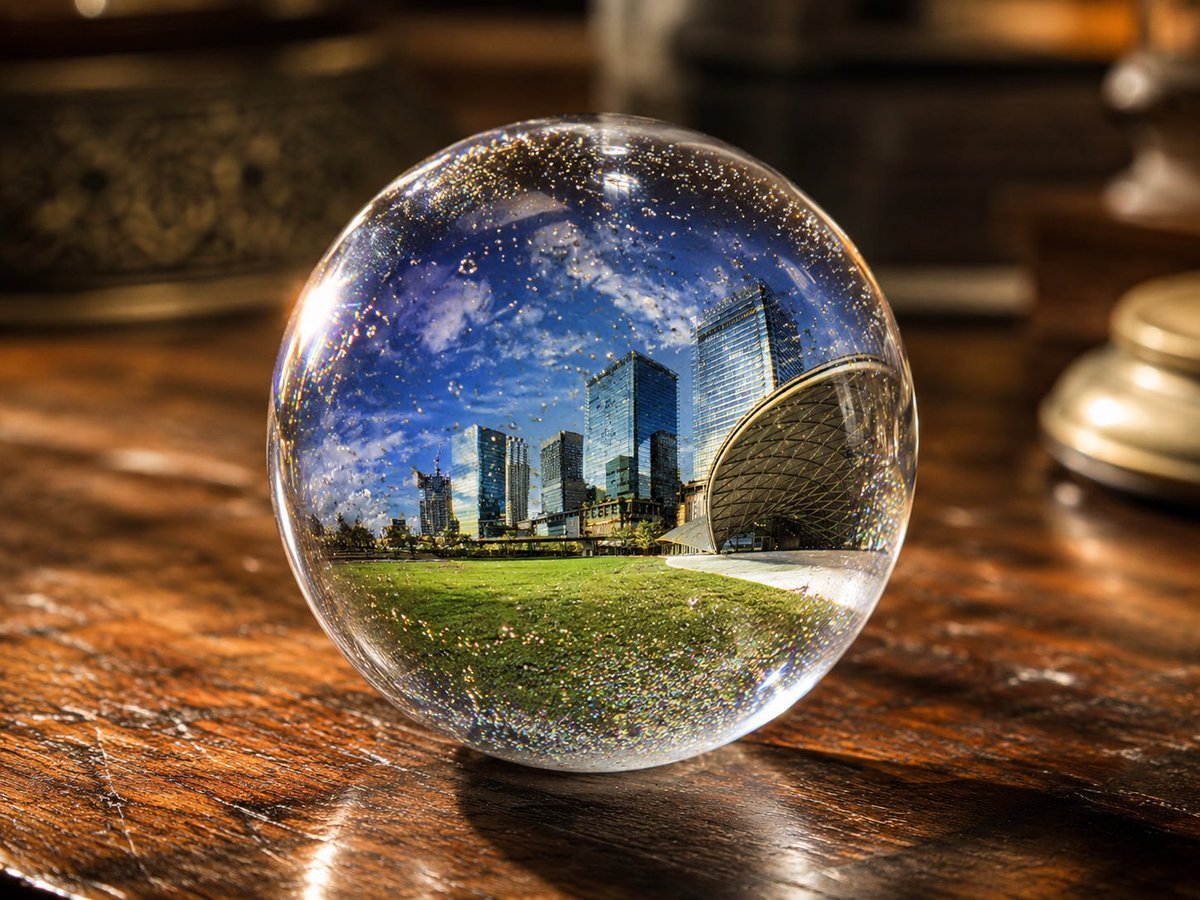
UV Resin Cityscape Orb

Floating Woman Above Cityscape with Notifications

Cozy Knit Sweater Window Portrait

Minimalist Hand-Drawn Doodle Portrait
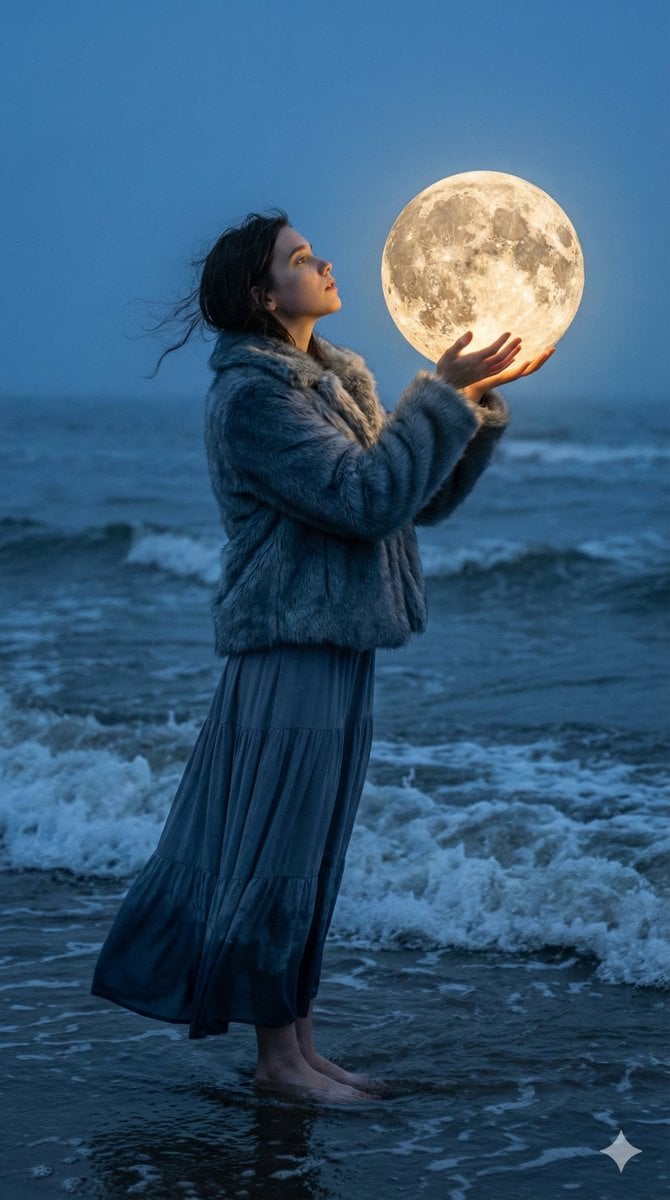
Magical Realism Portrait: Woman Holding a Glowing Moon Orb at Twilight

Christmas Ornament Portrait Glossy Glass Resin Finish with Hand Painted Details Holiday Lighting

Nano Banana Pro 2.0 — 3x3 Travel Profile Grid
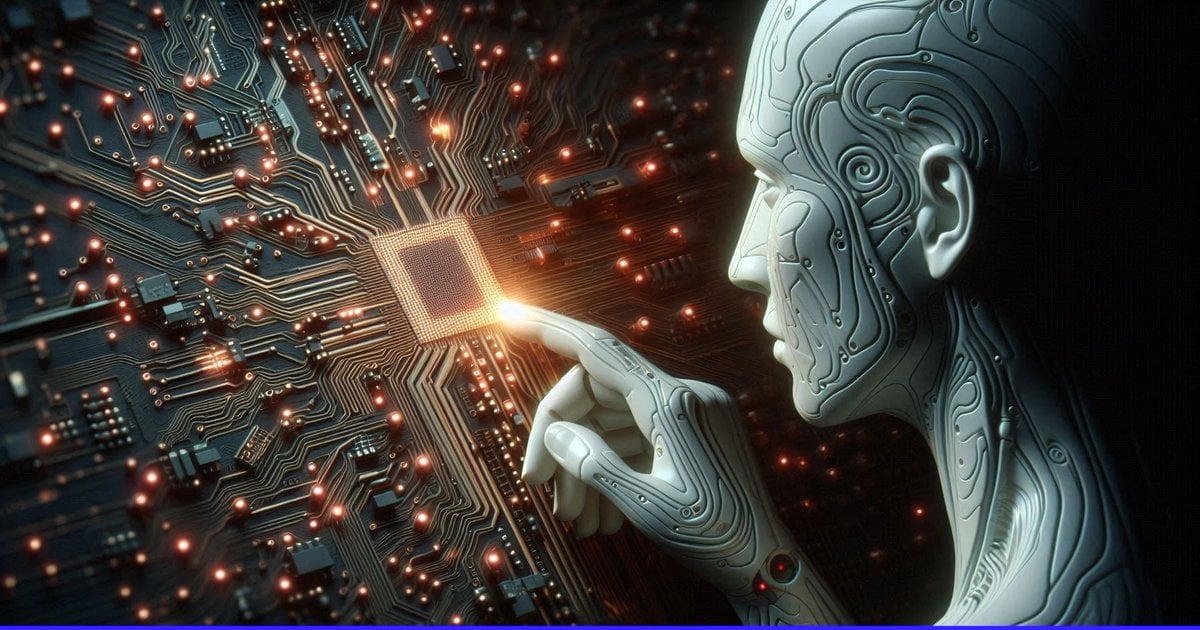
AI Touching a Glowing Microchip
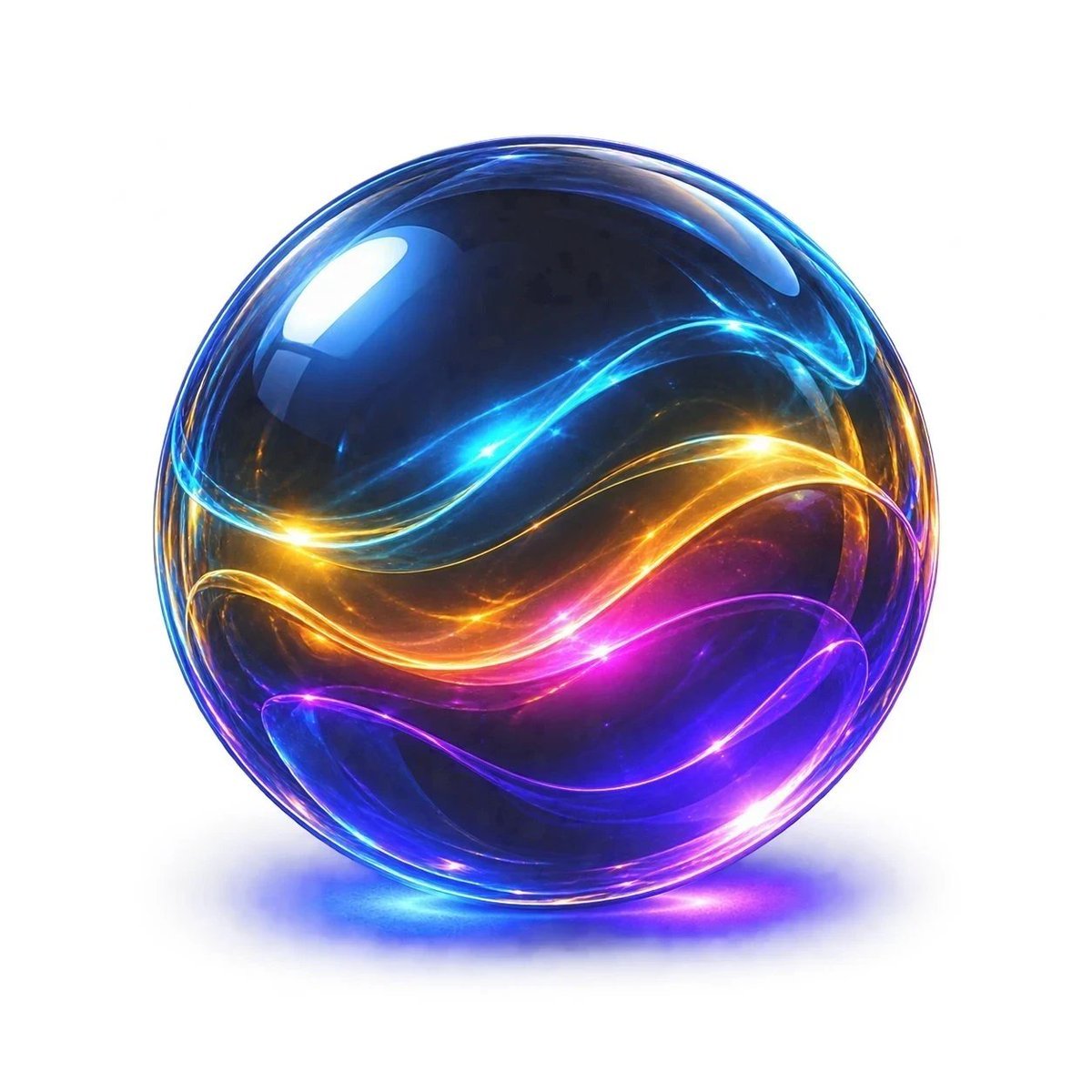
Neon Glass Energy Orb
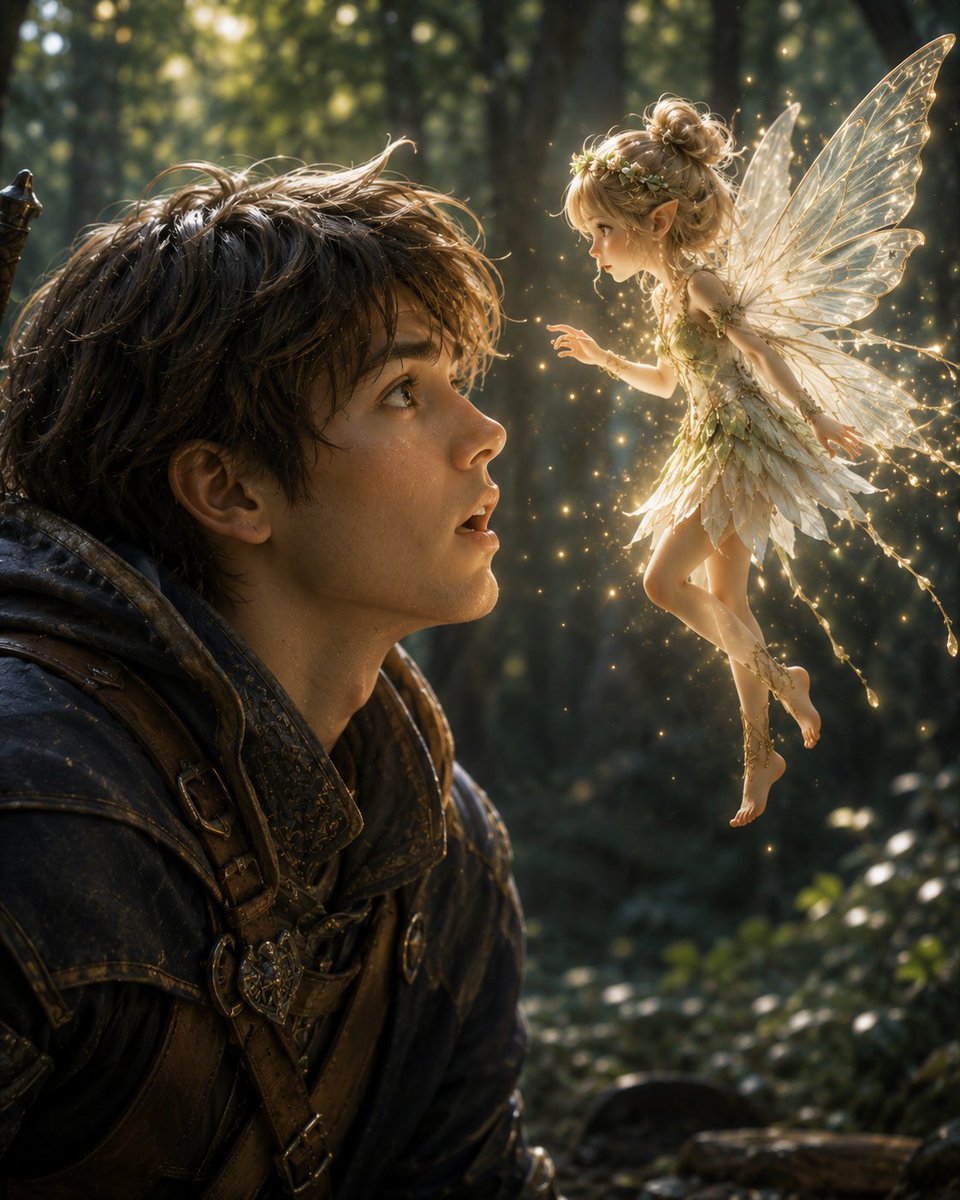
Boy Meets a Glowing Forest Fairy

Exploration Ship Crossing a Glowing Nebula

Glowing Totoro Robot Figure Diorama
Make it yours
Glowing UV Resin City Orb works as-is. These are the safest ways to change it without losing the look.
Change one field
Copy a single group, rewrite it, and generate again so you can see what that field is doing.
Keep the frame, change the subject
Hold the composition and light of Glowing UV Resin City Orb, then swap wardrobe, props or the person for a new take.
| If the result… | Why | Fix |
|---|---|---|
| The result drifts from the preview | Too many fields changed at once. | Reuse Glowing UV Resin City Orb as-is first, then change one group — subject, light, or setting. |
| The model over-stylizes the scene | The prose prompt leaves finish and camera underspecified. | Add one camera or lighting sentence and stay on GPT Image 2. |
More GPT Image 2 templates
Other prompts made for GPT Image 2.

Six VTuber Japanese Logo Sheet

Realistic Portrait of Woman and Deer

The Vista Modular Condo Poster

AI Model Routing Comparison Infographic

2.5D Anime Art Board

Isometric Productivity Desk Scene

New York Double Exposure Poster

Four-Panel AI Landscape Comparison

Japanese Tatami Lifestyle Magazine Cover

NESCAFÉ Coffee Map Poster
More image prompts
Fresh picks from across the catalog.
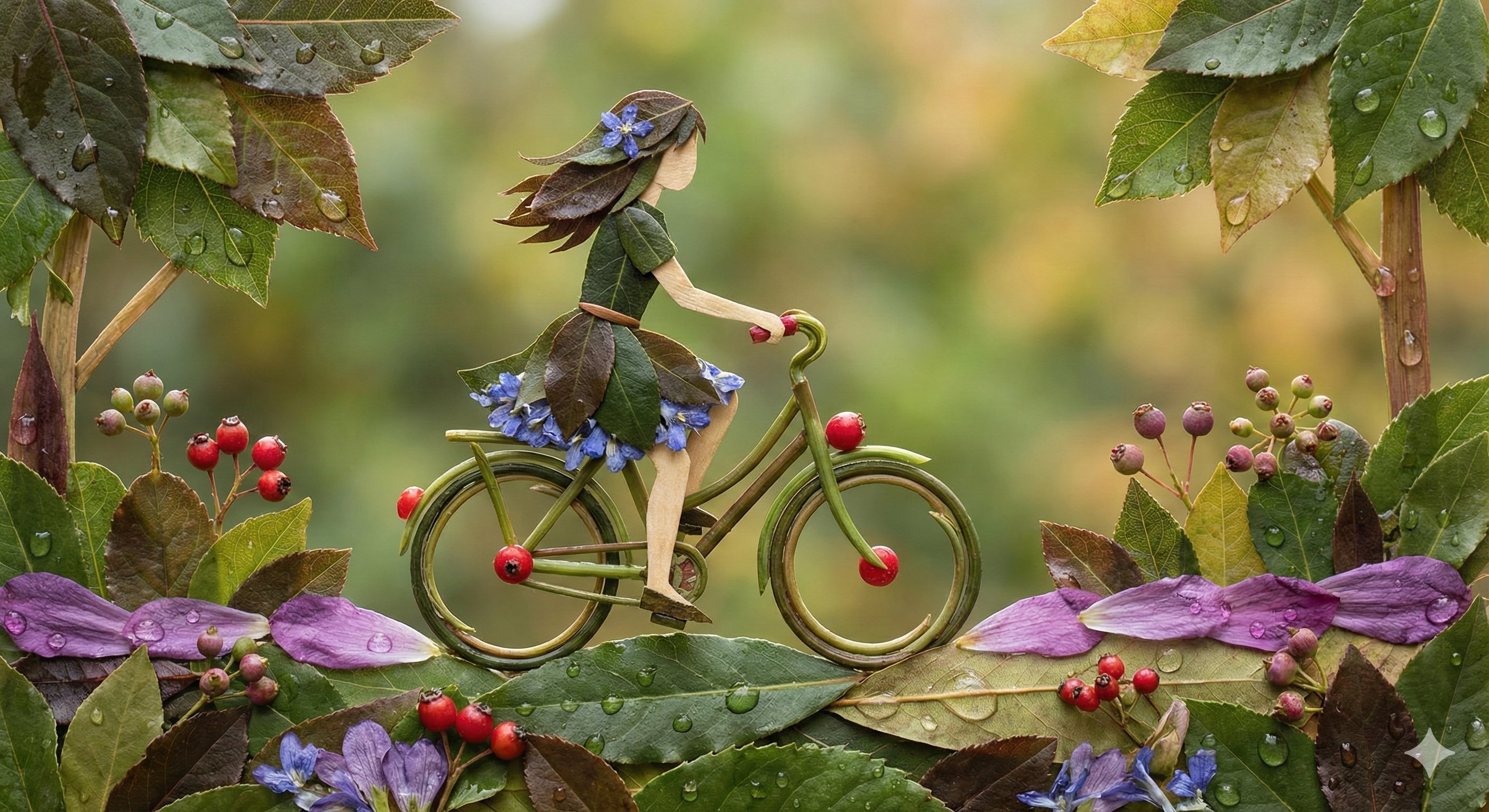
Botanical Leaf Art Style
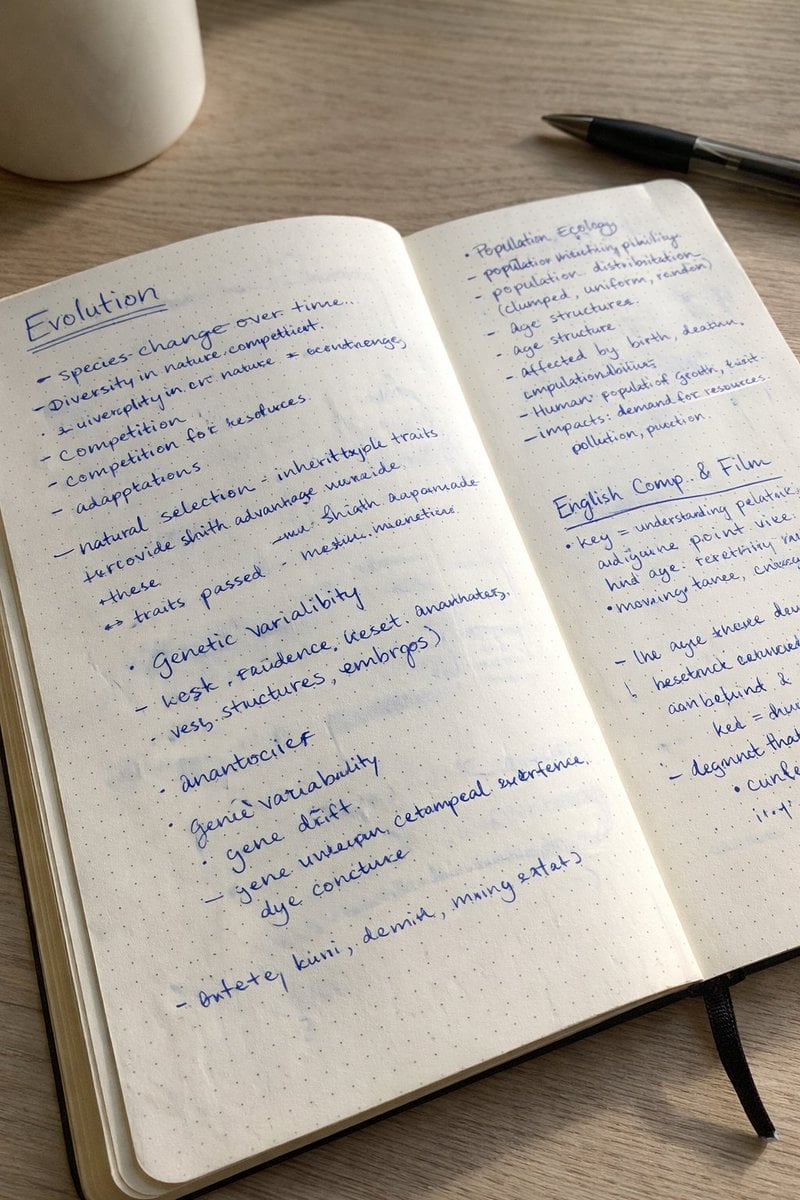
Realistic Handwritten Study Notes
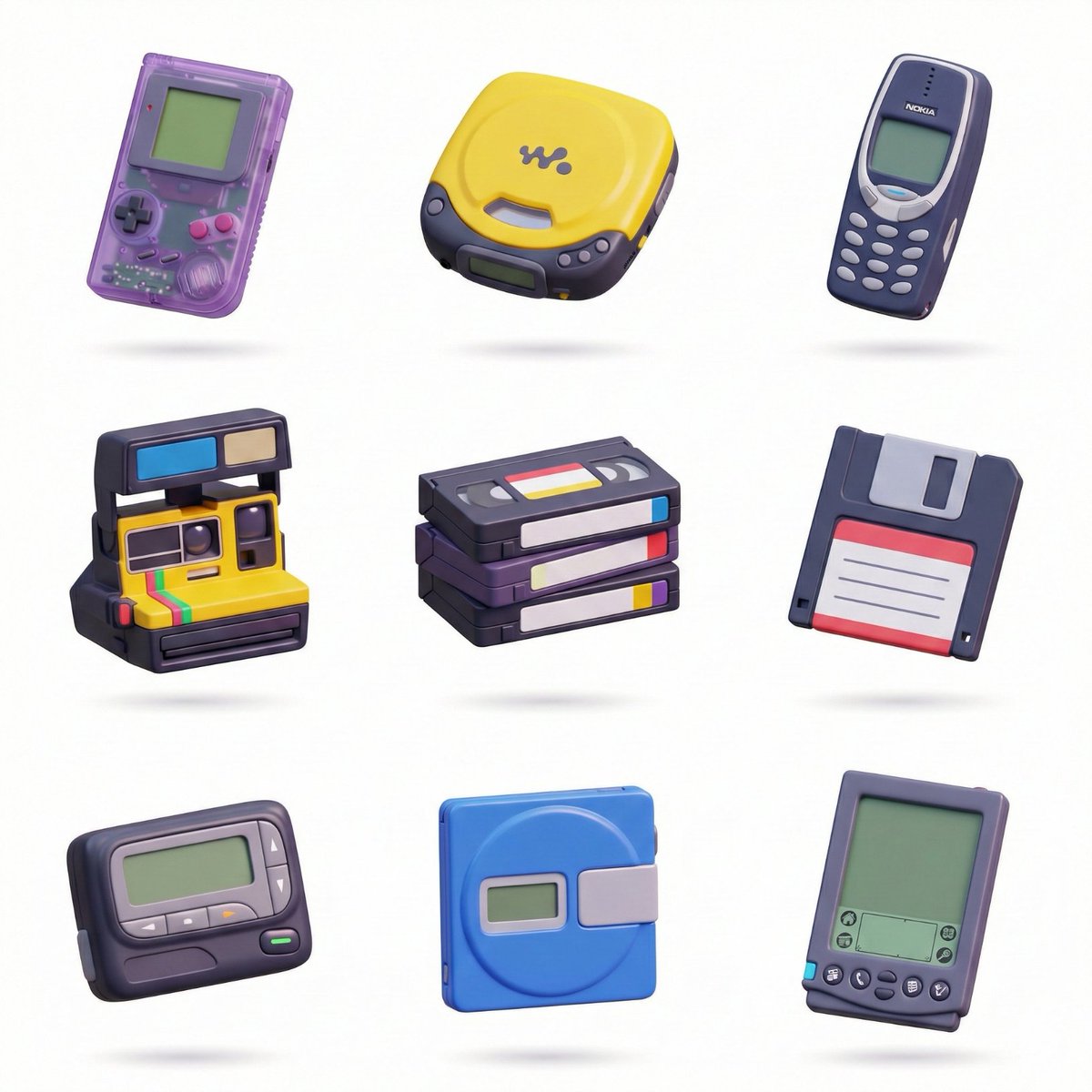
3D Icon Collection Grid Generator
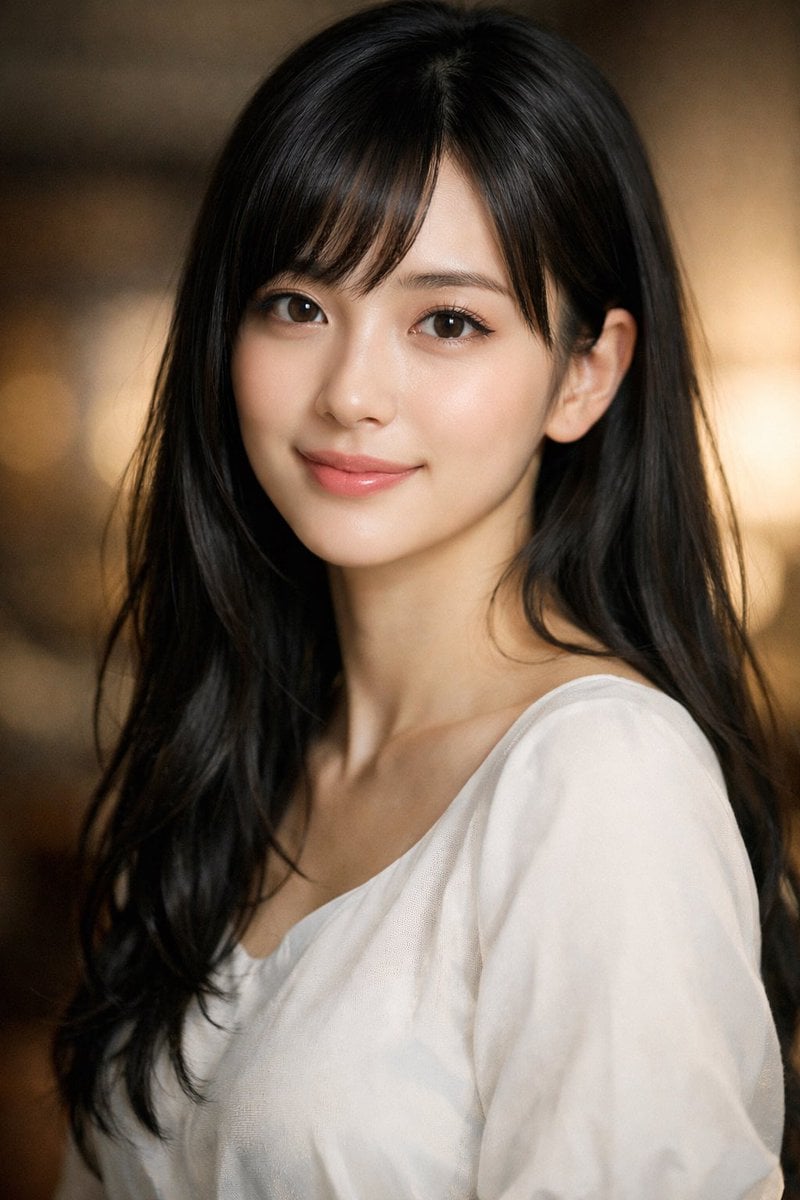
Photorealistic Portrait of a Young Woman
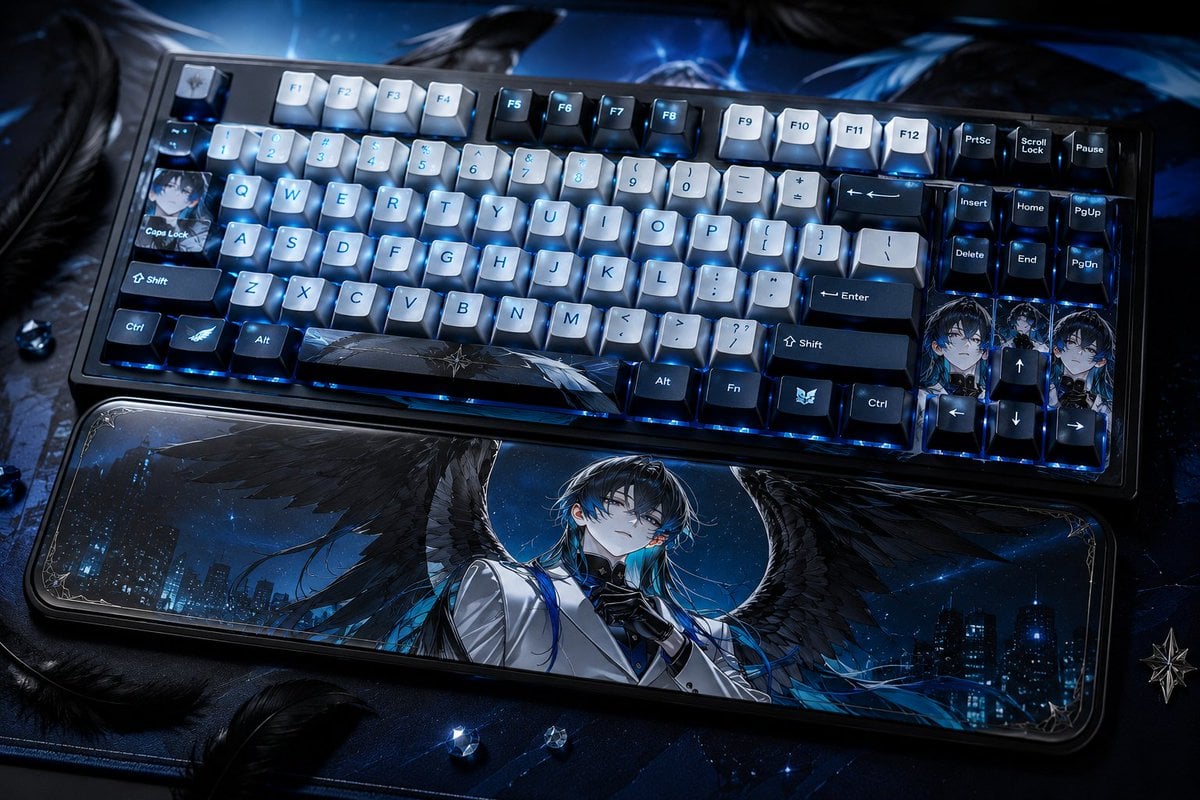
Character-Themed Custom Keyboard
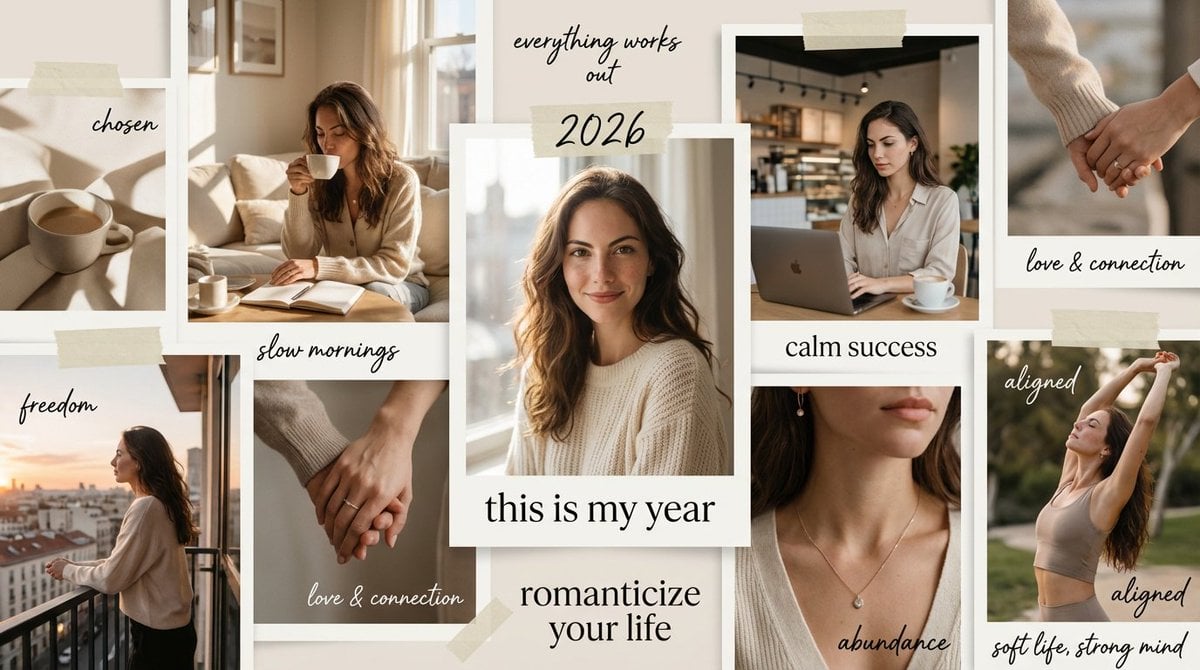
High-Aesthetic 2026 Vision Board Collage

Funny DIY Disaster Cat Comic
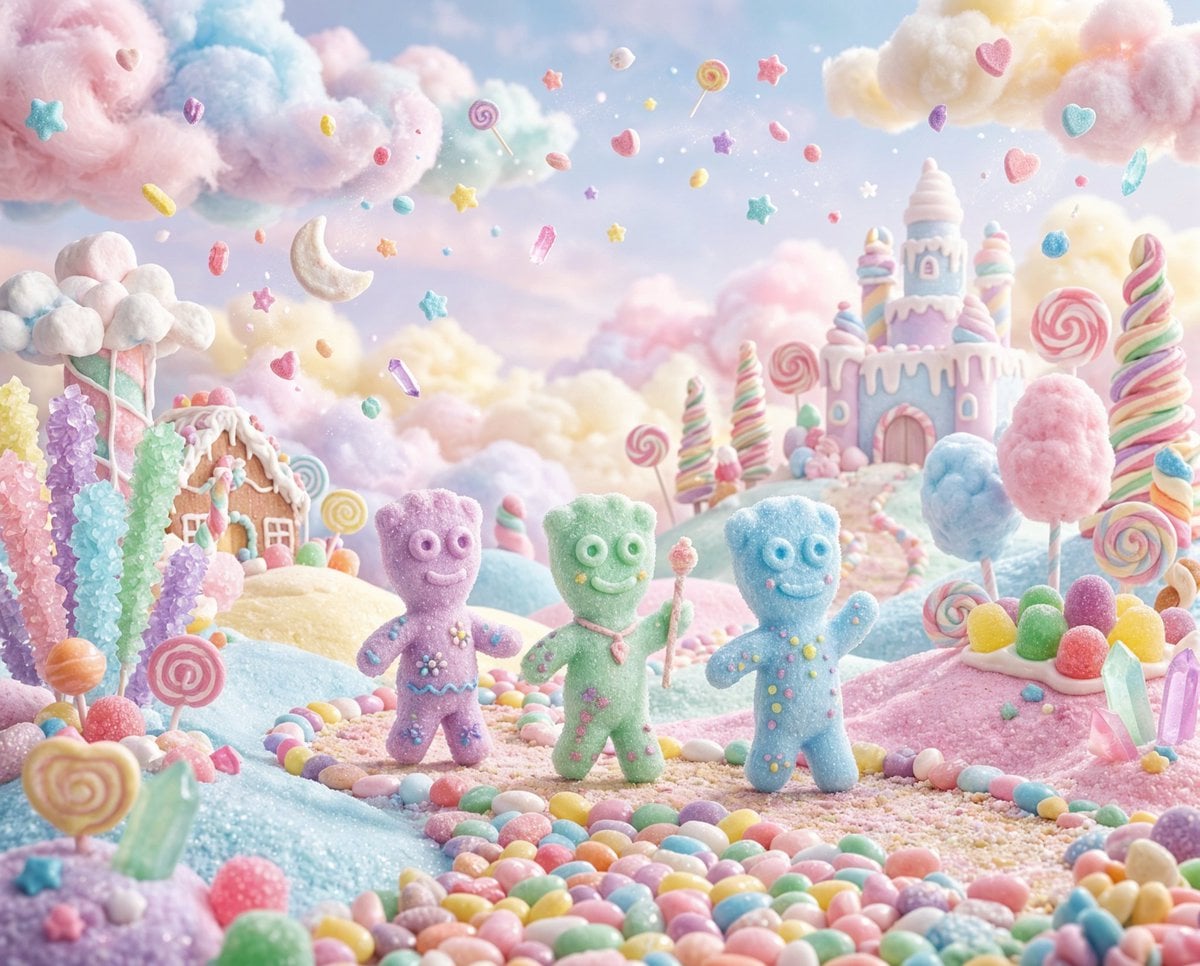
Pastel Painted Sour Patch Kids in Whimsical Candyland
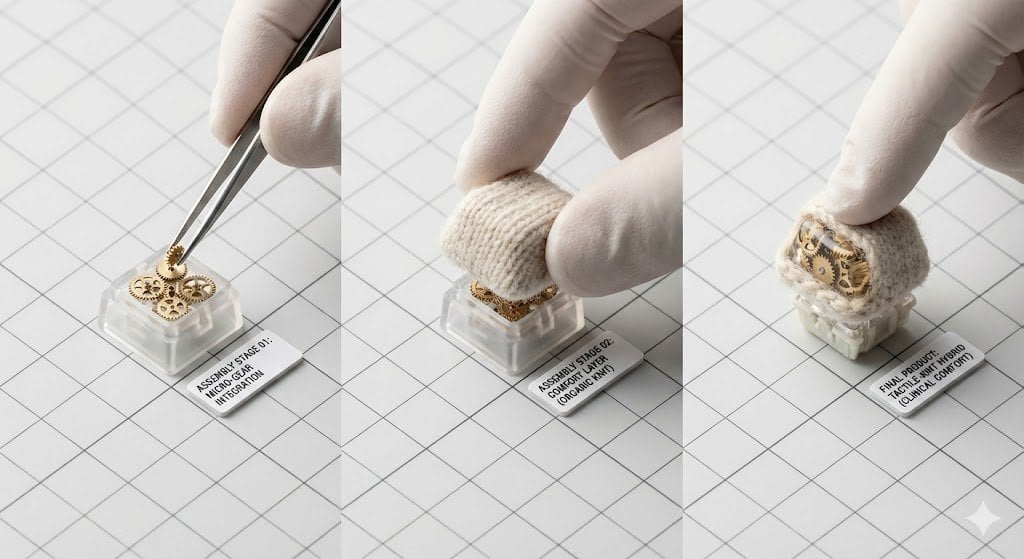
Mechanical Keyboard Keycap Product Photography Prompt
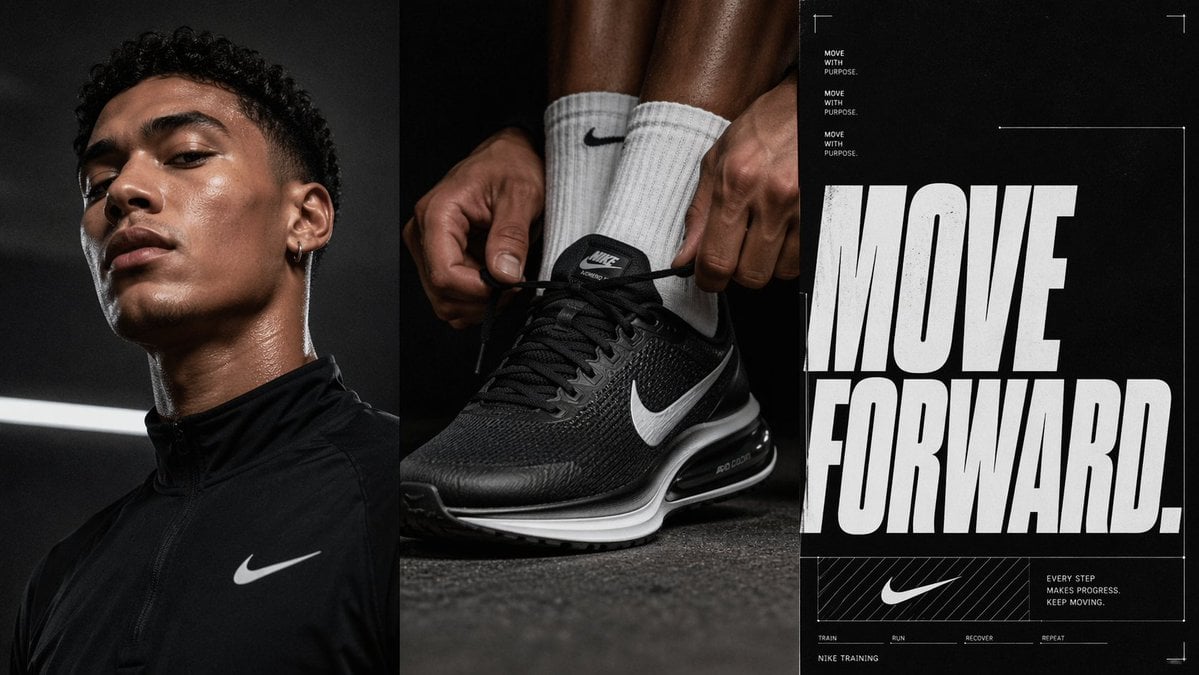
Triptych Sports Ad Poster
Browse template categories
Glowing UV Resin City Orb questions
How do I use the Glowing UV Resin City Orb template?
Add your photo if the template asks for one, edit the prompt if you like — the template's model and format are already selected — and press Generate. Your version opens in PicX Studio.
Can I customize the Glowing UV Resin City Orb template?
Yes. You can change the subject, setting, lighting, mood, format, and available model controls before creating your image.
Is the Glowing UV Resin City Orb template free?
Opening and editing this template is free. Generating uses credits, shown on the Generate button when you are signed in.
Which AI model should I use?
Start with GPT Image 2, which is the model associated with this template. You can compare another compatible model for a different finish.
Looking for something else? Browse all templates.

Your photo, any look
Thousands of ready templates for every top image and video model, from one credit balance.