
Funny DIY Disaster Cat Comic
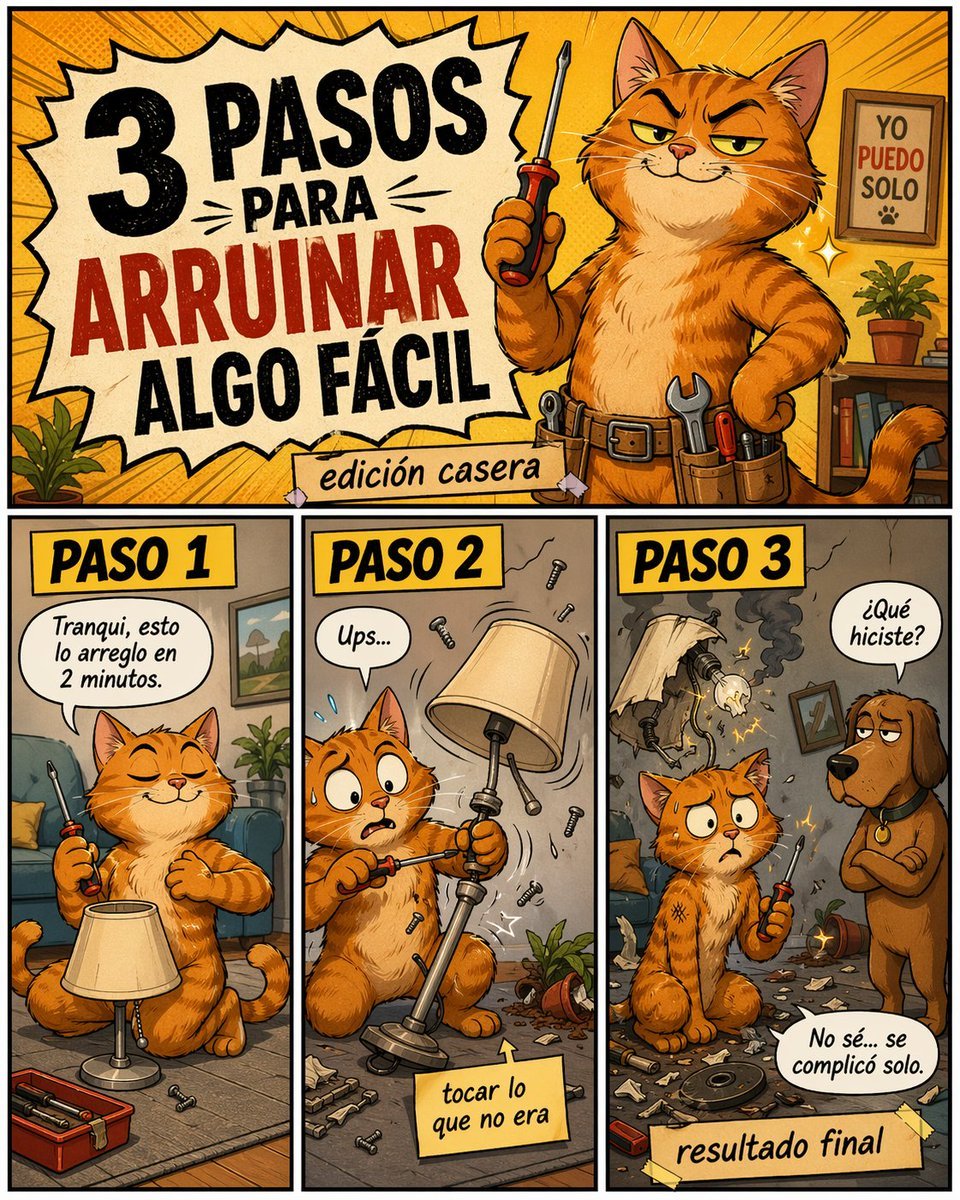
A retro comic poster showing a smug orange cat ruining a simple home repair in three Spanish-labeled steps, ideal for memes, social posts, and humorous DIY content.
- Prompt included
- Model and format preset
- Free template
The prompt behind this image
Copy the exact prompt behind Funny DIY Disaster Cat Comic, or open it in the studio and make it yours.
Create a colorful humorous comic-style poster in Spanish, vertical format, with a retro cartoon look, thick black outlines, warm orange and yellow palette, halftone texture, and exaggerated expressive characters. The layout has 4 distinct panels: 1 large title panel across the top and 3 equal vertical panels along the bottom row. In the top panel, show a smug orange tabby cat handyman standing upright like a person in a cozy living room workshop, holding a screwdriver in one paw and the other paw on the hip, wearing a utility belt with visible tools. The cat has narrowed confident eyes and a sly grin. On the left side of this top panel, place a large jagged comic burst with the Spanish headline in bold distressed lettering: "3 PASOS PARA ARRUINAR ALGO FÁCIL", with "ARRUINAR" in red and the rest in black. Below it, add a taped paper strip that says "edición casera". In the background of the top panel, include a framed sign on the wall that reads "YO PUEDO SOLO" with a small paw print, a small potted plant, shelves, and dynamic radial lines behind the cat. In the bottom row, create 3 labeled step panels, each with a yellow header box and bold black text. Panel 1 header: "PASO 1". Show the same orange cat sitting calmly on the floor beside a standing lamp, eyes closed with overconfidence, casually holding a screwdriver. Add a speech bubble that says "Tranqui, esto lo arreglo en 2 minutos." Include a small open toolbox and a few screws on the floor. Panel 2 header: "PASO 2". Show the cat mid-repair, now alarmed with wide eyes, awkwardly unscrewing the wrong part of the lamp while pieces and screws fly through the air. Add a speech bubble that says "Ups..." and a sticky note near the bottom that says "tocar lo que no era". Include visual motion lines, scattered debris, and a toppled plant pot. Panel 3 header: "PASO 3". Show the aftermath: the lamp is broken and smoking with exposed wires and sparks, the room is messy with shattered parts everywhere, and the cat sits stunned holding the screwdriver. A brown dog stands to the right, looking disappointed, asking in a speech bubble "¿Qué hiciste?" The cat replies in another speech bubble "No sé... se complicó solo." Add a taped label at the bottom that says "resultado final". Make the entire image playful, chaotic, and meme-like, with polished digital illustration, expressive faces, comic lettering, and a DIY disaster tone.
How to use Funny DIY Disaster Cat Comic in 3 steps
- 1Upload ImagePNG, JPG or paste
Add your photo
Upload the photo the template builds on. The prompt, model and format are already set.
- 2…a portrait of your subject in softgolden-hour light, 85mm…
Personalize
Edit the subject and creative details for your destination.
- 3Generate
Generate
Press Generate — your image is created in PicX Studio, so you can compare it with the original and refine one variable at a time.
More like this
Templates with the same subject, style or setup. Open one to see its prompt.

Cat Photobomb Selfie — 0.5x Wide Angle Café Chaos

Surreal Cat Astronaut — Humanoid Face Freefall

Pop Art Superhero Explosion Poster

Hero Portrait Comic Multi-Panel Poster

Spider-Man Noir Detective Rain Alley

Low Angle Floor Selfie With Upside Down Cat
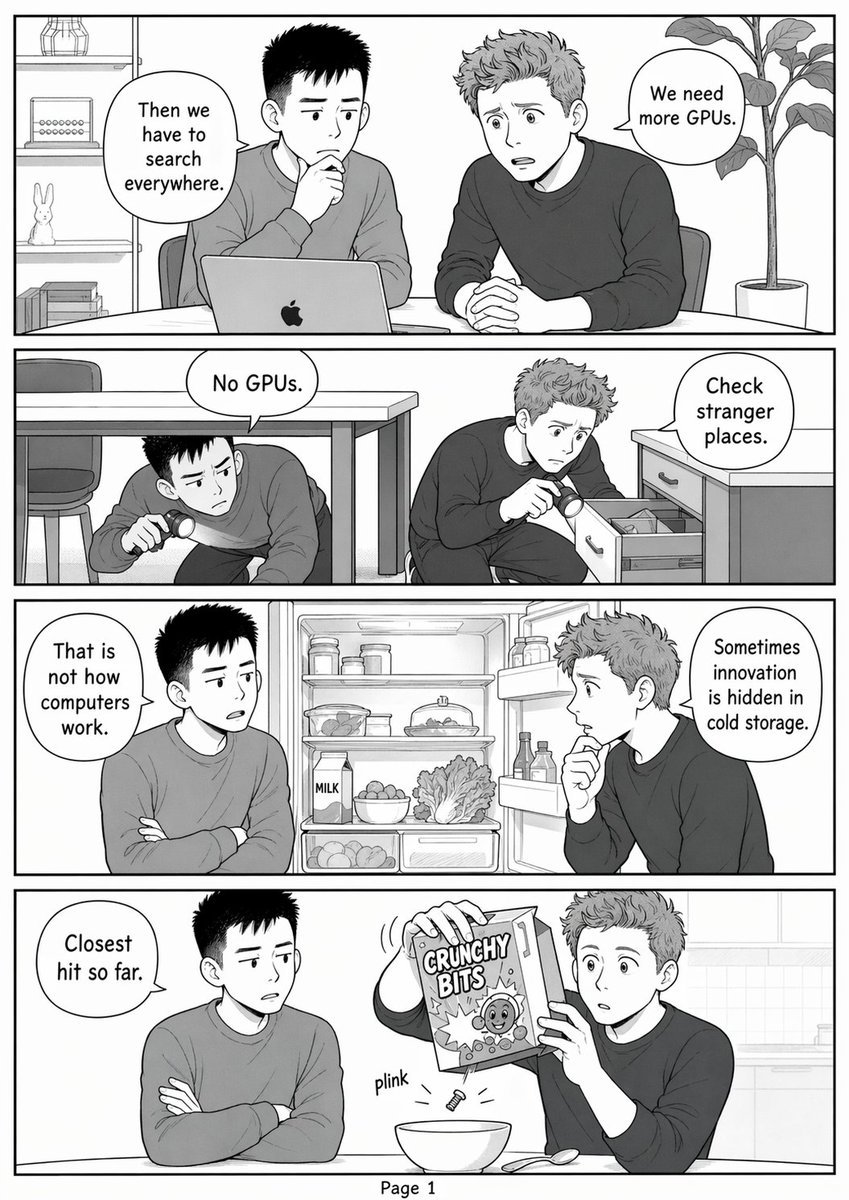
Funny GPU Search Comic Page
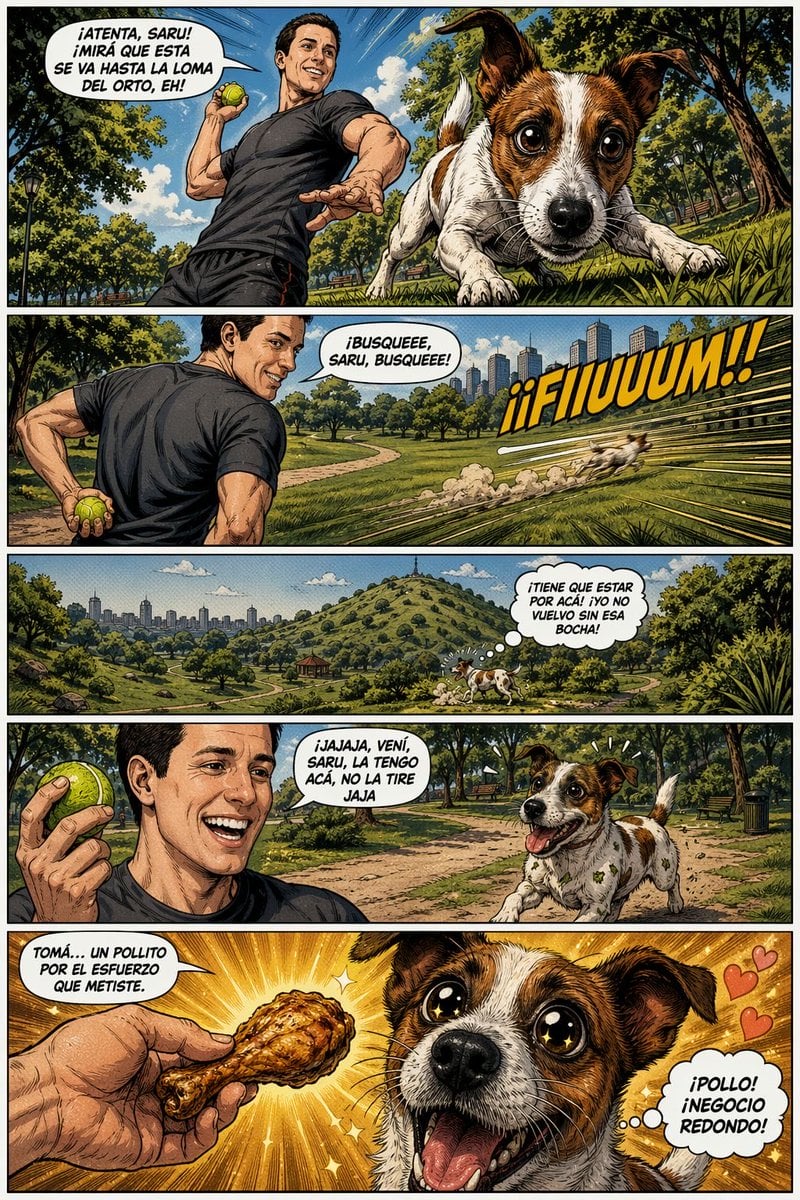
Funny Dog Park Comic Page
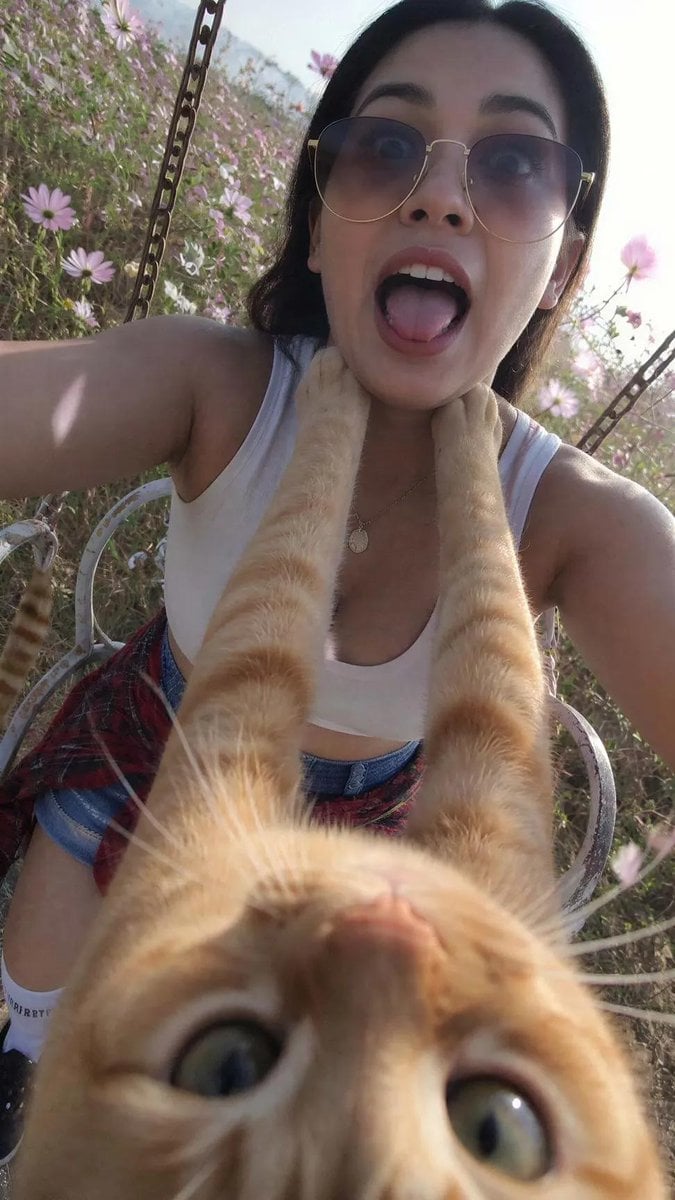
Funny Cat POV Selfie

Gpt2 E Commerce Main Image 9 Panel Product Tvc Storyboard
Seedance - Dragon vs Python Battle

Cute Sticker
Make it yours
Funny DIY Disaster Cat Comic works as-is. These are the safest ways to change it without losing the look.
Change one field
Copy a single group, rewrite it, and generate again so you can see what that field is doing.
Keep the frame, change the subject
Hold the composition and light of Funny DIY Disaster Cat Comic, then swap wardrobe, props or the person for a new take.
| If the result… | Why | Fix |
|---|---|---|
| The result drifts from the preview | Too many fields changed at once. | Reuse Funny DIY Disaster Cat Comic as-is first, then change one group — subject, light, or setting. |
| The model over-stylizes the scene | The prose prompt leaves finish and camera underspecified. | Add one camera or lighting sentence and stay on GPT Image 2. |
More GPT Image 2 templates
Other prompts made for GPT Image 2.

Six VTuber Japanese Logo Sheet

Realistic Portrait of Woman and Deer

The Vista Modular Condo Poster

AI Model Routing Comparison Infographic

2.5D Anime Art Board

Isometric Productivity Desk Scene

New York Double Exposure Poster

Four-Panel AI Landscape Comparison

Japanese Tatami Lifestyle Magazine Cover

NESCAFÉ Coffee Map Poster
More image prompts
Fresh picks from across the catalog.
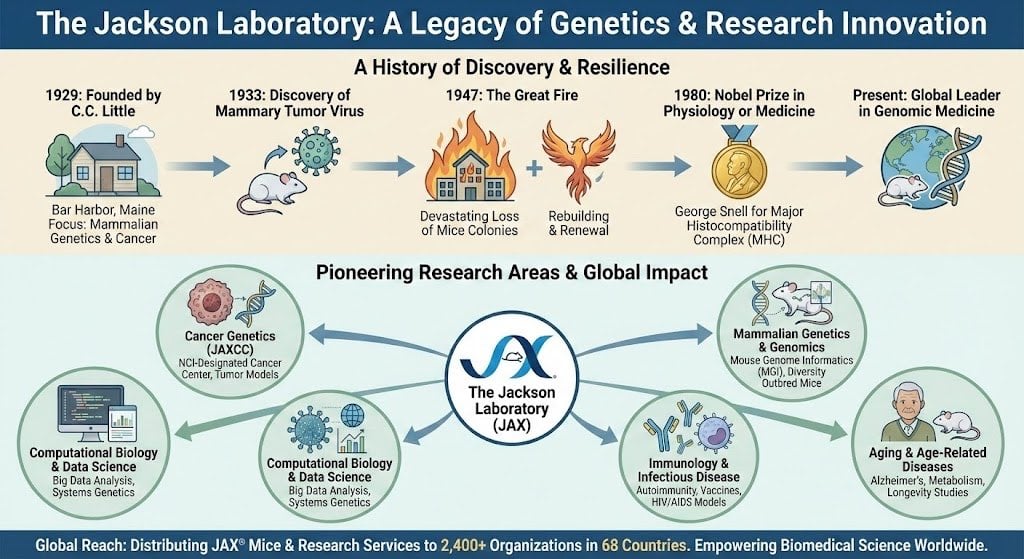
Infographic about the Jackson Laboratory
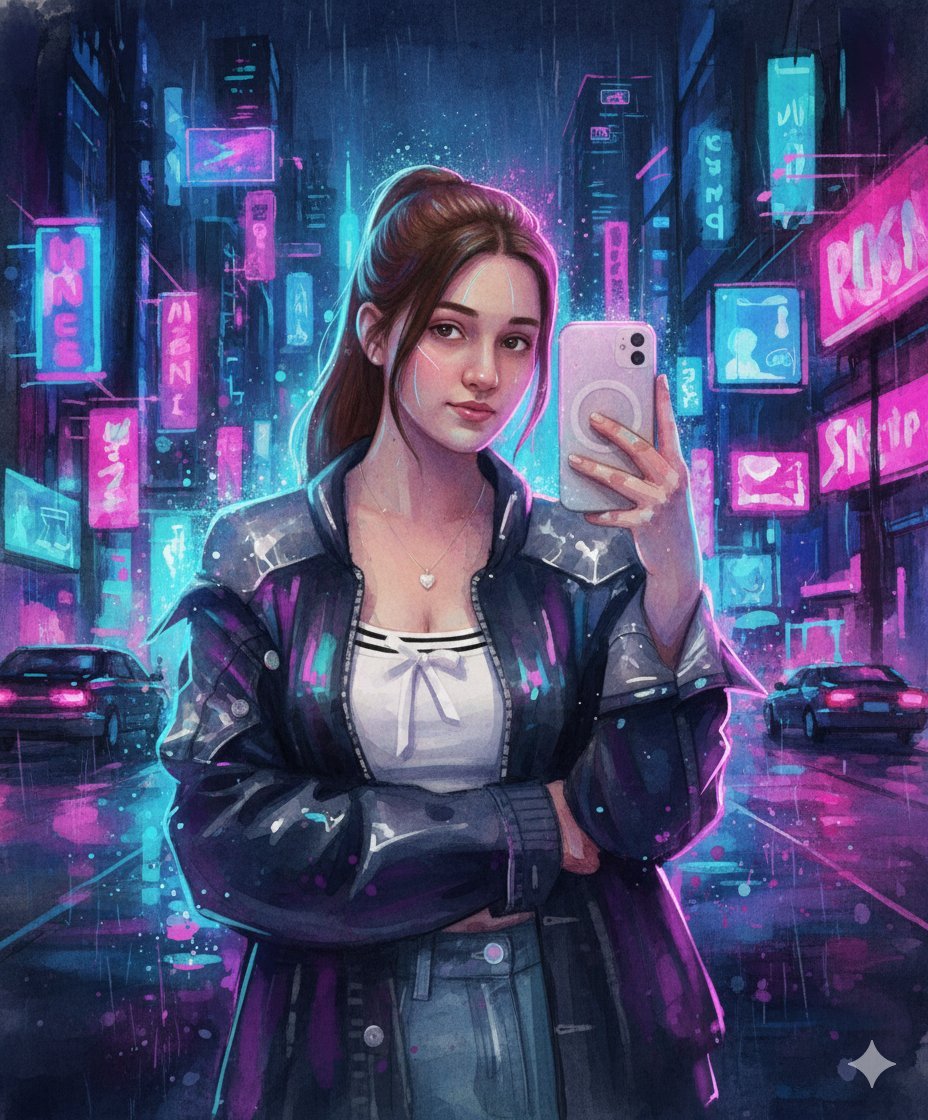
Neon Cyberpunk Watercolor Fusion Illustration Prompt
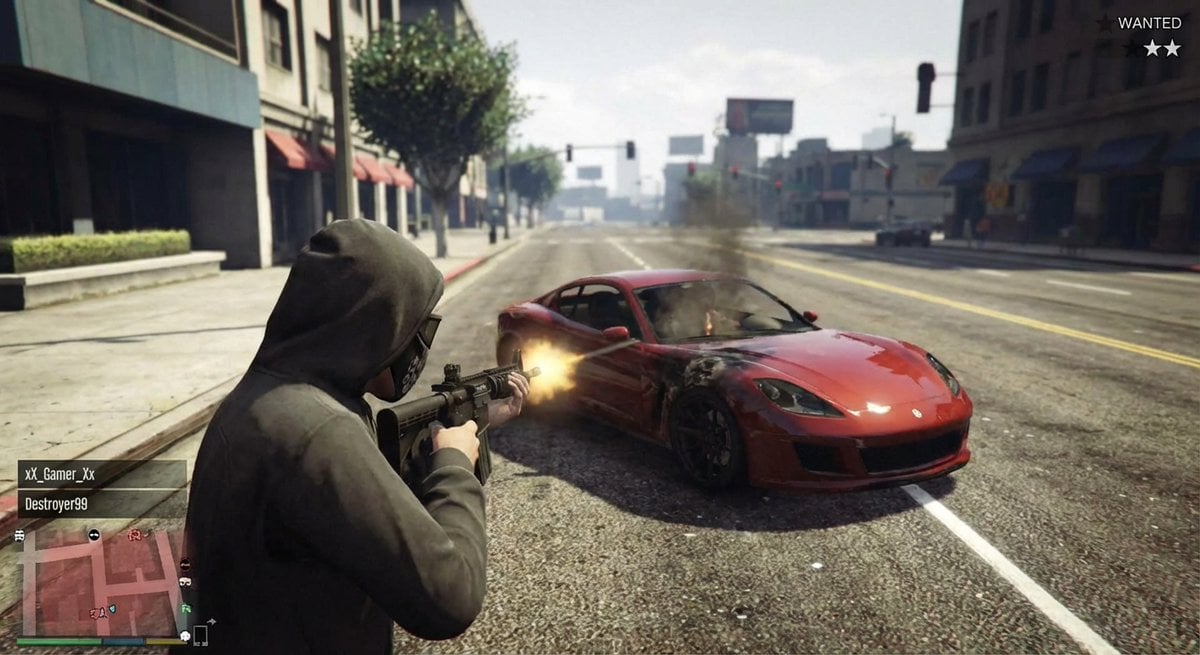
GTA 5 online action scene
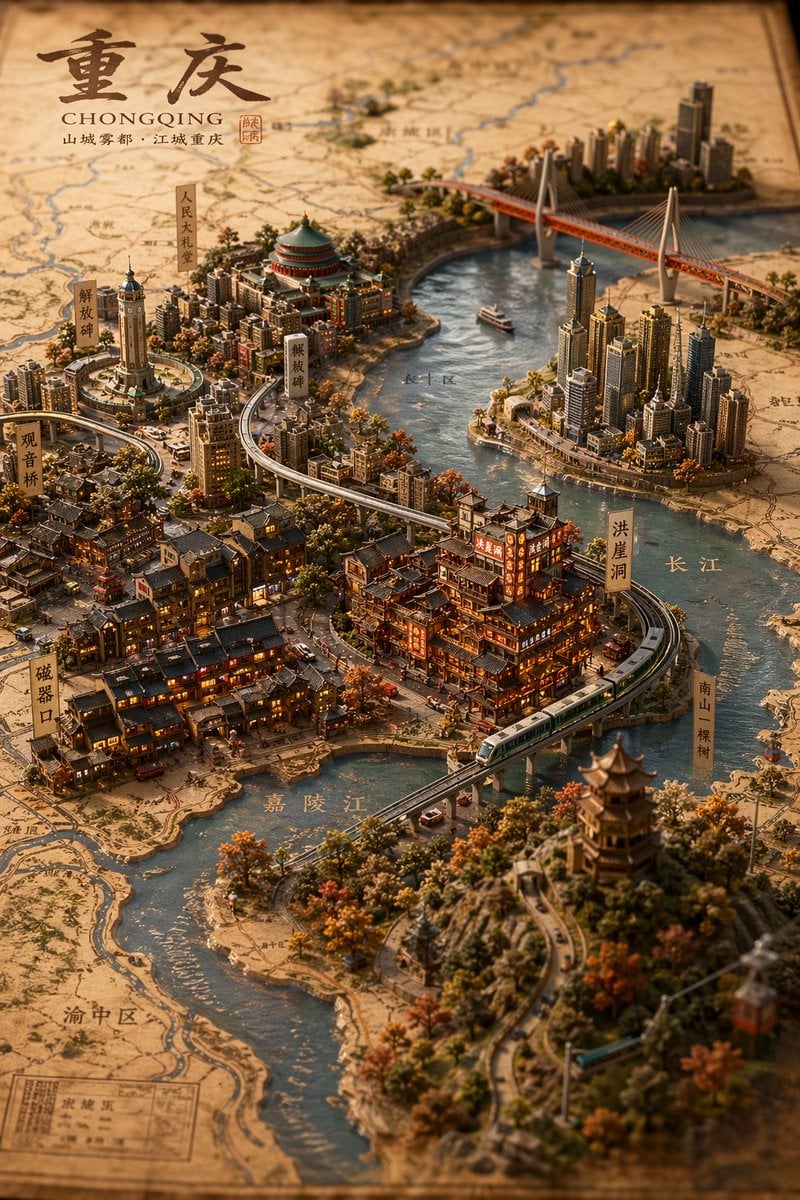
Miniature 3D City Diorama Map
Luxury Car Night Portrait with Direct Flash Photography
Generate Magazine Article and Cover (LLM/Image)
Social Media Pet Avatar Creator
Origami K-Pop Idol Portrait
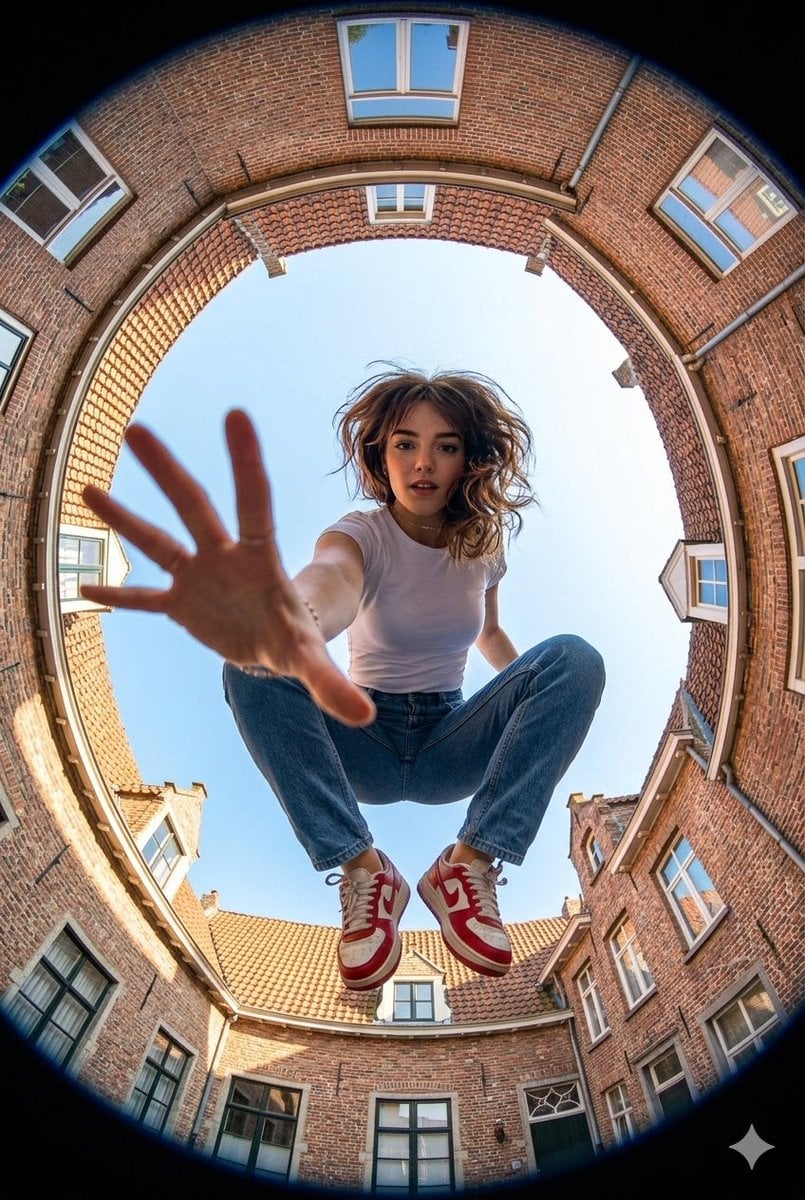
Ultra-wide fisheye shot of a woman crouching mid-air
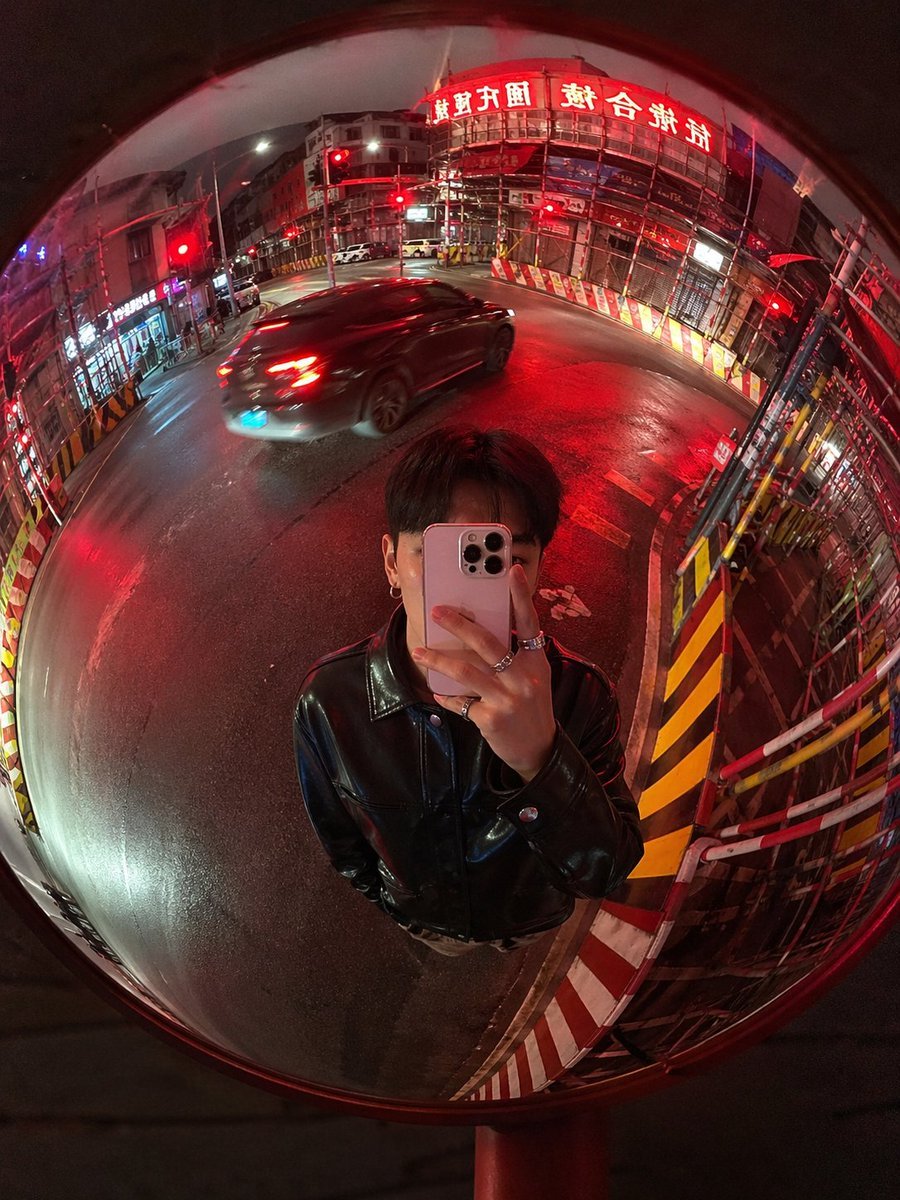
Convex Mirror Night Street Selfie
Browse template categories
Funny DIY Disaster Cat Comic questions
How do I use the Funny DIY Disaster Cat Comic template?
Add your photo if the template asks for one, edit the prompt if you like — the template's model and format are already selected — and press Generate. Your version opens in PicX Studio.
Can I customize the Funny DIY Disaster Cat Comic template?
Yes. You can change the subject, setting, lighting, mood, format, and available model controls before creating your image.
Is the Funny DIY Disaster Cat Comic template free?
Opening and editing this template is free. Generating uses credits, shown on the Generate button when you are signed in.
Which AI model should I use?
Start with GPT Image 2, which is the model associated with this template. You can compare another compatible model for a different finish.
Looking for something else? Browse all templates.

Your photo, any look
Thousands of ready templates for every top image and video model, from one credit balance.