
Spider-Man Noir Detective Rain Alley
Noir comic-style Spider-Man detective illustration set in a rain-soaked 1930s New York alley with dramatic chiaroscuro lighting and pulp comic aesthetics.

- Prompt included
- Model and format preset
- Free template
The prompt behind this image
Copy the exact prompt behind Spider-Man Noir Detective Rain Alley, or open it in the studio and make it yours.
A dramatic noir comic-style illustration of Spider-Man Noir standing in a rain-soaked 1930s New York alley. Subject: detective Spider-Man in dark trench coat and rounded fedora, mask lenses glowing red in monochrome palette. Environment: wet cobblestones reflecting distorted streetlamp light, steam rising from subway grate, brick fire escapes above, fog drifting between buildings. Lighting: high-contrast chiaroscuro from a single hanging streetlamp, deep shadows, selective red color on lenses and web pattern only. Style: Sin City / Frank Miller inspired black and white illustration with limited 2-color palette, heavy ink outlines, hard shadow edges. Composition: medium full-body centered, shallow depth of field on foreground puddle. Mood: mysterious, gritty, vintage pulp detective. Blank title area in upper negative space for poster text.
How to use Spider-Man Noir Detective Rain Alley in 3 steps
- 1
Open
The prompt is already in the box next to the preview, with the template's model and format selected.
- 2…a portrait of your subject in softgolden-hour light, 85mm…
Personalize
Edit the subject and creative details for your destination.
- 3Generate
Generate
Press Generate — your image is created in PicX Studio, so you can compare it with the original and refine one variable at a time.
More like this
Templates with the same subject, style or setup. Open one to see its prompt.
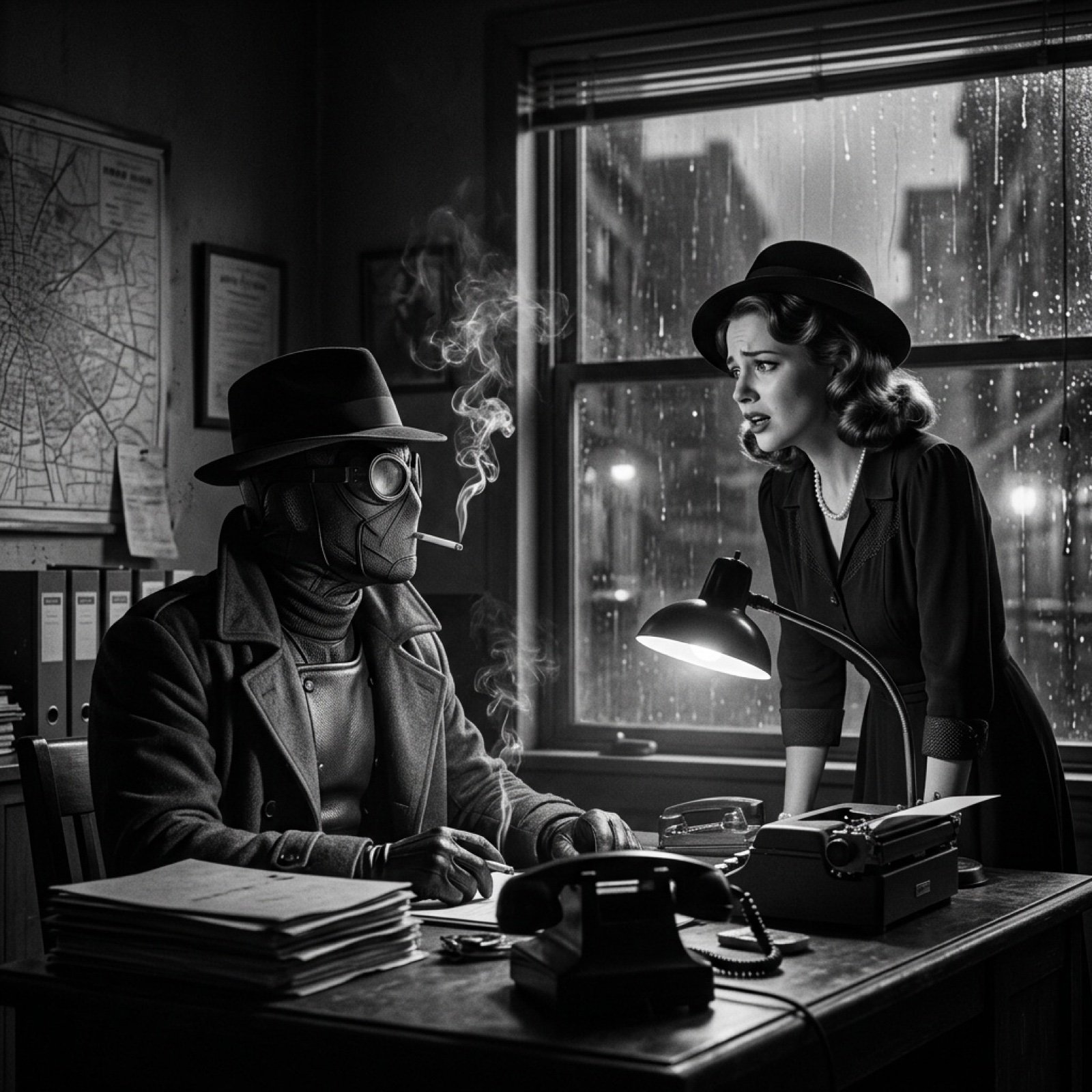
Seedance 2.0 - Spider-Man Noir

Spider-Man 2099 Cyberpunk Neon Future City
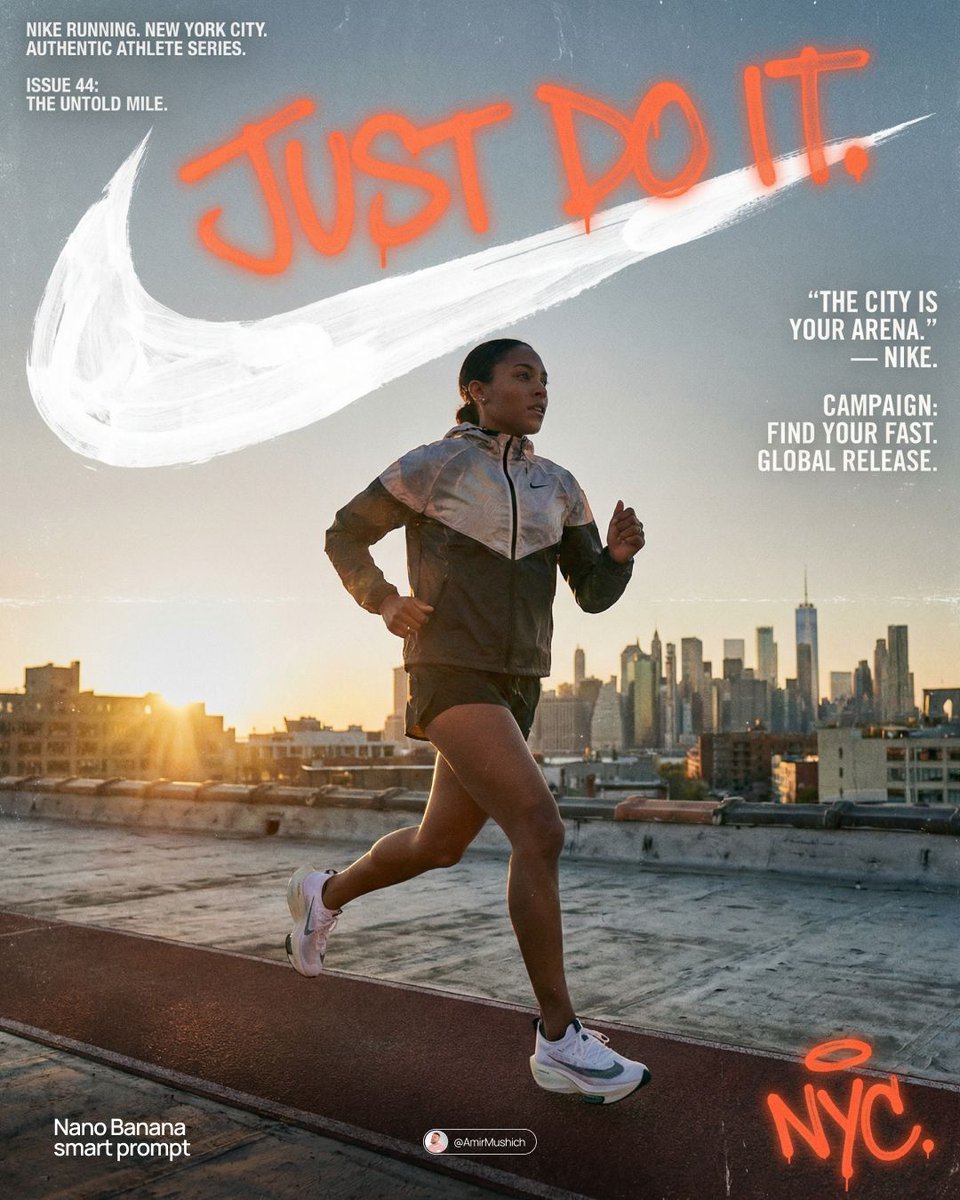
Miles Morales Spider-Man Brooklyn Graffiti

Spider-Man Night Swing New York Cinematic

Meet Me When It Rains

Spider-Man Rooftop Golden Hour Cinematic Photo

Spider-Verse Painterly Portrait Poster
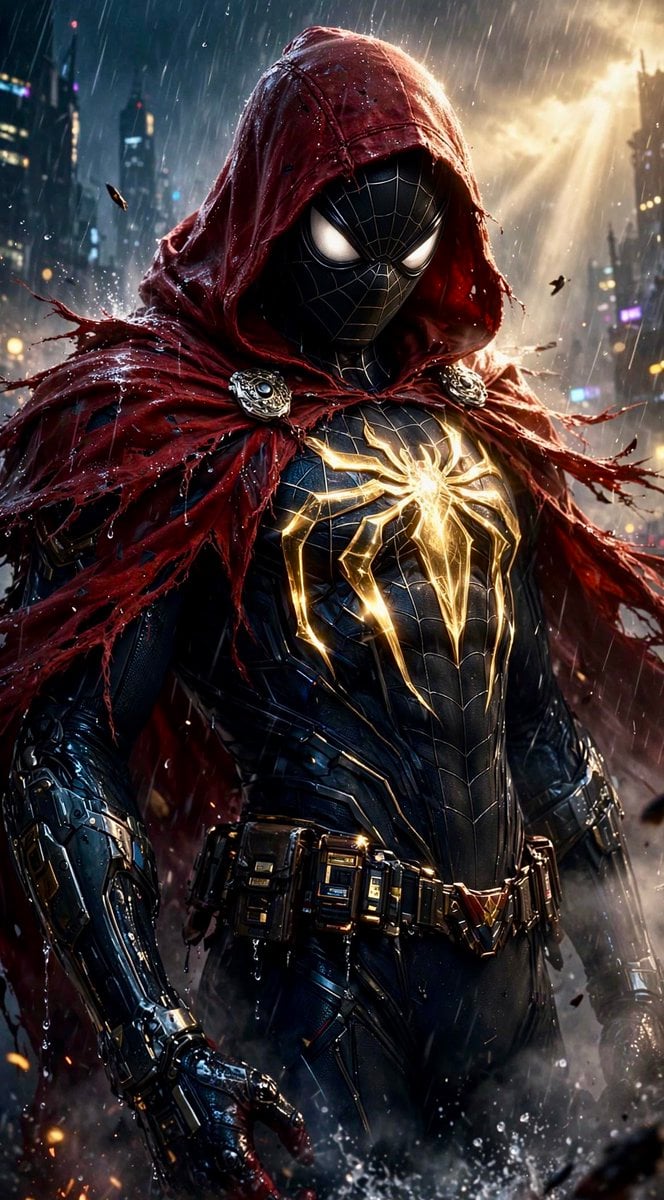
Dark Hooded Spider-Man Portrait
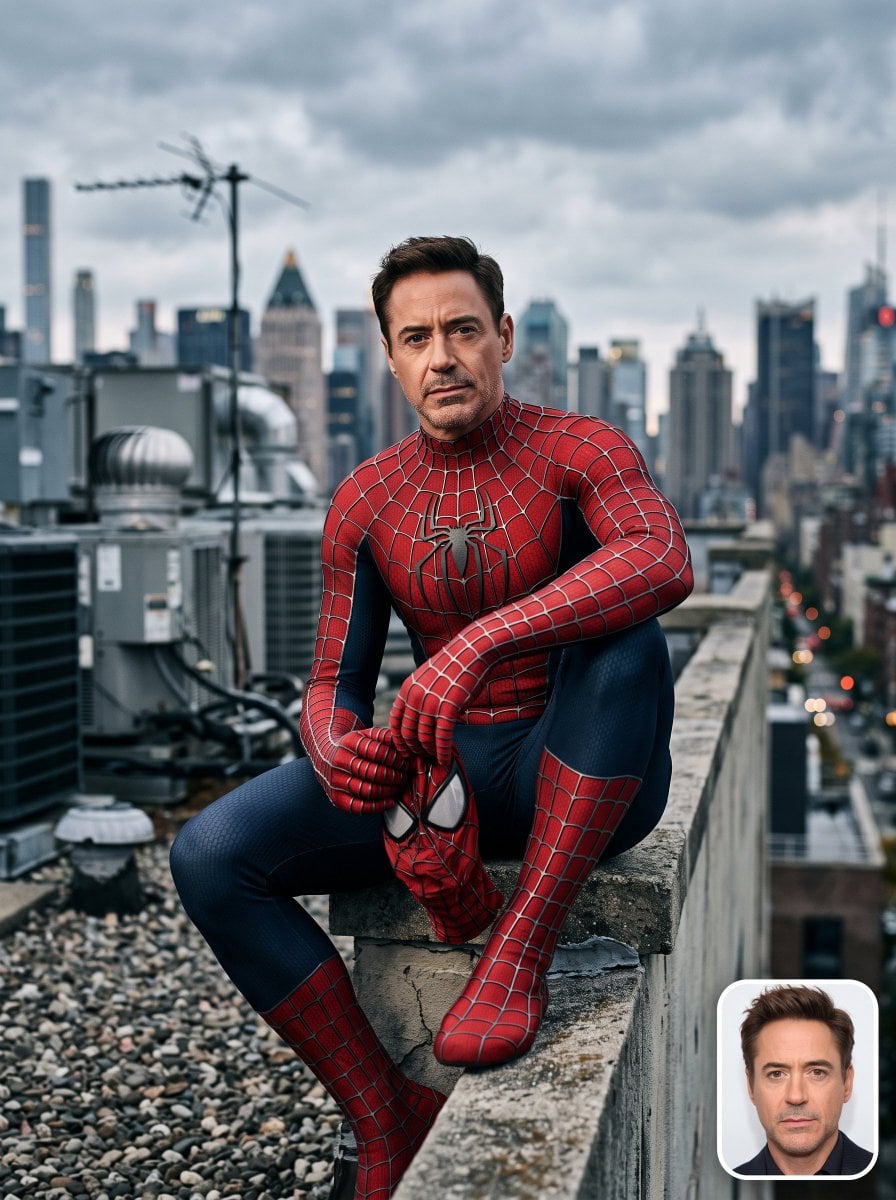
Spider-Man Rooftop Suit Portrait
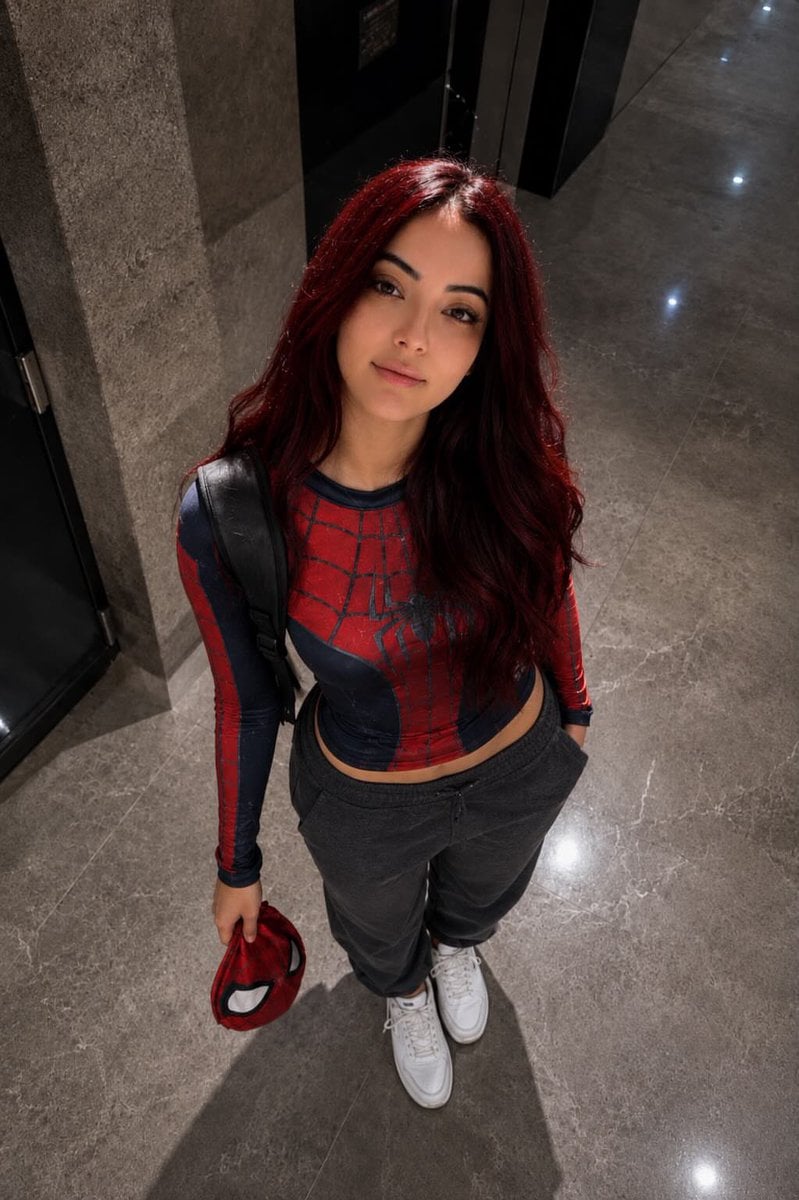
Overhead Spider-Man Costume Portrait
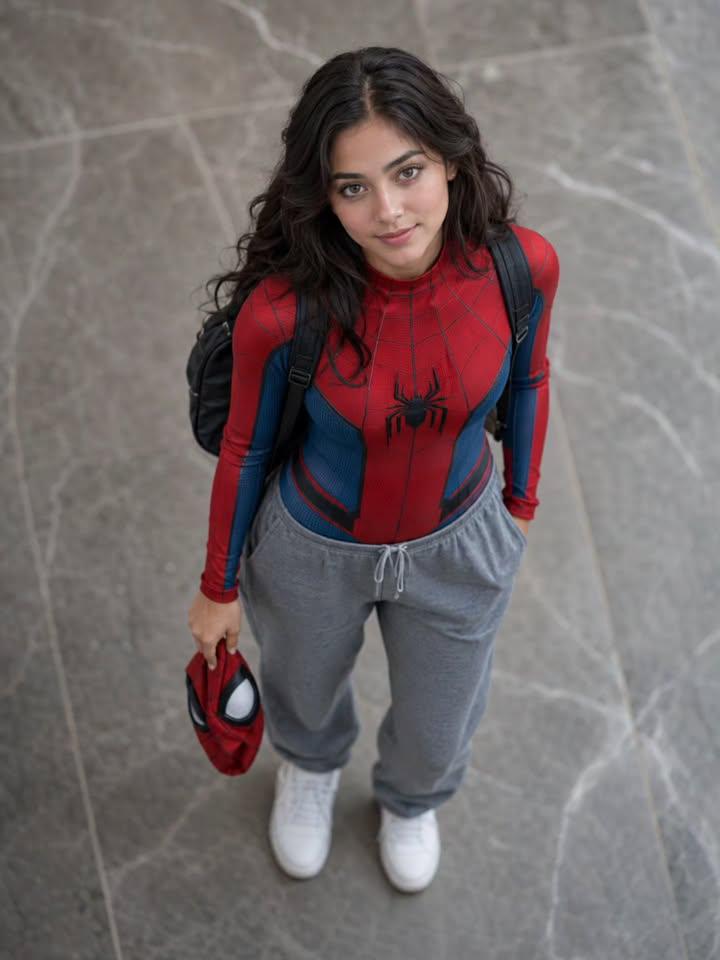
Overhead Spider-Man Suit Portrait
Comic Book Spinner Rack
Make it yours
Spider-Man Noir Detective Rain Alley works as-is. These are the safest ways to change it without losing the look.
Change one field
Copy a single group, rewrite it, and generate again so you can see what that field is doing.
Keep the frame, change the subject
Hold the composition and light of Spider-Man Noir Detective Rain Alley, then swap wardrobe, props or the person for a new take.
| If the result… | Why | Fix |
|---|---|---|
| The result drifts from the preview | Too many fields changed at once. | Reuse Spider-Man Noir Detective Rain Alley as-is first, then change one group — subject, light, or setting. |
| The model over-stylizes the scene | The prose prompt leaves finish and camera underspecified. | Add one camera or lighting sentence and stay on PicX Studio. |
More image prompts
Fresh picks from across the catalog.

Gpt2 Profile Avatar Cozy Catgirl Pajama Night Portrait
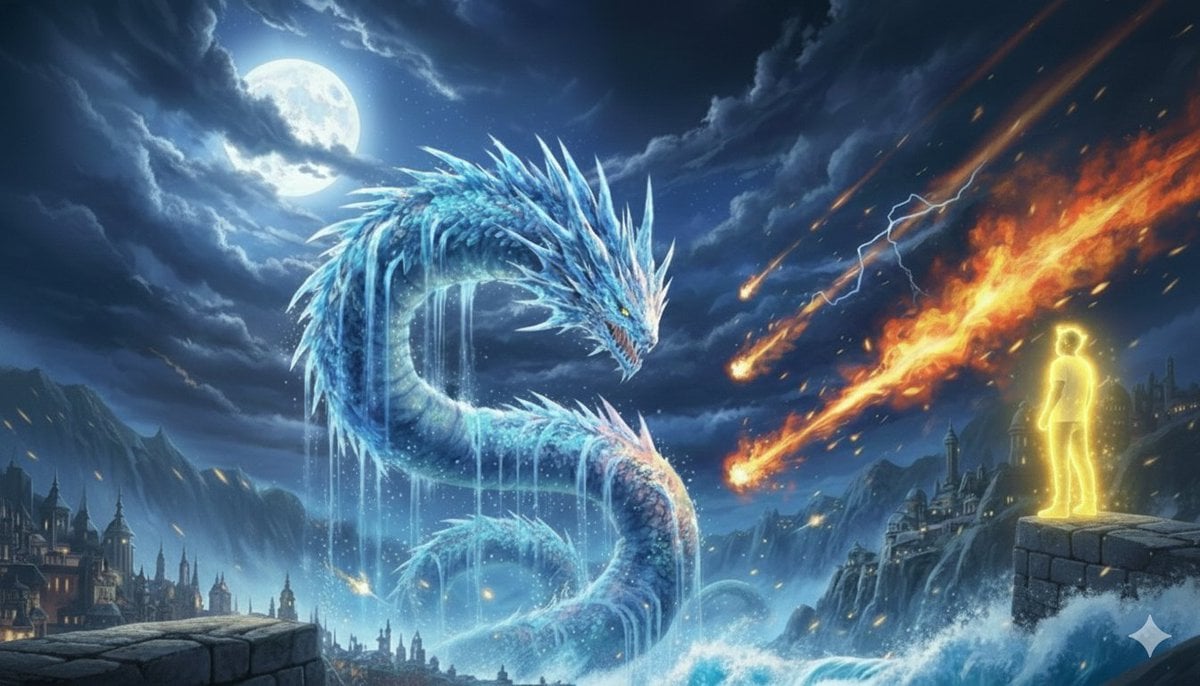
Image Generation Prompt: Nishimura Mizuki and Leviathan
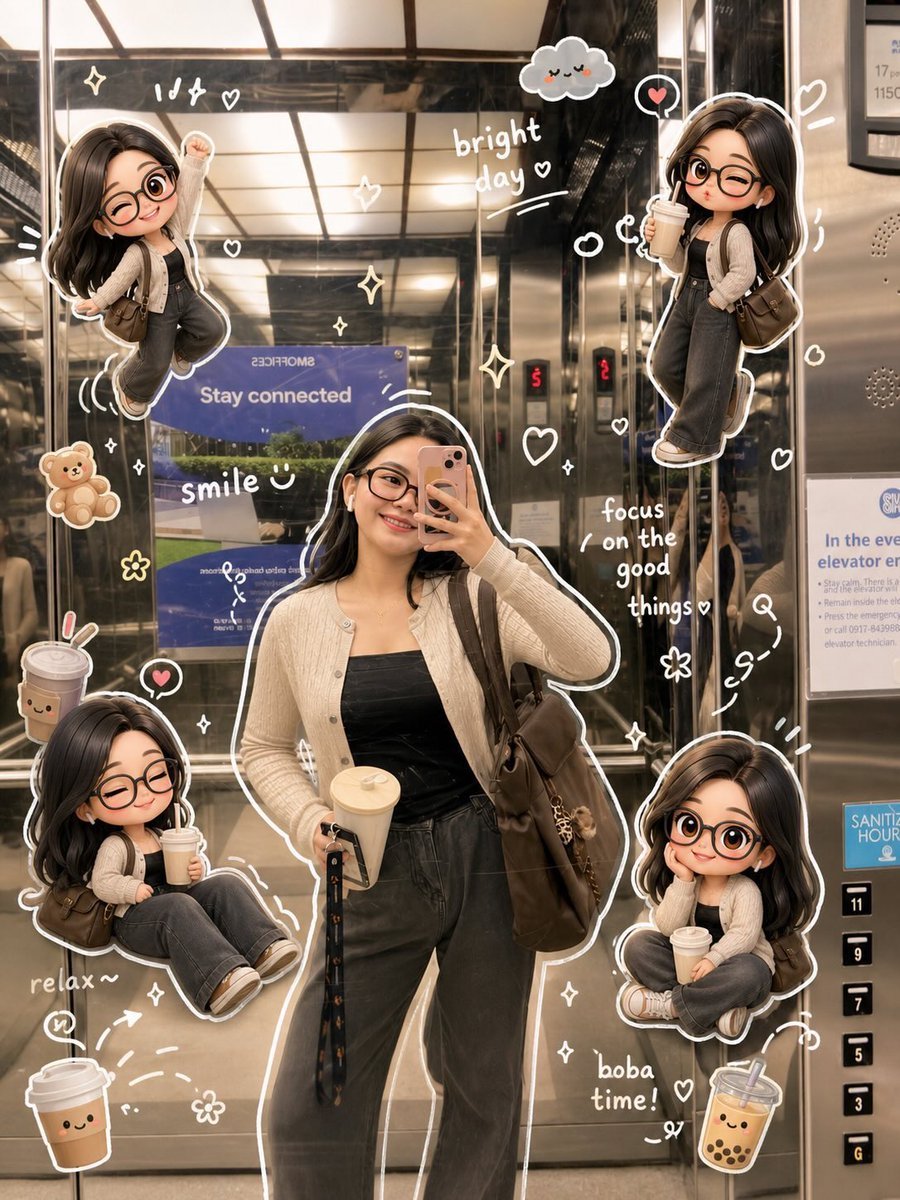
Doodle Aesthetic Social Media Photo Edit
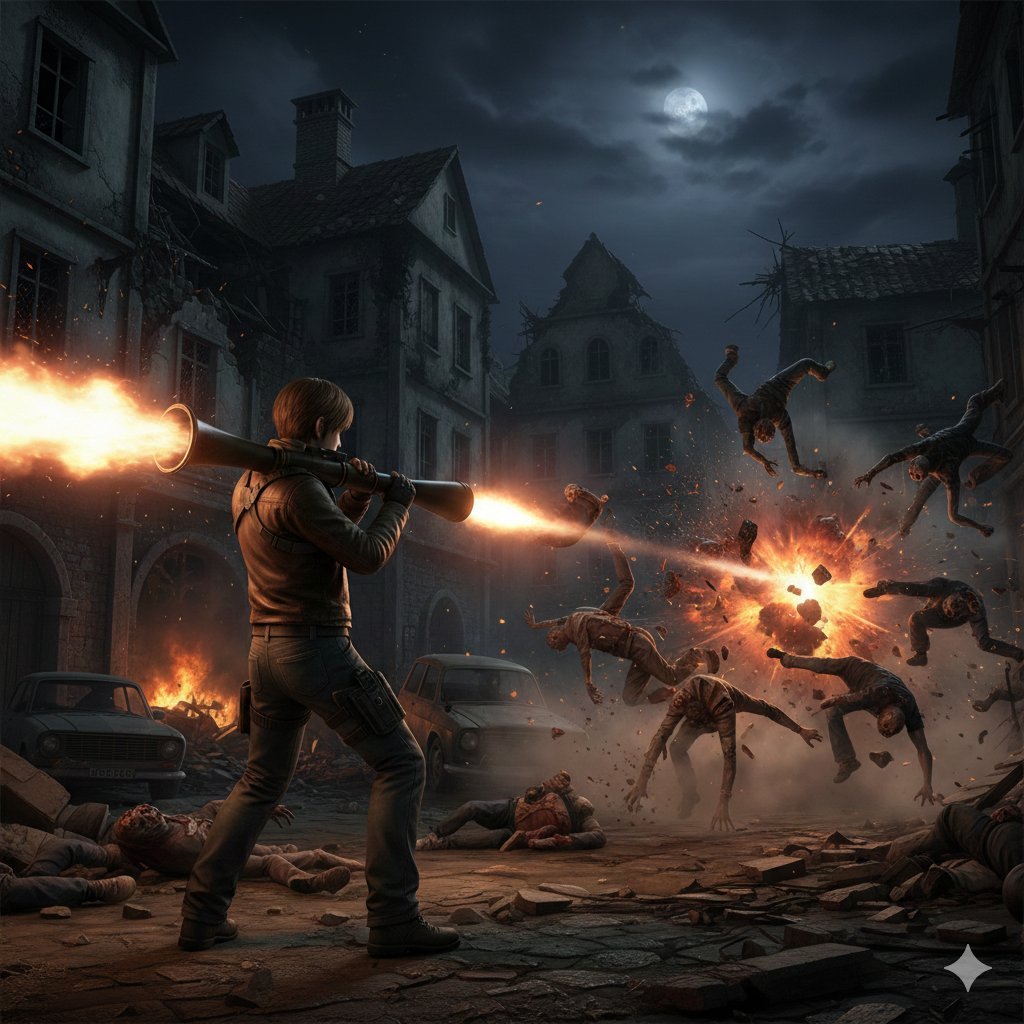
Resident Evil Rocket Launcher Action Scene
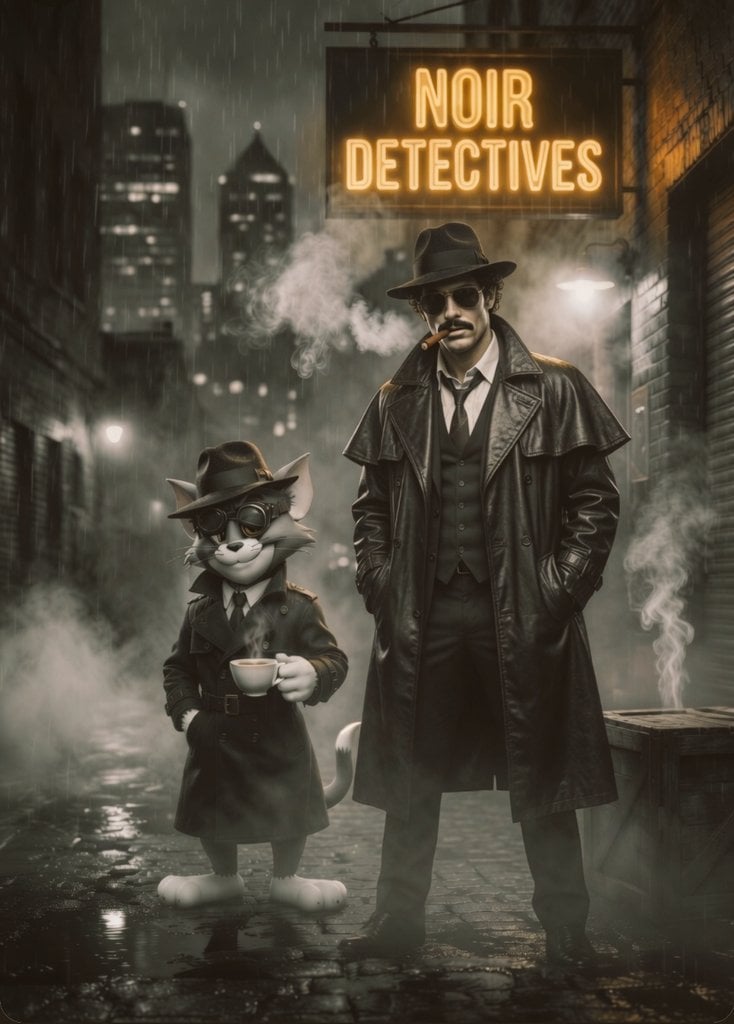
Noir Detective Film Masterpiece
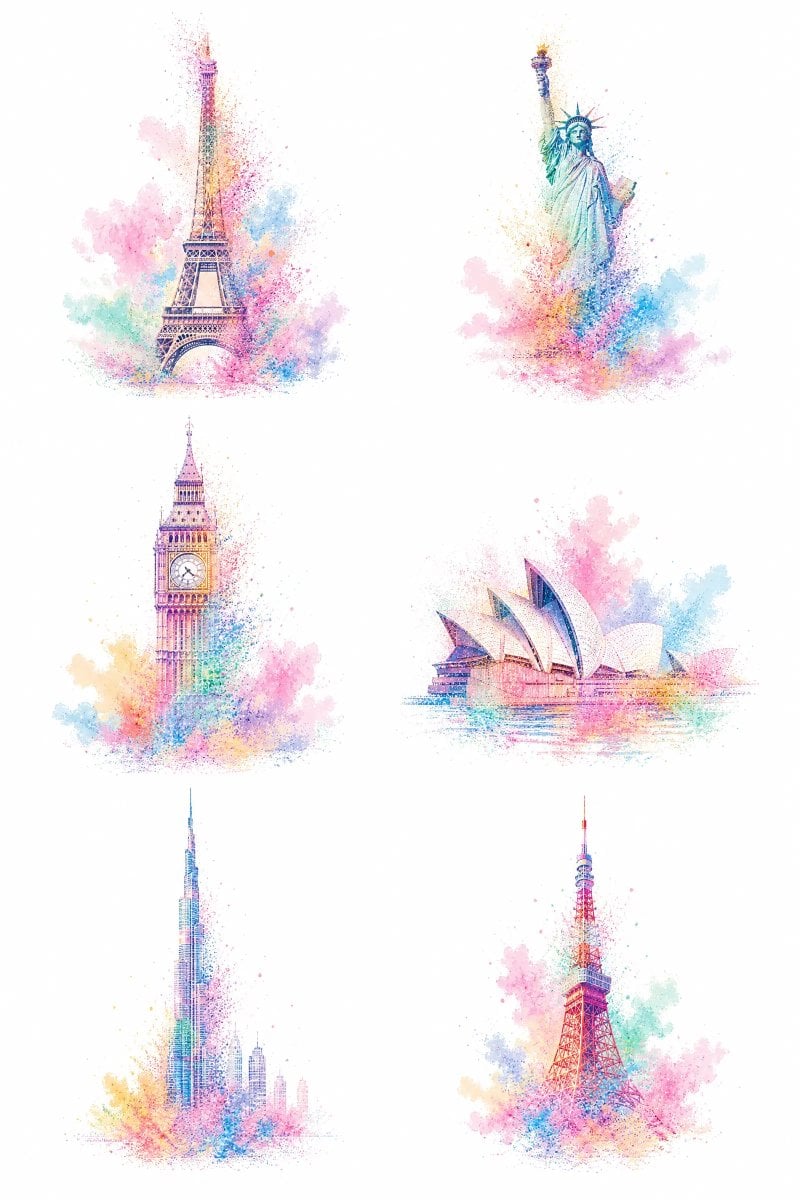
Pastel Dust World Landmarks

Food Photography Style Guide
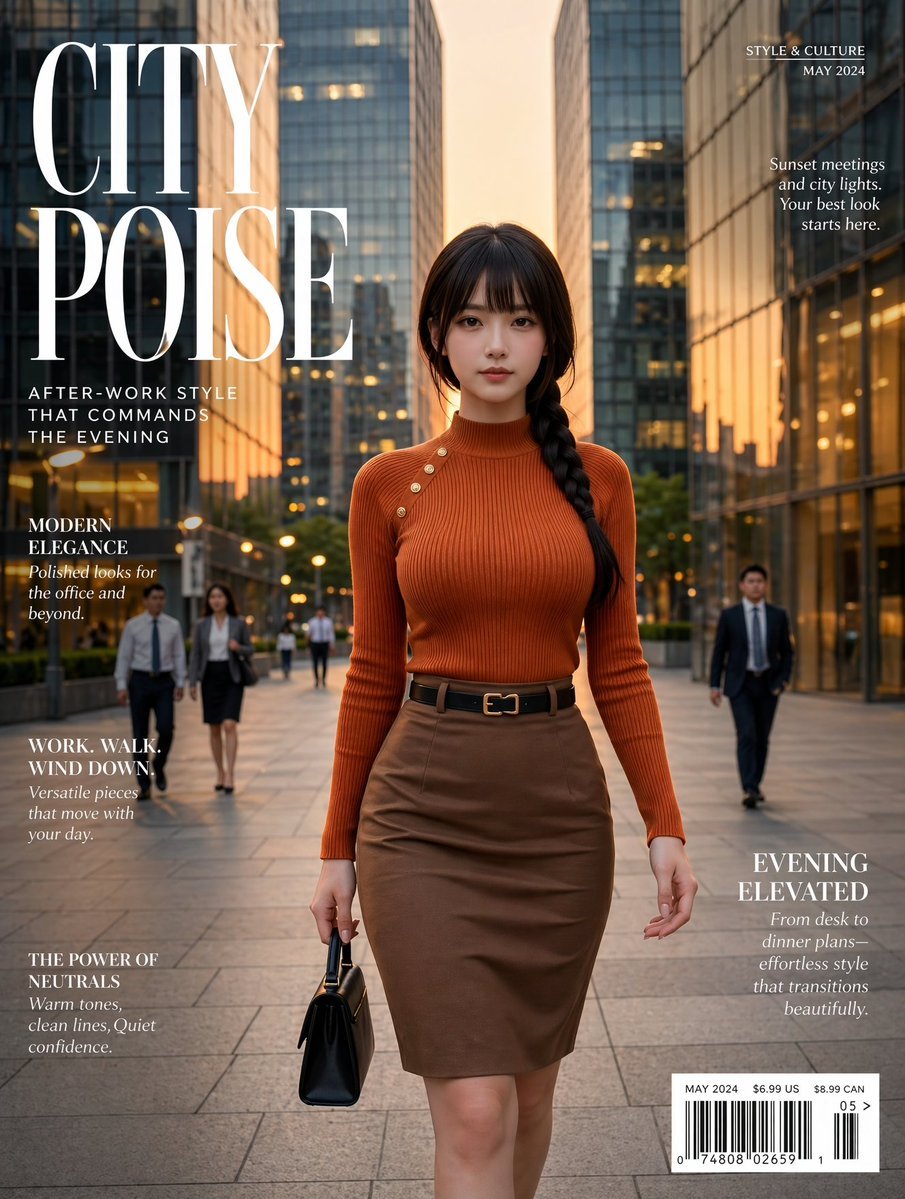
Elegant City Fashion Magazine Cover
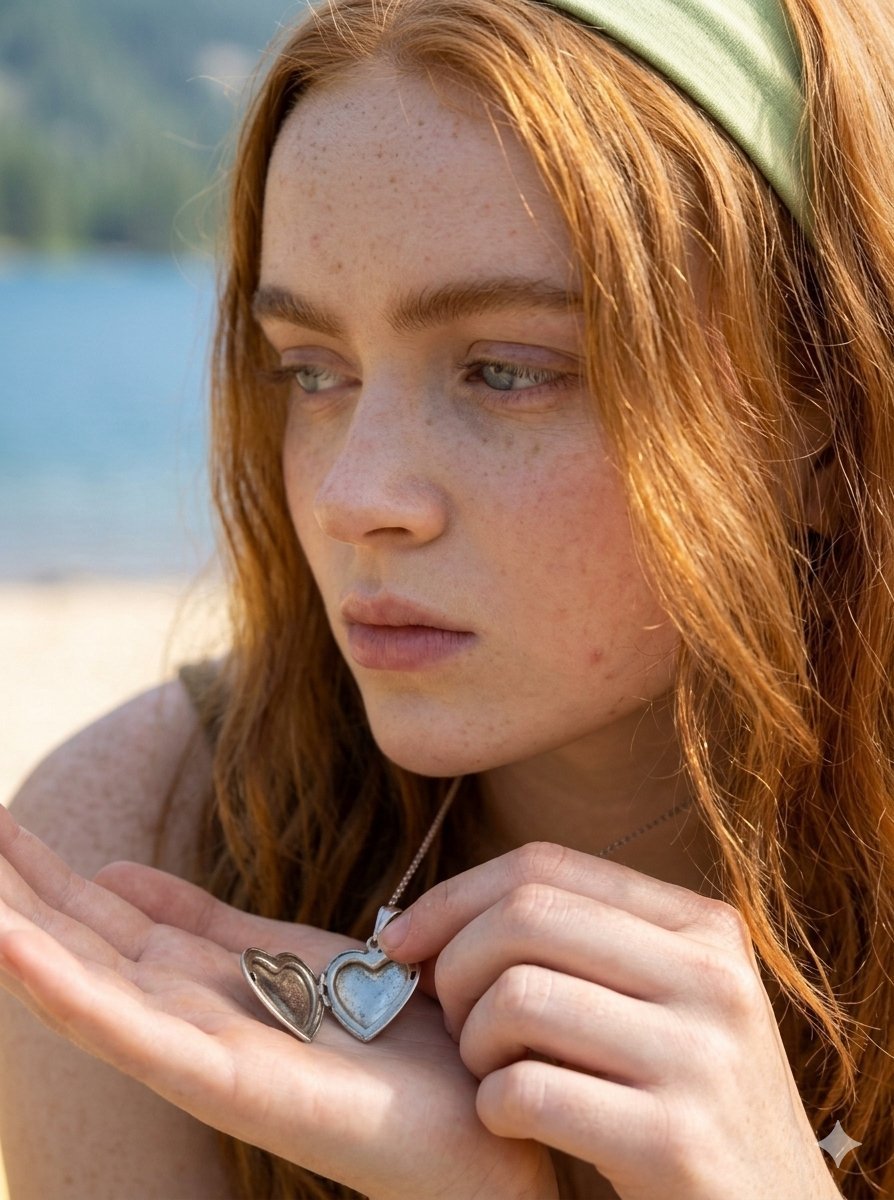
Lifestyle Fashion Photography on a Beach
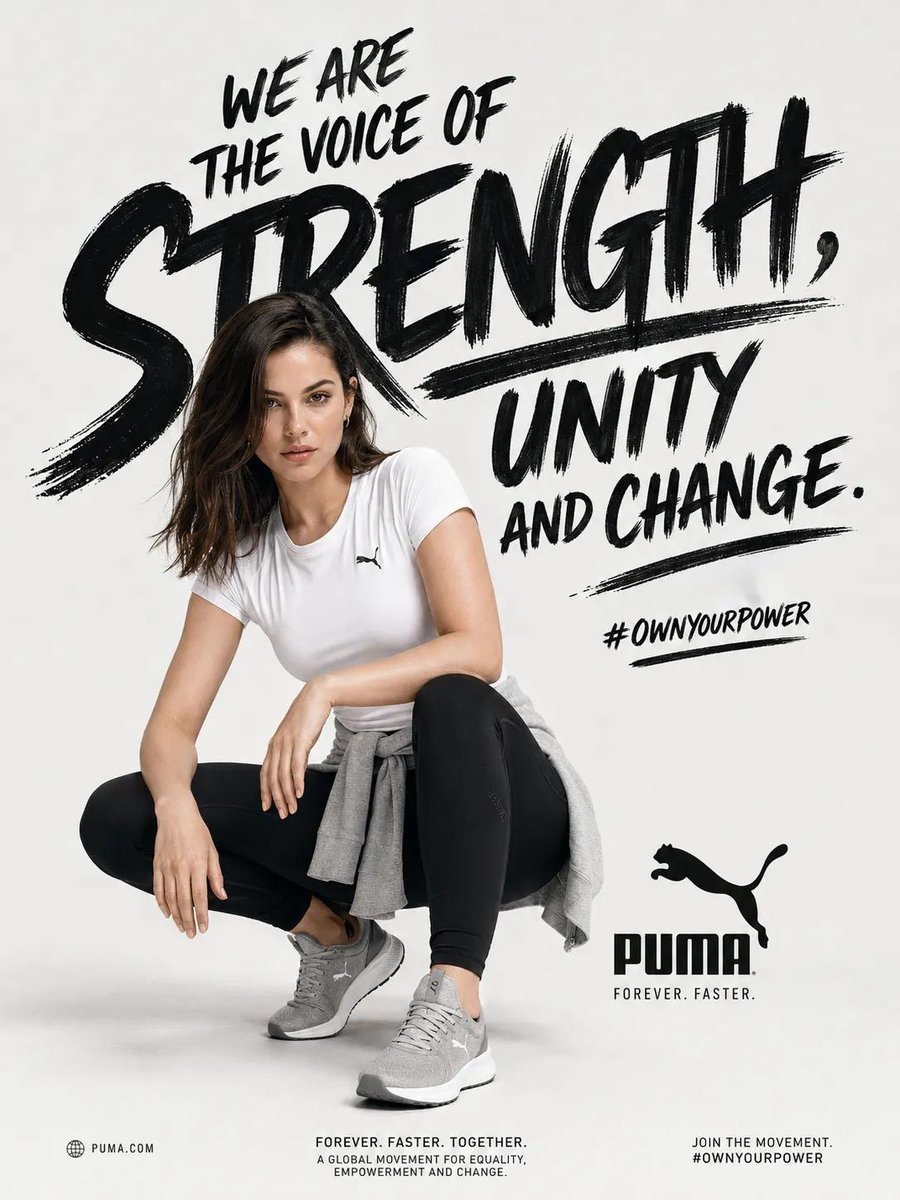
Sports Fashion Advertisement Poster
Browse template categories
Spider-Man Noir Detective Rain Alley questions
How do I use the Spider-Man Noir Detective Rain Alley template?
Add your photo if the template asks for one, edit the prompt if you like — the template's model and format are already selected — and press Generate. Your version opens in PicX Studio.
Can I customize the Spider-Man Noir Detective Rain Alley template?
Yes. You can change the subject, setting, lighting, mood, format, and available model controls before creating your image.
Is the Spider-Man Noir Detective Rain Alley template free?
Opening and editing this template is free. Generating uses credits, shown on the Generate button when you are signed in.
Which AI model should I use?
Choose a compatible model in PicX Studio based on the style, speed, and output controls your project needs.
Looking for something else? Browse all templates.

Your photo, any look
Thousands of ready templates for every top image and video model, from one credit balance.