
Spider-Verse Painterly Portrait Poster
Spider-Verse inspired painterly cartoon portrait with bold line work, halftone textures, and expressive asymmetry on a solid pink background.

- Prompt included
- Model and format preset
- Free template
The prompt behind this image
Copy the exact prompt behind Spider-Verse Painterly Portrait Poster, or open it in the studio and make it yours.
A painterly exaggerated cartoon portrait combining sculpted 3D anatomy with hand-painted illustration textures, spider-verse inspired visual language, distorted facial geometry and expressive asymmetry, intentionally breaking realism while preserving general identity cues such as skin tone and hairstyle, bold line work mixed with painted shadows, halftone textures and color splashes graphic animated illustration aesthetic, solid pink studio background, frontal expressive pose, stylized lighting translated into brush-painted highlights, dynamic composition, rich paint texture and high-end hybrid cartoon render.
How to use Spider-Verse Painterly Portrait Poster in 3 steps
- 1
Open
The prompt is already in the box next to the preview, with the template's model and format selected.
- 2…a portrait of your subject in softgolden-hour light, 85mm…
Personalize
Edit the subject and creative details for your destination.
- 3Generate
Generate
Press Generate — your image is created in PicX Studio, so you can compare it with the original and refine one variable at a time.
More like this
Templates with the same subject, style or setup. Open one to see its prompt.

Spider-Man Night Swing New York Cinematic

Cartoon TV Show Poster Pack

Captain Tsubasa Anime World Cup Poster

Spider-Man 2099 Cyberpunk Neon Future City
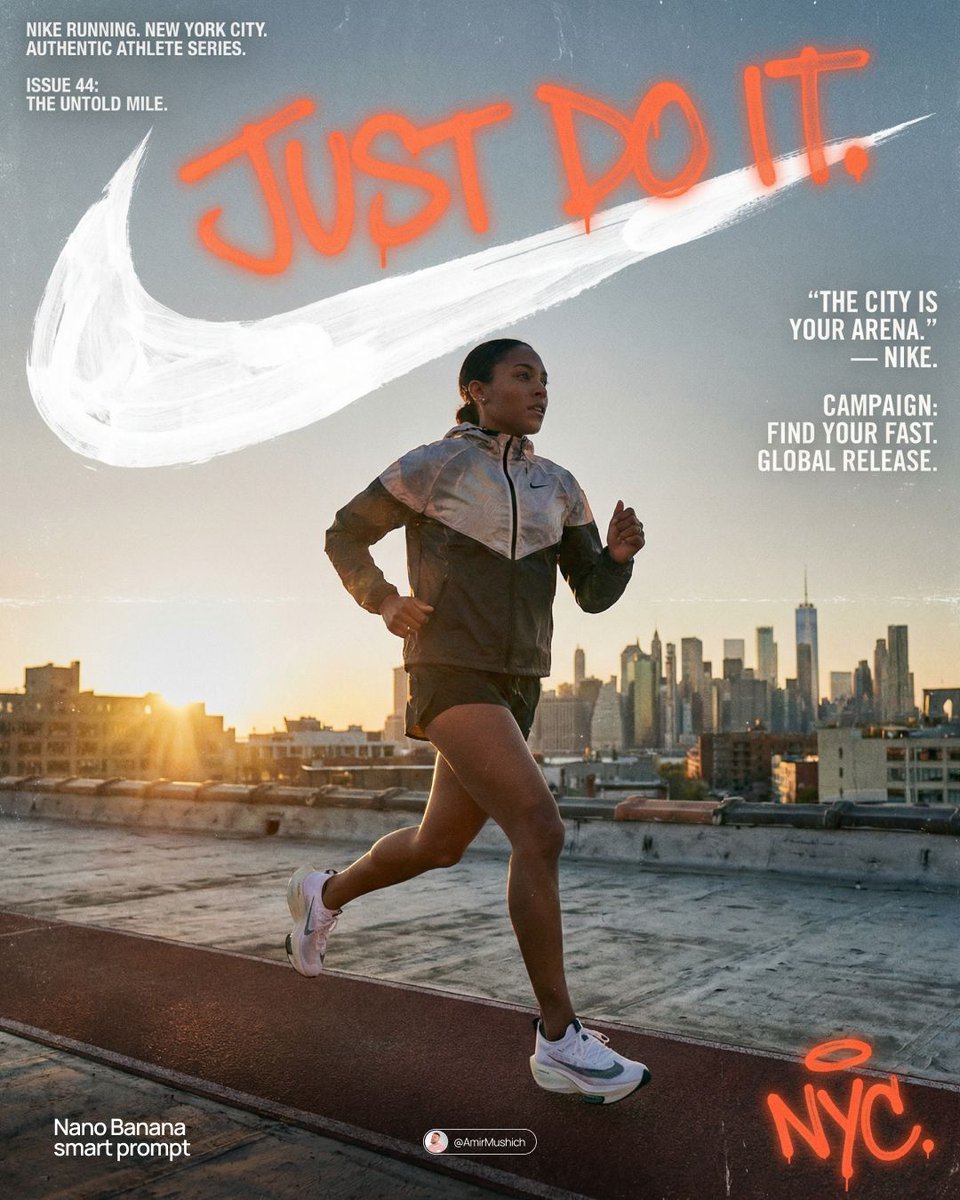
Miles Morales Spider-Man Brooklyn Graffiti

Spider-Man Noir Detective Rain Alley

City Posters by Nano Banana Pro
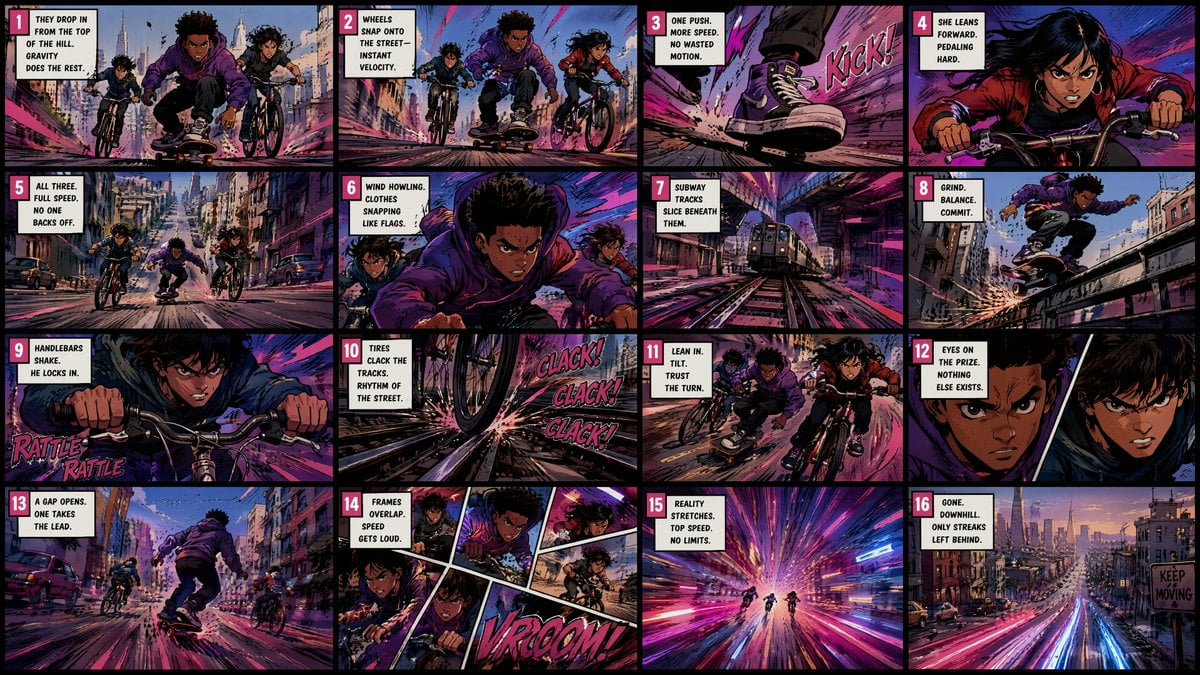
Spider-Verse Style Comic Storyboard

Spider-Man Rooftop Golden Hour Cinematic Photo
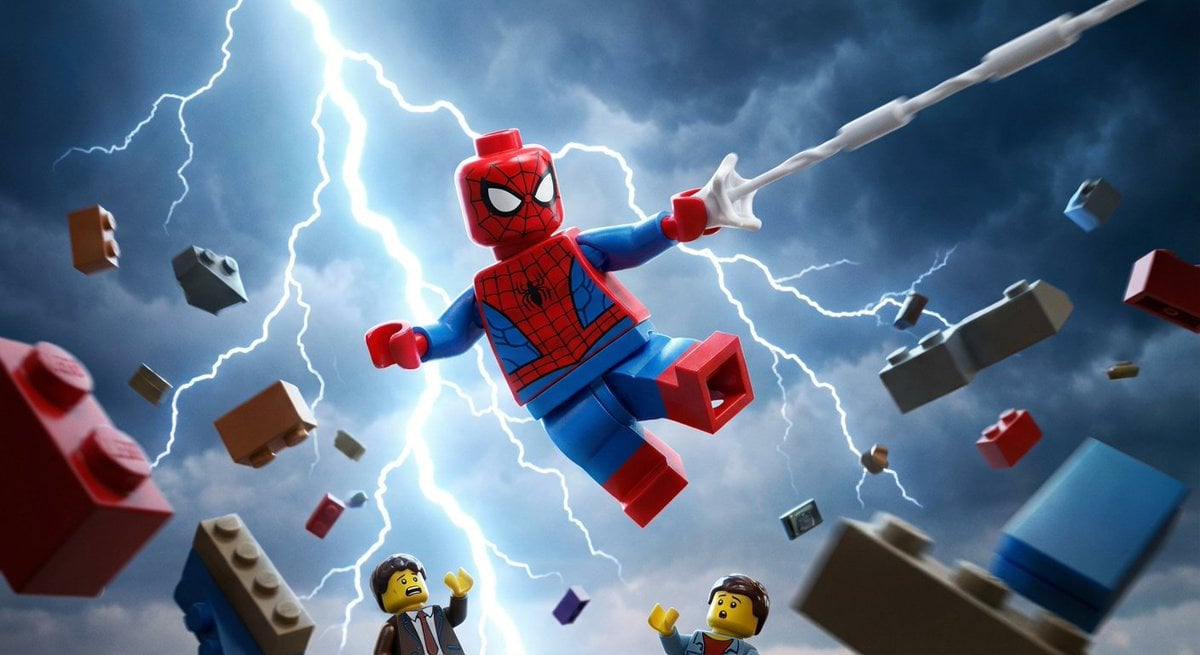
Epic LEGO Spider-Man movie poster scene

Japan Travel Brochure Poster

Master Paper Cut Illustration — Saudi Arabia Travel Poster in Layered Paper Art
Make it yours
Spider-Verse Painterly Portrait Poster works as-is. These are the safest ways to change it without losing the look.
Change one field
Copy a single group, rewrite it, and generate again so you can see what that field is doing.
Keep the frame, change the subject
Hold the composition and light of Spider-Verse Painterly Portrait Poster, then swap wardrobe, props or the person for a new take.
| If the result… | Why | Fix |
|---|---|---|
| The result drifts from the preview | Too many fields changed at once. | Reuse Spider-Verse Painterly Portrait Poster as-is first, then change one group — subject, light, or setting. |
| The model over-stylizes the scene | The prose prompt leaves finish and camera underspecified. | Add one camera or lighting sentence and stay on PicX Studio. |
More image prompts
Fresh picks from across the catalog.

21 Glass Floor Skyscraper — California Series
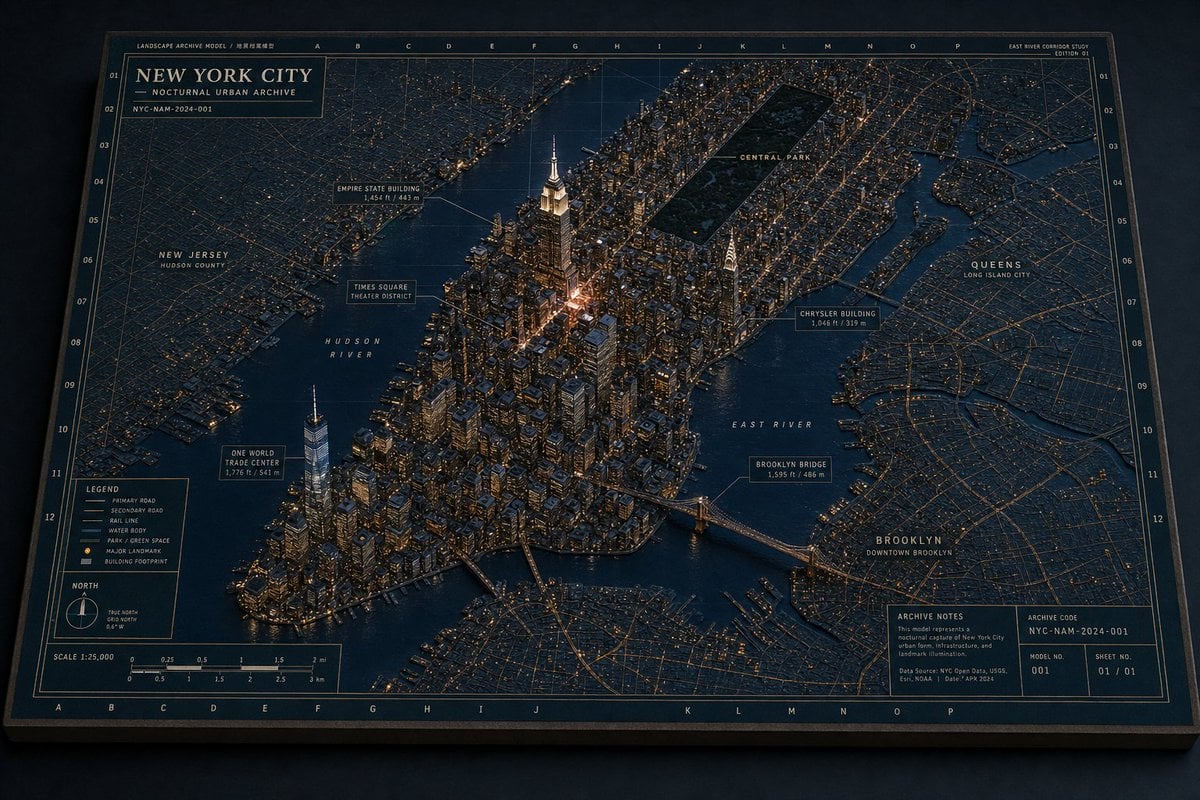
New York Night Archive Diorama

Nano Banana - Evening Champagne Blue
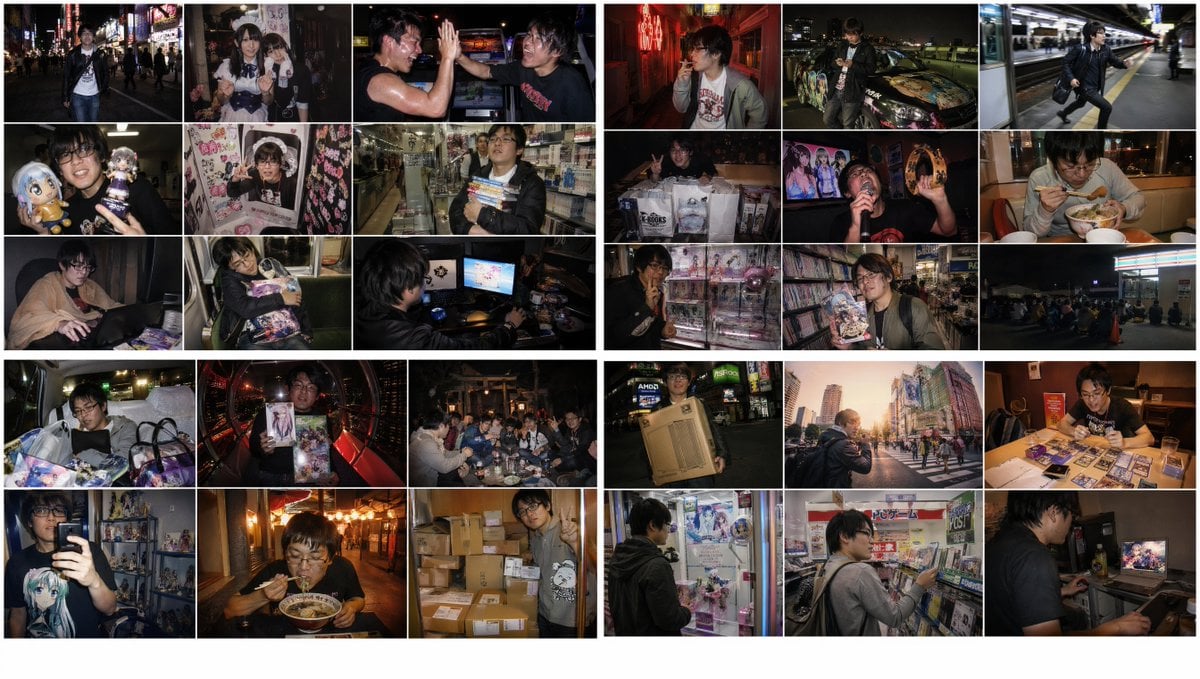
2010s Akihabara Otaku Snapshot Storyboard
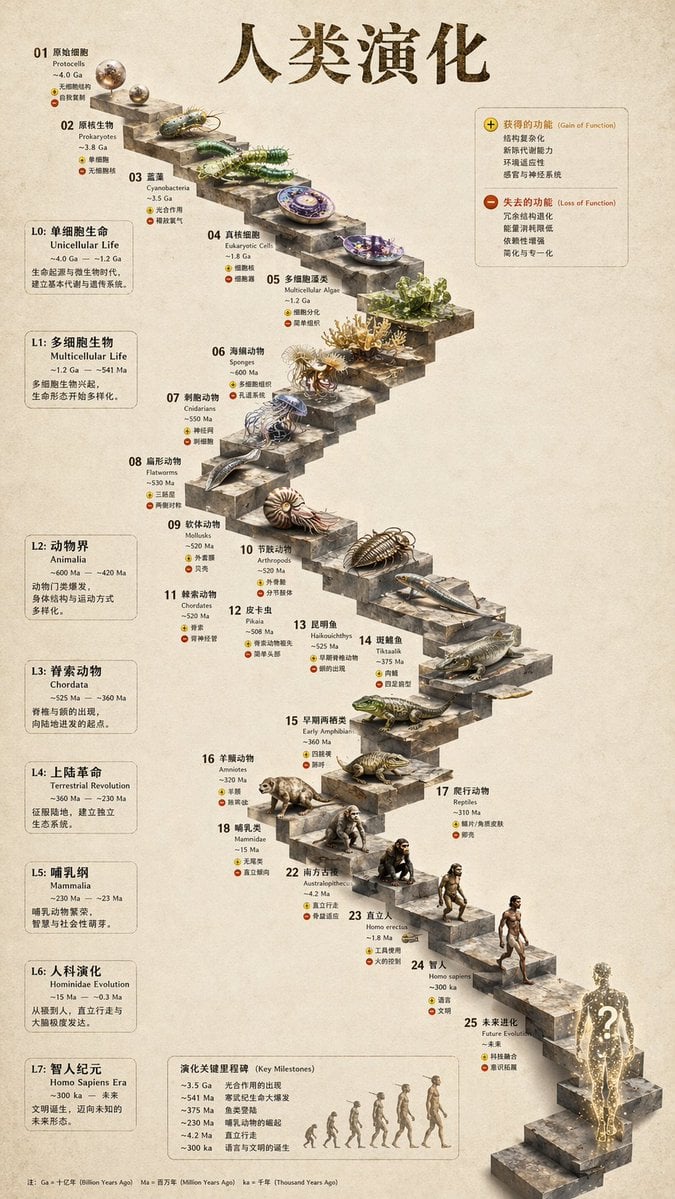
3D Stone Staircase Evolution Infographic
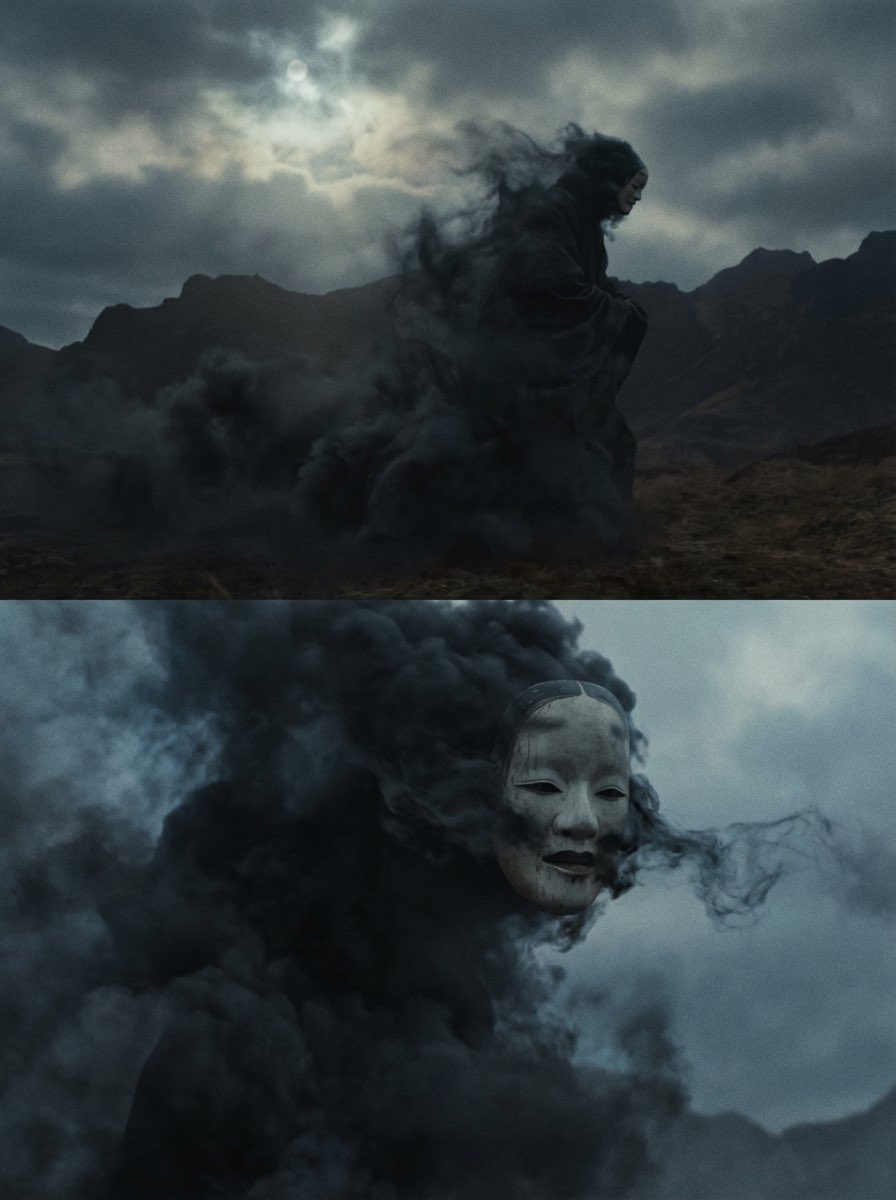
Giant Abstract Enemy Character Generation Prompt (Step 2)
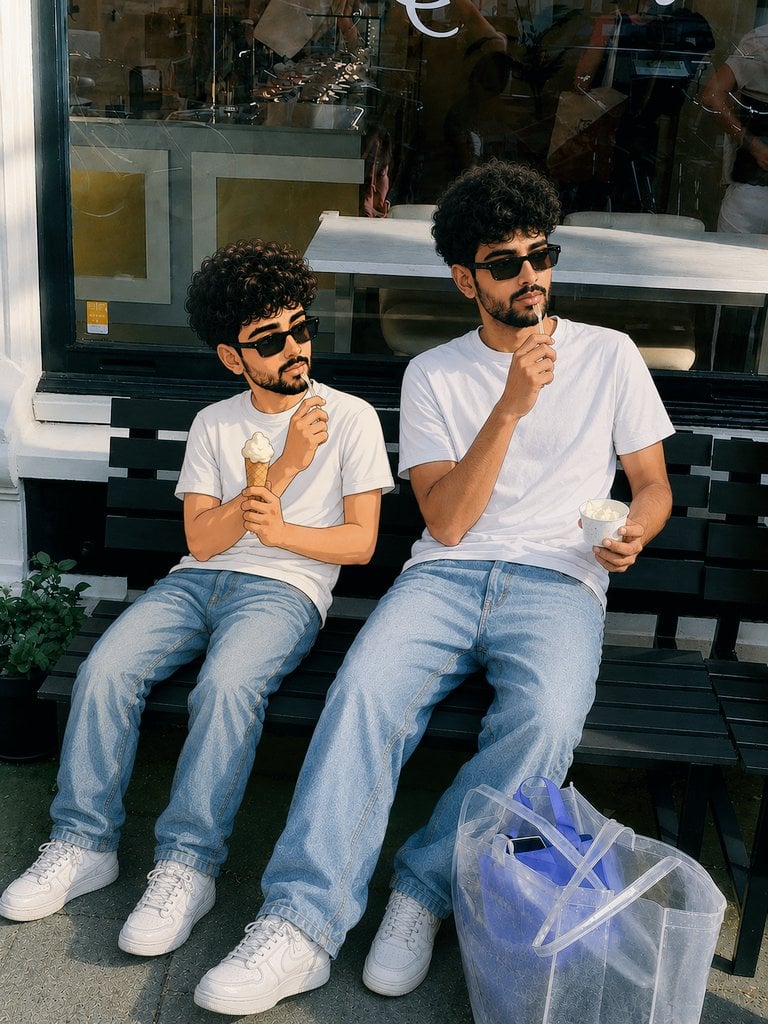
Photorealistic Cartoon Clone Portrait
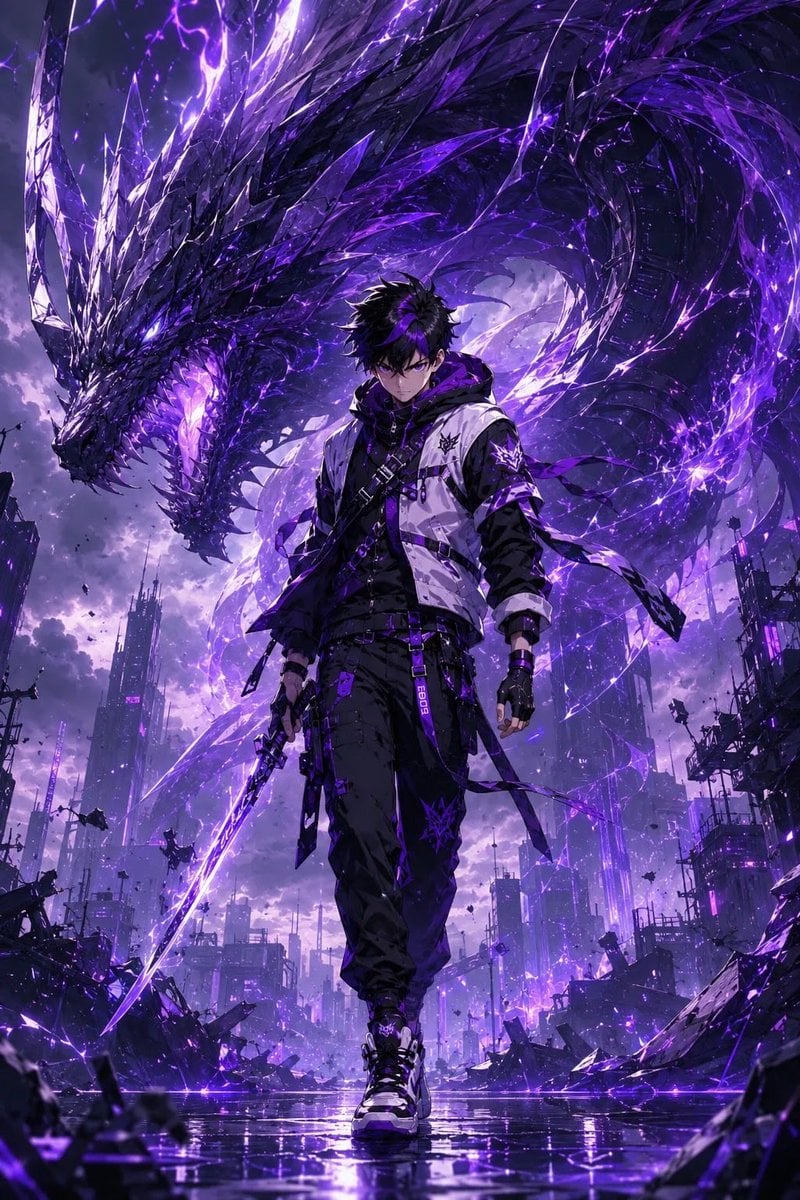
Epic Anime Worldview with Guardian Beast
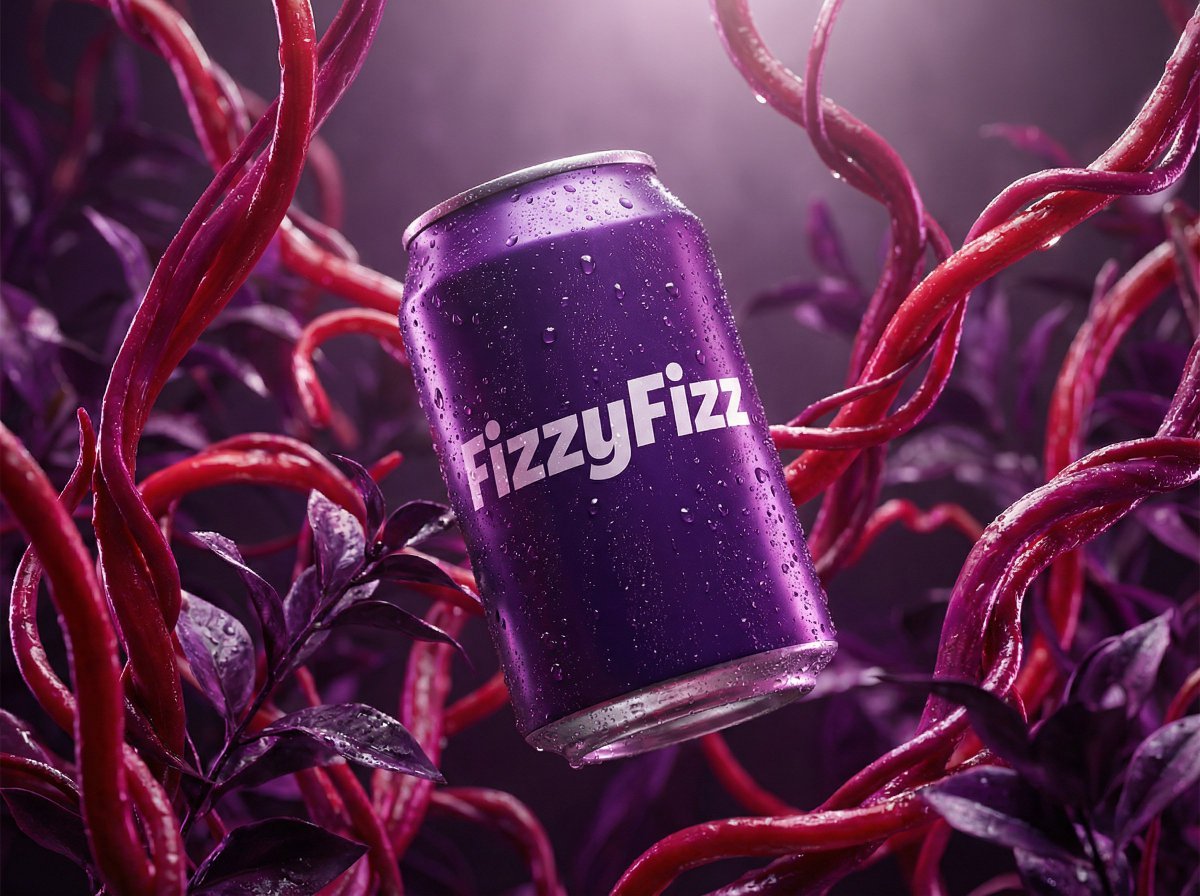
Surreal Product Shot Prompt: Purple Beverage Can with Organic Tendrils
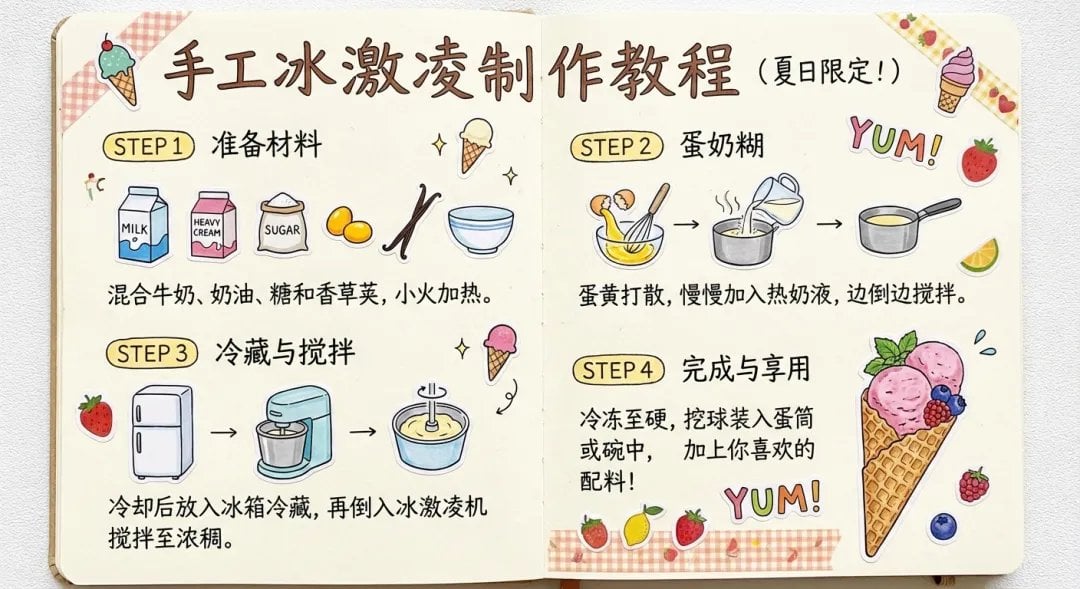
Sparkling water product main image
Browse template categories
Spider-Verse Painterly Portrait Poster questions
How do I use the Spider-Verse Painterly Portrait Poster template?
Add your photo if the template asks for one, edit the prompt if you like — the template's model and format are already selected — and press Generate. Your version opens in PicX Studio.
Can I customize the Spider-Verse Painterly Portrait Poster template?
Yes. You can change the subject, setting, lighting, mood, format, and available model controls before creating your image.
Is the Spider-Verse Painterly Portrait Poster template free?
Opening and editing this template is free. Generating uses credits, shown on the Generate button when you are signed in.
Which AI model should I use?
Choose a compatible model in PicX Studio based on the style, speed, and output controls your project needs.
Looking for something else? Browse all templates.

Your photo, any look
Thousands of ready templates for every top image and video model, from one credit balance.