
Spider-Man 2099 Cyberpunk Neon Future City
Cyberpunk Spider-Man 2099 poster set in futuristic neon New York 2099 with glitch-art effects, holographic ads, and high-voltage sci-fi atmosphere.

- Prompt included
- Model and format preset
- Free template
The prompt behind this image
Copy the exact prompt behind Spider-Man 2099 Cyberpunk Neon Future City, or open it in the studio and make it yours.
A hyper-cyberpunk Spider-Man 2099 poster set in futuristic New York City 2099. Subject: Spider-Man 2099 in red and blue nano-fiber suit with neon accents, hovering mid-air above dense traffic. Environment: skyscrapers covered in holographic advertisements in Japanese and English, flying cars leaving light trails, neon signs reflecting on wet streets, digital billboards glitching. Lighting: saturated pink, blue, and purple neon strips, volumetric fog catching light beams, harsh contrast between dark alleys and glowing storefronts. Style: cyberpunk glitch-art poster, chromatic aberration, scan-line textures, holographic sticker effects, data-moshing details. Composition: wide establishing shot, vanishing-point city depth, hero placed center-third. Mood: futuristic, electric, dystopian but hopeful. Title area on dark sky canopy at top third.
How to use Spider-Man 2099 Cyberpunk Neon Future City in 3 steps
- 1
Open
The prompt is already in the box next to the preview, with the template's model and format selected.
- 2…a portrait of your subject in softgolden-hour light, 85mm…
Personalize
Edit the subject and creative details for your destination.
- 3Generate
Generate
Press Generate — your image is created in PicX Studio, so you can compare it with the original and refine one variable at a time.
More like this
Templates with the same subject, style or setup. Open one to see its prompt.

Cinematic Sci-Fi Commander Side Profile Portrait

Neon Glitch Cyber Symbiote Music Poster
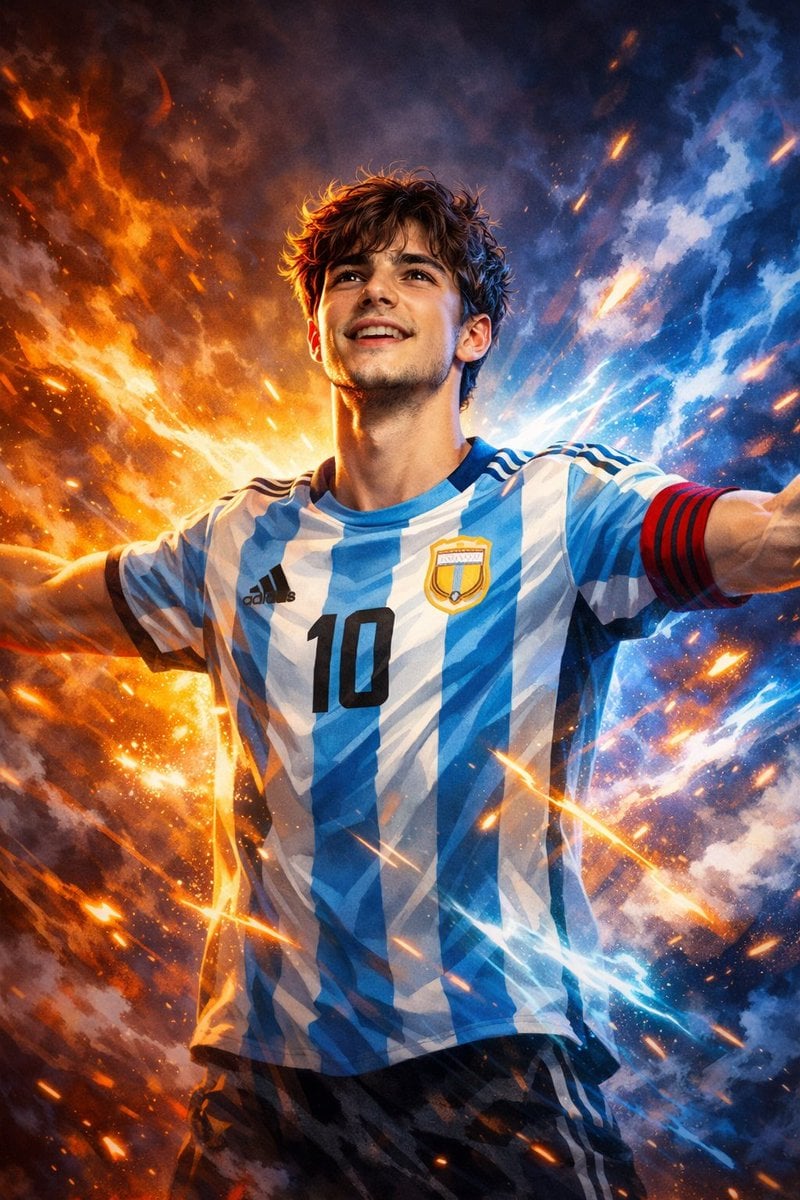
Victory Aura Superhero Neon Poster
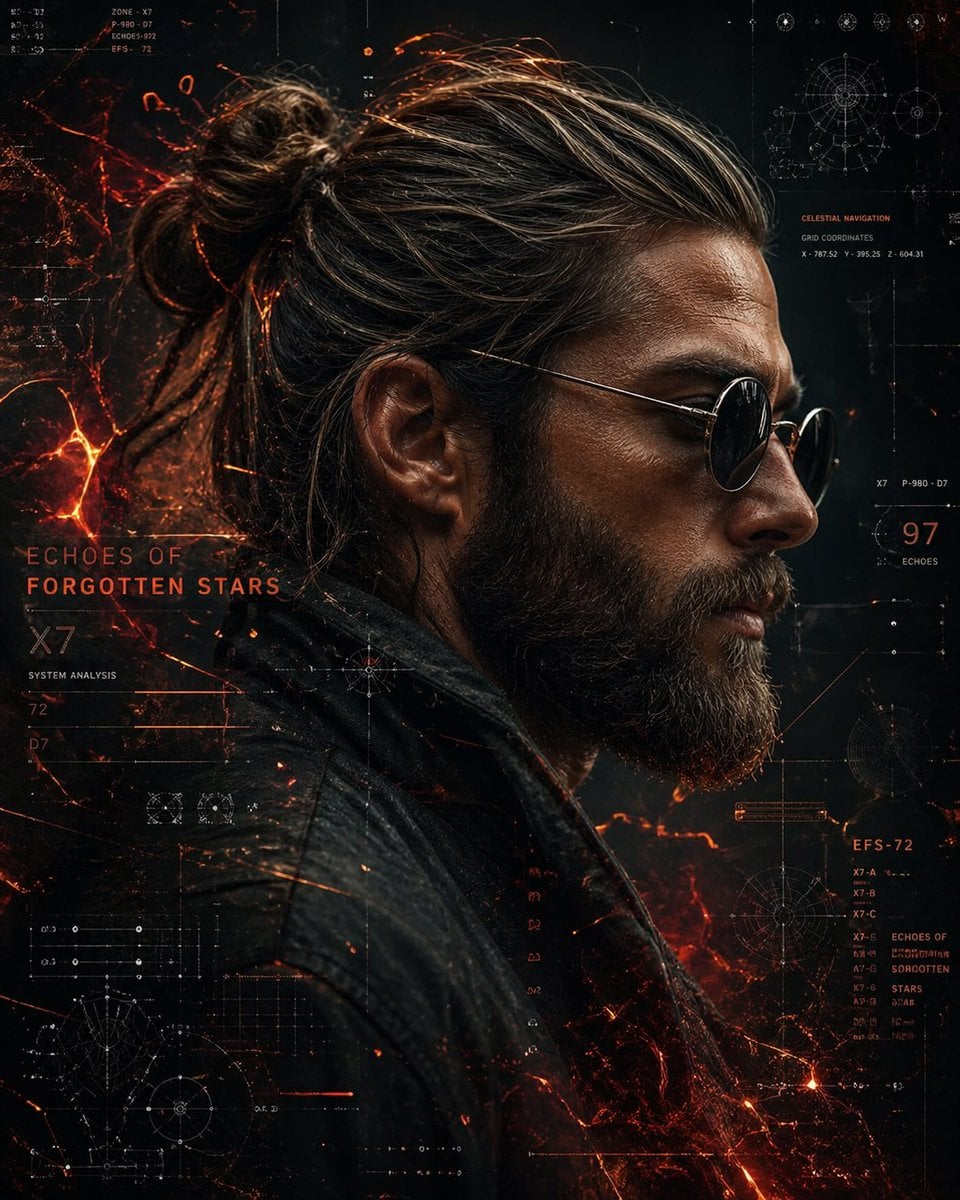
Cinematic Side Profile Cyberpunk Hero Poster
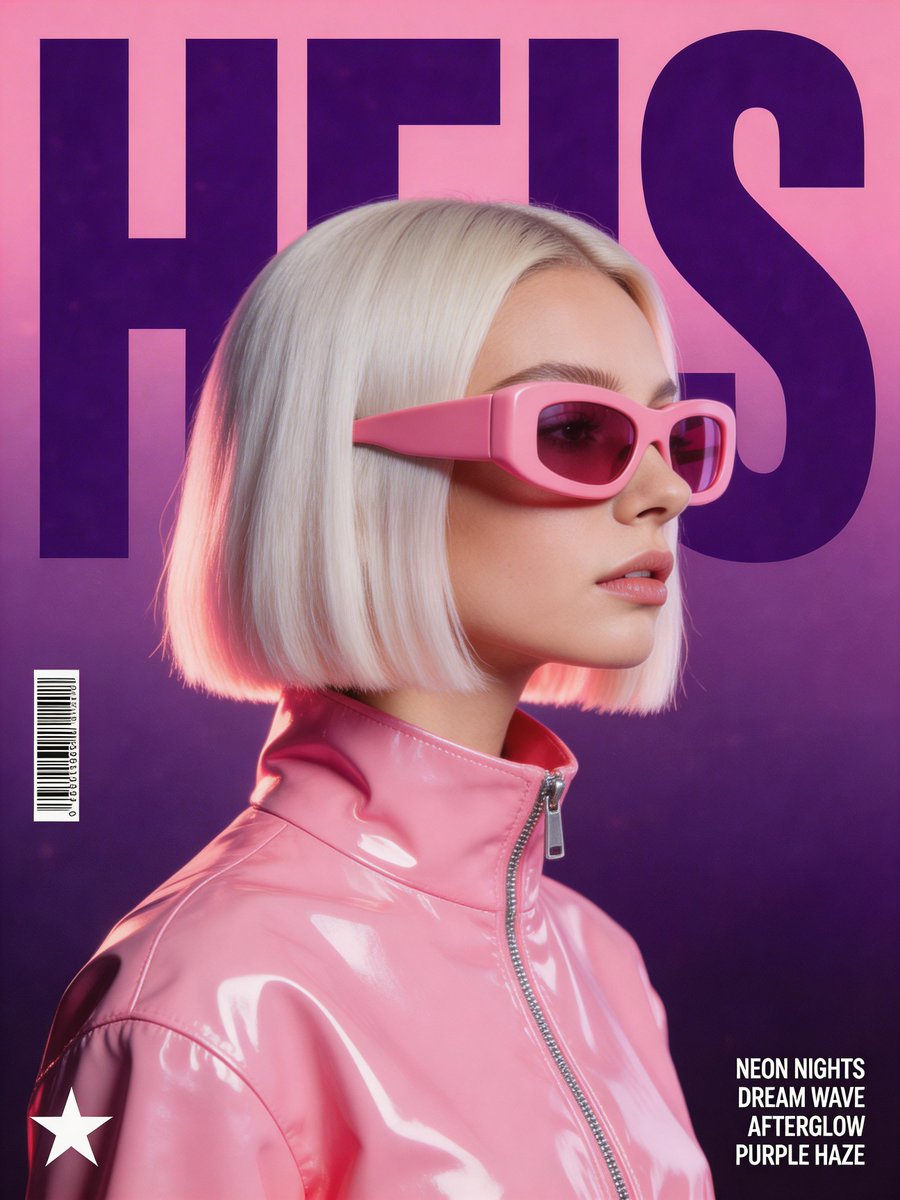
Synthwave Retro Superhero Music Poster
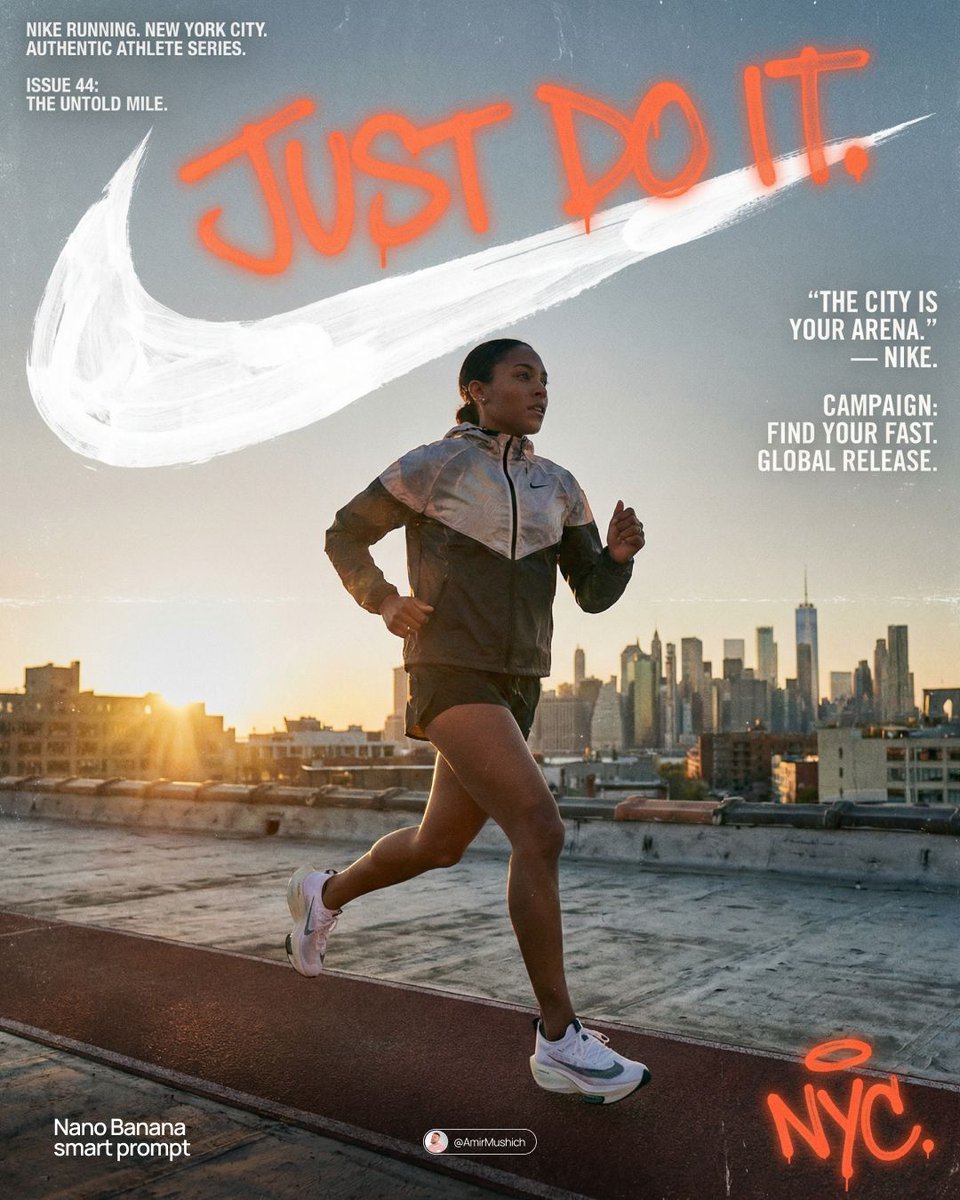
Miles Morales Spider-Man Brooklyn Graffiti

Spider-Man Noir Detective Rain Alley

Spider-Man Night Swing New York Cinematic

Cyberpunk Neon Brazil World Cup Poster

Rainy Night Android Cyberpunk Portrait

Korean Idol Partial Shadow Editorial Portrait

Cyberpunk Neon Profile Fashion Portrait
Make it yours
Spider-Man 2099 Cyberpunk Neon Future City works as-is. These are the safest ways to change it without losing the look.
Change one field
Copy a single group, rewrite it, and generate again so you can see what that field is doing.
Keep the frame, change the subject
Hold the composition and light of Spider-Man 2099 Cyberpunk Neon Future City, then swap wardrobe, props or the person for a new take.
| If the result… | Why | Fix |
|---|---|---|
| The result drifts from the preview | Too many fields changed at once. | Reuse Spider-Man 2099 Cyberpunk Neon Future City as-is first, then change one group — subject, light, or setting. |
| The model over-stylizes the scene | The prose prompt leaves finish and camera underspecified. | Add one camera or lighting sentence and stay on PicX Studio. |
More image prompts
Fresh picks from across the catalog.
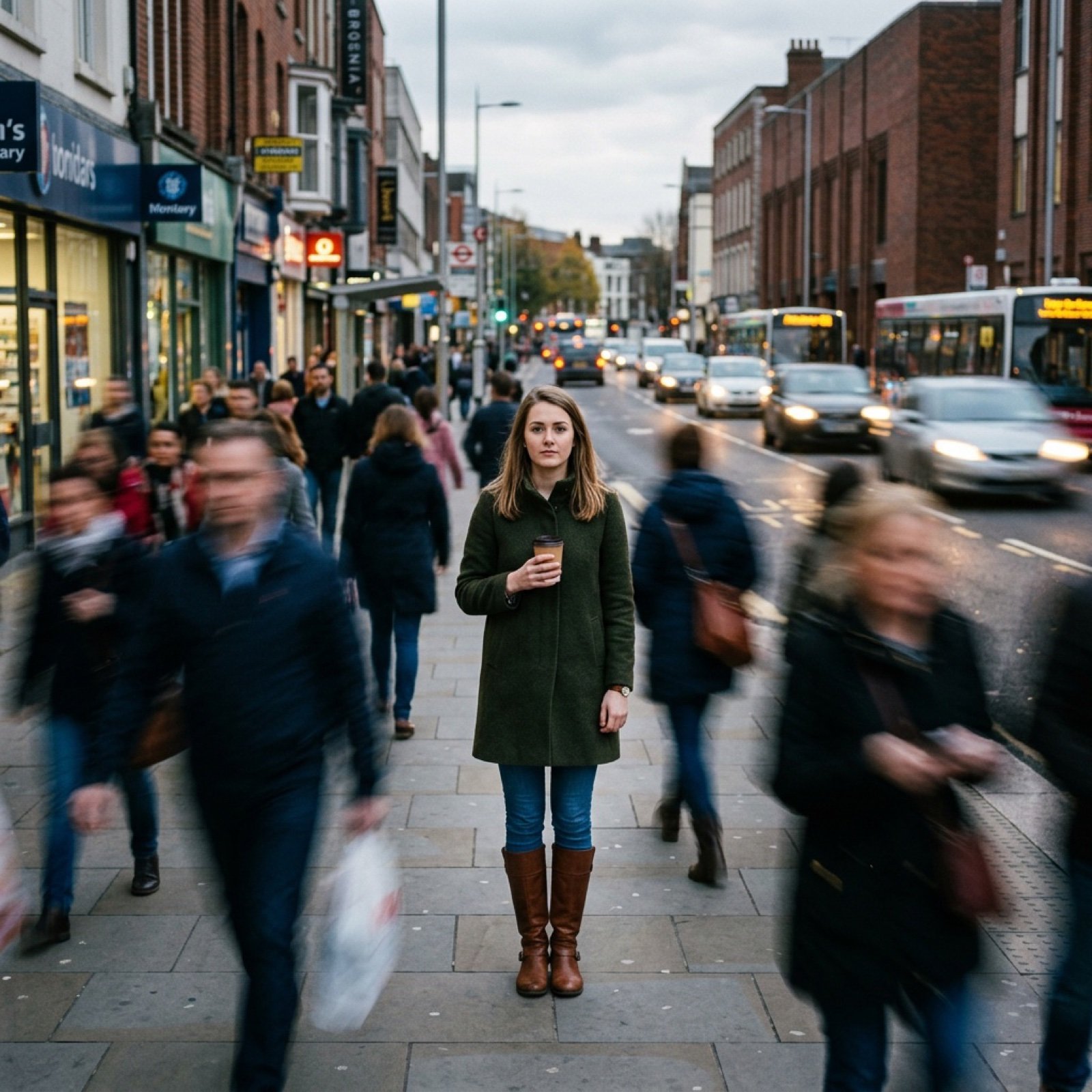
Motion Prompt: Static Subject with Dynamic Background
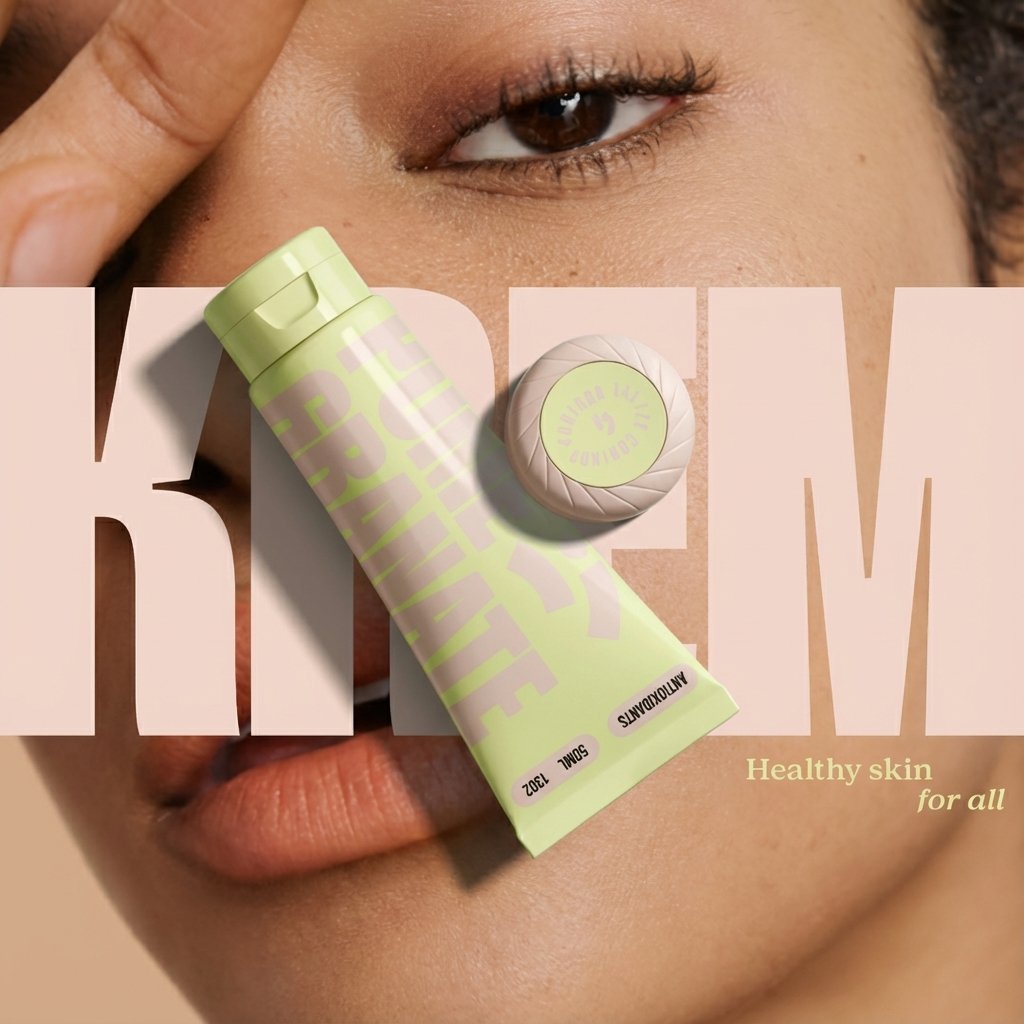
Ad recreation prompt using your product and brand aesthetics
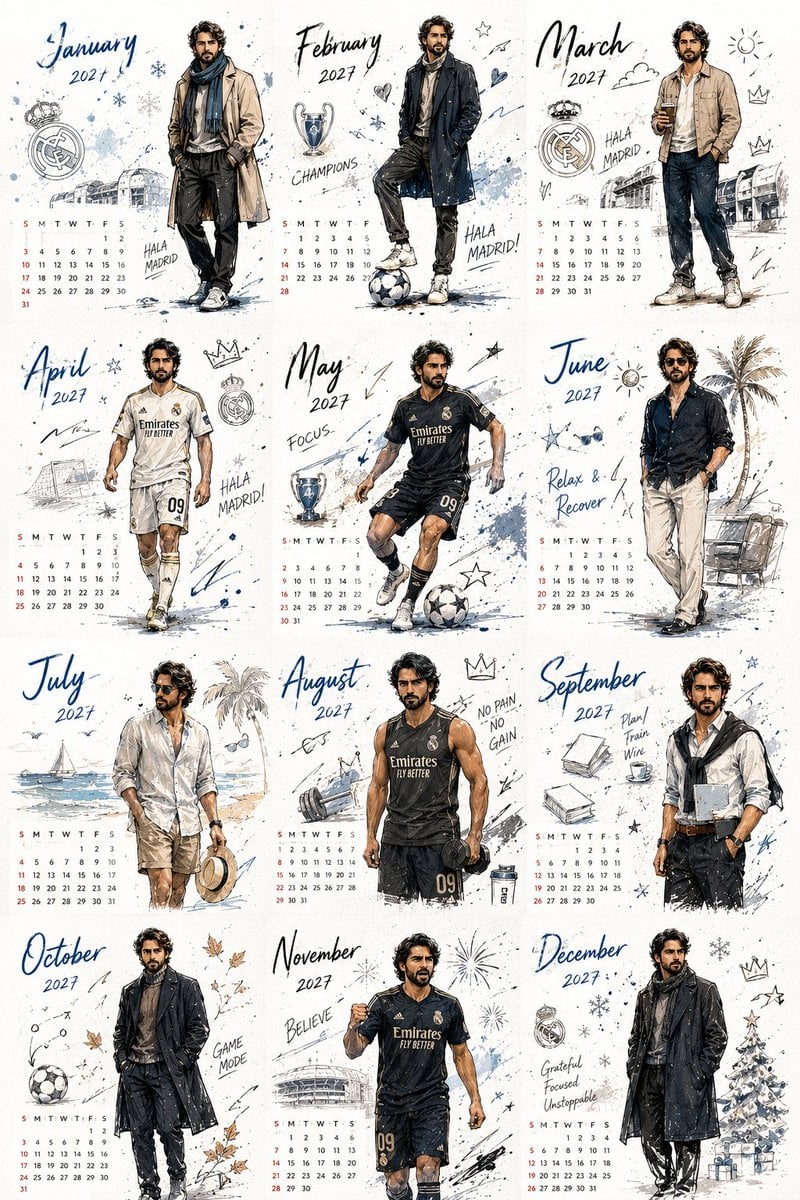
Korean Style Desktop Calendar 2027
Swat Takedown Seedance 2 0 Cinematic
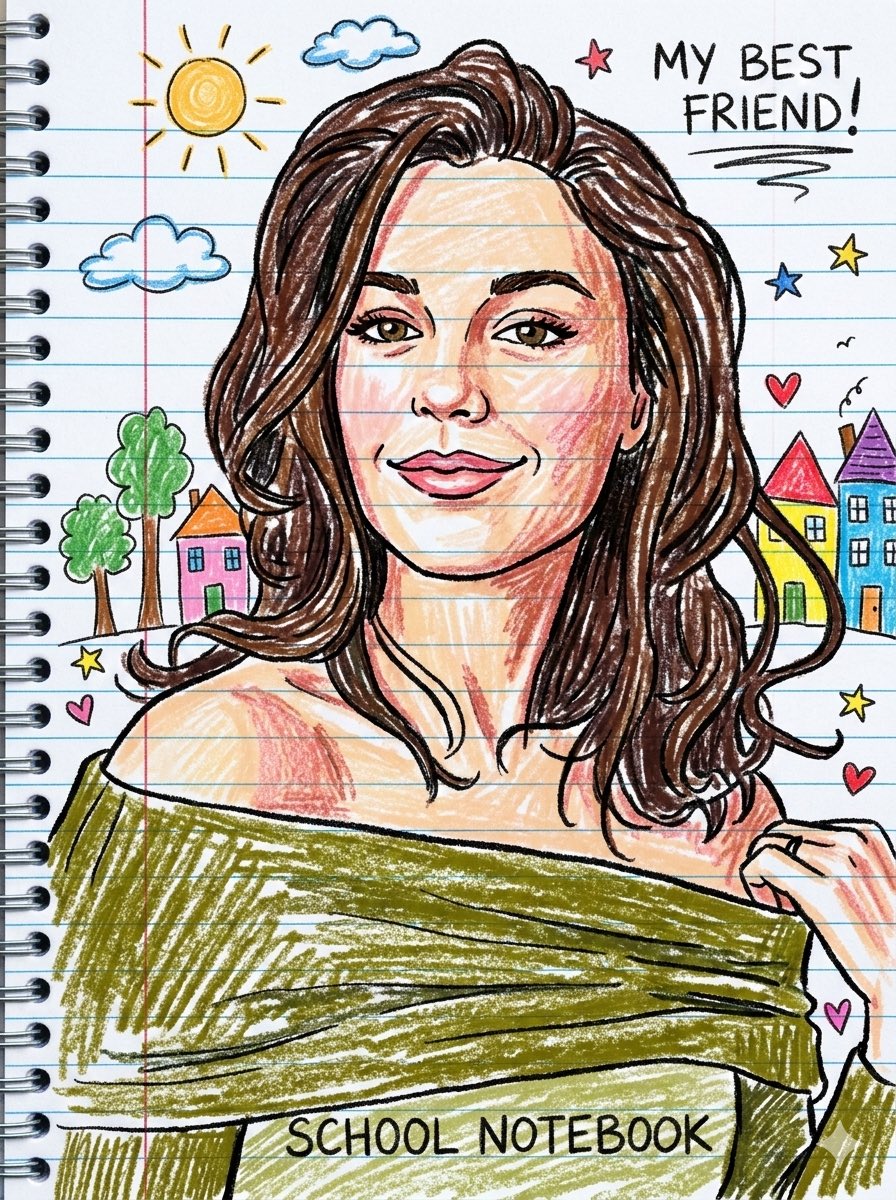
Playful Crayon Drawing Notebook Style Prompt

Fisheye View from Inside a Cup
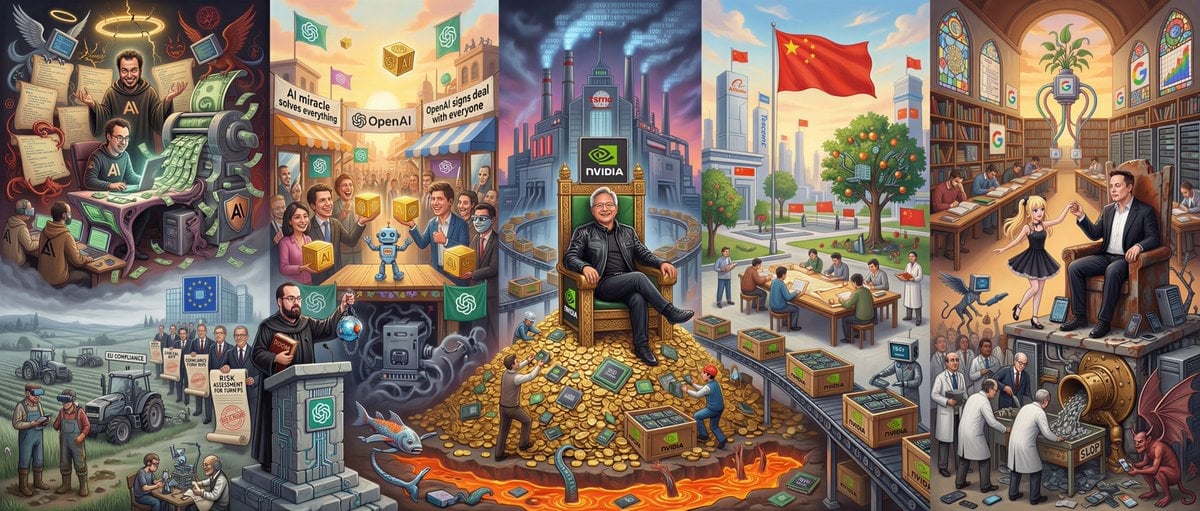
Hieronymus Bosch-style AI future painting
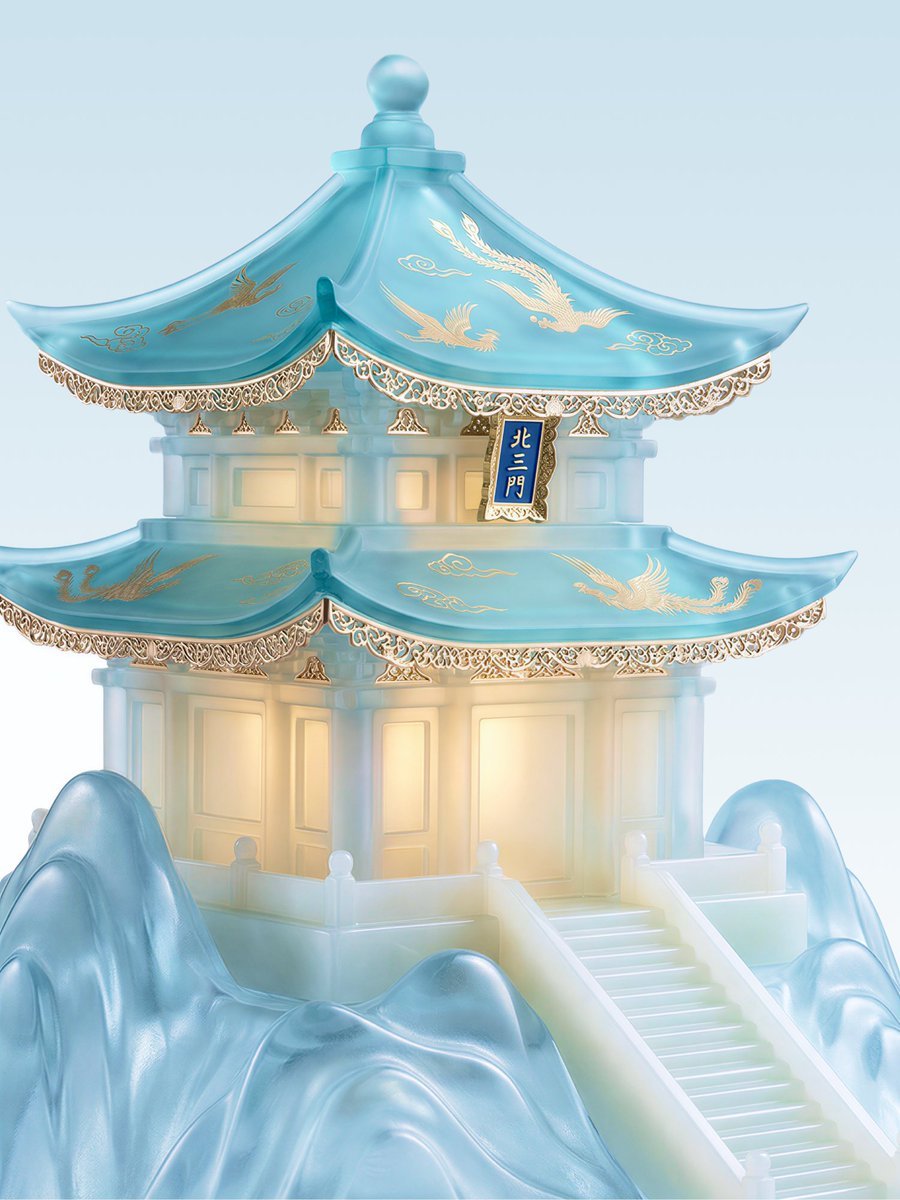
Jade Aesthetic Conceptual Architecture Still Life

Papercraft Diorama Style Illustration
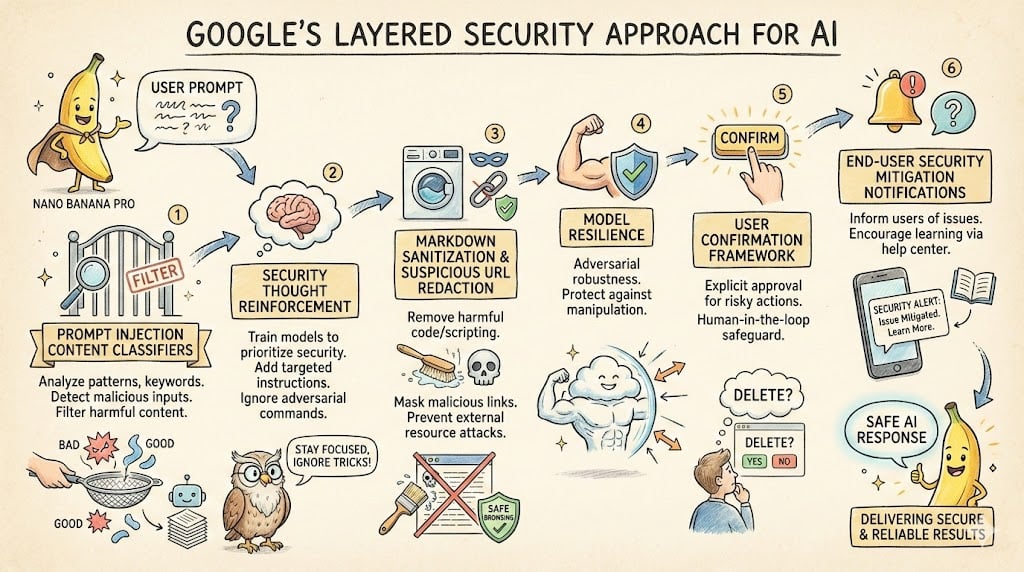
LLM System Prompt Security Measures (Conceptual)
Browse template categories
Spider-Man 2099 Cyberpunk Neon Future City questions
How do I use the Spider-Man 2099 Cyberpunk Neon Future City template?
Add your photo if the template asks for one, edit the prompt if you like — the template's model and format are already selected — and press Generate. Your version opens in PicX Studio.
Can I customize the Spider-Man 2099 Cyberpunk Neon Future City template?
Yes. You can change the subject, setting, lighting, mood, format, and available model controls before creating your image.
Is the Spider-Man 2099 Cyberpunk Neon Future City template free?
Opening and editing this template is free. Generating uses credits, shown on the Generate button when you are signed in.
Which AI model should I use?
Choose a compatible model in PicX Studio based on the style, speed, and output controls your project needs.
Looking for something else? Browse all templates.

Your photo, any look
Thousands of ready templates for every top image and video model, from one credit balance.