
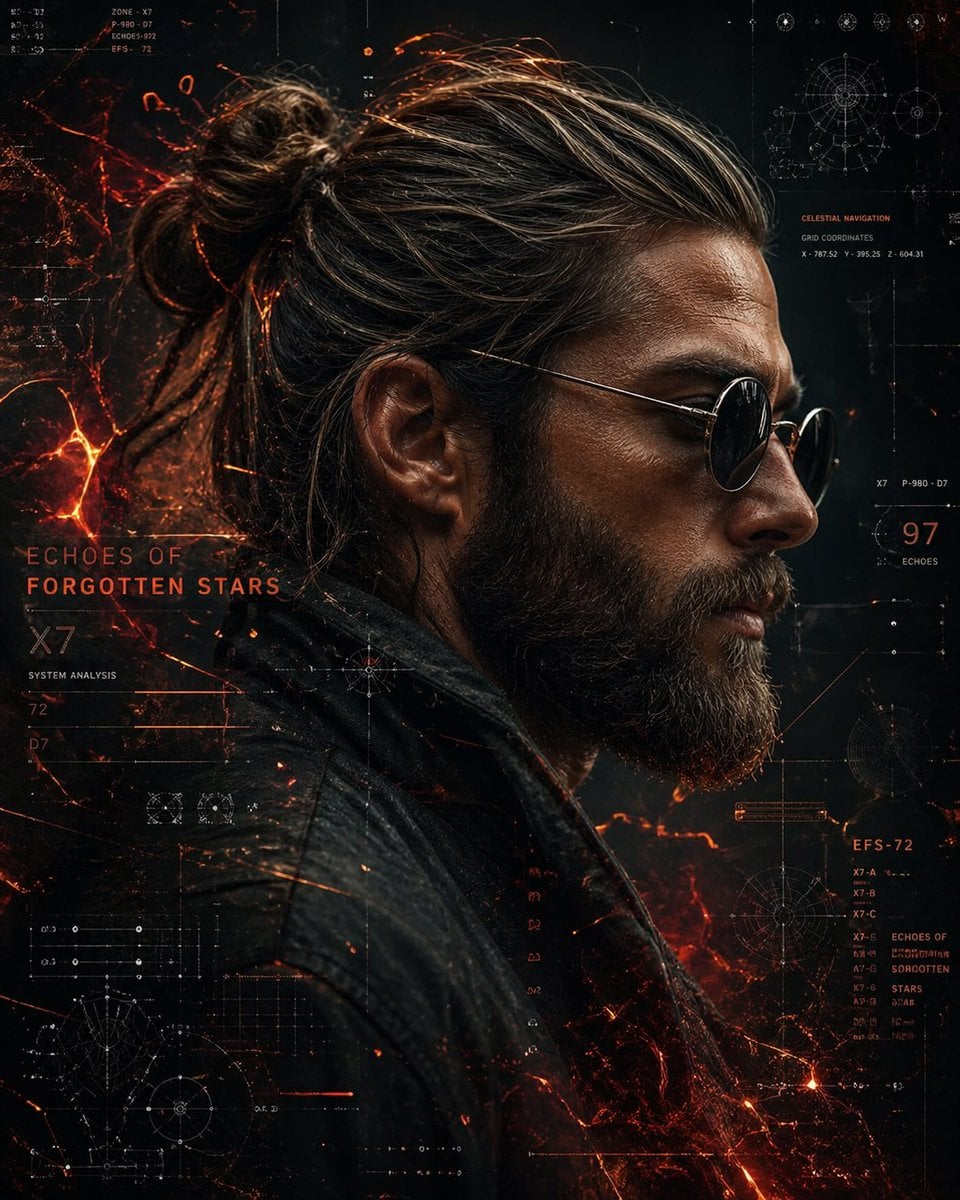
Cinematic Sci-Fi Commander Side Profile Portrait
Curated from MeiGen gallery ID 2047882171336253928: Cinematic Sci-Fi Commander Side Profile Portrait.

- Prompt included
- Model and format preset
- Free template
The prompt behind this image
Copy the exact prompt behind Cinematic Sci-Fi Commander Side Profile Portrait, or open it in the studio and make it yours.
A cinematic side-profile portrait of a rugged man with a tied-back bun and full beard, wearing round dark sunglasses and a textured leather jacket. His skin is detailed and slightly weathered. Futuristic sci-fi interface background with glowing orange and red data streams, star maps, celestial navigation diagrams, grids, holographic UI elements, fiery particle effects, ember-like energy swirl. Dark color palette with strong contrast, dramatic lighting, ultra-detailed, sharp focus, 8K, cyberpunk aesthetic.
How to use Cinematic Sci-Fi Commander Side Profile Portrait in 3 steps
- 1
Open
The prompt is already in the box next to the preview, with the template's model and format selected.
- 2…a portrait of your subject in softgolden-hour light, 85mm…
Personalize
Edit the subject and creative details for your destination.
- 3Generate
Generate
Press Generate — your image is created in PicX Studio, so you can compare it with the original and refine one variable at a time.
More like this
Templates with the same subject, style or setup. Open one to see its prompt.
Cinematic Sci-Fi Interface Side Profile

Rainy Night Android Cyberpunk Portrait

Cinematic Neon Light Strip Studio Portrait

Neon Violet Streetwear Fashion Portrait
Cinematic Side Profile Cyberpunk Hero Poster
Rainy Night Android Cyberpunk Portrait

Korean Idol Partial Shadow Editorial Portrait

Red Futuristic Sport Motorcycle POV

Low-Angle Cyberpunk Neon Profile Portrait

Neon Night Crosswalk Candid Portrait

Dancer Character - Four View Reference Sheet

Futuristic Chrome Helmet Fashion Portrait
Make it yours
Cinematic Sci-Fi Commander Side Profile Portrait works as-is. These are the safest ways to change it without losing the look.
Change one field
Copy a single group, rewrite it, and generate again so you can see what that field is doing.
Keep the frame, change the subject
Hold the composition and light of Cinematic Sci-Fi Commander Side Profile Portrait, then swap wardrobe, props or the person for a new take.
| If the result… | Why | Fix |
|---|---|---|
| The result drifts from the preview | Too many fields changed at once. | Reuse Cinematic Sci-Fi Commander Side Profile Portrait as-is first, then change one group — subject, light, or setting. |
| The model over-stylizes the scene | The prose prompt leaves finish and camera underspecified. | Add one camera or lighting sentence and stay on PicX Studio. |
More image prompts
Fresh picks from across the catalog.
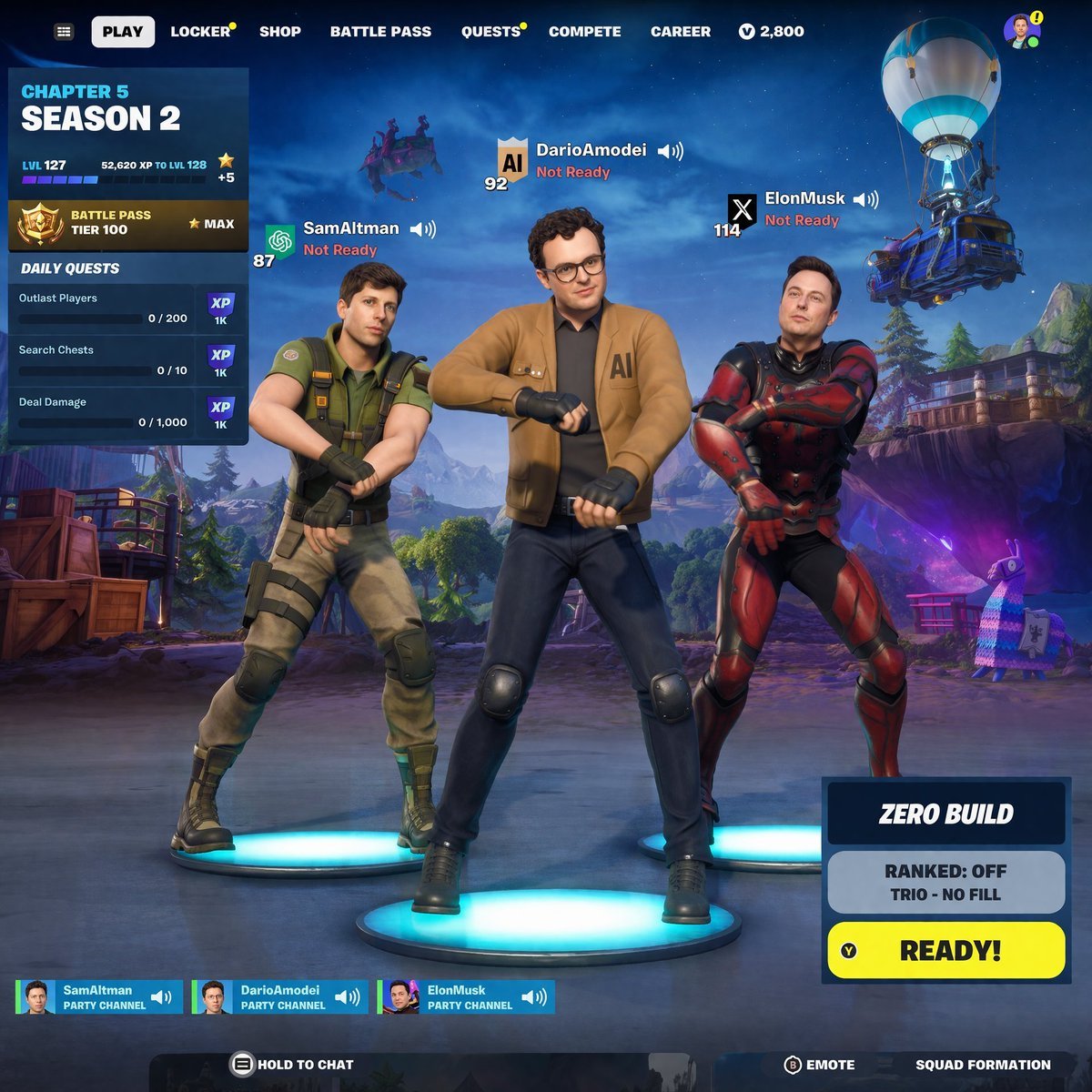
Tech CEO Battle Royale Lobby
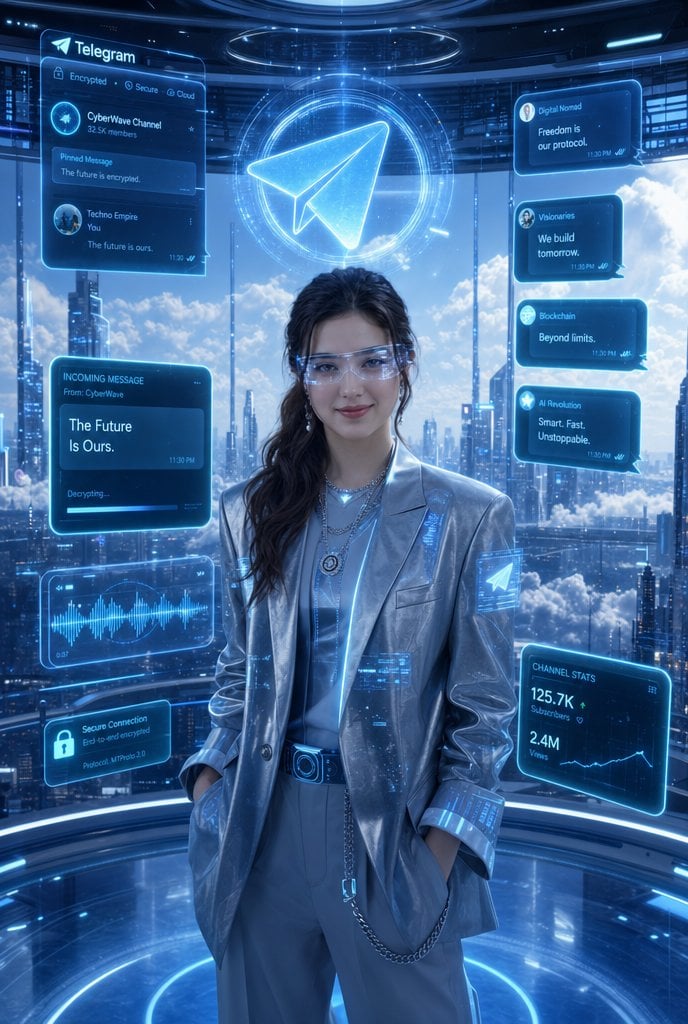
Luxury Telegram Cyber Hub Poster
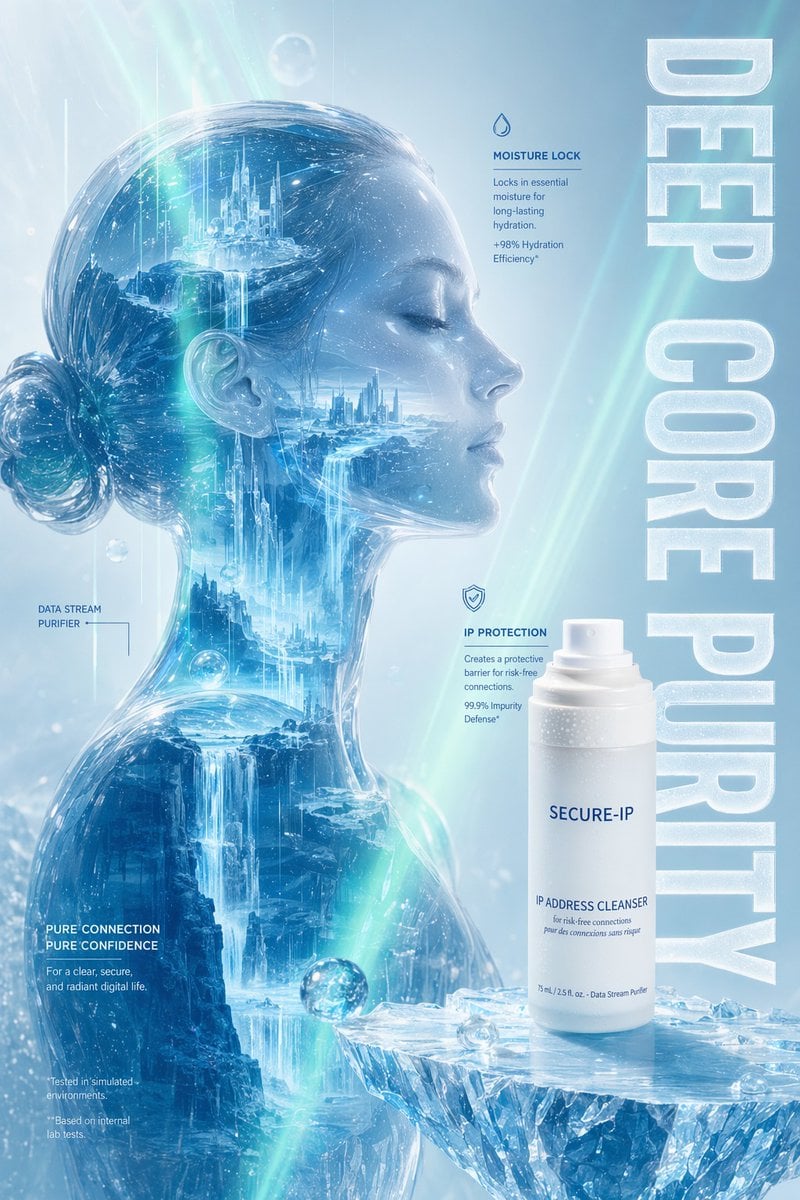
Futuristic Ice Skincare Poster

Live Stream App UI Mockup
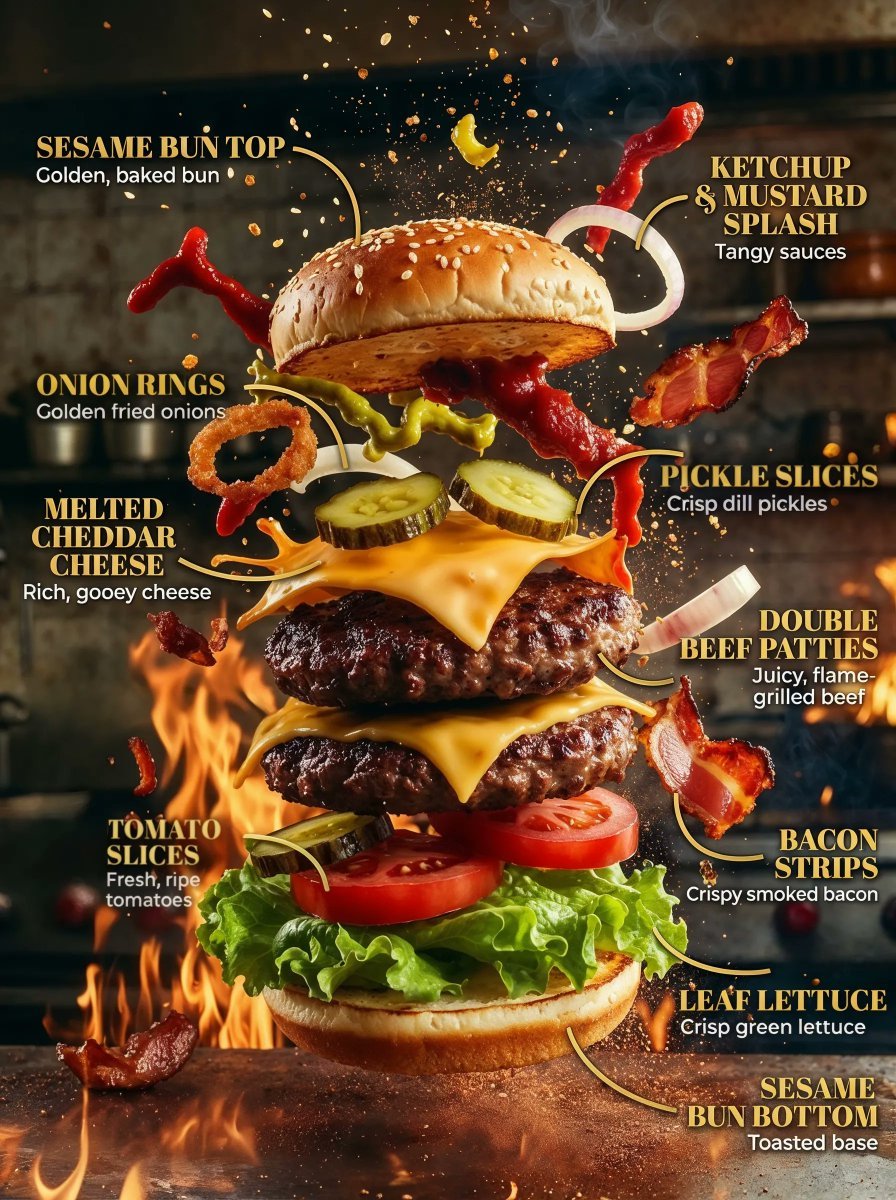
Product Ingredient Labeling Prompt
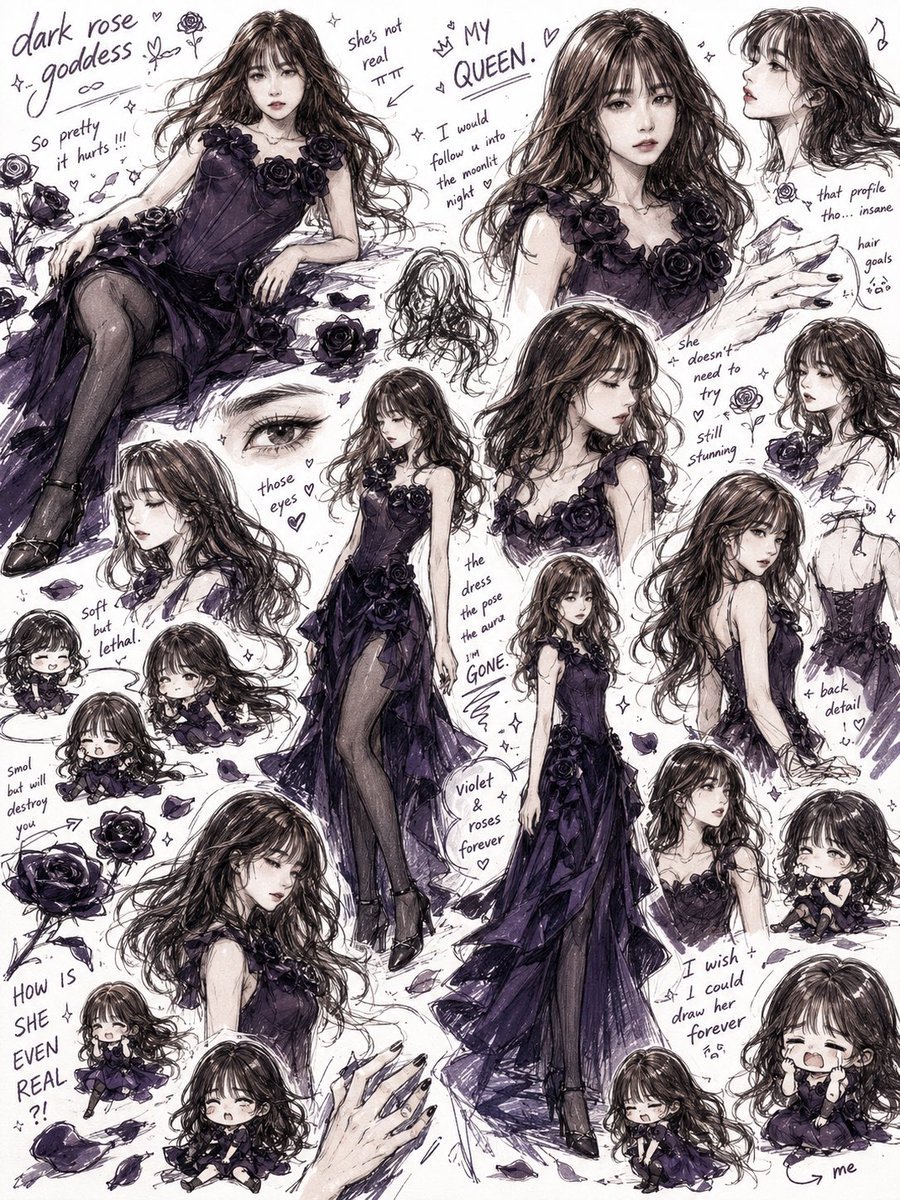
Dark Rose Goddess Sketchbook Collage
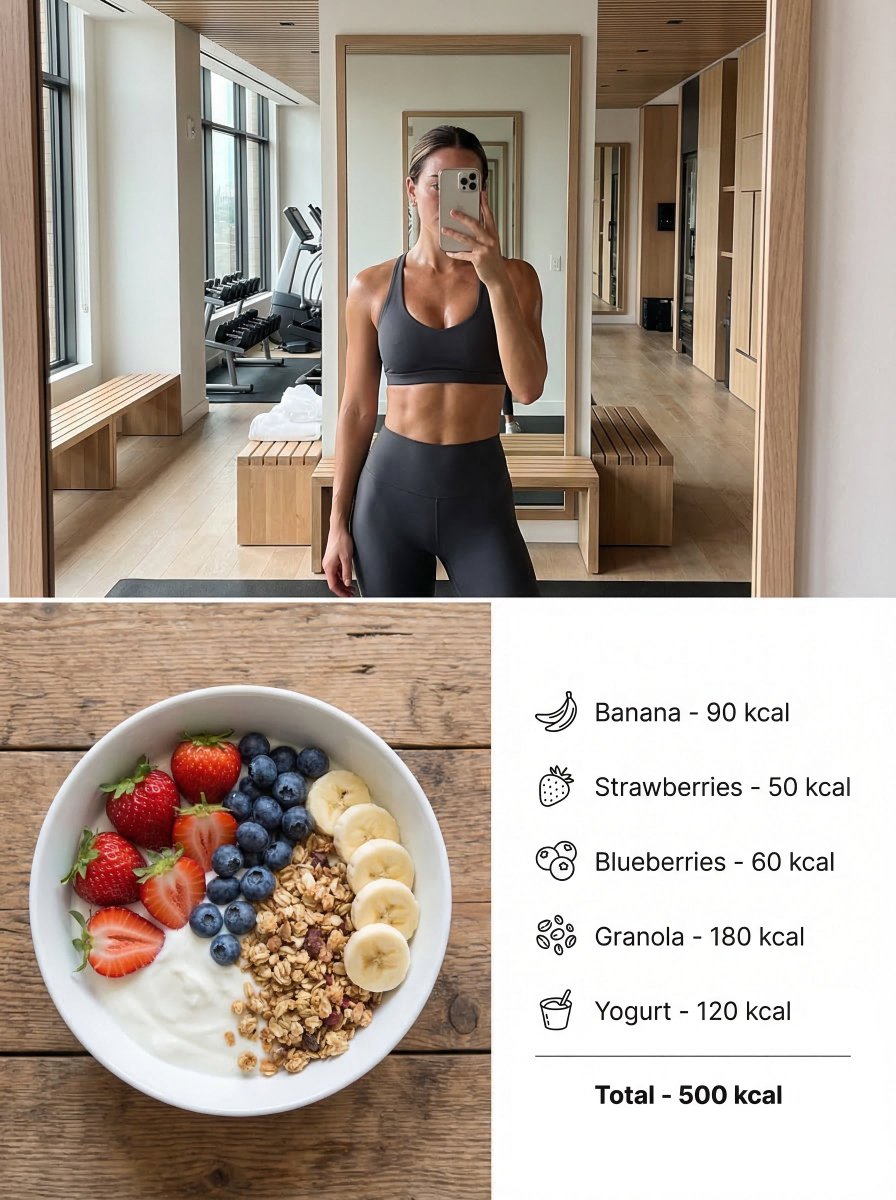
Modern Lifestyle Split Poster Prompt for Nano Banana Pro
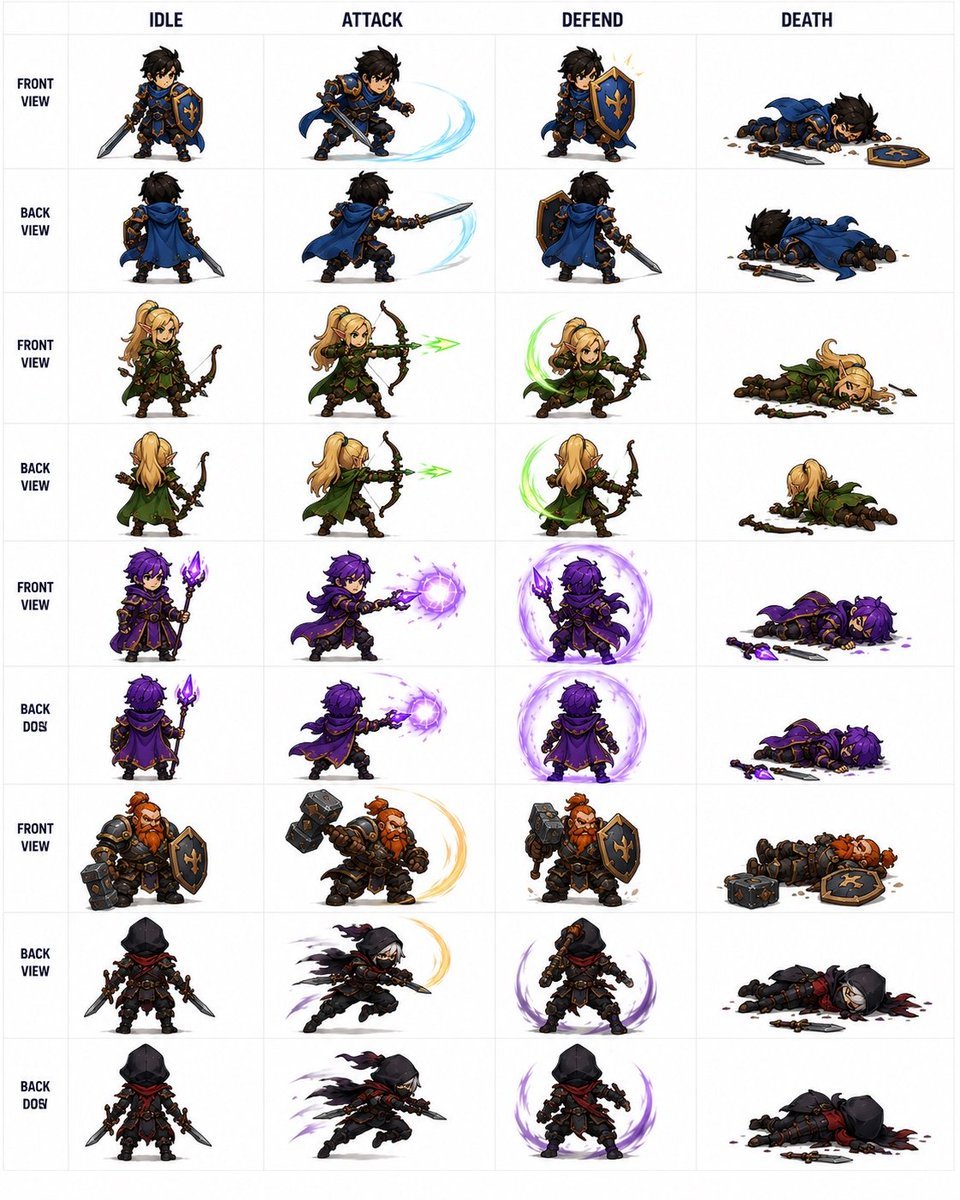
Fantasy RPG Character Sprite Sheet
Pastel Bunny Girl Street Walk

Elegant Oriental Fantasy Illustration
Browse template categories
Cinematic Sci-Fi Commander Side Profile Portrait questions
How do I use the Cinematic Sci-Fi Commander Side Profile Portrait template?
Add your photo if the template asks for one, edit the prompt if you like — the template's model and format are already selected — and press Generate. Your version opens in PicX Studio.
Can I customize the Cinematic Sci-Fi Commander Side Profile Portrait template?
Yes. You can change the subject, setting, lighting, mood, format, and available model controls before creating your image.
Is the Cinematic Sci-Fi Commander Side Profile Portrait template free?
Opening and editing this template is free. Generating uses credits, shown on the Generate button when you are signed in.
Which AI model should I use?
Choose a compatible model in PicX Studio based on the style, speed, and output controls your project needs.
Looking for something else? Browse all templates.

Your photo, any look
Thousands of ready templates for every top image and video model, from one credit balance.