
Elegant Oriental Fantasy Illustration
Generates a high-quality illustration of a cold and elegant oriental fantasy female character with snowy winter aesthetics.
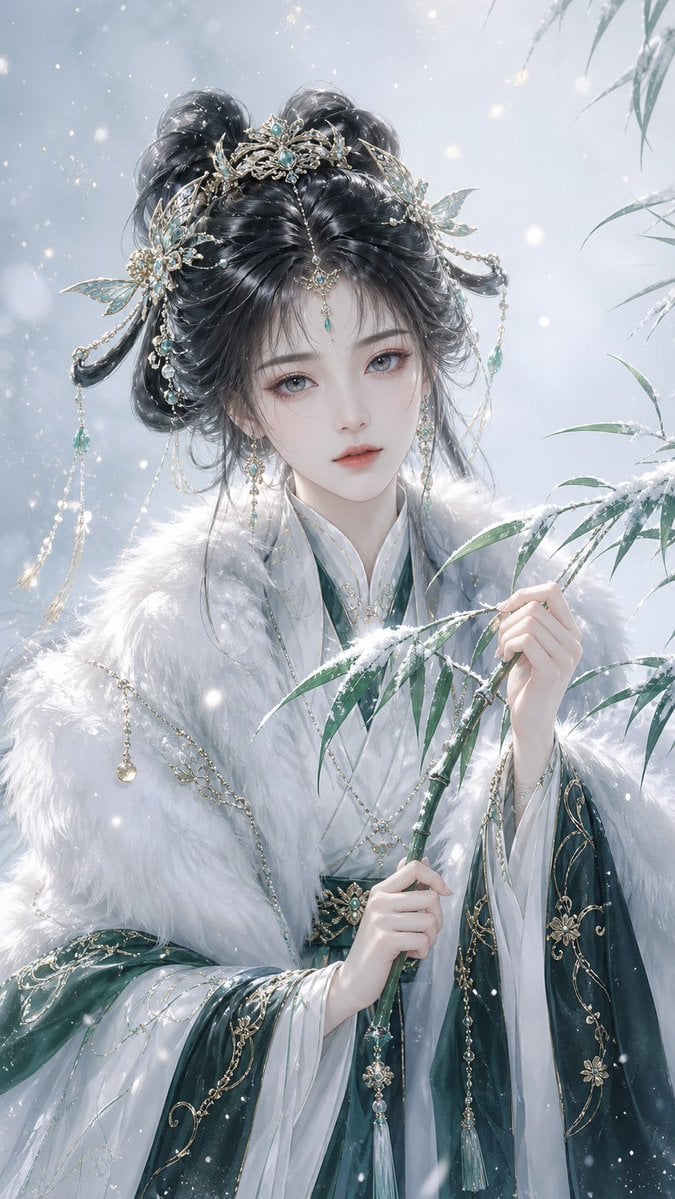
- Prompt included
- Model and format preset
- Free template
The prompt behind this image
Copy the exact prompt behind Elegant Oriental Fantasy Illustration, or open it in the studio and make it yours.
A {argument name="character" default="adult Eastern-fantasy female character"}, front-facing close-up half-body portrait composition, with a cool, gentle, mysterious, and noble aura. She has exquisite, stunningly beautiful East Asian features, porcelain-white translucent skin, soft and delicate facial light and shadow, a quiet, distant gaze with an icy, snow-like clarity and a faint melancholy. Her long black-gray hair is styled into an elaborate ancient-style double bun, the strands smooth and full with natural layering, with light wispy strands over the forehead; the hair is adorned with gold hair ornaments, jade-green gemstones, tassels, beaded chains, and delicate butterfly-shaped accessories — the overall look is elaborate but not cluttered. She wears a magnificent ancient-style robe in alternating white and dark green, the clothing carrying an Eastern-court and xianxia (immortal-fantasy) aura; the inner layer is a pure white silk collar/lapel, and over it she wears a thick, soft {argument name="clothing accessory" default="white fox-fur shawl"}, its fur texture fine and realistic, with a light, fluffy edge. The hem and cuffs of the robe feature a deep dark-green gradient, black woven patterns, and fine gold-thread decoration, presenting a refined, restrained, coolly glamorous Eastern aesthetic. Her hands are slender and delicate, elegantly holding {argument name="handheld prop" default="a snow-covered branch of green bamboo"}, the bamboo leaves a cool, vivid green, with fine snowflakes settled on the branches and leaves, forming a wintry, poetic scene. The background is a gradient of extremely pale warm white and faint bluish gray, clean and full of negative space, with soft snowflakes, ice crystals, faint glowing particles, and pale golden points of light drifting through the air, creating a tranquil, dreamlike, and aesthetically beautiful winter-wonderland atmosphere. The overall color palette is dominated by snow white, dark green, jade green, pale gold, and icy blue-gray; the image is bright and luminous, with soft lighting, an ink-wash bleeding quality, an Eastern-illustration texture, and a refined fantasy aesthetic. The style is a beautifully aesthetic Eastern fantasy illustration, an ancient-style xianxia beauty, with fine, thick digital-painting brushwork, soft-focus lighting, a snowy atmosphere, elaborate hair ornaments, exquisite costume texture, realistic fur texture, a cool immortal aura, poetic negative space, a refined feel, ultra-high detail, exquisite character key-visual art, a dreamlike atmosphere, a clean and elegant image, wallpaper-grade quality.
How to use Elegant Oriental Fantasy Illustration in 3 steps
- 1
Open
The prompt is already in the box next to the preview, with the template's model and format selected.
- 2…a portrait of your subject in softgolden-hour light, 85mm…
Personalize
Edit the subject and creative details for your destination.
- 3Generate
Generate
Press Generate — your image is created in PicX Studio, so you can compare it with the original and refine one variable at a time.
More like this
Templates with the same subject, style or setup. Open one to see its prompt.
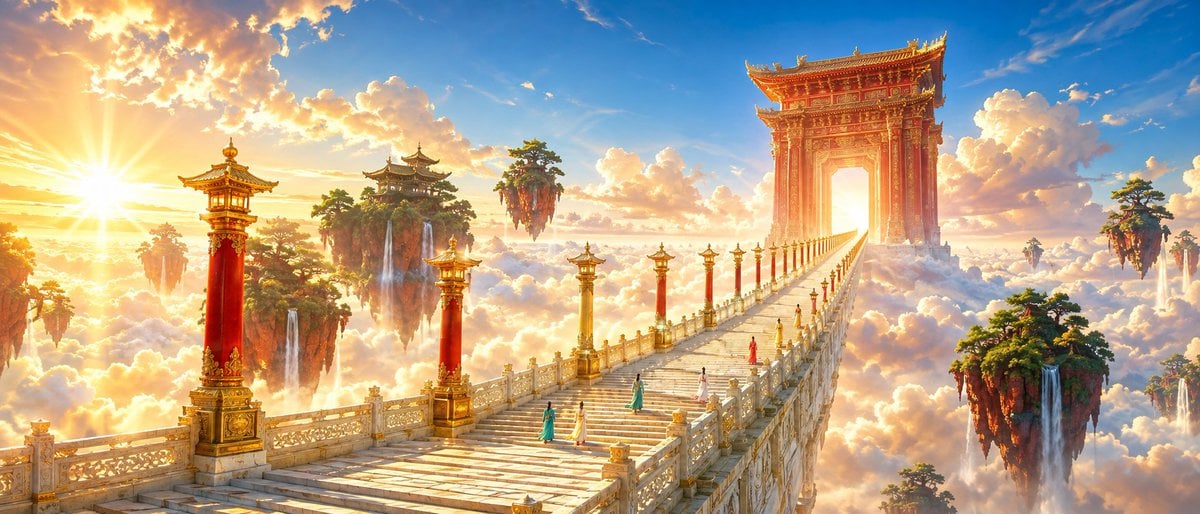
Oriental Fantasy Celestial Realm
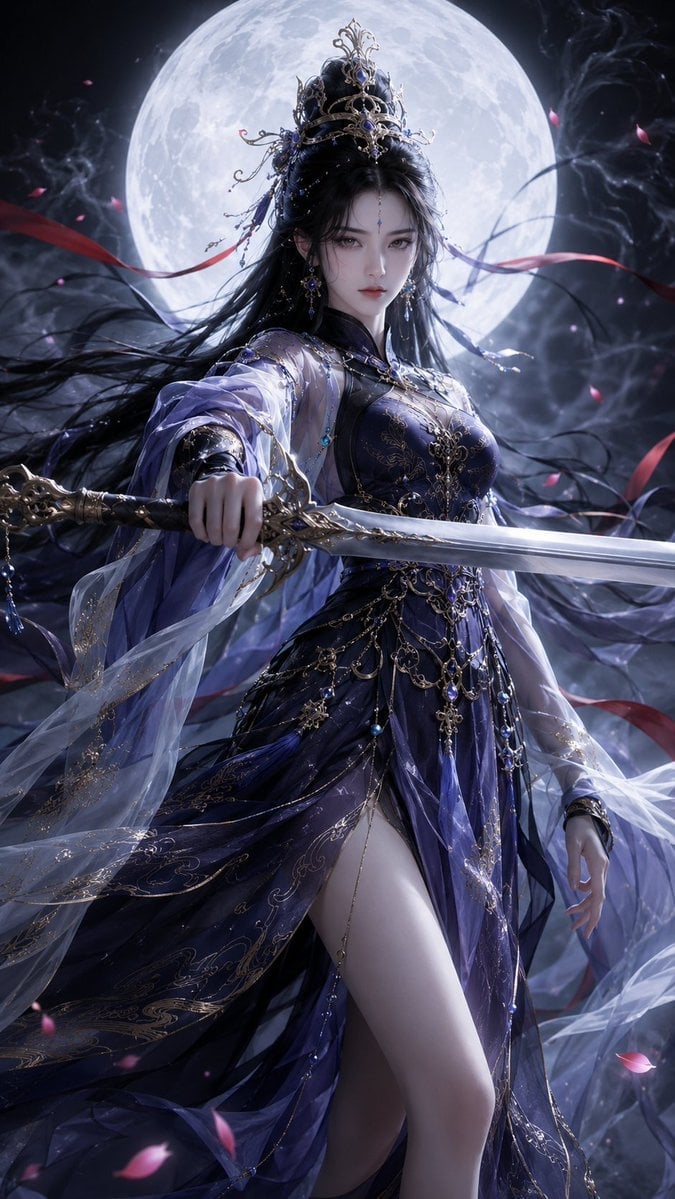
Oriental Fantasy Heroine 3D Poster
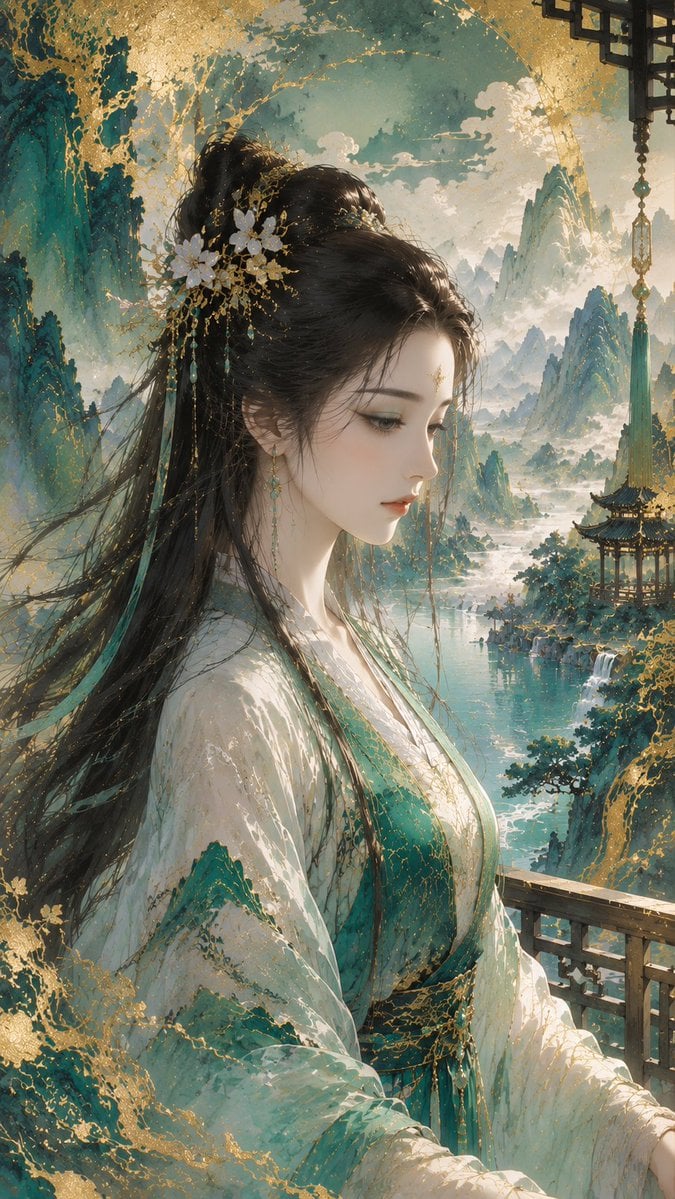
Gold-Leaf Mineral-Pigment Oriental Illustration

Sealing Wax Letter Desk

Ballroom Floor Reflections

Vintage Camera Leather Case

Hedge Maze Aerial Dawn

Tuxedo Cuff Adjust

Cathedral Choir Loft

Pearl Necklace Vanity

Carriage House Courtyard

Leather Bound Law Books
Make it yours
Elegant Oriental Fantasy Illustration works as-is. These are the safest ways to change it without losing the look.
Change one field
Copy a single group, rewrite it, and generate again so you can see what that field is doing.
Keep the frame, change the subject
Hold the composition and light of Elegant Oriental Fantasy Illustration, then swap wardrobe, props or the person for a new take.
| If the result… | Why | Fix |
|---|---|---|
| The result drifts from the preview | Too many fields changed at once. | Reuse Elegant Oriental Fantasy Illustration as-is first, then change one group — subject, light, or setting. |
| The model over-stylizes the scene | The prose prompt leaves finish and camera underspecified. | Add one camera or lighting sentence and stay on GPT Image 2. |
More GPT Image 2 templates
Other prompts made for GPT Image 2.

Six VTuber Japanese Logo Sheet

Realistic Portrait of Woman and Deer

The Vista Modular Condo Poster

AI Model Routing Comparison Infographic

2.5D Anime Art Board

Isometric Productivity Desk Scene

New York Double Exposure Poster

Four-Panel AI Landscape Comparison

Japanese Tatami Lifestyle Magazine Cover

NESCAFÉ Coffee Map Poster
More image prompts
Fresh picks from across the catalog.
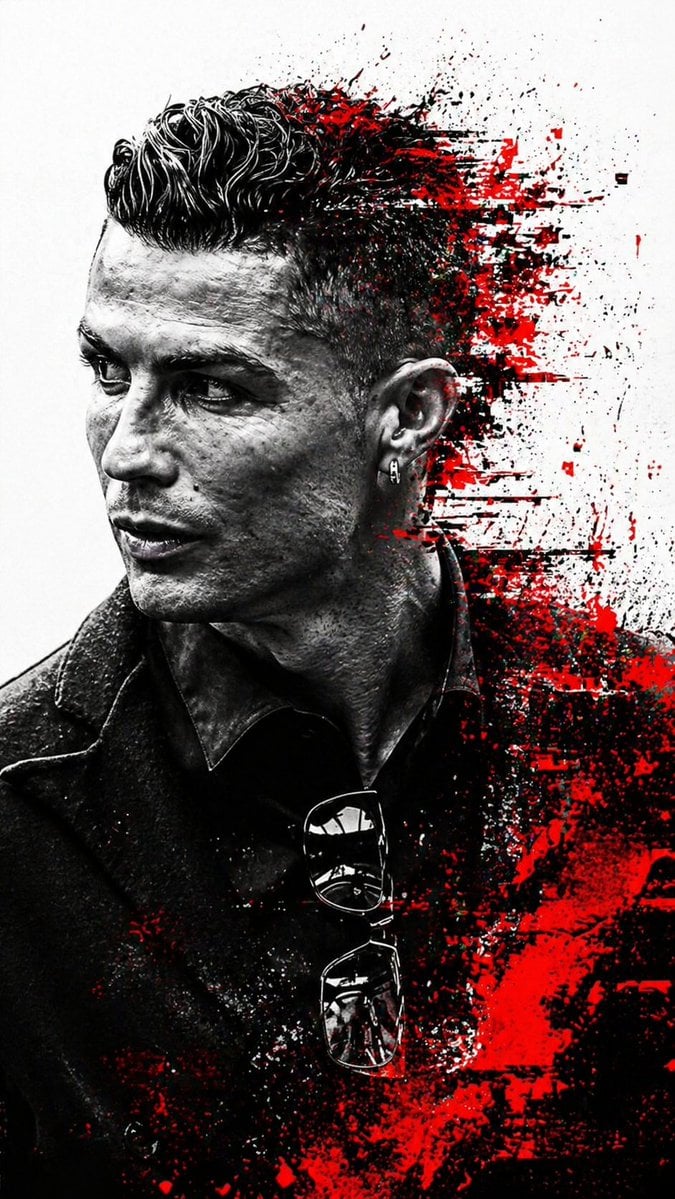
Cyberpunk Glitch Profile Portrait
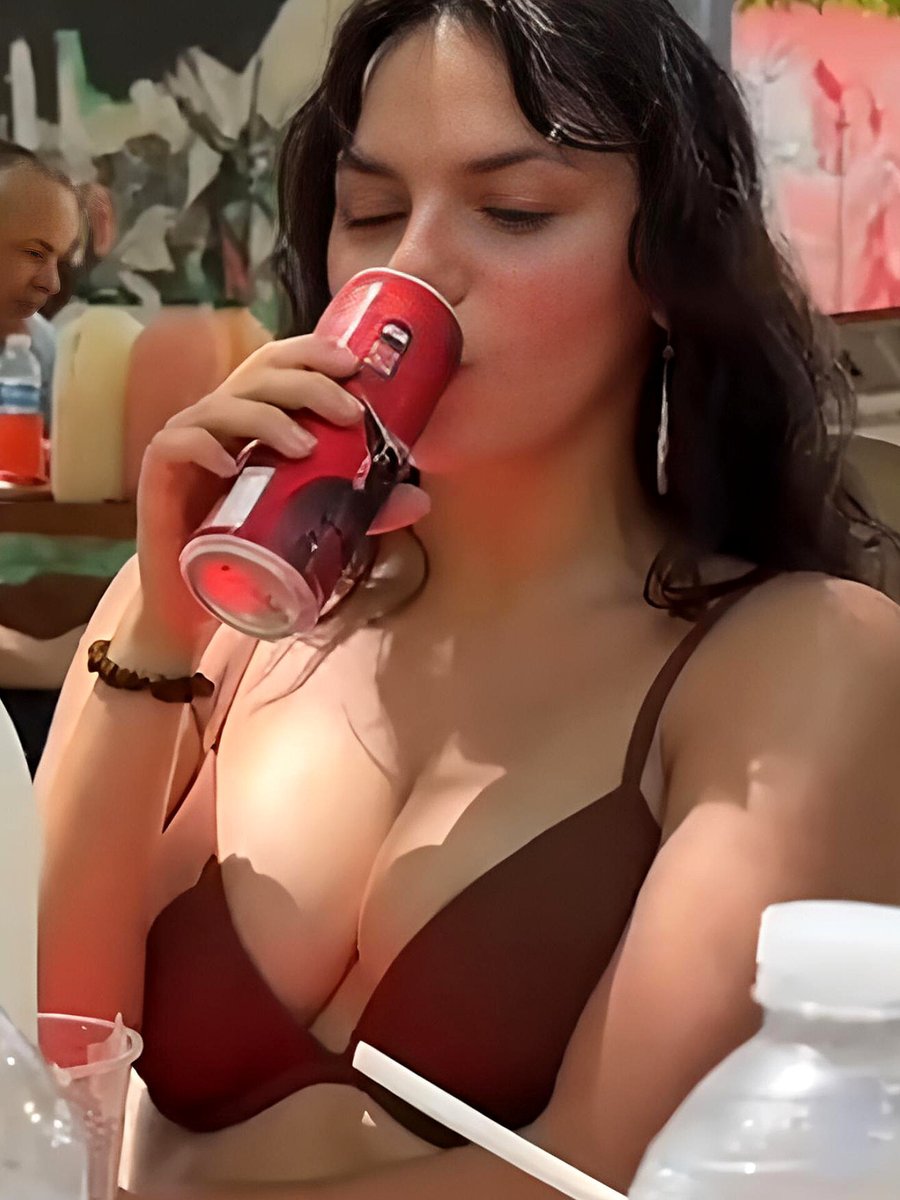
Dafne Keen Candid Outdoor Drink Shot
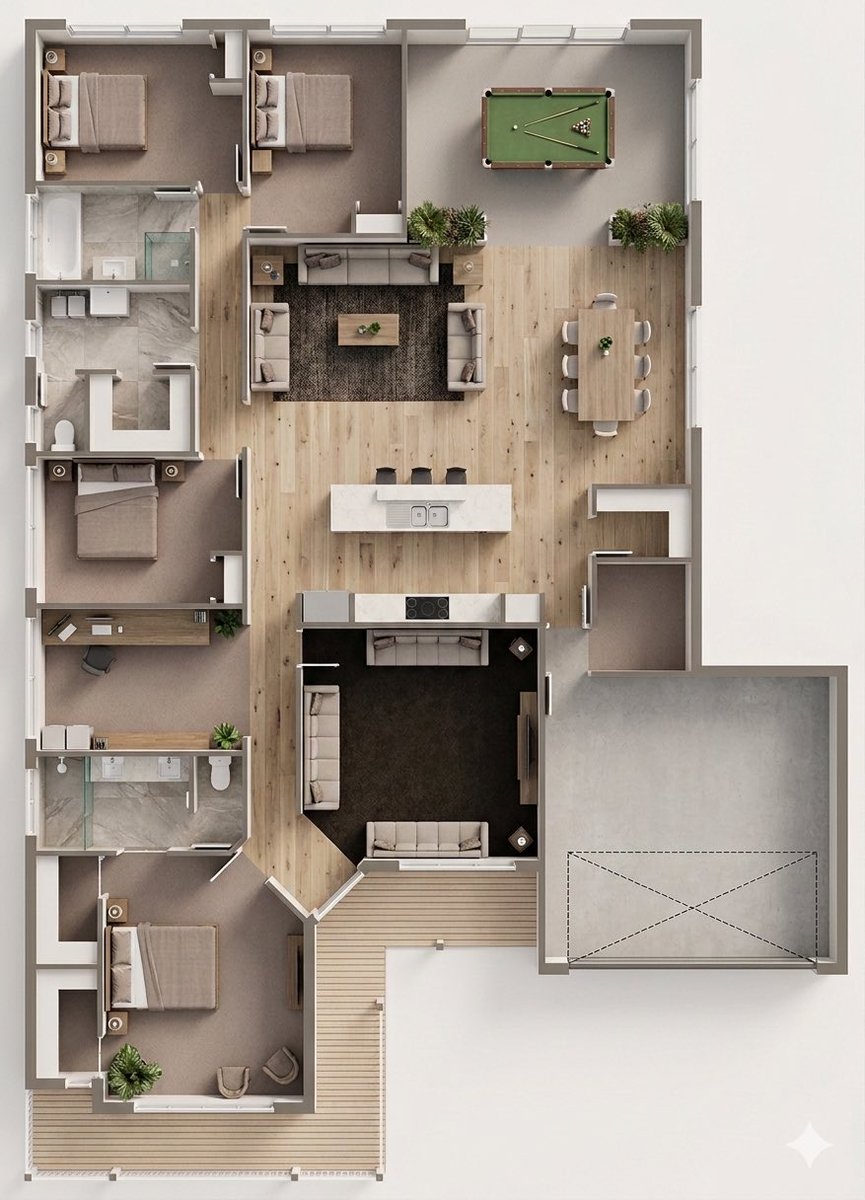
Floor Plan to Photorealistic 3D Render Conversion
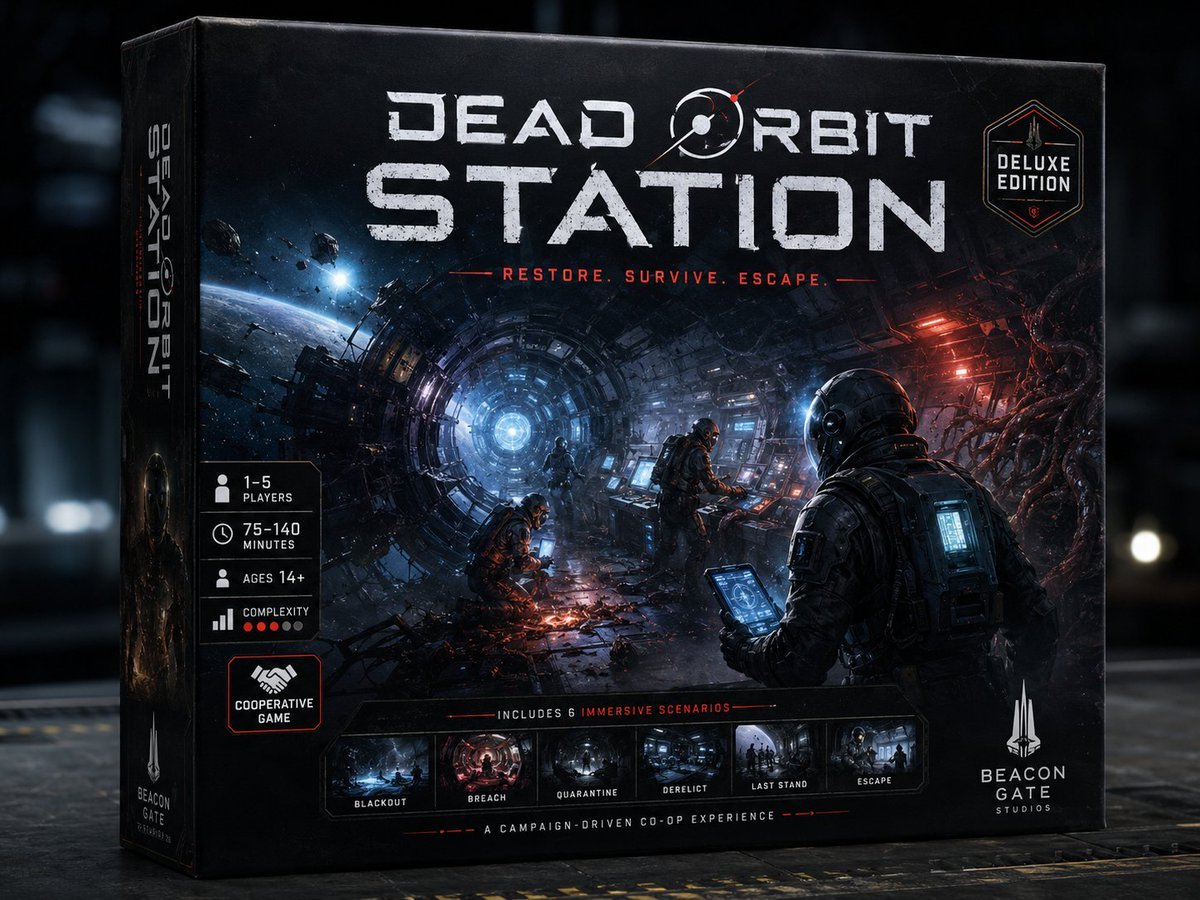
Dead Orbit Station Board Game Box
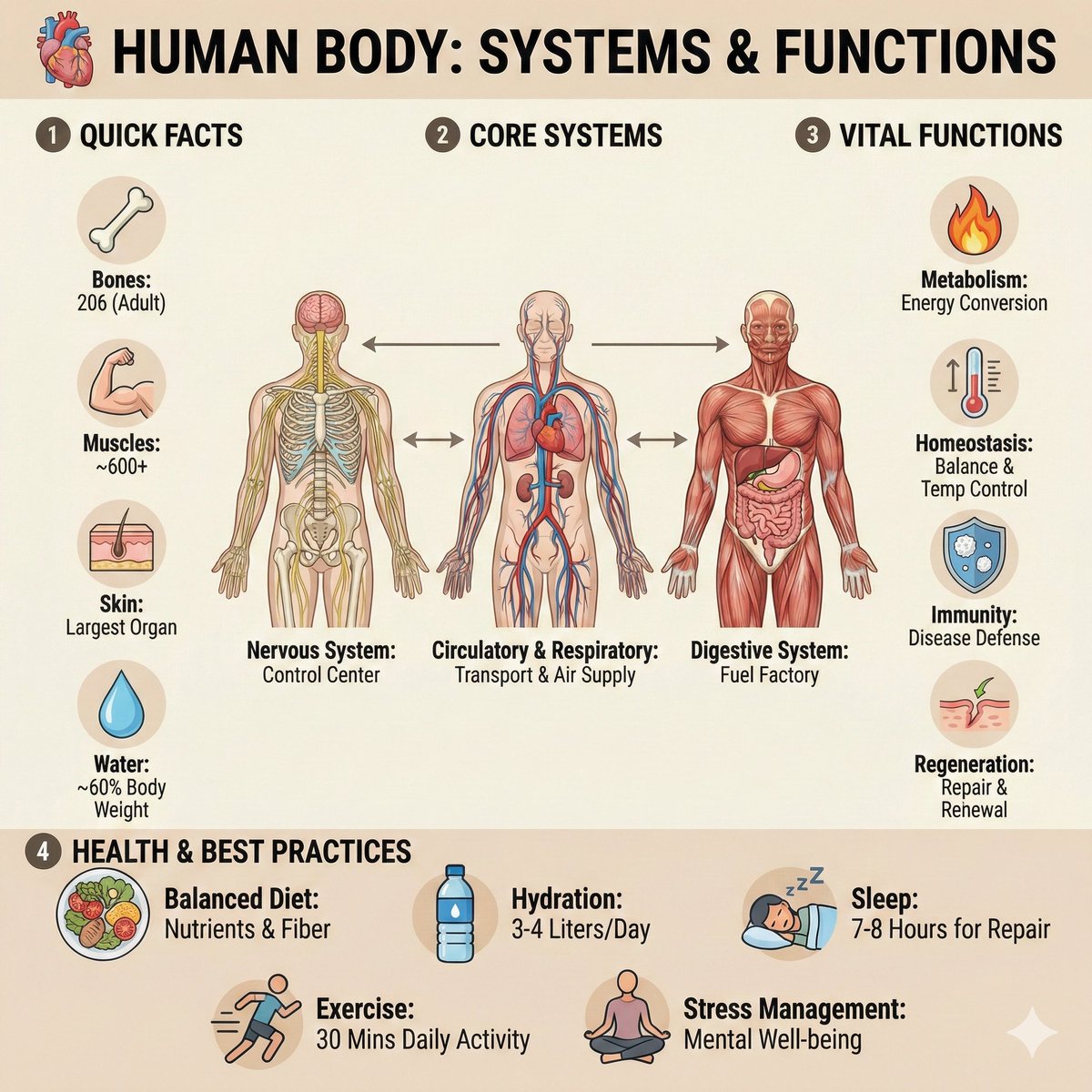
Ultra-Clean Anatomy Infographic Prompt
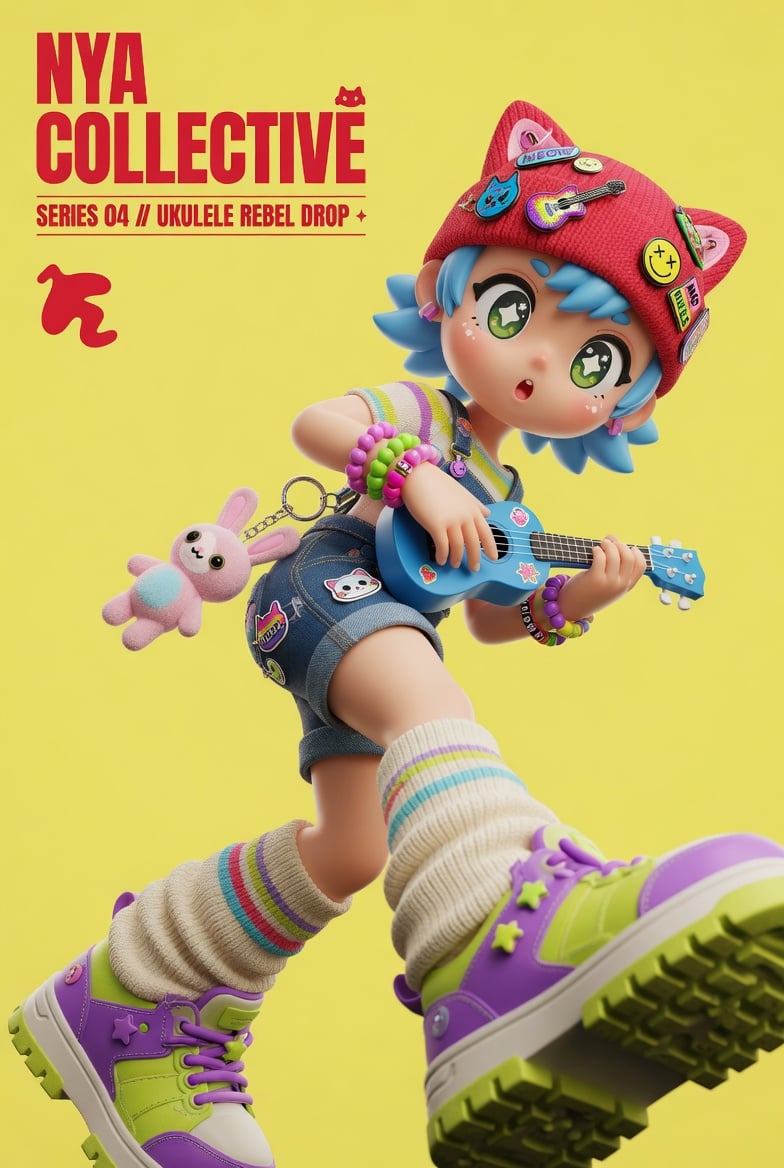
3D Designer Toy Poster

VFX Comparison Image Prompt (Before/After) for Nano Banana Pro
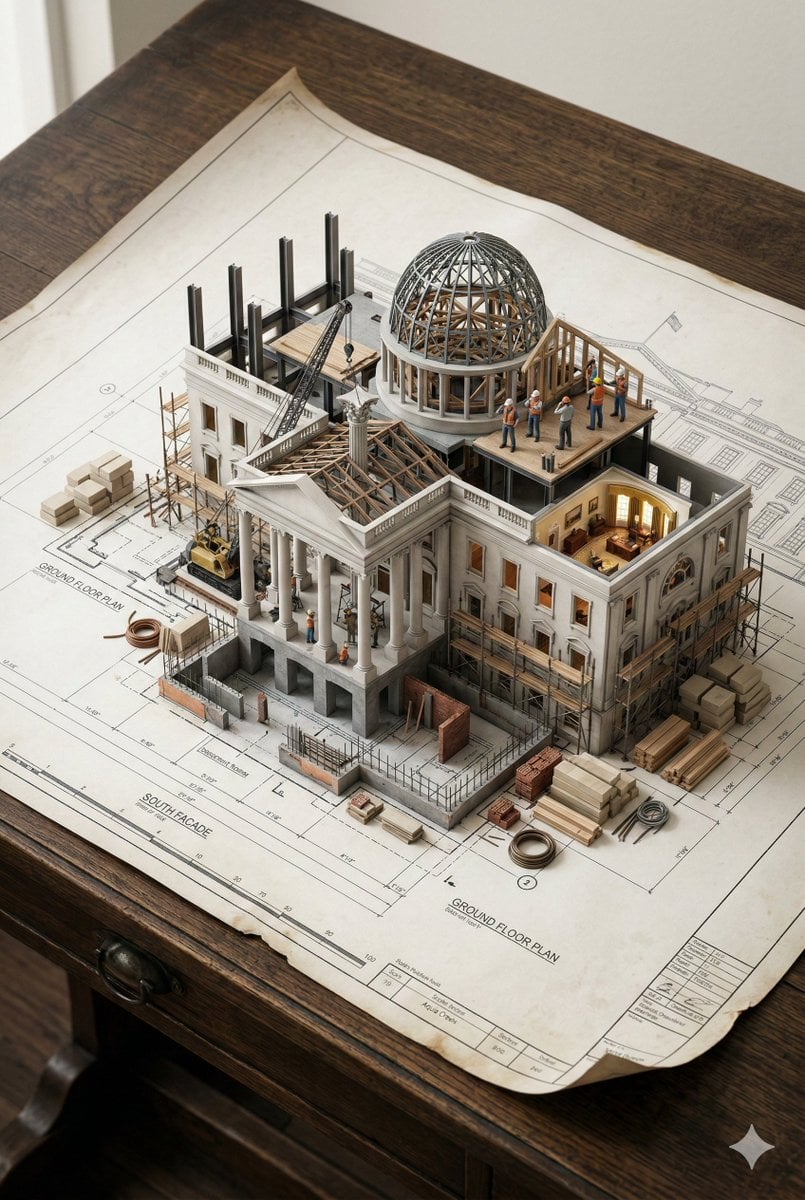
3D Miniature Architectural Blueprint Prompt
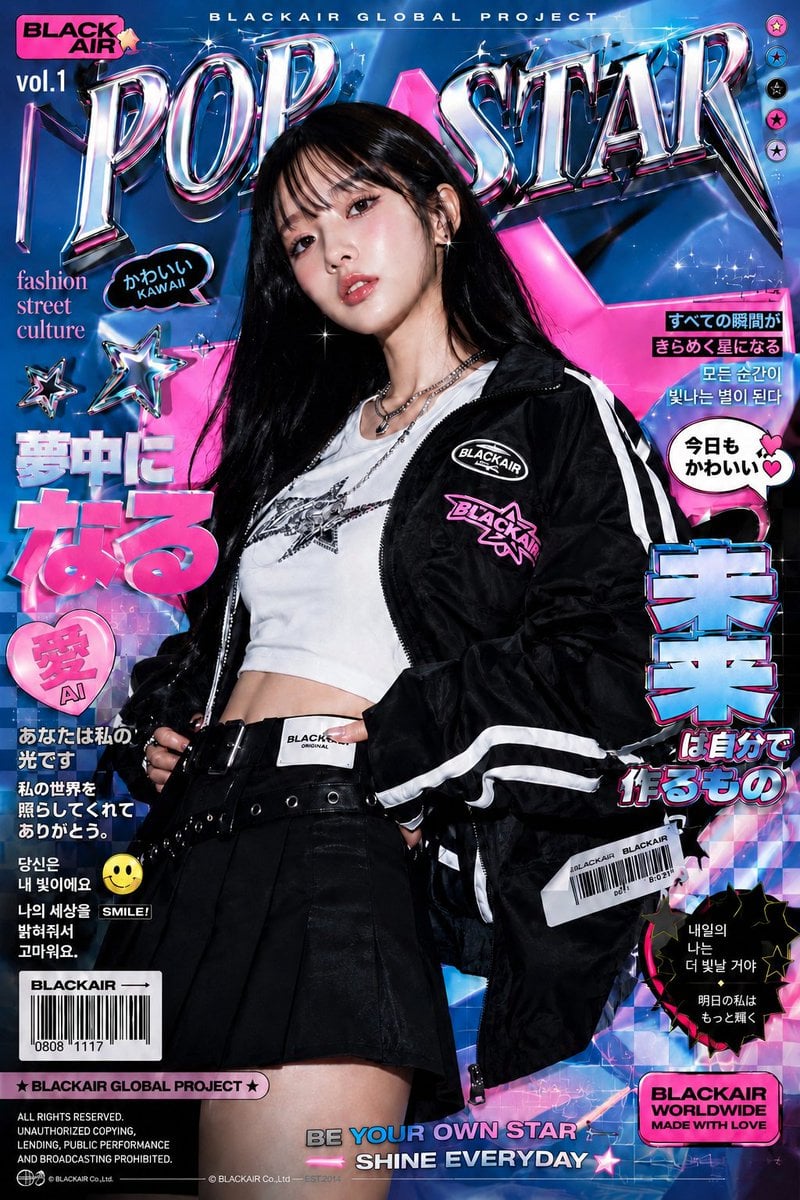
K-Fashion Retro Streetwear Editorial
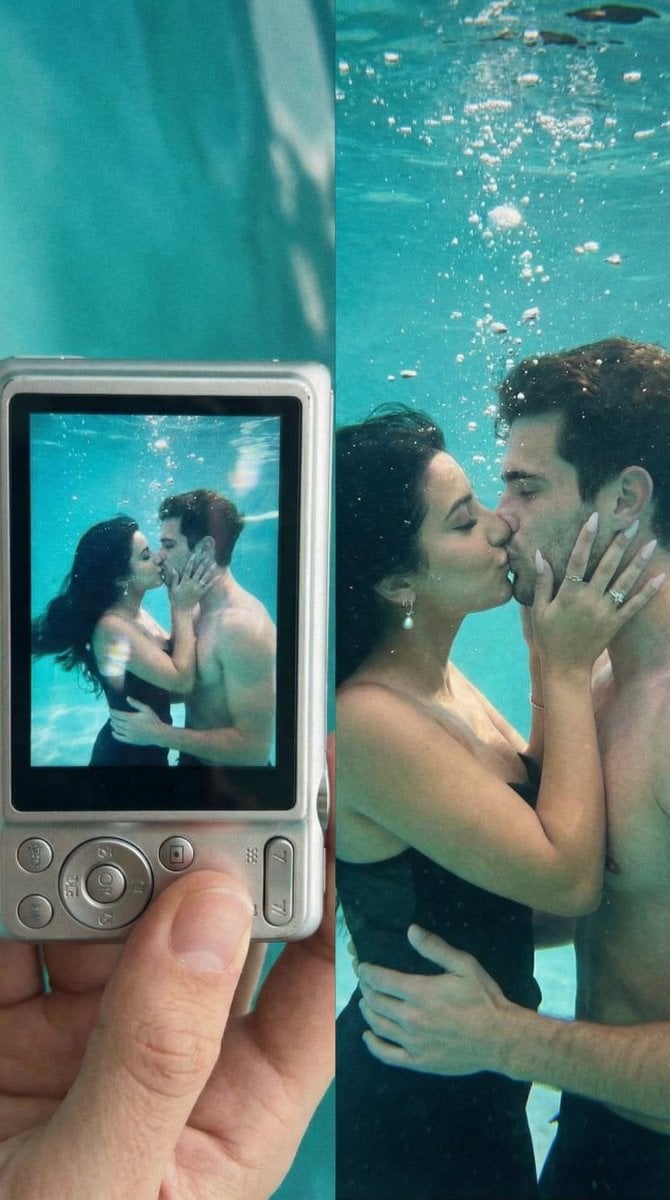
Underwater Kiss Diptych with Digital Camera Screen
Browse template categories
Elegant Oriental Fantasy Illustration questions
How do I use the Elegant Oriental Fantasy Illustration template?
Add your photo if the template asks for one, edit the prompt if you like — the template's model and format are already selected — and press Generate. Your version opens in PicX Studio.
Can I customize the Elegant Oriental Fantasy Illustration template?
Yes. You can change the subject, setting, lighting, mood, format, and available model controls before creating your image.
Is the Elegant Oriental Fantasy Illustration template free?
Opening and editing this template is free. Generating uses credits, shown on the Generate button when you are signed in.
Which AI model should I use?
Start with GPT Image 2, which is the model associated with this template. You can compare another compatible model for a different finish.
Looking for something else? Browse all templates.

Your photo, any look
Thousands of ready templates for every top image and video model, from one credit balance.