
Underwater Kiss Diptych with Digital Camera Screen
A complex JSON prompt for generating a 2x1 side-by-side diptych featuring an underwater kiss.
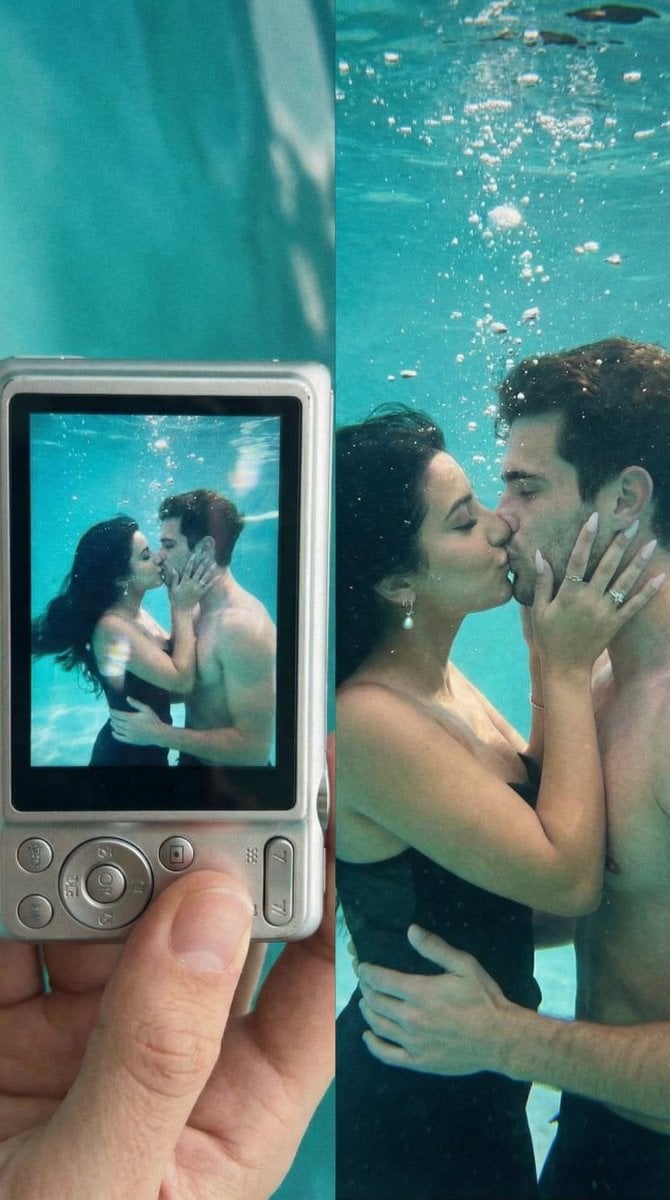
- Prompt included
- Model and format preset
- Free template
The prompt behind this image
Copy the exact prompt behind Underwater Kiss Diptych with Digital Camera Screen, or open it in the studio and make it yours.
- Generation Request › Meta Data › Task Type
- underwater_kiss_diptych_2x1_digicam
- Generation Request › Meta Data › Language
- en
- Generation Request › Meta Data › Priority
- highest
- Generation Request › Meta Data › Version
- v1.0_UNDERWATER_KISS_SONY_SCREEN_DIPTYCH
- Generation Request › Input › Mode
- image_to_image
- Generation Request › Input › Reference Image Usage
- very_high
- Generation Request › Input › Preserve Identity
- true
- Generation Request › Input › Preserve Facial Features
- true
- Generation Request › Input › Preserve Pose
- true
- Generation Request › Input › Preserve Hand Structure
- true
- Generation Request › Input › Notes
- Create a 2x1 side-by-side diptych. LEFT PANEL: a hand holding a silver compact digital camera (Sony-style) showing the underwater kiss on its LCD screen, including camera bezel and screen reflections; RIGHT PANEL: the full underwater kiss photo itself, turquoise water, bubbles, slightly lo-fi digicam look. Keep the same couple pose and intimacy. Preserve identities from references if provided. No extra people.
- Generation Request › Output › Aspect Ratio
- 4:5
- Generation Request › Output › Resolution
- ultra_high
- Generation Request › Output › Num Images
- 1
- Generation Request › Output › Layout › Type
- split
- Generation Request › Output › Layout › Direction
- vertical
- Generation Request › Output › Layout › Panels
- 2
- Generation Request › Output › Layout › Gutter
- thin
- Generation Request › Output › Sharpness
- lofi_filmic
- Generation Request › Output › Grain
- subtle_to_medium
- Generation Request › Scene › Right Panel Environment
- underwater pool scene, turquoise water, floating bubbles and particles, soft light rays, slight haze
- Generation Request › Scene › Left Panel Environment
- neutral indoor wall background behind the held camera, realistic hand grip, slight glare on LCD
- Generation Request › Composition › Left Panel
- close shot of the compact camera back with LCD visible; underwater kiss is displayed on the LCD; include slight pixel grid/moire and LCD glow
- Generation Request › Composition › Right Panel
- tight-medium underwater shot of the couple kissing; woman holds man's face with both hands; man holds woman's waist; bubbles around them
Raw JSON
{
  "generation_request": {
    "meta_data": {
      "task_type": "underwater_kiss_diptych_2x1_digicam",
      "language": "en",
      "priority": "highest",
      "version": "v1.0_UNDERWATER_KISS_SONY_SCREEN_DIPTYCH"
    },
    "input": {
      "mode": "image_to_image",
      "reference_image_usage": "very_high",
      "preserve_identity": true,
      "preserve_facial_features": true,
      "preserve_pose": true,
      "preserve_hand_structure": true,
      "notes": "Create a 2x1 side-by-side diptych. LEFT PANEL: a hand holding a silver compact digital camera (Sony-style) showing the underwater kiss on its LCD screen, including camera bezel and screen reflections; RIGHT PANEL: the full underwater kiss photo itself, turquoise water, bubbles, slightly lo-fi digicam look. Keep the same couple pose and intimacy. Preserve identities from references if provided. No extra people."
    },
    "output": {
      "aspect_ratio": "4:5",
      "resolution": "ultra_high",
      "num_images": 1,
      "layout": {
        "type": "split",
        "direction": "vertical",
        "panels": 2,
        "gutter": "thin"
      },
      "sharpness": "lofi_filmic",
      "grain": "subtle_to_medium"
    },
    "scene": {
      "right_panel_environment": "underwater pool scene, turquoise water, floating bubbles and particles, soft light rays, slight haze",
      "left_panel_environment": "neutral indoor wall background behind the held camera, realistic hand grip, slight glare on LCD"
    },
    "composition": {
      "left_panel": "close shot of the compact camera back with LCD visible; underwater kiss is displayed on the LCD; include slight pixel grid/moire and LCD glow",
      "right_panel": "tight-medium underwater shot of the couple kissing; woman holds man's face with both hands; man holds woman's waist; bubbles around them"
    },
    "style": {
      "aesthetic": "nostalgic digicam / early-2010s compact camera look",
      "color": "cool cyan/teal underwater tones, slightly muted",
      "texture": "light compression artifacts, mild softness, realistic water distortion"
    },
    "negative_prompt": "extra people, face morphing, identity drift, deformed hands, extra fingers, extra limbs, text overlays, captions, watermark, logos, brand marks, timestamps, UI numbers, harsh HDR, cartoon"
  }
}How to use Underwater Kiss Diptych with Digital Camera Screen in 3 steps
- 1
Open
The prompt is already in the box next to the preview, with the template's model and format selected.
- 2…a portrait of your subject in softgolden-hour light, 85mm…
Personalize
Edit the subject and creative details for your destination.
- 3Generate
Generate
Press Generate — your image is created in PicX Studio, so you can compare it with the original and refine one variable at a time.
More like this
Templates with the same subject, style or setup. Open one to see its prompt.
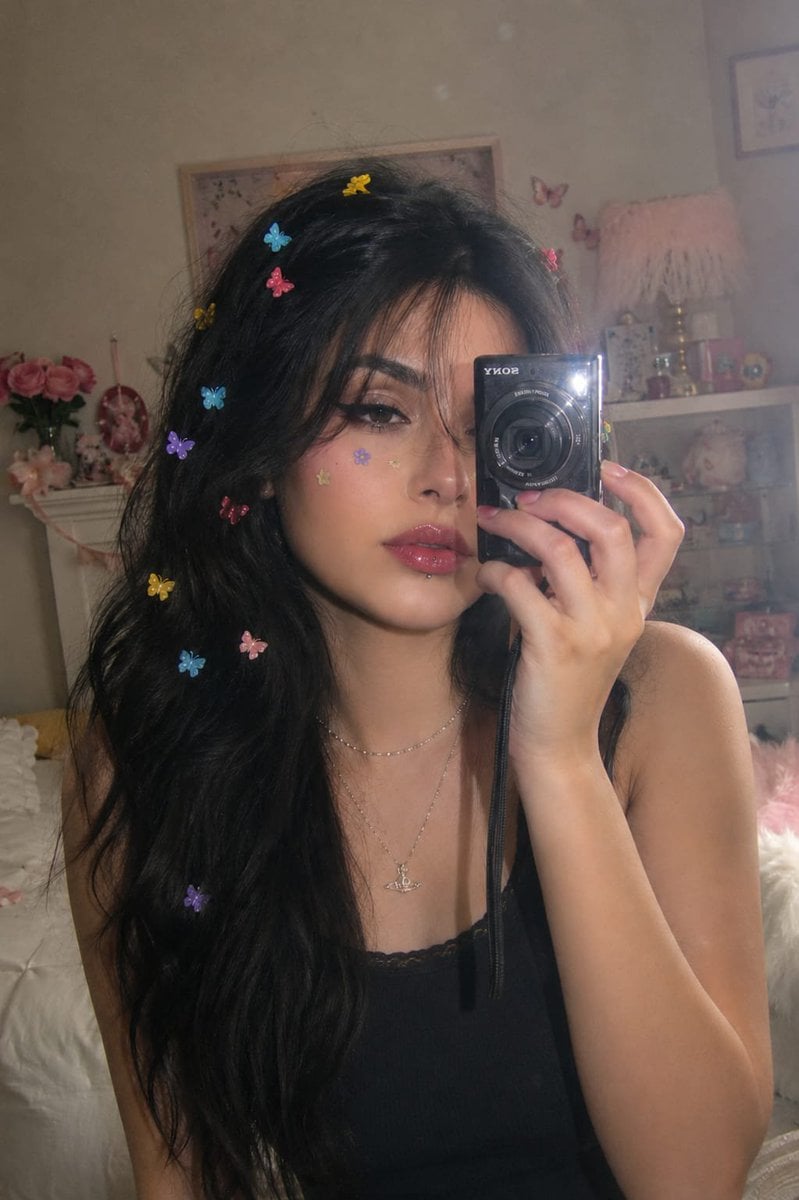
Dreamy Y2K Digital Camera Mirror Selfie
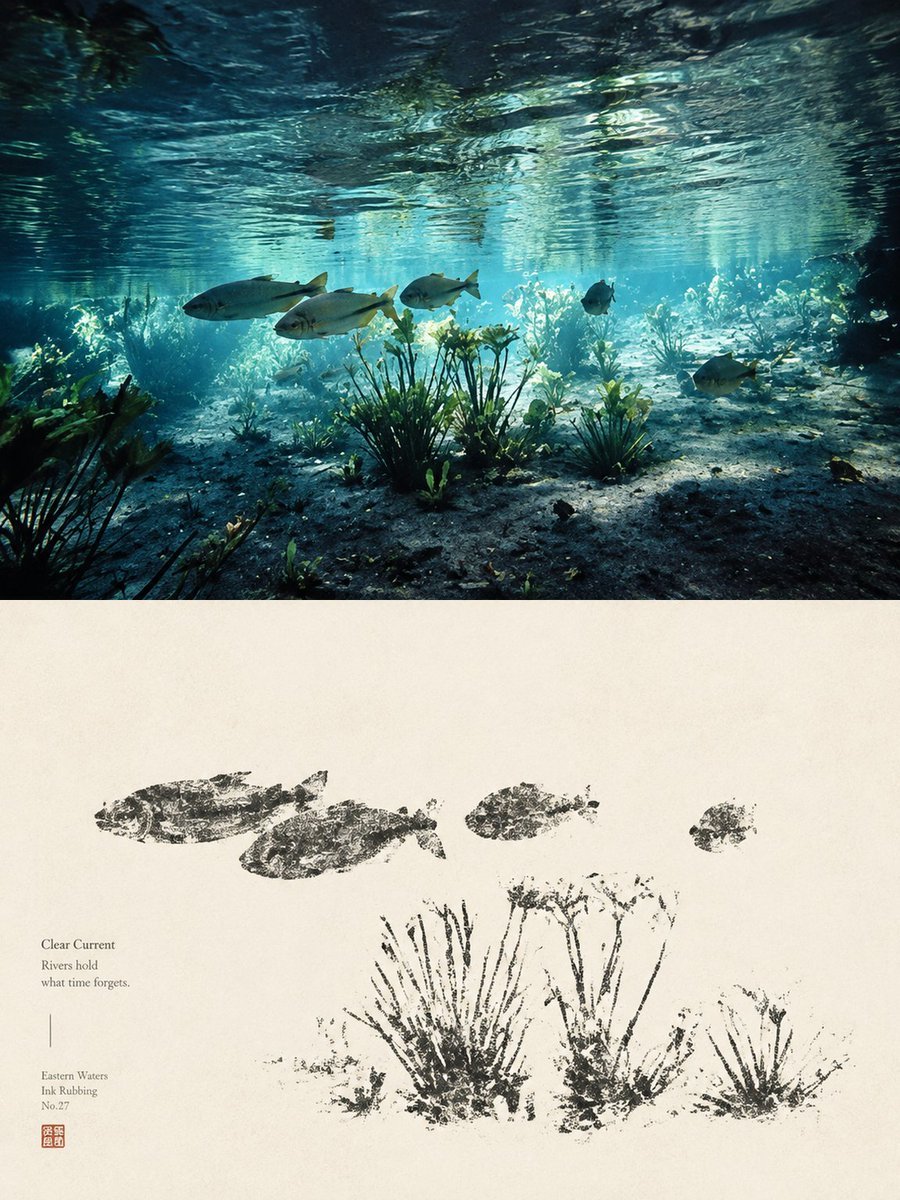
Underwater River Ink Rubbing Diptych

Cinematic Street Fashion Photographer Portrait

Vintage Digital Camera Car Selfie Prompt
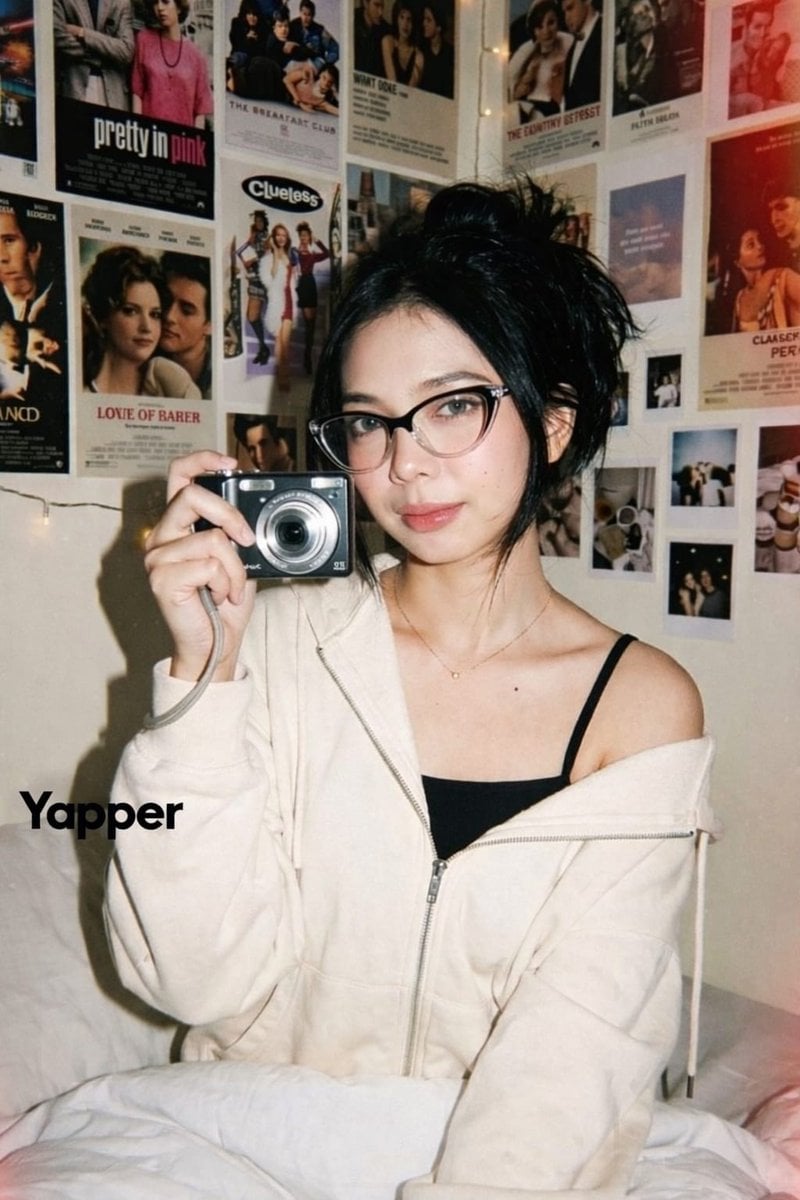
Y2K Candid Digital Camera Portrait of a Young Woman
Nano Banana Pro Instax Mini 8

Nano Banana - Pont Alexandre III Kiss
Digital Camera Frame Template
Buddhist Mural Composition Diptych
Surreal Photo to Watercolor Diptych
Urban Intersection Photo and Sketch Diptych

Candid Store Front-Camera Photo
Make it yours
Underwater Kiss Diptych with Digital Camera Screen works as-is. These are the safest ways to change it without losing the look.
Swap the setting
Keep the rest of the prompt and replace the location block. The current setting is “underwater pool scene, turquoise water, floating bubbles and particles, soft lig”.
Change one field
Copy a single group, rewrite it, and generate again so you can see what that field is doing.
Keep the frame, change the subject
Hold the composition and light of Underwater Kiss Diptych with Digital Camera Screen, then swap wardrobe, props or the person for a new take.
| If the result… | Why | Fix |
|---|---|---|
| The result drifts from the preview | Too many fields changed at once. | Reuse Underwater Kiss Diptych with Digital Camera Screen as-is first, then change one group — subject, light, or setting. |
| Nano Banana 2 ignores part of the JSON | Some models flatten or skip nested keys. | Keep the same values and paste them as a short paragraph instead. |
More Nano Banana 2 templates
Other prompts made for Nano Banana 2.

Photorealistic Leaf Shaped Like a Dragon

K-Pop Idol Portrait Grid for Rapid Selection

Poetic Rain Forest Portrait During Golden Hour

Urban Street Portrait with Cartoon Inner Self Duo

Candid Nighttime Photo with Cat Prompt

High-Concept 3D Diorama Generation Prompt

Cinematic Futuristic Studio Portrait Template

Skincare Editorial Photography Collage Prompt

Hyper-Realistic Commercial Product Photography (Splash Effect)

Hyper-Realistic Nightclub Portrait Prompt
More image prompts
Fresh picks from across the catalog.

Magical Children's Storybook Illustration

Chinese Yunnan Travel Guide Poster

Juventus Kit Soccer Field Portrait with Harsh Sunlight

Wooden Beer Mug Render

Aguardiente fashion ad from portrait reference

Fantasy Soda Commercial

Japanese Company Setup Landing Page

Water Mirror Fantasy Maiden

High-Fidelity Skin Texture Portrait of a Young Doctor
Kid-Friendly Routine Poster Prompt
Browse template categories
Underwater Kiss Diptych with Digital Camera Screen questions
How do I use the Underwater Kiss Diptych with Digital Camera Screen template?
Add your photo if the template asks for one, edit the prompt if you like — the template's model and format are already selected — and press Generate. Your version opens in PicX Studio.
Can I customize the Underwater Kiss Diptych with Digital Camera Screen template?
Yes. You can change the subject, setting, lighting, mood, format, and available model controls before creating your image.
Is the Underwater Kiss Diptych with Digital Camera Screen template free?
Opening and editing this template is free. Generating uses credits, shown on the Generate button when you are signed in.
Which AI model should I use?
Start with Nano Banana 2, which is the model associated with this template. You can compare another compatible model for a different finish.
Looking for something else? Browse all templates.

Your photo, any look
Thousands of ready templates for every top image and video model, from one credit balance.