
Nano Banana Pro Instax Mini 8
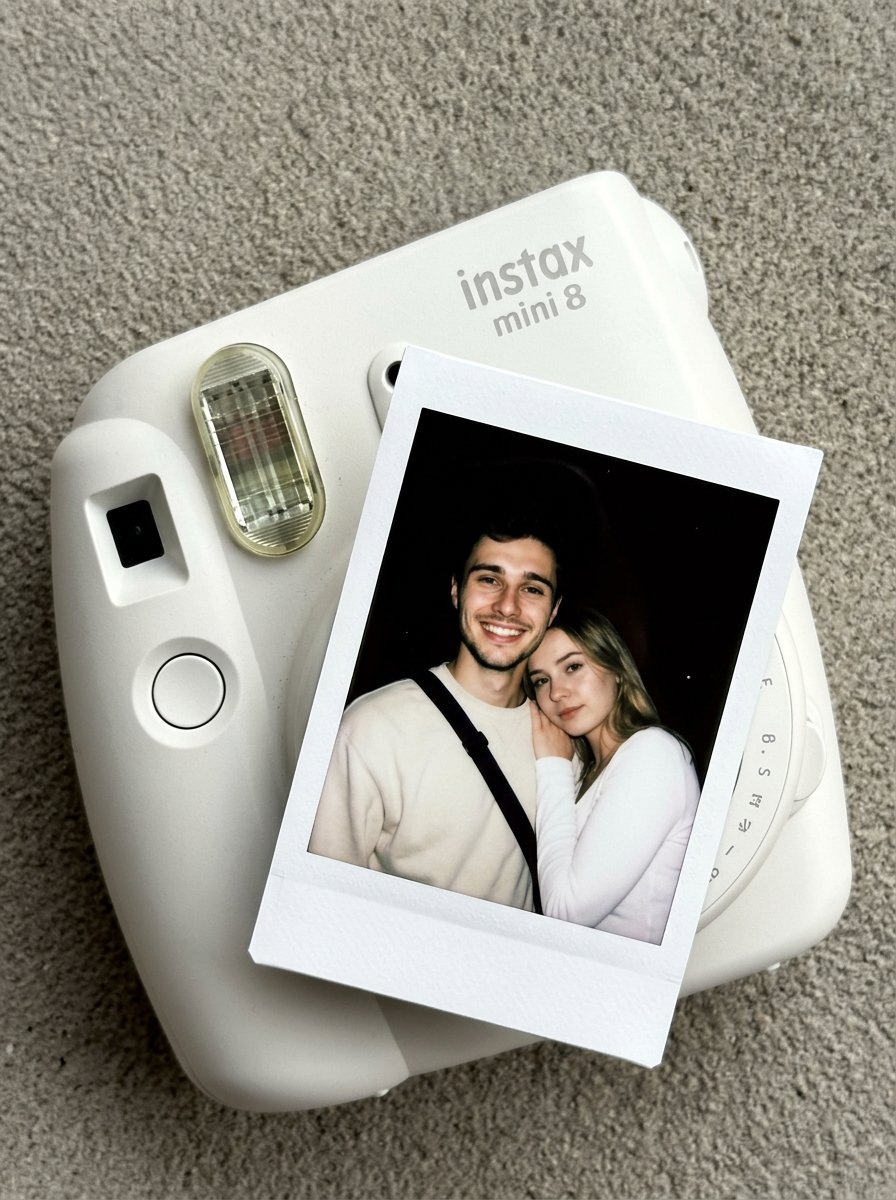
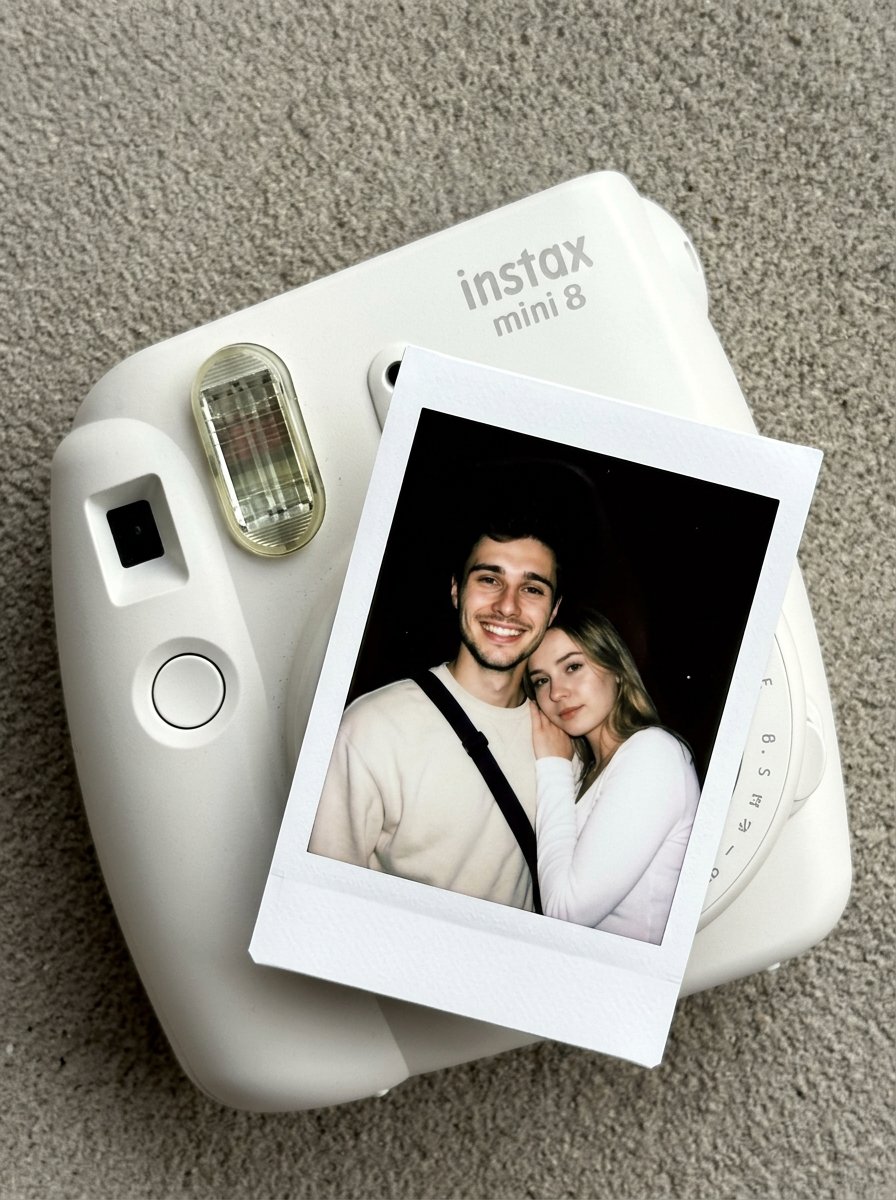
Ultra-detailed Instax Mini 8 camera with polaroid photo — top-down product shot
- Prompt included
- Model and format preset
- Free template
The prompt behind this image
Copy the exact prompt behind Nano Banana Pro Instax Mini 8, or open it in the studio and make it yours.
Create an ultra-detailed, HD composition is a top-down, slightly angled close-up of a matte white Instax Mini 8 camera resting on a flat, neutral-toned gray surface with a fine, sandy texture. An instant polaroid photo is partially ejected from the camera's film slot, positioned diagonally across the frame. The scene is captured with the authentic, natural aesthetic of a photo taken by iPhone camera, showcasing realistic light bounce and subtle imperfections. The camera's plastic body has a soft, non-reflective finish with the "instax mini 8" logo embossed in a subtle light-gray font. The flash window on the camera shows a detailed internal grid and a slight glossy reflection. The polaroid film itself features the iconic thick white paper border with a faint grain. Inside the photo's frame, Subject 1[Girl in the image] and Subject 2[Guy in the image] are captured in a high-contrast, overexposed portrait style typical of a direct camera flash in a dark environment. The background behind them is a solid, light-absorbing pitch black. Subject 1 is wearing a minimalist white long-sleeved top, her body angled toward Subject 2 as she leans her head against him, her expression soft and neutral. Subject 2 is wearing a pale cream or light yellow sweatshirt with a dark, textured strap visible across his chest, offering a wide, genuine smile toward the lens. The lighting within the polaroid is harsh, blowing out the highlights on their faces and creating a luminous, smooth skin texture while casting deep, sharp shadows behind them. The overall mood is nostalgic and intimate, with every fabric weave and plastic molding detail rendered in ultra-detailed clarity. Do not change Subject's facial features. Subjects must look 1000% identical to uploaded images.
How to use Nano Banana Pro Instax Mini 8 in 3 steps
- 1Upload ImagePNG, JPG or paste
Add your photo
Upload the photo the template builds on. The prompt, model and format are already set.
- 2…a portrait of your subject in softgolden-hour light, 85mm…
Personalize
Edit the subject and creative details for your destination.
- 3Generate
Generate
Press Generate — your image is created in PicX Studio, so you can compare it with the original and refine one variable at a time.
More like this
Templates with the same subject, style or setup. Open one to see its prompt.
02 Instax Camera Product — Nano Banana 2
Polaroid Camera Product Retro

Cinematic Camera Instructions for Nano Banana Pro

Low-Key Product Photography Prompt for Gemini Nano Banana Pro

Isometric Landmark Generation Using Nano

Google Gemini Nano Banana Pro

Nano Banana 2 Perspective Experiment
Gemini Nano Banana Realistic Portrait Re

Gemini Nano Banana 2 Isometric 3d City D

Nano Banana 2

Gemini Nano Banana 2

Gemini Nano Banana 2 Logo in Wet Sand Be
Make it yours
Nano Banana Pro Instax Mini 8 works as-is. These are the safest ways to change it without losing the look.
Change one field
Copy a single group, rewrite it, and generate again so you can see what that field is doing.
Keep the frame, change the subject
Hold the composition and light of Nano Banana Pro Instax Mini 8, then swap wardrobe, props or the person for a new take.
| If the result… | Why | Fix |
|---|---|---|
| The result drifts from the preview | Too many fields changed at once. | Reuse Nano Banana Pro Instax Mini 8 as-is first, then change one group — subject, light, or setting. |
| The model over-stylizes the scene | The prose prompt leaves finish and camera underspecified. | Add one camera or lighting sentence and stay on GPT Image 2. |
More GPT Image 2 templates
Other prompts made for GPT Image 2.

Six VTuber Japanese Logo Sheet

Realistic Portrait of Woman and Deer

The Vista Modular Condo Poster

AI Model Routing Comparison Infographic

2.5D Anime Art Board

Isometric Productivity Desk Scene

New York Double Exposure Poster

Four-Panel AI Landscape Comparison

Japanese Tatami Lifestyle Magazine Cover

NESCAFÉ Coffee Map Poster
More image prompts
Fresh picks from across the catalog.
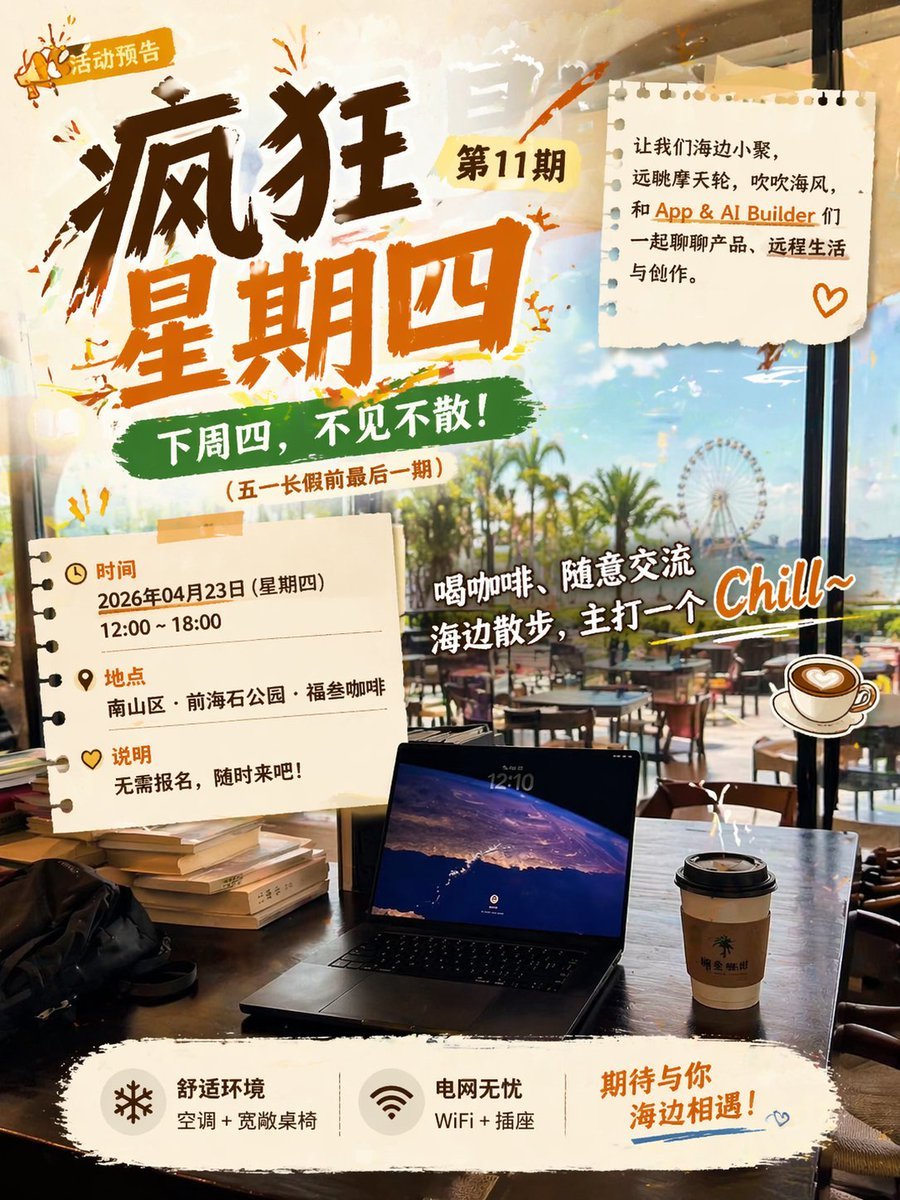
Seaside Cafe Event Poster

SUNO Prompt for Modern Retro Electro Swing BGM
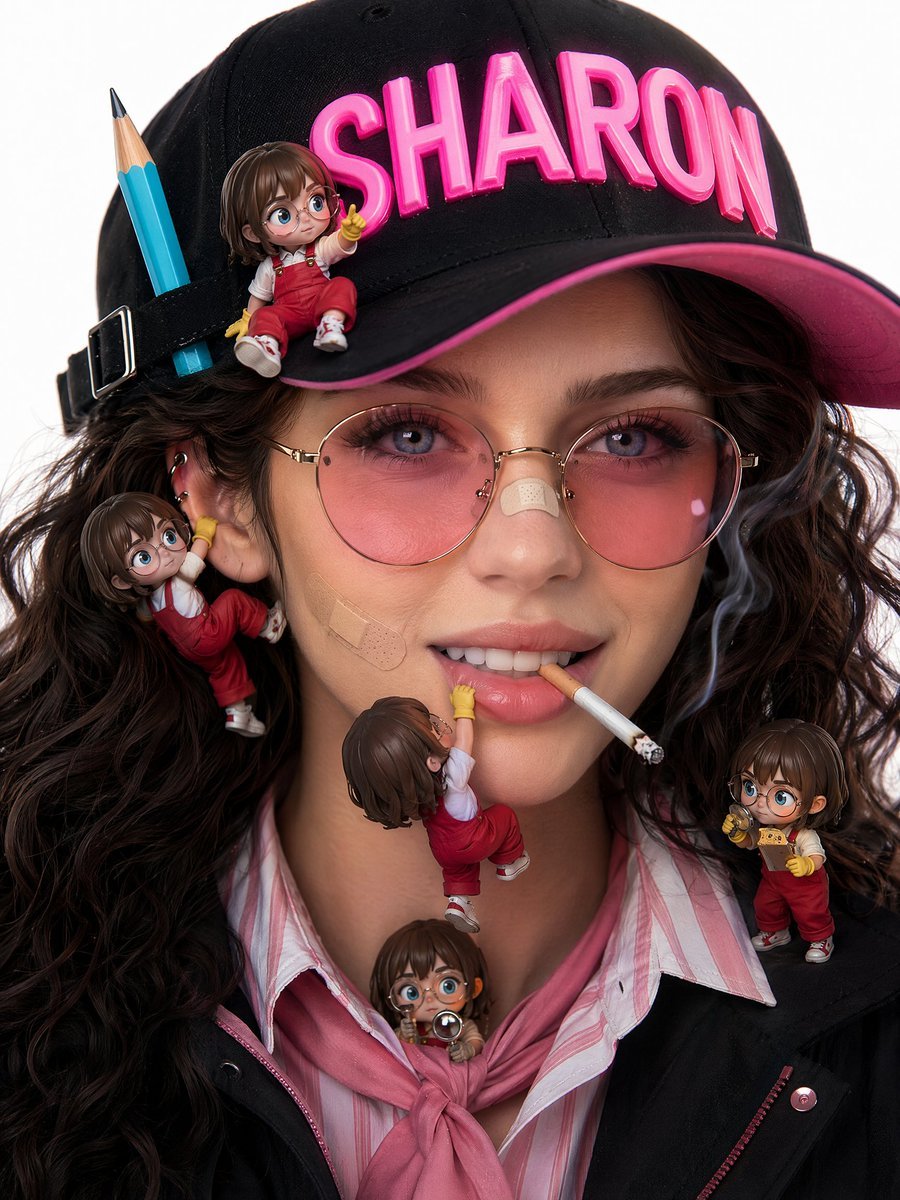
Photorealistic beauty campaign portrait prompt
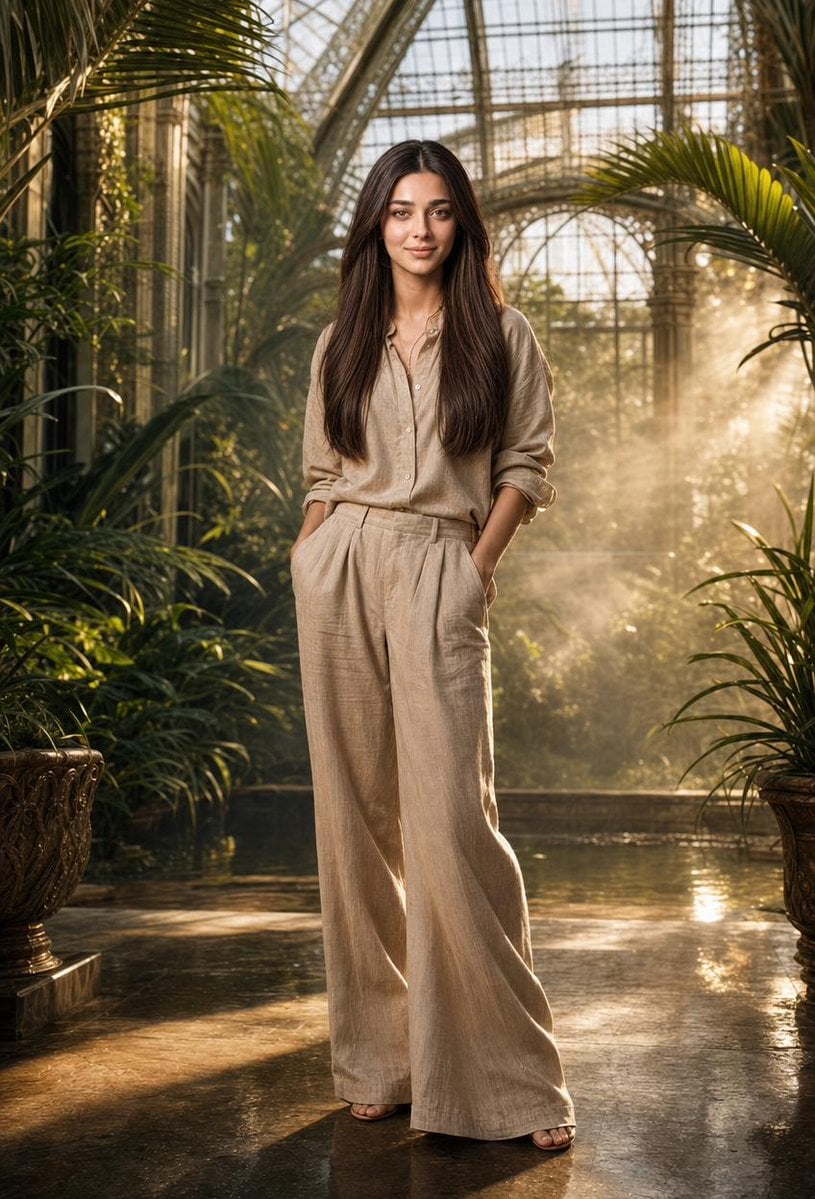
Tropical Greenhouse Editorial Portrait
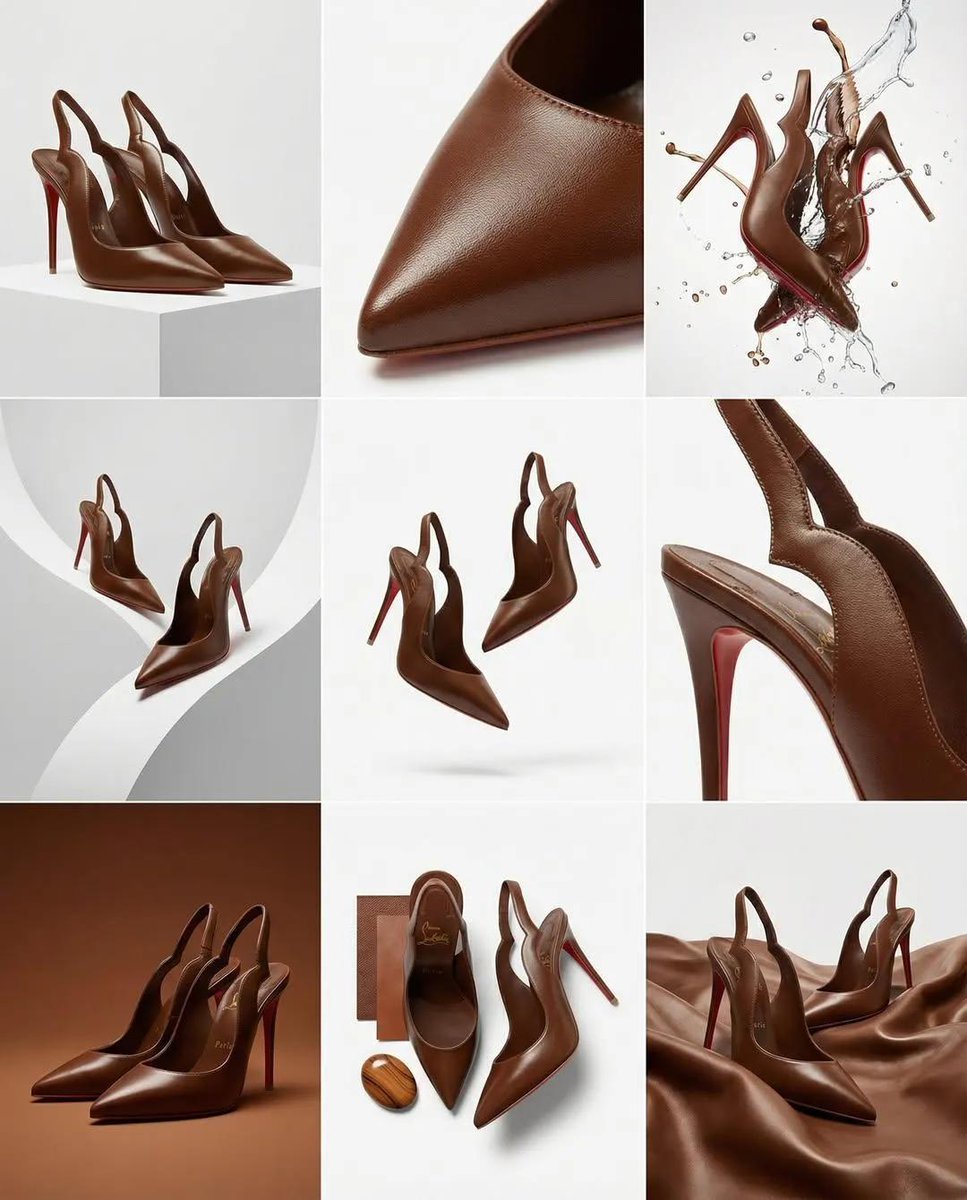
Luxury Product Campaign Grid
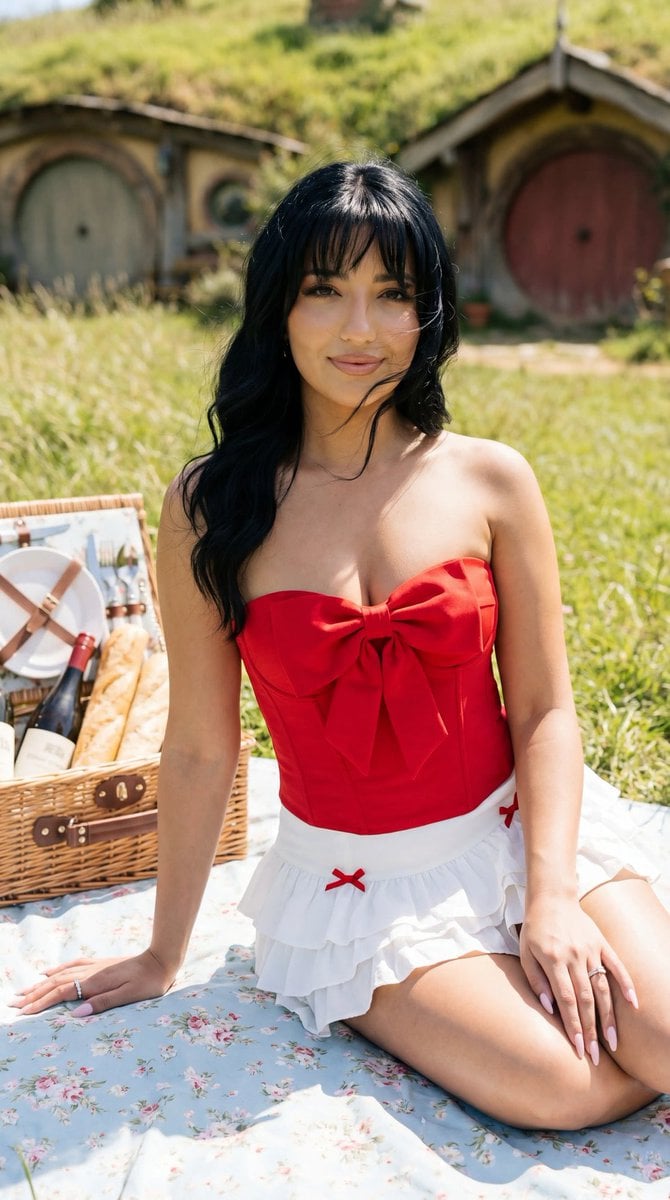
Photoreal Picnic Portrait near Hobbit Cottages
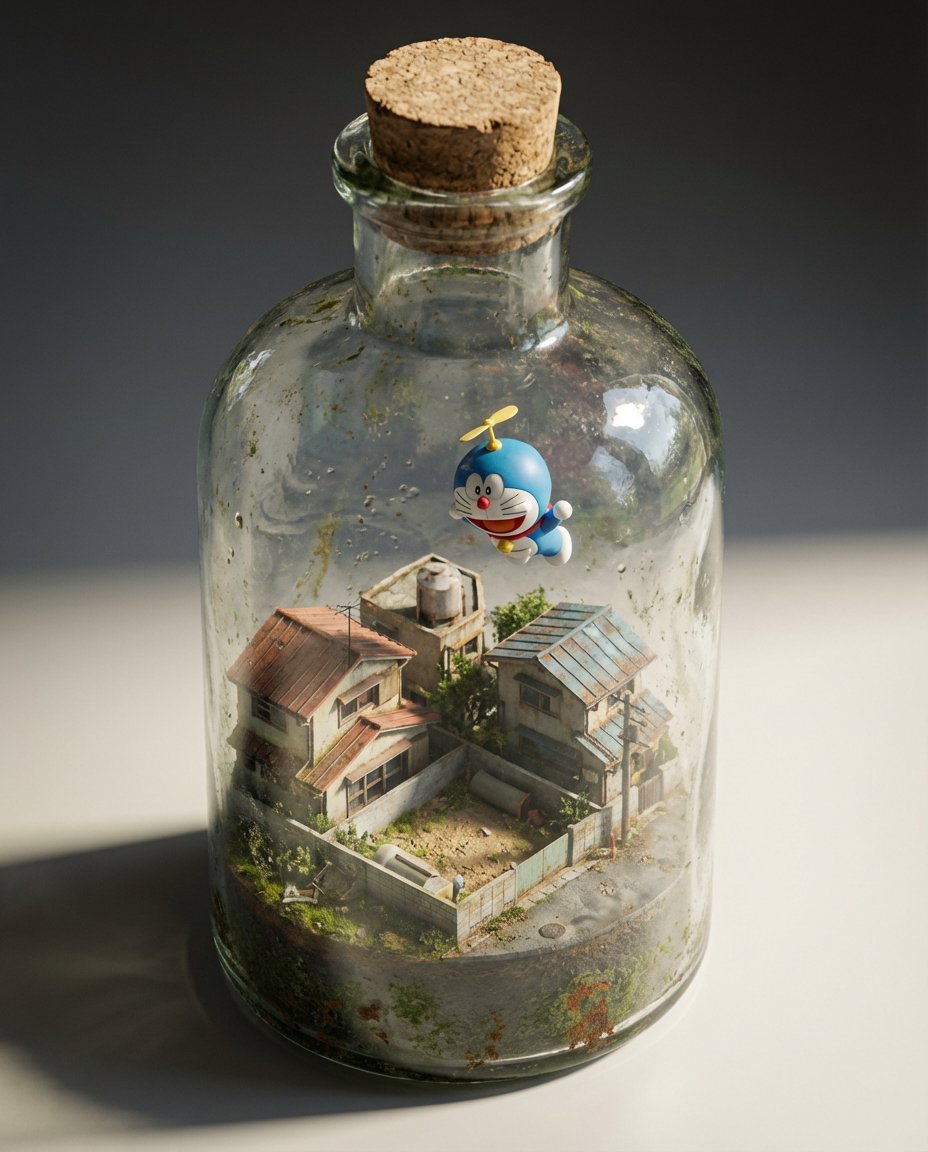
Miniature Diorama in a Glass Bottle

Chinese Casino Glamour Scene Prompt
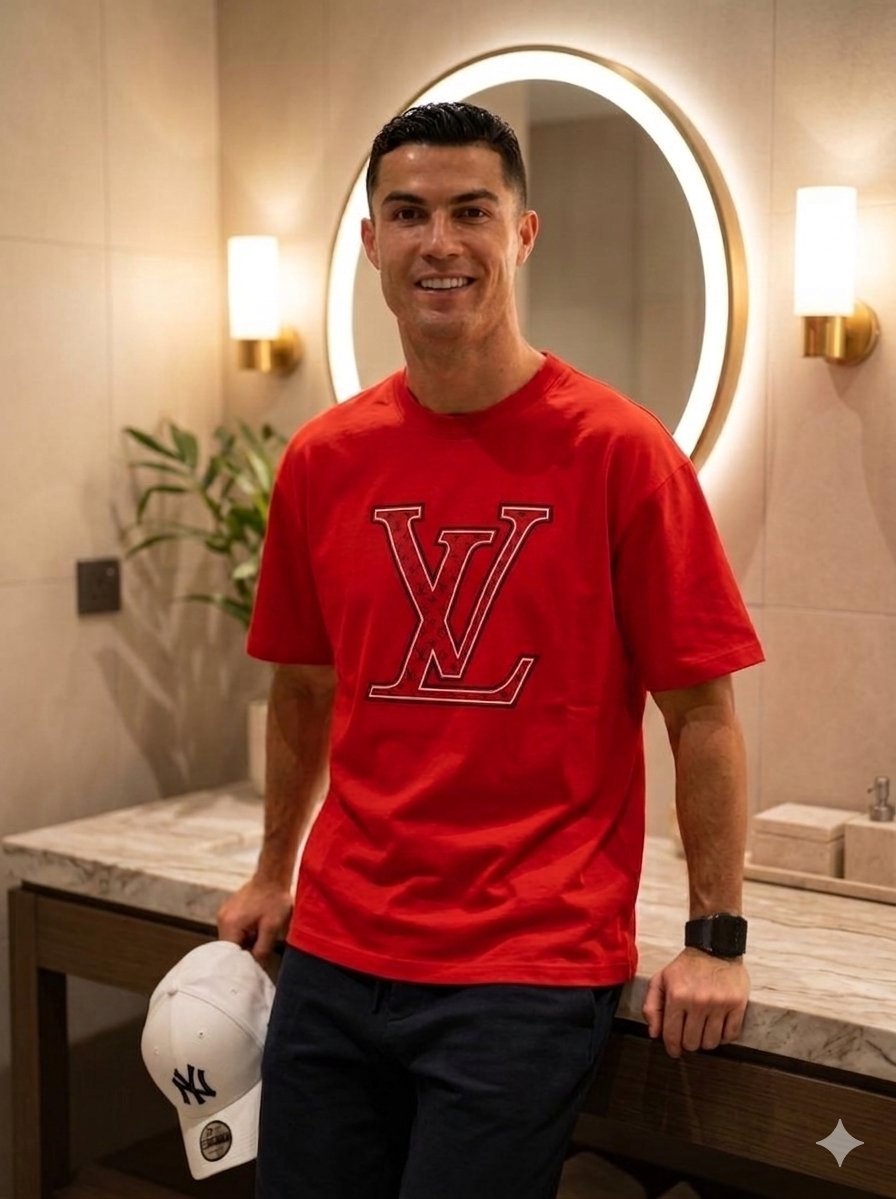
Luxury Lifestyle Portrait Prompt for Nano Banana Pro
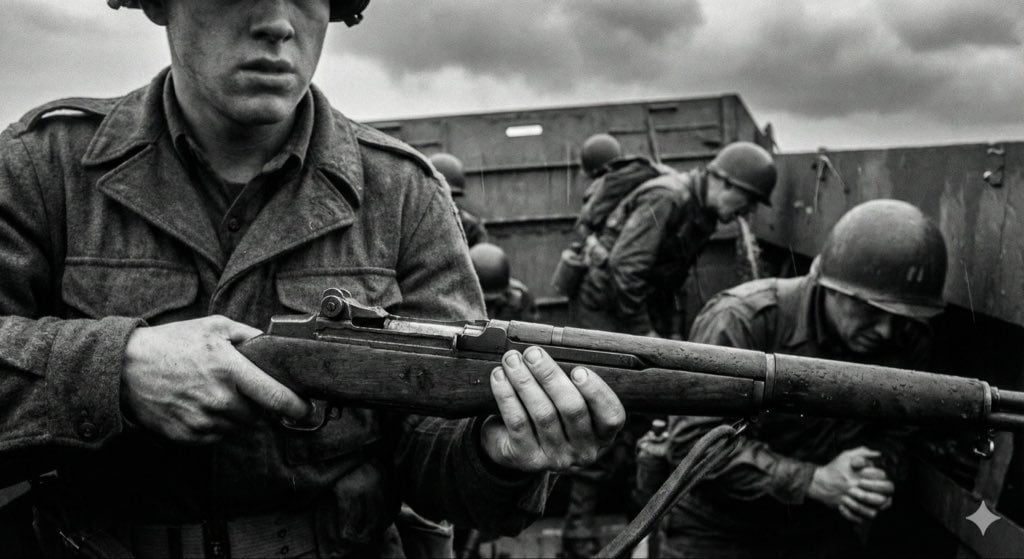
Mid-20th-century war photojournalism style framework
Featured in prompt roundups
Hand-picked collections that include this template.
Browse template categories
Nano Banana Pro Instax Mini 8 questions
How do I use the Nano Banana Pro Instax Mini 8 template?
Add your photo if the template asks for one, edit the prompt if you like — the template's model and format are already selected — and press Generate. Your version opens in PicX Studio.
Can I customize the Nano Banana Pro Instax Mini 8 template?
Yes. You can change the subject, setting, lighting, mood, format, and available model controls before creating your image.
Is the Nano Banana Pro Instax Mini 8 template free?
Opening and editing this template is free. Generating uses credits, shown on the Generate button when you are signed in.
Which AI model should I use?
Start with GPT Image 2, which is the model associated with this template. You can compare another compatible model for a different finish.
Looking for something else? Browse all templates.

Your photo, any look
Thousands of ready templates for every top image and video model, from one credit balance.