
Seaside Cafe Event Poster
A vibrant Chinese promotional poster for a casual seaside coffee meetup, useful for social event announcements, community gatherings, and lifestyle marketing.
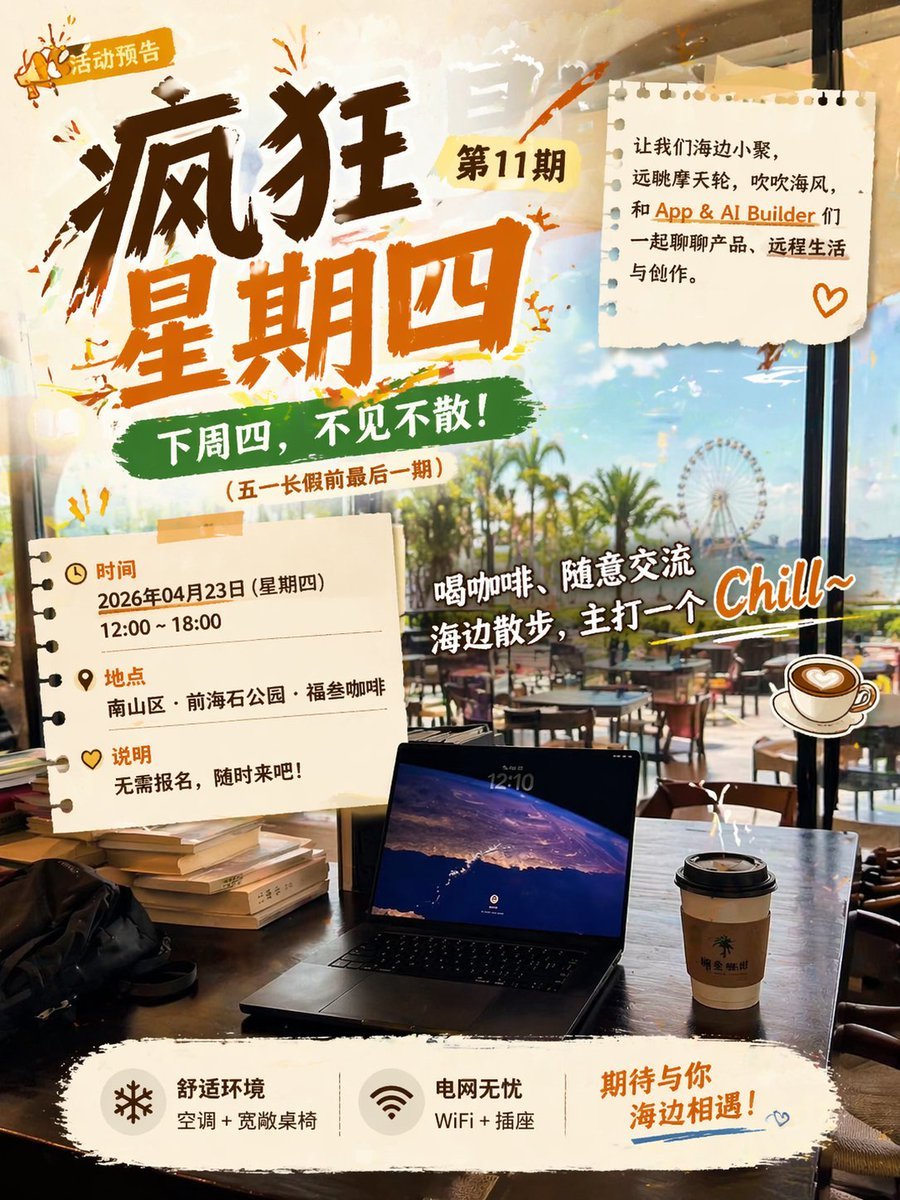
- Prompt included
- Model and format preset
- Premium template
The prompt behind this image
Copy the exact prompt behind Seaside Cafe Event Poster, or open it in the studio and make it yours.
Create a lively Chinese event poster with a warm, trendy coffee-shop aesthetic, photographed from inside a seaside cafe looking out through large floor-to-ceiling windows at palm trees, a bright blue sky, outdoor seating, and a Ferris wheel in the distance. The composition should feel like a candid lifestyle scene combined with energetic graphic design. In the foreground, place a dark wooden table with 1 open laptop centered near the bottom, 1 takeaway coffee cup with a black lid on the right side of the table, 1 black bag on the left, and 1 short stack of books near the left edge. Use a sunlit, slightly golden afternoon atmosphere with reflections on the glass and a relaxed vacation vibe. Overlay bold poster graphics in a collage style using torn paper, brushstroke paint, stickers, and taped note-paper elements. The main headline on the upper left should be huge, hand-painted Chinese calligraphy in dark brown and orange, reading “疯狂星期四”, with a small yellow tag near it that reads “第11期”, and an even smaller top-left badge reading “活动预告” with a tiny megaphone icon. Beneath the main headline, add a green brushstroke banner with the text “下周四,不见不散!”, and below that a smaller line in parentheses: “(五一长假前最后一期)”. Add 2 torn notebook-paper cards: 1 in the upper right and 1 in the lower left. The upper-right note should contain a short invitation paragraph in Chinese, neatly typeset in black and orange text, reading: “让我们海边小聚,远眺摩天轮,吹吹海风,和 App & AI Builder 们一起聊聊产品、远程生活与创作。” and include a small orange heart doodle in the bottom-right corner of that note. The lower-left note should list 3 info blocks with icons and orange section headers: “时间”, “地点”, and “说明”. Under “时间”, write “2026年04月23日 (星期四)” and “12:00 ~ 18:00”. Under “地点”, write “南山区·前海石公园·福叁咖啡”. Under “说明”, write “无需报名,随时来吧!”. Across the middle-right area, place a large playful white script-style slogan with a dark outline, angled slightly upward, reading “喝咖啡、随意交流 海边散步,主打一个 Chill~”. Add 1 illustrated coffee cup sticker next to this slogan on the right. Use energetic orange paint splashes and sketch doodles around the headline and notes to make the poster feel youthful and spontaneous. At the bottom, place a wide off-white torn-paper footer strip containing 3 feature blocks laid out horizontally. Block 1: a snowflake-like icon with the text “舒适环境” and smaller text “空调 + 宽敞桌椅”. Block 2: a Wi‑Fi icon with the text “电网无忧” and smaller text “WiFi + 插座”. Block 3: larger orange handwritten text “期待与你 海边相遇!” with a blue underline flourish and a tiny heart doodle. The overall design should mix real photography and graphic poster elements, with strong contrast, brush lettering, scrapbook textures, cafe lifestyle realism, and a fashionable AI-generated social-media event-poster look.
How to use Seaside Cafe Event Poster in 3 steps
- 1Upload ImagePNG, JPG or paste
Add your photo
Upload the photo the template builds on. The prompt, model and format are already set.
- 2…a portrait of your subject in softgolden-hour light, 85mm…
Personalize
Edit the subject and creative details for your destination.
- 3Generate
Generate
Press Generate — your image is created in PicX Studio, so you can compare it with the original and refine one variable at a time.
More like this
Templates with the same subject, style or setup. Open one to see its prompt.

Trendy Cafe Drink Promo Poster

Japan Travel Brochure Poster

Cartoon TV Show Poster Pack

Urban Fashion Editorial Collage Streetwear Poster

Premium Fashion Editorial Cover Layout System

Polo Ralph Lauren Luxury American Heritage Fashion Campaign

Monochrome Halftone Editorial Fashion Poster

Retro Mirror Luxury Fashion Campaign Poster

Luxury Fashion Campaign Typography Poster System

Premium Fashion Editorial Campaign Poster System

Ultra-Stylized High-Fashion Streetwear Poster

Urban Fashion Editorial Collage Poster
Make it yours
Seaside Cafe Event Poster works as-is. These are the safest ways to change it without losing the look.
Change one field
Copy a single group, rewrite it, and generate again so you can see what that field is doing.
Keep the frame, change the subject
Hold the composition and light of Seaside Cafe Event Poster, then swap wardrobe, props or the person for a new take.
| If the result… | Why | Fix |
|---|---|---|
| The result drifts from the preview | Too many fields changed at once. | Reuse Seaside Cafe Event Poster as-is first, then change one group — subject, light, or setting. |
| The model over-stylizes the scene | The prose prompt leaves finish and camera underspecified. | Add one camera or lighting sentence and stay on GPT Image 2. |
More GPT Image 2 templates
Other prompts made for GPT Image 2.

Six VTuber Japanese Logo Sheet

Realistic Portrait of Woman and Deer

The Vista Modular Condo Poster

AI Model Routing Comparison Infographic

2.5D Anime Art Board

Isometric Productivity Desk Scene

New York Double Exposure Poster

Four-Panel AI Landscape Comparison

Japanese Tatami Lifestyle Magazine Cover

NESCAFÉ Coffee Map Poster
More image prompts
Fresh picks from across the catalog.
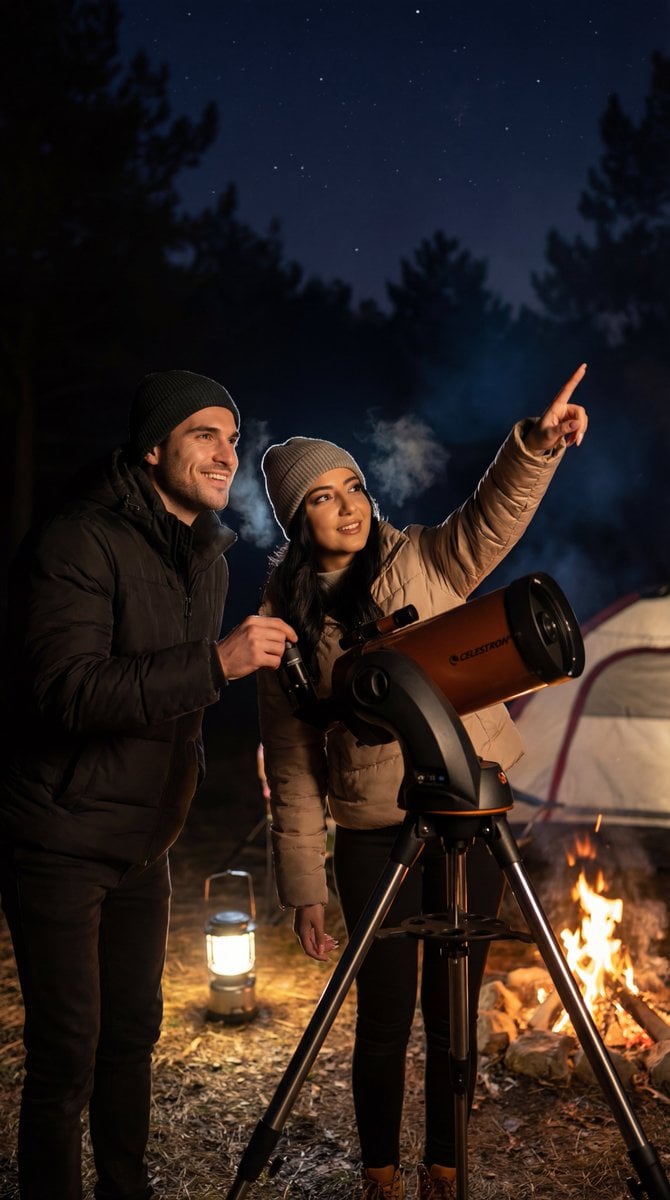
Ultra-Photorealistic Candid Film Still of Night Camping and Stargazing
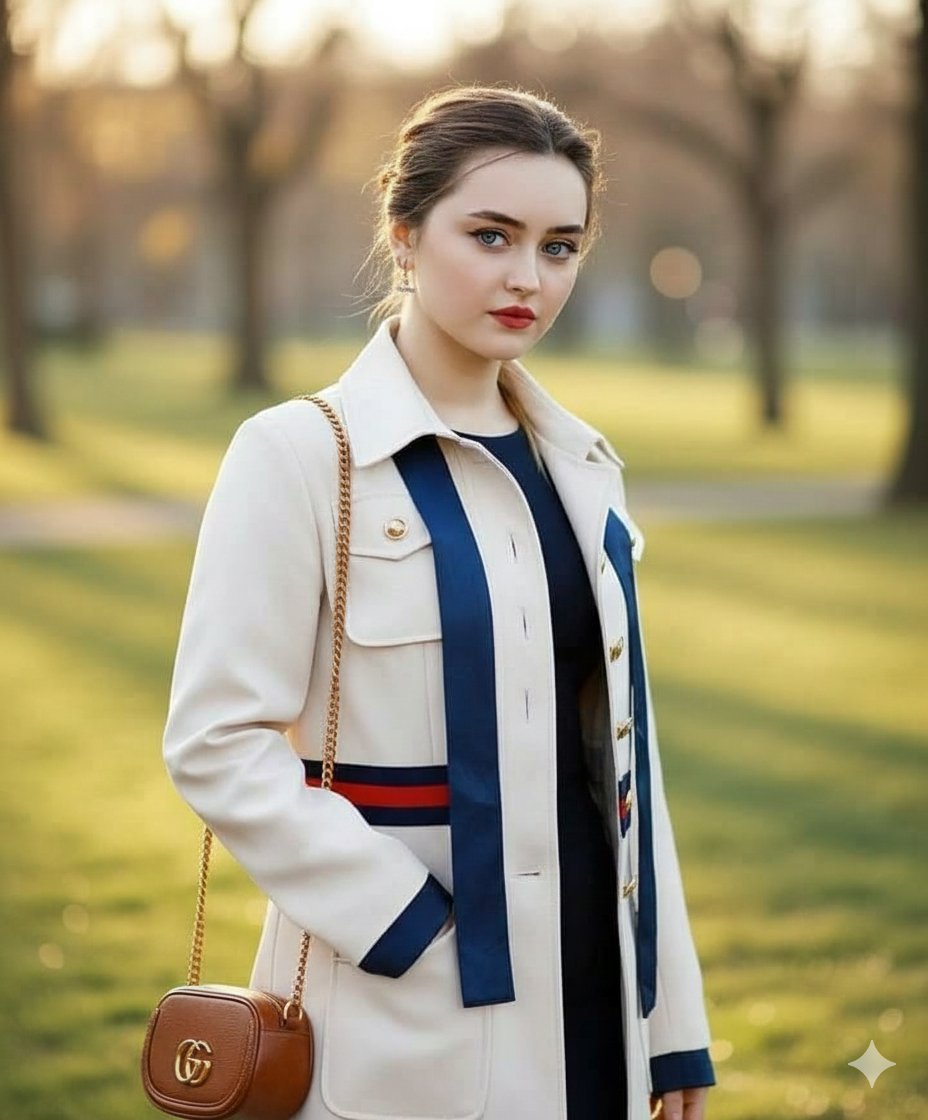
Vogue Style Luxury Trench Coat Fashion Portrait
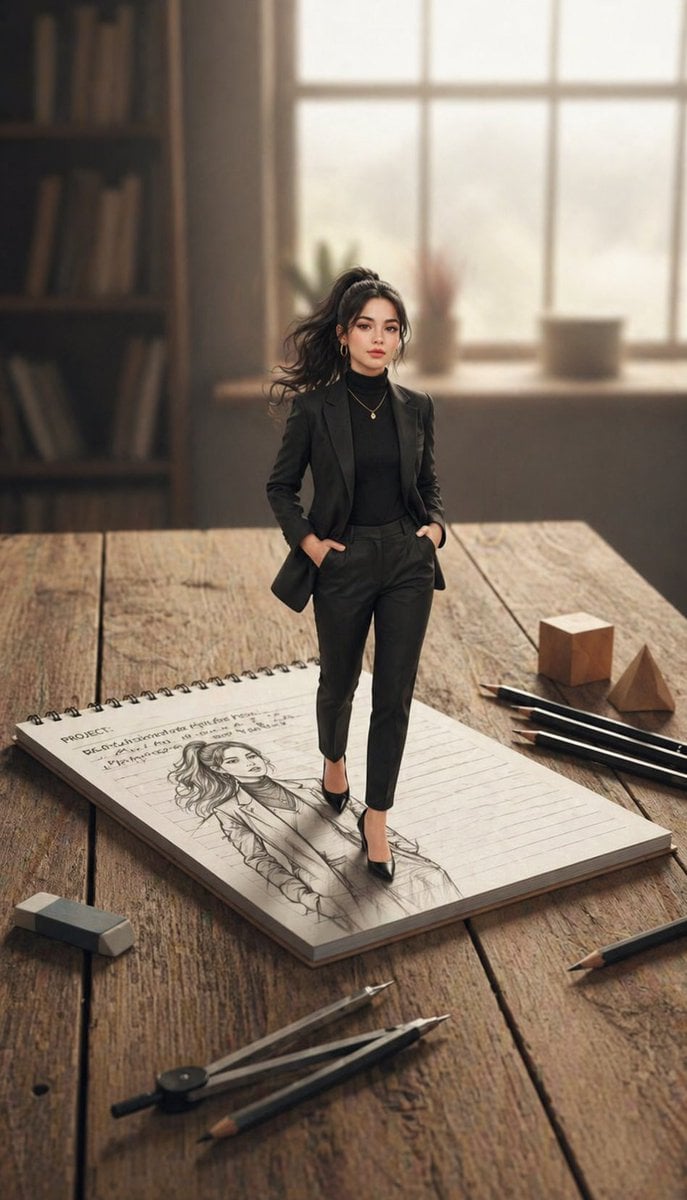
X Noor Ul Ain43 She Designed Herself and Then
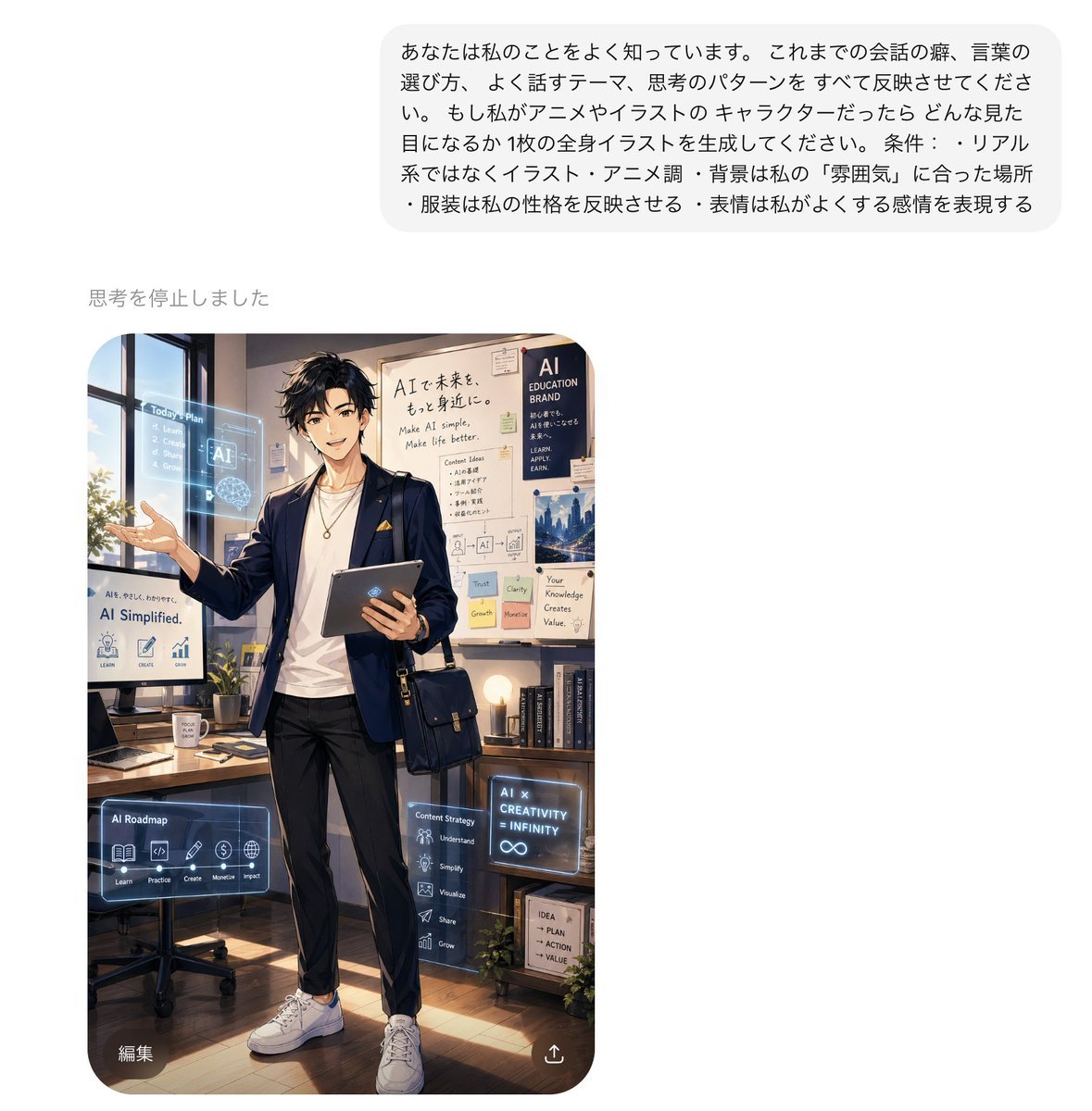
Personalized AI Anime Persona Avatar
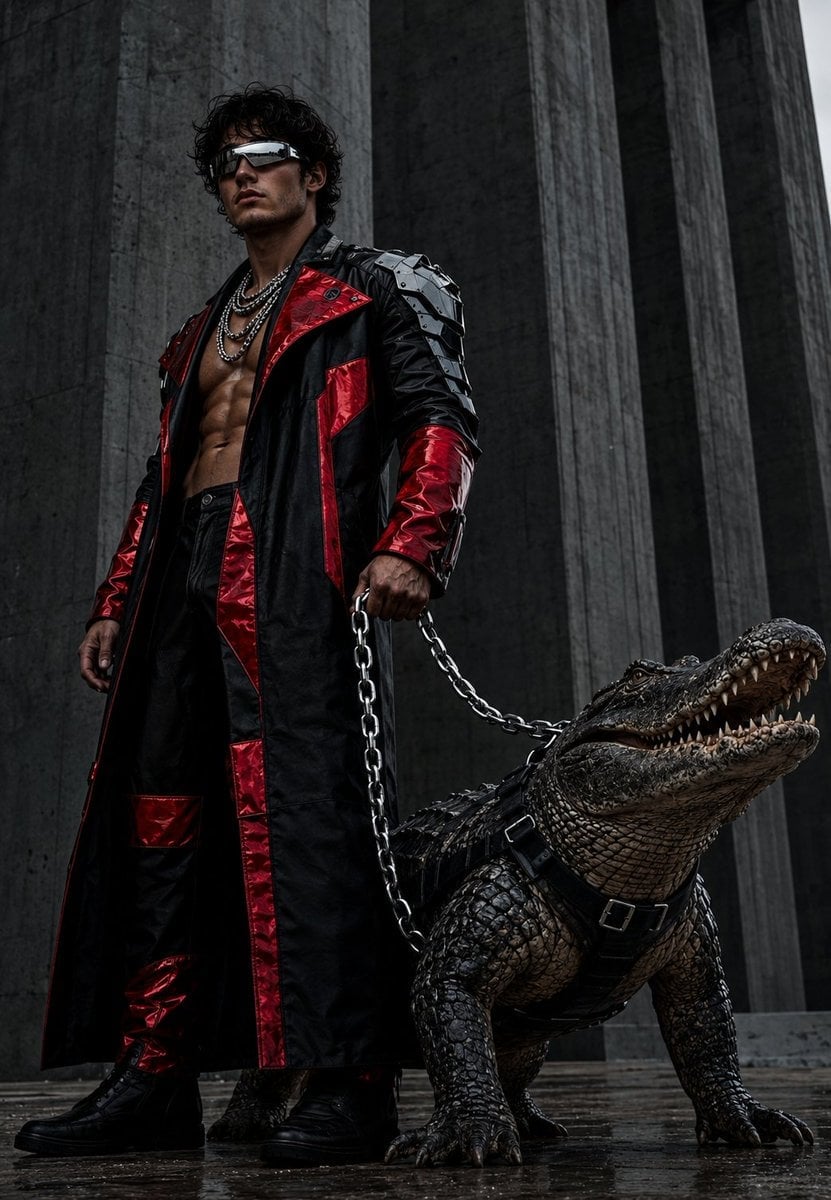
Brutalist Fashion with Alligator
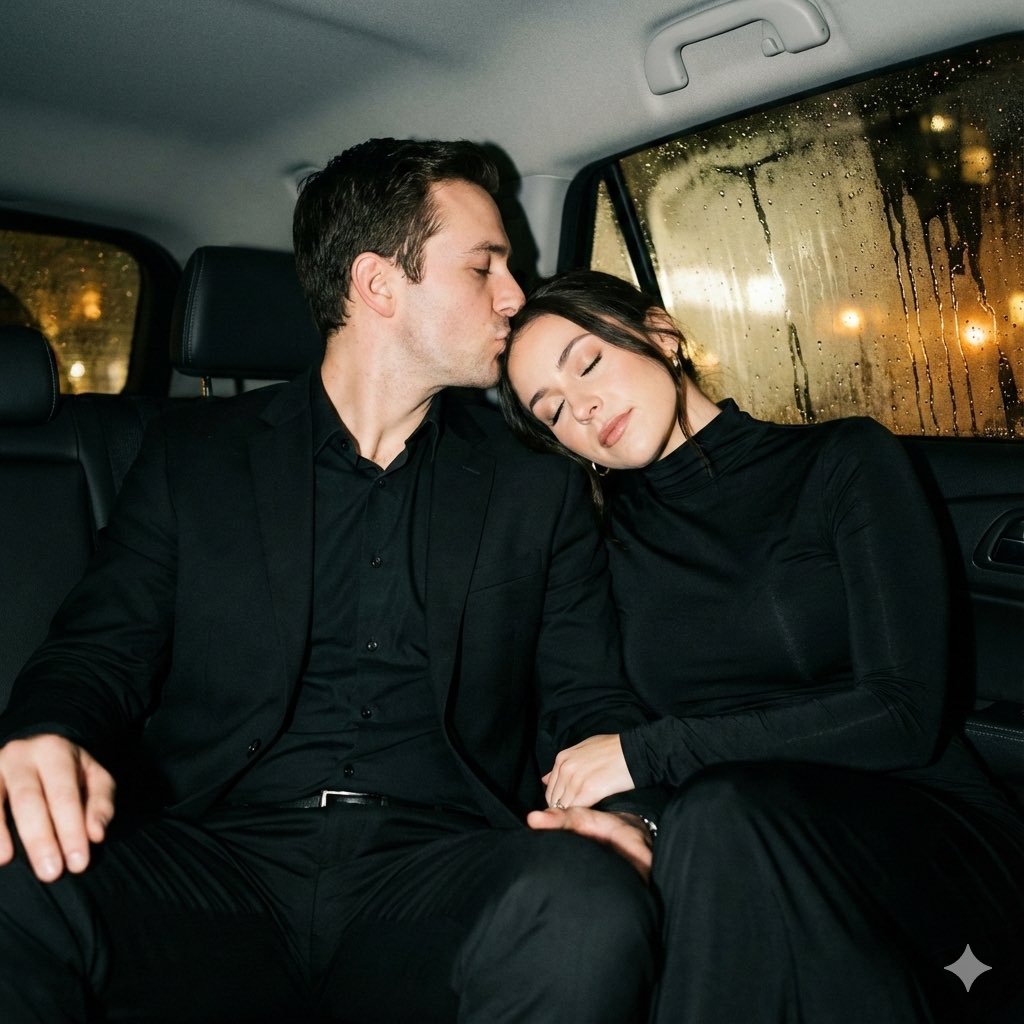
Y2K flash night car couple portrait prompt
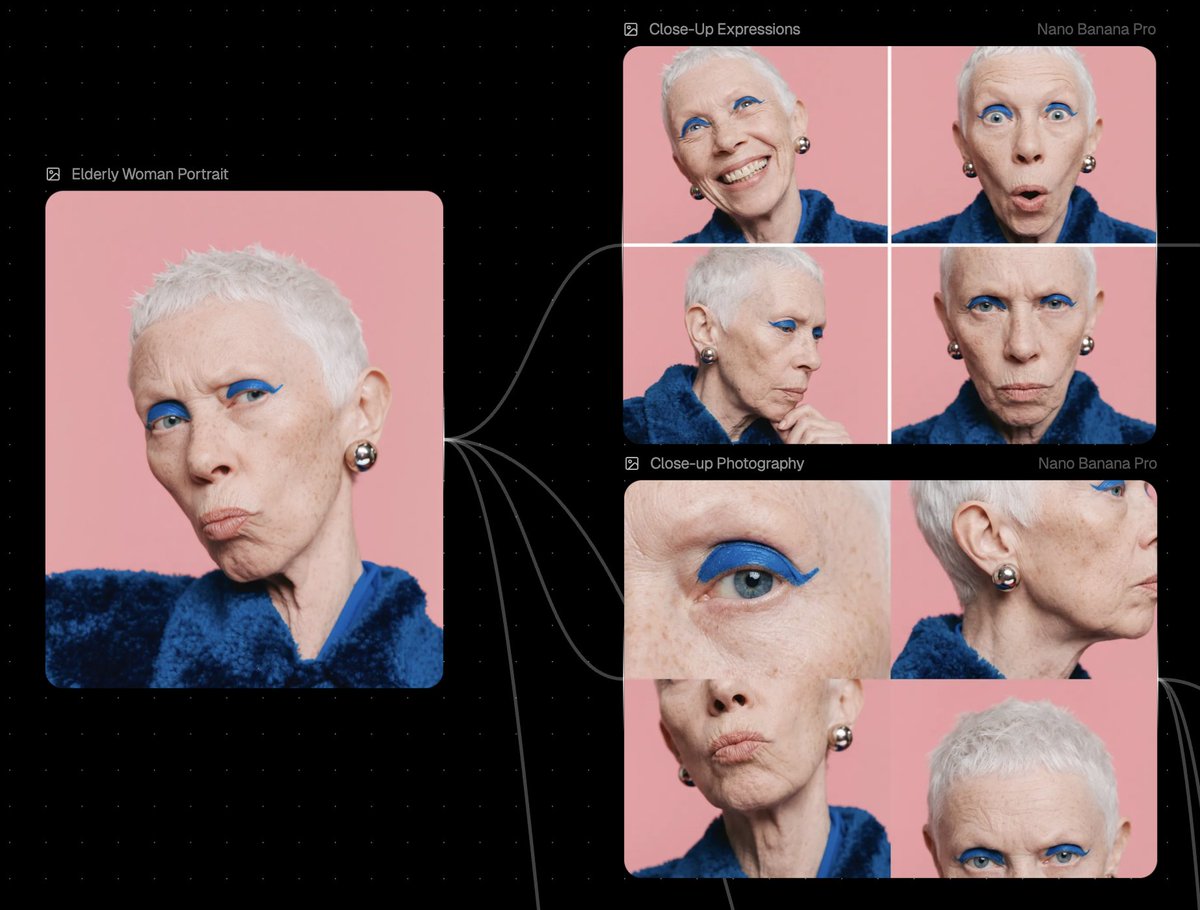
Reference Image Prompt for Facial Expression and Angle Variations
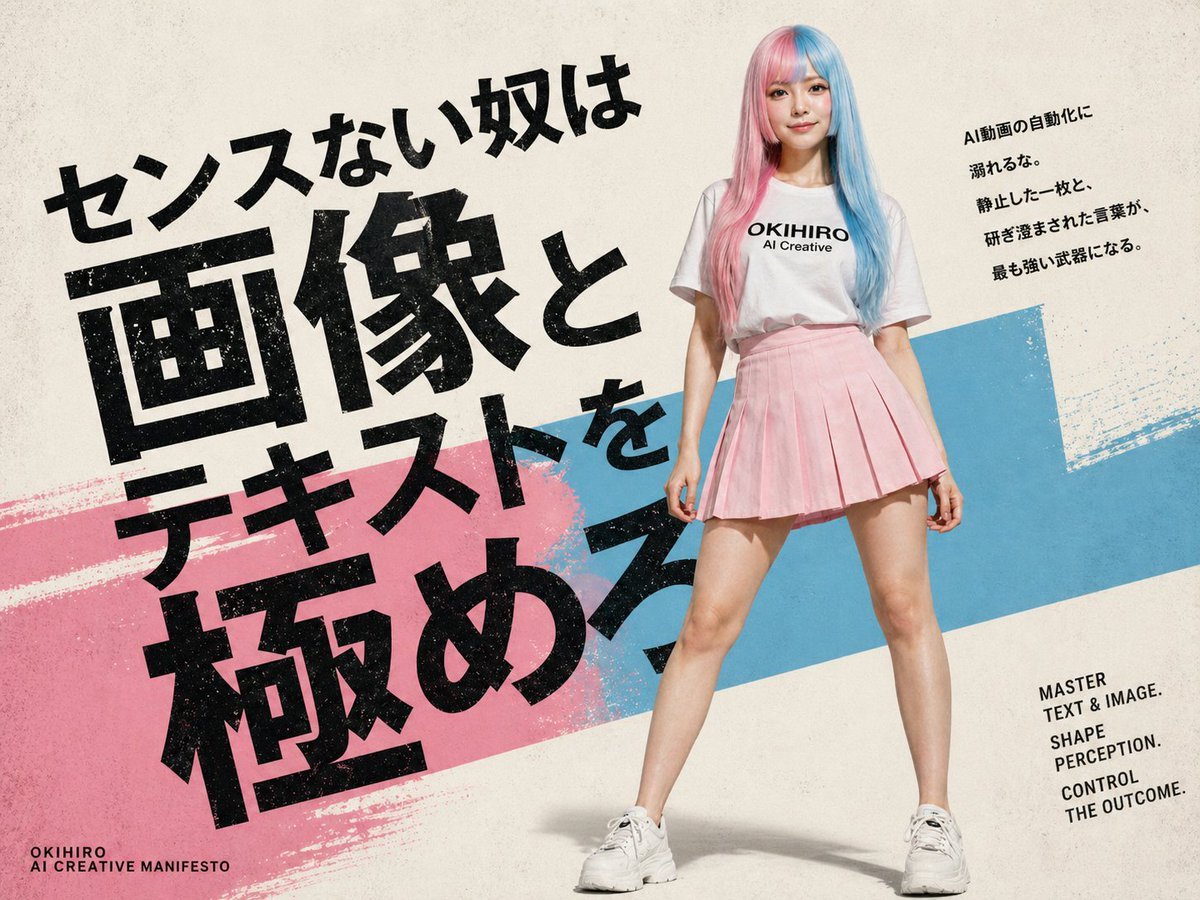
Japanese AI Creative Manifesto Poster
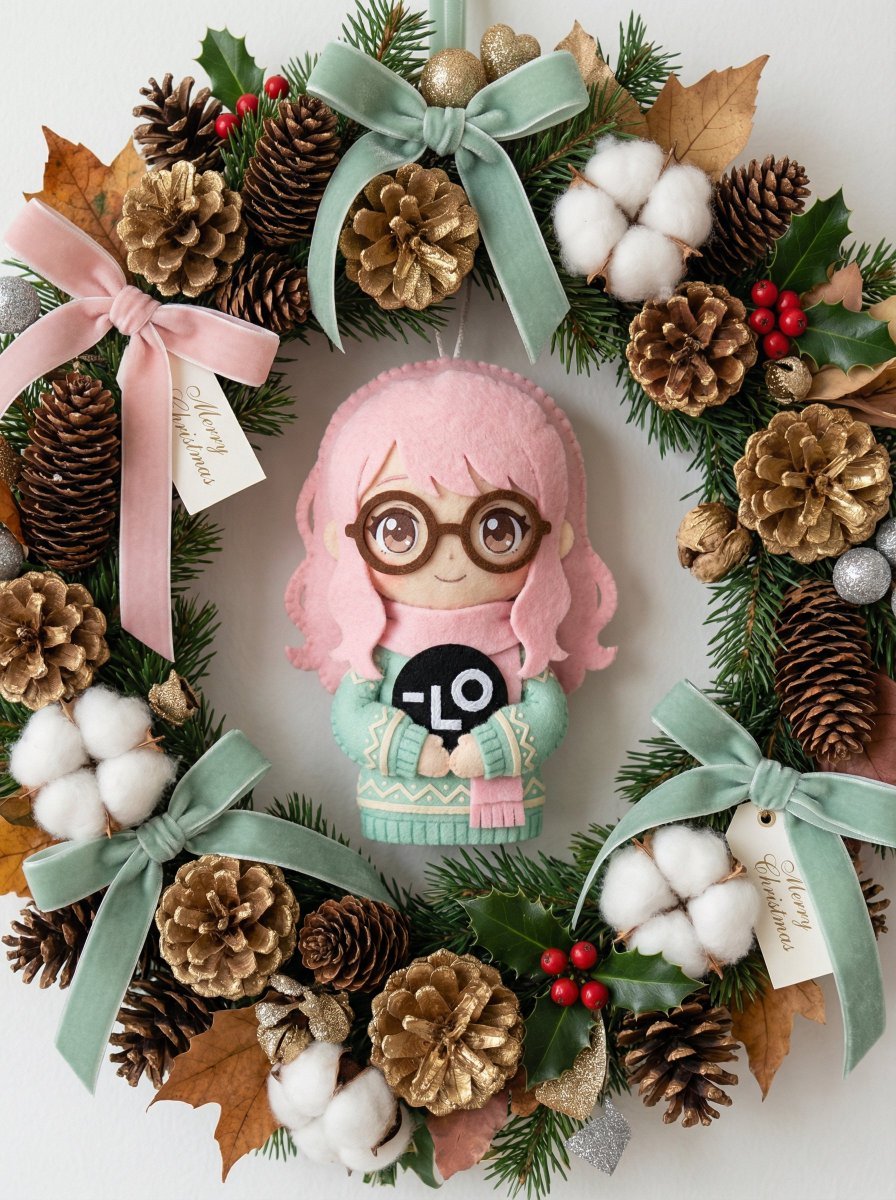
Handmade Christmas Wreath Generator with Custom Ornament
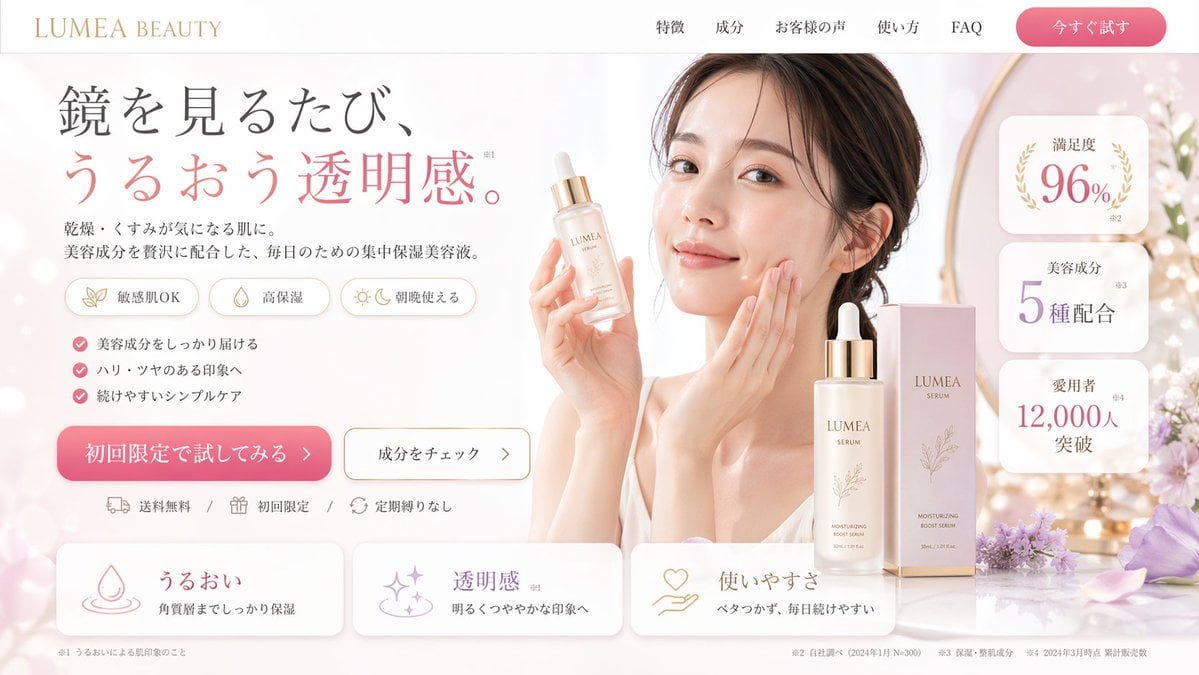
Beauty Product Landing Page Mockup
Browse template categories
Seaside Cafe Event Poster questions
How do I use the Seaside Cafe Event Poster template?
Add your photo if the template asks for one, edit the prompt if you like — the template's model and format are already selected — and press Generate. Your version opens in PicX Studio.
Can I customize the Seaside Cafe Event Poster template?
Yes. You can change the subject, setting, lighting, mood, format, and available model controls before creating your image.
Is the Seaside Cafe Event Poster template free?
Opening and editing this template is free. Generating uses credits, shown on the Generate button when you are signed in.
Which AI model should I use?
Start with GPT Image 2, which is the model associated with this template. You can compare another compatible model for a different finish.
Looking for something else? Browse all templates.

Your photo, any look
Thousands of ready templates for every top image and video model, from one credit balance.