
Brutalist Fashion with Alligator
A powerful cinematic prompt featuring a muscular man in futuristic techwear with a leashed alligator against a brutalist architectural background.
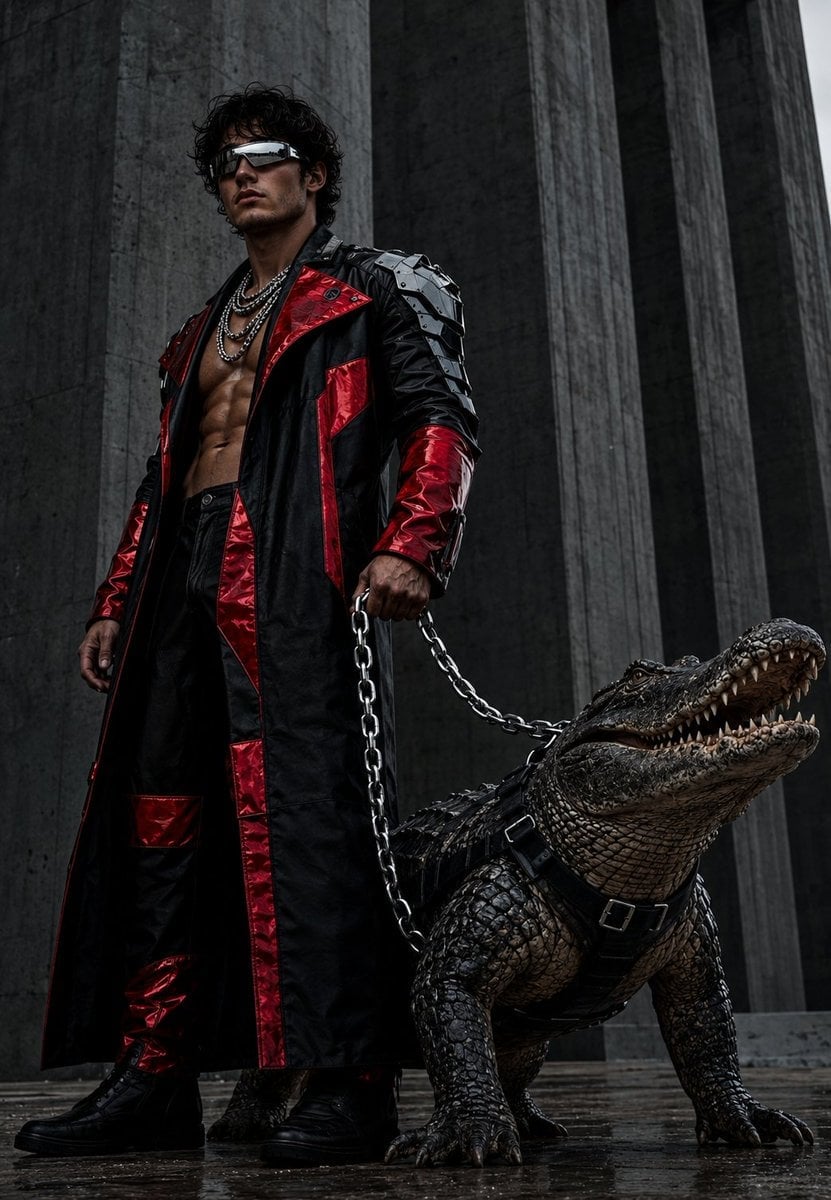
- Prompt included
- Model and format preset
- Free template
The prompt behind this image
Copy the exact prompt behind Brutalist Fashion with Alligator, or open it in the studio and make it yours.
Use the exact same face from the reference image do not change the facial features and generate a Photorealistic low-angle shot showing a {argument name="subject" default="tall, muscular, imposing man"} in a majestic and dominant pose. He is standing on rough concrete flooring in front of massive brutalist-style columns, creating a powerful cinematic atmosphere. Main character details: Wardrobe: He wears a {argument name="outfit" default="long matte black leather trench coat with bulky glossy blood-red panels"} across the chest, forearms, and legs. His shoulders are highlighted by highly detailed, polished metal armor plates, giving a futuristic and aggressive aesthetic. Appearance: The coat is partially open, revealing a bare torso with realistic skin texture and well-defined musculature. He wears multiple thick solid silver chains around his neck. On his face, he wears silver futuristic mirror-effect glasses. Accessory: In one hand, he holds a heavy polished metal chain, used like a leash. Animal: Held by the chain, a {argument name="animal" default="huge alligator"} stands beside him, equipped with a black combat harness. Its scale texture is rendered in maximum detail, showing relief, moisture, and extreme realism. Its head is slightly raised and its mouth is half open, conveying tension and wild power. Technical parameters and visual palette: Color palette: Dorninated by muted gray tones and deep black, with strong bright blood-red accents and cold metallic reflections. The combination conveys a dark, brutal, and sophisticated feeling. Lighting and textures: Soft natural light from an overcast day, highlighting every surface with extreme precision. Tiny cracks in the concrete, leather texture, metal reflections, and every scale on the reptile are rendered with absolute clarity. Style: Photorealistic, 8K, ultra-high-definition surface detail (skin, metal, leather, wet stone), cinematic composition, realistic lighting, no distortion, dramatic focus, and a dominant presence.
How to use Brutalist Fashion with Alligator in 3 steps
- 1Upload ImagePNG, JPG or paste
Add your photo
Upload the photo the template builds on. The prompt, model and format are already set.
- 2…a portrait of your subject in softgolden-hour light, 85mm…
Personalize
Edit the subject and creative details for your destination.
- 3Generate
Generate
Press Generate — your image is created in PicX Studio, so you can compare it with the original and refine one variable at a time.
More like this
Templates with the same subject, style or setup. Open one to see its prompt.

80s College Gate

1988 Mall Style

80s Polka Dot Saree

Urban Fashion Editorial Collage Streetwear Poster

Polo Ralph Lauren Luxury American Heritage Fashion Campaign

Cinematic Street Fashion Photographer Portrait

High-Fashion Editorial Magazine Cover ICON

Fine Art Monochrome Fashion Portrait

Korean Streetwear Minimalist Campaign Portrait

Cinematic Korean Streetwear Street Portrait

Korean Model Floating Magazine Pages Campaign

Blue Backdrop Luxury Fashion Portrait Campaign
Make it yours
Brutalist Fashion with Alligator works as-is. These are the safest ways to change it without losing the look.
Change one field
Copy a single group, rewrite it, and generate again so you can see what that field is doing.
Keep the frame, change the subject
Hold the composition and light of Brutalist Fashion with Alligator, then swap wardrobe, props or the person for a new take.
| If the result… | Why | Fix |
|---|---|---|
| The result drifts from the preview | Too many fields changed at once. | Reuse Brutalist Fashion with Alligator as-is first, then change one group — subject, light, or setting. |
| The model over-stylizes the scene | The prose prompt leaves finish and camera underspecified. | Add one camera or lighting sentence and stay on GPT Image 2. |
More GPT Image 2 templates
Other prompts made for GPT Image 2.

Six VTuber Japanese Logo Sheet

Realistic Portrait of Woman and Deer

The Vista Modular Condo Poster

AI Model Routing Comparison Infographic

2.5D Anime Art Board

Isometric Productivity Desk Scene

New York Double Exposure Poster

Four-Panel AI Landscape Comparison

Japanese Tatami Lifestyle Magazine Cover

NESCAFÉ Coffee Map Poster
More image prompts
Fresh picks from across the catalog.
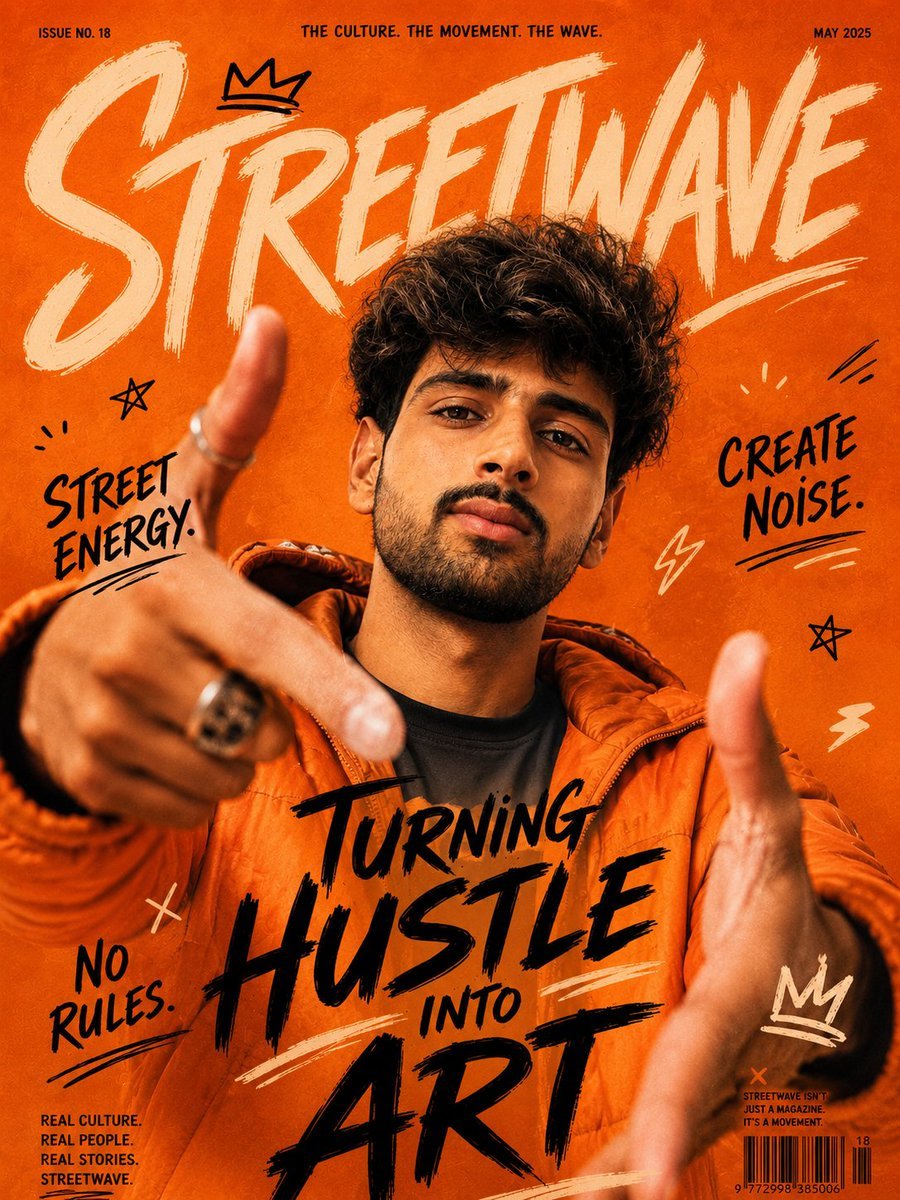
Urban Streetwave Magazine Cover

Gilgamesh and Enkidu Dinner Scene
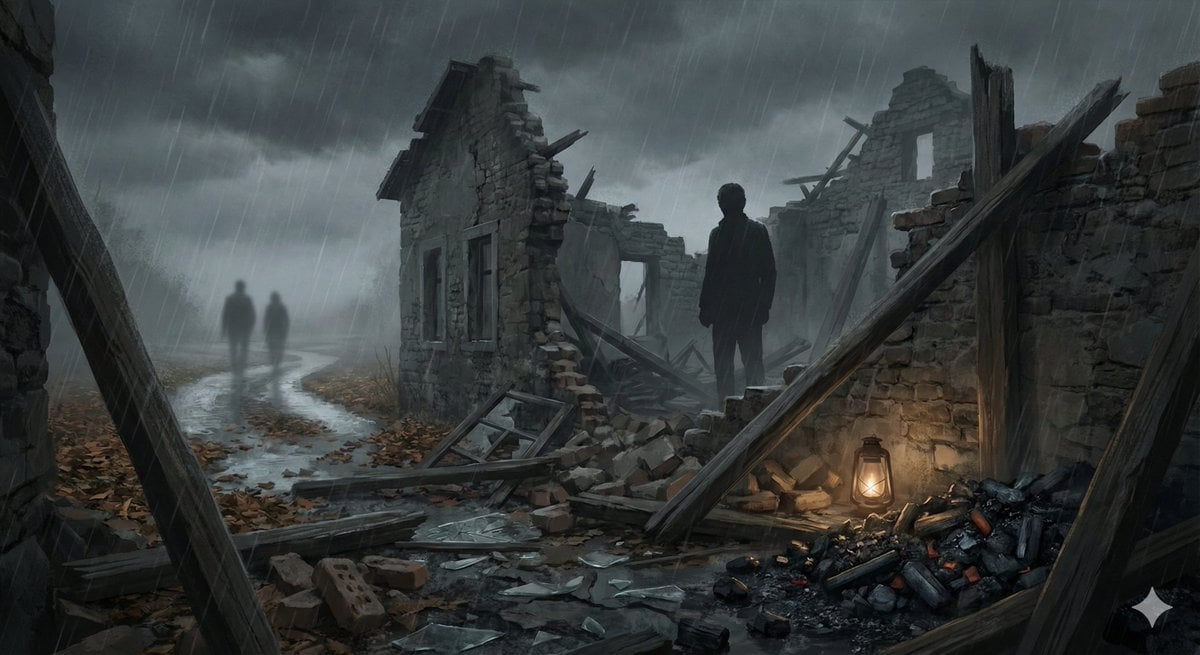
Cinematic illustration of a poem
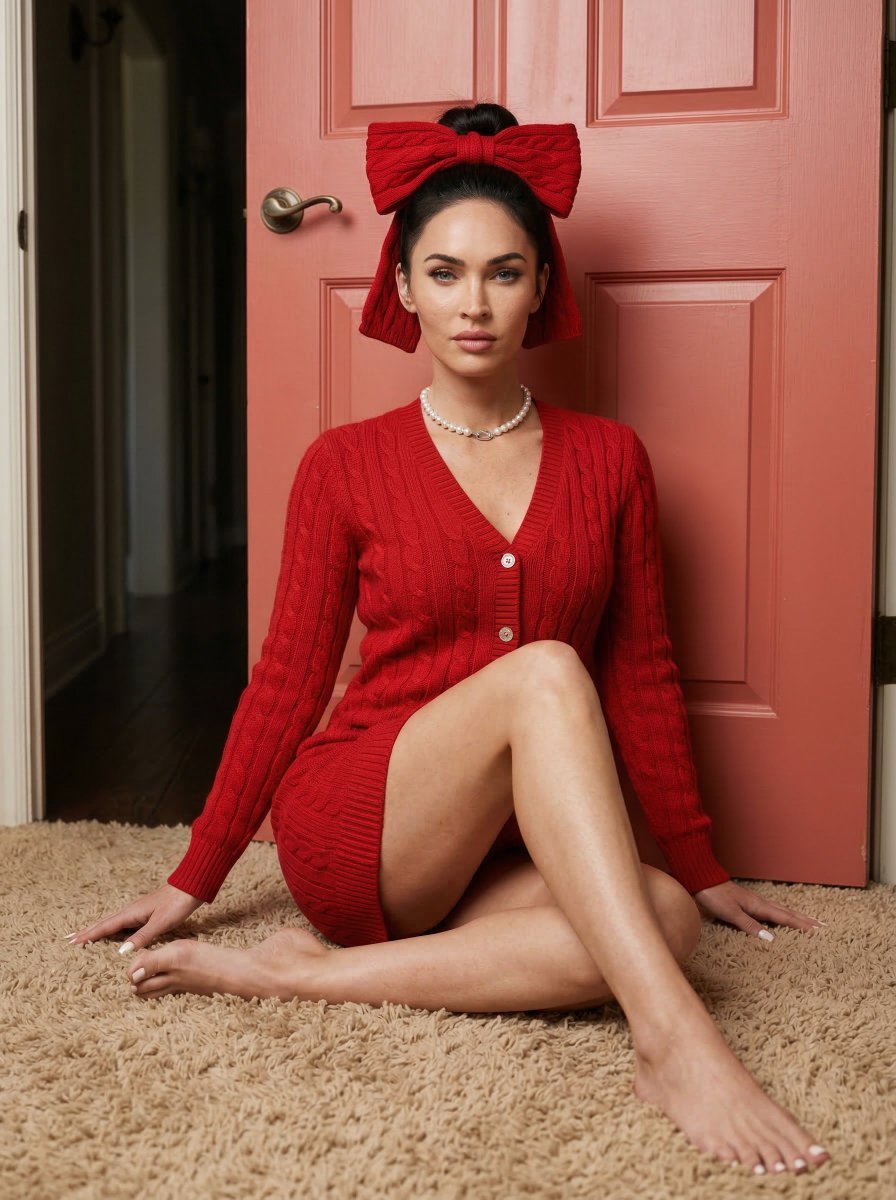
Aesthetic Seated Portrait with Cable-Knit Dress and Ribbon Bow
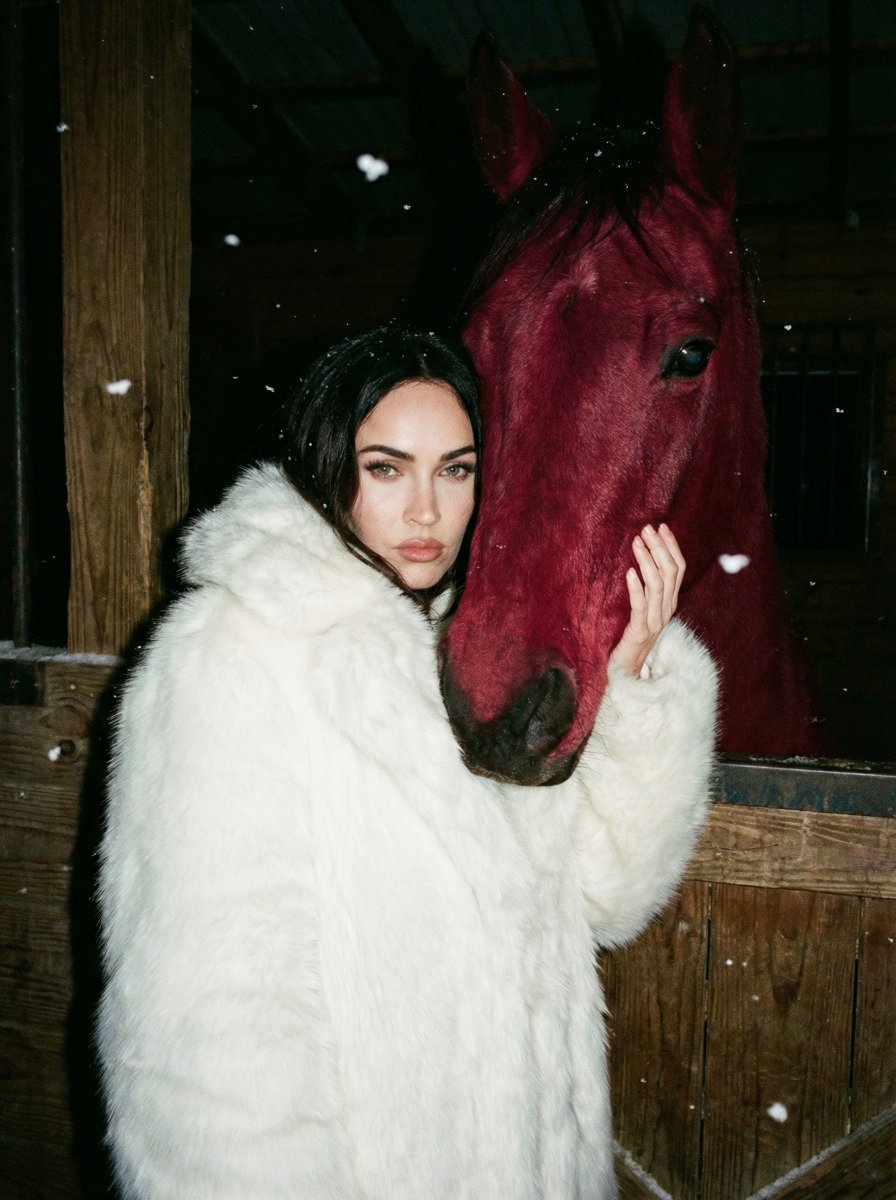
Ultra-Realistic Nighttime Photograph Prompt for Nano Banana 2 Pro
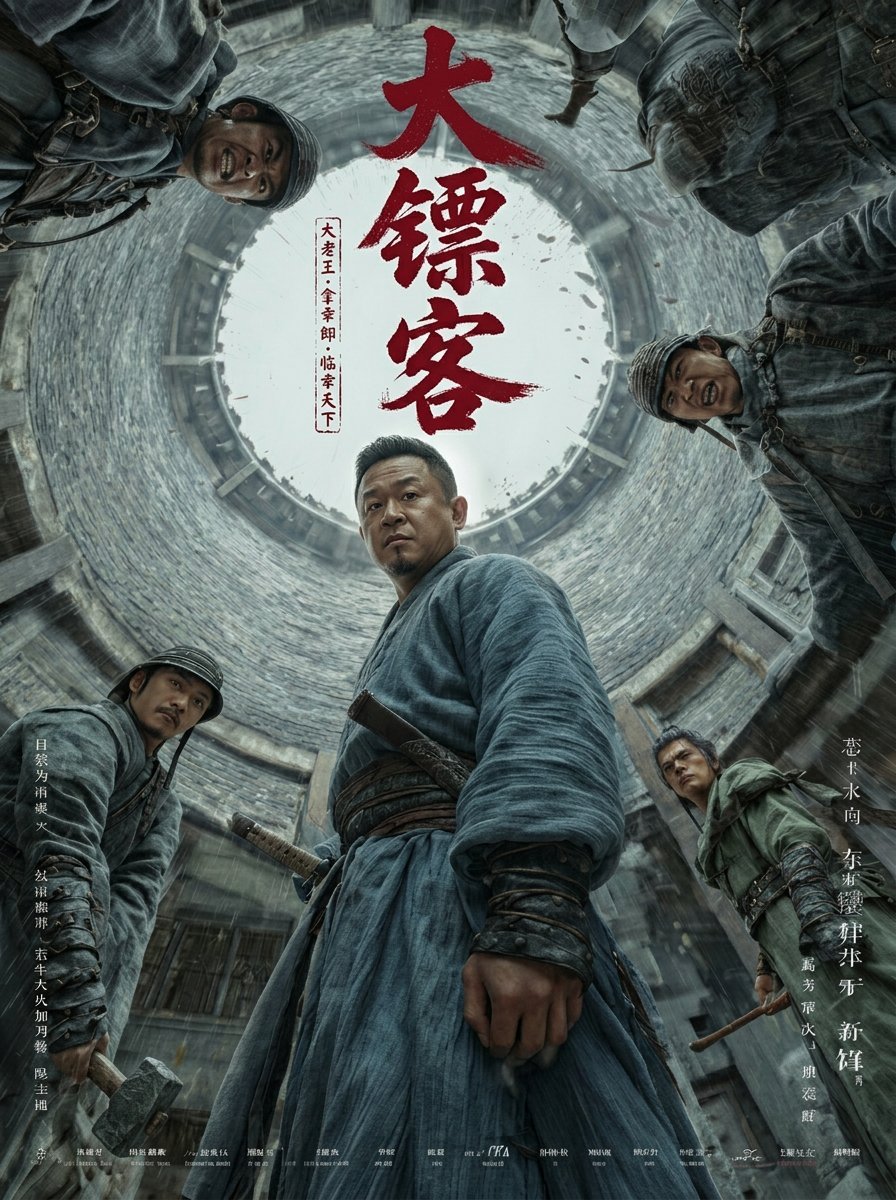
Detailed Ancient Martial Arts Movie Poster Prompt

Coordinate-Based Tourism Magazine Cover
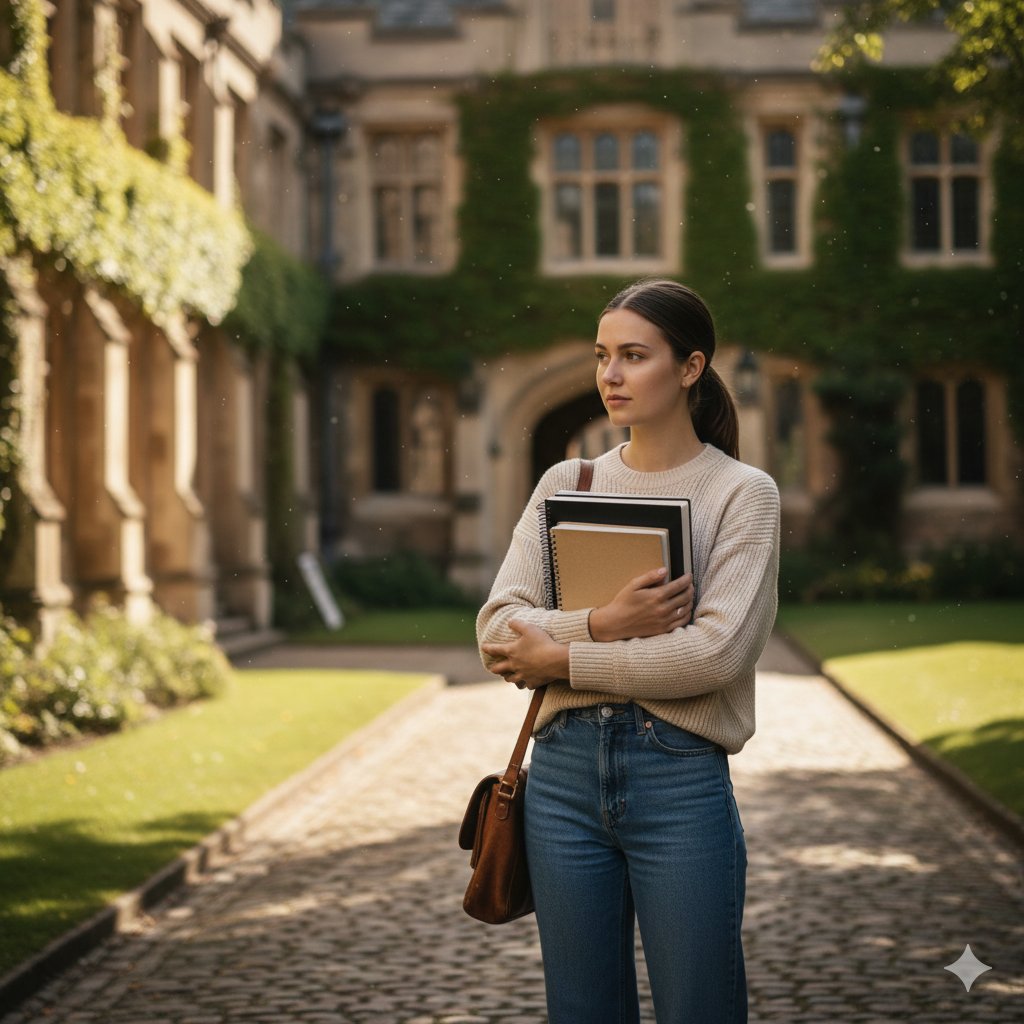
AI image prompt for a girl joining university
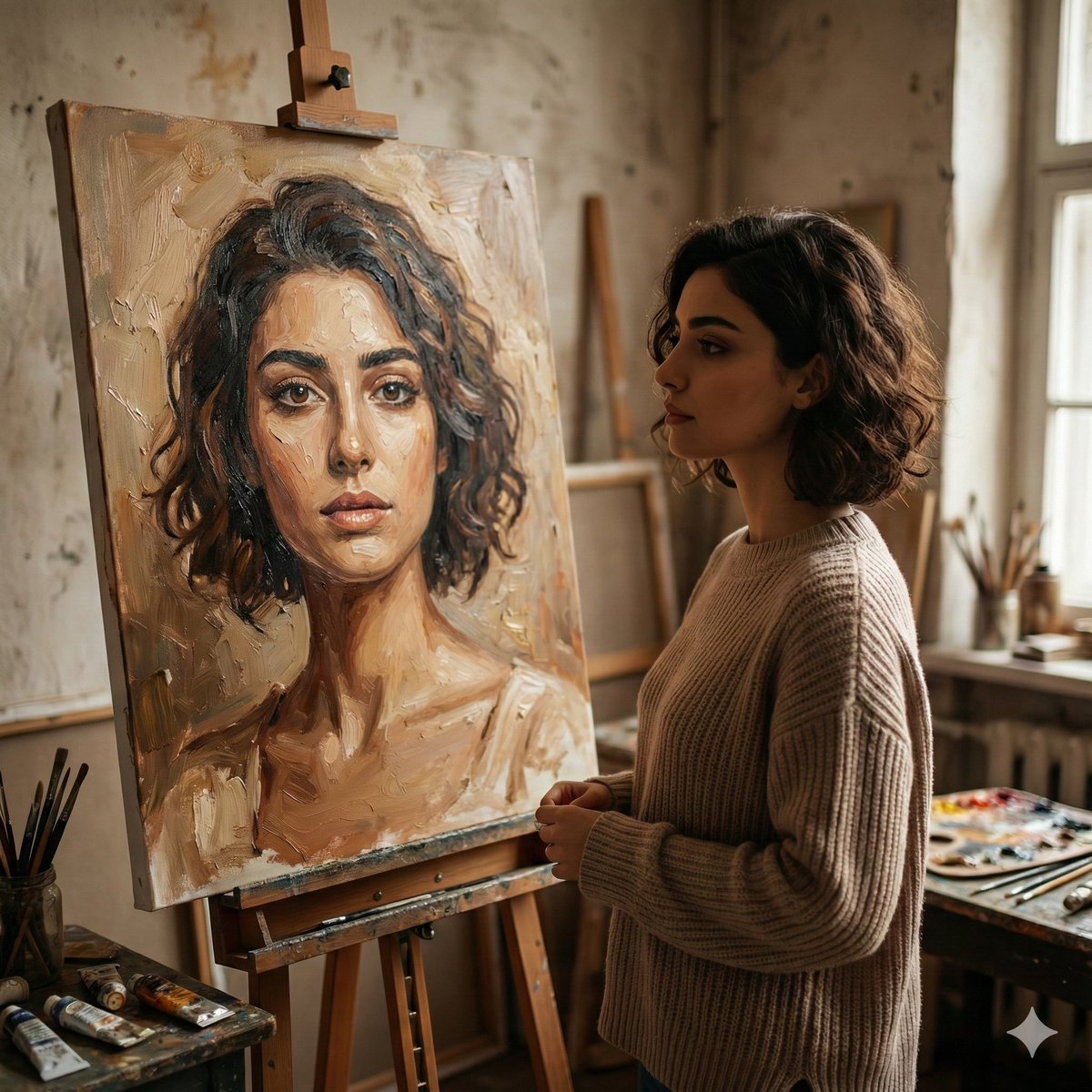
Cinematic Studio Scene of Woman Observing Portrait
Detailed Identity Card Photography
Browse template categories
Brutalist Fashion with Alligator questions
How do I use the Brutalist Fashion with Alligator template?
Add your photo if the template asks for one, edit the prompt if you like — the template's model and format are already selected — and press Generate. Your version opens in PicX Studio.
Can I customize the Brutalist Fashion with Alligator template?
Yes. You can change the subject, setting, lighting, mood, format, and available model controls before creating your image.
Is the Brutalist Fashion with Alligator template free?
Opening and editing this template is free. Generating uses credits, shown on the Generate button when you are signed in.
Which AI model should I use?
Start with GPT Image 2, which is the model associated with this template. You can compare another compatible model for a different finish.
Looking for something else? Browse all templates.

Your photo, any look
Thousands of ready templates for every top image and video model, from one credit balance.