
Korean Streetwear Minimalist Campaign Portrait
Korean Streetwear Minimalist Campaign Portrait

- Prompt included
- Model and format preset
- Free template
The prompt behind this image
Copy the exact prompt behind Korean Streetwear Minimalist Campaign Portrait, or open it in the studio and make it yours.
Create a premium Korean streetwear fashion campaign in a clean minimalist editorial style. A stylish young Asian woman stands confidently in front of a smooth light gray concrete wall with a modern urban aesthetic. She wears a black knitted beanie, an oversized bright red crewneck sweatshirt featuring a large white varsity style "25" graphic on the front, oversized light wash denim jorts that fall below the knees, white scrunched crew socks, and classic black and white skate sneakers. She carries a glossy black handbag with bold white typography and colorful keychain accessories. Her long black wavy hair falls naturally beneath the beanie. One hand rests inside her shorts pocket while the other holds the handbag. She looks directly at the camera with a calm, confident expression. Large bold editorial typography dominates the upper background using oversized white and red condensed sans serif lettering with a layered magazine inspired composition. Additional handwritten brush script typography sits beneath the headline for a dynamic fashion magazine aesthetic. Minimal decorative elements include small sparkle icons, subtle branding marks, modern editorial spacing, and clean typography placed at the bottom with a fashion collection title. The background remains uncluttered to emphasize the model and oversized text. Soft natural daylight, realistic shadows, luxury Korean fashion campaign, clean composition, modern streetwear editorial photography, ultra detailed fabric texture, realistic skin tones, premium commercial advertising, photorealistic, 8K resolution, magazine cover quality.
How to use Korean Streetwear Minimalist Campaign Portrait in 3 steps
- 1
Open
The prompt is already in the box next to the preview, with the template's model and format selected.
- 2…a portrait of your subject in softgolden-hour light, 85mm…
Personalize
Edit the subject and creative details for your destination.
- 3Generate
Generate
Press Generate — your image is created in PicX Studio, so you can compare it with the original and refine one variable at a time.
More like this
Templates with the same subject, style or setup. Open one to see its prompt.

Caution Tape Fashion — Industrial Editorial

Couture Fashion Editorial Woman and Drag

Nano Banana 2 Editorial Fashion Portrait

1988 Mall Style

untitled

Nano Banana 2 High Fashion Sports Campai

Ive Yujin Fashion Portrait in Blue

21 Glass Floor Skyscraper — California Series

19 Luxury Helicopter Travel — California Series

08 Rodeo Drive Luxury Exit — California Series

03 Beverly Hills Convertible — California Series
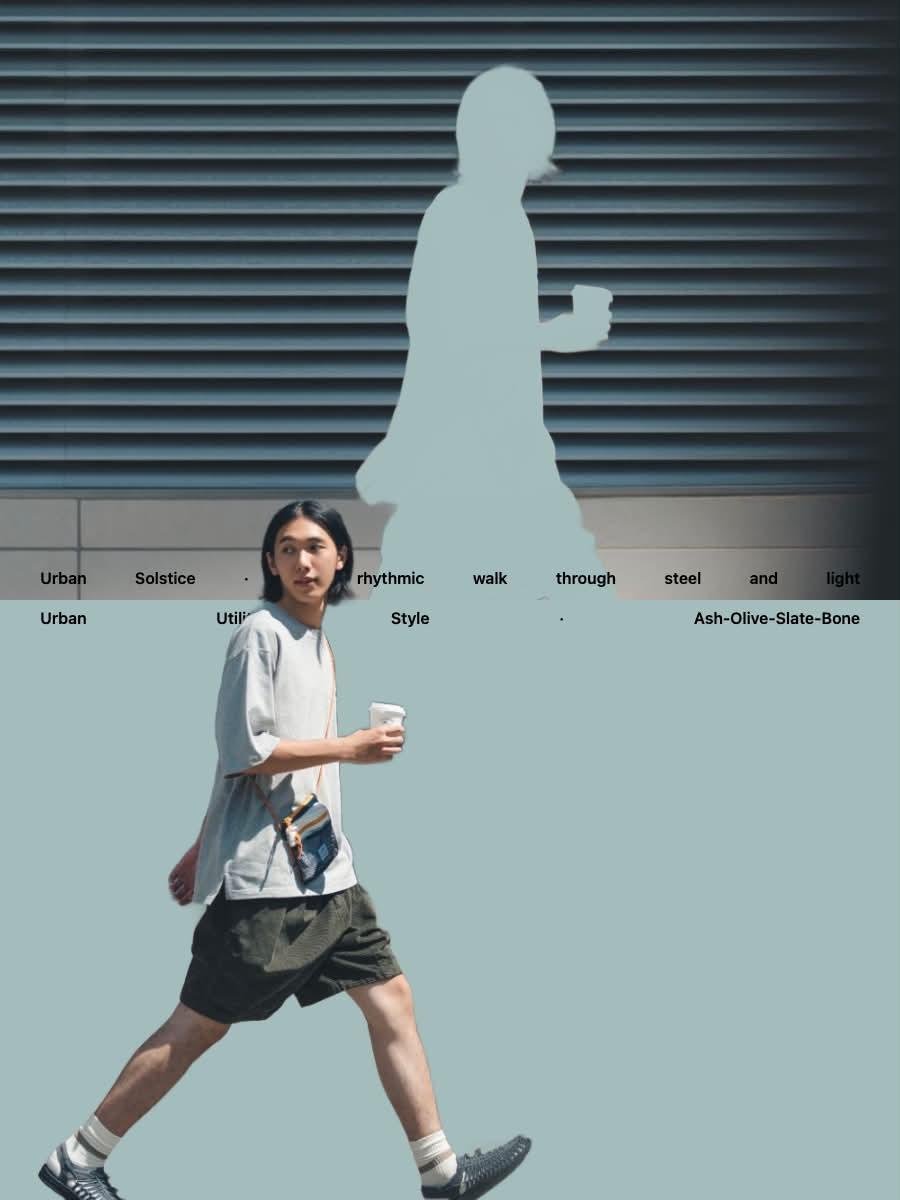
Japanese Minimalist Urban Fashion Campaign
Make it yours
Korean Streetwear Minimalist Campaign Portrait works as-is. These are the safest ways to change it without losing the look.
Change one field
Copy a single group, rewrite it, and generate again so you can see what that field is doing.
Keep the frame, change the subject
Hold the composition and light of Korean Streetwear Minimalist Campaign Portrait, then swap wardrobe, props or the person for a new take.
| If the result… | Why | Fix |
|---|---|---|
| The result drifts from the preview | Too many fields changed at once. | Reuse Korean Streetwear Minimalist Campaign Portrait as-is first, then change one group — subject, light, or setting. |
| The model over-stylizes the scene | The prose prompt leaves finish and camera underspecified. | Add one camera or lighting sentence and stay on PicX Studio. |
More image prompts
Fresh picks from across the catalog.
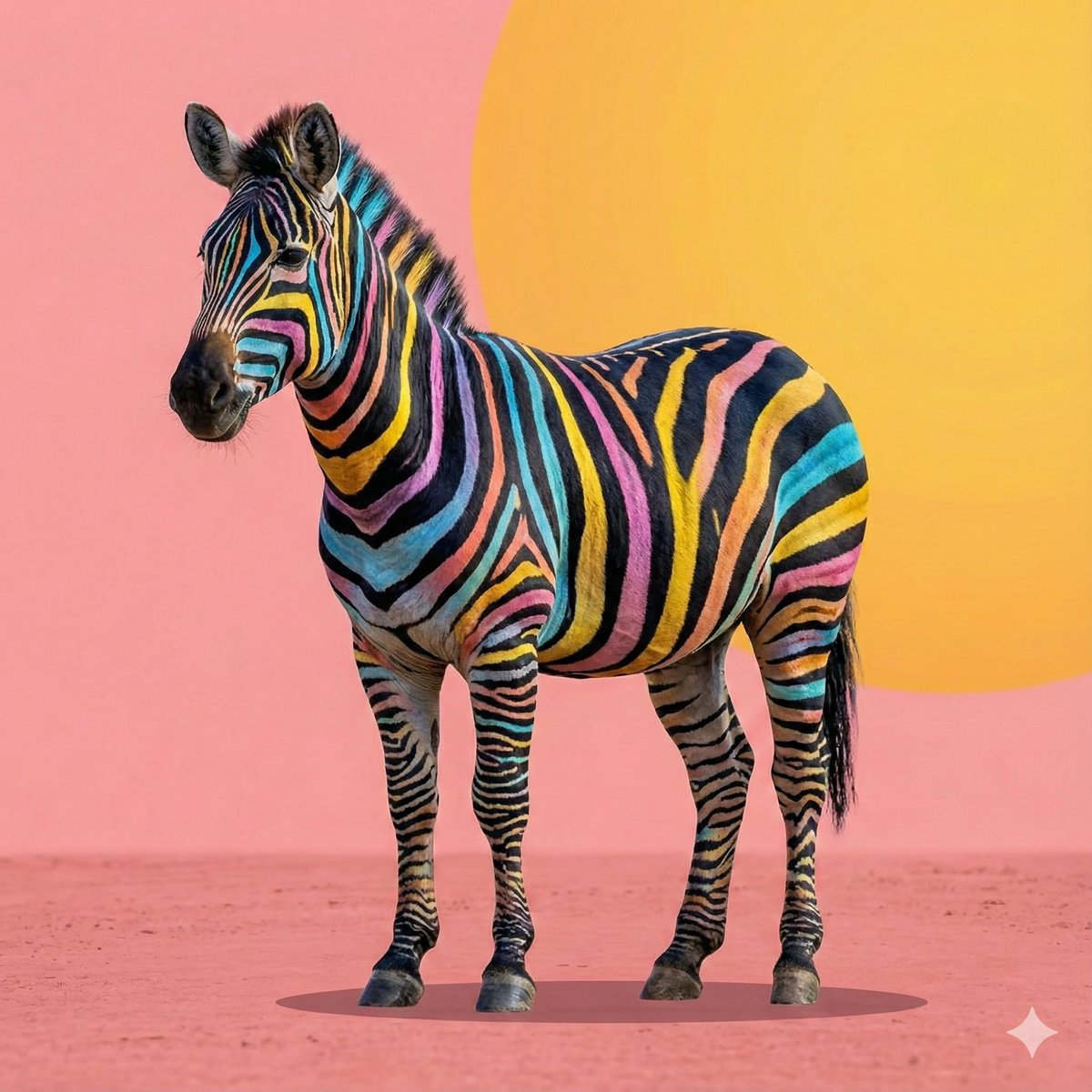
Cartoon to 4K Photo Transformation Prompt
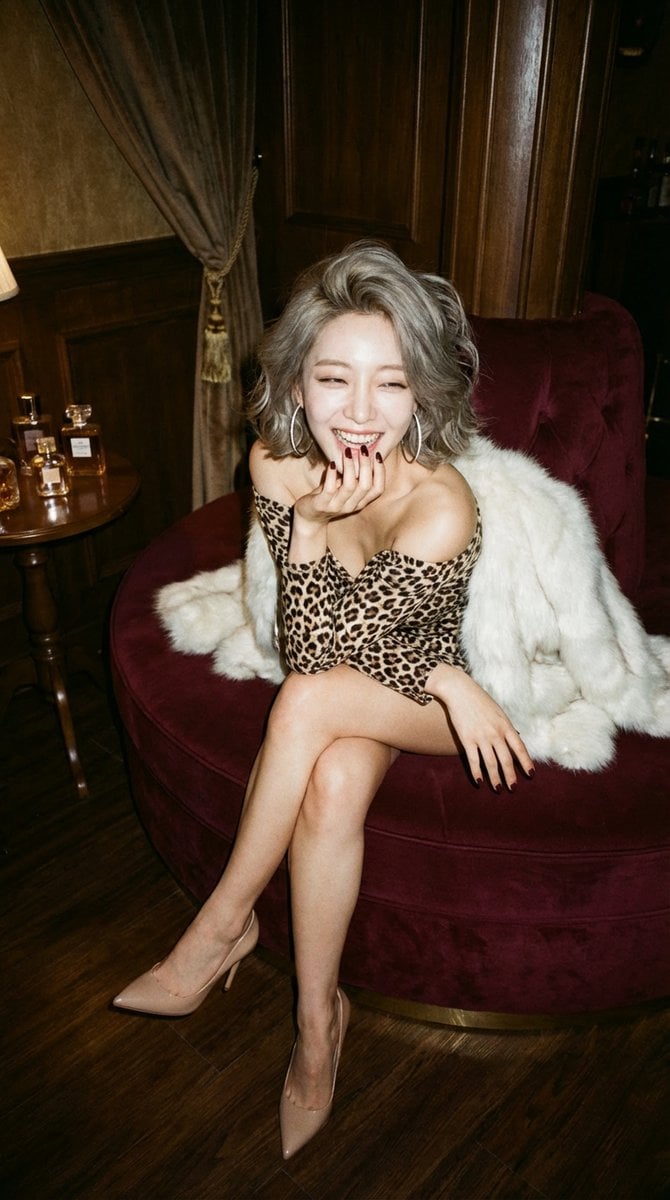
LocalBanana Copilot Feature for Prompt Refinement
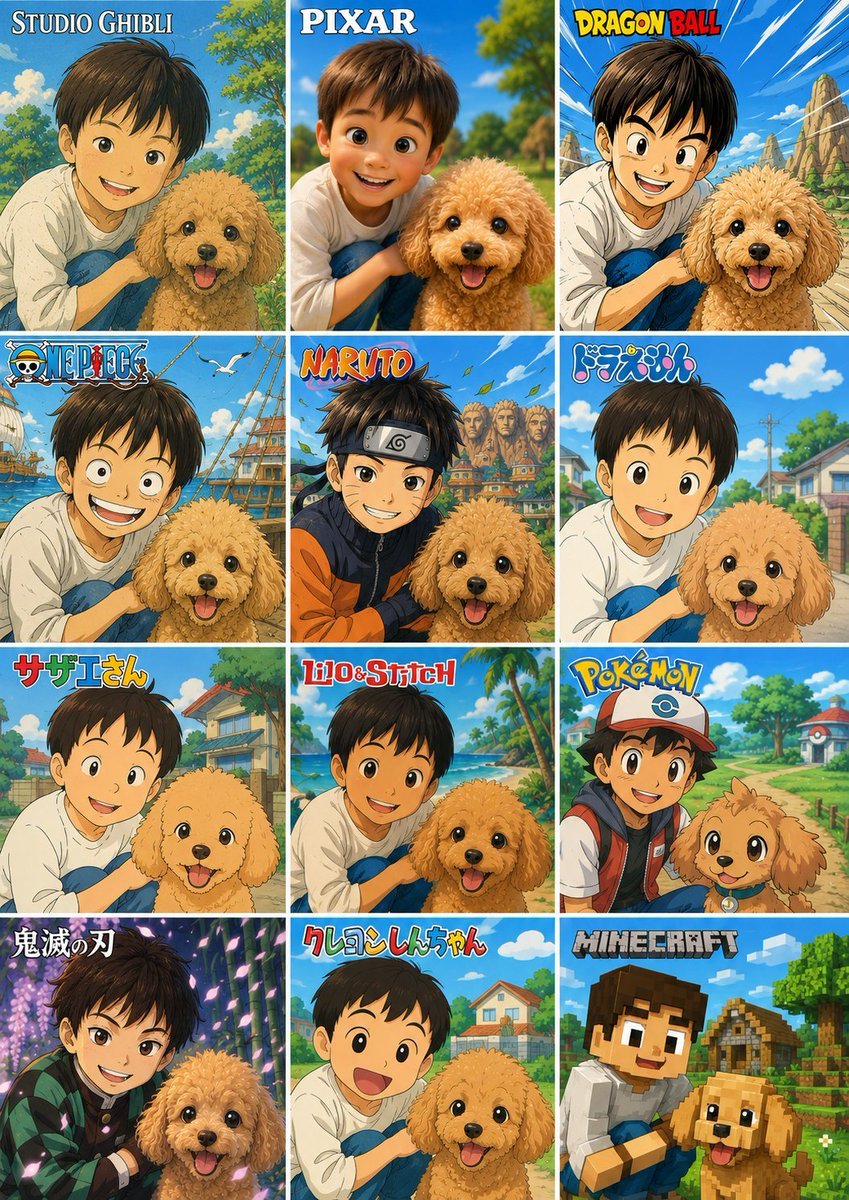
Style Anime Pet Collage
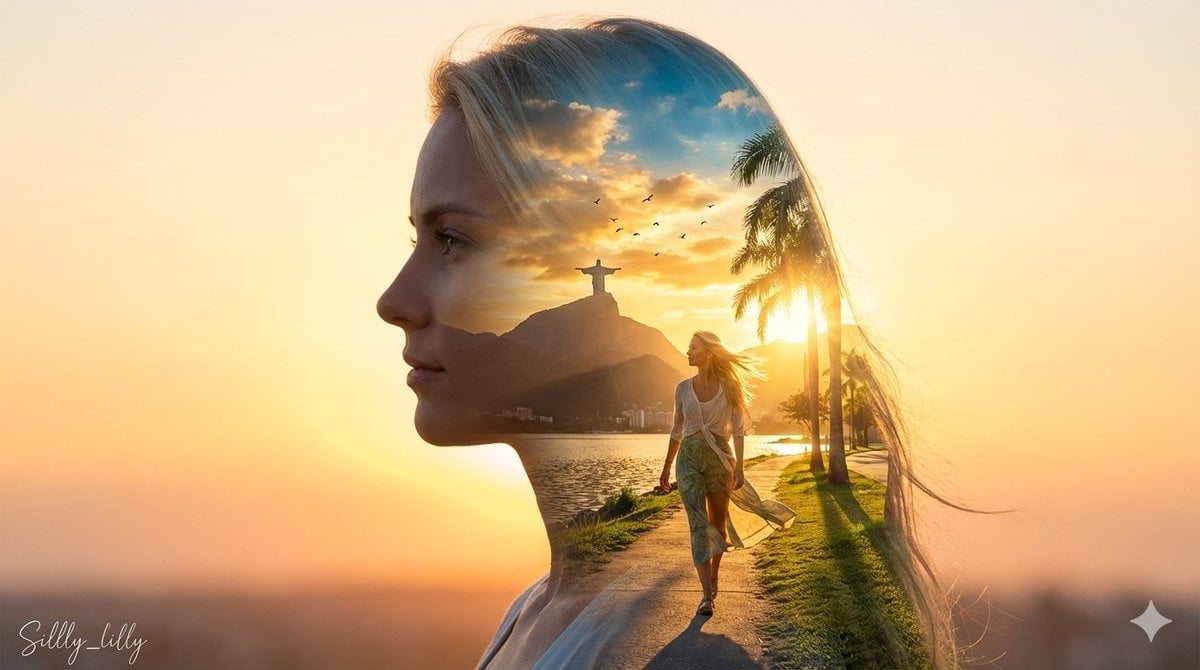
Cinematic Double Exposure Portrait (Rio de Janeiro)
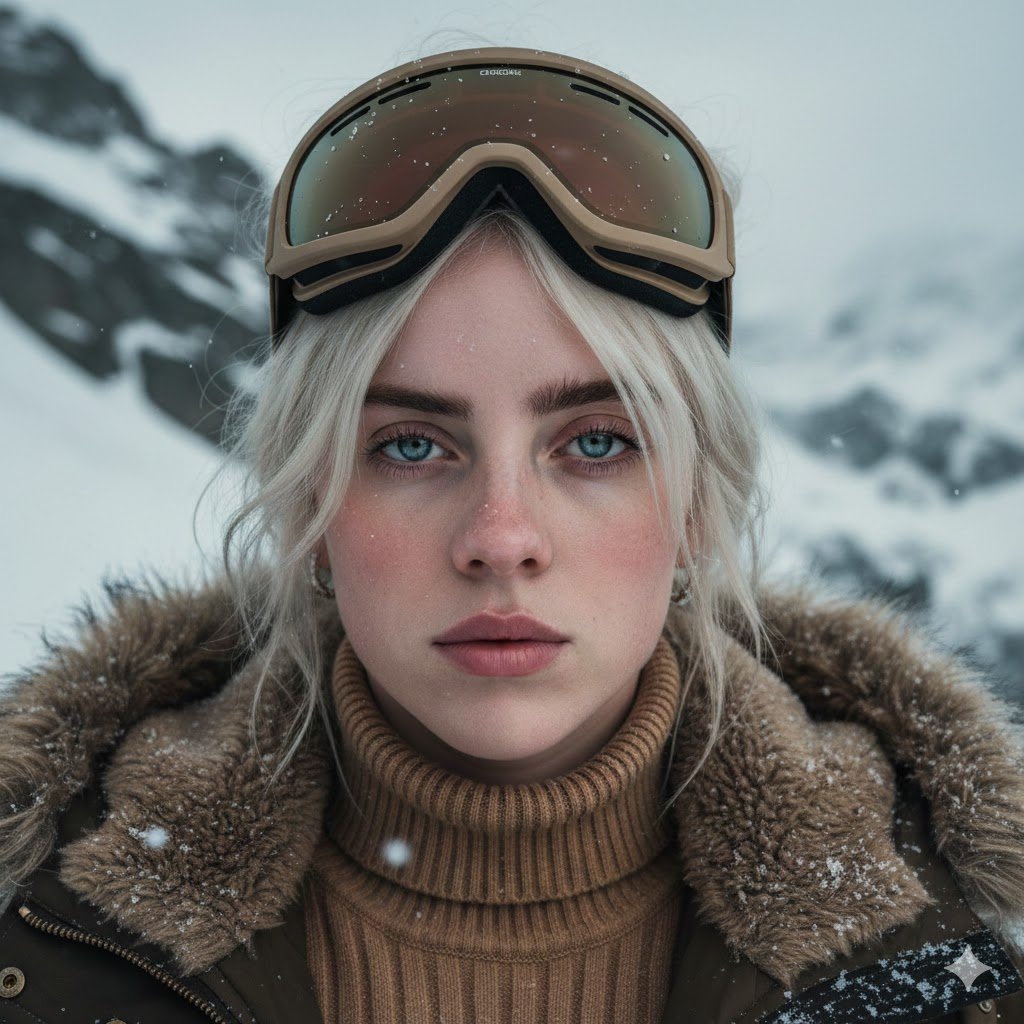
Cinematic Alpine Portrait (Duplicate)
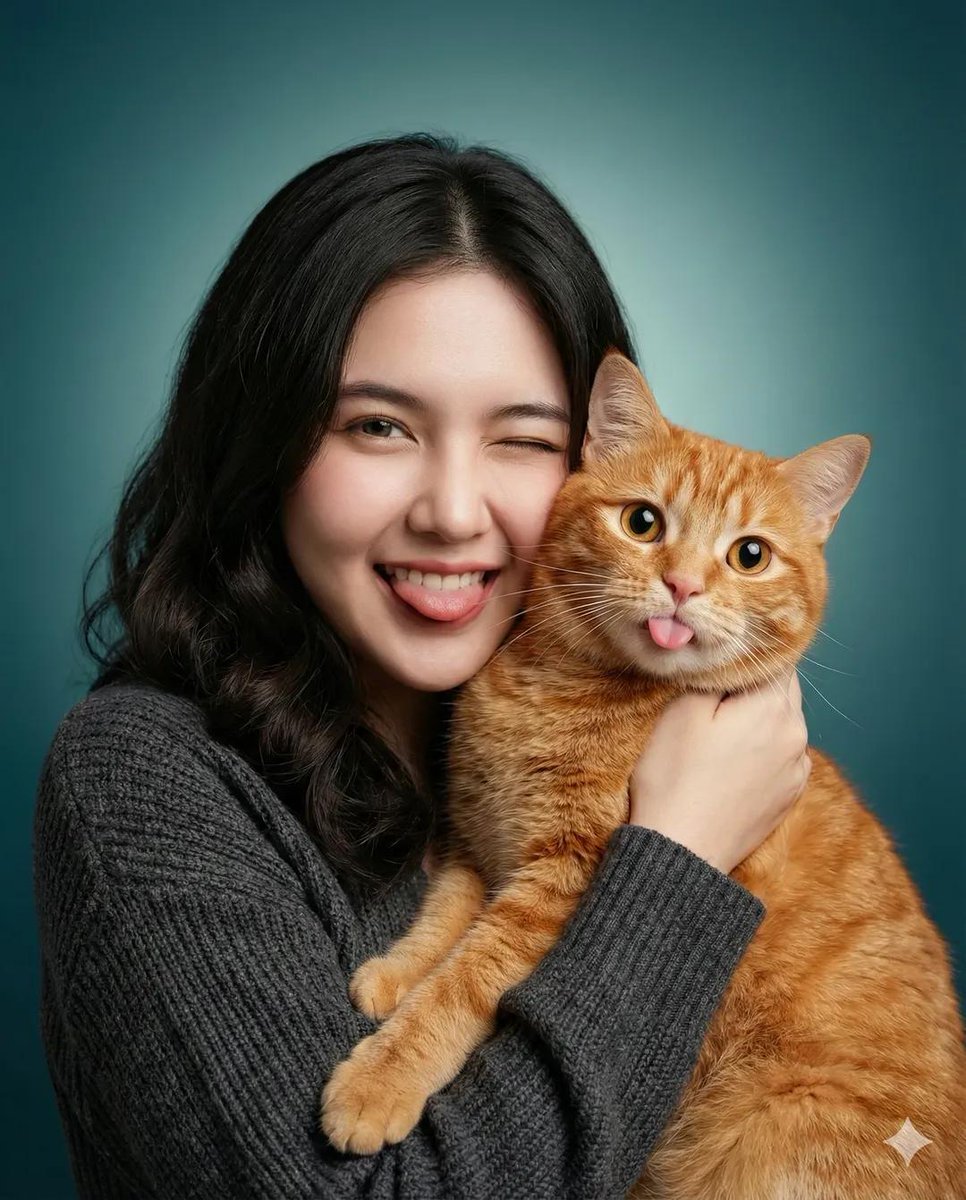
Heartwarming Studio Portrait of Woman and Cat
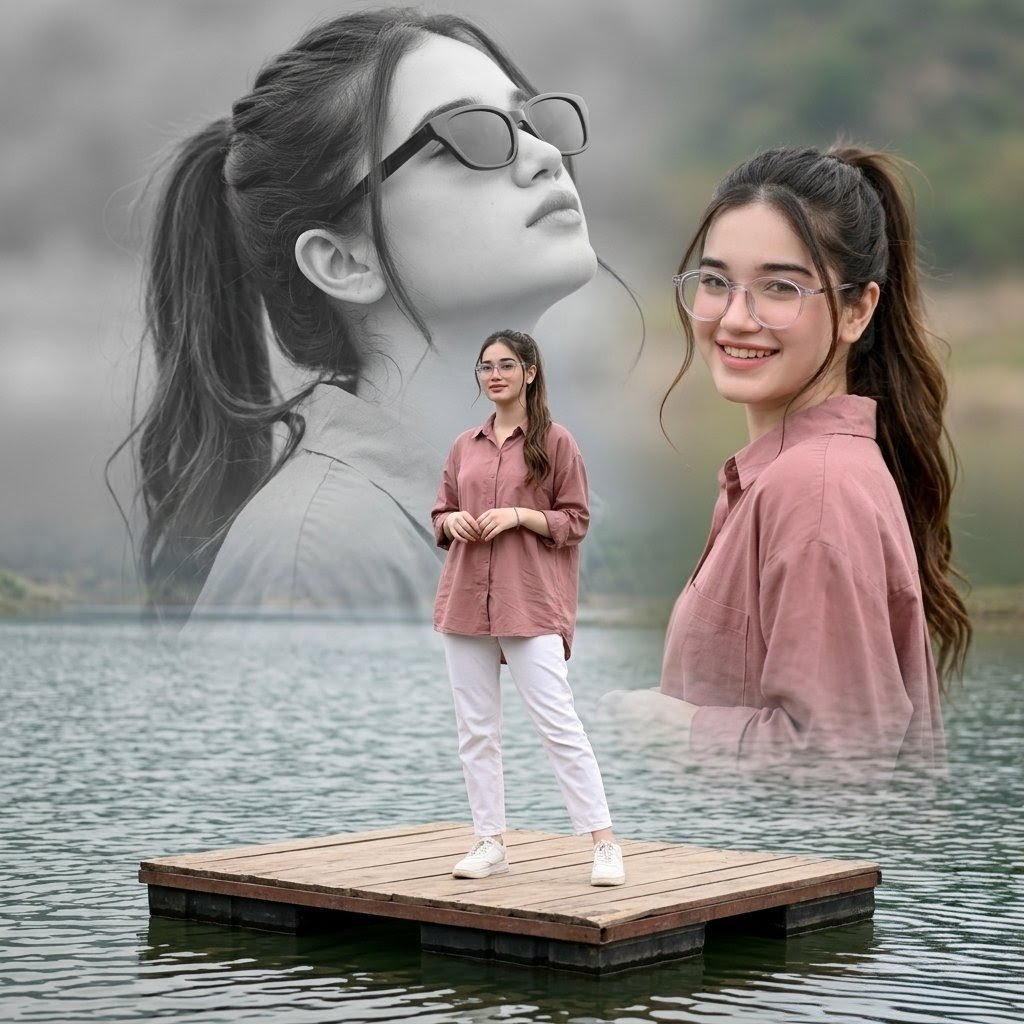
Dreamy Lake Triple Portrait
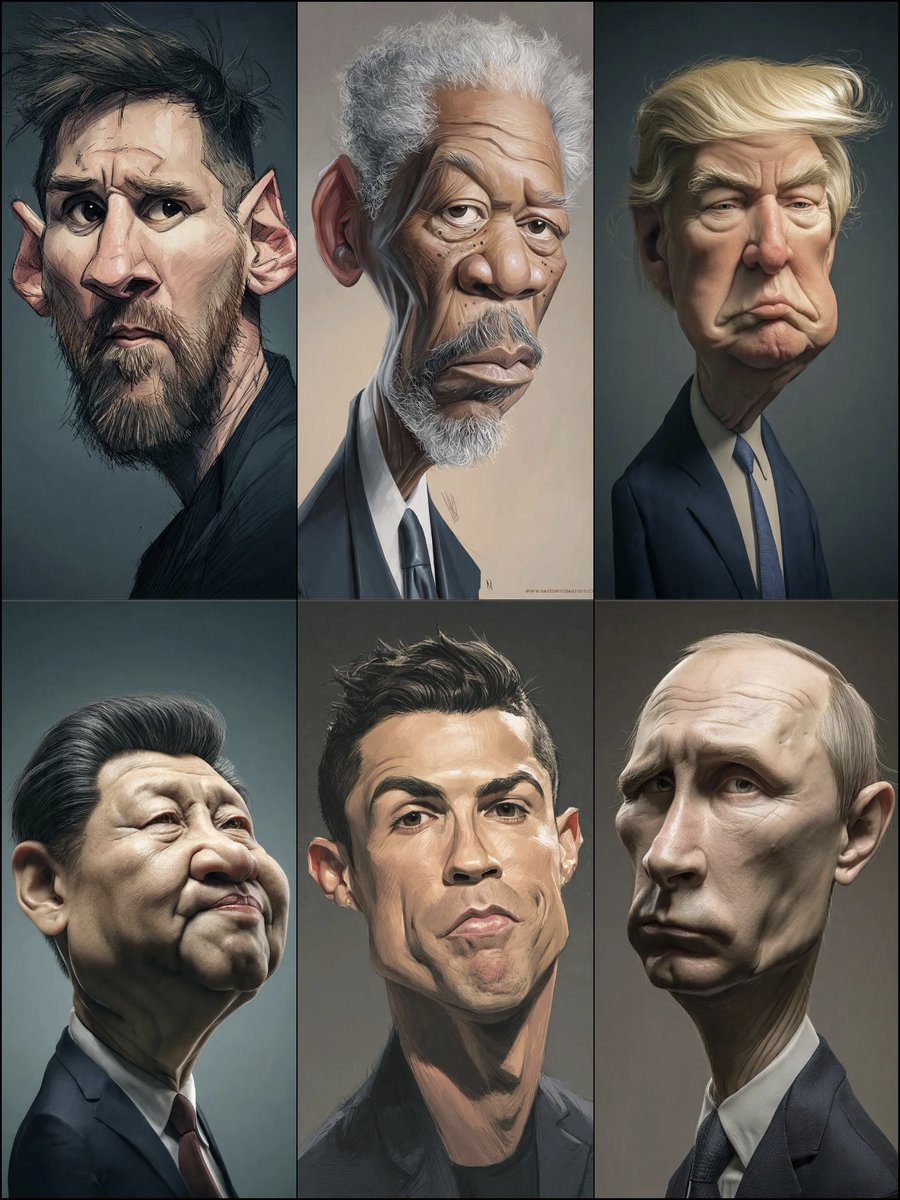
Structured Prompt for Hyperrealistic Caricature Portrait
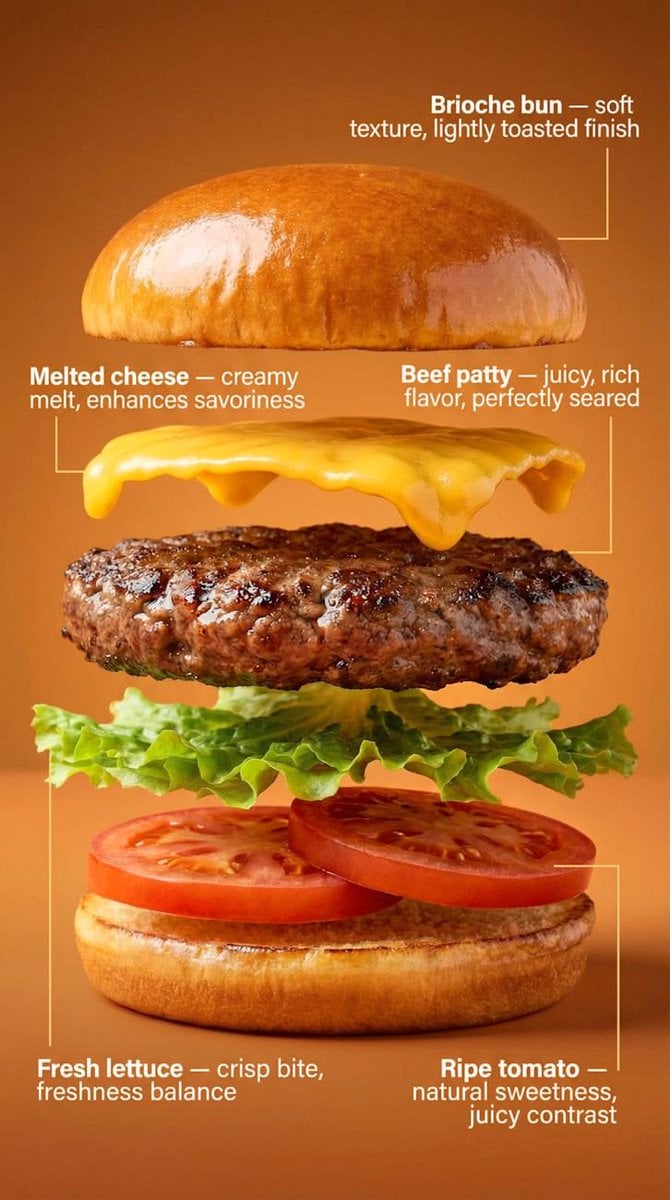
Exploded-View Burger Composition with Annotations
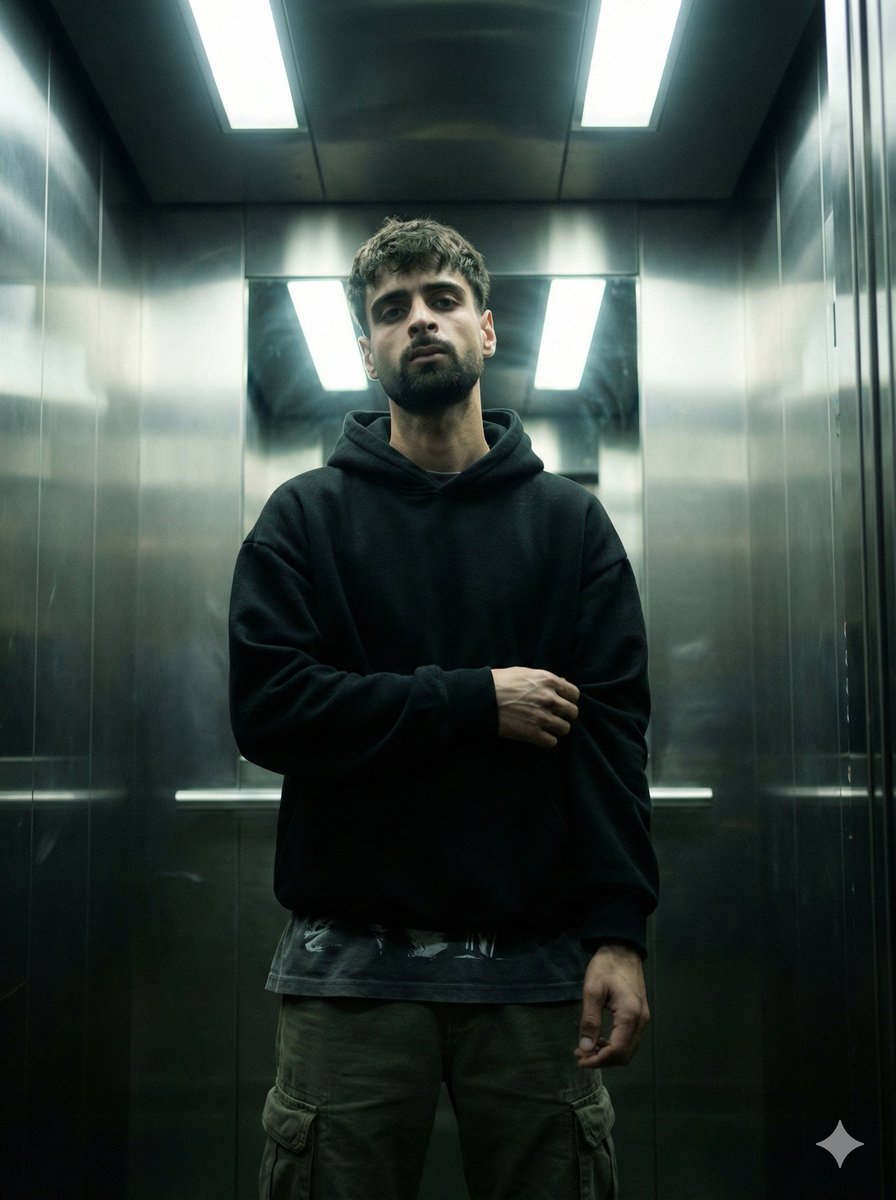
Cinematic Urban Realism in an Elevator
Browse template categories
Korean Streetwear Minimalist Campaign Portrait questions
How do I use the Korean Streetwear Minimalist Campaign Portrait template?
Add your photo if the template asks for one, edit the prompt if you like — the template's model and format are already selected — and press Generate. Your version opens in PicX Studio.
Can I customize the Korean Streetwear Minimalist Campaign Portrait template?
Yes. You can change the subject, setting, lighting, mood, format, and available model controls before creating your image.
Is the Korean Streetwear Minimalist Campaign Portrait template free?
Opening and editing this template is free. Generating uses credits, shown on the Generate button when you are signed in.
Which AI model should I use?
Choose a compatible model in PicX Studio based on the style, speed, and output controls your project needs.
Looking for something else? Browse all templates.

Your photo, any look
Thousands of ready templates for every top image and video model, from one credit balance.