
Cinematic Urban Realism in an Elevator
A detailed prompt for generating a cinematic portrait of a young man in an industrial metal elevator.
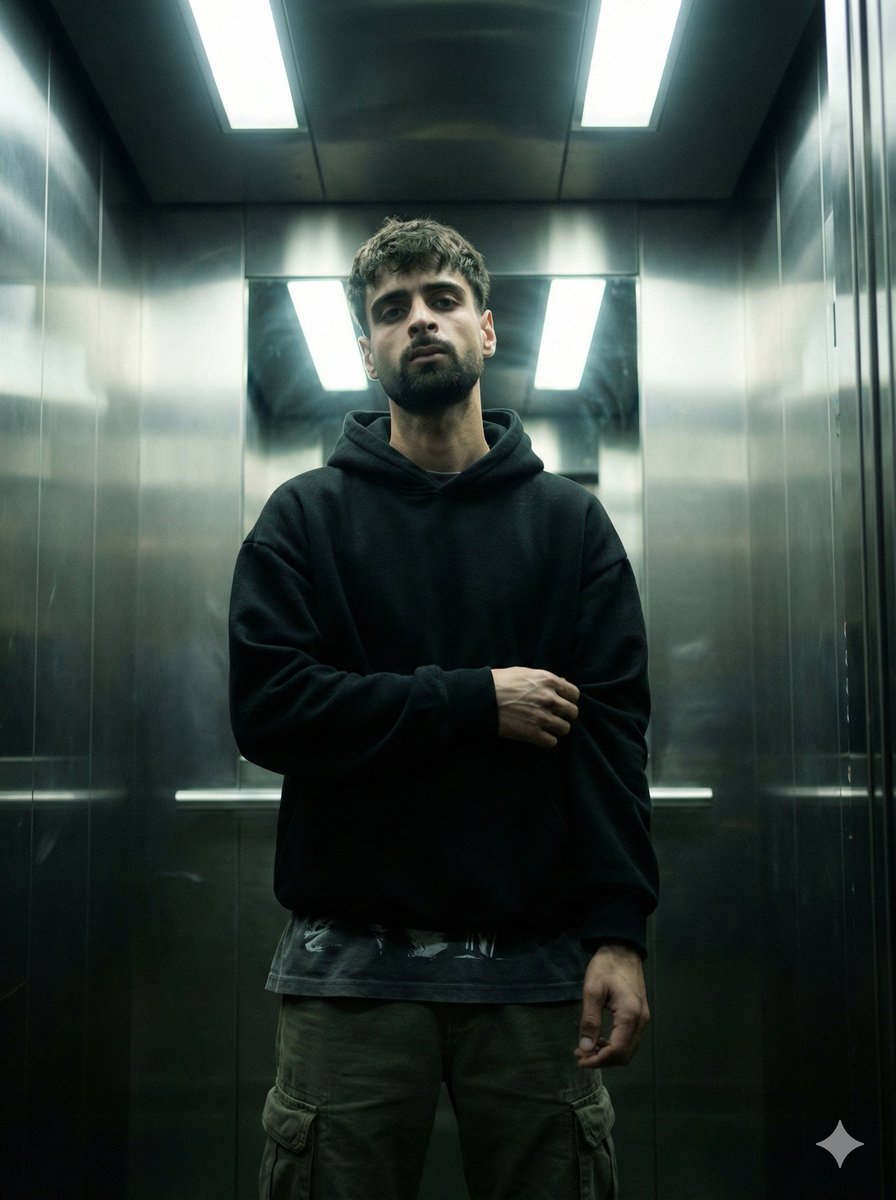
- Prompt included
- Model and format preset
- Free template
The prompt behind this image
Copy the exact prompt behind Cinematic Urban Realism in an Elevator, or open it in the studio and make it yours.
{ "genre": "cinematic urban realism", "mood": ["tense", "cold", "isolated", "quiet intensity"], "theme": "a man caught in a moment of silence inside a sterile industrial elevator" }, "subject": { "description": "young man with calm intense expression", "face": { "skin": "natural pores, realistic texture, slight under-eye shadow, no retouching", "beard": "short trimmed beard, natural density", "expression": "neutral but intimidating, relaxed jaw, eyes locked on camera" }, "hair": { "style": "messy short crop", "detail": "slight volume on top, natural uneven strands, not styled too clean" }, "pose": { "body_language": "still and grounded, subtle confidence", "hands": "one arm folded across torso, other arm relaxed downward", "stance": "centered, shoulders slightly forward, minimal movement" } }, "wardrobe": { "top": "oversized {argument name="hoodie color" default="black"} hoodie, heavy fabric, matte texture", "layering": "dark graphic tee slightly visible below the hoodie hem", "bottom": "dark cargo pants with stitched pockets", "styling_notes": "streetwear minimal, clean silhouette, no bright branding" }, "environment": { "location": "metal elevator interior", "materials": ["brushed stainless steel walls", "reflective panels", "subtle fingerprints and smudges"], "lighting_elements": "overhead fluorescent light panels", "atmosphere": "thin mist/smoke floating around subject, faint haze near corners", "background": "no extra people, no clutter, clean symmetrical elevator geometry" }, "cinematography": { "shot_type": "medium-full portrait", "framing": "perfect symmetrical centered composition", "camera_angle": "slightly low angle for dominance and tension", "lens": { "focal_length": "35mm", "look": "cinematic wide portrait with depth", "distortion_control": "minimal distortion, straight vertical elevator lines" }, "depth_of_field": { "aperture": "f/2.8", "focus": "sharp focus on eyes and face", "falloff": "soft background blur but still readable environment" } }, "lighting": { "type": "overhead harsh fluorescent top-light", "contrast": "medium-high with deep shadows under jaw and hoodie folds", "highlights": "soft bloom on metallic walls, controlled, not blown out", "fill": "very subtle ambient bounce to keep facial details visible", "notes": "keep lighting realistic and slightly underexposed for cinematic tension" }, "color_grade": { "style": "dark cinematic teal-green industrial grade", "shadows": "cool teal tint", "highlights": "neutral to slightly cold", "saturation": "muted low saturation", "contrast": "clean but gritty", "black_levels": "slightly crushed blacks, not fully clipped" }, "texture_details": { "skin": "realistic pores and micro texture", "fabric": "h
How to use Cinematic Urban Realism in an Elevator in 3 steps
- 1
Open
The prompt is already in the box next to the preview, with the template's model and format selected.
- 2…a portrait of your subject in softgolden-hour light, 85mm…
Personalize
Edit the subject and creative details for your destination.
- 3Generate
Generate
Press Generate — your image is created in PicX Studio, so you can compare it with the original and refine one variable at a time.
More like this
Templates with the same subject, style or setup. Open one to see its prompt.
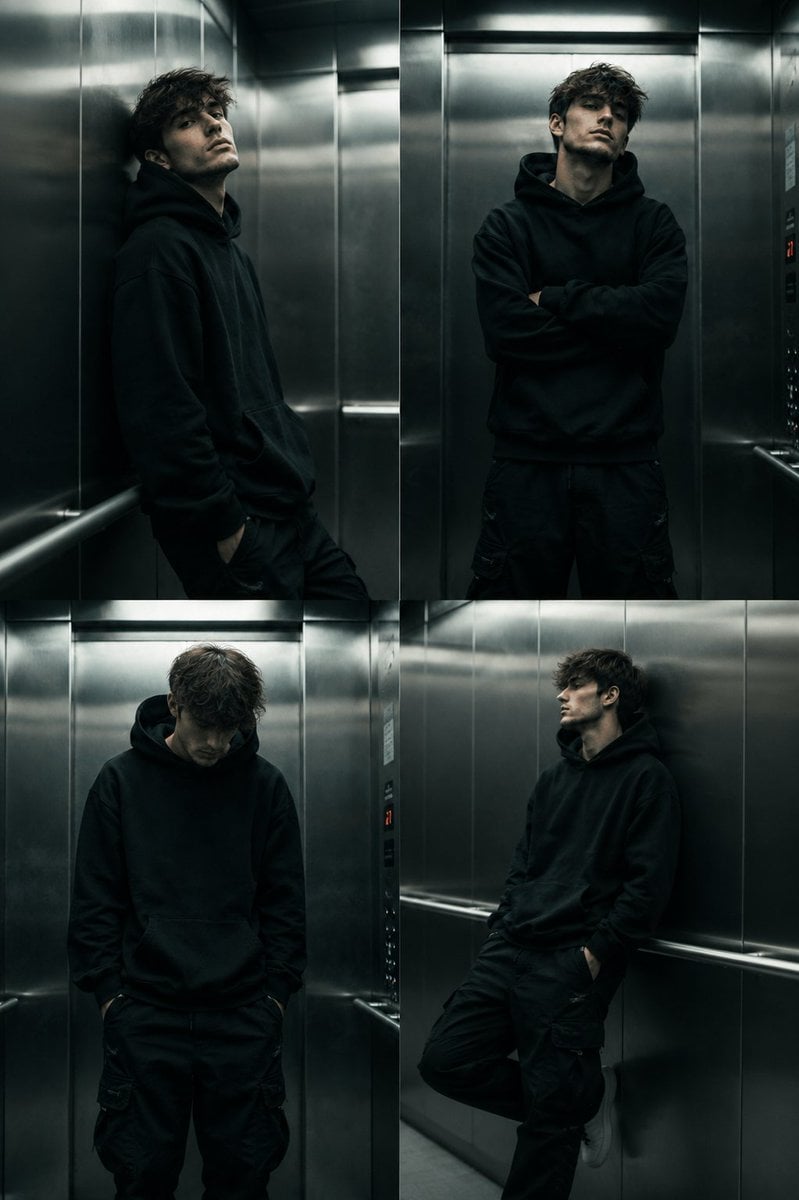
Cinematic Urban Elevator Portrait
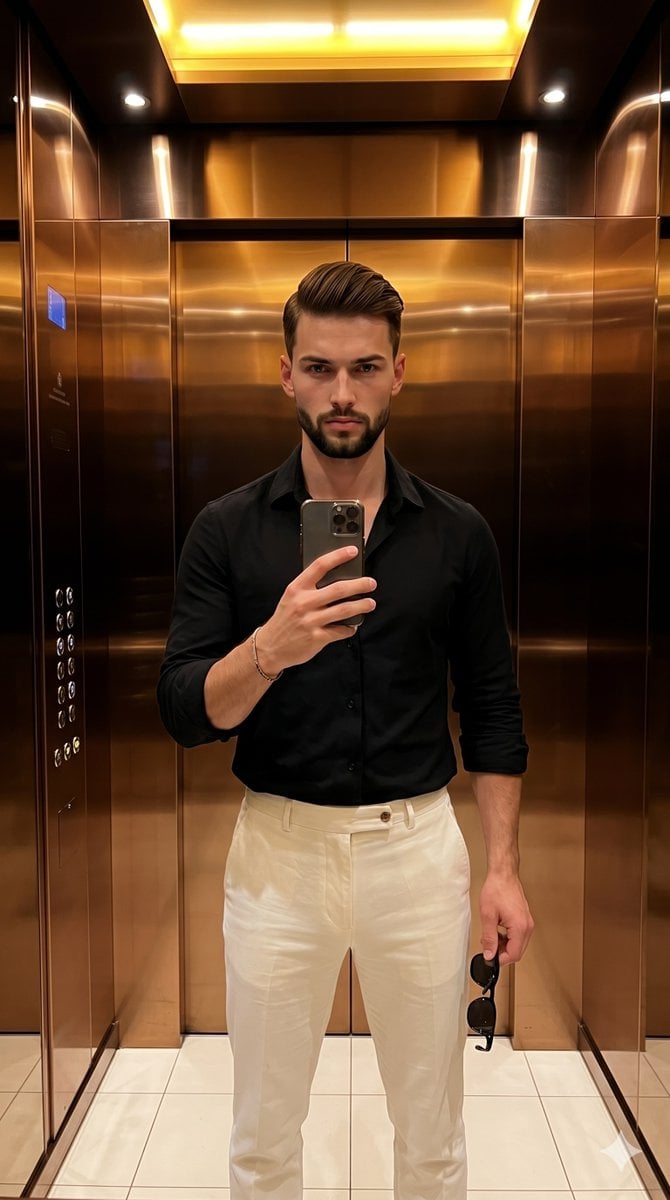
Urban Fashion Elevator Portrait

Urban Fashion Editorial Collage Streetwear Poster

Korean Streetwear Minimalist Campaign Portrait

Cinematic Korean Streetwear Street Portrait

Frozen Street Luxe Graffiti Fashion Campaign

Urban Fashion Editorial Collage Poster

Cinematic Street Fashion Portrait Motion Blur Crowd

Subway Platform Quiet Introspective Portrait

Night City Bridge Triptych Portrait Session
Subway Platform Quiet Introspective Portrait
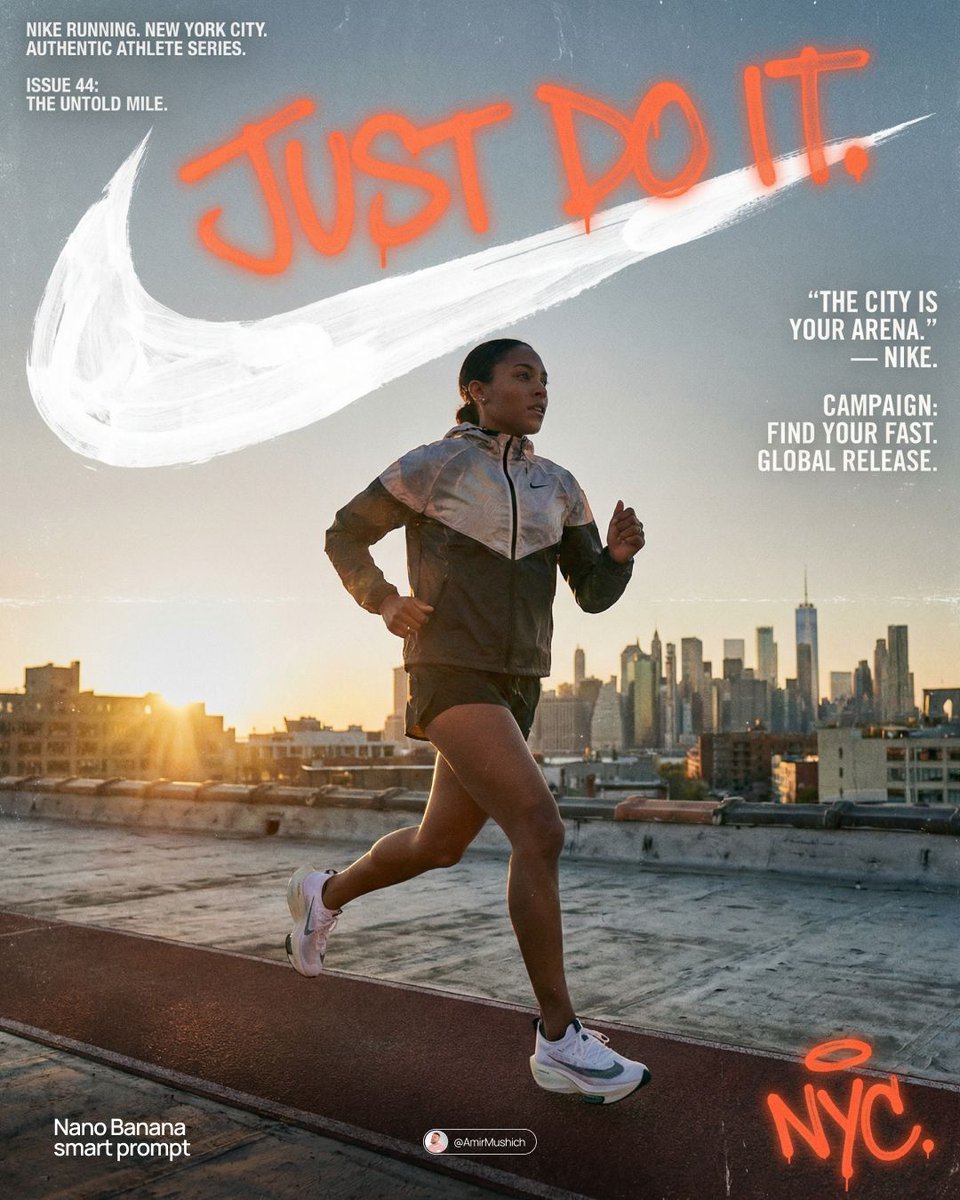
Miles Morales Spider-Man Brooklyn Graffiti
Make it yours
Cinematic Urban Realism in an Elevator works as-is. These are the safest ways to change it without losing the look.
Change one field
Copy a single group, rewrite it, and generate again so you can see what that field is doing.
Keep the frame, change the subject
Hold the composition and light of Cinematic Urban Realism in an Elevator, then swap wardrobe, props or the person for a new take.
| If the result… | Why | Fix |
|---|---|---|
| The result drifts from the preview | Too many fields changed at once. | Reuse Cinematic Urban Realism in an Elevator as-is first, then change one group — subject, light, or setting. |
| The model over-stylizes the scene | The prose prompt leaves finish and camera underspecified. | Add one camera or lighting sentence and stay on Nano Banana 2. |
More Nano Banana 2 templates
Other prompts made for Nano Banana 2.

Photorealistic Leaf Shaped Like a Dragon

K-Pop Idol Portrait Grid for Rapid Selection

Poetic Rain Forest Portrait During Golden Hour

Urban Street Portrait with Cartoon Inner Self Duo

Candid Nighttime Photo with Cat Prompt

High-Concept 3D Diorama Generation Prompt

Cinematic Futuristic Studio Portrait Template

Skincare Editorial Photography Collage Prompt

Hyper-Realistic Commercial Product Photography (Splash Effect)

Hyper-Realistic Nightclub Portrait Prompt
More image prompts
Fresh picks from across the catalog.
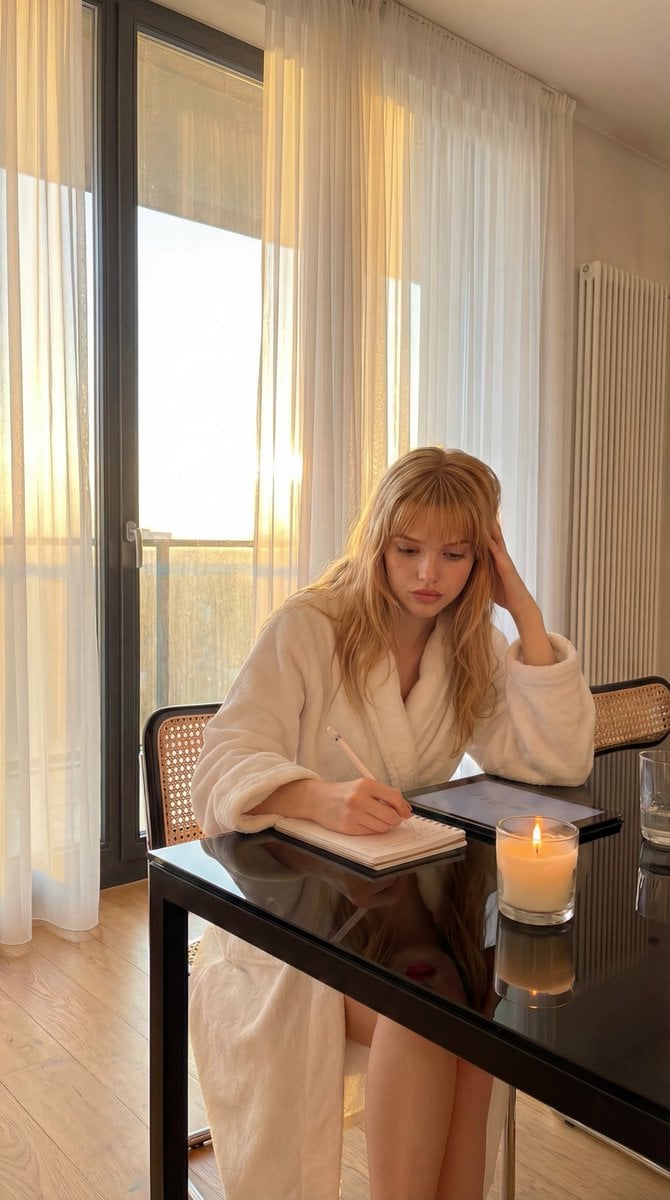
Cozy Golden Hour Writing Scene Prompt

Hyperrealistic Streetwear Studio Portrait
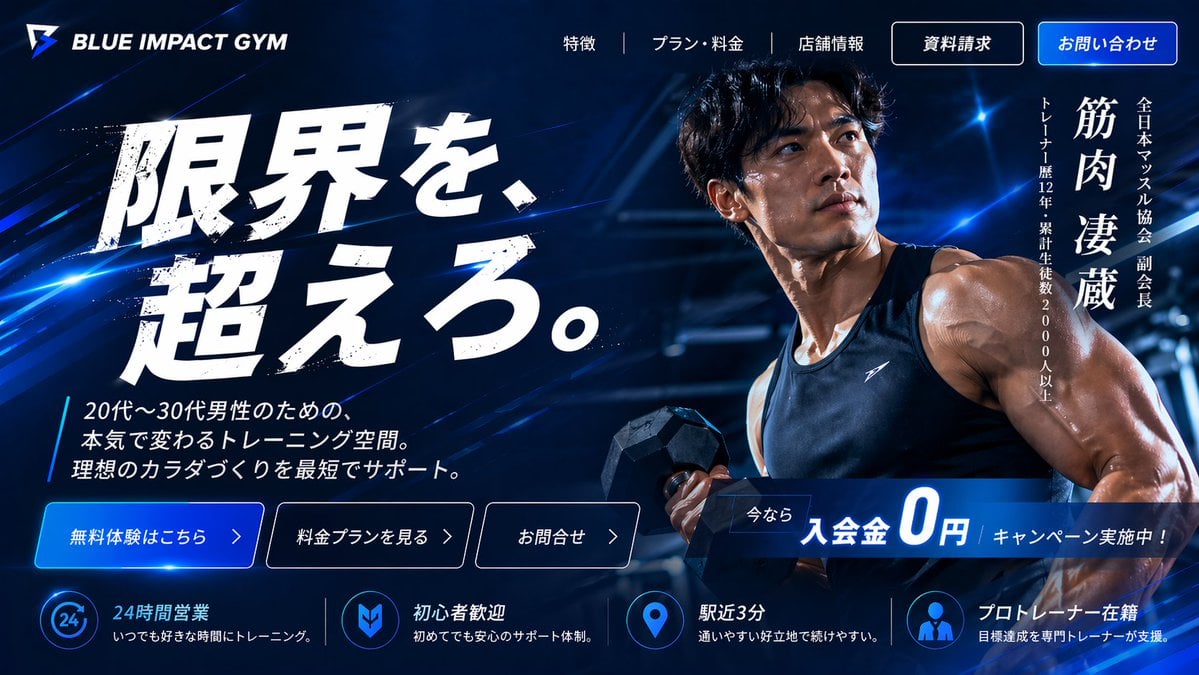
Japanese Gym Hero Landing Page
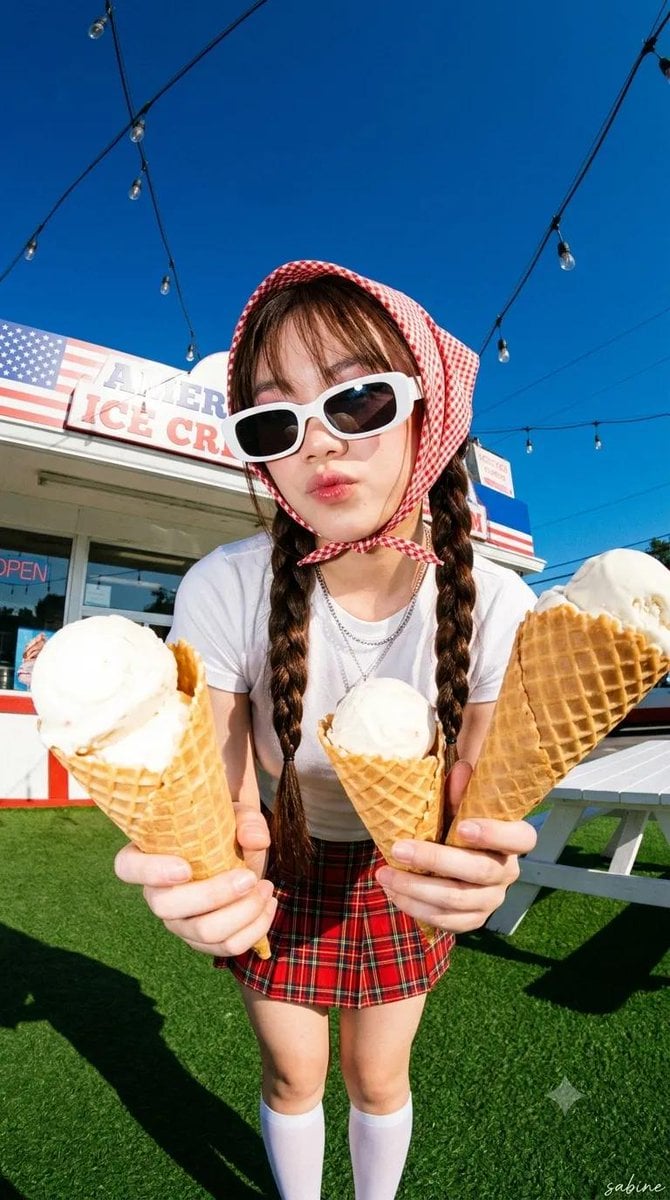
Y2K Summer Fashion Editorial
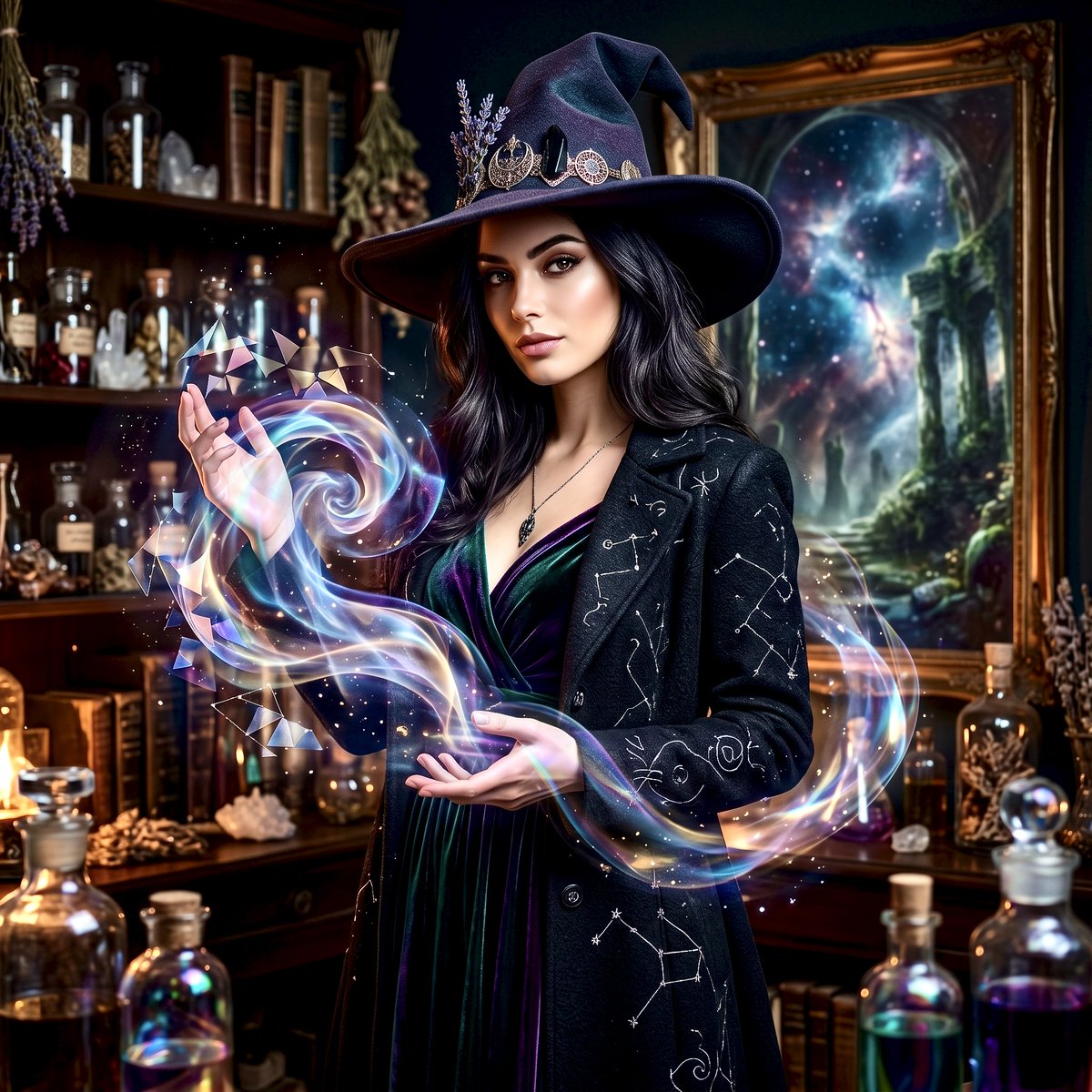
Mystical Witch Apothecary Portrait
POV from a light gray rabbit
Censored Cafe Portrait Photo

Neon Blue AI Video Editing Thumbnail

Tokaido Anime Travel Poster
Extreme Top-Down Skyscraper Edge Portrait Prompt
Browse template categories
Cinematic Urban Realism in an Elevator questions
How do I use the Cinematic Urban Realism in an Elevator template?
Add your photo if the template asks for one, edit the prompt if you like — the template's model and format are already selected — and press Generate. Your version opens in PicX Studio.
Can I customize the Cinematic Urban Realism in an Elevator template?
Yes. You can change the subject, setting, lighting, mood, format, and available model controls before creating your image.
Is the Cinematic Urban Realism in an Elevator template free?
Opening and editing this template is free. Generating uses credits, shown on the Generate button when you are signed in.
Which AI model should I use?
Start with Nano Banana 2, which is the model associated with this template. You can compare another compatible model for a different finish.
Looking for something else? Browse all templates.

Your photo, any look
Thousands of ready templates for every top image and video model, from one credit balance.