
Subway Platform Quiet Introspective Portrait
Curated from MeiGen gallery ID 2012144333970133351: Subway Platform Quiet Introspective Portrait.

- Prompt included
- Model and format preset
- Free template
The prompt behind this image
Copy the exact prompt behind Subway Platform Quiet Introspective Portrait, or open it in the studio and make it yours.
Create a moody cinematic portrait capturing quiet introspection on a subway platform at night. Subject: young woman with soft curly blonde hair loosely tied back with a simple headband, natural visible freckles, calm introspective expression, seated on a subway bench resting chin on her hand. Wardrobe: textured wool coat, knitted scarf, muted casual understated urban wear. Scene: subway platform at night, neon city lights along platform, light reflections glowing on metal and tiled surfaces. Composition: medium cinematic portrait, shallow depth of field, sharp focus on subject with dreamy background blur. Lighting: low-light ambient subway illumination, cool teal neon tones with warm amber highlights, soft highlights with controlled bloom, dreamy bokeh, subtle film grain, quiet reflective emotionally resonant mood. Art direction: cinematic urban realism, film still narrative photography, natural skin texture, fabric texture, light reflections. 85mm lens perspective, ultra-realistic, 8K detail.
How to use Subway Platform Quiet Introspective Portrait in 3 steps
- 1
Open
The prompt is already in the box next to the preview, with the template's model and format selected.
- 2…a portrait of your subject in softgolden-hour light, 85mm…
Personalize
Edit the subject and creative details for your destination.
- 3Generate
Generate
Press Generate — your image is created in PicX Studio, so you can compare it with the original and refine one variable at a time.
More like this
Templates with the same subject, style or setup. Open one to see its prompt.
Subway Platform Quiet Introspective Portrait

Gpt2 Fisheye Sky Crouch Portrait

80s Bollywood Star

80s Golden Hour Cinema

Toddler Version of a Person in 3d Pixar

Ultra Detailed 3d Plush Cartoon Characte

Studio Quality Portrait Generation Using

Nano Banana 2

Gemini Nano Banana 2 Logo in Wet Sand Be

Nano Banana 2 Gourmet Ice Cream Commerci

Hyper-Realistic Minecraft POV Portrait
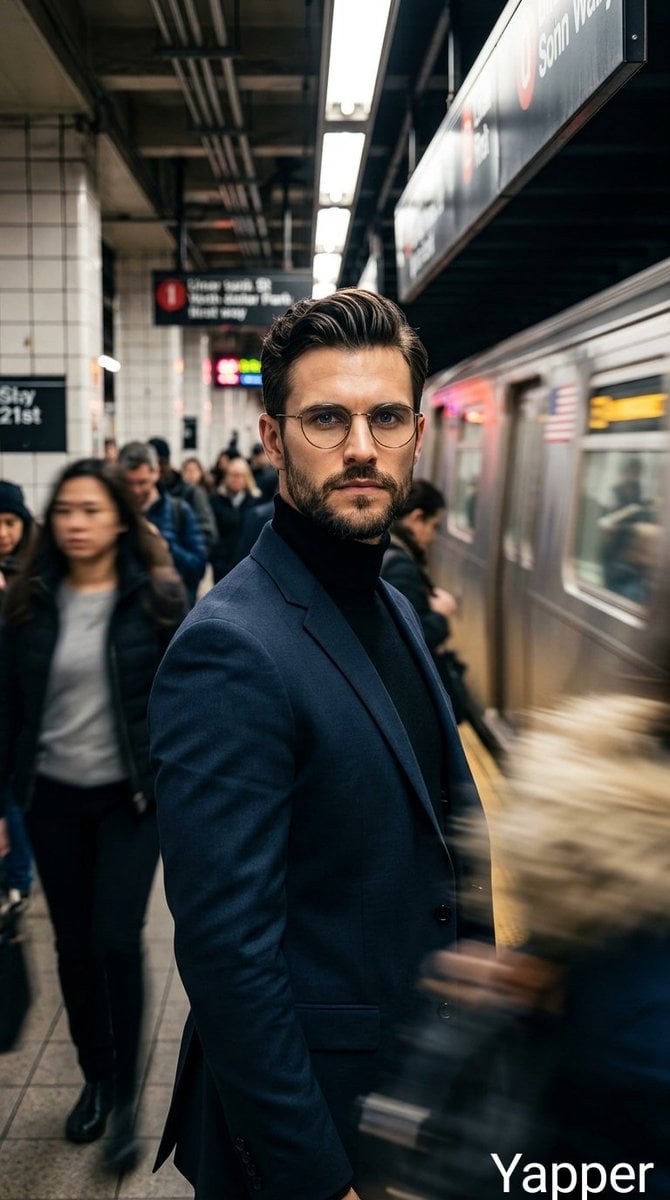
Cinematic portrait of a stylish man standing on a busy subway platform
Make it yours
Subway Platform Quiet Introspective Portrait works as-is. These are the safest ways to change it without losing the look.
Change one field
Copy a single group, rewrite it, and generate again so you can see what that field is doing.
Keep the frame, change the subject
Hold the composition and light of Subway Platform Quiet Introspective Portrait, then swap wardrobe, props or the person for a new take.
| If the result… | Why | Fix |
|---|---|---|
| The result drifts from the preview | Too many fields changed at once. | Reuse Subway Platform Quiet Introspective Portrait as-is first, then change one group — subject, light, or setting. |
| The model over-stylizes the scene | The prose prompt leaves finish and camera underspecified. | Add one camera or lighting sentence and stay on PicX Studio. |
More image prompts
Fresh picks from across the catalog.
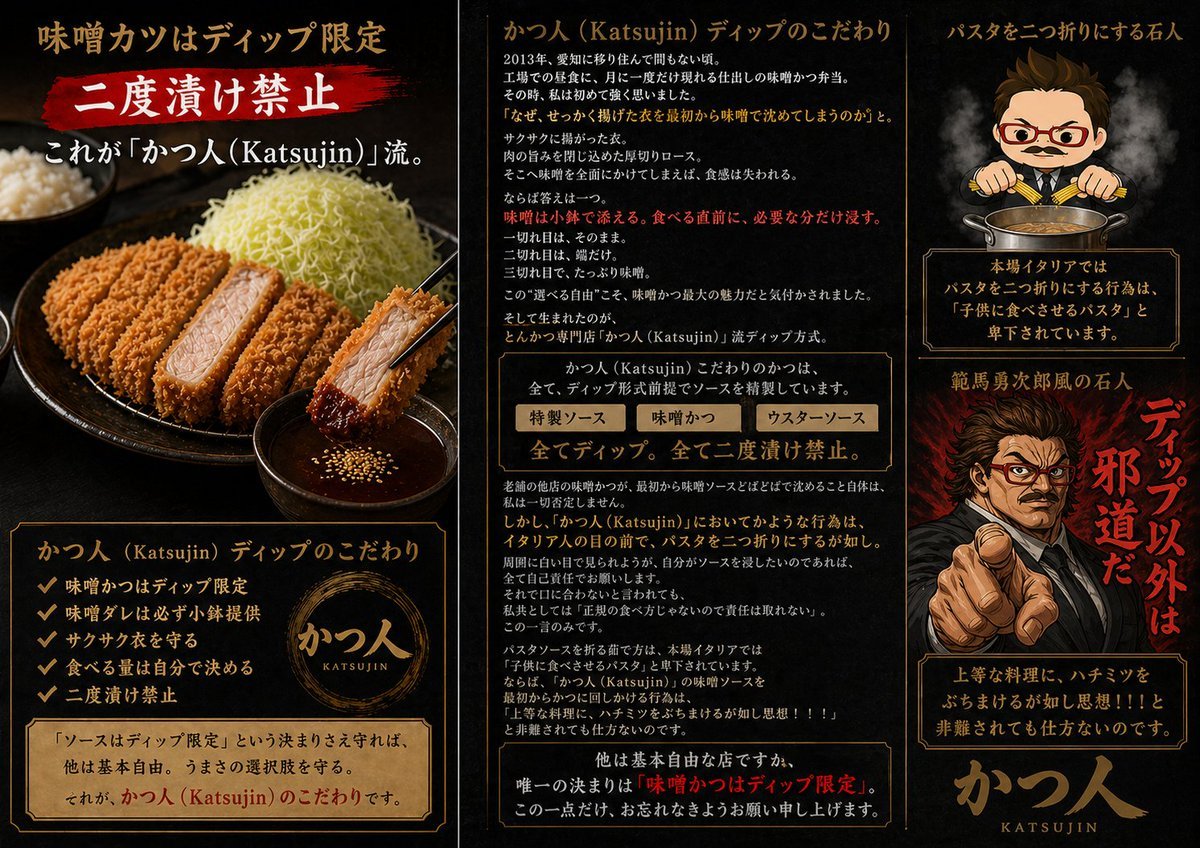
Katsujin Miso Katsu Dip-Only Poster
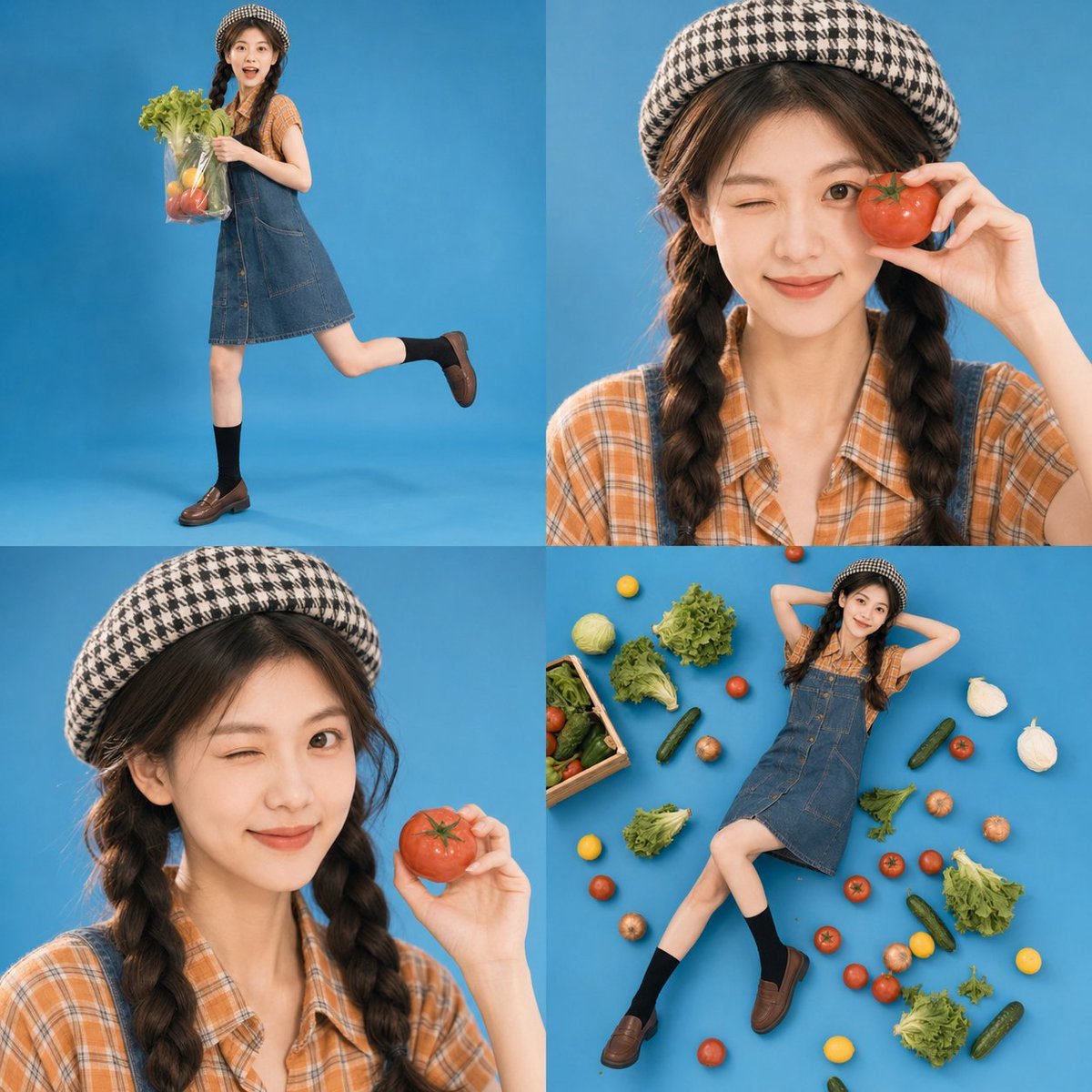
Retro Market-Girl Photo Collage
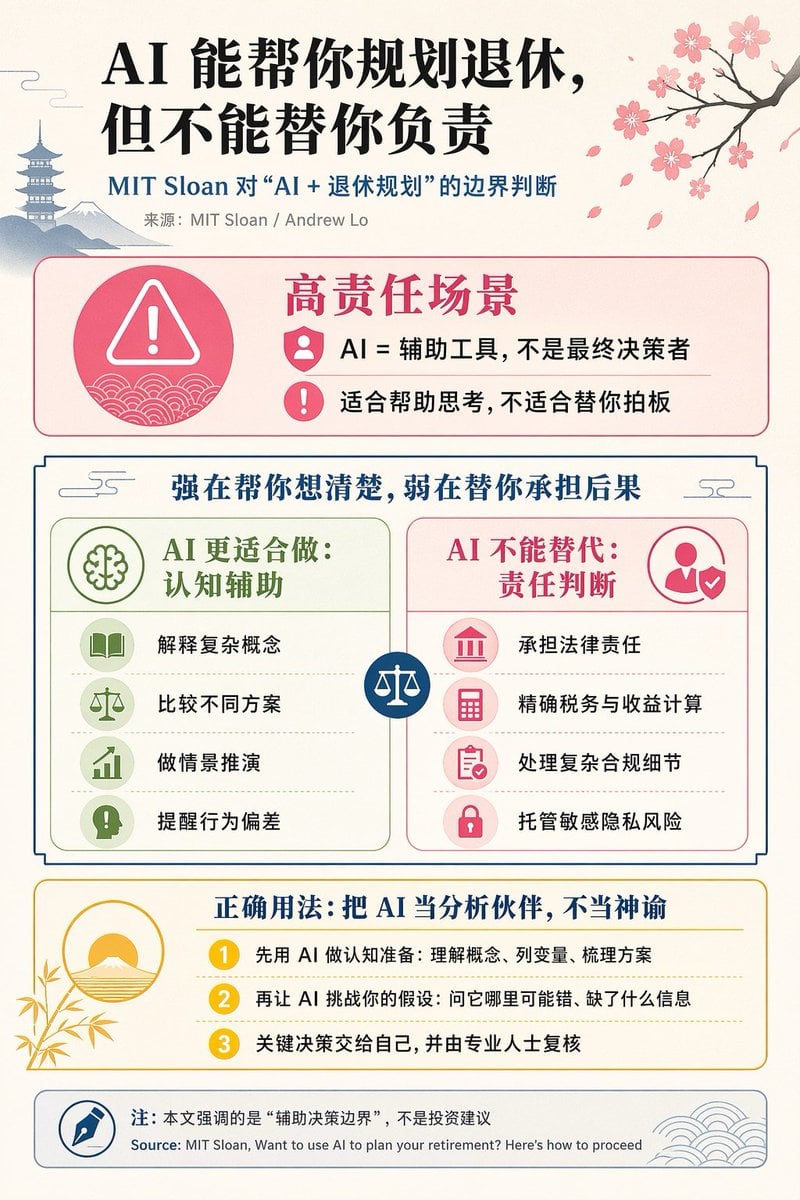
Chinese AI Retirement Planning Infographic

Food Analysis Periodic Table Display Board
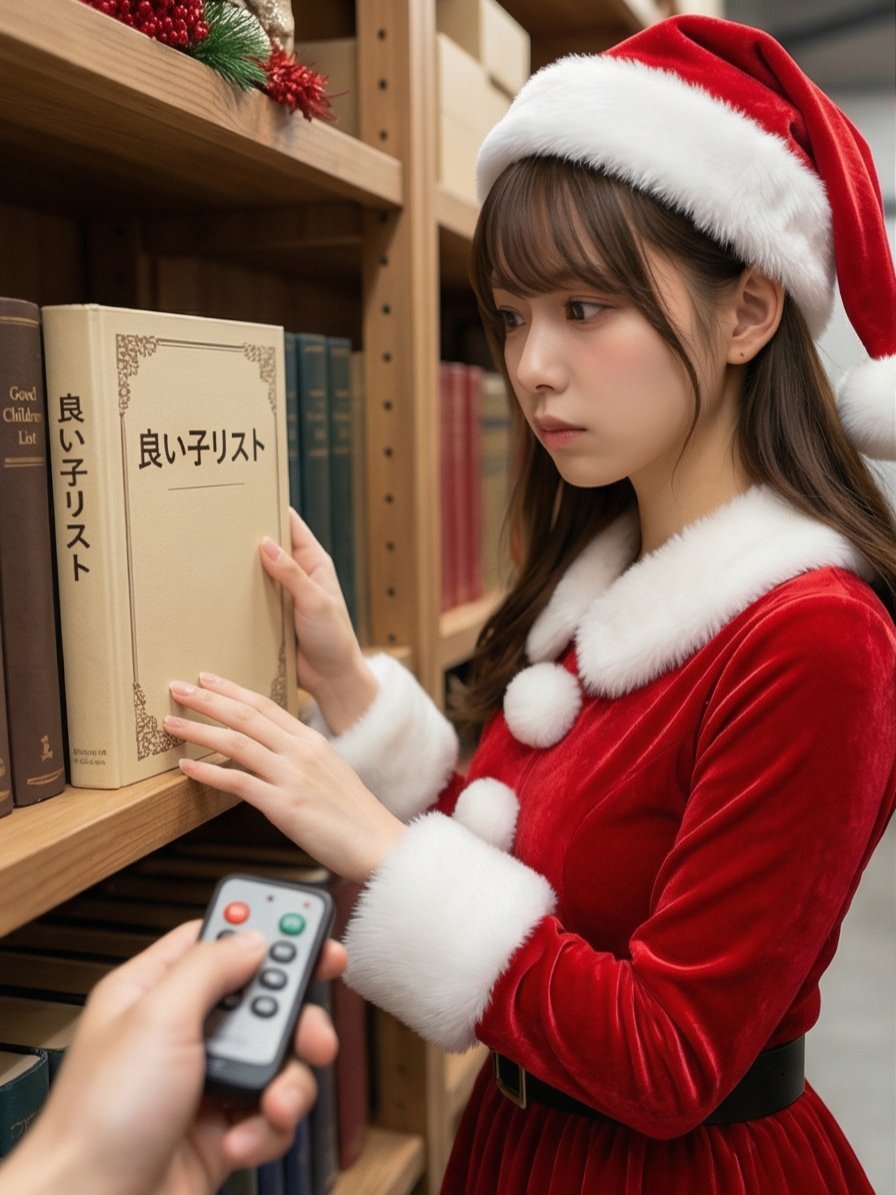
Santa's Switch Prank Multi-Angle Grid
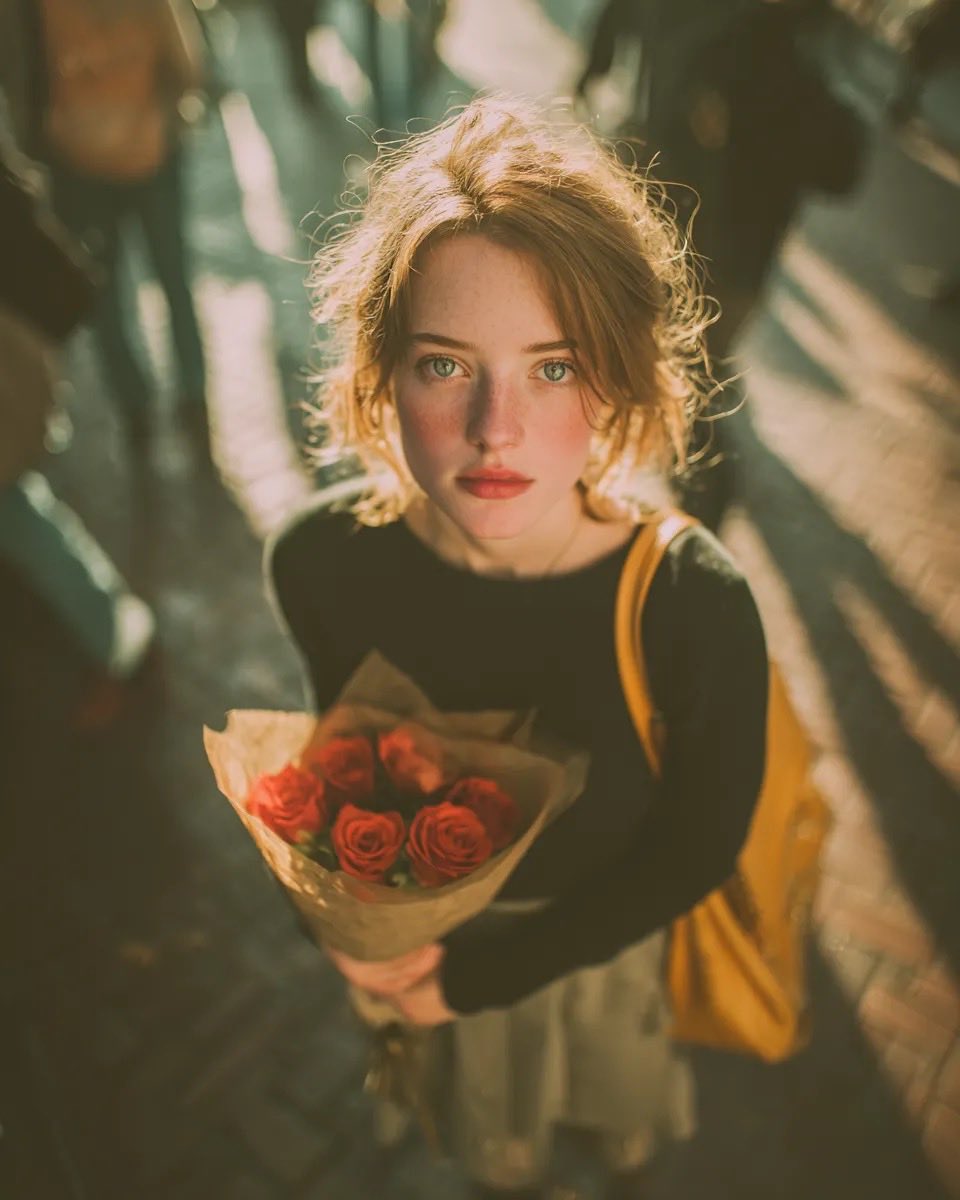
Vintage Film Grain Portrait
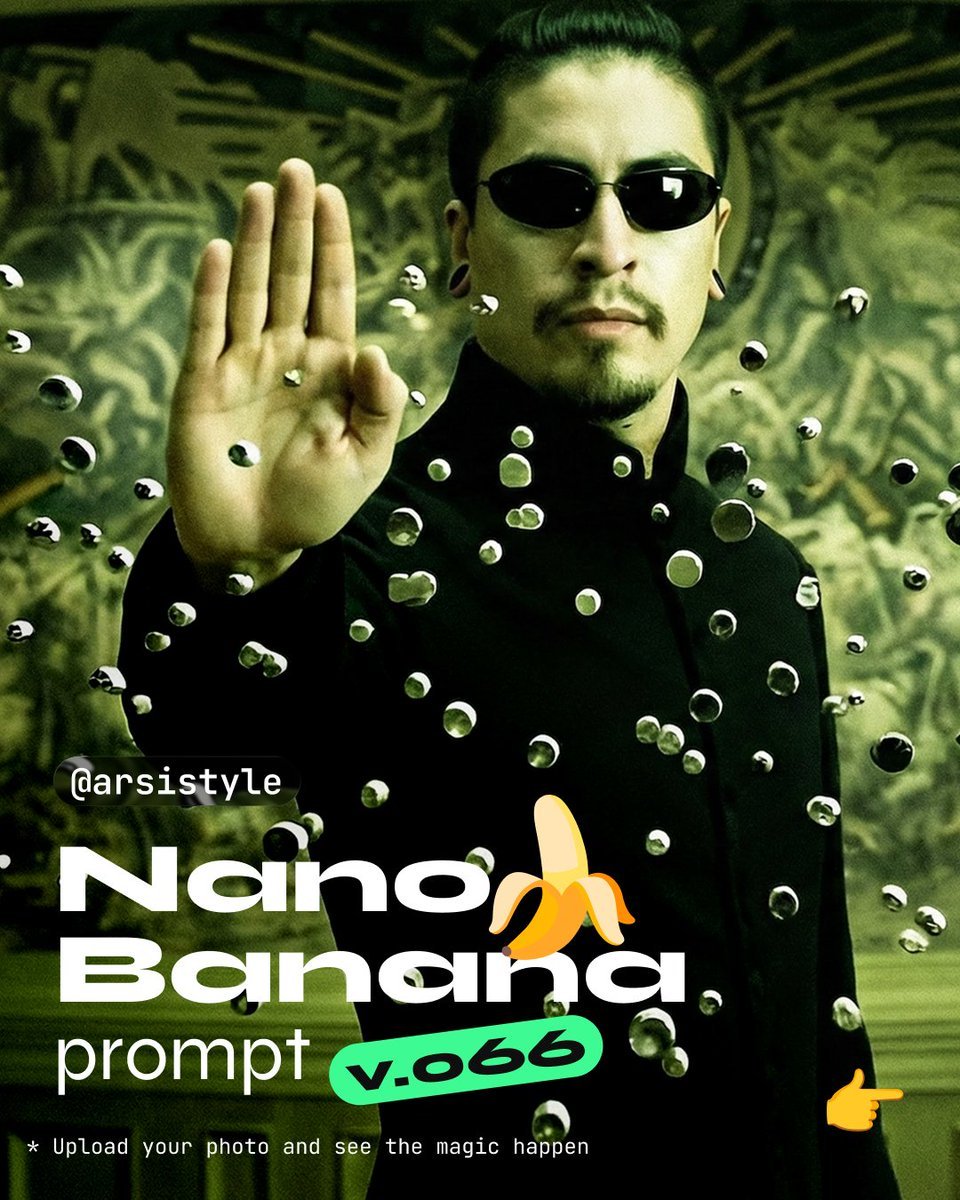
Cinematic Action Shot with Suspended Projectiles
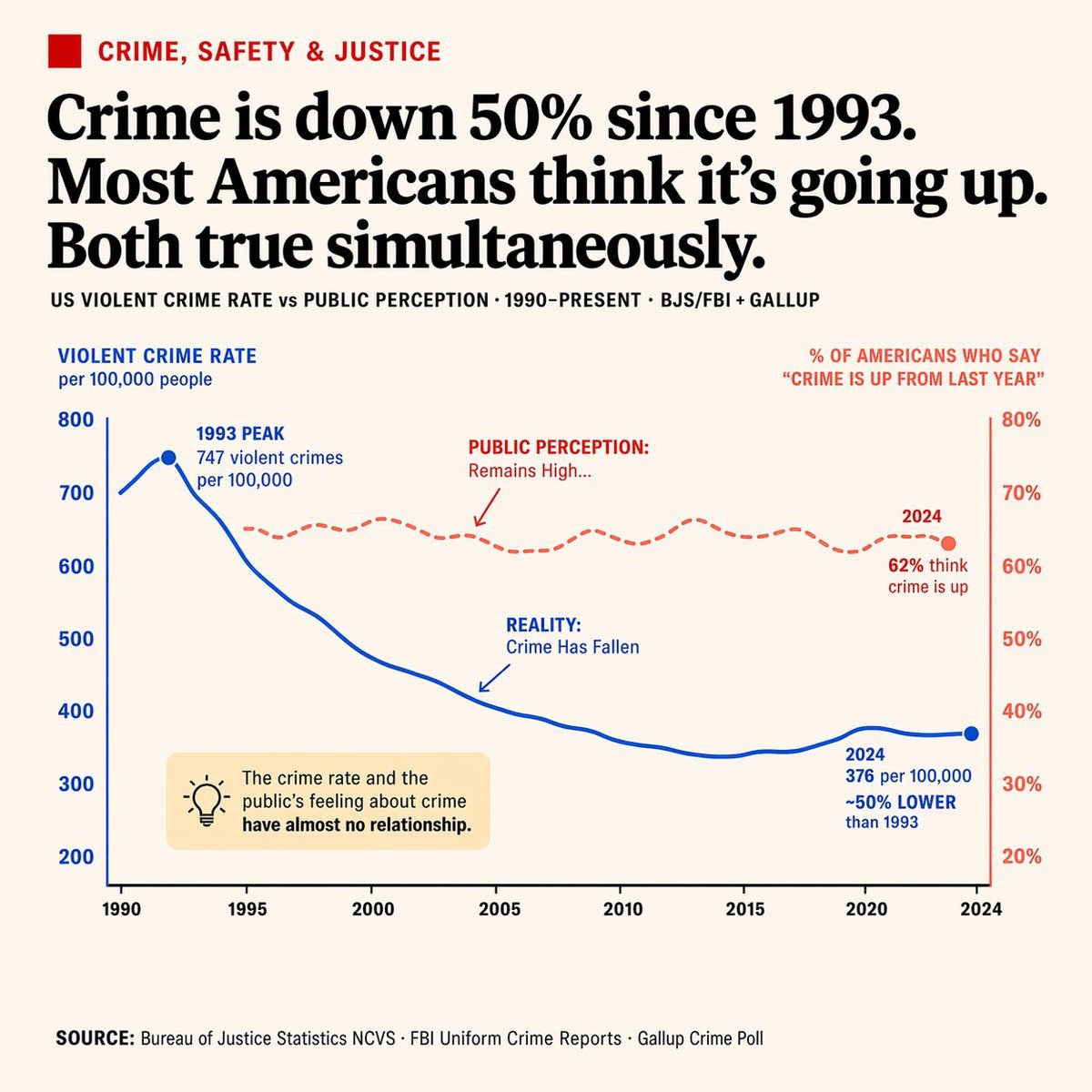
Editorial Dual-Axis Data Infographic
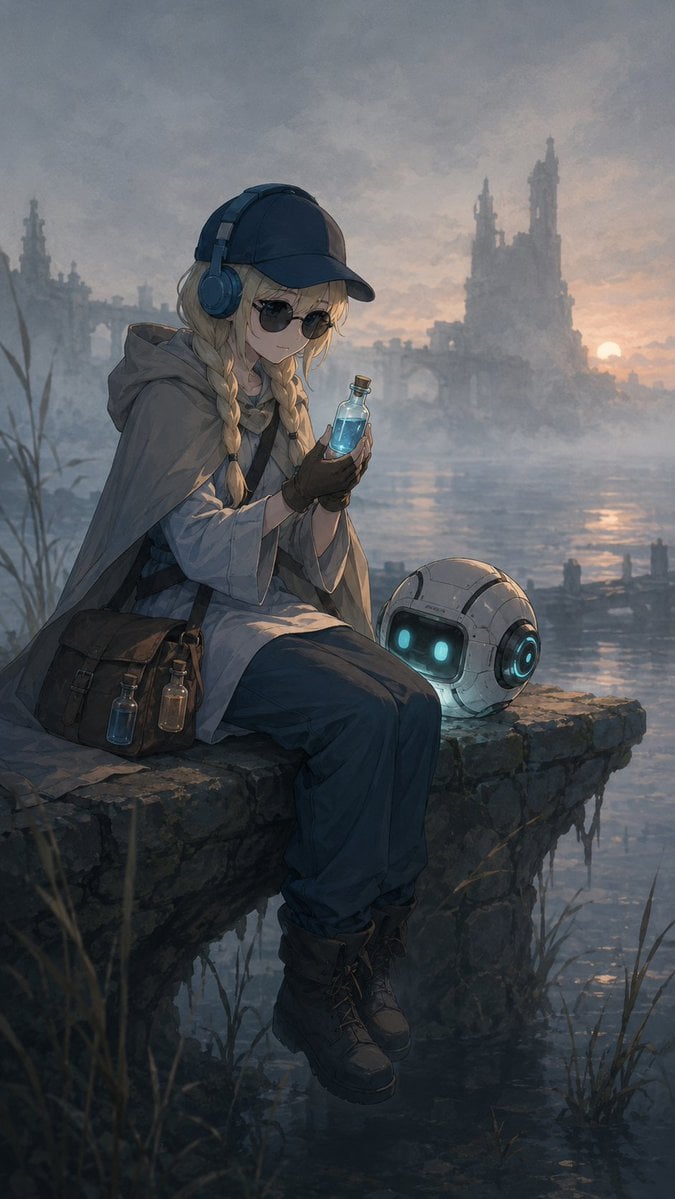
Traveling Alchemist at Misty Ruins

Wooden Beer Mug Render
Browse template categories
Subway Platform Quiet Introspective Portrait questions
How do I use the Subway Platform Quiet Introspective Portrait template?
Add your photo if the template asks for one, edit the prompt if you like — the template's model and format are already selected — and press Generate. Your version opens in PicX Studio.
Can I customize the Subway Platform Quiet Introspective Portrait template?
Yes. You can change the subject, setting, lighting, mood, format, and available model controls before creating your image.
Is the Subway Platform Quiet Introspective Portrait template free?
Opening and editing this template is free. Generating uses credits, shown on the Generate button when you are signed in.
Which AI model should I use?
Choose a compatible model in PicX Studio based on the style, speed, and output controls your project needs.
Looking for something else? Browse all templates.

Your photo, any look
Thousands of ready templates for every top image and video model, from one credit balance.