
Traveling Alchemist at Misty Ruins
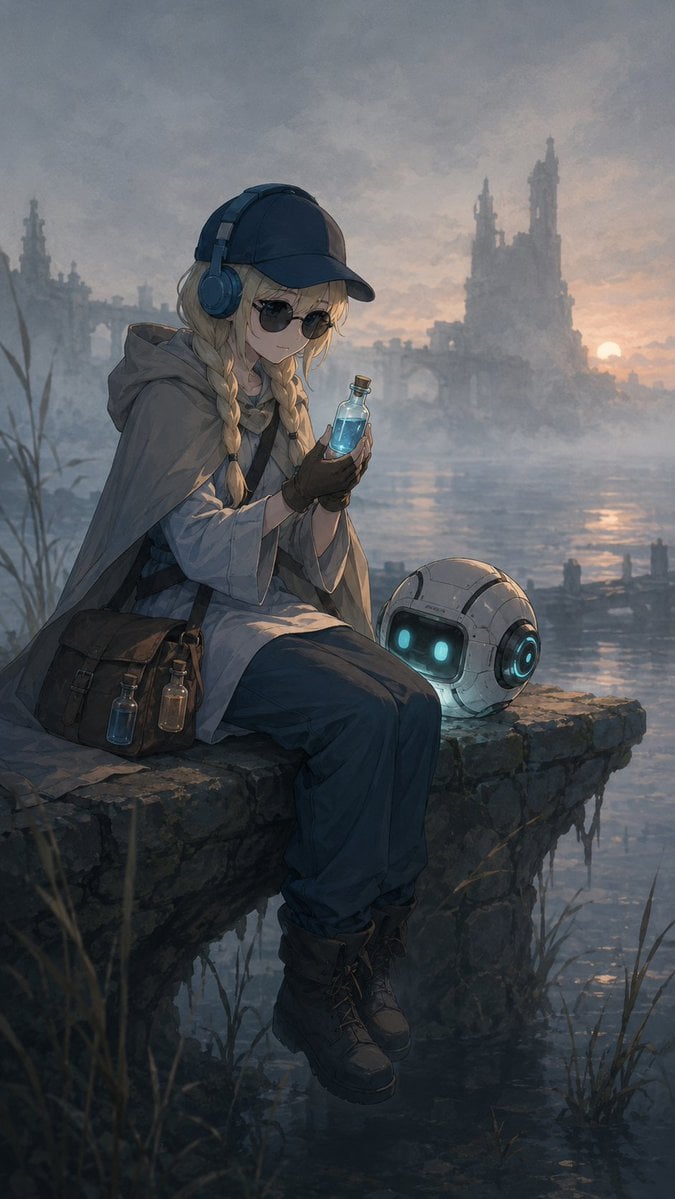
Generates a cinematic fantasy anime main visual of a potion-carrying alchemist and robot companion resting beside flooded ruins at sunset.
- Prompt included
- Model and format preset
- Free template
The prompt behind this image
Copy the exact prompt behind Traveling Alchemist at Misty Ruins, or open it in the studio and make it yours.
Create a moody vertical fantasy anime illustration of {argument name="character name" default="Kanon"}, a young traveling alchemist sitting on the broken edge of an old stone pier above a misty flooded ruin at sunset. The character wears a dark baseball cap, large blue headphones, a pale hooded travel cloak over layered adventurer clothing, dark loose trousers, fingerless gloves, and heavy lace-up boots; long blonde hair falls in two thick braids over the shoulders. A square muted gray face-obscuring block covers the face, centered under the cap brim. She holds a small glass vial of glowing blue liquid in both hands, with two additional potion bottles hanging from a worn brown leather satchel at her hip. Beside her on the stone ledge sits one small spherical robot companion, white and weathered, with a black screen face showing two cyan glowing eyes and a cyan ring light on its side. The background shows a broad reflective swamp or lake, reeds in the foreground, drifting fog, and distant ruined gothic towers and arches silhouetted against a warm low sun near the horizon. Use atmospheric perspective, soft painterly brushwork, cool blue-gray shadows contrasted with warm peach sunset light, subtle magical glow from the potion and robot, detailed fabric folds, damp stone texture, cinematic composition, melancholic yet adventurous mood, high-quality fantasy concept art, portrait aspect ratio.
How to use Traveling Alchemist at Misty Ruins in 3 steps
- 1Upload ImagePNG, JPG or paste
Add your photo
Upload the photo the template builds on. The prompt, model and format are already set.
- 2…a portrait of your subject in softgolden-hour light, 85mm…
Personalize
Edit the subject and creative details for your destination.
- 3Generate
Generate
Press Generate — your image is created in PicX Studio, so you can compare it with the original and refine one variable at a time.
More like this
Templates with the same subject, style or setup. Open one to see its prompt.
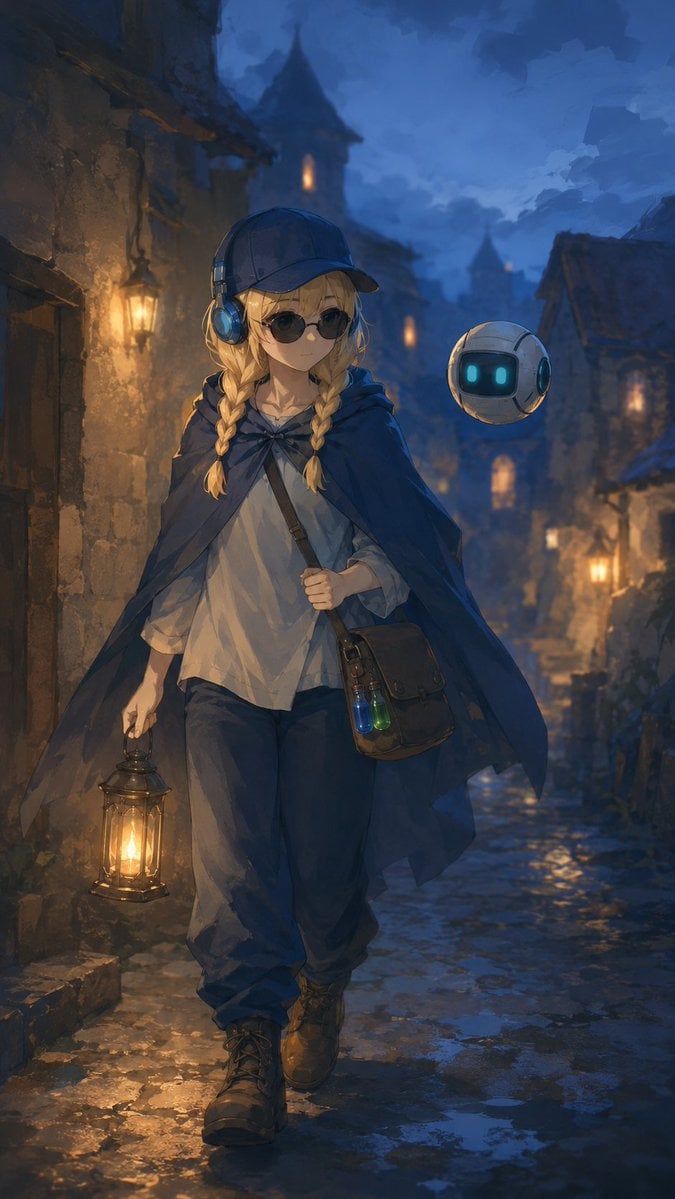
Traveling Alchemist in Rainy Fantasy Alley
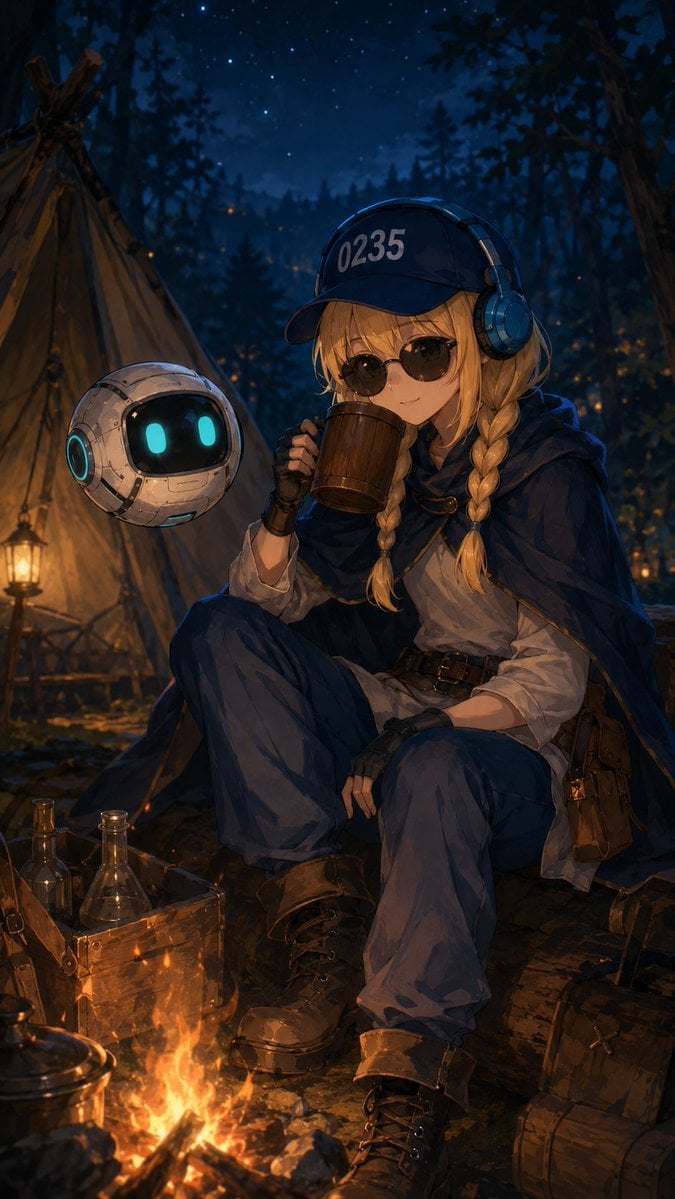
Traveling Alchemist Campsite

Ancient Temple Portrait — White Dress Nano Banana
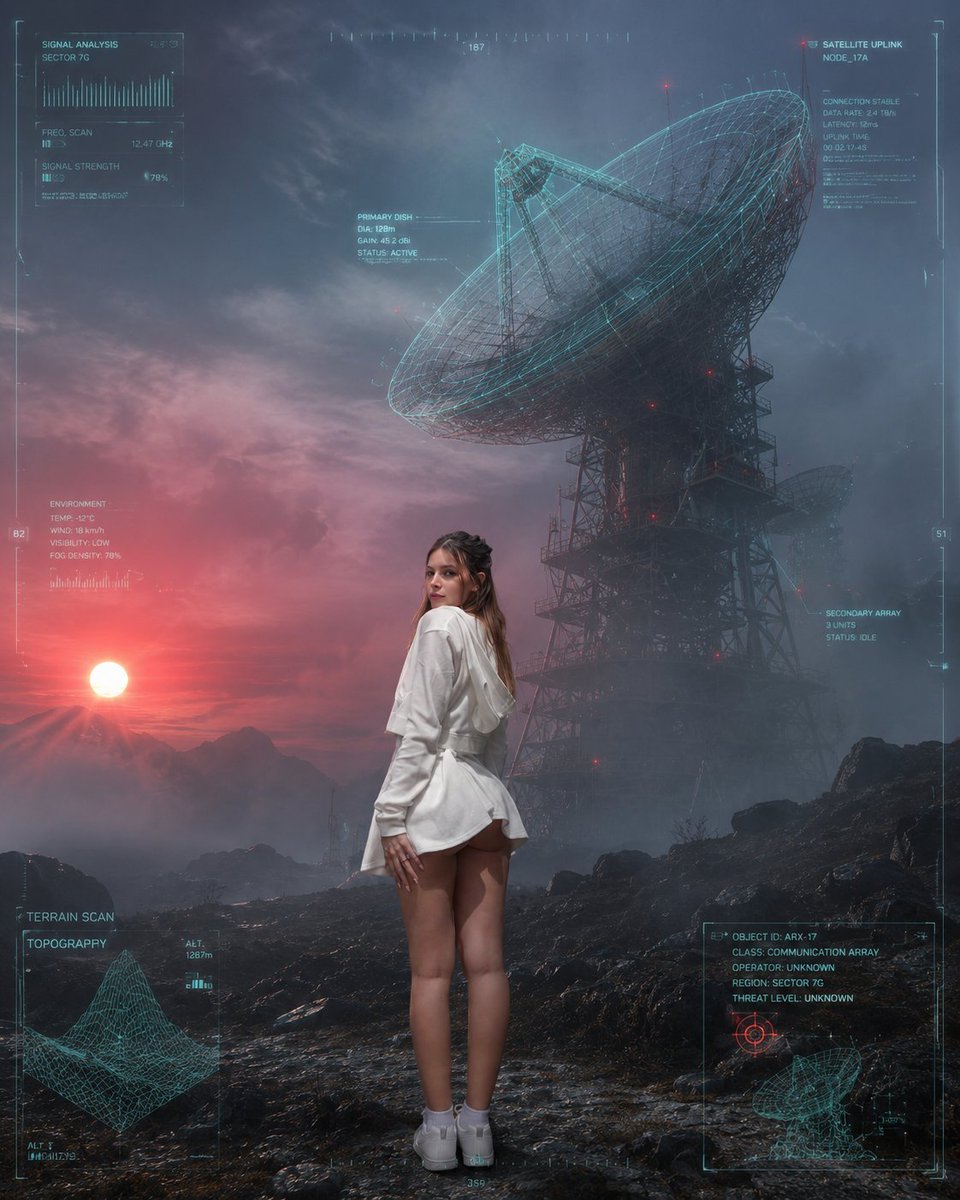
Sci-Fi Misty Antenna Terrain
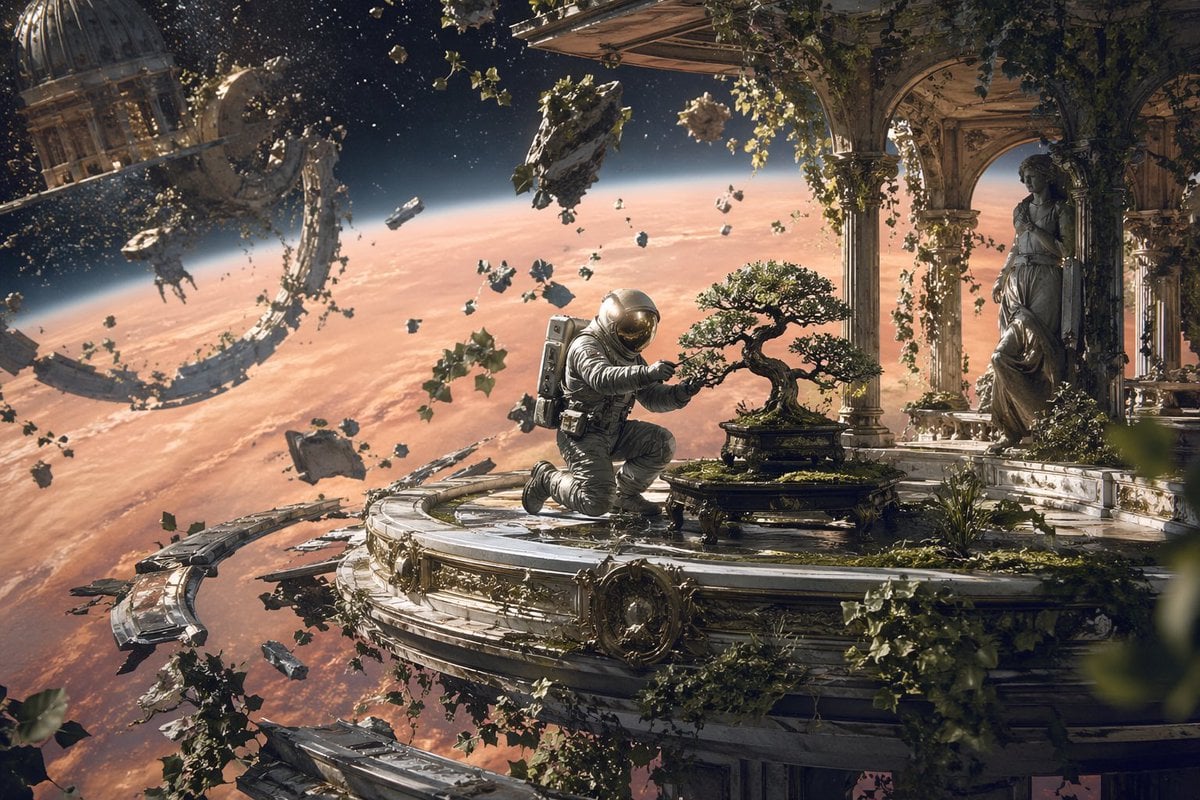
Astronaut Tending Bonsai in Space Ruins
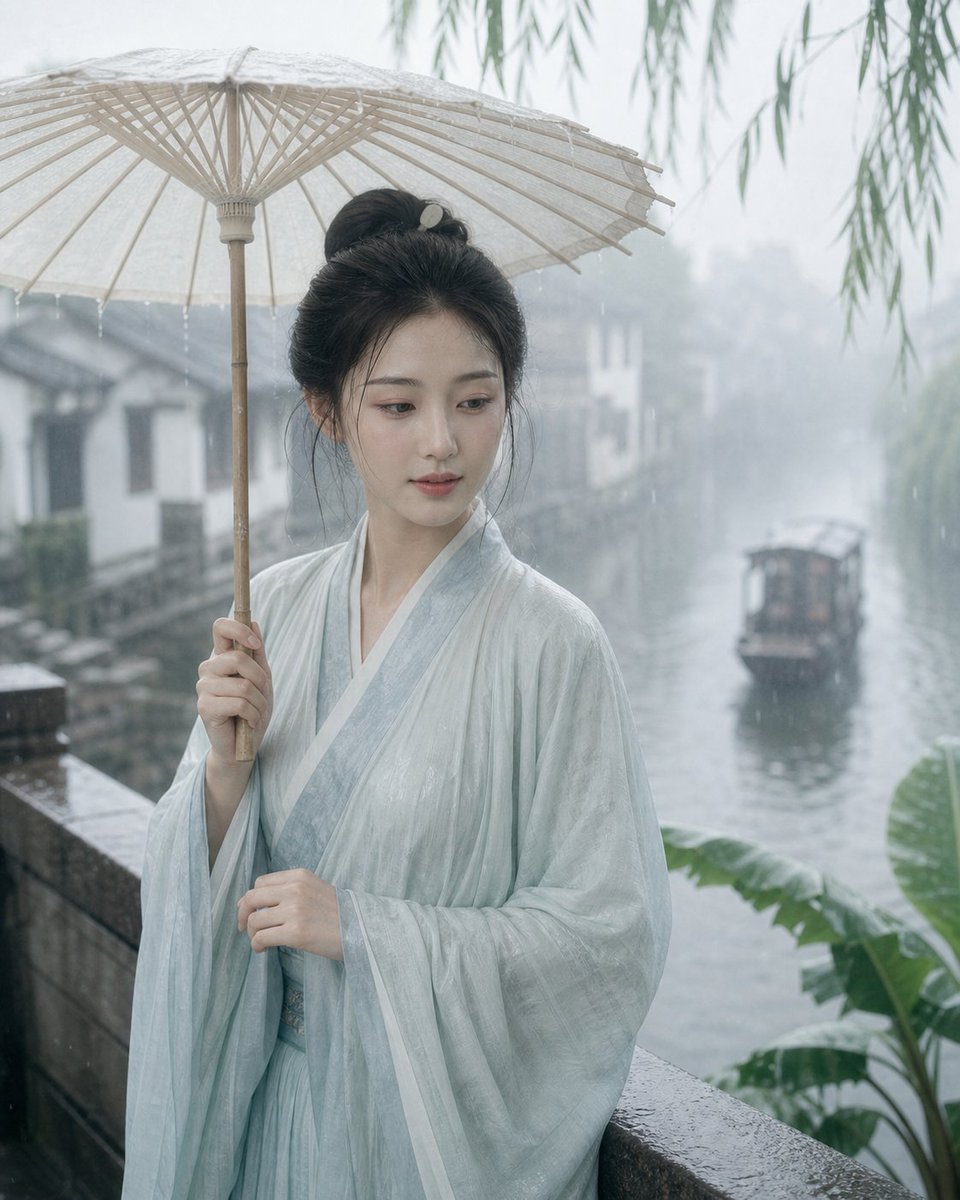
Misty Jiangnan Classical Portrait
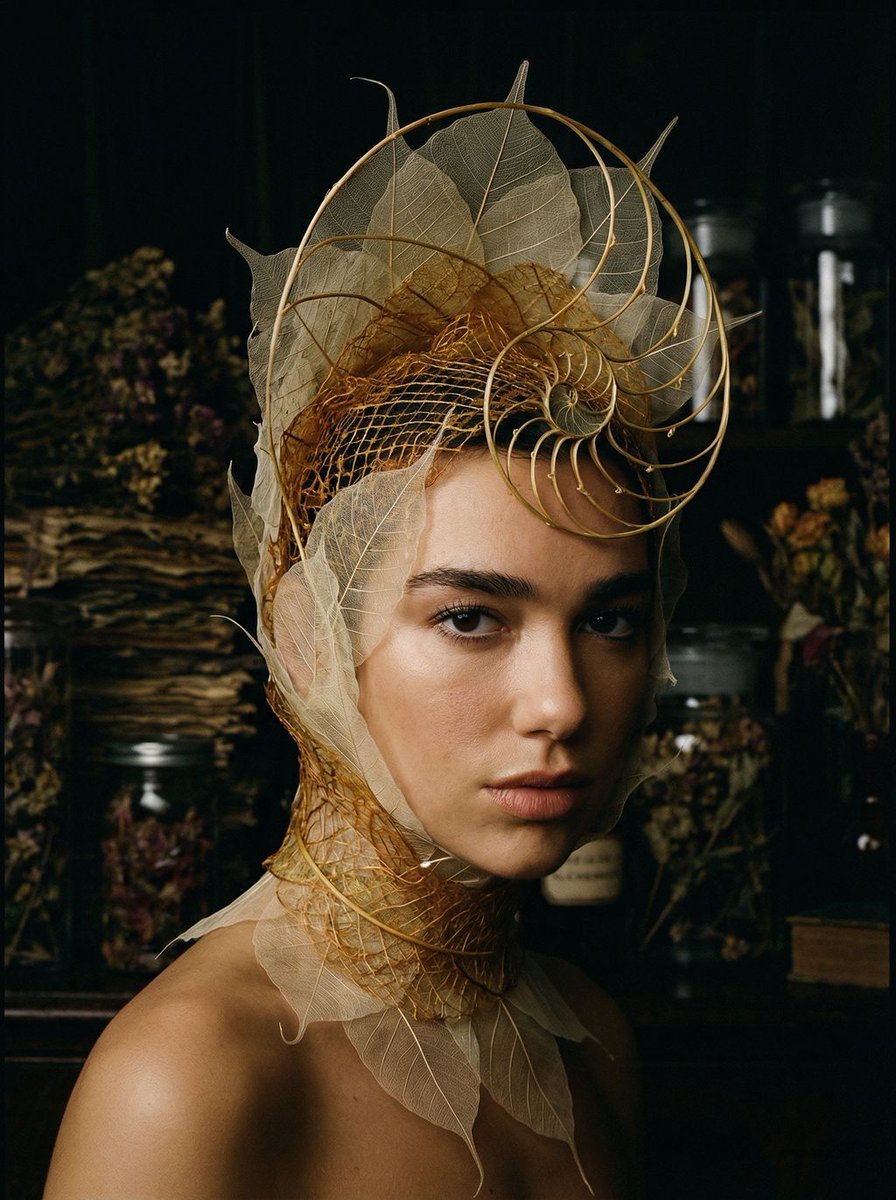
Avant-Garde Botanical Alchemist Portrait
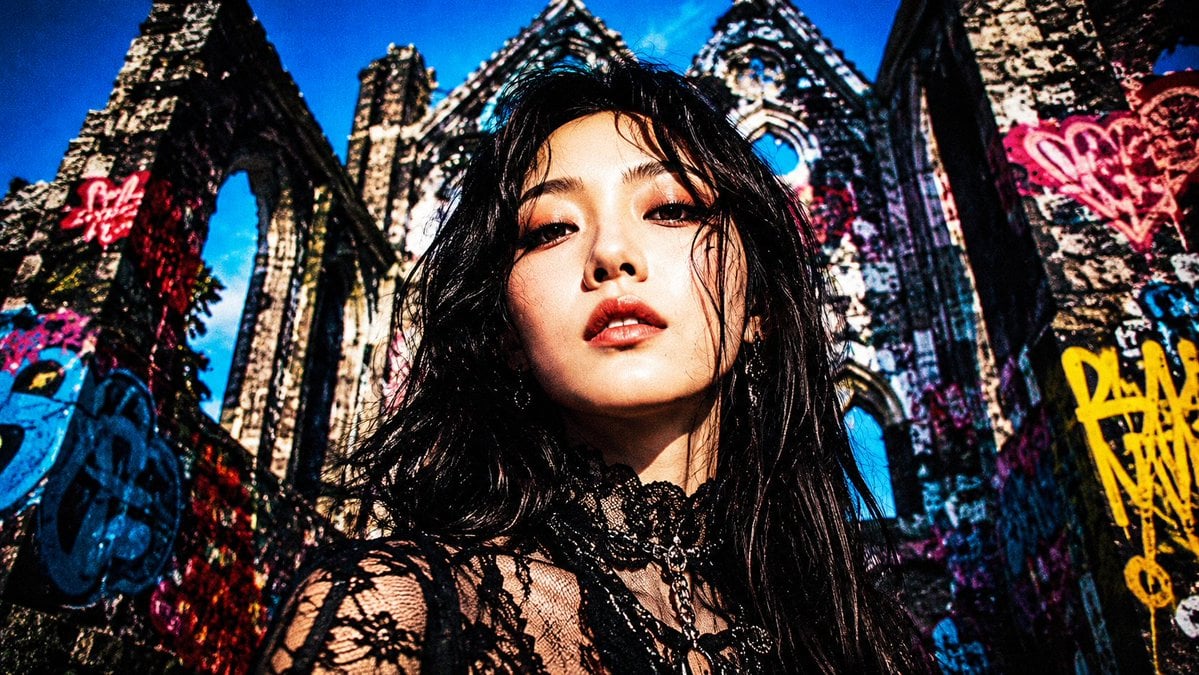
Censored Goth Portrait in Graffiti Ruins
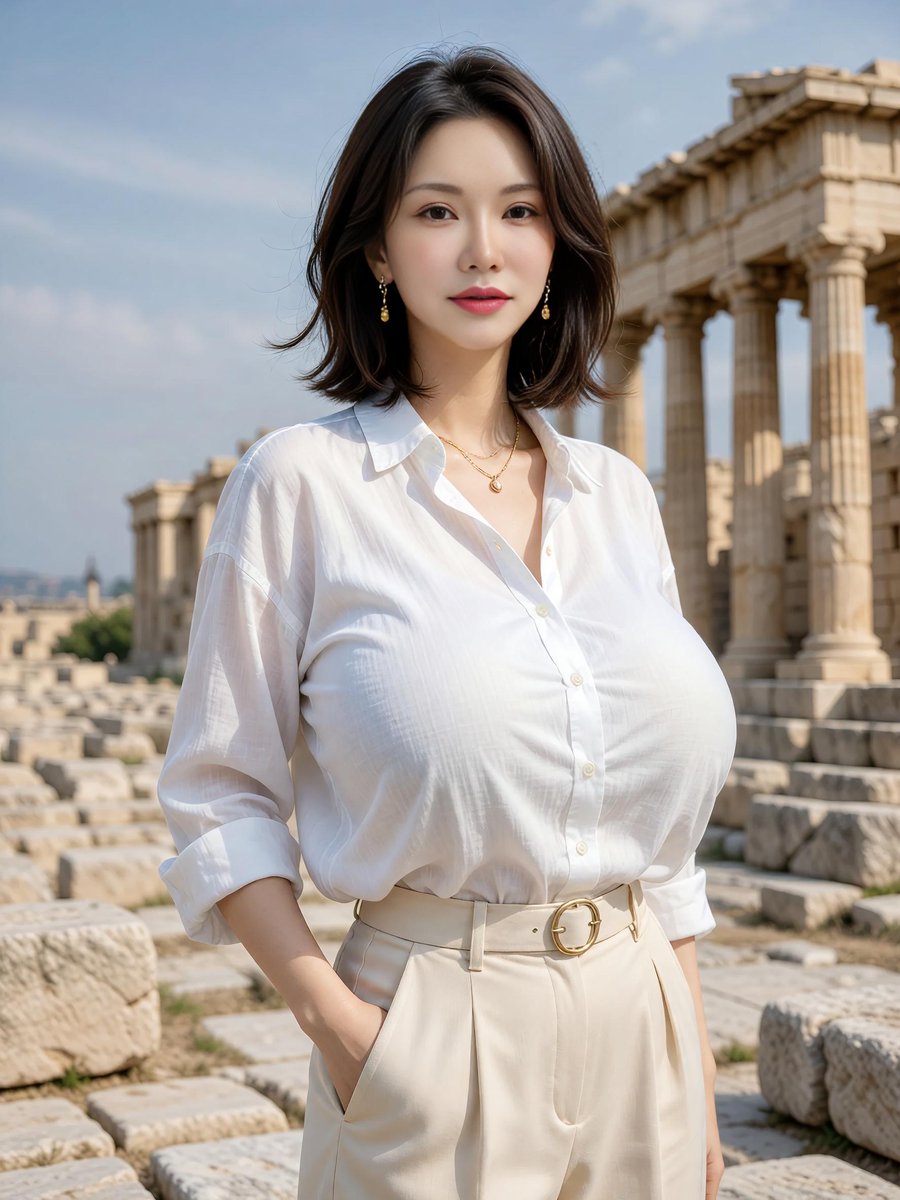
Elegant Portrait at Greek Temple Ruins
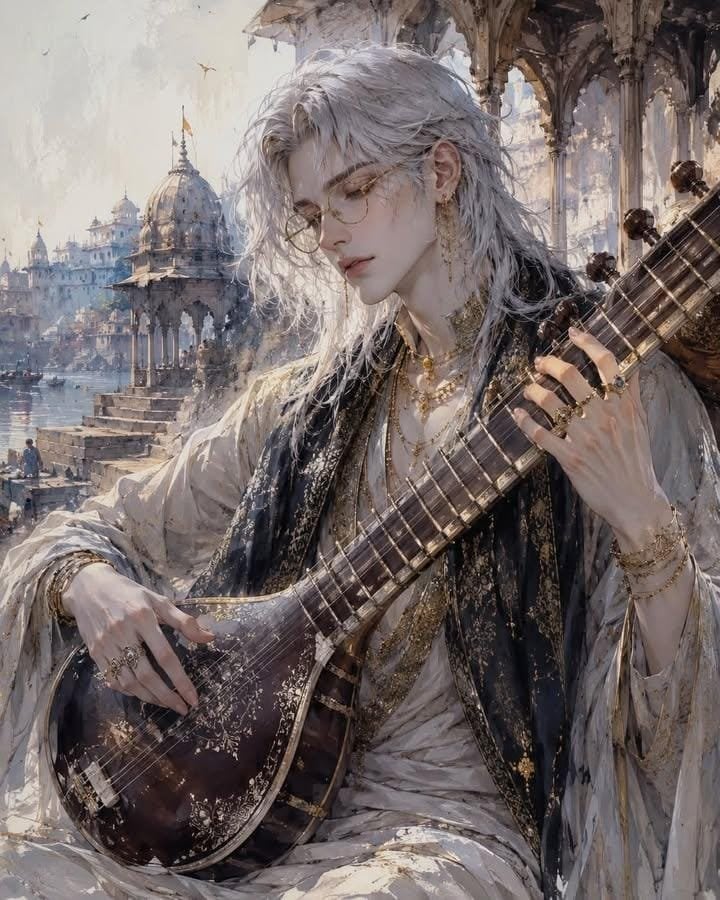
Ethereal Androgynous Musician in Ancient Ruins
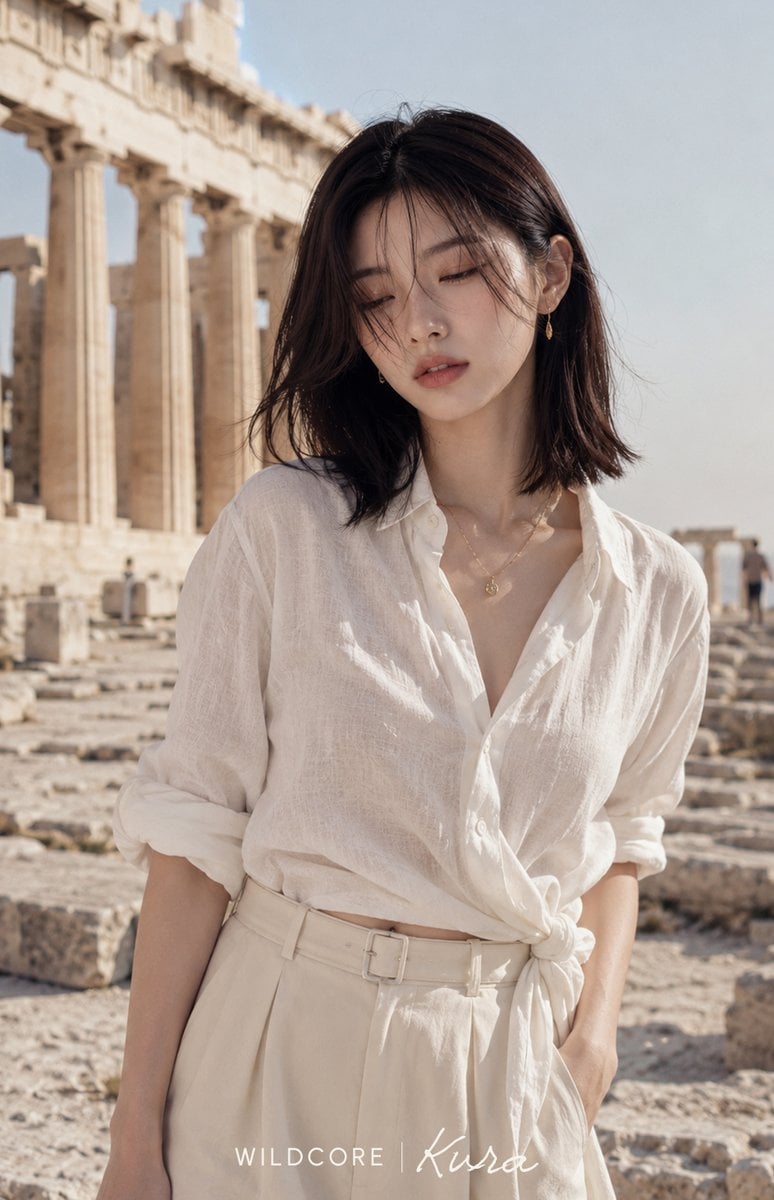
Linen Fashion Portrait at Greek Ruins
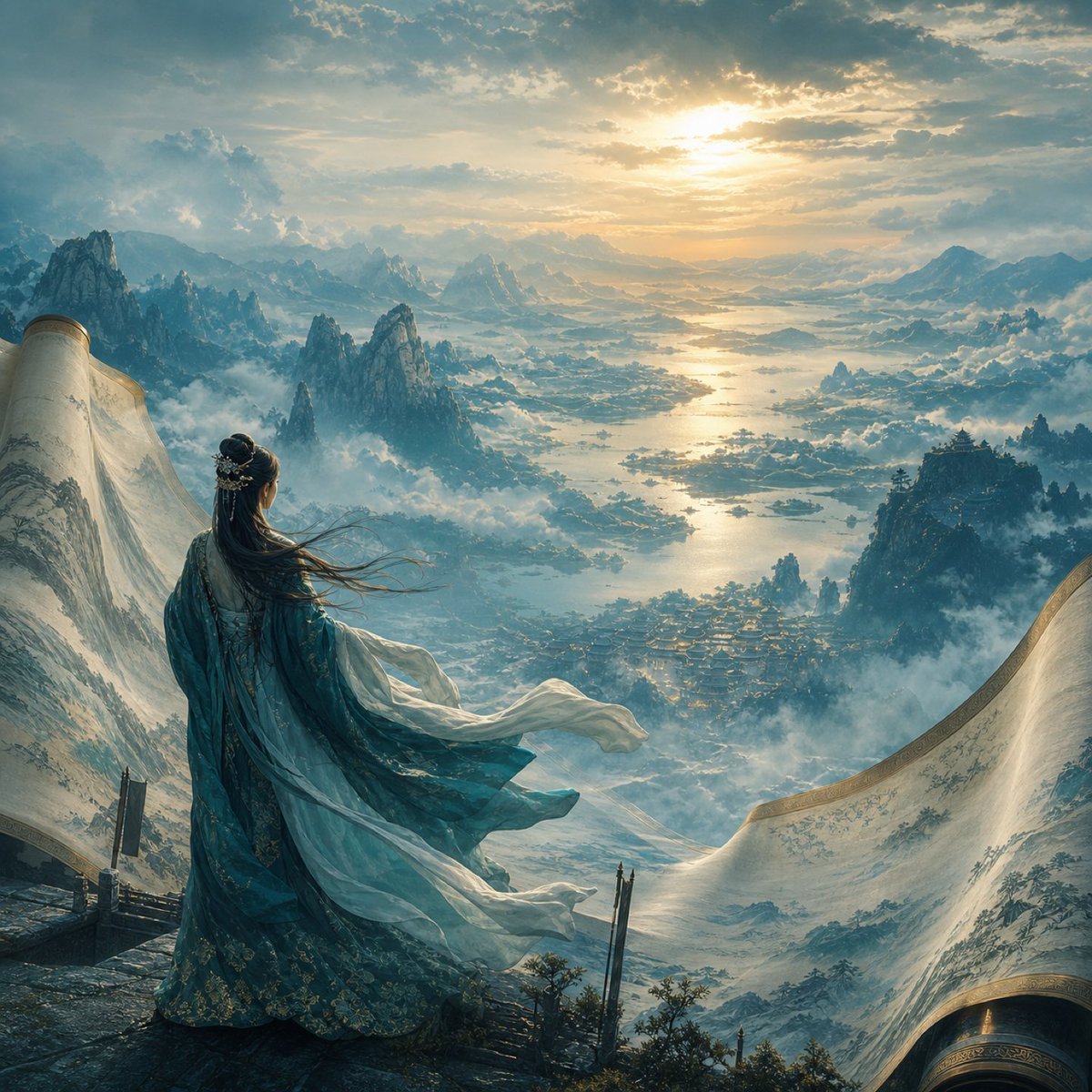
Xianxia Woman Over Misty Mountain Realm
Make it yours
Traveling Alchemist at Misty Ruins works as-is. These are the safest ways to change it without losing the look.
Change one field
Copy a single group, rewrite it, and generate again so you can see what that field is doing.
Keep the frame, change the subject
Hold the composition and light of Traveling Alchemist at Misty Ruins, then swap wardrobe, props or the person for a new take.
| If the result… | Why | Fix |
|---|---|---|
| The result drifts from the preview | Too many fields changed at once. | Reuse Traveling Alchemist at Misty Ruins as-is first, then change one group — subject, light, or setting. |
| The model over-stylizes the scene | The prose prompt leaves finish and camera underspecified. | Add one camera or lighting sentence and stay on GPT Image 2. |
More GPT Image 2 templates
Other prompts made for GPT Image 2.

Six VTuber Japanese Logo Sheet

Realistic Portrait of Woman and Deer

The Vista Modular Condo Poster

AI Model Routing Comparison Infographic

2.5D Anime Art Board

Isometric Productivity Desk Scene

New York Double Exposure Poster

Four-Panel AI Landscape Comparison

Japanese Tatami Lifestyle Magazine Cover

NESCAFÉ Coffee Map Poster
More image prompts
Fresh picks from across the catalog.
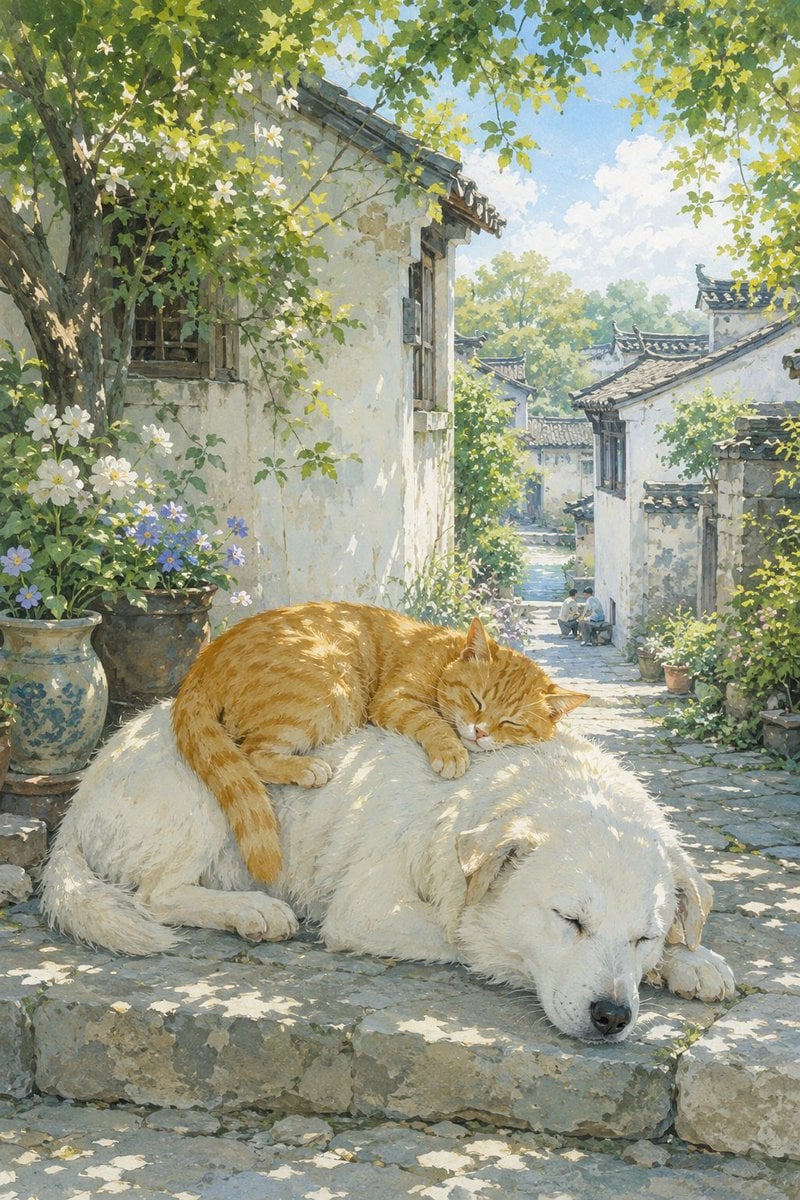
Summer Oriental Courtyard Illustration
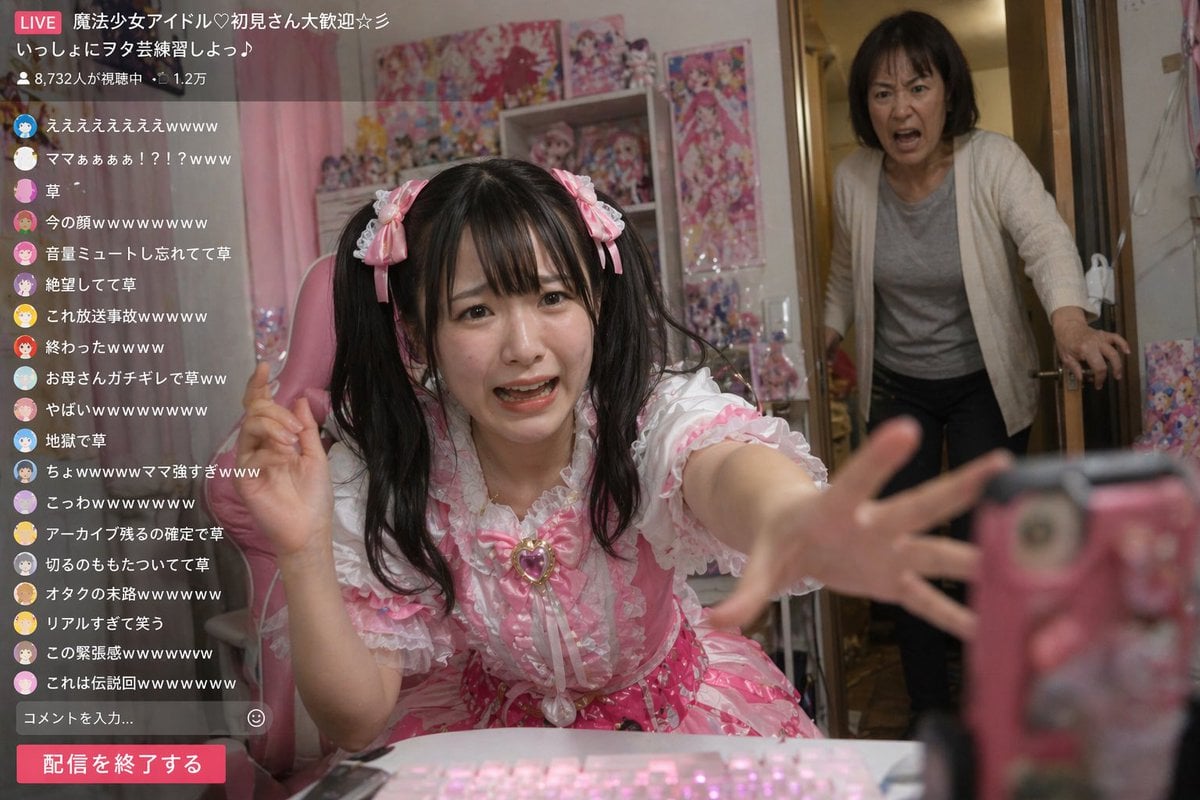
Awkward Idol Stream Situation
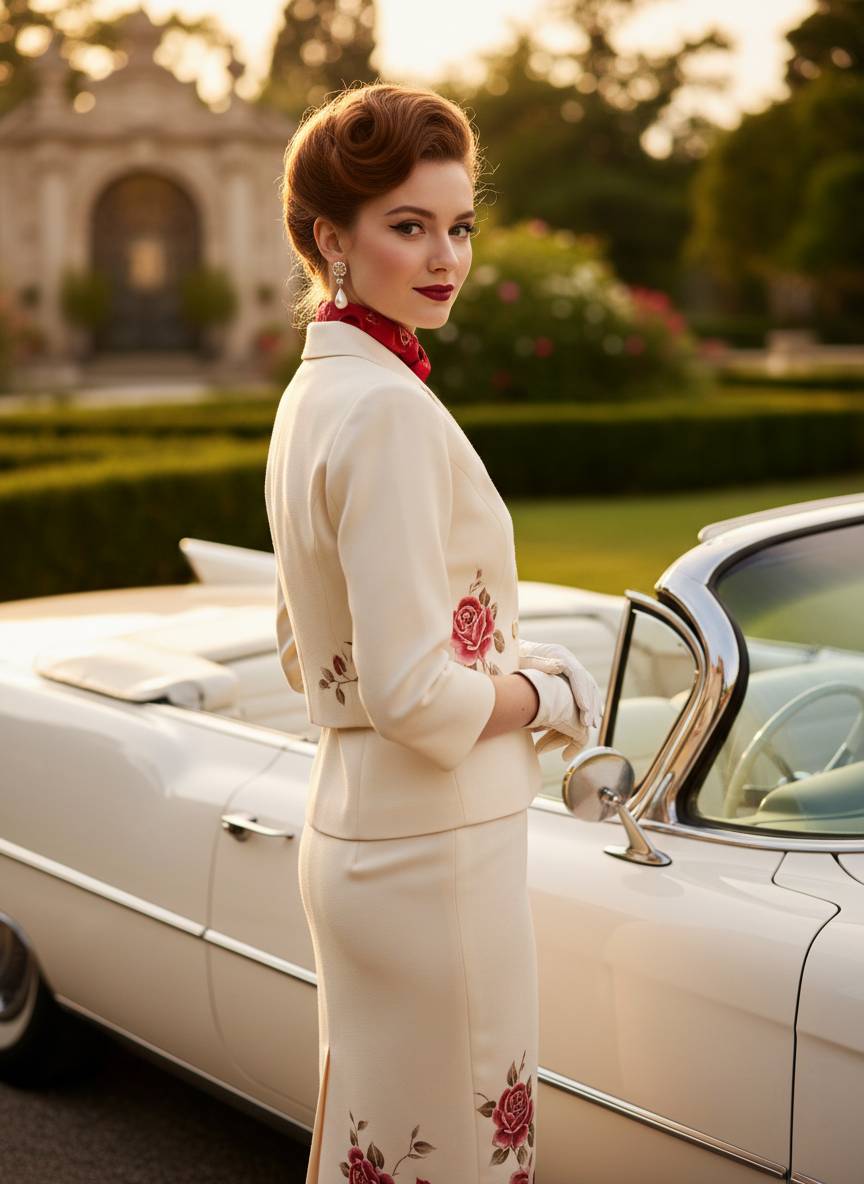
1950s Vintage Fashion Convertible Portrait Prompt
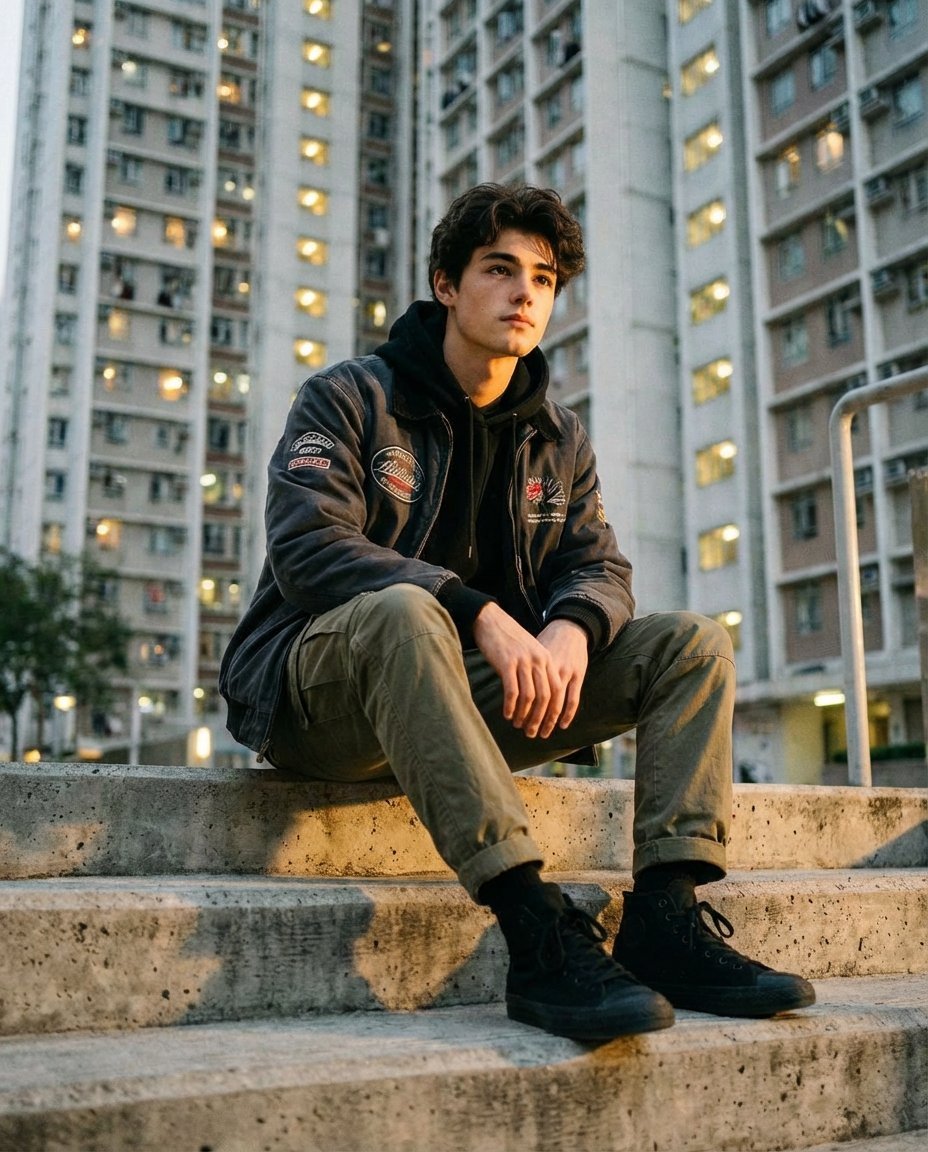
Urban Streetwear Portrait at Golden Hour Prompt
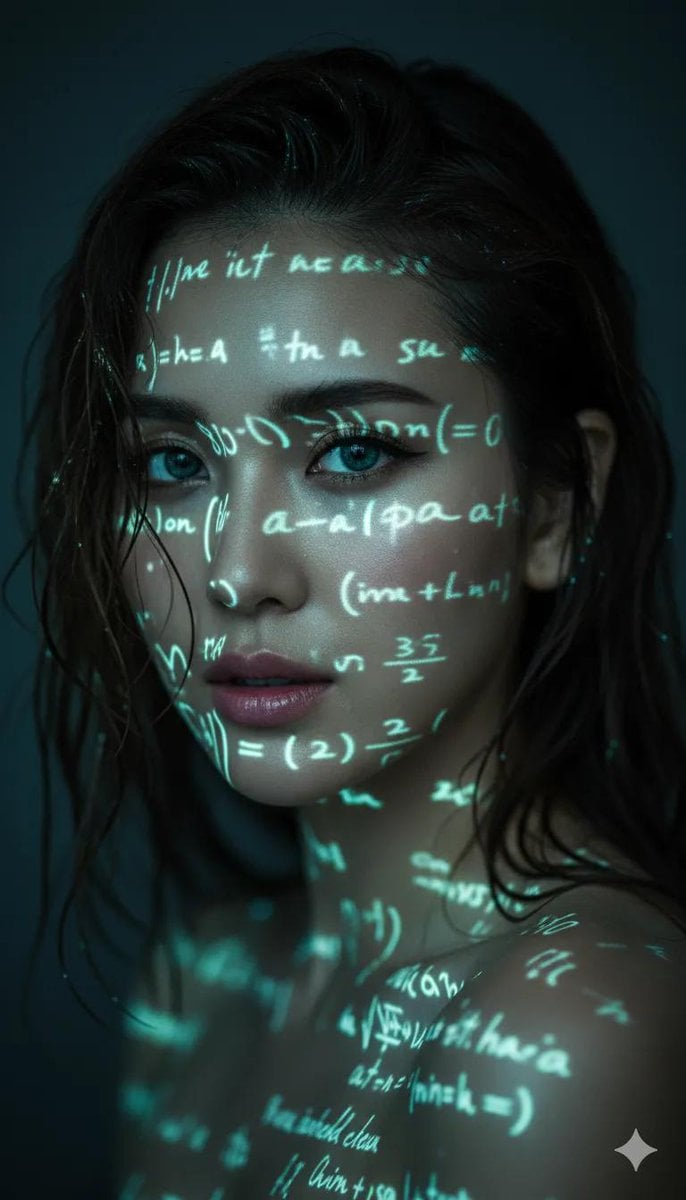
Cyber-Poetry Face Projection
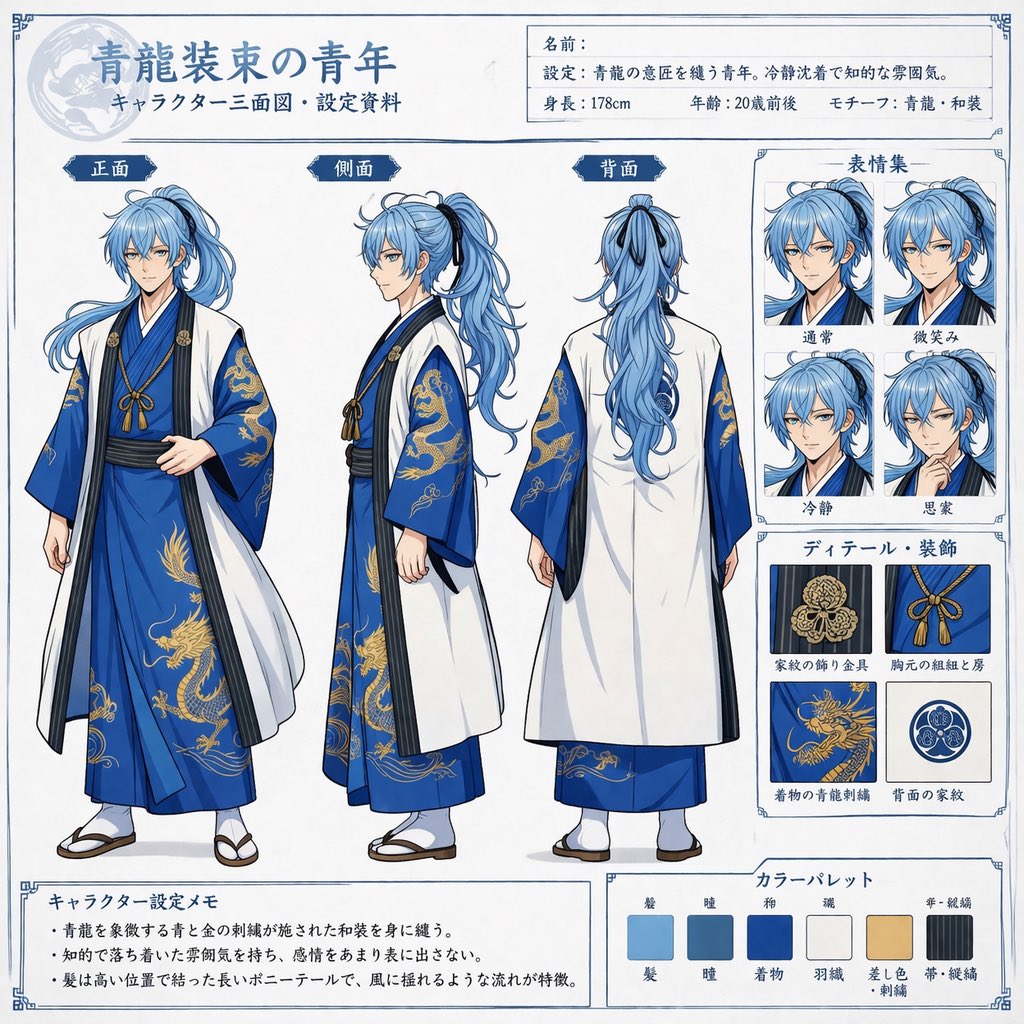
Comprehensive Anime Character Reference Sheet
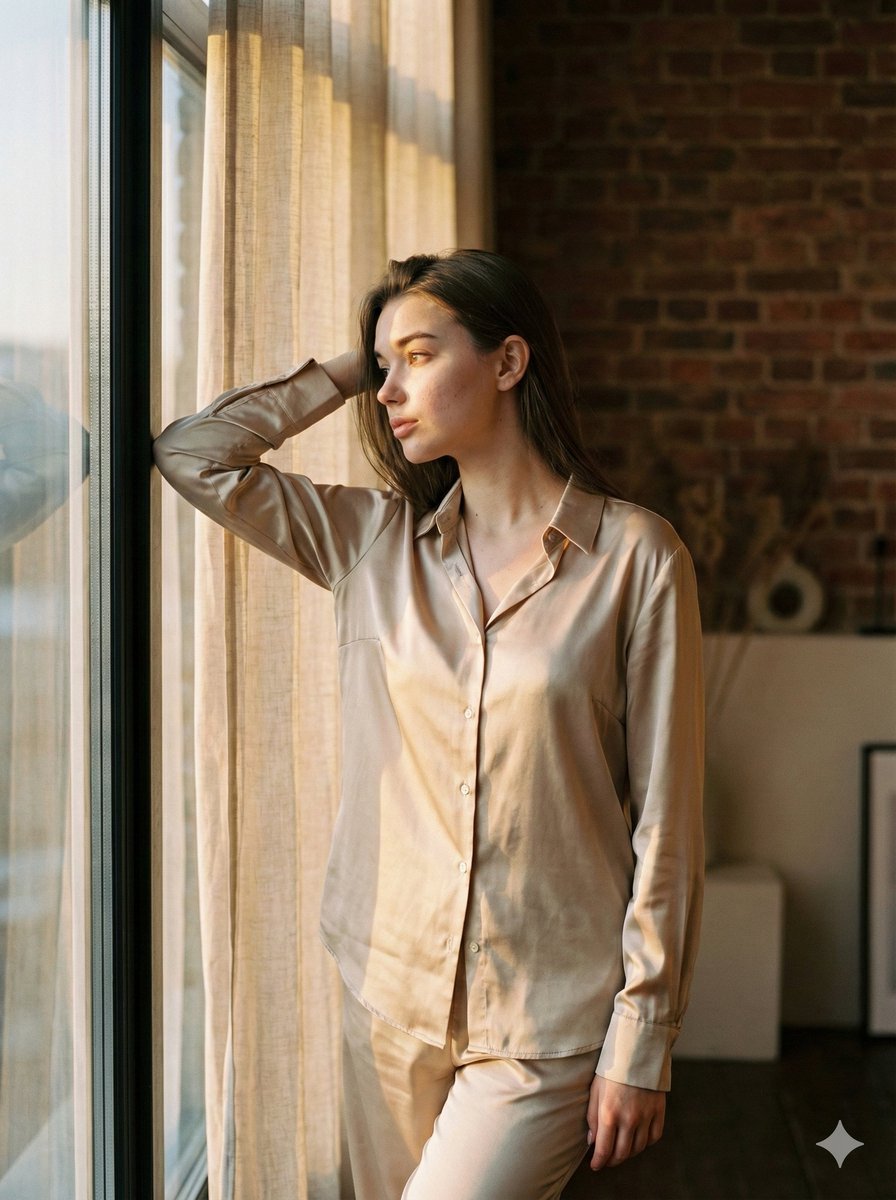
Golden Hour Loft Editorial Portrait JSON
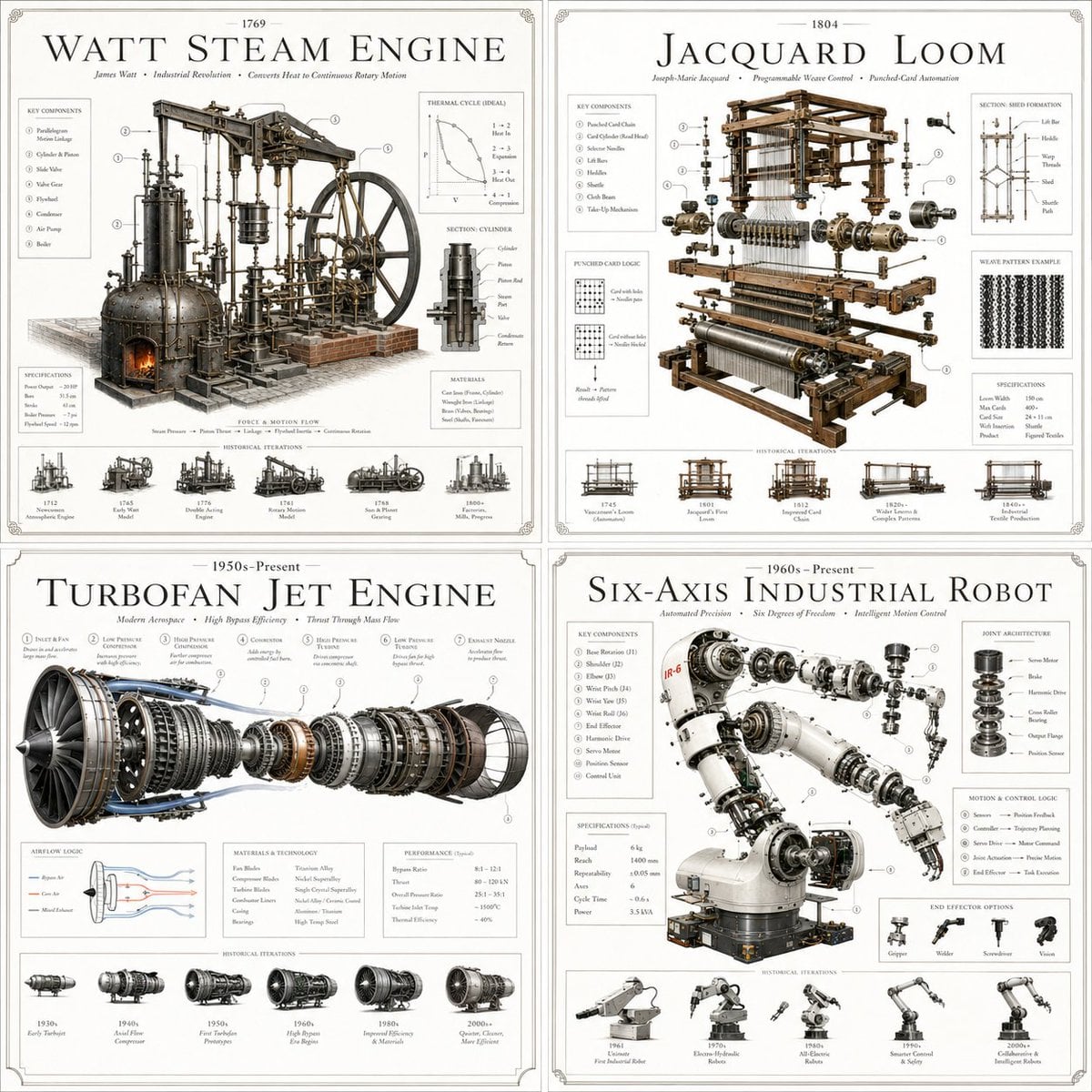
Luxury Patent Artifact Poster
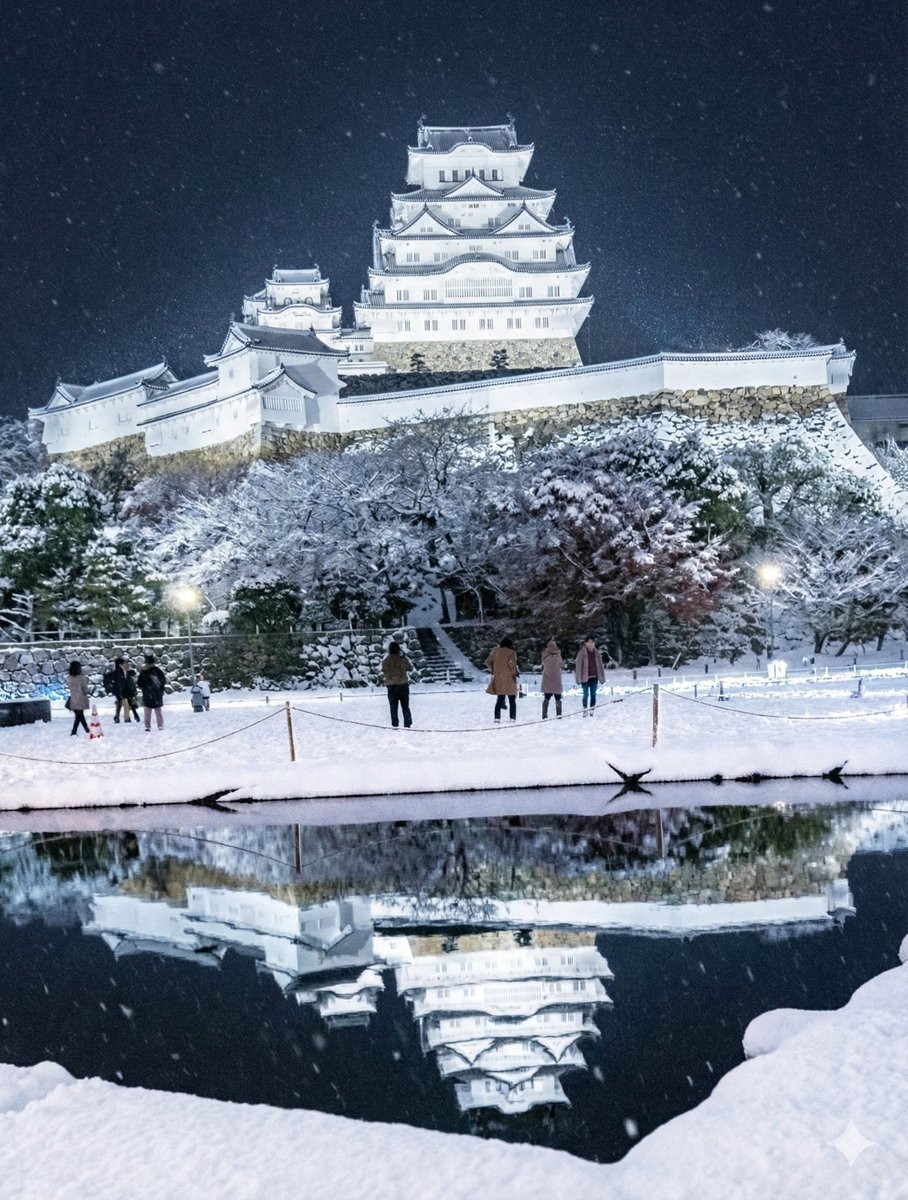
Snowy Himeji Castle in Kyouka Suigetsu Style
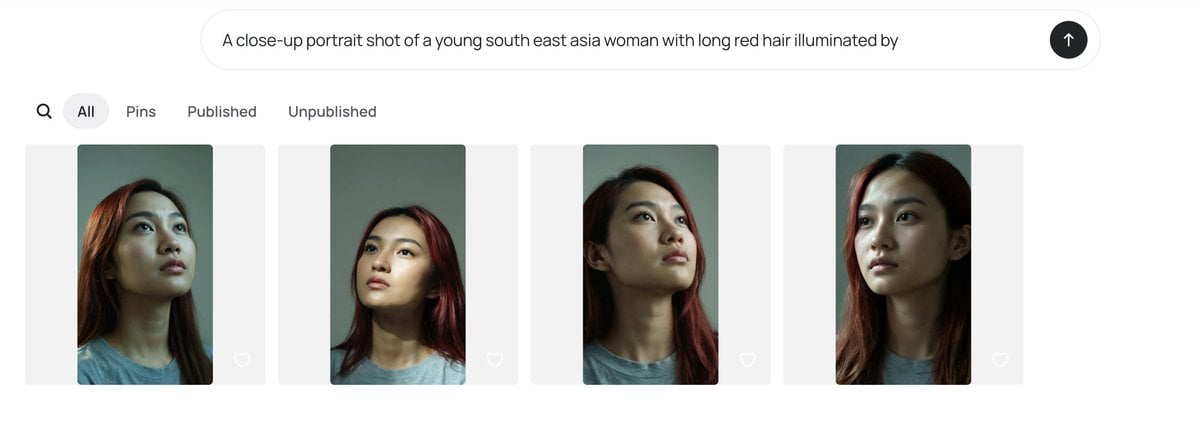
AI Gallery Portrait UI Screenshot
Browse template categories
Traveling Alchemist at Misty Ruins questions
How do I use the Traveling Alchemist at Misty Ruins template?
Add your photo if the template asks for one, edit the prompt if you like — the template's model and format are already selected — and press Generate. Your version opens in PicX Studio.
Can I customize the Traveling Alchemist at Misty Ruins template?
Yes. You can change the subject, setting, lighting, mood, format, and available model controls before creating your image.
Is the Traveling Alchemist at Misty Ruins template free?
Opening and editing this template is free. Generating uses credits, shown on the Generate button when you are signed in.
Which AI model should I use?
Start with GPT Image 2, which is the model associated with this template. You can compare another compatible model for a different finish.
Looking for something else? Browse all templates.

Your photo, any look
Thousands of ready templates for every top image and video model, from one credit balance.