
Traveling Alchemist Campsite
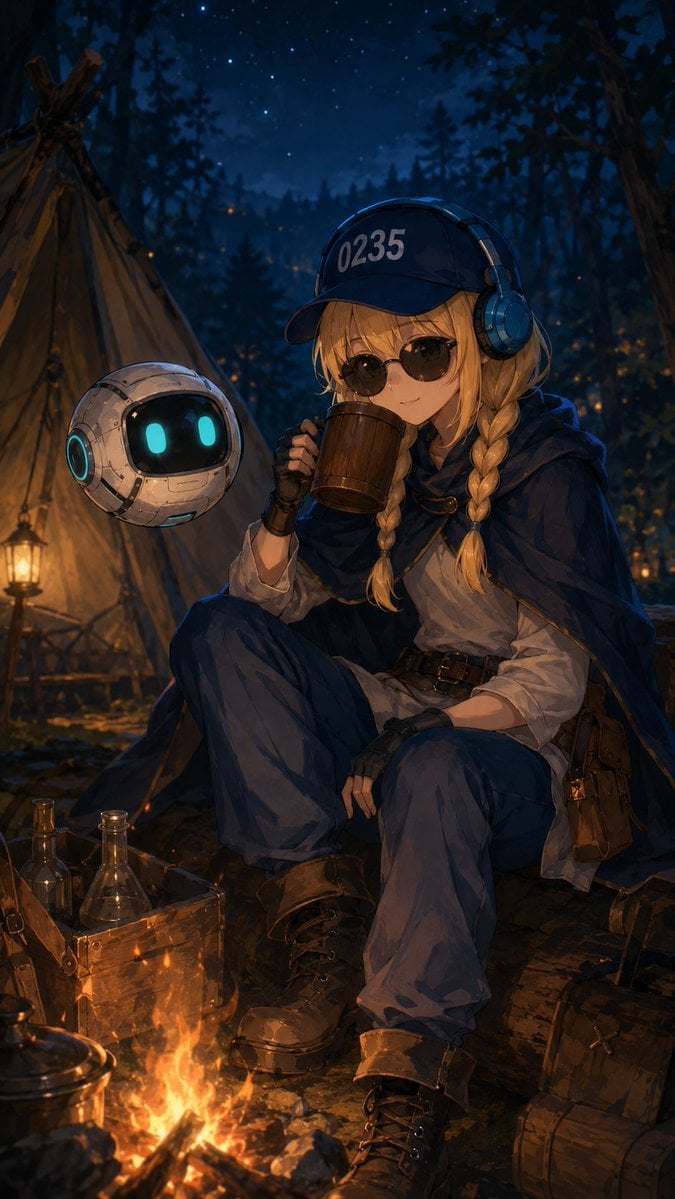
A cinematic fantasy anime main visual of a traveling alchemist resting by a campfire with her floating robot companion.
- Prompt included
- Model and format preset
- Free template
The prompt behind this image
Copy the exact prompt behind Traveling Alchemist Campsite, or open it in the studio and make it yours.
Create a vertical cinematic fantasy anime illustration of {argument name="character name" default="Kanon"}, a young traveling alchemist resting at a nighttime forest campsite under a deep blue starry sky. She sits on a wooden log beside a bright campfire, one knee raised, holding a wooden mug up near her face as if drinking; her face is mostly hidden by the mug and shadow. She has long {argument name="hair color" default="blonde"} hair in two thick braids, wears a navy baseball cap with the visible text {argument name="cap text" default="0235"}, large blue headphones, fingerless gloves, a loose white shirt, dark blue trousers, rugged lace-up boots, belts, pouches, and a flowing dark navy cloak. Beside her floats one small round companion robot, white and metallic with a glossy black face screen, two cyan glowing oval eyes, and cyan illuminated ring details. The campsite includes one canvas teepee tent on the left, one warm lantern glowing near the tent, a wooden crate with glass alchemy bottles and flasks in the lower left, one kettle near the fire, travel bags and wooden gear on the right, and scattered warm fireflies or ember sparks in the forest. Use a rich painterly anime style with highly detailed fabric folds, leather, metal, glass reflections, warm orange firelight contrasting with cool blue moonlit shadows, atmospheric depth, dark pine trees, cozy adventurous fantasy mood, and a polished main-visual composition.
How to use Traveling Alchemist Campsite in 3 steps
- 1Upload ImagePNG, JPG or paste
Add your photo
Upload the photo the template builds on. The prompt, model and format are already set.
- 2…a portrait of your subject in softgolden-hour light, 85mm…
Personalize
Edit the subject and creative details for your destination.
- 3Generate
Generate
Press Generate — your image is created in PicX Studio, so you can compare it with the original and refine one variable at a time.
More like this
Templates with the same subject, style or setup. Open one to see its prompt.
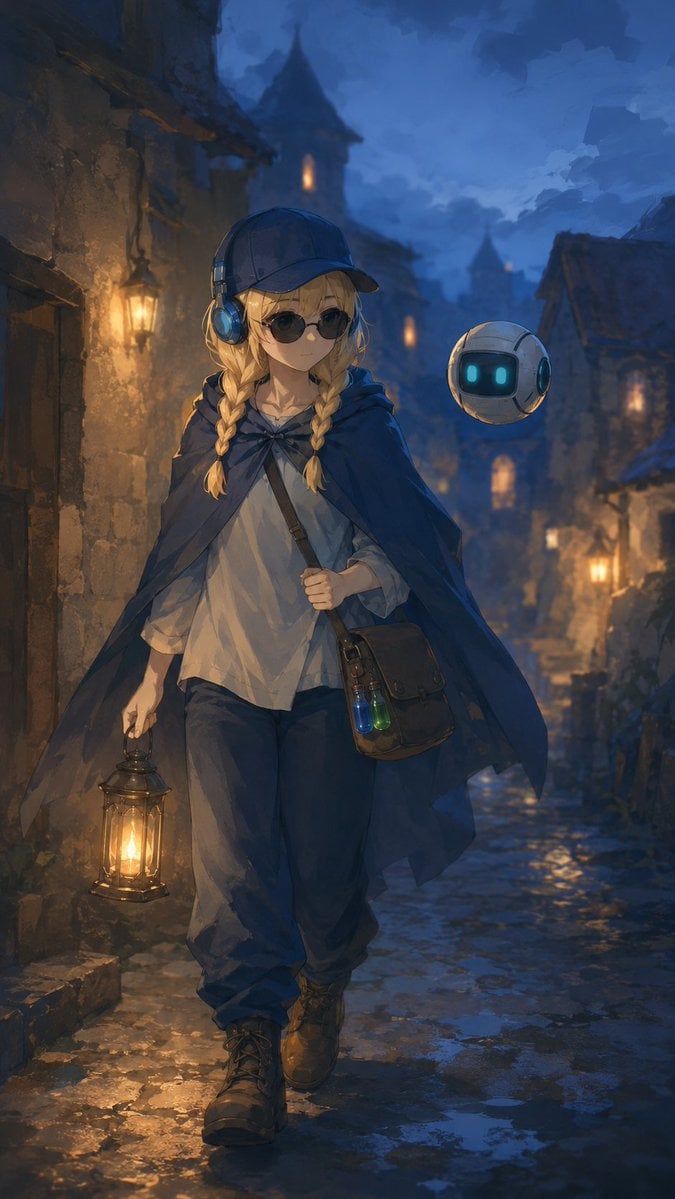
Traveling Alchemist in Rainy Fantasy Alley
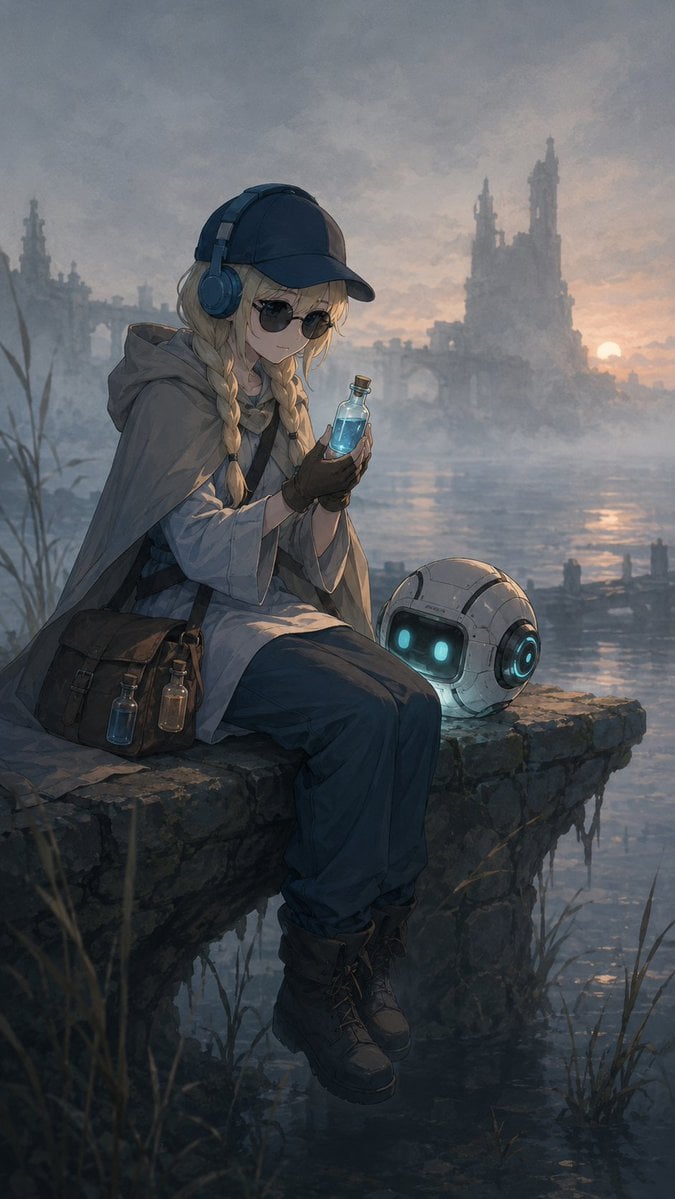
Traveling Alchemist at Misty Ruins
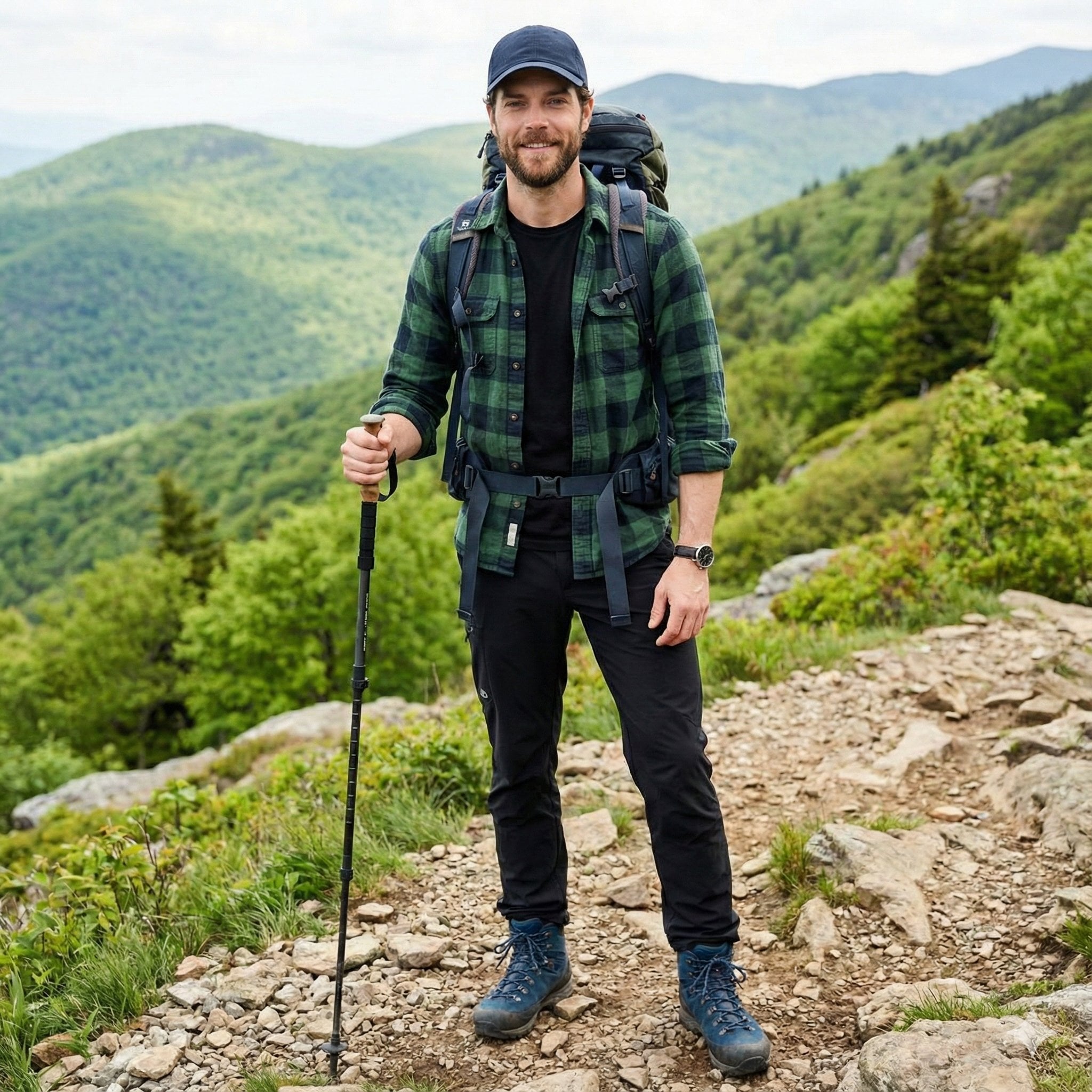
A handsome male trekker sitting comfortably at a mountain campsite, no
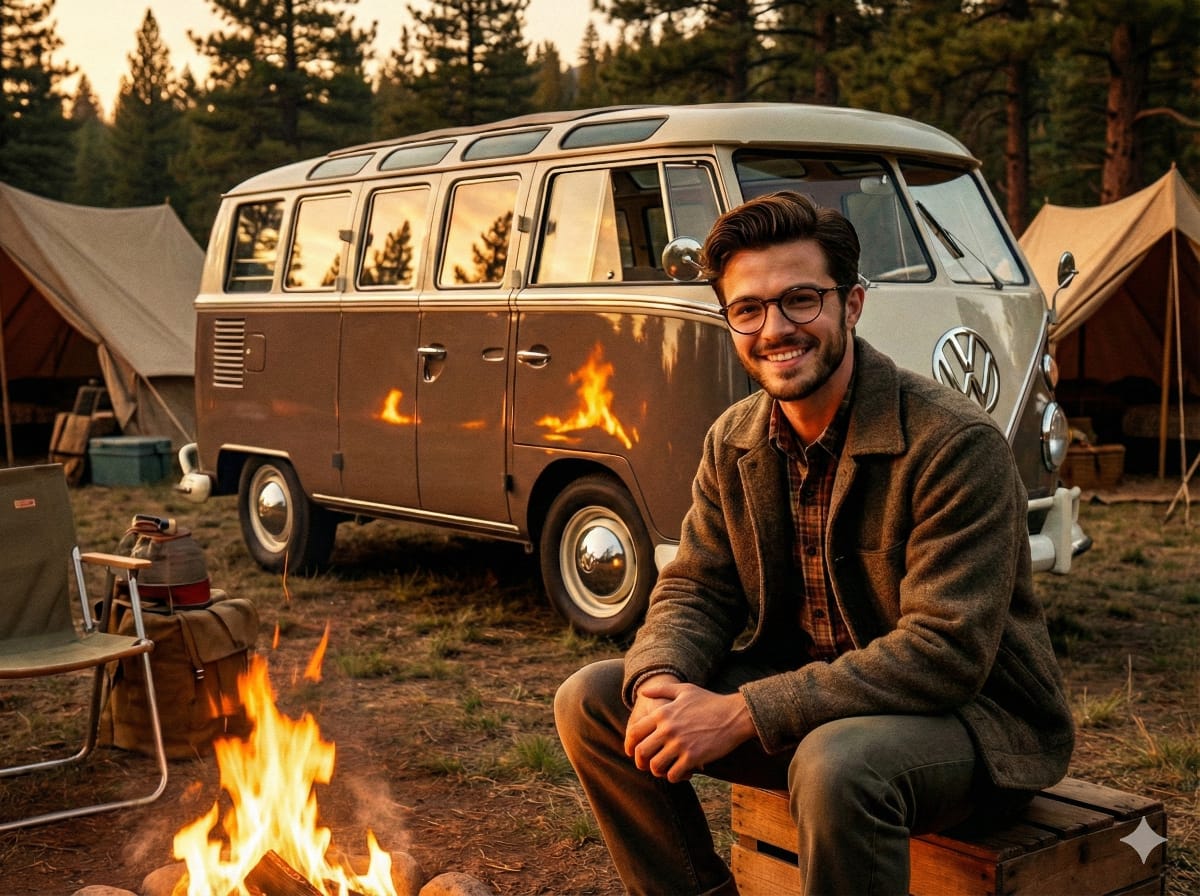
1950s Americana VW Samba Bus Campsite Portrait
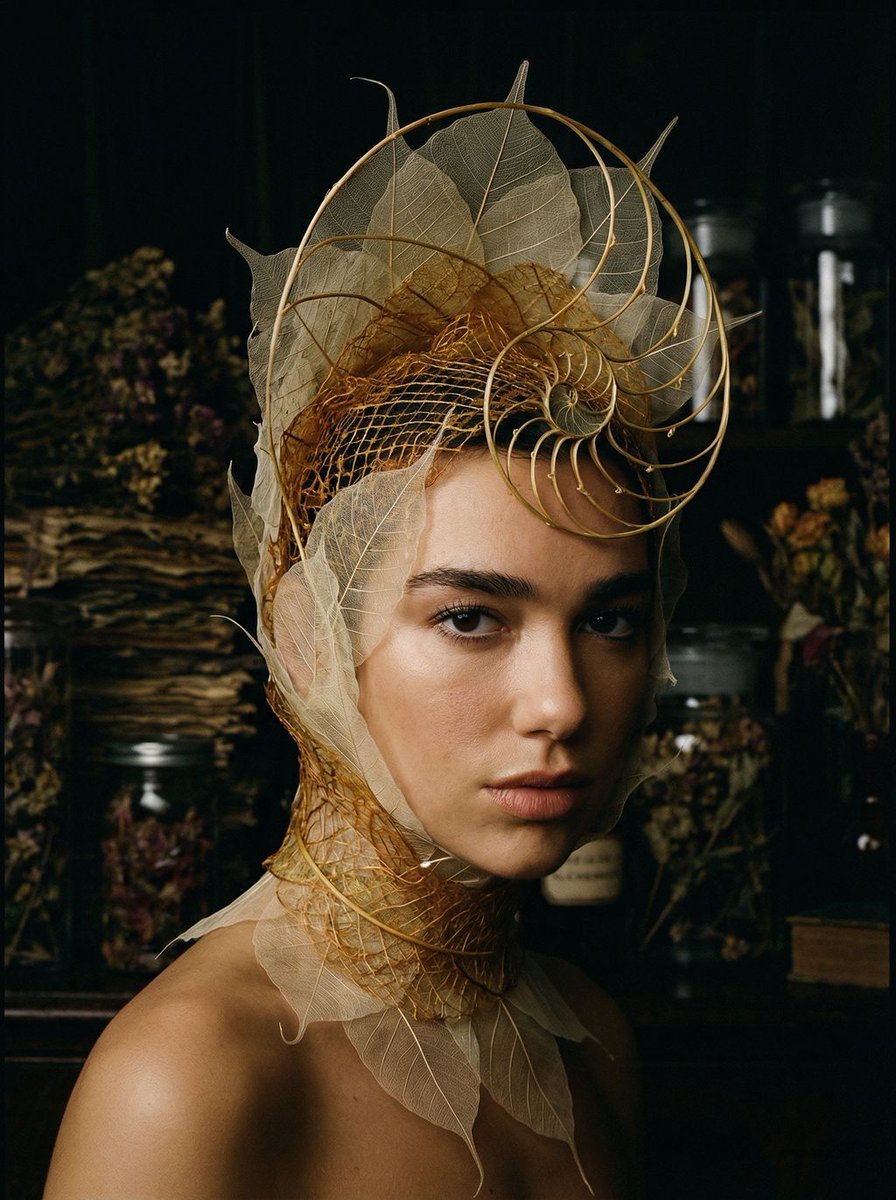
Avant-Garde Botanical Alchemist Portrait
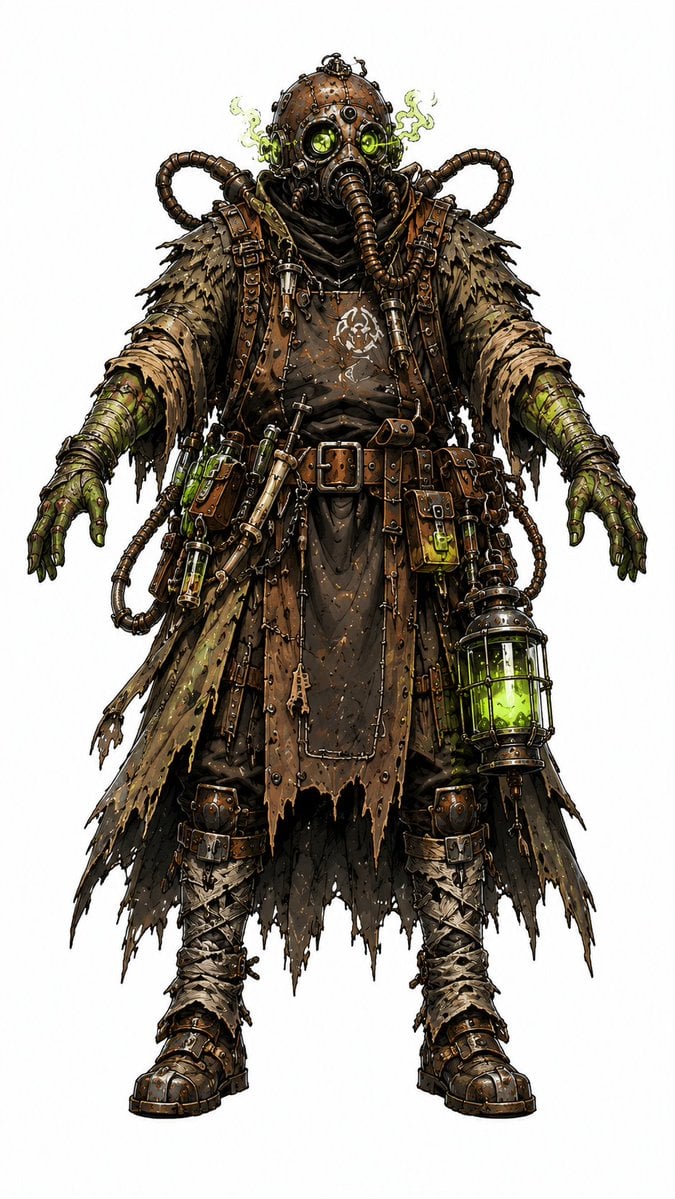
Steampunk Plague Alchemist Character
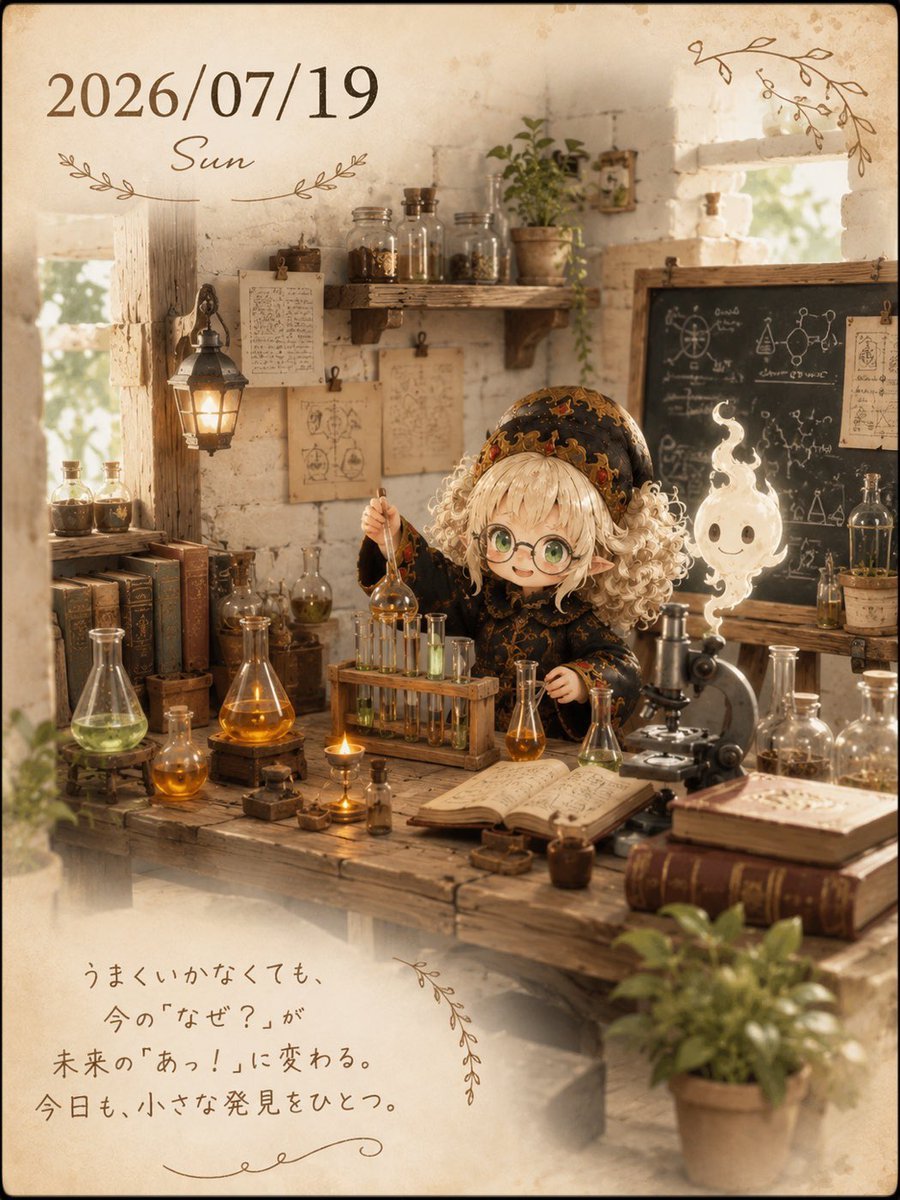
Cozy Alchemist Calendar Poster
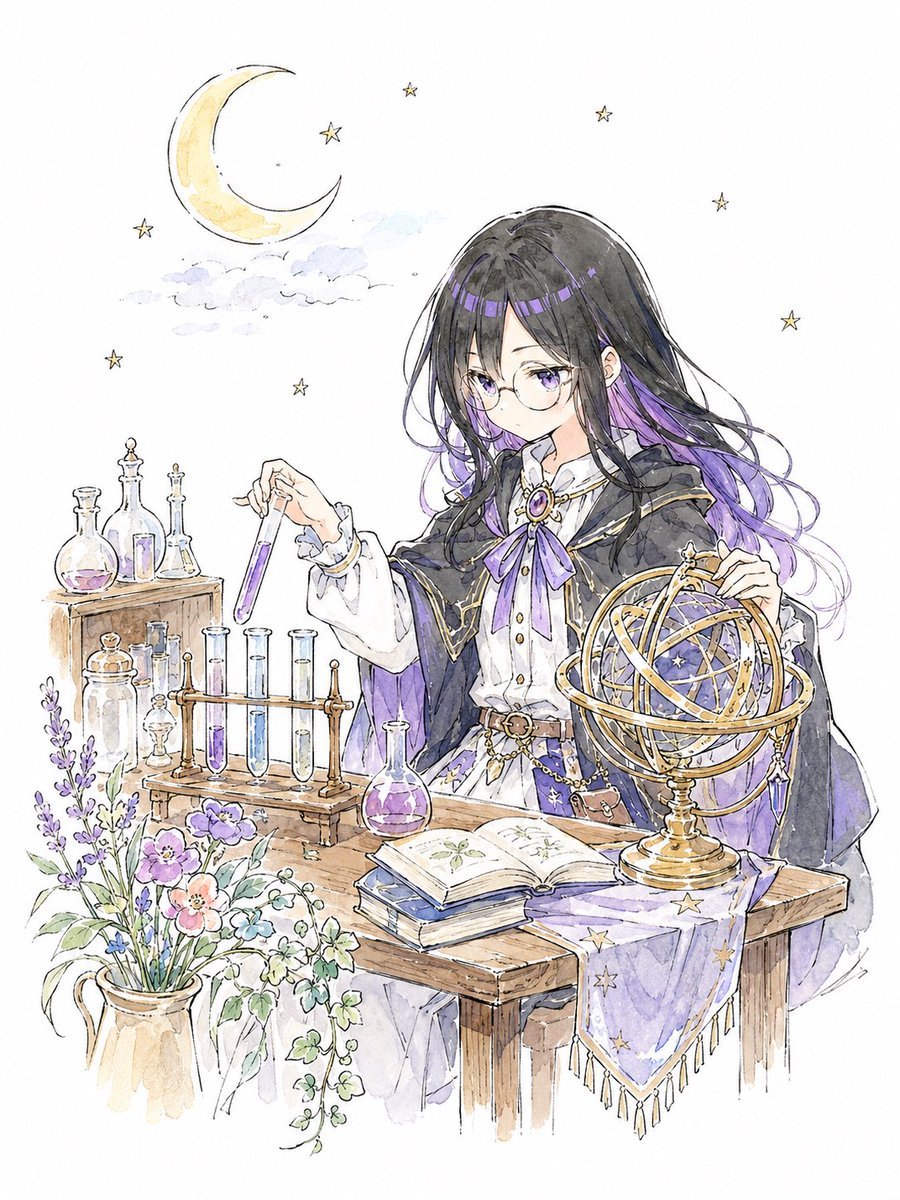
Storybook Watercolor Alchemist
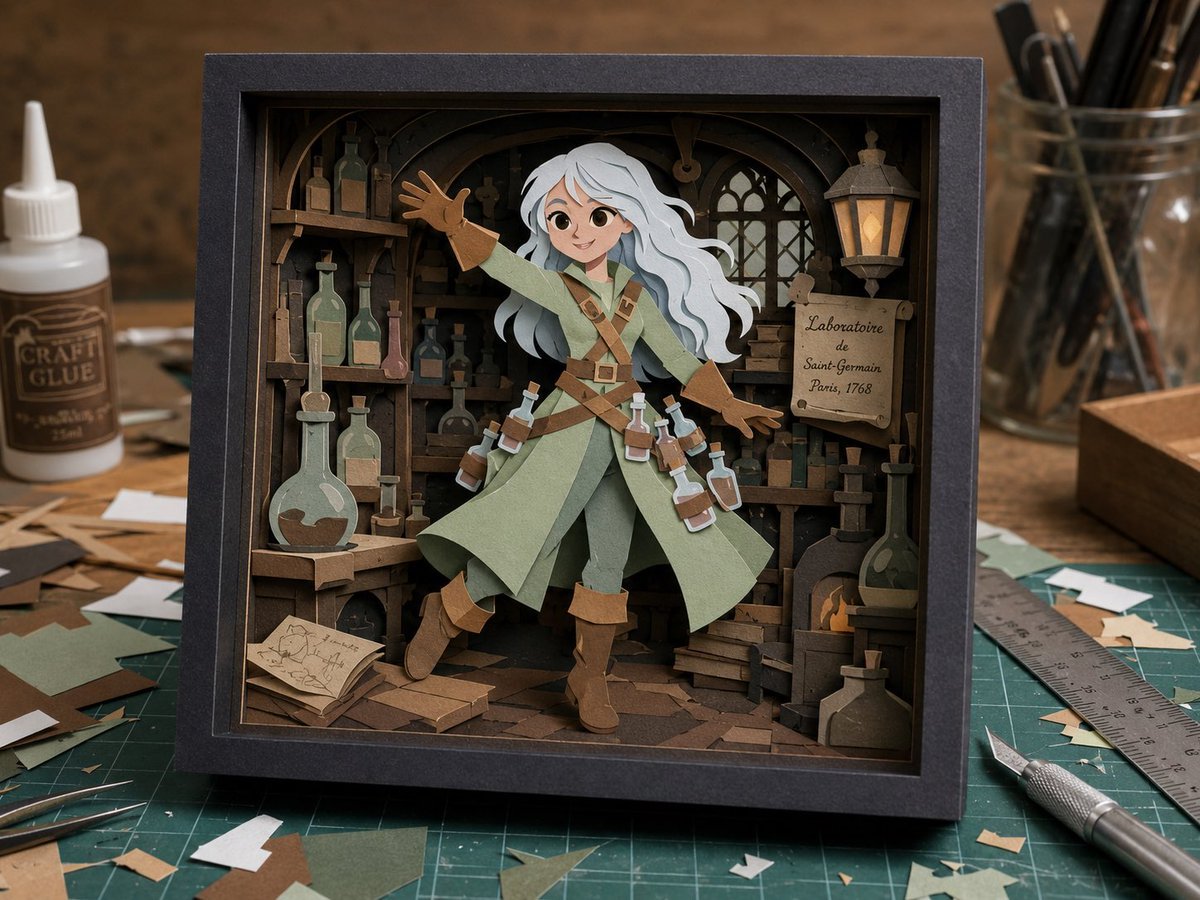
Layered Alchemist Shadow Box
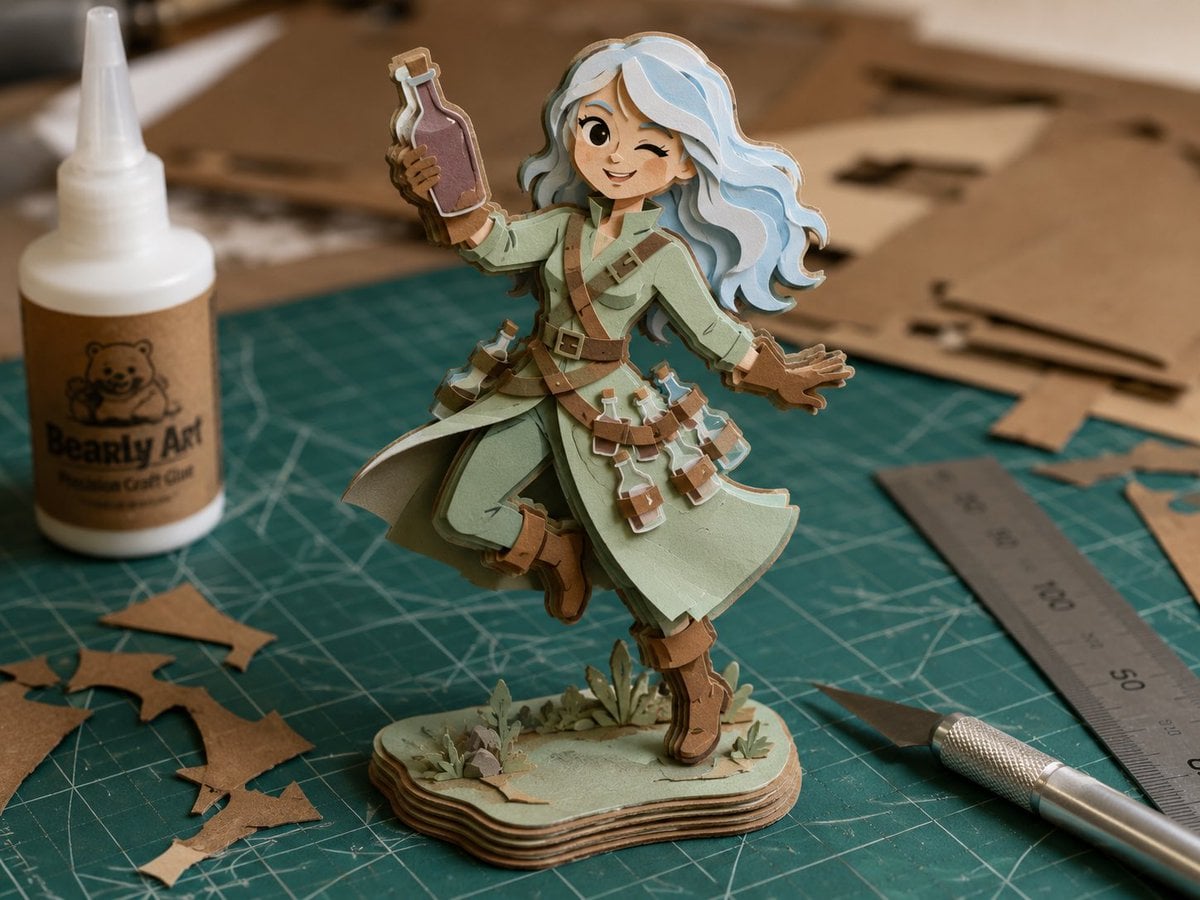
Layered Paper Alchemist Figurine
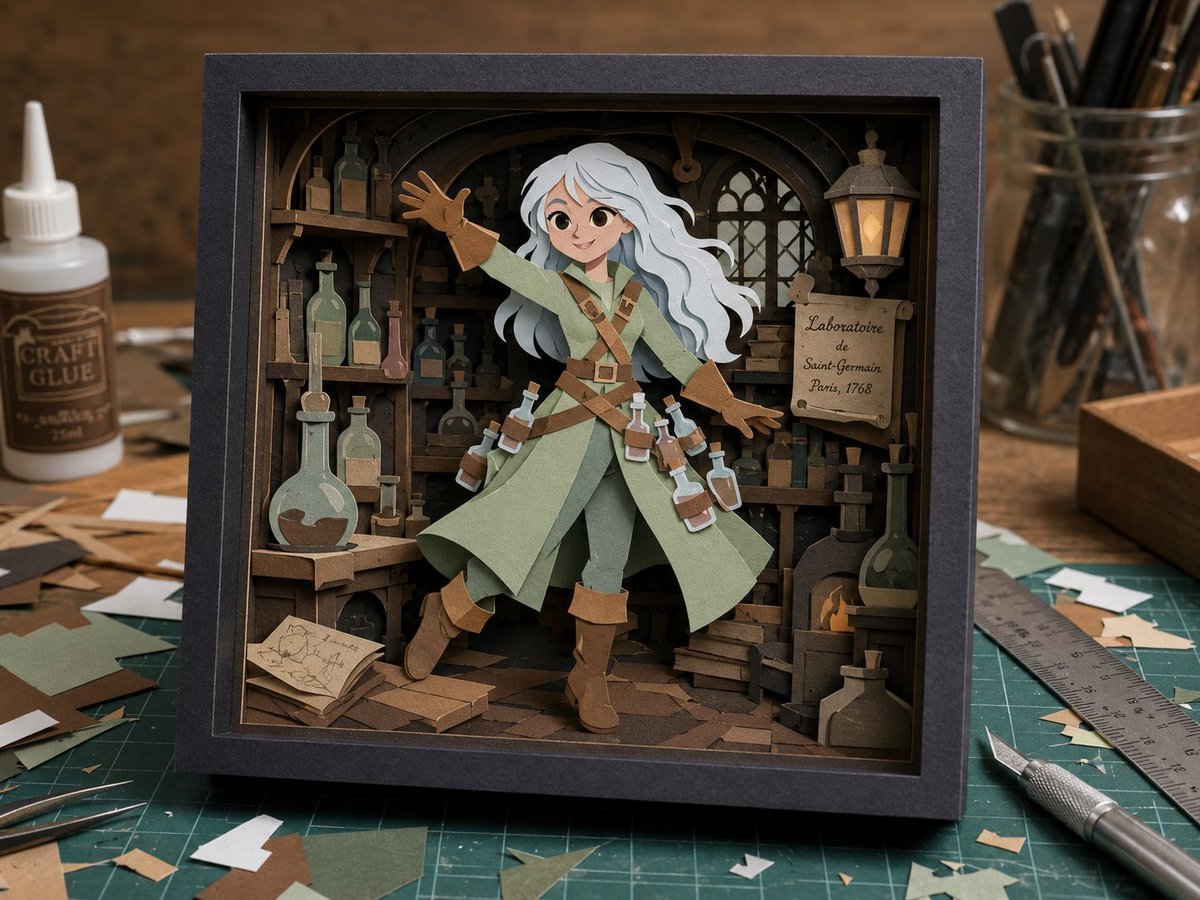
Craft Paper Alchemist Shadow Box
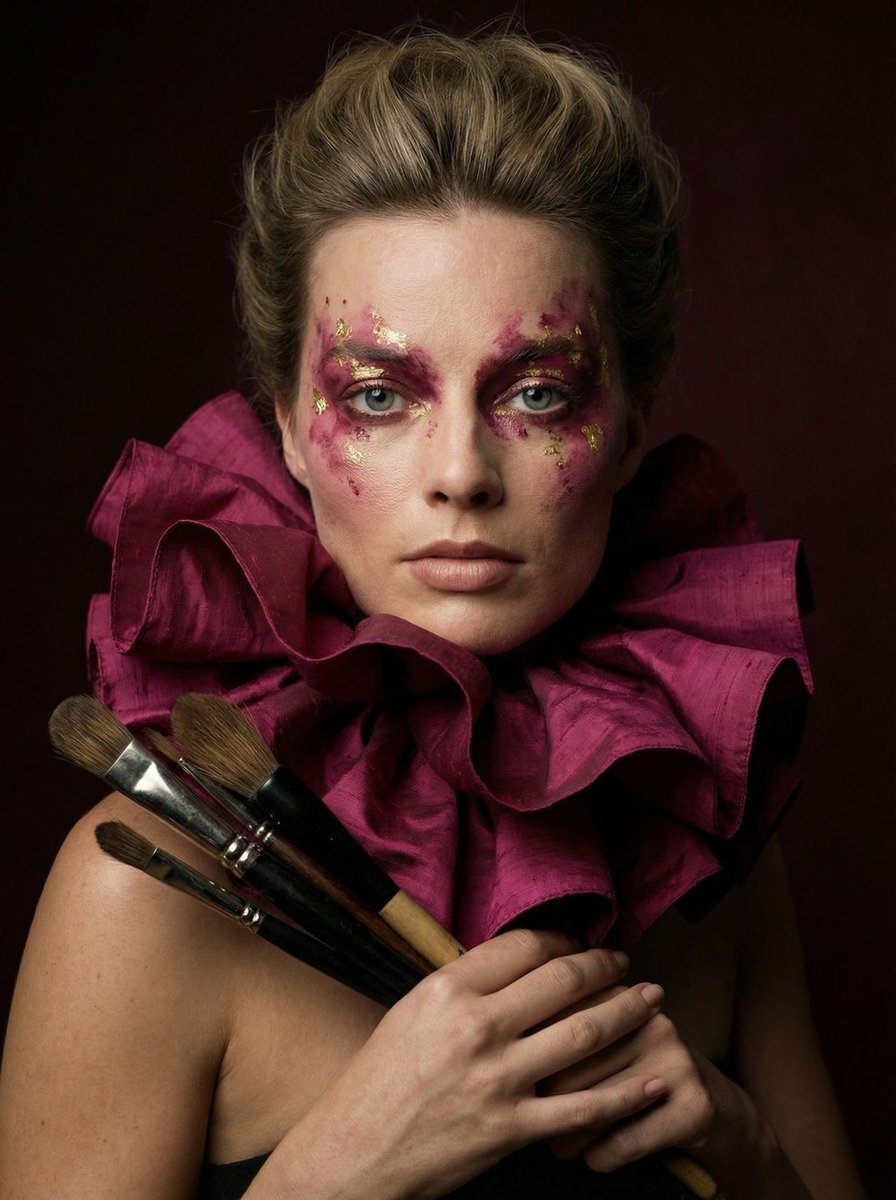
Hyper-Realistic Editorial Portrait of 'The Crimson Alchemist'
Make it yours
Traveling Alchemist Campsite works as-is. These are the safest ways to change it without losing the look.
Change one field
Copy a single group, rewrite it, and generate again so you can see what that field is doing.
Keep the frame, change the subject
Hold the composition and light of Traveling Alchemist Campsite, then swap wardrobe, props or the person for a new take.
| If the result… | Why | Fix |
|---|---|---|
| The result drifts from the preview | Too many fields changed at once. | Reuse Traveling Alchemist Campsite as-is first, then change one group — subject, light, or setting. |
| The model over-stylizes the scene | The prose prompt leaves finish and camera underspecified. | Add one camera or lighting sentence and stay on GPT Image 2. |
More GPT Image 2 templates
Other prompts made for GPT Image 2.

Six VTuber Japanese Logo Sheet

Realistic Portrait of Woman and Deer

AI Model Routing Comparison Infographic

2.5D Anime Art Board

Isometric Productivity Desk Scene

Four-Panel AI Landscape Comparison

Japanese Tatami Lifestyle Magazine Cover

Brutalist Cogito Chinese Typography Poster

Cinematic Luxury Terrace Portrait
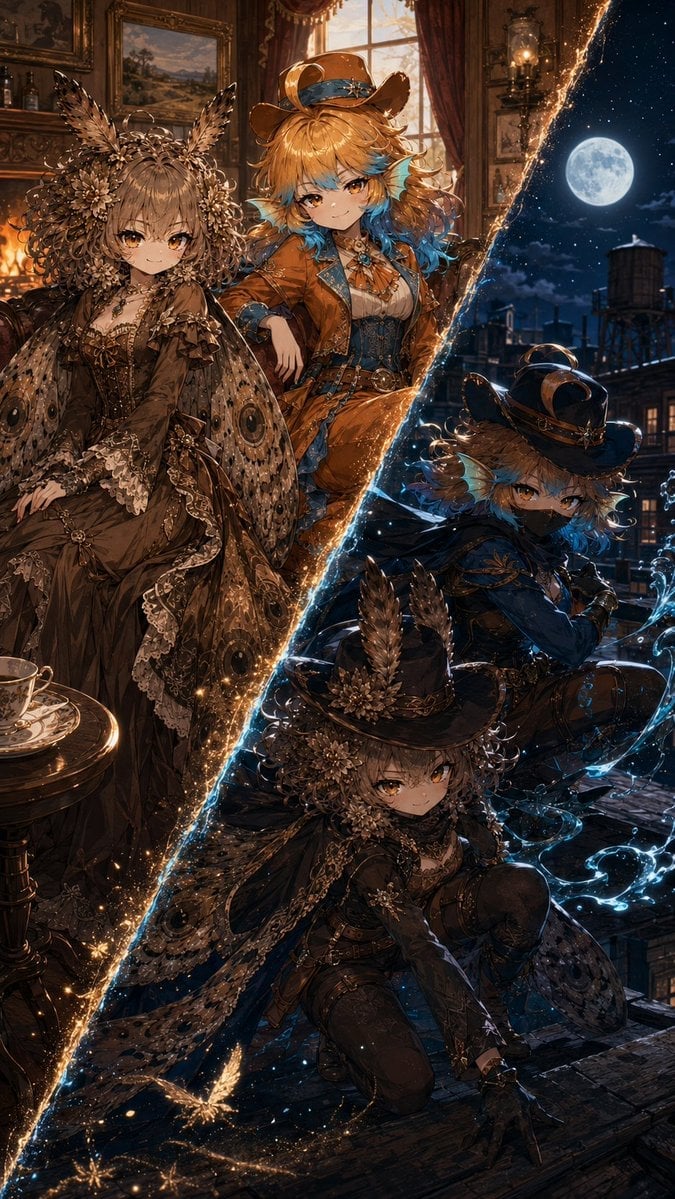
Superhero Era Transformation Split Portrait
More image prompts
Fresh picks from across the catalog.
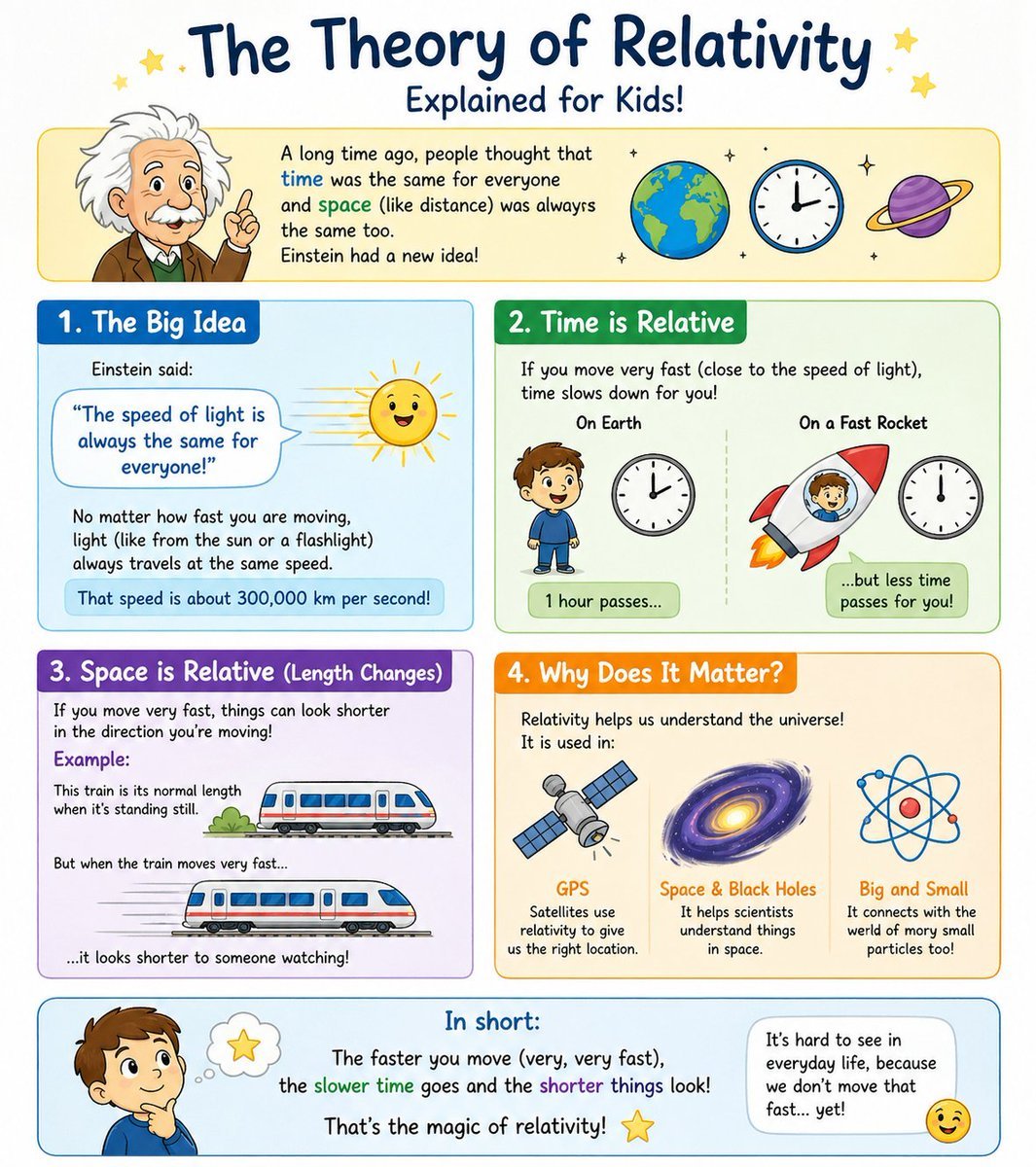
Kids Relativity Infographic Poster
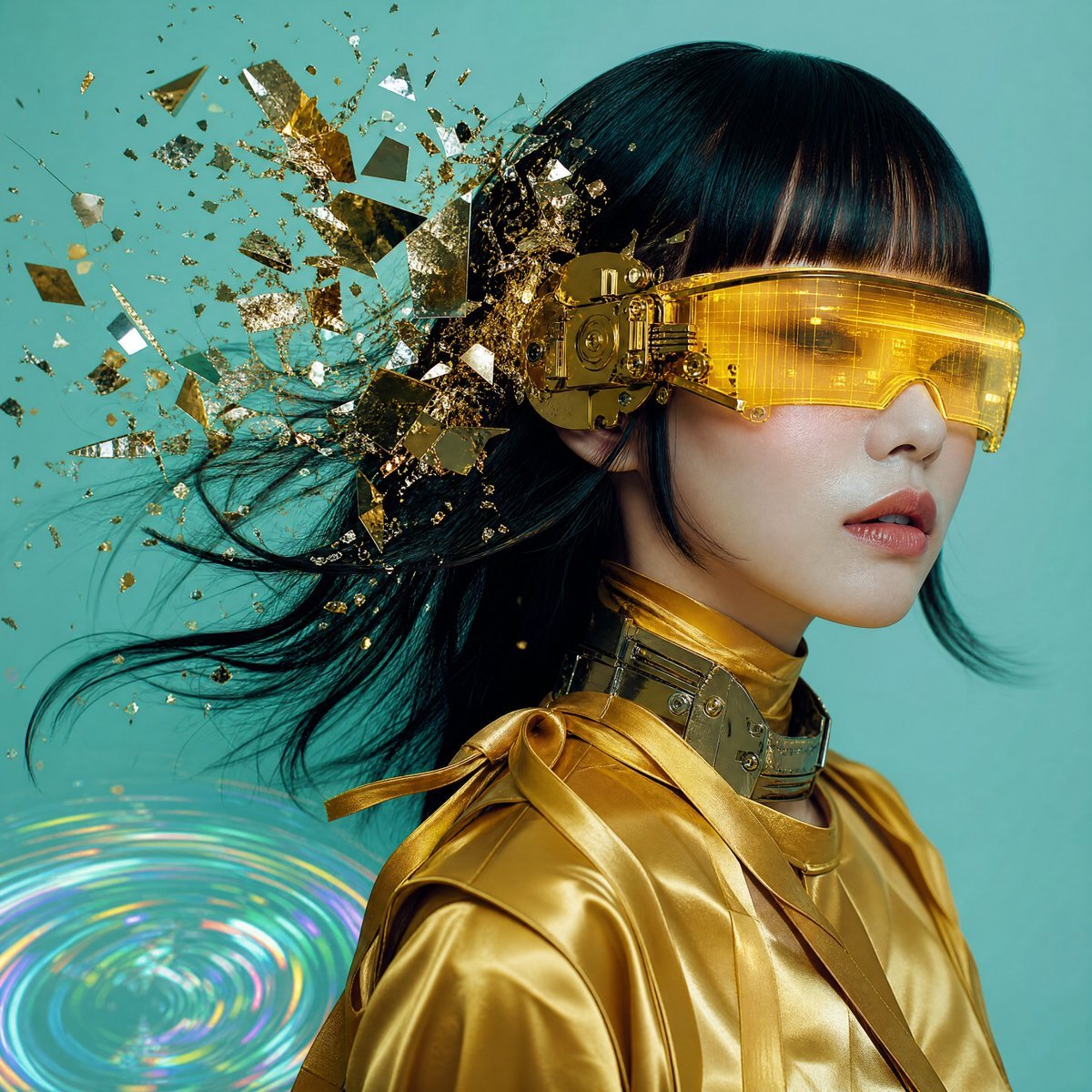
Editorial Portrait with Asymmetrical Composition
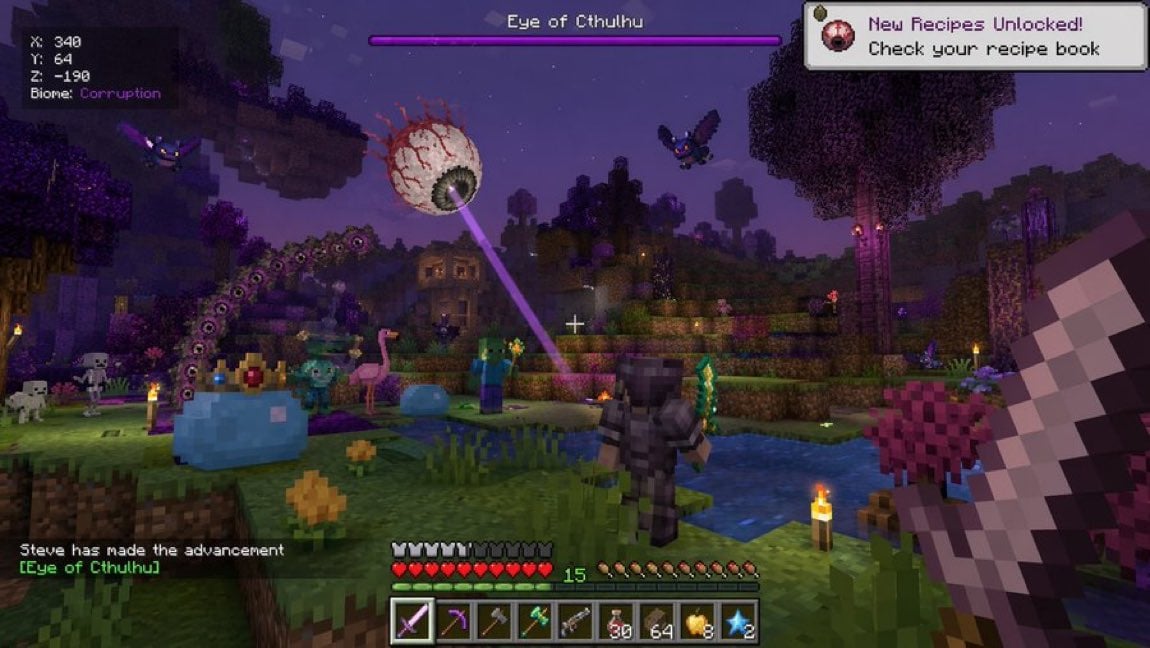
Voxel Survival Game Crossover UI
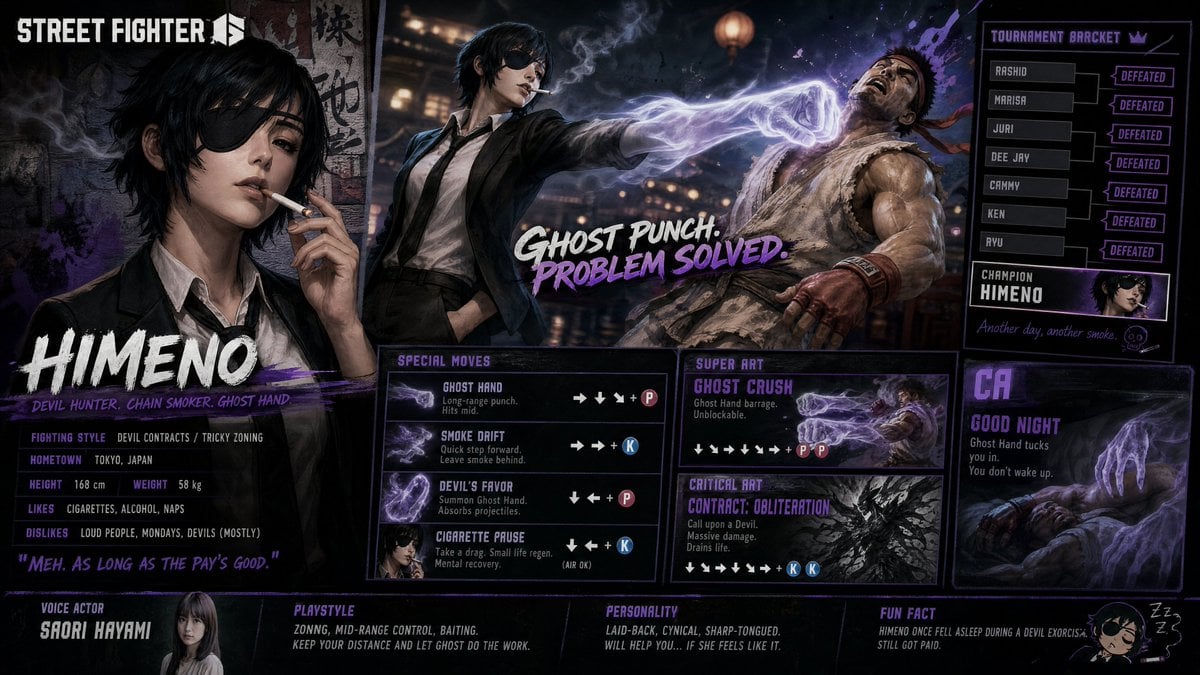
Street Fighter 6 Himeno Crossover Poster

Visual story cartoon for a Moroccan Arabic joke
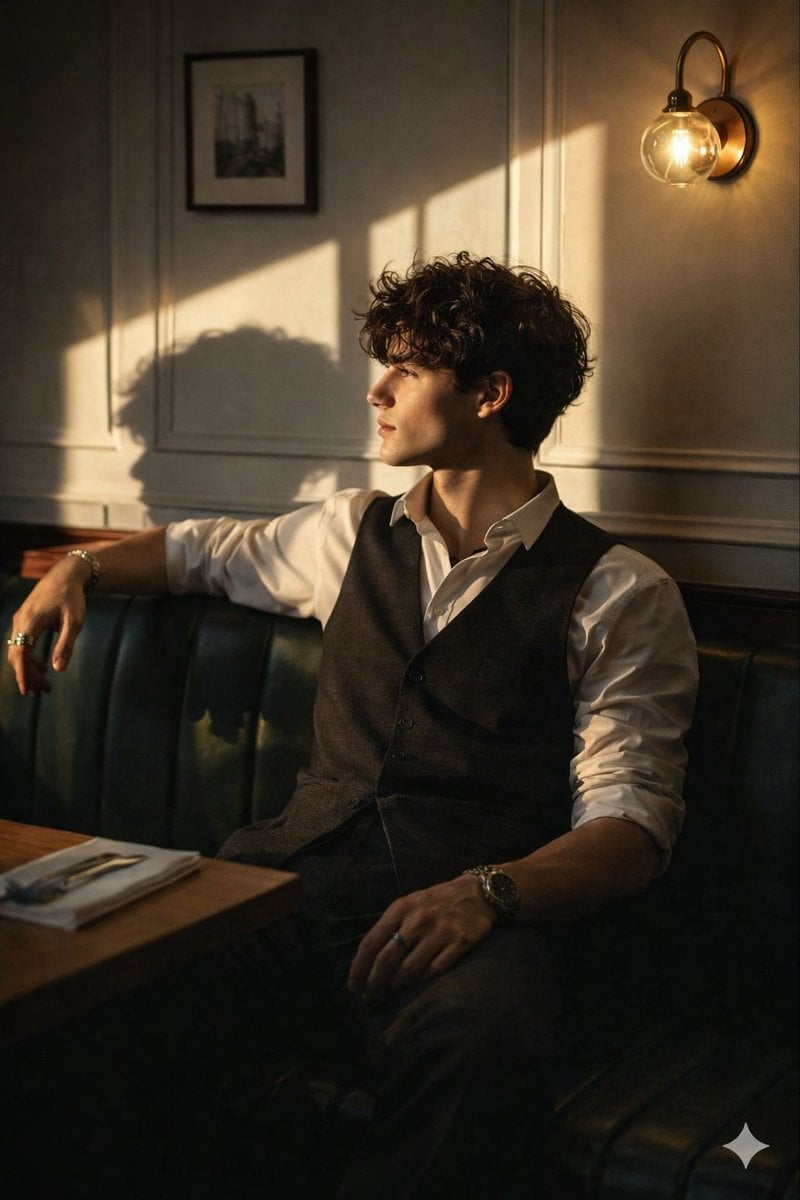
Cinematic Golden Hour Portrait Prompt
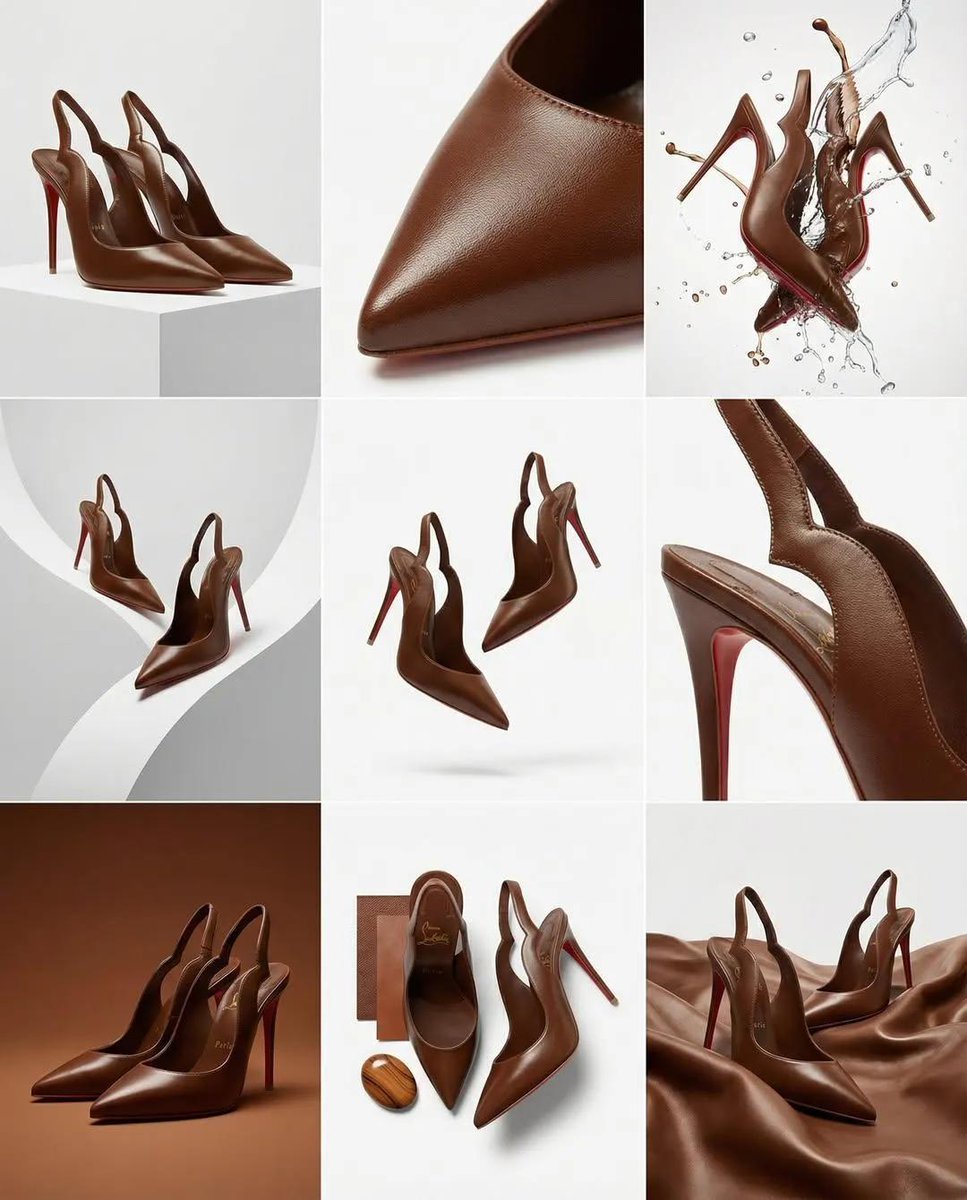
Luxury Product Campaign Grid
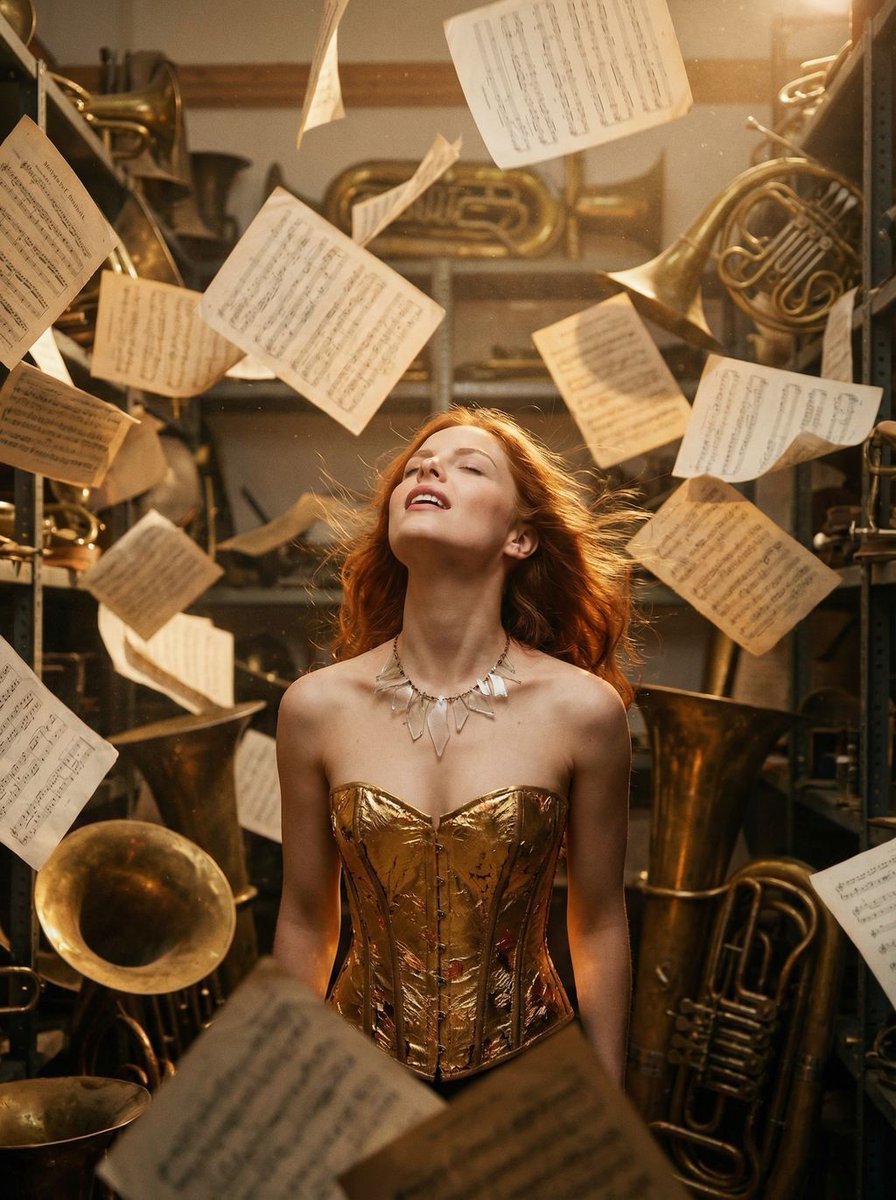
Surreal Cinematic Portrait: Glamorous Warrior of Music in Brass Catacombs
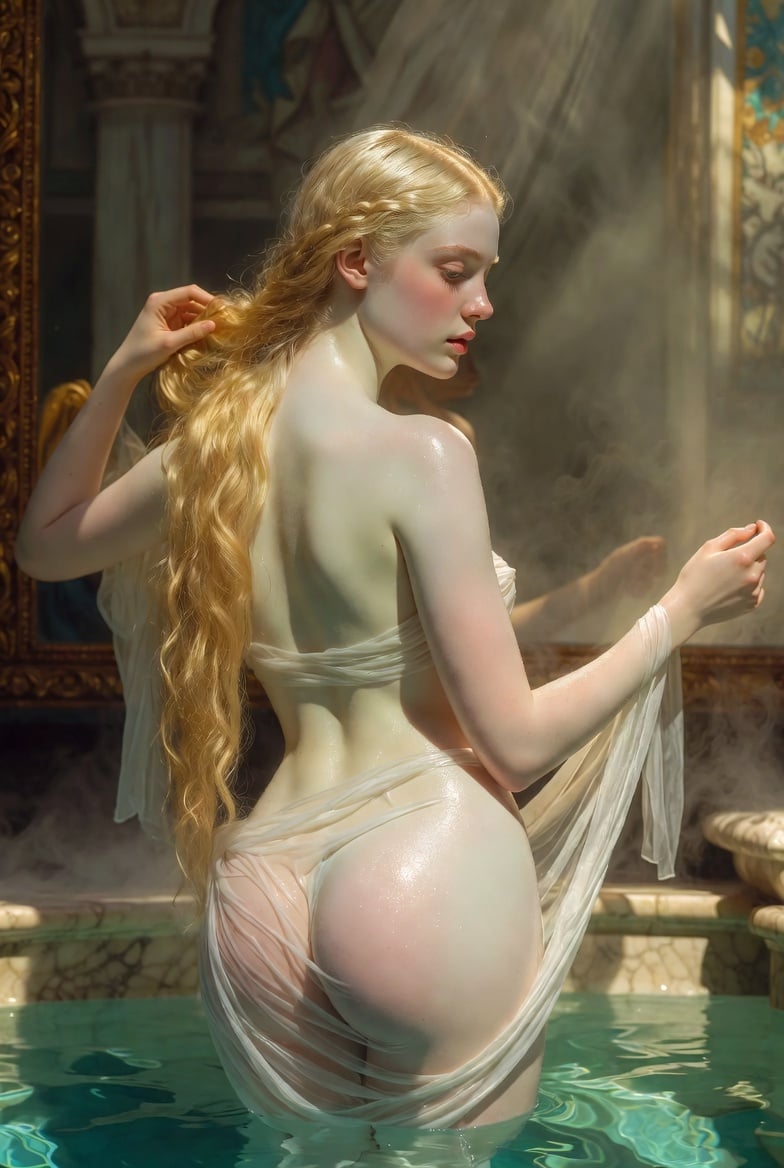
Renaissance Bathing Portrait
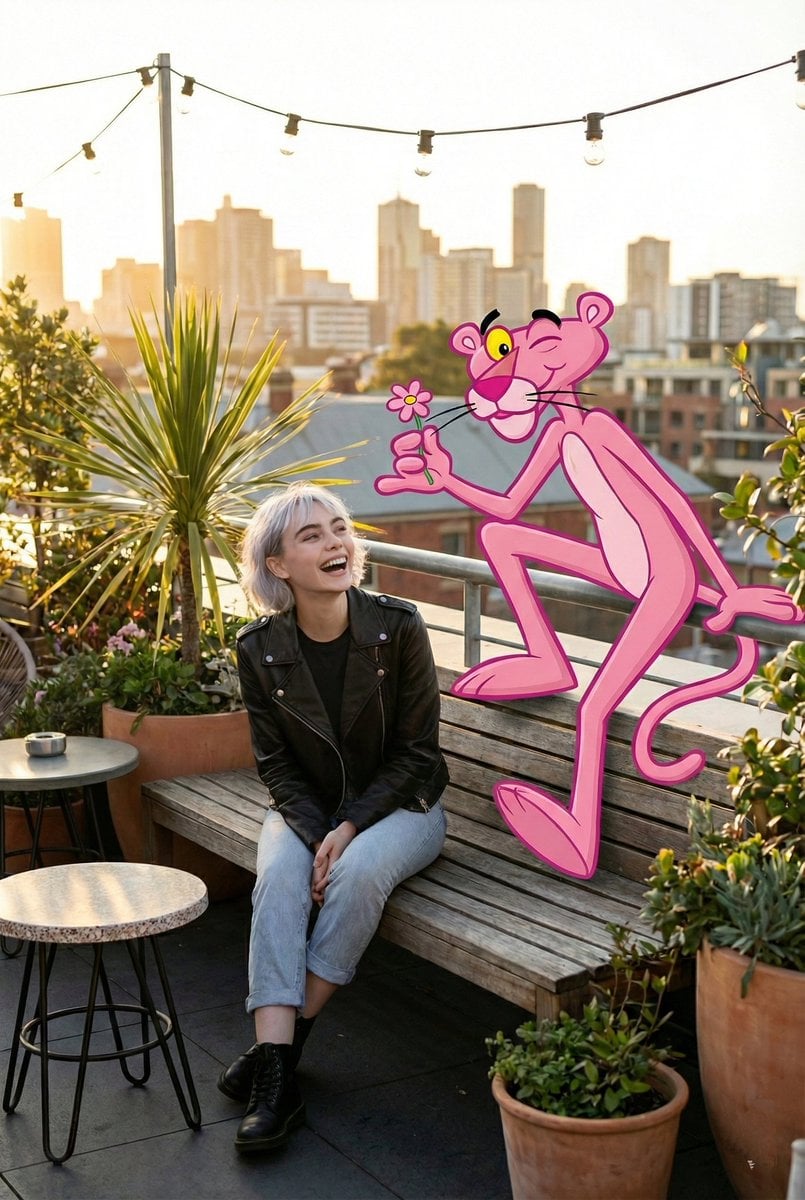
Cartoon Character in Art Gallery Scene Prompt
Browse template categories
Traveling Alchemist Campsite questions
How do I use the Traveling Alchemist Campsite template?
Add your photo if the template asks for one, edit the prompt if you like — the template's model and format are already selected — and press Generate. Your version opens in PicX Studio.
Can I customize the Traveling Alchemist Campsite template?
Yes. You can change the subject, setting, lighting, mood, format, and available model controls before creating your image.
Is the Traveling Alchemist Campsite template free?
Opening and editing this template is free. Generating uses credits, shown on the Generate button when you are signed in.
Which AI model should I use?
Start with GPT Image 2, which is the model associated with this template. You can compare another compatible model for a different finish.
Looking for something else? Browse all templates.

Your photo, any look
Thousands of ready templates for every top image and video model, from one credit balance.