
Steampunk Plague Alchemist Character
A detailed prompt for generating a full-body dark fantasy steampunk plague doctor or alchemist character concept on a plain white background.
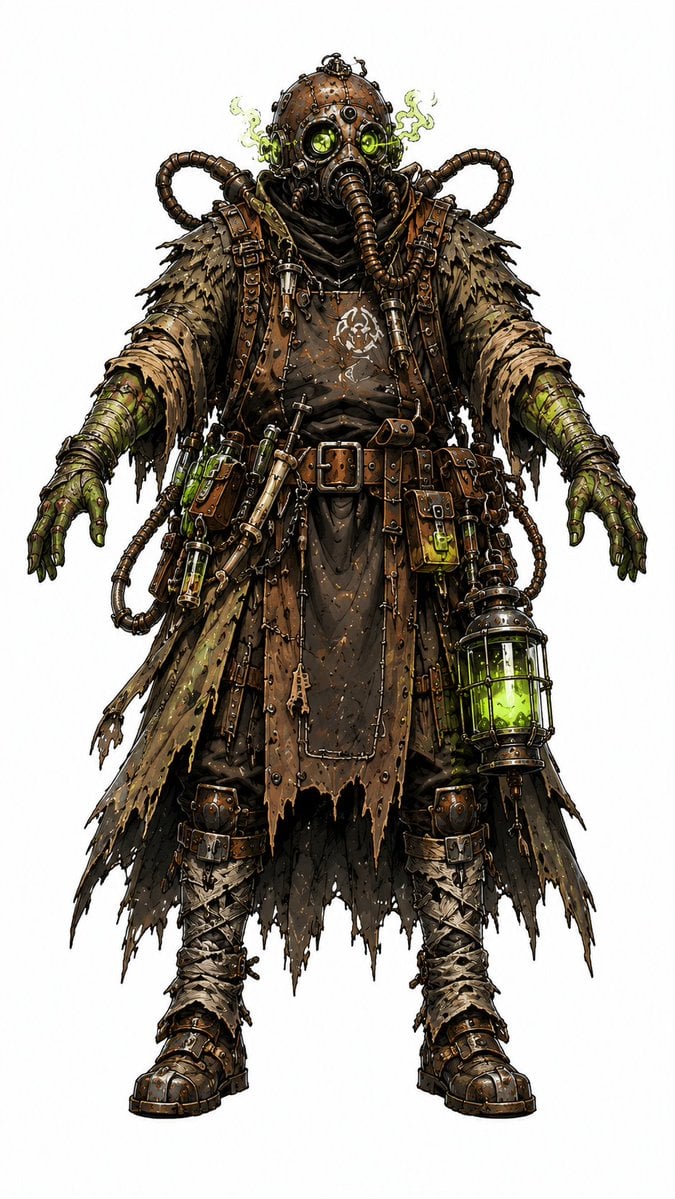
- Prompt included
- Model and format preset
- Free template
The prompt behind this image
Copy the exact prompt behind Steampunk Plague Alchemist Character, or open it in the studio and make it yours.
Create a full-body dark fantasy steampunk character concept art portrait of {argument name="character name" default="a plague alchemist wanderer"} standing front-facing in a neutral A-pose on a clean white background. The figure is bulky and intimidating, wearing a rusted bronze riveted gas mask helmet with two glowing toxic green round goggles, a central respirator, and a long segmented breathing hose hanging down from the mask; add two thick ribbed tubes looping from the shoulders and backpack area around both sides of the head. Show faint sickly green vapor leaking from the mask vents. Dress the character in layered ragged scavenger clothing: a tattered dark brown hooded under-robe, shredded tan-and-olive featherlike shoulder mantle, long torn patchwork coat panels, leather straps, buckles, pouches, belts, metal plates, stitches, rivets, and grime. Arms are extended slightly downward with green-gloved or mutated clawlike hands; forearms wrapped in olive green armor and dirty bandages. Include exactly 7 prominent accessory clusters: one broad leather belt with square brass buckle, one diagonal chest strap with vials and tools, one left hip pouch holding glowing green test tubes, one small right hip green vial pouch, one large hanging cage lantern on the right side filled with bright toxic green liquid, one sheathed dagger or tool on the front-left skirt, and two heavy strapped boots wrapped in dirty cloth. Use a palette of rusty browns, tarnished brass, blackened leather, muddy tan cloth, olive green stains, and luminous neon green alchemical fluid. Render in highly detailed ink-and-watercolor fantasy concept art style with sharp black outlines, crosshatching, gritty texture, asymmetrical torn fabric edges, many tiny bolts and scratches, dramatic but even studio lighting, no environment, no text, no watermark.
How to use Steampunk Plague Alchemist Character in 3 steps
- 1Upload ImagePNG, JPG or paste
Add your photo
Upload the photo the template builds on. The prompt, model and format are already set.
- 2…a portrait of your subject in softgolden-hour light, 85mm…
Personalize
Edit the subject and creative details for your destination.
- 3Generate
Generate
Press Generate — your image is created in PicX Studio, so you can compare it with the original and refine one variable at a time.
More like this
Templates with the same subject, style or setup. Open one to see its prompt.
Avant-Garde Botanical Alchemist Portrait
Cozy Alchemist Calendar Poster
Storybook Watercolor Alchemist
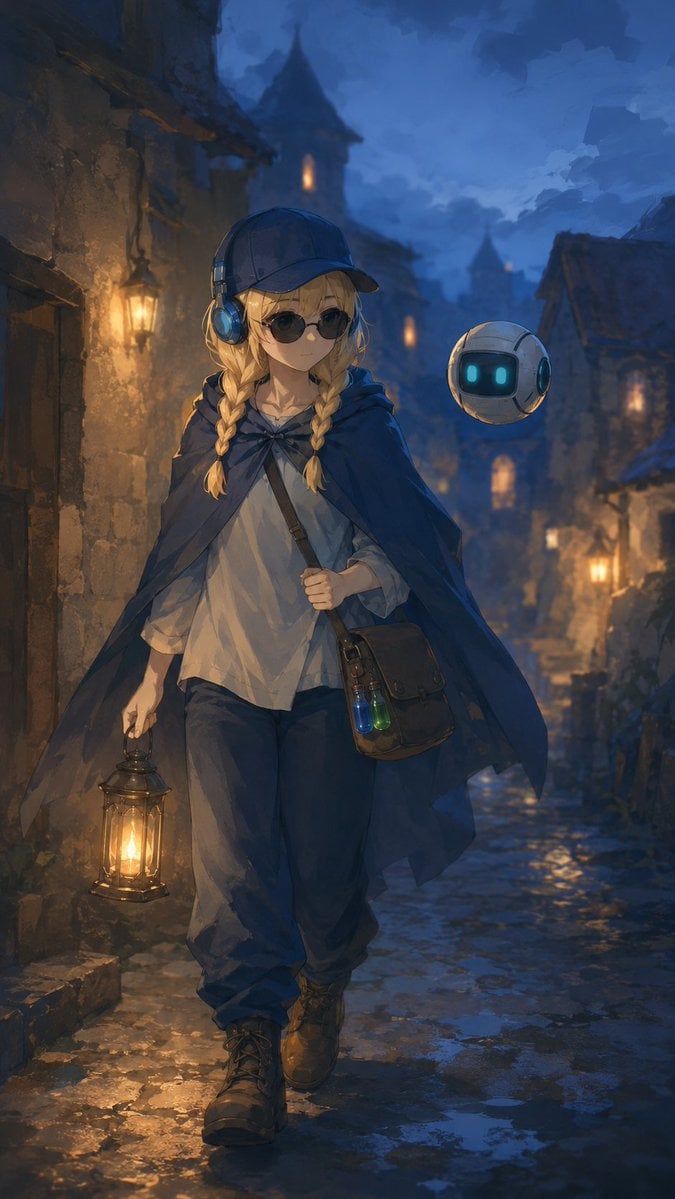
Traveling Alchemist in Rainy Fantasy Alley
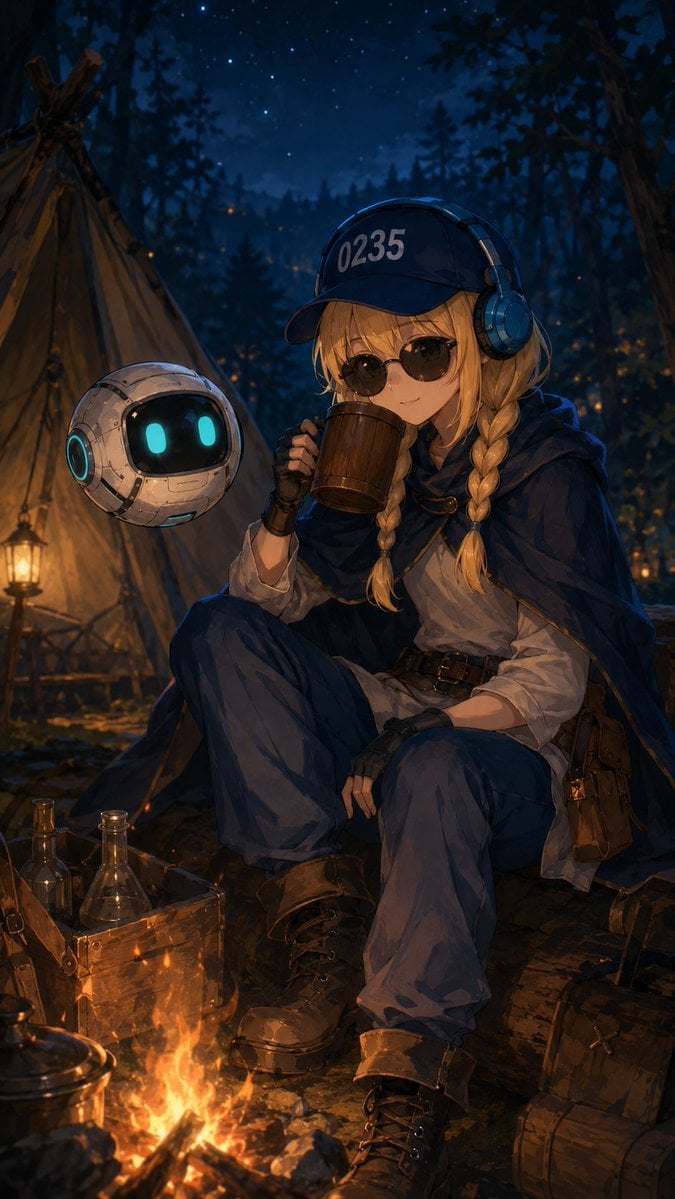
Traveling Alchemist Campsite
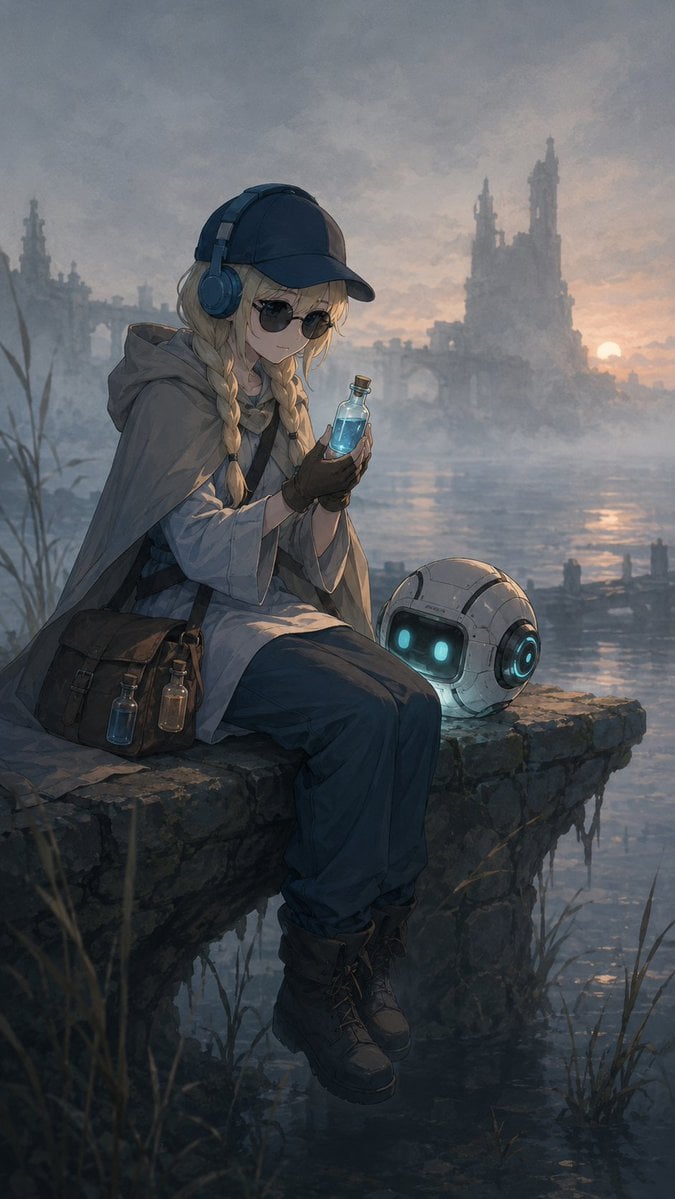
Traveling Alchemist at Misty Ruins
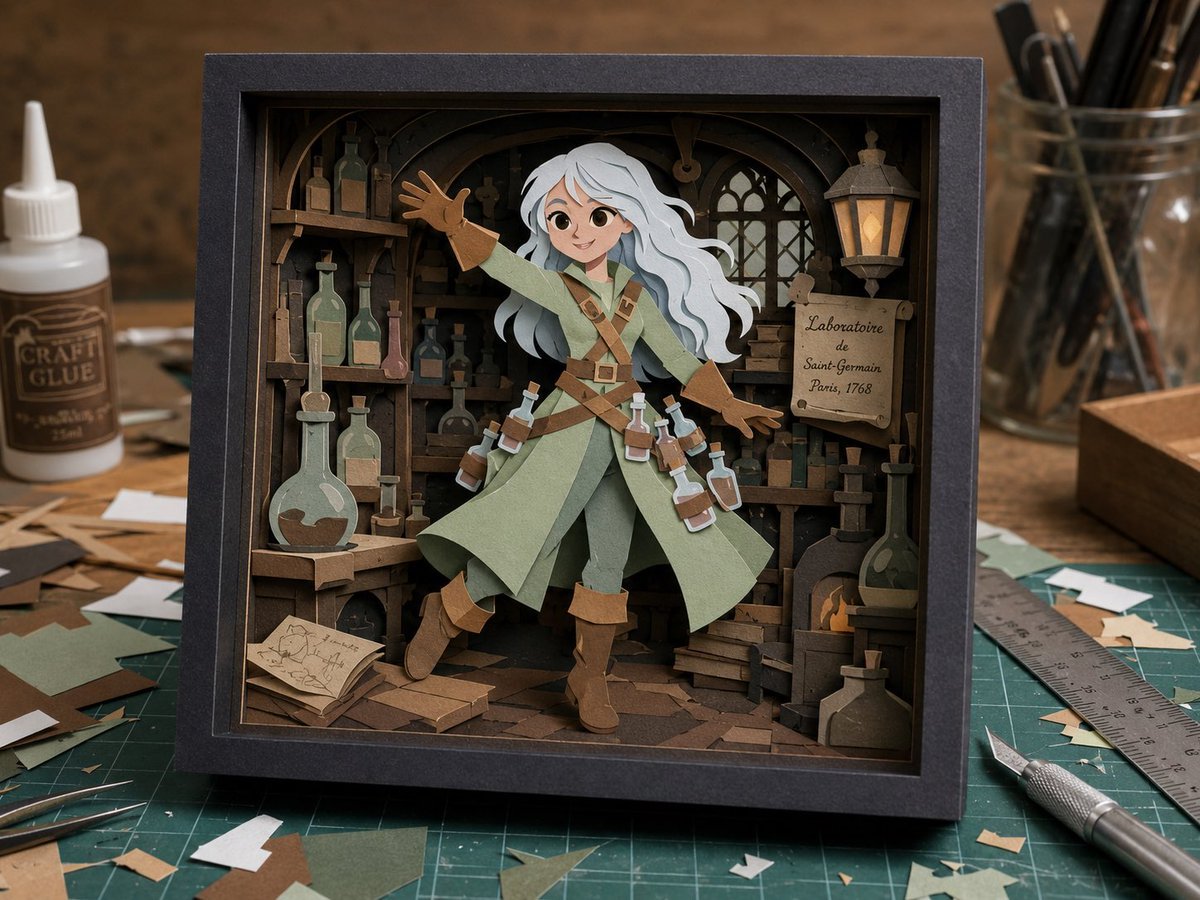
Layered Alchemist Shadow Box
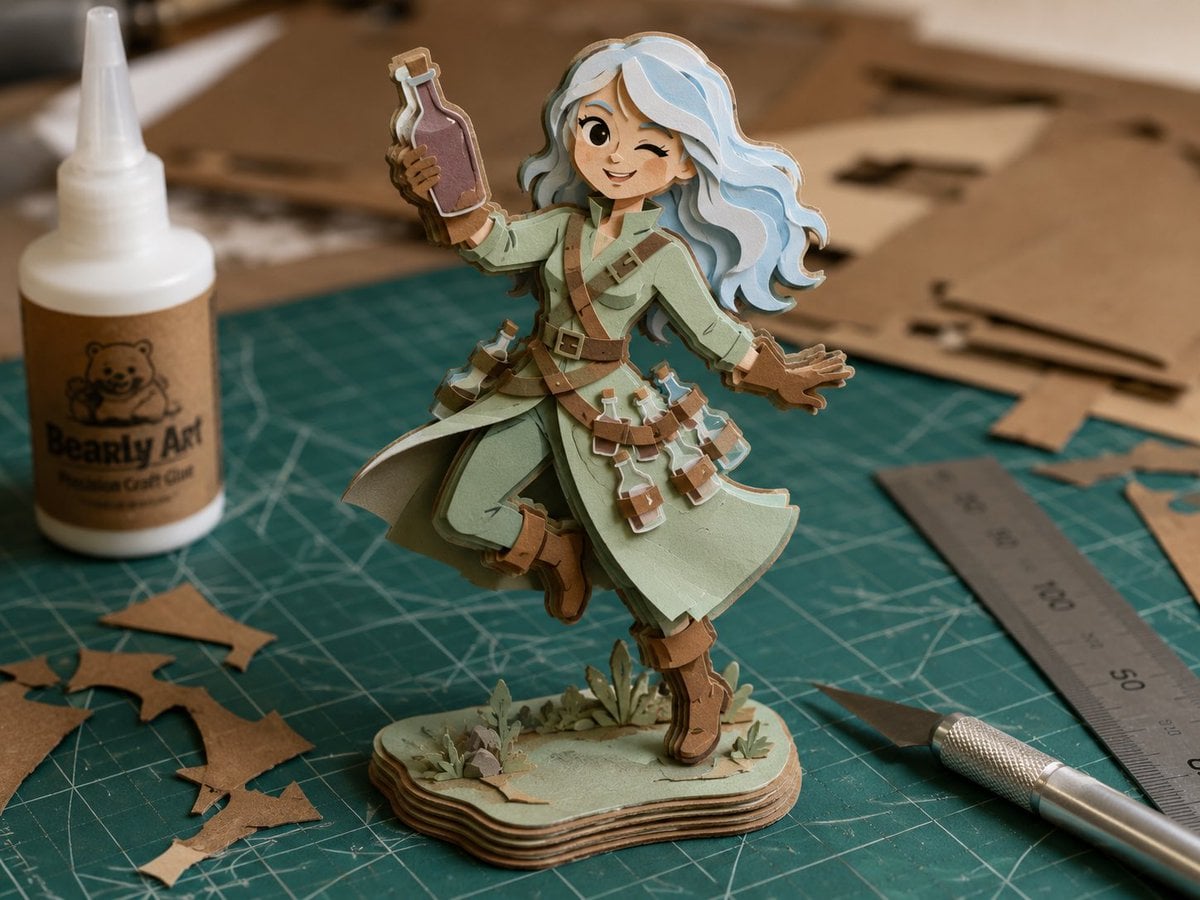
Layered Paper Alchemist Figurine
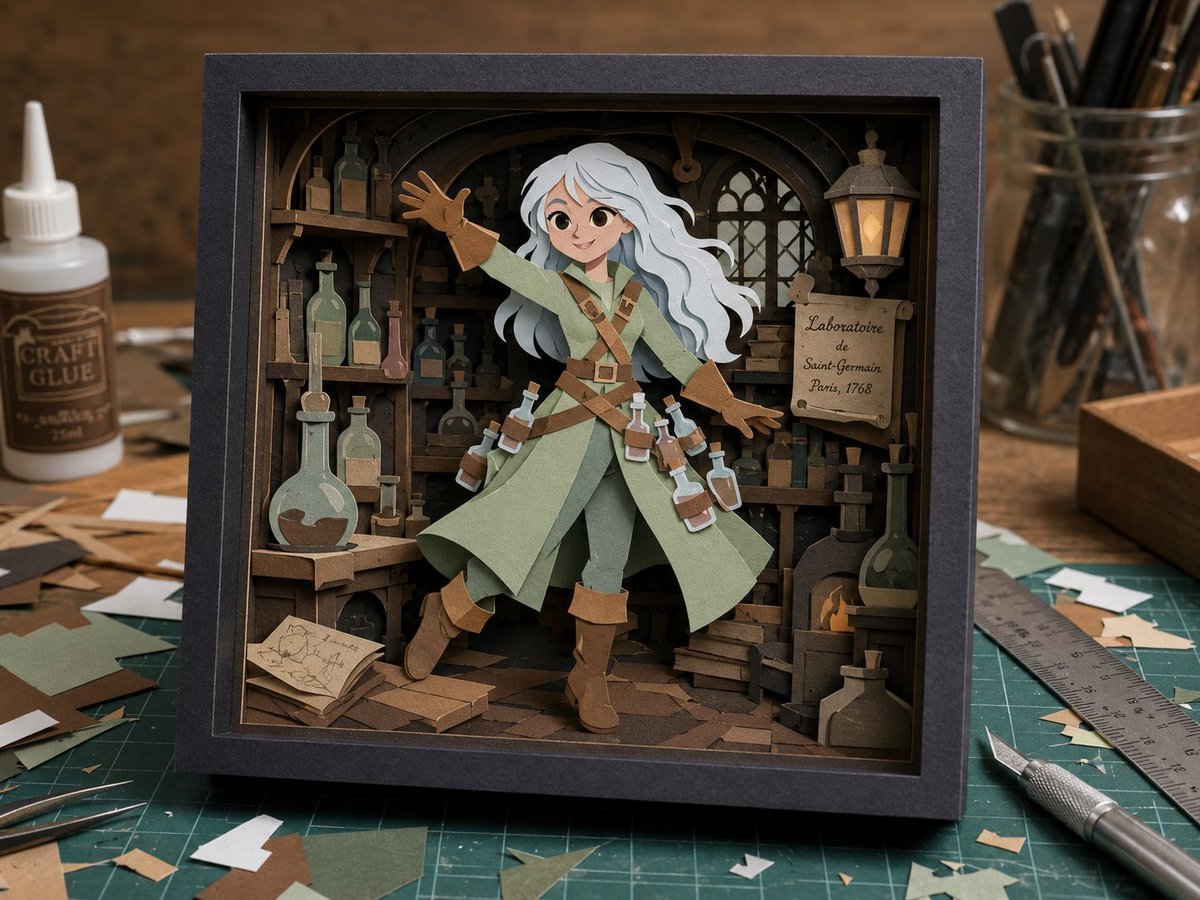
Craft Paper Alchemist Shadow Box
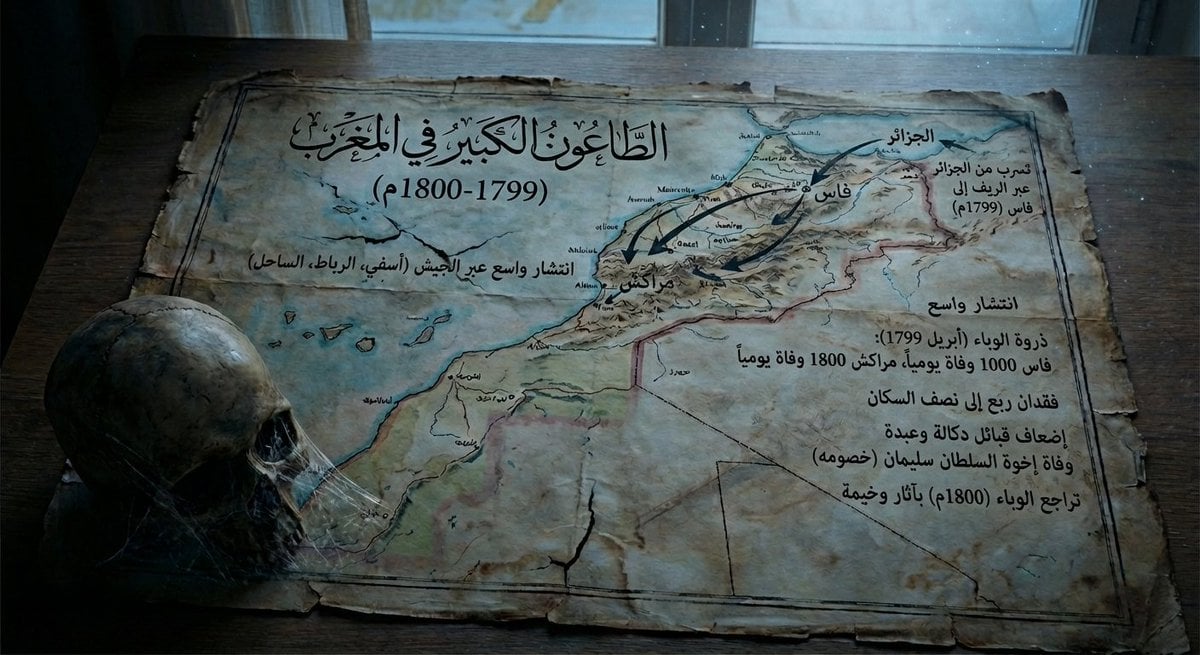
Map of Morocco in 1799–1800 with plague spread
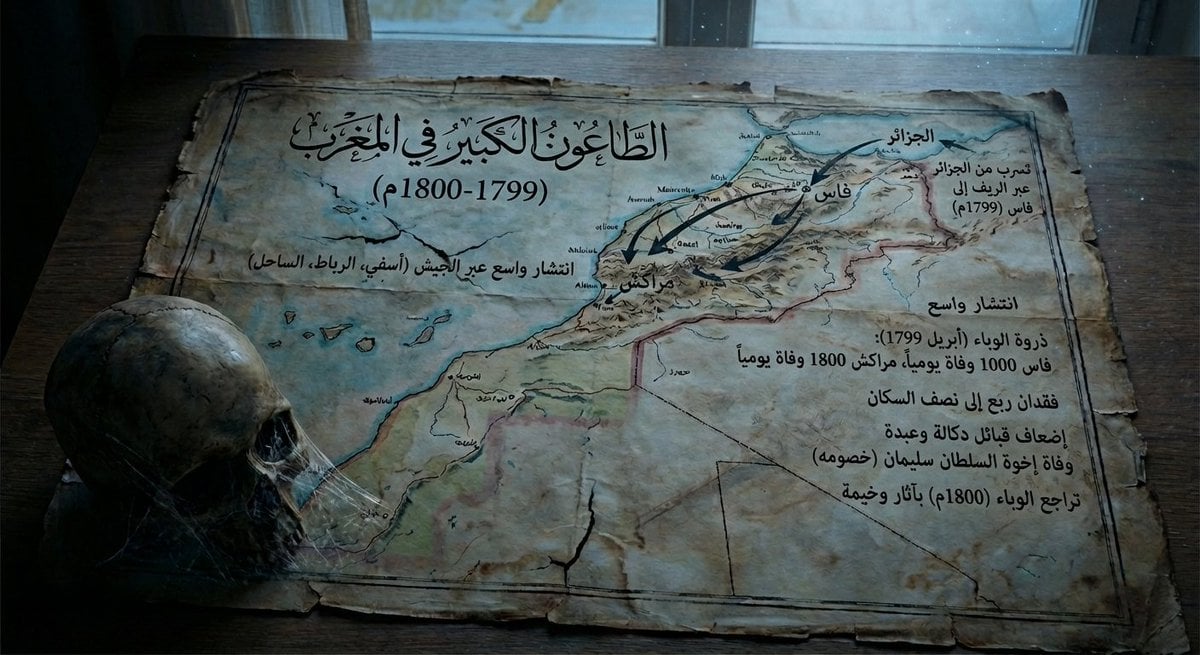
Map of Morocco during the 1799–1800 plague
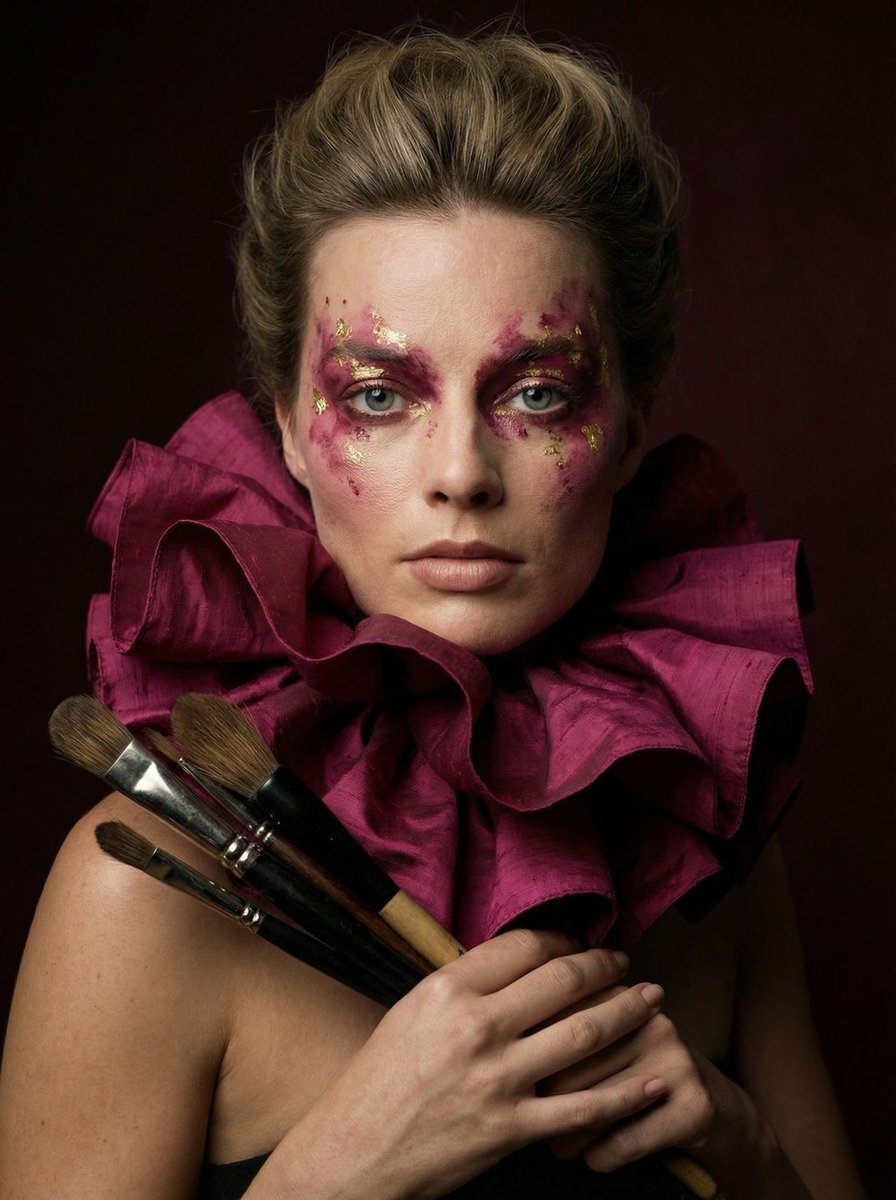
Hyper-Realistic Editorial Portrait of 'The Crimson Alchemist'
Make it yours
Steampunk Plague Alchemist Character works as-is. These are the safest ways to change it without losing the look.
Change one field
Copy a single group, rewrite it, and generate again so you can see what that field is doing.
Keep the frame, change the subject
Hold the composition and light of Steampunk Plague Alchemist Character, then swap wardrobe, props or the person for a new take.
| If the result… | Why | Fix |
|---|---|---|
| The result drifts from the preview | Too many fields changed at once. | Reuse Steampunk Plague Alchemist Character as-is first, then change one group — subject, light, or setting. |
| The model over-stylizes the scene | The prose prompt leaves finish and camera underspecified. | Add one camera or lighting sentence and stay on GPT Image 2. |
More GPT Image 2 templates
Other prompts made for GPT Image 2.

Six VTuber Japanese Logo Sheet

Realistic Portrait of Woman and Deer

The Vista Modular Condo Poster

AI Model Routing Comparison Infographic

2.5D Anime Art Board

Isometric Productivity Desk Scene

New York Double Exposure Poster

Four-Panel AI Landscape Comparison

Japanese Tatami Lifestyle Magazine Cover

NESCAFÉ Coffee Map Poster
More image prompts
Fresh picks from across the catalog.
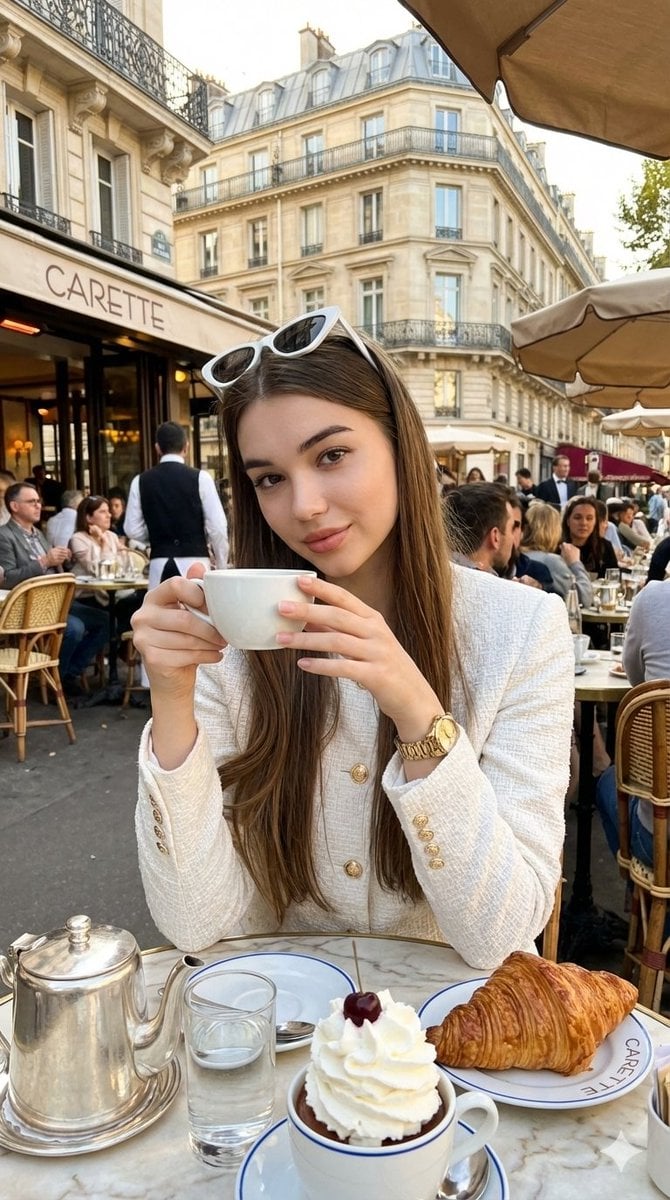
Photorealistic Parisian Café Editorial Portrait

Cinematic Portrait with Dual-Color Lighting
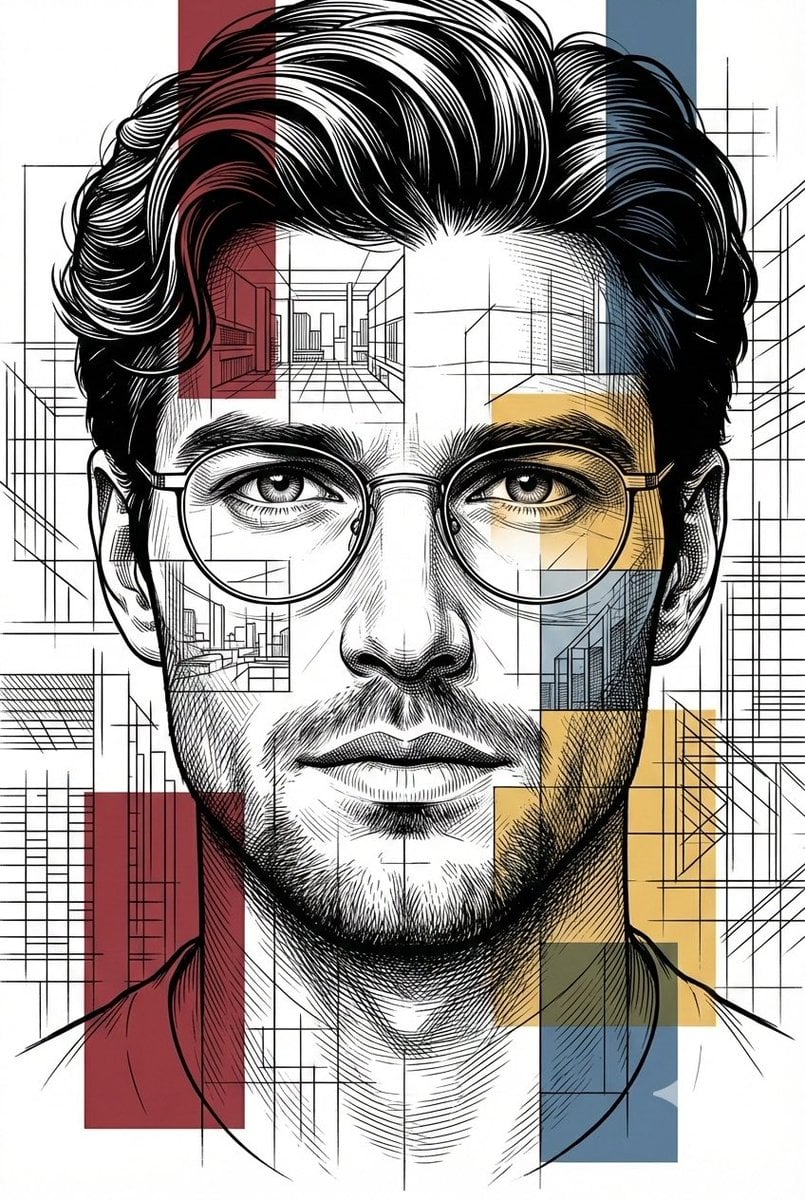
Architectural Blueprint Style Portrait
Minimalist Symbolic Tattoo Design
Degree Equirectangular Panorama Prompt
Man Pouring Water on Magic Heart
Anime Girl in Sunny Cafe
Luxury Perfume Bottle and Exploded Composition Prompts
Fashion Collage with Chibi Characters

Photorealistic Man Interacting with 3D Shin-chan
Browse template categories
Steampunk Plague Alchemist Character questions
How do I use the Steampunk Plague Alchemist Character template?
Add your photo if the template asks for one, edit the prompt if you like — the template's model and format are already selected — and press Generate. Your version opens in PicX Studio.
Can I customize the Steampunk Plague Alchemist Character template?
Yes. You can change the subject, setting, lighting, mood, format, and available model controls before creating your image.
Is the Steampunk Plague Alchemist Character template free?
Opening and editing this template is free. Generating uses credits, shown on the Generate button when you are signed in.
Which AI model should I use?
Start with GPT Image 2, which is the model associated with this template. You can compare another compatible model for a different finish.
Looking for something else? Browse all templates.

Your photo, any look
Thousands of ready templates for every top image and video model, from one credit balance.