
Anime Girl in Sunny Cafe
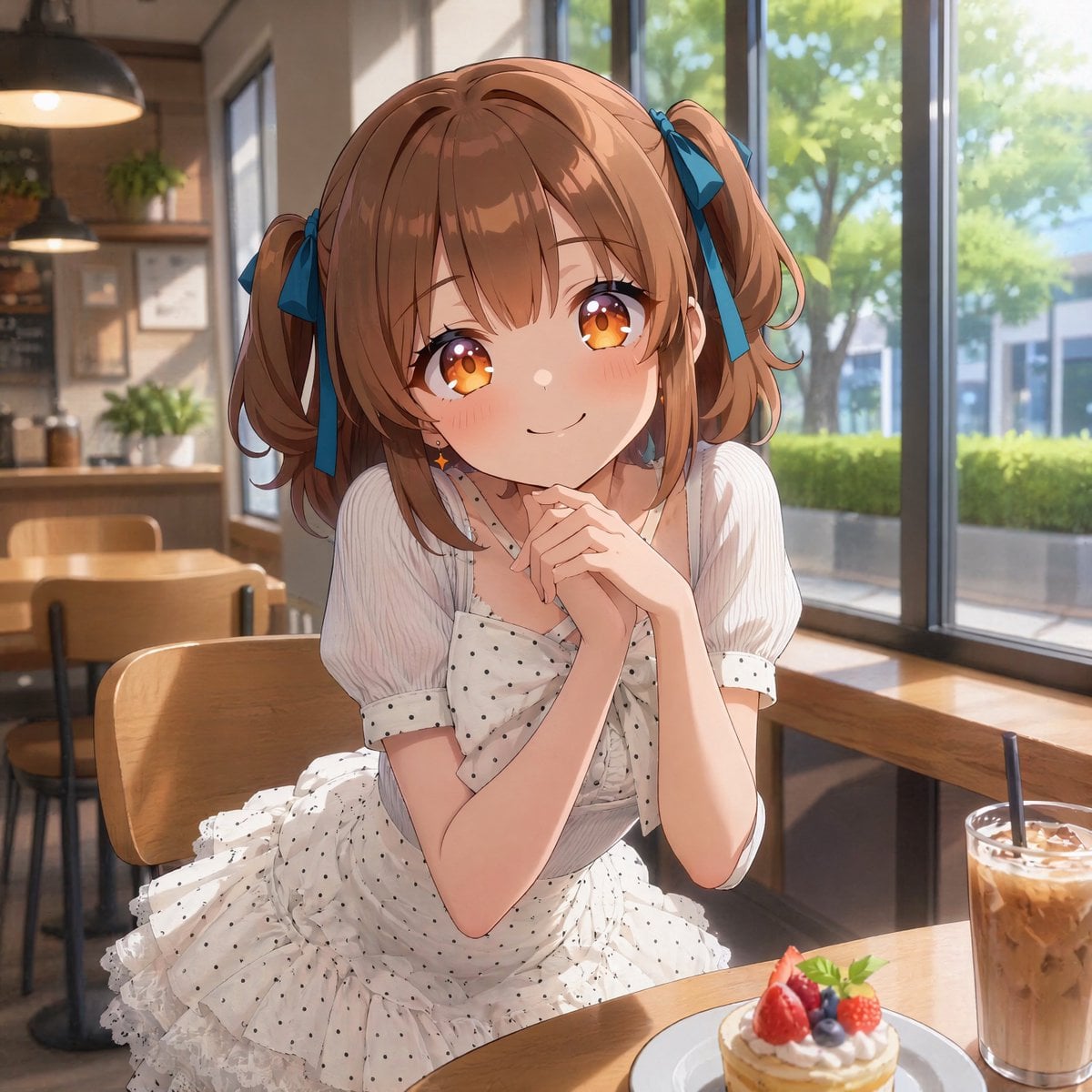
This prompt generates a warm, high-quality anime cafe portrait of a stylish girl in a frilly dress, ideal for social posts, character art, or cozy date-themed illustrations.
- Prompt included
- Model and format preset
- Free template
The prompt behind this image
Copy the exact prompt behind Anime Girl in Sunny Cafe, or open it in the studio and make it yours.
A polished anime-style illustration of a cute young woman sitting alone at a sunlit cafe table by a large window, framed from about thigh-up in a slightly front-facing seated pose. She has {argument name="hair color" default="light brown"} hair styled in 2 short twin ponytails tied with 2 deep blue ribbon bows, soft bangs, and a sweet youthful appearance. She wears a frilly white summer dress with small black polka dots, short puff sleeves, a fitted bodice, a large bow at the chest, and layered ruffles around the skirt. Her hands are clasped gently under her chin in a shy, cheerful pose, leaning slightly forward toward the viewer as if having a friendly cafe date. Place a small dessert plate on the table in the foreground with 1 mini tart topped with strawberries, blueberries, whipped cream, and a mint leaf, and beside it 1 tall glass of iced latte with a straw. The background is a warm modern cafe interior with wooden chairs and tables, pendant lamps, potted plants, wall decor, and a long window counter. Through the large windows, show bright green trees and a soft daytime urban street view. Lighting is warm natural afternoon sunlight streaming in from the right, creating soft highlights, gentle shadows, and a cozy inviting atmosphere. Highly detailed, clean linework, soft glossy shading, delicate fabric texture, charming romantic mood, high-quality anime illustration, square composition.
How to use Anime Girl in Sunny Cafe in 3 steps
- 1Upload ImagePNG, JPG or paste
Add your photo
Upload the photo the template builds on. The prompt, model and format are already set.
- 2…a portrait of your subject in softgolden-hour light, 85mm…
Personalize
Edit the subject and creative details for your destination.
- 3Generate
Generate
Press Generate — your image is created in PicX Studio, so you can compare it with the original and refine one variable at a time.
More like this
Templates with the same subject, style or setup. Open one to see its prompt.
Sunny Countryside Anime Girl

Cel 2D Cafe Morning
Cheerful Anime Girl on Sunny Sidewalk
Silver-Haired Girl in Sunny Café
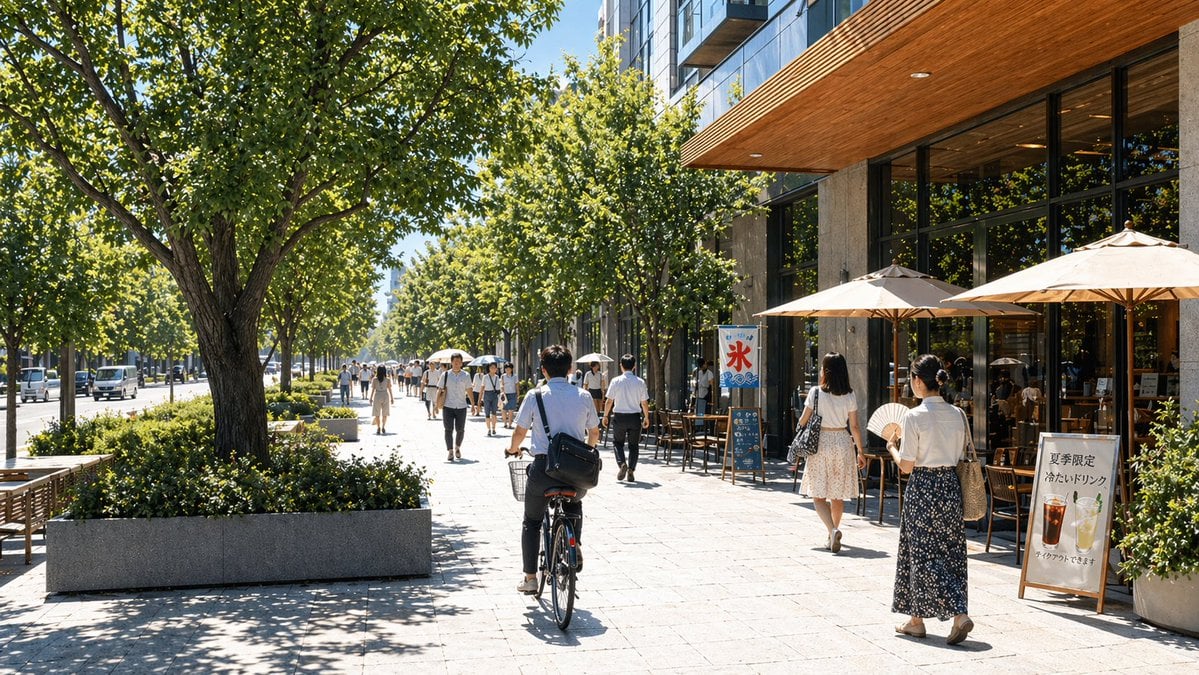
Sunny Japanese Cafe Street Scene

Teen Girl Alpine Lake Mountain View

Framed Quilling Anime Girl

Anime Lantern Girl Character Sheet

Anime Girl Generation Grid

Chaotic Anime Schoolgirl Fan Collage

Sunny Seaside Anime Manga Page

Cel 2D Finale Fireworks
Make it yours
Anime Girl in Sunny Cafe works as-is. These are the safest ways to change it without losing the look.
Change one field
Copy a single group, rewrite it, and generate again so you can see what that field is doing.
Keep the frame, change the subject
Hold the composition and light of Anime Girl in Sunny Cafe, then swap wardrobe, props or the person for a new take.
| If the result… | Why | Fix |
|---|---|---|
| The result drifts from the preview | Too many fields changed at once. | Reuse Anime Girl in Sunny Cafe as-is first, then change one group — subject, light, or setting. |
| The model over-stylizes the scene | The prose prompt leaves finish and camera underspecified. | Add one camera or lighting sentence and stay on GPT Image 2. |
More GPT Image 2 templates
Other prompts made for GPT Image 2.

Six VTuber Japanese Logo Sheet

Realistic Portrait of Woman and Deer

The Vista Modular Condo Poster

AI Model Routing Comparison Infographic

2.5D Anime Art Board

Isometric Productivity Desk Scene

New York Double Exposure Poster

Four-Panel AI Landscape Comparison

Japanese Tatami Lifestyle Magazine Cover

NESCAFÉ Coffee Map Poster
More image prompts
Fresh picks from across the catalog.
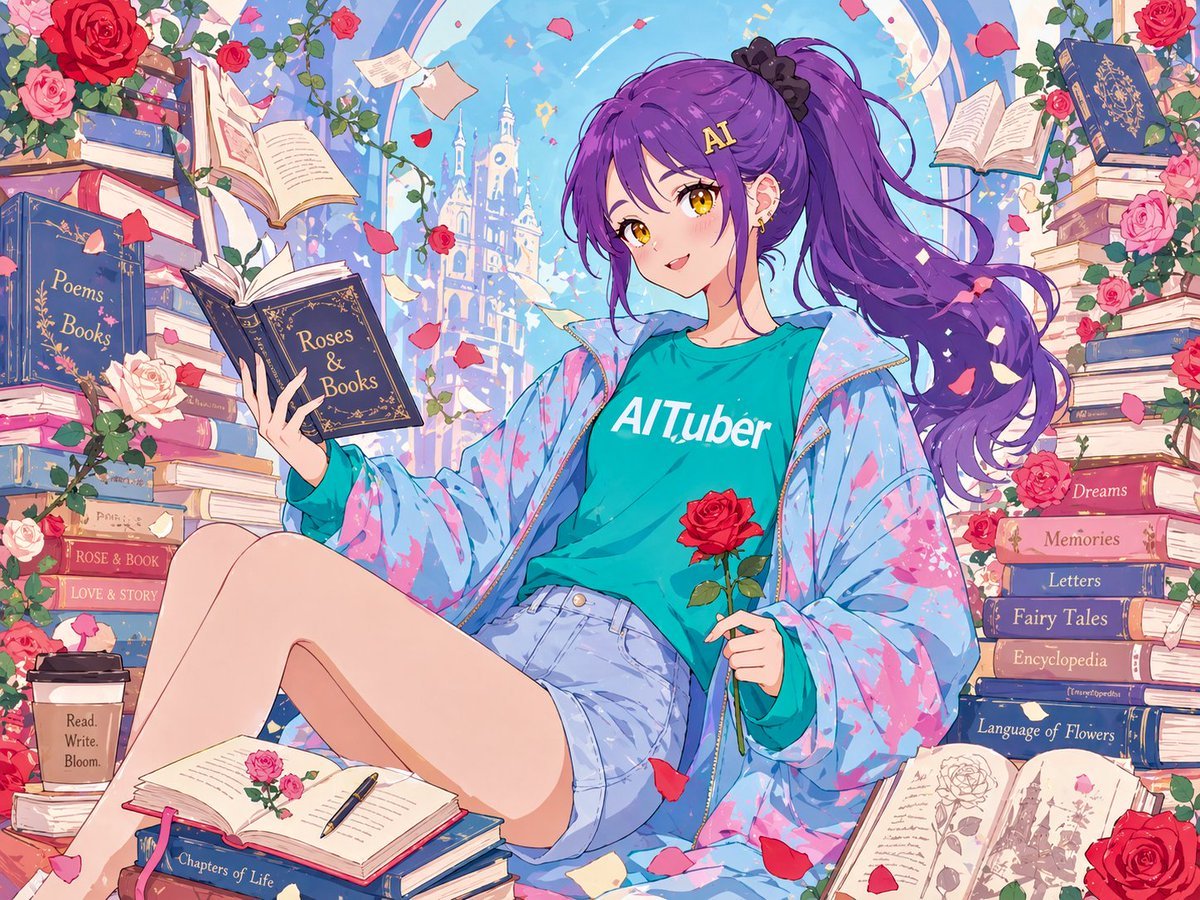
Anime Roses and Books End Card
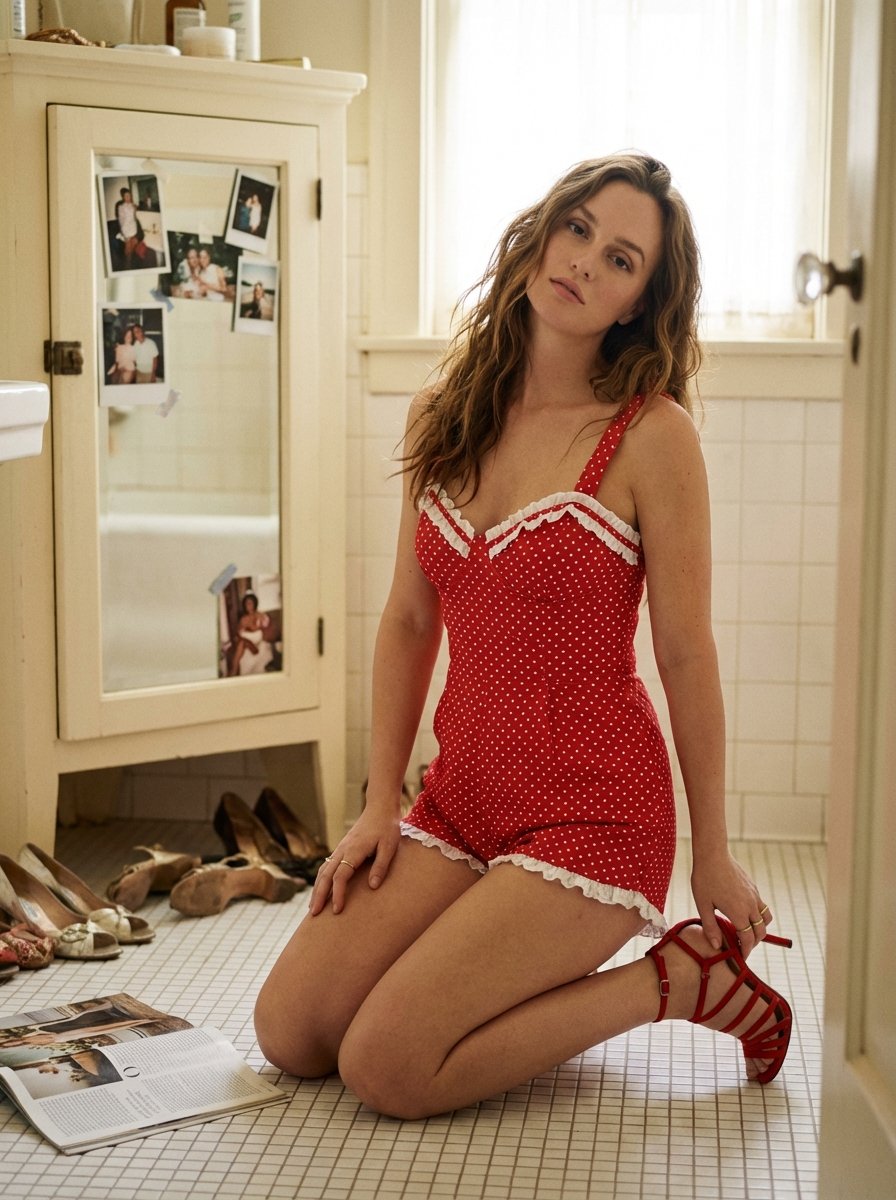
Ultra Photorealistic Retro Vintage Bathroom Scene Prompt (Leighton Meester resemblance)
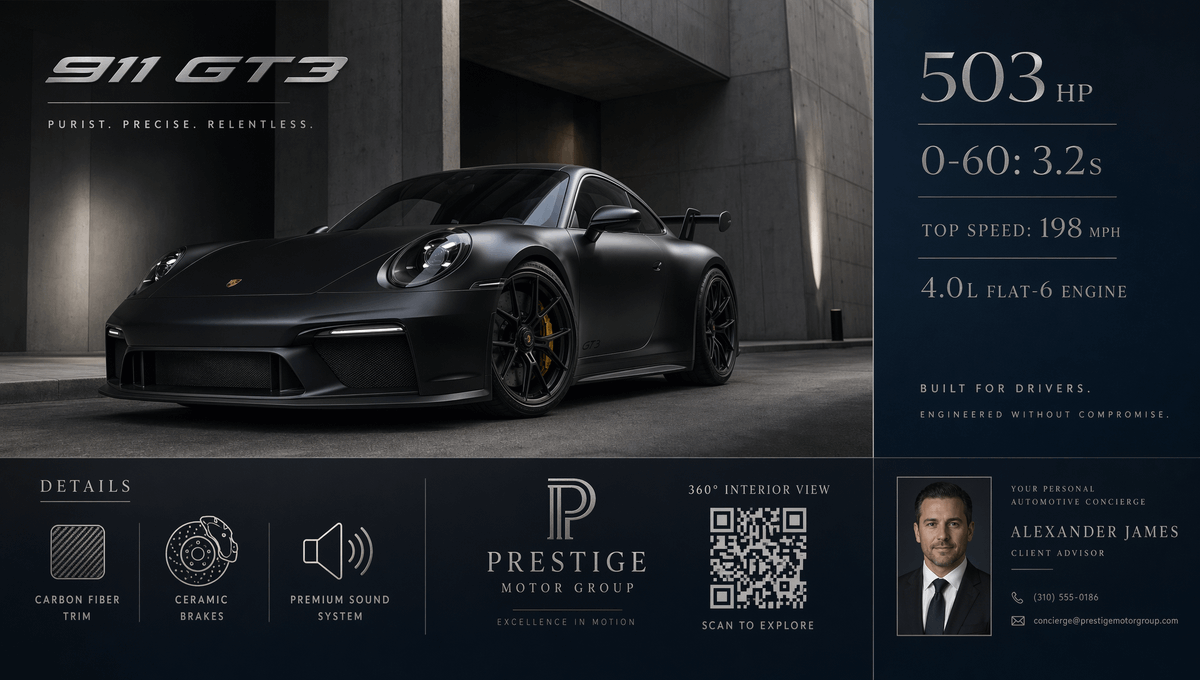
Luxury GT3 Dealership Poster
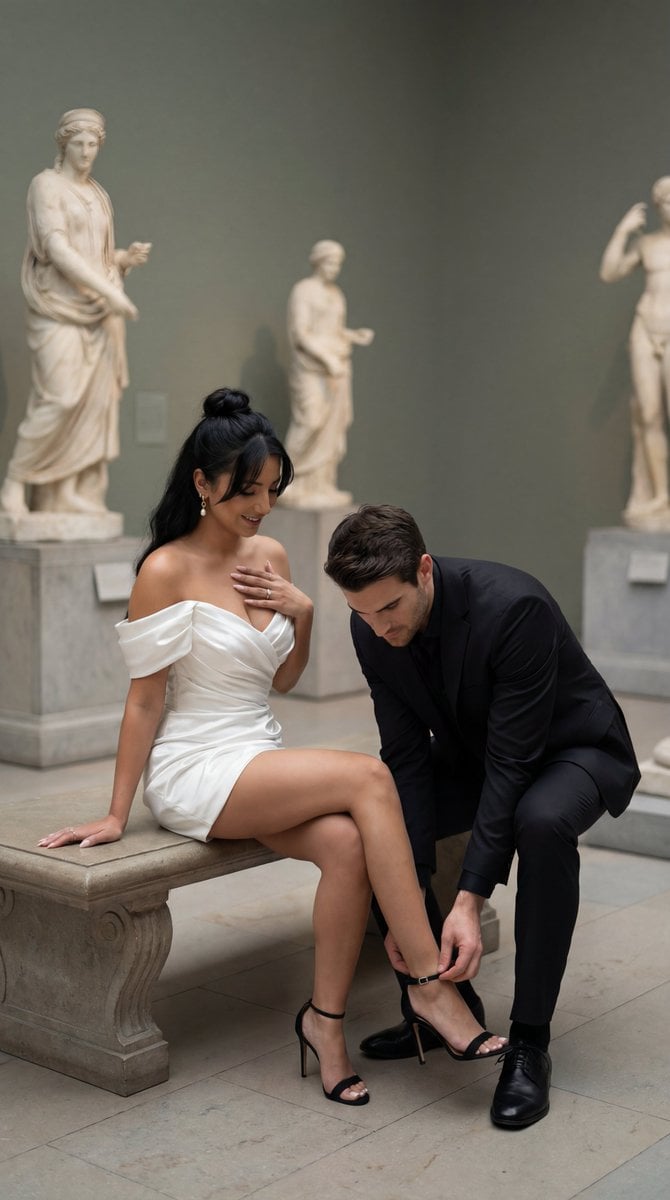
High-Fashion Editorial Couple in Museum Prompt
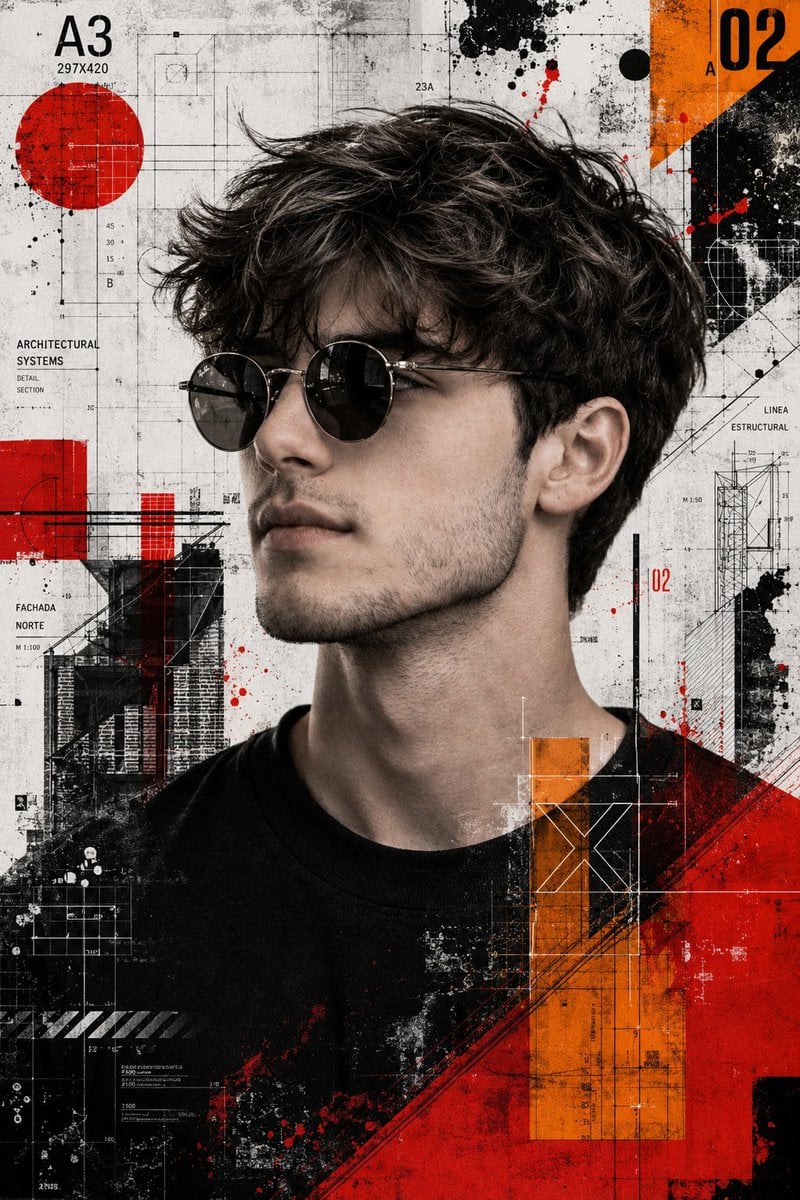
Trash Polka Mixed Media Artwork
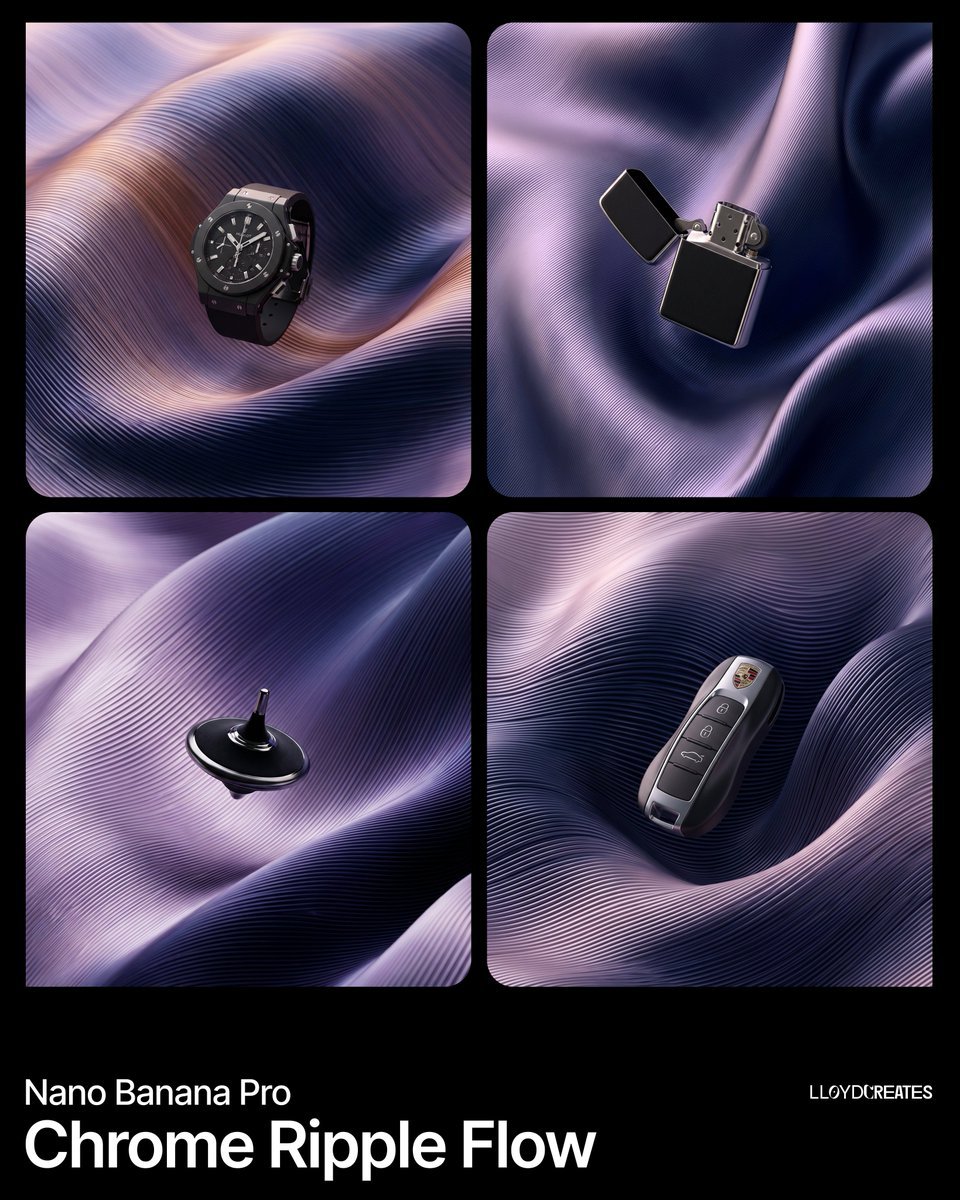
Chrome Ripple Flow Product Photography Prompt
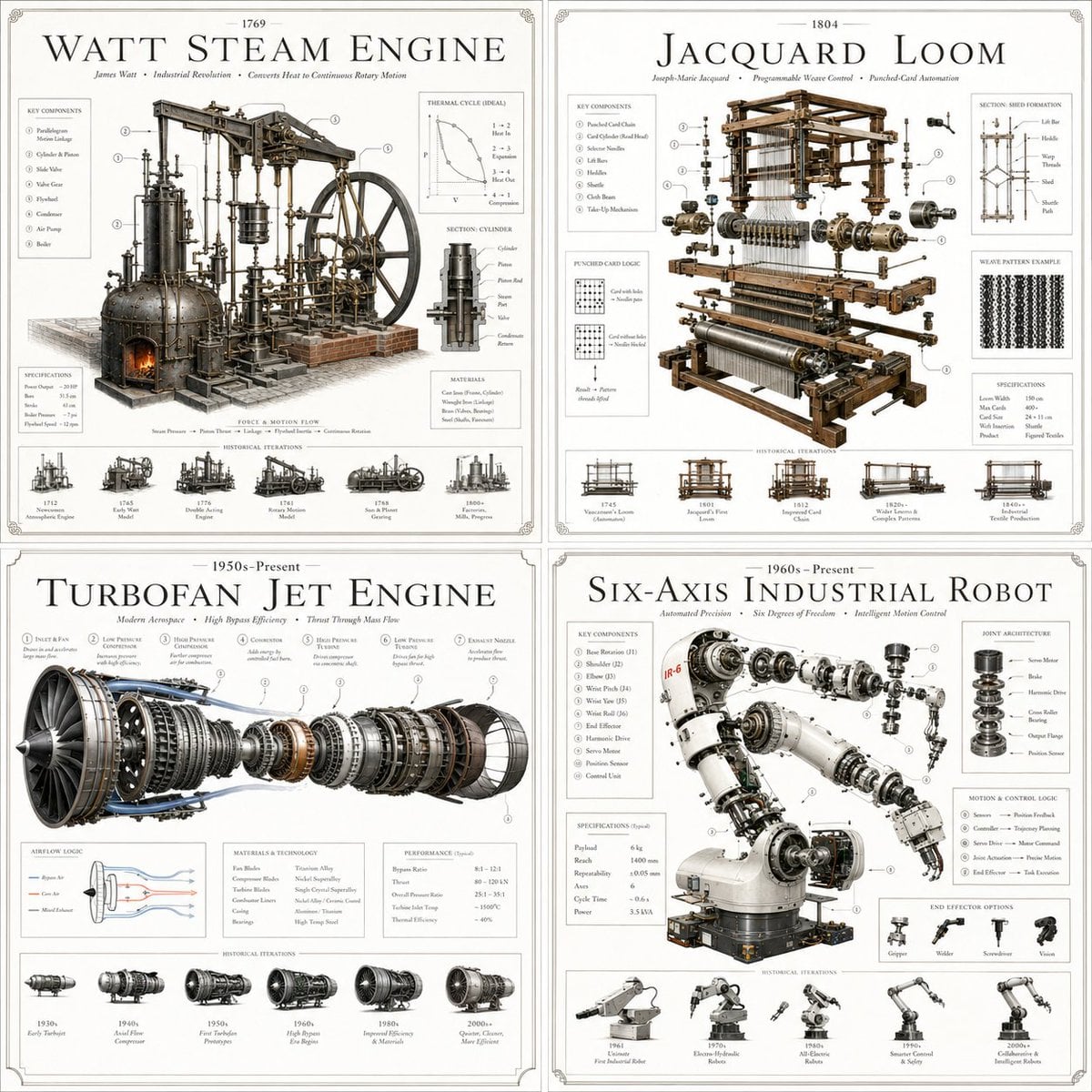
Luxury Patent Artifact Poster
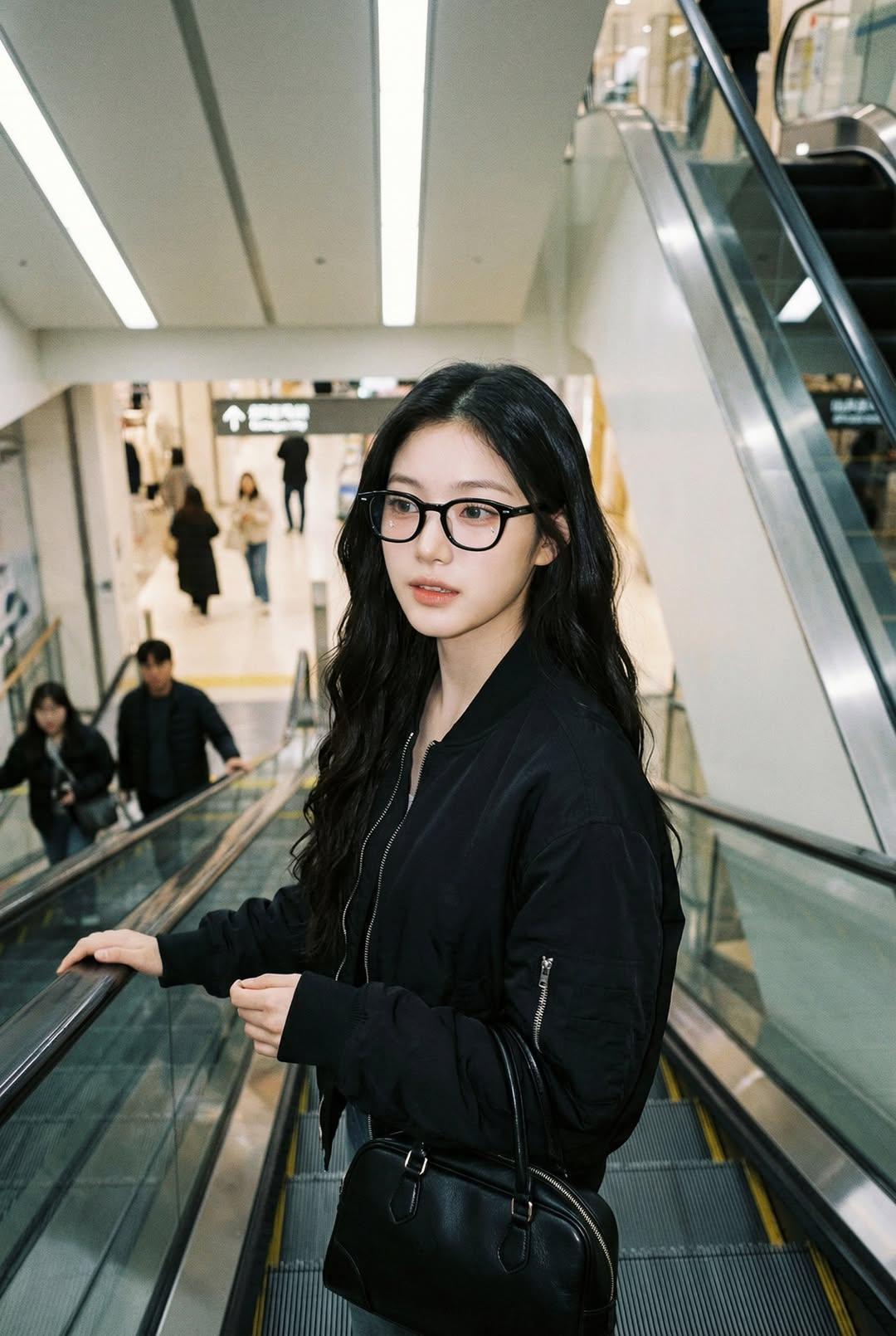
Nano Banana Pro — Escalator Candid Portrait
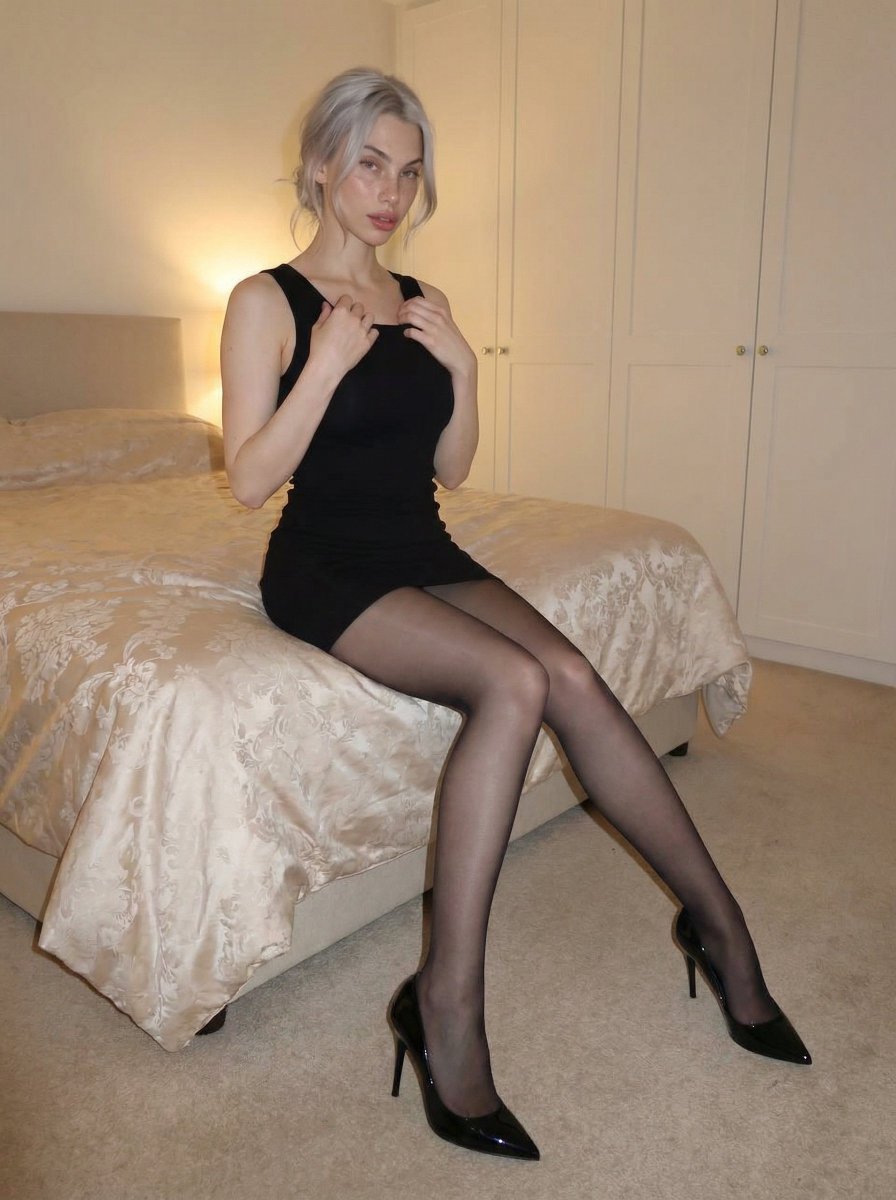
Cozy bedroom fashion editorial in black mini dress
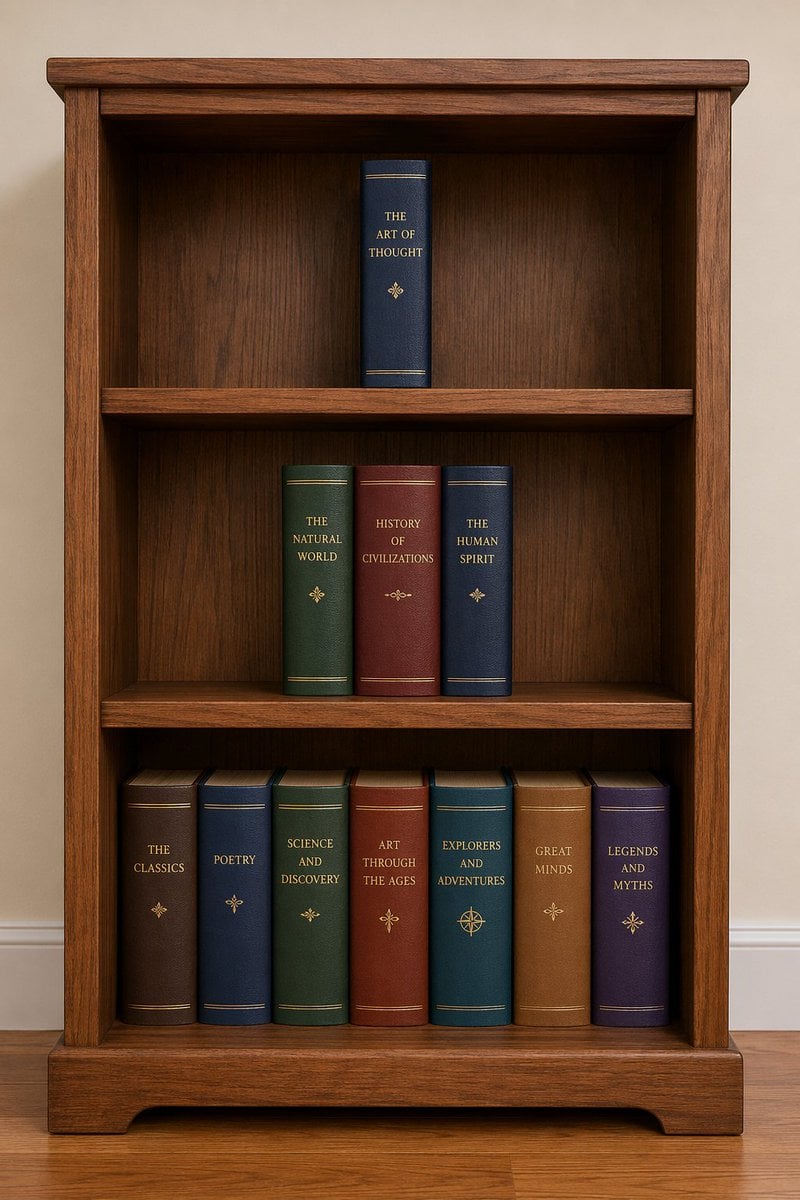
Bookshelf Logic and Spatial Reasoning Prompt
Browse template categories
Anime Girl in Sunny Cafe questions
How do I use the Anime Girl in Sunny Cafe template?
Add your photo if the template asks for one, edit the prompt if you like — the template's model and format are already selected — and press Generate. Your version opens in PicX Studio.
Can I customize the Anime Girl in Sunny Cafe template?
Yes. You can change the subject, setting, lighting, mood, format, and available model controls before creating your image.
Is the Anime Girl in Sunny Cafe template free?
Opening and editing this template is free. Generating uses credits, shown on the Generate button when you are signed in.
Which AI model should I use?
Start with GPT Image 2, which is the model associated with this template. You can compare another compatible model for a different finish.
Looking for something else? Browse all templates.

Your photo, any look
Thousands of ready templates for every top image and video model, from one credit balance.