
Anime Roses and Books End Card
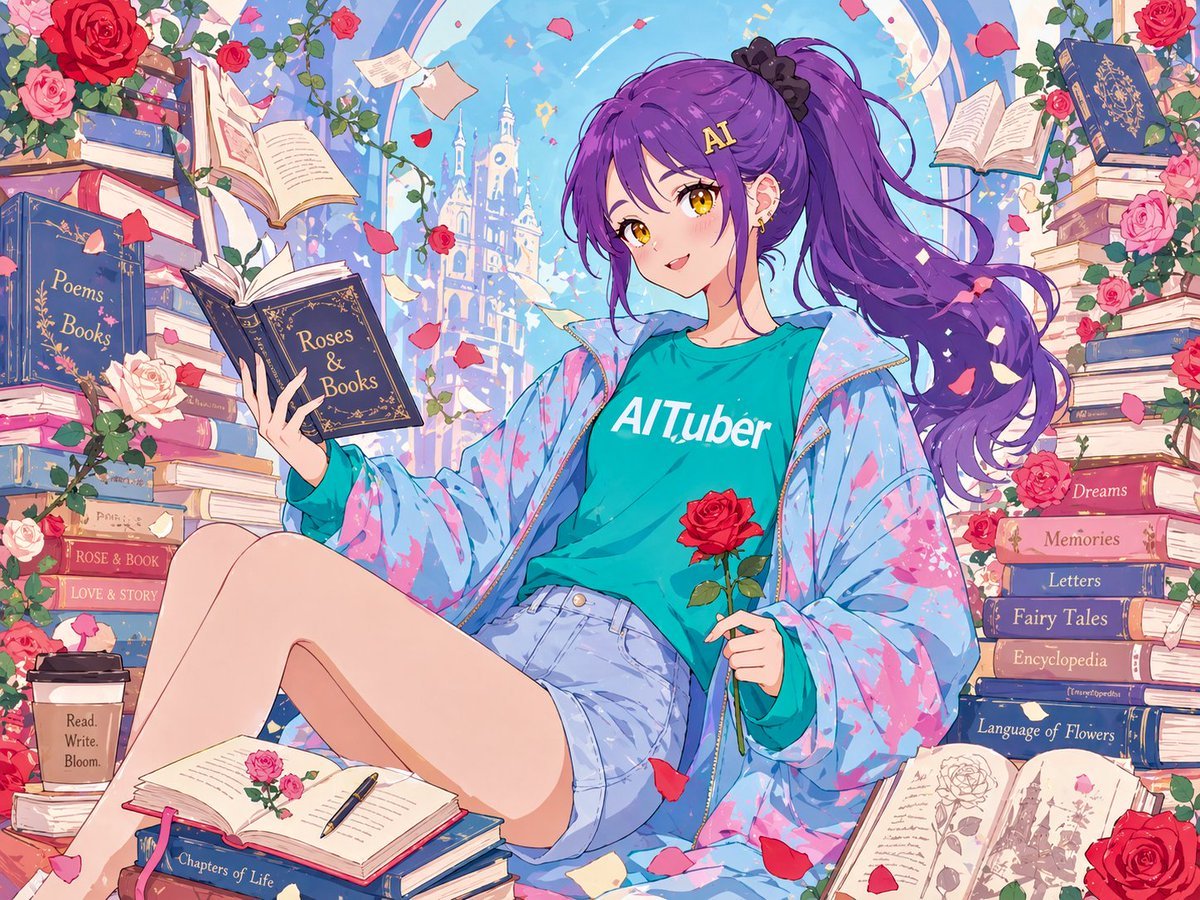
A polished anime-style commemorative illustration of a girl surrounded by roses and books, ideal for festive key visuals, social posts, or end-card art.
- Prompt included
- Model and format preset
- Free template
The prompt behind this image
Copy the exact prompt behind Anime Roses and Books End Card, or open it in the studio and make it yours.
A dreamy anime end-card illustration of a relaxed young woman sitting sideways in a whimsical library of roses and books, surrounded by floating petals and open books. She has {argument name="hair color" default="vivid purple"} hair in a high ponytail tied with a black scrunchie, loose bangs, small gold earrings, and a tiny gold hair clip reading "AI" near her bangs. Her face is mostly obscured by a soft rectangular blur, but the composition still treats her as the central heroine. She wears a turquoise T-shirt with large white text {argument name="shirt text" default="AITuber"}, an oversized pastel windbreaker in icy blue with pink paint-splatter accents, and pale denim shorts. She holds 1 red rose in her right hand and 1 dark blue hardcover book in her left hand titled {argument name="book title" default="Roses & Books"}. Pose her lounging casually with one leg extended and one bent, like a stylish anime ending-card key visual. The setting is an ornate fantasy reading nook with 2 towering stacks of books framing her on the left and right, entwined with blooming rose vines in red and pink. Include exactly 6 clearly readable book spines or covers with decorative serif titles: "Poems & Books", "Roses & Books", "Dreams", "Memories", "Letters", and "Language of Flowers". Add 1 takeaway coffee cup at the lower left with the printed phrase {argument name="cup text" default="Read. Write. Bloom."}. Place 1 open notebook with a pen in the foreground near her legs, showing a rose sketch and notes, plus 1 additional open illustrated botanical book at the lower right. In the upper area, include exactly 4 floating open books and several loose pages drifting in the air. Behind her, create a bright arched window revealing a pastel fairytale city with a cathedral-like spire against a clear sky-blue background. Fill the whole image with scattered red and pink rose petals, sparkles, soft painterly light, decorative floral details, and richly colored book covers in navy, pink, and cream. Use polished anime illustration styling, highly detailed linework, luminous pastel highlights, romantic fantasy atmosphere, balanced symmetrical framing, and the feel of a commemorative spring book-and-rose themed visual for {argument name="occasion" default="Sant Jordi Day"}.
How to use Anime Roses and Books End Card in 3 steps
- 1Upload ImagePNG, JPG or paste
Add your photo
Upload the photo the template builds on. The prompt, model and format are already set.
- 2…a portrait of your subject in softgolden-hour light, 85mm…
Personalize
Edit the subject and creative details for your destination.
- 3Generate
Generate
Press Generate — your image is created in PicX Studio, so you can compare it with the original and refine one variable at a time.
More like this
Templates with the same subject, style or setup. Open one to see its prompt.








Make it yours
Anime Roses and Books End Card works as-is. These are the safest ways to change it without losing the look.
Change one field
Copy a single group, rewrite it, and generate again so you can see what that field is doing.
Keep the frame, change the subject
Hold the composition and light of Anime Roses and Books End Card, then swap wardrobe, props or the person for a new take.
| If the result… | Why | Fix |
|---|---|---|
| The result drifts from the preview | Too many fields changed at once. | Reuse Anime Roses and Books End Card as-is first, then change one group — subject, light, or setting. |
| The model over-stylizes the scene | The prose prompt leaves finish and camera underspecified. | Add one camera or lighting sentence and stay on GPT Image 2. |
More GPT Image 2 templates
Other prompts made for GPT Image 2.

Six VTuber Japanese Logo Sheet

Realistic Portrait of Woman and Deer

The Vista Modular Condo Poster

AI Model Routing Comparison Infographic

2.5D Anime Art Board

Isometric Productivity Desk Scene

New York Double Exposure Poster

Four-Panel AI Landscape Comparison

Japanese Tatami Lifestyle Magazine Cover

NESCAFÉ Coffee Map Poster
More image prompts
Fresh picks from across the catalog.
Wildlife Photographer Mood Board in African Savanna
Cinematic Golden Hour Portrait of Stylish Man
Minimalist Product Photo with Doodle
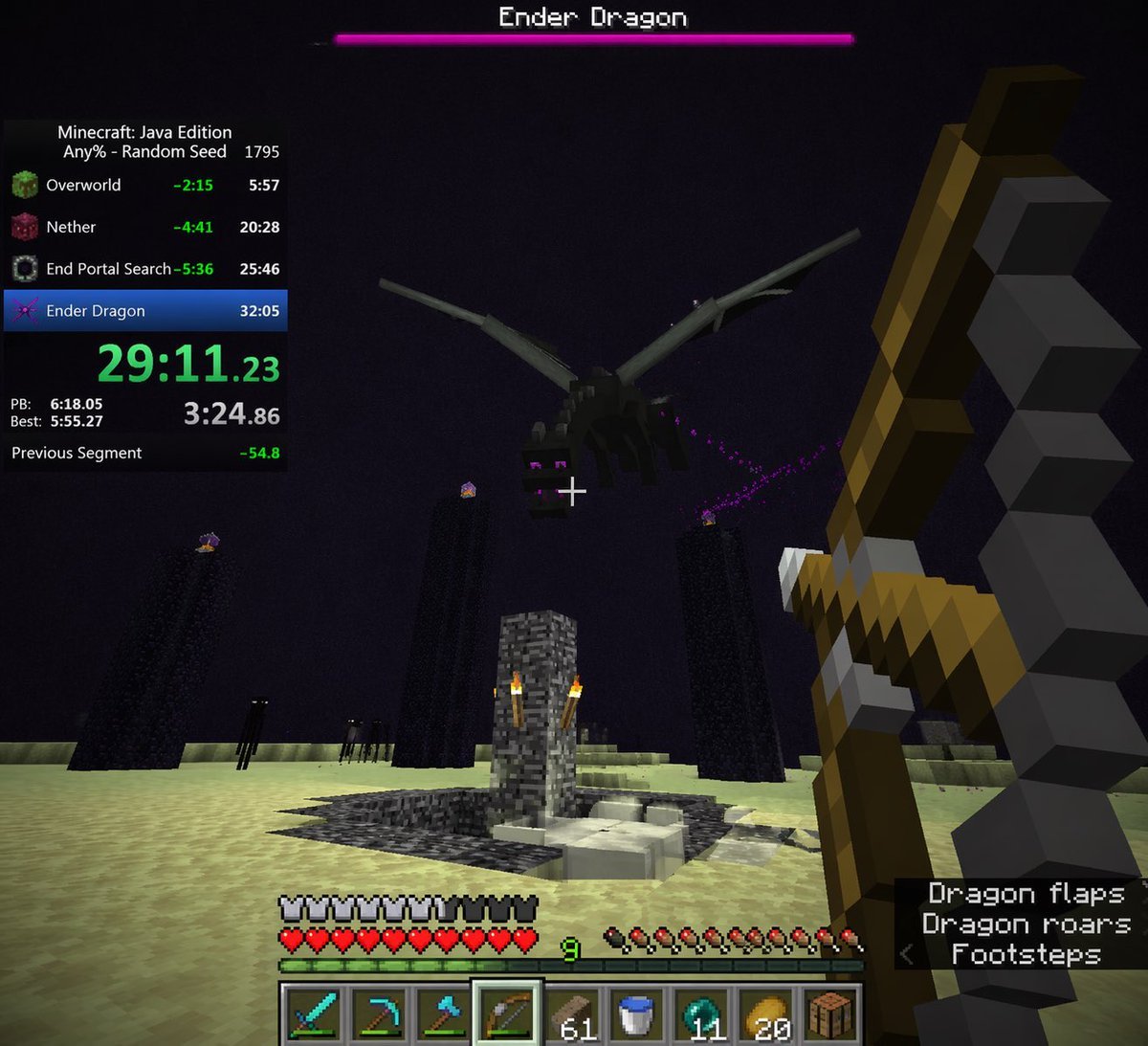
Minecraft Speedrun Screenshot
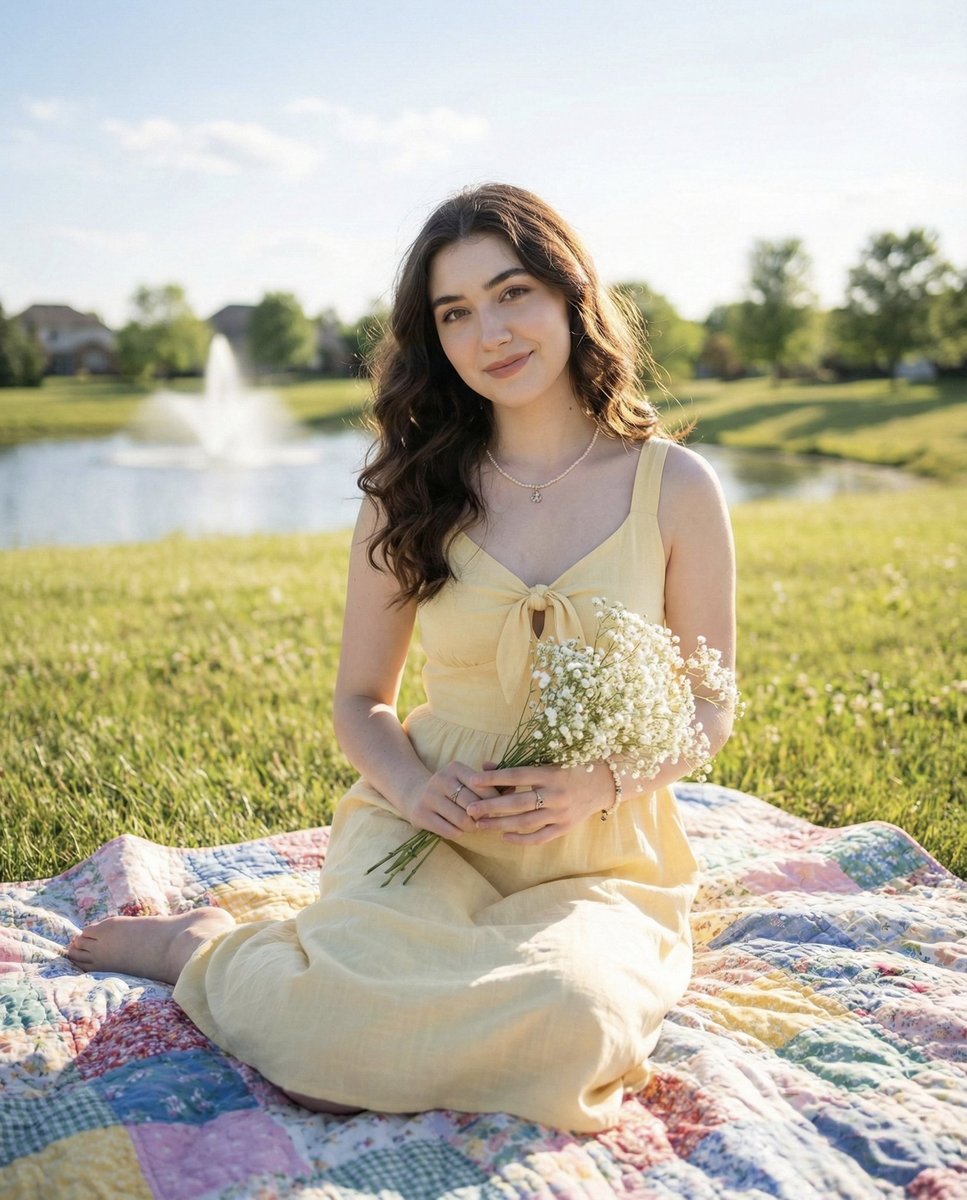
Natural outdoor portrait of a young woman on a picnic blanket
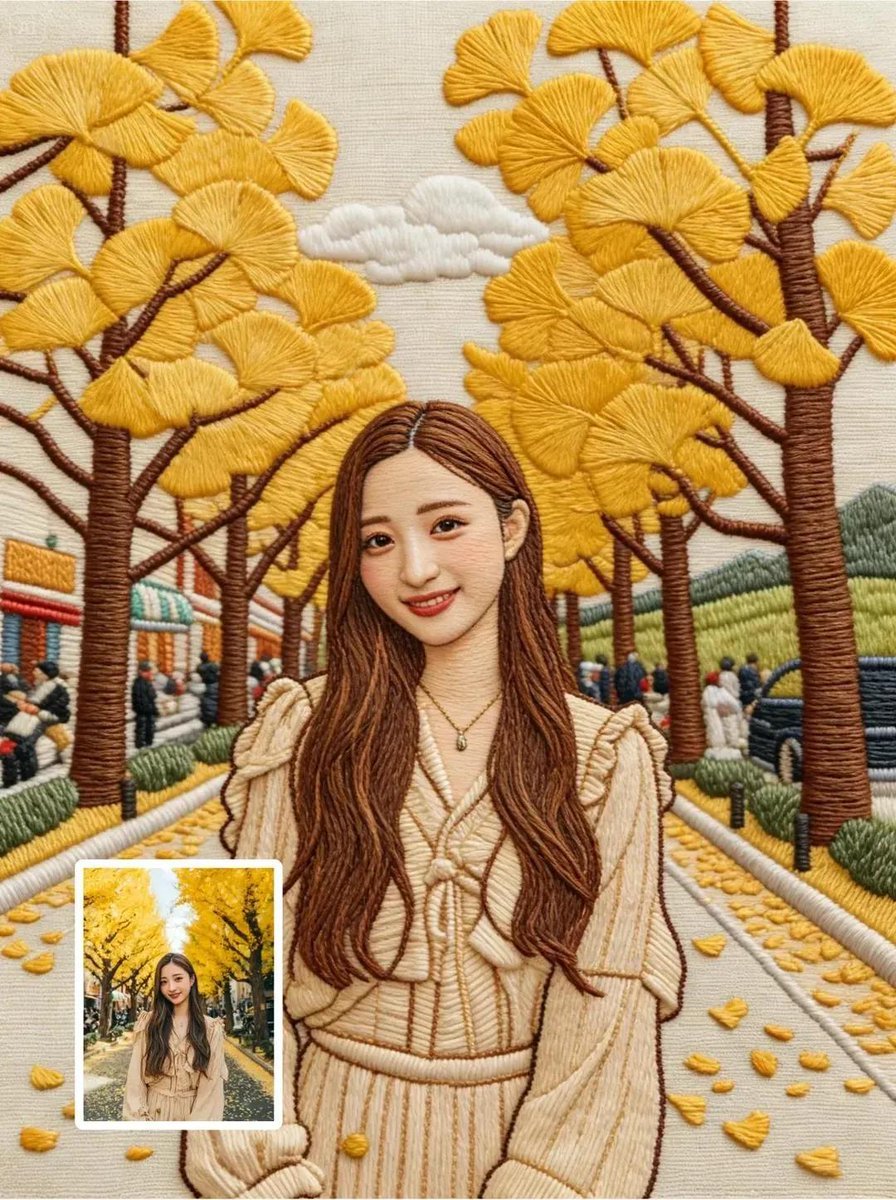
Hyper-Detailed Hand Embroidery Portrait Prompt
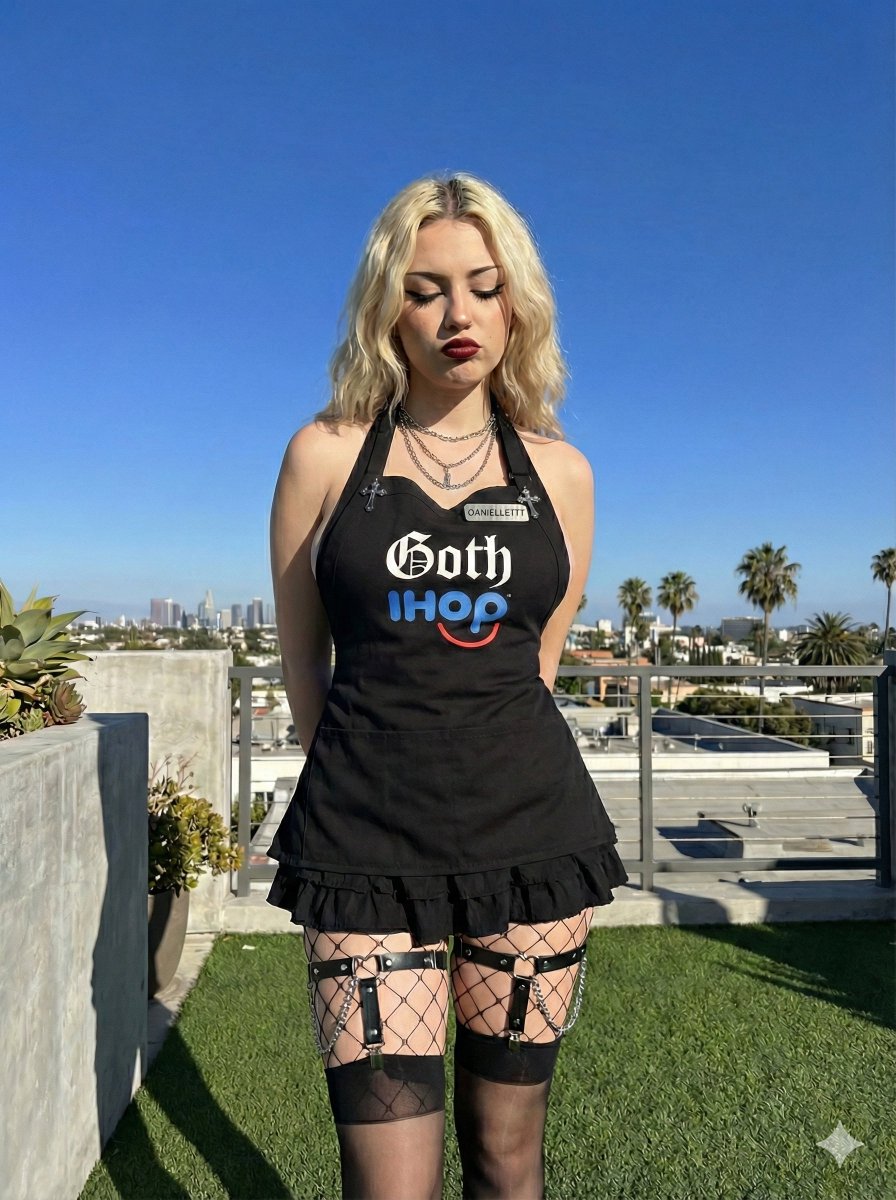
Goth IHOP Waitress Prompt: Rooftop Terrace Scene

First-Person Tropical Island Warzone
JSON Structured Wet Hair Gloss Fashion Portrait (4-Panel)
Nano Banana Pro prompt for a photorealistic image of a woman in a cafe
Browse template categories
Anime Roses and Books End Card questions
How do I use the Anime Roses and Books End Card template?
Add your photo if the template asks for one, edit the prompt if you like — the template's model and format are already selected — and press Generate. Your version opens in PicX Studio.
Can I customize the Anime Roses and Books End Card template?
Yes. You can change the subject, setting, lighting, mood, format, and available model controls before creating your image.
Is the Anime Roses and Books End Card template free?
Opening and editing this template is free. Generating uses credits, shown on the Generate button when you are signed in.
Which AI model should I use?
Start with GPT Image 2, which is the model associated with this template. You can compare another compatible model for a different finish.
Looking for something else? Browse all templates.

Your photo, any look
Thousands of ready templates for every top image and video model, from one credit balance.