
Anime Monster Hunter Quest Card
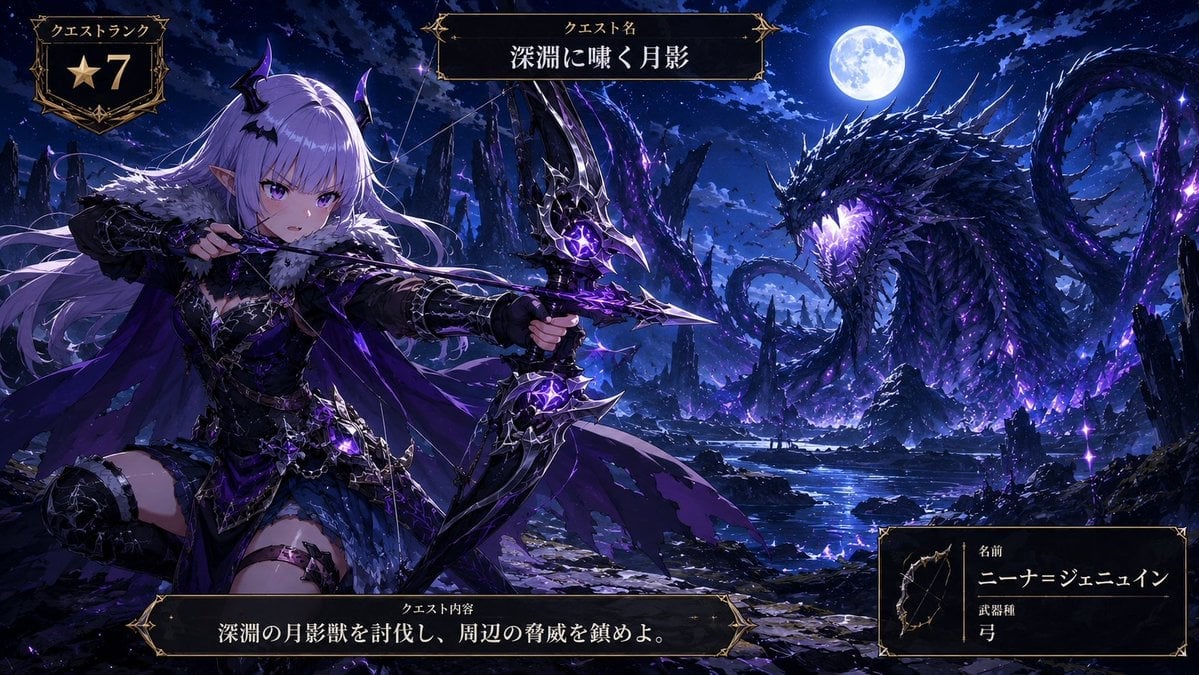
Creates a cinematic fantasy anime quest screen featuring a dark-elf archer facing a colossal moonlit abyss dragon with Japanese RPG UI panels.
- Prompt included
- Model and format preset
- Premium template
The prompt behind this image
Copy the exact prompt behind Anime Monster Hunter Quest Card, or open it in the studio and make it yours.
Goal: Create a dramatic anime fantasy game quest-card key visual for a monster-hunting scene, styled like a high-rank RPG hunt announcement. Canvas: Wide cinematic 16:9 illustration, dark blue and violet night palette, ultra-detailed anime rendering, high contrast moonlight, glowing purple magic, ornate black-and-gold fantasy UI frames overlaid on the artwork. Main scene: On the left foreground, show one female dark-elf archer hunter named {argument name="character name" default="ニーナ=ジェニュイン"}. She has long flowing {argument name="hair color" default="silver-lavender hair"}, pointed elf ears, small black-purple demon horns, violet eyes, and a fierce focused expression. She wears black gothic fantasy armor with fur around the shoulders, layered leather and metal pieces, thigh armor, purple cloak ribbons, and luminous amethyst accents. She is kneeling or bracing in an action pose, drawing a large ornate black bow with jagged metallic limbs and glowing violet crystal cores; the arrow is aimed toward the monster on the right. Monster and environment: On the right midground/background, depict exactly one colossal abyssal moon-shadow dragon or serpent beast rising from a rocky lake. It has a long coiling body, jagged black scales, many sharp spines, a horned head, glowing purple eyes and mouth, and violet energy cracks radiating through its body. Place it under a bright full moon in a stormy night sky. The setting is a ruined obsidian canyon with sharp rock spires, reflective dark water, scattered purple crystals, magical sparks, mist, and moonlit clouds. UI overlay: Include exactly 4 separate ornate fantasy interface panels with black interiors, thin gold borders, corner flourishes, and Japanese text. Panel 1 is the top-left quest rank badge, labeled 「クエストランク」 and showing one gold star icon followed by the large number 「7」. Panel 2 is centered near the top, labeled 「クエスト名」 with the quest title {argument name="quest title" default="深淵に嘯く月影"}. Panel 3 is a long bottom-center quest objective bar, labeled 「クエスト内容」 and containing {argument name="quest objective" default="深淵の月影獣を討伐し、周辺の脅威を鎮めよ。"}. Panel 4 is the bottom-right hunter info card with a small bow icon on the left, the label 「名前」 above the character name, and the label 「武器種」 above 「弓」. Style constraints: Make the illustration polished, high-detail, fantasy anime concept-art quality, with sharp linework, dramatic lighting, deep blues and purples, gold UI trim, no watermark, no modern objects. Keep the archer and dragon clearly separated left and right, and ensure the UI text is legible and integrated like an official game quest screen.
How to use Anime Monster Hunter Quest Card in 3 steps
- 1Upload ImagePNG, JPG or paste
Add your photo
Upload the photo the template builds on. The prompt, model and format are already set.
- 2…a portrait of your subject in softgolden-hour light, 85mm…
Personalize
Edit the subject and creative details for your destination.
- 3Generate
Generate
Press Generate — your image is created in PicX Studio, so you can compare it with the original and refine one variable at a time.
More like this
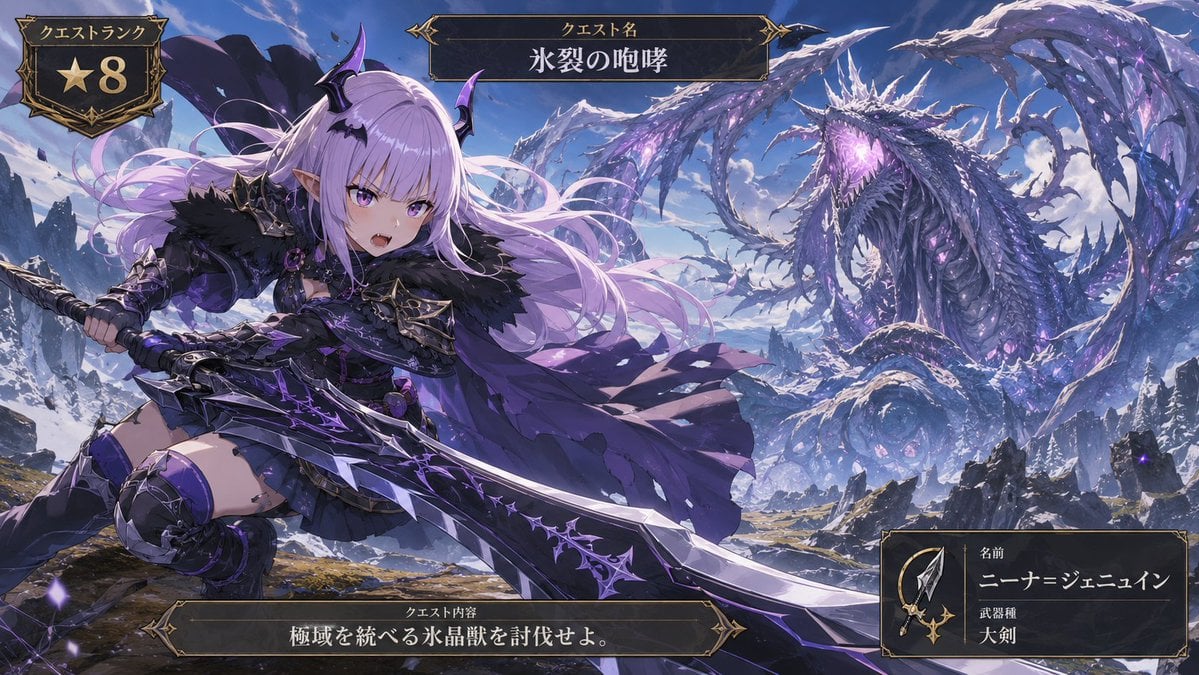
Templates with the same subject, style or setup. Open one to see its prompt.











Make it yours
Anime Monster Hunter Quest Card works as-is. These are the safest ways to change it without losing the look.
Change one field
Copy a single group, rewrite it, and generate again so you can see what that field is doing.
Keep the frame, change the subject
Hold the composition and light of Anime Monster Hunter Quest Card, then swap wardrobe, props or the person for a new take.
| If the result… | Why | Fix |
|---|---|---|
| The result drifts from the preview | Too many fields changed at once. | Reuse Anime Monster Hunter Quest Card as-is first, then change one group — subject, light, or setting. |
| The model over-stylizes the scene | The prose prompt leaves finish and camera underspecified. | Add one camera or lighting sentence and stay on GPT Image 2. |
More GPT Image 2 templates
Other prompts made for GPT Image 2.

Six VTuber Japanese Logo Sheet

Realistic Portrait of Woman and Deer

The Vista Modular Condo Poster

AI Model Routing Comparison Infographic

2.5D Anime Art Board

Isometric Productivity Desk Scene

New York Double Exposure Poster

Four-Panel AI Landscape Comparison

Japanese Tatami Lifestyle Magazine Cover

NESCAFÉ Coffee Map Poster
More image prompts
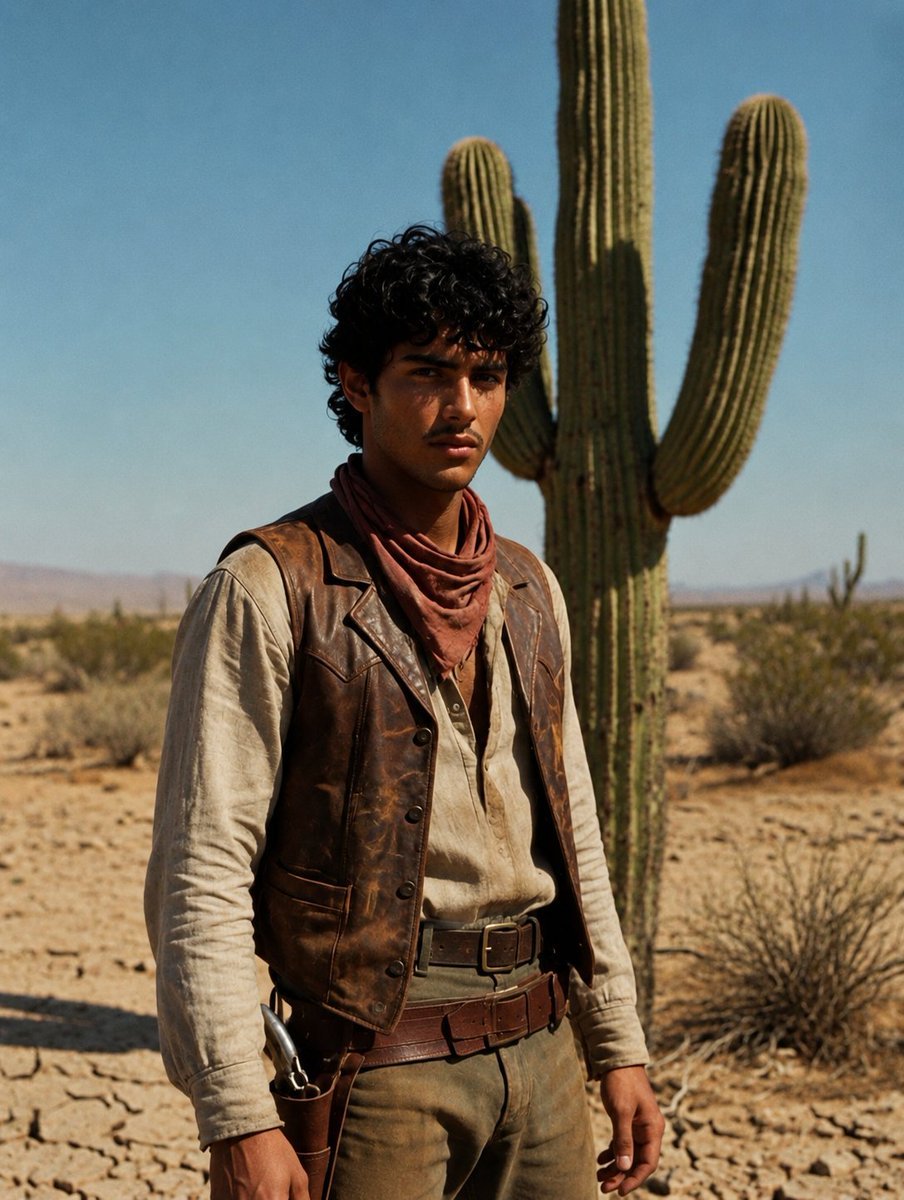
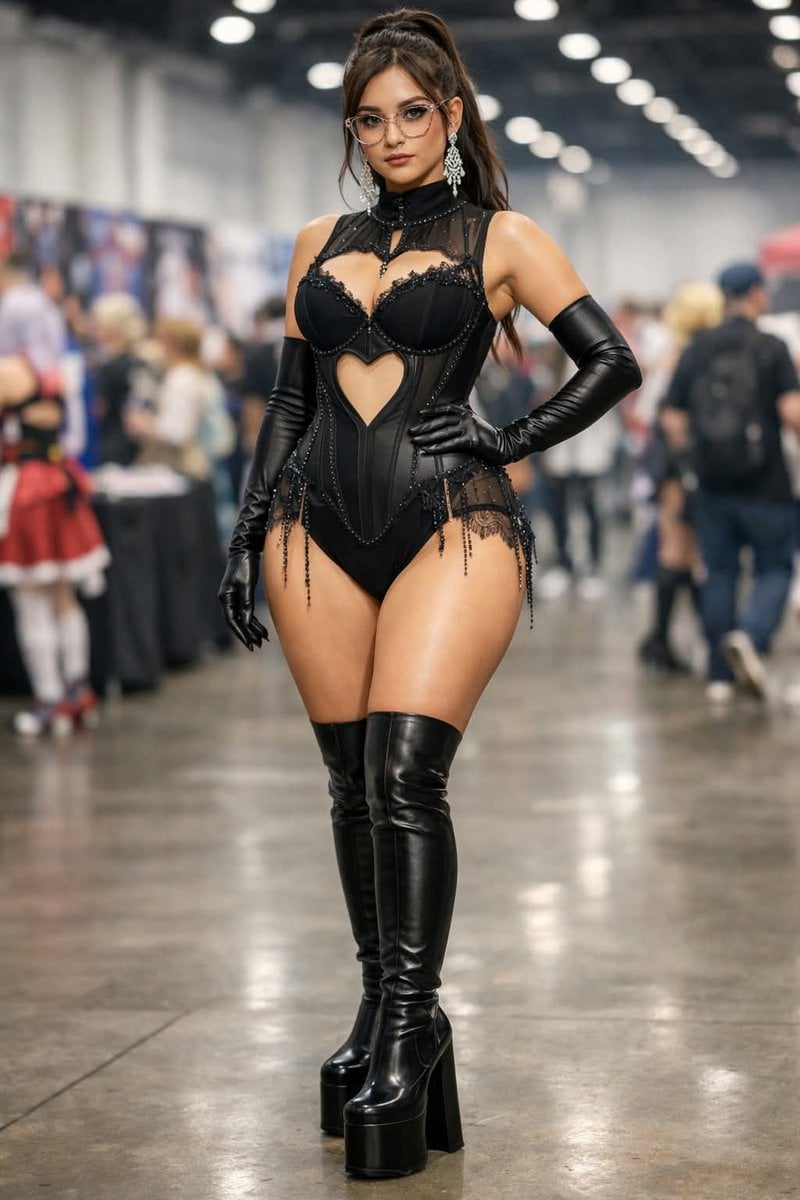
Fresh picks from across the catalog.
Desert Luxury Western Fashion Portrait
Convention Cosplay Outfit Prompt
Creative Typography Poster Prompt for Nano Banana Pro
Professional AI Headshot Transformation
Skeletal Product Design Prompt
New Chinese Koi Fine Art Photography
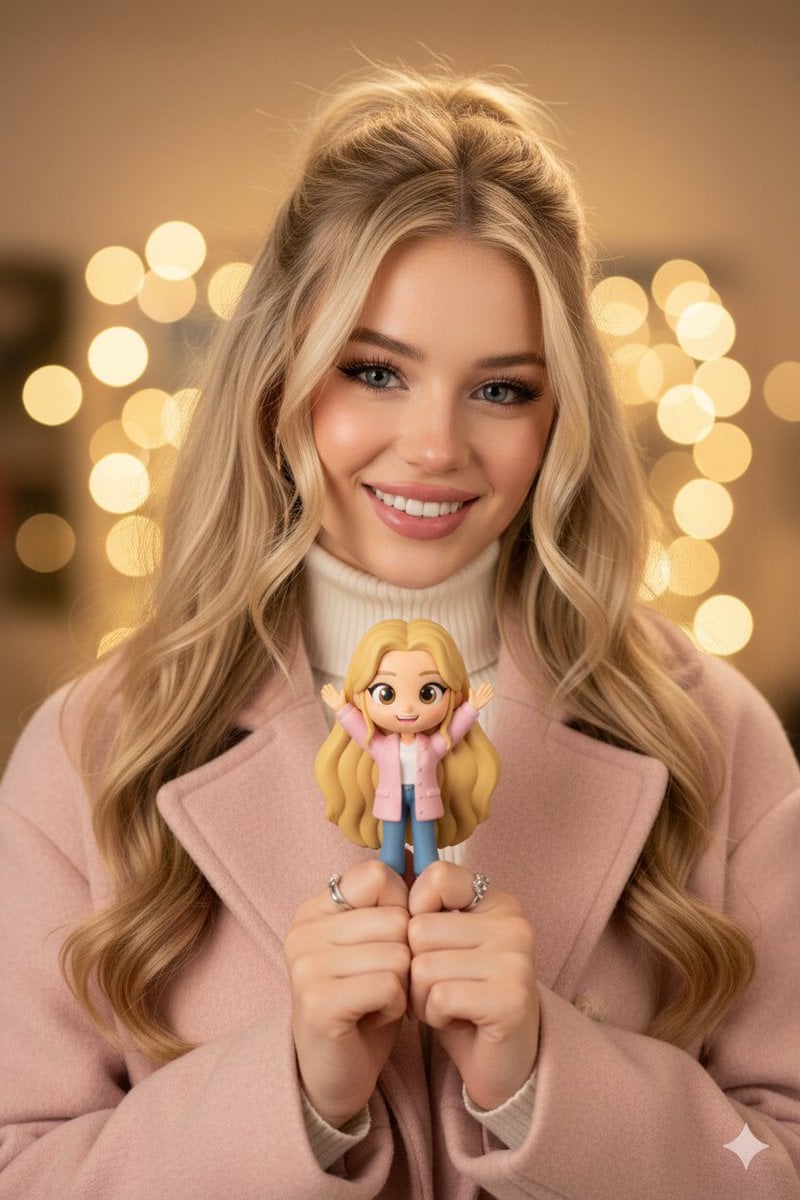
Hyper-realistic Portrait with Chibi Figurine Prompt
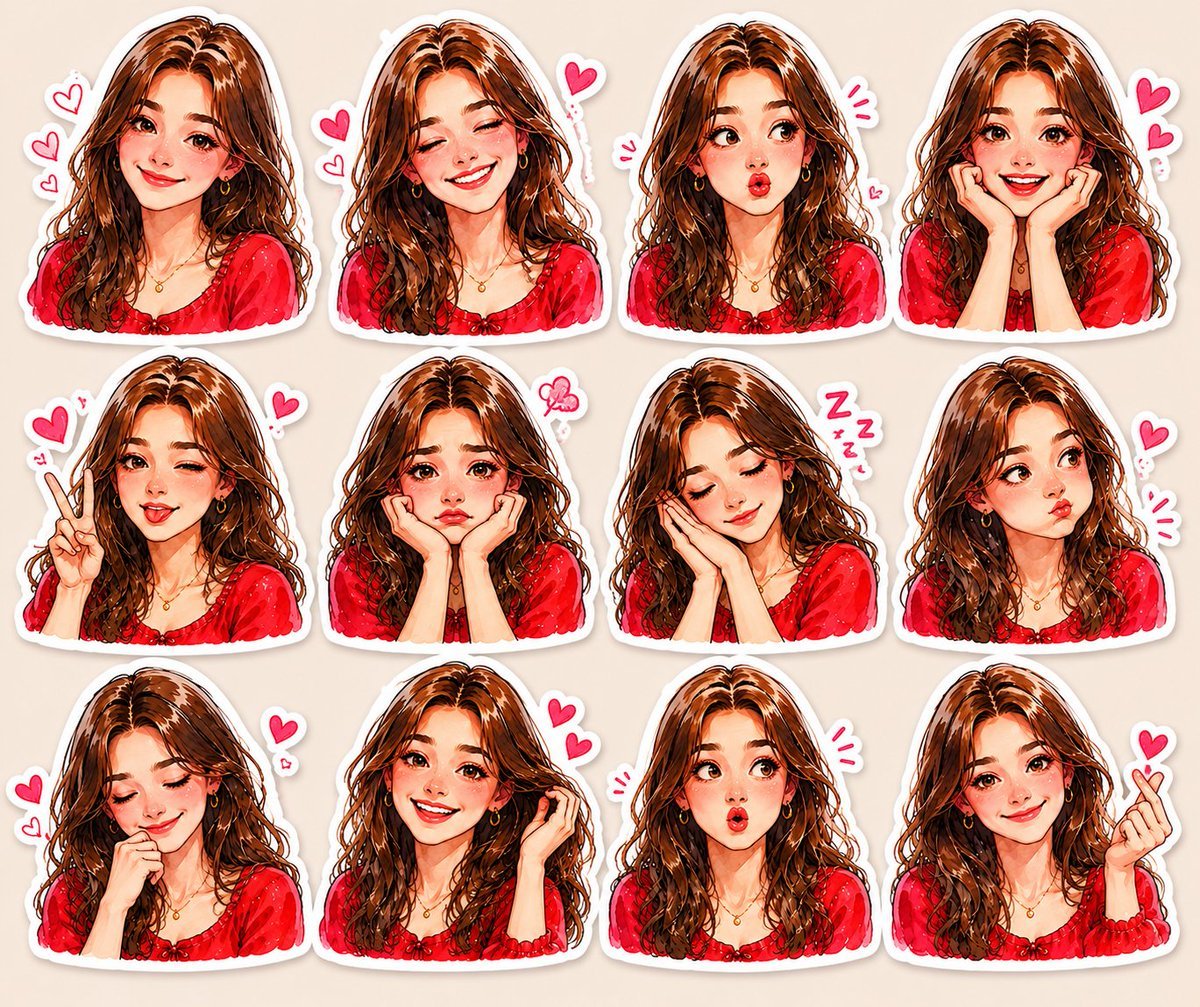
Kawaii Anime Sticker Sheet
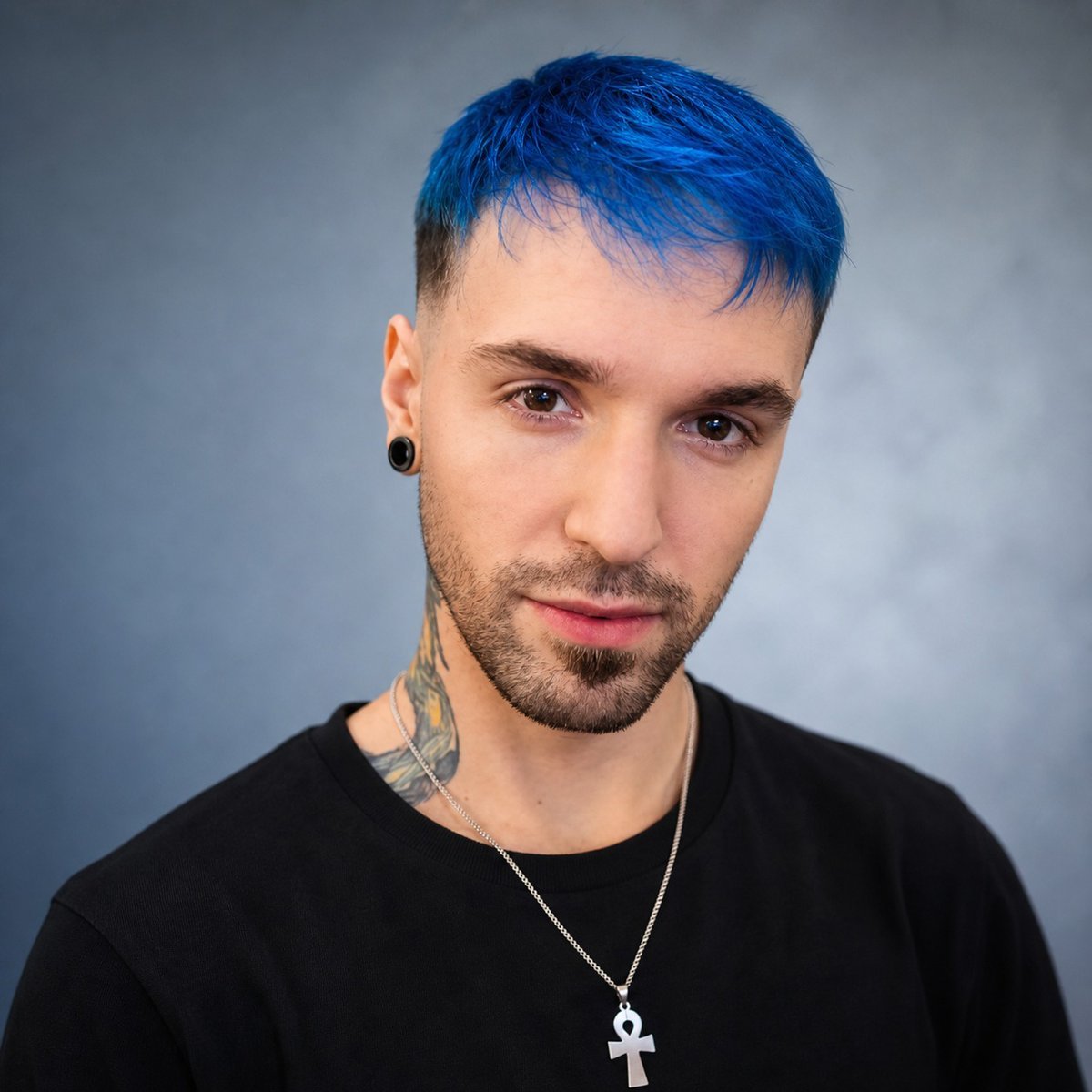
Studio Headshot from Reference
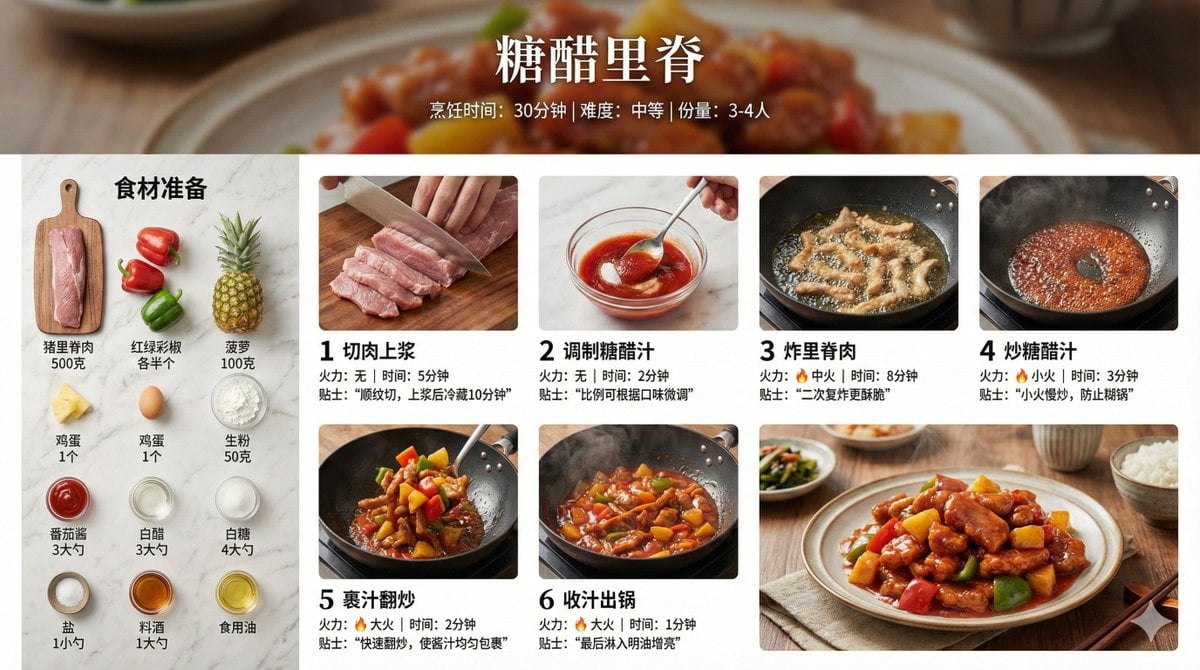
Infographic Prompt for Sweet and Sour Pork Recipe
Browse template categories
Anime Monster Hunter Quest Card questions
How do I use the Anime Monster Hunter Quest Card template?
Add your photo if the template asks for one, edit the prompt if you like — the template's model and format are already selected — and press Generate. Your version opens in PicX Studio.
Can I customize the Anime Monster Hunter Quest Card template?
Yes. You can change the subject, setting, lighting, mood, format, and available model controls before creating your image.
Is the Anime Monster Hunter Quest Card template free?
Opening and editing this template is free. Generating uses credits, shown on the Generate button when you are signed in.
Which AI model should I use?
Start with GPT Image 2, which is the model associated with this template. You can compare another compatible model for a different finish.
Looking for something else? Browse all templates.

Your photo, any look
Thousands of ready templates for every top image and video model, from one credit balance.