Editorial 9-Panel Grid Prompt for Nano Banana Pro
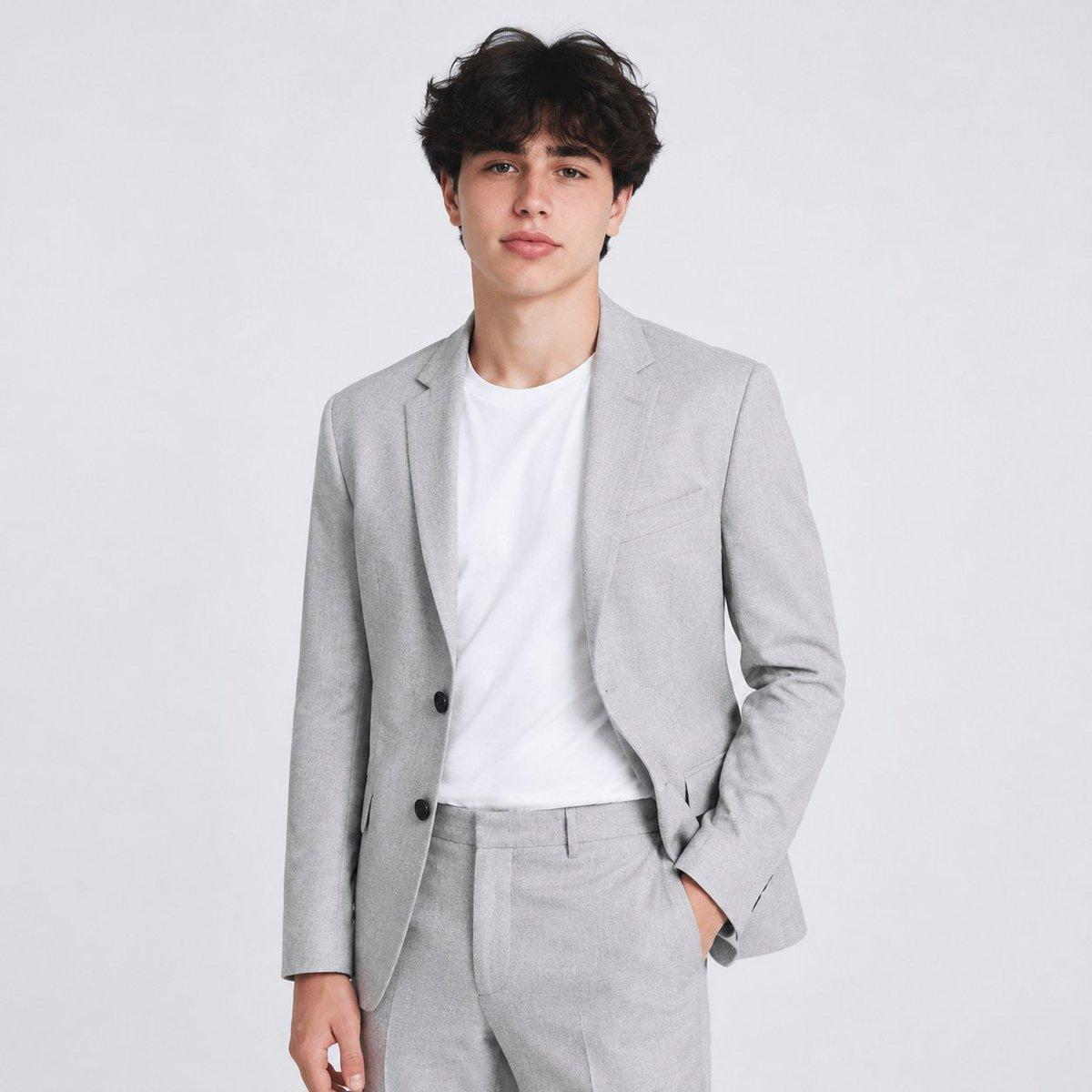
Create a photoreal 3x3 editorial grid featuring the same elegant adult woman in all nine panels. Keep the same woman and the same facial identity across every panel, but update the styling to feel more striking, glamorous, and visually powerful. Use the same hair and same makeup in all nine panels for consistency, but change the outfit and background from the previous concept. The woman should wear one dramatic fashion-dance look in all panels: a sleek dark burgundy or black-wine fitted performance set with a sculptural asymmetric top, subtle sheen, refined cutouts or draped details, and matching fitted bottoms or a fashion-dance silhouette that feels expensive and cinematic. The background should be the same in all panels: a moody luxury editorial studio with a deep burgundy-to-black gradient, glossy shadow depth, and premium cinematic atmosphere. Only the pose and subtle expression should change from panel to panel. Every pose must feel more impactful, stronger, more elegant, and more unforgettable than ordinary dance poses. Use long extended body lines, deep curves through the torso, dramatic arm architecture, controlled turns, seated power poses, off-balance fashion shapes, stretched leg lines, and expressive stage presence. The result should feel like one cohesive luxury dance campaign with nine powerful moments from the same shoot. Subject: one woman with identical facial features across all nine panels, same soft glamorous dark hair with elegant movement in all panels, same dark burgundy or black-wine fashion dance outfit in all panels (sculptural, fitted, refined, cinematic, luxurious), same polished editorial makeup in all panels (luminous skin, defined eyes, rich elegant finish). Scene: same moody luxury studio with a deep burgundy-to-black gradient background in all panels, dramatic, sensual, refined, powerful, cinematic, fashion-forward mood. Panel directions: Panel 1: strong standing pose with one arm arched overhead and the other extended low, long diagonal body line. Panel 2: twisted torso pose with a deep shoulder turn and elegant intense gaze, subtle movement in the hair. Panel 3: high-impact side pose with one leg lengthened and both arms forming a sculptural frame. Panel 4: dynamic leaning pose with dramatic spine curve and expressive hand placement. Panel 5: center hero pose, grounded and commanding, with poised torso and unforgettable editorial energy. Panel 6: one-leg lifted pose with strong balance, stretched foot line, and bold arm extension. Panel 7: low seated or floor-based pose with luxurious body curve and powerful fashion attitude. Panel 8: overhead crossed-arm pose with elongated torso and elegant tension through the neck and shoulders. Panel 9: final campaign-finishing pose with a deep side extension, refined hand line, and strong cinematic silhouette. Camera: mixed medium, three-quarter, full-body, and floor-based fashion portrait compositions, cinematic editorial studio angles, focus sharp on face, outfit texture, silhouette, and dance body lines, clean premium studio separation depth of field. Lighting: controlled cinematic studio lighting, soft sculpting with deeper contrast, elegant highlights, and premium shadow shaping, realistic skin texture, no plastic effect. Must have: 3x3 grid layout, same woman in all panels, same hair in all panels, same makeup in all panels, same new outfit in all panels, same new background in all panels, different pose in every panel, more impactful dance-fashion poses, photoreal quality, perfect anatomy, realistic hands, physically accurate posture and balance, sharp face in every panel, no text anywhere. Negative prompt: different identity in each panel, different outfit in each panel, different hair in each panel, different background in each panel, weak posing, static posing, awkward limbs, bad anatomy, extra fingers, missing fingers, deformed hands, broken wrists, stiff shoulders, unnatural spine, plastic skin, blurry face, duplicate limbs, cartoon, low detail, text, logo, watermark. Output settings: 4:5 portrait aspect ratio, ultra high resolution, 1 image, 3x3 grid with thin gutter, no outer border, maximum panel consistency, cinematic luxury editorial realism style, editorial crisp sharpness, subtle film grain, rich high end dynamic range, burgundy noir editorial color grade.



![Character Archive — Blueprint Concept Sheet — A character concept sheet of a [character], featuring detailed front, back, and side views, along with close-up sk](/_next/image?url=https%3A%2F%2Fcdn.picxstudio.com%2Fuploads%2Fcharacter-archive-blueprint_bfd5779a-687e-4233-83b2-2ae86a20e679.jpg&w=828&q=100)










![Minimalist Flat Vector Travel Poster — Premium minimalist flat-vector travel poster for {argument name="city name" default="[CITY_NAME]"}, 3:4 vertical format.](https://cms-assets.youmind.com/media/1787917359711_3ug846_HQX205cbMAA6F6S-300x400.jpg)