
Cute Japanese Hamster Infographic
A warm, information-dense Japanese-style poster featuring an adorable pet hamster with labeled traits, daily routine, favorite foods, expressions, and care tips, ideal for social posts or character-like pet profiles.
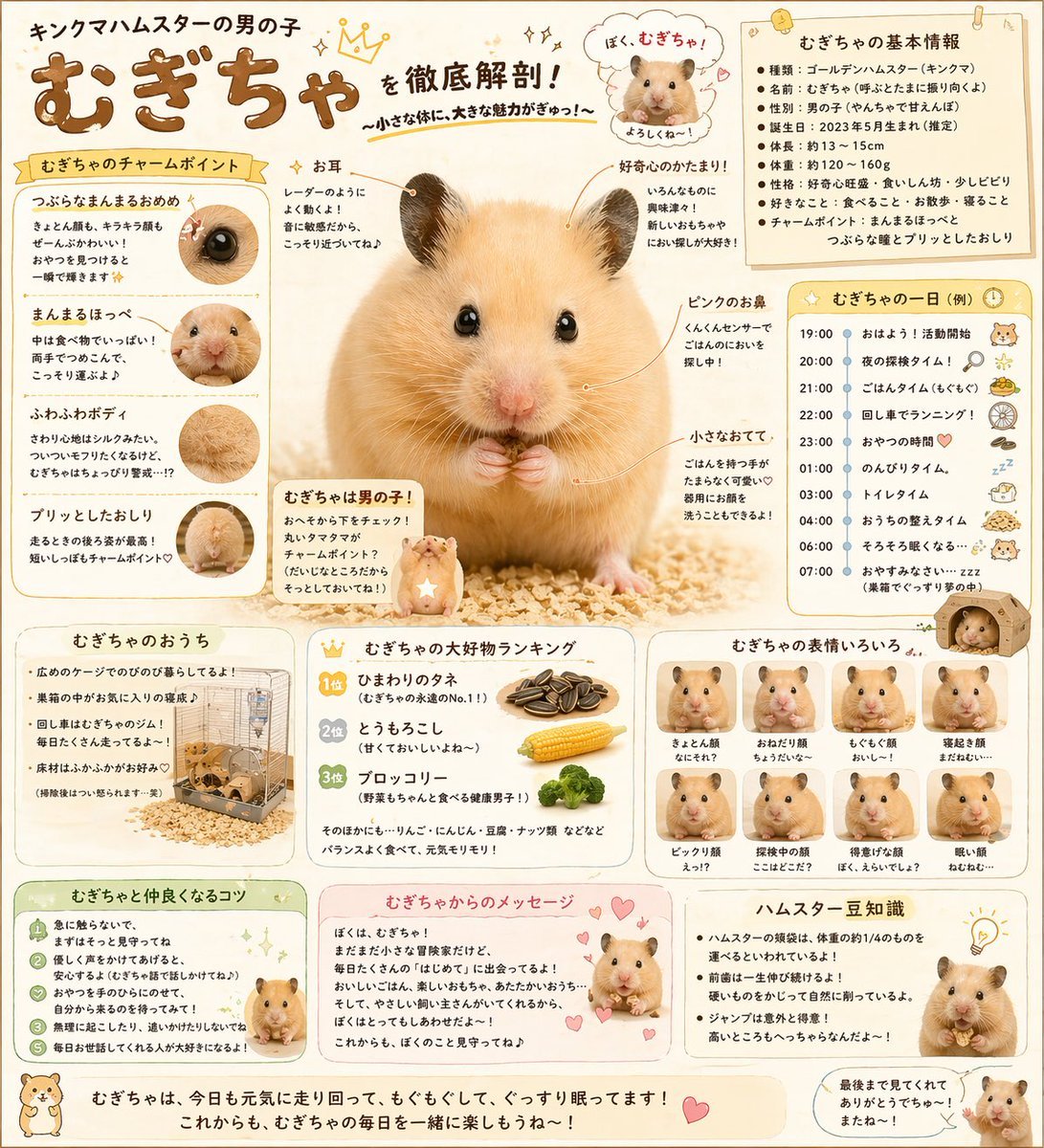
- Prompt included
- Model and format preset
- Free template
The prompt behind this image
Copy the exact prompt behind Cute Japanese Hamster Infographic, or open it in the studio and make it yours.
- Type
- cute hamster infographic poster
- Subject › Animal
- male Syrian hamster
- Subject › Nickname
- {argument name="character name" default="むぎちゃ"}
- Subject › Appearance › Fur
- golden beige with cream belly
- Subject › Appearance › Eyes
- large glossy black eyes
- Subject › Appearance › Ears
- small rounded ears with dark gray edges
- Subject › Appearance › Nose
- soft pink nose
- Subject › Appearance › Paws
- tiny pink front paws held together at chest
- Subject › Appearance › Body
- round fluffy body, sitting upright on bedding
- Style › Overall
- adorable Japanese pet guide poster, warm and cozy, highly detailed, soft realistic photo-illustration look
- Style › Palette
- cream, beige, warm brown, pastel yellow, soft pink
- Style › Mood
- friendly, informative, playful, affectionate
- Style › Background
- light cream paper texture with subtle dots, stars, hearts, and hand-drawn accent marks
- Layout › Format
- portrait infographic
- Layout › Centerpiece
- large front-facing hamster portrait centered on wood shavings
- Layout › Sections › 0 › Title
- キングマハムスターの男の子 むぎちゃ を徹底解剖!
- Layout › Sections › 0 › Position
- top header
- Layout › Sections › 0 › Count
- 1
- Layout › Sections › 0 › Labels
- main title with crown doodle and subtitle
- Layout › Sections › 1 › Title
- むぎちゃの基本情報
- Layout › Sections › 1 › Position
- top right
- Layout › Sections › 1 › Count
- 7
- Layout › Sections › 1 › Labels
- 種類, 名前, 性別, 誕生日, 体長, 体重, 性格
- Layout › Sections › 2 › Title
- むぎちゃのチャームポイント
Raw JSON
{"type":"cute hamster infographic poster","subject":{"animal":"male Syrian hamster","nickname":"{argument name=\"character name\" default=\"むぎちゃ\"}","appearance":{"fur":"golden beige with cream belly","eyes":"large glossy black eyes","ears":"small rounded ears with dark gray edges","nose":"soft pink nose","paws":"tiny pink front paws held together at chest","body":"round fluffy body, sitting upright on bedding"}},"style":{"overall":"adorable Japanese pet guide poster, warm and cozy, highly detailed, soft realistic photo-illustration look","palette":"cream, beige, warm brown, pastel yellow, soft pink","mood":"friendly, informative, playful, affectionate","background":"light cream paper texture with subtle dots, stars, hearts, and hand-drawn accent marks"},"layout":{"format":"portrait infographic","centerpiece":"large front-facing hamster portrait centered on wood shavings","sections":[{"title":"キングマハムスターの男の子 むぎちゃ を徹底解剖!","position":"top header","count":1,"labels":["main title with crown doodle and subtitle"]},{"title":"むぎちゃの基本情報","position":"top right","count":7,"labels":["種類","名前","性別","誕生日","体長","体重","性格"]},{"title":"むぎちゃのチャームポイント","position":"upper left","count":4,"labels":["つぶらなまんまるおめめ","まんまるほっぺ","ふわふわボディ","プリッとしたおしり"]},{"title":"central callouts","position":"around centerpiece","count":6,"labels":["お耳","好きなひま種!","ピンクのお鼻","小さなおてて","むぎちゃは男の子!","speech bubble portrait introduction"]},{"title":"むぎちゃの一日(例)","position":"mid right","count":7,"labels":["19:00 おはよう!活動開始","20:00 夜の探検タイム!","21:00 ごはんタイム","22:00 回し車でランニング!","23:00 おやつの時間","01:00 のんびりタイム","07:00 おやすみなさい…zzz"]},{"title":"むぎちゃのおうち","position":"bottom left","count":1,"labels":["cage photo with habitat notes"]},{"title":"むぎちゃの大好物ランキング","position":"bottom center-left","count":3,"labels":["1位 ひまわりのタネ","2位 とうもろこし","3位 ブロッコリー"]},{"title":"むぎちゃの表情いろいろ","position":"bottom center-right","count":8,"labels":["まんまる顔","おねだり顔","もぐもぐ顔","寝起き顔","ビックリ顔","探検中の顔","得意げな顔","眠い顔"]},{"title":"むぎちゃと仲良くなるコツ","position":"bottom left strip","count":5,"labels":["tip 1","tip 2","tip 3","tip 4","tip 5"]},{"title":"むぎちゃからのメッセージ","position":"bottom middle strip","count":1,"labels":["first-person handwritten-style note with hearts"]},{"title":"ハムスター豆知識","position":"bottom right strip","count":4,"labels":["fact 1","fact 2","fact 3","fact 4"]},{"title":"bottom footer","position":"very bottom","count":1,"labels":["closing sentence about running, eating, and sleeping cutely every day"]}]},"text":{"language":"Japanese","headline":"{argument name=\"headline text\" default=\"キングマハムスターの男の子 むぎちゃ を徹底解剖!\"}","footer":"{argument name=\"footer text\" default=\"むぎちゃは、今日も元気に走り回って、もぐもぐして、ぐっすり眠ってます!これからも、むぎちゃの毎日を一緒に楽しもうね〜!\"}"},"decorations":{"count":10,"items":["crown doodle","sparkles","hearts","speech bubble","tiny hamster icons","sunflower seed icons","magnifying glass icon","running wheel icon","food illustrations","small cardboard house illustration"]},"rendering":{"camera":"slight eye-level close-up for main hamster, straight-on infographic layout","lighting":"soft bright studio lighting","detail":"crisp fur texture, glossy eyes, clean editorial composition"}}How to use Cute Japanese Hamster Infographic in 3 steps
- 1Upload ImagePNG, JPG or paste
Add your photo
Upload the photo the template builds on. The prompt, model and format are already set.
- 2…a portrait of your subject in softgolden-hour light, 85mm…
Personalize
Edit the subject and creative details for your destination.
- 3Generate
Generate
Press Generate — your image is created in PicX Studio, so you can compare it with the original and refine one variable at a time.
More like this
Templates with the same subject, style or setup. Open one to see its prompt.

Gpt2 Infographic Edu Visual Japanese Sci Fi Suit Up Process Board
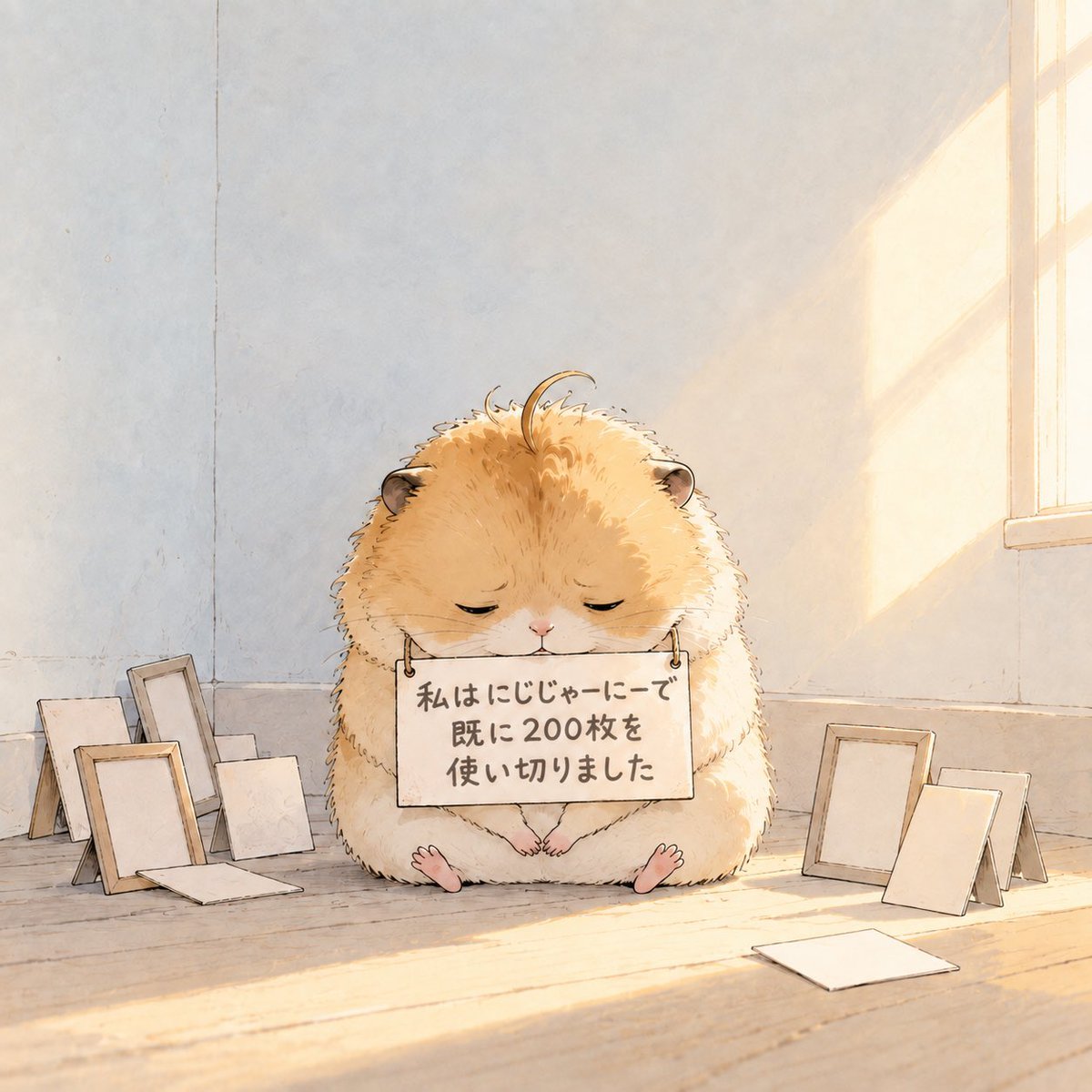
Fluffy Hamster Holding Japanese Sign

Minecraft Homage Illustrious Style

Minecraft Japanese Research Lab Exploration

Japan Travel Brochure Poster

Cute Hamster 0% Celebration
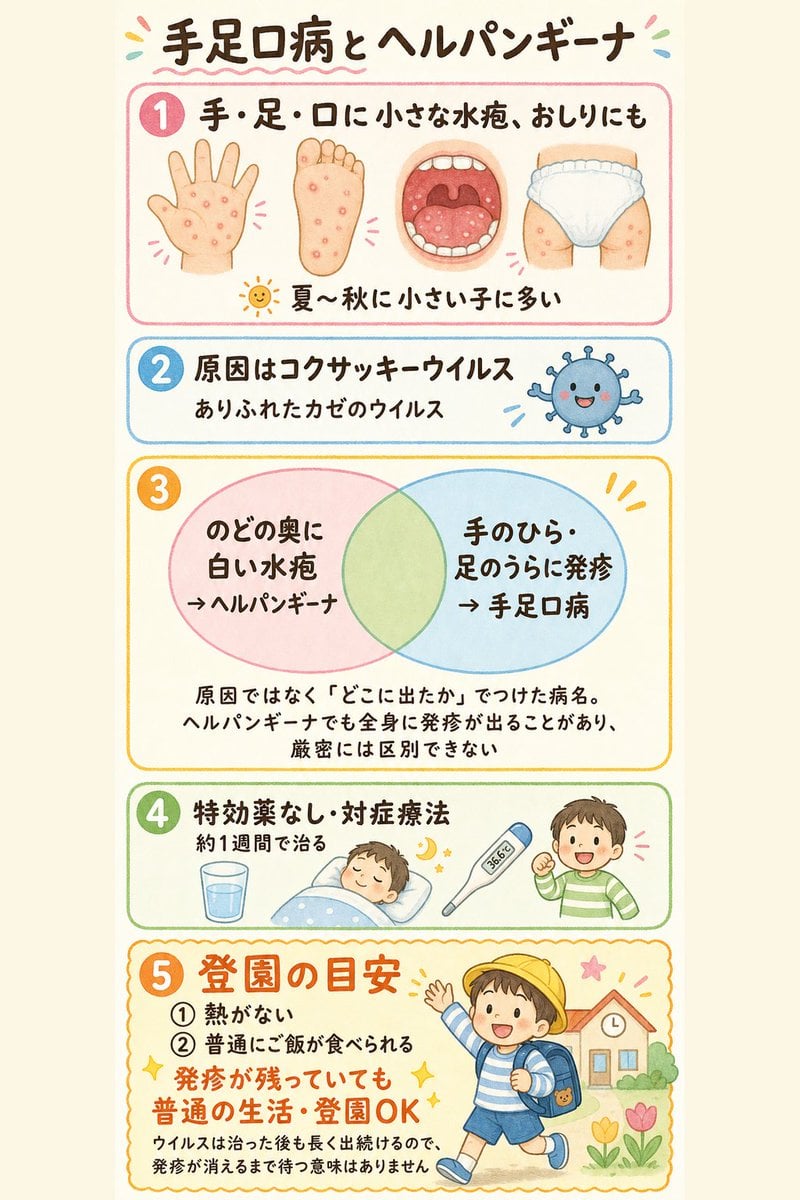
Japanese Pediatric Disease Infographic
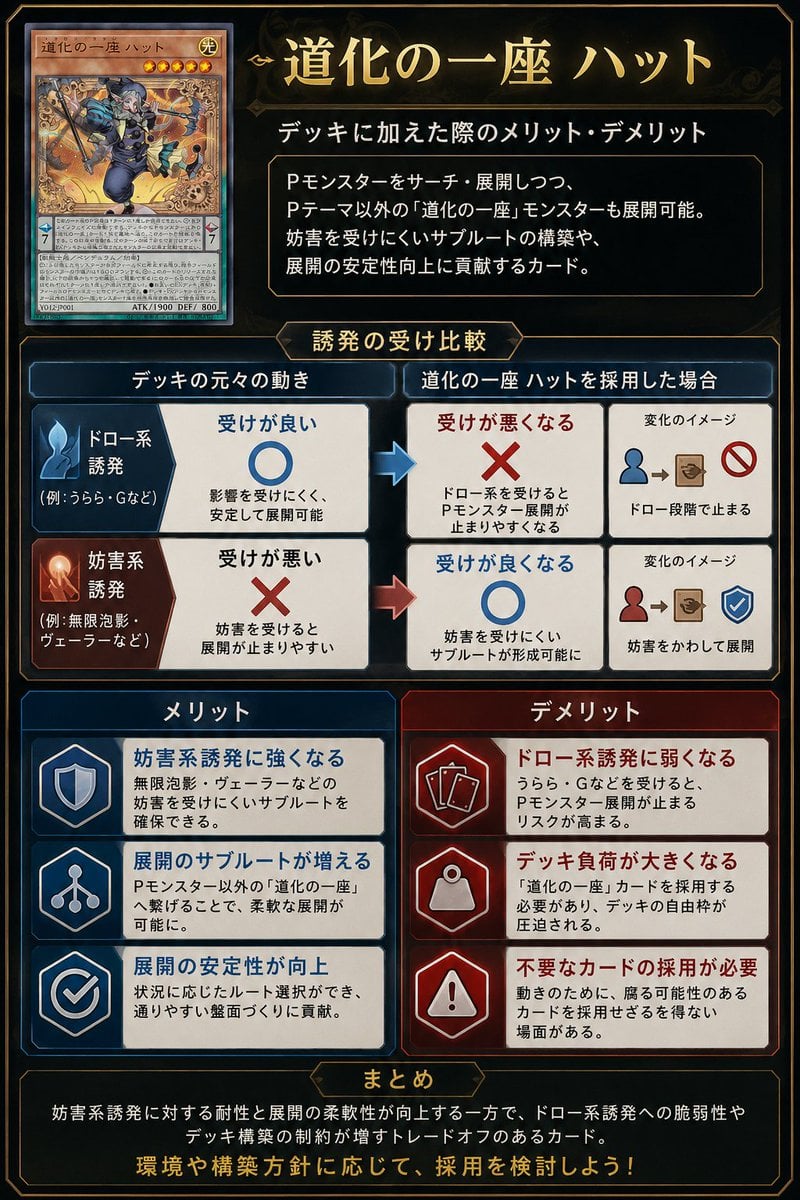
Japanese TCG Strategy Infographic
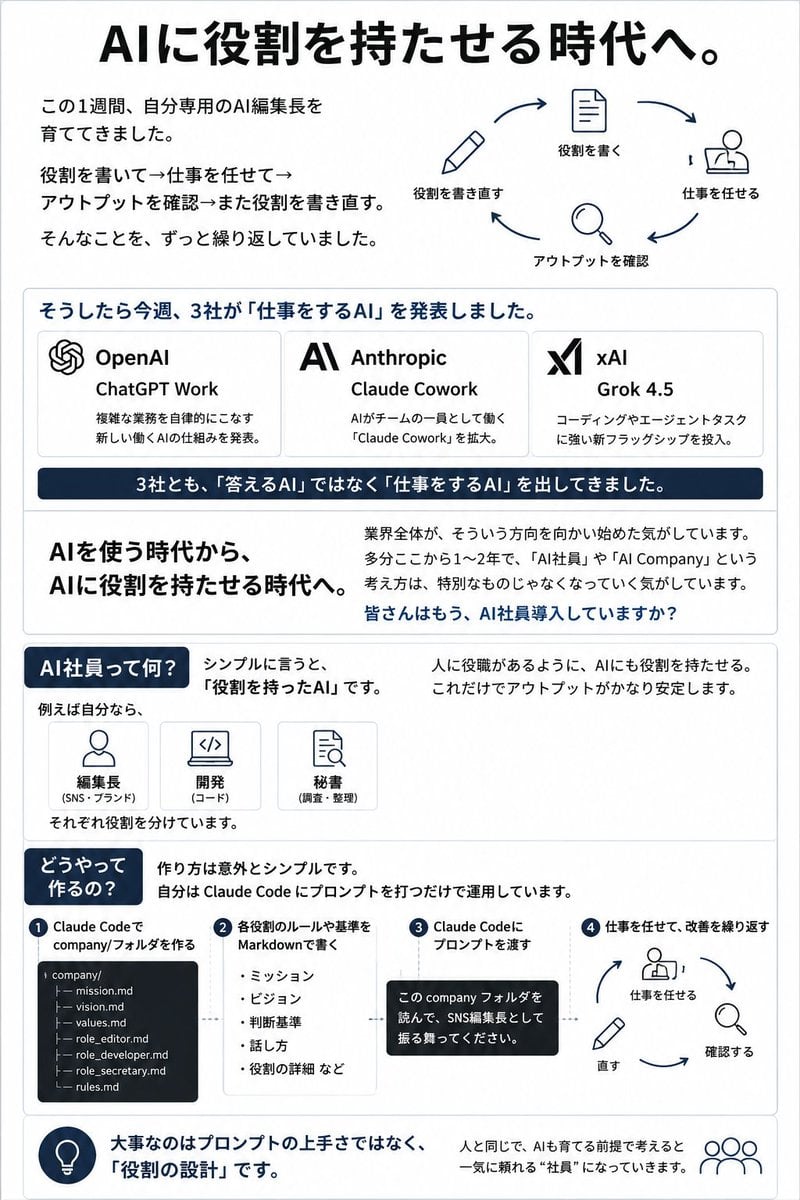
Japanese AI Employee Infographic
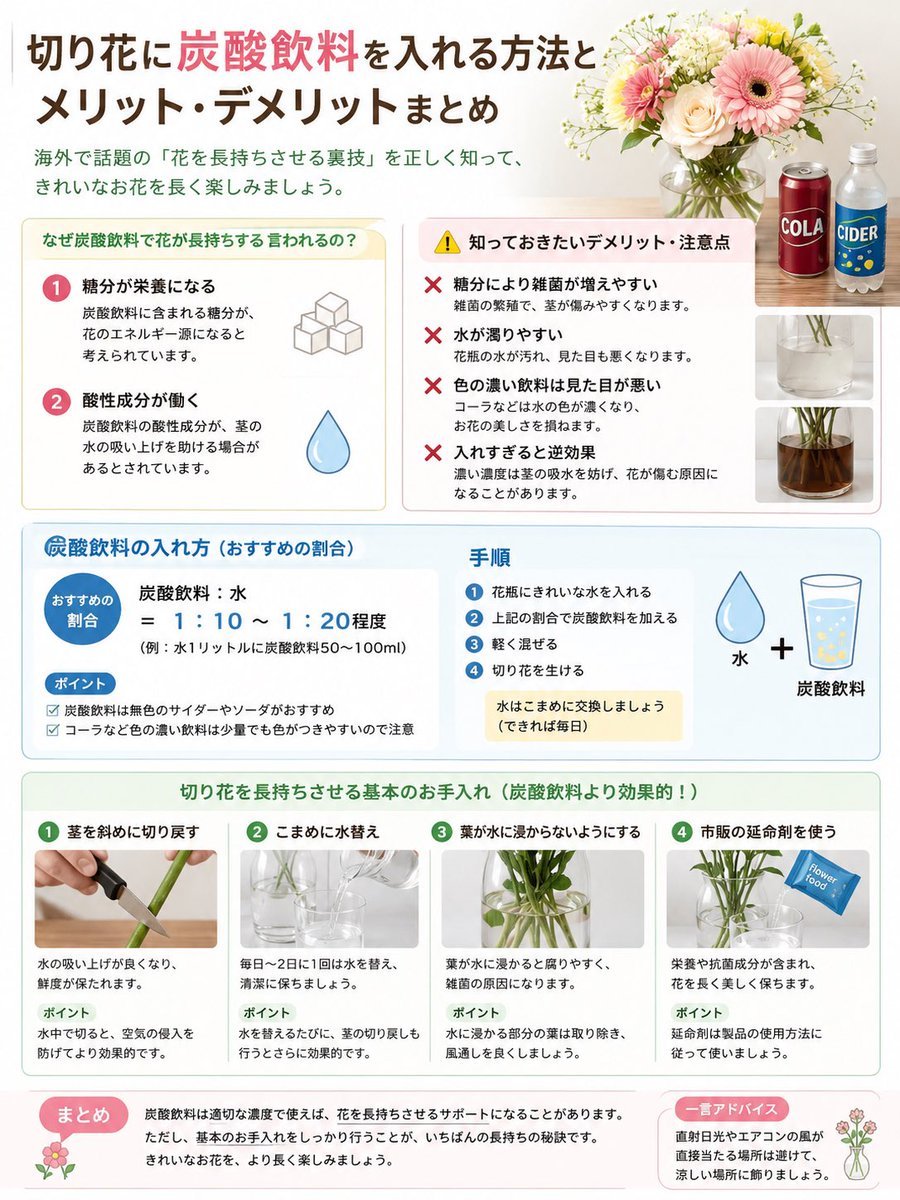
Japanese Cut Flower Soda Care Infographic

Japanese Architectural Concrete Studio Fashion Campaign

Japanese Minimalist Concrete Studio Fashion Editorial
Make it yours
Cute Japanese Hamster Infographic works as-is. These are the safest ways to change it without losing the look.
Swap the setting
Keep the rest of the prompt and replace the location block. The current setting is “light cream paper texture with subtle dots, stars, hearts, and hand-drawn accent”.
Swap the light
One lighting change is enough to compare takes. Current light: “soft bright studio lighting”.
Change one field
Copy a single group, rewrite it, and generate again so you can see what that field is doing.
| If the result… | Why | Fix |
|---|---|---|
| The result drifts from the preview | Too many fields changed at once. | Reuse Cute Japanese Hamster Infographic as-is first, then change one group — subject, light, or setting. |
| GPT Image 2 ignores part of the JSON | Some models flatten or skip nested keys. | Keep the same values and paste them as a short paragraph instead. |
More GPT Image 2 templates
Other prompts made for GPT Image 2.

Six VTuber Japanese Logo Sheet

Realistic Portrait of Woman and Deer

The Vista Modular Condo Poster

AI Model Routing Comparison Infographic

2.5D Anime Art Board

Isometric Productivity Desk Scene

New York Double Exposure Poster

Four-Panel AI Landscape Comparison

Japanese Tatami Lifestyle Magazine Cover

NESCAFÉ Coffee Map Poster
More image prompts
Fresh picks from across the catalog.

Editorial Male Portrait in Minimalist Studio

Golden hour European street fashion portrait prompt

Surreal Miniature People Concept Portrait
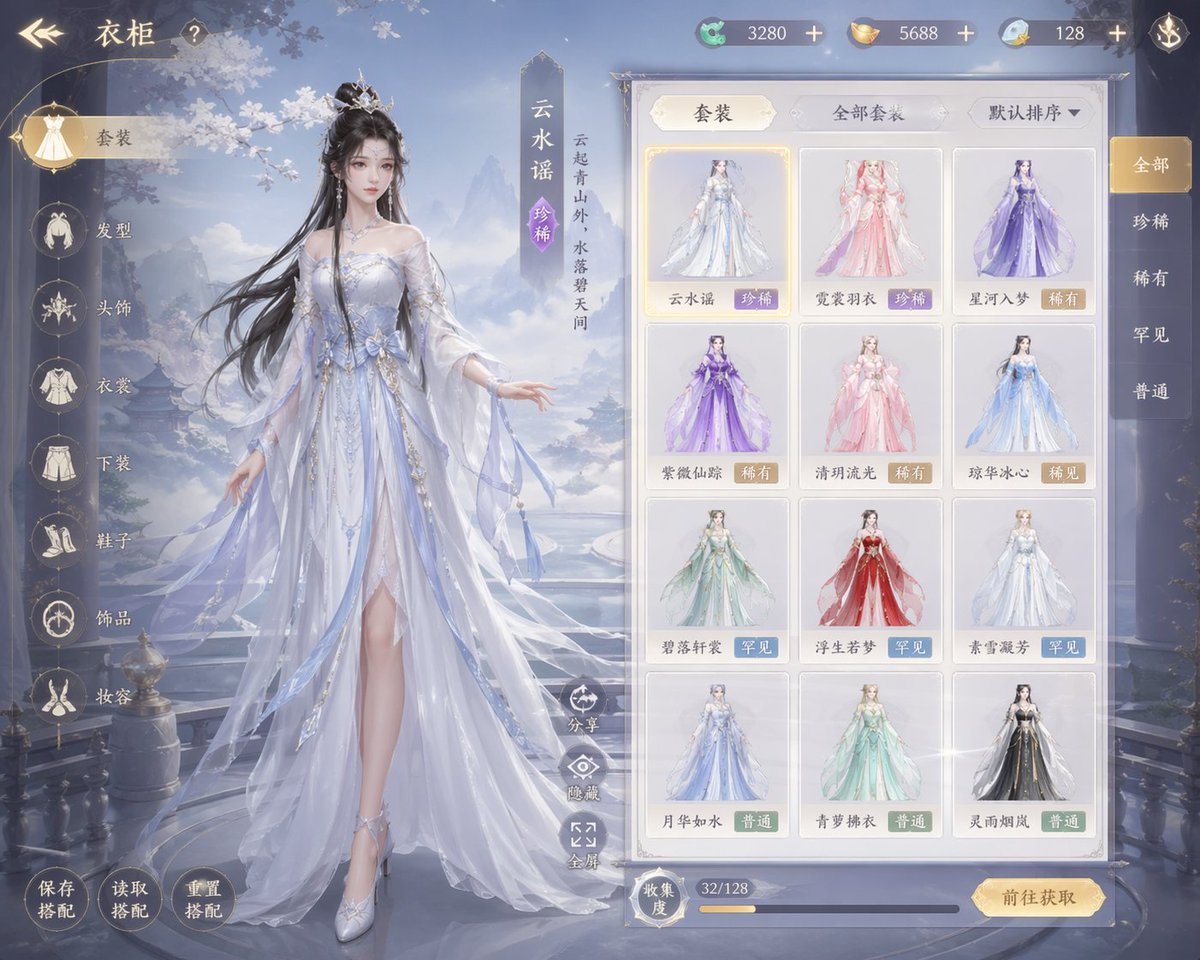
Xianxia Game Character Wardrobe Interface
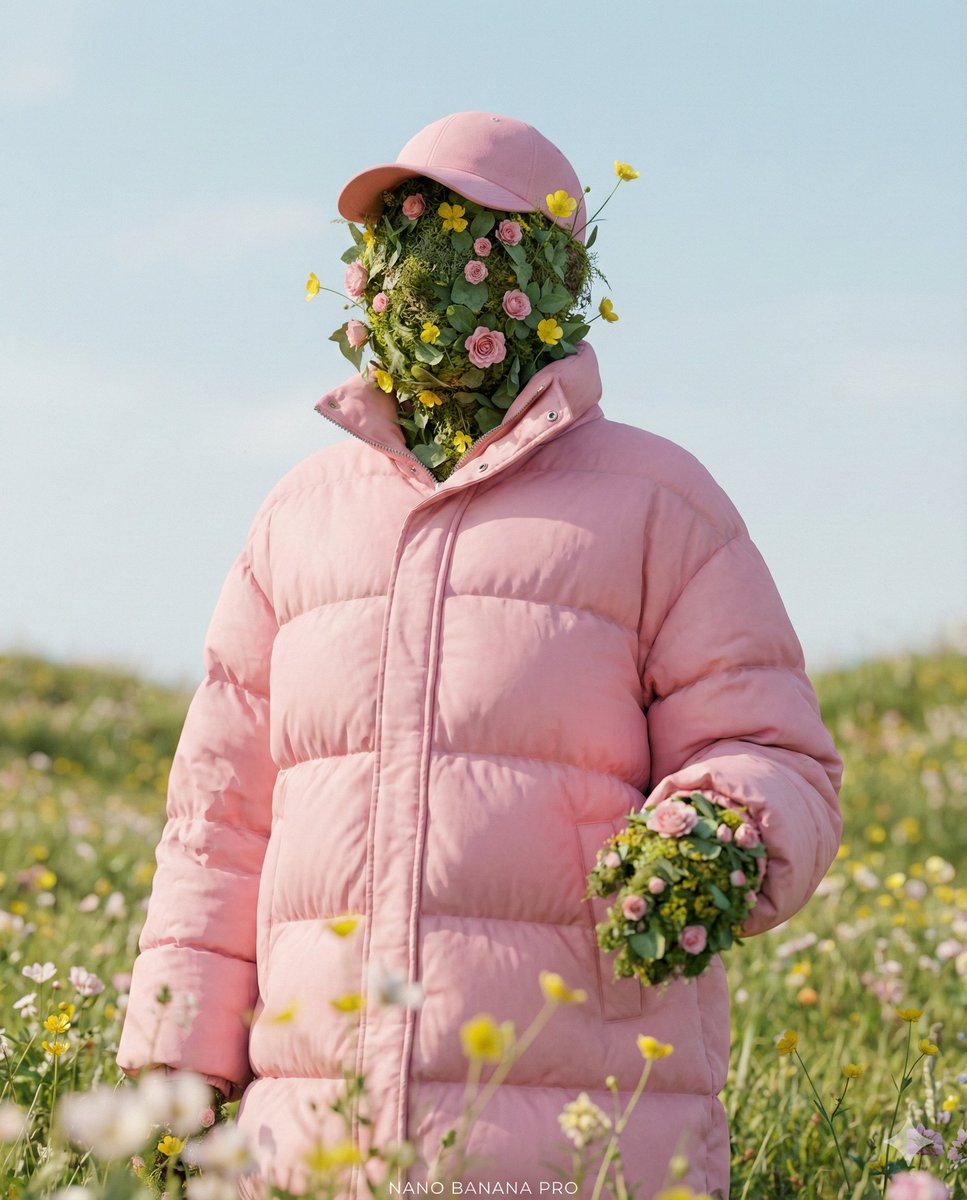
Ultra-Realistic Promotional Image Prompt
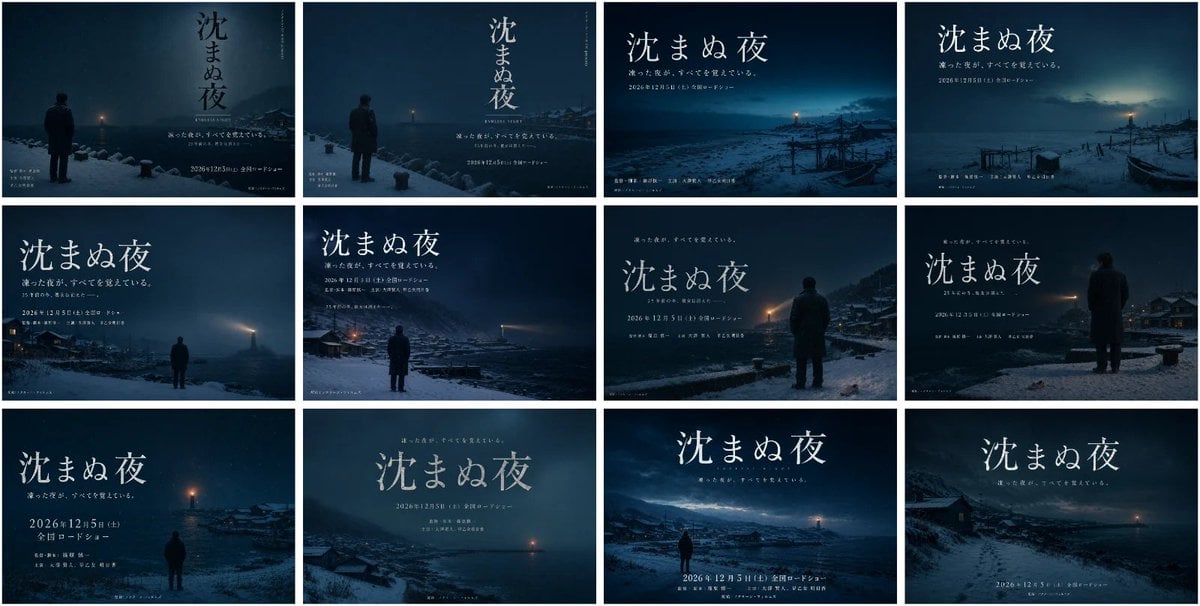
Japanese Winter Mystery Poster Grid

Cinematic Portrait of Ancient Turkic Woman and Horse in Snow

Man Pouring Water on Magic Heart
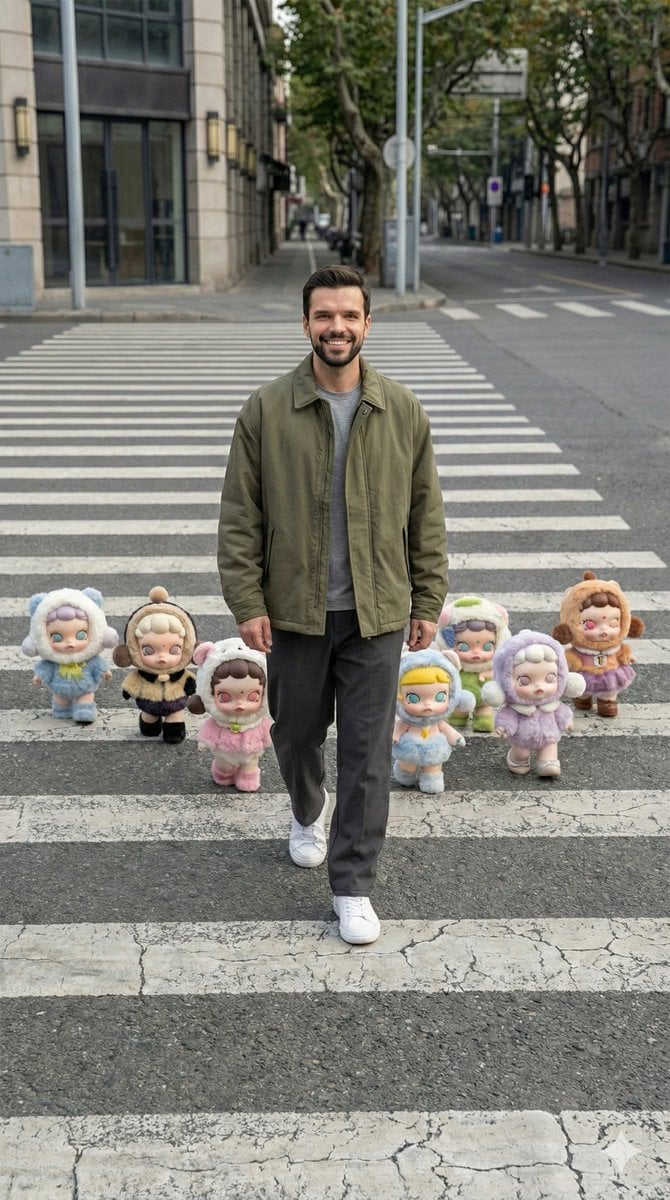
Hyper-Realistic Street Photography with Popmart Figures
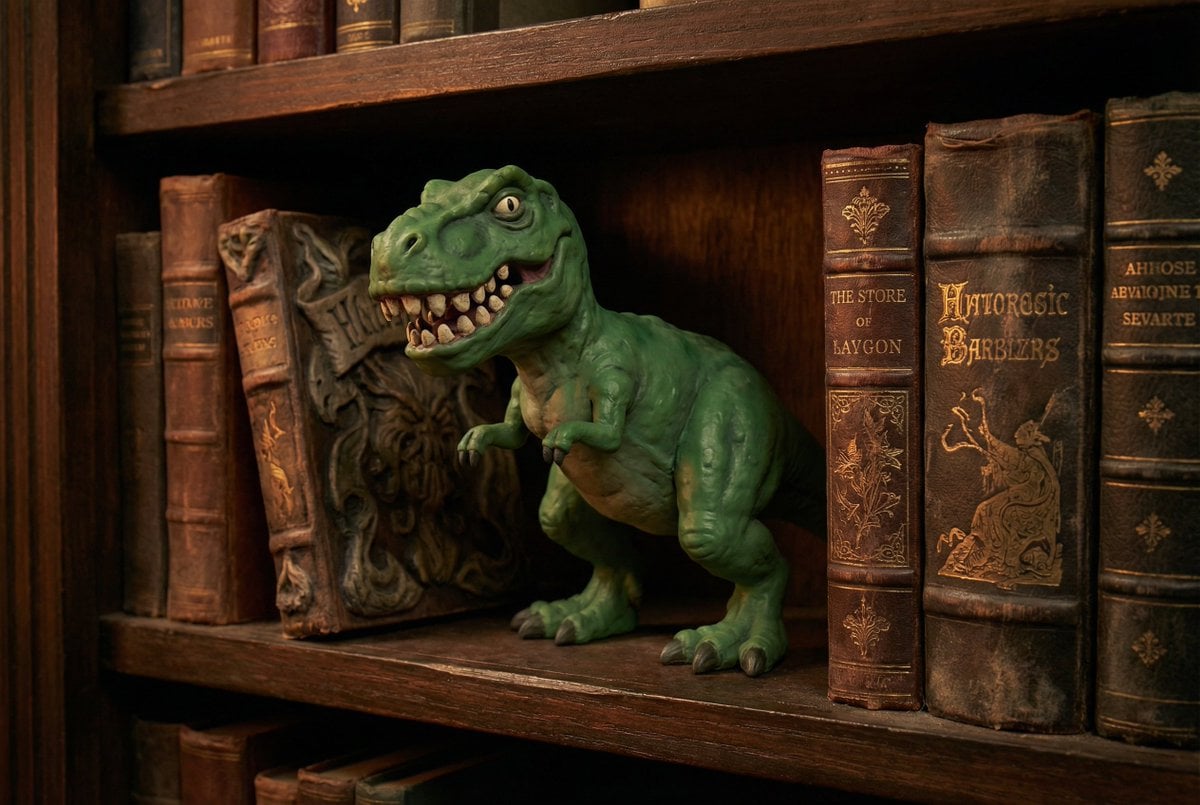
Freepik Prompt Share with Nano Banana Pro
Browse template categories
Cute Japanese Hamster Infographic questions
How do I use the Cute Japanese Hamster Infographic template?
Add your photo if the template asks for one, edit the prompt if you like — the template's model and format are already selected — and press Generate. Your version opens in PicX Studio.
Can I customize the Cute Japanese Hamster Infographic template?
Yes. You can change the subject, setting, lighting, mood, format, and available model controls before creating your image.
Is the Cute Japanese Hamster Infographic template free?
Opening and editing this template is free. Generating uses credits, shown on the Generate button when you are signed in.
Which AI model should I use?
Start with GPT Image 2, which is the model associated with this template. You can compare another compatible model for a different finish.
Looking for something else? Browse all templates.

Your photo, any look
Thousands of ready templates for every top image and video model, from one credit balance.