
Fluffy Hamster Holding Japanese Sign
A soft watercolor-style studio illustration of a sleepy golden hamster holding a handwritten Japanese placard among blank picture frames.
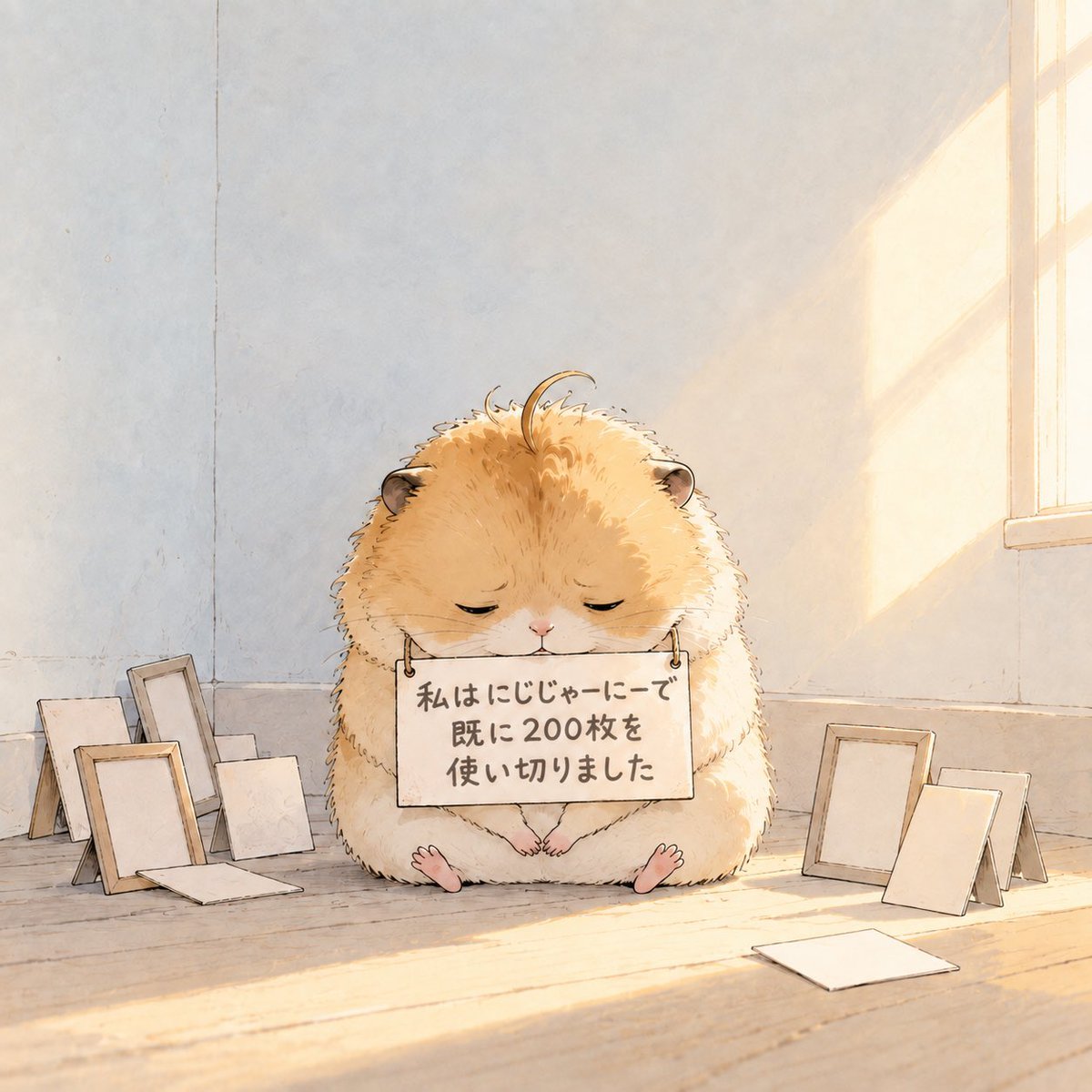
- Prompt included
- Model and format preset
- Free template
The prompt behind this image
Copy the exact prompt behind Fluffy Hamster Holding Japanese Sign, or open it in the studio and make it yours.
Create a warm, softly lit storybook watercolor illustration of a very fluffy golden Syrian hamster sitting centered on a pale wooden floor in a quiet artist studio. The hamster is round and oversized, with tiny rounded ears, closed sleepy eyes, a small pink nose, delicate whiskers, tiny front paws, and two little pink feet visible at the bottom. It holds one rectangular cream-colored placard hanging from two small metal rings, with hand-painted Japanese text reading {argument name="sign text" default="私はにじじゃーにーで\n既に200枚を\n使い切りました"}. Surround the hamster with exactly 10 blank picture frames or canvases: 6 on the left side consisting of a tan standing frame, a white standing frame, a tall gray leaning frame, a pale rectangular board behind them, a small square board in front, and one flat sheet on the floor; 4 on the right side consisting of a tan upright frame, a white leaning frame, a small tan rear frame, and one flat white board lying on the floor in the foreground. The background is a minimal pale plaster wall with subtle seams and texture, and a tall window at the upper right casts golden late-afternoon sunlight and soft rectangular shadows across the wall and floor. Use delicate ink outlines, soft watercolor washes, cream and honey tones, airy negative space, gentle melancholic cuteness, and a hand-drawn children’s book aesthetic. Keep the composition square, centered, uncluttered, no extra characters, no watermark, and no additional readable text.
How to use Fluffy Hamster Holding Japanese Sign in 3 steps
- 1Upload ImagePNG, JPG or paste
Add your photo
Upload the photo the template builds on. The prompt, model and format are already set.
- 2…a portrait of your subject in softgolden-hour light, 85mm…
Personalize
Edit the subject and creative details for your destination.
- 3Generate
Generate
Press Generate — your image is created in PicX Studio, so you can compare it with the original and refine one variable at a time.
More like this
Templates with the same subject, style or setup. Open one to see its prompt.

Chibi Girl Holding Japanese Notice Sign

Minecraft Japanese Research Lab Exploration

Japanese Architectural Concrete Studio Fashion Campaign

Japanese Minimalist Concrete Studio Fashion Editorial

Blue Backdrop Luxury Fashion Portrait Campaign
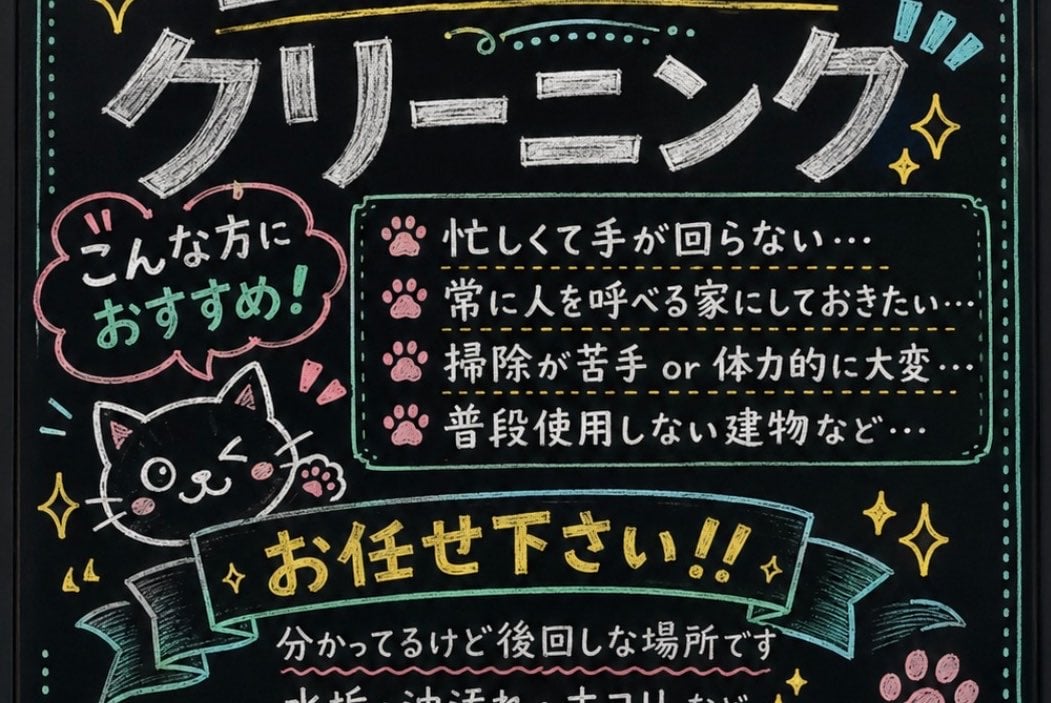
Japanese Chalkboard Cleaning Sign
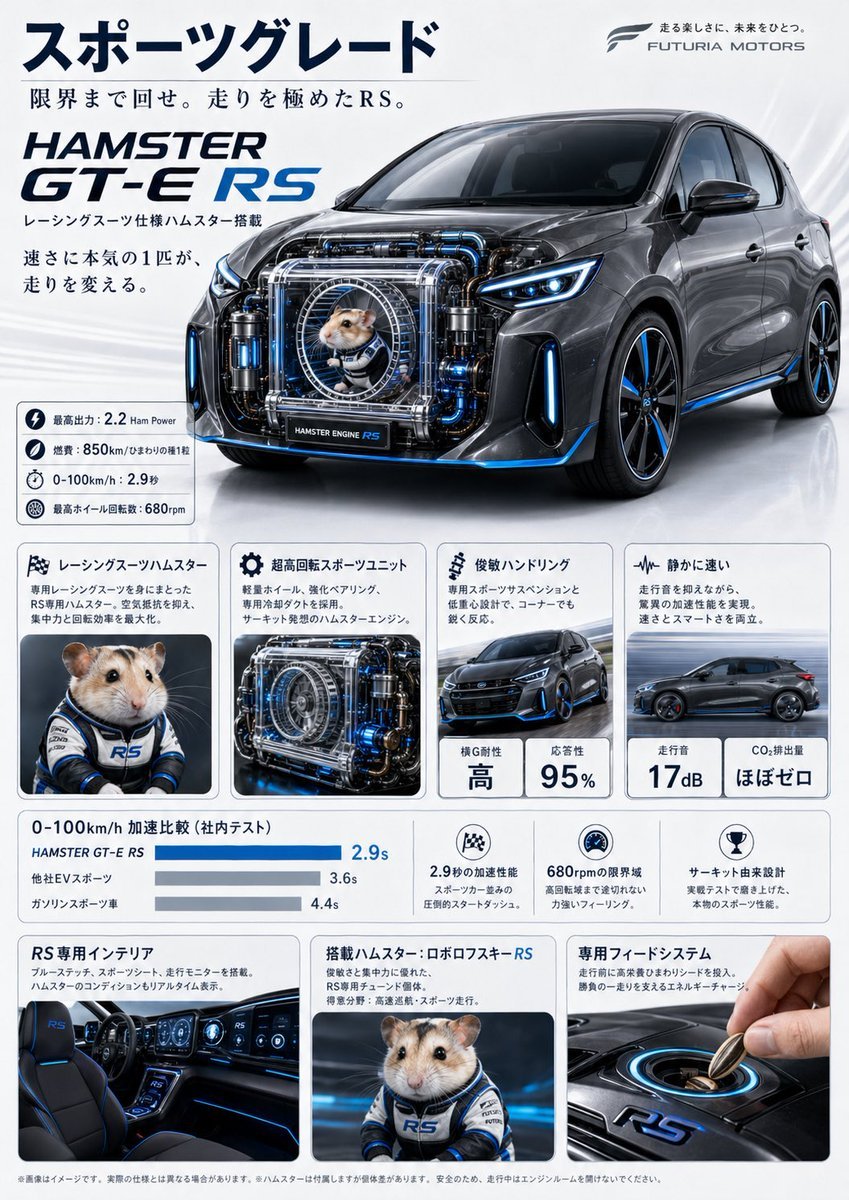
Japanese Hamster Engine Car Catalog
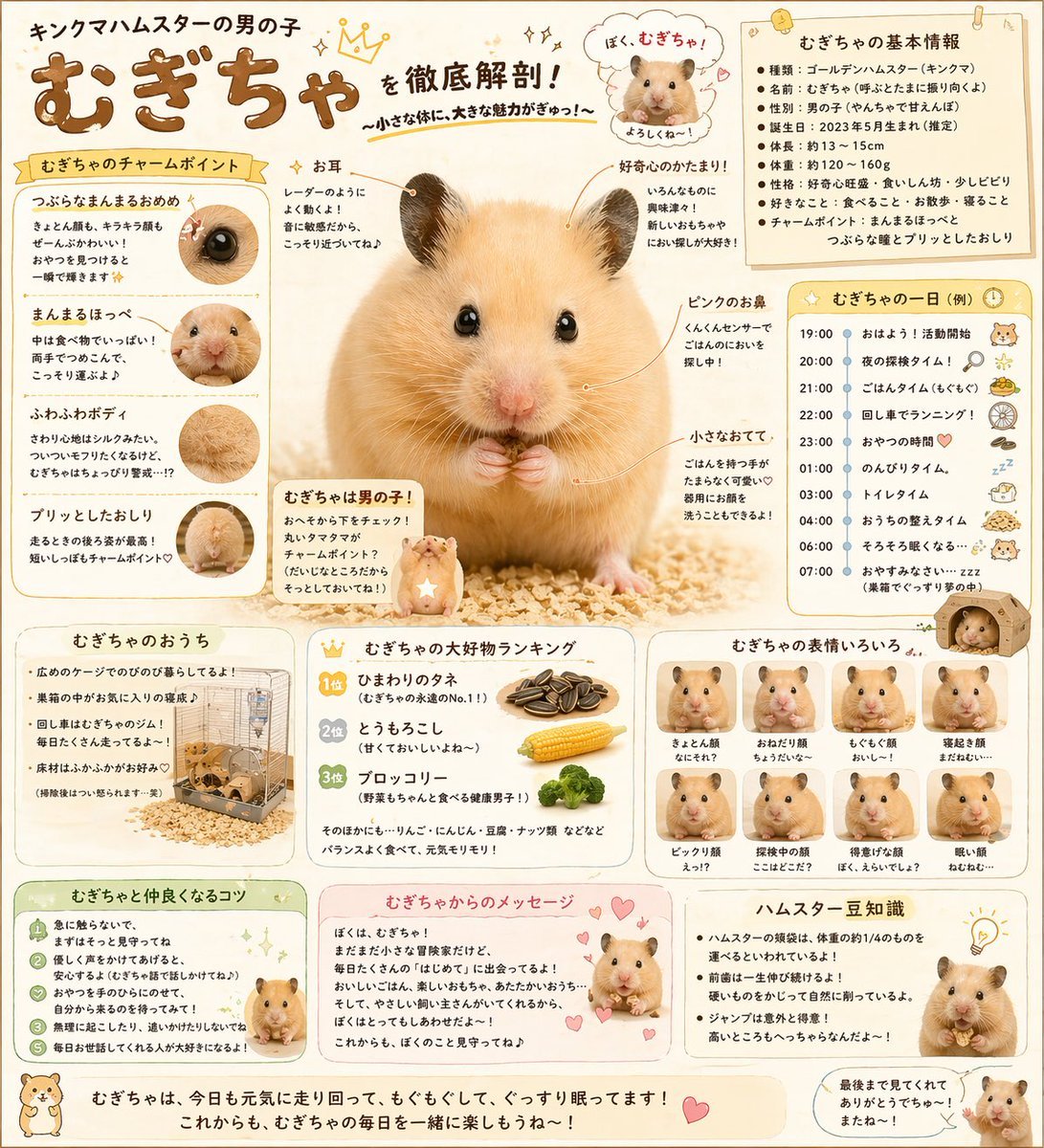
Cute Japanese Hamster Infographic
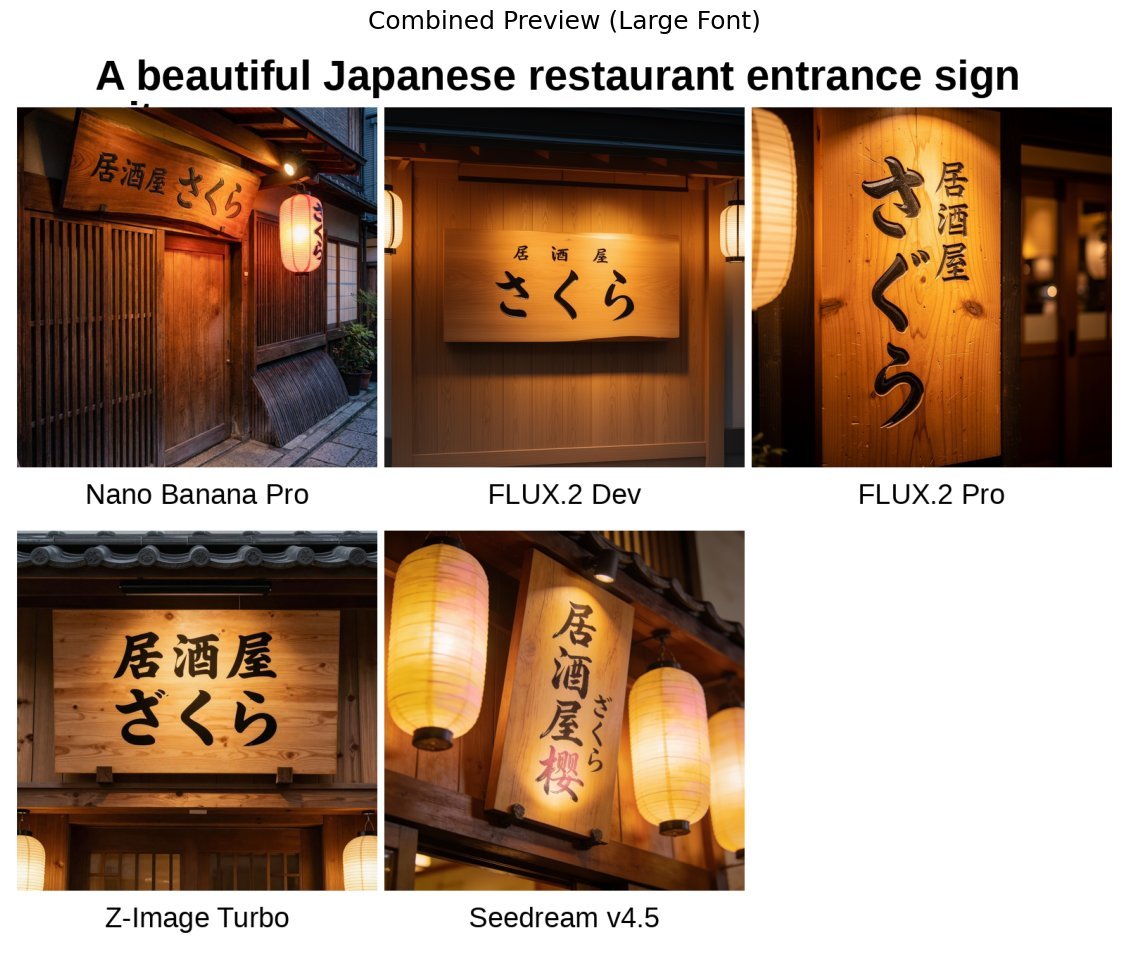
Japanese izakaya entrance sign image prompt for Nano Banana Pro

Japanese Film Reflection Idol
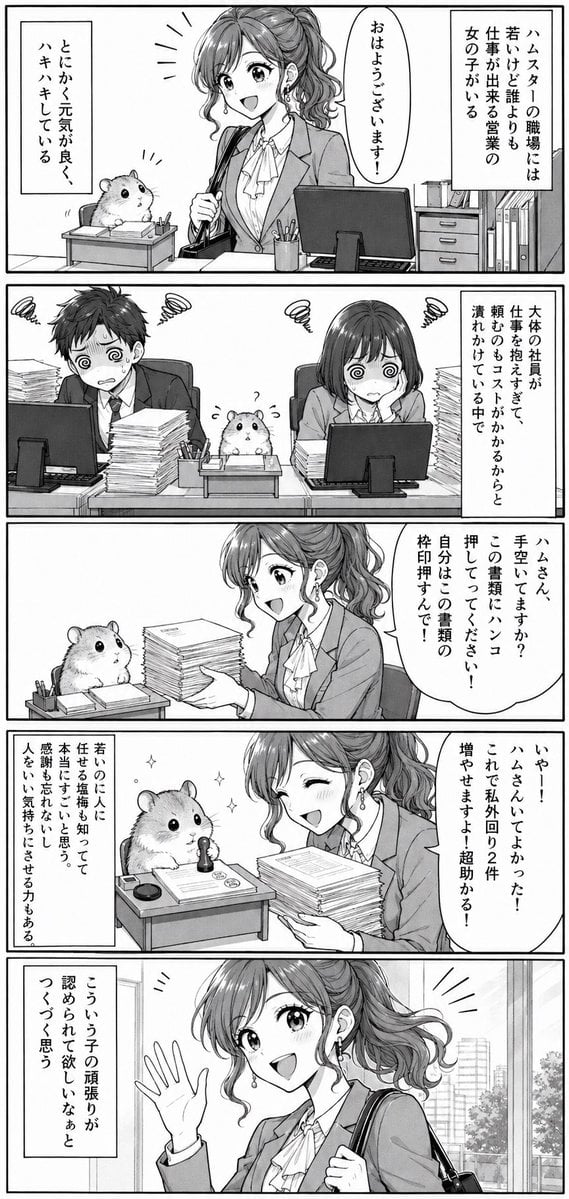
Office Hamster Manga Diary

Mitarashi Calico Cat and Hamster
Make it yours
Fluffy Hamster Holding Japanese Sign works as-is. These are the safest ways to change it without losing the look.
Change one field
Copy a single group, rewrite it, and generate again so you can see what that field is doing.
Keep the frame, change the subject
Hold the composition and light of Fluffy Hamster Holding Japanese Sign, then swap wardrobe, props or the person for a new take.
| If the result… | Why | Fix |
|---|---|---|
| The result drifts from the preview | Too many fields changed at once. | Reuse Fluffy Hamster Holding Japanese Sign as-is first, then change one group — subject, light, or setting. |
| The model over-stylizes the scene | The prose prompt leaves finish and camera underspecified. | Add one camera or lighting sentence and stay on GPT Image 2. |
More GPT Image 2 templates
Other prompts made for GPT Image 2.

Six VTuber Japanese Logo Sheet

Realistic Portrait of Woman and Deer

The Vista Modular Condo Poster

AI Model Routing Comparison Infographic

2.5D Anime Art Board

Isometric Productivity Desk Scene

New York Double Exposure Poster

Four-Panel AI Landscape Comparison

Japanese Tatami Lifestyle Magazine Cover

NESCAFÉ Coffee Map Poster
More image prompts
Fresh picks from across the catalog.

Sunlit Urban Streetwear Portrait with Retro Graffiti

Fashion Editorial at Trocadéro
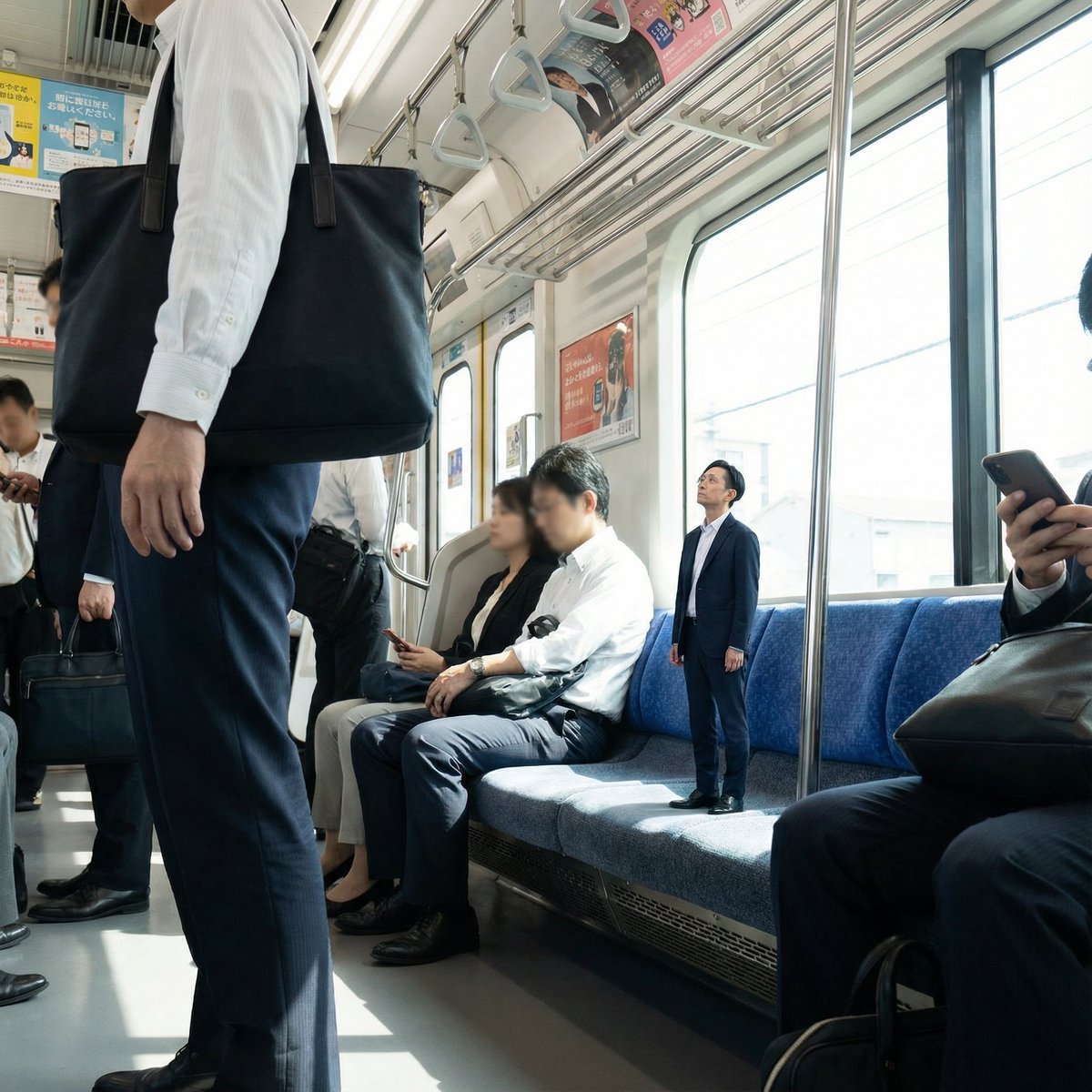
Miniature Person in Train Prompt

Low-Angle Fashion Portrait with Light Rings

Cinematic Night City Triptych Portrait
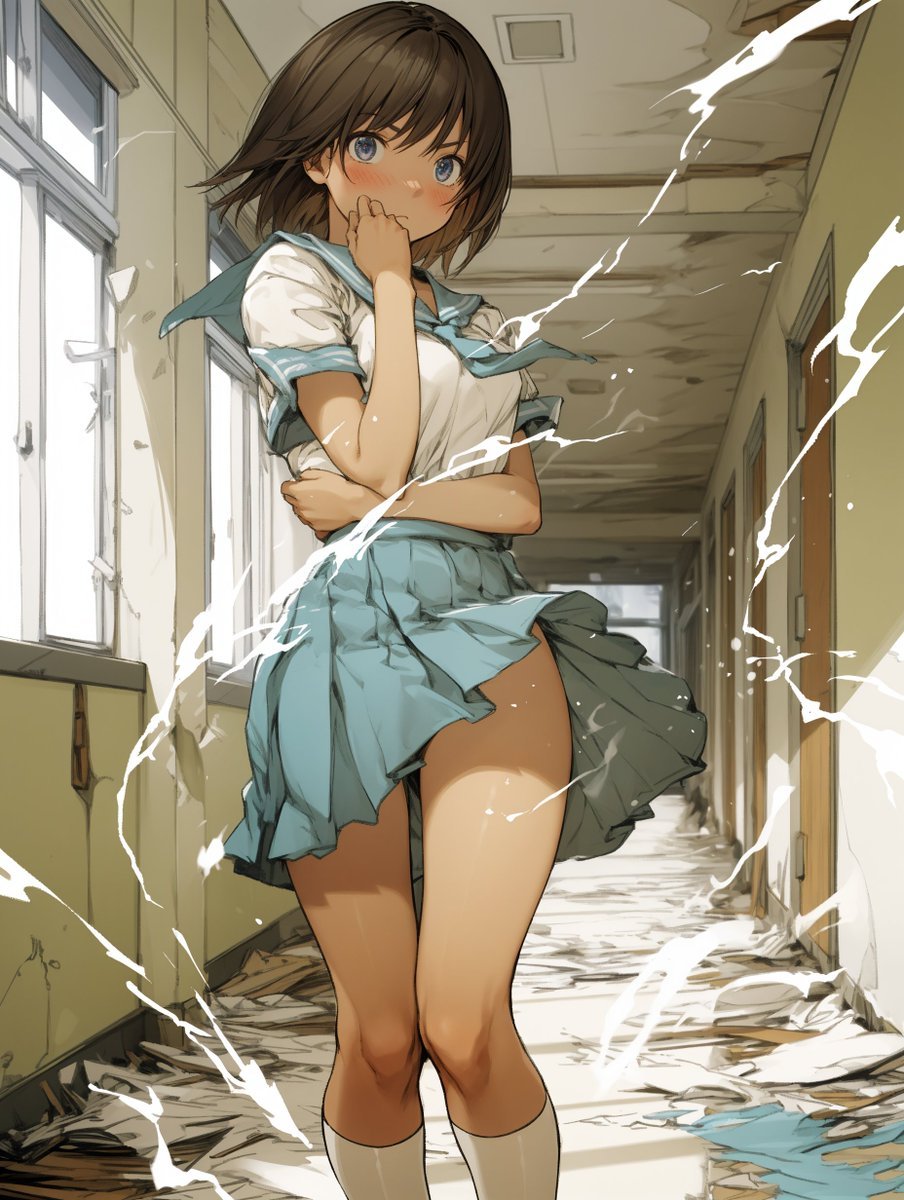
Two-Step Power Release Transformation Prompt (Japanese)

MapleStory Style Pixel Art Avatar

One Piece Straw Hat Crew at Sunset

Dusk Ascension JSON Prompt for Nano Banana Pro
Character Robotization and Technical Diagram Prompt
Browse template categories
Fluffy Hamster Holding Japanese Sign questions
How do I use the Fluffy Hamster Holding Japanese Sign template?
Add your photo if the template asks for one, edit the prompt if you like — the template's model and format are already selected — and press Generate. Your version opens in PicX Studio.
Can I customize the Fluffy Hamster Holding Japanese Sign template?
Yes. You can change the subject, setting, lighting, mood, format, and available model controls before creating your image.
Is the Fluffy Hamster Holding Japanese Sign template free?
Opening and editing this template is free. Generating uses credits, shown on the Generate button when you are signed in.
Which AI model should I use?
Start with GPT Image 2, which is the model associated with this template. You can compare another compatible model for a different finish.
Looking for something else? Browse all templates.

Your photo, any look
Thousands of ready templates for every top image and video model, from one credit balance.