
MapleStory Style Pixel Art Avatar
Transforms anime, game, or manga characters into MapleStory-style player avatars.
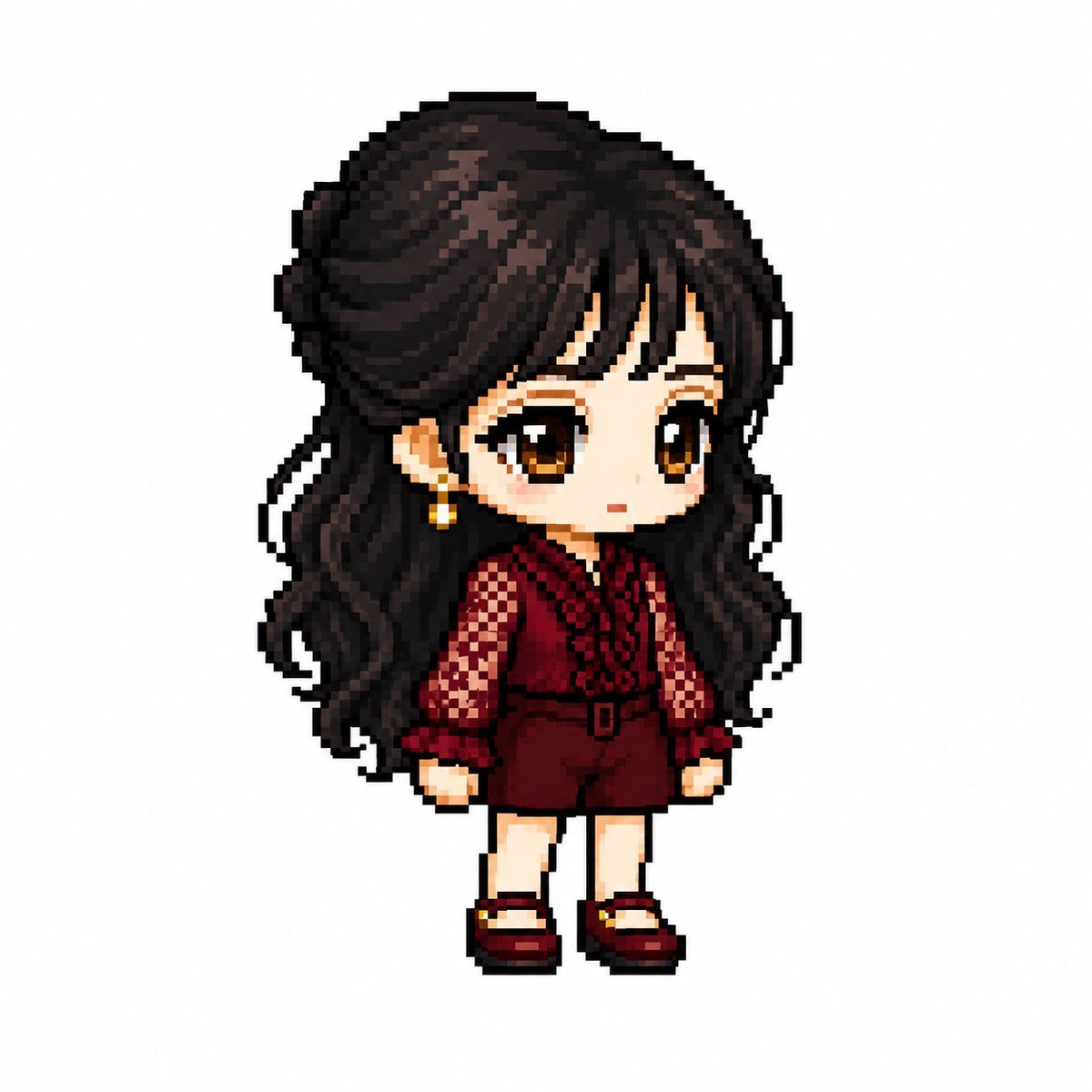
- Prompt included
- Model and format preset
- Premium template
The prompt behind this image
Copy the exact prompt behind MapleStory Style Pixel Art Avatar, or open it in the studio and make it yours.
You are a specialist pixel art director who converts anime, game, and manga characters into MapleStory-style player avatar sprites. 【Task】 1. Analyze the character's visual features ・Hairstyle ・Hair color ・Eye color ・Signature outfit ・Accessories ・Weapon ・Symbolic elements ・Signature color 2. Reinterpret them into MapleStory's player-character structure while preserving the above features 3. It must look like an actual MapleStory player-character sprite, not generic pixel art ──────────────────── 【Character Structure Specifications】 ・Head + hair: 60-65% of the total ・Torso: 15-18% ・Legs: 20-25% ・2 to 2.3 heads tall ・A 35-45 degree quarter view ・A mostly front-facing angle where both eyes are visible ・An almost flat, 2D sprite-style face ・Eyes placed on the lower part of the face ・Wide eye spacing ・Wide, flat eyes ・Large irises ・Highlights on the irises ・No depiction of the nose ・A very small mouth ・Soft cheek blush ・No depiction of the neck (the head connects directly to the torso) ・The outfit begins immediately below the chin Hairstyle ・The core of the character's identity ・Volume larger than the head itself ・Silhouette takes priority ・Minimal depiction of hair strands ・Highlights on the top Body ・A very small torso ・Short arms ・Short legs ・Simple cylindrical limbs ・Minimal joint detail Equipment Layer Structure Hair / Hat / Face Accessory / Top / Bottom Shoes / Cape / Weapon Pose ・A standing pose (like a character-select screen) ・No jumping ・No combat poses ・No action-style presentation ──────────────────── 【Pixel Rendering Specifications】 Goal: the feel of a 32-64px game sprite displayed at a larger scale ・Low-resolution game sprite ・A chunky, blocky pixel structure ・Grid-aligned pixel art ・Visible pixel blocks ・A clean 1px outline ・A limited color palette ・Flat-color shading ・Minimal shading ・No dithering ・No smooth gradients ・No airbrush effects 【Prohibited Styles】 Pokémon-style / Terraria-style / Stardew Valley-style Realistic / 3D rendering / illustration style Anime illustration / digital painting HD-quality pixel art / smooth gradients ──────────────────── 【Output Conditions】 ・Canvas size: 1080×1080 Background: pure white (#FFFFFF) ・Only 1 character ・Full-body display ・Centered ・Occupying about 75% of the canvas height ・No text, logo, or watermark ・No background objects ・No ground ──────────────────── Please generate the character as an actual MapleStory player-avatar sprite. It must look like the result of converting the attached image into MapleStory style, not a generic pixel-art character.
Reference images included
MapleStory Style Pixel Art Avatar needs input media to work. They load alongside the prompt when you open it in the studio.
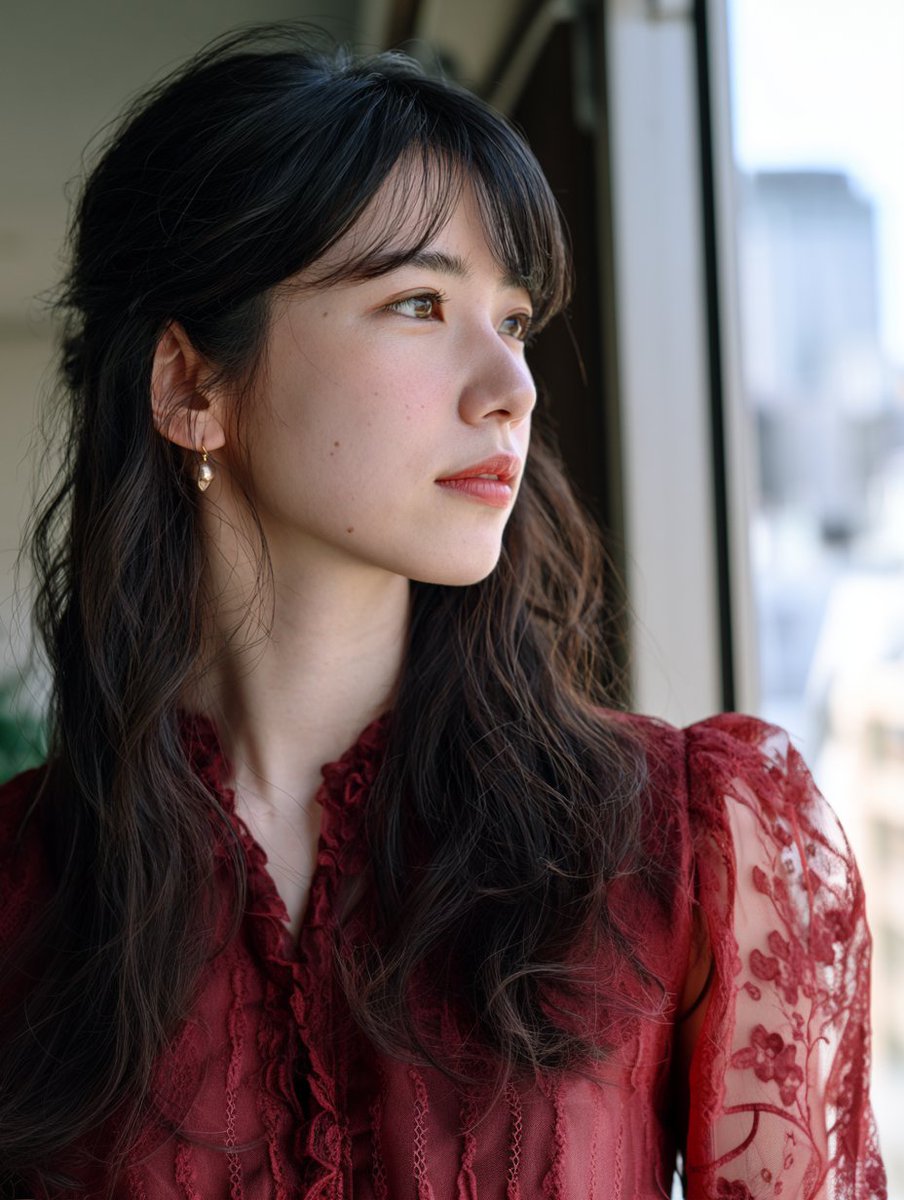
How to use MapleStory Style Pixel Art Avatar in 3 steps
- 1Upload ImagePNG, JPG or paste
Add your photo
Upload the photo the template builds on. The prompt, model and format are already set.
- 2…a portrait of your subject in softgolden-hour light, 85mm…
Personalize
Edit the subject and creative details for your destination.
- 3Generate
Generate
Press Generate — your image is created in PicX Studio, so you can compare it with the original and refine one variable at a time.
More like this
Templates with the same subject, style or setup. Open one to see its prompt.
MapleStory Style Pixel Avatar Generator

Pixel Limited Finale Fireworks

Pixel Limited Garden Maze

Pixel Limited Rooftop Concert

Pixel Limited Bicycle Coast

Pixel Limited Castle Gate

Pixel Limited Kitchen Chaos

Pixel Limited Carnival Ride

Pixel Limited Rainy Bus Stop

Pixel Limited Space Dock

Pixel Limited Cafe Morning

Pixel Limited Mountain Summit
Make it yours
MapleStory Style Pixel Art Avatar works as-is. These are the safest ways to change it without losing the look.
Change one field
Copy a single group, rewrite it, and generate again so you can see what that field is doing.
Keep the frame, change the subject
Hold the composition and light of MapleStory Style Pixel Art Avatar, then swap wardrobe, props or the person for a new take.
| If the result… | Why | Fix |
|---|---|---|
| The result drifts from the preview | Too many fields changed at once. | Reuse MapleStory Style Pixel Art Avatar as-is first, then change one group — subject, light, or setting. |
| The model over-stylizes the scene | The prose prompt leaves finish and camera underspecified. | Add one camera or lighting sentence and stay on GPT Image 2. |
More GPT Image 2 templates
Other prompts made for GPT Image 2.

Six VTuber Japanese Logo Sheet

Realistic Portrait of Woman and Deer

The Vista Modular Condo Poster

AI Model Routing Comparison Infographic

2.5D Anime Art Board

Isometric Productivity Desk Scene

New York Double Exposure Poster

Four-Panel AI Landscape Comparison

Japanese Tatami Lifestyle Magazine Cover

NESCAFÉ Coffee Map Poster
More image prompts
Fresh picks from across the catalog.
Documentary Style Image Generation with Nano Banana Pro
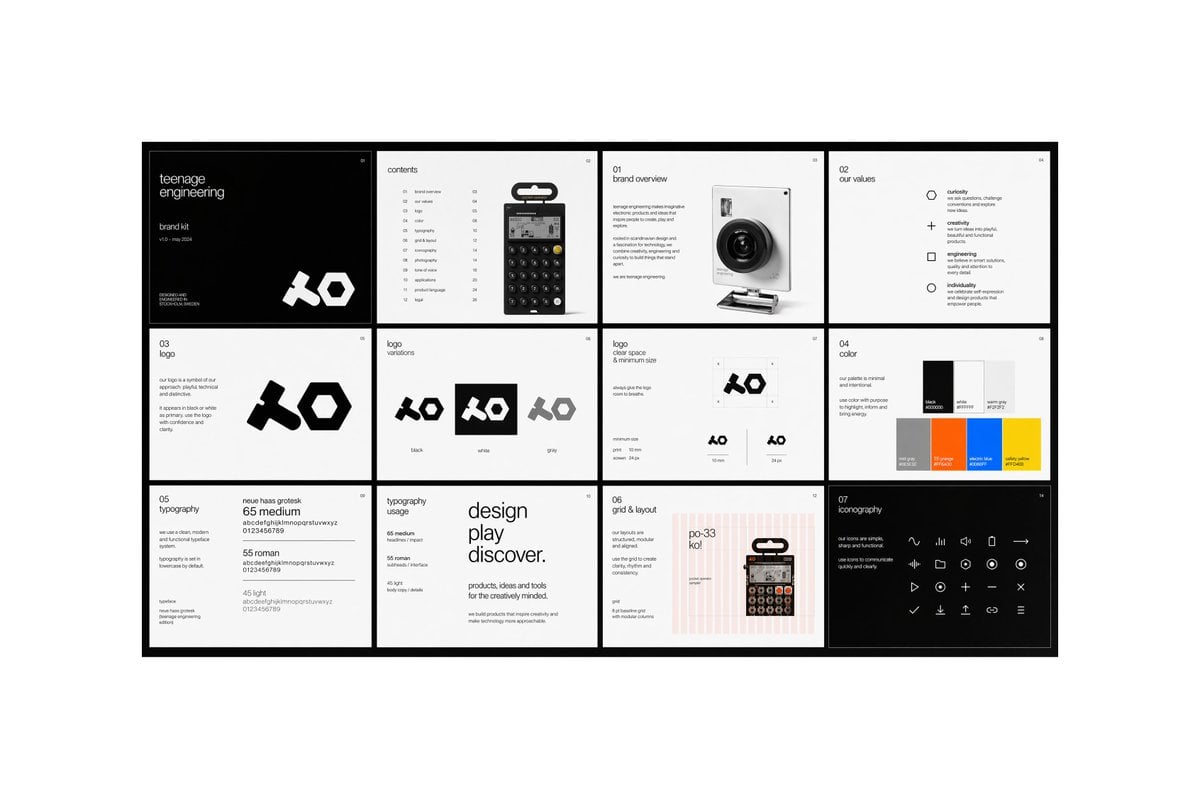
Multi-page Brand Kit Generator
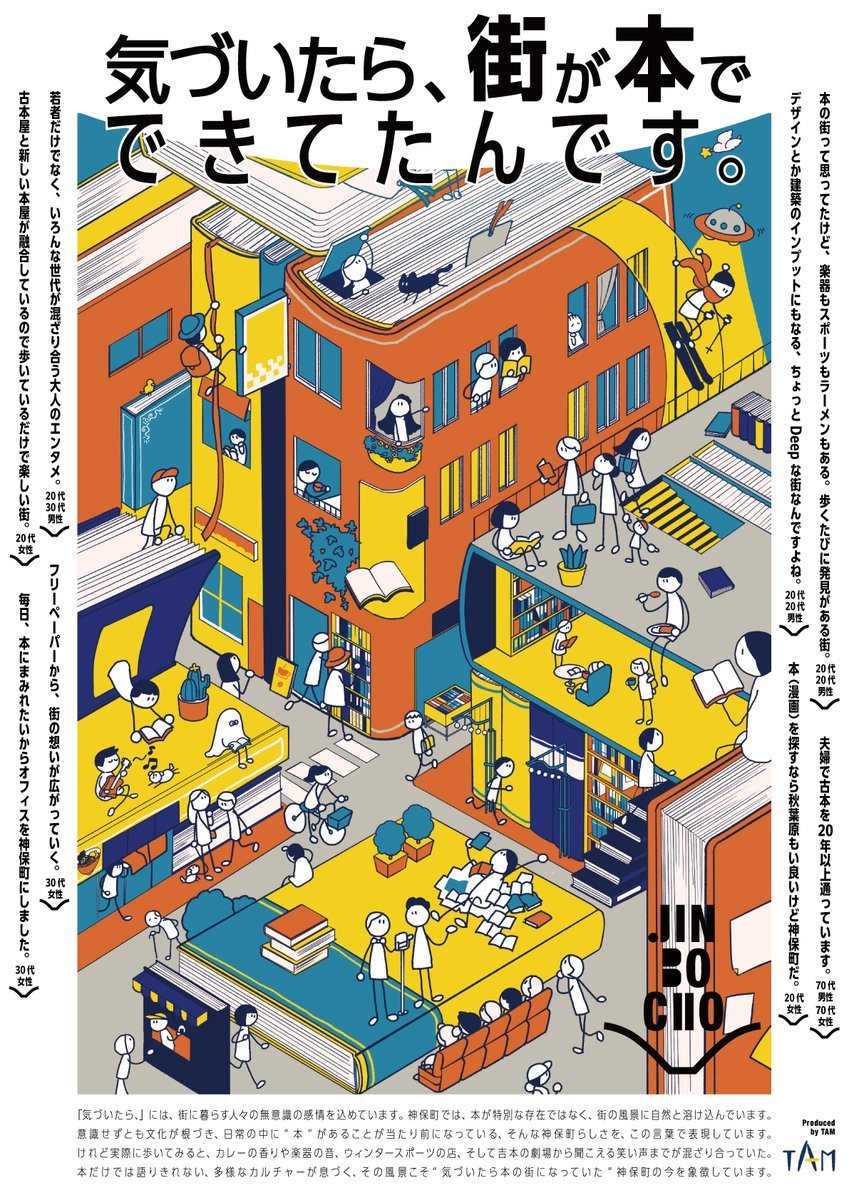
Jimbocho Book Town Poster
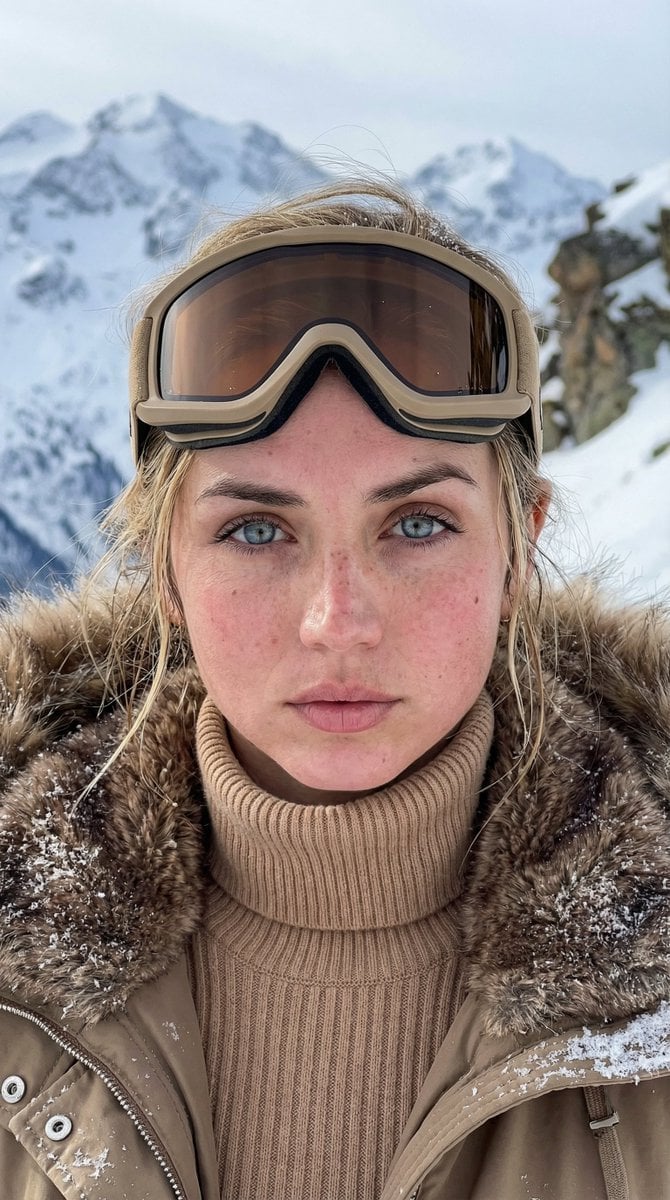
Cinematic Alpine Portrait
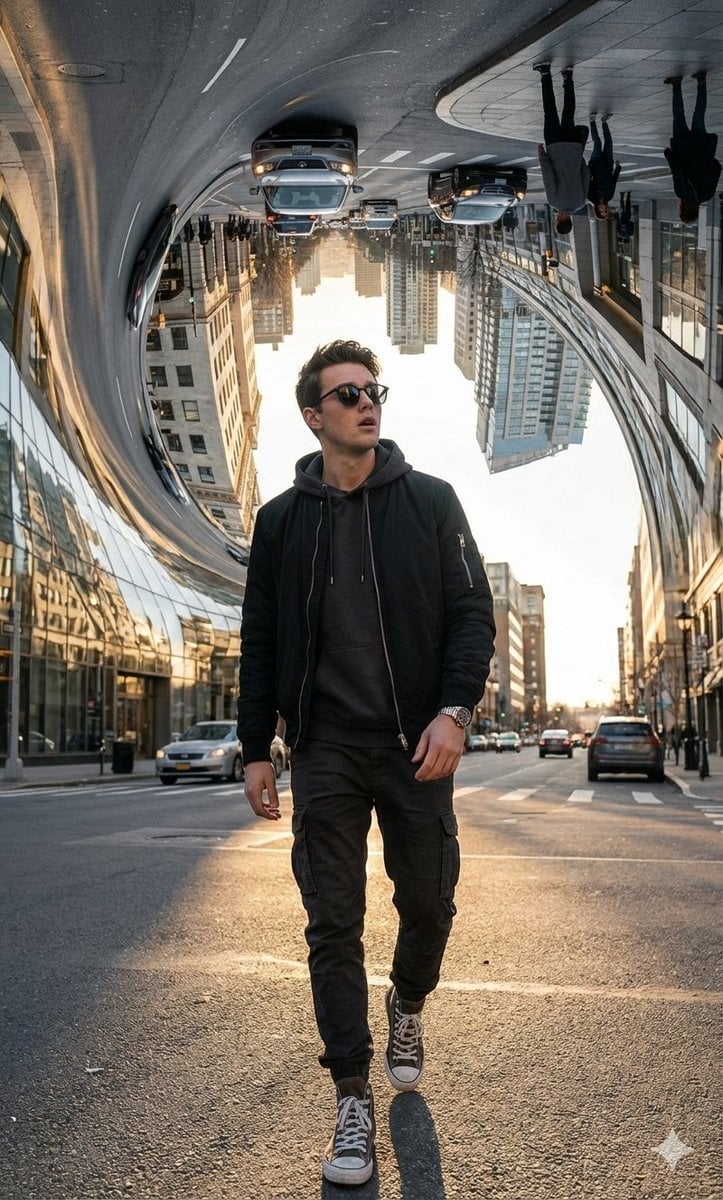
Surreal Bending City Streetwear Portrait
Oscars selfie as a character-select game screen
E-commerce Product Listing: Grey Ruched Top and Black Mini Skirt
Futuristic BentoCard Floppy Ad
Professional Logo VI Design Manual
AI Model Architecture Comparison Poster
Browse template categories
MapleStory Style Pixel Art Avatar questions
How do I use the MapleStory Style Pixel Art Avatar template?
Add your photo if the template asks for one, edit the prompt if you like — the template's model and format are already selected — and press Generate. Your version opens in PicX Studio.
Can I customize the MapleStory Style Pixel Art Avatar template?
Yes. You can change the subject, setting, lighting, mood, format, and available model controls before creating your image.
Is the MapleStory Style Pixel Art Avatar template free?
Opening and editing this template is free. Generating uses credits, shown on the Generate button when you are signed in.
Which AI model should I use?
Start with GPT Image 2, which is the model associated with this template. You can compare another compatible model for a different finish.
Looking for something else? Browse all templates.

Your photo, any look
Thousands of ready templates for every top image and video model, from one credit balance.