
AI Model Architecture Comparison Poster
Creates a two-panel photorealistic comparison poster of a modern forest villa scene with large model-name labels.
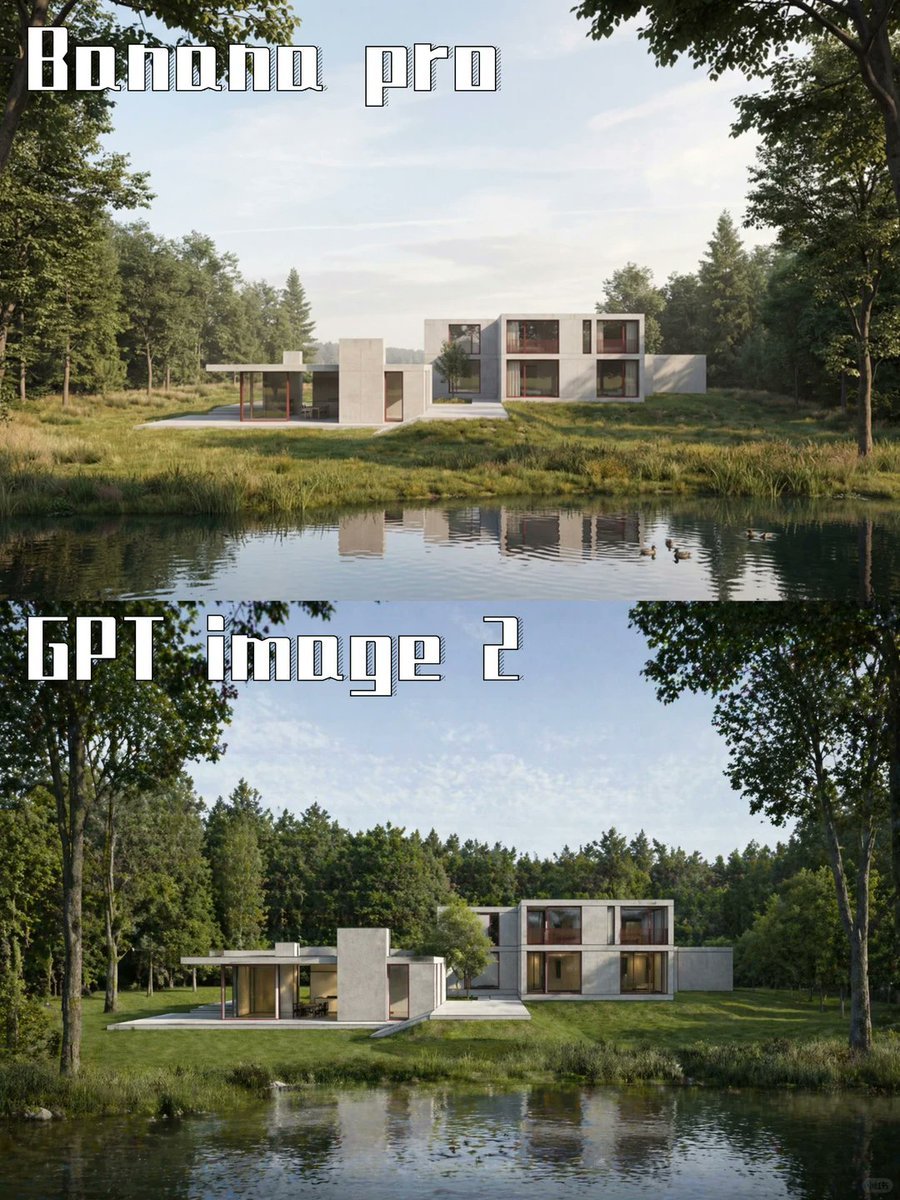
- Prompt included
- Model and format preset
- Free template
The prompt behind this image
Copy the exact prompt behind AI Model Architecture Comparison Poster, or open it in the studio and make it yours.
Goal: Create a vertical side-by-side comparison poster showing the same photorealistic architectural scene generated by two AI image models. Canvas: Portrait 3:4 composition, approximately 768×1024 px, split horizontally into exactly 2 equal stacked panels with no visible border between them. Layout: The top panel is labeled {argument name="top label" default="Banana pro"} in the upper-left corner. The bottom panel is labeled {argument name="bottom label" default="GPT image 2"} in the upper-left corner. Use very large white blocky stencil-style display lettering with a thin dark outline and subtle vertical stripe/engraved texture inside the letters. Text should sit over the sky and tree area, aligned left, with generous spacing. Scene in both panels: A serene photorealistic modern luxury house in a forest clearing beside a calm pond. The house is a low, minimalist rectilinear villa with white and light concrete volumes, flat roofs, broad glass windows, and warm wood-toned interior accents. It has a one-story left wing with a covered terrace and slim posts, a central solid rectangular tower-like volume, and a two-story right wing with large windows. The building sits across the water in the midground, centered horizontally, surrounded by green grass, reeds, and dense woodland. Top panel details: The house appears smaller and farther away, with more open pale blue sky visible above it. The pond fills the lower third with a clear reflection of the house and trees. Forest trees frame the left and right edges, including leafy branches hanging from the top corners. Lighting is soft daylight, calm and slightly airy. Bottom panel details: The same house and pond are shown closer and larger, with stronger contrast and richer greenery. Tall tree trunks frame both sides, dense forest spans the background, and the water occupies the lower portion with ripples and reflections. The lighting is bright but natural, with a more polished architectural visualization look. Visual style: High-end photorealistic architectural rendering, realistic reflections, natural daylight, crisp modern design, lush summer forest, calm water, no people, no vehicles, no extra logos or UI elements. Constraints: Include exactly 2 stacked panels and exactly 2 visible text labels. Keep the text readable and spelled exactly as provided. Preserve the comparison-poster look while making both panels depict the same {argument name="architecture subject" default="modern white concrete villa by a forest pond"}.
How to use AI Model Architecture Comparison Poster in 3 steps
- 1Upload ImagePNG, JPG or paste
Add your photo
Upload the photo the template builds on. The prompt, model and format are already set.
- 2…a portrait of your subject in softgolden-hour light, 85mm…
Personalize
Edit the subject and creative details for your destination.
- 3Generate
Generate
Press Generate — your image is created in PicX Studio, so you can compare it with the original and refine one variable at a time.
More like this
Templates with the same subject, style or setup. Open one to see its prompt.

Premium Vertical Product Campaign Poster
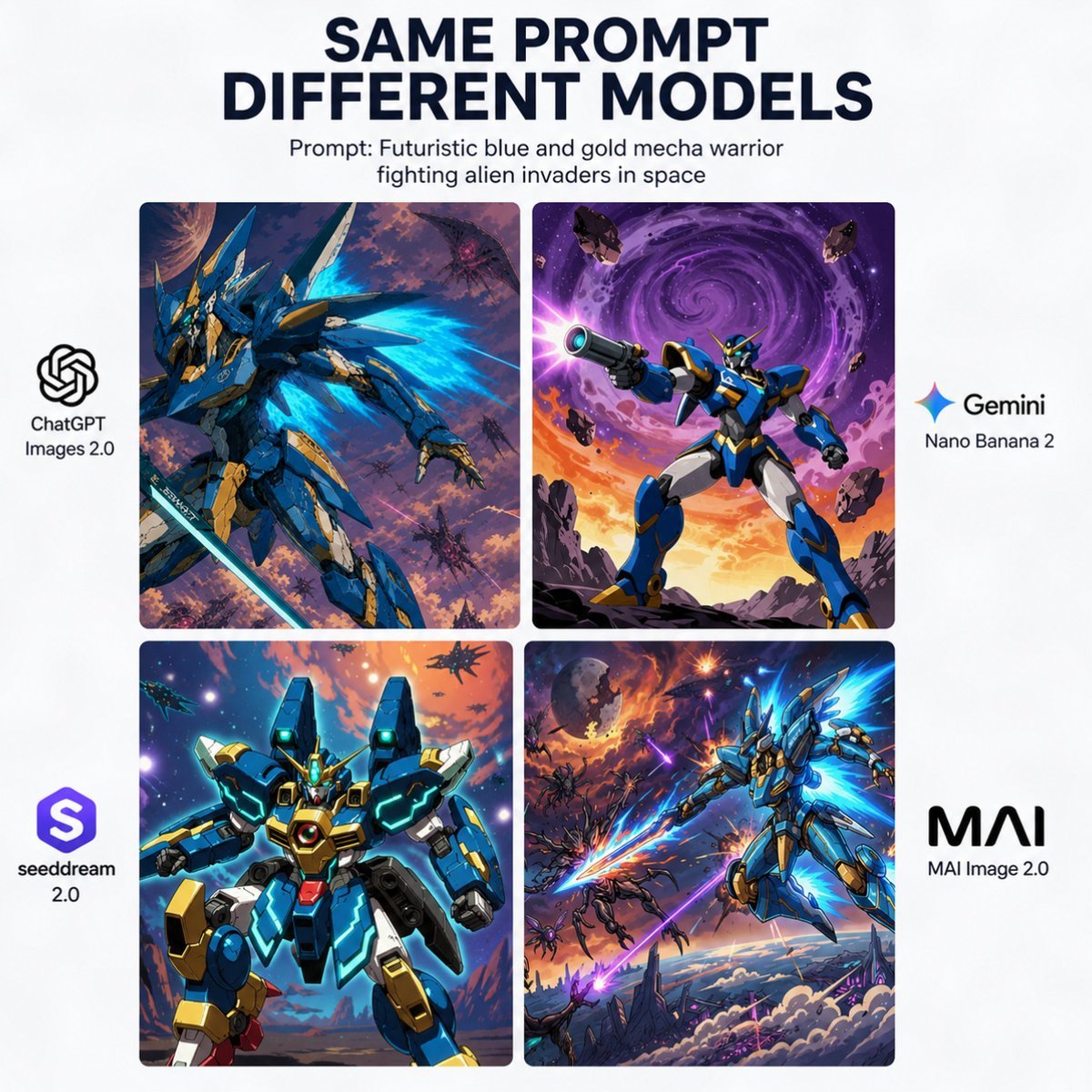
AI Model Mecha Comparison Poster
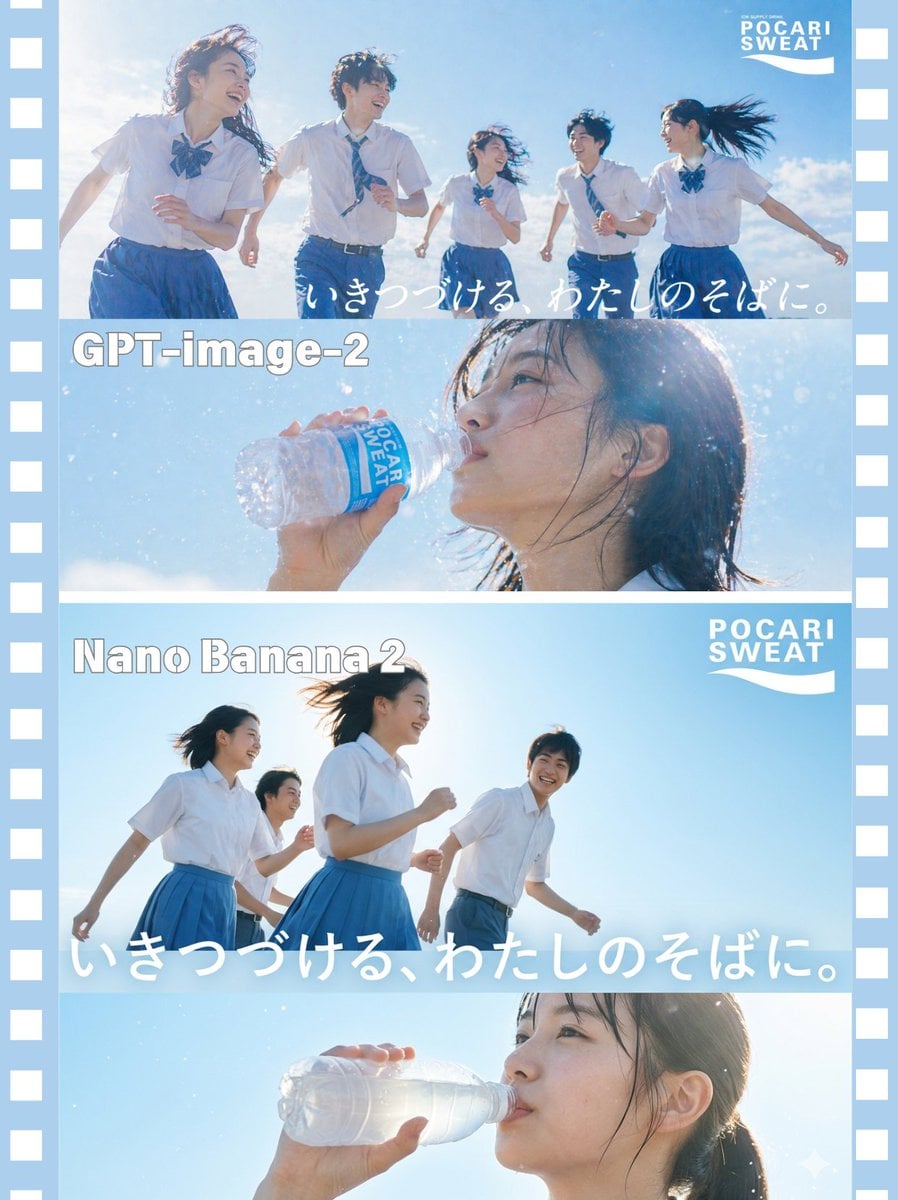
AI Model Comparison Ad Poster
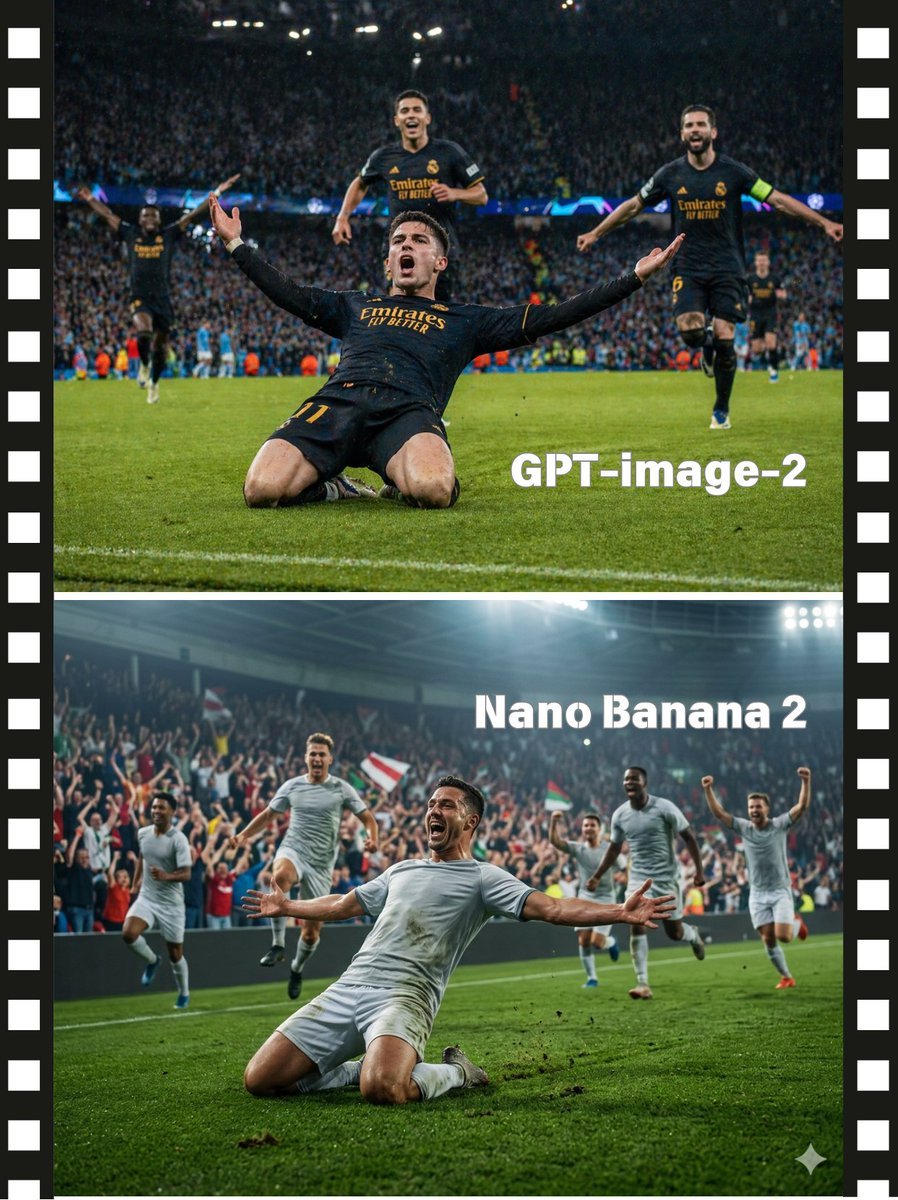
Soccer Model Comparison Poster

Japan Travel Brochure Poster

AI Model Routing Comparison Infographic

Fantasy Model Comparison Grid
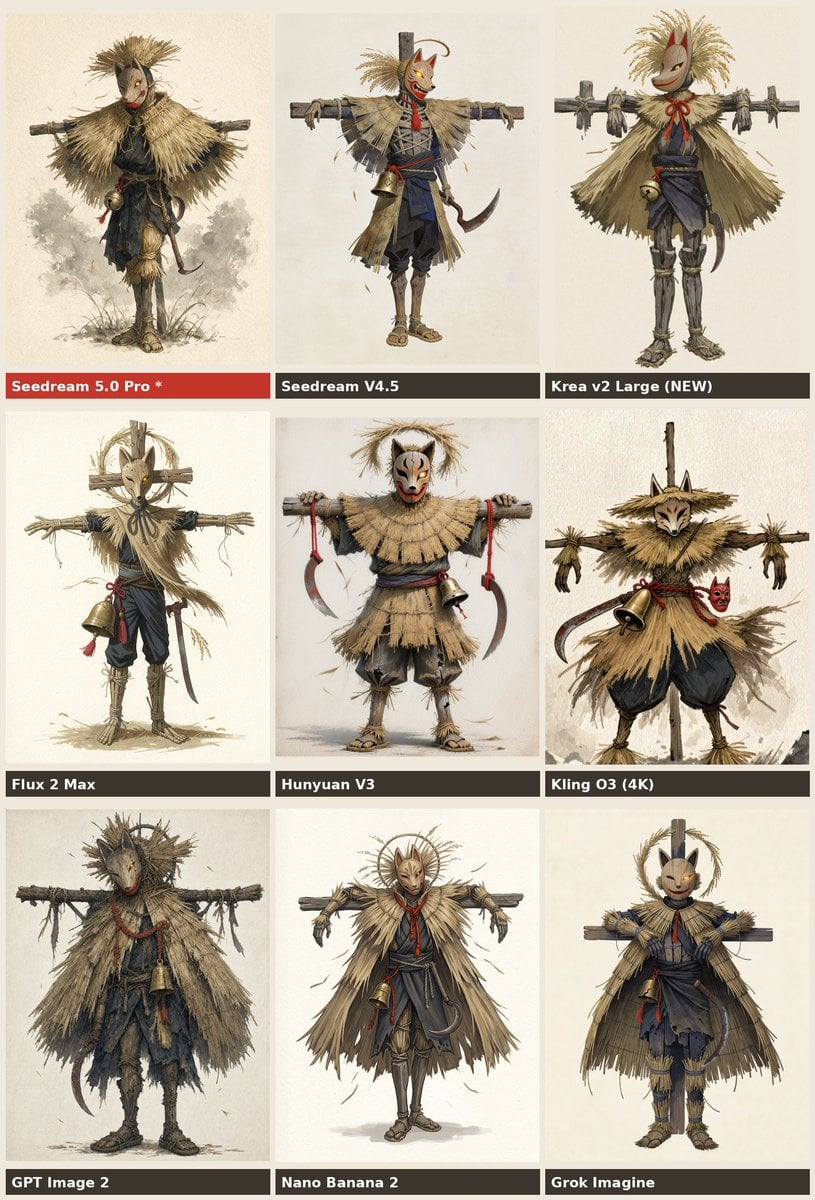
Nine-Model Scarecrow Yokai Comparison

Cartoon TV Show Poster Pack

Trendy Cafe Drink Promo Poster

Urban Fashion Editorial Collage Streetwear Poster

Japanese Architectural Concrete Studio Fashion Campaign
Make it yours
AI Model Architecture Comparison Poster works as-is. These are the safest ways to change it without losing the look.
Change one field
Copy a single group, rewrite it, and generate again so you can see what that field is doing.
Keep the frame, change the subject
Hold the composition and light of AI Model Architecture Comparison Poster, then swap wardrobe, props or the person for a new take.
| If the result… | Why | Fix |
|---|---|---|
| The result drifts from the preview | Too many fields changed at once. | Reuse AI Model Architecture Comparison Poster as-is first, then change one group — subject, light, or setting. |
| The model over-stylizes the scene | The prose prompt leaves finish and camera underspecified. | Add one camera or lighting sentence and stay on GPT Image 2. |
More GPT Image 2 templates
Other prompts made for GPT Image 2.

Six VTuber Japanese Logo Sheet

Realistic Portrait of Woman and Deer

The Vista Modular Condo Poster

2.5D Anime Art Board

Isometric Productivity Desk Scene

New York Double Exposure Poster

Four-Panel AI Landscape Comparison

Japanese Tatami Lifestyle Magazine Cover

NESCAFÉ Coffee Map Poster

Brutalist Cogito Chinese Typography Poster
More image prompts
Fresh picks from across the catalog.
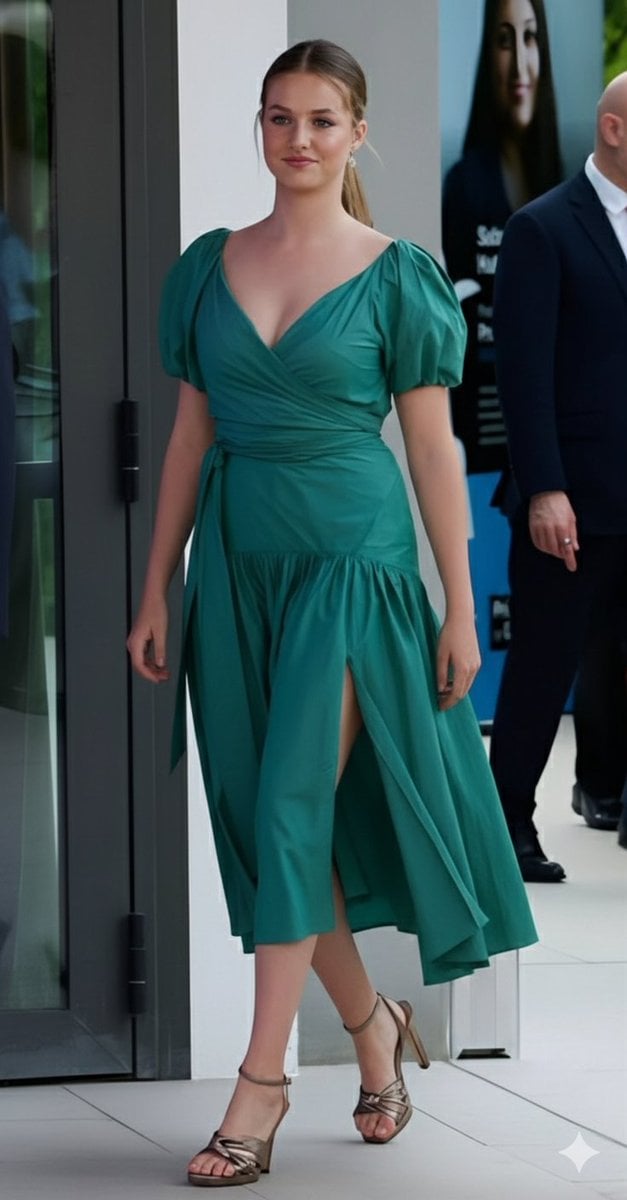
Emerald Green Satin Dress Fashion Editorial
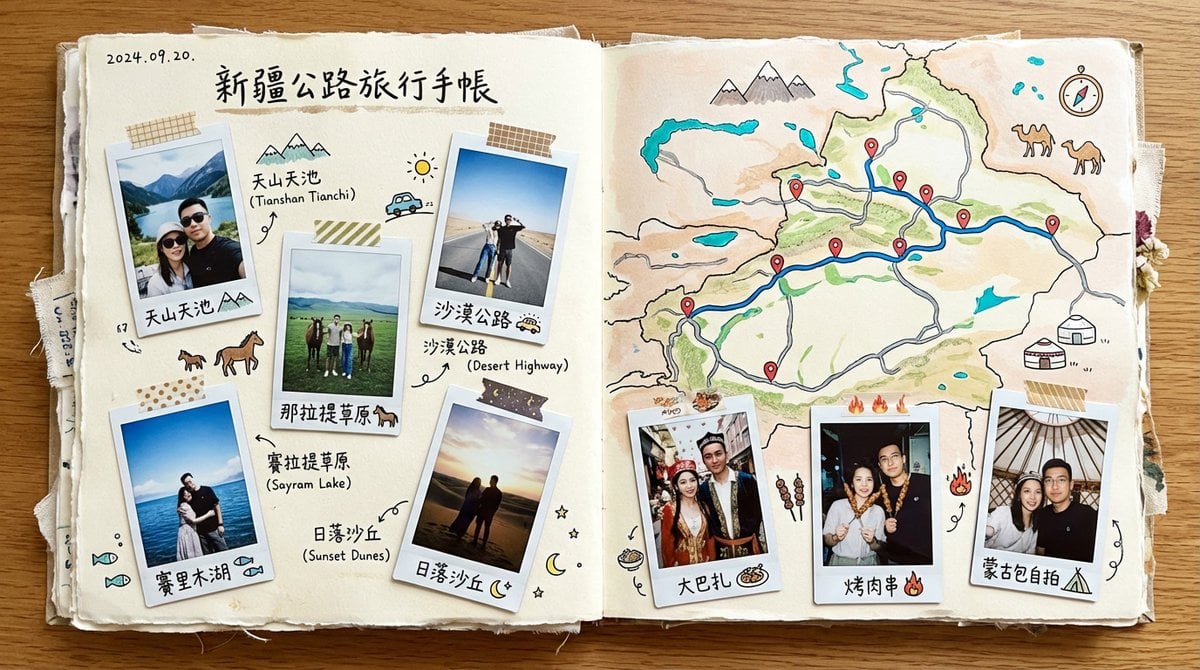
Xinjiang Road Trip Scrapbook Spread
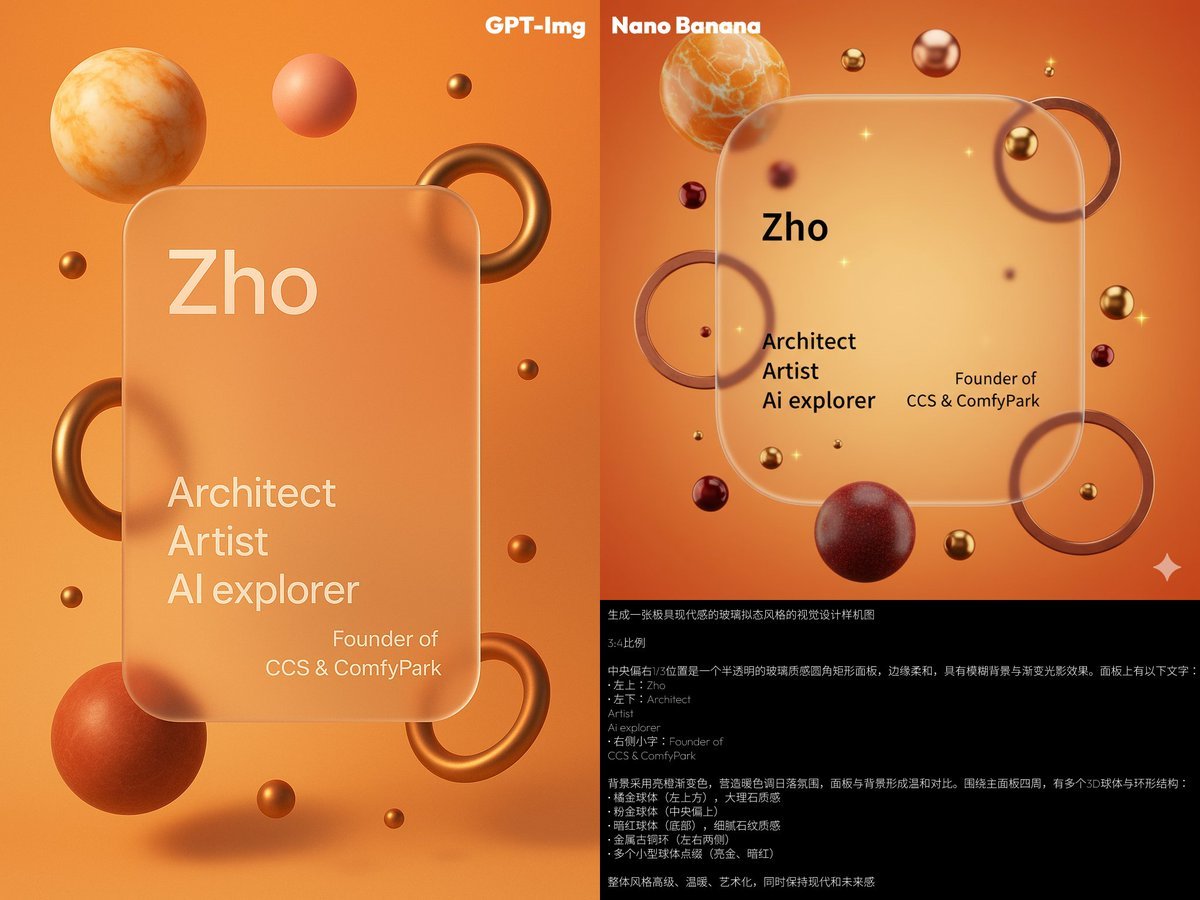
Glassmorphism personal branding mockup
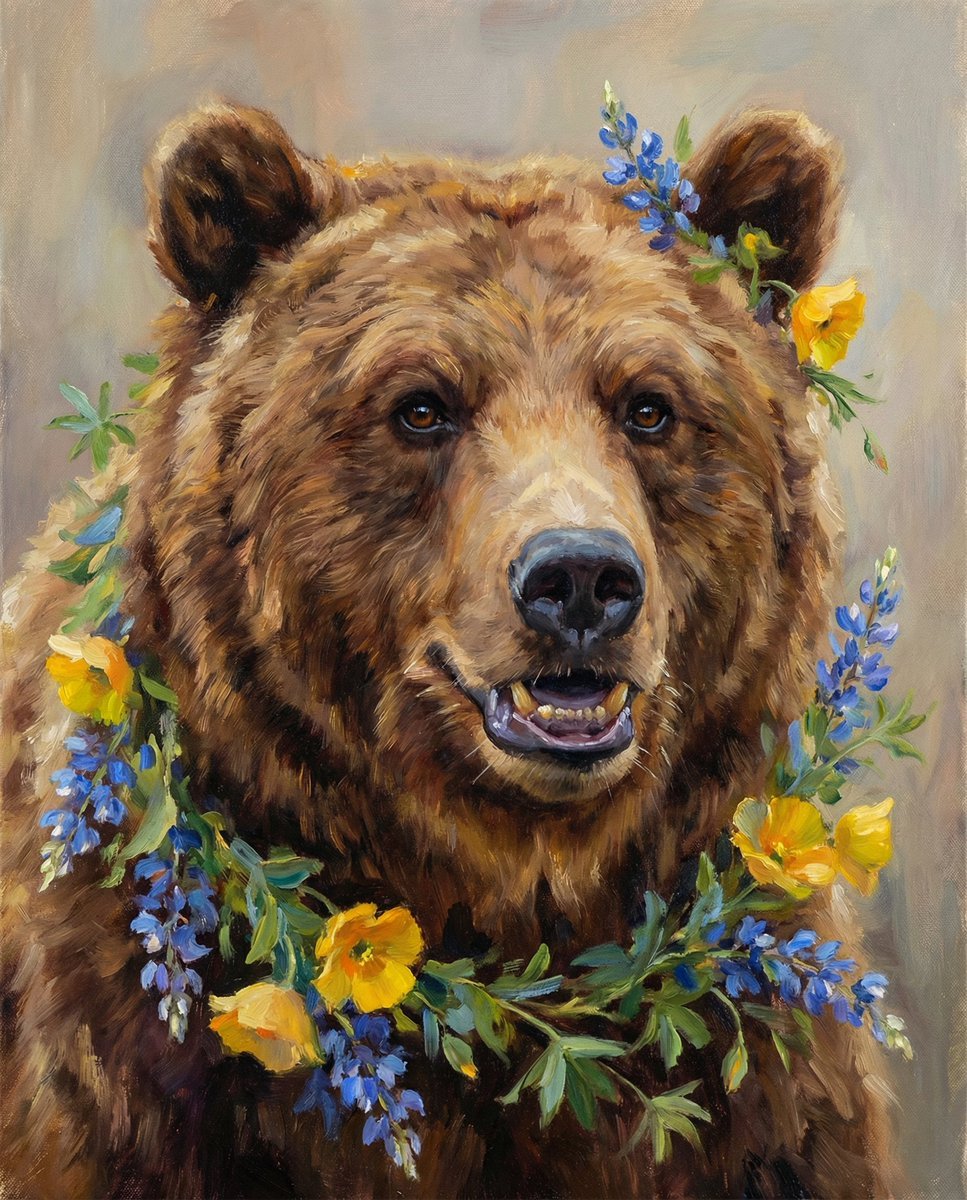
Nano Banana Pro Prompt (ALT Text)
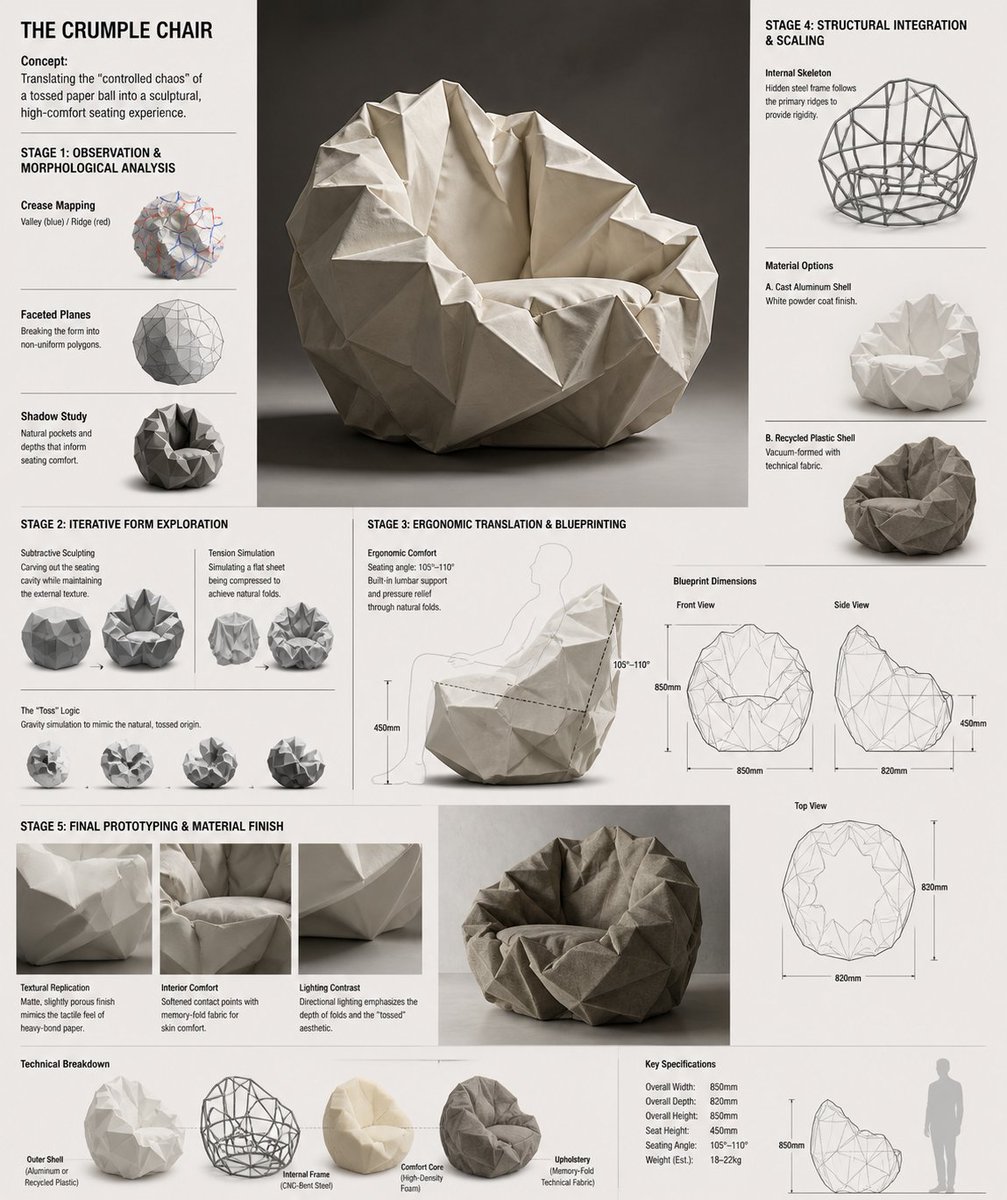
Crumple Paper Furniture Concept Design
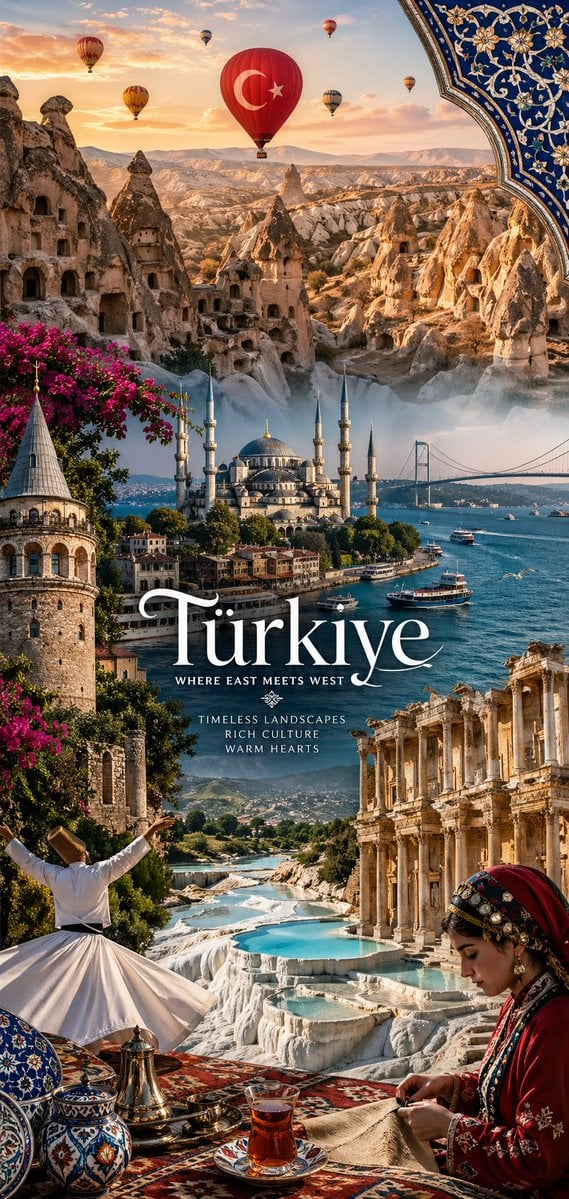
National Identity Mobile Wallpaper
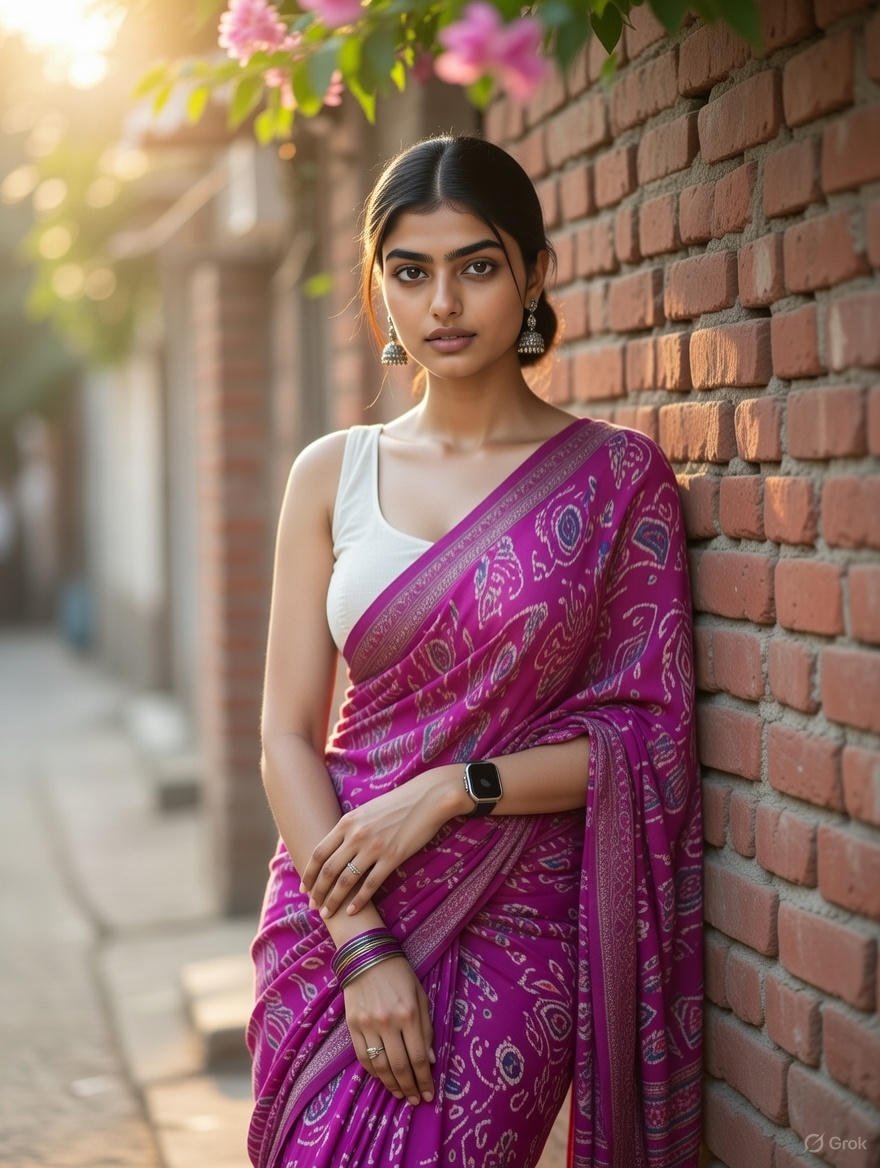
Grok Identity Lock Prompt for Saree Portrait

Censored Titanic Sunset Romance
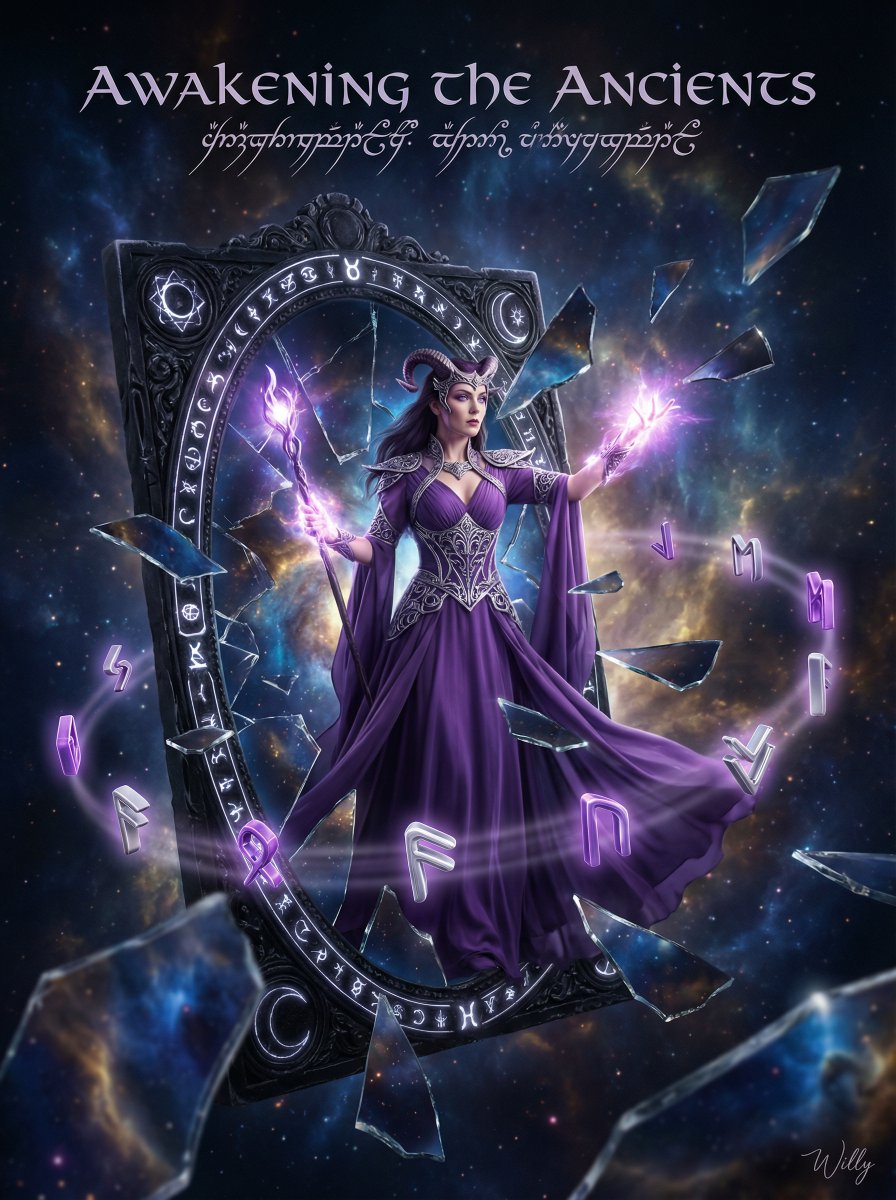
Sorceress Emerging from Obsidian Mirror
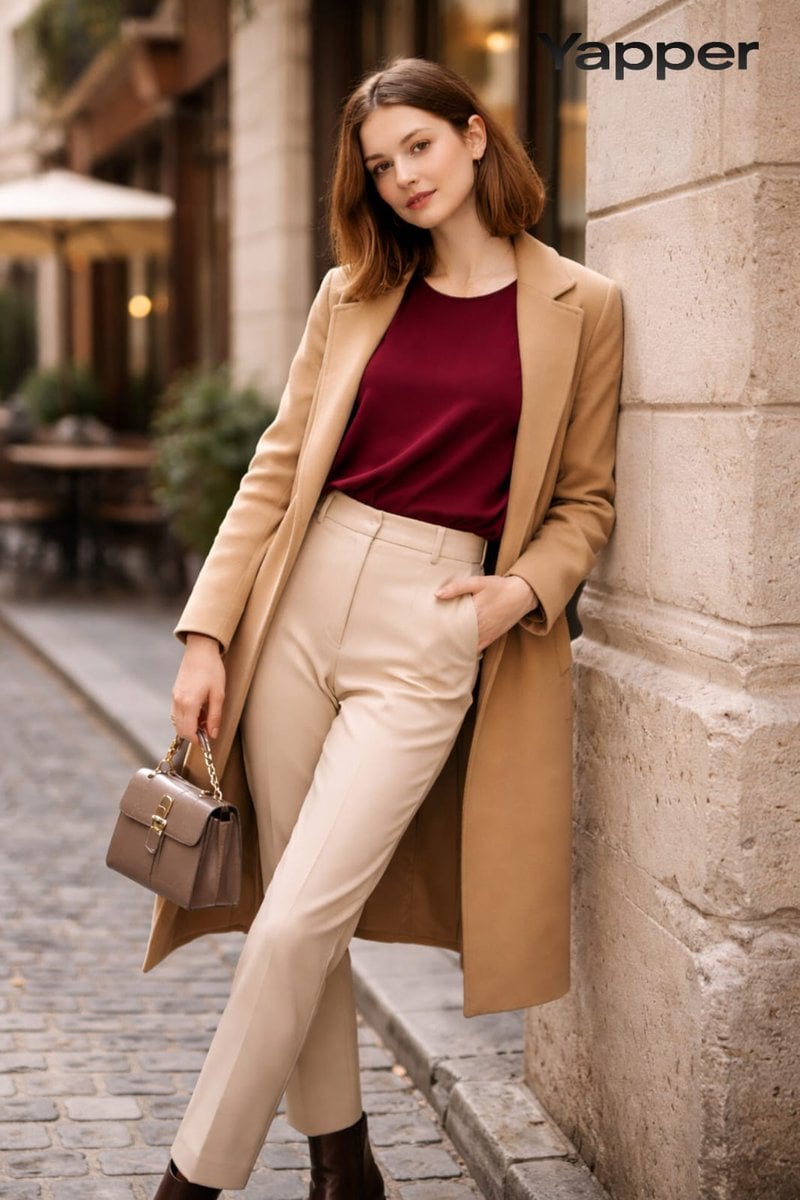
High-Fashion Street Portrait Prompt for Nano Banana Pro
Browse template categories
AI Model Architecture Comparison Poster questions
How do I use the AI Model Architecture Comparison Poster template?
Add your photo if the template asks for one, edit the prompt if you like — the template's model and format are already selected — and press Generate. Your version opens in PicX Studio.
Can I customize the AI Model Architecture Comparison Poster template?
Yes. You can change the subject, setting, lighting, mood, format, and available model controls before creating your image.
Is the AI Model Architecture Comparison Poster template free?
Opening and editing this template is free. Generating uses credits, shown on the Generate button when you are signed in.
Which AI model should I use?
Start with GPT Image 2, which is the model associated with this template. You can compare another compatible model for a different finish.
Looking for something else? Browse all templates.

Your photo, any look
Thousands of ready templates for every top image and video model, from one credit balance.