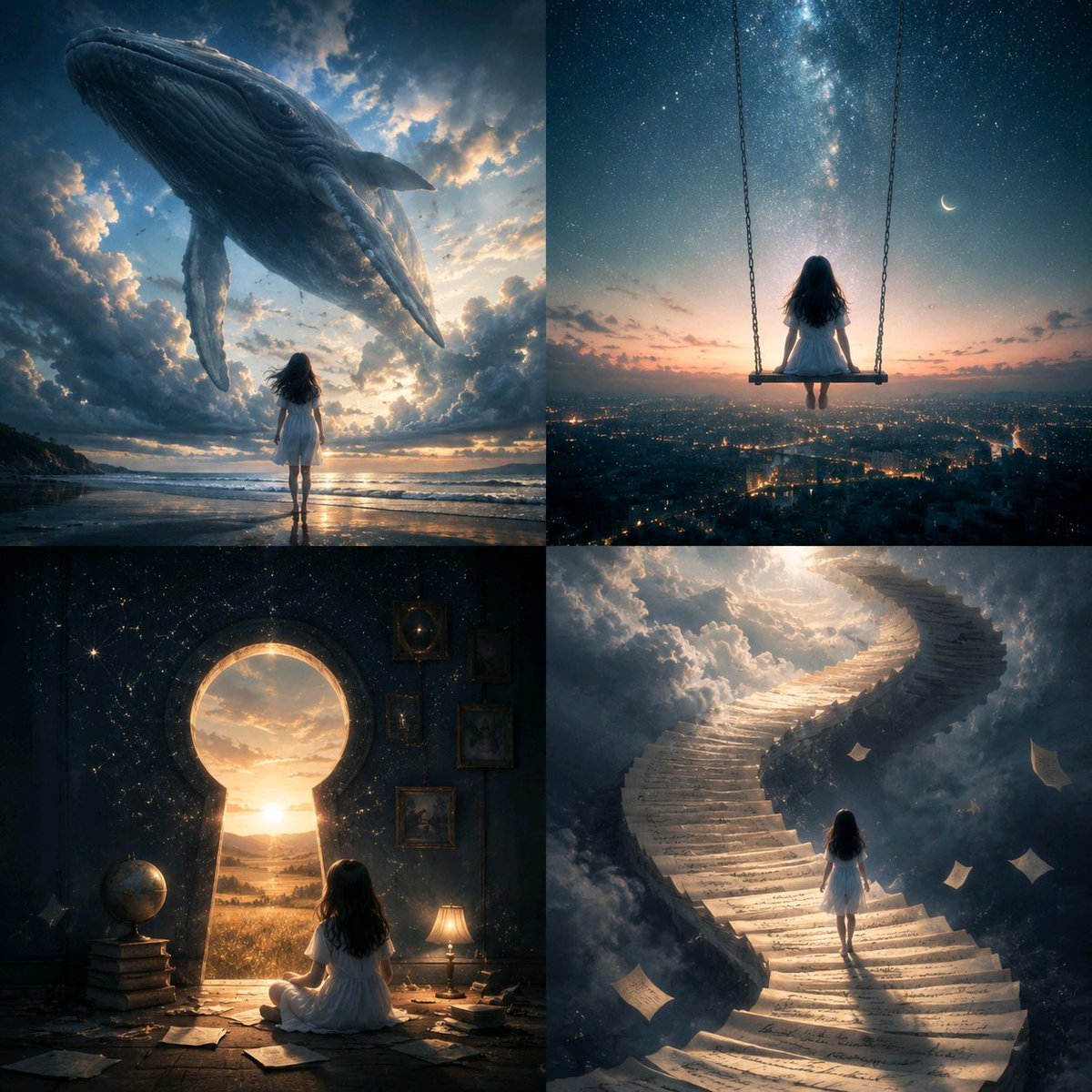
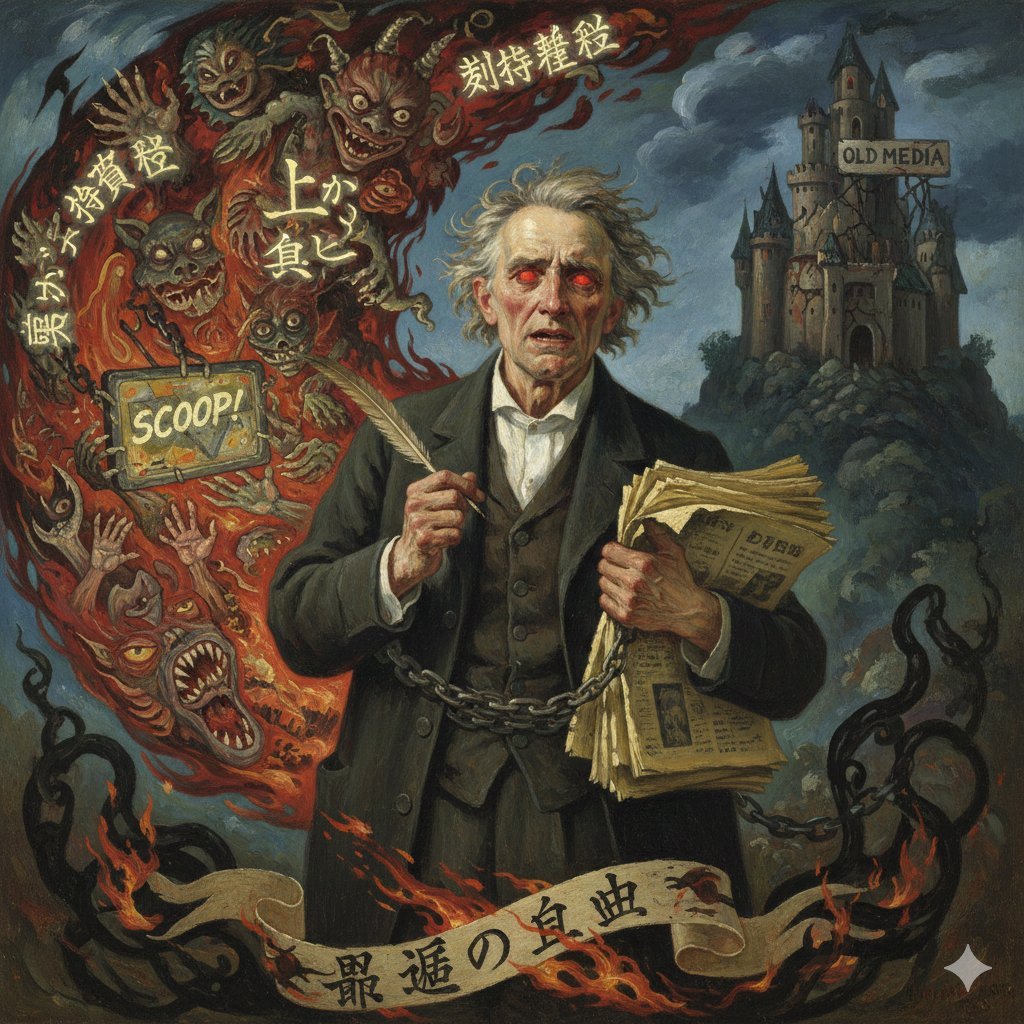
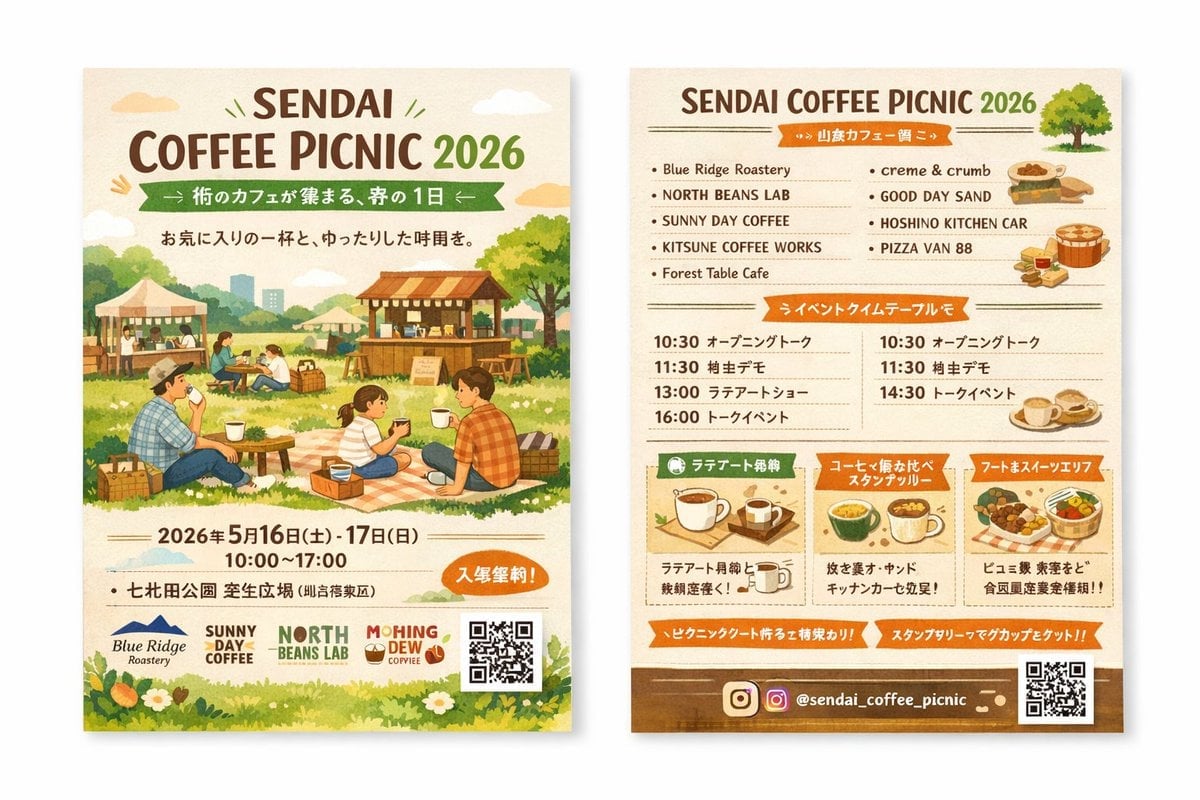
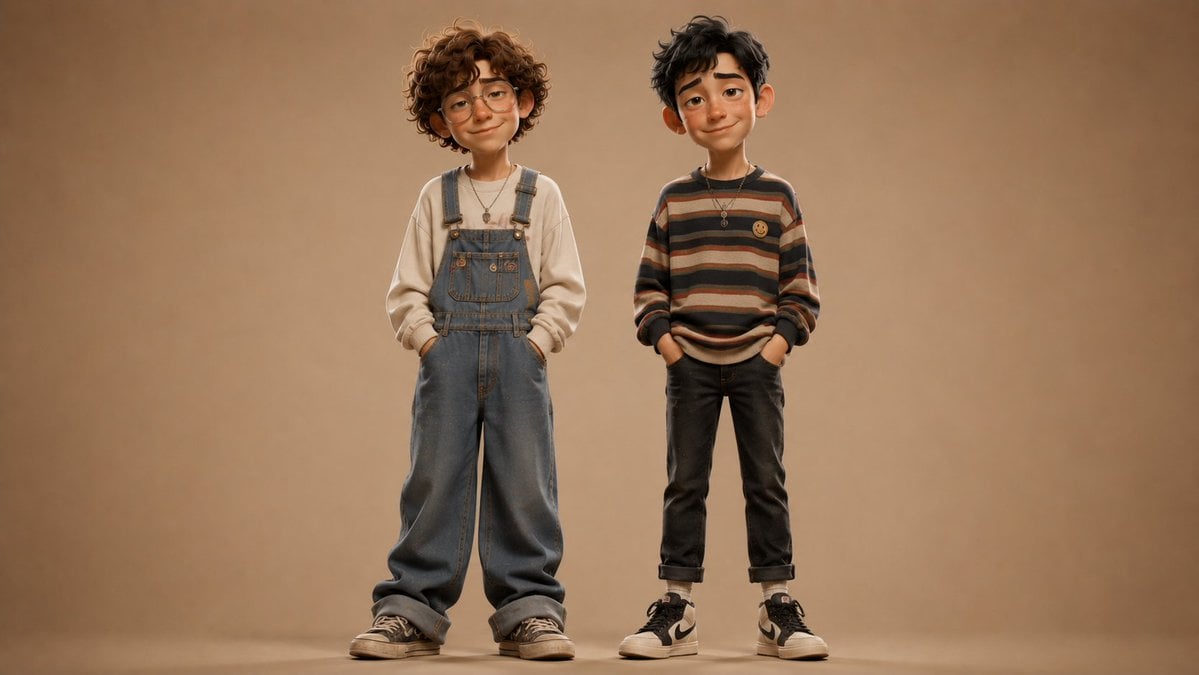
How do I use the AI Model Mecha Comparison Poster template?
Edit the prompt in the box under the preview — the template's model and format are already selected — and press Generate. Your version appears right on this page.
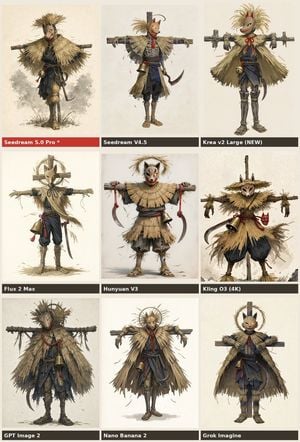
A square social media comparison graphic showing the same sci-fi mecha prompt interpreted by four different image models, useful for benchmark or announcement posts.

This template uses your photo — add one with the + button.
{"type":"comparison poster","style":"clean social-media infographic with white background and bold editorial typography","canvas":{"aspect_ratio":"1:1","background":"solid white"},"headline":{"title":"SAME PROMPT\nDIFFERENT MODELS","subtitle":"Prompt: {argument name=\"prompt text\" default=\"Futuristic blue and gold mecha warrior fighting alien invaders in space\"}","title_style":"large bold all-caps sans-serif in very dark navy, centered at top","subtitle_style":"smaller black sans-serif, centered below title"},"layout":{"grid":{"position":"center","rows":2,"columns":2,"count":4,"gap":"narrow even spacing","corner_radius":"slightly rounded image panels"},"side_labels":{"left":2,"right":2}},"images":[{"position":"top-left","model_name":"ChatGPT Images 2.0","scene":"dynamic blue and gold humanoid mecha in a three-quarter action pose, surrounded by glowing cyan energy wings or thruster flares, holding a long sword, set in a chaotic purple-orange outer-space battlefield with multiple small alien craft and debris","style":"high-detail anime mecha illustration, dramatic lighting, painterly sci-fi background"},{"position":"top-right","model_name":"Gemini Nano Banana 2","scene":"blue and gold mecha standing heroically on rocky ground, aiming a large futuristic blaster toward the viewer, with a huge swirling purple galaxy vortex in the sky, orange sunset glow at the horizon, and floating asteroids around it","style":"bold comic-anime sci-fi illustration, vivid contrast, poster-like composition"},{"position":"bottom-left","model_name":"seeddream 2.0","scene":"front-facing bulky blue and gold mecha with teal glowing accents and a central chest core, posed like a character card portrait against a bright cosmic sky with stars, planets, and distant ships","style":"clean glossy mecha render with anime influence, symmetrical framing, saturated neon highlights"},{"position":"bottom-right","model_name":"MAI Image 2.0","scene":"sleek blue and gold mecha flying diagonally through the sky with bright cyan energy wings and a glowing energy blade, battling multiple alien enemies above clouds and jagged sci-fi terrain under an explosive purple-orange sky","style":"cinematic anime action art, intense motion, high energy effects"}],"branding":{"left_side":[{"position":"mid-left beside top-left panel","label":"ChatGPT Images 2.0","icon":"OpenAI knot logo in black","count":1},{"position":"lower-left beside bottom-left panel","label":"seeddream 2.0","icon":"purple rounded-square emblem with white stylized S","count":1}],"right_side":[{"position":"mid-right beside top-right panel","label":"Gemini Nano Banana 2","icon":"multicolor four-point spark icon","count":1},{"position":"lower-right beside bottom-right panel","label":"MAI Image 2.0","icon":"bold black MAI wordmark","count":1}]},"composition_notes":"keep all four artwork panels visually distinct but thematically consistent with the same prompt, centered in a balanced square comparison layout suitable for a viral social media post comparing image generation models"}
Edit the prompt in the box under the preview — the template's model and format are already selected — and press Generate. Your version appears right on this page.
Yes. You can change the subject, setting, lighting, mood, format, and available model controls before creating your image.
Opening and editing this template is free. Generating uses credits, shown on the Generate button when you are signed in.
Start with GPT Image 2, which is the model associated with this template. You can compare another compatible model for a different finish.
Follow a topic to a crawlable collection of related PicX Studio templates.