
Nine-Model Scarecrow Yokai Comparison
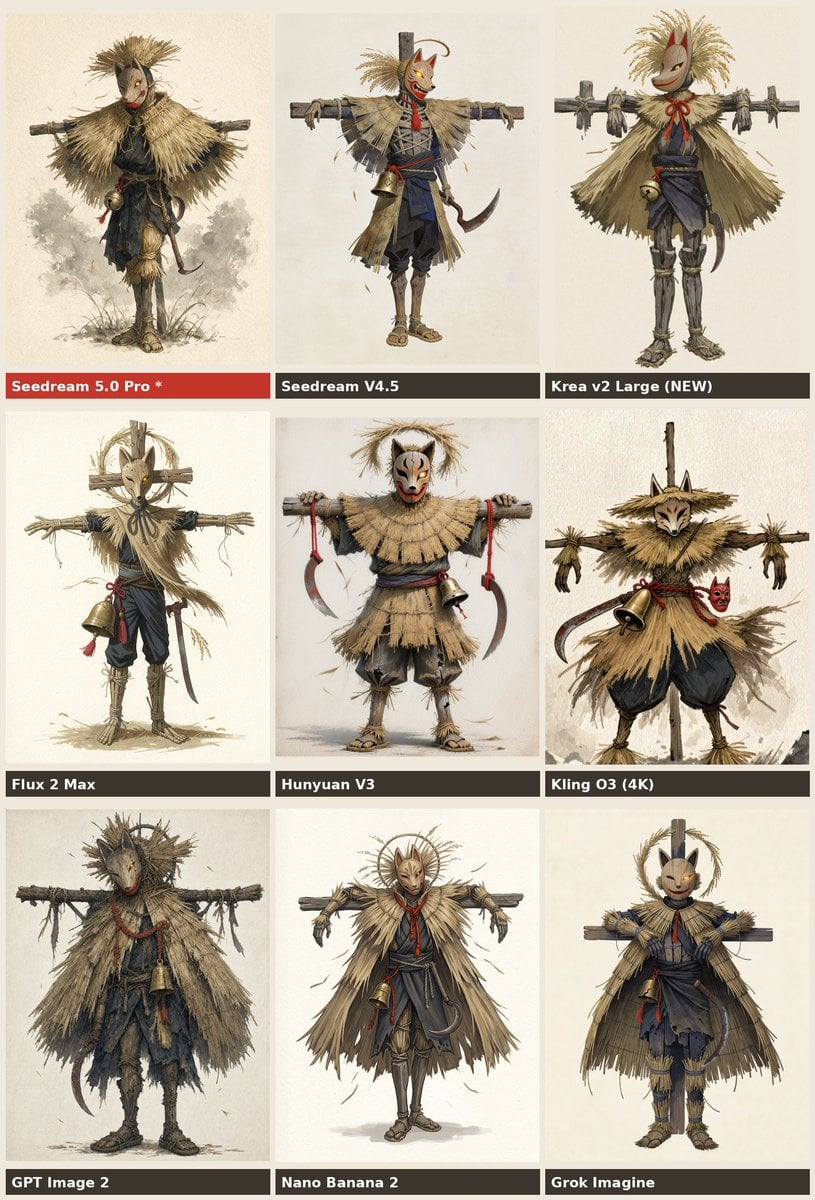
A structured prompt for generating a 3x3 AI model comparison poster featuring Japanese straw scarecrow yokai character variations.
- Prompt included
- Model and format preset
- Premium template
The prompt behind this image
Copy the exact prompt behind Nine-Model Scarecrow Yokai Comparison, or open it in the studio and make it yours.
Goal: Create a 3 by 3 comparison chart showing nine different AI image model outputs for the same character concept: a full-body Japanese straw scarecrow yokai warrior wearing a fox or oni-style mask, posed front-facing with arms stretched horizontally on a wooden crossbeam like a scarecrow. Canvas: Vertical poster, 768 x 1152 aspect ratio, warm off-white parchment background, thin gutters between panels, each panel containing one full-body character illustration centered on a pale paper backdrop. Use a muted beige, straw, charcoal, navy, and red color palette. Layout: Arrange exactly 9 rectangular panels in a 3-column by 3-row grid. Each panel has a dark label bar along the bottom edge with bold white sans-serif text; the first label bar is red to highlight the preferred model. Keep all labels readable and aligned left. Text content: Use exactly these 9 panel labels, in this order from top-left to bottom-right: 1) {argument name="highlighted model label" default="Seedream 5.0 Pro *"}, 2) Seedream V4.5, 3) Krea v2 Large (NEW), 4) Flux 2 Max, 5) Hunyuan V3, 6) Kling O3 (4K), 7) {argument name="bottom left model label" default="GPT Image 2"}, 8) Nano Banana 2, 9) Grok Imagine. Subject details: In every panel, depict the same core subject with variation in rendering style: a Japanese harvest-spirit scarecrow figure made of dry straw, ragged cloth, and wood, wearing a pale fox mask or demon mask with red markings, a straw cape or thatched mantle, dark indigo peasant trousers, rope bindings, sandals, a red cord accent, and a small brass bell hanging from the waist or chest. Include a curved sickle or hook-shaped blade at the side in several variations. The character should look like folklore concept art: eerie but charming, handmade, weathered, and ritualistic. The arms should be tied or resting along a horizontal wooden beam in most panels. Add subtle straw fragments, loose fibers, and small sketchy shadows near the feet. Panel-by-panel variation: Top-left: delicate watercolor concept art, rounder straw cloak, darker face mask, small bell near the waist, misty gray wash behind the legs. Top-middle: cleaner anime-concept rendering with an orange fox mask, red scarf, blue-black outfit, straw shoulder cape, wooden post behind the head, sickle at the right hip. Top-right: simplified cute mask, broad straw poncho, tall straw hair plume, red bow cord at the neck, wooden beam visible across the shoulders. Middle-left: tall thin scarecrow with a pale mask, large circular halo-like straw frame behind the head, brass bell on the left side, long dangling red tassel. Middle-center: stockier figure with a white oni mask, layered straw skirt, both hands gripping the crossbeam, two curved sickles hanging from red cords. Middle-right: more dynamic rough painted version with sharp fox mask, straw hat-like hood, large bell on the waist, red small demon mask charm at the side, black balloon trousers. Bottom-left: grittiest and most textured version, dark muddy clothing, heavy ragged straw cloak, shadowy face mask, brass bell in front, scythe-like blade at the lower left. Bottom-middle: elegant refined figure with radiant circular straw halo, narrow fox mask, symmetrical straw cape, red neck cord, bell and hook at the waist. Bottom-right: friendly toy-like fox-masked scarecrow, compact body, neat straw cloak, wooden post behind head, indigo kimono-like clothing and straw shin guards. Visual style: Hand-painted fantasy character-sheet comparison, Japanese folklore design, watercolor and gouache texture, ink sketch accents, high detail, warm parchment paper, slightly rough AI-model-comparison aesthetic. Make the illustration dense and textured, with visible fibers, dry brush marks, and subtle paper grain. Constraints: Do not add extra panels, extra labels, logos, watermarks, captions, or background scenery. Keep every character full-body and centered. Ensure the exact count of 9 labeled model panels is clear.
How to use Nine-Model Scarecrow Yokai Comparison in 3 steps
- 1Upload ImagePNG, JPG or paste
Add your photo
Upload the photo the template builds on. The prompt, model and format are already set.
- 2…a portrait of your subject in softgolden-hour light, 85mm…
Personalize
Edit the subject and creative details for your destination.
- 3Generate
Generate
Press Generate — your image is created in PicX Studio, so you can compare it with the original and refine one variable at a time.
More like this
Templates with the same subject, style or setup. Open one to see its prompt.

AI Model Routing Comparison Infographic

Fantasy Model Comparison Grid

Premium Vertical Product Campaign Poster
Calamari Cone Model Comparison
AI Model Eyewear Store Comparison
DX Infographic Model Comparison
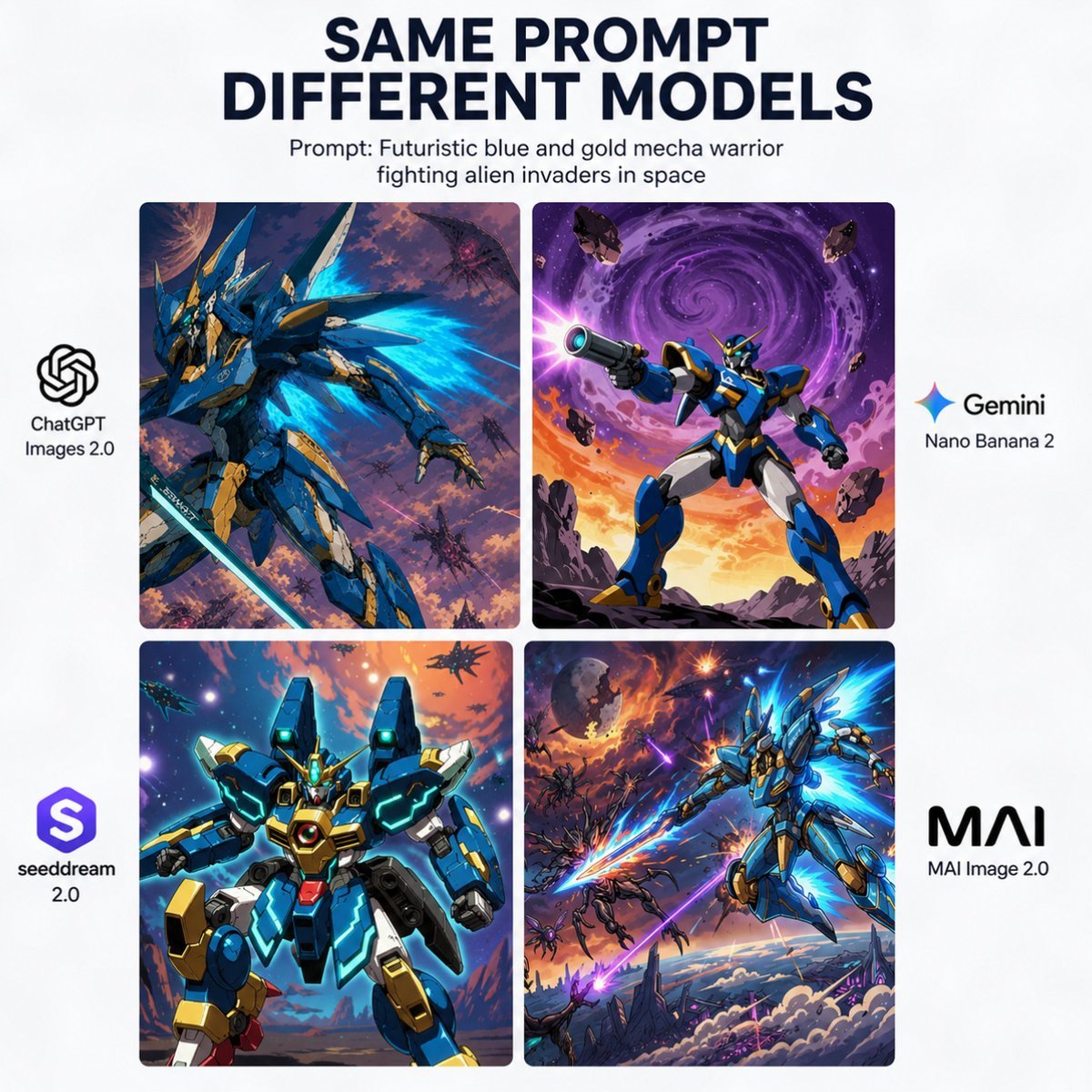
AI Model Mecha Comparison Poster
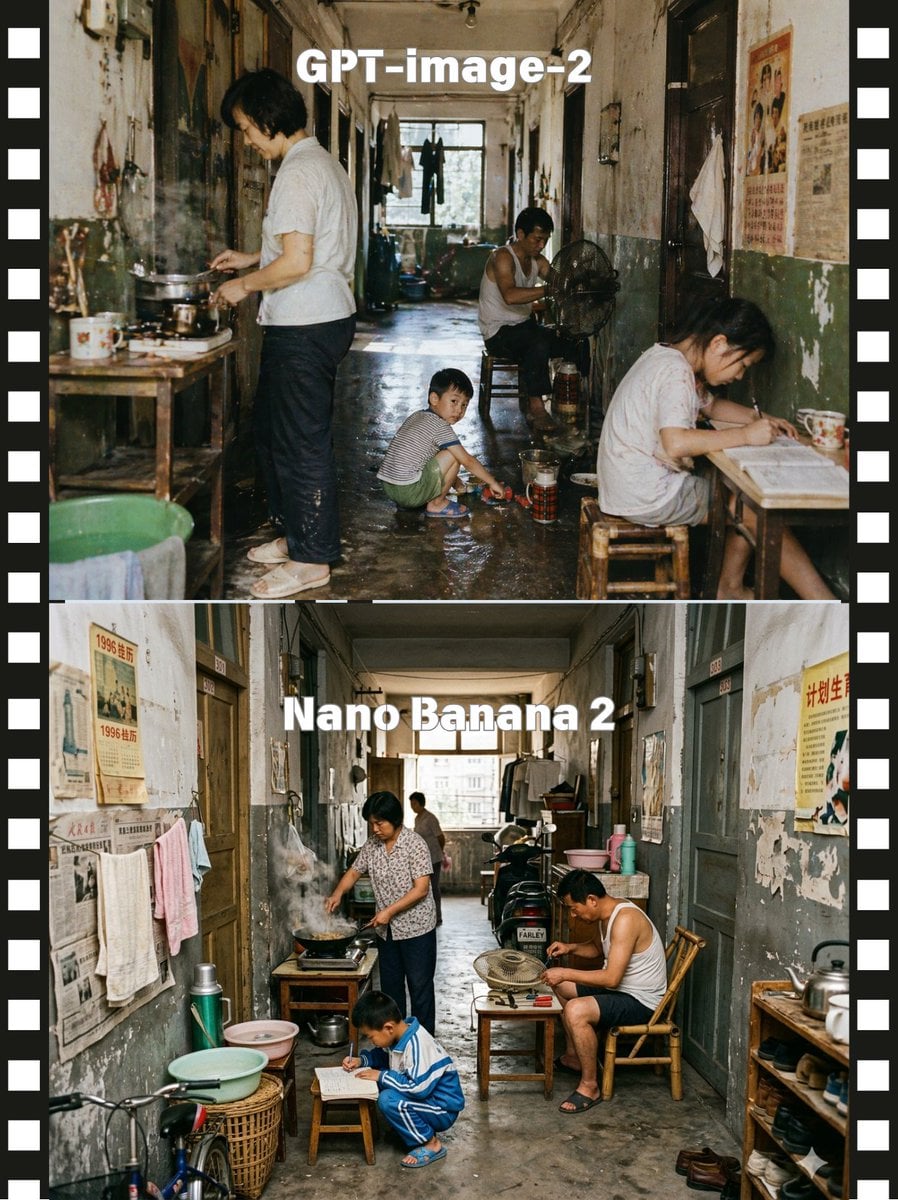
Stacked Corridor Model Comparison
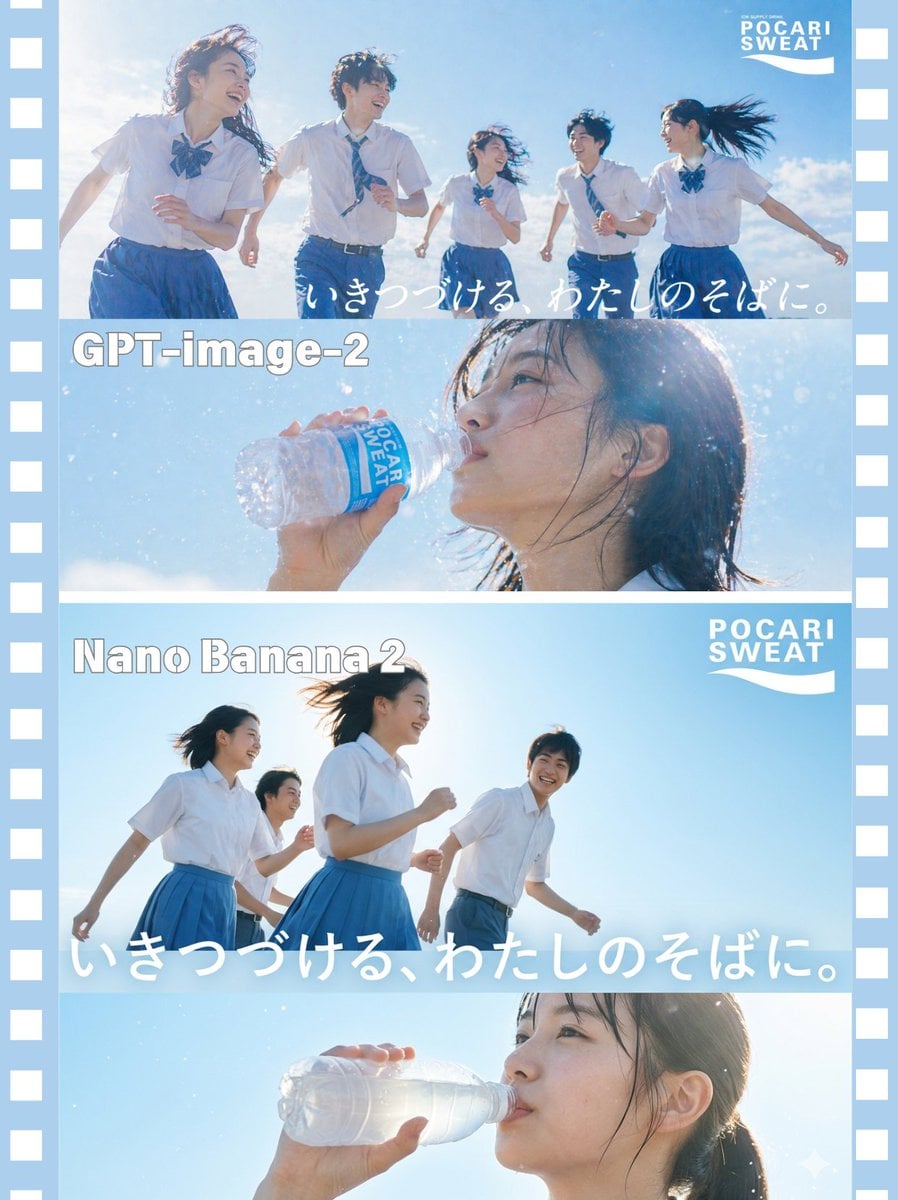
AI Model Comparison Ad Poster
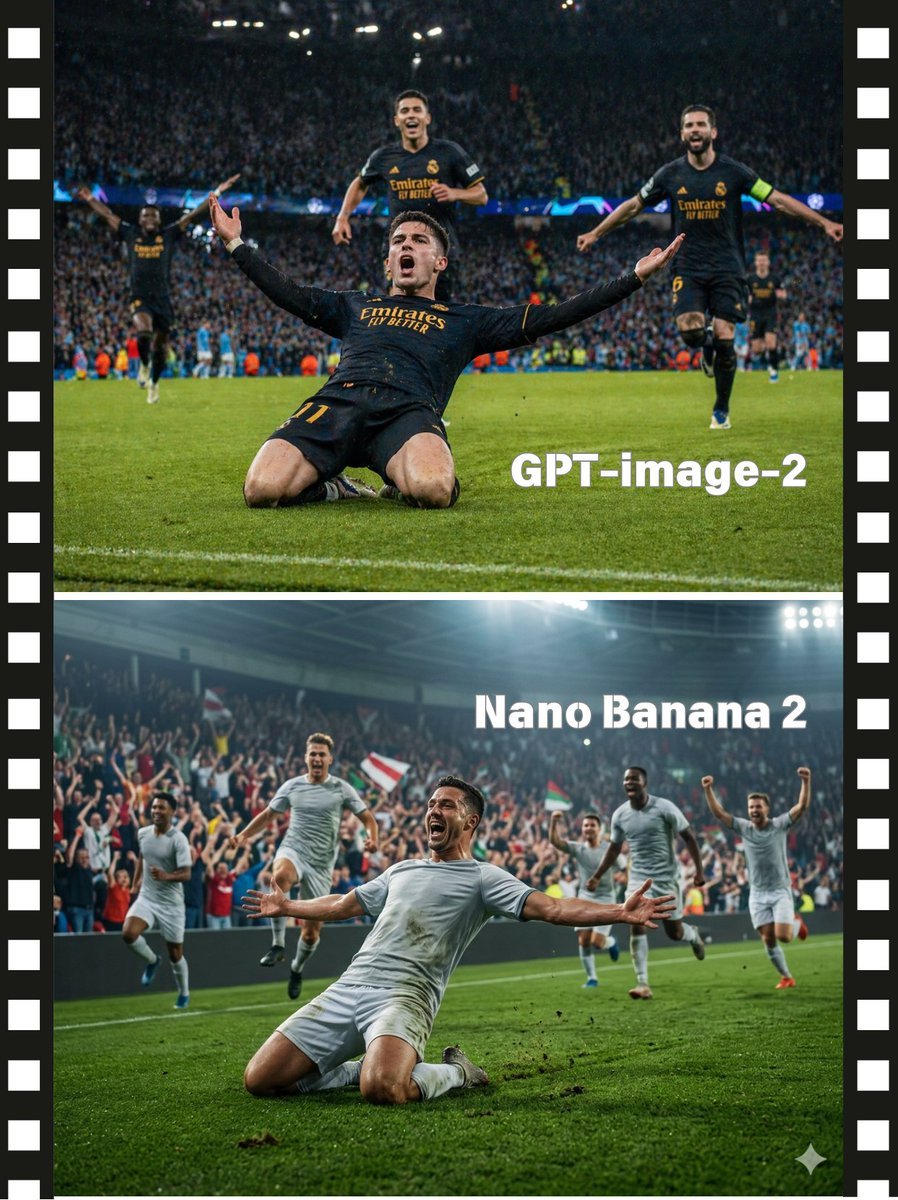
Soccer Model Comparison Poster

Two-Panel Snow Cabin Model Comparison
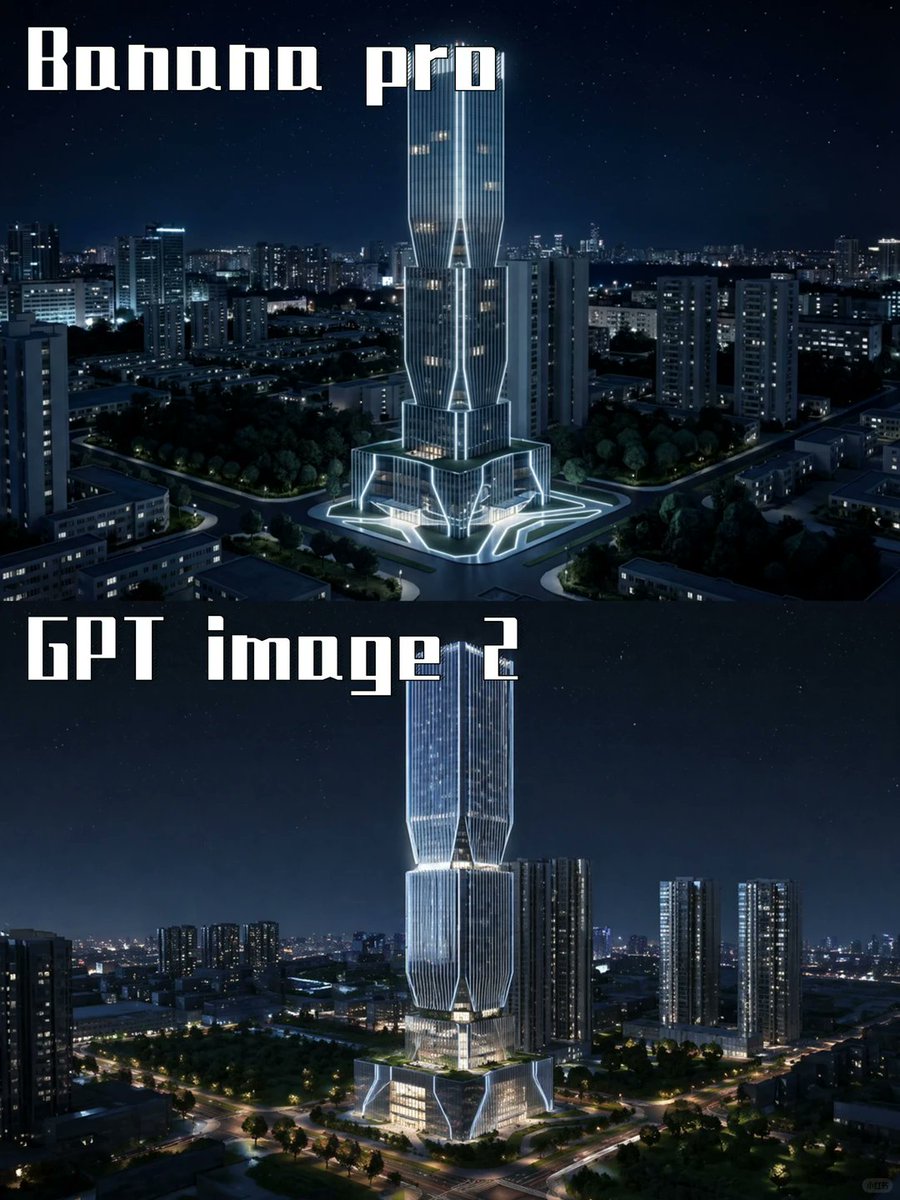
Night Skyscraper AI Model Comparison
Make it yours
Nine-Model Scarecrow Yokai Comparison works as-is. These are the safest ways to change it without losing the look.
Change one field
Copy a single group, rewrite it, and generate again so you can see what that field is doing.
Keep the frame, change the subject
Hold the composition and light of Nine-Model Scarecrow Yokai Comparison, then swap wardrobe, props or the person for a new take.
| If the result… | Why | Fix |
|---|---|---|
| The result drifts from the preview | Too many fields changed at once. | Reuse Nine-Model Scarecrow Yokai Comparison as-is first, then change one group — subject, light, or setting. |
| The model over-stylizes the scene | The prose prompt leaves finish and camera underspecified. | Add one camera or lighting sentence and stay on GPT Image 2. |
More GPT Image 2 templates
Other prompts made for GPT Image 2.

Six VTuber Japanese Logo Sheet

Realistic Portrait of Woman and Deer

The Vista Modular Condo Poster

2.5D Anime Art Board

Isometric Productivity Desk Scene

New York Double Exposure Poster

Four-Panel AI Landscape Comparison

Japanese Tatami Lifestyle Magazine Cover

NESCAFÉ Coffee Map Poster

Brutalist Cogito Chinese Typography Poster
More image prompts
Fresh picks from across the catalog.
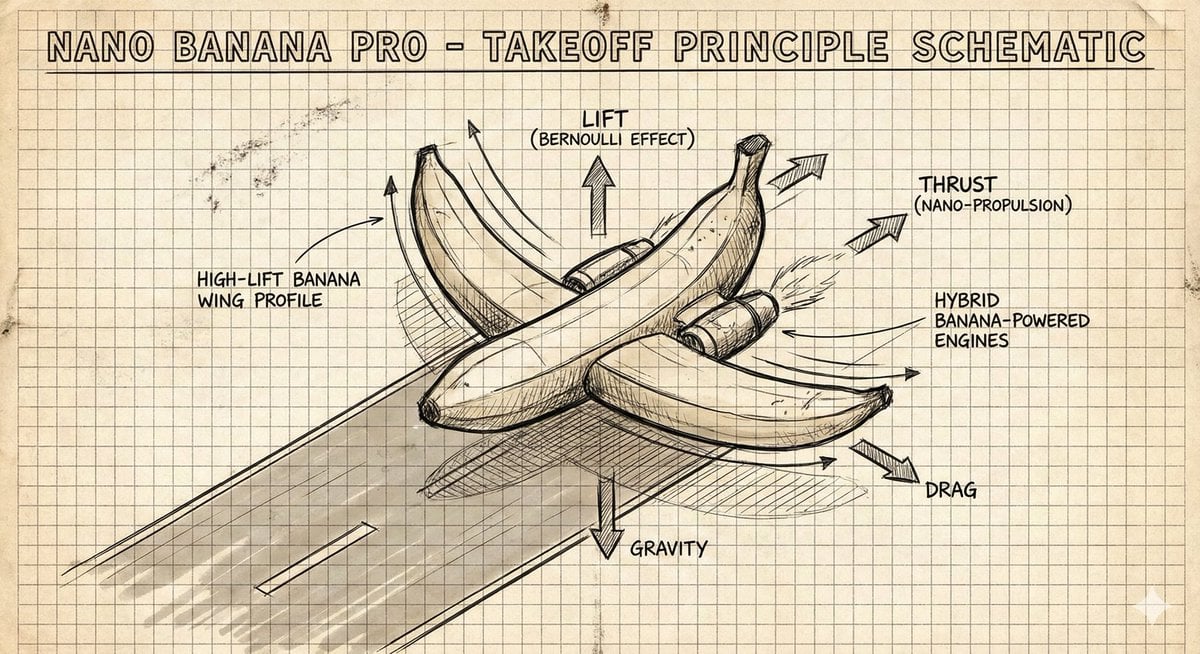
Hand-Drawn Isometric Schematic Diagram Prompt
Cinematic Editorial Photograph Prompt (Stranger Things Cast)
Luxury Fashion Illustration
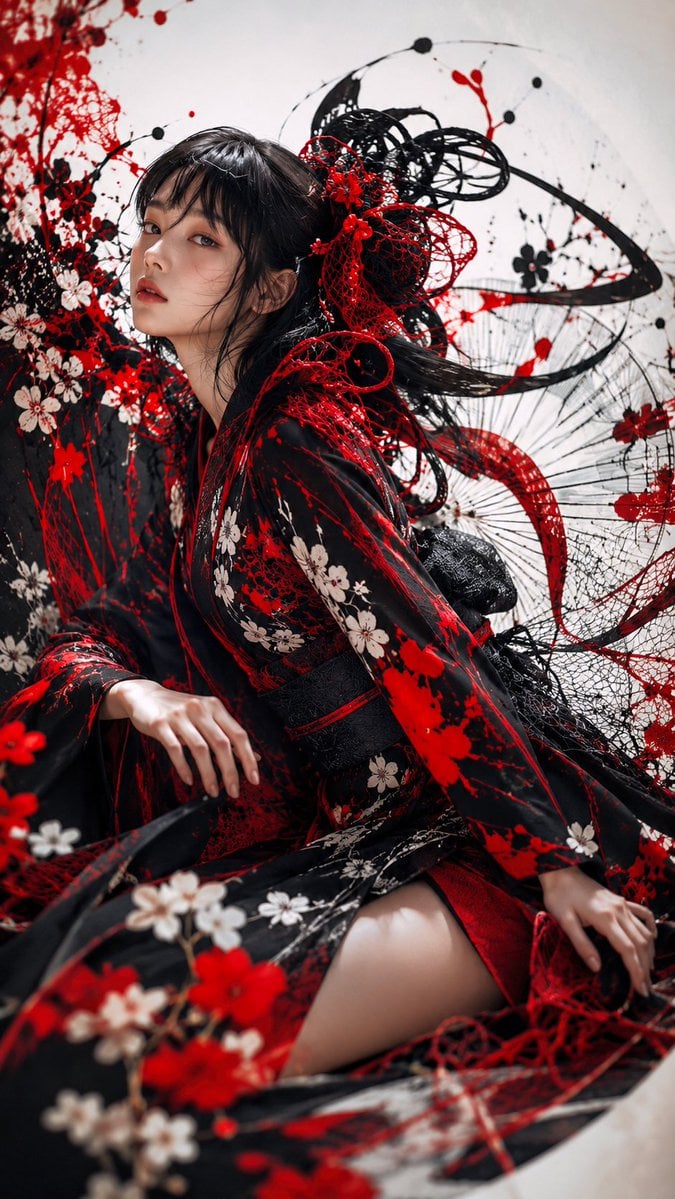
Gothic Kimono Ink Fashion Portrait
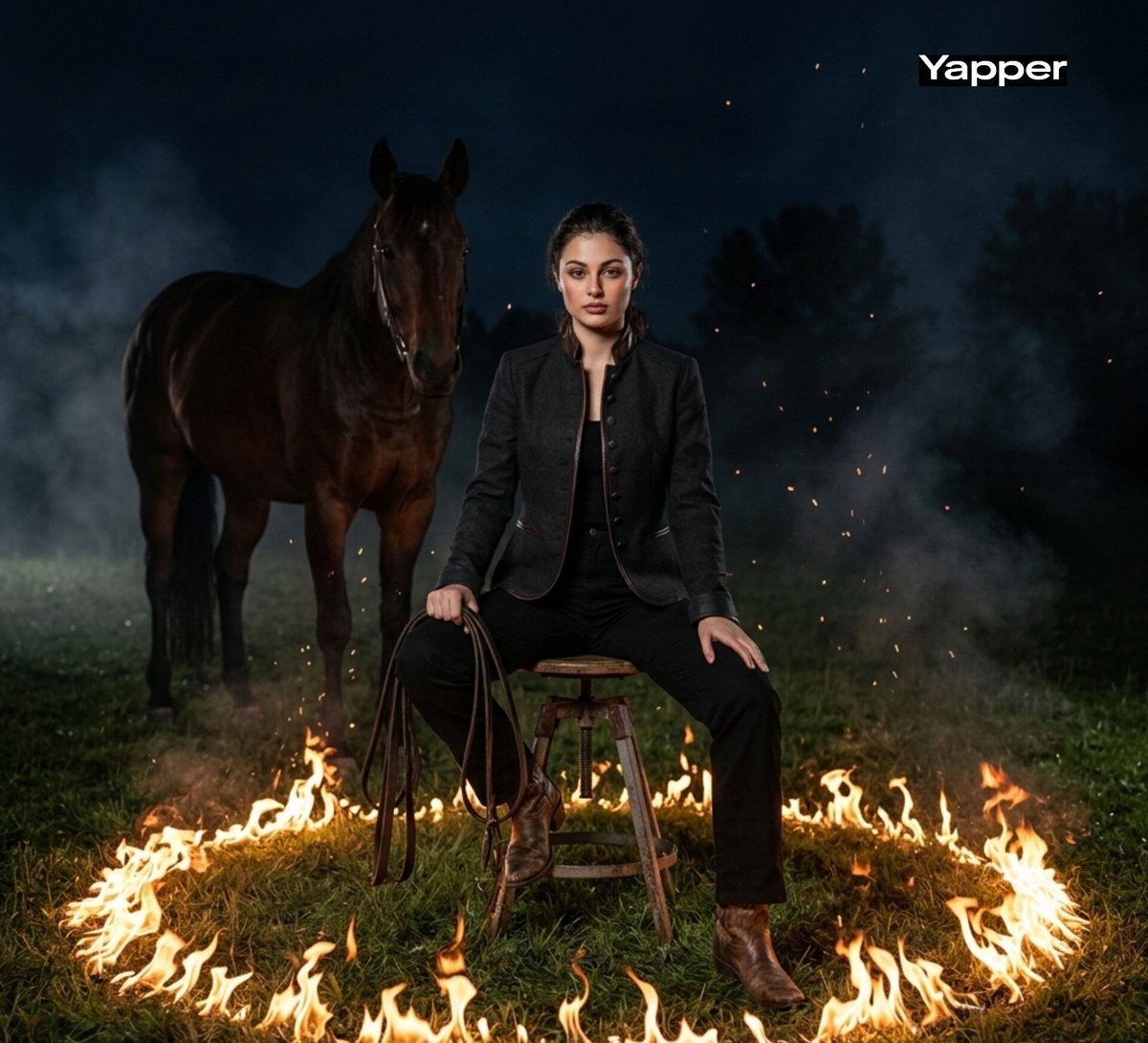
Cinematic Dark Western Portrait with Fire
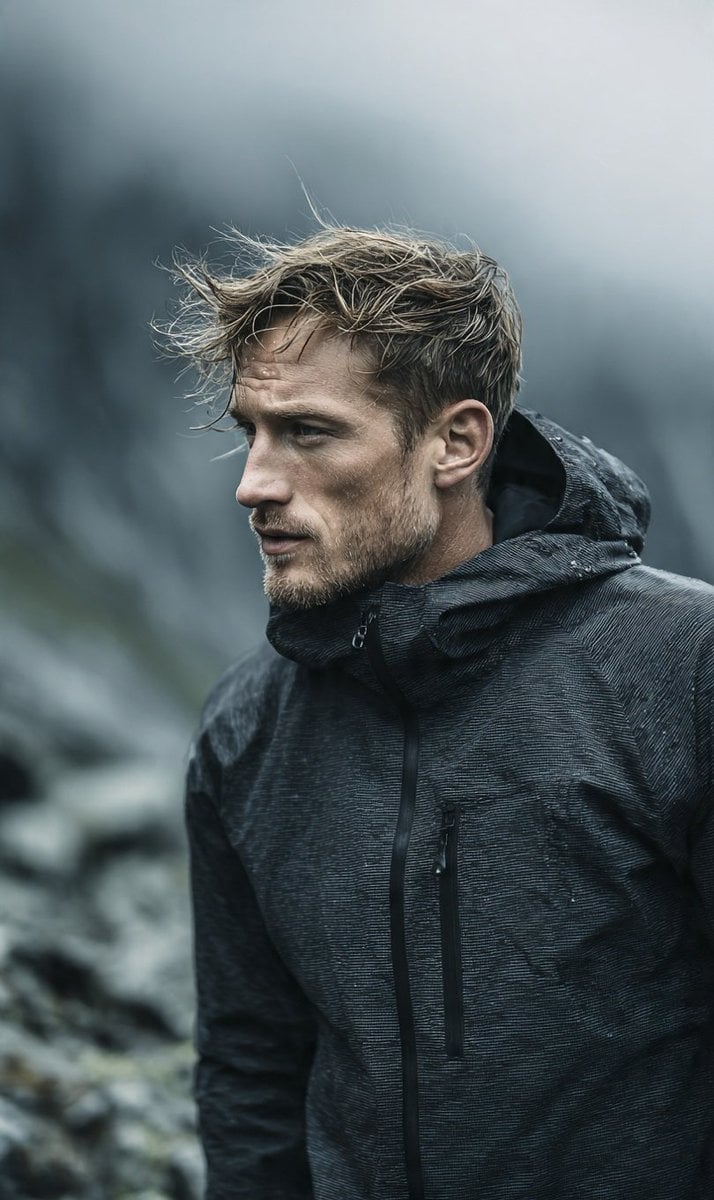
Cinematic Scandinavian Outdoor Portrait
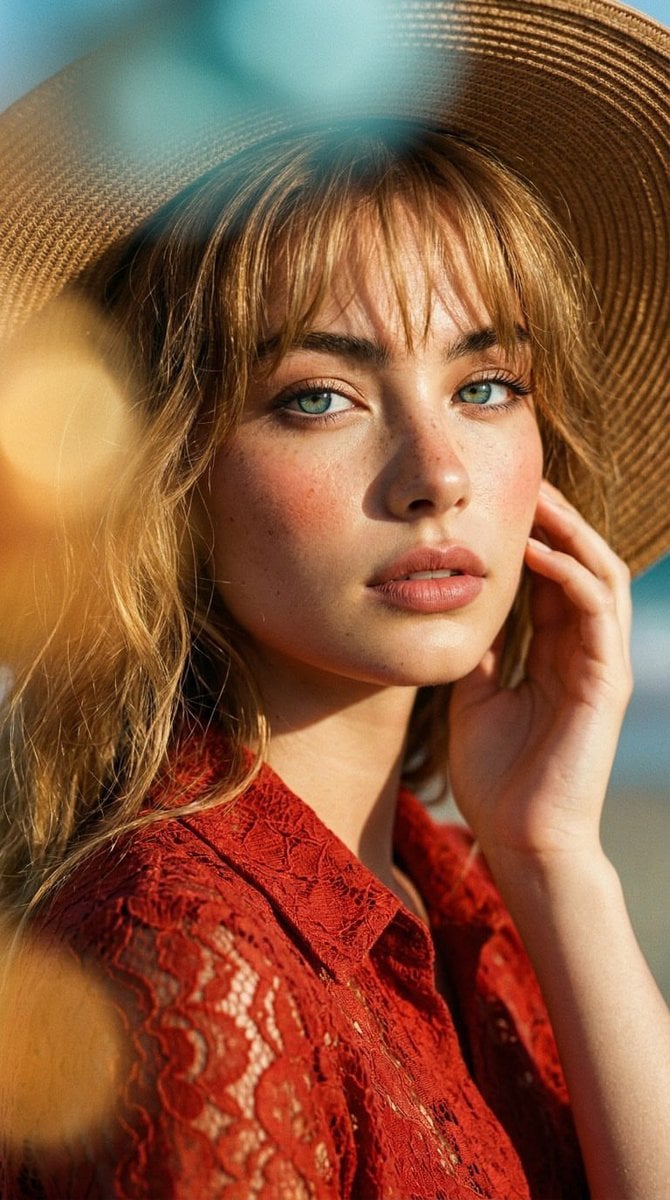
Golden Hour Fashion Portrait
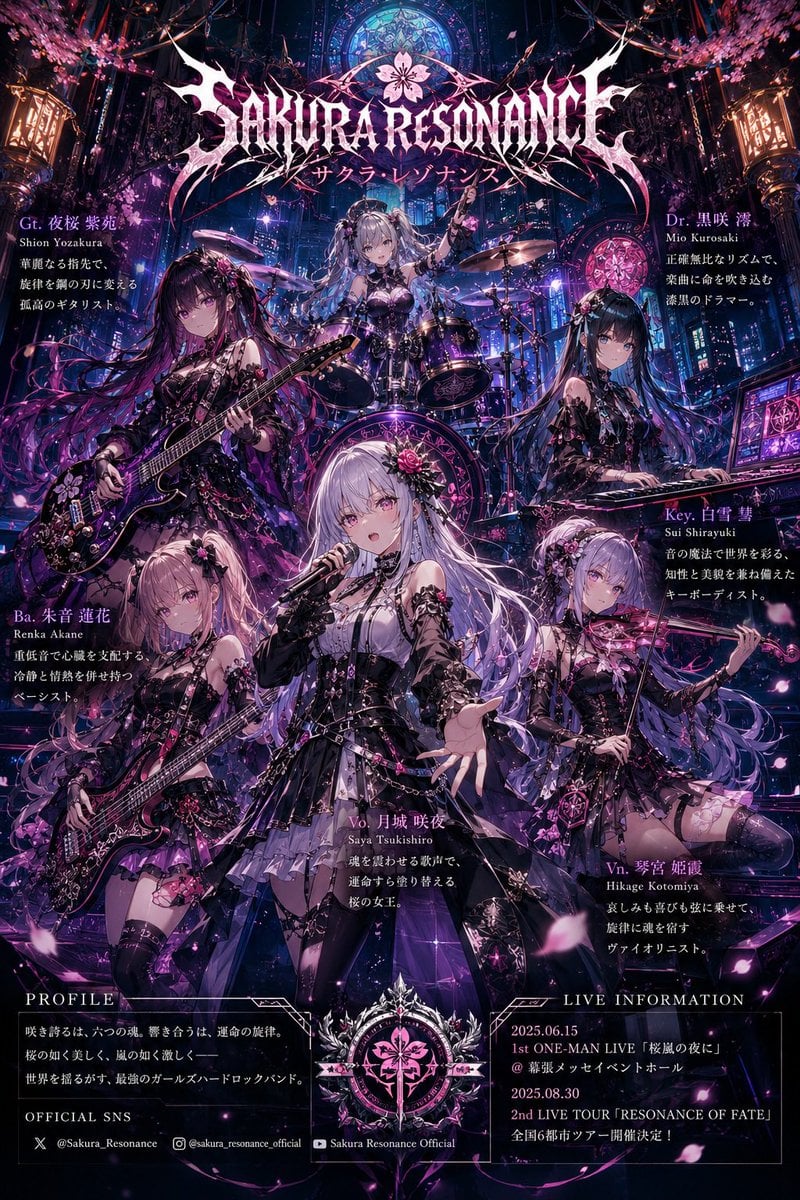
Anime Hard Rock Band Poster
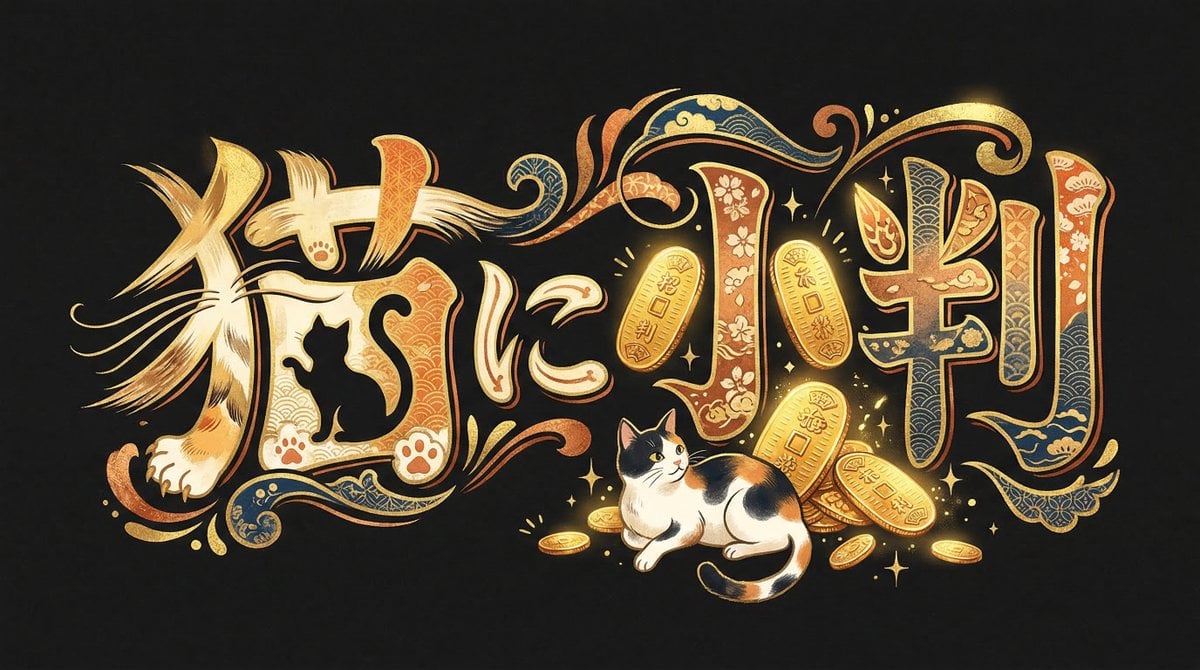
Infinite Decorative Text Generator Prompt for Nano Banana 2
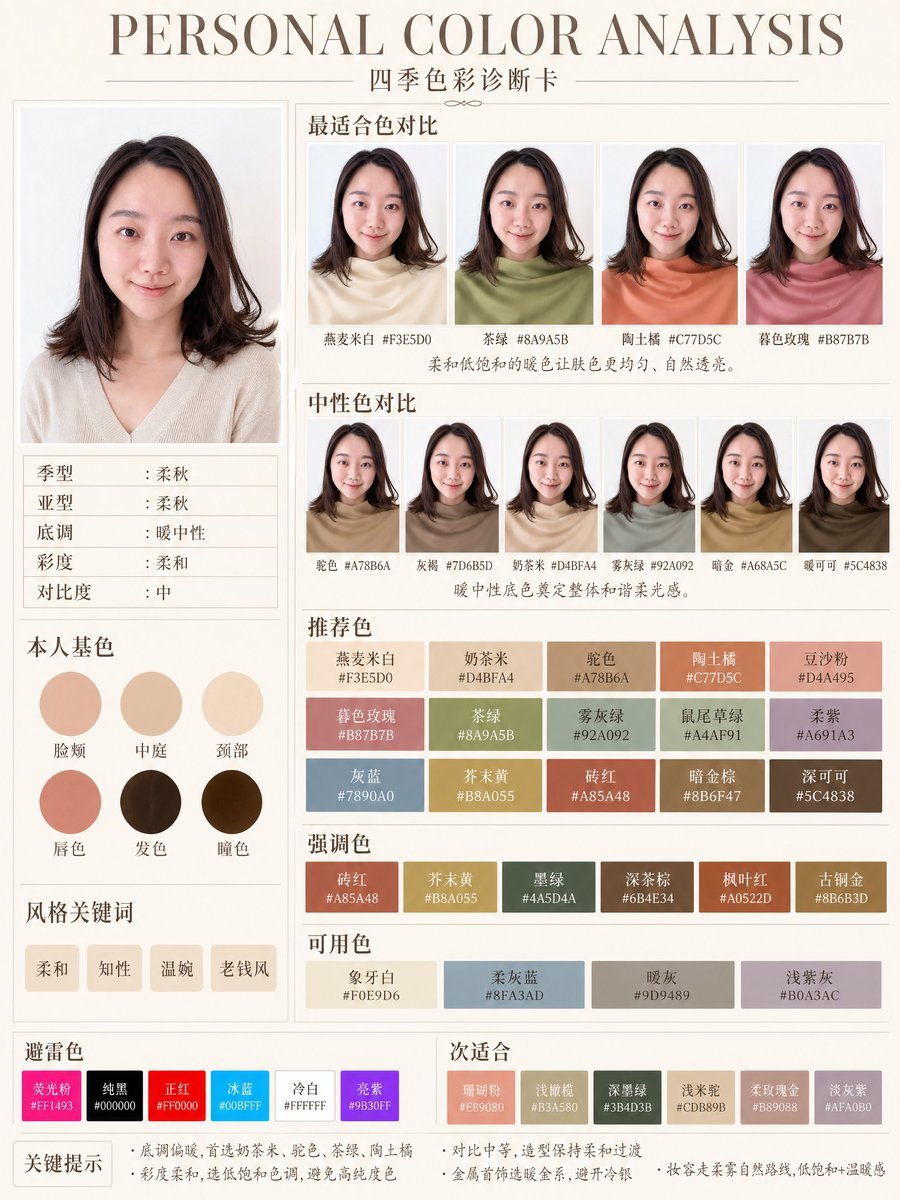
Soft Autumn Personal Color Card
Browse template categories
Nine-Model Scarecrow Yokai Comparison questions
How do I use the Nine-Model Scarecrow Yokai Comparison template?
Add your photo if the template asks for one, edit the prompt if you like — the template's model and format are already selected — and press Generate. Your version opens in PicX Studio.
Can I customize the Nine-Model Scarecrow Yokai Comparison template?
Yes. You can change the subject, setting, lighting, mood, format, and available model controls before creating your image.
Is the Nine-Model Scarecrow Yokai Comparison template free?
Opening and editing this template is free. Generating uses credits, shown on the Generate button when you are signed in.
Which AI model should I use?
Start with GPT Image 2, which is the model associated with this template. You can compare another compatible model for a different finish.
Looking for something else? Browse all templates.

Your photo, any look
Thousands of ready templates for every top image and video model, from one credit balance.