
Anime Hard Rock Band Poster
A comprehensive prompt designed to fuse multiple character designs into a unified anime-style rock band visual, complete with stage equipment and custom band logos.
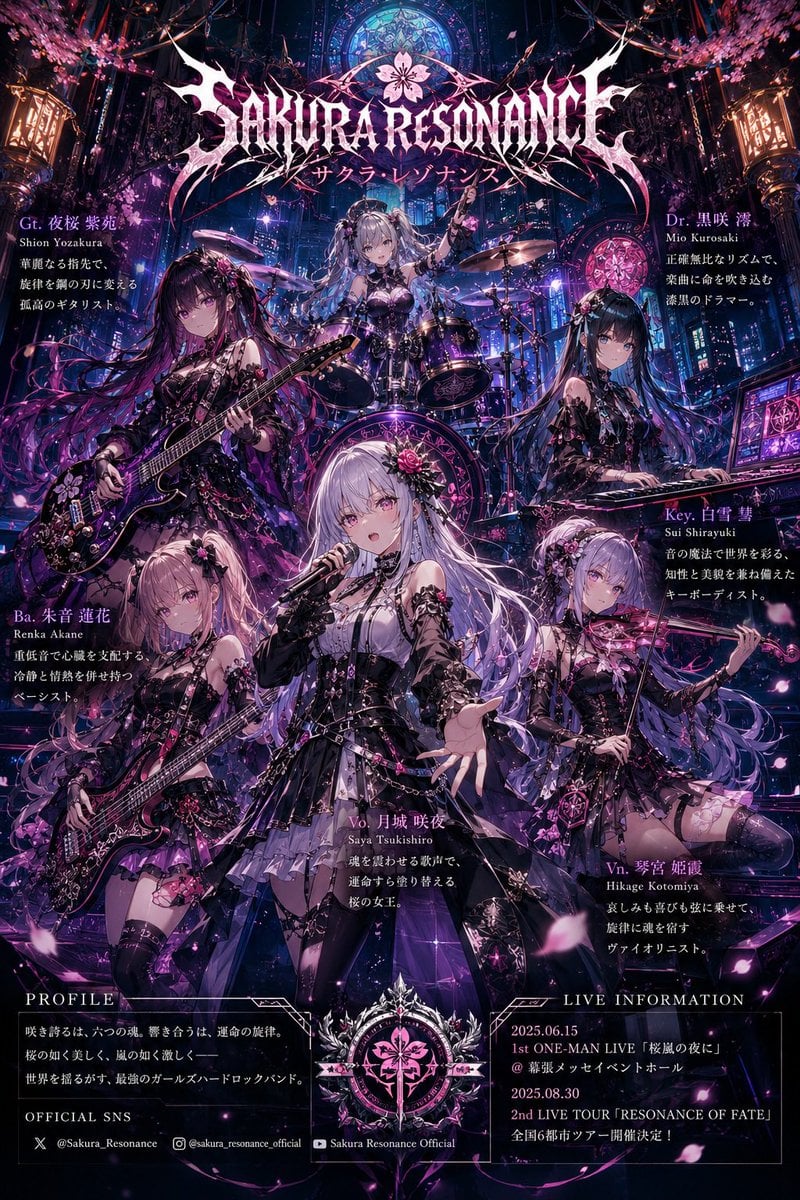
- Prompt included
- Model and format preset
- Free template
The prompt behind this image
Copy the exact prompt behind Anime Hard Rock Band Poster, or open it in the studio and make it yours.
Make an illustration. Analyze all uploaded illustration images and create an ultra high-quality original {argument name="band genre" default="hard rock band"} visual that fuses the characters’ traits, atmosphere, colors, personalities, fashion, emotional tone, and worldbuilding into one unified universe. Important: * Every uploaded character must appear. No missing members. * Do not let any character appear in a different art style. * All members must look like they belong to the same world and same anime production. * Preserve each character’s face, eyes, hairstyle, hair color, expression, proportions, age, body type, and personality. * Do not paste the original images directly; fully redraw them while preserving the original art style and identity. * Reflect natural height differences and individuality. * Every member must have strong protagonist-level presence. Assign band roles automatically depending on member count: vocalist, guitar, bass, drums, keyboard, DJ, violin, etc. Reconstruct stage outfits by fusing elements from the uploaded images. Blend {argument name="fashion styles" default="gothic, Japanese, cyberpunk, Y2K, military, shrine maiden, fantasy, idol, or futuristic aesthetics"} naturally derived from the original artwork. All instruments must be fully original designs matching the shared worldbuilding. No cheap generic instruments. Integrate glowing parts, metallic decorations, crests, chains, lace, sakura motifs, church ornaments, holograms, magical symbols, or futuristic machinery naturally into the instruments and costumes. Composition: viral anime music poster composition, vocalist in center, guitar/bass on sides, drummer in back, remaining members naturally arranged. Strong perspective, dynamic live performance energy, cinematic camera angle, natural hand placement, correct anatomy, all faces visible. Generate a live stage by merging the uploaded worlds: {argument name="stage environment" default="gothic cathedral, neon city, Japanese shrine, fantasy concert hall, sunset world, sakura storm stage, etc."} Add dramatic spotlights, smoke, sparks, flower petals, holograms, stained glass, giant speakers, and live equipment. Automatically generate an original band name inspired by the merged worldbuilding. Create a fully original logo design combining metallic styling, gothic lettering, Japanese crests, elegant typography, and fantasy ornamentation. Naturally place inside the poster: * band logo * member names * instrument roles * short character introductions Accurate Japanese typography, no corrupted text. Ultra high resolution, anime movie quality, ultra detailed, cinematic lighting, dynamic composition, masterpiece quality, premium game key visual quality, no blur, no distortion, highly polished, visually explosive, social-media-impact artwork.
How to use Anime Hard Rock Band Poster in 3 steps
- 1Upload ImagePNG, JPG or paste
Add your photo
Upload the photo the template builds on. The prompt, model and format are already set.
- 2…a portrait of your subject in softgolden-hour light, 85mm…
Personalize
Edit the subject and creative details for your destination.
- 3Generate
Generate
Press Generate — your image is created in PicX Studio, so you can compare it with the original and refine one variable at a time.
More like this
Templates with the same subject, style or setup. Open one to see its prompt.

Captain Tsubasa Anime World Cup Poster
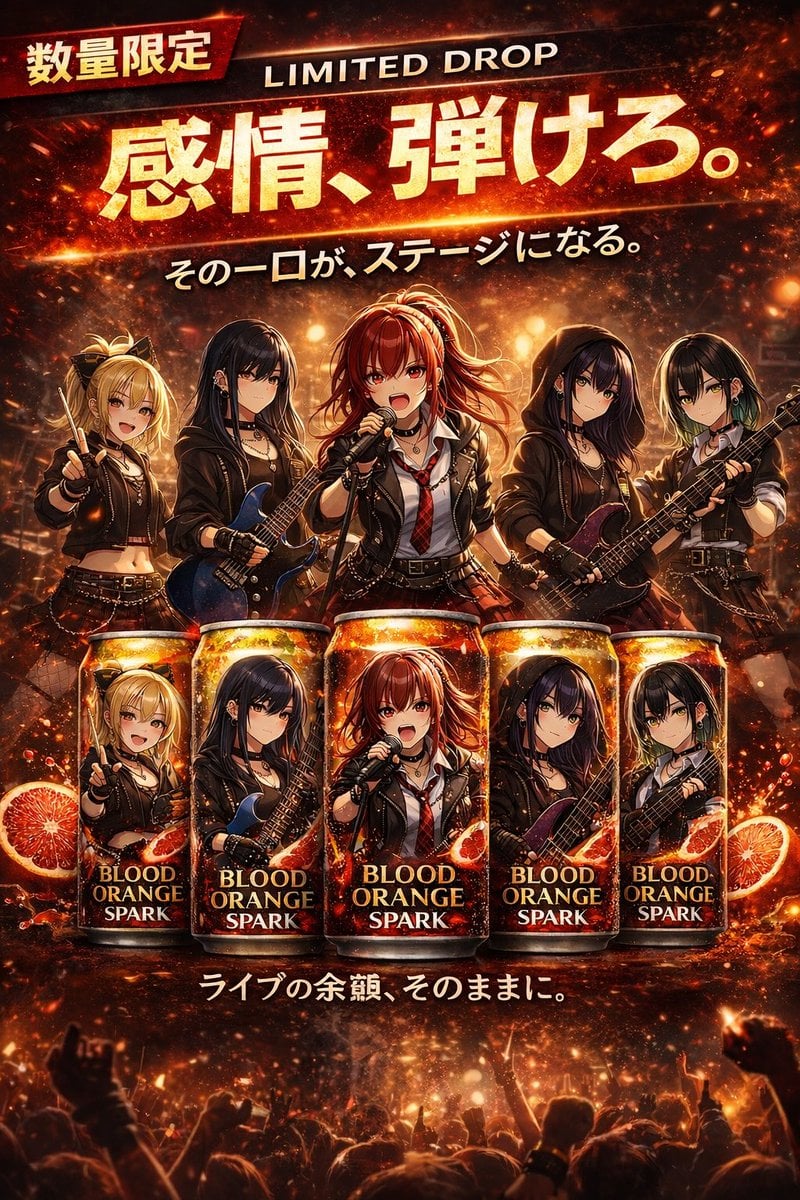
Anime Rock Band Beverage Collab Poster
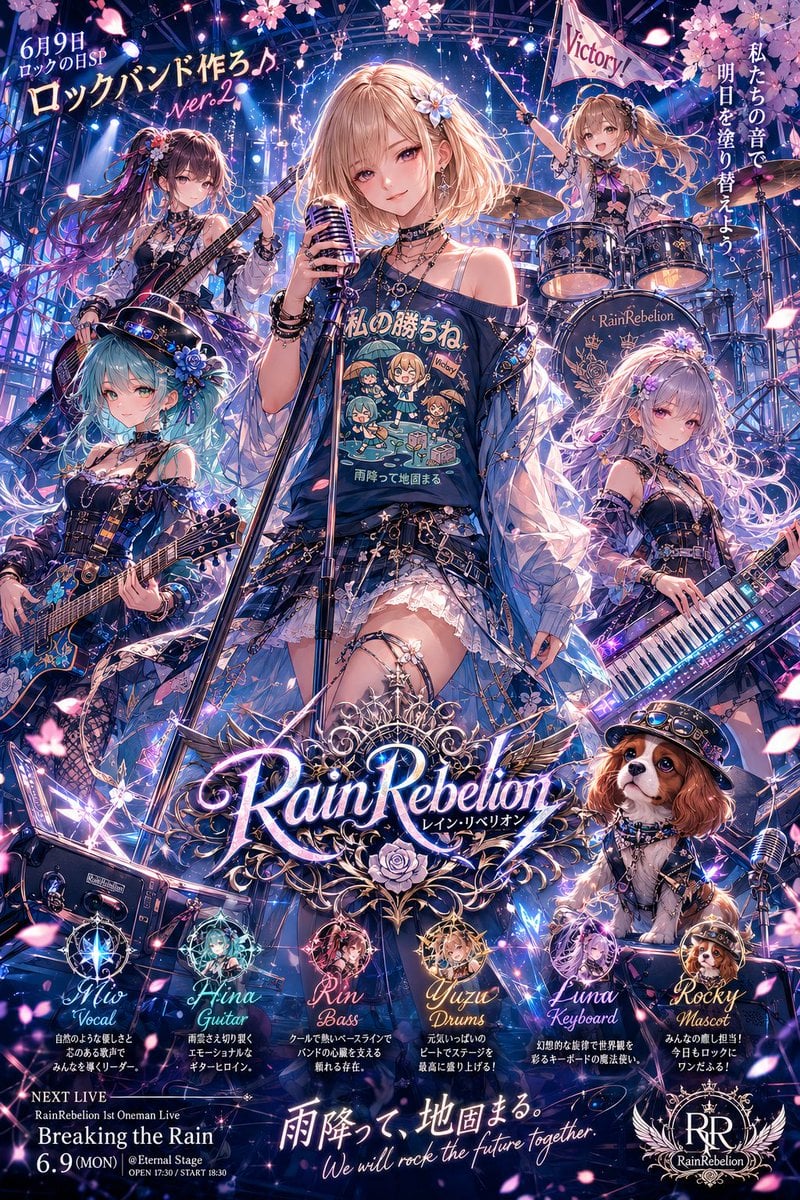
Anime Rock Band Concert Poster
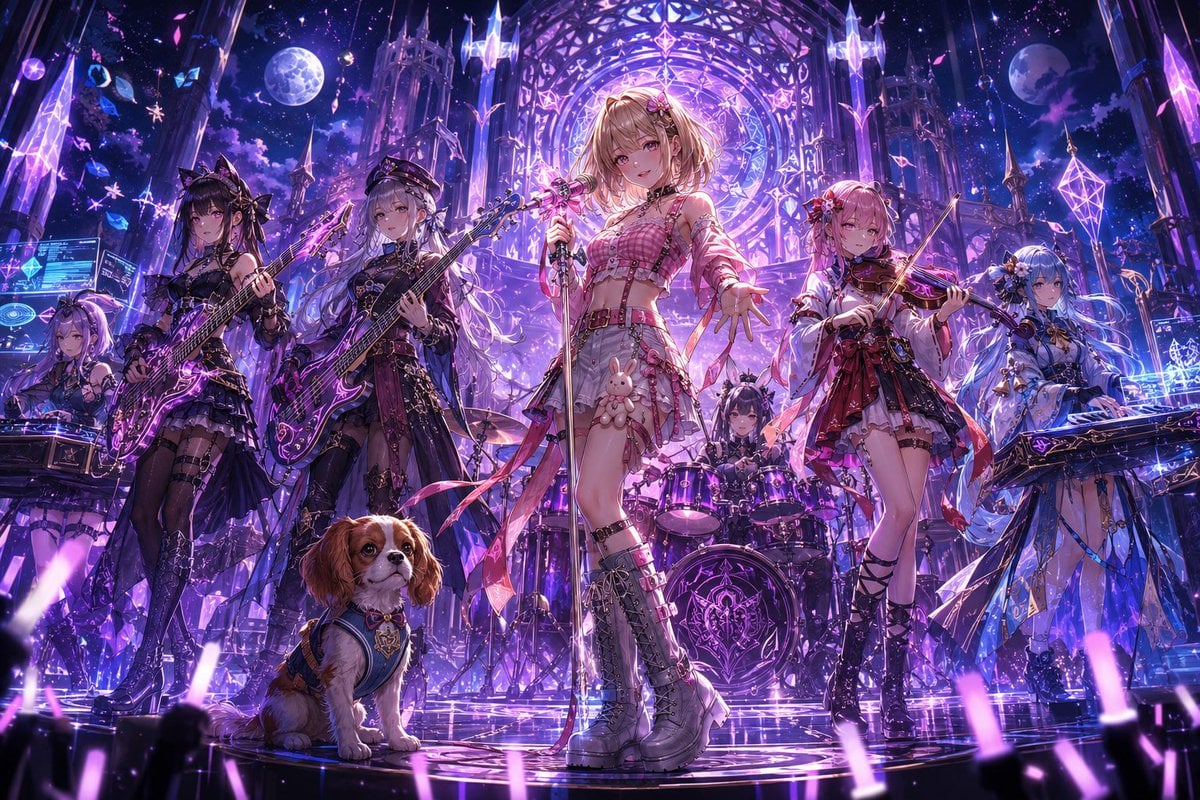
Fantasy Anime Rock Band Concert

Anime Fantasy Rock Band Fusion
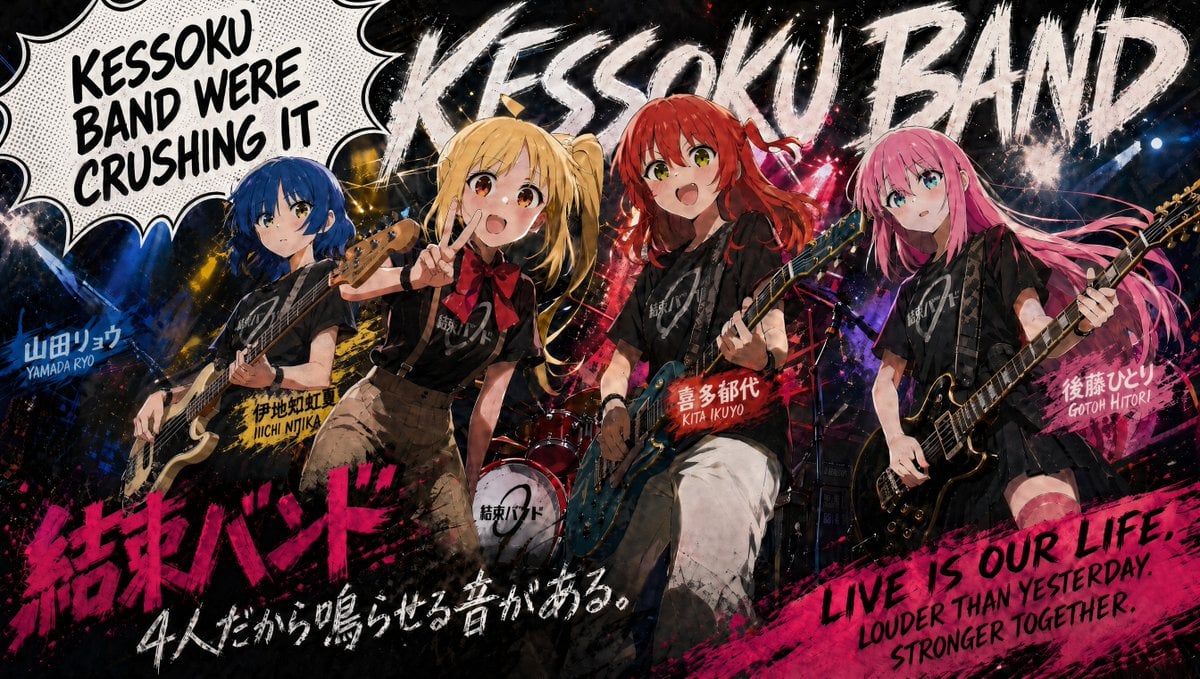
Kessoku Band Gritty Anime Poster
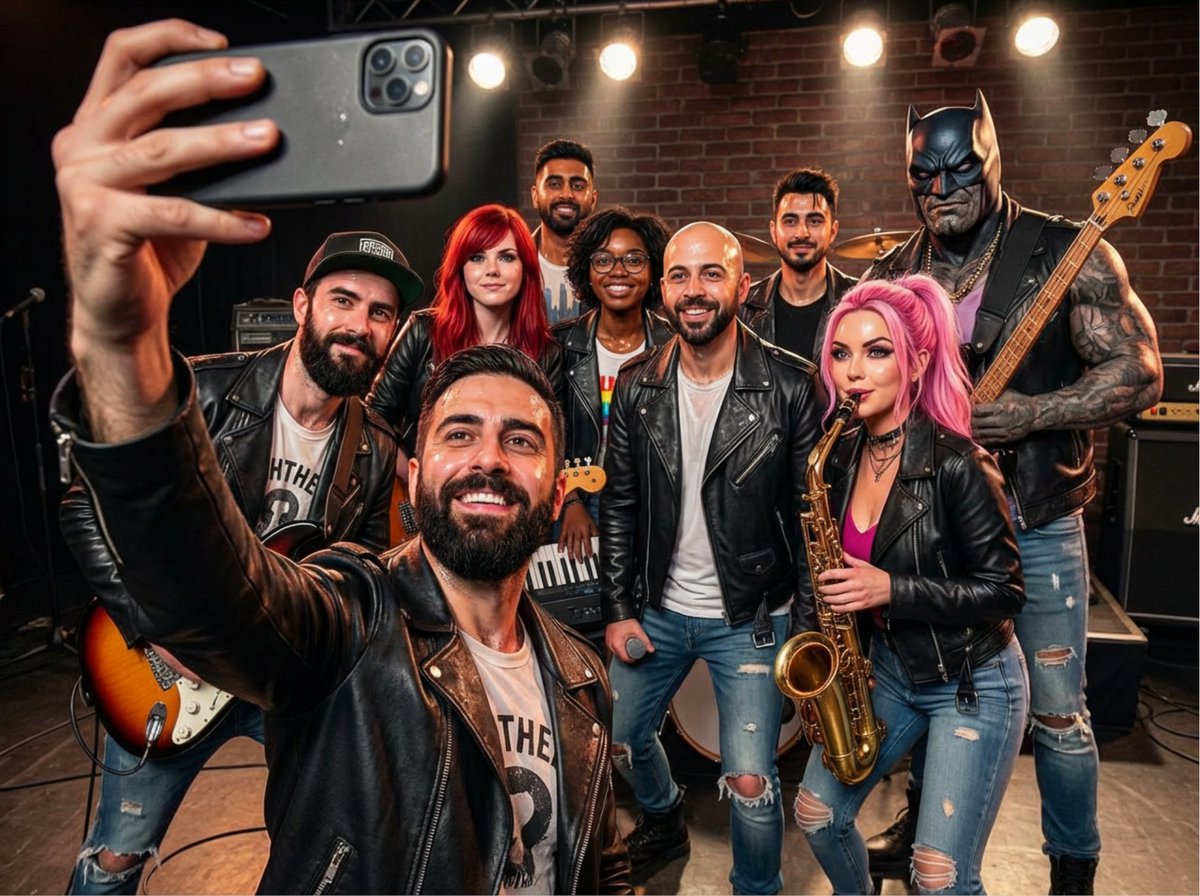
Rock band poster with consistent faces

Gpt2 Youtube Thumbnail Anime Music Bootcamp Promo Poster

Japan Travel Brochure Poster
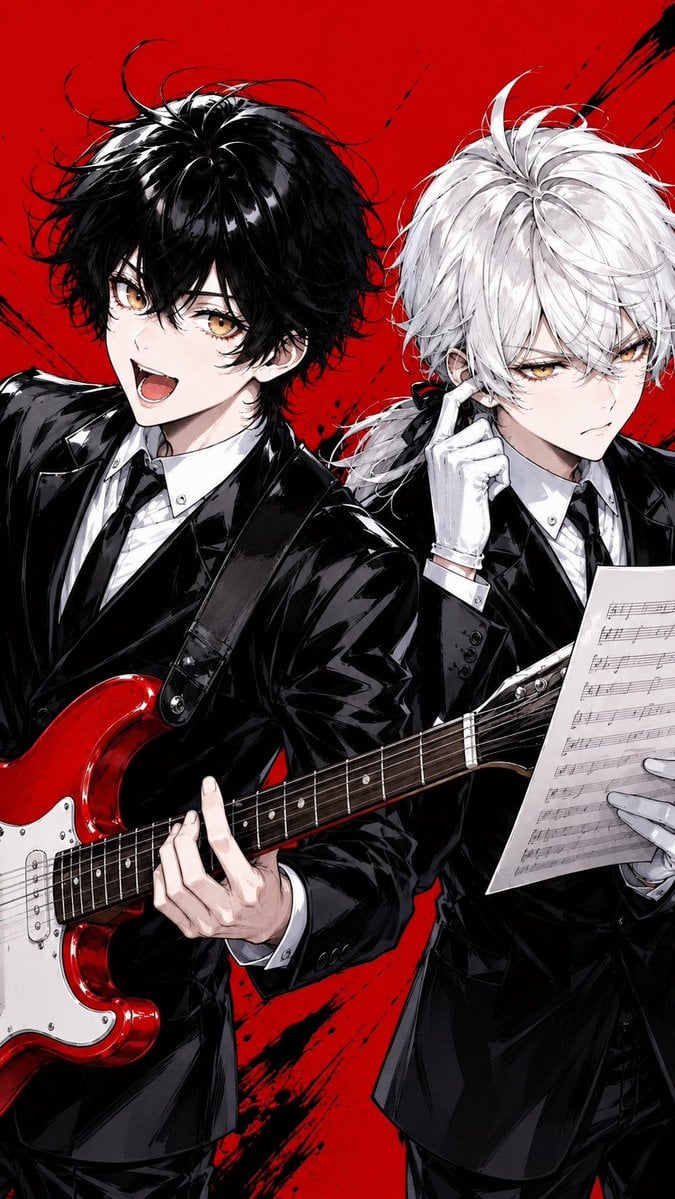
Anime Rock Duo with Guitar and Sheet Music

Nice Day Anime Poster

Cel 2D Finale Fireworks
Make it yours
Anime Hard Rock Band Poster works as-is. These are the safest ways to change it without losing the look.
Change one field
Copy a single group, rewrite it, and generate again so you can see what that field is doing.
Keep the frame, change the subject
Hold the composition and light of Anime Hard Rock Band Poster, then swap wardrobe, props or the person for a new take.
| If the result… | Why | Fix |
|---|---|---|
| The result drifts from the preview | Too many fields changed at once. | Reuse Anime Hard Rock Band Poster as-is first, then change one group — subject, light, or setting. |
| The model over-stylizes the scene | The prose prompt leaves finish and camera underspecified. | Add one camera or lighting sentence and stay on GPT Image 2. |
More GPT Image 2 templates
Other prompts made for GPT Image 2.

Six VTuber Japanese Logo Sheet

Realistic Portrait of Woman and Deer

The Vista Modular Condo Poster

AI Model Routing Comparison Infographic

2.5D Anime Art Board

Isometric Productivity Desk Scene

New York Double Exposure Poster

Four-Panel AI Landscape Comparison

Japanese Tatami Lifestyle Magazine Cover

NESCAFÉ Coffee Map Poster
More image prompts
Fresh picks from across the catalog.
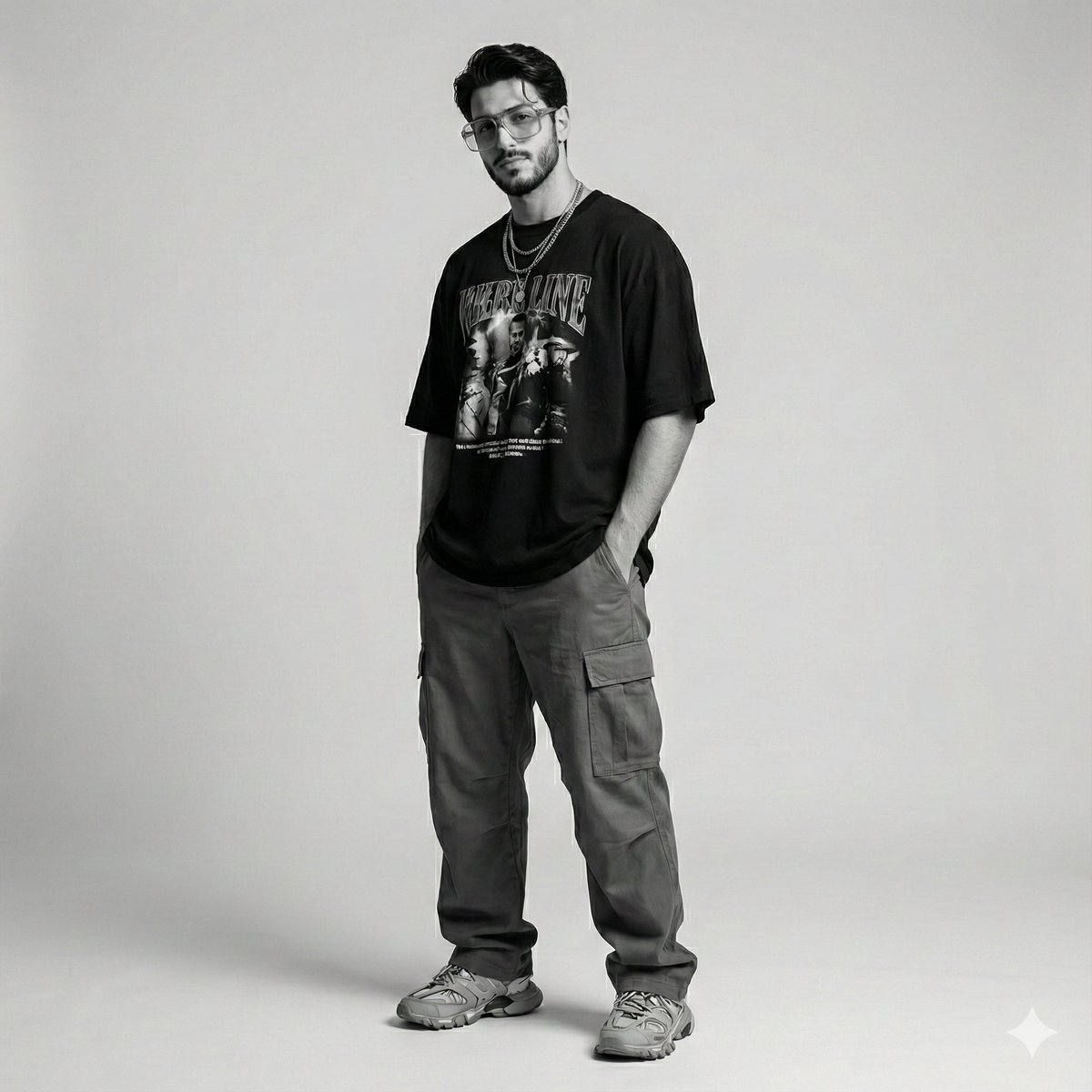
Gen-Z Streetwear Editorial Portrait
2000s Scrapbook Collage Illustration
New Year's Day Special: Forbidden City in Snow
Manual Manga Panel Generation Prompt
Character Refrigerator Breakdown
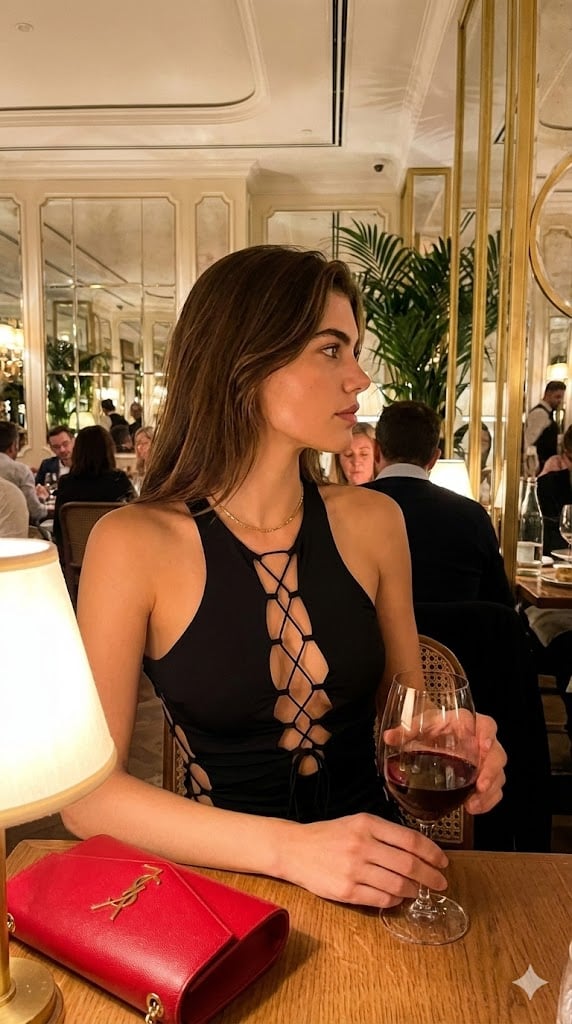
High-End Candid Portrait in an Italian Restaurant
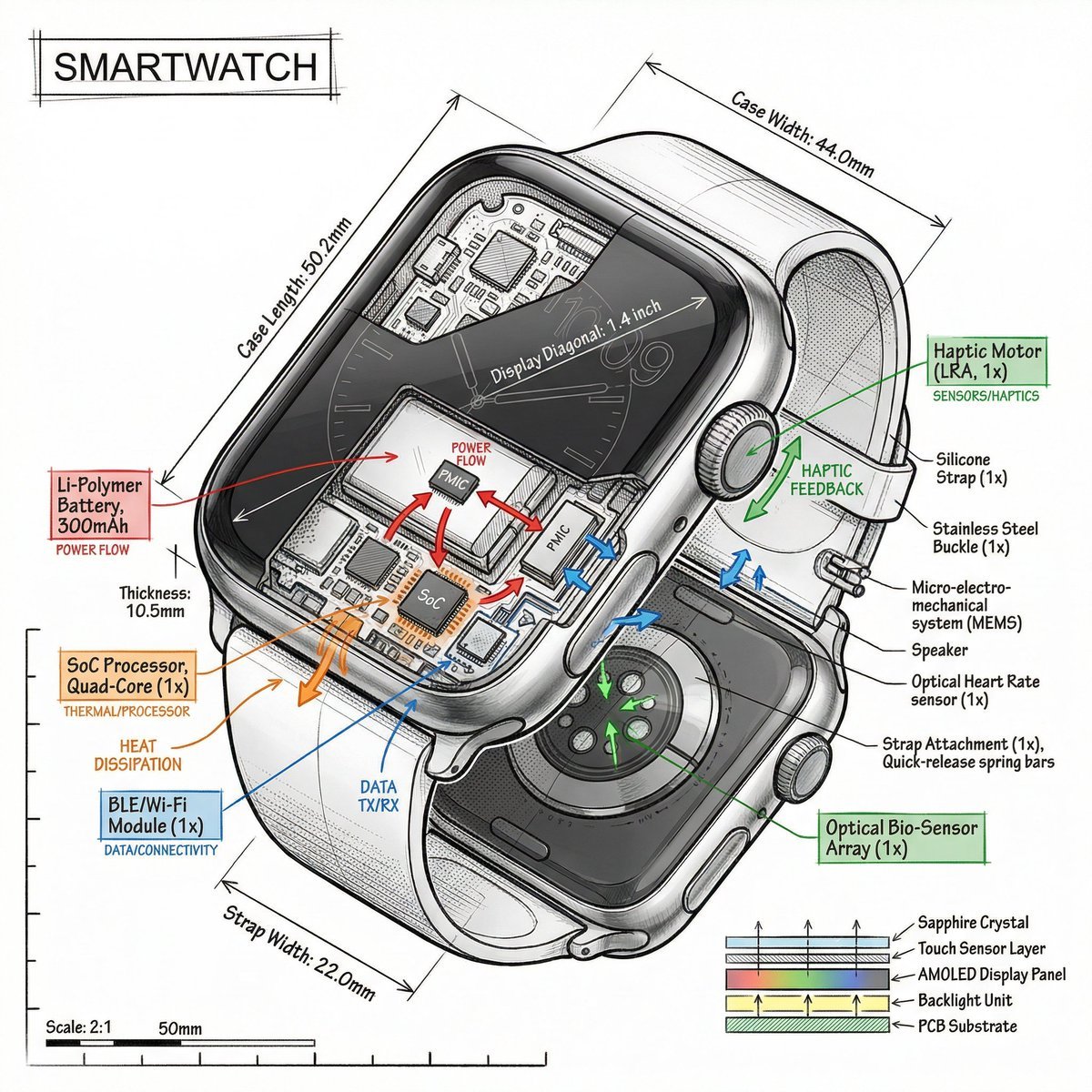
Technical Infographic Prompt Template
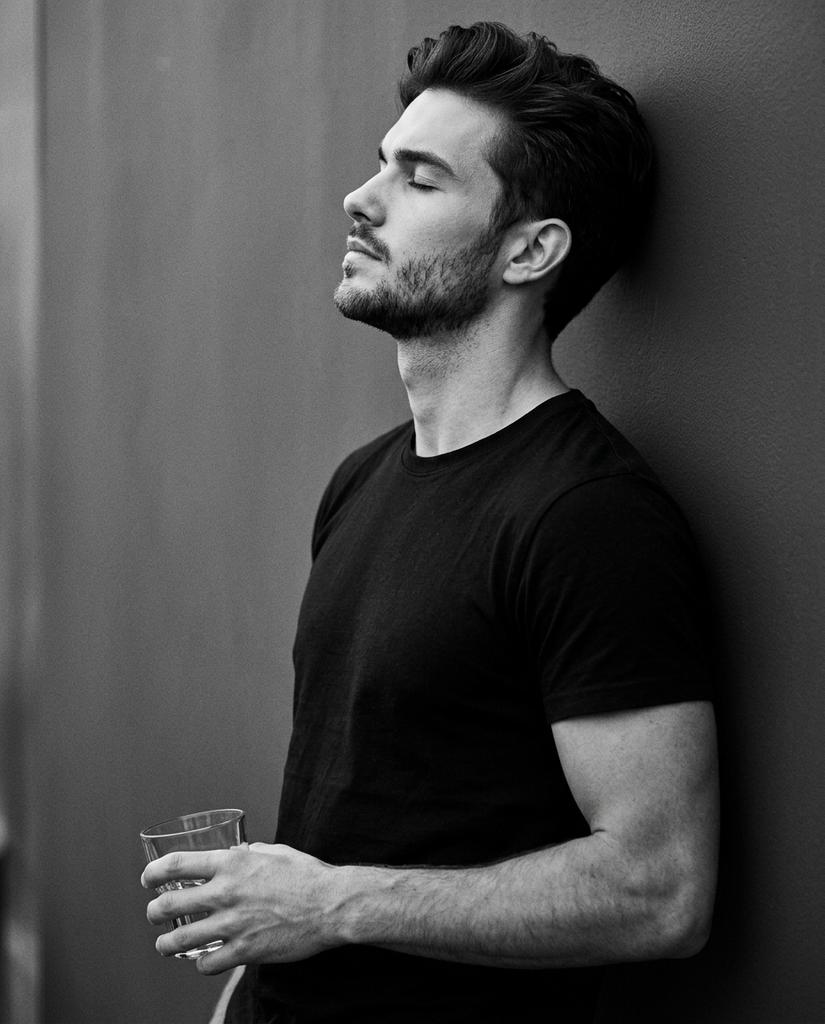
Cinematic Monochrome Portrait with Face Intact
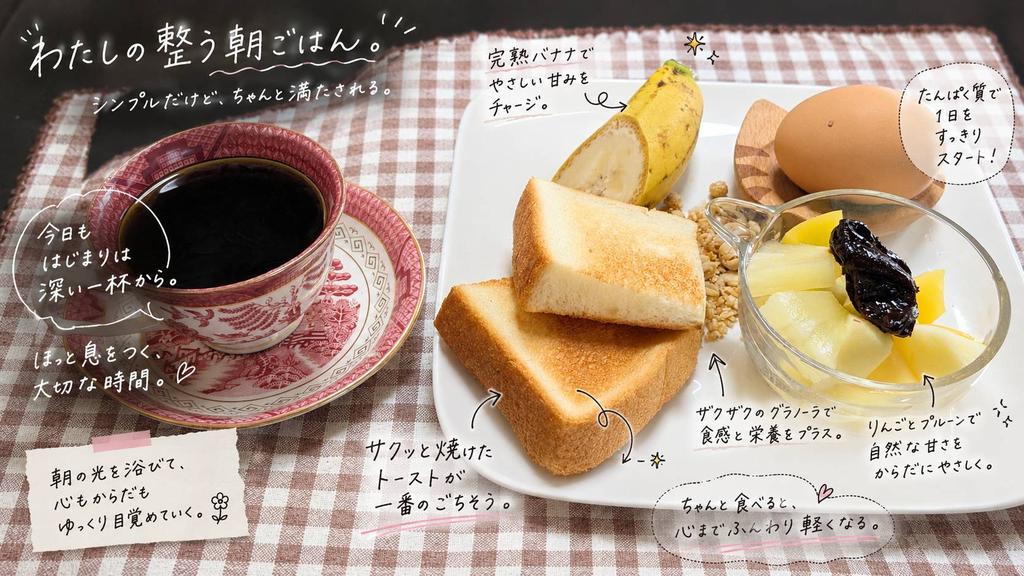
Annotated Japanese Breakfast Flat Lay
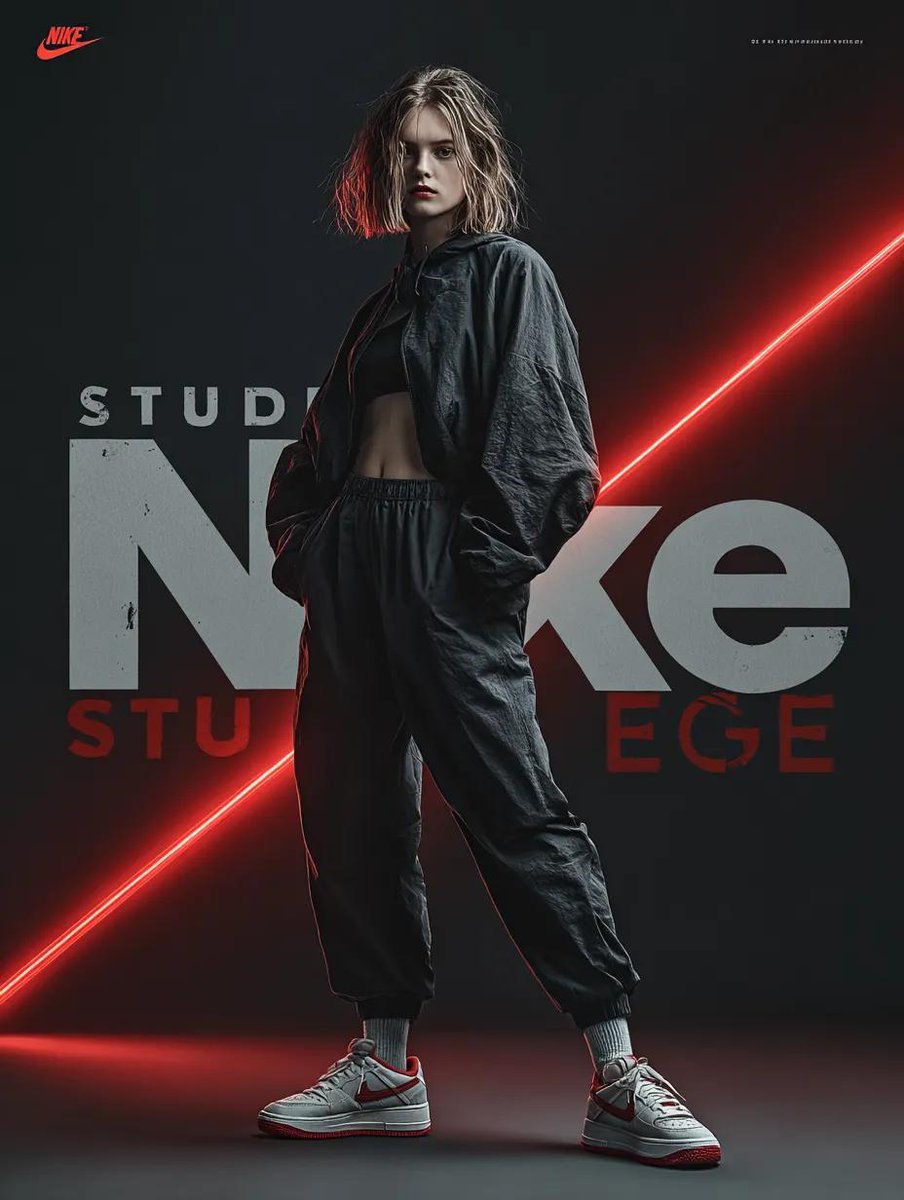
Dynamic Futuristic Nike Fashion Ad Prompt for Nano Banana Pro
Browse template categories
Anime Hard Rock Band Poster questions
How do I use the Anime Hard Rock Band Poster template?
Add your photo if the template asks for one, edit the prompt if you like — the template's model and format are already selected — and press Generate. Your version opens in PicX Studio.
Can I customize the Anime Hard Rock Band Poster template?
Yes. You can change the subject, setting, lighting, mood, format, and available model controls before creating your image.
Is the Anime Hard Rock Band Poster template free?
Opening and editing this template is free. Generating uses credits, shown on the Generate button when you are signed in.
Which AI model should I use?
Start with GPT Image 2, which is the model associated with this template. You can compare another compatible model for a different finish.
Looking for something else? Browse all templates.

Your photo, any look
Thousands of ready templates for every top image and video model, from one credit balance.